

Static forms are conversion killers. When every visitor gets the same generic experience regardless of their intent, industry, or needs, you're leaving qualified leads on the table. Intelligent form builders change this equation entirely—using AI and conditional logic to create dynamic, personalized experiences that adapt in real-time. Whether you need smart lead qualification, conversational interfaces, or advanced branching logic, the right tool can transform your conversion rates.
We evaluated dozens of options based on AI capabilities, ease of use, integration depth, and pricing flexibility. Here are the 9 best intelligent form builder tools worth your attention in 2026.
1. Orbit AI
Best for: High-growth teams needing AI-powered lead qualification and intelligent routing
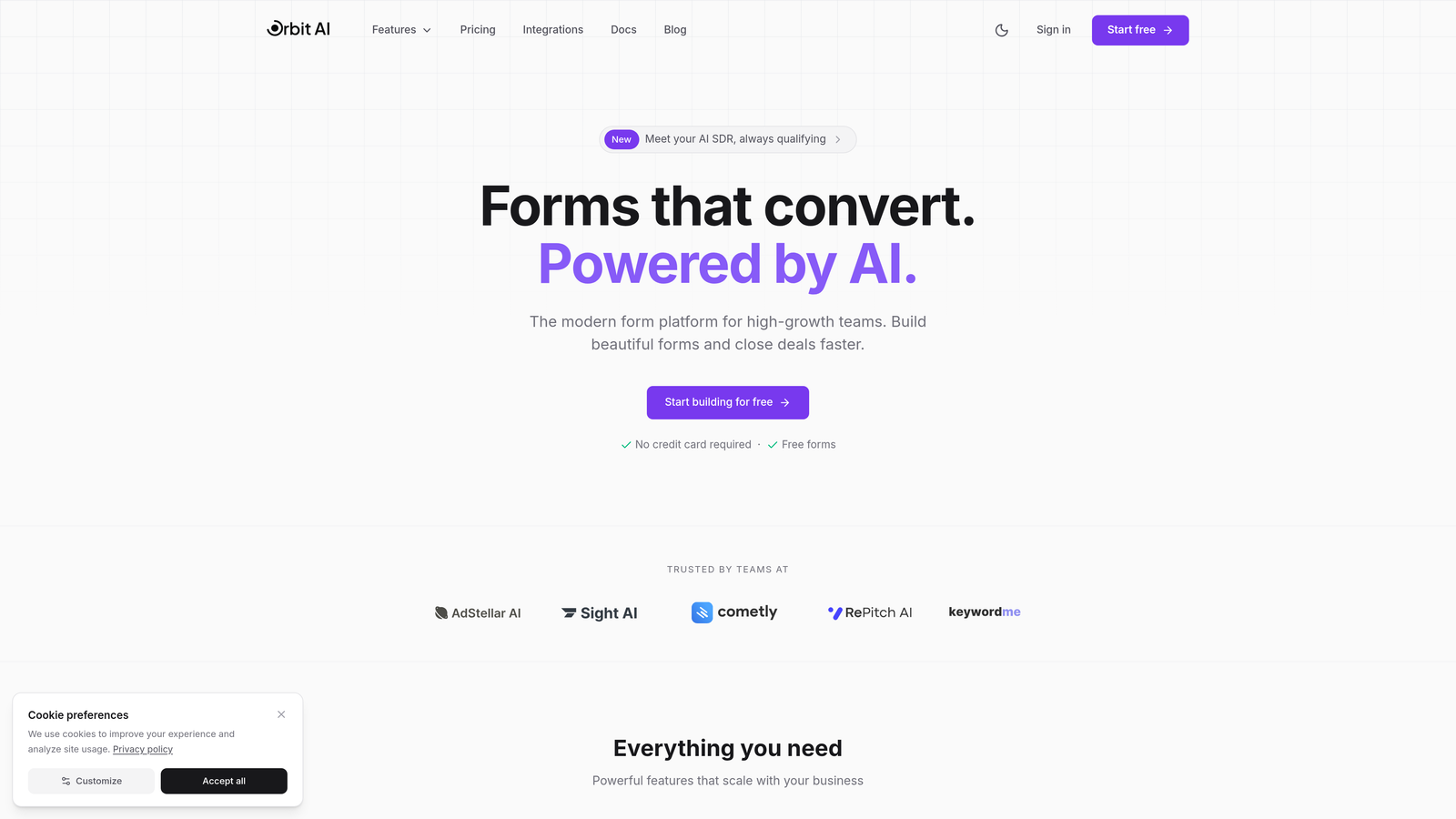
Orbit AI is an AI-powered form builder platform designed specifically for teams that need to qualify leads automatically while maintaining a modern, conversion-optimized experience.
Where This Tool Shines
What sets Orbit AI apart is its focus on intelligent lead qualification. The platform doesn't just collect responses—it analyzes them in real-time to score leads and route them to the right team members automatically. This eliminates the manual triage process that slows down most sales teams.
The platform combines powerful AI capabilities with an intuitive interface that doesn't require technical expertise. You get conversion-optimized templates that look modern out of the box, plus the intelligence layer that makes every form interaction smarter.
Key Features
AI-Powered Lead Qualification: Automatically scores and qualifies leads based on their responses, prioritizing high-intent prospects.
Intelligent Routing: Routes qualified leads to the right sales rep or team based on territory, product interest, or custom criteria.
Conversion-Optimized Templates: Beautiful, professionally designed form templates built specifically for lead generation.
Native Integrations: Connects seamlessly with major CRMs, marketing automation platforms, and sales tools.
Real-Time Analytics: Track form performance, conversion rates, and lead quality metrics in a unified dashboard.
Best For
Orbit AI is ideal for high-growth B2B companies, SaaS teams, and marketing agencies that need to qualify leads at scale without adding manual work. It's particularly valuable when you're generating significant lead volume and need intelligence to separate high-intent prospects from tire-kickers.
Pricing
Free tier available for getting started. Paid plans begin at $29/month with expanded AI capabilities and integrations.
2. Typeform
Best for: Creating polished, conversational form experiences with one-question-at-a-time interfaces
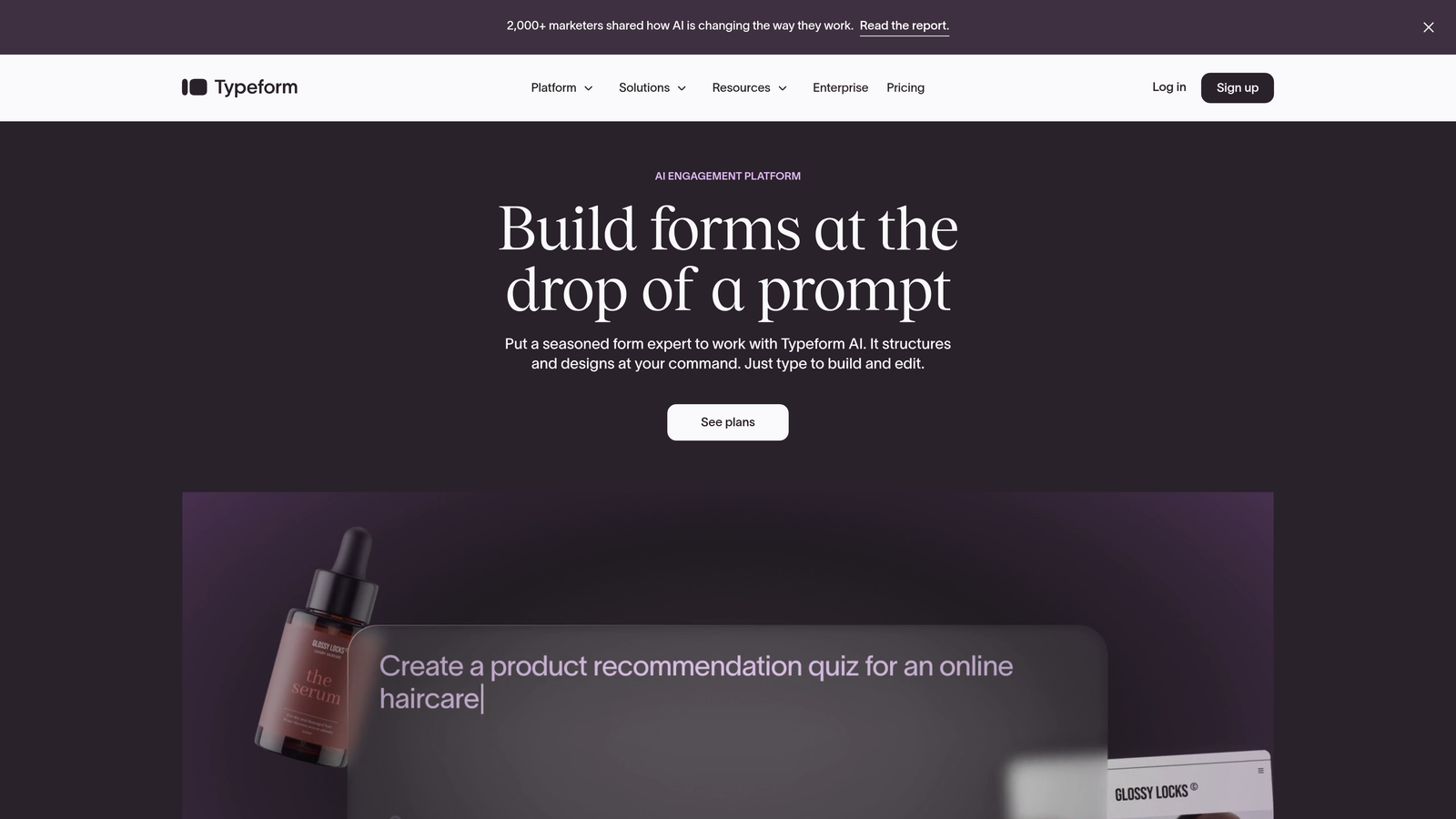
Typeform pioneered the conversational form format and remains the gold standard for creating engaging, interactive experiences.
Where This Tool Shines
Typeform's signature one-question-at-a-time approach reduces form abandonment by making long surveys feel manageable. Instead of confronting users with a wall of fields, it creates a conversation-like flow that feels natural and less intimidating.
The platform excels at creating visually stunning forms with rich media integration. You can embed videos, images, and GIFs throughout the experience, making even complex surveys feel engaging and on-brand.
Key Features
Conversational Interface: One-question-at-a-time format that creates engaging, dialogue-style experiences.
Logic Jumps: Advanced branching that adapts questions based on previous answers, creating personalized paths.
Rich Media Embedding: Seamlessly integrate videos, images, and other media throughout your forms.
Payment Collection: Accept payments directly within forms using Stripe integration.
Integration Library: Connects with hundreds of tools including CRMs, email platforms, and analytics services.
Best For
Typeform works best for teams prioritizing user experience and brand presentation. It's particularly effective for customer feedback surveys, event registrations, and any scenario where you want to maximize completion rates through engaging design.
Pricing
Free tier available with basic features. Paid plans start at $25/month with expanded logic capabilities and integrations.
3. Jotform
Best for: Teams needing extensive template variety and AI-assisted form creation
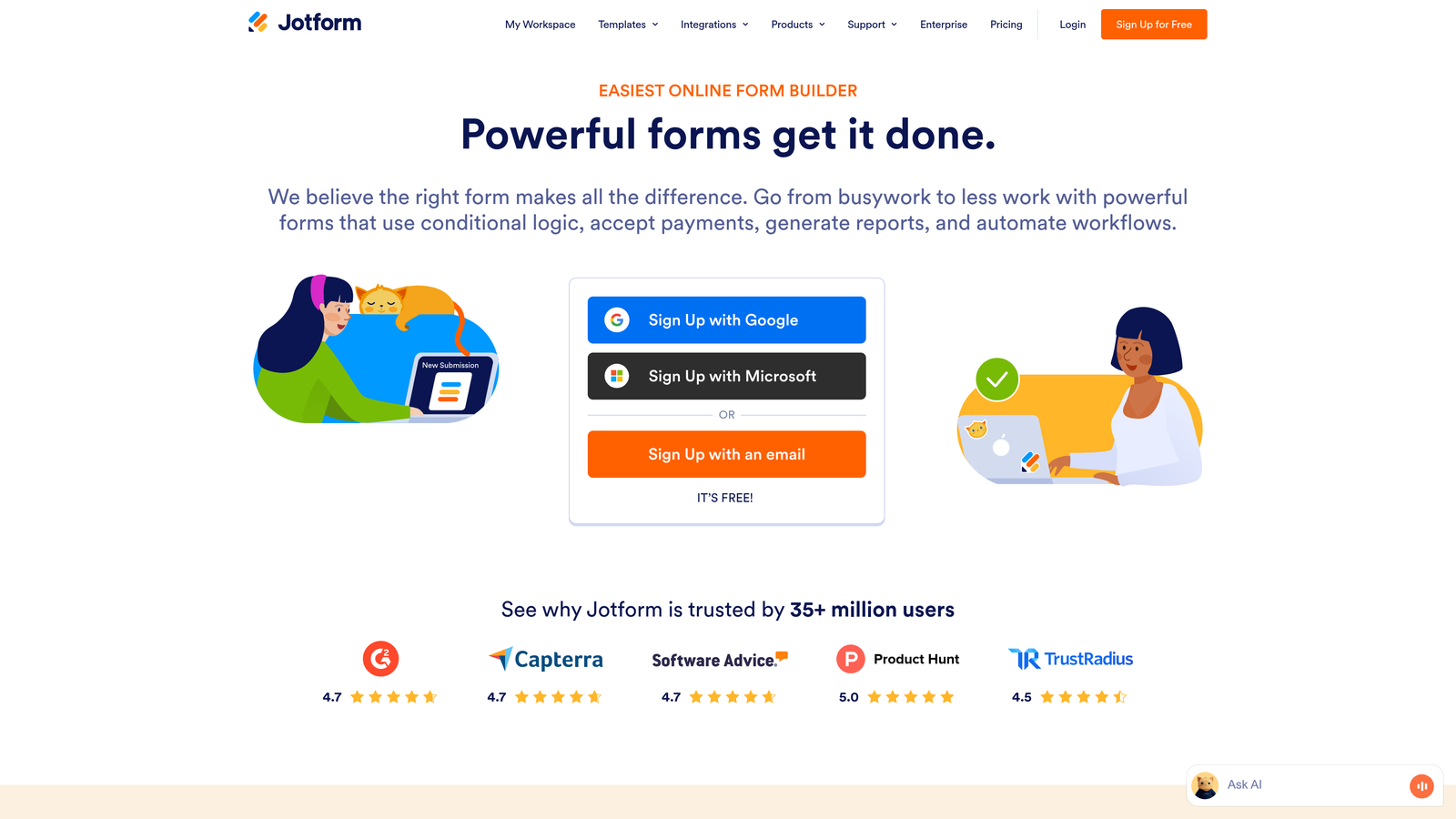
Jotform offers one of the most comprehensive template libraries in the industry, combined with AI tools that help you build forms faster.
Where This Tool Shines
With over 10,000 pre-built templates, Jotform covers virtually every use case imaginable. Whether you need a healthcare intake form, event registration, job application, or donation form, there's likely a template ready to customize. This dramatically reduces setup time.
The AI form generator is a standout feature that creates complete forms based on simple text descriptions. Describe what you need, and the AI builds a functional starting point that you can refine—perfect for teams without design resources.
Key Features
Massive Template Library: Over 10,000 professionally designed templates covering every industry and use case.
AI Form Generator: Describe your form needs in plain language and let AI create the initial structure.
Conditional Logic: Show or hide fields based on user responses, with calculation capabilities for complex forms.
PDF Form Creation: Convert existing PDF forms into fillable online versions automatically.
HIPAA Compliance: Enterprise plans include HIPAA-compliant features for healthcare organizations.
Best For
Jotform is ideal for organizations handling diverse form needs across departments—from HR to customer service to marketing. The template variety makes it particularly valuable for teams that need to launch different form types quickly without starting from scratch each time.
Pricing
Free tier available with basic features. Paid plans begin at $34/month with expanded submission limits and advanced features.
4. Tally
Best for: Teams wanting Notion-style simplicity with powerful conditional logic
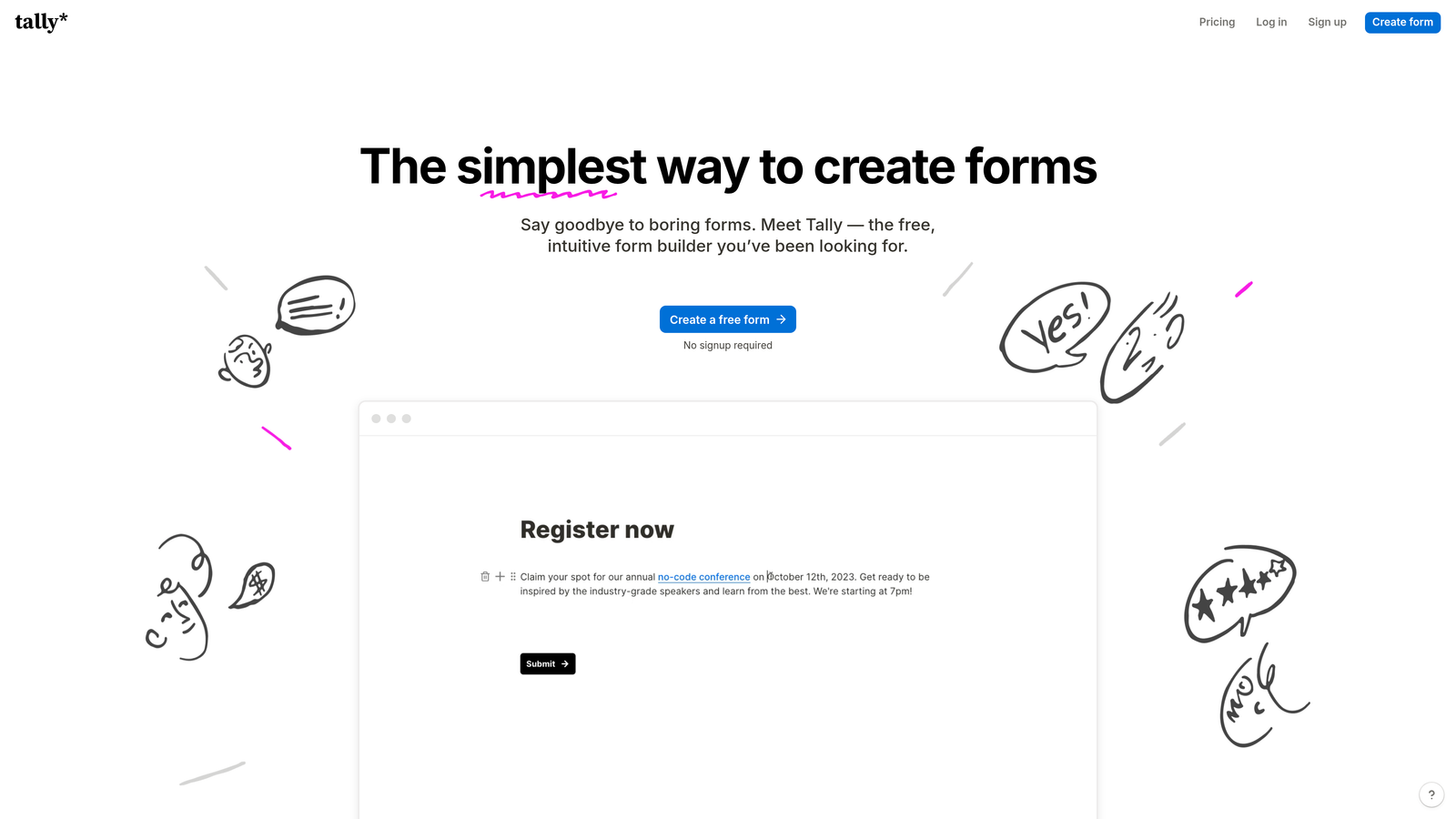
Tally brings a refreshingly minimalist approach to form building with a block-based editor that feels familiar to Notion users.
Where This Tool Shines
Tally's block-based interface makes form creation feel more like writing a document than configuring a tool. You simply add blocks for different field types, drag to reorder, and you're done. There's no complex configuration panel or overwhelming sidebar of options.
The generous free tier is genuinely useful—unlimited forms with no artificial limits on features. This makes Tally particularly attractive for startups and small teams that need professional functionality without immediate budget commitment.
Key Features
Notion-Style Editor: Intuitive block-based building that requires minimal learning curve.
Unlimited Free Forms: No arbitrary limits on form creation, even on the free tier.
Conditional Logic: Show or hide questions based on previous answers, with support for hidden fields.
Calculator Blocks: Build forms with automatic calculations and payment processing capabilities.
Clean Interface: Distraction-free design that keeps focus on content rather than configuration.
Best For
Tally works best for teams already using Notion or similar tools who want that same simplicity for forms. It's excellent for internal surveys, feedback collection, and any scenario where you value speed and simplicity over extensive customization.
Pricing
Generous free tier with unlimited forms. Pro plan starts at $29/month for advanced features and branding removal.
5. Fillout
Best for: Native database integration with Airtable and Notion
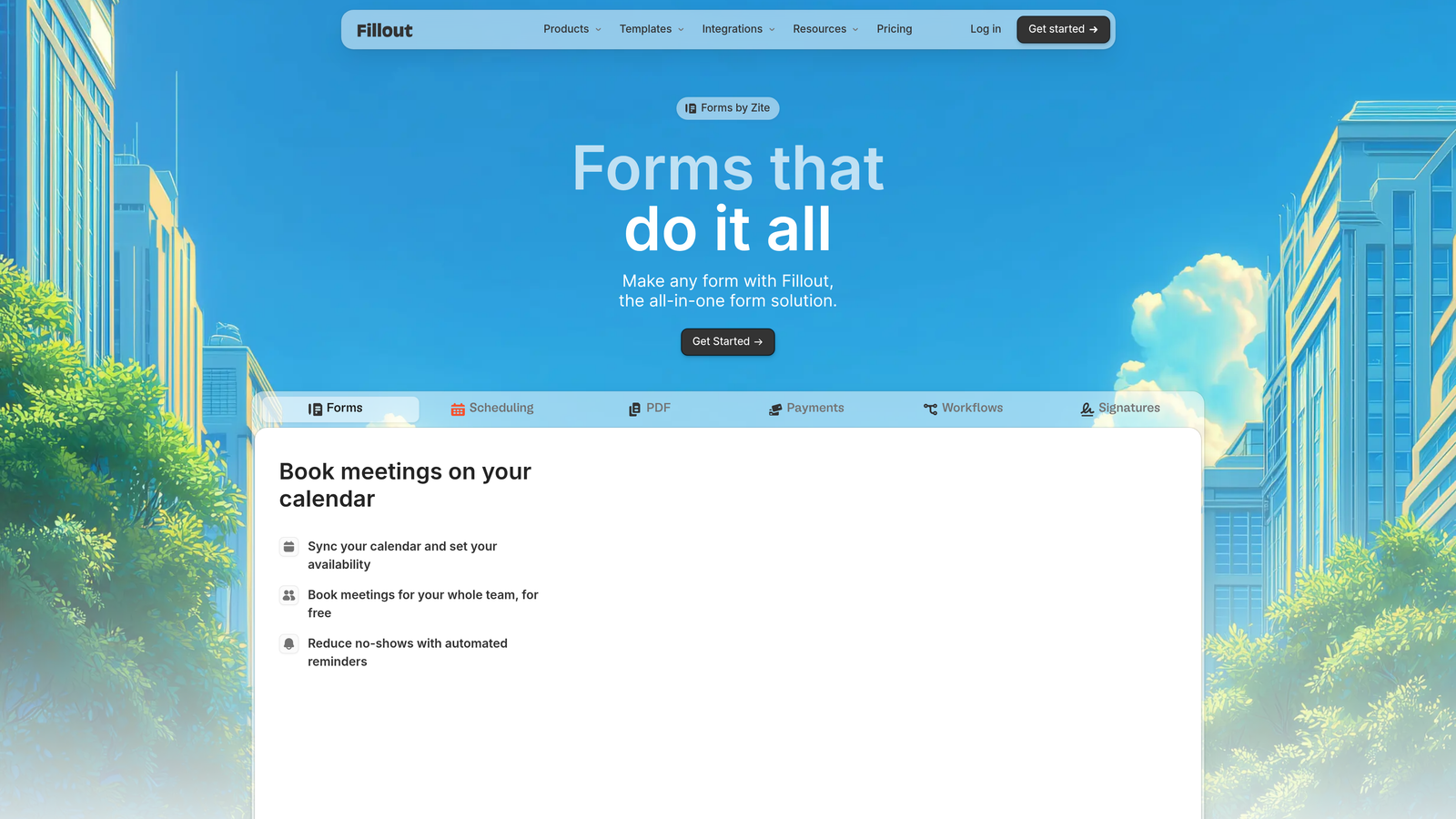
Fillout specializes in connecting forms directly to your existing databases, making it the go-to choice for teams using Airtable or Notion as their data backbone.
Where This Tool Shines
Fillout's native integration with Airtable and Notion means form submissions flow directly into your existing database structure without middleware. This eliminates the need for Zapier or similar tools, reducing complexity and potential points of failure.
The platform handles complex scenarios like updating existing records, creating relationships between tables, and pre-filling forms with existing data. This makes it powerful for use cases beyond simple lead capture—think customer portals, internal workflows, and dynamic applications.
Key Features
Native Database Integration: Direct connection to Airtable and Notion bases without third-party automation tools.
Conditional Logic: Advanced branching and field visibility rules based on user responses.
Multi-Page Forms: Break long forms into multiple pages with progress indicators to reduce abandonment.
File Upload Handling: Accept and store file uploads directly in your connected database.
Scheduling Features: Built-in appointment booking and calendar integration capabilities.
Best For
Fillout is perfect for teams that have built their operations around Airtable or Notion and need forms that integrate seamlessly with those systems. It's particularly valuable for internal tools, client portals, and workflows where data needs to flow into existing database structures.
Pricing
Free tier available with basic features. Paid plans start at $15/month for expanded submissions and advanced features.
6. Formsort
Best for: Conversion optimization with built-in A/B testing and analytics
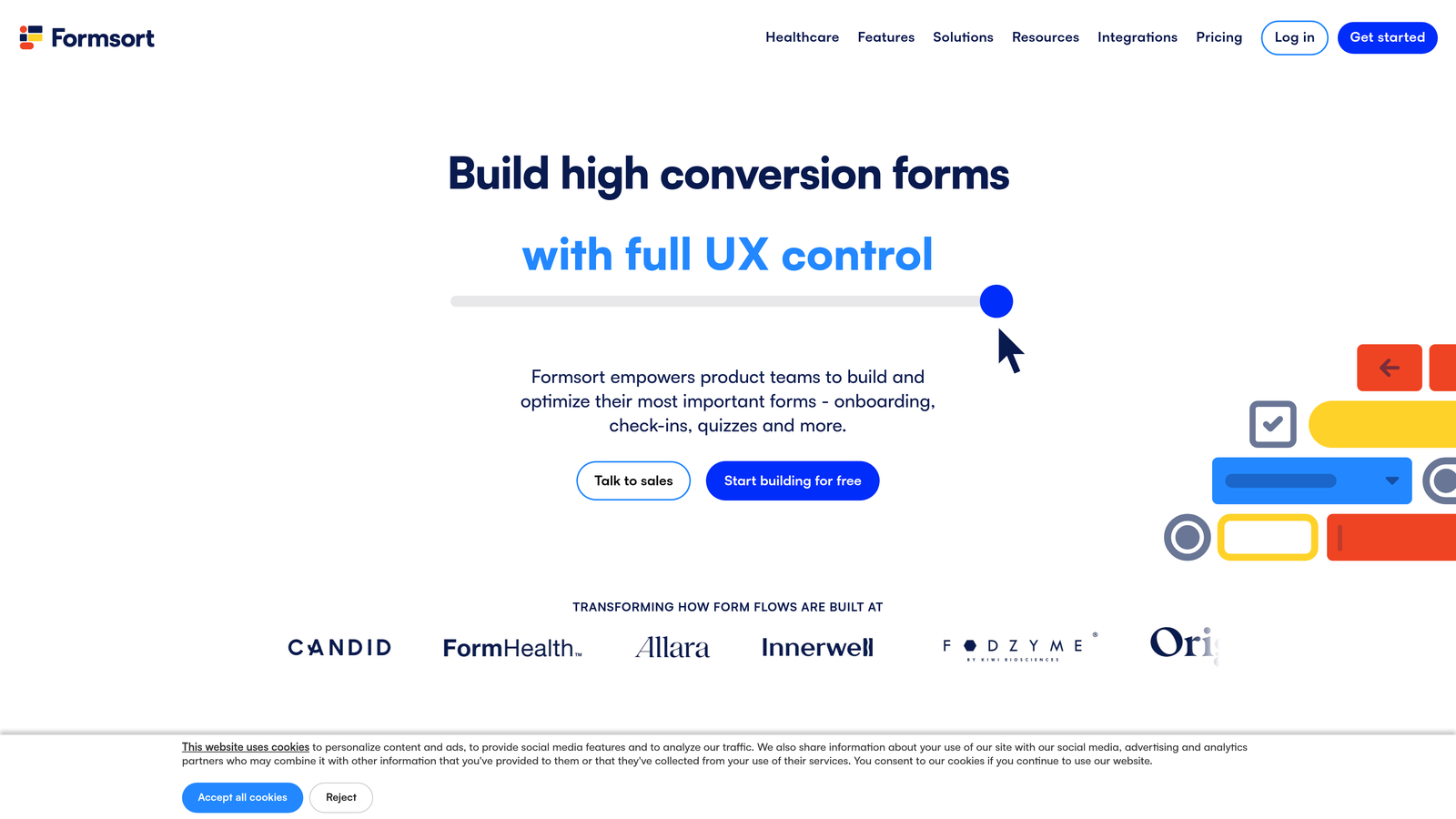
Formsort is built specifically for teams obsessed with conversion optimization, offering sophisticated testing and analytics capabilities out of the box.
Where This Tool Shines
Formsort treats forms as conversion funnels rather than simple data collection tools. The built-in A/B testing lets you experiment with different question orders, field types, and logic flows to identify what drives the highest completion rates. This data-driven approach helps you continuously improve performance.
The platform's API-first architecture makes it developer-friendly while maintaining a no-code builder for marketers. This flexibility lets technical teams build custom integrations while keeping form creation accessible to non-technical users.
Key Features
Built-In A/B Testing: Test different form variations natively without external tools to optimize conversion rates.
Conversion Analytics: Detailed funnel analysis showing exactly where users drop off and why.
Complex Conditional Logic: Advanced branching and routing capabilities for sophisticated form flows.
API-First Design: Robust API for custom integrations and programmatic form management.
Compliance Features: HIPAA and SOC 2 compliance for regulated industries.
Best For
Formsort is ideal for growth teams at SaaS companies and high-volume lead generation operations where small conversion improvements translate to significant revenue impact. It's particularly valuable when you have the volume to make A/B testing statistically meaningful.
Pricing
Custom pricing based on usage and features. Contact their team for a tailored quote.
7. Feathery
Best for: Complex product onboarding flows with developer flexibility
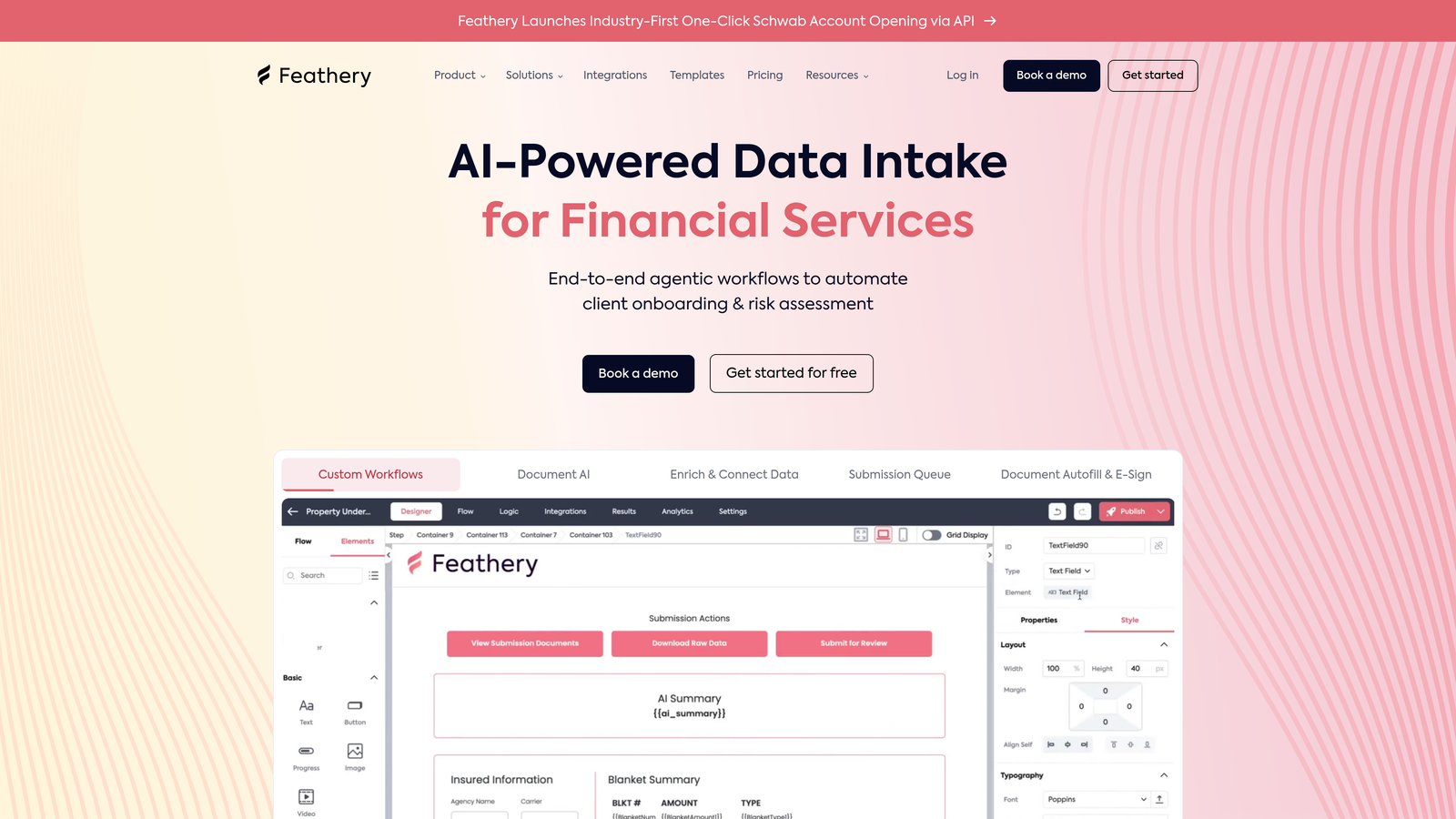
Feathery bridges the gap between no-code form builders and custom-coded solutions, offering both visual building and React SDK options.
Where This Tool Shines
Feathery excels at complex, multi-step onboarding flows that require sophisticated logic and user authentication. The platform handles scenarios where users need to save progress, return later, and complete forms across multiple sessions—common in financial services, healthcare, and enterprise SaaS.
The React SDK gives developers full control when needed, while the no-code builder keeps simple forms accessible to non-technical team members. This dual approach means you're not locked into one paradigm as needs evolve.
Key Features
Complex Flow Logic: Build sophisticated multi-step experiences with advanced branching and state management.
React SDK: Developer toolkit for building custom form experiences programmatically.
No-Code Builder: Visual interface for non-technical users to create and modify forms.
User Authentication: Native support for authenticated experiences and user-specific data.
Custom JavaScript: Execute custom JavaScript actions at any point in the form flow.
Best For
Feathery works best for product teams building complex onboarding experiences, particularly in fintech, healthtech, or enterprise SaaS where forms are part of the core product experience rather than simple lead capture.
Pricing
Free tier available for development and testing. Paid plans begin at $49/month with production-level features.
8. Paperform
Best for: Content-rich landing pages with embedded forms and e-commerce
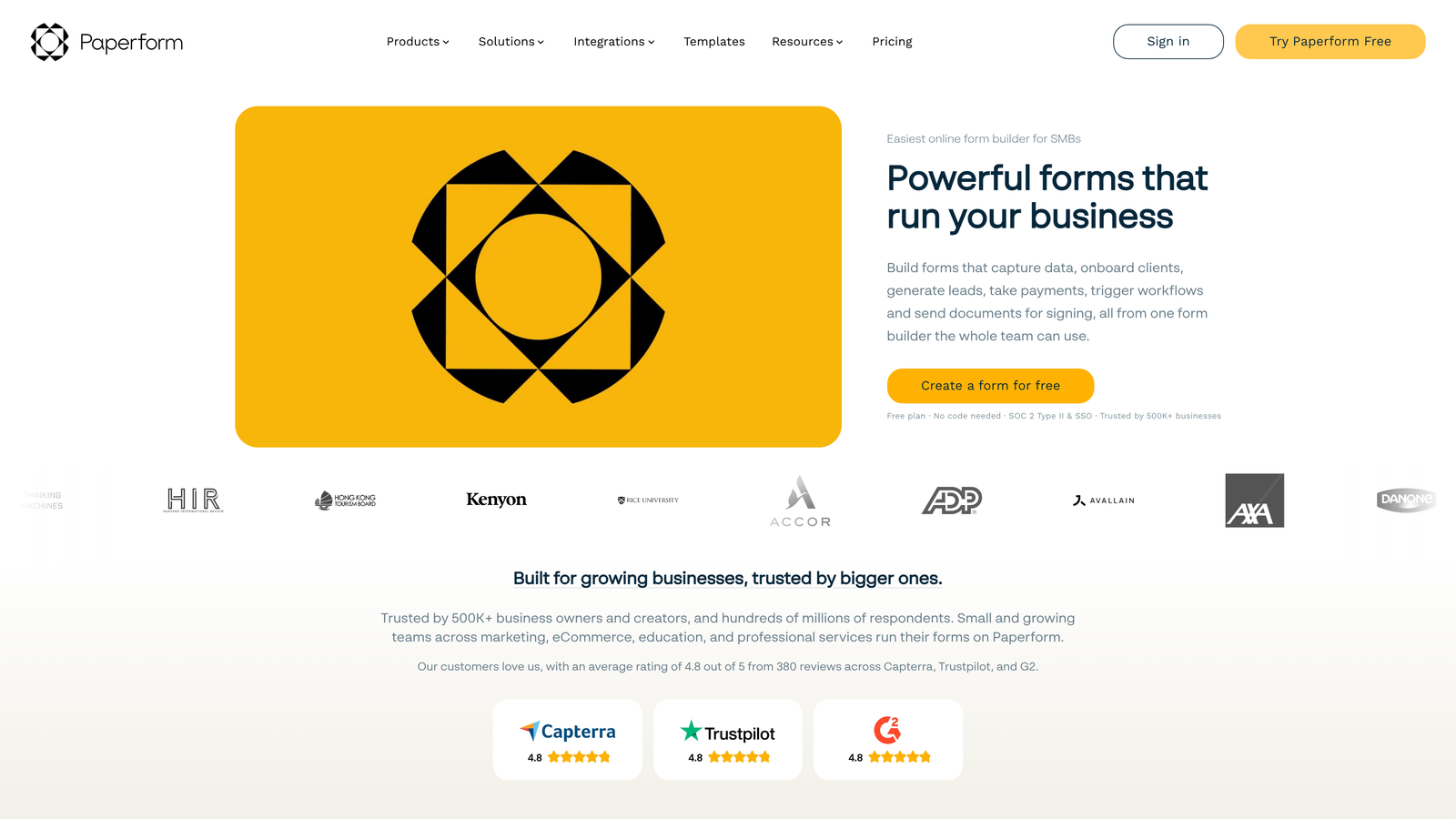
Paperform takes a document-first approach, letting you create content-heavy landing pages that seamlessly blend forms with rich content.
Where This Tool Shines
Paperform treats forms as part of a larger content experience. You can mix form fields with text, images, videos, and other content to create landing pages that inform and convert simultaneously. This eliminates the need for separate landing page tools in many cases.
The e-commerce capabilities are robust, supporting product catalogs, inventory management, and payment processing. This makes Paperform particularly valuable for businesses selling digital products, courses, or services where you want the sales page and checkout in one seamless experience.
Key Features
Document-Style Building: Create content-rich pages that blend forms with text, images, and media.
E-Commerce Integration: Sell products and services with built-in payment processing and inventory management.
Conditional Logic: Show or hide content and fields based on user responses, with calculation support.
Appointment Scheduling: Built-in calendar booking and scheduling functionality.
Rich Media Embedding: Seamlessly integrate videos, images, and other media throughout your forms.
Best For
Paperform is perfect for creators, consultants, and service businesses that need to combine content marketing with lead capture or sales. It's particularly effective for course creators, event organizers, and anyone selling digital products or services.
Pricing
Plans start at $24/month with a 14-day free trial to test features before committing.
9. HubSpot Forms
Best for: Native integration within the HubSpot CRM ecosystem
HubSpot Forms is the native form builder within HubSpot's marketing platform, offering deep CRM integration and progressive profiling capabilities.
Where This Tool Shines
If you're already using HubSpot CRM, their native forms eliminate integration headaches entirely. Form submissions automatically create or update contact records, trigger workflows, and sync with your sales pipeline without any middleware or custom configuration.
Progressive profiling is a standout feature that prevents form fatigue for returning visitors. Instead of asking the same questions repeatedly, HubSpot Forms remembers previous responses and asks new questions each time, gradually building complete contact profiles without overwhelming users.
Key Features
Native CRM Integration: Seamless connection to HubSpot CRM with automatic contact creation and updates.
Progressive Profiling: Ask different questions to returning visitors to build complete profiles over time.
Smart Content: Personalize form experiences based on known contact information and behavior.
Dependent Fields: Show or hide fields based on previous selections with conditional logic.
Built-In Analytics: Track form performance within HubSpot's unified reporting dashboard.
Best For
HubSpot Forms is the obvious choice if you're already invested in the HubSpot ecosystem. The native integration makes it the path of least resistance for teams using HubSpot for CRM, marketing automation, or sales.
Pricing
Free with HubSpot's free CRM tier. Advanced features like progressive profiling require paid Marketing Hub subscriptions.
Making the Right Choice
The intelligent form builder you choose depends heavily on your specific workflow and priorities. For teams serious about AI-powered lead qualification that routes prospects automatically, Orbit AI delivers the clearest competitive advantage. The intelligence layer eliminates manual triage while maintaining a modern, conversion-optimized experience.
Choose Typeform when user experience and brand presentation matter most—its conversational interface consistently drives higher completion rates. Pick Jotform if you need maximum template variety across diverse use cases. Select Tally when you want Notion-style simplicity without sacrificing smart features. Opt for Fillout when your operations run on Airtable or Notion and you need native database integration.
Consider Formsort if you have the volume to make A/B testing meaningful and want to optimize conversion rates continuously. Try Feathery for complex product onboarding flows that require both no-code flexibility and developer control. Use Paperform when you need content-rich landing pages that blend marketing content with form collection. Stick with HubSpot Forms if you're already in that ecosystem—the native integration eliminates friction.
The market has moved beyond basic conditional logic. Modern intelligent form builders use AI to qualify leads, personalize experiences in real-time, and route prospects automatically. This intelligence layer is becoming table stakes for high-growth teams that need to scale lead generation without proportionally scaling manual review.
Transform your lead generation with AI-powered forms that qualify prospects automatically while delivering the modern, conversion-optimized experience your high-growth team needs. Start building free forms today and see how intelligent form design can elevate your conversion strategy.


