

Finding the right form software isn't just about features—it's about finding a pricing structure that scales with your business without surprise costs eating into your budget. Whether you're a solopreneur collecting basic contact info or a high-growth team qualifying thousands of leads monthly, the pricing plan you choose can mean the difference between a tool that grows with you and one that becomes a costly bottleneck.
We've analyzed nine form builders across their pricing tiers, hidden costs, and value-per-dollar to help you make a confident decision. Here's what each offers at every price point.
1. Orbit AI
Best for: High-growth teams needing AI-powered lead qualification without per-response overage fees
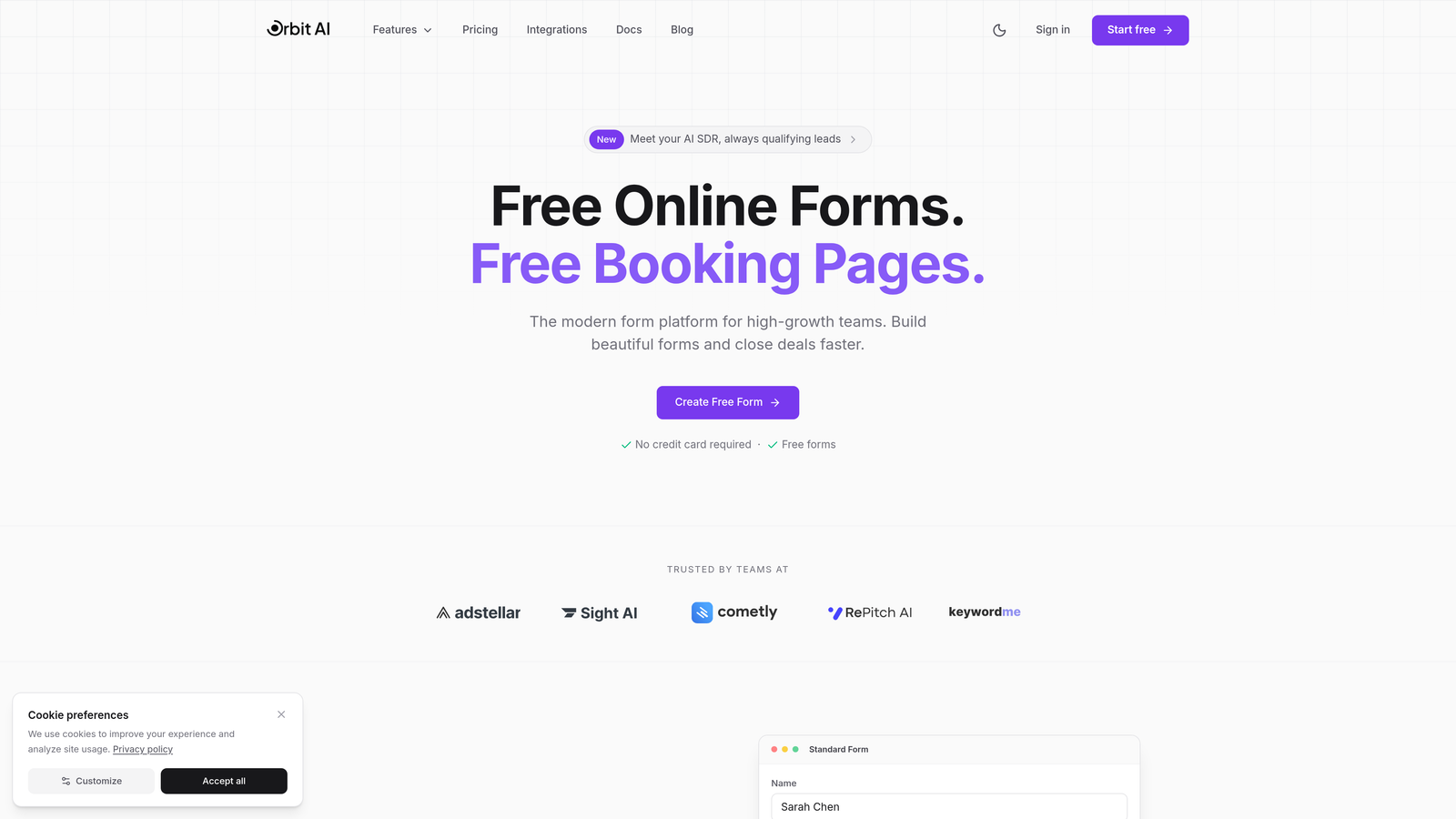
Orbit AI is an AI-powered form builder platform designed specifically for teams focused on conversion optimization and intelligent lead qualification.
Where This Tool Shines
Orbit AI stands out by including AI-powered lead qualification directly in its pricing structure rather than charging it as an expensive add-on. This means your forms can automatically score and prioritize leads based on their responses without watching your costs balloon as submission volume grows.
The platform addresses one of the biggest frustrations with traditional form builders: unpredictable pricing. While many competitors charge steep overage fees when you exceed monthly submission caps, Orbit AI offers predictable monthly response limits across its plans, letting you plan for growth with clear cost expectations.
Key Features
AI-Powered Lead Qualification: Built-in intelligence that scores and routes leads automatically, included in base pricing.
Conversion-Optimized Templates: Pre-built form designs tested for maximum completion rates across industries.
Built-In Analytics and Workflow Automation: Track performance and automate follow-ups without third-party tools.
Native CRM Integrations: Direct connections to major CRMs without middleware or extra subscription costs.
Transparent Pricing Structure: Predictable monthly response limits across plans with no hidden per-response overage fees.
Best For
High-growth SaaS companies, marketing agencies managing client lead generation, and B2B teams where lead quality matters more than raw volume. If you're currently spending hours manually qualifying form submissions or paying separately for lead scoring tools, Orbit AI consolidates these capabilities into one platform.
Pricing
Transparent tiered pricing with AI features included across plans. Visit orbitforms.ai/pricing for current plan details and feature breakdowns tailored to team size and submission volume.
2. Typeform
Best for: Brand-focused companies wanting conversational, engaging form experiences with strong visual customization
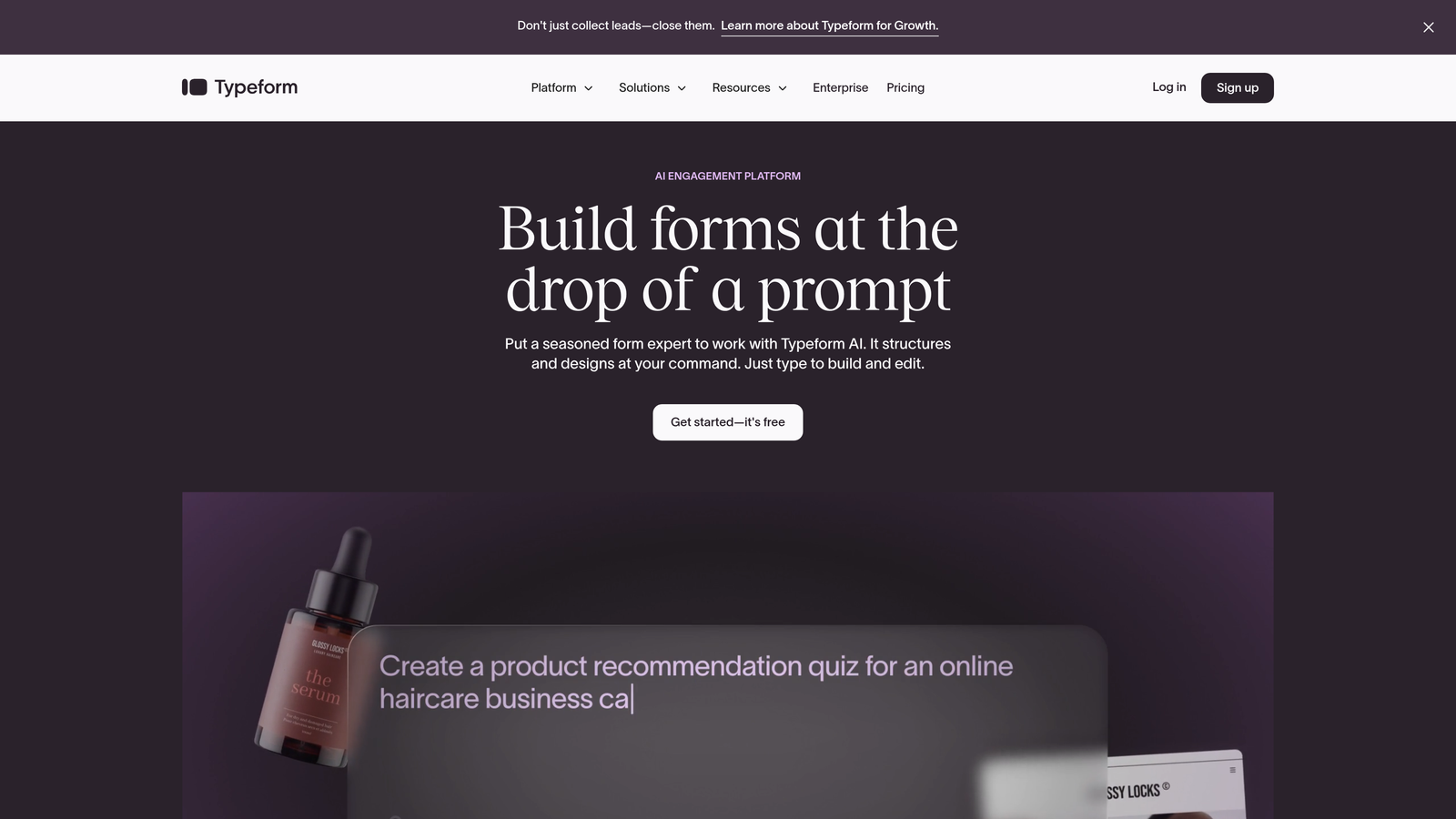
Typeform is a conversational form builder known for its signature one-question-at-a-time interface that creates engaging survey and form experiences.
Where This Tool Shines
Typeform revolutionized form design by making data collection feel like a conversation rather than a chore. The one-question-at-a-time approach significantly improves completion rates for longer forms by reducing cognitive overwhelm. Users see only what they need to answer next, creating a focused, distraction-free experience.
The platform excels at brand customization, letting you match forms perfectly to your visual identity. From custom fonts and colors to embedded images and videos, Typeform makes it easy to create forms that feel like natural extensions of your website rather than generic data collection tools.
Key Features
Conversational Interface: One-question-at-a-time format that improves completion rates and user experience.
Advanced Brand Customization: Deep control over visual design including fonts, colors, backgrounds, and media.
Logic Jumps and Conditional Branching: Create dynamic forms that adapt based on previous answers.
Rich Media Embedding: Add videos, images, and GIFs to make forms more engaging and interactive.
Integration Marketplace: Connect to hundreds of apps through native integrations and Zapier.
Best For
Marketing teams prioritizing brand experience, customer research teams conducting surveys, and businesses where form aesthetics directly impact conversion rates. Particularly valuable for consumer-facing brands where first impressions matter.
Pricing
Free tier allows 10 responses per month with limited features. Basic plan starts around $25/month with 100 responses. Plus and Business tiers increase response limits and add features, but watch for overage charges when you exceed monthly caps.
3. JotForm
Best for: Small businesses and solopreneurs needing extensive templates with a generous free tier
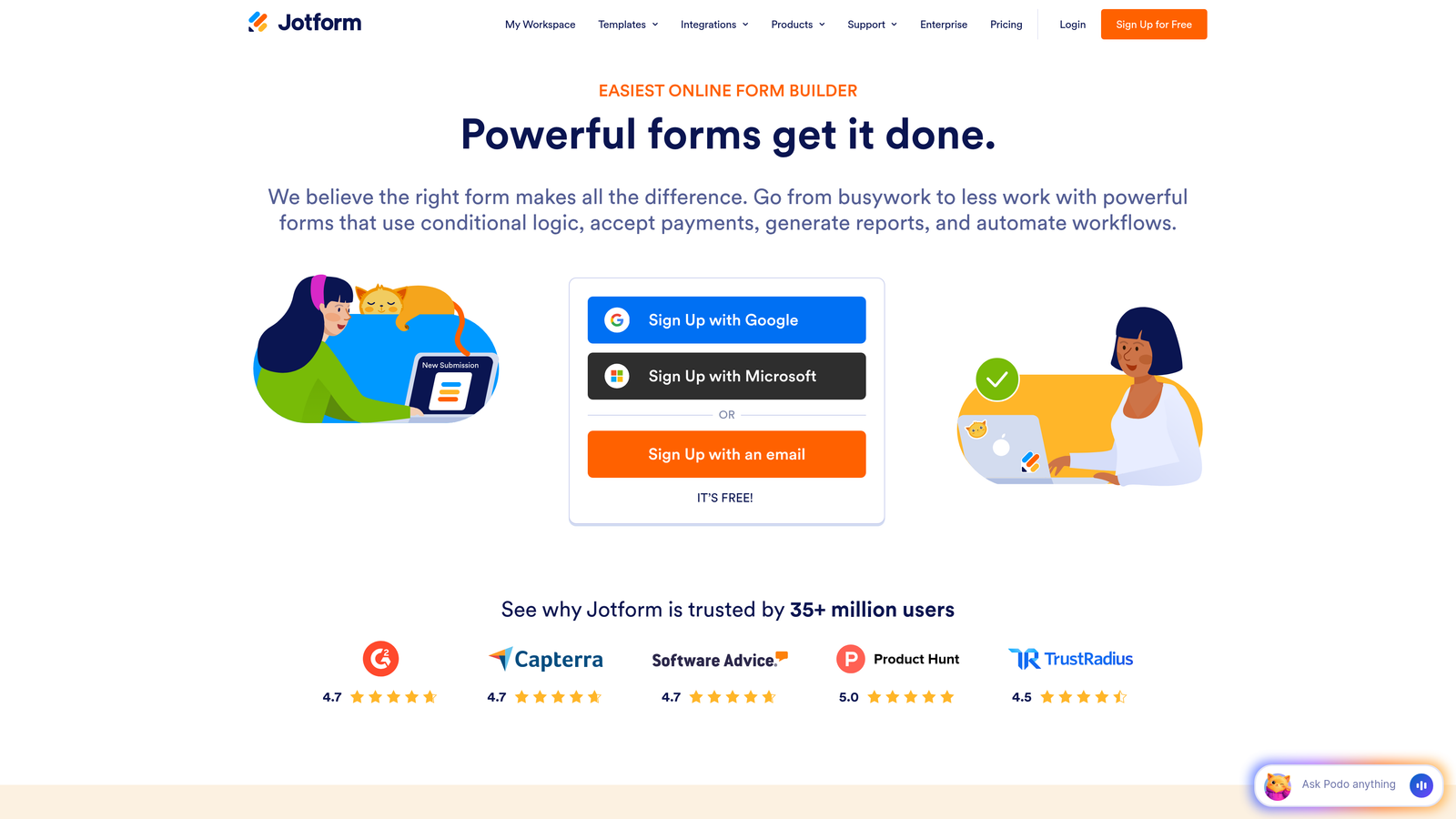
JotForm is a versatile form builder offering one of the market's largest template libraries and a surprisingly capable free plan for small-scale usage.
Where This Tool Shines
JotForm's template library is genuinely impressive—over 10,000 pre-built forms covering virtually every use case imaginable. Need a specific type of registration form, survey, or application? There's probably a template for it. This dramatically reduces setup time, especially for non-technical users who can start with something close to their needs and customize from there.
The free tier is unusually generous for teams just getting started. While limited to 5 forms and 100 monthly submissions, it includes enough functionality to validate whether the platform works for your needs before committing financially. For very small businesses with light form usage, the free plan might be sufficient indefinitely.
Key Features
Massive Template Library: Over 10,000 pre-built forms across industries and use cases for quick deployment.
PDF Form Creation: Generate fillable PDF forms and convert submissions to PDF documents automatically.
HIPAA Compliance: Available on higher tiers for healthcare and regulated industries requiring data protection.
Mobile Form Management: Dedicated mobile app for creating, editing, and managing forms on the go.
Conditional Logic: Show or hide fields based on previous answers to create dynamic forms.
Best For
Small businesses with straightforward form needs, teams requiring HIPAA compliance on a budget, and organizations that prefer starting from templates rather than building from scratch. Also strong for teams needing PDF generation capabilities.
Pricing
Free plan includes 5 forms and 100 monthly submissions. Bronze tier starts around $34/month with 25 forms and 1,000 monthly submissions. Pricing scales based on form count, submission volume, and storage needs, with higher tiers adding HIPAA compliance and advanced features.
4. Google Forms
Best for: Budget-conscious teams needing basic data collection with Google Workspace integration
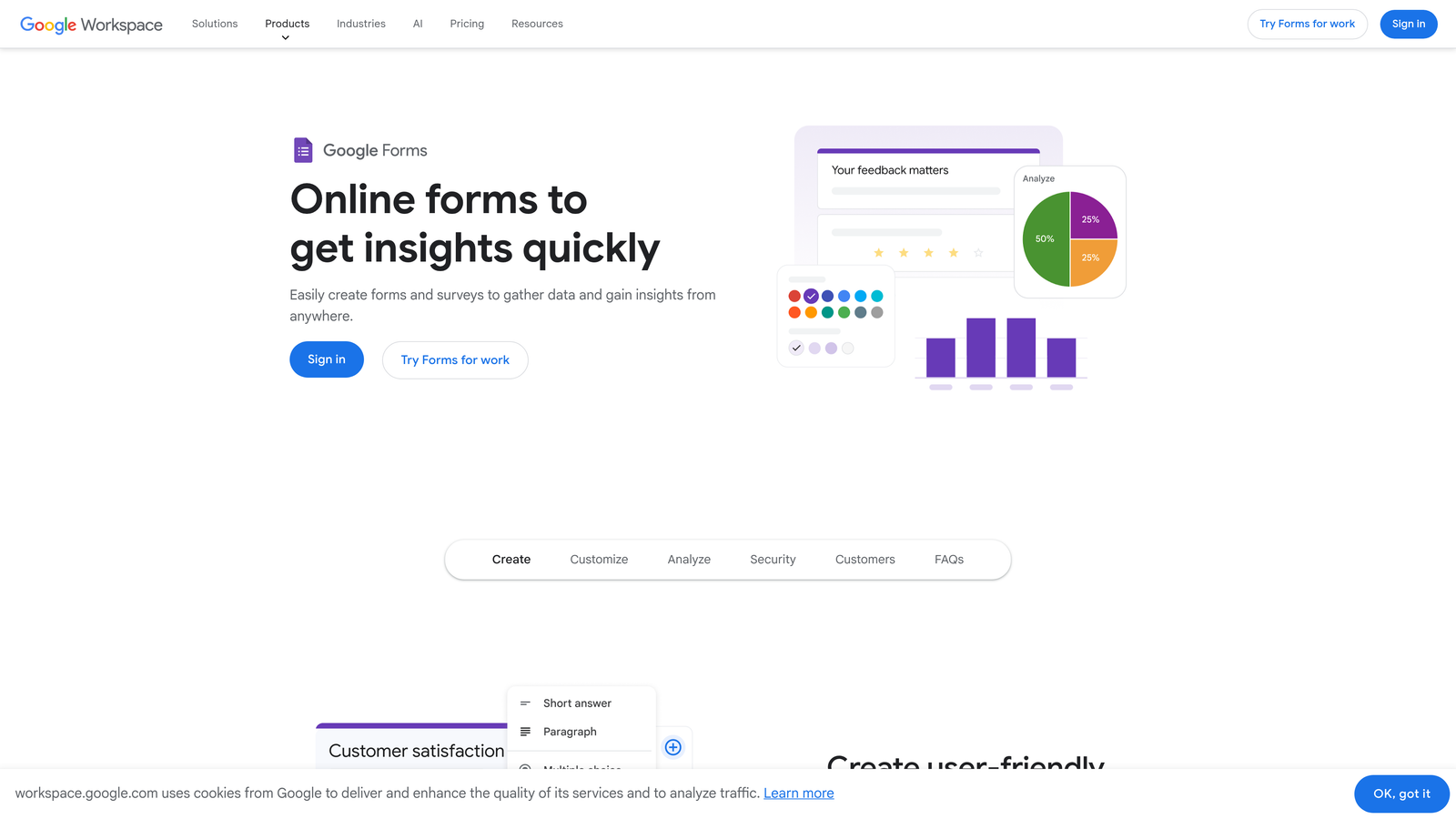
Google Forms is a free, straightforward form builder integrated directly into Google Workspace for simple surveys and data collection.
Where This Tool Shines
Google Forms wins on simplicity and price—it's completely free with unlimited forms and unlimited responses. For teams already using Google Workspace, the integration is seamless. Responses flow directly into Google Sheets, making data analysis accessible to anyone comfortable with spreadsheets. No learning curve, no subscription to manage, no surprise costs.
The real-time collaboration features mirror other Google products. Multiple team members can edit forms simultaneously, see changes instantly, and share ownership without complex permission systems. For internal surveys, event registrations, or basic lead capture, Google Forms handles the essentials without unnecessary complexity.
Key Features
Completely Free: Unlimited forms, unlimited responses, no hidden costs or premium tiers required.
Direct Google Sheets Integration: Responses automatically populate spreadsheets for easy analysis and reporting.
Real-Time Collaboration: Multiple users can edit forms simultaneously with instant syncing.
Basic Conditional Logic: Show or hide questions based on previous answers using section branching.
Automatic Response Charts: Built-in visualization of response data without additional tools.
Best For
Internal company surveys, event registrations, basic feedback collection, and any scenario where form aesthetics matter less than functionality. Perfect for teams already invested in Google Workspace who need simple data collection without budget allocation.
Pricing
Entirely free with a Google account. Google Workspace plans ($6-$18/user/month) add administrative controls, increased storage, and enhanced security features, but aren't required for basic Google Forms functionality.
5. Tally
Best for: Startups and creators wanting unlimited forms without branding restrictions on the free tier
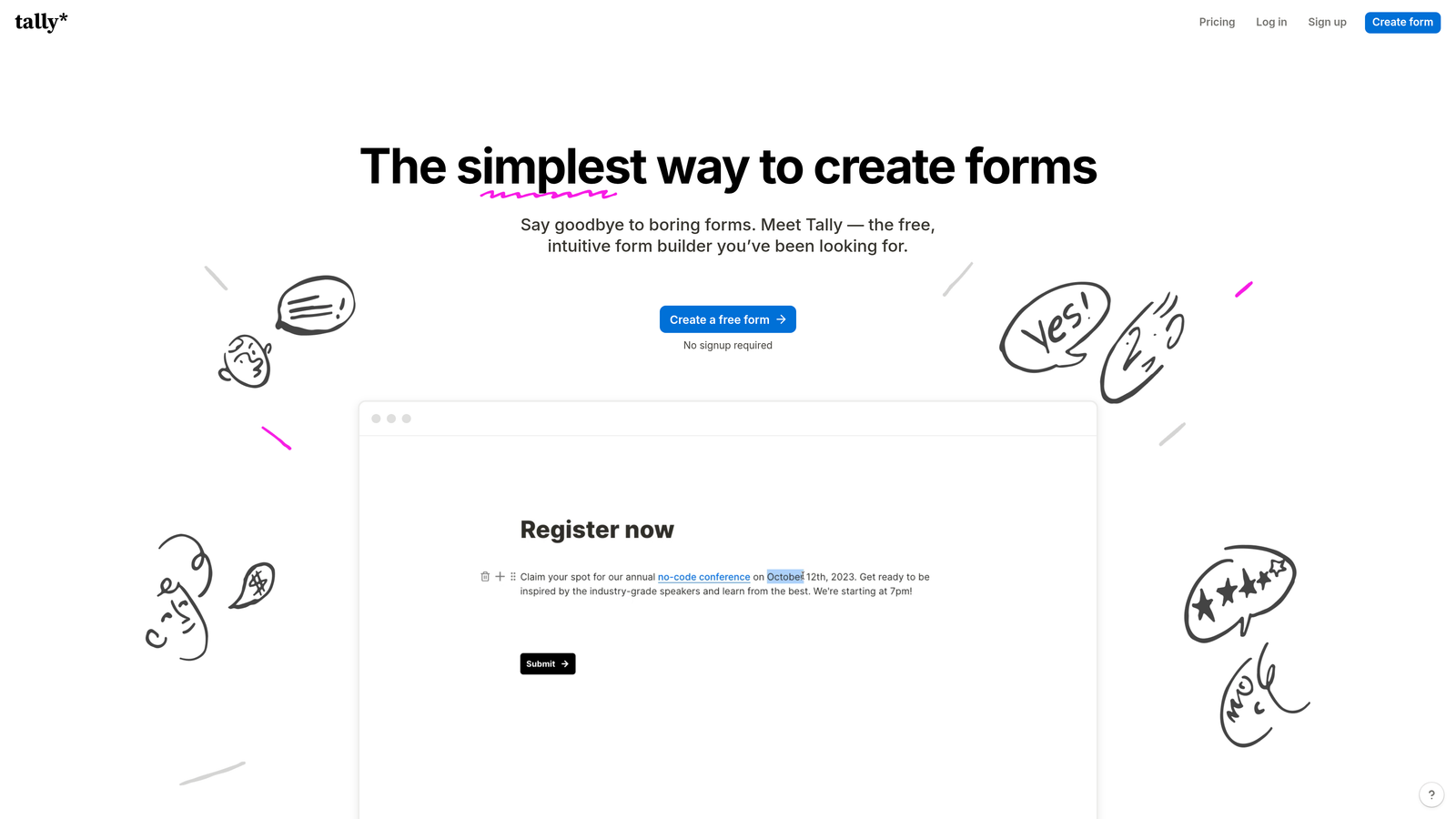
Tally is a modern form builder with a Notion-like editing experience that offers unlimited forms even on its generous free plan.
Where This Tool Shines
Tally disrupts traditional form builder pricing by offering unlimited forms on the free tier—a rarity in the market. Most competitors cap free users at 1-5 forms, forcing upgrades even when submission volume is low. Tally removes this constraint, making it ideal for creators, agencies, or businesses managing multiple projects without predictable form usage patterns.
The Notion-style block editor feels immediately familiar to teams already using modern productivity tools. Building forms becomes as intuitive as writing a document—add blocks, drag to reorder, style inline. No separate "builder mode" to learn. Plus, Tally removes its branding from forms even on the free plan, a premium feature elsewhere.
Key Features
Unlimited Forms on Free Plan: Create as many forms as needed without hitting artificial limits or upgrade prompts.
Notion-Style Block Editor: Intuitive editing experience using familiar block-based interface.
No Tally Branding on Free Tier: Professional-looking forms without "Powered by" footers even without paying.
Conditional Logic Included Free: Show/hide fields based on responses without upgrading to paid plans.
Native Notion Integration: Send form responses directly to Notion databases for seamless workflow integration.
Best For
Notion power users building forms for multiple projects, content creators managing audience feedback across various initiatives, and startups testing multiple lead magnets without committing to paid tools. Strong choice for teams prioritizing flexibility over advanced features.
Pricing
Free tier includes unlimited forms with 100 monthly submissions and most core features. Pro plan at $29/month removes submission limits and adds file uploads, payment collection, custom domains, and priority support.
6. Formstack
Best for: Enterprise teams in regulated industries requiring advanced compliance and workflow automation
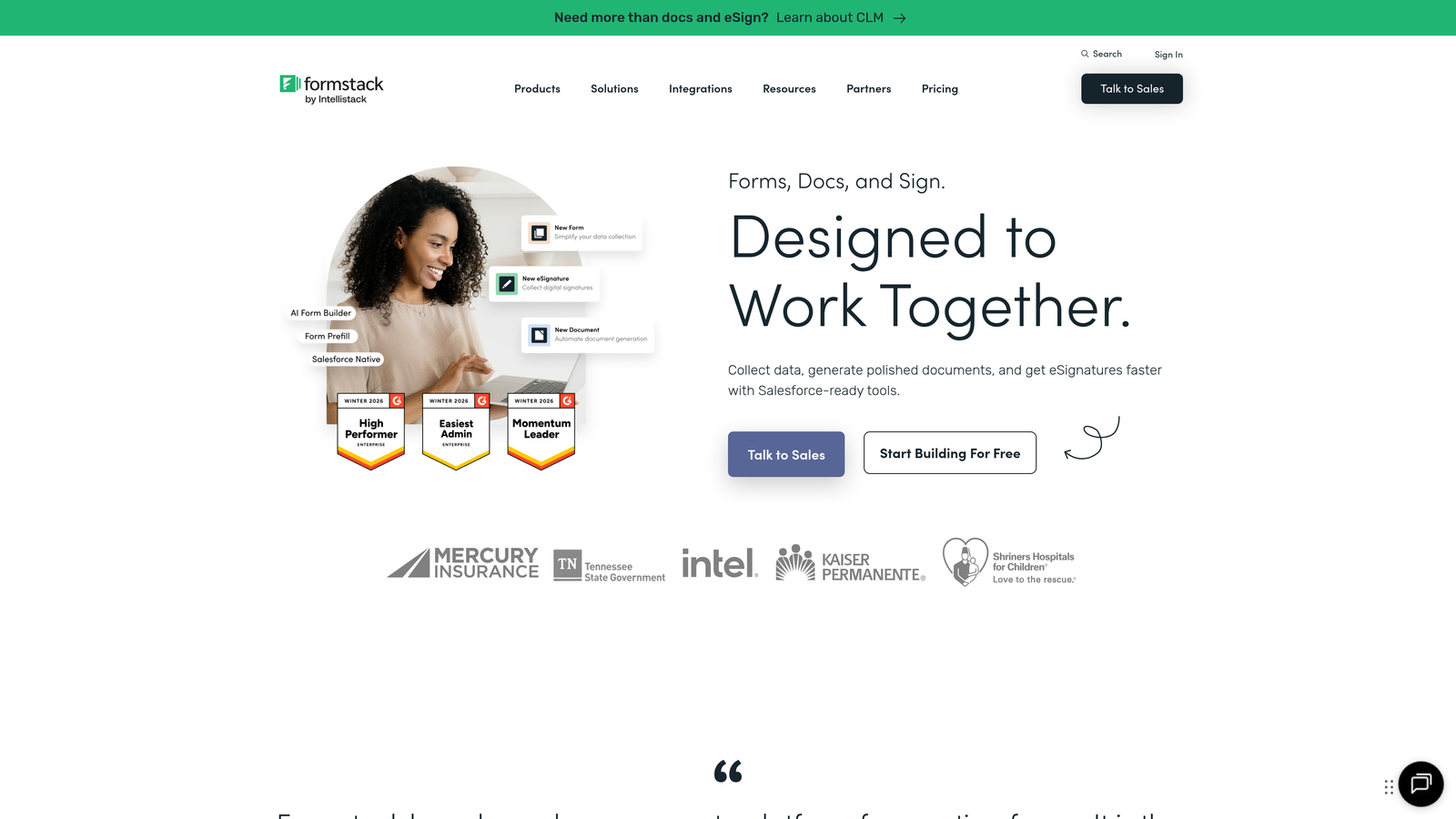
Formstack is an enterprise-grade form and workflow platform built specifically for organizations with strict compliance requirements and complex approval processes.
Where This Tool Shines
Formstack targets enterprises where forms are just the beginning—the real value comes from what happens after submission. The platform excels at workflow automation, routing form data through approval chains, triggering document generation, and integrating with enterprise systems. If your forms feed into multi-step business processes, Formstack handles the orchestration.
Compliance features set Formstack apart in regulated industries. HIPAA, GDPR, and other compliance frameworks are built into the platform architecture, not bolted on as afterthoughts. Healthcare providers, financial services, and government organizations get the audit trails, data encryption, and access controls they need without custom development.
Key Features
Advanced Workflow Automation: Route submissions through approval processes and trigger actions across connected systems.
Built-In Compliance: HIPAA, GDPR, and regulatory compliance features designed for healthcare, finance, and government.
Document Generation: Automatically create contracts, agreements, and PDFs from form data using templates.
Electronic Signatures: Collect legally binding signatures directly within forms without third-party tools.
Enterprise SSO and Security: Single sign-on, role-based access controls, and advanced security features for large organizations.
Best For
Healthcare organizations handling patient data, financial services firms with compliance requirements, large enterprises needing workflow automation, and government agencies with strict data handling protocols. Essential when forms connect to mission-critical business processes.
Pricing
Basic forms start around $50/month, but enterprise features require higher tiers with custom pricing. Expect to invest significantly more for compliance features, advanced workflows, and dedicated support. Request quotes for accurate enterprise pricing based on team size and requirements.
7. Wufoo
Best for: Small businesses wanting straightforward pricing and reliable performance without complexity
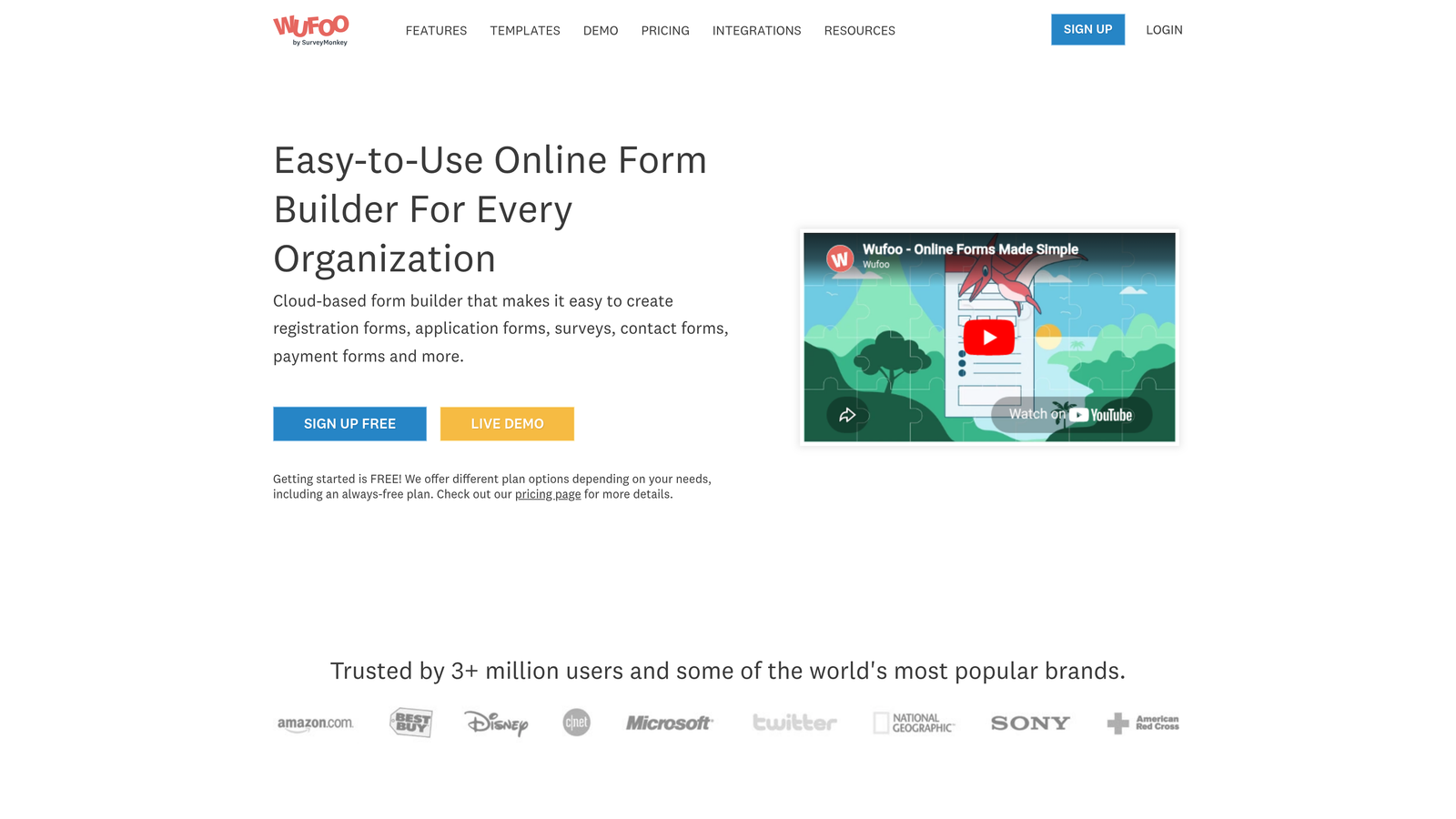
Wufoo is an established form builder that prioritizes simplicity and predictable pricing for small business needs.
Where This Tool Shines
Wufoo has been around since 2006, and that longevity brings stability. The platform works reliably without constant interface changes or feature churn that disrupts workflows. For small businesses that need forms to simply work without ongoing maintenance or relearning, Wufoo delivers consistent performance.
The pricing structure is refreshingly straightforward. You pay based on forms and entries—no hidden per-feature charges, no surprise overages for using conditional logic, no premium tier required for basic integrations. This predictability makes budgeting simple, especially for businesses with steady, predictable form usage patterns.
Key Features
Simple, Predictable Pricing: Straightforward plans based on forms and entries without complex feature gates.
Built-In Payment Collection: Accept payments through forms using Stripe, Square, or PayPal integrations.
File Upload Capabilities: Allow users to attach documents, images, and files to form submissions.
Basic Reporting and Analytics: View submission data, export reports, and track form performance over time.
Zapier Integration: Connect to hundreds of apps for automation without custom development.
Best For
Small businesses with consistent form usage patterns, service providers collecting client information and payments, and teams that value stability over cutting-edge features. Ideal when you need forms to work reliably without requiring constant attention.
Pricing
Free tier includes 5 forms and 100 monthly entries. Starter plan at $14.08/month provides 10 forms and 1,000 entries. Professional and higher tiers scale based on forms, entries, and storage needs with predictable monthly costs.
8. Paperform
Best for: Design-conscious businesses using forms as landing pages with built-in e-commerce capabilities
Paperform is a design-focused form builder that doubles as a landing page creator with native product sales and booking features.
Where This Tool Shines
Paperform blurs the line between forms and landing pages. Instead of embedding a form on a separate page, the form becomes the page itself—complete with hero images, custom styling, and brand-matched design. This approach works brilliantly for product launches, event registrations, and service bookings where the form is the primary call to action.
The e-commerce capabilities are genuinely robust. Sell products, accept bookings, calculate prices based on options selected, and process payments—all within the form itself. No need to integrate separate booking systems or payment pages. For service businesses, this consolidation simplifies the customer journey significantly.
Key Features
Landing Page and Form Hybrid: Create full landing pages with forms as the central element, not just embedded widgets.
Strong Design Customization: Extensive control over typography, colors, layouts, and visual elements for brand matching.
Built-In Product Sales and Bookings: Sell products, accept appointments, and process payments without external tools.
Conditional Logic and Calculations: Show/hide fields and calculate prices dynamically based on user selections.
Direct Payment Processor Integrations: Connect Stripe, PayPal, and Square for seamless payment collection.
Best For
Service businesses accepting bookings and payments, coaches and consultants selling packages, event organizers managing registrations, and product creators launching with dedicated landing pages. Strong choice when form design directly impacts conversion rates.
Pricing
Essentials plan at $24/month includes basic features with 1,000 monthly submissions. Pro plan at $49/month adds more submissions, advanced features, and removes Paperform branding. Agency tier available for teams managing multiple client accounts.
9. Cognito Forms
Best for: Organizations collecting payments through forms without wanting transaction fees eating into revenue
Cognito Forms is a form builder specializing in payment collection with a standout feature—no transaction fees on paid plans.
Where This Tool Shines
Transaction fees add up quickly when processing payments through forms. Many form builders charge 2-3% on top of payment processor fees, significantly reducing margins on low-cost products or services. Cognito Forms eliminates this markup on paid plans—you only pay standard Stripe or PayPal fees, keeping more revenue in your pocket.
The platform handles complex payment scenarios elegantly. Calculate prices based on options selected, add conditional pricing rules, create repeating sections for multiple items, and handle partial payments or payment plans. For organizations selling variable-priced services or products with multiple options, these capabilities prevent customers from abandoning forms due to pricing confusion.
Key Features
No Transaction Fees on Paid Plans: Keep more revenue by avoiding platform transaction fees beyond standard processor charges.
Calculations and Conditional Pricing: Calculate totals dynamically based on selections and apply conditional pricing rules.
Repeating Sections: Allow users to add multiple items or entries within a single form submission for complex orders.
Document Merging: Generate custom documents from form data using templates for contracts and agreements.
HIPAA Compliance Available: Healthcare-grade data protection for organizations handling protected health information.
Best For
Nonprofits collecting donations, membership organizations processing dues, service providers with variable pricing, and any business where transaction fees significantly impact margins. Particularly valuable for high-volume payment collection where percentage fees compound quickly.
Pricing
Free tier available with basic features and Cognito branding. Pro plan starts at $15/month for individual users. Team plan at $35/month removes transaction fees and adds collaboration features. HIPAA compliance requires Team plan or higher.
Making the Right Choice for Your Budget
The right form software pricing plan depends less on the monthly subscription cost and more on total cost of ownership across your specific usage patterns.
If you're just starting out or have minimal form needs, Google Forms or Tally's free tiers provide surprising functionality without any financial commitment. These work well for internal surveys, basic feedback collection, or validating whether you need forms at all.
Growing teams with increasing submission volume should pay close attention to response limits and overage fees. A $25/month plan that charges extra after 100 responses can quickly become more expensive than a $50/month plan with higher limits. Calculate your average monthly submissions and add 30% buffer before comparing true costs.
For teams focused on lead generation and conversion optimization, consider platforms that include advanced features like lead qualification in base pricing rather than charging them as add-ons. The difference between manually scoring leads and having AI handle it automatically represents real operational savings that offset higher subscription costs.
Enterprise organizations should evaluate compliance features, workflow automation, and integration capabilities alongside pricing. A cheaper tool that requires expensive middleware or custom development to meet compliance requirements isn't actually cheaper—it's a hidden cost waiting to surface.
Payment collection deserves special attention. If you're processing payments through forms, transaction fees matter more than subscription costs. A platform charging 2% on transactions processes $10,000 in monthly payments costs you $200 in fees alone—far more than the subscription difference between most plans.
Transform your lead generation with AI-powered forms that qualify prospects automatically while delivering the modern, conversion-optimized experience your high-growth team needs. Start building free forms today and see how intelligent form design can elevate your conversion strategy.


