

B2B forms aren't just digital clipboards—they're your first conversation with potential customers worth thousands or millions in revenue. While consumer forms can get away with collecting email addresses and basic info, B2B forms need to work harder: qualifying leads in real-time, routing hot prospects to sales immediately, and integrating seamlessly with your entire revenue stack.
What separates a B2B-ready form builder from consumer-focused tools? It comes down to a few critical capabilities: deep CRM integrations that eliminate manual data entry, conditional logic that adapts to each prospect's responses, lead scoring that prioritizes your sales team's time, and enterprise-grade security that won't make your IT team nervous. The right form builder becomes part of your sales infrastructure, not just a data collection tool.
We evaluated form builders based on integration depth with major CRMs, B2B-specific features like progressive profiling and multi-step workflows, scalability for growing teams, and transparent pricing that won't surprise you at renewal time. Here are the top form builders designed specifically for B2B lead generation.
1. Orbit AI
Best for: High-growth B2B teams that need AI-powered lead qualification built into their forms
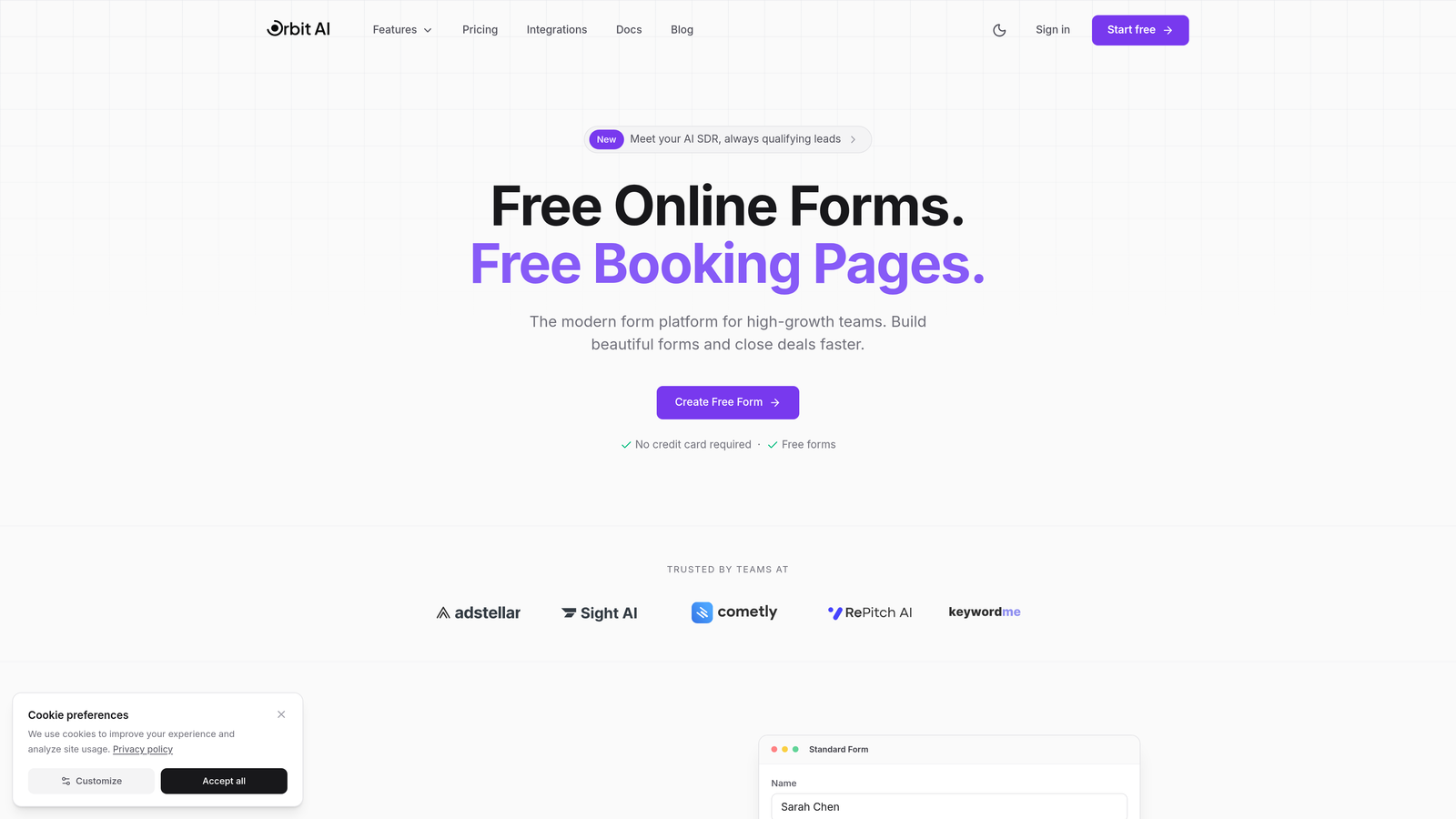
Orbit AI is an AI-powered form builder platform designed specifically for B2B teams focused on conversion optimization and lead quality.
Where This Tool Shines
Orbit AI distinguishes itself by embedding AI-powered lead qualification directly into the form experience. While most form builders simply collect data, Orbit AI analyzes responses in real-time to score and qualify leads automatically, routing high-value prospects to your sales team immediately.
The platform is built for modern B2B teams that understand conversion optimization isn't just about collecting more leads—it's about identifying the right leads faster. The interface focuses on creating beautiful, conversion-optimized forms without requiring design skills or technical knowledge.
Key Features
AI-Powered Lead Scoring: Automatically qualifies prospects based on their responses, prioritizing leads most likely to convert.
Conversion-Optimized Templates: Pre-built form templates designed specifically for B2B use cases with proven conversion patterns.
Native CRM Integrations: Seamless connections with HubSpot, Salesforce, and Pipedrive that sync data automatically.
Real-Time Analytics: Track form performance, conversion rates, and lead quality metrics in a unified dashboard.
Workflow Automation: Route qualified leads to the right sales rep based on territory, product interest, or company size.
Best For
Orbit AI works best for high-growth B2B companies that generate significant lead volume and need intelligent qualification to help sales teams focus on the most promising opportunities. It's particularly valuable for teams running multiple campaigns across channels who need consistent lead scoring and routing logic.
Pricing
Contact Orbit AI for custom pricing based on your lead volume and feature requirements.
2. Typeform
Best for: Creating conversational form experiences that boost completion rates through one-question-at-a-time format
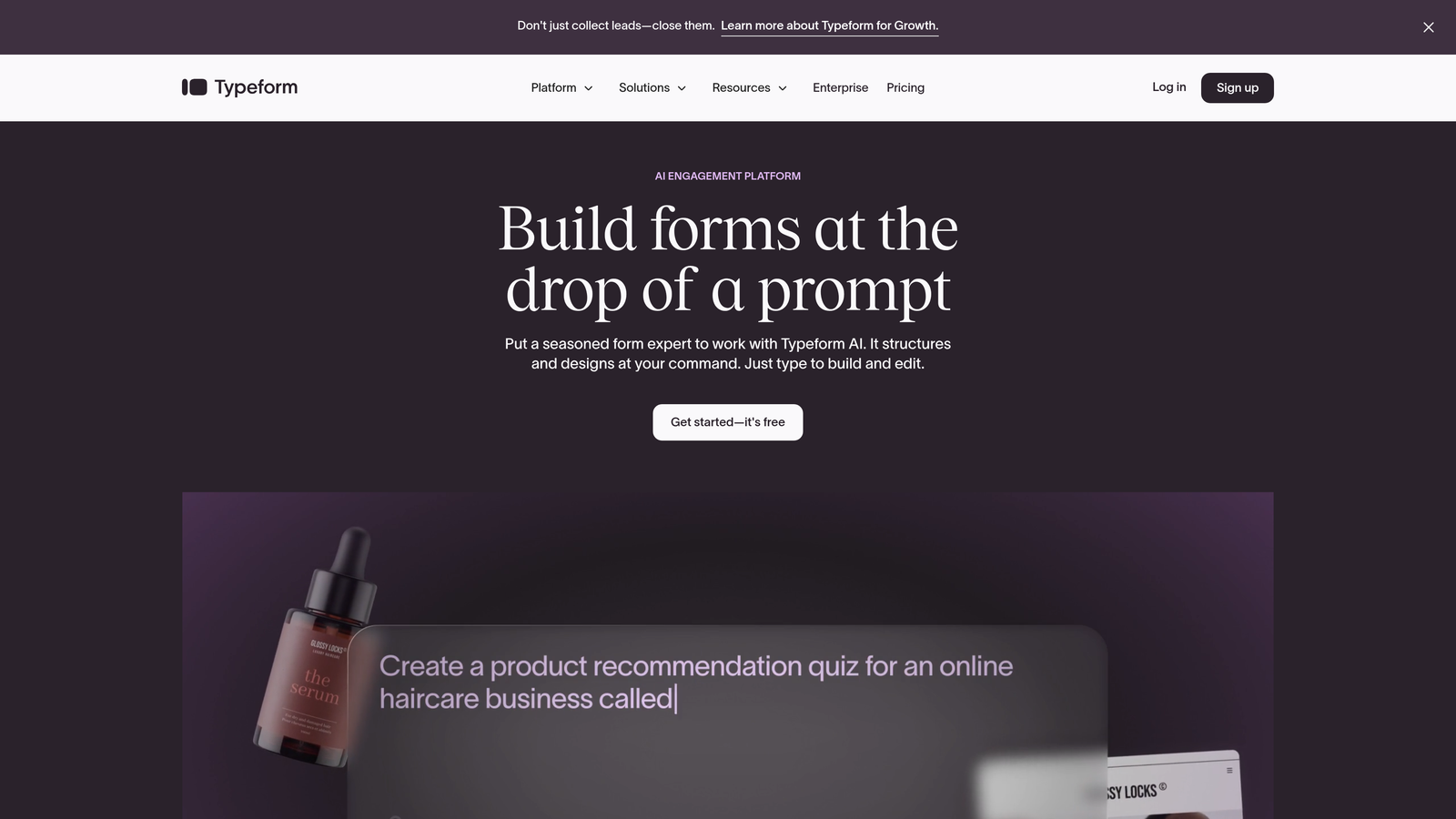
Typeform is a conversational form builder that presents questions one at a time, creating an engaging experience that feels more like a conversation than a traditional form.
Where This Tool Shines
Typeform's signature one-question-at-a-time approach reduces form abandonment by making long forms feel less overwhelming. Instead of facing a wall of fields, prospects answer questions sequentially, which many B2B teams find increases completion rates compared to traditional multi-field forms.
The platform excels at creating visually appealing forms that work beautifully on mobile devices. For B2B teams targeting decision-makers who often browse on phones during commutes or downtime, this mobile-first approach can be a significant advantage.
Key Features
Conversational Interface: One-question-at-a-time format that creates an engaging, interactive experience for form respondents.
Logic Jumps: Branch questions based on previous answers to create personalized form paths for different prospect types.
CRM Integrations: Native connections to HubSpot, Salesforce, and other major CRMs for automatic data syncing.
Rich Media Support: Embed videos, images, and GIFs to make forms more engaging and explain complex offerings visually.
Custom Branding: Apply your brand colors, fonts, and imagery to create forms that match your company's visual identity.
Best For
Typeform is ideal for B2B teams that prioritize user experience and need to collect detailed information without overwhelming prospects. It works particularly well for lead qualification surveys, product interest assessments, and consultation request forms where the conversational approach feels natural.
Pricing
Free tier available with basic features; paid plans start at $25/month with increased response limits and advanced features.
3. HubSpot Forms
Best for: Companies already using HubSpot CRM who need native form integration with their marketing automation
HubSpot Forms is the native form builder within the HubSpot ecosystem, offering seamless integration with HubSpot's CRM and marketing automation tools.

Where This Tool Shines
HubSpot Forms eliminates integration headaches for teams already using HubSpot. Form submissions automatically create or update contact records, trigger workflows, and feed into your marketing automation—all without third-party connectors or middleware. This native integration means zero data sync delays and no risk of leads falling through cracks.
Progressive profiling is where HubSpot Forms truly excels for B2B. The system remembers what information you've already collected from known contacts and asks new questions on subsequent form fills, gradually building complete profiles without annoying prospects with repetitive questions.
Key Features
Native CRM Integration: Form data flows directly into HubSpot CRM without any configuration or third-party tools required.
Progressive Profiling: Automatically shows different questions to returning visitors based on what information you've already collected.
Smart Fields: Pre-populate form fields with known contact information to reduce friction for returning visitors.
Automatic Enrichment: Leverage HubSpot's database to automatically enrich contact records with company and demographic data.
A/B Testing: Test different form variations to optimize conversion rates based on real performance data.
Best For
HubSpot Forms makes the most sense for companies already invested in the HubSpot ecosystem. If you're using HubSpot CRM or Marketing Hub, the native integration and progressive profiling capabilities provide significant value. For teams not using HubSpot, the platform's value proposition diminishes considerably.
Pricing
Free with HubSpot CRM; advanced features like progressive profiling and A/B testing require Marketing Hub Professional ($800+/month).
4. Cognito Forms
Best for: Complex B2B workflows requiring advanced calculations, payment processing, and conditional logic
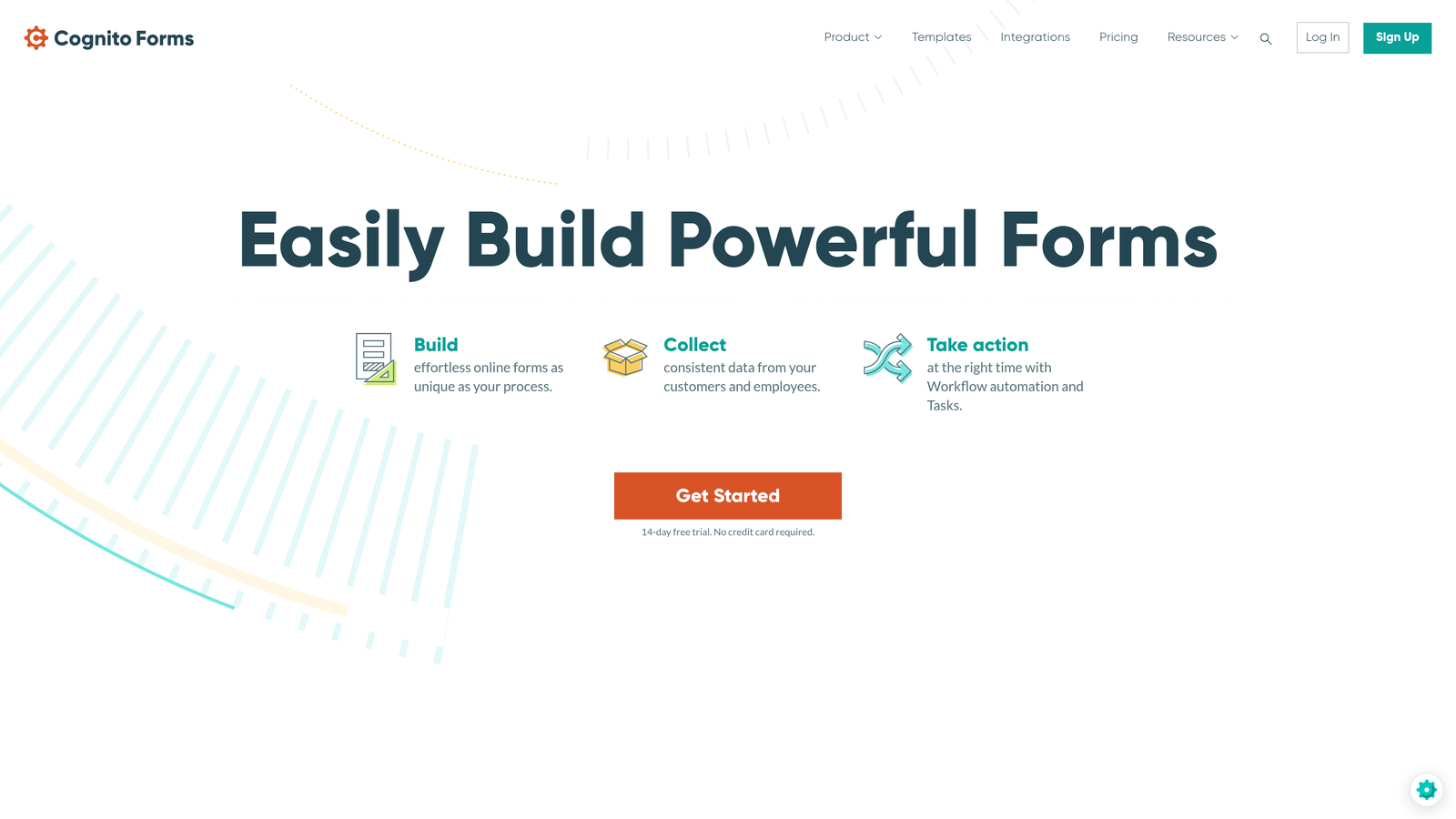
Cognito Forms is a powerful form builder that handles advanced calculations, payment collection, and complex conditional logic for sophisticated B2B workflows.
Where This Tool Shines
Cognito Forms stands out when you need forms that do more than collect data—they need to calculate pricing, process payments, or generate quotes on the fly. The calculation engine lets you build forms that multiply quantities, apply discounts, calculate totals, and present dynamic pricing based on selections.
For B2B companies selling configurable products or services, this capability is invaluable. Prospects can configure their solution, see pricing in real-time, and even submit payment—all within a single form experience. The repeating sections feature also works well for RFPs or project scopes where prospects need to specify multiple line items.
Key Features
Advanced Calculations: Build forms with complex calculation logic for pricing, quotes, or custom configurations without coding.
Payment Processing: Accept payments directly through Stripe, PayPal, or Square integrations for deposits or full purchases.
Complex Conditional Logic: Show or hide entire sections based on multiple conditions to create adaptive form experiences.
Repeating Sections: Allow prospects to add multiple line items, team members, or project phases within a single form.
Document Generation: Automatically generate PDFs from form submissions for quotes, contracts, or proposals.
Best For
Cognito Forms excels for B2B companies with complex quoting processes, configurable products, or multi-item ordering. It's particularly valuable for professional services firms, manufacturing companies, or SaaS businesses with usage-based pricing that need prospects to configure and price solutions themselves.
Pricing
Free tier available for basic forms; paid plans start at $15/month with increased submission limits and advanced features.
5. Formstack
Best for: Enterprise B2B companies requiring HIPAA/GDPR compliance and advanced security features
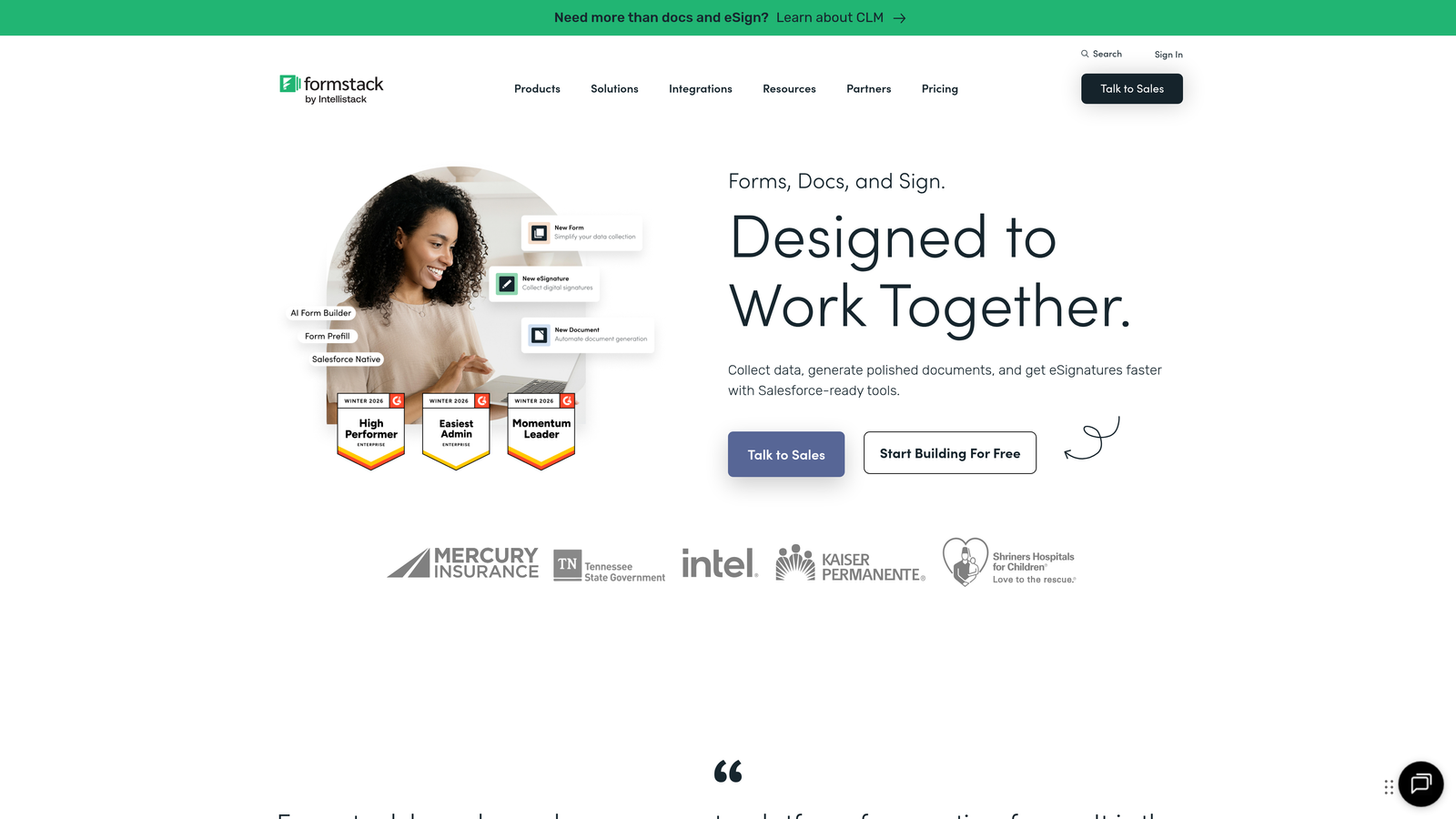
Formstack is an enterprise-grade form builder focused on compliance, security, and workflow automation for regulated industries and large organizations.
Where This Tool Shines
Formstack is built for enterprises with serious compliance requirements. If your B2B company operates in healthcare, finance, or other regulated industries, Formstack's HIPAA and GDPR compliance features aren't nice-to-haves—they're requirements. The platform provides Business Associate Agreements, encryption at rest and in transit, and audit logs that satisfy compliance officers.
Beyond compliance, Formstack's workflow automation and document generation capabilities streamline complex approval processes. Forms can trigger multi-step approval workflows, generate contracts or proposals automatically, and collect e-signatures—all within a single platform.
Key Features
HIPAA and GDPR Compliance: Built-in compliance features including BAAs, encryption, and data residency controls for regulated industries.
Workflow Automation: Create multi-step approval processes, routing logic, and automated notifications based on form submissions.
Document Generation: Automatically populate document templates with form data and collect e-signatures through integrated signing tools.
Enterprise Security: SSO integration, role-based permissions, and advanced access controls for large organizations.
Salesforce-Native Integration: Deep Salesforce integration that works as a native Salesforce app for seamless data flow.
Best For
Formstack is ideal for enterprise B2B companies in regulated industries that need compliance features, extensive security controls, and sophisticated workflow automation. It's particularly valuable for healthcare, financial services, and government contractors where data handling requirements are strict.
Pricing
Starts at $50/month for basic plans; enterprise pricing with compliance features requires custom quotes.
6. Jotform
Best for: Quick B2B form deployment using extensive template library and drag-and-drop builder
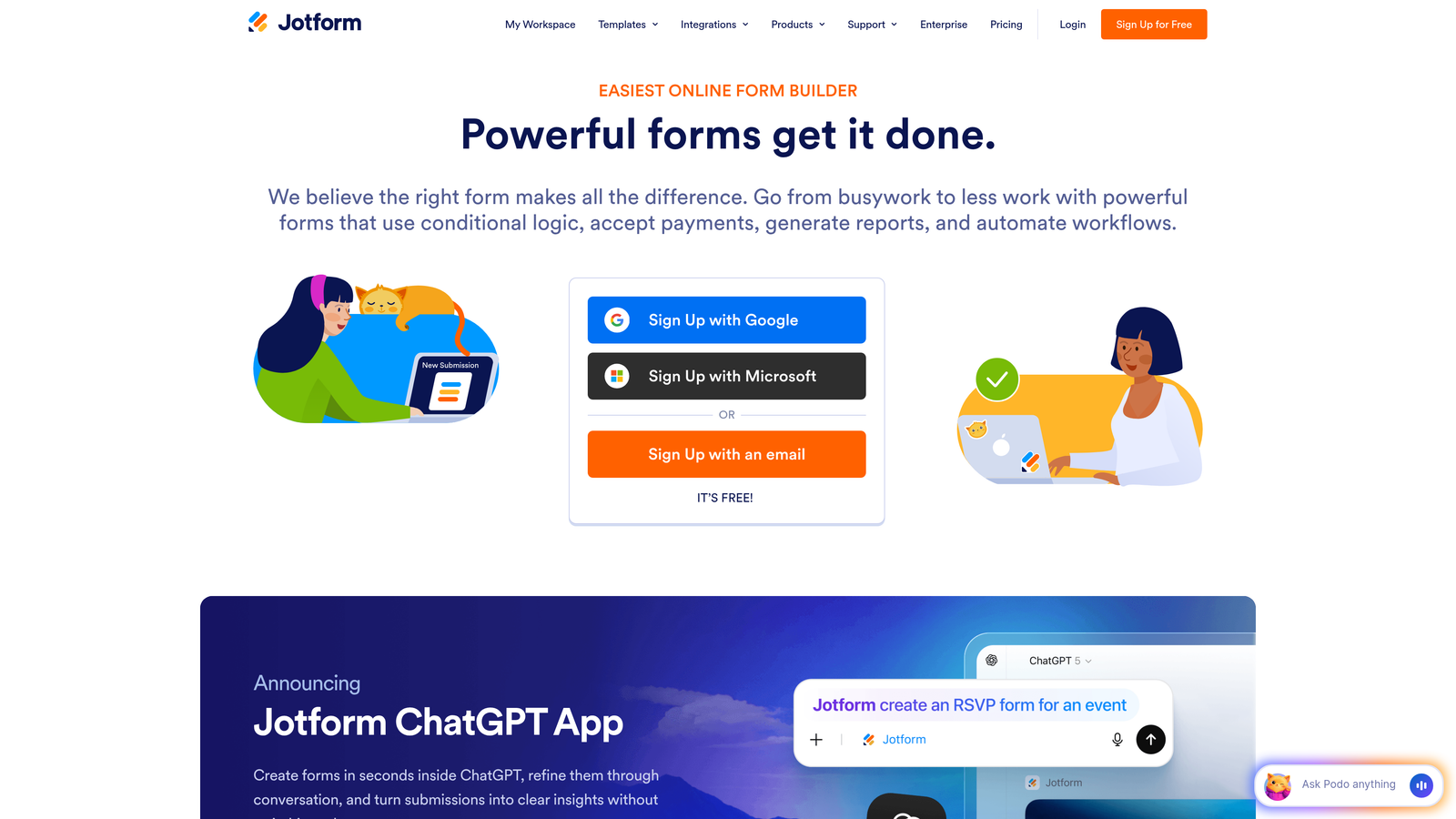
Jotform is a versatile form builder with over 10,000 templates and an intuitive drag-and-drop interface for rapid form creation.
Where This Tool Shines
Jotform's massive template library means you rarely need to build forms from scratch. Whether you need a consultation request form, RFP template, or partnership application, there's likely a pre-built template you can customize in minutes rather than hours. This speed-to-deployment is valuable for B2B marketing teams running multiple campaigns simultaneously.
The drag-and-drop builder makes form creation accessible to non-technical team members. Marketing coordinators can build and launch forms without developer assistance, reducing bottlenecks and enabling faster campaign execution. The approval workflow feature also helps teams route form submissions through internal review processes before they reach sales.
Key Features
10,000+ Templates: Extensive library of pre-built form templates covering virtually every B2B use case and industry.
Drag-and-Drop Builder: Intuitive visual editor that lets non-technical users create and customize forms quickly.
Payment Collection: Integrated payment processing for deposits, subscriptions, or full purchases through multiple payment gateways.
PDF Conversion: Convert existing PDF forms into fillable online forms without rebuilding from scratch.
Approval Workflows: Route submissions through internal approval processes before forwarding to sales or external systems.
Best For
Jotform works well for B2B marketing teams that need to launch forms quickly across multiple campaigns and don't want to build everything from scratch. It's particularly useful for companies with lean marketing teams where non-technical staff need to create forms independently.
Pricing
Free tier available with basic features; paid plans start at $34/month with increased submission limits and advanced capabilities.
7. Paperform
Best for: Design-forward B2B brands that want landing page-style forms with strong visual branding
Paperform is a design-focused form builder that creates landing page-style experiences with rich media embedding and extensive customization options.
Where This Tool Shines
Paperform blurs the line between forms and landing pages. Instead of traditional form layouts, Paperform creates full-page experiences with rich media, custom branding, and storytelling elements. For B2B brands with strong visual identities or premium positioning, this design-forward approach helps forms feel like natural extensions of your website rather than generic data collection tools.
The platform's flexibility with media embedding lets you incorporate explainer videos, product demos, or testimonials directly into the form experience. This is particularly valuable for complex B2B offerings where prospects need context and education before they're ready to provide detailed information.
Key Features
Landing Page Design: Create full-page form experiences that look like custom landing pages rather than traditional forms.
Rich Media Embedding: Incorporate videos, images, and interactive elements throughout the form to engage prospects.
Custom Branding: Extensive design controls including custom CSS for brands with specific visual requirements.
Conditional Logic: Show or hide questions based on previous responses to create personalized form paths.
Payment and Booking: Integrated payment processing and appointment scheduling for service-based B2B businesses.
Best For
Paperform is ideal for design-conscious B2B brands, creative agencies, and professional services firms that want forms to reflect their brand quality and positioning. It's particularly valuable when forms serve as landing pages themselves rather than embedded elements on existing pages.
Pricing
Starts at $24/month with unlimited forms and submissions included in all paid tiers.
8. Gravity Forms
Best for: B2B companies with WordPress sites needing deep native integration and extensive add-ons
Gravity Forms is a WordPress-native form plugin with an extensive add-on ecosystem for building sophisticated forms within WordPress sites.
Where This Tool Shines
For B2B companies running WordPress sites, Gravity Forms provides the deepest possible integration. Forms live directly in your WordPress database, styling automatically matches your theme, and you manage everything from the familiar WordPress admin interface. There's no iframe embedding or external hosting to worry about—forms are truly part of your website.
The add-on ecosystem is where Gravity Forms becomes particularly powerful. With hundreds of official and third-party add-ons, you can connect forms to virtually any CRM, payment processor, or marketing tool. Need to create user accounts from form submissions? There's an add-on. Want to populate form fields from your WordPress database? There's an add-on for that too.
Key Features
Deep WordPress Integration: Native WordPress plugin that stores data in your WordPress database and integrates with themes and other plugins.
Extensive Add-On Marketplace: Hundreds of add-ons for CRM connections, payment processing, advanced functionality, and third-party integrations.
Conditional Logic: Show or hide fields, sections, or entire pages based on user selections and previous responses.
Multi-Page Forms: Split long forms across multiple pages with progress indicators and save-and-continue functionality.
User Registration: Create WordPress user accounts directly from form submissions for client portals or member areas.
Best For
Gravity Forms makes sense exclusively for B2B companies using WordPress. If your website runs on WordPress and you want forms that integrate natively with your content management system, Gravity Forms is the strongest option. For non-WordPress sites, it's not applicable.
Pricing
Starts at $59/year for a Basic license covering one site; higher tiers support multiple sites and include premium add-ons.
9. Microsoft Forms
Best for: Enterprises using Microsoft 365 who need forms integrated with Teams, SharePoint, and Power Automate
Microsoft Forms is a straightforward form builder included with Microsoft 365 subscriptions, designed for integration with the Microsoft ecosystem.
Where This Tool Shines
Microsoft Forms' greatest strength is its seamless integration with the Microsoft 365 tools your enterprise likely already uses daily. Forms embed directly in Teams channels, SharePoint pages, and Outlook emails. Results flow automatically into Excel for analysis or trigger Power Automate workflows that connect to hundreds of business applications.
For enterprises with strict data residency requirements or IT policies that restrict external tools, Microsoft Forms keeps everything within the Microsoft security boundary. Your IT team doesn't need to approve another vendor, negotiate another contract, or worry about where form data lives—it's all within your existing Microsoft 365 tenant.
Key Features
Microsoft 365 Integration: Native integration with Teams, SharePoint, Outlook, and other Microsoft 365 applications your enterprise already uses.
Teams and SharePoint Embedding: Embed forms directly in Teams channels or SharePoint pages without external hosting.
Power Automate Workflows: Trigger automated workflows when forms are submitted to connect with CRMs, databases, or other business systems.
Real-Time Response Tracking: View responses in real-time and export to Excel for analysis and reporting.
Enterprise Security: Leverage your existing Microsoft 365 security policies, compliance features, and data residency controls.
Best For
Microsoft Forms is ideal for large enterprises already standardized on Microsoft 365 who need simple forms for internal processes, event registration, or basic lead capture. It's particularly valuable when IT policies restrict external tools or when forms need to integrate tightly with Teams and SharePoint.
Pricing
Included with Microsoft 365 Business subscriptions at no additional cost beyond your existing Microsoft 365 licensing.
Finding Your Perfect Form Builder Match
The right form builder depends entirely on your existing tech stack and primary objectives. If you need AI-powered lead qualification that automatically prioritizes your hottest prospects, Orbit AI delivers intelligent scoring built directly into the form experience. For teams prioritizing completion rates through conversational design, Typeform's one-question-at-a-time approach creates engaging experiences that feel less like forms and more like conversations.
Already invested in a specific ecosystem? Your choice becomes clearer: HubSpot Forms for HubSpot users, Gravity Forms for WordPress sites, and Microsoft Forms for Microsoft 365 enterprises. These native integrations eliminate data sync headaches and keep everything within your existing workflow.
For regulated industries or enterprises with strict compliance requirements, Formstack provides the HIPAA compliance, audit logs, and security controls that satisfy legal and IT teams. Meanwhile, teams managing complex quoting or configuration processes should look at Cognito Forms' calculation engine and repeating sections.
The decision ultimately comes down to whether you're optimizing for lead quality or lead volume. Tools like Orbit AI and Typeform focus on conversion optimization and lead qualification—getting fewer but better leads. Traditional form builders prioritize data collection volume. For most B2B companies, quality wins over quantity. Your sales team would rather work ten qualified leads than fifty unqualified ones.
Before committing to any platform, evaluate how forms will integrate with your existing sales process. Can submissions trigger immediate alerts to sales reps? Does lead data flow into your CRM without manual entry? Can you route leads based on company size, industry, or product interest? These workflow considerations often matter more than the form builder's feature list.
Transform your lead generation with AI-powered forms that qualify prospects automatically while delivering the modern, conversion-optimized experience your high-growth team needs. The right form builder doesn't just collect data—it becomes an active participant in your sales process, identifying your best opportunities and routing them to your team at the perfect moment.


