

Every form submission looks like a win — until your sales team spends hours chasing spam bots, tire-kickers, and leads that were never going to convert. The problem isn't form volume. It's form quality. And most form builders don't help you solve it.
Form submission filtering tools change that equation by screening, scoring, and routing submissions before they ever pollute your CRM. The result is a cleaner pipeline, a more focused sales team, and higher conversion rates on the leads that actually matter.
This guide covers the top tools for filtering form submissions in 2026, evaluated on filtering intelligence, ease of setup, integration depth, and pricing. Whether you're a high-growth SaaS team drowning in low-quality leads or a marketing agency trying to deliver sharper results for clients, there's a solution here for you. For deeper context on the strategies behind these tools, check out our guides on how to improve lead quality and how to qualify leads with forms.
1. Orbit AI
Best for: High-growth SaaS and marketing teams that want AI-driven lead qualification built into the form itself.
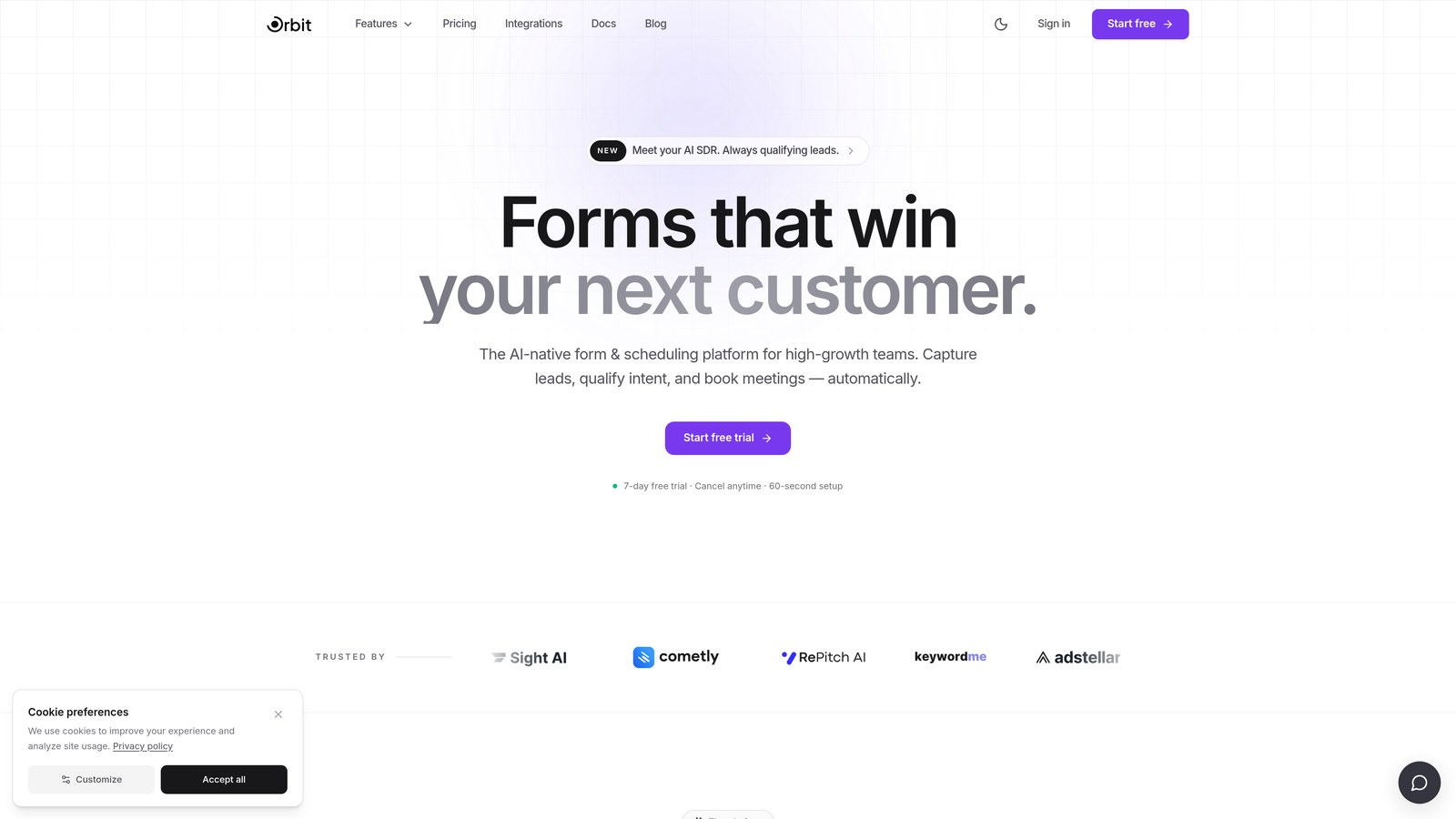
Orbit AI is an AI-powered form builder with native lead qualification and filtering designed for teams that need intelligent routing without engineering overhead.
Where This Tool Shines
Most form tools treat filtering as an afterthought. They capture everything, then leave your CRM or sales team to sort through the mess. Orbit AI flips that model by embedding qualification intelligence directly into the form experience. Filtering happens conversationally, in real time, as the respondent moves through the form.
This means low-quality leads can be identified and routed differently before they ever touch your pipeline. The conversational design keeps the experience smooth for genuine prospects while quietly doing the qualification work behind the scenes. It's the difference between patching a leaky pipe and building one that doesn't leak.
Key Features
AI-driven lead qualification at submission: Qualification logic runs during the form experience, not as a post-submission workaround applied elsewhere.
Conversational form design: One-question-at-a-time flow screens leads naturally without feeling like an interrogation, preserving completion rates.
Smart routing by qualification score: Submissions are routed to different destinations, teams, or workflows based on how a respondent qualifies in real time.
Conversion-optimized templates: Modern, beautifully designed form templates built specifically for lead generation use cases.
Built for high-growth teams: The platform is designed around the needs of SaaS and marketing teams focused on lead volume and quality simultaneously.
Best For
Orbit AI is the strongest fit for growth-stage SaaS companies, demand generation teams, and marketing agencies that need genuine AI-based qualification at the form layer. If you're tired of patching filtering logic together across your CRM, Zapier, and spreadsheets, this is built to replace that entire workflow.
Pricing
See orbitforms.ai for current pricing details. Plans are designed for teams focused on conversion optimization and lead quality at scale.
2. Typeform
Best for: Teams that want polished, conversational form UX with rule-based conditional logic for basic lead filtering.
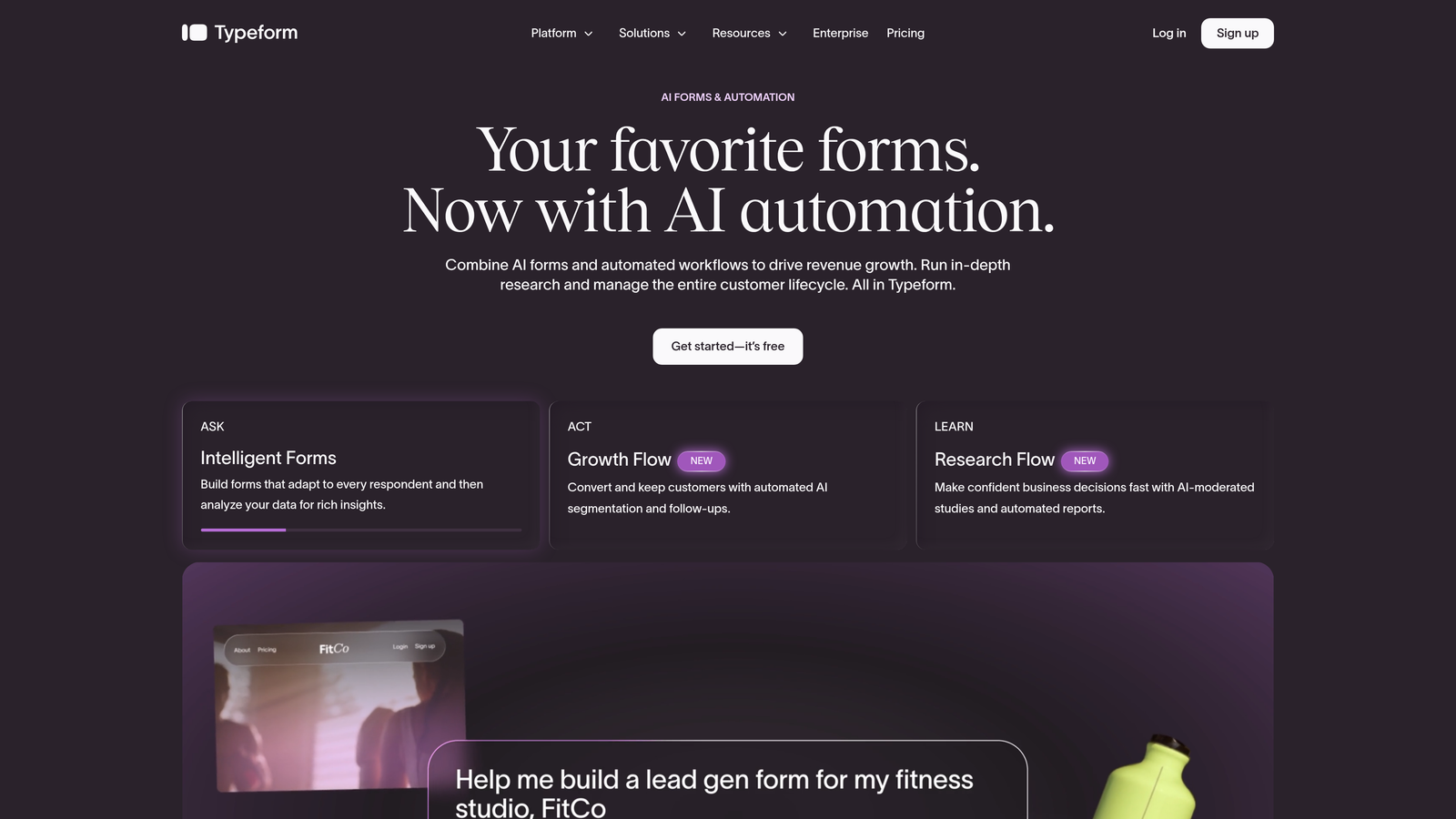
Typeform is a conversational form builder known for its one-question-at-a-time interface and strong brand customization options.
Where This Tool Shines
Typeform's logic jumps are its filtering workhorse. You can branch respondents based on their answers, skip irrelevant questions, or end the form early if someone doesn't meet your criteria. For teams that want to create a smooth, branded experience while doing basic qualification, it's a solid choice.
Where Typeform falls short is depth. Filtering is entirely rule-based and manually configured. There's no AI-based lead scoring, and post-submission routing relies on integrations with tools like HubSpot or Zapier rather than anything native. It's a capable tool for basic filtering, but it requires stitching together your own qualification stack.
Key Features
Logic jumps: Route respondents to different questions or end the form early based on specific answer criteria.
Hidden fields: Pass UTM parameters and CRM data alongside submissions to support downstream filtering and attribution.
Recall information: Personalize later questions by referencing answers given earlier in the form, creating a more natural screening flow.
CRM integrations: Native connections with HubSpot, Salesforce, and Zapier allow post-submission filtering and routing in your CRM layer.
Brand customization: Strong design controls make it easy to match your form to your brand identity.
Best For
Typeform suits marketing teams and agencies that prioritize form aesthetics and respondent experience, and whose filtering needs are relatively straightforward. It's less suited for teams that need advanced qualification logic or AI-based scoring without significant integration work.
Pricing
A free tier is available with limited features. Paid plans are available at published rates on typeform.com.
3. Jotform
Best for: Teams that need comprehensive rule-based filtering, approval workflows, and broad integration options in a single platform.
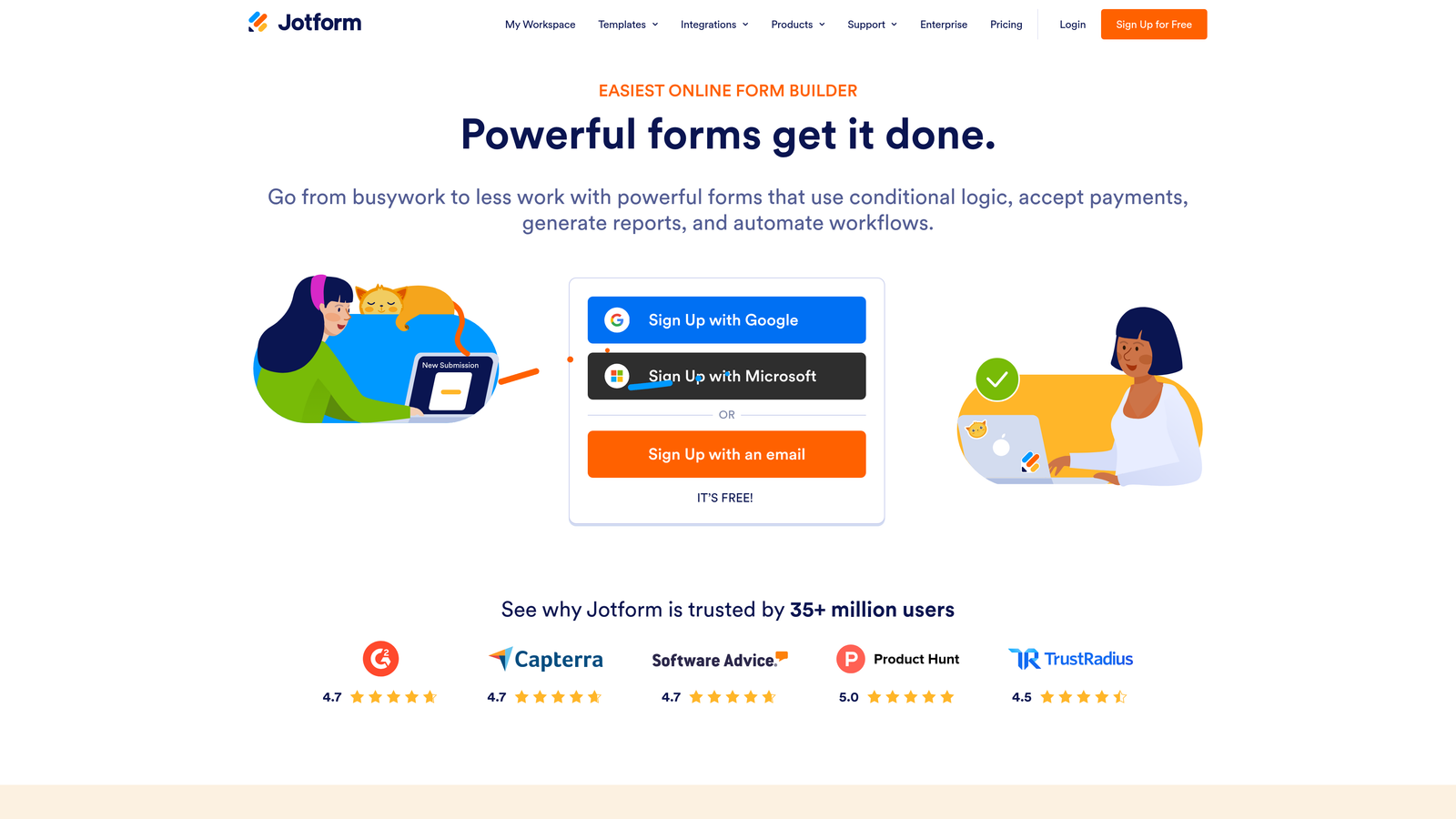
Jotform is a feature-rich form builder with one of the most comprehensive rule-based filtering setups available, including submission approval workflows and native spam protection.
Where This Tool Shines
Jotform's submission approval workflow is a standout feature for teams that want human review built into their filtering process. Instead of every submission flowing directly into your CRM, you can hold responses, review them manually, and approve or reject before they route anywhere. This is particularly useful for high-stakes lead processes where a bad submission in the pipeline is genuinely costly.
On the automated side, Jotform's conditional notification emails and webhook triggers let you route different submissions to different team members based on field values. Combined with its broad integration library, you can build a reasonably sophisticated filtering setup without touching code.
Key Features
Submission approval workflow: Hold responses for human review before they route to any CRM or integration, giving teams a manual quality gate.
Built-in spam protection: reCAPTCHA and Jotform's native bot filtering block non-human submissions before they enter your workflow.
Conditional notification routing: Send submission alerts to different team members based on specific field values, enabling basic triage at the notification layer.
Webhook and integration triggers: Condition integration triggers on specific answer criteria to filter which submissions activate downstream automations.
Broad integration library: Native connections with Salesforce, HubSpot, Zapier, and many others support flexible downstream routing.
Best For
Jotform is a strong fit for operations-heavy teams, agencies managing multiple clients, or any organization that wants manual approval gates built into their submission process. It's also a practical choice for teams that need reliable spam filtering out of the box.
Pricing
A free tier is available. Paid plans are published at jotform.com, with options scaling from small teams to larger organizations.
4. Formstack
Best for: Enterprise and mid-market teams that need multi-step approval workflows, compliance-grade data handling, and deep Salesforce integration.
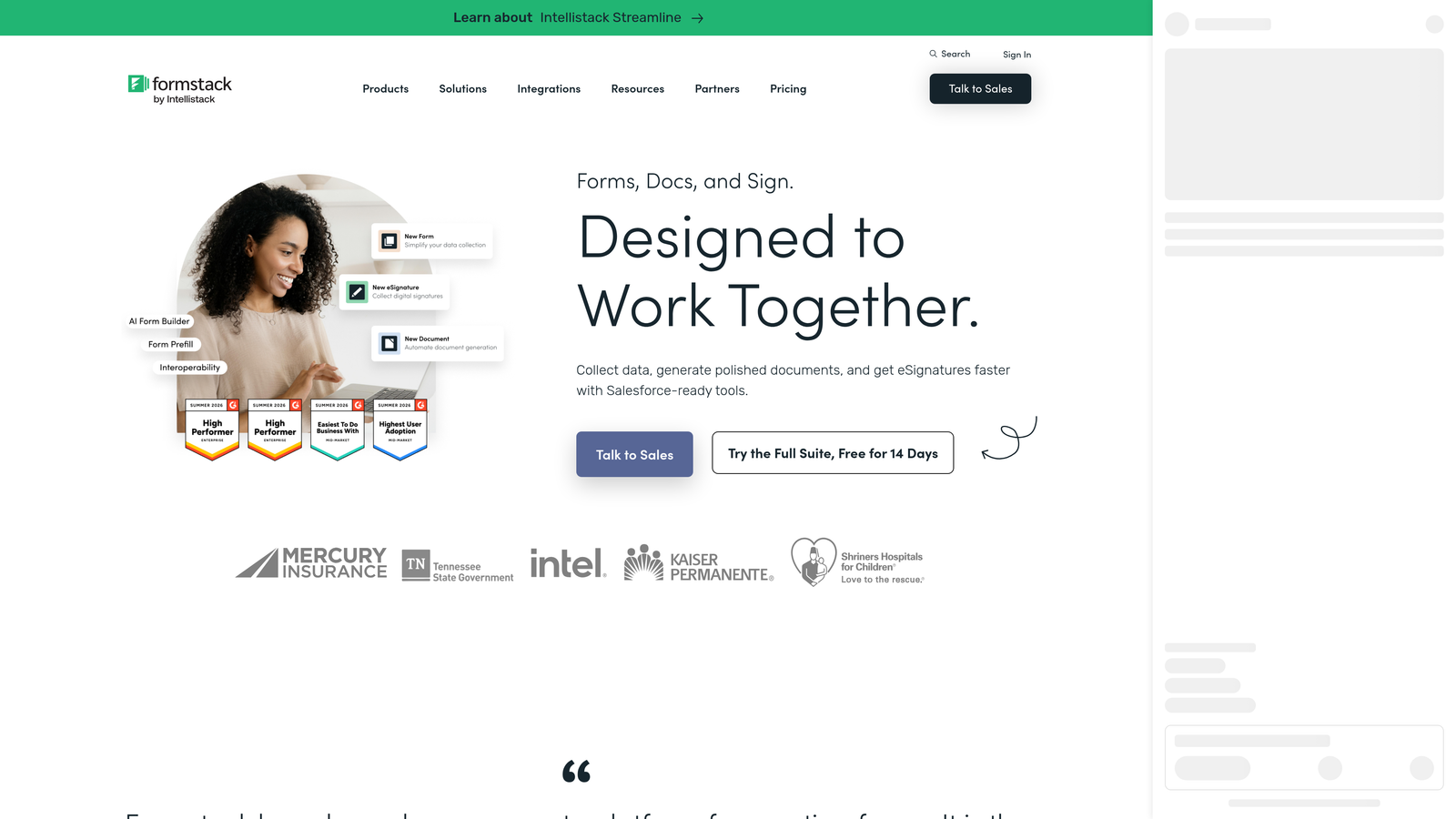
Formstack is an enterprise form and workflow platform built for organizations that need conditional data routing, multi-step approvals, and regulatory compliance alongside their submission management.
Where This Tool Shines
Formstack operates at a different level of complexity than most form builders on this list. Its conditional routing rules can send submissions to entirely different destinations based on field values, and its multi-step approval workflows are built for regulated or high-stakes processes where a single approval gate isn't enough.
For enterprise teams using Salesforce as their primary CRM, Formstack's deep native integration is a genuine differentiator. Data flows cleanly into Salesforce objects, and filtering logic can align with existing CRM workflows rather than working around them. The tradeoff is cost and setup complexity — this isn't a tool you spin up in an afternoon.
Key Features
Conditional routing rules: Send submissions to different destinations, teams, or systems based on specific field values, enabling granular post-submission filtering.
Multi-step approval workflows: Build sequential review processes for submissions that require sign-off from multiple stakeholders before CRM entry.
HIPAA-compliant data handling: An available compliance option makes Formstack viable for healthcare organizations and other regulated industries.
Deep Salesforce integration: Enterprise-grade CRM connectivity supports complex filtering and routing aligned with existing Salesforce workflows.
Document generation and e-signature: Extended capabilities beyond form filtering for teams managing end-to-end document workflows.
Best For
Formstack is best suited for enterprise teams, regulated industries, and organizations already invested in Salesforce that need compliance-grade submission management. It's overkill for most SMBs and early-stage teams, but a strong fit when compliance and workflow complexity are genuine requirements.
Pricing
Formstack is positioned at a higher price point than most consumer-facing form tools. Current pricing for team and enterprise plans is available at formstack.com.
5. Paperform
Best for: Small to mid-size teams that want flexible post-submission logic, basic lead scoring, and clean document-style form design.
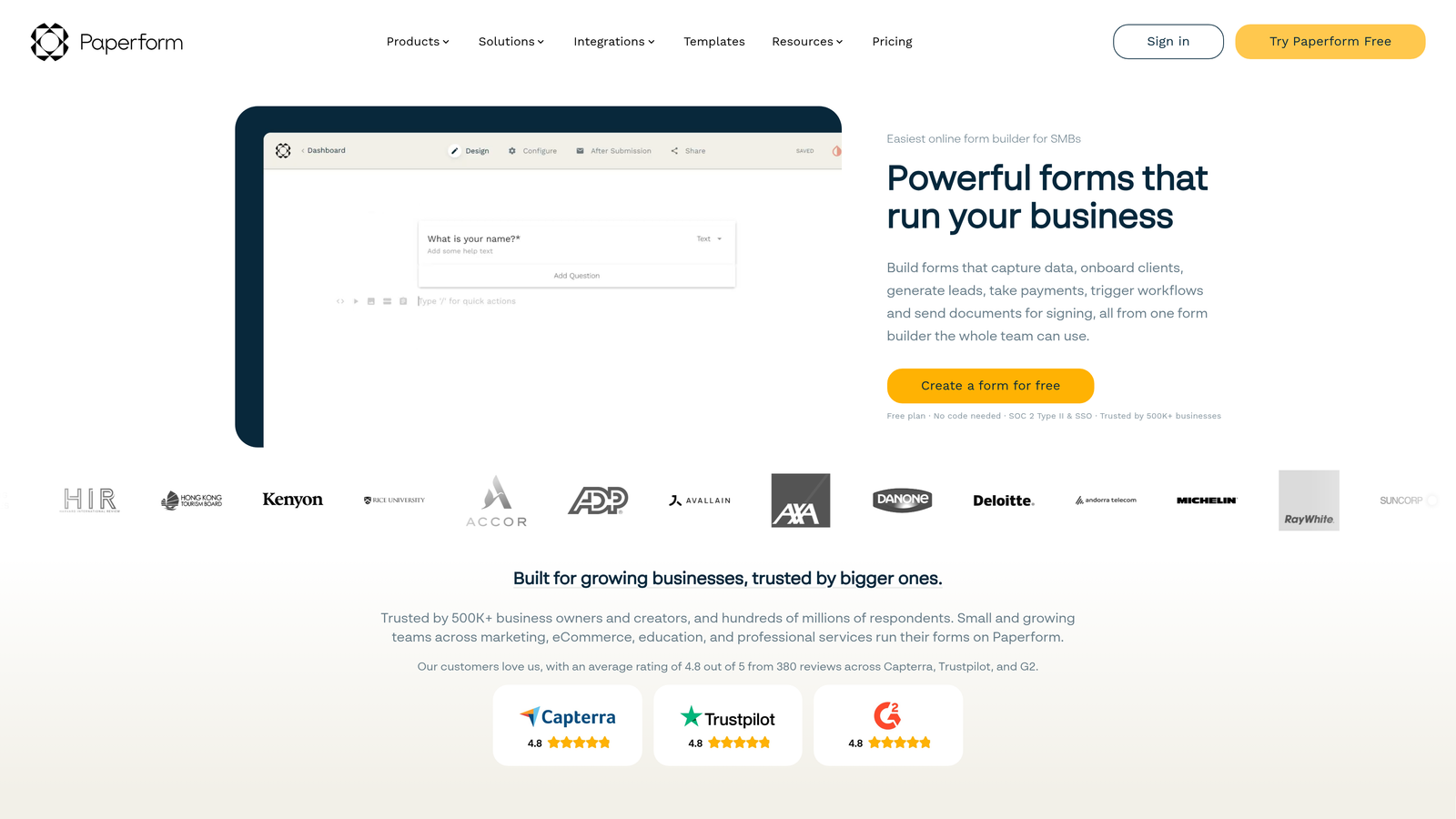
Paperform is a flexible form builder with strong post-submission logic, including conditional success pages, smart redirects, and scoring fields that enable lightweight lead filtering.
Where This Tool Shines
Paperform's approach to filtering is creative. Rather than routing submissions within a CRM, it uses conditional success pages and redirects to filter where respondents land after submitting. A high-quality lead gets a booking page. A low-quality lead gets a different message or resource. It's a simple mechanism, but it works well for teams that want to segment respondents without complex backend automation.
Its calculation and scoring fields add another layer. Teams can build basic lead scoring directly into the form logic, assigning point values to specific answers and using the total score to trigger different outcomes. It's not AI-based, but for teams with well-defined qualification criteria, it's a practical and low-overhead approach.
Key Features
Conditional success pages: Redirect respondents to different pages or messages based on their answers, filtering where leads land after submission.
Calculation and scoring fields: Assign values to answers and use cumulative scores to drive conditional logic and basic lead qualification.
Smart sections: Show or hide entire content blocks based on prior answers, enabling dynamic form flows without complex branching trees.
Marketing integrations: Connects with HubSpot, Mailchimp, Zapier, and other tools for downstream routing and nurture workflows.
Document-style design: Long-form, clean layout with strong customization options that suits content-heavy or proposal-style forms.
Best For
Paperform suits small to mid-size teams, consultants, and agencies that want more flexibility than a basic form builder but don't need enterprise-grade workflows. The scoring field feature makes it particularly useful for teams with clearly defined qualification criteria they can manually encode.
Pricing
Paperform offers paid plans only, with no permanent free tier. Current pricing is available at paperform.co.
6. Tally
Best for: Budget-conscious teams and early-stage startups that need basic conditional logic and a generous free tier without complexity.
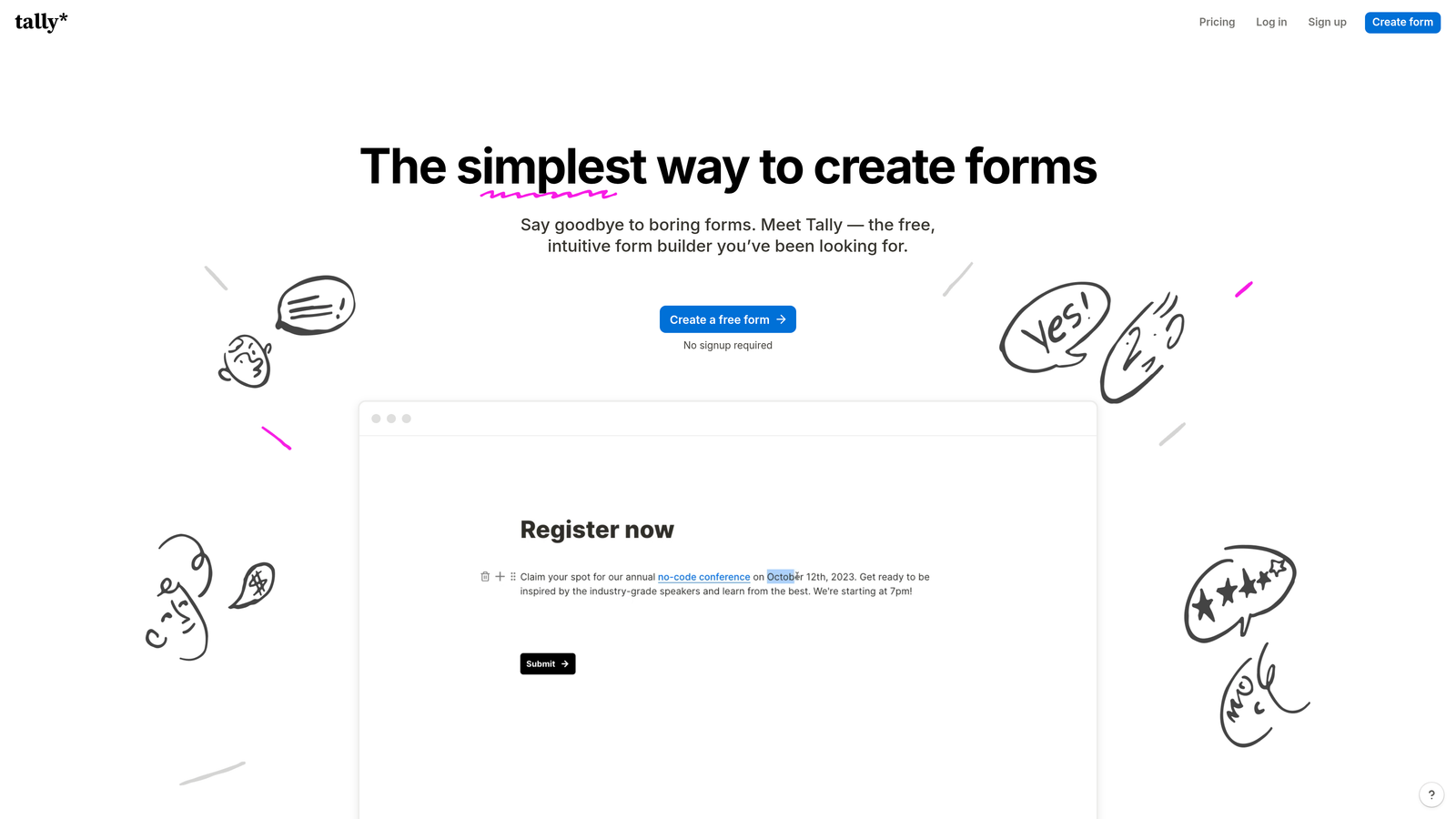
Tally is a free-first form builder with a Notion-like block editor and conditional logic that provides basic submission filtering for teams watching their spend.
Where This Tool Shines
Tally's biggest strength is accessibility. Its free tier is genuinely generous compared to most competitors, with no submission limits on basic plans and a clean, intuitive editor that makes building forms fast. For early-stage teams or those with simple filtering needs, it removes the cost barrier entirely.
The conditional logic lets you branch respondents based on answers or end the form early, which covers the most fundamental filtering use case. Zapier integration extends this into basic downstream automation. That said, Tally's filtering capabilities are limited compared to every other tool on this list. There are no approval workflows, no native scoring fields, and no AI-based qualification. It's a starting point, not a complete solution.
Generous free tier: No submission limits on basic plans, making it one of the most accessible free options in the market.
Notion-style block editor: Familiar drag-and-drop interface that makes form building fast and intuitive for non-technical users.
Zapier integration: Connect to downstream tools for basic automated filtering and routing beyond what the native platform supports.
Clean embed options: Minimal, distraction-free design that embeds cleanly into websites and landing pages.
Best For
Tally is the right pick for early-stage startups, solo operators, and teams with basic qualification needs and tight budgets. If your filtering requirements grow beyond simple conditional branching, you'll likely outgrow it quickly, but as a no-cost starting point it's hard to beat.
Pricing
A free tier is available with no submission limits on basic plans. A Pro plan with additional features is available at published rates on tally.so.
Which Tool Is Right for Your Team?
The right form submission filtering tool depends entirely on where in the stack you need filtering to happen and how sophisticated that filtering needs to be.
If you need AI-driven qualification built into the form experience itself, Orbit AI is the clear choice. It's the only tool on this list that operates at the intelligence layer, qualifying leads conversationally in real time rather than routing raw submissions for someone else to sort out later.
For teams that want polished conversational UX with rule-based logic, Typeform is a strong option. If you need manual approval workflows and robust spam filtering, Jotform delivers the most comprehensive rule-based setup. Enterprise teams with compliance requirements and Salesforce dependencies will find Formstack built for their scale. Paperform is a smart middle-ground pick for teams that want to encode their own scoring logic without heavy overhead. And Tally is the right starting point when budget is the primary constraint.
The underlying principle across all of them: the earlier in the submission process you filter, the less cleanup you do downstream. Tools that qualify at the form layer save the most time overall.
Ready to stop sorting through unqualified submissions and start building forms that do the qualification work for you? Start building free forms today and see how AI-powered lead qualification can transform your pipeline from the very first touchpoint.


