

The application form is often the first real interaction a prospective student has with your program. Whether you're running admissions for a graduate school, managing enrollments for an online bootcamp, or screening applicants for a competitive fellowship, that first impression matters more than most teams realize. A frustrating, clunky form doesn't just create friction: it sends applicants straight to a competitor.
The good news is that modern form builders have come a long way from basic HTML fields and PDF attachments. Today's tools offer conditional logic, file uploads, collaborative review workflows, and even AI-powered applicant screening. The challenge is finding the right fit for your program's specific needs.
We evaluated dozens of options based on five core criteria: conditional logic for routing different applicant types, file upload support for documents and portfolios, integration with student management systems, collaborative review capabilities, and ease of use for non-technical admissions teams. Here are the top tools worth considering right now.
1. Orbit AI
Best for: Educational programs that want AI-powered applicant screening built directly into the form experience.
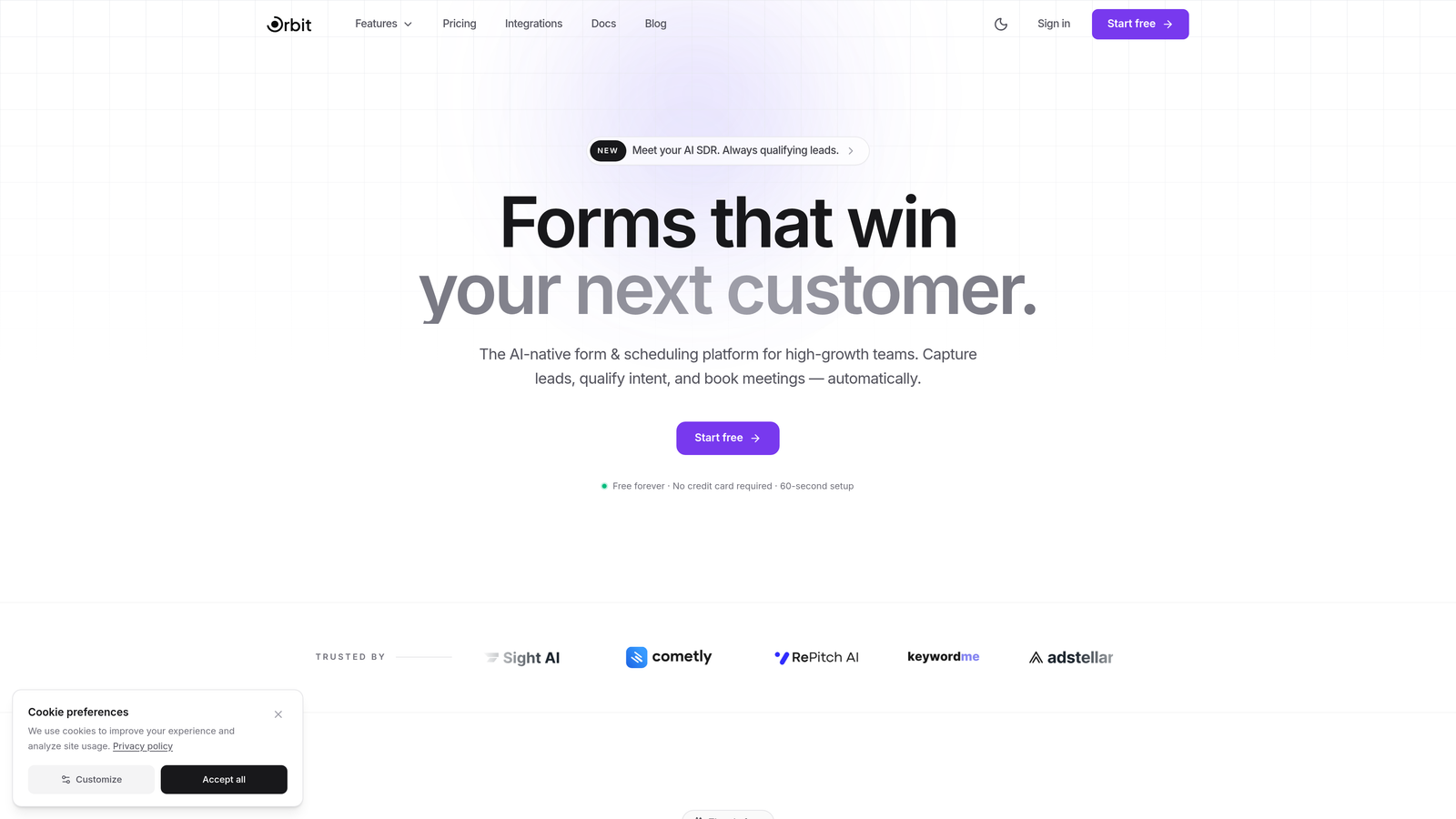
Orbit AI is a modern, AI-powered form builder designed to help programs collect better applications and automatically prioritize the most qualified candidates.
Where This Tool Shines
What separates Orbit AI from general-purpose form builders is its built-in applicant qualification layer. Rather than collecting responses and manually sorting through them later, Orbit AI scores and routes applicants automatically based on their answers. For admissions teams reviewing hundreds of applications, this can dramatically reduce the time spent on initial screening.
The forms themselves are built for high completion rates. The design is clean and conversion-optimized, which matters in educational contexts where applicants may abandon a form mid-way if it feels overwhelming or outdated. If your program is competing for top candidates, a polished, frictionless application experience is a genuine advantage.
Key Features
AI-Powered Applicant Qualification: Automatically scores and routes applicant responses so your team can focus on the most promising candidates first.
Dynamic Conditional Logic: Adapts the form experience in real time based on how applicants answer, creating personalized paths for different program tracks or eligibility scenarios.
Conversion-Optimized Form Design: Modern, visually polished templates built to maximize completion rates, even for longer application forms.
File Upload Support: Accepts transcripts, portfolios, writing samples, and other supporting documents directly within the form.
CRM and Workflow Integrations: Connects to student management systems and tools like Zapier to keep your data flowing where it needs to go.
Best For
Orbit AI is a strong fit for growing educational programs, online course providers, and fellowship organizations that want to modernize their application process and reduce manual review burden. It's particularly valuable for teams that receive high application volumes and need smarter triage tools without adding headcount.
Pricing
Free plan available for getting started. Paid plans begin at an accessible tier for growing programs. Visit orbitforms.ai for current pricing details.
2. Typeform
Best for: Programs that want a conversational, low-friction application experience that keeps candidates engaged.
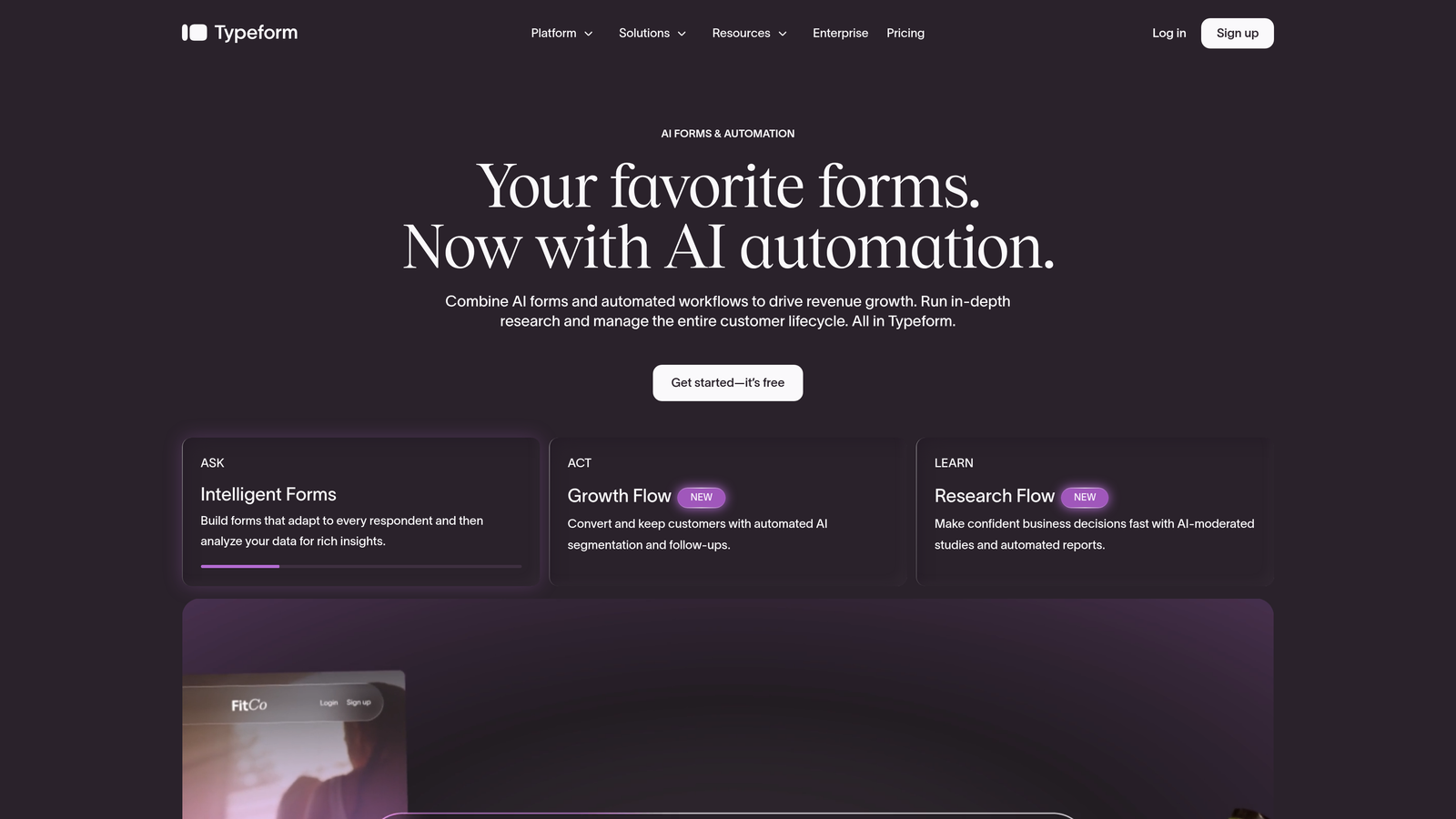
Typeform is a conversational form builder known for its one-question-at-a-time format that reduces applicant overwhelm.
Where This Tool Shines
Typeform's signature approach presents one question at a time, which makes even longer applications feel manageable. For programs collecting essays, background information, and program preferences, this format can meaningfully improve completion rates compared to a traditional multi-field page layout.
The logic jump system is robust enough for most educational use cases. You can branch applicants into different question paths based on their program of interest, degree level, or eligibility answers, without needing any technical expertise to set it up.
Key Features
Conversational One-Question Interface: Presents fields one at a time, reducing cognitive load and keeping applicants moving through the form.
Logic Jumps and Branching: Routes applicants through personalized question paths based on their responses.
File Upload Fields: Accepts documents, portfolios, and media files from applicants.
Integration Ecosystem: Connects with Zapier, HubSpot, Google Sheets, and hundreds of other tools for downstream processing.
Brand Theming: Customizable design to match your institution's visual identity.
Best For
Typeform works well for programs prioritizing applicant experience and completion rates, particularly online courses, bootcamps, and smaller graduate programs. It's less suited for institutions that need built-in collaborative review or complex multi-stage evaluation workflows.
Pricing
Free plan available with limited features and submissions. Basic plan starts at $25/month. Higher tiers unlock more responses and advanced logic features.
3. Jotform
Best for: Programs that want a wide template library and built-in payment processing for application fees.
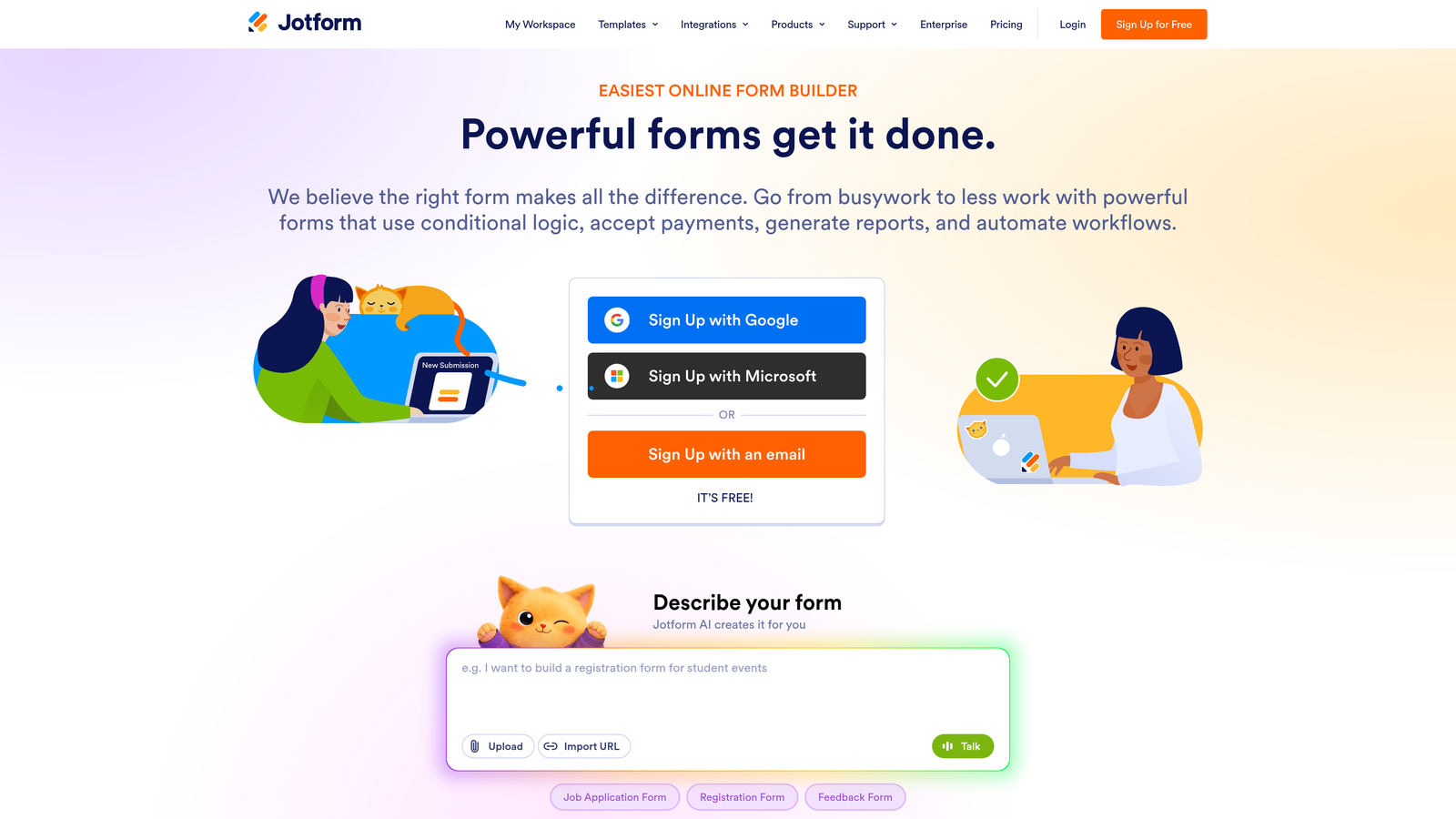
Jotform is a feature-rich form builder with one of the largest template libraries available, including many education-specific application forms ready to customize.
Where This Tool Shines
Jotform's depth is its biggest strength. With over 10,000 templates and more than 100 field types, you can build almost any application form imaginable without starting from scratch. Education-specific templates cover everything from undergraduate admissions to scholarship applications to program enrollment forms.
The built-in payment processing is a practical advantage for programs that charge application fees. Rather than routing applicants through a separate payment step, you can collect fees directly within the form, reducing drop-off at that critical final stage.
Key Features
Extensive Template Library: Over 10,000 templates including a dedicated collection of education application forms.
Drag-and-Drop Builder: Intuitive editor with 100+ field types for collecting any information your program requires.
Built-In Payment Processing: Collect application fees directly within the form via major payment processors.
PDF Autoresponder: Automatically generates confirmation documents and sends them to applicants upon submission.
HIPAA Compliance Option: Available for programs that handle sensitive health or personal data.
Best For
Jotform suits programs that want a ready-to-go solution with minimal setup time. It's particularly strong for institutions charging application fees or needing automated confirmation documents. The free tier is genuinely useful for small programs with low submission volumes.
Pricing
Free plan covers 5 forms and 100 submissions per month. Bronze plan starts at $34/month for higher limits. Enterprise pricing available for large institutions.
4. Google Forms
Best for: Small programs, community educators, and institutions running on tight budgets who need a reliable, zero-cost solution.
Google Forms is a completely free form builder that integrates natively with Google Workspace tools most educational institutions already use.
Where This Tool Shines
The price point is impossible to argue with: Google Forms is entirely free, with no submission limits and no hidden tiers. For a small continuing education program or a community college running a single enrollment form, it does the job without requiring any budget approval or vendor procurement process.
The Google Sheets integration is genuinely useful for admissions teams that are already comfortable working in spreadsheets. Every submission lands automatically in a spreadsheet, where the team can sort, filter, and collaborate in real time without any additional setup.
Key Features
Completely Free: No submission limits, no paid tiers required, included with any Google account.
Google Sheets Integration: All responses automatically populate a connected spreadsheet for easy review and sorting.
File Upload Fields: Applicants can upload documents directly, stored in connected Google Drive.
Section Branching: Basic conditional logic to route applicants through different sections based on their answers.
Real-Time Collaboration: Multiple admissions team members can view and manage responses simultaneously.
Best For
Google Forms is the right choice for programs with limited budgets, low application volumes, or straightforward information needs. It's not the right fit for programs needing sophisticated conditional logic, applicant portals, or multi-stage review workflows.
Pricing
Completely free with any Google account. Google Workspace for Education plans offer additional administrative features for institutions.
5. Submittable
Best for: Fellowship programs, grant organizations, and institutions with multi-stage review processes and scoring committees.
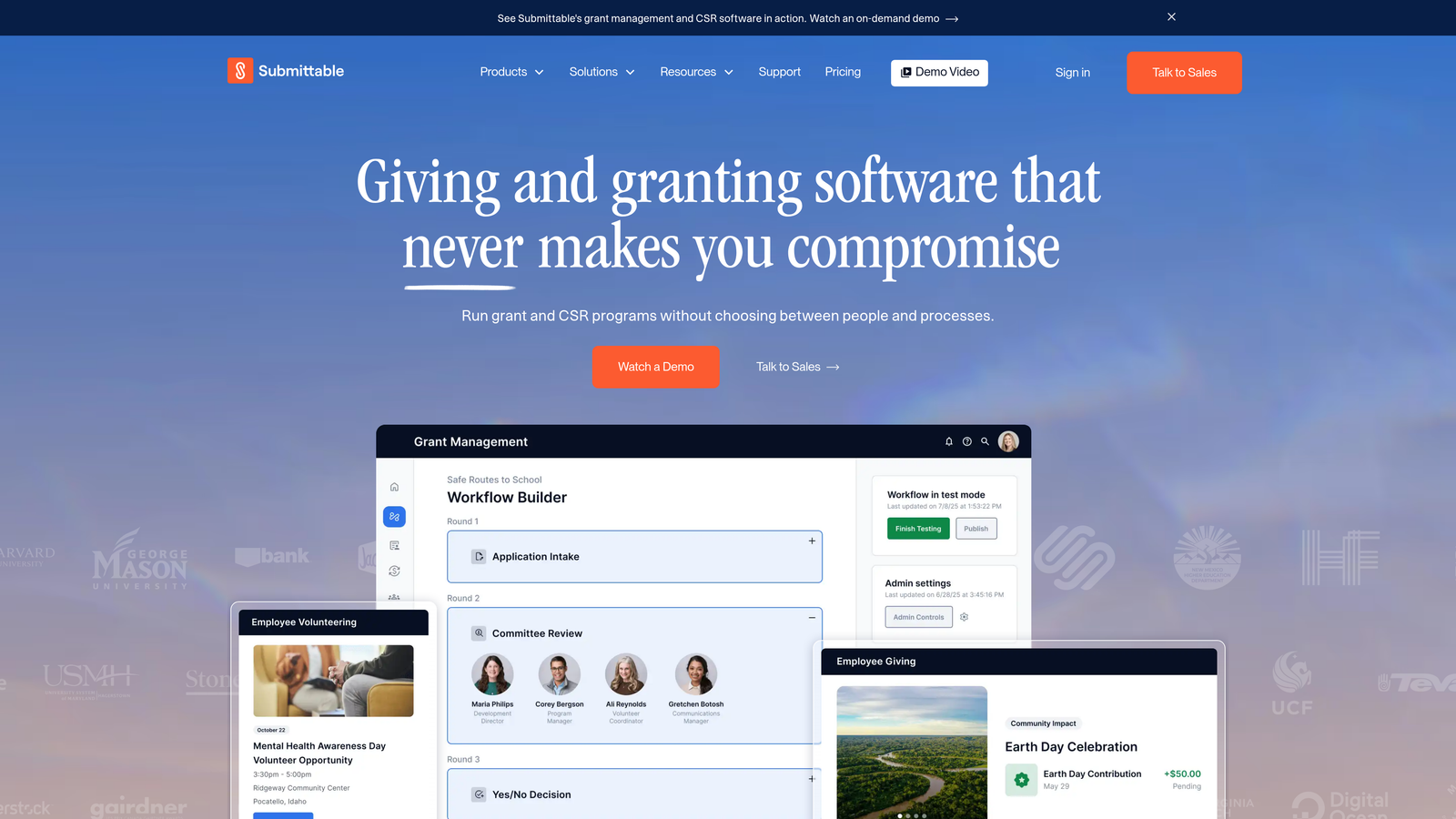
Submittable is a purpose-built application management platform designed from the ground up for programs that need structured review workflows, not just form collection.
Where This Tool Shines
Submittable goes well beyond form building. It's a complete application management system with reviewer assignment, scoring rubrics, blind review options, and applicant communication tools built into a single platform. For programs with formal evaluation committees, this eliminates the need to cobble together separate tools for collection, review, and communication.
The platform is particularly strong for grant and fellowship programs that deal with institutional compliance requirements. The reporting dashboards give program administrators visibility into the full application pipeline, from submission through final decision.
Key Features
Multi-Stage Review Workflows: Build custom evaluation pipelines with multiple review rounds and decision stages.
Scoring Rubrics and Blind Review: Assign reviewers, set scoring criteria, and anonymize applications to reduce bias.
Built-In Applicant Communication: Message applicants directly from the platform without switching to email.
Pipeline Reporting Dashboards: Track application volume, review progress, and decision metrics in one view.
Compliance Features: Designed to meet requirements for institutional grants, fellowships, and regulated programs.
Best For
Submittable is the go-to for fellowship programs, arts grants, institutional scholarships, and any program with a formal multi-reviewer evaluation process. It's overkill for simple enrollment forms but genuinely powerful for complex admissions workflows.
Pricing
Custom pricing based on program size and volume. Plans typically start in the mid-hundreds per month. Contact Submittable directly for a quote based on your program's needs.
6. SurveyMonkey Apply
Best for: Structured programs that need applicant portals, deadline management, and robust reporting on applicant demographics.
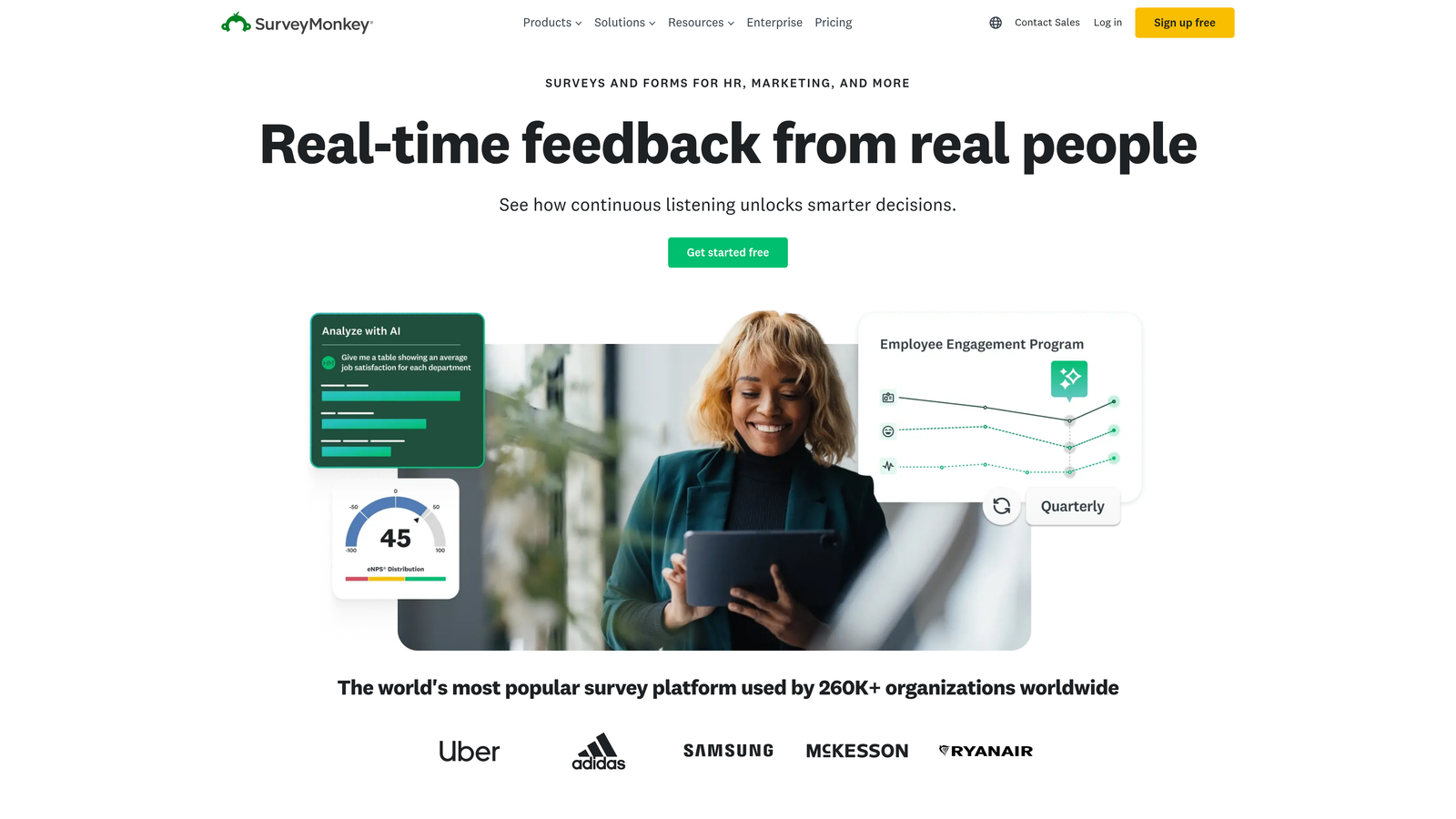
SurveyMonkey Apply is an application management tool built on the SurveyMonkey platform, focused on programs with strong reporting and applicant tracking needs.
Where This Tool Shines
SurveyMonkey Apply brings enterprise-grade structure to the application process. Applicants get their own portal where they can track the status of their submission, which reduces the volume of "where is my application?" emails that admissions teams typically field. The deadline management tools keep multi-cohort programs organized across different application windows.
The analytics capabilities are a standout feature. Program administrators can pull detailed reports on applicant demographics, completion rates, and review outcomes, which is valuable for both program improvement and institutional reporting requirements.
Key Features
Applicant Status Portals: Configurable portals where applicants can log in and track their application progress.
Deadline Management: Built-in tools for managing application windows and deadlines across multiple programs.
Reviewer Portals with Scoring: Dedicated reviewer interfaces with commenting and scoring capabilities.
Robust Analytics and Reporting: Detailed dashboards on applicant demographics, pipeline metrics, and review outcomes.
Multi-Program Management: Manage multiple programs or cohorts from a single administrative dashboard.
Best For
SurveyMonkey Apply suits mid-to-large educational institutions running multiple programs simultaneously, particularly those with reporting obligations to boards, accreditors, or funders. It's well-suited for programs where applicant self-service and transparency matter.
Pricing
Custom pricing based on program size and feature needs. Contact SurveyMonkey Apply's sales team for a quote tailored to your institution.
7. Cognito Forms
Best for: Budget-conscious programs that need advanced conditional logic, calculation fields, and payment processing without a high price tag.
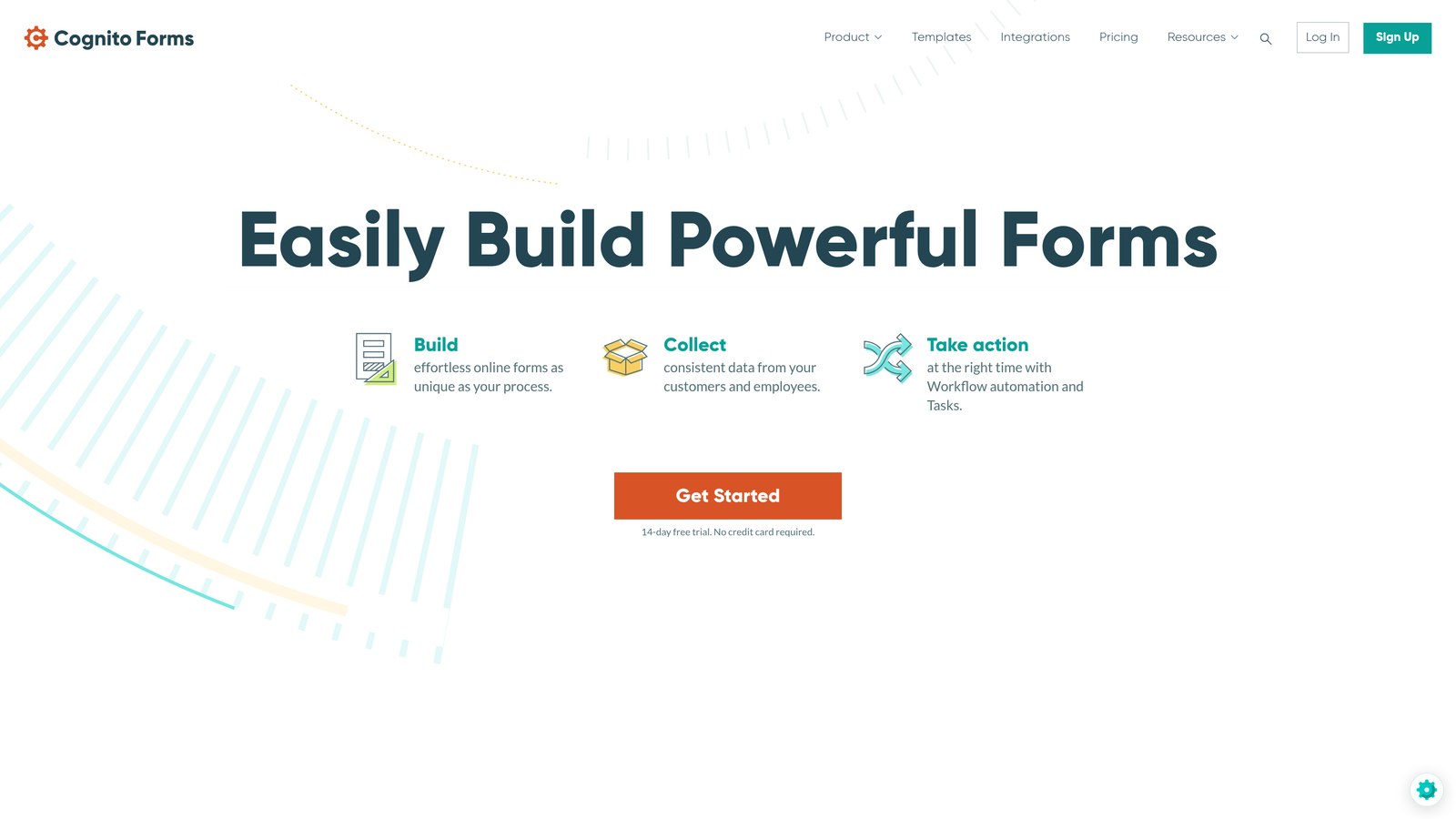
Cognito Forms is a budget-friendly form builder with surprisingly sophisticated logic and data handling capabilities relative to its price point.
Where This Tool Shines
Cognito Forms punches above its weight on conditional logic. The calculation fields are particularly useful for educational applications where you need to automatically compute scores, check eligibility criteria, or calculate application fee amounts based on applicant responses. Most tools at this price point don't offer this level of logic depth.
The repeating sections feature is a practical advantage for application forms that need to collect variable amounts of information, such as multiple references, previous degrees, or work experience entries. Applicants can add as many rows as they need without the form requiring a fixed number of fields.
Key Features
Advanced Conditional Logic and Calculations: Build complex rules, eligibility checks, and automatic calculations directly within the form.
Repeating Sections: Allow applicants to add multiple entries for references, experiences, or qualifications dynamically.
Payment Processing: Accepts application fees via Stripe, Square, and PayPal.
Electronic Signatures: Collect consent signatures and agreement acknowledgments within the form.
Data Encryption and Compliance: Security features appropriate for handling sensitive applicant information.
Best For
Cognito Forms is a strong choice for programs that need more logic sophistication than basic form builders offer but aren't ready to invest in enterprise platforms. It's particularly useful for programs collecting application fees and needing electronic consent forms.
Pricing
Free plan includes unlimited forms and 500 entries per month. Pro plan starts at $15/month. A genuinely strong value for the feature set offered.
8. Formstack
Best for: Large institutions with complex, multi-department admissions processes that require compliance, document generation, and deep CRM integration.
Formstack is an enterprise-grade form and workflow platform built for organizations that need more than just data collection.
Where This Tool Shines
Formstack's strength is in what happens after the form is submitted. Its workflow automation can route applications through multi-step approval chains, trigger document generation (acceptance letters, enrollment confirmations), and collect e-signatures on agreements, all within a single connected platform. For large institutions managing dozens of programs across multiple departments, this kind of end-to-end workflow management is genuinely valuable.
The compliance capabilities are also a differentiator. Formstack supports HIPAA, GDPR, and FERPA compliance, which is essential for US institutions handling student records data. The Salesforce-native integration is a major advantage for institutions already running Salesforce as their CRM.
Key Features
Workflow Automation: Routes submitted applications through configurable multi-step approval and review chains.
Document Generation: Automatically creates acceptance letters, confirmations, and enrollment documents from form data.
E-Signature Integration: Collects legally binding signatures on enrollment agreements and consent forms.
HIPAA, GDPR, and FERPA Compliance: Built-in compliance capabilities for regulated educational data.
Salesforce-Native Integration: Deep, native integration for institutions using Salesforce as their student or constituent management system.
Best For
Formstack is designed for large universities, multi-campus institutions, and organizations with complex, compliance-sensitive admissions processes. It's a significant investment but delivers enterprise-level capability that justifies the cost at scale.
Pricing
Forms plan starts at $50/month. Full Suite pricing is available for organizations needing document generation and workflow automation together. Contact Formstack for enterprise quotes.
9. Paperform
Best for: Creative programs, arts schools, and institutions that want visually stunning, brand-forward application experiences.
Paperform is a form builder that functions more like a landing page creator, blending rich content with form fields on a single, beautifully designed page.
Where This Tool Shines
Paperform's free-form editor is genuinely different from most form builders. Instead of a structured field-by-field layout, you can intermix text, images, videos, and form fields anywhere on the page. For a creative program or arts school, this means your application form can also communicate your program's identity and culture, not just collect data.
The custom success pages are a nice touch for educational programs. Rather than a generic "thank you" message, you can build a rich confirmation experience that sets expectations, provides next steps, and reinforces the applicant's decision to apply.
Key Features
Free-Form Page Editor: Blend content, images, and form fields freely on a single page without rigid layout constraints.
Conditional Logic and Hidden Fields: Personalize the application experience based on applicant responses and pre-filled data.
Built-In Payment Processing: Collect application fees with a native payment integration.
Custom Success Pages: Build rich post-submission experiences with next steps, resources, and program information.
Zapier and Direct Integrations: Connect to popular tools for downstream processing and student management.
Best For
Paperform is the right fit for creative programs, design schools, performing arts institutes, and any educational program where visual brand expression matters as much as data collection. It's less suited for institutions that need collaborative review workflows or enterprise compliance features.
Pricing
Essentials plan starts at $24/month. Higher tiers unlock additional submissions, custom domains, and advanced features.
How to Choose the Right Application Form Builder for Your Program
The right tool depends almost entirely on your program's scale, complexity, and what happens after an application is submitted. Here's a practical breakdown by use case to help you make the call.
Small programs and budget-constrained teams: Start with Google Forms if you're working with zero budget and low volume. If you need more logic and polish without a significant investment, Cognito Forms at $15/month delivers remarkable capability for the price. Typeform is worth considering if applicant experience and completion rates are a priority.
Growing programs that want modern, conversion-optimized forms: Orbit AI is built specifically for this stage. The AI-powered qualification layer means your team spends less time on manual triage and more time engaging with your strongest candidates. The combination of smart screening and high-completion form design is hard to replicate by stitching together separate tools.
Enterprise institutions with complex workflows: Formstack and Submittable are the serious contenders here. Formstack wins when you need deep CRM integration, document generation, and compliance at scale. Submittable is the better fit when multi-stage committee review and applicant communication are the primary needs.
Fellowship and grant programs: Submittable was essentially built for this use case. Its blind review capabilities, scoring rubrics, and compliance features align directly with how formal grant and fellowship programs operate.
Creative and design-forward programs: Paperform gives you the visual flexibility to build an application experience that reflects your program's identity, not just a generic data collection form.
Whatever your program size, the trend moving into 2026 is clear: applicants expect a smooth, modern experience, and admissions teams are looking for tools that reduce manual work. If you're ready to modernize your application process with AI-powered screening built in, start building free forms today and see how intelligent form design can transform your applicant pipeline from the very first interaction.


