

Formstack has earned its reputation as a reliable, enterprise-grade form builder and workflow automation platform. After more than a decade in the market, it covers a broad range of use cases: data collection, document generation, electronic signatures, and more. For many teams, it gets the job done.
But "gets the job done" isn't always enough, especially for high-growth teams that need more from their forms than basic data capture. If you've been researching Formstack competitors, you're likely running into one or more familiar friction points: pricing that scales steeply as your usage grows, a design experience that feels dated compared to newer tools, a lack of native AI-powered features, or simply the realization that your forms aren't converting the way they should.
The good news is that the form builder market has matured significantly. A new generation of tools has emerged, each focused on solving specific problems rather than trying to be everything to everyone. Some prioritize conversational engagement. Others lead with visual design. A few are building AI-powered qualification directly into the form experience itself, which is increasingly important as high-growth teams shift focus from raw lead volume to lead quality.
When evaluating Formstack alternatives, the criteria that matter most for growth-focused teams typically include ease of use, form design quality, lead qualification capabilities, integration depth, pricing transparency, and how well the tool scales with your pipeline. The right choice depends on your team's specific workflow and growth goals.
Here's a breakdown of the seven best Formstack competitors worth considering in 2026, starting with the one built specifically for teams that want AI-powered lead qualification baked into every form they publish.
1. Orbit AI: AI-Powered Lead Qualification Built Into Every Form
The Challenge It Solves
Most form builders are passive data collectors. They capture information and hand it off to your CRM, leaving your sales team to manually sort through submissions and figure out which leads are actually worth pursuing. For high-growth teams running significant lead volume, that manual triage process is a serious bottleneck. Orbit AI was built to eliminate it.
The Strategy Explained
Orbit AI is an AI-powered form builder designed specifically for teams focused on conversion optimization and lead quality. Unlike traditional form builders that simply collect responses, Orbit AI applies native lead capture and qualification logic to incoming submissions, helping you identify your highest-value prospects automatically.
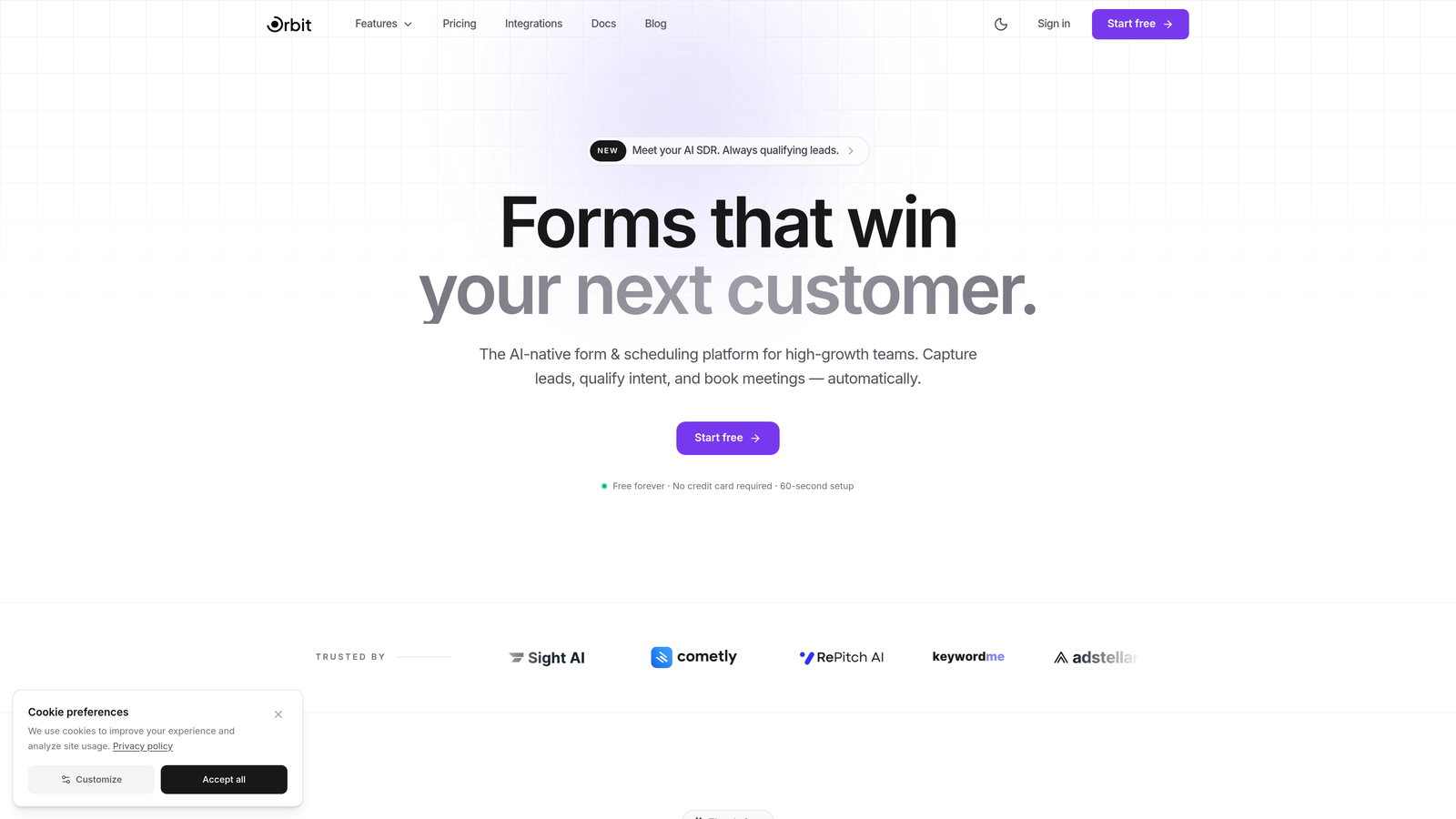
The platform combines beautiful, modern form design with intelligent qualification capabilities, so you're not choosing between a form that looks great and one that actually converts. High-growth teams can build forms that adapt to respondent behavior, surface qualified leads in real time, and feed cleaner, more actionable data into their sales pipeline.
This is the core differentiator that separates Orbit AI from every other tool on this list: the AI qualification layer isn't a bolt-on integration, it's native to the form experience itself.
Implementation Steps
1. Map your ideal customer profile criteria before building your form, so the qualification logic has clear parameters to work with.
2. Use Orbit AI's form builder to design a conversion-optimized form that captures the qualification signals your sales team actually needs.
3. Configure the AI lead qualification settings to automatically score and segment incoming submissions based on your defined criteria.
4. Connect your CRM or sales tool via integrations so qualified leads flow directly into the right pipeline stage without manual intervention.
5. Review qualification performance regularly and refine your form logic based on which lead signals correlate most strongly with closed deals.
Pro Tips
Don't try to qualify on every possible field. Start with three to five high-signal questions that genuinely predict fit and intent. Shorter forms with smarter qualification outperform long forms trying to capture everything. The goal is quality data, not exhaustive data.
2. Jotform: Template Depth and Deployment Speed for Diverse Teams
The Challenge It Solves
Some teams don't have a dedicated designer or developer available every time they need a new form. They need to move fast across a wide range of use cases: event registrations, feedback surveys, payment collection, HR onboarding, and more. Jotform addresses this by offering one of the most extensive template libraries in the market, making rapid deployment accessible to teams of any technical level.
The Strategy Explained
Jotform is one of the most established form builders in the market, publicly claiming over 25 million users on their website. Their platform covers an enormous range of use cases through a library of more than 10,000 templates, which means most teams can find a starting point that's already close to what they need.
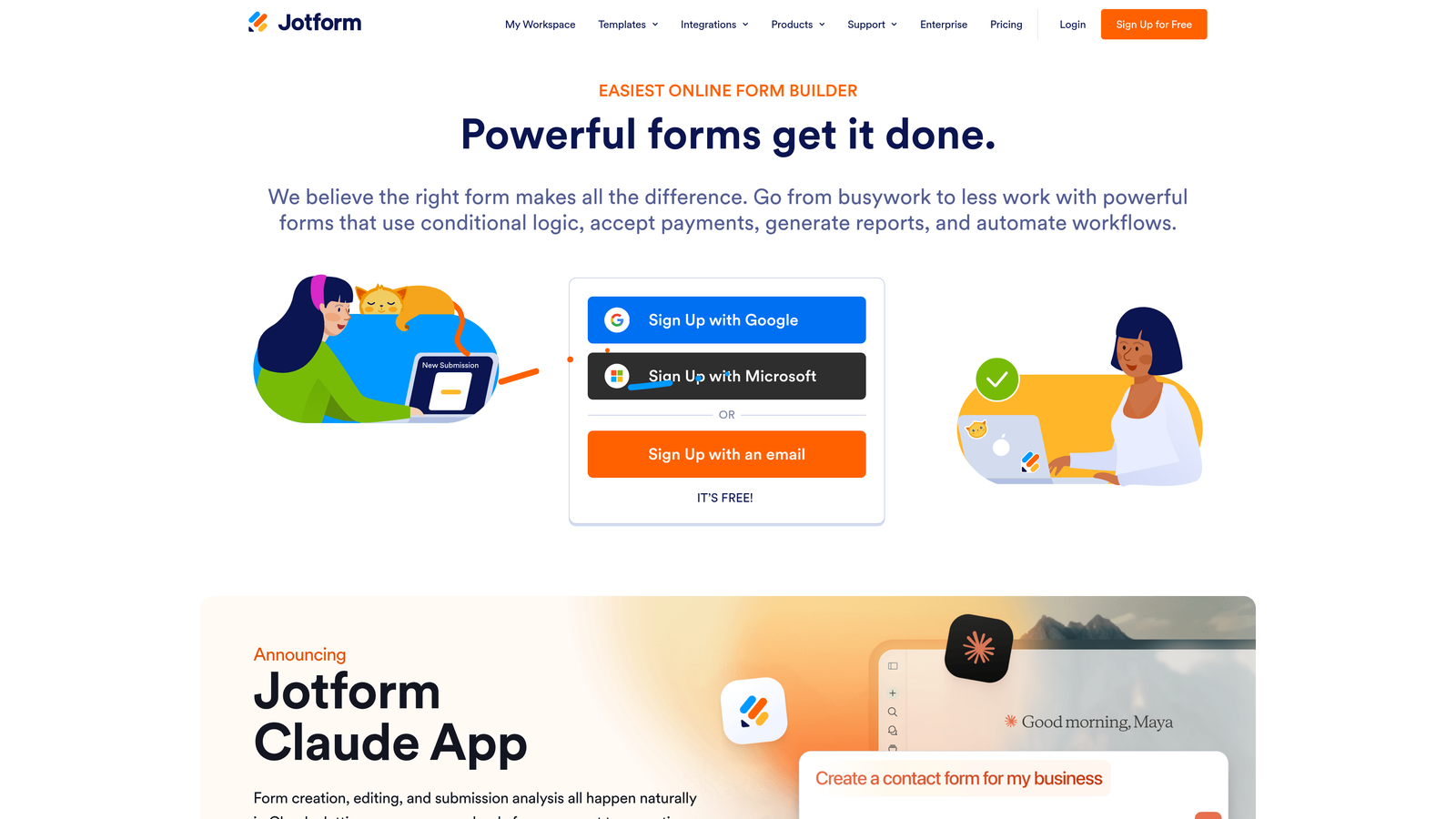
The drag-and-drop builder is approachable for non-technical users, and the platform supports payment processing, conditional logic, file uploads, and a wide range of third-party integrations. For teams that need to build and publish forms quickly without a lot of setup overhead, Jotform delivers.
Where Jotform has limitations for growth-focused teams is in native lead qualification and conversion optimization. It's a strong generalist tool, but it doesn't offer the AI-powered intelligence that teams prioritizing lead quality increasingly need.
Implementation Steps
1. Browse Jotform's template library filtered by your specific use case to find a starting point that minimizes build time.
2. Customize the template using the drag-and-drop editor, adding your branding, conditional logic, and any required fields.
3. Set up integrations with your CRM, email platform, or payment processor using Jotform's native integration options.
4. Test the form across devices before publishing, paying particular attention to mobile experience since a significant portion of form submissions come from mobile users.
Pro Tips
Jotform's free tier is genuinely useful for getting started, but be aware of submission limits as your volume grows. If you're running lead generation campaigns at scale, audit your monthly submission counts early so pricing surprises don't catch you mid-campaign.
3. Typeform: Conversational Forms That Drive Engagement
The Challenge It Solves
Traditional multi-field forms can feel overwhelming, especially on mobile. When respondents see a wall of questions, completion rates suffer. Typeform popularized the one-question-at-a-time conversational format as a solution to this problem, creating a form experience that feels more like a dialogue than a data entry exercise.
The Strategy Explained
Typeform's signature format presents one question at a time in a clean, full-screen layout. This approach tends to work well for surveys, quizzes, and simple lead capture scenarios where keeping respondents engaged through the full form is the primary challenge.
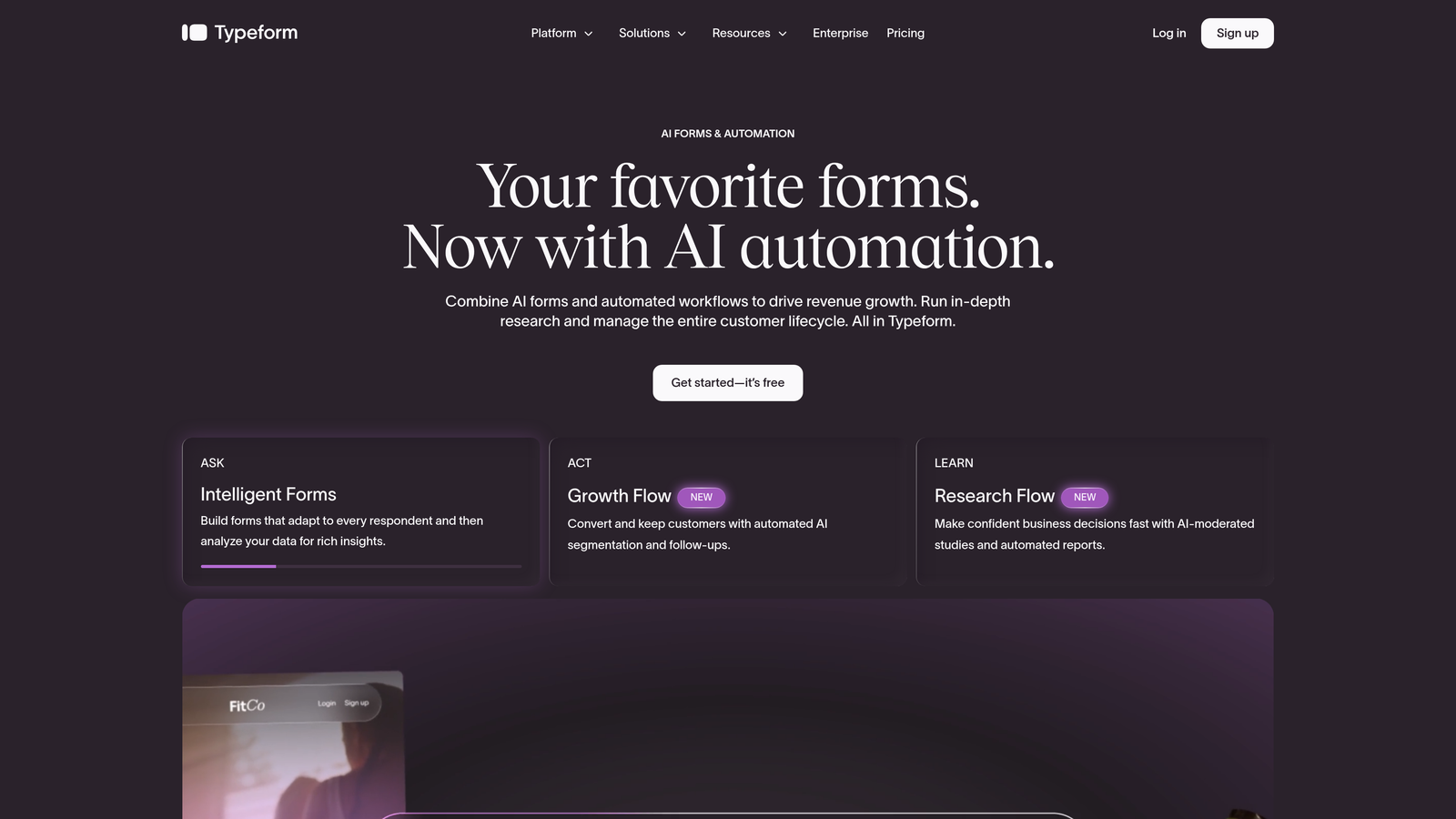
The platform offers strong design customization, logic jumps, and integrations with popular marketing and CRM tools. For teams running brand-forward campaigns or collecting survey data where response quality matters, Typeform's format can meaningfully improve the respondent experience. You can explore more options in our guide to Typeform alternatives for lead generation.
The tradeoff is that the conversational format isn't always the right fit. Complex qualification forms with many branching paths can become unwieldy in Typeform's one-at-a-time structure. And for teams that need deeper lead qualification intelligence, the platform's native capabilities are limited compared to AI-first tools.
Implementation Steps
1. Identify forms where engagement and completion rate are the primary problem, these are Typeform's strongest use cases.
2. Build your form using Typeform's logic jump feature to create personalized question paths based on previous answers.
3. Customize the visual theme to align with your brand, taking advantage of Typeform's strong design controls.
4. Connect Typeform to your CRM or email automation platform to ensure responses flow into your pipeline automatically.
Pro Tips
Typeform works best when kept concise. The conversational format amplifies engagement for shorter forms, but the experience can feel slow and drawn out if you're asking more than ten to twelve questions. If your qualification process requires depth, consider understanding the tradeoffs of balancing form length and conversion rate.
4. Cognito Forms: Budget-Friendly Power for Operations Teams
The Challenge It Solves
Not every team needs AI-powered qualification or premium design capabilities. Operations-focused teams often need robust form logic, calculation fields, and payment processing at a price point that doesn't require a significant budget commitment. Cognito Forms fills this gap by offering a feature set that competes with more expensive tools at a fraction of the cost.
The Strategy Explained
Cognito Forms is well-regarded in the form builder community for delivering serious functionality without the premium pricing. Their free tier includes features that many competitors reserve for paid plans, making it a strong starting point for teams that want to evaluate capabilities before committing. For a deeper comparison, see our breakdown of Cognito Forms vs alternatives.
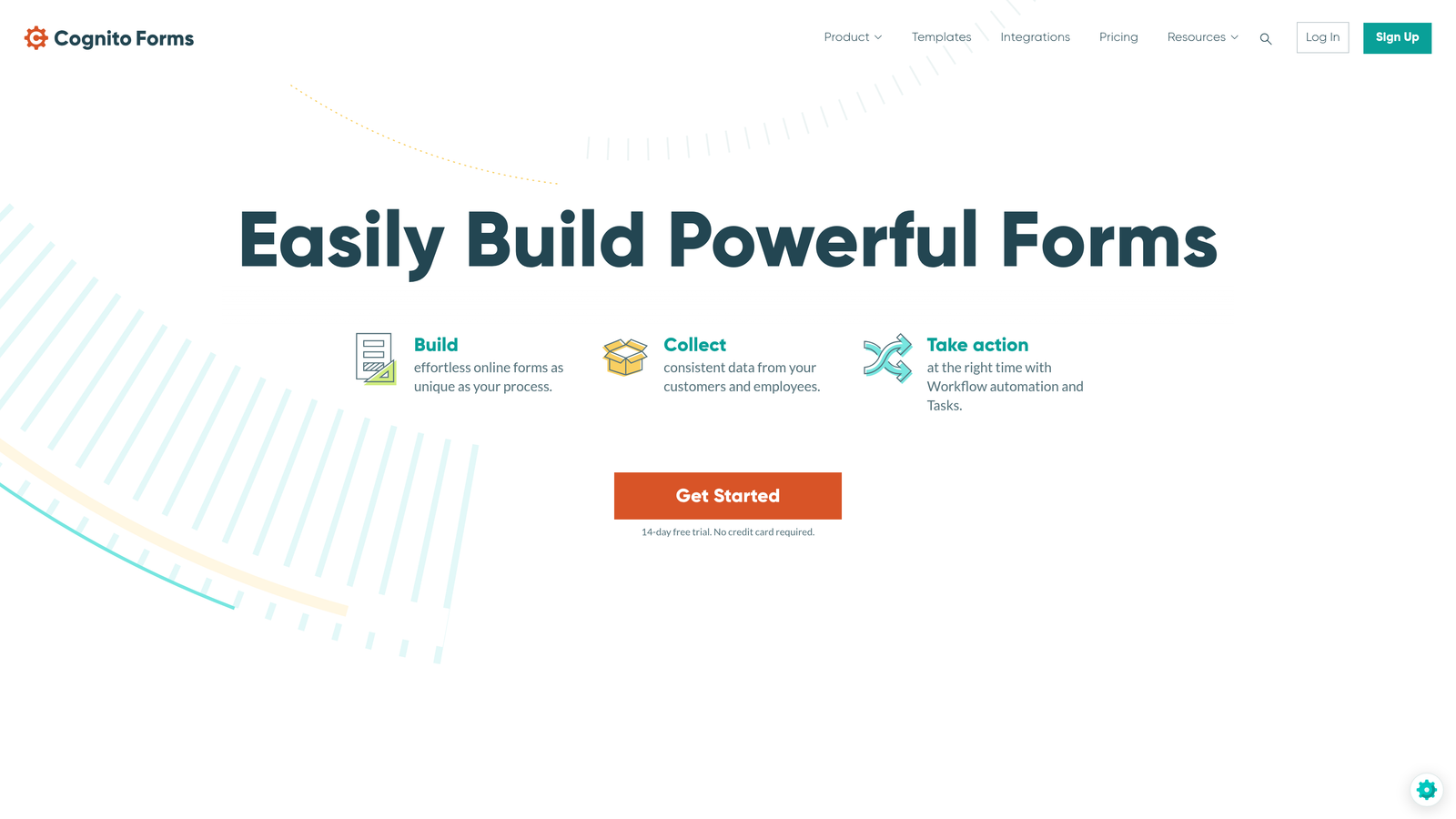
The platform shines in scenarios that require calculation fields, such as order forms with dynamic pricing, event registration with fee calculations, or internal request forms that generate cost estimates. Payment processing is built in, and conditional logic is both flexible and relatively easy to configure.
For pure operations use cases, Cognito Forms punches well above its price point. Where it falls short for growth teams is in modern design aesthetics and any kind of intelligent lead qualification. It's a workhorse tool, not a conversion optimization tool.
Implementation Steps
1. Identify your highest-complexity form use cases, particularly those involving calculations or conditional pricing, as these are where Cognito Forms delivers the most value.
2. Build your form using Cognito's calculation field logic, testing the formula outputs carefully before publishing.
3. Configure payment processing if needed, connecting to Stripe or PayPal through Cognito's built-in payment options.
4. Set up email notifications for form submissions and integrate with any downstream tools your operations team uses for processing requests.
Pro Tips
Cognito Forms is an excellent choice for internal operations workflows where visual design isn't a priority. But if these forms are customer-facing and part of your lead generation funnel, the design limitations may affect how prospects perceive your brand. Forms that look outdated and unprofessional can undermine trust before a prospect even submits.
5. Paperform: Landing Page Aesthetics Meet Form Functionality
The Challenge It Solves
Standard form builders produce forms that look like forms. For brands that invest in visual identity and want every touchpoint to feel cohesive and premium, that's a problem. Paperform addresses this by blending form functionality with landing page design capabilities, creating form experiences that feel like fully designed pages rather than embedded data-collection widgets.
The Strategy Explained
Paperform lets you build forms that incorporate rich text, images, videos, and brand design elements alongside your input fields. The result is a form experience that can double as a mini landing page, which is particularly useful for product launches, event registrations, and any scenario where you want to tell a story before asking someone to take action.
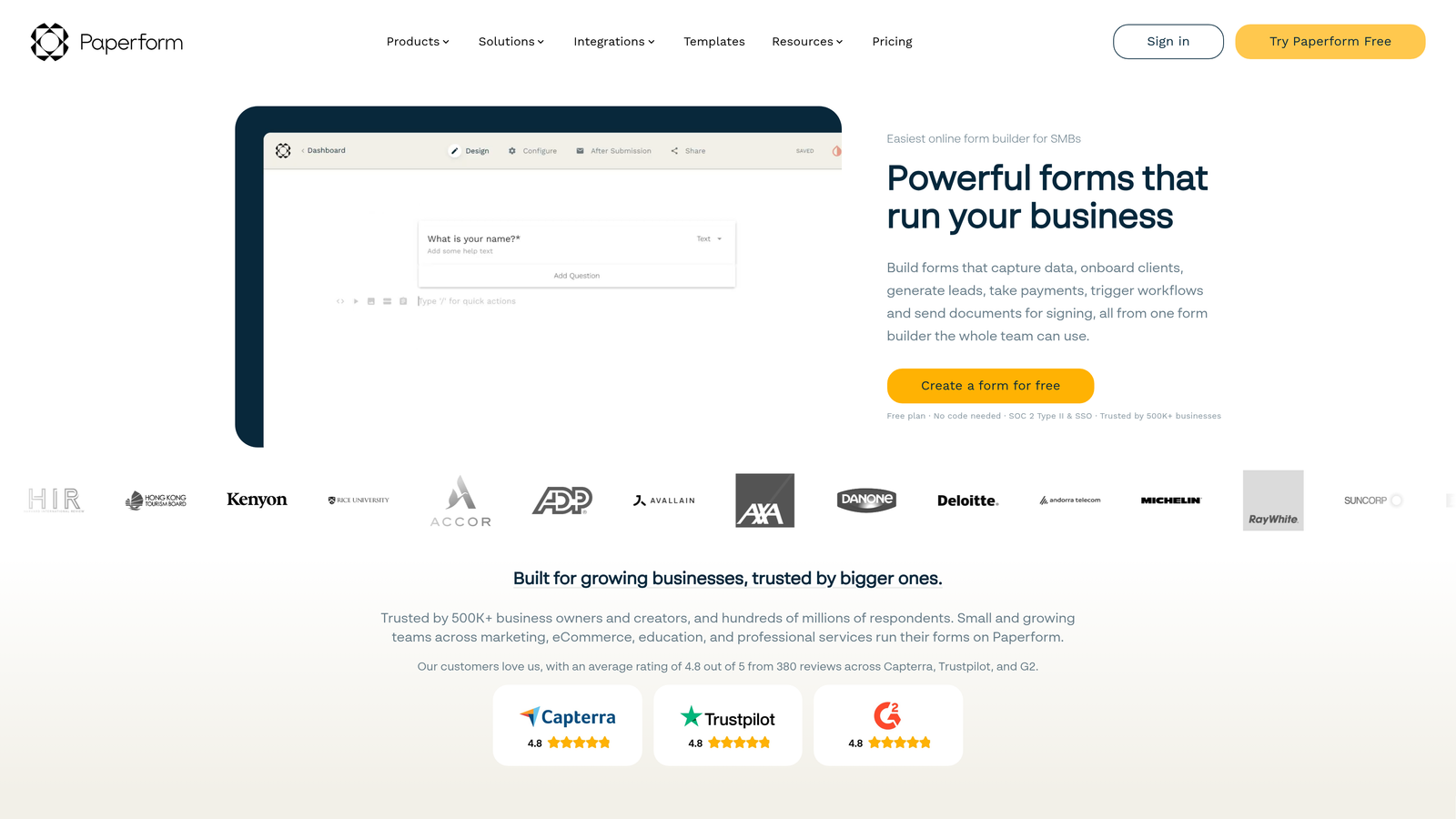
The platform supports payment processing, conditional logic, and a range of integrations. For teams that care deeply about brand presentation and want their forms to feel like an extension of their marketing rather than a separate utility, Paperform offers a level of design flexibility that most form builders don't match. If you're exploring this approach, our guide on high converting landing page forms covers key principles to apply.
The limitation for growth teams is similar to others on this list: Paperform doesn't offer native AI-powered lead qualification. It's a strong choice for brand-forward form experiences, but teams that need intelligent prospect scoring will need to look elsewhere or build qualification logic manually.
Implementation Steps
1. Define the narrative you want to tell before the form fields begin, since Paperform's strength is in combining content and form elements into a single cohesive experience.
2. Build your form using Paperform's editor, incorporating brand visuals, copy blocks, and media elements alongside your input fields.
3. Configure conditional logic to show or hide sections based on respondent answers, keeping the experience relevant and streamlined.
4. Connect Paperform to your CRM or marketing automation platform to ensure submissions are routed and followed up on appropriately.
Pro Tips
Paperform works best when the form itself is a destination, not just a step in a longer flow. If you're embedding a quick contact form on a page that already has strong design context, the added design complexity may not be necessary. Reserve Paperform for standalone form experiences where the visual immersion adds real value.
6. Google Forms: Free and Frictionless for Internal Use
The Challenge It Solves
Sometimes the right tool is the simplest one. For teams that need to collect internal data, run quick employee surveys, or gather feedback without any budget or setup overhead, Google Forms remains the most accessible option available. If your team already lives in Google Workspace, the integration is essentially zero-friction.
The Strategy Explained
Google Forms is free, requires no account setup beyond a Google account, and connects directly to Google Sheets for response collection. For internal use cases like team surveys, event sign-ups, feedback collection, and simple data gathering, it covers the basics without any complexity. Teams with more advanced needs may want to explore Google Forms alternatives for business use cases.
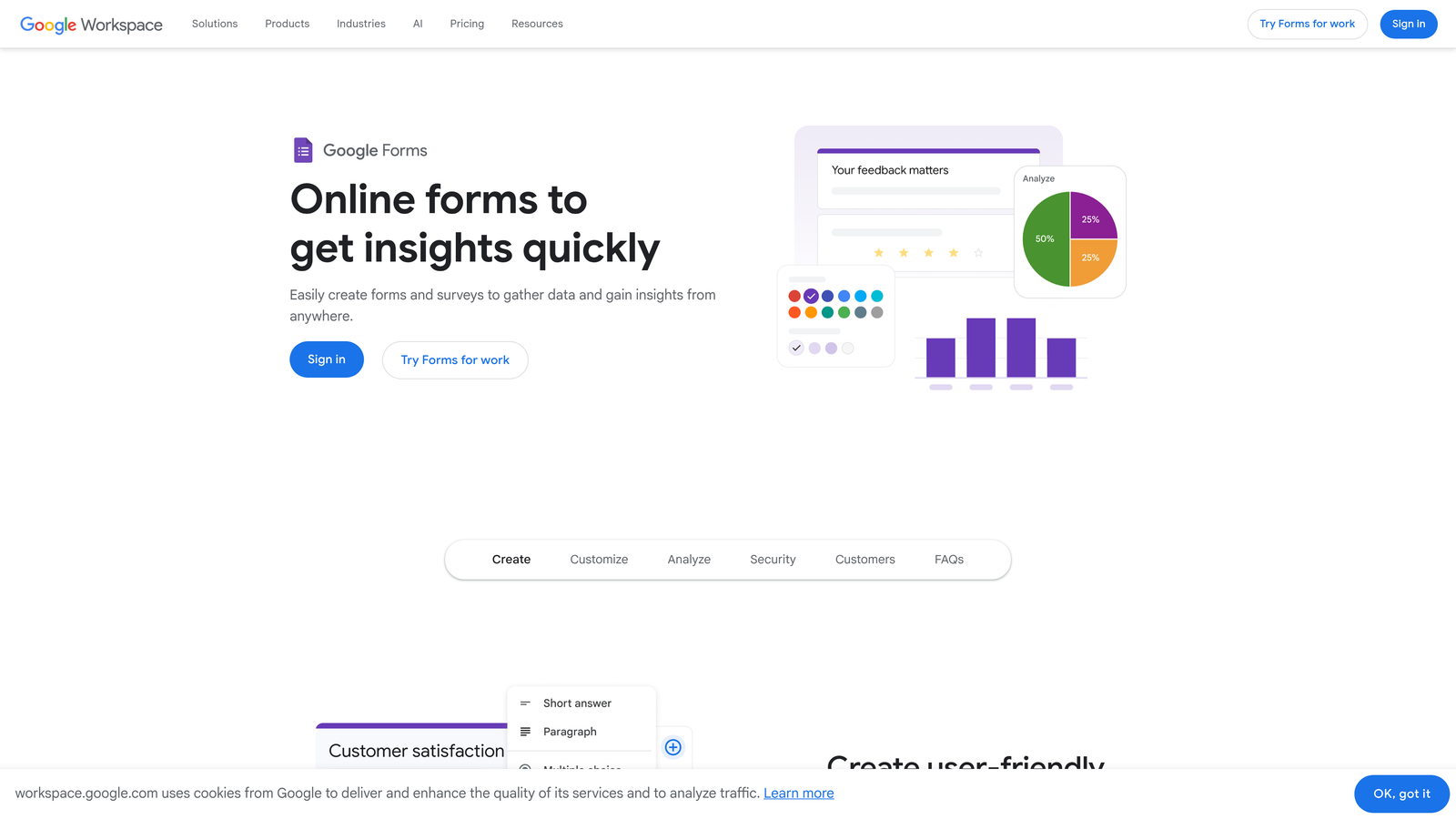
The platform is intentionally no-frills. Design customization is minimal, there's no native payment processing, and the feature set is limited compared to every other tool on this list. But for many internal workflows, those limitations simply don't matter. If the goal is to collect responses quickly and have them land in a spreadsheet your team already knows how to use, Google Forms delivers exactly that.
Where Google Forms clearly falls short is any customer-facing or lead generation context. The design is generic, there's no lead qualification capability, and the experience doesn't reflect well on brands that are trying to make a strong impression on prospects.
Implementation Steps
1. Open Google Forms from your Google account and select a blank form or one of the basic templates available.
2. Add your questions using the available field types: short answer, paragraph, multiple choice, checkboxes, dropdowns, and linear scales cover most internal use cases.
3. Enable the Google Sheets integration to automatically populate a spreadsheet with incoming responses for easy analysis.
4. Share the form link directly with your internal audience via email, Slack, or any internal communication channel your team uses.
Pro Tips
Google Forms is the right tool for internal collection and the wrong tool for external lead generation. If you find yourself trying to use Google Forms for customer-facing lead capture because of budget constraints, that's a signal to explore tools like Orbit AI that pair a 7-day free trial with proper conversion optimization and qualification capabilities built in.
Putting It All Together: Choosing the Right Formstack Alternative
The best Formstack alternative isn't a universal answer. It's the tool that aligns most closely with what your team actually needs to accomplish.
Here's a quick summary of where each option fits best. Jotform is the go-to for teams that need template variety and fast deployment across diverse use cases. Typeform excels when conversational engagement and completion rates are the primary challenge. Cognito Forms is the smart pick for operations teams that need complex calculation logic at a budget-friendly price point. Paperform serves brands that want a visually immersive, content-rich form experience. Google Forms remains the right choice for free, frictionless internal data collection within Google Workspace environments.
And then there's Orbit AI, the option built specifically for teams that aren't just trying to collect data, but trying to convert better leads with less manual effort. As high-growth teams increasingly prioritize lead quality over raw volume, having AI-powered qualification native to your form experience isn't a nice-to-have. It's a competitive advantage.
Before you make a decision, start with a clear audit of your current form performance. Where are your completion rates dropping? How much time does your sales team spend manually triaging unqualified submissions? What percentage of your form leads actually convert downstream? Those gaps will point you toward the right tool.
If your audit reveals that lead quality and conversion optimization are the core problems to solve, start your free trial today with Orbit AI and see how intelligent form design and native AI qualification can transform your conversion pipeline. Transform your lead generation with AI-powered forms that qualify prospects automatically while delivering the modern, conversion-optimized experience your high-growth team needs.


