

Choosing the right contact form software plan shouldn't feel like a puzzle. Yet here we are: free tiers that cap you at 100 submissions per month, enterprise plans with price tags that make your CFO flinch, and a crowded middle ground where it's genuinely hard to tell which features you're actually getting for your money.
The right plan depends on where you are in your growth trajectory. A solo consultant has completely different needs from a SaaS team running high-volume lead generation campaigns. And the wrong choice means either paying for features you'll never use or hitting a wall right when momentum is building.
To help you navigate this, we've compared nine leading contact form platforms across pricing structure, feature access at each tier, scalability, and value for high-growth teams. Selection criteria focused on pricing transparency, the feature-to-cost ratio at each plan level, CRM and integration depth, and how well each tool supports conversion optimization as your needs evolve.
Here are the top contact form software plans worth considering in 2026.
1. Orbit AI
Best for: High-growth teams that want contact forms to qualify and route leads automatically.
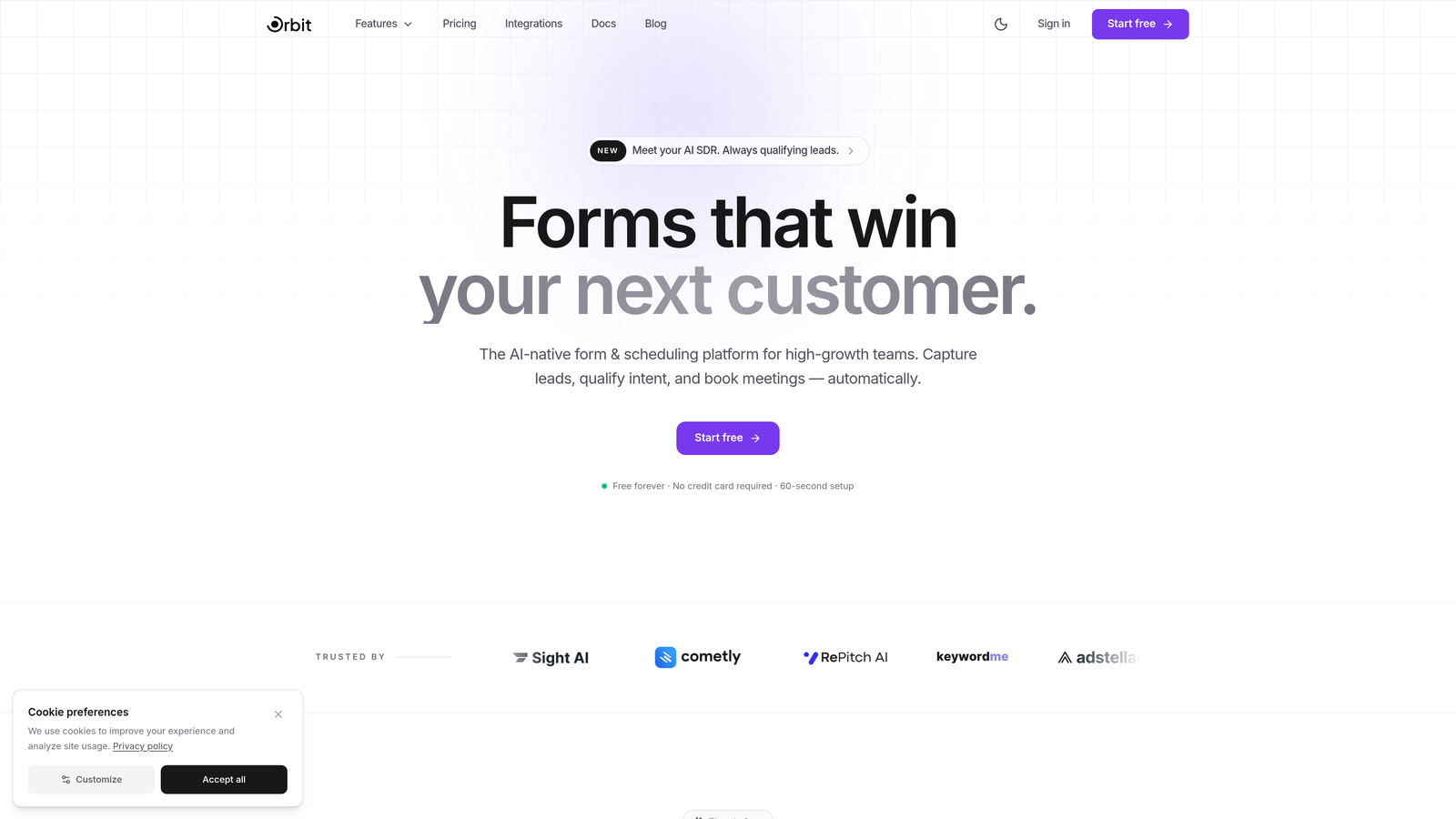
Orbit AI is an AI-powered form builder platform built specifically for teams that treat lead generation as a strategic function, not just a data collection exercise.
Where This Tool Shines
Most form builders collect submissions and stop there. Orbit AI goes further by embedding lead qualification and scoring directly into the form experience. That means by the time a prospect hits submit, your team already has context on their intent, fit, and priority level.
The platform is designed with conversion in mind from the ground up. Templates are built to reduce drop-off, conditional logic adapts the form path based on what each respondent tells you, and the mobile-first design ensures a smooth experience regardless of device. For teams where every lead counts, this is a meaningful difference.
Key Features
AI-Powered Lead Qualification: Built-in scoring and routing that evaluates leads based on their responses, so your sales team focuses on the right prospects first.
Conversion-Optimized Templates: Pre-built form templates designed specifically for lead generation, not generic data collection.
Smart Conditional Logic: Form paths adapt dynamically based on how respondents answer, creating a personalized experience that improves completion rates.
Mobile-First Design: Beautiful, modern form design that works flawlessly across all devices without extra configuration.
CRM and Marketing Automation Integrations: Connects with popular CRMs and marketing tools so qualified leads flow directly into your existing workflows.
Best For
High-growth SaaS teams, marketing teams running lead generation campaigns, and any business that wants contact forms to actively contribute to pipeline quality rather than just feed a spreadsheet. Particularly strong for teams that have outgrown basic form tools and need lead intelligence baked in.
Pricing
Free tier available to get started. Paid plans unlock advanced AI features and higher submission volumes. Visit orbitforms.ai for current plan details and pricing.
2. Typeform
Best for: Teams that want a conversational, beautifully branded contact form experience.
Typeform is a conversational form builder known for its one-question-at-a-time interface that turns standard contact forms into engaging, brand-forward interactions.

Where This Tool Shines
Typeform's core strength is the experience it creates for the person filling out the form. Instead of presenting a wall of fields, it guides respondents through one question at a time, which typically improves completion rates for longer forms. The design customization options are among the best in the market, giving brand-conscious teams real control over how their forms look and feel.
The trade-off is pricing. Typeform's free plan is quite limited in terms of monthly responses, and unlocking the features that make Typeform genuinely useful requires stepping up to a paid tier relatively quickly.
Key Features
Conversational One-Question UX: Presents questions sequentially for a more engaging, lower-friction experience.
Brand Customization: Full control over fonts, colors, background images, and video to match your brand identity.
Logic Jumps and Branching: Personalized form paths based on previous answers, keeping the experience relevant throughout.
Native Integrations: Connects with Zapier, HubSpot, Slack, Salesforce, and dozens of other tools.
Built-in Analytics: Response insights and completion rate data to help you optimize form performance over time.
Best For
Marketing teams, agencies, and brands that prioritize form aesthetics and respondent experience. Works well for surveys, lead capture, and customer feedback. Less ideal for teams on tight budgets who need high response volumes at a low cost.
Pricing
Free plan with limited monthly responses. Basic plan starts around $25/month; Business and Enterprise tiers available at higher price points. Response limits are a key factor when comparing plans.
3. Jotform
Best for: Small businesses and teams that need a feature-rich builder with a generous free tier.
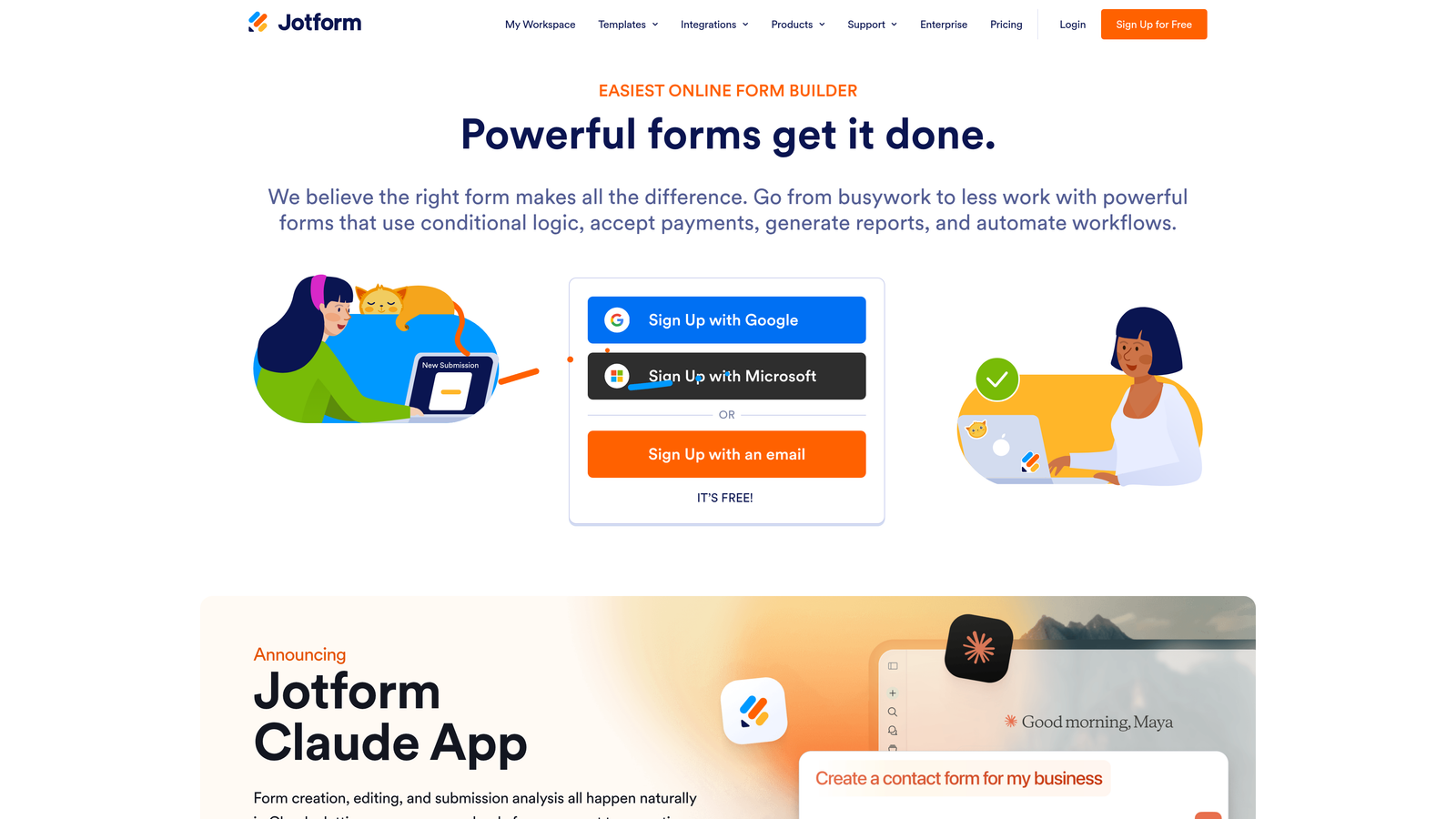
Jotform is a veteran form builder offering one of the largest template libraries available, a drag-and-drop editor accessible to non-technical users, and a free plan that covers meaningful use cases without requiring a credit card.
Where This Tool Shines
The sheer breadth of Jotform's template library is hard to match. With over 10,000 pre-built templates spanning industries from healthcare to e-commerce, most users can find a starting point that's close to what they need and customize from there. Payment collection is also a standout capability, with native support for multiple payment processors built in.
For teams in regulated industries, HIPAA compliance is available on higher-tier plans, making Jotform a viable option for healthcare and legal businesses that need compliant data collection without switching to an enterprise platform.
Key Features
10,000+ Templates: Extensive library of pre-built forms covering virtually every industry and use case.
Drag-and-Drop Builder: No coding required; accessible to anyone on the team regardless of technical skill.
Payment Collection: Native integrations with PayPal, Stripe, Square, and other processors for order and payment forms.
PDF Autoresponder: Automatically converts form submissions into formatted PDF documents for record-keeping or delivery.
HIPAA Compliance: Available on higher-tier plans for healthcare and regulated industry use cases.
Best For
Small businesses, nonprofits, service providers, and teams that need versatile forms across multiple departments. Excellent for organizations that collect payments through forms or work in regulated industries requiring compliance features.
Pricing
Free plan supports up to 5 forms and 100 monthly submissions. Paid plans start around $34/month billed annually, with higher submission limits and unlocked features at each tier.
4. HubSpot Forms
Best for: Teams already using HubSpot CRM that want native contact form and pipeline integration.
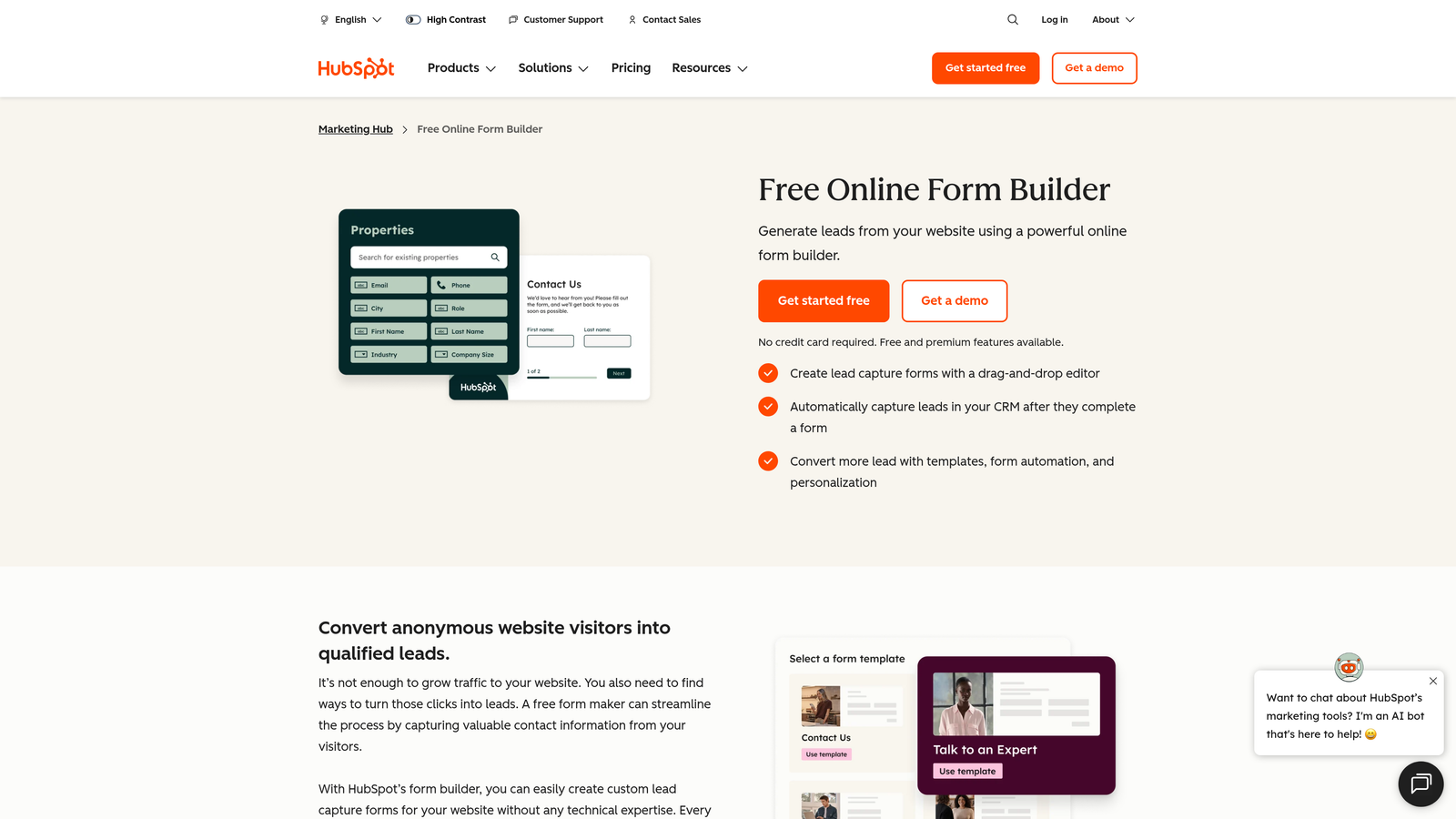
HubSpot Forms is a free form builder bundled with HubSpot's free CRM, making it a natural choice for sales and marketing teams that want form submissions to flow directly into a structured pipeline.
Where This Tool Shines
The integration between HubSpot Forms and the HubSpot CRM is seamless in a way that third-party integrations rarely match. Every form submission automatically creates or updates a contact record, assigns lifecycle stage, and can trigger follow-up email sequences, all on the free tier. For teams building out their sales process, this kind of automation with zero additional cost is genuinely compelling.
Progressive profiling, available on paid Marketing Hub plans, is a particularly useful feature for lead nurturing. It allows forms to ask different questions each time a known contact visits, gradually building a richer profile without overwhelming them with a long form upfront.
Key Features
Native CRM Integration: Every submission creates or updates a contact record in HubSpot automatically, with no middleware required.
Lifecycle Stage Tracking: Contacts are categorized and tracked through the funnel from first form fill onward.
Progressive Profiling: Available on paid plans; shows new questions to returning contacts to build richer profiles over time.
Embedded and Standalone Options: Embed forms on any website or share as standalone pages.
Free Follow-Up Automation: Trigger thank-you emails and basic workflows from form submissions on the free tier.
Best For
Teams that are already in the HubSpot ecosystem or planning to adopt it. Less compelling as a standalone form tool if you're not using HubSpot CRM, since the real value comes from the native integration rather than the form builder itself.
Pricing
Forms are completely free with HubSpot's free CRM. Advanced features like progressive profiling and smart content require Marketing Hub Starter at around $20/month or higher-tier plans.
5. Gravity Forms
Best for: WordPress developers and agencies managing multiple sites that need a powerful, extensible form plugin.
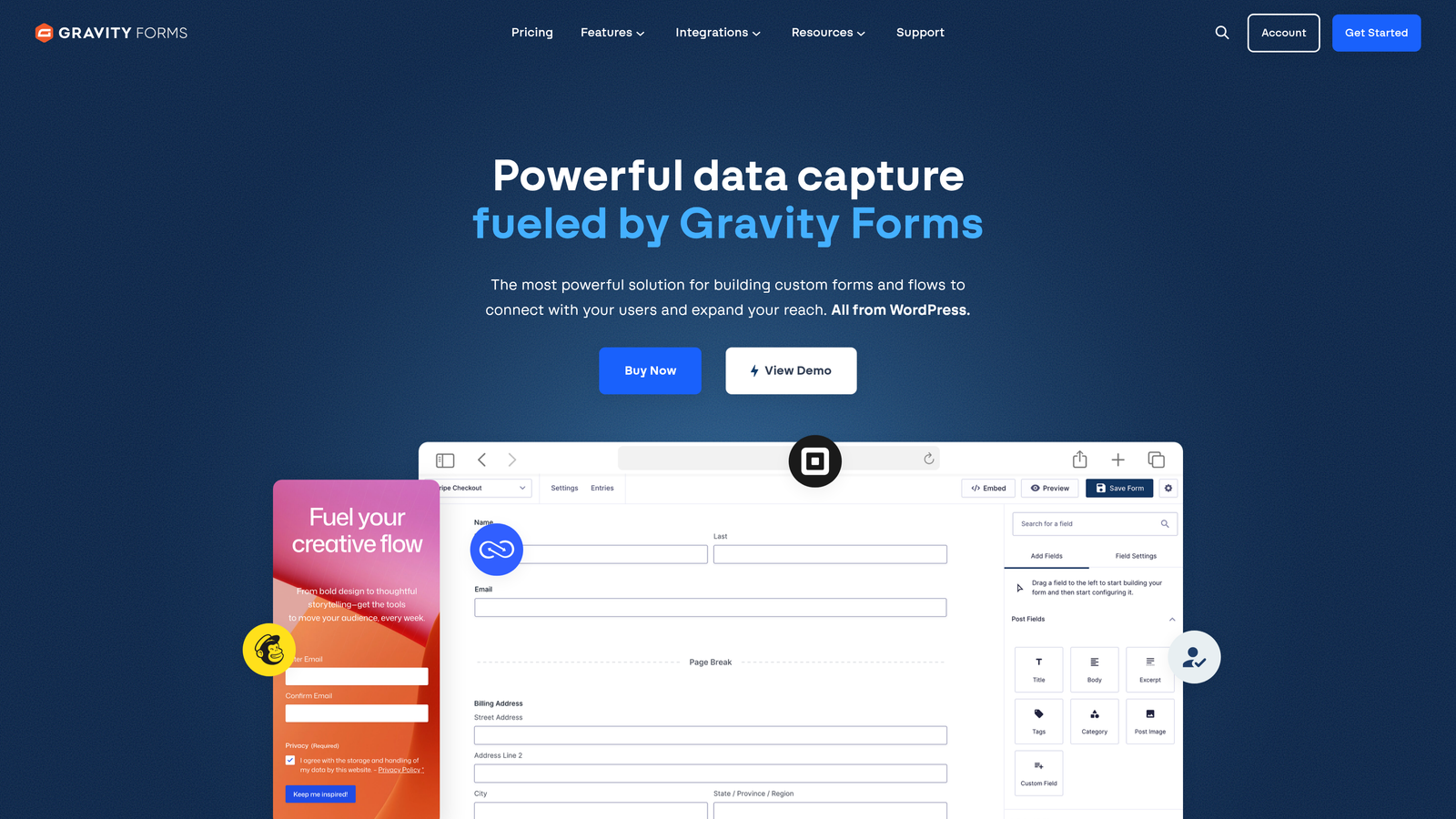
Gravity Forms is a WordPress-native form plugin with an annual license model and an extensive add-on ecosystem, making it a long-standing favorite among developers and WordPress-centric agencies.
Where This Tool Shines
If your stack is built on WordPress, Gravity Forms fits in more naturally than any SaaS form tool. It lives inside your WordPress dashboard, uses shortcodes and the block editor for placement, and gives developers deep customization through hooks, filters, and a REST API. The flat annual license model also means no per-submission fees, which matters for high-volume sites.
The add-on marketplace extends functionality significantly, covering payment processors, email marketing platforms, CRM integrations, and more. The trade-off is that many premium add-ons are only available on higher-tier licenses, so the entry-level price doesn't tell the full story.
Key Features
Deep WordPress Integration: Native shortcode and block editor support for seamless placement throughout any WordPress site.
Extensive Add-On Ecosystem: Marketplace covering Stripe, Mailchimp, Zapier, Salesforce, and many more integrations.
Conditional Logic and Multi-Page Forms: Built-in support for complex form flows without additional plugins.
Developer-Friendly Architecture: Hooks, filters, and REST API for custom development and deep WordPress theme integration.
Flat Annual License: No per-submission fees, making it cost-predictable for high-volume use cases.
Best For
WordPress developers, digital agencies managing multiple client sites, and businesses whose entire web presence is built on WordPress. Not suitable for teams on non-WordPress platforms or those who prefer SaaS tools without server-side management.
Pricing
Basic License starts around $59/year for a single site. Pro and Elite licenses cover multiple sites and unlock premium add-ons at higher price points.
6. Tally
Best for: Individuals and small teams that need unlimited forms and submissions without paying anything.
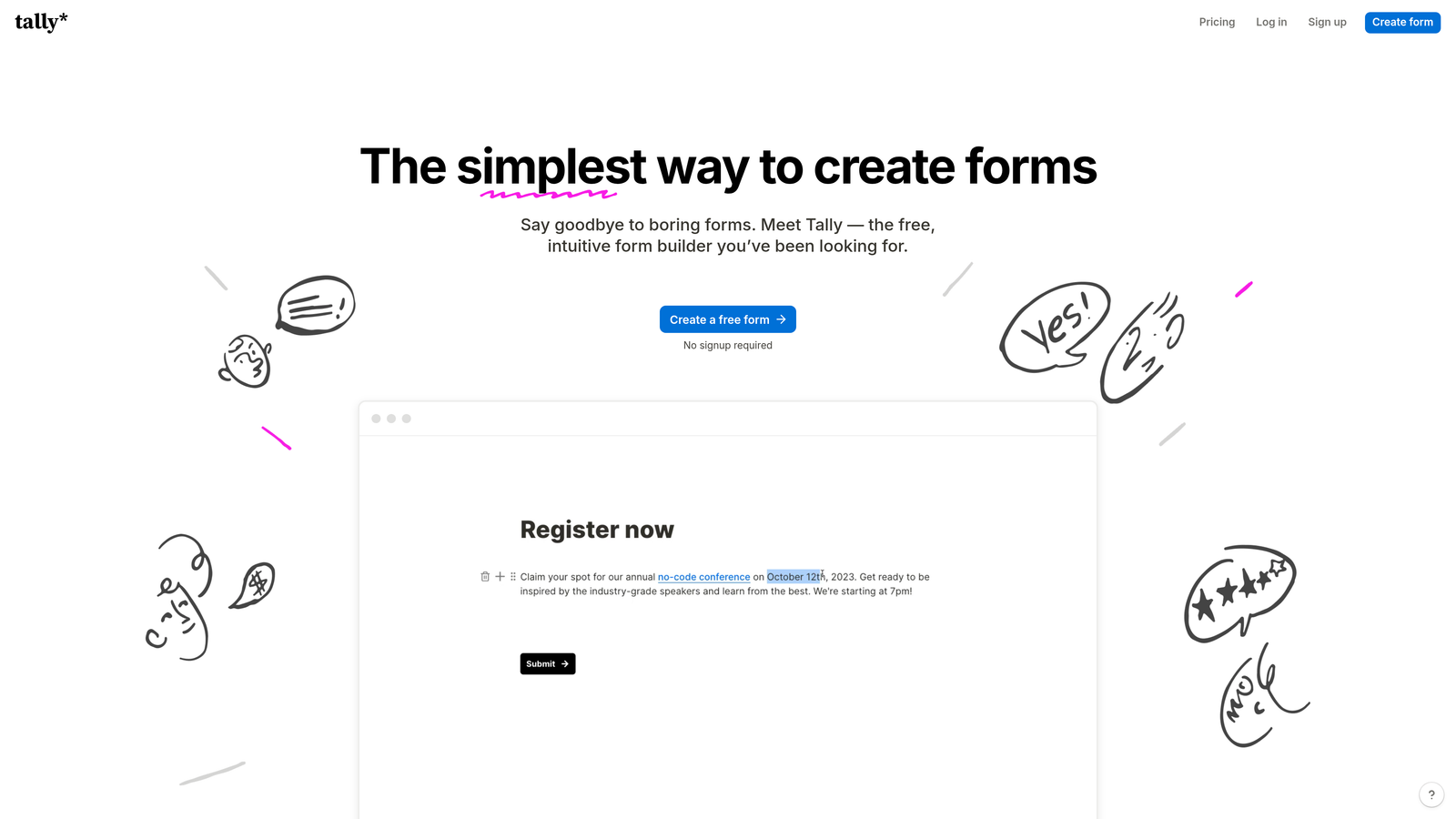
Tally is a minimalist form builder that stands out in a crowded market by offering unlimited forms and unlimited submissions on its free plan, a genuinely rare offer in this category.
Where This Tool Shines
The free plan is the headline here, and it delivers. While most form builders cap free users at a handful of forms or a few hundred submissions per month, Tally removes those limits entirely. The Notion-inspired editor is intuitive and fast to learn, making it accessible even for non-technical users who want to build something quickly without a steep learning curve.
For teams that need custom branding or want to remove Tally's branding from their forms, the Pro plan is reasonably priced. It also adds file uploads and team collaboration features, which makes the upgrade path clear and logical rather than arbitrary.
Key Features
Unlimited Free Forms and Submissions: No artificial caps on the free tier, which is the platform's defining differentiator.
Notion-Like Editor: Familiar block-based interface that's fast to pick up for anyone comfortable with modern productivity tools.
Conditional Logic and Calculator Fields: Supports branching logic and basic calculations without needing a paid plan.
Custom Domains and Branding Removal: Available on Tally Pro for teams that need white-label form experiences.
Integrations: Connects with Notion, Google Sheets, Airtable, and Zapier for flexible data routing.
Best For
Freelancers, startups, content creators, and small teams with high form volume but limited budget. Also a strong choice for anyone who finds other free tiers too restrictive and doesn't yet need advanced AI or CRM features.
Pricing
Free plan with unlimited forms and submissions. Tally Pro is available at $29/month, adding custom branding, file uploads, and team collaboration features.
7. Formstack
Best for: Enterprise teams in regulated industries that need compliance, document generation, and e-signature workflows in one platform.
Formstack is an enterprise-grade form and workflow platform built for organizations that need more than data collection, including document generation, e-signatures, and compliance certifications across a single connected platform.
Where This Tool Shines
Formstack's differentiation is in its workflow depth. Most form builders collect data and hand it off to other tools. Formstack can take that data and use it to generate pre-filled documents, route them for e-signature, and archive everything in a compliant manner, all within the same platform. For regulated industries, that end-to-end capability reduces the number of tools and potential compliance gaps in the process.
The platform also supports A/B testing for forms, which is a feature that's surprisingly rare among form builders at any price point. For teams optimizing contact form conversion rates at scale, this is a meaningful addition.
Key Features
Document Generation: Automatically creates pre-filled documents from form submission data, reducing manual document prep.
E-Signature Workflows: Built-in signature collection as part of the form and document workflow, no third-party tool required.
Compliance Certifications: HIPAA, GDPR, and SOC 2 compliance options for regulated industries.
A/B Testing: Test different form versions to optimize completion rates, a rare feature in this category.
Salesforce-Native Integration: Deep Salesforce integration option for enterprise sales teams with complex CRM workflows.
Best For
Enterprise organizations in healthcare, legal, financial services, and other regulated industries. Also strong for operations and HR teams that need form-to-document workflows. The price point makes it less suitable for small businesses or teams with straightforward contact form needs.
Pricing
Forms-only plans start around $50/month. Suite plans that include Documents and Sign functionality are priced at higher tiers. Enterprise pricing is available for larger organizations.
8. 123FormBuilder
Best for: Service businesses that collect payments through contact and order forms and need strong payment processor support.
123FormBuilder is a mid-range form builder with a particular strength in payment processing integrations and conditional logic, making it a practical choice for businesses where forms are part of the transaction flow.
Where This Tool Shines
Where many form builders treat payment collection as a secondary feature, 123FormBuilder gives it prominent attention. Native integrations with PayPal, Stripe, Square, and Authorize.net mean service businesses can build order forms, booking forms, and payment request forms without stitching together multiple tools. The platform also handles multi-currency and tax calculation scenarios that simpler builders don't support.
GDPR compliance tools and data encryption are included across plans, which matters for businesses handling customer financial information. Team collaboration features and role-based access also make it workable for small agencies or businesses with multiple team members managing forms.
Key Features
Native Payment Integrations: Direct support for PayPal, Stripe, Square, and Authorize.net without requiring Zapier as middleware.
Conditional Logic and Multi-Page Forms: Build complex, branching form experiences for order flows and service selection.
GDPR Compliance Tools: Built-in consent fields, data encryption, and compliance settings for handling customer data responsibly.
Multi-Platform Embedding: Forms embed on websites, WordPress, and social media platforms without additional plugins.
Team Collaboration: Role-based access controls for teams with multiple members managing forms and submissions.
Best For
Service businesses, consultants, event organizers, and e-commerce teams that need contact forms and payment collection in a single tool. A solid mid-range option for teams that have outgrown free tools but don't need enterprise-level compliance features.
Pricing
Free plan available with basic features. Paid plans start around $24/month with higher submission limits and full access to payment processing features.
9. Google Forms
Best for: Teams that need basic, no-budget contact forms and are already working within Google Workspace.
Google Forms is a completely free, no-frills form tool that integrates natively with Google Workspace, making it the default starting point for teams that need functional contact forms without any software budget.
Where This Tool Shines
The value proposition is simple: it costs nothing and works immediately. There are no submission limits, no form caps, and no upgrade prompts. For internal forms, event registrations, quick surveys, or basic contact pages, Google Forms handles the job without requiring any setup beyond a Google account.
The automatic response collection into Google Sheets is genuinely useful for teams that already live in the Google ecosystem. Real-time collaboration means multiple team members can build and edit forms simultaneously, which is a practical advantage for distributed teams working quickly.
Key Features
Completely Free with No Limits: Unlimited forms and responses with no paid tiers, credit card requirements, or submission caps.
Automatic Google Sheets Integration: All responses flow directly into a connected spreadsheet for easy sorting, filtering, and analysis.
Basic Conditional Logic: Go-to-section branching allows simple form paths based on respondent answers.
Real-Time Collaboration: Multiple team members can edit and manage forms simultaneously, like any Google Workspace document.
Zero Learning Curve: Anyone familiar with Google Workspace can build and deploy a form within minutes.
Best For
Internal teams, educational institutions, nonprofits, and early-stage startups that need functional forms at zero cost. Not suitable for teams that need branded experiences, advanced logic, CRM integration, or any form of lead qualification. Think of Google Forms as the starting line, not the finish line.
Pricing
Completely free as a standalone tool. Google Workspace for business starts at $7/user/month but includes Google Forms regardless of plan tier.
Which Contact Form Software Plan Is Right for You
The right choice depends less on which tool has the longest feature list and more on where you are right now and where you're headed in the next 12 months.
If budget is the primary constraint, Google Forms and Tally are the standout free options. Google Forms wins for teams already in the Google ecosystem; Tally wins for anyone who needs unlimited submissions with a more modern editor and eventual upgrade path.
For WordPress-based businesses, Gravity Forms remains the most deeply integrated option with a predictable annual cost that doesn't scale with submission volume.
Teams already invested in HubSpot should start with HubSpot Forms before evaluating anything else. The native CRM integration alone justifies using it, and the free tier covers most early-stage needs.
For enterprise teams in regulated industries, Formstack's compliance certifications and document generation capabilities justify the higher price point. It's a platform investment, not just a form tool purchase.
And for high-growth teams that want contact forms to actively contribute to pipeline quality, Orbit AI is in a category of its own. While most tools on this list are built to collect data and hand it off, Orbit AI qualifies and scores leads as part of the form experience itself. That's a fundamentally different approach, and it's increasingly the direction the market is moving.
AI-powered forms are becoming the standard for growth-focused teams in 2026. The shift from passive data collection to active lead qualification is not a premium feature add-on. It's the new baseline expectation for teams serious about conversion. Start building free forms today and see how intelligent form design can elevate your conversion strategy while delivering the modern experience your prospects expect.
Whatever tool you choose, evaluate it against your next stage of growth, not just your current needs. The cost of switching form platforms mid-growth is higher than most teams anticipate.


