

SaaS companies face a unique challenge when it comes to form building. You're not just collecting data—you're qualifying leads, feeding sales pipelines, and integrating with complex tech stacks. A generic form builder that works for a coffee shop's contact page won't cut it when you need intelligent lead scoring, native CRM sync, and conversion optimization at scale.
The best form builders for SaaS go beyond basic data collection. They understand your sales process, connect seamlessly with tools like HubSpot and Salesforce, and help you separate high-intent prospects from tire-kickers before they hit your sales team's inbox.
We evaluated dozens of form builders based on criteria that matter most to SaaS teams: native CRM integrations, lead qualification capabilities, conversion optimization features, workflow automation, and pricing models that scale with your growth. Here are the top tools that made the cut.
1. Orbit AI
Best for: High-growth SaaS teams needing AI-powered lead qualification and modern form experiences
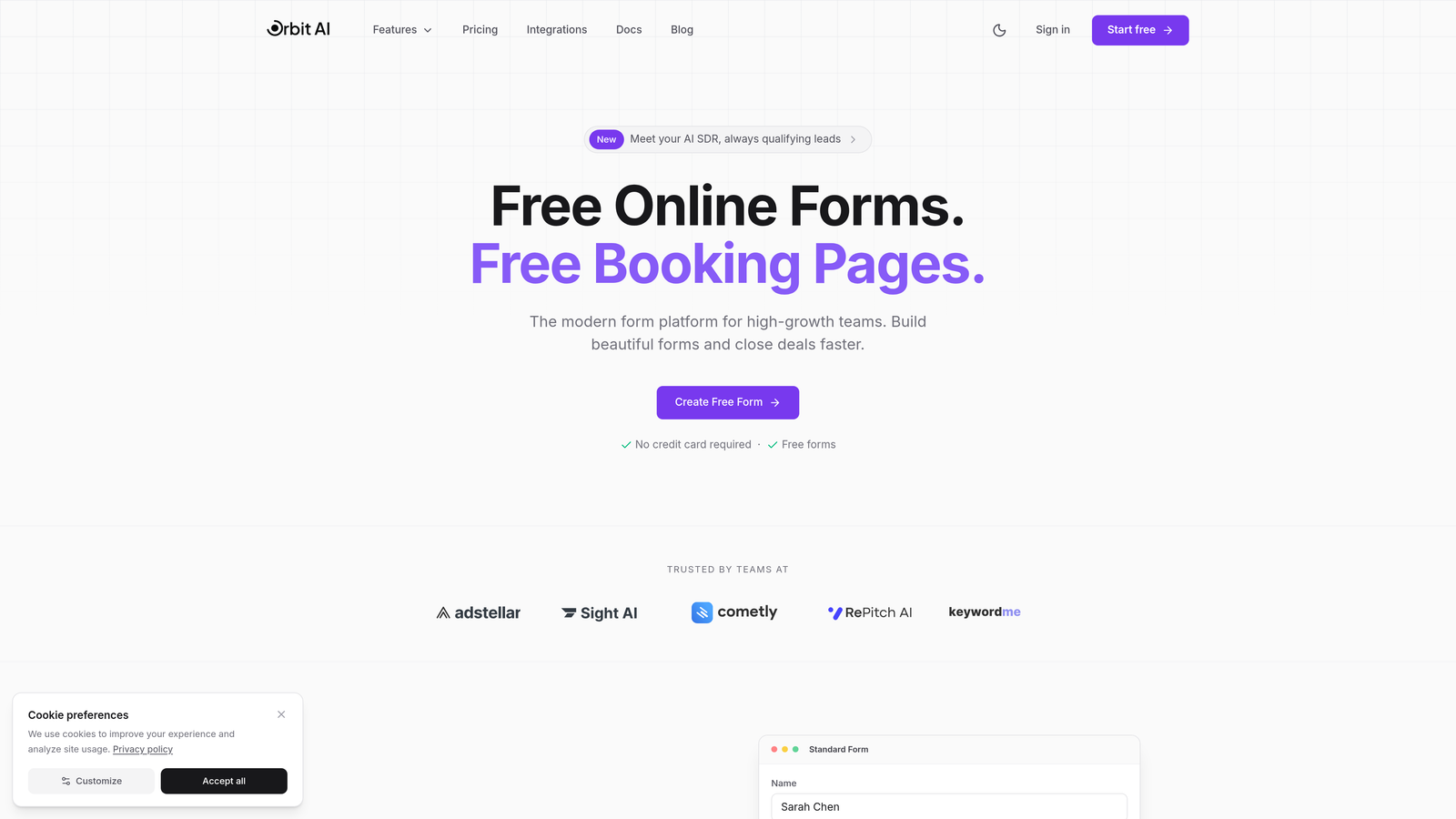
Orbit AI is a form builder designed specifically for SaaS companies that want to qualify leads automatically while delivering conversion-optimized form experiences.
Where This Tool Shines
The AI-powered lead qualification sets Orbit AI apart from traditional form builders. Instead of sending every submission to your sales team, the platform scores and qualifies leads based on their responses, routing high-intent prospects directly to sales while nurturing others through automated sequences.
The native integrations with modern CRMs like HubSpot, Salesforce, Attio, Close, and Pipedrive mean your form data flows directly into your existing workflows without middleware. No Zapier tax, no sync delays—just clean, immediate data transfer that keeps your sales pipeline moving.
Key Features
AI-Powered Lead Qualification: Automatically scores and qualifies leads based on form responses, routing them to appropriate workflows.
Native CRM Integrations: Direct connections to HubSpot, Salesforce, Attio, Close, and Pipedrive without third-party tools.
Workflow Automation: Build automated sequences that nurture leads based on qualification scores and form behavior.
Built-in Analytics Dashboard: Track form performance, conversion rates, and lead quality metrics in one unified view.
Conversion-Optimized Designs: Modern, mobile-responsive form templates designed specifically for SaaS lead generation.
Best For
High-growth SaaS teams that need intelligent lead qualification without adding headcount. Perfect for companies using modern CRM platforms who want forms that do more than collect data—they want forms that understand which leads deserve immediate sales attention.
Pricing
Visit the pricing page for current plan options tailored to different team sizes and growth stages.
2. Typeform
Best for: Creating engaging, conversational form experiences with beautiful design
Typeform is a conversational form builder that presents questions one at a time, creating an engaging user experience that feels more like a conversation than a traditional form.

Where This Tool Shines
The one-question-at-a-time format reduces form abandonment by making long surveys feel manageable. Users focus on a single question without being overwhelmed by a lengthy page of fields. This approach works particularly well for onboarding flows, product feedback surveys, and qualification questionnaires where you want thoughtful responses.
The design customization options let you match forms to your brand identity perfectly. From custom fonts and colors to background images and videos, Typeform gives you creative control that makes forms feel like a natural extension of your website rather than a third-party embed.
Key Features
Conversational Format: One-question-at-a-time interface that increases completion rates and user engagement.
Brand Customization: Extensive design options including custom fonts, colors, images, and video backgrounds.
Logic Jumps: Create branching paths based on user responses to show relevant questions and skip irrelevant ones.
Media Embedding: Add videos, images, and GIFs to questions for richer, more engaging forms.
Integration Ecosystem: Connect to popular tools through Zapier and native integrations with key platforms.
Best For
SaaS teams prioritizing user experience and brand consistency in their forms. Ideal for product feedback surveys, customer onboarding flows, and qualification questionnaires where engagement matters more than speed.
Pricing
Free tier available with Typeform branding; paid plans start at $25/month with increased responses and advanced features.
3. Jotform
Best for: Teams needing extensive template variety and complex conditional logic
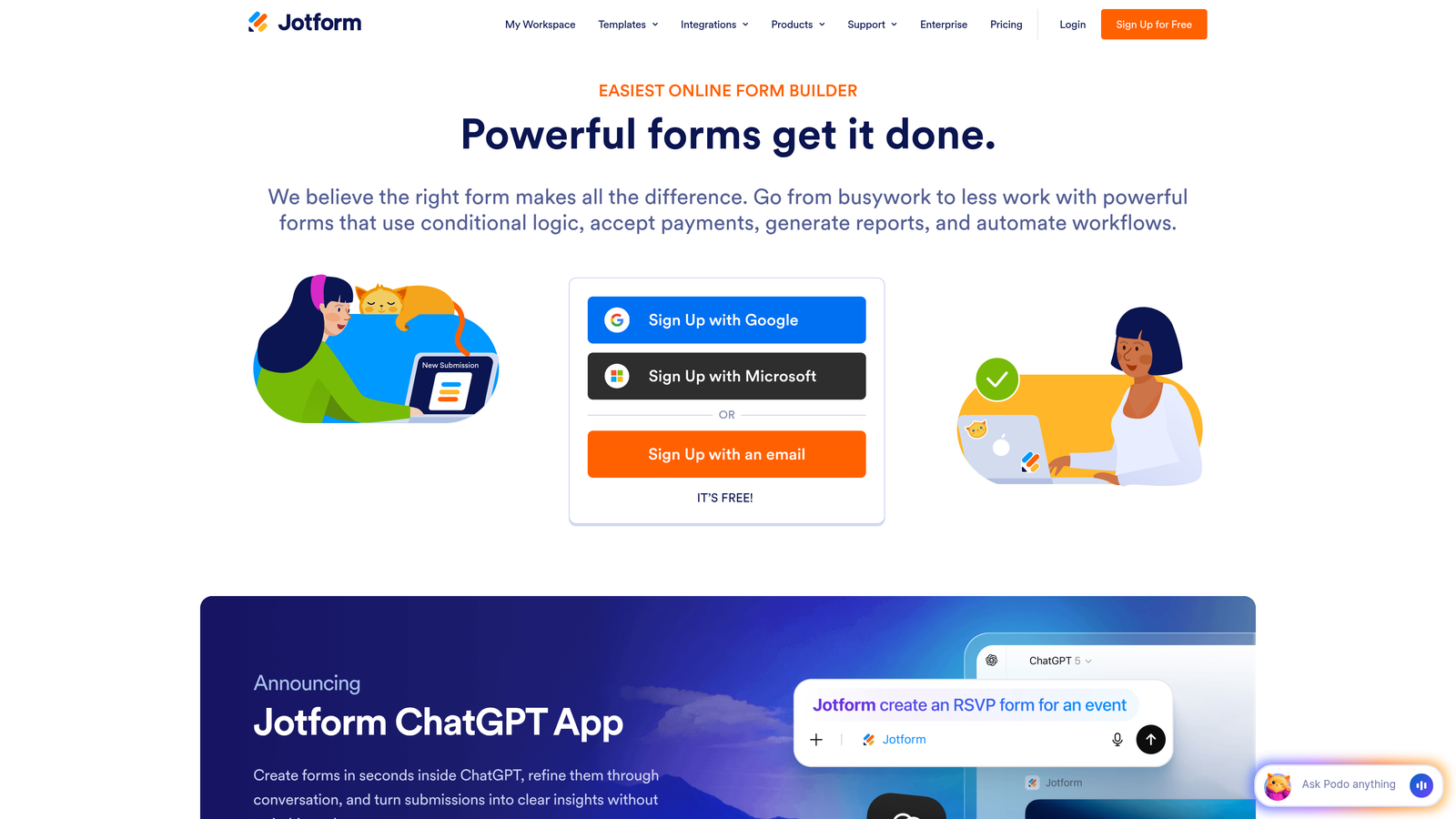
Jotform is a versatile form builder offering thousands of pre-built templates and robust conditional logic capabilities for handling complex form requirements.
Where This Tool Shines
The template library is genuinely massive—over 10,000 pre-built forms covering nearly every use case imaginable. This means you're rarely starting from scratch. Need a demo request form? There are dozens optimized for different industries. Building a customer feedback survey? Choose from templates refined by thousands of users.
The conditional logic engine handles complexity that would break simpler form builders. You can create multi-path forms that adapt based on previous answers, show or hide entire sections dynamically, and calculate values on the fly. This makes Jotform particularly strong for product configurators, pricing calculators, and multi-stage application processes.
Key Features
Template Library: Access to 10,000+ pre-built form templates across industries and use cases.
Advanced Conditional Logic: Create complex branching forms with show/hide rules, calculations, and dynamic field updates.
Payment Integrations: Collect payments directly through forms with support for major payment processors.
PDF Generation: Automatically convert form submissions into formatted PDF documents for records or approvals.
Mobile App: Manage forms, view submissions, and respond to entries from iOS or Android devices.
Best For
SaaS companies with complex form requirements like multi-step application processes, product configurators, or forms that need extensive conditional logic. Also excellent for teams that value having a template starting point rather than building from scratch.
Pricing
Free tier includes 5 forms with 100 monthly submissions; paid plans start at $34/month with increased limits and features.
4. HubSpot Forms
Best for: Teams already using HubSpot CRM and marketing automation
HubSpot Forms is the native form builder within HubSpot's ecosystem, offering seamless integration with HubSpot CRM and marketing tools.

Where This Tool Shines
If you're already in the HubSpot ecosystem, the native integration is unbeatable. Forms automatically create or update contact records, trigger workflows, and sync with your entire marketing and sales stack without configuration headaches. The data flows exactly where it needs to go because it's all one platform.
Progressive profiling is a standout feature that reduces form friction for returning visitors. Instead of asking the same questions repeatedly, HubSpot Forms remembers what it already knows about a contact and asks new questions each time. This lets you gather comprehensive data over multiple interactions without overwhelming users with long forms.
Key Features
Native CRM Integration: Automatic contact creation and updates directly in HubSpot CRM with zero configuration.
Progressive Profiling: Automatically adjust form fields for returning visitors to collect new information without repetition.
Smart Content: Personalize form fields and messaging based on contact properties and behavior.
Automatic Enrichment: HubSpot automatically enriches contact records with company data from form submissions.
Built-in Analytics: Track form performance, conversion rates, and submission sources within HubSpot's reporting tools.
Best For
SaaS teams already using HubSpot for CRM or marketing automation. The native integration makes it the obvious choice if you're in the ecosystem, but less compelling if you're using different tools.
Pricing
Free with HubSpot CRM; advanced features like progressive profiling and smart content require paid Marketing Hub subscriptions.
5. Tally
Best for: Startups and small teams wanting unlimited forms on a generous free tier
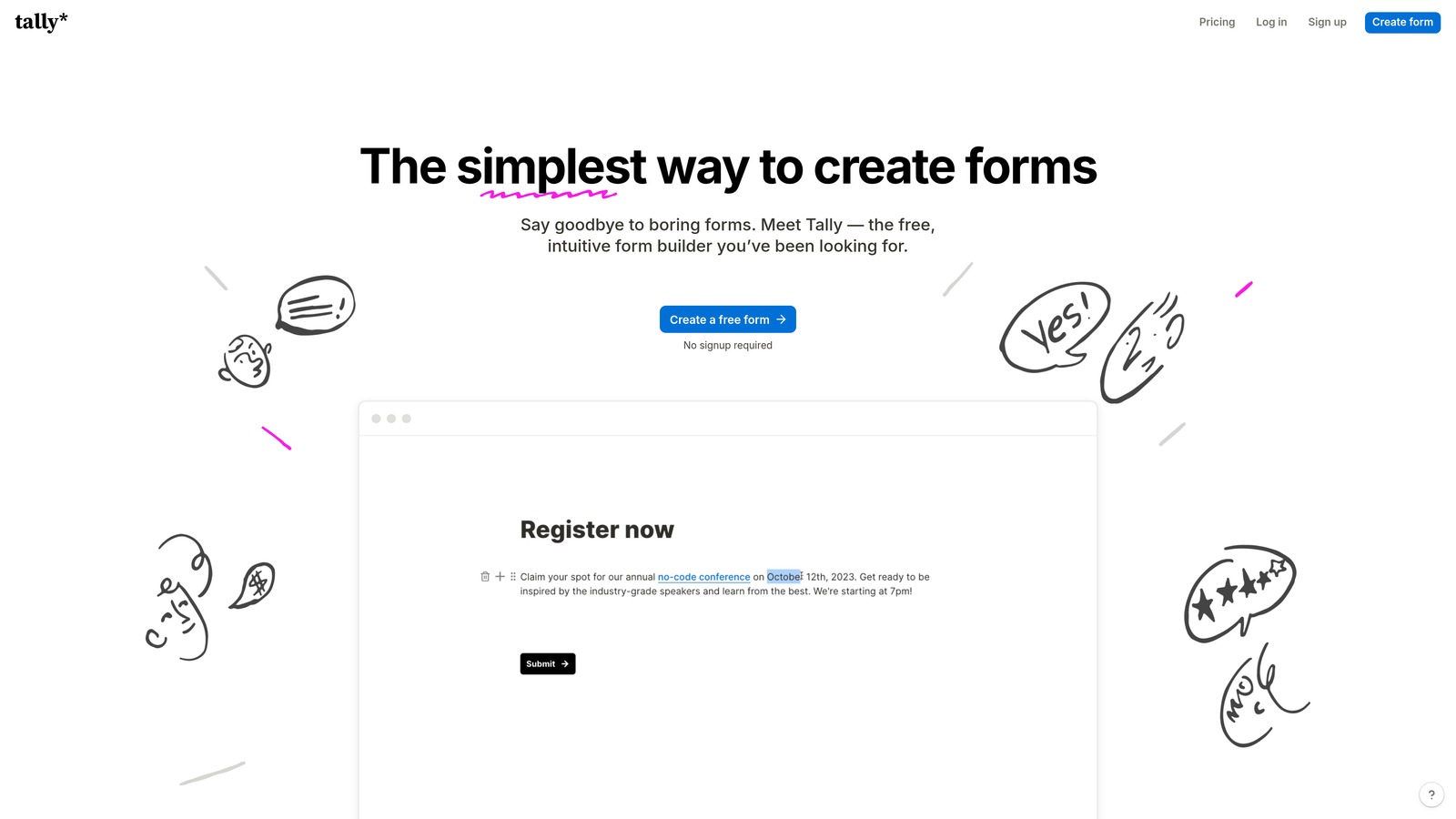
Tally is a simple, Notion-like form builder with a block-based editor and an exceptionally generous free tier perfect for early-stage companies.
Where This Tool Shines
The free tier is genuinely unlimited—unlimited forms, unlimited submissions, no hidden restrictions. For bootstrapped startups or small SaaS teams just getting started, this removes the "form builder budget" line item entirely while still providing professional functionality.
The Notion-style interface feels immediately familiar if your team already uses Notion for documentation or project management. You build forms by adding blocks and typing, which makes form creation fast and intuitive without a learning curve. The aesthetic is clean and modern, matching the design sensibility of contemporary SaaS products.
Key Features
Block-Based Editor: Notion-style interface for quick, intuitive form building without complex configuration.
Unlimited Free Tier: Create unlimited forms with unlimited submissions on the free plan.
File Uploads: Collect documents, images, and files directly through forms with generous storage.
Conditional Logic: Show or hide questions based on previous answers to create dynamic forms.
Native Integrations: Direct connections to Notion and Airtable for teams using these as backend databases.
Best For
Early-stage SaaS startups and small teams that need professional forms without budget constraints. Particularly strong for teams already using Notion or Airtable who want forms that sync directly to their existing workspace.
Pricing
Free tier with unlimited forms and submissions; Pro plan at $29/month adds custom branding, file upload storage, and priority support.
6. Formstack
Best for: Enterprise SaaS companies needing compliance features and advanced workflows
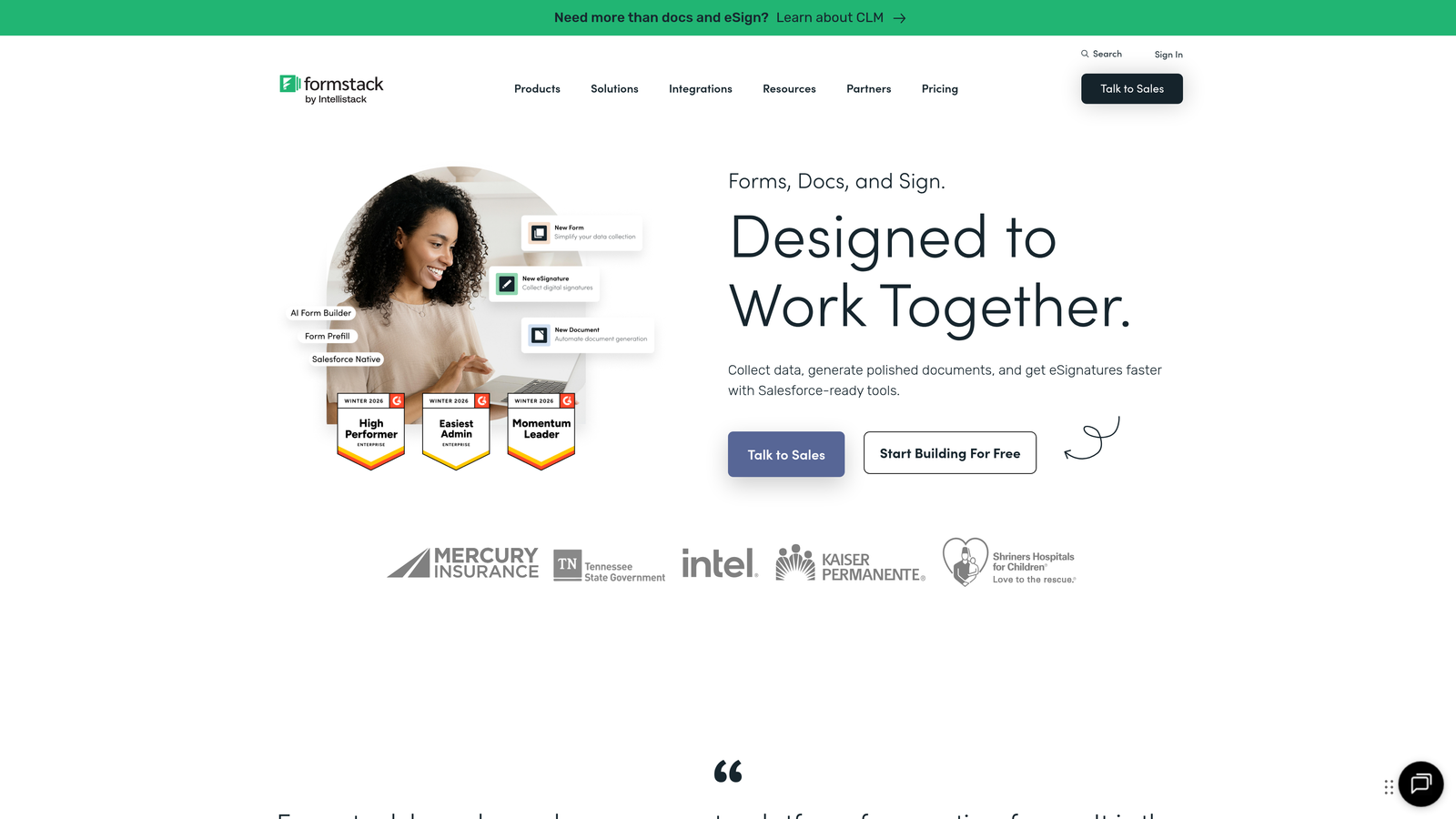
Formstack is an enterprise-grade form builder with advanced workflow automation, compliance features, and security controls for larger organizations.
Where This Tool Shines
The compliance features make Formstack essential for SaaS companies in regulated industries. HIPAA-compliant forms for healthcare SaaS, GDPR controls for European markets, and advanced security features like field-level encryption give you the compliance foundation that generic form builders can't provide.
The approval workflow system handles complex business processes that involve multiple stakeholders. Route form submissions through approval chains, collect electronic signatures at each stage, and automatically generate documents from approved submissions. This transforms forms from simple data collection into complete business process automation.
Key Features
Approval Workflows: Route submissions through multi-step approval processes with notifications and tracking.
Compliance Options: HIPAA and GDPR compliance features including data encryption and retention controls.
Document Generation: Automatically create formatted documents, contracts, or PDFs from form submissions.
Electronic Signatures: Collect legally binding signatures directly within forms for contracts and agreements.
Enterprise Security: SSO, advanced user permissions, audit logs, and field-level encryption for sensitive data.
Best For
Enterprise SaaS companies with complex approval processes, compliance requirements, or security mandates. Ideal for industries like healthcare, financial services, or any SaaS company handling sensitive customer data.
Pricing
Plans start at $50/month for basic features; enterprise pricing available for larger organizations needing compliance and advanced security.
7. Paperform
Best for: Creating landing page-style forms with built-in payments and scheduling
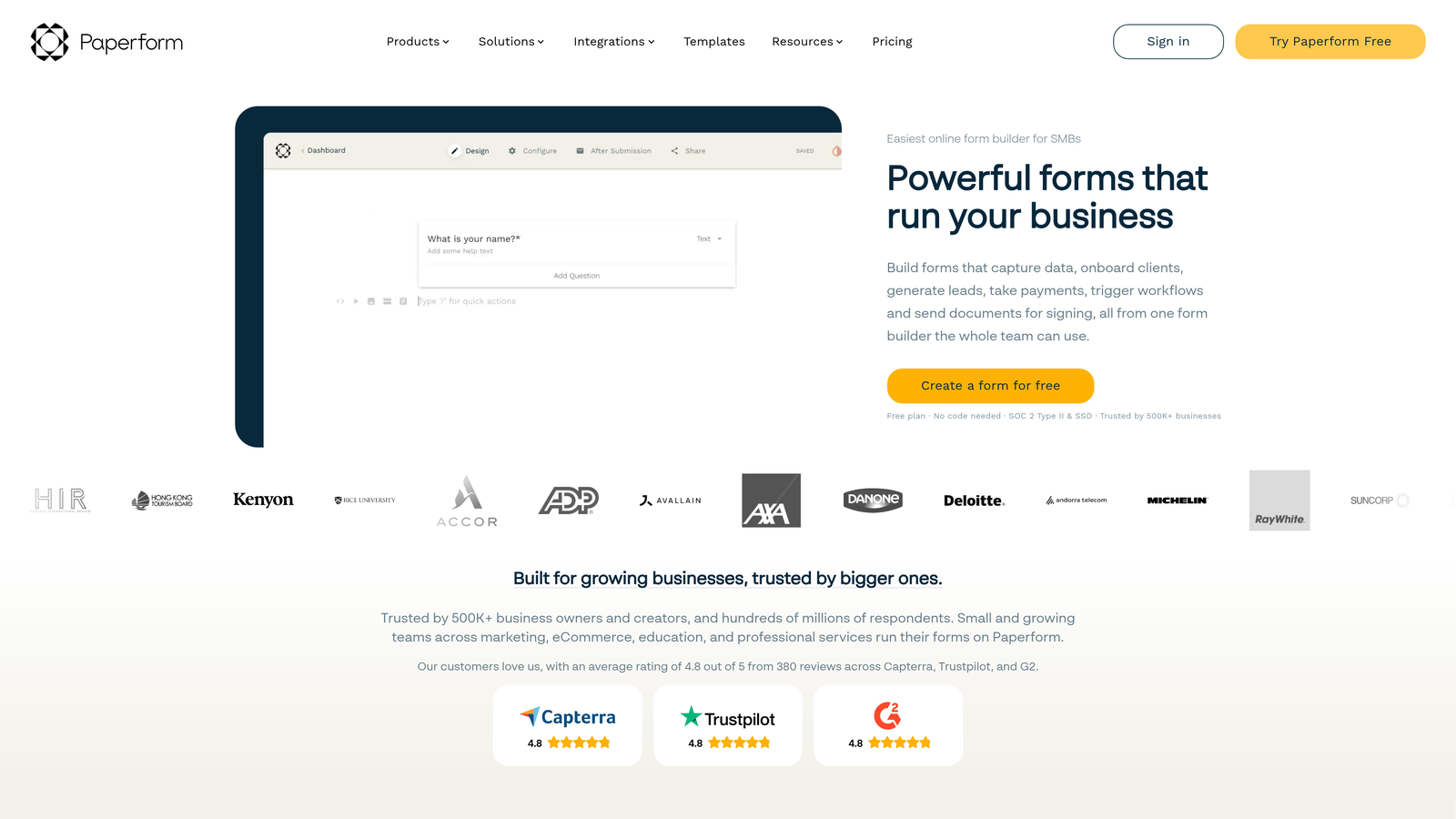
Paperform is a design-focused form builder that creates beautiful landing page-style forms with integrated payment processing and appointment scheduling.
Where This Tool Shines
The landing page approach means your forms don't look like forms—they look like dedicated pages designed to convert. This works exceptionally well for product demos, consultation bookings, or any scenario where you want the form experience to feel premium and intentional rather than utilitarian.
The built-in payment processing eliminates the need for separate payment tools. Collect deposits for demos, charge for premium support tiers, or handle subscription signups directly within the form experience. This is particularly valuable for SaaS companies offering paid trials or tiered onboarding options.
Key Features
Landing Page Designs: Create full-page form experiences that look like custom landing pages rather than embedded forms.
Payment Processing: Built-in payment collection through Stripe and PayPal without external tools.
Appointment Scheduling: Integrated calendar booking for demos, consultations, and onboarding calls.
Product Catalogs: Display products or service tiers with pricing, descriptions, and selection options.
Custom Success Pages: Create branded thank-you pages with next steps, resources, or additional offers.
Best For
SaaS companies focused on design quality and conversion optimization. Excellent for demo requests, paid trial signups, consultation bookings, and any form where the experience matters as much as the data collection.
Pricing
Plans start at $24/month with unlimited forms and submissions; higher tiers add advanced features and remove Paperform branding.
8. Cognito Forms
Best for: Building pricing calculators and forms requiring complex calculations
Cognito Forms is a calculation-focused form builder with a powerful formula engine, excellent for pricing calculators, quote generators, and complex data collection.
Where This Tool Shines
The calculation engine is genuinely powerful—think spreadsheet formulas built directly into your forms. Calculate pricing based on multiple variables, show users real-time cost estimates as they fill out forms, or create sophisticated product configurators that adjust pricing dynamically. This makes Cognito Forms uniquely suited for SaaS companies with usage-based pricing or complex quote processes.
Repeating sections let users add multiple items or entries within a single form submission. Perfect for forms where you need to collect variable amounts of information—like multiple team members, multiple product selections, or multiple project requirements—without knowing in advance how many items each user will need.
Key Features
Advanced Calculations: Powerful formula engine for pricing calculations, quote generation, and dynamic field updates.
Repeating Sections: Let users add multiple instances of form sections for variable data collection.
Payment Integrations: Accept payments through Stripe, PayPal, and Square directly within forms.
Workflow Routing: Route submissions to different teams or processes based on form data and calculations.
Strong Free Tier: Generous free plan with core features suitable for small teams and startups.
Best For
SaaS companies with usage-based pricing models, complex quote processes, or product configurators. Also excellent for any scenario requiring real-time calculations based on user input.
Pricing
Free tier available with core features; paid plans start at $15/month with increased submissions and advanced capabilities.
9. Fillout
Best for: Teams using Notion or Airtable as their primary database
Fillout is a modern form builder with native Notion and Airtable integrations, designed specifically for teams using these tools as their backend systems.
Where This Tool Shines
The native Notion integration is seamless—form submissions flow directly into Notion databases without middleware. For SaaS teams already managing customer data, product roadmaps, or support requests in Notion, this creates a unified workflow where forms feed directly into existing processes.
The Airtable integration works similarly well, treating Airtable as a first-class backend rather than an afterthought. This matters for teams using Airtable as their CRM, product database, or customer success platform—your forms become a direct input method for your existing data structures.
Key Features
Native Notion Integration: Forms sync directly to Notion databases without third-party tools or complex setup.
Native Airtable Integration: Direct connection to Airtable bases with automatic record creation and updates.
Modern Design: Clean, contemporary form aesthetics that match modern SaaS product design standards.
Conditional Logic: Create branching forms that adapt based on user responses.
File Uploads: Collect documents, images, and files with submissions synced to Notion or Airtable.
Best For
SaaS teams using Notion or Airtable as their primary operational database. Perfect for companies that have built their workflows around these tools and want forms that integrate natively rather than through Zapier.
Pricing
Free tier available with core features; paid plans start at $15/month with increased submissions and advanced integrations.
Making the Right Choice
Your ideal form builder depends on where you are in your SaaS journey and what your specific needs look like.
For high-growth teams needing intelligent lead qualification, Orbit AI delivers AI-powered scoring and native CRM integrations that route prospects automatically. The workflow automation means your forms actively qualify leads rather than just collecting data.
Design-focused teams will gravitate toward Typeform for its conversational format or Paperform for landing page-style experiences. Both prioritize user experience and brand consistency over raw functionality.
Budget-conscious startups should look at Tally's unlimited free tier or Cognito Forms' generous free plan. Both provide professional features without the monthly cost that can strain early-stage budgets.
If you're already committed to an ecosystem, the choice becomes clearer. HubSpot users should use HubSpot Forms for the native integration. Teams built on Notion or Airtable will find Fillout's direct connections invaluable. And enterprise organizations in regulated industries need Formstack's compliance features and security controls.
The calculation-focused needs—pricing calculators, quote generators, product configurators—point directly to Cognito Forms and its powerful formula engine. Meanwhile, teams wanting extensive templates and complex conditional logic will appreciate Jotform's breadth of options.
Start building free forms today and see how intelligent form design can elevate your conversion strategy. The right form builder doesn't just collect information—it qualifies prospects, feeds your sales pipeline, and integrates seamlessly with the tools your team already uses.


