

Registration forms are often the first real interaction between your brand and a potential customer, attendee, or lead. A clunky, slow, or generic form doesn't just hurt conversions — it signals that your brand isn't paying attention.
The right online registration form software changes that entirely. Whether you're collecting event sign-ups, onboarding new clients, or qualifying inbound leads, modern form tools have evolved far beyond basic drag-and-drop builders. Today's best platforms offer conditional logic, AI-powered qualification, payment collection, and deep integrations that turn a simple form into a genuine conversion engine.
This list covers the best online registration form software tools available in 2026, evaluated on ease of use, design quality, automation capabilities, and how well they serve high-growth teams. We've included options ranging from AI-first platforms to established enterprise solutions, so you can find the right fit regardless of team size or use case.
1. Orbit AI
Best for: High-growth SaaS and marketing teams that need AI-powered lead qualification baked into every registration form.
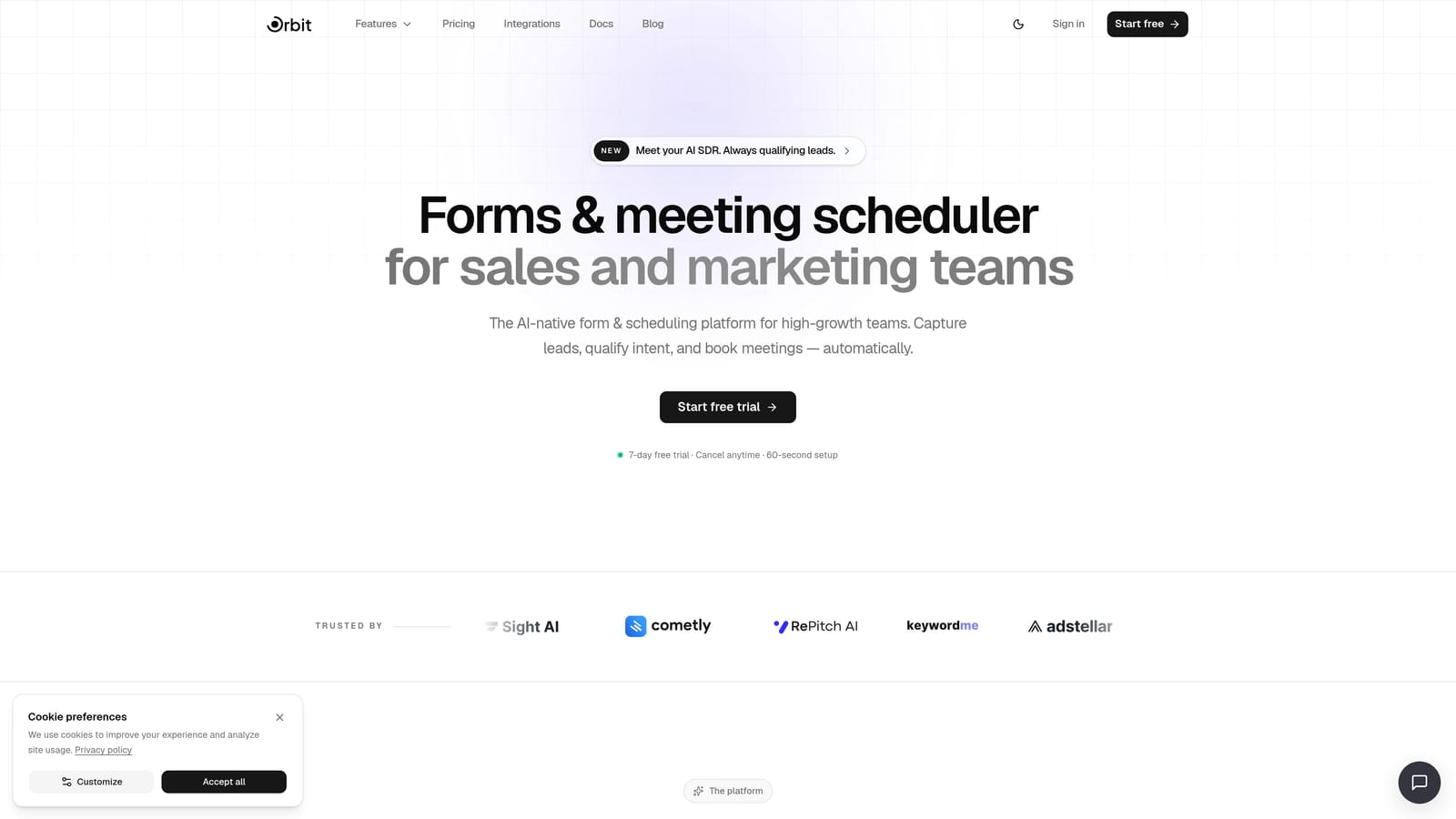
Orbit AI is an AI-powered form builder designed specifically to turn registration submissions into qualified leads, not just data points.
Where This Tool Shines
Most form builders collect information and stop there. Orbit AI goes further by deploying AI agents that engage and qualify registrants in real time, scoring leads and routing them based on their responses before they ever hit your CRM. For teams where lead quality matters as much as lead volume, that's a meaningful difference.
The platform also prioritizes conversion-optimized design out of the box. You're not starting from a blank canvas and hoping your form looks professional. The modern UI is built to reduce friction and increase completions, which is exactly what high-growth teams need from day one.
Key Features
AI Lead Qualification: AI agents engage registrants in real time and score leads automatically based on their responses.
Conversion-Optimized Design: Modern, clean form UI built to reduce drop-off and improve completion rates without custom design work.
Automated Workflows and Follow-Up Sequences: Trigger personalized follow-ups and internal notifications based on form responses and lead scores.
Built-In Analytics and Contacts Management: Track form performance, monitor drop-off points, and manage your contact database from a single dashboard.
Lead Scoring and Qualification Logic: Define qualification criteria and let the platform automatically segment and prioritize registrants.
Best For
Orbit AI is the natural fit for SaaS companies, marketing teams, and growth-focused organizations that treat every form submission as the beginning of a sales conversation. If lead quality and conversion optimization are core to your strategy, this is where to start.
Pricing
Visit orbitforms.ai/pricing for current plan details. A free option is available to get started.
2. Typeform
Best for: Teams that want higher completion rates on longer registration forms through a conversational experience.
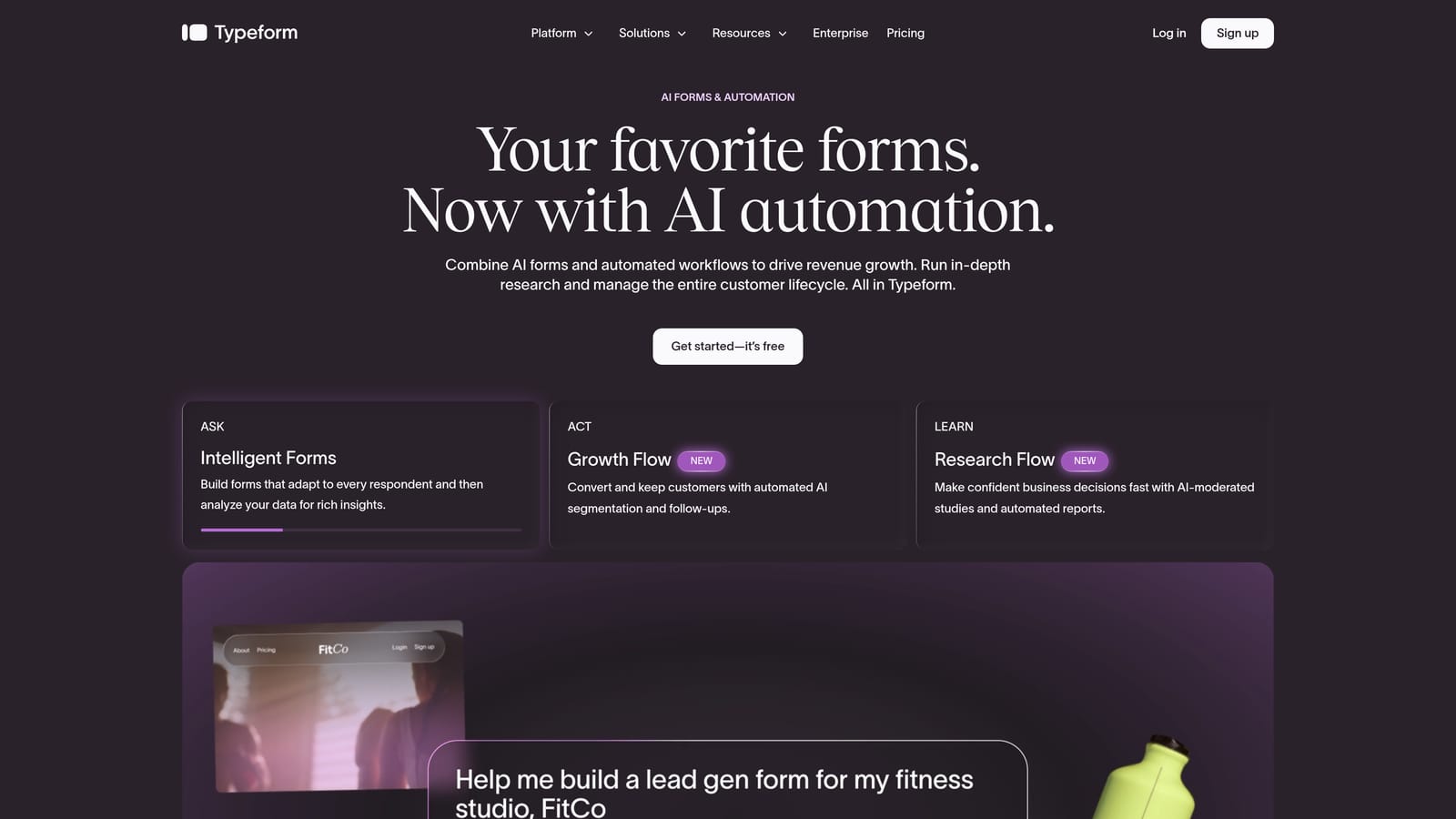
Typeform is a conversational form builder best known for its one-question-at-a-time format that keeps respondents engaged through longer registration flows.
Where This Tool Shines
Typeform's core insight is that forms feel less intimidating when they mimic a conversation. By presenting one question at a time, the experience feels more like a dialogue than a data collection exercise. This approach tends to work particularly well for registration forms with more than a handful of fields, where a traditional wall-of-inputs would cause people to abandon.
The logic jump system is also genuinely flexible. You can route respondents through completely different question paths based on earlier answers, making it easy to build registration flows that adapt to different attendee types, membership tiers, or use cases.
Key Features
Conversational One-Question UX: Presents questions individually to reduce cognitive load and improve completion rates.
Logic Jumps and Conditional Branching: Route respondents to different question sets based on prior answers.
Wide Integration Ecosystem: Native connections to Zapier, HubSpot, Slack, and many other tools.
Video and Image Embedding: Embed rich media directly within form questions for more engaging experiences.
Analytics and Drop-Off Tracking: See exactly where respondents are leaving your form so you can optimize.
Best For
Typeform works well for marketing teams, event organizers, and anyone running registration flows where respondent experience and completion rates are the primary concern. It's particularly effective for consumer-facing registrations where first impressions matter.
Pricing
Free tier available. Paid plans start at approximately $25/month. Verify current pricing at typeform.com/pricing.
3. Jotform
Best for: Teams that need a large template library and strong built-in payment processing for paid event registrations.
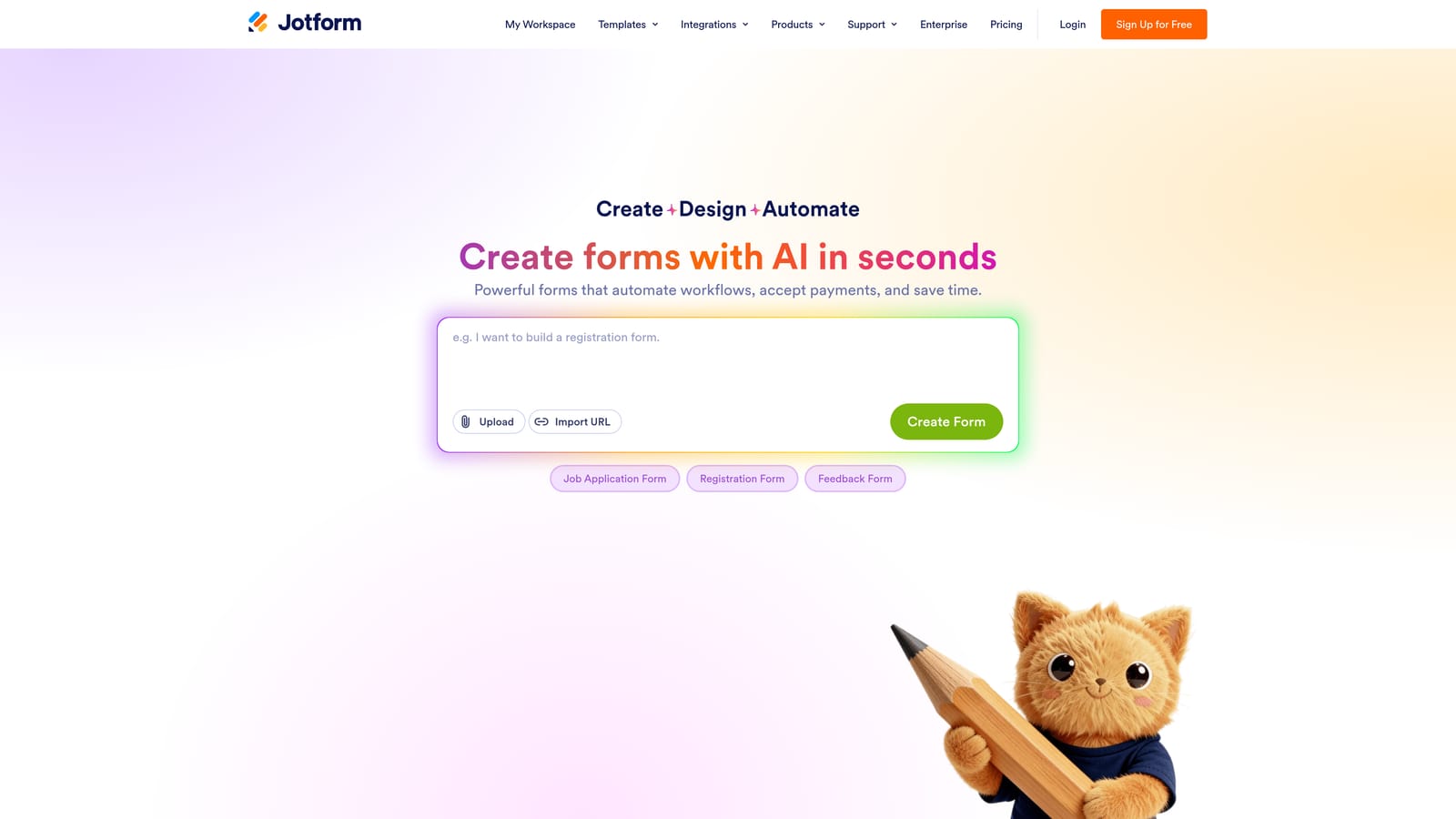
Jotform is a feature-rich form builder with one of the largest template libraries in the category and a mature ecosystem of add-on products.
Where This Tool Shines
If you need a registration form up and running in minutes, Jotform's template library is hard to beat. With over 10,000 templates covering everything from event sign-ups to medical intake forms, there's almost certainly a starting point that fits your use case. For teams without a dedicated designer, this accelerates deployment significantly.
Jotform's payment processing capabilities are also a standout. Native integrations with Stripe, PayPal, and Square mean you can collect registration fees directly within the form, without stitching together a separate checkout tool. Nonprofits and event organizers in particular find this combination of templates and payments genuinely useful.
Key Features
10,000+ Templates: One of the largest registration-specific template libraries available, covering a wide range of industries and use cases.
Built-In Payment Processing: Accept payments via Stripe, PayPal, and Square directly within your registration form.
Jotform Tables: A built-in spreadsheet-style interface for managing and reviewing form responses.
Approval Workflows and E-Signatures: Route submissions for internal review and collect legally binding signatures.
HIPAA-Compliant Plans: Available for healthcare organizations with compliance requirements.
Best For
Jotform is a strong choice for event organizers, nonprofits, educational institutions, and any team that needs paid registration forms or complex approval workflows without significant technical setup.
Pricing
Free tier available. Paid plans start at approximately $34/month. Verify current pricing at jotform.com/pricing.
4. Google Forms
Best for: Teams that need fast, free registration form deployment with zero learning curve.
Google Forms is a completely free, no-frills form builder included with any Google account, offering instant deployment with minimal setup.
Where This Tool Shines
Google Forms wins on accessibility and speed. If you have a Google account, you already have access, and you can have a working registration form live in under ten minutes. There's nothing to install, no pricing page to navigate, and no onboarding sequence to complete. For internal registrations, quick event sign-ups, or teams with tight budgets, that simplicity has real value.
The native Google Sheets integration is also genuinely useful. Every response flows directly into a spreadsheet that you and your team can access, filter, and analyze in real time without any export steps.
Key Features
Completely Free: No paid tiers, no submission limits, no hidden costs for any Google account holder.
Google Sheets Integration: Responses sync automatically to a connected spreadsheet for easy analysis and sharing.
Basic Conditional Logic: Show or hide sections based on respondent answers.
Unlimited Forms and Responses: No caps on how many forms you create or how many responses you collect.
Real-Time Collaboration: Multiple team members can edit the same form simultaneously, just like any Google Doc.
Best For
Google Forms is ideal for internal teams, educational institutions, community organizations, and anyone who needs a functional registration form without budget or technical constraints. It's not built for conversion optimization, but it gets the job done reliably.
Pricing
Completely free with any Google account.
5. HubSpot Forms
Best for: Teams already using HubSpot CRM who want every registration submission to automatically become a tracked contact.
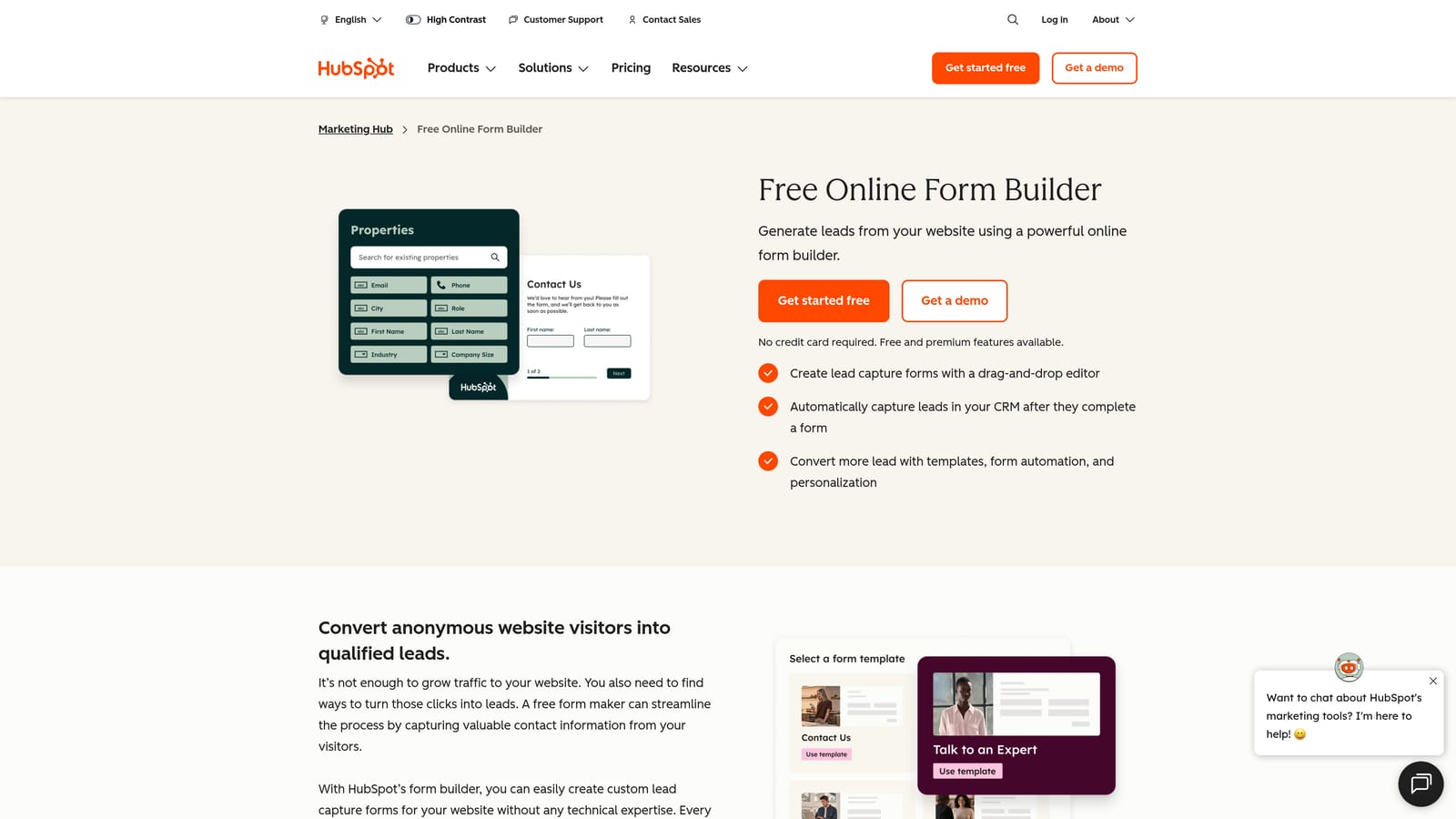
HubSpot Forms is a form builder natively integrated with HubSpot's CRM, turning registration submissions into CRM contacts automatically.
Where This Tool Shines
The core value proposition here is seamless CRM sync. Every time someone submits a registration form, HubSpot creates or updates a contact record, logs the activity, and can trigger any workflow you've configured, all without a Zapier step or manual import. For teams that live in HubSpot, this eliminates a meaningful amount of friction.
Progressive profiling is another feature worth highlighting. When a known contact revisits your form, HubSpot automatically replaces fields it already knows with new questions, so you collect richer data over time without overwhelming first-time registrants with a long form.
Key Features
Auto-Sync to HubSpot CRM: Every submission creates or updates a contact record with no manual steps required.
Progressive Profiling: Returning visitors see new questions instead of fields HubSpot already has on file.
Smart Fields: Fields adapt dynamically based on what HubSpot already knows about the contact.
Native Workflow Integration: Trigger email sequences, task assignments, and internal notifications directly from form submissions.
Flexible Embedding: Embed forms on any external website or within HubSpot landing pages.
Best For
HubSpot Forms is the obvious choice for any team already invested in the HubSpot ecosystem. Its value compounds the more you use HubSpot's other tools. If you're not already a HubSpot customer, the standalone form builder may not justify switching.
Pricing
Free tier available within HubSpot's free CRM. Advanced features require paid Marketing Hub plans. Check hubspot.com/pricing for current plan details.
6. Paperform
Best for: Teams that want registration forms to feel like branded landing pages rather than generic data collection screens.
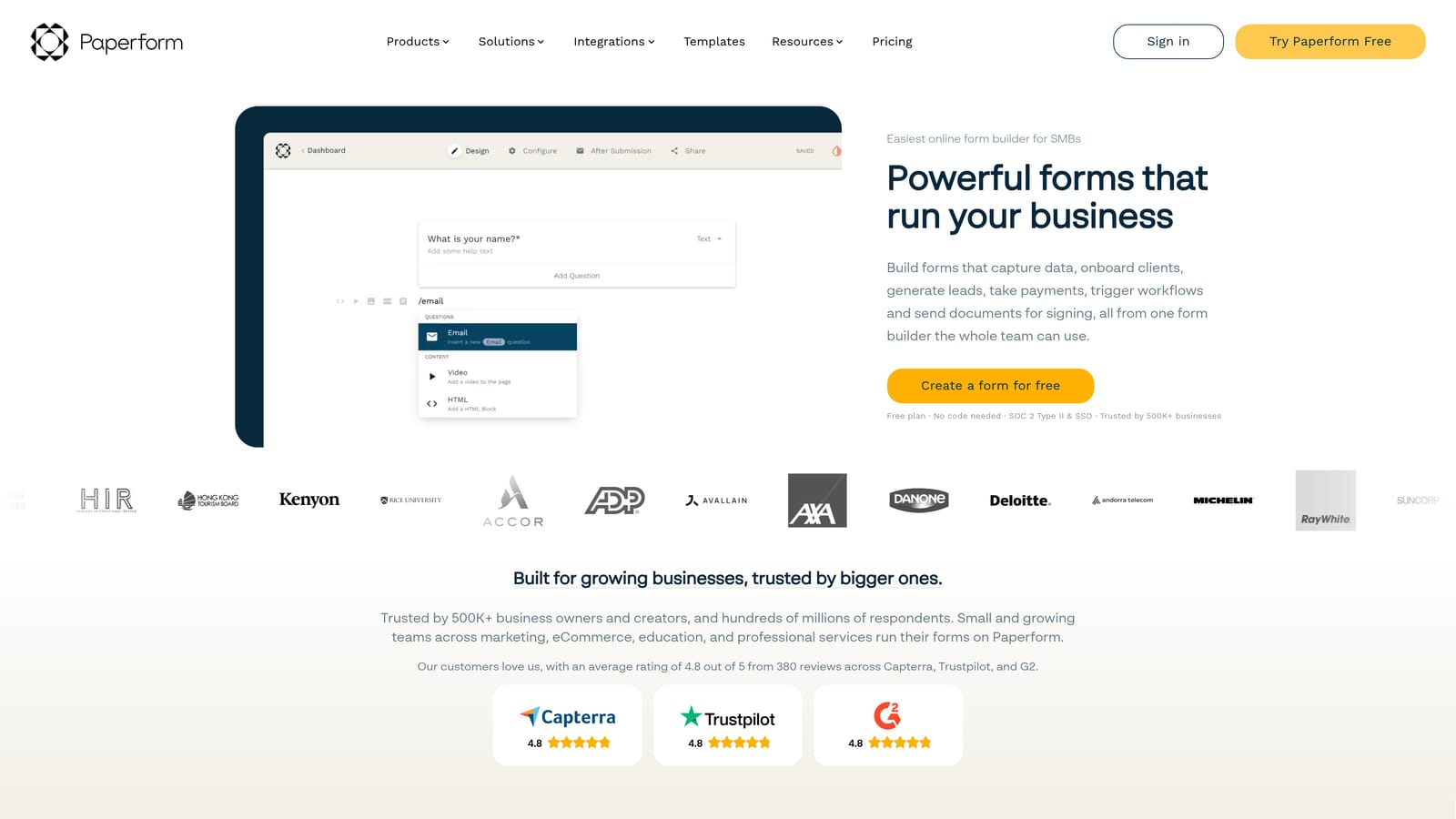
Paperform is a document-style form builder that blends rich content, images, and form fields into a single branded, page-like experience.
Where This Tool Shines
Paperform's editor feels fundamentally different from traditional form builders. Instead of a sidebar-and-canvas layout, you write and design in a freeform document interface, adding form fields, text blocks, images, and embeds wherever they make sense. The result is registration forms that look and feel more like polished landing pages than data entry screens.
This approach works particularly well for premium events, coaching programs, or any registration context where brand perception matters. You can match your exact brand colors, fonts, and visual style without needing design expertise or custom code.
Key Features
Document-Style Freeform Editor: Mix text, images, and form fields freely in a page-like layout rather than a rigid form structure.
Built-In Payments and Scheduling: Accept registration fees and allow attendees to book time slots directly within the form.
Custom Domains and Full Branding: Host forms on your own domain with complete visual customization.
Conditional Logic and Calculations: Show different fields based on responses and perform dynamic calculations for pricing or totals.
E-Signature Support: Collect legally binding signatures as part of the registration process.
Best For
Paperform is a great fit for consultants, coaches, boutique event organizers, and marketing teams that want registration forms to reflect a premium brand experience without hiring a developer.
Pricing
Plans start at approximately $24/month. Verify current pricing at paperform.co/pricing.
7. Microsoft Forms
Best for: Organizations running on Microsoft 365 that need registration forms integrated with Teams, SharePoint, and Power Automate.
Microsoft Forms is a built-in form tool for Microsoft 365 users, with native integration across the entire Microsoft productivity suite.
Where This Tool Shines
For organizations already operating within the Microsoft ecosystem, Forms offers something genuinely valuable: zero additional cost and deep native integration. You can embed registration forms directly into Teams channels or SharePoint pages, route responses through Power Automate workflows, and analyze results in Excel, all without leaving the tools your team already uses daily.
It's worth being honest about the trade-offs: Microsoft Forms doesn't offer the design flexibility or advanced logic of dedicated form builders. But for internal registrations, event sign-ups within an organization, and survey-style use cases, it covers the essentials reliably.
Key Features
Included with Microsoft 365: No additional cost for any organization with an active Microsoft 365 subscription.
Native Teams and SharePoint Embedding: Publish forms directly within Teams channels or SharePoint sites.
Power Automate Integration: Trigger automated workflows from form submissions using Microsoft's automation platform.
Branching Logic: Show or hide questions conditionally based on earlier responses.
Real-Time Excel Response Tracking: Responses populate a connected Excel workbook automatically.
Best For
Microsoft Forms is the right choice for enterprise organizations and educational institutions running Microsoft 365. It's purpose-built for internal use cases and works best when you need forms that live inside your existing Microsoft environment.
Pricing
Included with Microsoft 365 subscriptions at no additional cost.
8. Cognito Forms
Best for: Complex registration scenarios that require dynamic pricing calculations, repeating sections, or tiered registration structures.
Cognito Forms is a form builder with unusually powerful calculation fields and repeating sections, making it well-suited for registrations with variable pricing or multi-participant structures.
Where This Tool Shines
Most form builders treat calculation as an afterthought. Cognito Forms builds it into the core product. You can create dynamic pricing fields that update based on selected options, calculate totals across multiple line items, and apply conditional discounts, all within the form itself. For tiered event registrations or conference sign-ups with multiple ticket types, this capability is genuinely difficult to replicate elsewhere without custom code.
The repeating sections feature is equally distinctive. If you need to collect information for multiple attendees under a single registration, Cognito lets respondents add and remove sections dynamically. It handles the kind of form complexity that would require a developer on most other platforms.
Key Features
Advanced Calculation Fields: Build dynamic pricing calculators and running totals that update in real time as respondents make selections.
Repeating Sections: Allow registrants to add multiple entries (such as additional attendees) within a single form submission.
Conditional Logic Engine: Show, hide, require, or calculate fields based on complex conditional rules.
Stripe Payment Processing: Collect registration payments directly within the form.
Entry Management and Approval Workflows: Review, approve, and manage submissions from a built-in entry management interface.
Best For
Cognito Forms is ideal for conference organizers, associations, and teams handling complex multi-tier registrations where dynamic pricing and variable participant counts are part of the process.
Pricing
Free tier available. Paid plans start at approximately $15/month. Verify current pricing at cognitoforms.com/plans.
9. Tally
Best for: Individuals and small teams that want a genuinely capable free form builder with unlimited forms and responses.
Tally is a minimalist, Notion-inspired form builder with one of the most generous free plans in the category.
Where This Tool Shines
Tally's free plan is the headline here: unlimited forms, unlimited responses, conditional logic, and hidden fields, all without a credit card. For bootstrapped teams, solo operators, or anyone who's frustrated by the submission caps and feature gates on other free tiers, Tally's approach is refreshingly straightforward.
The editing experience will feel immediately familiar to anyone who uses Notion. You build forms using a clean block-based editor that makes it easy to structure longer registration flows without feeling like you're fighting the interface. The aesthetic is minimal and modern, which means forms look professional without extra design effort.
Key Features
Unlimited Free Forms and Responses: No submission caps or form limits on the free plan, which is genuinely rare in this category.
Block-Based Notion-Style Editor: Intuitive editing experience for anyone familiar with modern document tools.
Conditional Logic and Hidden Fields: Build adaptive registration flows and pass data through hidden fields without upgrading.
Zapier and Native Integrations: Connect to your existing tools via Zapier or Tally's growing set of native integrations.
Custom Domains on Paid Plan: Host forms on your own domain for a more branded experience.
Best For
Tally is the best starting point for solo founders, small teams, and anyone who needs functional registration forms without a budget. It's also worth considering as a quick-deployment tool for internal registrations even within larger organizations.
Pricing
Free tier is highly capable. Pro plan is approximately $29/month. Verify current pricing at tally.so/pricing.
Which Online Registration Form Tool Is Right for You?
The honest answer is that the best tool depends almost entirely on what you're trying to accomplish and what your team already uses. Here's a quick way to think through it.
If AI-powered lead qualification is central to your registration workflow, and you care about treating every form submission as the start of a sales conversation, Orbit AI is the natural starting point. It's the only tool on this list built specifically around lead scoring and qualification from the ground up.
For conversational forms that improve completion rates on longer registration flows, Typeform remains a strong and proven choice. If you're running paid event registrations and need payment processing without stitching together separate tools, Jotform's template library and native payment integrations are hard to beat.
Budget-constrained teams should look seriously at Tally's free tier before defaulting to Google Forms. Both are genuinely free, but Tally's editor and feature set are more capable for most modern registration use cases. Enterprise teams already invested in Microsoft 365 or Google Workspace should default to the native tools they already have access to, since the integration benefits often outweigh the design limitations.
For complex tiered registrations with dynamic pricing, Cognito Forms handles scenarios that would require custom development elsewhere. And if brand presentation matters as much as functionality, Paperform's document-style editor creates registration experiences that feel like landing pages rather than forms.
The bottom line: the best online registration form software treats every submission as the beginning of a relationship, not just a data point. If conversion optimization and lead quality are core to your growth goals, start with a platform built for that purpose from day one. Start building free forms today and see how intelligent form design can elevate your conversion strategy.


