

Jotform has served millions of users well over the years, but if you're part of a high-growth team focused on serious lead generation, you've probably hit its ceiling. The platform excels at basic form creation, but when you need AI-powered lead qualification, sophisticated conversion optimization, or pricing that doesn't explode as you scale, those limitations become impossible to ignore.
The challenge isn't finding alternatives—it's finding the right alternative for your specific growth goals. Some teams need conversational experiences that feel less like forms and more like conversations. Others require enterprise-grade workflow automation or native integrations with their existing tech stack. And increasingly, forward-thinking teams are seeking AI capabilities that can automatically qualify leads before they ever reach your sales team.
We've evaluated the market based on criteria that actually matter for conversion-focused teams: AI and automation capabilities, integration depth with modern CRMs and tools, design flexibility that supports brand consistency, pricing structures that scale intelligently, and most importantly, features that directly impact lead quality and conversion rates. This isn't about finding a "Jotform clone"—it's about discovering platforms that push beyond traditional form building into intelligent lead capture and qualification.
1. Orbit AI: AI-Powered Lead Qualification Built for High-Growth Teams
The Challenge It Solves
Traditional form builders treat every submission equally, dumping raw leads into your CRM without context or prioritization. Your sales team wastes hours qualifying prospects who were never a good fit, while hot leads sit in the queue waiting their turn. This approach worked when lead volume was manageable, but it breaks down completely as you scale. You need forms that understand lead quality before submission, not after.
The Strategy Explained
Orbit AI reimagines form building around intelligent lead qualification. The platform uses AI to analyze responses in real-time, scoring and routing leads based on their likelihood to convert. Instead of generic thank-you pages, qualified prospects receive immediate next steps while lower-priority leads enter nurture sequences automatically. The form builder itself is designed for conversion optimization, with modern templates and conditional logic that adapts the experience based on how respondents answer.
What sets Orbit AI apart is its focus on the complete lead journey, not just data collection. Forms integrate deeply with your CRM and marketing automation tools, ensuring qualified leads flow directly to sales with full context. The platform is built specifically for teams where form performance directly impacts revenue, making it ideal for B2B SaaS companies, agencies, and any business where lead quality matters more than lead quantity.
Implementation Steps
1. Connect your CRM and define your ideal customer profile criteria so the AI understands what constitutes a qualified lead for your business.
2. Build forms using conversion-optimized templates, adding conditional logic that surfaces qualification questions naturally within the user experience.
3. Configure AI-powered routing rules that send hot leads directly to sales, warm leads to nurture sequences, and low-fit prospects to educational content.
4. Monitor conversion analytics and lead quality metrics to continuously refine your qualification criteria and form performance.
Pro Tips
Start with your highest-traffic form and implement AI qualification there first—you'll see immediate impact on sales efficiency. Use progressive profiling to gather qualification data across multiple touchpoints rather than overwhelming prospects with long initial forms. The AI learns from your team's lead disposition patterns, so consistently marking leads as qualified or unqualified in your CRM helps the system improve accuracy over time. For more strategies, explore our guide on AI tools for lead qualification.
2. Typeform: Conversational Experiences That Feel Human
The Challenge It Solves
Standard forms feel transactional and overwhelming, especially when you're asking for significant information. Presenting ten fields at once triggers form abandonment, and the sterile interface does nothing to build rapport with prospects. When your brand emphasizes human connection and thoughtful engagement, traditional form layouts actively work against your positioning. You need an experience that feels more like a conversation and less like an interrogation.
The Strategy Explained
Typeform pioneered the one-question-at-a-time approach that transforms data collection into dialogue. Each question appears individually with smooth transitions, creating a focused experience that reduces cognitive load and increases completion rates. The platform offers extensive design customization, allowing you to match forms perfectly to your brand aesthetic with custom backgrounds, fonts, and colors. Logic jumps create personalized paths through the form based on previous answers, making each respondent's experience feel tailored to their situation.

The conversational format particularly shines for surveys, lead qualification questionnaires, and any scenario where you're asking thoughtful questions that require consideration. The visual polish and smooth animations create a premium feel that reinforces brand perception, making Typeform popular among design-conscious companies and consumer-facing brands. For a detailed breakdown, check out our Typeform vs Jotform comparison.
Implementation Steps
1. Map out your question flow on paper first, identifying natural conversation branches based on different respondent profiles.
2. Build your form starting with the easiest, most engaging questions to hook respondents before asking for detailed information.
3. Implement logic jumps that skip irrelevant questions based on previous answers, keeping the experience tight and personalized.
4. Customize the visual design to match your brand, paying special attention to background imagery and button colors that guide attention.
Pro Tips
Use the welcome screen and ending screen strategically—the welcome screen should clearly communicate why someone should invest time in your form, while the ending screen can redirect to relevant next steps. Keep question text conversational and brief; the one-at-a-time format amplifies verbose wording. Consider using the calculator feature for interactive tools like ROI calculators that provide immediate value while capturing lead information.
3. Paperform: All-in-One Forms and Landing Pages for Small Businesses
The Challenge It Solves
Small businesses and solopreneurs often need more than just forms—they need landing pages, booking systems, and payment processing, but can't justify separate subscriptions for each tool. Cobbling together multiple platforms creates integration headaches and inconsistent user experiences. When you're running lean, you need a single platform that handles the entire customer journey from discovery to payment without requiring technical expertise or a developer on retainer.
The Strategy Explained
Paperform blurs the line between form builder and landing page creator, offering a flexible editor that lets you build everything from simple contact forms to complete product pages with embedded payment processing. The platform includes native Stripe and PayPal integration, making it straightforward to collect payments, deposits, or donations directly within your forms. You can embed rich media, create multi-page experiences, and design layouts that feel more like web pages than traditional forms.
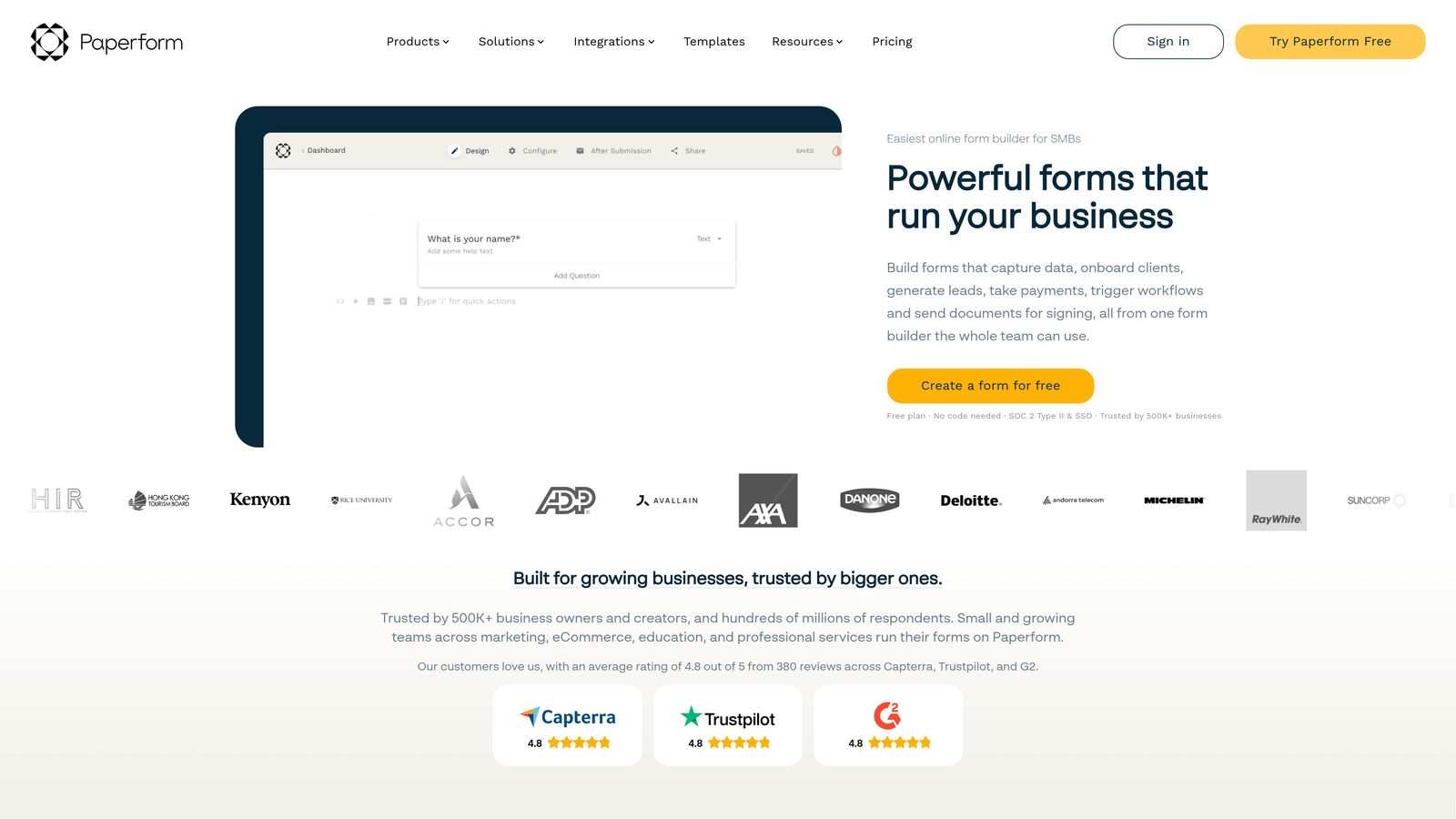
The versatility makes Paperform particularly valuable for service businesses, coaches, consultants, and small e-commerce operations. You can create booking forms that sync with calendars, build order forms with product calculations, and design registration pages for events or courses—all without leaving the platform or writing code. Learn more about optimizing these forms in our lead management software for small business guide.
Implementation Steps
1. Start with a template that matches your use case, then customize the layout using the visual editor's drag-and-drop blocks.
2. Set up payment integration by connecting your Stripe or PayPal account, then add product fields with pricing and calculation logic.
3. Configure email notifications and autoresponders to keep customers informed throughout the process, from submission to payment confirmation.
4. Embed your form on your website or use it as a standalone landing page with a custom domain for professional presentation.
Pro Tips
Take advantage of the calculation fields for dynamic pricing based on quantity, options, or date ranges—this is particularly powerful for service businesses with variable pricing. Use conditional logic to show different payment options based on what customers select earlier in the form. The platform's partial submissions feature captures data even if someone doesn't complete the form, giving you recovery opportunities.
4. Formstack: Enterprise Workflow Automation and Compliance
The Challenge It Solves
Enterprise organizations face challenges that small business tools simply can't address: strict compliance requirements, complex approval workflows, department-specific security needs, and integration with legacy enterprise systems. Generic form builders lack the governance controls, audit trails, and advanced permissions that regulated industries require. When your forms handle sensitive data or trigger multi-step business processes, consumer-grade tools create unacceptable risk and operational bottlenecks.
The Strategy Explained
Formstack is built specifically for enterprise environments where forms are just one component of larger business workflows. The platform offers HIPAA-compliant forms for healthcare, advanced user permissions for departmental control, and sophisticated routing rules that can trigger complex approval processes. Integration capabilities extend beyond standard marketing tools to include enterprise systems like Salesforce, SharePoint, and custom APIs. Understanding form security best practices is essential when evaluating enterprise solutions.
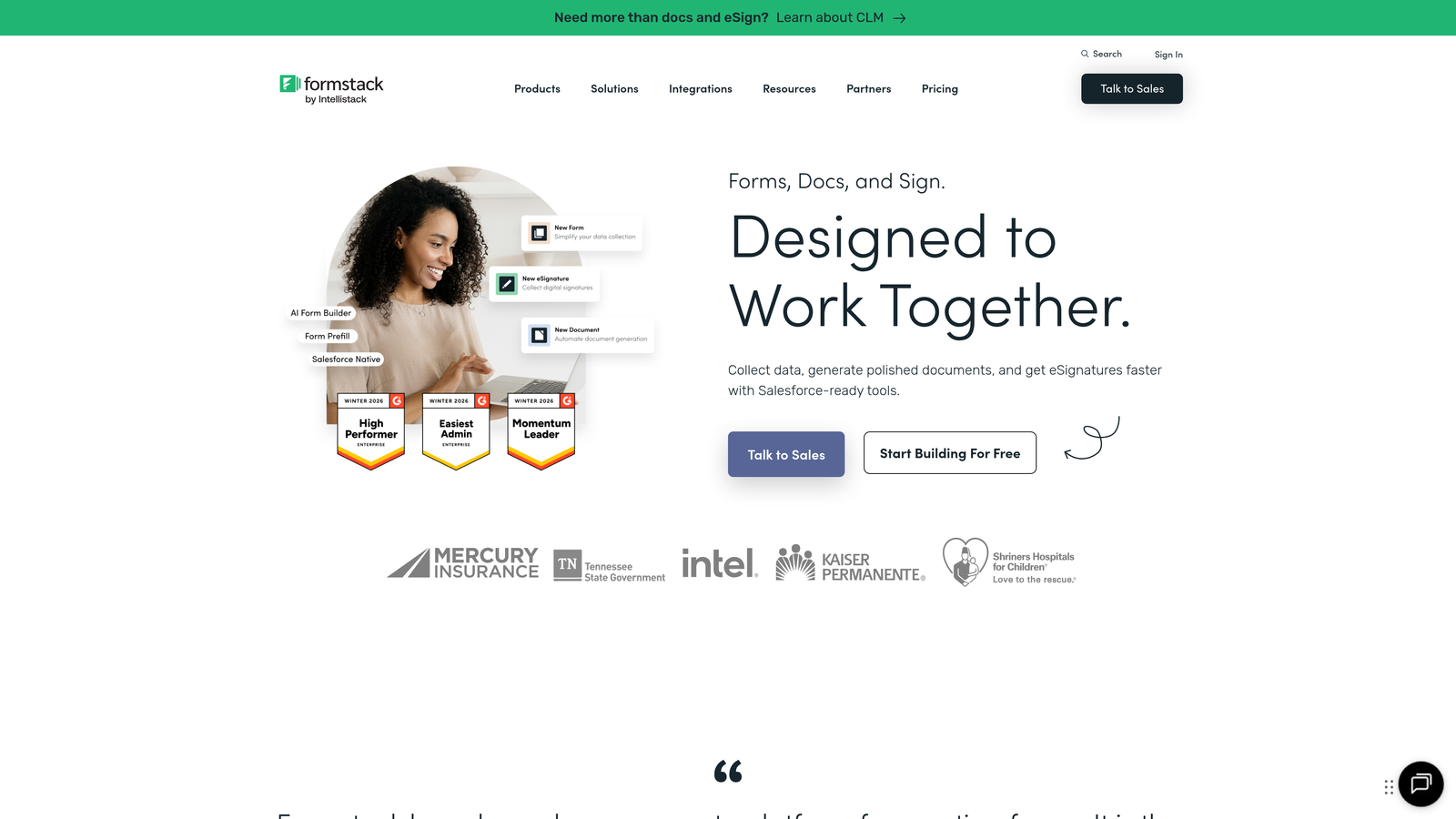
The workflow automation engine allows you to build multi-step processes where form submissions trigger document generation, route through approval chains, update multiple systems simultaneously, and notify relevant stakeholders at each stage. This makes Formstack ideal for organizations handling applications, registrations, internal requests, or any process requiring documented workflows and compliance trails.
Implementation Steps
1. Map your current manual process in detail, identifying every approval step, data transformation, and system update that needs to occur.
2. Build your form with appropriate field types and validation rules, ensuring you're capturing all data required for downstream processes.
3. Configure workflow automation rules that route submissions through your approval chain, update connected systems, and generate any required documentation.
4. Set up appropriate user permissions and access controls, ensuring each department or role sees only the forms and data relevant to their function.
Pro Tips
Use Formstack's document generation feature to automatically create PDFs, contracts, or reports from form data—this eliminates manual data entry into templates. Take advantage of pre-fill functionality to populate forms with data from your CRM or HR system, reducing respondent effort for internal processes. The platform's analytics help identify bottlenecks in approval workflows, allowing you to optimize processes over time.
5. Tally: Budget-Friendly Forms with a Generous Free Tier
The Challenge It Solves
Startups, nonprofits, and bootstrapped projects need professional form capabilities but can't justify expensive subscriptions when they're just getting started. Many form builders either cripple their free tiers with submission limits or plaster forms with branding that undermines credibility. When you're testing ideas, building an MVP, or operating with minimal resources, you need a tool that doesn't force you to choose between functionality and affordability.
The Strategy Explained
Tally offers unlimited forms and unlimited submissions on its free tier—a genuinely useful offering rather than a trial period in disguise. The interface draws inspiration from Notion's simplicity, using a clean block-based editor that makes form building intuitive even for non-technical users. Despite the generous free tier, forms look professional without Tally branding unless you choose to include it, maintaining credibility with respondents.
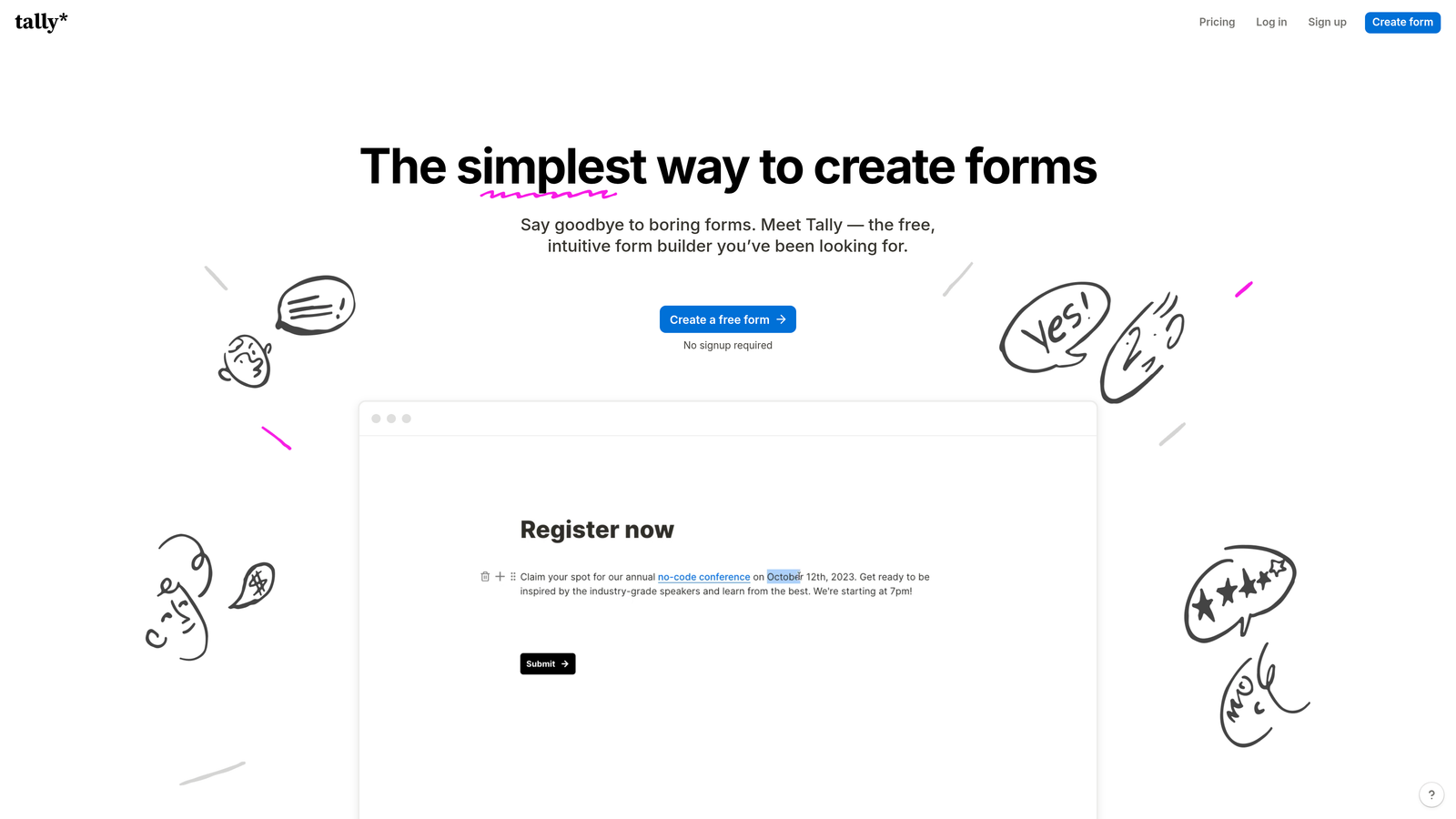
The platform covers essential features like conditional logic, file uploads, payment collection via Stripe, and basic integrations with popular tools. While it lacks advanced features like AI qualification or enterprise workflows, it provides everything most teams need for straightforward lead capture, event registration, surveys, and feedback collection. The simplicity is actually an advantage—there's less to learn and less that can go wrong. Compare it against other options in our best online form platforms roundup.
Implementation Steps
1. Create your first form using the block-based editor, adding question blocks and arranging them in logical order.
2. Set up conditional logic to show or hide questions based on previous answers, keeping forms relevant and concise for each respondent.
3. Configure notifications and integrations to ensure submissions reach the right people or systems without manual monitoring.
4. Embed forms on your website or share via direct link, taking advantage of the custom domain option if you need branded URLs.
Pro Tips
Use Tally for internal forms and simple external lead capture while you're validating product-market fit—you can always migrate to a more sophisticated platform once you've proven the business model. The calculator feature works well for interactive tools that provide value while capturing leads. Connect Tally to Zapier or Make for integration with tools not natively supported, extending functionality without upgrading your plan.
6. Cognito Forms: Payment-Focused Forms with Advanced Calculations
The Challenge It Solves
Businesses selling products, services, or event tickets through forms need more than basic payment fields—they require dynamic pricing calculations, multiple payment gateway options, inventory management, and the ability to handle complex pricing scenarios. Many form builders treat payments as an afterthought, offering limited calculation capabilities and clunky checkout experiences. When your form is your point of sale, inadequate payment functionality directly costs you revenue through abandoned transactions and pricing errors.
The Strategy Explained
Cognito Forms specializes in payment collection with sophisticated calculation fields that can handle virtually any pricing scenario. The platform supports multiple payment processors including Stripe, PayPal, and Square, giving you flexibility based on transaction fees and customer preferences. Calculation fields can reference other fields, perform mathematical operations, and apply conditional pricing rules, making it possible to build order forms with options, quantities, date-based pricing, and discount codes.
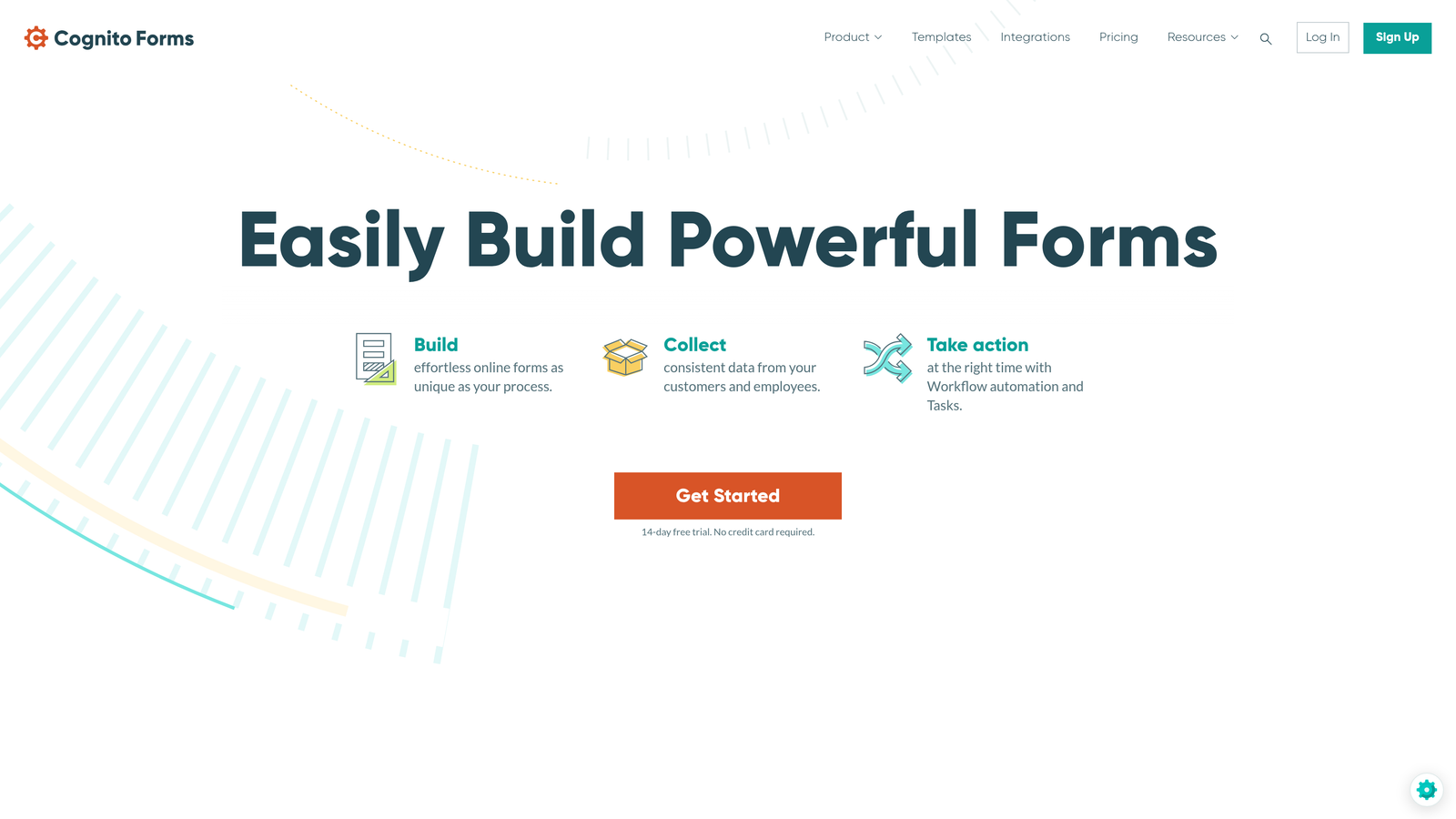
The form builder includes features specifically designed for commerce: inventory tracking to prevent overselling, recurring payment options for subscriptions, and save-and-resume functionality so customers can complete purchases later. Integration with payment processors is native rather than through third-party connectors, providing better reliability and more detailed transaction data within your form analytics. Mastering form validation best practices ensures smooth payment experiences.
Implementation Steps
1. Design your product or service options as form fields, using choice fields for options and number fields for quantities.
2. Build calculation fields that compute totals based on selections, including any conditional pricing, discounts, or variable rates.
3. Connect your preferred payment processor and configure the payment field to collect the calculated amount.
4. Set up confirmation emails that include order details and receipts, ensuring customers have documentation of their purchase.
Pro Tips
Use the repeating sections feature for order forms where customers might purchase multiple different items in a single transaction—it's cleaner than duplicating fields. Take advantage of conditional pricing to offer early-bird rates, member discounts, or volume pricing without creating separate forms. The platform's workflow feature can trigger actions based on payment status, like sending different emails for successful versus failed transactions.
7. Fillout: Modern Forms with Native Notion and Airtable Integration
The Challenge It Solves
Teams that have built their operations around Notion or Airtable often struggle to find form builders that integrate naturally with these platforms. Most integrations are superficial or require Zapier middleware that adds complexity and points of failure. When your entire workflow lives in Notion databases or Airtable bases, you need forms that write directly to these systems without transformation layers, maintaining data structure and relationships. The disconnect between your form tool and your operational tools creates manual work and data inconsistencies.
The Strategy Explained
Fillout offers native, first-class integration with both Notion and Airtable, treating them as primary data destinations rather than afterthoughts. Forms can write directly to Notion databases or Airtable bases, respecting field types, relations, and database structure. This means submissions automatically appear in your operational workspace where your team already collaborates, eliminating the need to check a separate form dashboard or export data. Implementing strong marketing automation best practices amplifies the value of these integrations.
Beyond database integration, Fillout includes scheduling functionality that competes with standalone booking tools, making it useful for service businesses that need to collect information and schedule appointments in a single flow. The modern interface and generous feature set at competitive pricing make it attractive for teams seeking a contemporary alternative to older form builders.
Implementation Steps
1. Connect Fillout to your Notion workspace or Airtable account, granting appropriate permissions for database access.
2. Select the specific database or base where submissions should be stored, mapping form fields to database properties.
3. Build your form using field types that correspond to your database structure, ensuring data flows cleanly without type mismatches.
4. Test the integration thoroughly to confirm submissions appear correctly in your database with all relationships and formatting preserved.
Pro Tips
Use Fillout's scheduling feature to replace standalone booking tools if you're already using Notion or Airtable for client management—having everything in one system simplifies workflows. Take advantage of pre-fill functionality to populate forms with data from your Notion or Airtable records, creating update forms that modify existing records rather than creating duplicates. The platform's conditional logic works well for multi-step processes where later questions depend on information already in your database.
Putting It All Together: Your Form Builder Decision Framework
Choosing the right Jotform alternative ultimately depends on your specific priorities and growth stage. If AI-powered lead qualification is central to your strategy and you need forms that actively improve sales efficiency, Orbit AI is purpose-built for this use case. Teams prioritizing engagement and brand experience will find Typeform's conversational approach worth the investment. Enterprise organizations requiring compliance and complex workflows should evaluate Formstack seriously, while budget-conscious startups can accomplish impressive results with Tally's generous free tier.
For businesses where forms are primarily transaction vehicles, Cognito Forms' advanced payment capabilities and calculation fields provide the functionality you need. Small businesses wanting an all-in-one solution for landing pages, bookings, and payments will appreciate Paperform's versatility. And teams deeply embedded in the Notion or Airtable ecosystem will find Fillout's native integration eliminates workflow friction.
Start by identifying your primary use case: Is it lead qualification? Payment collection? Enterprise workflows? Conversational engagement? Your answer immediately narrows the field. Then consider your technical requirements: What tools must integrate seamlessly? What compliance standards apply? What's your submission volume? Finally, factor in your budget reality and team's technical comfort level.
The best approach is to test your top two or three options with real forms for real use cases. Most platforms offer free trials or generous free tiers that let you evaluate them with actual traffic rather than theoretical scenarios. Pay attention not just to features, but to how the platform fits your team's workflow and whether the user experience aligns with your brand standards.
Transform your lead generation with AI-powered forms that qualify prospects automatically while delivering the modern, conversion-optimized experience your high-growth team needs. Start building free forms today and see how intelligent form design can elevate your conversion strategy.


