

Your forms are silently killing conversions. Generic templates, clunky interfaces, and zero personalization send potential leads running—often before they finish typing their email. Custom form builder software changes the game by letting you create forms that match your brand, adapt to user behavior, and integrate seamlessly with your tech stack. But with dozens of options flooding the market, finding the right fit for your team's specific needs can feel overwhelming.
We've tested and evaluated the top custom form builders based on customization depth, ease of use, integration capabilities, and value for growing teams. Here are the nine best options for 2026.
1. Orbit AI
Best for: High-growth teams that need AI-powered lead qualification and automated routing
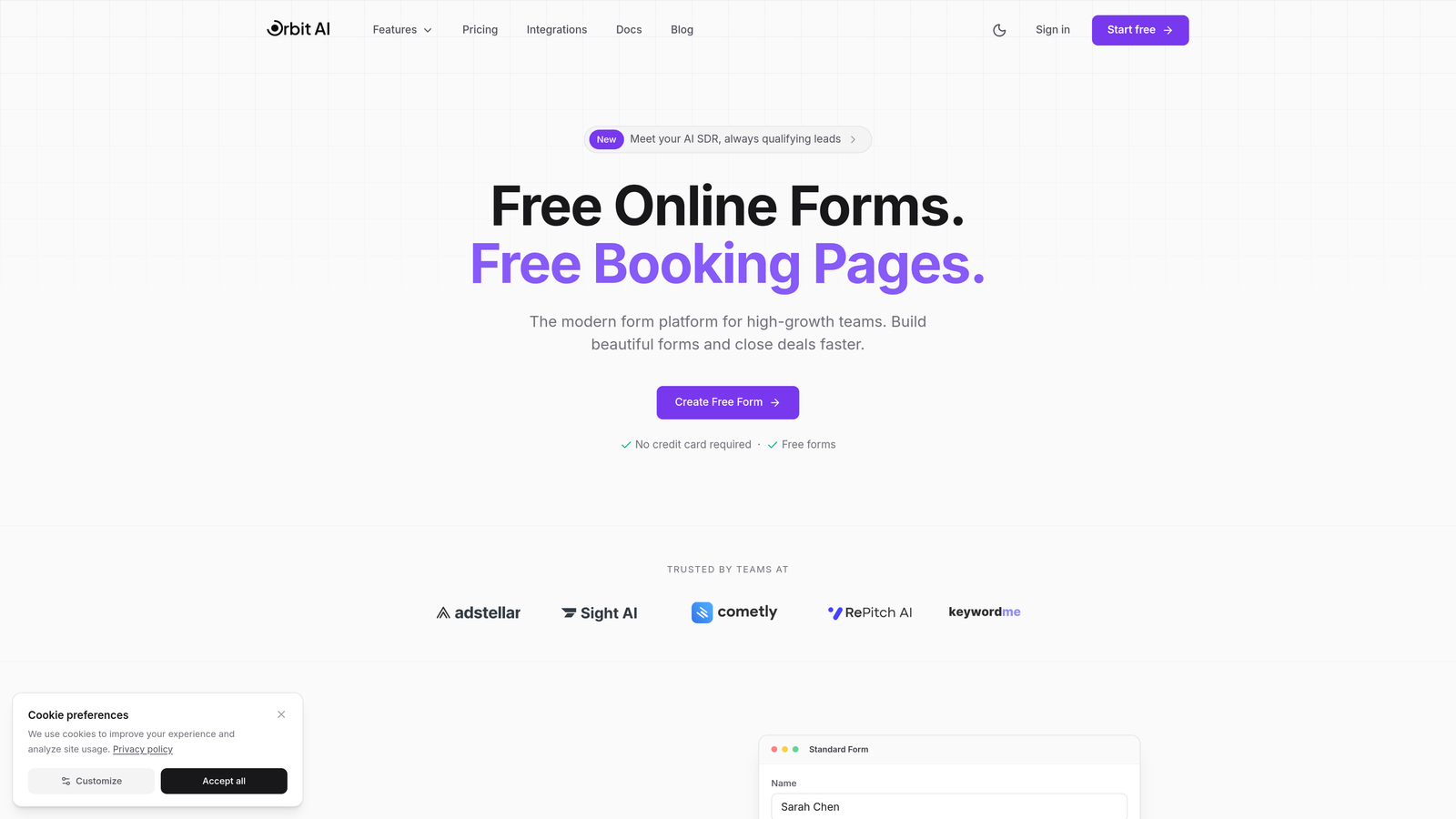
Orbit AI is an AI-powered form builder that automatically qualifies and scores leads while routing submissions to the right team members.
Where This Tool Shines
The standout feature here is the AI layer that works behind the scenes. While your prospects fill out forms, the platform analyzes their responses in real-time to assign qualification scores and determine routing paths.
This means your sales team stops wasting time on unqualified leads, and high-value prospects get immediate attention from the right person. The conversion-optimized templates are built specifically for lead capture, not generic data collection.
Key Features
AI-Powered Lead Qualification: Automatically scores submissions based on fit and intent signals without manual setup.
Smart Routing: Sends qualified leads to specific team members based on submission data, territory, or custom rules.
Conversion-Optimized Templates: Pre-built forms designed specifically to maximize completion rates and lead quality.
Native CRM Integrations: Connects directly with major CRMs to sync data without middleware or complex workflows.
Real-Time Analytics Dashboard: Track conversion rates, lead quality scores, and form performance metrics in one place.
Best For
This platform works best for B2B teams and high-growth companies where lead quality matters more than raw volume. If you're currently drowning in unqualified form submissions or struggling to route leads quickly, the AI qualification layer solves both problems simultaneously.
Pricing
Free tier available to get started. Paid plans start at competitive rates designed for growing teams that need advanced qualification and routing capabilities.
2. Typeform
Best for: Creating engaging, conversational experiences that maximize completion rates
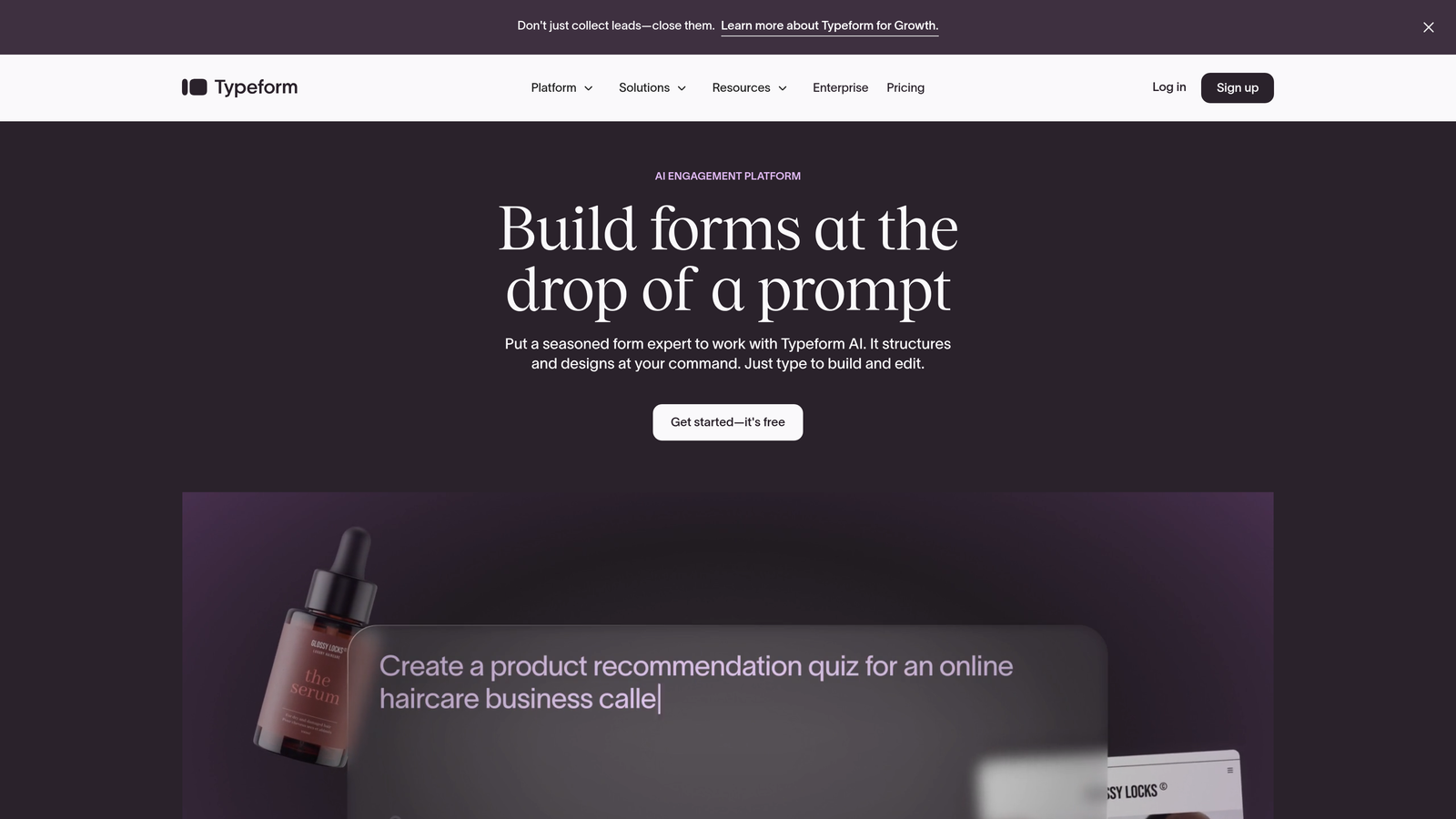
Typeform is the pioneer of conversational forms that presents one question at a time for higher engagement.
Where This Tool Shines
The one-question-at-a-time interface transforms boring forms into interactive conversations. Instead of overwhelming visitors with a wall of fields, Typeform guides them through a thoughtful progression that feels more like a chat than a data entry task.
The visual polish is exceptional. Every element can be customized to match your brand, and the interface feels modern without requiring design skills. Logic jumps let you create personalized paths based on previous answers.
Key Features
One-Question-at-a-Time Interface: Reduces cognitive load and increases completion rates by focusing attention on single questions.
Beautiful Brand Customization: Control colors, fonts, backgrounds, and layouts to create forms that match your visual identity perfectly.
Logic Jumps and Branching: Show different questions based on previous answers to create personalized experiences.
Rich Media Embedding: Add videos, images, and GIFs directly into your forms to increase engagement.
Extensive Integration Library: Connect with hundreds of tools through native integrations and Zapier.
Best For
Typeform excels when user experience and brand perception matter. Marketing teams running campaigns, agencies collecting client information, and anyone who needs forms that reflect a premium brand will appreciate the polish.
Pricing
Free tier includes basic features with limited responses. Basic plan starts at $25/month for more responses and features.
3. Jotform
Best for: Teams that need variety and speed with access to thousands of templates
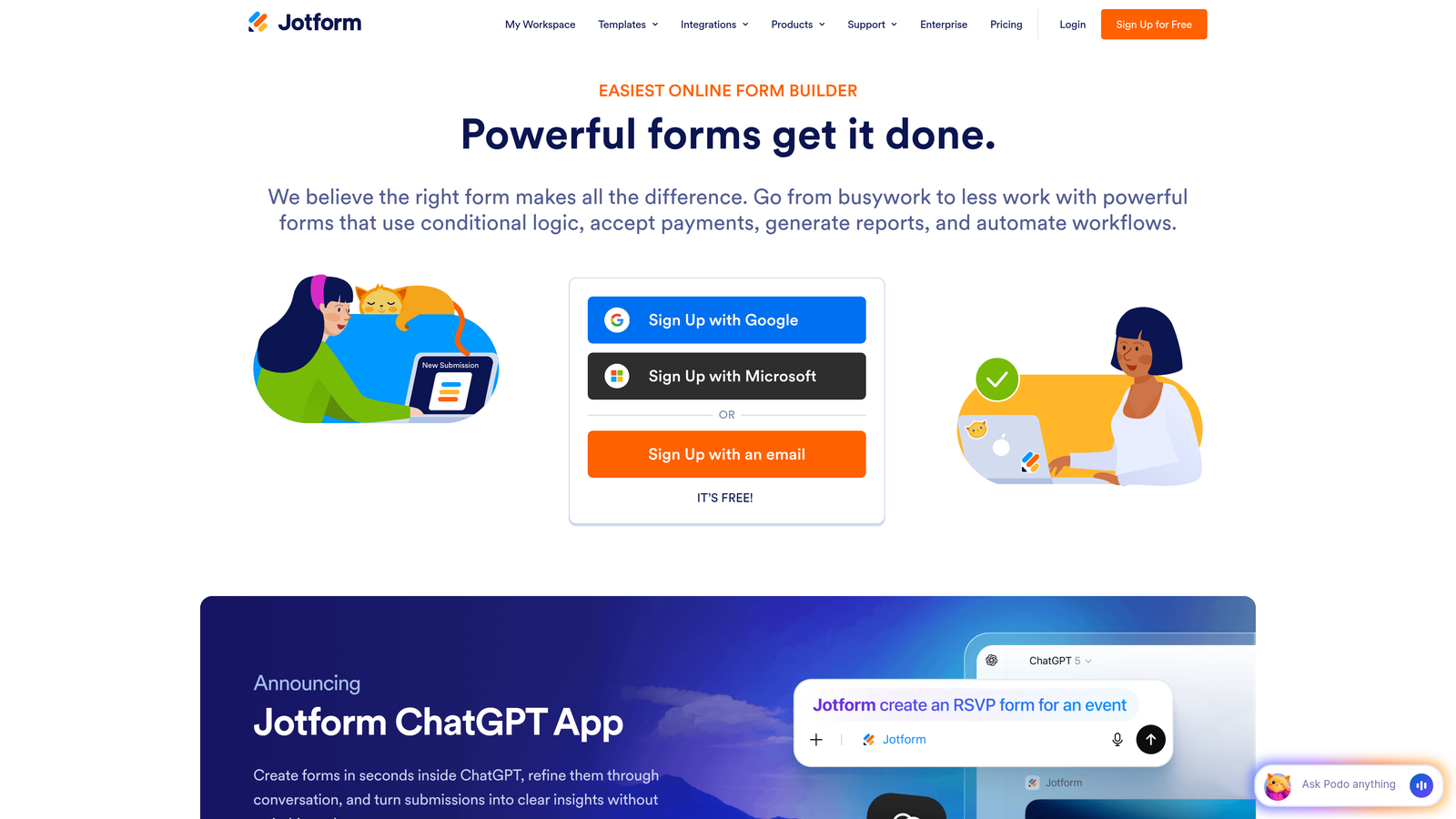
Jotform is a feature-rich form builder with over 10,000 templates covering virtually every use case.
Where This Tool Shines
The template library is genuinely massive. Whether you need event registration, job applications, order forms, or customer surveys, there's likely a pre-built template that gets you 80% of the way there.
The drag-and-drop builder is intuitive enough for non-technical users but powerful enough for complex workflows. PDF generation and e-signature collection make it particularly useful for contracts and formal documentation.
Key Features
10,000+ Customizable Templates: Start with professionally designed templates for nearly any scenario instead of building from scratch.
Drag-and-Drop Builder: Intuitive interface that lets you customize forms without touching code.
PDF Form Generation: Automatically convert submissions into formatted PDFs for record-keeping or client delivery.
E-Signature Collection: Built-in signature fields for contracts, agreements, and approvals.
Mobile App Management: Manage forms and view submissions on the go through dedicated mobile apps.
Best For
Jotform works well for small businesses and teams that need to launch forms quickly across diverse use cases. The template variety means you can handle everything from event registrations to complex applications without switching tools.
Pricing
Free tier supports up to 5 forms. Bronze plan starts at $34/month for more forms and submissions.
4. Tally
Best for: Budget-conscious teams that need unlimited forms without paying for premium features
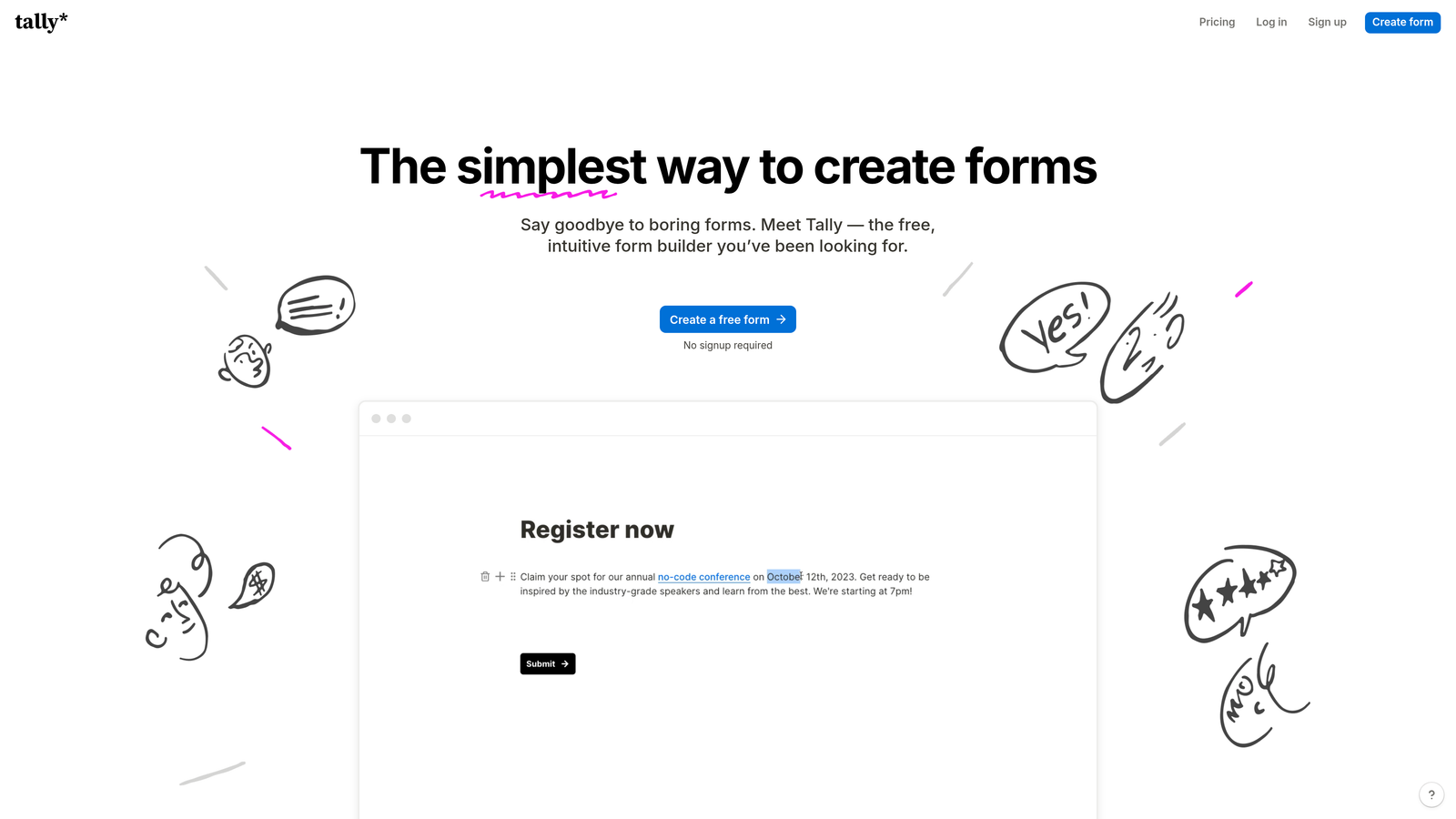
Tally is a minimalist form builder with a Notion-like interface offering unlimited forms on the free plan.
Where This Tool Shines
The free tier is shockingly generous. Unlimited forms, unlimited submissions, and conditional logic all included without paying a cent. This makes it perfect for bootstrapped startups or teams testing multiple campaigns simultaneously.
The Notion-style block editor feels familiar if you're already using Notion for documentation. Building forms becomes as simple as typing and formatting text, then adding form blocks where needed.
Key Features
Unlimited Forms on Free Tier: No artificial limits on form creation or basic submissions, even without upgrading.
Notion-Style Block Editor: Build forms using the same block-based approach as Notion for a familiar editing experience.
Conditional Logic Included Free: Show or hide questions based on previous answers without needing a paid plan.
File Uploads: Accept document uploads and attachments directly through your forms.
Custom Thank-You Pages: Create branded confirmation experiences after form submission.
Best For
Tally is ideal for early-stage startups, side projects, and teams with limited budgets but high volume needs. The free tier handles most basic use cases without restrictions.
Pricing
Free tier is genuinely generous with unlimited forms. Pro plan at $29/month adds advanced features like custom domains and integrations.
5. Paperform
Best for: Creating hybrid experiences that combine forms with landing page design
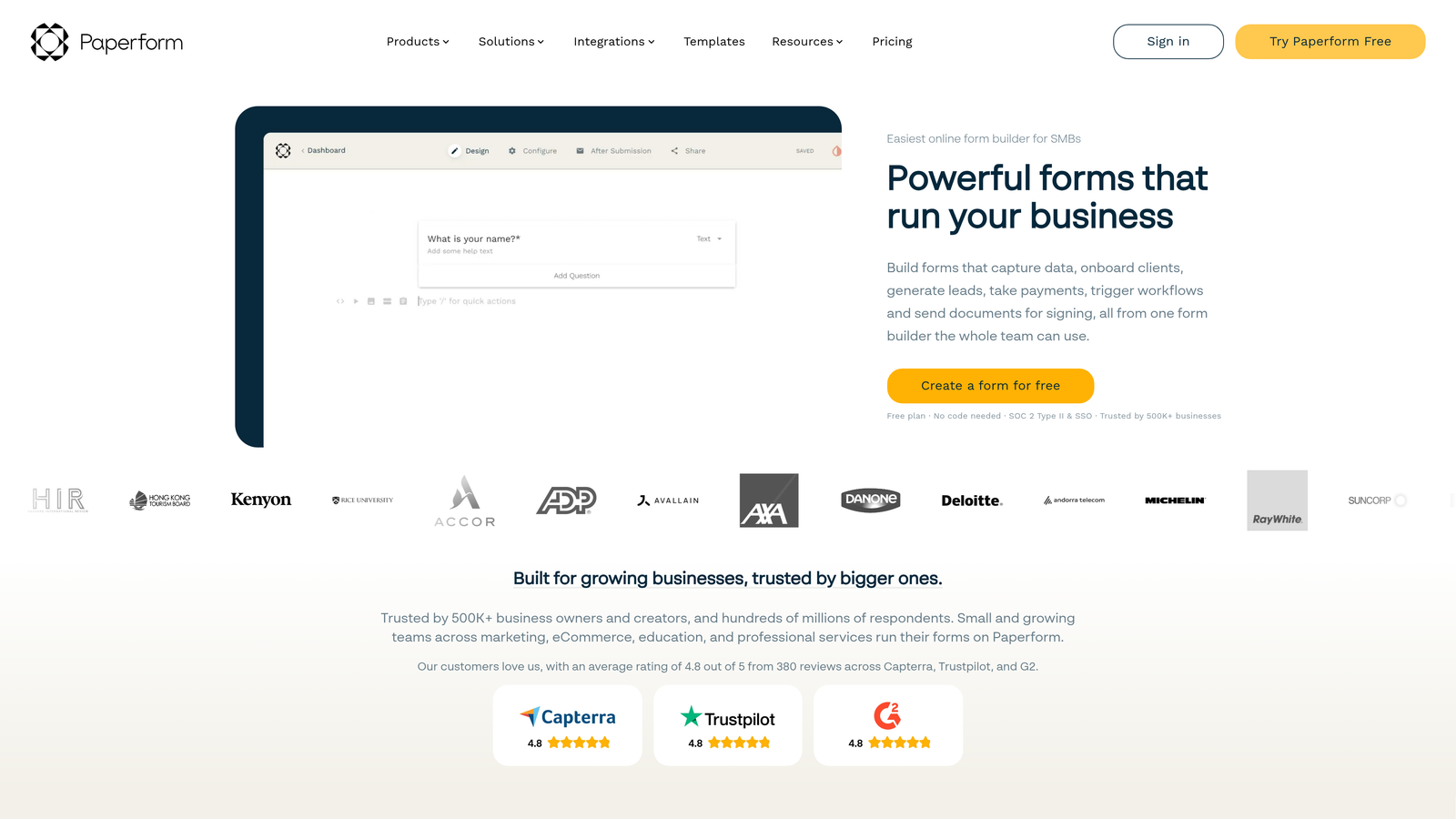
Paperform is a hybrid tool that blends form functionality with landing page design in a document-style editor.
Where This Tool Shines
The document-style editor lets you create forms that don't feel like forms. Add paragraphs, images, videos, and form fields all in the same canvas to build experiences that function as both landing pages and data collection tools.
Payment processing is built directly into the platform, making it particularly strong for selling products, collecting deposits, or processing event registrations. The calculation fields handle complex pricing logic automatically.
Key Features
Document-Style Form Editor: Mix text, media, and form fields in a single canvas to create landing page-form hybrids.
Built-In Payment Processing: Accept payments through Stripe and PayPal without third-party integrations.
Product Catalog Features: Display product options with images, descriptions, and pricing for selection.
Appointment Scheduling: Embed calendar booking functionality directly into forms.
Advanced Calculation Fields: Automatically calculate totals, discounts, and pricing based on user selections.
Best For
Paperform excels for e-commerce use cases, event registration with payments, and scenarios where you need forms that double as sales pages. Creative agencies and consultants appreciate the design flexibility.
Pricing
Essentials plan starts at $24/month. Pro plan at $49/month includes advanced features and increased submission limits.
6. Formstack
Best for: Enterprise environments requiring compliance, security, and advanced workflow automation
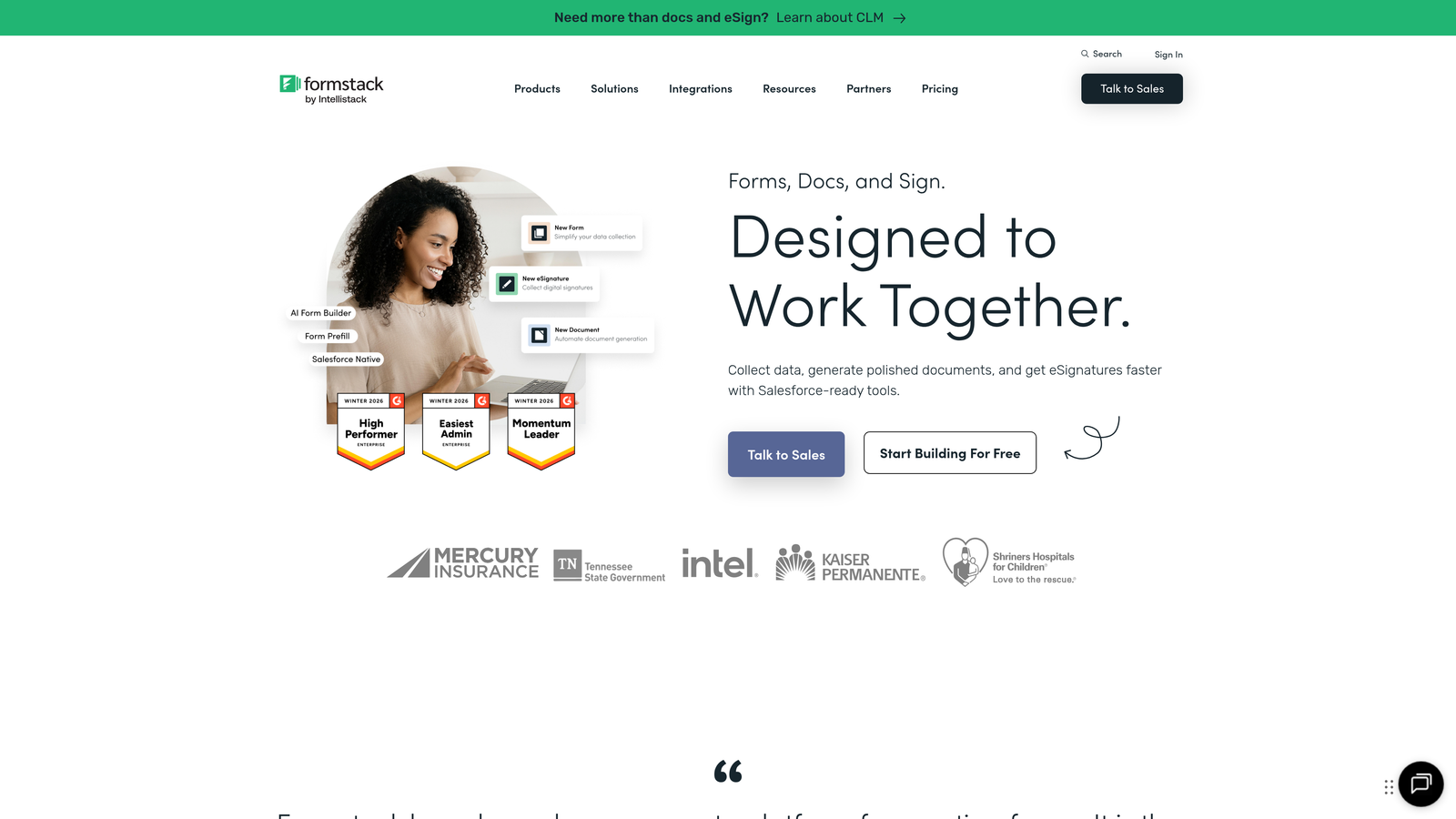
Formstack is an enterprise-grade form solution with advanced workflow automation and compliance features.
Where This Tool Shines
The compliance capabilities set Formstack apart in regulated industries. HIPAA and GDPR compliance options ensure your forms meet strict data protection requirements without custom development.
Workflow automation goes beyond basic integrations. Route submissions through multi-step approval processes, generate documents automatically, and trigger complex sequences based on form data. The Salesforce-native integration is particularly robust for teams already invested in that ecosystem.
Key Features
HIPAA and GDPR Compliance: Built-in security and data handling features that meet healthcare and privacy regulations.
Advanced Workflow Automation: Create multi-step approval processes and automated routing based on complex rules.
Document Generation: Automatically create formatted documents from form submissions for contracts or reports.
E-Signatures Built-In: Collect legally binding signatures without third-party tools.
Salesforce-Native Integration: Deep, bi-directional sync with Salesforce for seamless CRM workflows.
Best For
Formstack is built for enterprise teams in healthcare, finance, education, and other regulated industries. If compliance, security, and complex workflows are non-negotiable, the premium pricing makes sense.
Pricing
Plans start at $50/month. Enterprise pricing available for advanced compliance and workflow features.
7. Cognito Forms
Best for: Complex calculations, payment collection, and order management workflows
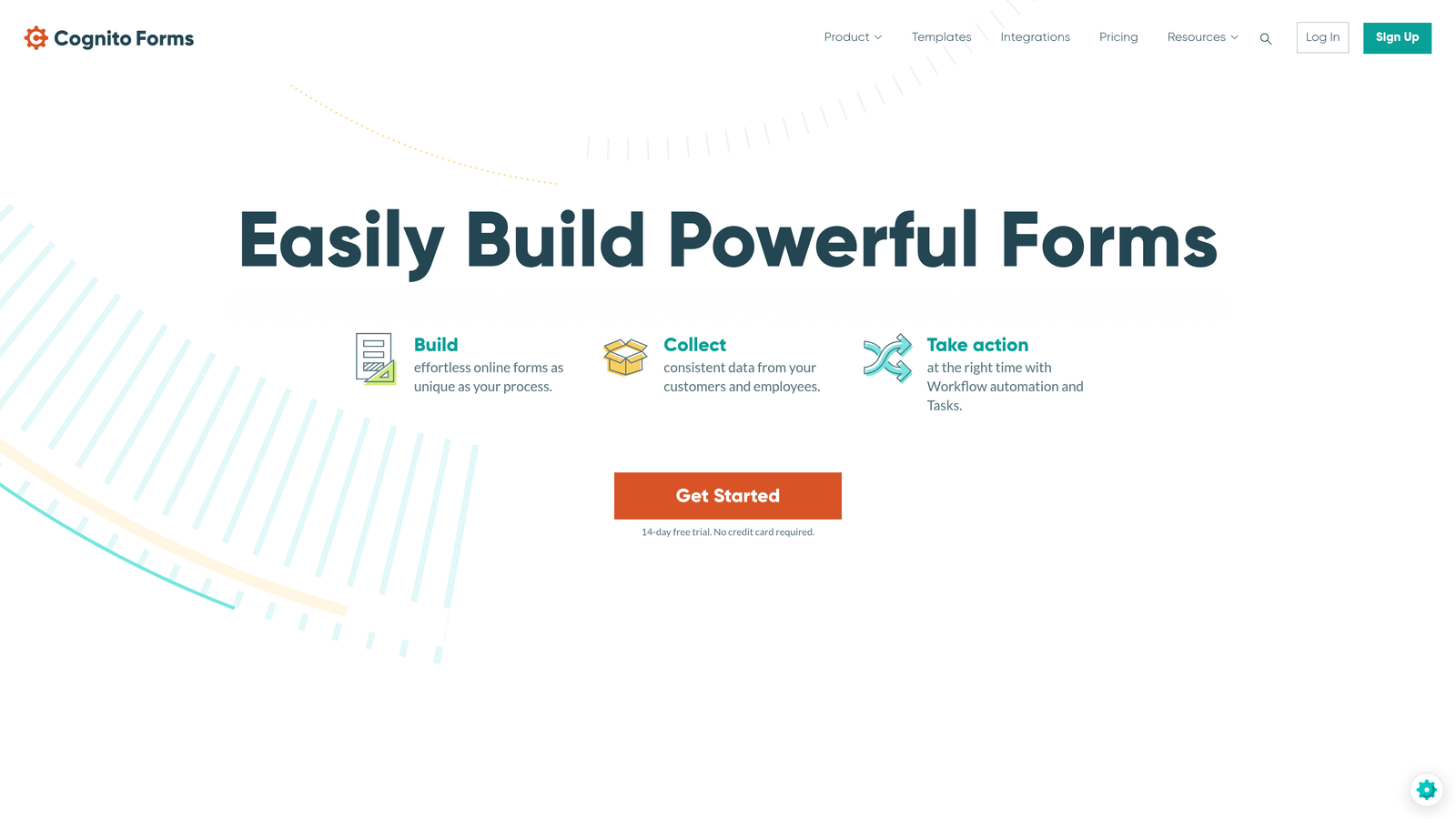
Cognito Forms is a calculation-heavy form builder ideal for quotes, orders, and payment processing.
Where This Tool Shines
The calculation engine is remarkably powerful. Build forms that automatically calculate totals, apply discounts, compute taxes, and adjust pricing based on user selections without writing code.
Payment processing through Stripe, PayPal, and Square is native and seamless. Combined with repeating sections that let users add multiple items, it becomes a lightweight order management system. Data encryption ensures sensitive information stays protected.
Key Features
Advanced Calculation Fields: Create complex formulas that calculate totals, apply conditional pricing, and compute values automatically.
Built-In Payment Processing: Accept payments through Stripe, PayPal, and Square with native integrations.
Repeating Sections: Let users add multiple items or entries within a single form submission.
Data Encryption: Automatically encrypt sensitive data to protect customer information.
Workflow and Approval Routing: Route submissions through approval chains based on custom rules.
Best For
Cognito Forms excels for businesses selling products or services through forms, collecting event registrations with variable pricing, or generating quotes that require complex calculations. The calculation capabilities rival spreadsheet formulas.
Pricing
Free tier available for basic forms. Pro plan starts at $15/month for advanced features and increased limits.
8. Fillout
Best for: Teams using Notion, Airtable, or other no-code databases as their source of truth
Fillout is a modern form builder designed specifically for teams using Notion, Airtable, and no-code databases.
Where This Tool Shines
The native Notion and Airtable integrations go beyond basic data sync. You can update existing database records, not just create new ones, making it perfect for customer portals and self-service workflows.
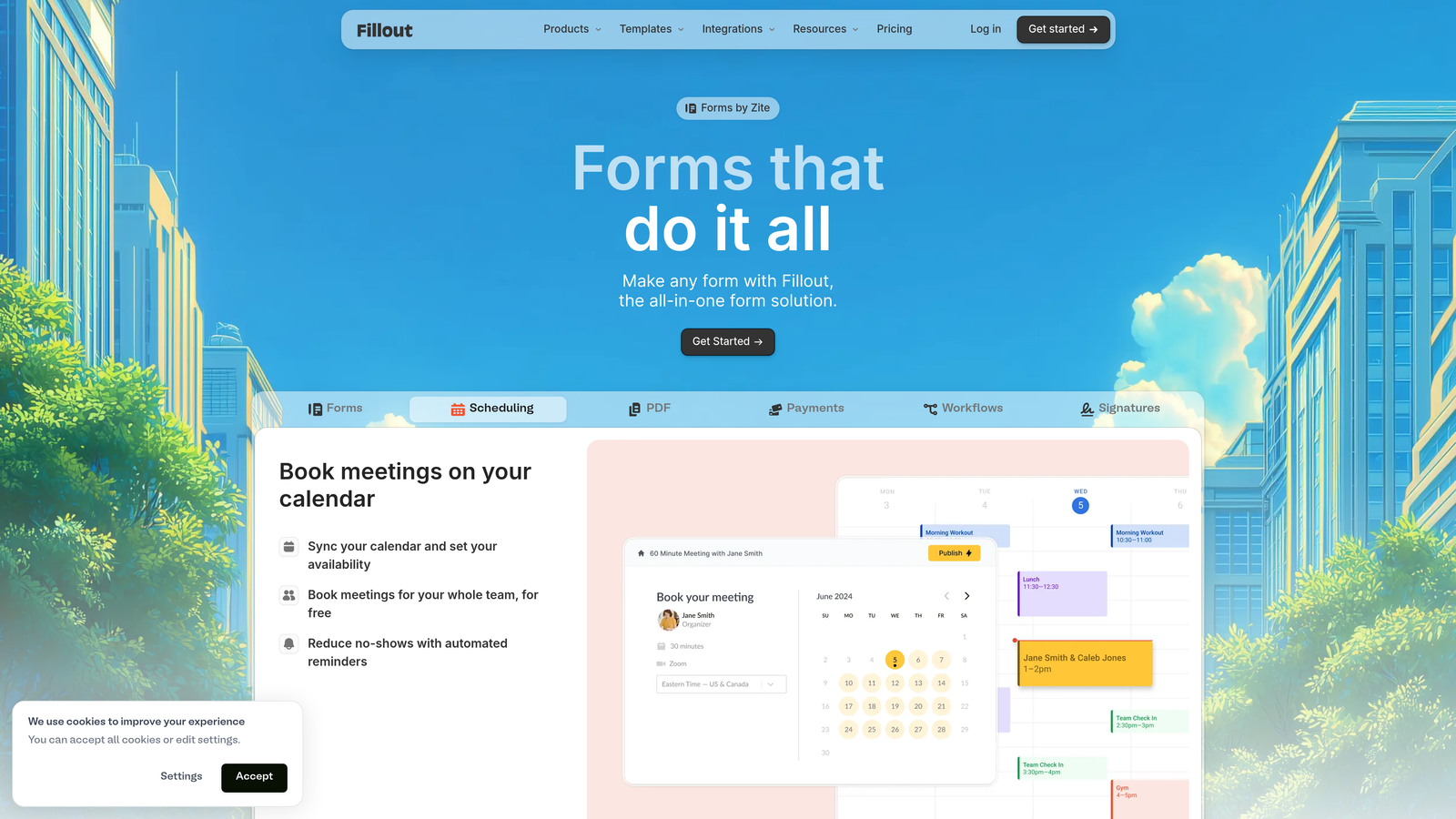
The scheduling functionality is surprisingly robust, letting you embed calendar booking directly into forms. Quiz and assessment modes add gamification and lead qualification capabilities. Custom domains maintain brand consistency throughout the user journey.
Key Features
Native Notion and Airtable Integration: Sync form data directly to your databases with bi-directional updates.
Update Existing Records: Let users edit their previous submissions or update database entries through forms.
Scheduling Functionality: Embed calendar booking and appointment selection directly into forms.
Quiz and Assessment Modes: Create scored quizzes and assessments with instant feedback.
Custom Domains: Host forms on your own domain for consistent branding.
Best For
Fillout is perfect for teams that have already built their workflows in Notion or Airtable and need forms that integrate seamlessly. Customer portals, member directories, and self-service applications benefit from the record-updating capabilities.
Pricing
Free tier available for basic use. Starter plan at $19/month unlocks advanced integrations and features.
9. HubSpot Forms
Best for: Teams already using HubSpot who need forms that feed directly into their CRM and automation
HubSpot Forms is the native form builder within HubSpot's ecosystem that integrates seamlessly with CRM and marketing automation.
Where This Tool Shines
The seamless HubSpot CRM integration is the entire value proposition. Form submissions automatically create or update contact records, trigger workflows, and feed into your marketing automation without middleware.
Progressive profiling is particularly powerful. Instead of asking the same questions repeatedly, HubSpot Forms remembers previous answers and asks new questions each time a contact returns. Smart fields pre-populate with known information to reduce friction.
Key Features
Seamless HubSpot CRM Integration: Forms feed directly into contact records, deals, and workflows without third-party connectors.
Progressive Profiling: Automatically ask different questions to returning visitors to build complete profiles over time.
Smart Fields: Pre-populate fields with known contact information to reduce form friction.
A/B Testing Capabilities: Test different form variations to optimize conversion rates.
Built Into Marketing Automation: Trigger email sequences, workflows, and lead scoring directly from form submissions.
Best For
HubSpot Forms makes sense exclusively for teams already using HubSpot CRM or Marketing Hub. The integration advantages disappear if you're using different tools, but for HubSpot users, it's the obvious choice.
Pricing
Free with HubSpot CRM. Advanced features like A/B testing and progressive profiling require paid Marketing Hub tiers.
Making the Right Choice
The best custom form builder ultimately depends on your specific workflow and priorities. Choose Orbit AI if you want AI to qualify and route leads automatically, eliminating manual triage and ensuring your sales team focuses on high-value prospects. Go with Typeform for maximum engagement and brand experience when user perception matters as much as data collection.
Pick Jotform when you need variety and speed across diverse use cases. Select Tally for budget-friendly unlimited forms that don't sacrifice essential features. Try Paperform for landing page-form combinations that handle payments and bookings elegantly.
Opt for Formstack in enterprise environments where compliance and security are non-negotiable. Use Cognito Forms for payment-heavy workflows with complex calculations. Choose Fillout if you live in Notion or Airtable and need forms that update your existing databases. Stick with HubSpot Forms if you're already deep in that ecosystem and want seamless CRM integration.
For teams serious about turning form submissions into qualified opportunities, AI-powered qualification is quickly becoming non-negotiable. The difference between collecting contact information and identifying ready-to-buy prospects is the difference between noise and revenue.
Transform your lead generation with AI-powered forms that qualify prospects automatically while delivering the modern, conversion-optimized experience your high-growth team needs. Start building free forms today and see how intelligent form design can elevate your conversion strategy.


