

Every lead that submits a contact form and lands in a spreadsheet instead of your CRM is a lead your team will likely lose. For high-growth teams, the gap between form submission and CRM sync isn't just a workflow annoyance: it's a conversion killer that compounds as your lead volume scales.
The right contact form builder eliminates that gap entirely, routing qualified leads directly into your pipeline with the context your sales team needs to act fast. But not all CRM integrations are created equal. Some tools offer deep, native connections with real-time field mapping. Others rely on third-party bridges that add latency and fragility to your workflow.
This guide covers the top contact form builders with CRM integration, evaluated on integration depth, lead qualification capabilities, ease of setup, and overall value. Whether you're syncing to HubSpot, Salesforce, or a custom CRM via webhooks, there's a right tool for your stack. We've featured Orbit AI at the top of this list because its AI-powered lead qualification layer makes it genuinely different from every other option here.
1. Orbit AI
Best for: High-growth B2B and SaaS teams that need lead qualification built into the form itself.
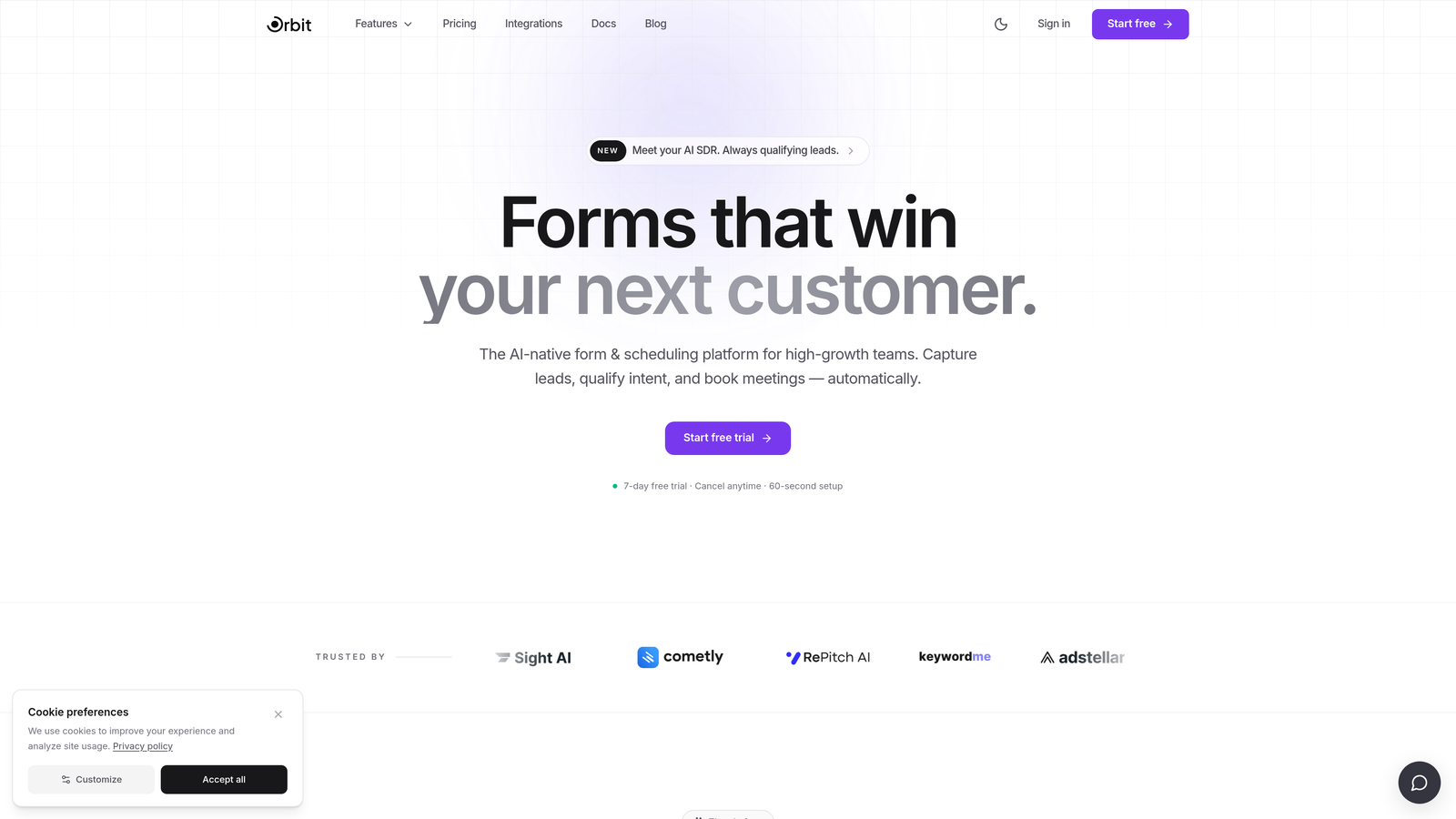
Orbit AI is an AI-powered form builder that qualifies and scores leads at the point of capture before they ever reach your CRM.
Where This Tool Shines
Most form builders treat lead qualification as someone else's problem. They capture the submission, push it to your CRM, and leave your sales team to sort through the noise. Orbit AI takes a fundamentally different approach: the AI qualification layer evaluates each submission in real time, so your CRM receives pre-filtered, context-rich leads rather than a raw dump of form responses.
This matters most for teams dealing with high submission volume where manual triage is a bottleneck. Instead of routing every contact form submission to a sales rep, Orbit AI ensures the leads that reach your pipeline are the ones worth pursuing. That's a meaningful shift in how your team spends its time.
Key Features
AI-Powered Lead Qualification: Scores and filters leads at the point of form submission, so only qualified prospects reach your CRM.
Enriched CRM Sync: Sends leads with contextual data beyond raw field values, giving your sales team the information they need to personalize outreach immediately.
Conversion-Optimized Templates: Modern, branded form designs built specifically to maximize completion rates, not just look good.
Conditional Logic: Dynamic form experiences that adapt based on user responses, creating personalized paths for different prospect types.
Built for Scale: Designed to handle high-traffic, high-volume lead capture without degrading data quality or integration reliability.
Best For
Orbit AI is the strongest fit for SaaS companies, B2B teams, and growth-focused agencies where lead quality matters as much as lead volume. If your sales team spends meaningful time disqualifying bad-fit submissions, this tool directly addresses that cost. It's less suited to teams with very simple, low-volume contact needs where qualification overhead isn't a concern.
Pricing
Check orbitforms.ai for current pricing and plans. A free starting option is available.
2. Typeform
Best for: Teams that prioritize form engagement and completion rates with native HubSpot or Salesforce connections.
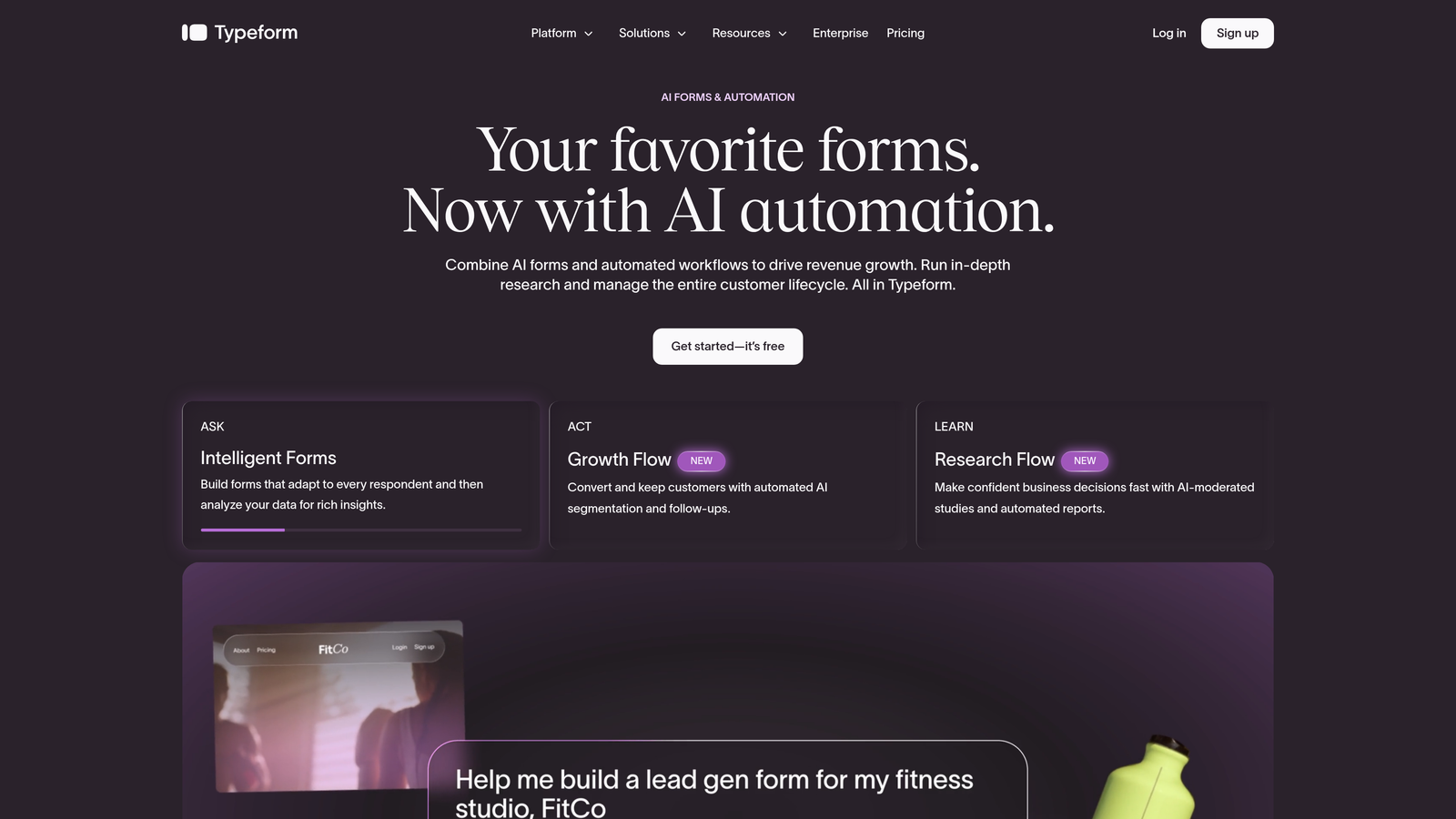
Typeform is a conversational form builder known for its one-question-at-a-time format that consistently drives higher engagement on longer forms.
Where This Tool Shines
Typeform's core strength is the experience it creates for the person filling out the form. The conversational format reduces cognitive load, which typically translates to better completion rates on forms with more than a handful of fields. For teams running discovery questionnaires, onboarding flows, or multi-step lead capture, that UX advantage is real.
On the CRM side, Typeform offers native integrations with HubSpot and Salesforce, which covers the two most common CRM stacks in B2B SaaS. For other CRMs, Zapier and Make connections are well-supported. The limitation worth noting: advanced field mapping and more granular data routing sometimes require the Zapier layer rather than the native connector, which adds a dependency to manage.
Key Features
Conversational Format: One-question-at-a-time interface that reduces form abandonment on longer submissions.
Native HubSpot and Salesforce Integrations: Direct connections to the two most widely used CRMs in B2B environments.
Logic Jumps: Conditional routing that personalizes the form path based on previous answers.
Brand Customization: Strong visual design controls for matching forms to your brand identity.
Zapier and Make Support: Extends CRM connectivity to platforms beyond the native integration list.
Best For
Typeform works well for marketing teams focused on lead capture quality through better form UX, and for companies already running HubSpot or Salesforce who want a native, low-maintenance connection. It's less ideal for teams needing deep lead qualification or complex multi-CRM routing.
Pricing
A free tier is available with limited responses. Paid plans start at a monthly fee and scale with usage. Check typeform.com for current pricing.
3. Jotform
Best for: Teams that need the broadest possible CRM integration library with minimal custom development.
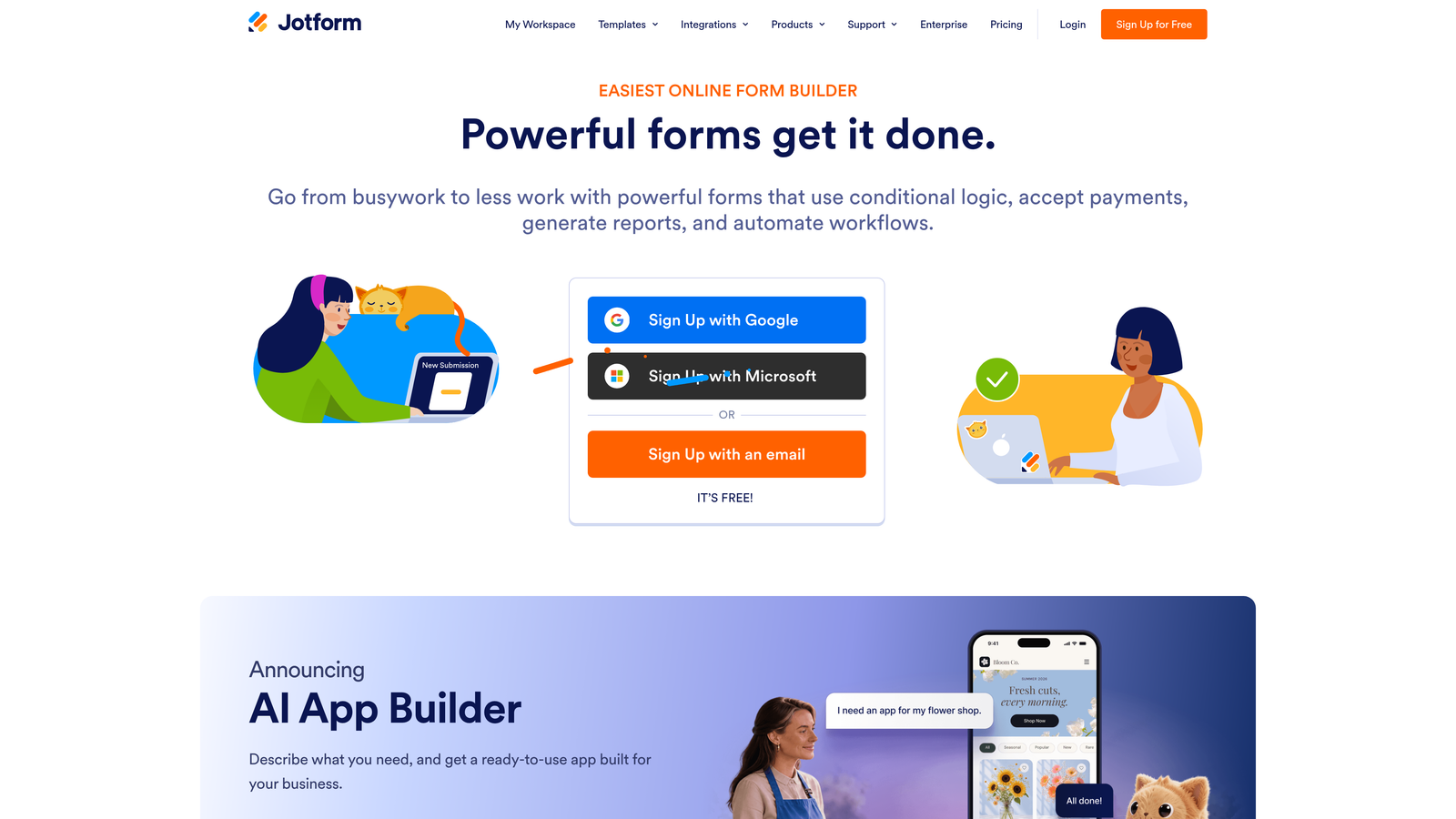
Jotform is a feature-rich form builder with one of the largest native integration libraries in this category, including direct connections to Salesforce, HubSpot, Zoho CRM, and Pipedrive.
Where This Tool Shines
If your team runs a less common CRM or needs to connect forms to multiple systems simultaneously, Jotform's integration breadth is hard to match. With native connectors to over 100 apps, the probability that your specific CRM stack is supported out of the box is very high. That reduces setup time and eliminates the need for a Zapier intermediary in most cases.
Jotform's conditional logic also allows you to route different form responses to different CRM workflows, which is useful for teams managing multiple product lines or sales motions from a single form. The trade-off is that the interface feels dated compared to newer tools, and there's no built-in lead qualification layer. What goes into the CRM is exactly what the user submitted, unfiltered.
Key Features
100+ Native Integrations: Direct connections to Salesforce, HubSpot, Zoho CRM, Pipedrive, and many other platforms without requiring a middleware tool.
Conditional Logic for Routing: Sends different form submissions to different CRM workflows based on response values.
Large Template Library: Hundreds of pre-built form templates that accelerate initial setup across industries.
Payment Collection: Built-in support for collecting payments alongside lead capture in a single form.
File Upload Support: Allows respondents to attach documents, images, or files directly within the form submission.
Best For
Jotform is a strong choice for operations teams, agencies managing multiple client CRMs, and businesses running on less common CRM platforms that other tools don't natively support. Teams looking for conversion optimization or lead scoring will need to layer those capabilities on top.
Pricing
A free tier is available with submission and storage limits. Paid plans scale by submission volume and feature access. Check jotform.com for current pricing.
4. Formstack
Best for: Enterprise teams that need Salesforce-native integration with workflow automation and document generation.
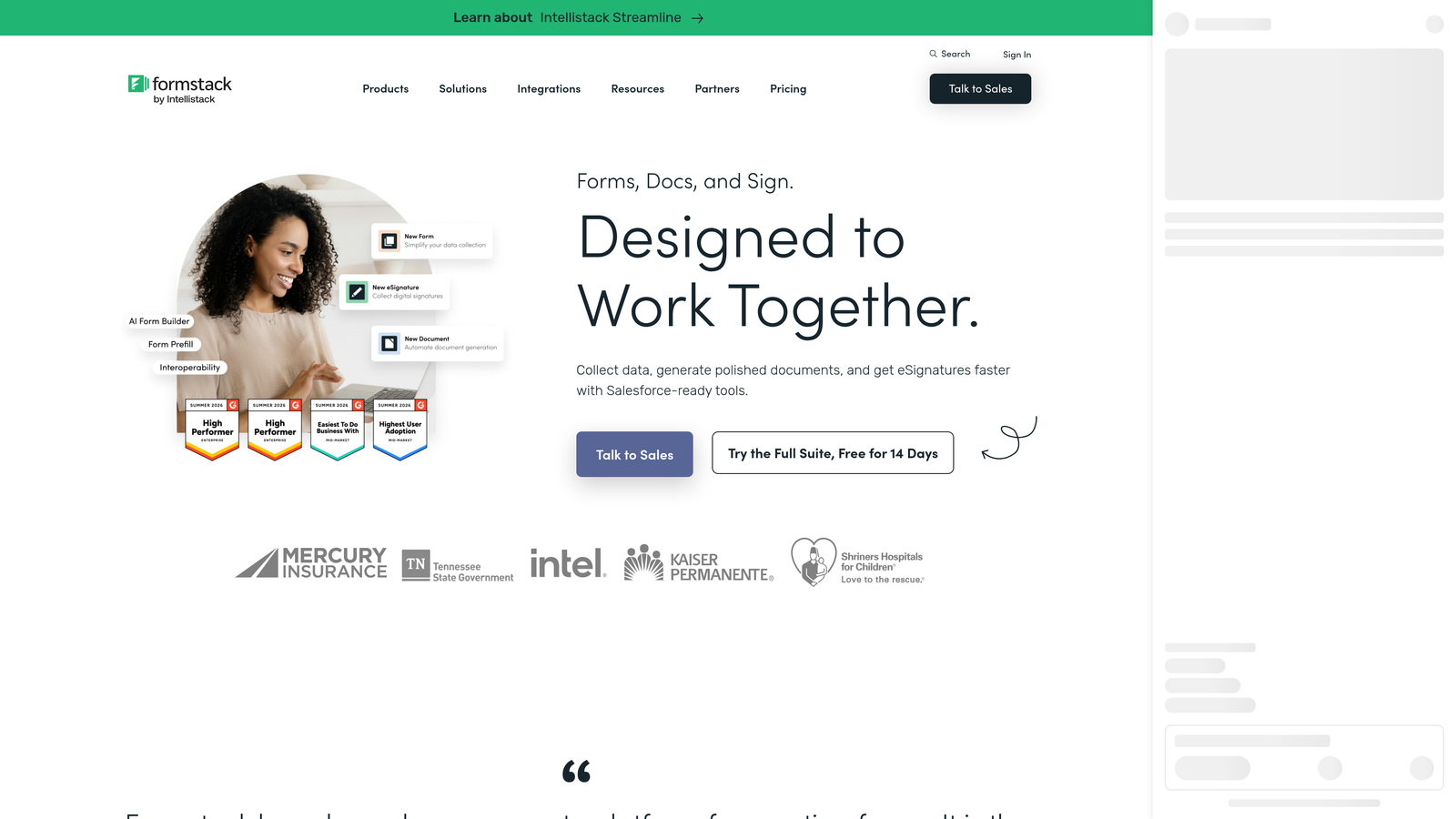
Formstack is an enterprise-grade form and workflow automation platform with the deepest Salesforce integration available in this category.
Where This Tool Shines
Formstack's Salesforce integration goes well beyond basic field mapping. It's built to handle complex data relationships within Salesforce, supporting multi-object record creation, advanced field dependencies, and real-time data validation against existing CRM records. For enterprise sales and operations teams where data integrity inside Salesforce is non-negotiable, that depth matters significantly.
Beyond forms, Formstack bundles document generation and e-signature capabilities into the same platform. That makes it particularly useful for teams that need to move from lead capture to contract or proposal generation within a single workflow. It's a genuinely different scope from the other tools on this list, which is both its strength and the reason it's not the right fit for most smaller teams.
Key Features
Salesforce-Native Integration: Advanced field mapping, multi-object record creation, and real-time CRM data validation built directly into the platform.
Workflow Automation: Complex data routing and approval workflows that go beyond basic form-to-CRM submission.
Document Generation: Automatically creates documents from form data, useful for proposals, contracts, and onboarding materials.
E-Signature Support: Collects legally binding signatures within the same workflow as form submission.
Enterprise Security and Compliance: HIPAA compliance, audit logs, and access controls suited for regulated industries.
Best For
Formstack is purpose-built for enterprise sales, legal, and operations teams running on Salesforce where data complexity and compliance requirements rule out lighter-weight tools. It's cost-prohibitive and feature-heavy for smaller teams or anyone not deeply invested in the Salesforce ecosystem.
Pricing
Enterprise pricing applies across plans. Check formstack.com for current plan details and pricing tiers.
5. Paperform
Best for: SMBs and creative teams that want design-forward forms with CRM connectivity and built-in payment collection.
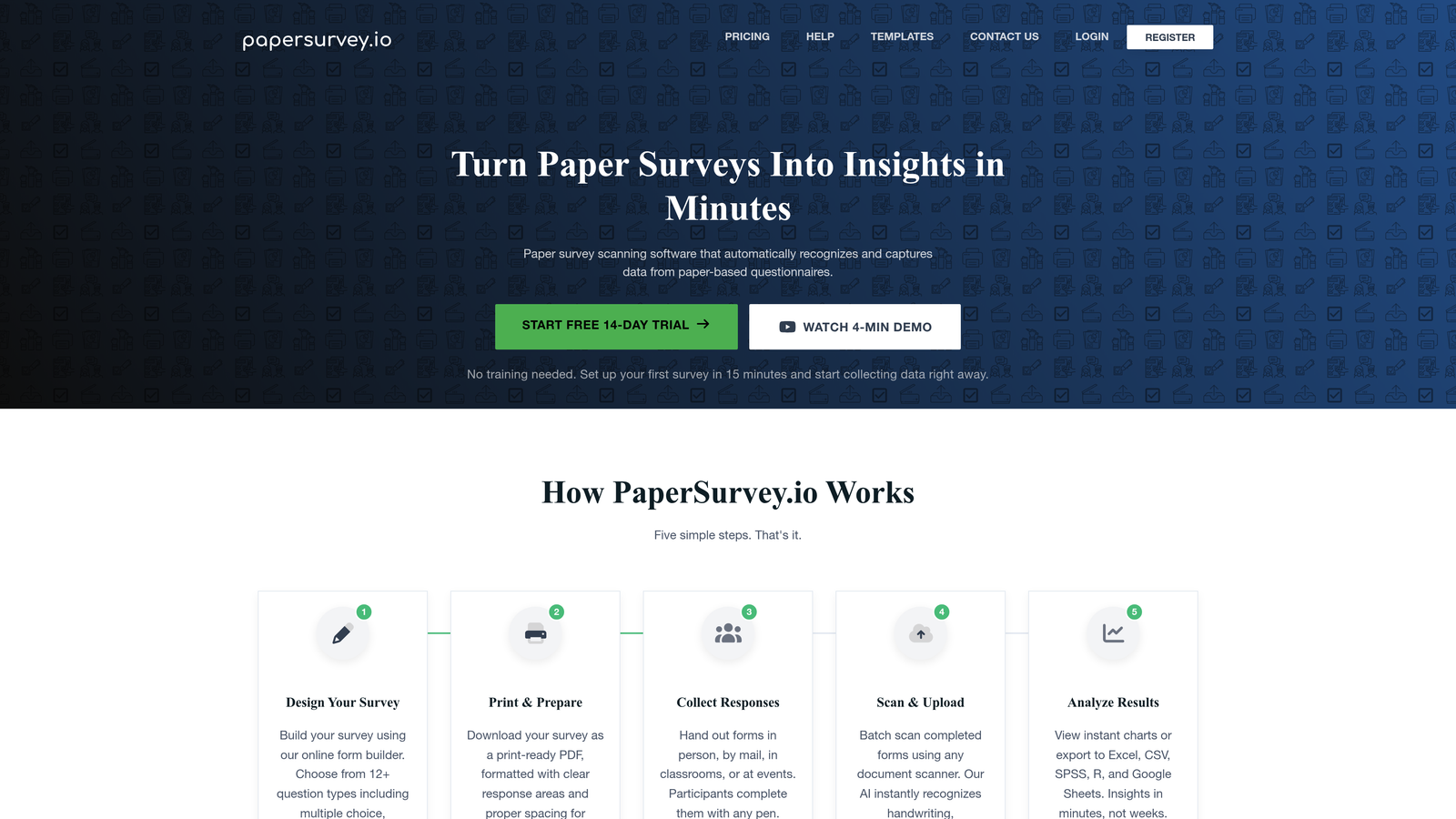
Paperform is a flexible form builder that functions as a hybrid between a traditional form tool and a lightweight landing page builder.
Where This Tool Shines
Paperform's standout quality is its design flexibility. Forms built on Paperform can look and feel like branded landing pages rather than standard web forms, which makes them well-suited for campaigns where visual presentation matters. For teams selling products or services where the form itself needs to do some conversion lifting, that aesthetic control is genuinely valuable.
On the CRM side, Paperform offers native integrations with HubSpot and ActiveCampaign, with Zapier support covering a broader range of platforms. The integration depth is solid for the SMB use case it targets, though it doesn't match the enterprise-grade Salesforce capabilities of Formstack or the AI qualification layer of Orbit AI. It's also worth noting that Paperform has no free tier, so there's a cost commitment from day one.
Key Features
Form and Landing Page Hybrid: Design-forward layouts that can function as standalone branded pages, not just embedded form widgets.
Native HubSpot and ActiveCampaign Integrations: Direct CRM connections for the two platforms most common in SMB marketing stacks.
Built-In Payment Collection: Accepts payments alongside lead capture in a single form without requiring a separate payment tool.
Conditional Logic and Calculations: Dynamic form paths and calculated fields for pricing estimates, scoring, and personalized outputs.
Zapier Support: Extends CRM and app connectivity beyond the native integration list for teams with custom stacks.
Best For
Paperform suits small to mid-sized businesses, creative agencies, and solopreneurs who want polished, on-brand forms with straightforward CRM connectivity. Teams with complex CRM workflows or high-volume lead qualification needs will likely outgrow it.
Pricing
No free tier is available. Paid plans are offered at different feature levels. Check paperform.io for current pricing.
6. Tally
Best for: Early-stage teams and individuals who need fast, free form setup with basic CRM connectivity via webhooks.
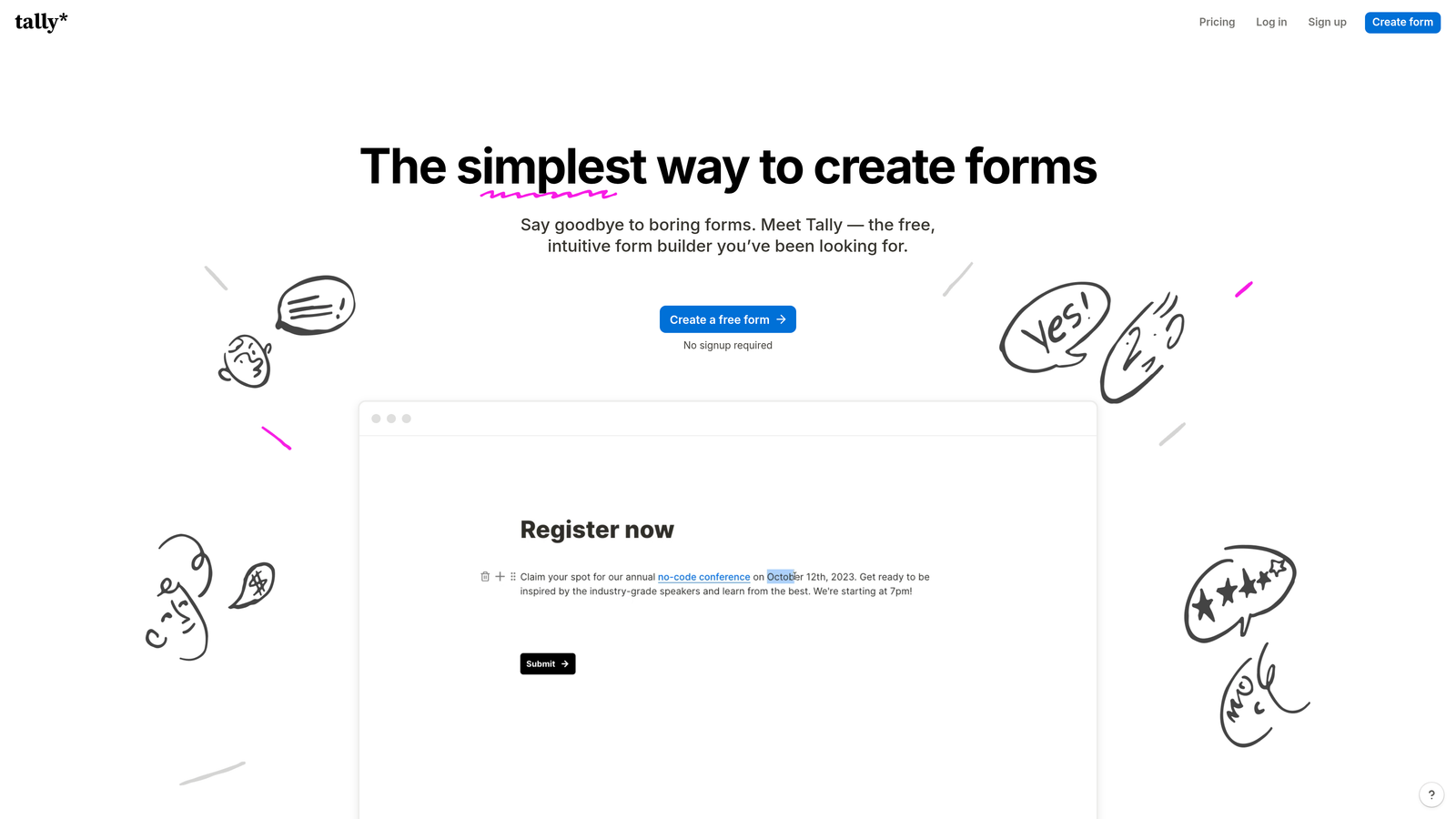
Tally is a Notion-inspired free form builder with a generous free tier and a clean, minimal interface that gets forms live quickly.
Where This Tool Shines
Tally's primary advantage is accessibility. The free tier includes unlimited forms and unlimited submissions, which is genuinely rare in this category and makes it an obvious starting point for bootstrapped teams or anyone testing a lead capture workflow before committing to a paid tool. The Notion-like interface also means most users can build a functional form in minutes without a learning curve.
For CRM connectivity, Tally relies primarily on webhooks and Zapier rather than deep native integrations. That approach works well for teams with straightforward routing needs, but it introduces more configuration overhead than a native connector and can be less reliable at scale. Tally is honest about what it is: a simple, fast, free tool for capturing data. It's not designed for complex CRM workflows or lead qualification.
Key Features
Generous Free Tier: Unlimited forms and submissions at no cost, making it genuinely usable without a paid plan for most basic use cases.
Clean Notion-Like Interface: Minimal, distraction-free form builder that most users can navigate without any training.
Webhook Support: Custom CRM routing for teams comfortable with basic API configuration or tools like Zapier.
Zapier Integration: Connects to popular CRMs and marketing platforms through the Zapier automation layer.
Fast Setup: From blank form to published in minutes, with no design decisions required if you want to keep it simple.
Best For
Tally is the right choice for early-stage startups, individual operators, and internal teams that need a quick, free way to capture contact information and route it somewhere useful. Teams with growing lead volume, CRM complexity, or any need for lead qualification will hit Tally's ceiling fairly quickly.
Pricing
Free tier available with no submission limits. A Pro plan adds additional features and branding controls. Check tally.so for current pricing.
Which Tool Is Right for Your Team?
The best contact form builder with CRM integration isn't the one with the most features: it's the one that matches where your team is in its growth journey and what your CRM workflow actually requires.
Here's a quick way to think about it. If you're an early-stage team just getting lead capture off the ground, Tally gives you a free, functional starting point with no commitment. If design and brand experience matter and you're running HubSpot or ActiveCampaign, Paperform is worth the investment. If you need the widest possible CRM compatibility without custom development, Jotform's integration library is hard to beat. For enterprise teams running complex Salesforce workflows, Formstack is in a category of its own. And if form engagement and completion rates are your primary lever, Typeform's conversational format has a genuine track record.
But if you're a high-growth B2B or SaaS team where lead quality is the constraint, not just lead volume, Orbit AI addresses a problem the other tools don't. The AI qualification layer means your CRM receives leads that have already been evaluated, not just collected. Your sales team spends time on prospects worth pursuing, and your pipeline data stays clean as you scale.
That's a fundamentally different value proposition from "better form design" or "more integrations." It's about making the form itself an active part of your revenue process, not just a data collection endpoint.
Start building free forms today and see how AI-powered lead qualification can change what your CRM actually receives, and how fast your team can act on it.


