

The days of static, one-size-fits-all forms are over. AI-powered form solutions now adapt in real-time, qualify leads automatically, and create personalized experiences that dramatically boost conversion rates.
We evaluated these tools based on AI capabilities, ease of use, integration options, and value for high-growth teams. Whether you need intelligent lead scoring, conversational forms, or automated follow-ups, this list covers the best options available today.
1. Orbit AI
Best for: High-growth teams needing intelligent lead qualification with conversion-optimized form design.
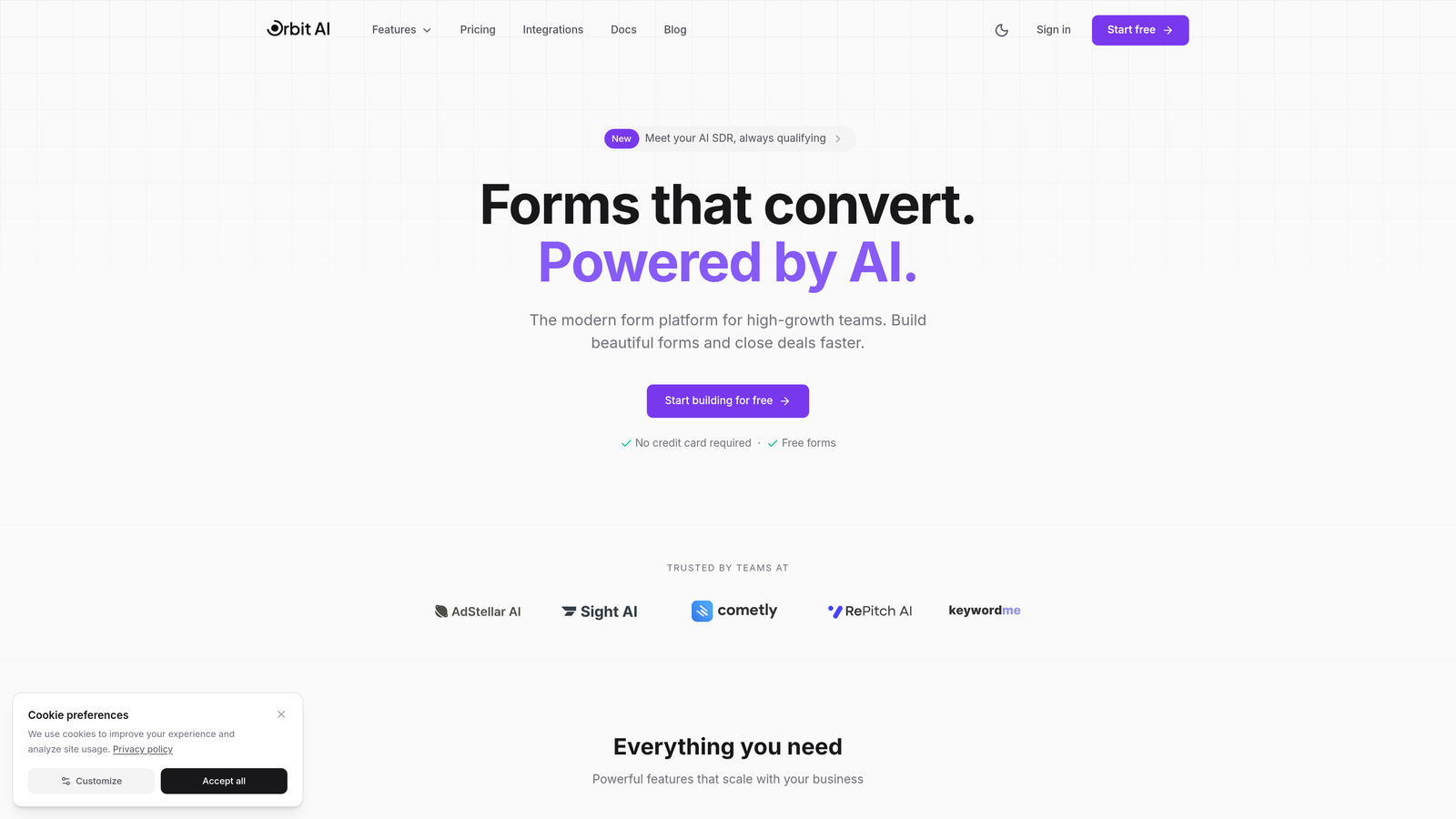
Orbit AI is an AI-powered form builder platform specifically designed for teams focused on lead generation and conversion optimization.
Where This Tool Shines
Orbit AI stands out by combining intelligent lead qualification with beautiful, conversion-optimized form design. The platform doesn't just collect data—it actively scores and qualifies leads in real-time, helping your team focus on the prospects most likely to convert.
The AI analyzes response patterns to identify high-intent leads automatically, routing them through customized workflows. This means your sales team spends less time on unqualified prospects and more time closing deals that matter.
Key Features
AI-Powered Lead Qualification: Automatically scores and qualifies leads based on their responses, prioritizing high-value prospects for immediate follow-up.
Conversion-Optimized Templates: Pre-built form designs tested for maximum conversion rates, eliminating guesswork from your lead generation strategy.
Native CRM Integrations: Seamlessly connects with major CRMs to ensure qualified leads flow directly into your existing workflows.
Real-Time Analytics: Track form performance, conversion rates, and lead quality metrics to continuously optimize your lead generation efforts.
Automated Workflow Sequences: Set up intelligent follow-up sequences that trigger based on lead scores and qualification criteria.
Best For
Perfect for SaaS companies, B2B businesses, and any high-growth team that needs to capture leads while automatically qualifying them. Particularly valuable if you're tired of sorting through unqualified leads manually.
Pricing
Free tier available to get started. Paid plans begin at $29/month, scaling with your lead generation needs.
2. Typeform
Best for: Creating engaging, conversational form experiences that feel more like human interactions.
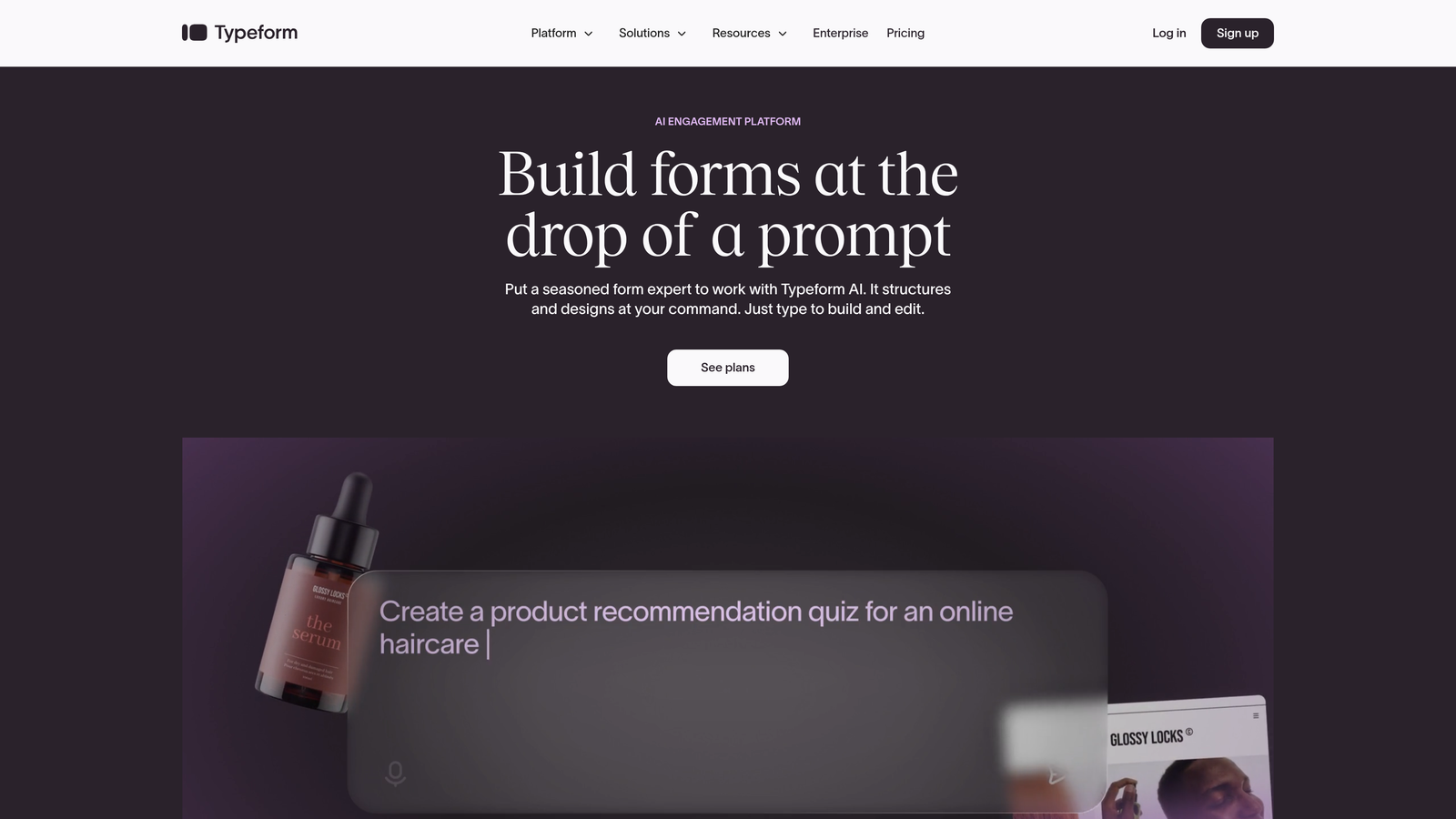
Typeform pioneered the conversational form approach with its signature one-question-at-a-time format.
Where This Tool Shines
Typeform transforms data collection into an engaging conversation. Instead of overwhelming users with a wall of questions, it presents one question at a time, creating a natural flow that significantly reduces form abandonment.
The AI-powered logic jumps adapt the question sequence based on previous answers, making each respondent's experience feel personalized. This conversational approach consistently delivers higher completion rates than traditional forms.
Key Features
Conversational Format: One-question-at-a-time interface that feels more like a dialogue than a form, improving user engagement.
AI-Powered Logic Jumps: Intelligent branching that adapts questions based on responses, creating personalized paths through your form.
Beautiful Design Options: Extensive customization capabilities that let you match forms perfectly to your brand aesthetic.
Rich Media Integration: Embed videos and images directly into questions to create more engaging, interactive experiences.
Extensive Integrations: Connects with hundreds of third-party tools to fit seamlessly into your existing tech stack.
Best For
Marketing teams and businesses prioritizing user experience over everything else. Ideal when form completion rates are your primary concern and you want forms that feel modern and engaging.
Pricing
Free tier available with basic features. Paid plans start at $25/month for more advanced functionality and higher response limits.
3. Jotform
Best for: Teams needing versatile form creation with AI generation from natural language prompts.
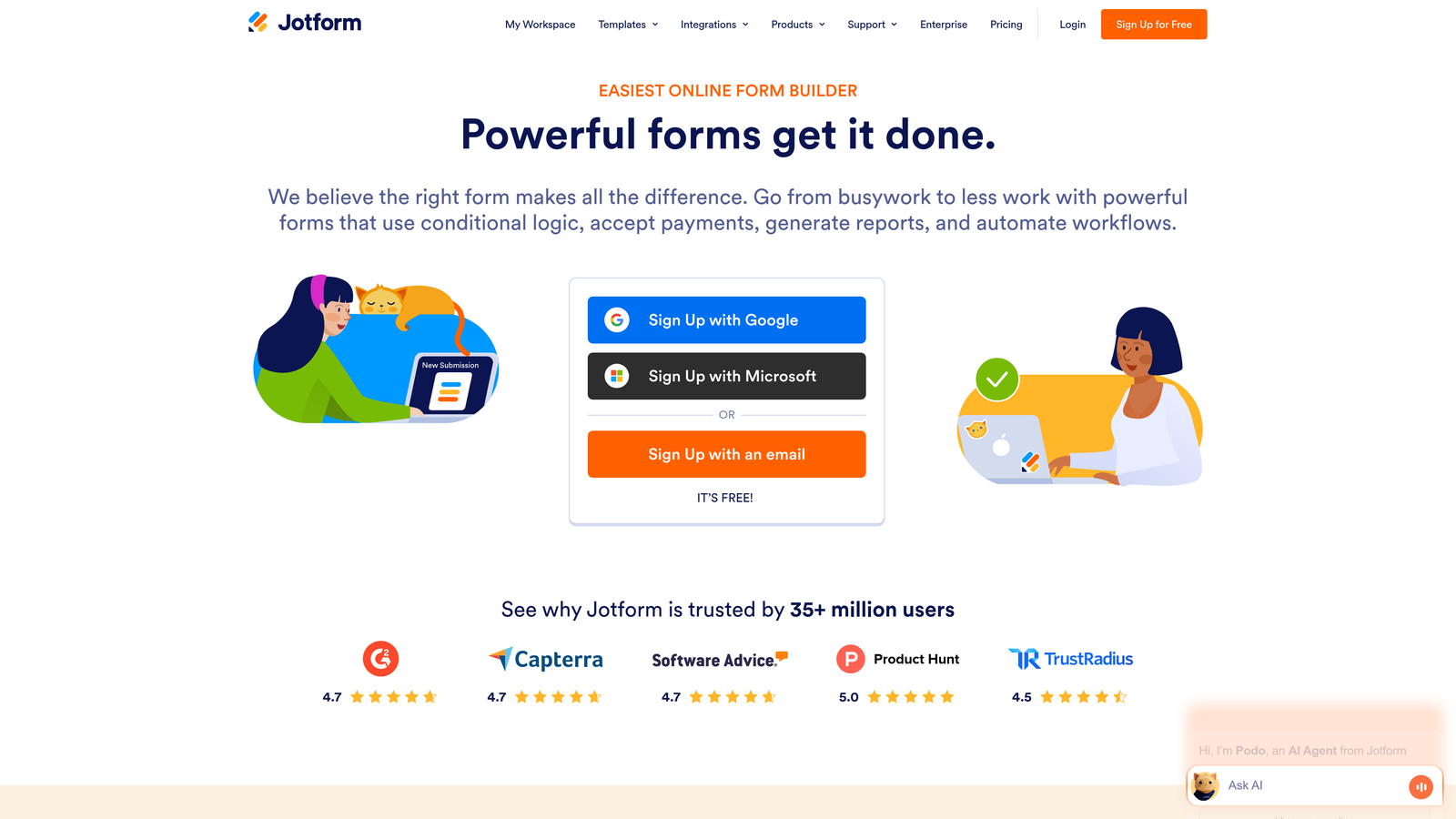
Jotform offers one of the most comprehensive form-building platforms with an AI generator that creates forms from simple text descriptions.
Where This Tool Shines
Jotform's AI form generator lets you describe what you need in plain English, and it builds the entire form for you. Think of it as having a form designer who instantly understands your requirements and delivers a working solution.
With over 10,000 pre-built templates covering virtually every use case, you're rarely starting from scratch. The platform handles everything from basic contact forms to complex applications with e-signatures and PDF generation.
Key Features
AI Form Generator: Describe your form needs in natural language and watch the AI build it automatically, saving hours of manual creation time.
10,000+ Templates: Massive template library covering every industry and use case imaginable, from event registrations to job applications.
PDF Creation & E-Signatures: Generate PDF documents from form submissions and collect legally binding electronic signatures.
Mobile App Builder: Create native mobile apps for your forms without writing code, extending your reach beyond web browsers.
HIPAA Compliance: Enterprise-grade security options for healthcare and other regulated industries requiring strict data protection.
Best For
Organizations needing maximum flexibility and template variety. Particularly valuable for agencies managing forms for multiple clients or businesses with diverse form requirements across departments.
Pricing
Free tier includes up to 5 forms. Paid plans start at $34/month with increased form limits and advanced features.
4. Feathery
Best for: Product teams and developers building complex, multi-step user flows with custom code.
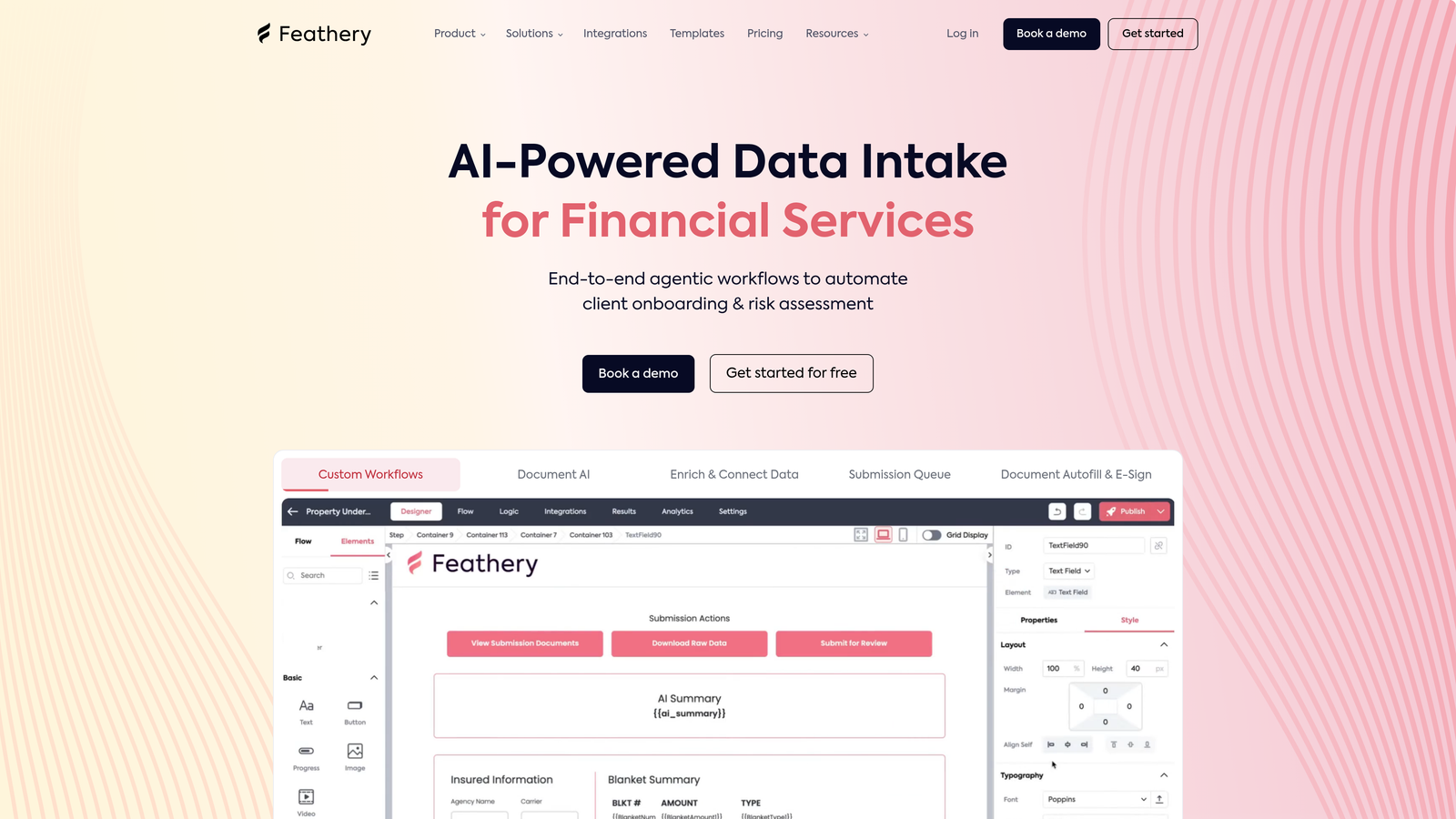
Feathery is a developer-friendly form builder that combines no-code convenience with the power of custom code injection.
Where This Tool Shines
Feathery bridges the gap between no-code simplicity and developer control. The AI-assisted conditional logic builder helps you create complex form flows without writing code, but when you need custom functionality, you can inject JavaScript directly.
The React and JavaScript SDKs give developers full control over form behavior and appearance, making it possible to build forms that feel native to your product rather than bolted-on widgets.
Key Features
AI-Assisted Logic Builder: Create complex conditional flows with AI assistance, reducing the time needed to build sophisticated form sequences.
React & JavaScript SDK: Full programmatic control for developers who need to integrate forms deeply into their applications.
Multi-Step Workflows: Build lengthy onboarding flows or applications that guide users through complex processes step-by-step.
Custom Code Injection: Add custom JavaScript to extend functionality beyond standard form capabilities whenever needed.
White-Label Options: Remove all Feathery branding and customize every aspect to match your product's look and feel.
Best For
SaaS product teams building user onboarding flows, application processes, or any scenario requiring tight integration with existing applications. Best when you need developer-level control with AI-assisted efficiency.
Pricing
Free tier available for testing. Paid plans begin at $49/month, with pricing scaling for larger teams and higher usage.
5. Fillout
Best for: Data-driven teams using Notion or Airtable who want forms syncing directly to their databases.
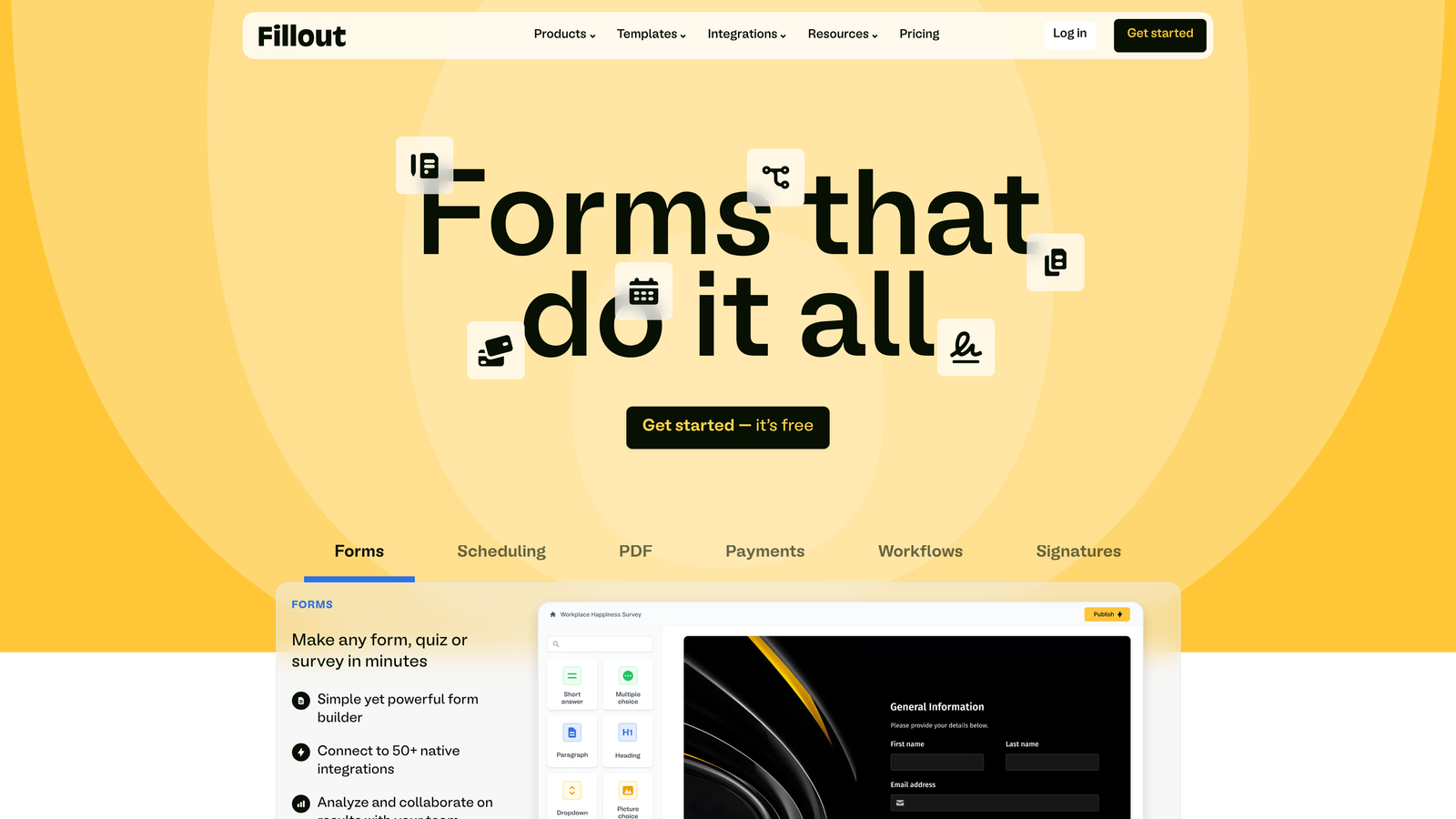
Fillout specializes in native integrations with Notion and Airtable, making it perfect for teams already using these platforms.
Where This Tool Shines
Fillout eliminates the middleware headache. Instead of routing form data through Zapier or Make, your submissions flow directly into Notion databases or Airtable bases in real-time. This direct connection means less complexity and fewer points of failure.
The AI-powered form suggestions analyze your database structure and recommend optimal form configurations, saving you from manually mapping every field. It's like having a form expert who already knows your data architecture.
Key Features
Native Notion & Airtable Sync: Direct, real-time synchronization with your existing databases without requiring third-party integration tools.
AI Form Suggestions: Intelligent recommendations for form structure based on your database schema and common use cases.
Scheduling & Payments: Built-in appointment booking and payment collection capabilities for service-based businesses.
Quiz & Assessment Modes: Create scored quizzes and assessments with automatic grading and conditional feedback.
Custom Domains: Use your own domain for forms, maintaining brand consistency across all customer touchpoints.
Best For
Teams already invested in Notion or Airtable ecosystems who want forms that feel native to their workflow. Ideal for agencies, consultants, and operations teams managing multiple projects in these platforms.
Pricing
Free tier available with core features. Paid plans start at $15/month, making it one of the more affordable options for teams needing advanced capabilities.
6. Tally
Best for: Budget-conscious teams wanting unlimited forms with AI assistance on a generous free tier.
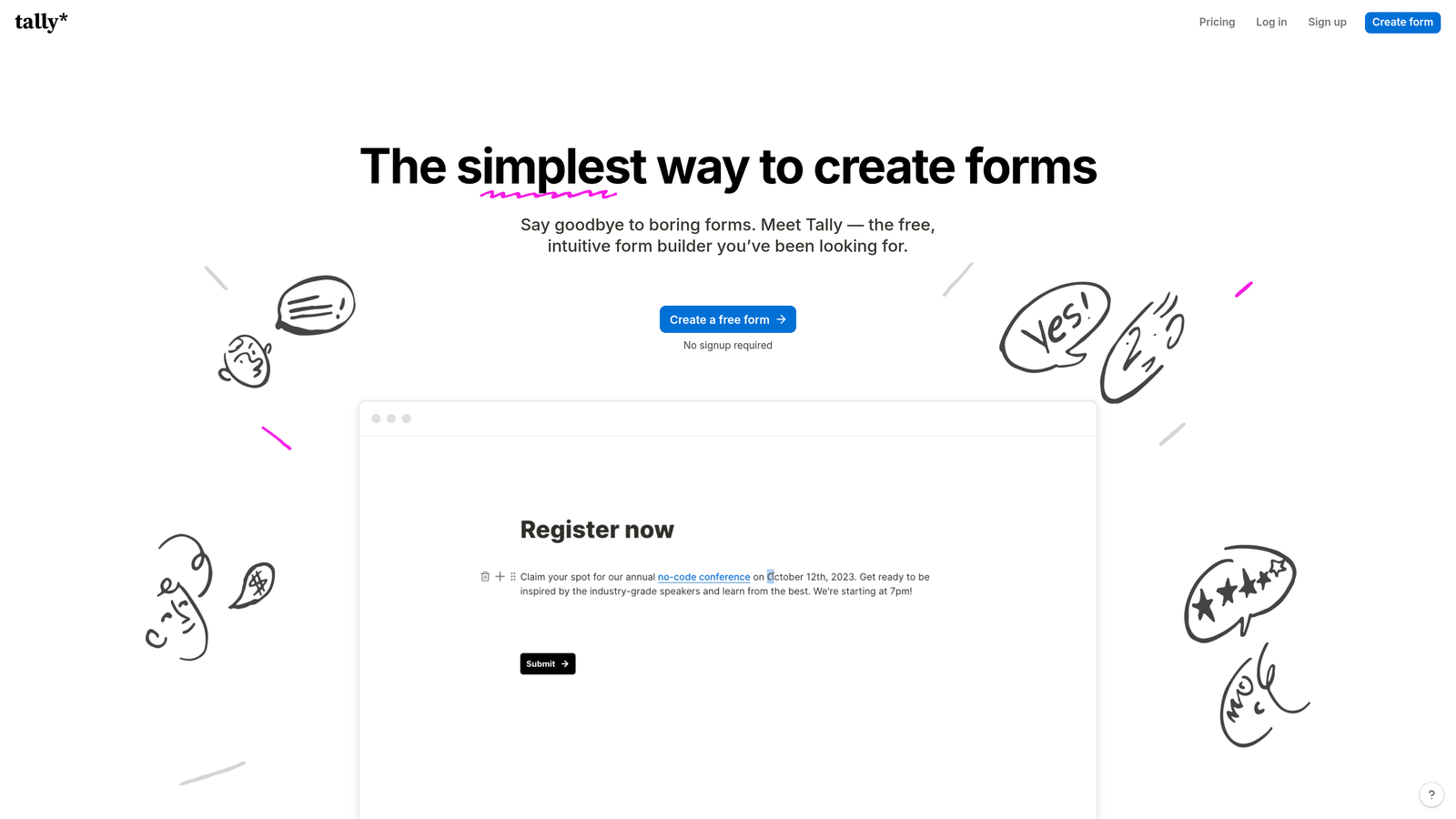
Tally offers a Notion-style editing experience with one of the most generous free plans in the form builder market.
Where This Tool Shines
Tally's free tier includes unlimited forms—a rarity in the form builder space where most competitors cap you at 3-5 forms. The Notion-like editing experience feels instantly familiar if you've used block-based editors, dramatically reducing the learning curve.
The AI form generation assistance helps you build forms quickly by suggesting question types and structures based on your form's purpose. It's simplicity done right, without sacrificing functionality.
Key Features
Unlimited Free Forms: Create as many forms as you need without hitting arbitrary limits, perfect for growing teams on tight budgets.
Notion-Style Editor: Familiar block-based editing that makes form creation feel intuitive and fast, especially for Notion users.
AI Generation Assistance: Get intelligent suggestions for form structure and question types based on your form's intended purpose.
File Uploads & Payments: Collect documents and process payments directly through your forms without additional tools.
Custom Thank-You Pages: Create personalized confirmation experiences that reinforce your brand and guide users to next steps.
Best For
Startups, solopreneurs, and small teams who need professional form functionality without monthly fees. Perfect when you're launching multiple lead magnets or content upgrades and don't want per-form pricing.
Pricing
Generous free tier with unlimited forms. Pro plan at $29/month adds advanced features like custom domains and removal of Tally branding.
7. HubSpot Forms
Best for: Existing HubSpot users wanting CRM-native forms with progressive profiling capabilities.
HubSpot Forms provides deep CRM integration with AI-powered smart fields for teams already in the HubSpot ecosystem.
Where This Tool Shines
HubSpot Forms excel at progressive profiling—gradually collecting information about contacts over multiple interactions instead of overwhelming them with lengthy forms upfront. The system remembers what it already knows about each contact and adjusts questions accordingly.
Smart fields use AI to automatically populate known information, reducing friction for returning visitors. Combined with automatic contact enrichment, you often get more data than users manually entered, creating richer contact profiles with less effort.
Key Features
Native CRM Integration: Seamless connection with HubSpot CRM means every form submission automatically creates or updates contact records.
Progressive Profiling: Intelligently adjust form questions based on what you already know about each contact, improving completion rates.
AI Optimization Suggestions: Receive recommendations for improving form performance based on conversion data and industry benchmarks.
Automatic Contact Enrichment: Enhance contact records with additional data points beyond what users manually provide.
Built-In A/B Testing: Test different form variations to identify which designs and question sequences convert best.
Best For
Businesses already using HubSpot CRM who want forms that integrate natively with their sales and marketing workflows. Most valuable when you're managing ongoing relationships rather than one-time transactions.
Pricing
Free with HubSpot CRM. Advanced features like progressive profiling require paid Marketing Hub subscriptions starting at higher tiers.
8. Paperform
Best for: Service businesses creating branded booking and payment experiences with document-style layouts.
Paperform takes a unique document-style approach to form building, making forms feel more like interactive documents than traditional web forms.
Where This Tool Shines
Paperform's document-style layout lets you create forms that read like landing pages, mixing text, images, and form fields in a natural flow. This approach works brilliantly for service businesses creating booking forms, applications, or order forms that need context and explanation.
The AI-powered calculations and pricing logic handle complex scenarios—think configurable product options, tiered pricing, or dynamic quotes that update in real-time as users make selections. You can build sophisticated pricing calculators without touching code.
Key Features
Document-Style Layout: Create forms that blend seamlessly with surrounding content, feeling more like interactive pages than isolated forms.
AI-Powered Calculations: Build dynamic pricing and calculations that update automatically based on user selections and inputs.
E-Commerce & Booking: Process payments and manage bookings directly through forms, consolidating multiple tools into one platform.
Custom Branding: Extensive theming options that let you match forms perfectly to your brand guidelines and visual identity.
Partial Submission Capture: Save incomplete form data so you can follow up with users who started but didn't finish, recovering potentially lost leads.
Best For
Consultants, coaches, event organizers, and service providers who need forms that double as branded landing pages. Particularly valuable when you're selling services with variable pricing or complex booking requirements.
Pricing
Plans start at $24/month with a 14-day free trial. No free tier, but pricing remains competitive for the feature set offered.
9. Formstack
Best for: Enterprise teams requiring advanced compliance, security, and AI-powered document generation.
Formstack is an enterprise-grade platform combining forms, workflows, and document generation with robust security compliance.
Where This Tool Shines
Formstack handles the complex compliance requirements that keep enterprise IT and legal teams happy. HIPAA, GDPR, and SOC 2 compliance come standard, along with enterprise SSO and advanced security controls that meet strict organizational requirements.
The AI-powered document generation automatically creates contracts, agreements, and reports from form data—eliminating manual document creation and reducing errors. This workflow automation extends beyond simple form submission to complete business processes.
Key Features
AI Document Generation: Automatically create customized documents from form submissions, streamlining contract and report creation.
Advanced Workflow Automation: Build complex approval processes and multi-step workflows that route data through your organization intelligently.
Enterprise Compliance: HIPAA, GDPR, and SOC 2 compliance with audit trails and data governance features required by regulated industries.
E-Signature Integration: Collect legally binding signatures directly within your forms and automated document workflows.
Enterprise SSO & Security: Single sign-on integration, role-based access controls, and advanced security features for large organizations.
Best For
Healthcare organizations, financial services, government agencies, and large enterprises with strict compliance and security requirements. Best when you need forms that integrate with complex approval workflows and document generation processes.
Pricing
Plans start at $50/month for basic features. Enterprise pricing available for organizations needing advanced compliance and custom implementations.
Making the Right Choice
The right AI-powered form solution depends on your specific workflow needs and priorities. For high-growth teams focused on lead qualification, Orbit AI delivers the best combination of AI intelligence and conversion optimization. The automated lead scoring and qualification features save countless hours while ensuring your sales team focuses on the prospects most likely to convert.
Teams prioritizing user experience above all else should consider Typeform's conversational approach. The one-question-at-a-time format consistently delivers higher completion rates, making it ideal when form abandonment is your primary concern.
Budget-conscious startups will find Tally's free tier compelling—unlimited forms without monthly fees make it perfect for testing multiple lead magnets or content strategies. Meanwhile, enterprise teams with compliance requirements should evaluate Formstack's robust security and workflow capabilities.
Here's a quick selection guide by use case: Choose Orbit AI for intelligent lead qualification and conversion optimization. Pick Typeform when user experience drives your decision. Select Jotform if you need maximum template variety and versatility. Go with Feathery for developer-friendly customization. Consider Fillout if you live in Notion or Airtable. Try Tally for budget-friendly unlimited forms. Use HubSpot Forms if you're already in that ecosystem. Pick Paperform for service booking with branded experiences. Choose Formstack for enterprise compliance and security.
The common thread across all these tools? They represent a significant upgrade from traditional static forms. AI-powered features—whether intelligent lead scoring, adaptive questioning, or automated document generation—transform forms from simple data collection tools into active participants in your conversion and qualification processes.
Transform your lead generation with AI-powered forms that qualify prospects automatically while delivering the modern, conversion-optimized experience your high-growth team needs. Start building free forms today and see how intelligent form design can elevate your conversion strategy.


