

Choosing the right SaaS form builder plan can make or break your lead generation strategy. With pricing models ranging from generous free tiers to enterprise solutions costing hundreds per month, finding the perfect balance between features and budget requires careful evaluation.
This guide breaks down the top form builder plans available in 2026, comparing what you actually get at each price point—from submission limits and integrations to advanced features like AI qualification and conditional logic. Whether you're a bootstrapped startup watching every dollar or a scaling team ready to invest in conversion optimization, you'll find a plan that fits your needs.
1. Orbit AI
Best for: High-growth SaaS teams prioritizing lead quality over quantity with AI-powered qualification
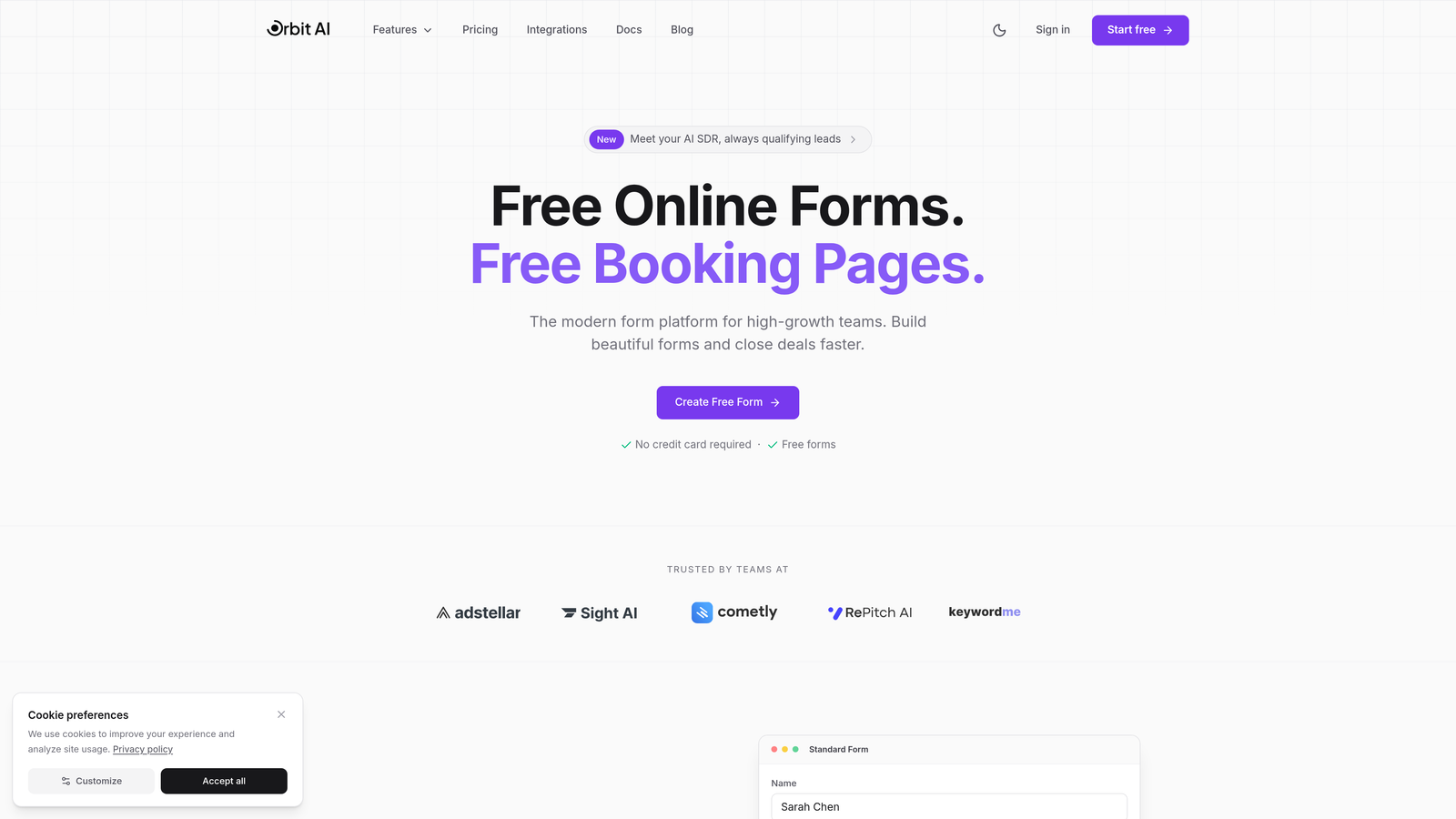
Orbit AI is an AI-powered form builder designed specifically for teams who need to qualify leads automatically while maintaining a modern, conversion-optimized form experience.
Where This Tool Shines
What sets Orbit AI apart is its intelligent lead qualification engine that scores and routes prospects based on their responses. Instead of collecting every form submission equally, the platform identifies high-intent leads in real-time, allowing your sales team to focus on conversations that actually matter.
The conversion-optimized templates are built with high-growth teams in mind, incorporating design patterns that reduce friction and increase completion rates. This combination of smart qualification and beautiful design makes it particularly valuable for SaaS companies where lead quality directly impacts revenue.
Key Features
AI-Powered Lead Qualification: Automatically scores and prioritizes leads based on their responses and behavior patterns.
Conversion-Optimized Templates: Pre-built form designs tested for maximum completion rates across industries.
Native CRM Integrations: Connect seamlessly with major CRM platforms to sync qualified leads instantly.
Real-Time Analytics Dashboard: Track form performance, conversion rates, and lead quality metrics in one place.
Workflow Automation: Trigger custom sequences based on lead scores and qualification criteria.
Best For
Orbit AI works best for SaaS companies and high-growth teams where lead quality matters more than volume. If you're spending too much time on unqualified prospects or struggling with low conversion rates despite high traffic, the AI qualification layer can transform your lead generation efficiency.
Pricing
Free tier available for teams getting started. Paid plans scale with usage and feature requirements, making it accessible for startups while supporting enterprise needs as you grow.
2. Typeform
Best for: Creating engaging, conversational form experiences that feel more like conversations than surveys
Typeform is a conversational form builder that presents questions one at a time, creating an engaging experience that often leads to higher completion rates.

Where This Tool Shines
Typeform's signature one-question-at-a-time approach reduces cognitive load and makes even lengthy forms feel manageable. The platform excels at creating forms that don't feel like forms—more like natural conversations with your prospects.
The visual design capabilities are exceptional, allowing you to embed images and videos directly into your questions. This makes Typeform particularly powerful for customer research, event registrations, and any scenario where engagement matters as much as data collection.
Key Features
Conversational Interface: One-question-at-a-time presentation that improves focus and completion rates.
Logic Jumps: Create branching paths based on answers to personalize the experience for each respondent.
Rich Media Support: Embed videos, images, and GIFs to make forms more engaging and contextual.
Native Integrations: Connect with popular tools like Google Sheets, Slack, and major marketing platforms.
Custom Branding: Remove Typeform branding and apply your own colors, fonts, and logos.
Best For
Typeform is ideal for teams prioritizing user experience and engagement over raw data collection speed. It works particularly well for customer feedback surveys, event registrations, and lead capture where you want to make a strong brand impression.
Pricing
Basic plans start at $25/month, Plus at $50/month, and Business at $83/month. Each tier increases response limits and unlocks advanced features like logic jumps and custom branding.
3. Jotform
Best for: Teams needing extensive template options and payment collection without complex setup
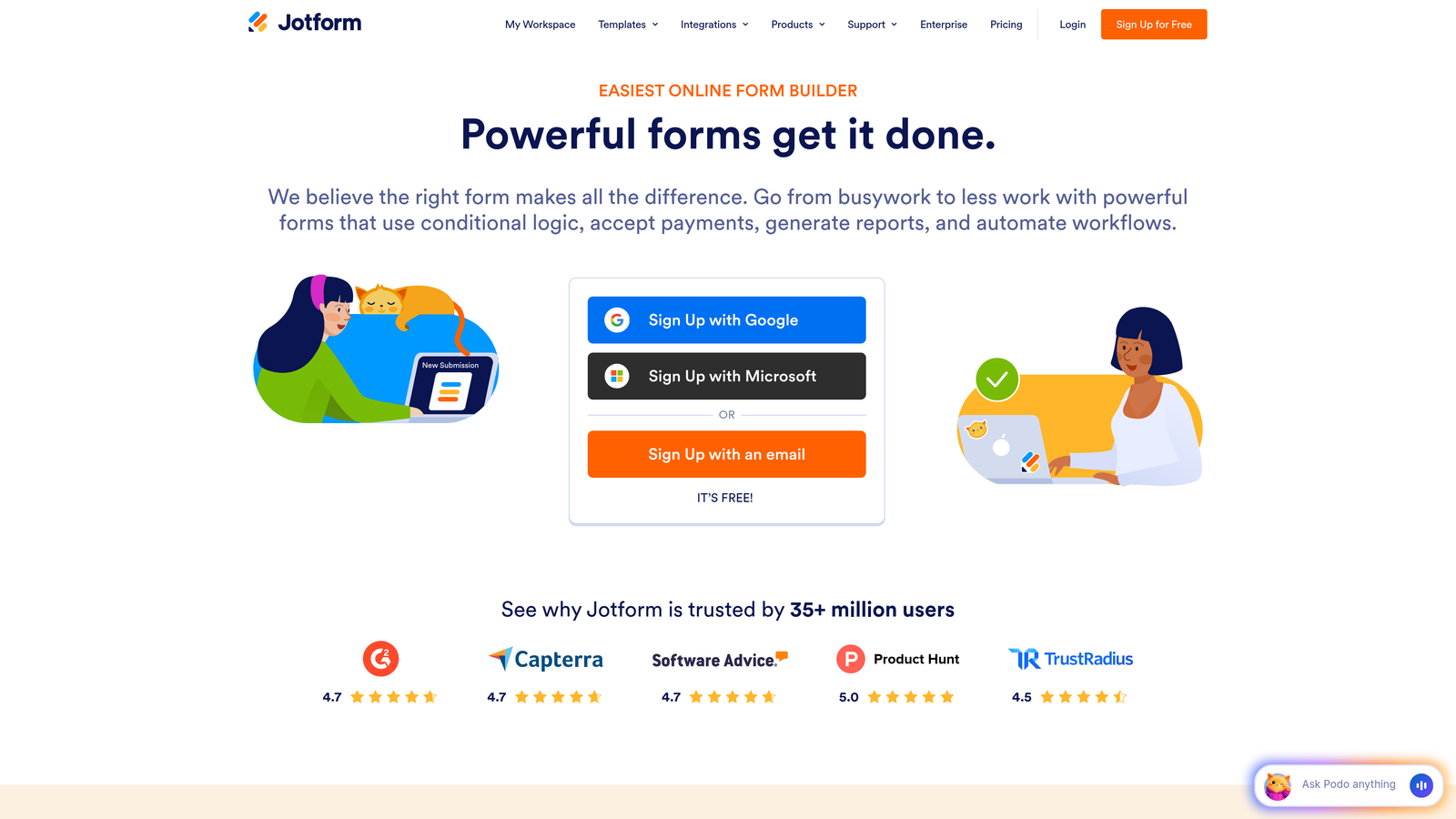
Jotform is a versatile form builder offering over 10,000 templates and a generous free tier that makes it accessible for teams just starting out.
Where This Tool Shines
The sheer volume of templates means you'll almost certainly find a starting point for your use case, whether it's event registration, order forms, or lead capture. This dramatically reduces setup time—you're customizing rather than building from scratch.
Payment collection is built directly into the platform with support for major processors, making it a strong choice for teams selling products, accepting donations, or collecting registration fees. The PDF generation feature also stands out for creating professional documents from form submissions automatically.
Key Features
10,000+ Templates: Extensive library covering virtually every form use case across industries.
Drag-and-Drop Builder: Intuitive interface that requires no coding knowledge to create complex forms.
Payment Processing: Accept payments through Square, PayPal, Stripe, and other major processors.
PDF Generation: Automatically create PDF documents from form submissions for records or invoices.
Mobile App: Manage forms and view submissions on iOS and Android devices.
Best For
Jotform works best for small businesses and teams needing versatility without a steep learning curve. If you're collecting payments, managing event registrations, or need offline form capabilities, the feature set at this price point is hard to beat.
Pricing
Free tier supports up to 5 forms with 100 monthly submissions. Bronze starts at $34/month, Silver at $39/month, and Gold at $99/month, with each tier increasing submission limits and storage capacity.
4. Tally
Best for: Budget-conscious teams wanting unlimited forms without paying for a premium plan
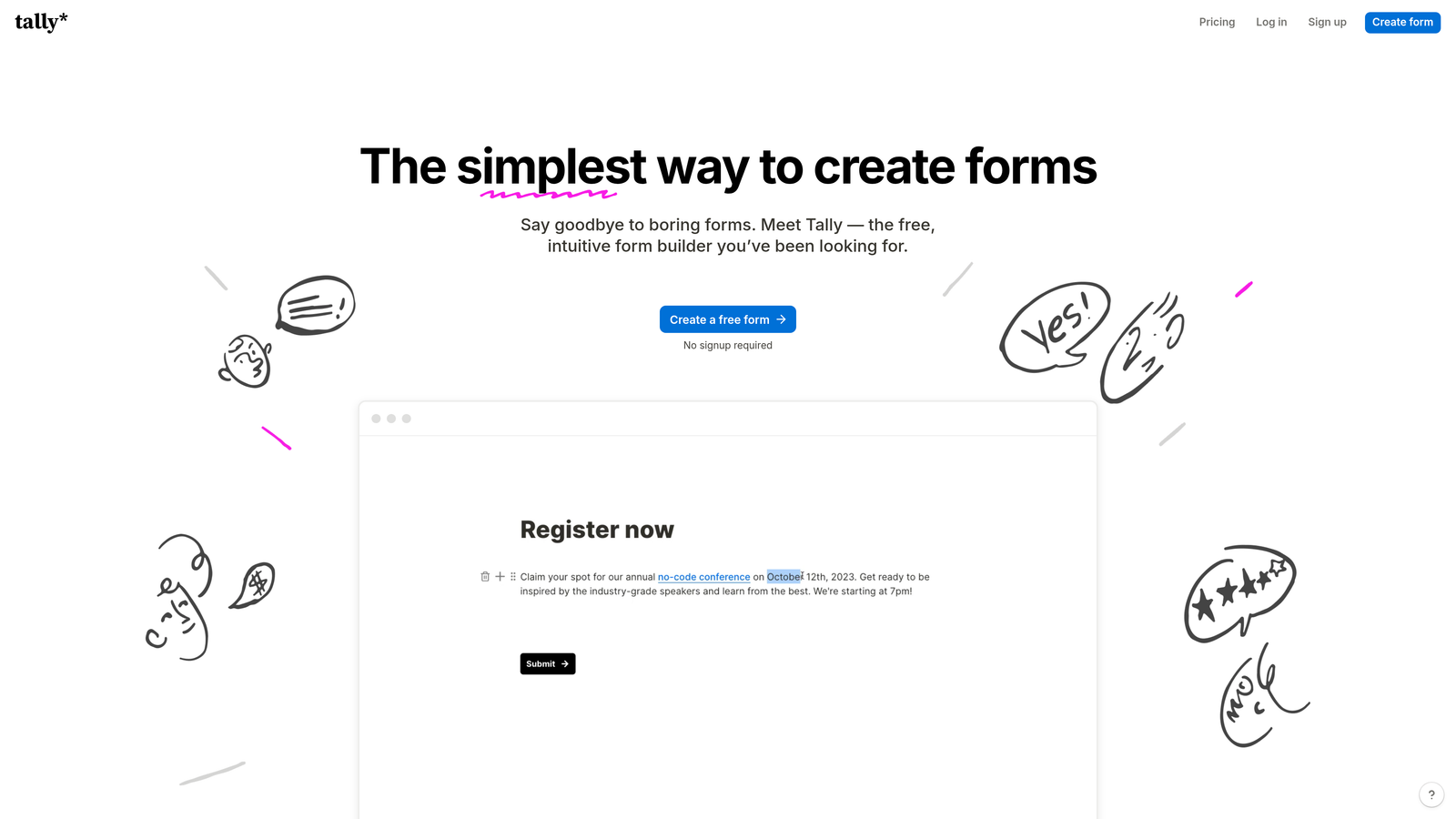
Tally is a minimalist form builder with a Notion-inspired interface that offers unlimited forms even on its free plan.
Where This Tool Shines
Tally's free tier is genuinely generous—unlimited forms with unlimited submissions makes it accessible for startups and side projects that need professional form capabilities without monthly costs. The block-based editor will feel instantly familiar to anyone who uses Notion.
Conditional logic is included even on the free plan, which is rare in this price range. This means you can create sophisticated branching forms without upgrading, making Tally a smart choice for teams with complex form requirements but limited budgets.
Key Features
Unlimited Free Forms: No artificial limits on form creation or submissions on the free tier.
Block-Based Editor: Notion-style interface that makes form building intuitive and fast.
Conditional Logic: Create branching paths based on responses without paying for premium features.
Custom Domains: Connect your own domain on paid plans for professional branding.
Team Collaboration: Share forms with team members and collaborate on designs.
Best For
Tally is perfect for bootstrapped startups, side projects, and small teams that need professional form capabilities without monthly subscription costs. If you're comfortable with a simpler interface and don't need advanced integrations, the free tier alone might cover all your needs.
Pricing
Free plan includes unlimited forms and submissions. Pro plan at $29/month adds custom domains, file uploads, and priority support for teams needing additional features.
5. Paperform
Best for: Creating forms that double as landing pages with built-in payment processing
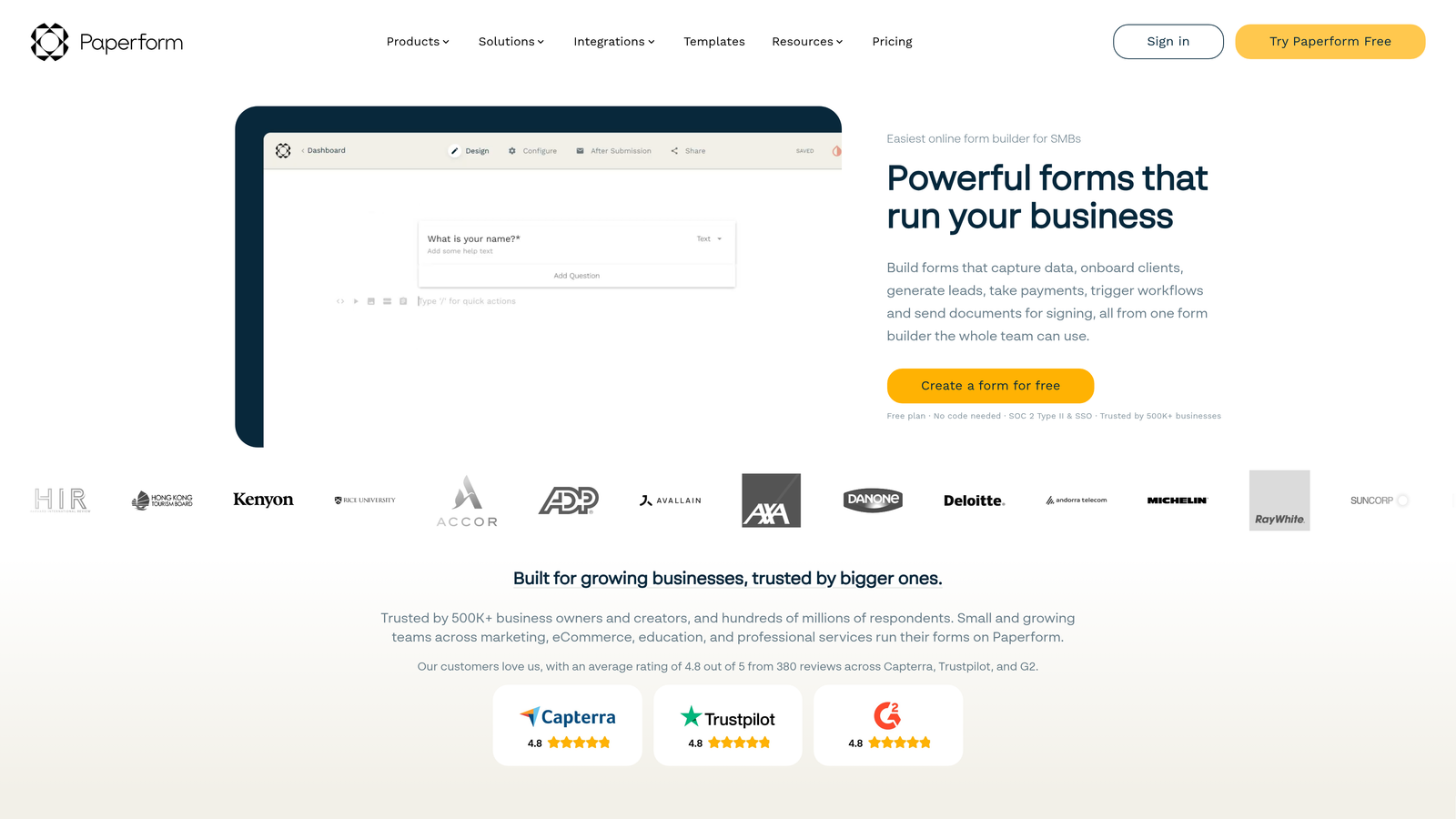
Paperform is an all-in-one form and landing page builder that excels at e-commerce and payment collection use cases.
Where This Tool Shines
Paperform blurs the line between forms and landing pages, letting you create beautiful, conversion-optimized pages that happen to collect information. This makes it particularly valuable when your form is the entire user experience, not just a component embedded elsewhere.
The payment processing capabilities are robust, supporting product catalogs, pricing tables, and complex calculations. If you're selling courses, accepting bookings, or running a membership site, Paperform handles the entire transaction flow without requiring separate tools.
Key Features
Payment Processing: Accept payments through Stripe and PayPal with product catalogs and pricing tables.
Landing Page Creation: Build full landing pages that incorporate form fields seamlessly.
Advanced Calculations: Create dynamic pricing based on user selections and quantities.
Scheduling Forms: Accept bookings and appointments with calendar integration.
Custom Success Pages: Design unique thank-you pages with personalized messaging.
Best For
Paperform works best for solopreneurs and small businesses selling digital products, accepting bookings, or running events. If your form needs to handle transactions or bookings, the integrated approach eliminates the complexity of connecting multiple tools.
Pricing
Essentials plan starts at $24/month, Pro at $49/month, and Business at $99/month. Each tier increases submission limits and unlocks additional integrations and customization options.
6. Formstack
Best for: Enterprise teams in regulated industries requiring HIPAA compliance and advanced security
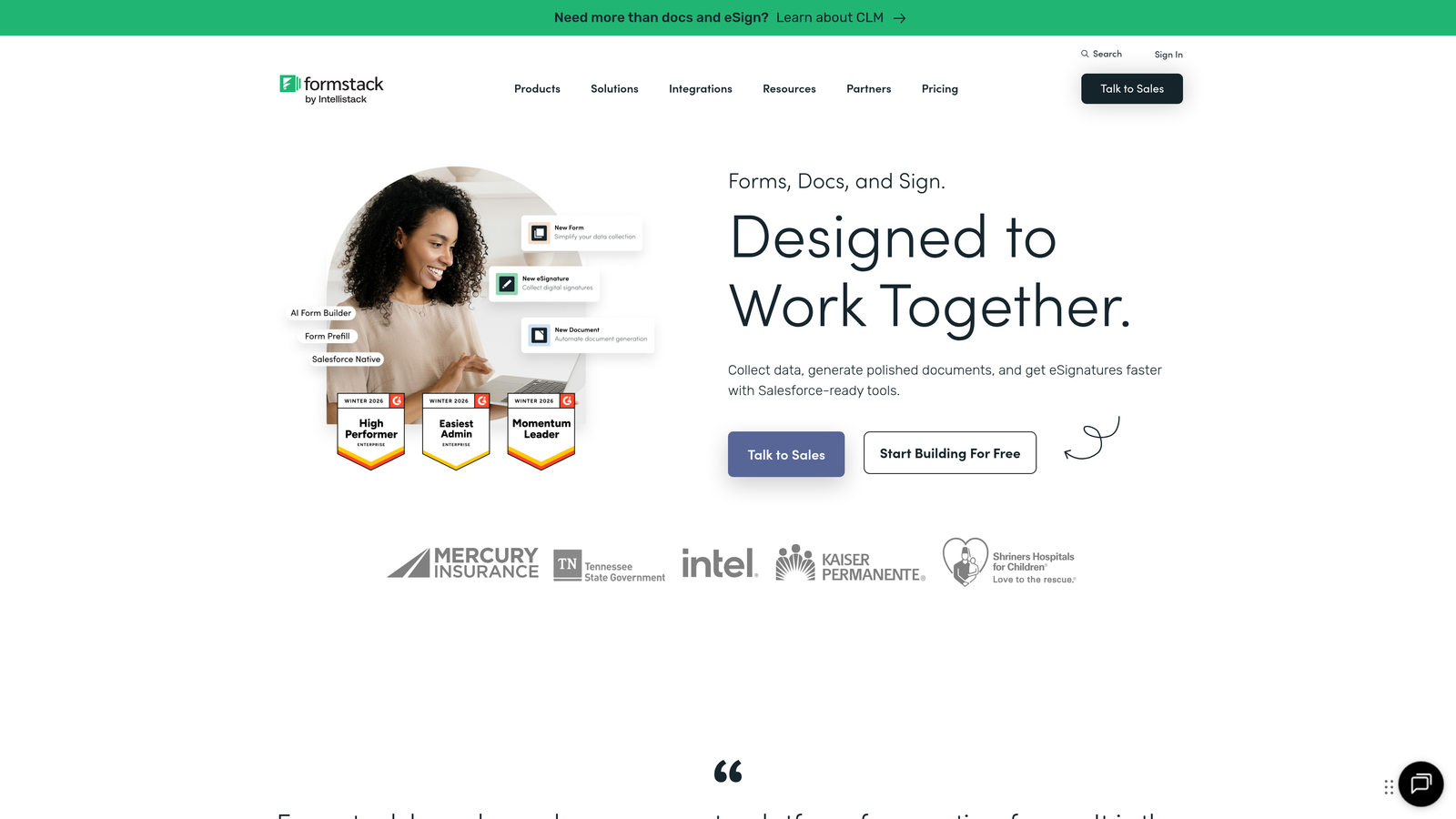
Formstack is an enterprise-grade form builder focused on workflow automation and compliance for healthcare, finance, and government organizations.
Where This Tool Shines
Formstack's HIPAA-compliant forms make it the go-to choice for healthcare organizations collecting protected health information. The platform handles the complex security requirements automatically, including business associate agreements and encrypted data storage.
The document generation workflows are particularly powerful, automatically creating PDFs, contracts, and reports from form submissions. Combined with electronic signature integration, Formstack can handle entire document-based workflows without manual intervention.
Key Features
HIPAA Compliance: Built-in compliance features for healthcare organizations collecting sensitive patient data.
Document Generation: Automatically create PDF documents from submissions using custom templates.
Electronic Signatures: Collect legally binding signatures directly within forms.
Advanced Security: Field-level encryption, audit logs, and granular access controls.
Salesforce Integration: Native integration for seamless data flow into Salesforce objects.
Best For
Formstack is ideal for healthcare providers, financial services firms, and enterprise organizations with strict compliance requirements. If you need HIPAA compliance, advanced security controls, or complex document workflows, the premium pricing reflects genuine enterprise capabilities.
Pricing
Starter plans begin at $50/month, Teams at $83/month, and Enterprise requires custom pricing. Higher tiers unlock compliance features, increased user seats, and advanced workflow automation.
7. HubSpot Forms
Best for: Teams already using HubSpot CRM who want seamless contact management integration
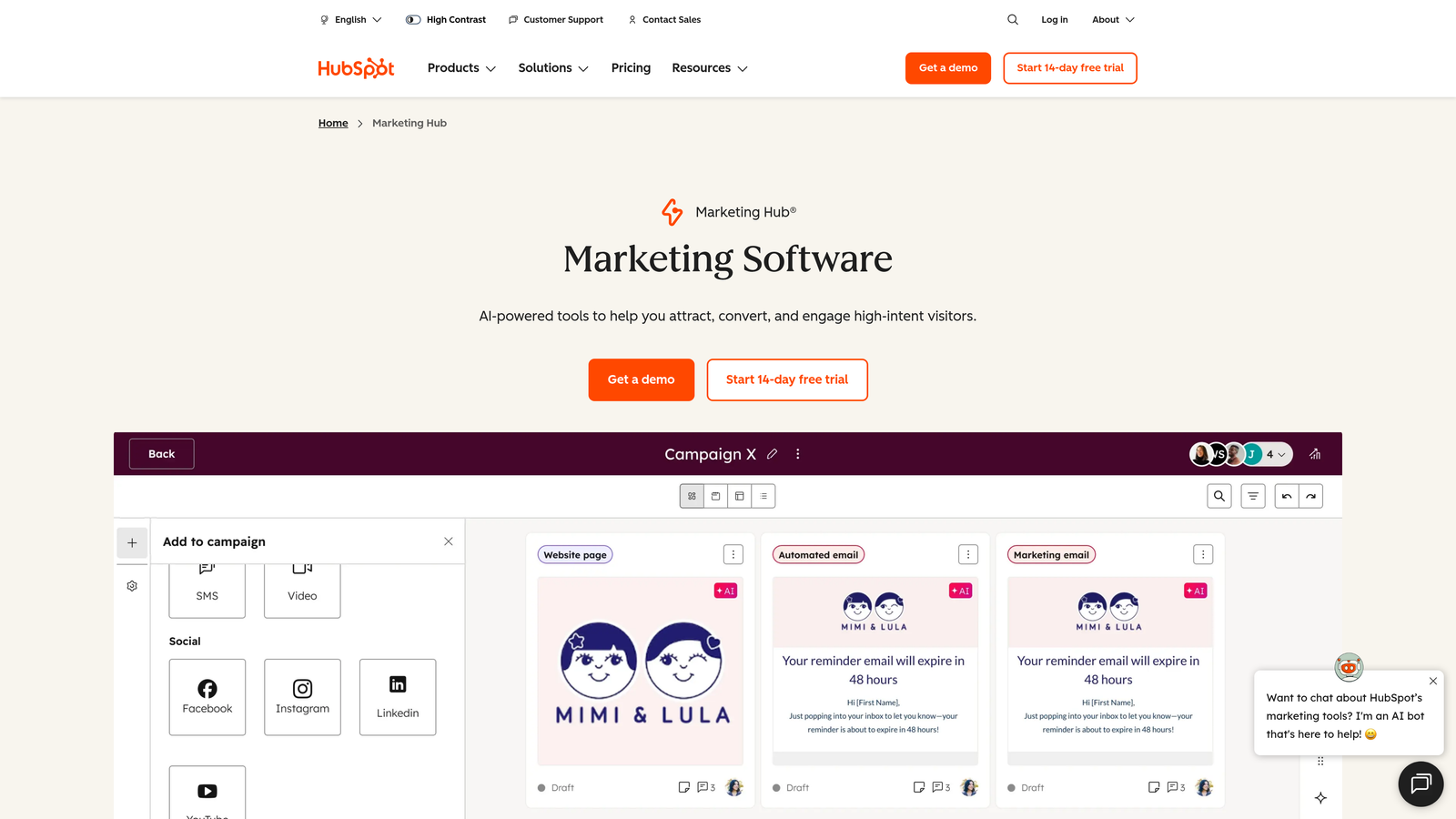
HubSpot Forms is the native form builder within HubSpot's ecosystem, offering deep CRM integration for teams already on the platform.
Where This Tool Shines
If you're already using HubSpot CRM, the form builder is included free and creates contacts automatically with zero configuration. Every submission flows directly into your contact database with complete attribution tracking and timeline history.
Progressive profiling is a standout feature that prevents form fatigue by asking different questions to returning visitors. Instead of asking for information you already have, forms adapt based on what's in the contact record, improving conversion rates over time.
Key Features
Free with CRM: No additional cost if you're using HubSpot's free CRM platform.
Automatic Contact Creation: Form submissions instantly create or update contact records with full history.
Progressive Profiling: Show different fields to returning visitors to gather more data without overwhelming them.
A/B Testing: Test different form variations on higher Marketing Hub tiers.
Deep CRM Integration: Access complete contact context and trigger workflows based on submissions.
Best For
HubSpot Forms makes the most sense for teams already invested in the HubSpot ecosystem. If you're using HubSpot CRM or Marketing Hub, the native integration eliminates data sync issues and provides context that standalone form builders can't match.
Pricing
Free with HubSpot CRM. Advanced features like A/B testing and progressive profiling require Marketing Hub, which starts at $45/month for the Starter tier.
8. Cognito Forms
Best for: Teams needing powerful calculation features at budget-friendly pricing
Cognito Forms is a straightforward form builder that excels at complex calculations and conditional logic without premium pricing.
Where This Tool Shines
The calculation engine in Cognito Forms is remarkably powerful for the price point. You can create order forms with dynamic pricing, registration forms with complex fee structures, or application forms with scoring systems—all using built-in calculation fields.
Repeating sections allow users to add multiple entries within a single form submission, which is perfect for scenarios like adding multiple attendees to an event registration or multiple line items to an order form. This feature alone eliminates the need for more expensive enterprise solutions in many use cases.
Key Features
Advanced Calculations: Build complex formulas for pricing, scoring, and conditional calculations.
Repeating Sections: Let users add multiple entries within a single form submission.
Payment Integration: Accept payments through Stripe and PayPal with calculated totals.
Conditional Logic: Show or hide fields based on user responses and calculated values.
Data Encryption: Secure sensitive data with field-level encryption.
Best For
Cognito Forms works well for small businesses and organizations needing calculation-heavy forms like order forms, event registrations with complex pricing, or application forms with scoring. The combination of power and affordability makes it a smart choice for budget-conscious teams.
Pricing
Free tier available with basic features. Pro plans start at just $15/month for individual users, and Team plans at $35/month add collaboration features and increased limits.
9. Fillout
Best for: Data-driven teams using Airtable or Notion as their primary database
Fillout is a modern form builder designed specifically for teams who store data in Airtable, Notion, or other databases.
Where This Tool Shines
Fillout's native Airtable and Notion integrations go beyond simple data pushing—you can pre-fill forms with existing data, update records instead of creating duplicates, and maintain true two-way sync. This makes it invaluable for teams using these platforms as their source of truth.
The ability to update existing records transforms how you handle follow-up forms, customer updates, or progressive data collection. Instead of creating new entries each time, forms can modify existing records based on unique identifiers, keeping your database clean and organized.
Key Features
Native Database Sync: Connect directly to Airtable and Notion with two-way data flow.
Pre-Fill Capabilities: Populate form fields with existing data from your database.
Record Updates: Modify existing database records instead of always creating new ones.
Conditional Logic: Create branching paths based on responses and database values.
Custom Thank-You Pages: Design personalized confirmation pages with dynamic content.
Best For
Fillout is perfect for teams who've built their workflows around Airtable or Notion and need forms that integrate seamlessly with these platforms. If you're already managing data in these tools, Fillout eliminates the complexity of middleware or Zapier connections.
Pricing
Free tier available for basic use. Starter plans begin at $15/month, and Pro plans at $40/month unlock advanced features like conditional logic and increased submission limits.
Making the Right Choice for Your Team
The right form builder plan depends less on features and more on your specific workflow and growth stage.
If you're a high-growth SaaS team where lead quality determines revenue, investing in AI-powered qualification makes sense from day one. The time your sales team saves by focusing only on qualified prospects quickly justifies the cost. Start building free forms today and see how intelligent form design can elevate your conversion strategy.
For bootstrapped startups watching every dollar, platforms like Tally and Cognito Forms offer surprisingly robust features without monthly costs. You can always upgrade later when form volume or advanced features become necessary.
Teams already invested in specific ecosystems should lean into native integrations. If you're using HubSpot CRM, their form builder eliminates data sync headaches. If Airtable is your source of truth, Fillout's native integration is worth its weight in gold.
Consider your submission volume carefully. Many teams underestimate their monthly form submissions and hit plan limits faster than expected. If you're running multiple campaigns or have high traffic, calculate your average monthly submissions before committing to a plan with strict limits.
The most expensive plan isn't always the best fit. Formstack's enterprise features matter immensely for healthcare organizations, but they're overkill for a SaaS company collecting demo requests. Match your compliance requirements, integration needs, and team size to the plan that covers your essentials without paying for features you'll never use.
Think about your growth trajectory too. Some platforms make it easy to scale up as your needs evolve, while others have significant jumps between tiers. Choose a platform where the next tier up feels like a natural progression rather than a painful budget conversation.


