

Lead generation forms have evolved from simple contact fields into intelligent conversation engines. Today's best AI form builders don't just collect information—they qualify prospects in real-time, personalize questions based on previous answers, and route high-value leads automatically. The difference between a static form and an AI-powered one can mean the gap between 2% and 15% conversion rates.
We evaluated these tools based on their AI capabilities, ease of use for non-technical teams, integration depth with popular CRMs, and value for high-growth companies focused on conversion optimization. Here are the top AI form builders transforming how businesses capture and qualify leads in 2026.
1. Orbit AI
Best for: High-growth teams needing AI-powered lead qualification built directly into their forms
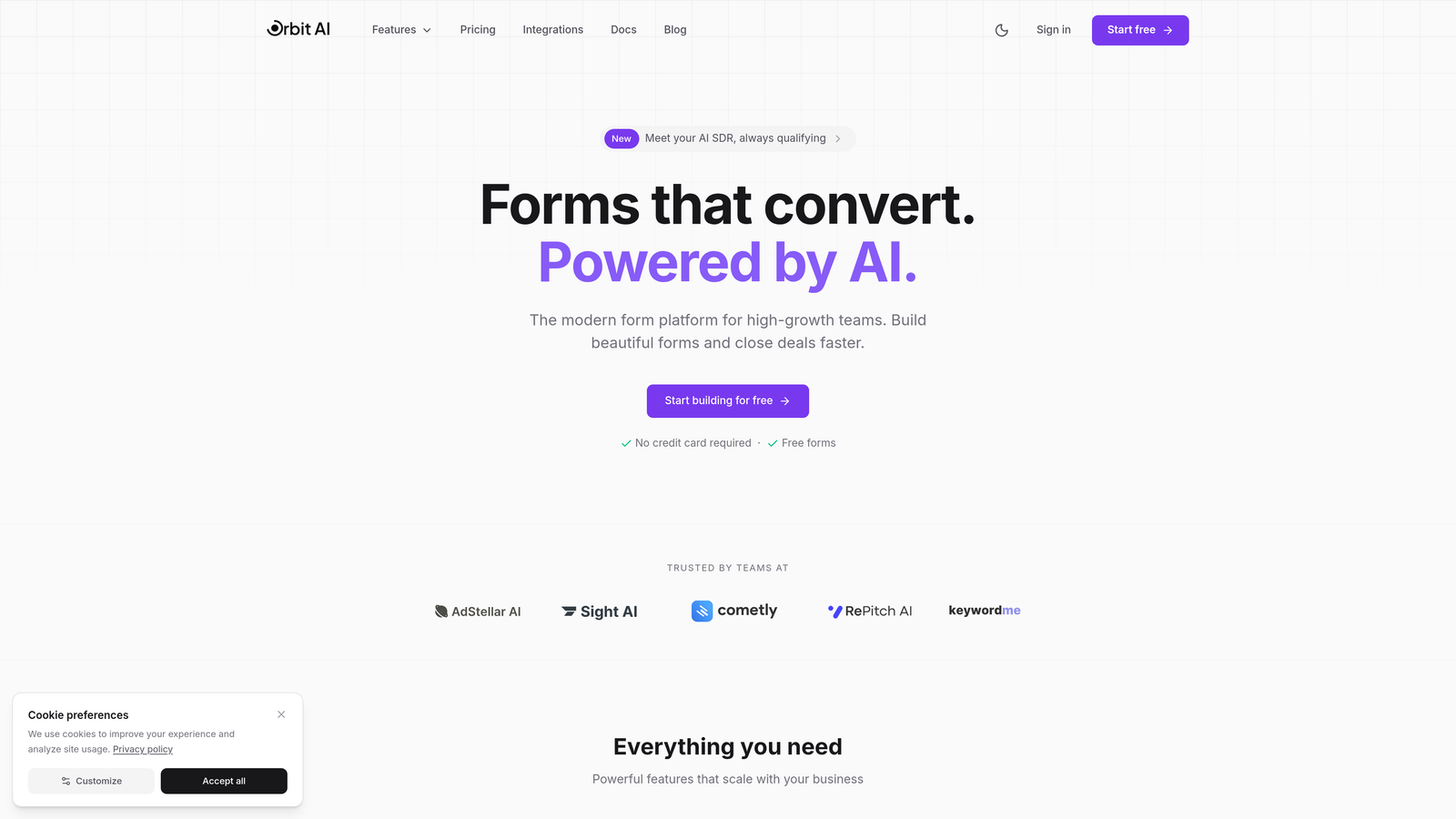
Orbit AI is an AI-native form builder designed specifically for teams who want their forms to do more than collect data—they want them to qualify, score, and route leads intelligently.
Where This Tool Shines
Unlike traditional form builders that added AI features as an afterthought, Orbit AI was built from the ground up around intelligent lead qualification. The platform deploys AI agents that analyze responses in real-time, asking follow-up questions based on prospect answers and automatically scoring lead quality.
What sets it apart is how seamlessly the AI works behind the scenes. Your forms feel conversational and natural to users, but they're simultaneously qualifying prospects, identifying buying intent, and routing high-value leads to your sales team instantly. It's the difference between collecting contact information and actually understanding who's ready to buy.
Key Features
AI Lead Qualification Agents: Automatically analyze responses and ask intelligent follow-up questions to determine prospect fit and buying intent.
Smart Conditional Logic: Dynamic question branching that adapts in real-time based on how prospects answer, creating personalized experiences at scale.
Native CRM Integrations: Direct connections to HubSpot, Salesforce, and Pipedrive that sync qualified leads instantly with proper scoring and routing.
Conversion-Optimized Templates: Pre-built form designs specifically engineered for lead generation with proven conversion patterns.
Built-In Analytics and Lead Scoring: Comprehensive dashboard showing form performance, lead quality metrics, and conversion insights without needing external analytics tools.
Best For
Orbit AI is ideal for B2B companies, SaaS businesses, and agencies that need to qualify leads at scale without hiring more SDRs. It's particularly valuable for teams running paid advertising campaigns where every form submission costs money—you want to know immediately which leads are worth pursuing.
Pricing
Free tier available for teams getting started. Paid plans begin at competitive rates with transparent pricing that scales based on form submissions and AI qualification volume.
2. Typeform
Best for: Creating beautiful, conversational form experiences with high engagement rates
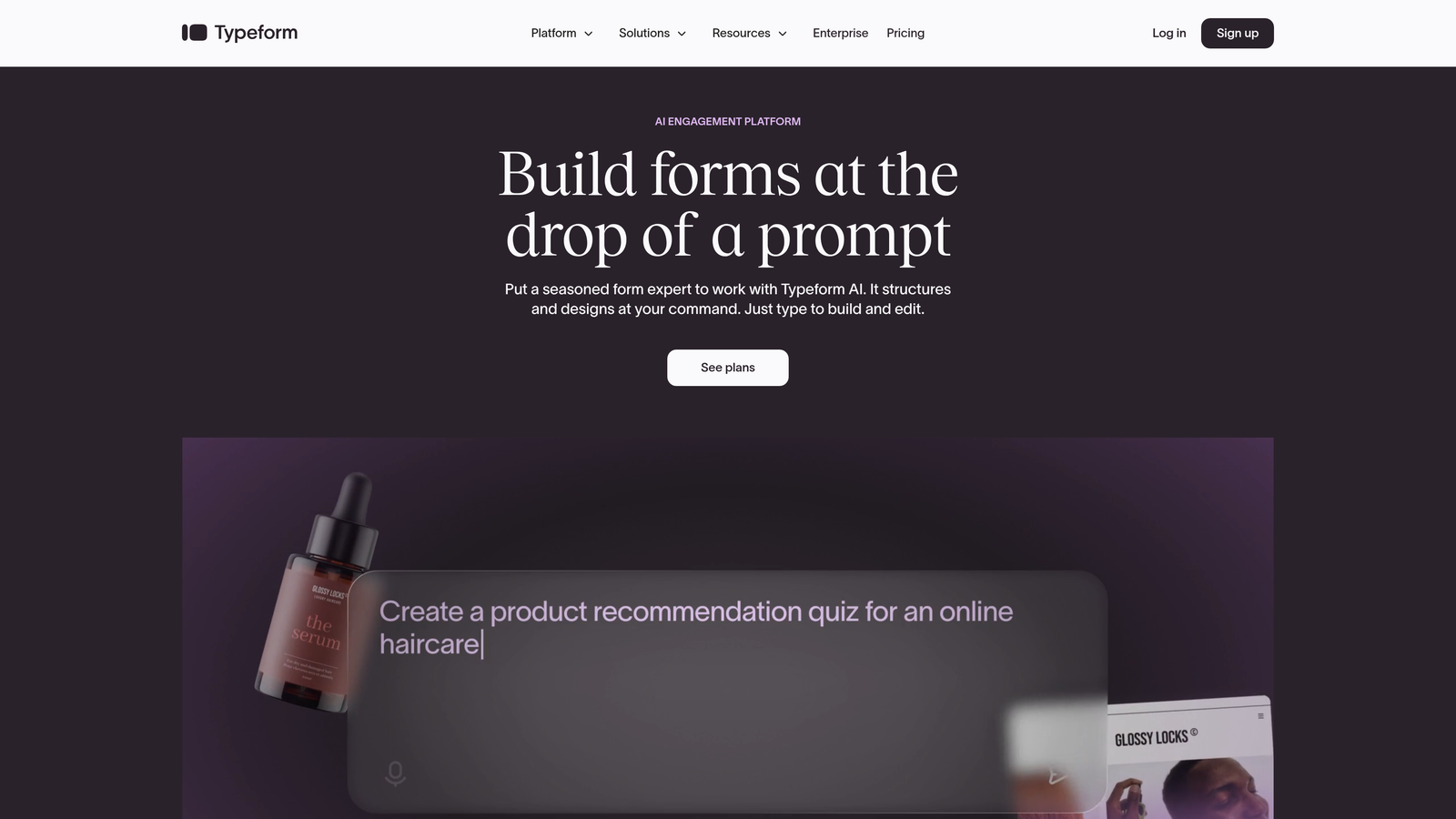
Typeform pioneered the one-question-at-a-time format that feels more like a conversation than a form, and they've enhanced this approach with AI-powered creation tools.
Where This Tool Shines
Typeform's signature conversational interface keeps users engaged by showing one question at a time, which significantly reduces form abandonment compared to traditional multi-field layouts. The interface feels modern and interactive, making even long forms feel manageable.
Their AI form creation assistant helps you build forms faster by suggesting question types and logic flows based on your goals. While not as deeply integrated into the qualification process as AI-native platforms, it excels at creating engaging user experiences that encourage completion.
Key Features
AI-Powered Form Assistant: Suggests questions, logic flows, and form structures based on your stated objectives and industry best practices.
Conversational One-Question Format: Signature interface that displays one question at a time, creating a more engaging and less overwhelming experience.
Logic Jumps and Branching: Conditional logic that shows different questions based on previous answers, allowing for personalized form paths.
Rich Media Embedding: Native support for videos, images, and GIFs that make forms more visually engaging and help explain complex questions.
Extensive Integration Library: Connects with hundreds of tools including major CRMs, email platforms, and analytics services.
Best For
Marketing teams and customer experience professionals who prioritize beautiful, engaging forms and want to maximize completion rates through superior UX. Particularly effective for surveys, lead magnets, and qualification forms where user experience directly impacts conversion.
Pricing
Free tier available with basic features. Basic plan starts at $25/month, with Plus and Business tiers offering advanced logic, integrations, and customization options.
3. Jotform
Best for: Teams needing extensive template variety and AI generation from natural language descriptions
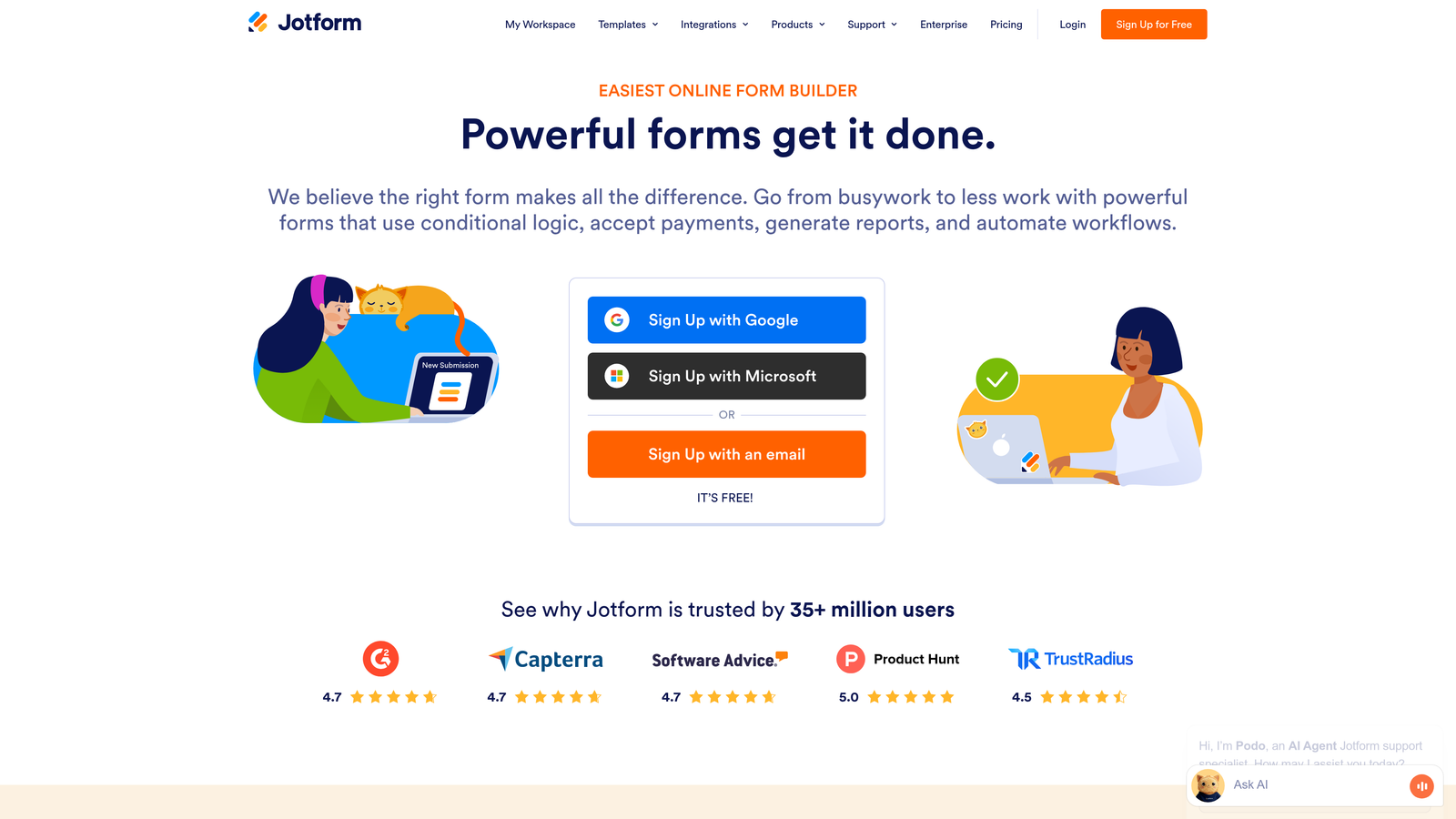
Jotform combines a massive template library with an AI form generator that creates complete forms from simple text descriptions of what you need.
Where This Tool Shines
With over 10,000 pre-built templates covering virtually every use case imaginable, Jotform eliminates the blank canvas problem. Their AI form generator takes this further—describe what you need in plain English, and it builds a complete form with appropriate fields, logic, and styling.
The platform's versatility extends beyond standard forms into PDF generation, payment collection, and approval workflows. This makes it particularly valuable for teams that need one tool to handle multiple form-related processes rather than cobbling together separate solutions.
Key Features
AI Form Generator: Create complete forms by describing your needs in natural language—the AI selects appropriate fields, logic, and layout automatically.
10,000+ Templates: Massive library covering every industry and use case, from registration forms to complex multi-page applications.
PDF Form Creation: Convert submissions into formatted PDF documents automatically, useful for contracts, applications, and record-keeping.
Payment Collection: Native payment processing integration with major providers for collecting fees, donations, or purchases directly through forms.
Approval Workflows: Built-in approval routing that sends submissions through multi-step review processes with email notifications.
Best For
Organizations needing versatile form solutions beyond simple lead capture—think educational institutions, healthcare providers, and businesses with complex application or approval processes. The template variety makes it excellent for teams without design resources.
Pricing
Free tier supports basic forms. Bronze plan starts at $34/month, with Silver and Gold tiers adding more submissions, storage, and advanced features like HIPAA compliance.
4. Fillout
Best for: Teams using Airtable or Notion who want native database integration with AI form building
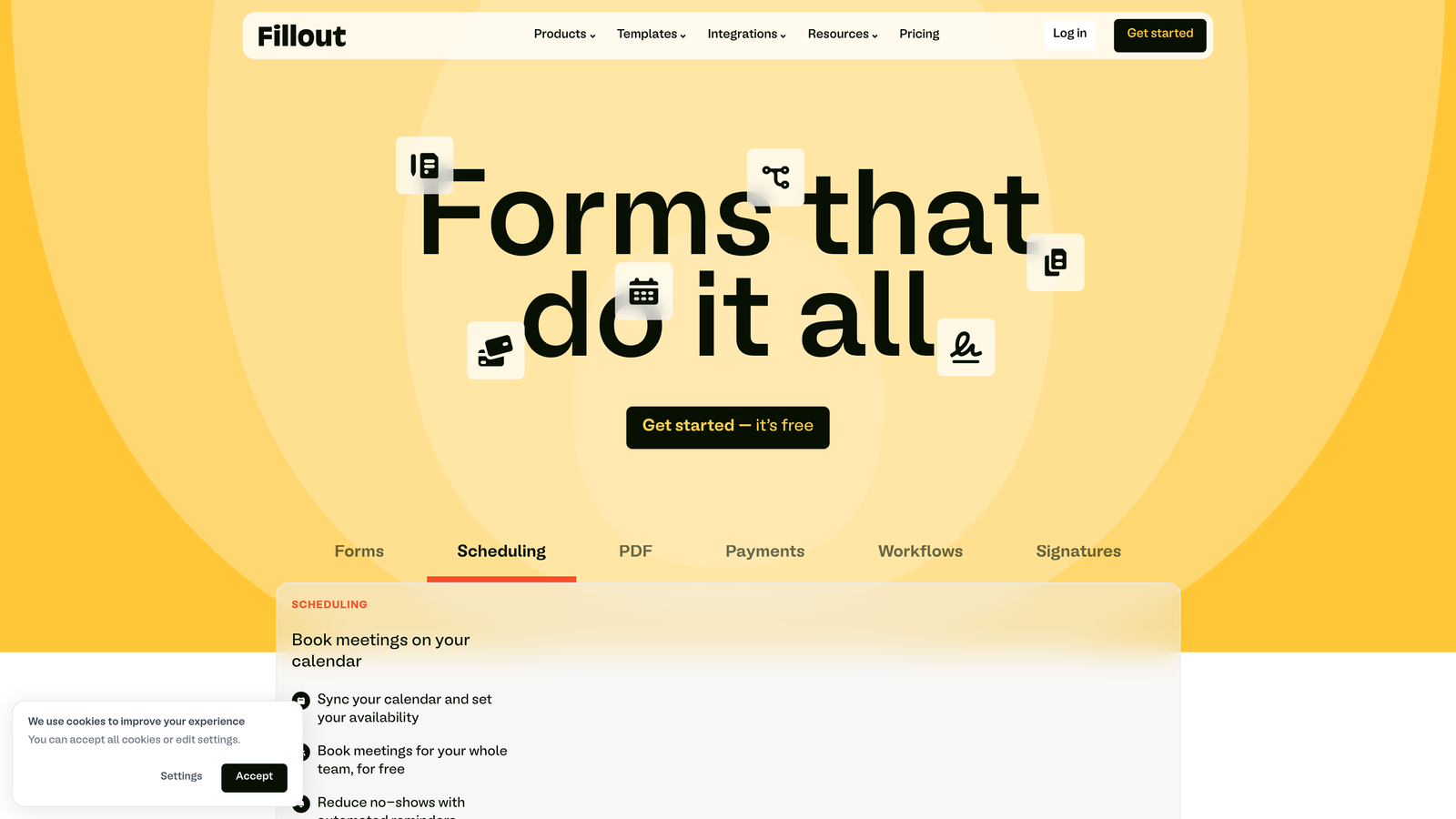
Fillout is a modern form builder designed specifically for teams already working in Airtable or Notion, offering seamless two-way sync with these platforms.
Where This Tool Shines
If your team lives in Airtable or Notion, Fillout eliminates the data transfer headache entirely. Forms sync directly with your databases in real-time, and you can even pre-populate form fields with existing database records for update forms or progressive profiling.
The AI form generation feature understands your database structure and can suggest appropriate form fields based on your table schema. This tight integration means less manual data entry and fewer sync errors between your forms and your source of truth.
Key Features
Native Airtable/Notion Sync: Two-way integration that writes form submissions directly to your databases and can pre-populate forms with existing records.
AI Form Generation: Creates forms intelligently based on your database structure, suggesting appropriate field types and validation rules.
Conditional Logic: Show or hide questions based on previous answers, creating dynamic forms that adapt to user responses.
File Upload Handling: Collect and store files directly in your Airtable or Notion databases with proper attachment handling.
Scheduling Integration: Built-in calendar booking functionality that connects with popular scheduling tools for appointment-based forms.
Best For
Startups and small teams already using Airtable or Notion as their primary database who want forms that integrate seamlessly without Zapier or manual data transfer. Particularly valuable for operations teams managing applications, registrations, or requests.
Pricing
Free tier includes core features. Starter plan begins at $15/month with increased submission limits and advanced features like payment collection and custom domains.
5. Tally
Best for: Budget-conscious teams wanting unlimited form responses without paying for submissions
Tally offers a generous free tier with unlimited responses, making it an attractive option for startups and small businesses watching their expenses.
Where This Tool Shines
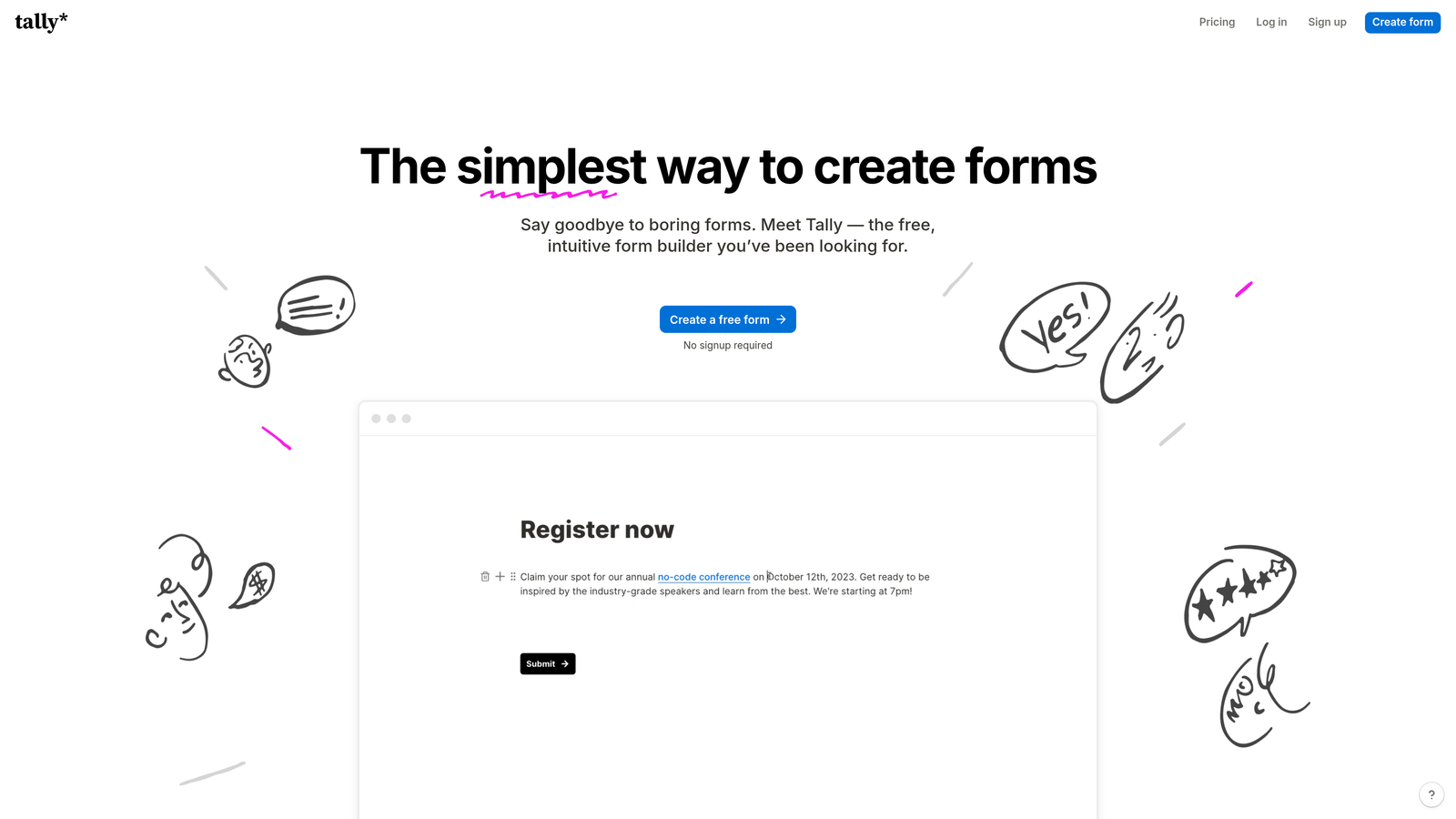
Tally's most compelling feature is its pricing model—or lack thereof. The free tier includes unlimited form responses, which is virtually unheard of in the form builder space where most competitors charge based on submission volume. This makes it ideal for high-volume use cases where per-response pricing becomes prohibitively expensive.
The interface takes inspiration from Notion's clean, document-like editing experience. Building forms feels intuitive and straightforward, with AI assistance helping you generate forms quickly without complex configuration.
Key Features
Unlimited Free Responses: No submission caps on the free tier, making it viable for high-volume forms without worrying about overage charges.
AI Form Generation: Describe your form needs and let AI build the structure, fields, and basic logic automatically.
Notion-Like Interface: Clean, document-style editing that feels familiar and intuitive for teams already using modern productivity tools.
Conditional Logic: Basic branching and logic jumps that show different questions based on previous answers.
Core Integrations: Connects with popular tools like Google Sheets, Notion, and Zapier for basic workflow automation.
Best For
Bootstrapped startups, content creators, and small businesses that need functional forms without monthly subscription costs. Excellent for community surveys, event registrations, and other high-volume use cases where response-based pricing becomes expensive.
Pricing
Generous free tier includes unlimited responses and most core features. Pro plan at $29/month adds custom domains, file uploads, and advanced integrations.
6. Feathery
Best for: Complex multi-step onboarding flows requiring advanced conditional logic and developer flexibility
Feathery is built for sophisticated onboarding experiences that need deep customization and developer-friendly APIs for advanced implementations.
Where This Tool Shines
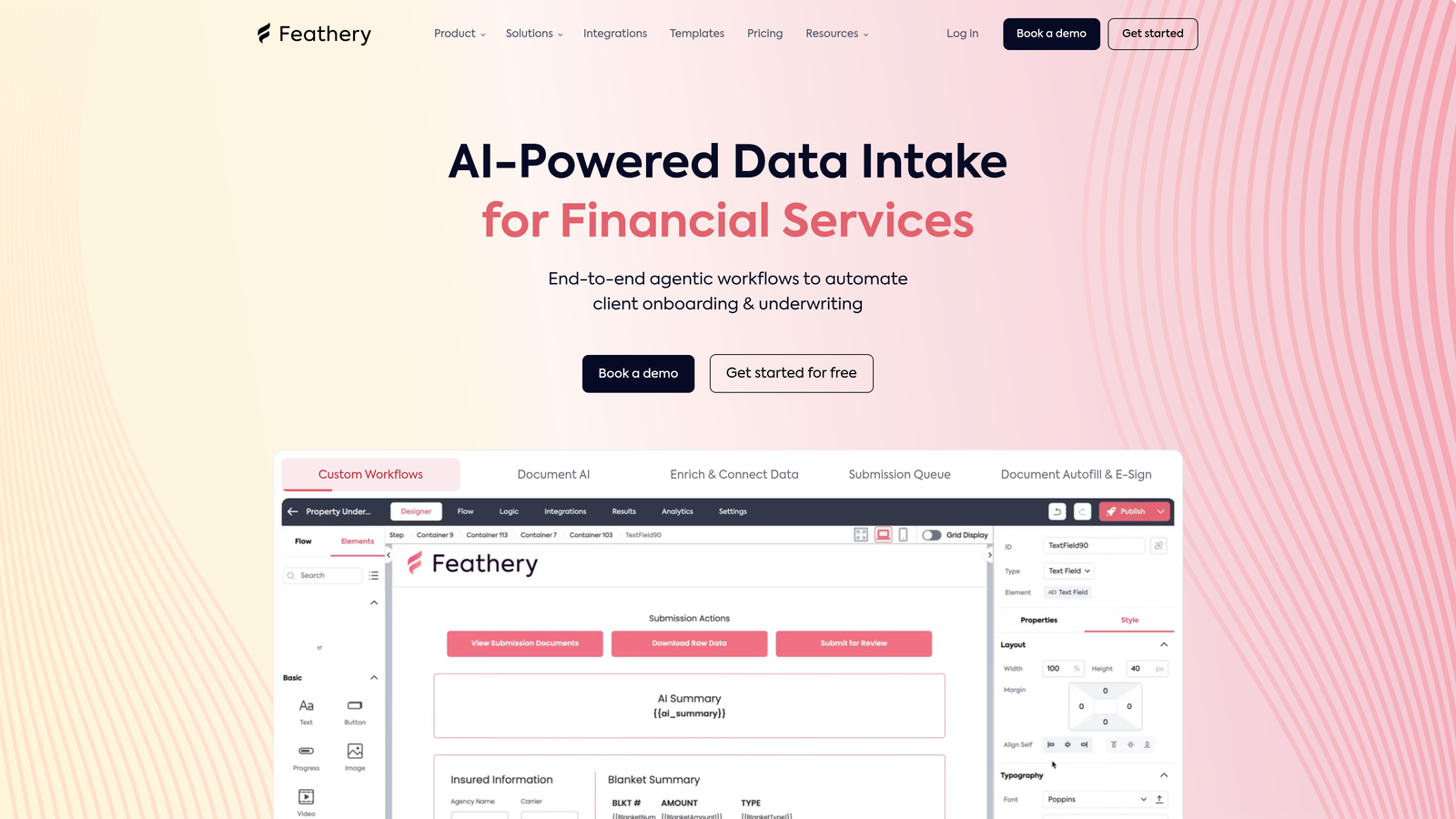
Feathery excels at complex, multi-step flows where users progress through several screens with sophisticated branching logic. Think account opening flows for fintech apps, insurance applications with dozens of conditional paths, or SaaS onboarding that adapts based on user role and company size.
The platform's AI-powered logic engine can analyze user inputs and automatically route them through the optimal path, while developers appreciate the ability to inject custom code and access robust APIs for advanced integrations. It's the choice for teams who've outgrown simple form builders and need enterprise-grade flexibility.
Key Features
AI-Powered Form Logic: Intelligent branching that analyzes inputs and routes users through optimal paths based on their responses and behavior patterns.
Multi-Step Flow Builder: Visual editor for creating complex, multi-page forms with progress indicators and step-by-step progression.
Custom Code Injection: Embed custom JavaScript and CSS for advanced functionality and complete design control beyond standard options.
Advanced Conditional Logic: Sophisticated rule engine supporting complex conditions, calculations, and dynamic field population based on multiple variables.
Developer-Friendly APIs: Comprehensive REST APIs and webhooks for deep integrations with custom applications and backend systems.
Best For
Product teams at growth-stage companies building sophisticated user onboarding experiences, particularly in regulated industries like finance, healthcare, or insurance where complex conditional flows are necessary. Ideal when you need form builder flexibility with developer control.
Pricing
Free tier available for development and testing. Growth plan starts at $49/month, with custom enterprise pricing for high-volume deployments and advanced support needs.
7. Formstack
Best for: Enterprise organizations requiring compliance features, document generation, and advanced workflow automation
Formstack is an enterprise-grade platform combining form building with document generation, e-signatures, and compliance capabilities for regulated industries.
Where This Tool Shines
Formstack's strength lies in its comprehensive approach to document workflows. Beyond collecting form data, it can automatically generate contracts, agreements, or reports from submissions, route them for e-signatures, and maintain audit trails for compliance purposes.
For healthcare, financial services, and other regulated industries, the HIPAA compliance features and security controls are essential. The AI form builder assistance helps create compliant forms that collect necessary information while respecting privacy regulations and data handling requirements.
Key Features
AI Form Builder Assistance: Suggests form structures, required fields, and compliance considerations based on your industry and use case.
Document Generation: Automatically create formatted documents, contracts, or reports from form submissions using customizable templates.
E-Signature Integration: Built-in electronic signature functionality for collecting legally binding signatures on generated documents.
HIPAA Compliance: Security controls, encryption, and audit trails meeting healthcare data protection requirements.
Advanced Workflow Automation: Multi-step approval routing, conditional notifications, and integration with business process management tools.
Best For
Healthcare organizations, financial institutions, government agencies, and enterprises in regulated industries needing forms that integrate with document management and compliance workflows. Essential when data security and audit trails are non-negotiable requirements.
Pricing
Starter plan begins at $50/month for basic features. Enterprise pricing available with custom security, compliance, and support requirements based on organization size and needs.
8. Paperform
Best for: Creating landing page-style forms with built-in payment processing and beautiful design
Paperform blurs the line between forms and landing pages, creating visually rich experiences that can function as complete product pages with integrated checkout.
Where This Tool Shines
Paperform's unique approach treats forms as full landing pages rather than embedded widgets. This means you can create an entire product showcase, service booking page, or event registration experience in one place, complete with hero images, rich text descriptions, and seamless payment collection.
The AI-assisted creation helps you build these complex page-form hybrids faster by suggesting layouts, content sections, and payment configurations based on your goals. It's particularly powerful for creators, coaches, and service providers who want professional-looking booking or sales pages without hiring a developer.
Key Features
Landing Page-Style Forms: Full-page form experiences with rich text, images, and layout options that function as complete landing pages.
AI-Assisted Creation: Suggests page structures, content sections, and form flows based on your stated purpose and industry.
Native Payment Processing: Built-in integration with Stripe and PayPal for collecting payments, subscriptions, or deposits directly through forms.
Conditional Logic: Show different products, pricing, or questions based on user selections and previous answers.
Custom Branding: Complete design control including custom CSS, fonts, and white-label options for removing Paperform branding.
Best For
Coaches, consultants, course creators, and service-based businesses needing forms that double as sales pages or booking systems. Excellent for anyone selling services, accepting event registrations, or collecting payments where a polished, professional appearance matters.
Pricing
Essentials plan starts at $24/month including payment processing and core features. Pro tier adds advanced customization, calculations, and priority support.
9. HubSpot Forms
Best for: Teams already using HubSpot CRM who want native integration and AI-powered lead scoring
HubSpot Forms is the form builder built directly into HubSpot's CRM and marketing platform, offering seamless integration with the entire HubSpot ecosystem.
Where This Tool Shines
If you're already invested in HubSpot's CRM and marketing tools, HubSpot Forms eliminates integration headaches entirely. Form submissions automatically create or update contact records, trigger workflows, and feed into lead scoring models without any middleware or data syncing.
The AI-powered lead scoring analyzes form responses alongside other contact data to predict deal likelihood and buying intent. Progressive profiling automatically hides fields you've already collected from returning visitors, reducing form friction while building richer contact profiles over time.
Key Features
Native CRM Integration: Instant sync with HubSpot CRM creating contacts, updating properties, and triggering workflows without configuration.
AI-Powered Lead Scoring: Automatic scoring that combines form responses with behavioral data to predict lead quality and buying intent.
Progressive Profiling: Intelligently shows different fields to returning visitors, collecting new information while hiding already-known data.
Smart Content Personalization: Display different form fields, messaging, or CTAs based on contact properties, lifecycle stage, or list membership.
Marketing Automation Triggers: Form submissions automatically start email sequences, assign tasks to sales reps, or update deal stages.
Best For
Companies already using HubSpot CRM or Marketing Hub who want their forms deeply integrated with their existing marketing and sales workflows. The native integration makes it the obvious choice for HubSpot customers, though less compelling for teams using other platforms.
Pricing
Free with HubSpot CRM including basic forms and CRM integration. Advanced features like progressive profiling, smart content, and sophisticated automation require paid Marketing Hub tiers starting at higher price points.
Finding Your Perfect Match
The right AI form builder depends on what you're trying to accomplish and how you work.
For teams focused on lead qualification and conversion optimization, Orbit AI delivers the most sophisticated AI-powered lead scoring and qualification built directly into the form experience. It's purpose-built for high-growth teams who need their forms to actively qualify prospects rather than just collect contact information.
If user experience and engagement are your top priorities, Typeform's conversational interface creates the most enjoyable form completion experience. Its one-question-at-a-time format significantly reduces abandonment and works beautifully for surveys and lead magnets where completion rates matter most.
Teams needing versatility and template variety should look at Jotform's massive library and AI generation capabilities. When you need to create many different types of forms quickly—from event registrations to job applications to payment forms—the template breadth becomes invaluable.
Budget-conscious startups and small businesses will appreciate Tally's unlimited free responses. When you're running high-volume forms and watching every dollar, not paying per submission makes a meaningful difference to your bottom line.
For Airtable or Notion users, Fillout's native database integration eliminates data transfer friction entirely. If your team already lives in these platforms, the seamless sync justifies choosing Fillout even if other tools have more features.
The form builder you choose becomes a critical part of your lead generation infrastructure. The difference between a basic form and an intelligent one that qualifies leads, personalizes questions, and integrates seamlessly with your CRM can transform your conversion rates and sales efficiency.
Transform your lead generation with AI-powered forms that qualify prospects automatically while delivering the modern, conversion-optimized experience your high-growth team needs. Start building free forms today and see how intelligent form design can elevate your conversion strategy.


