

Every lead that sits in a form submission spreadsheet while your sales team waits is a lead growing colder by the minute. CRM connected form builders eliminate this gap entirely—capturing lead data and pushing it directly into your sales pipeline without manual exports, copy-pasting, or integration headaches.
Whether you're running inbound marketing campaigns, qualifying demo requests, or building complex multi-step intake forms, the right tool connects your front-end capture to your back-end sales engine instantly. We evaluated dozens of form builders based on native CRM integrations, ease of setup, lead qualification features, and pricing flexibility.
Here are the top CRM connected form builders for teams serious about conversion.
1. Orbit AI
Best for: High-growth teams needing AI-powered lead qualification with native CRM integrations
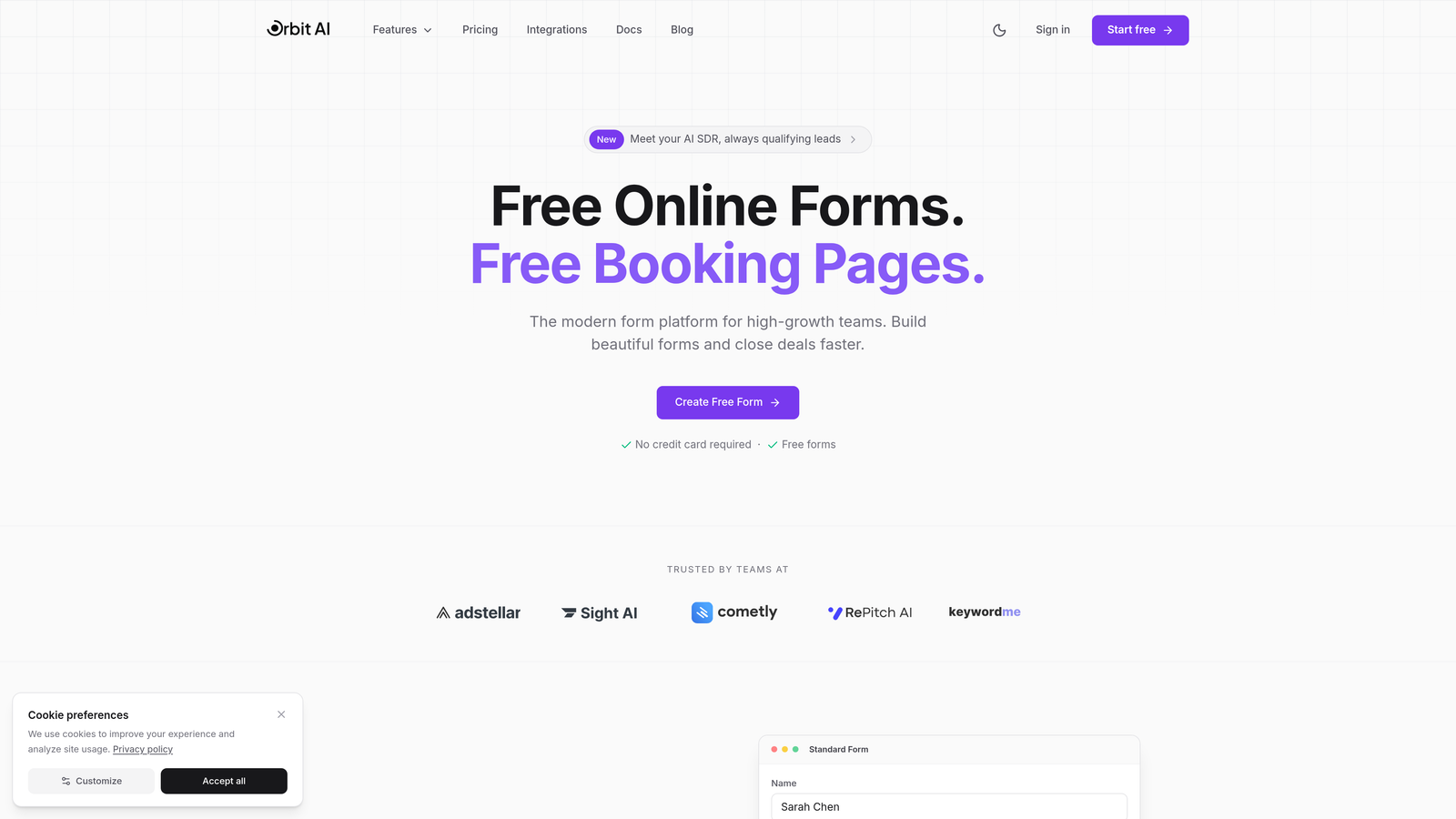
Orbit AI is an AI-powered form builder designed specifically for teams that need intelligent lead qualification built directly into their forms.
Where This Tool Shines
Orbit AI stands out by combining beautiful, conversion-optimized form design with intelligent lead qualification that happens automatically as prospects fill out your forms. The AI analyzes responses in real-time to score and route leads based on your criteria.
The platform integrates natively with major CRMs including HubSpot, Salesforce, Pipedrive, Close, and Attio—meaning your qualified leads flow directly into the right sales pipelines without middleware or manual mapping. For high-growth teams juggling hundreds of inbound leads, this automation eliminates the bottleneck between capture and follow-up.
Key Features
AI-Powered Lead Qualification: Automatically scores and qualifies leads based on form responses, routing high-value prospects to your sales team instantly.
Native CRM Integrations: Direct connections to HubSpot, Salesforce, Pipedrive, Close, and Attio without third-party middleware.
Conditional Logic: Build intelligent forms that adapt based on user responses, showing relevant questions and routing leads appropriately.
Conversion-Optimized Design: Modern, beautiful form templates designed specifically to maximize completion rates.
Real-Time Analytics: Track submission rates, conversion metrics, and lead quality scores as they happen.
Best For
Orbit AI is ideal for SaaS companies, B2B marketing teams, and high-growth businesses that need to qualify leads at scale without adding headcount. If you're running paid campaigns or generating significant inbound volume, the AI qualification pays for itself by ensuring your sales team focuses on the highest-value opportunities.
Pricing
Free tier available for getting started. Paid plans begin at $29/month, making it accessible for growing teams that need enterprise-level qualification capabilities.
2. HubSpot Forms
Best for: Teams already using HubSpot CRM who want native form integration
HubSpot Forms is the native form builder within the HubSpot ecosystem, offering seamless contact creation and lifecycle tracking.

Where This Tool Shines
If you're already invested in the HubSpot ecosystem, their native forms offer the tightest possible integration. Every form submission automatically creates or updates a contact record, tracks it through your sales funnel, and attributes it to the right marketing campaign.
The progressive profiling feature is particularly valuable for content-heavy strategies. Instead of asking the same questions repeatedly, HubSpot Forms remember what you already know about a contact and ask new questions each time they engage—building richer profiles without form fatigue.
Key Features
Automatic Contact Creation: Every submission instantly creates or updates contact records in your HubSpot CRM with full attribution tracking.
Progressive Profiling: Intelligently asks different questions based on what you already know about a contact, enriching data over time.
Built-In Analytics: Form performance metrics tie directly into HubSpot's reporting dashboard, showing conversion paths and attribution.
Flexible Deployment: Deploy forms as embedded elements, pop-ups, or standalone landing pages with consistent tracking.
Lifecycle Stage Automation: Automatically move contacts through lifecycle stages based on form submissions and behavior.
Best For
HubSpot Forms is the obvious choice for existing HubSpot users who want zero-friction integration. It's particularly strong for inbound marketing teams running content strategies with multiple touchpoints across the buyer journey.
Pricing
Free with HubSpot CRM. Advanced features like progressive profiling and automation require Marketing Hub, which starts at $800/month.
3. Typeform
Best for: Creating engaging, conversational form experiences with strong brand presence
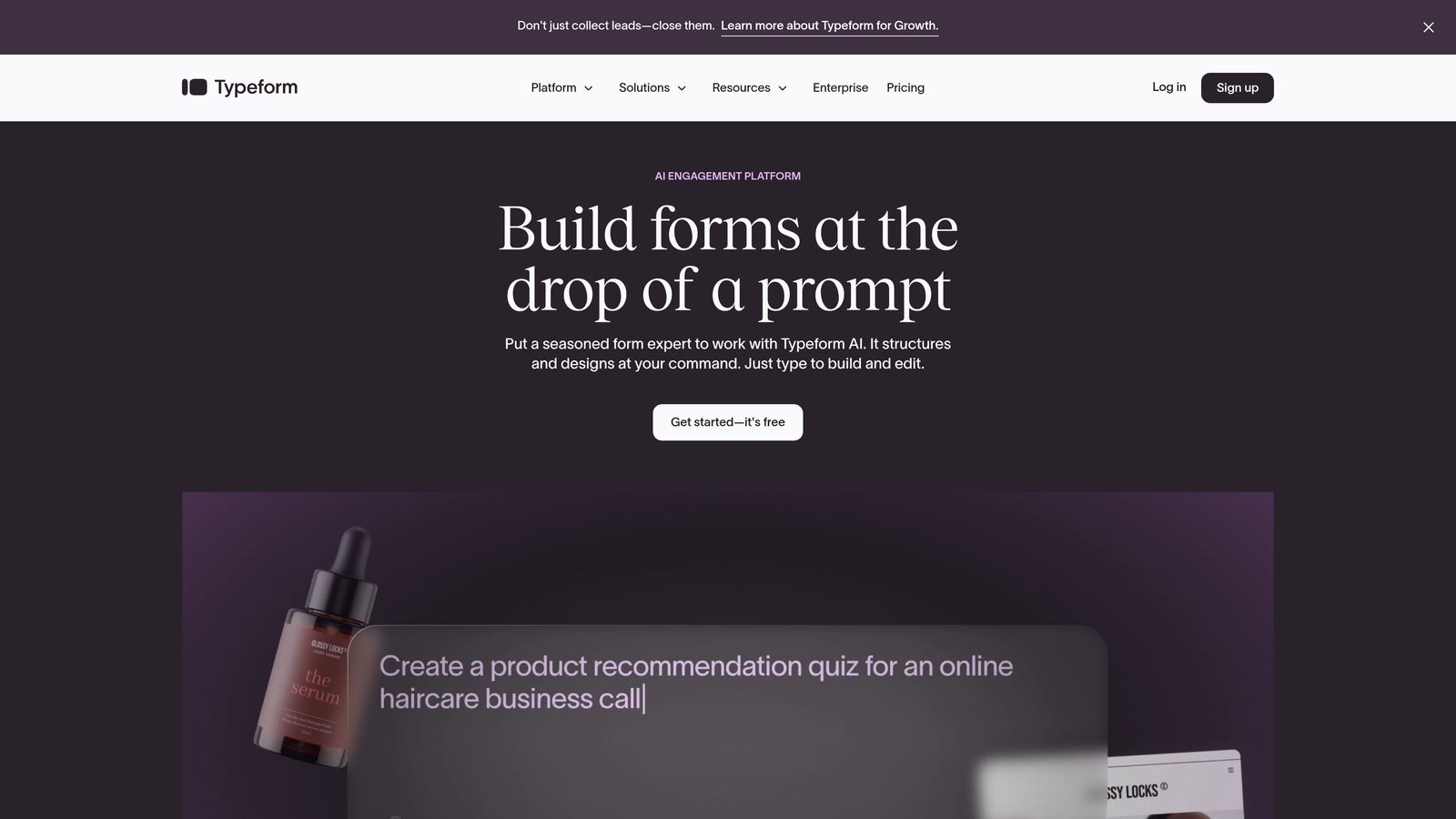
Typeform is a conversational form builder known for its one-question-at-a-time format that dramatically improves completion rates.
Where This Tool Shines
Typeform transforms traditional forms into conversational experiences that feel more like a guided conversation than a data entry task. The one-question-at-a-time approach reduces cognitive load and creates a more engaging experience, which translates to higher completion rates—especially for longer forms.
The platform's visual polish makes it a favorite for brand-conscious teams. If your form is a key touchpoint in your customer experience, Typeform ensures it reflects well on your brand while still pushing data seamlessly into your CRM.
Key Features
Conversational Format: One-question-at-a-time interface that feels natural and increases completion rates for complex forms.
Native CRM Integrations: Direct connections to HubSpot, Salesforce, and Pipedrive with field mapping and automatic sync.
Logic Jumps: Create personalized form paths that adapt based on responses, showing relevant questions and skipping irrelevant ones.
Rich Media Support: Embed videos, images, and GIFs to create more engaging and explanatory form experiences.
Hidden Fields: Pass UTM parameters and other tracking data to your CRM for better attribution.
Best For
Typeform excels for customer-facing teams that prioritize experience alongside data capture. It's particularly effective for surveys, assessments, and qualification forms where engagement matters as much as completion.
Pricing
Free tier available with limited features. Paid plans start at $25/month, with CRM integrations available on higher tiers.
4. Jotform
Best for: Enterprise teams needing extensive integration options and template variety
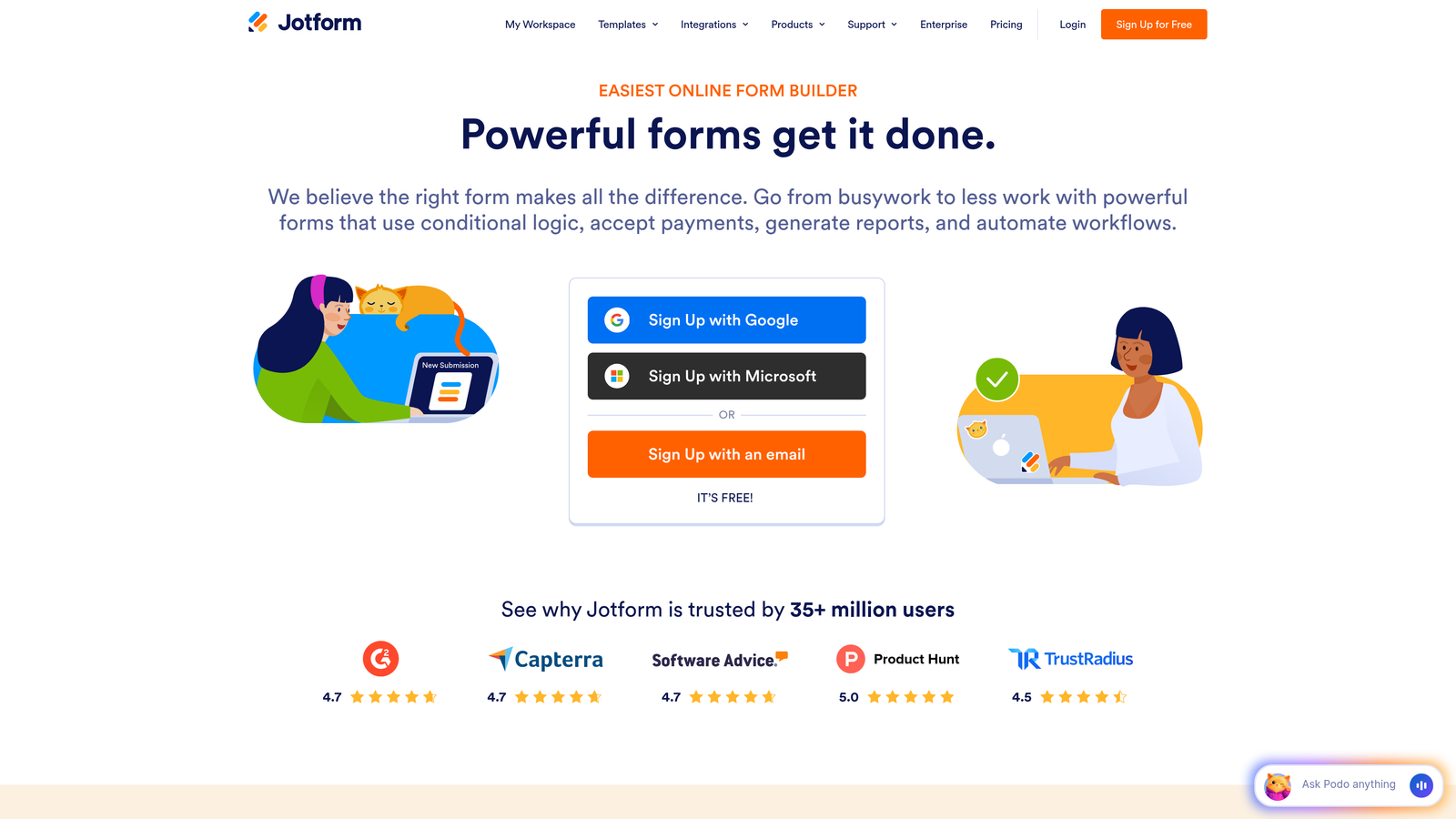
Jotform is an enterprise-grade form builder offering over 100 native integrations and a massive template library.
Where This Tool Shines
Jotform's breadth is its superpower. With 100+ native integrations and 10,000+ templates, you can connect to virtually any CRM or business tool without custom development. This makes it ideal for enterprise environments where you're connecting forms to multiple systems simultaneously.
The advanced field mapping capabilities handle complex CRM structures that simpler tools struggle with. If your Salesforce instance has custom objects, multi-level relationships, or specific field requirements, Jotform's mapping interface gives you the granular control needed to get it right.
Key Features
100+ Native Integrations: Direct connections to virtually every major CRM, marketing platform, and business tool without middleware.
10,000+ Templates: Pre-built forms for every industry and use case, customizable to your needs.
Advanced Field Mapping: Granular control over how form fields map to CRM objects, including custom fields and relationships.
HIPAA Compliance: Enterprise plan includes HIPAA-compliant forms for healthcare organizations handling sensitive data.
Conditional Logic: Show or hide fields, pages, and sections based on user responses for personalized experiences.
Best For
Jotform is built for enterprise teams with complex integration requirements or organizations that need HIPAA compliance. If you're connecting forms to multiple systems or have strict security requirements, Jotform handles the complexity.
Pricing
Free tier includes up to 5 forms. Paid plans start at $34/month, with enterprise pricing for HIPAA compliance and advanced features.
5. Formstack
Best for: Salesforce-heavy organizations needing deep native integration
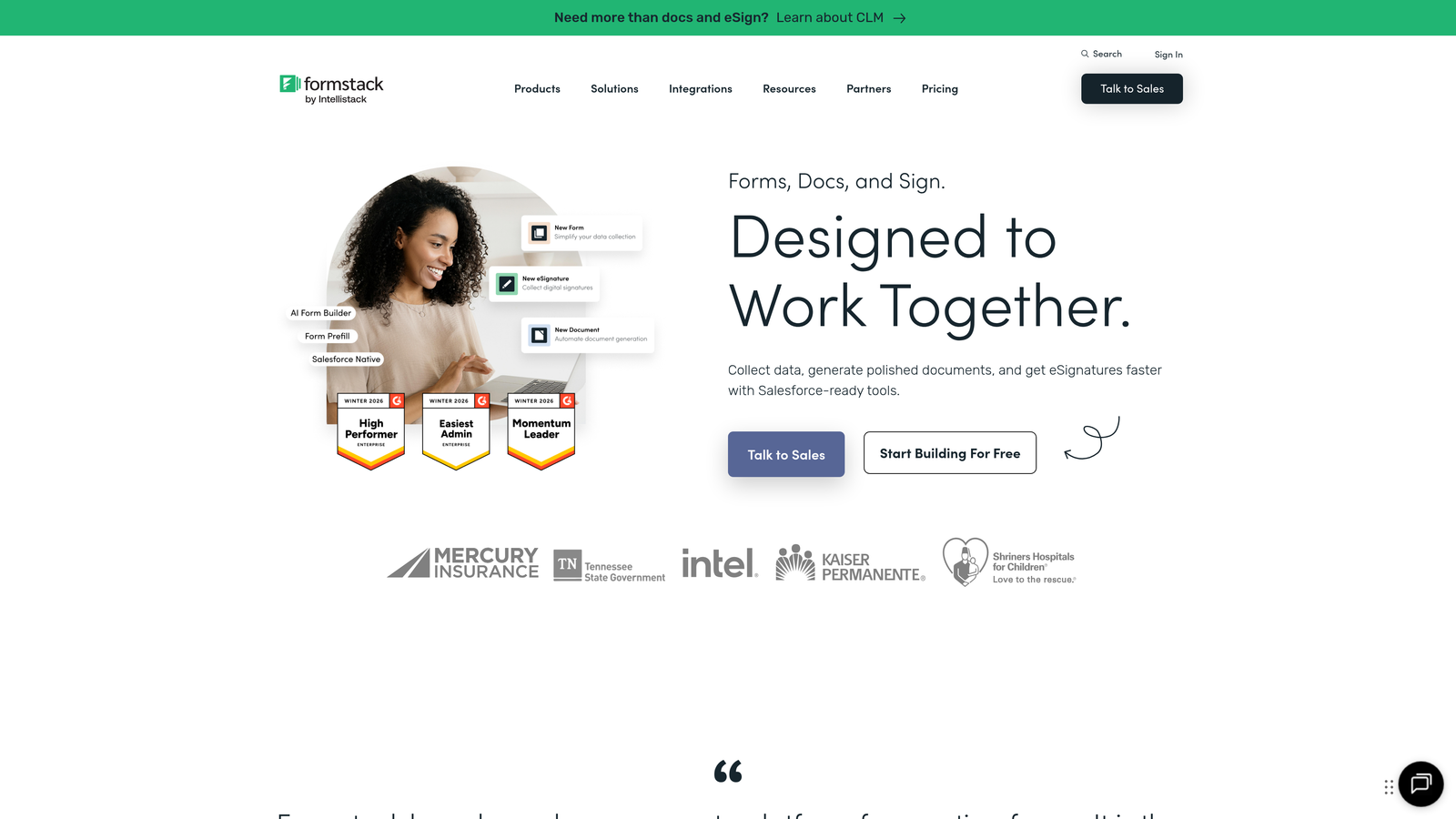
Formstack is a Salesforce-native form solution with bidirectional sync and advanced workflow automation.
Where This Tool Shines
Formstack lives inside Salesforce as a native app, which means it understands your Salesforce data structure at a level that external tools simply can't match. The bidirectional sync keeps form data and Salesforce records perfectly aligned, and you can create or update any Salesforce object directly from form submissions.
The document generation feature is particularly powerful for teams that need to create contracts, quotes, or proposals from form data. Formstack Documents pulls submission data into templates automatically, eliminating manual document creation entirely.
Key Features
Native Salesforce App: Installs directly in Salesforce with full access to your objects, fields, and relationships.
Bidirectional Sync: Changes in Salesforce reflect in forms and vice versa, keeping data perfectly aligned.
Advanced Object Creation: Create or update any Salesforce object, including custom objects and complex relationships.
Document Generation: Automatically generate contracts, proposals, and documents from form submissions using Formstack Documents.
Workflow Automation: Trigger Salesforce processes, email notifications, and approvals based on form submissions.
Best For
Formstack is the go-to choice for Salesforce-centric organizations that need forms to integrate deeply with their existing processes. If Salesforce is your system of record and you need reliable, complex data flows, Formstack delivers.
Pricing
Starts at $50/month for basic plans. Salesforce add-on pricing varies based on usage and requirements.
6. Gravity Forms
Best for: WordPress sites needing powerful forms with CRM connectivity
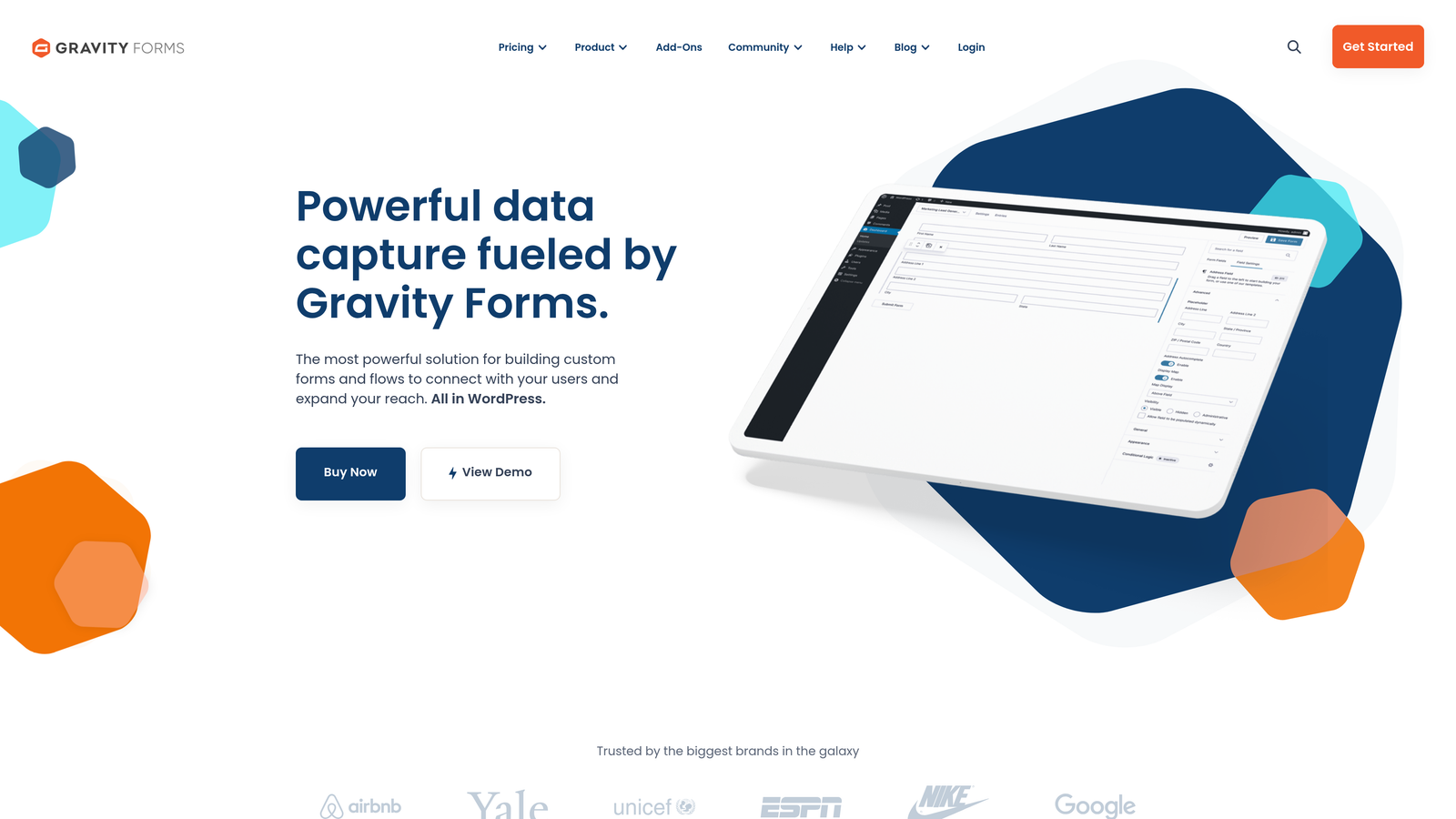
Gravity Forms is the leading WordPress form plugin with extensive CRM add-ons for WordPress-based websites.
Where This Tool Shines
If your website runs on WordPress, Gravity Forms is the most powerful form solution available. It integrates natively with WordPress, giving you complete control over form placement, styling, and functionality within your existing site architecture.
The developer-friendly architecture makes it highly extensible. With extensive hooks, filters, and a robust add-on ecosystem, technical teams can customize Gravity Forms to handle virtually any form workflow. CRM add-ons connect to HubSpot, Salesforce, Zoho, and other platforms while maintaining the WordPress-native experience.
Key Features
Native WordPress Integration: Works seamlessly within WordPress with full theme compatibility and customization options.
CRM Add-Ons: Official add-ons for HubSpot, Salesforce, Zoho CRM, and other platforms with field mapping and automation.
Conditional Logic: Show or hide fields, pages, and entire sections based on user selections for personalized forms.
Multi-Page Forms: Break long forms into multiple pages with progress indicators and save-and-continue functionality.
Developer Hooks: Extensive API with hooks and filters for custom functionality and integrations.
Best For
Gravity Forms is ideal for WordPress-based businesses that need enterprise-level form functionality without leaving the WordPress ecosystem. It's particularly strong for agencies managing multiple client sites.
Pricing
Starts at $59/year for a basic license. CRM add-ons are sold separately, typically $59-$99/year each.
7. Cognito Forms
Best for: Budget-conscious teams needing CRM connectivity through automation platforms
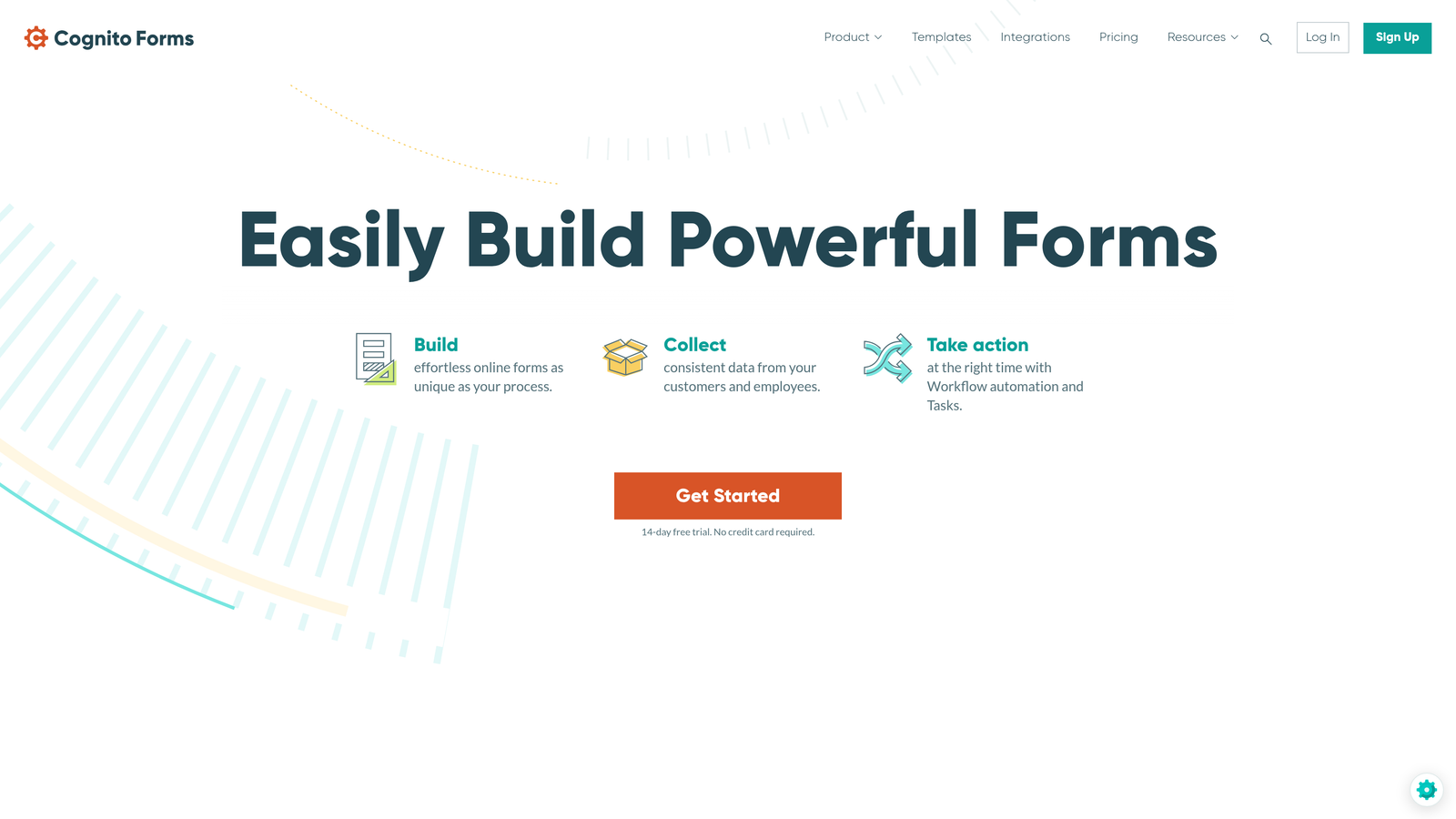
Cognito Forms is an affordable form builder that connects to CRMs through Zapier and Microsoft Power Automate.
Where This Tool Shines
Cognito Forms delivers impressive functionality at a fraction of the cost of enterprise alternatives. While it relies on Zapier or Power Automate for CRM connections rather than native integrations, this approach actually provides broader flexibility—you can connect to virtually any CRM or business tool through these automation platforms.
The calculation fields are particularly useful for teams collecting quotes, registrations, or orders. You can build forms that calculate totals, apply discounts, and process payments while still pushing all data to your CRM for follow-up.
Key Features
Zapier and Power Automate: Connect to any CRM through these automation platforms for flexible integration options.
Payment Collection: Accept payments through Stripe, PayPal, or Square directly within forms.
Repeating Sections: Allow users to add multiple items or entries within a single form submission for complex data capture.
Calculation Fields: Build dynamic forms that calculate totals, apply formulas, and generate quotes automatically.
Conditional Logic: Show or hide fields and sections based on user responses for personalized experiences.
Best For
Cognito Forms works well for small to mid-sized teams that need solid CRM connectivity without enterprise pricing. If you're comfortable with Zapier or Power Automate, you get excellent value and flexibility.
Pricing
Free tier available for basic forms. Paid plans start at $15/month, making it one of the most affordable options with CRM connectivity.
8. Paperform
Best for: Design-focused teams wanting document-style forms with CRM integration
Paperform is a design-forward form builder that uses document-style layouts for more engaging form experiences.
Where This Tool Shines
Paperform takes a completely different approach to form design. Instead of traditional field-by-field builders, you create forms more like designing a document—adding text, images, and fields in a flowing layout that feels less like a form and more like a branded experience.
This document-style approach makes Paperform particularly effective for forms that need to communicate information while collecting data. Think onboarding questionnaires, service intake forms, or consultation requests where context matters as much as the questions themselves.
Key Features
Document-Style Design: Create forms that look like branded documents with flowing text, images, and embedded media.
Native CRM Integrations: Direct connections to major CRMs including HubSpot, Salesforce, and Pipedrive.
Conditional Logic: Show or hide content and fields based on responses for personalized form paths.
Built-In Analytics: Track form views, completion rates, and conversion metrics without external tools.
Payment Processing: Accept payments through Stripe or PayPal while capturing lead data for your CRM.
Best For
Paperform excels for service-based businesses, agencies, and consultants who need forms that educate and qualify simultaneously. If your form needs to make a strong visual impression while capturing detailed information, Paperform delivers.
Pricing
Starts at $24/month with all core features included. No free tier, but a 14-day trial is available.
9. 123FormBuilder
Best for: Teams wanting pre-configured CRM templates for quick deployment
123FormBuilder is a user-friendly form builder with pre-built CRM integration templates that simplify setup.
Where This Tool Shines
123FormBuilder removes the integration complexity by offering pre-configured templates specifically designed for popular CRMs. Instead of mapping fields manually, you can start with a template that already knows how to structure data for Salesforce, HubSpot, or Zoho—then customize it to your needs.
The drag-and-drop builder requires zero coding knowledge, making it accessible for non-technical teams that still need reliable CRM connectivity. GDPR compliance tools are built in, which is particularly valuable for European businesses or companies handling EU customer data.
Key Features
Pre-Configured CRM Templates: Start with templates designed specifically for your CRM, reducing setup time and mapping errors.
No-Code Builder: Drag-and-drop interface that requires zero technical knowledge to create sophisticated forms.
Native Integrations: Direct connections to Salesforce, HubSpot, Zoho CRM, and other major platforms.
GDPR Compliance: Built-in tools for consent management, data privacy, and compliance with European regulations.
Mobile-Responsive: All forms automatically adapt to mobile devices for consistent experiences across devices.
Best For
123FormBuilder is ideal for small to mid-sized teams that want fast CRM integration without technical complexity. If you need to get forms connected quickly and don't have dedicated IT resources, the pre-built templates accelerate deployment significantly.
Pricing
Free tier available for basic forms. Paid plans start at $24.99/month with CRM integrations included.
Making the Right Choice
The right CRM connected form builder depends on your existing tech stack and specific workflow requirements.
If you need AI-powered lead qualification that happens automatically as prospects fill out forms, Orbit AI delivers intelligent routing and scoring that eliminates manual triage. For teams already invested in HubSpot, their native forms offer the tightest possible integration with full lifecycle tracking. When brand experience matters as much as data capture, Typeform's conversational approach creates engagement that traditional forms can't match.
Enterprise teams with complex integration requirements will find Jotform's breadth invaluable—100+ native integrations mean you can connect virtually any system without custom development. Salesforce-centric organizations should look at Formstack first, as the native app integration handles complex data flows that external tools struggle with.
WordPress users have a clear winner in Gravity Forms, which integrates seamlessly with the WordPress ecosystem while still offering robust CRM connectivity through add-ons. Budget-conscious teams can leverage Cognito Forms with Zapier or Power Automate for flexible integration at a fraction of enterprise pricing.
For design-focused teams that need forms to make visual impact, Paperform's document-style approach creates branded experiences that feel less like data collection and more like customer engagement. And if you want pre-configured templates that eliminate integration complexity, 123FormBuilder gets you deployed faster with less technical overhead.
The common thread across all these tools is eliminating the gap between lead capture and CRM entry. Manual exports and spreadsheet management are conversion killers—every minute a lead sits outside your CRM is a minute your sales team can't act on it.
Transform your lead generation with AI-powered forms that qualify prospects automatically while delivering the modern, conversion-optimized experience your high-growth team needs. Start building free forms today and see how intelligent form design can elevate your conversion strategy.


