

No-code form platforms have come a long way from simple drag-and-drop builders with a submit button at the end. Today's leading platforms are sophisticated lead capture engines with built-in logic, real-time integrations, and increasingly, AI-powered intelligence that works while your prospects are still filling out the form.
For high-growth teams, the stakes are higher than ever. You need forms that don't just collect data but actively qualify leads, slot seamlessly into your existing stack, and convert at scale. All without involving a developer. The challenge is that the market is crowded, and not every platform is built for the same job.
To cut through the noise, we evaluated platforms across five criteria: ease of use, design flexibility, integration depth, lead qualification capabilities, and pricing transparency. Whether you're optimizing a lead generation form for B2B SaaS or exploring the best form tools for B2B companies, this curated list covers the platforms worth your attention in 2026.
1. Orbit AI
Best for: High-growth teams that need real-time lead qualification built directly into the form experience.
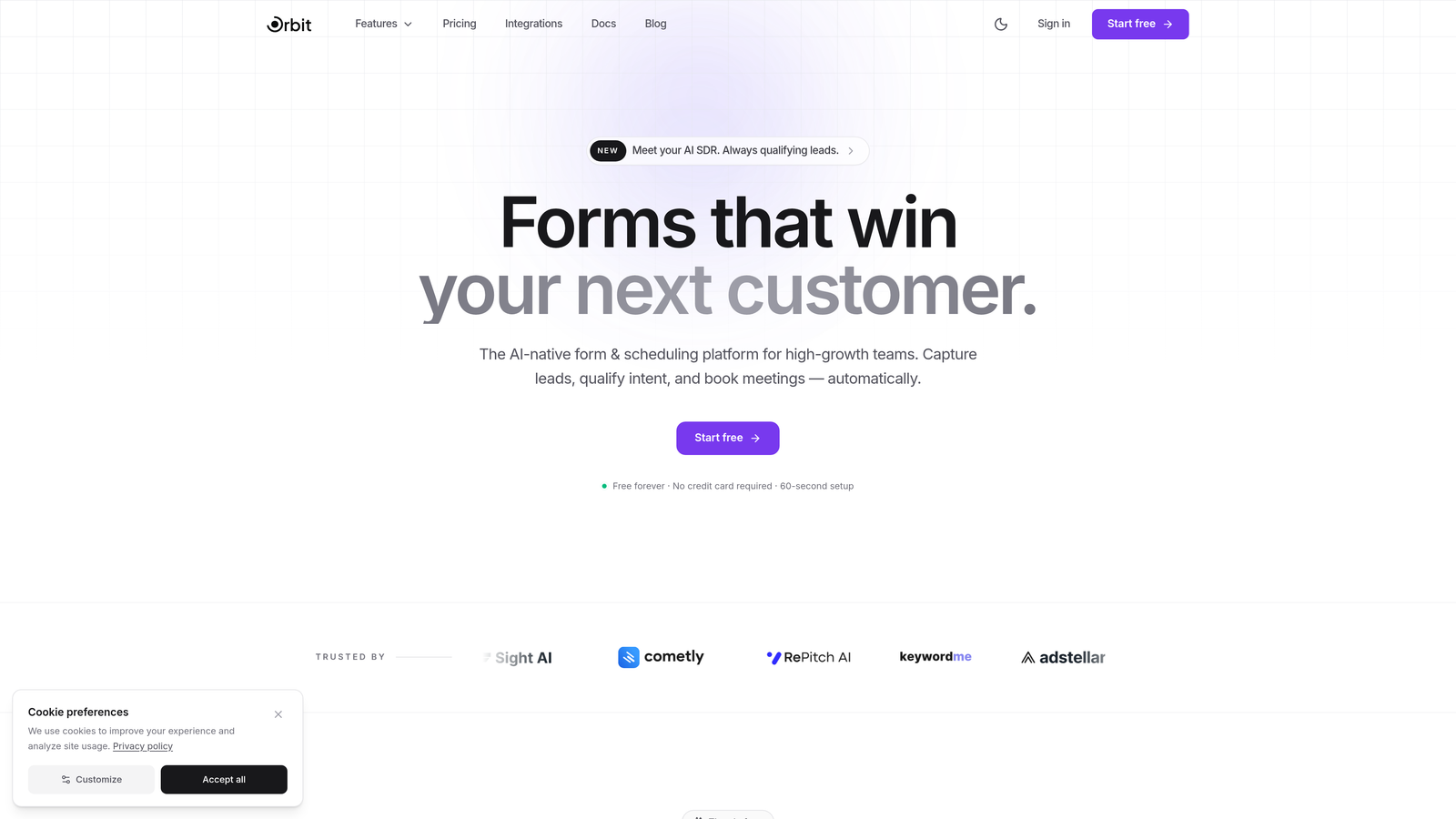
Orbit AI is an AI-powered no-code form builder that qualifies leads in real time as they complete your forms, designed specifically for teams focused on pipeline quality over raw submission volume.
Where This Tool Shines
Most form builders stop at data collection. Orbit AI starts where others stop. Its AI layer works during the form experience itself, scoring and qualifying leads based on response patterns before a submission ever hits your CRM. That means your sales team receives leads that are already pre-sorted by fit, not a flat list of contacts to manually review.
The platform is also built with B2B SaaS conversion in mind. Templates are designed around the specific goals of growth teams: demo requests, free trial signups, and lead qualification flows. The result is a form builder that feels less like a utility and more like a conversion asset.
Key Features
AI-Driven Lead Scoring: Qualification happens in real time as respondents complete the form, routing high-fit leads instantly.
Conversion-Optimized Templates: Pre-built templates designed specifically for B2B SaaS use cases and pipeline-focused lead capture.
Intelligent Field Suggestions: The form adapts based on response patterns, surfacing the most relevant follow-up questions dynamically.
Modern Form Design: Beautiful, brand-consistent forms with no coding required and full design flexibility.
CRM and Workflow Integrations: Seamless lead routing to your CRM and automation tools the moment a qualified submission comes in.
Best For
Orbit AI is the right fit for B2B SaaS teams, demand generation marketers, and growth operators who care about lead quality as much as lead volume. If you're running paid campaigns and need every form submission to carry qualification signal, this platform is built for that exact problem.
Pricing
Visit orbitforms.ai for current pricing details. A free starting option is available for teams ready to explore the platform.
2. Typeform
Best for: Teams prioritizing respondent experience and high completion rates through conversational form design.
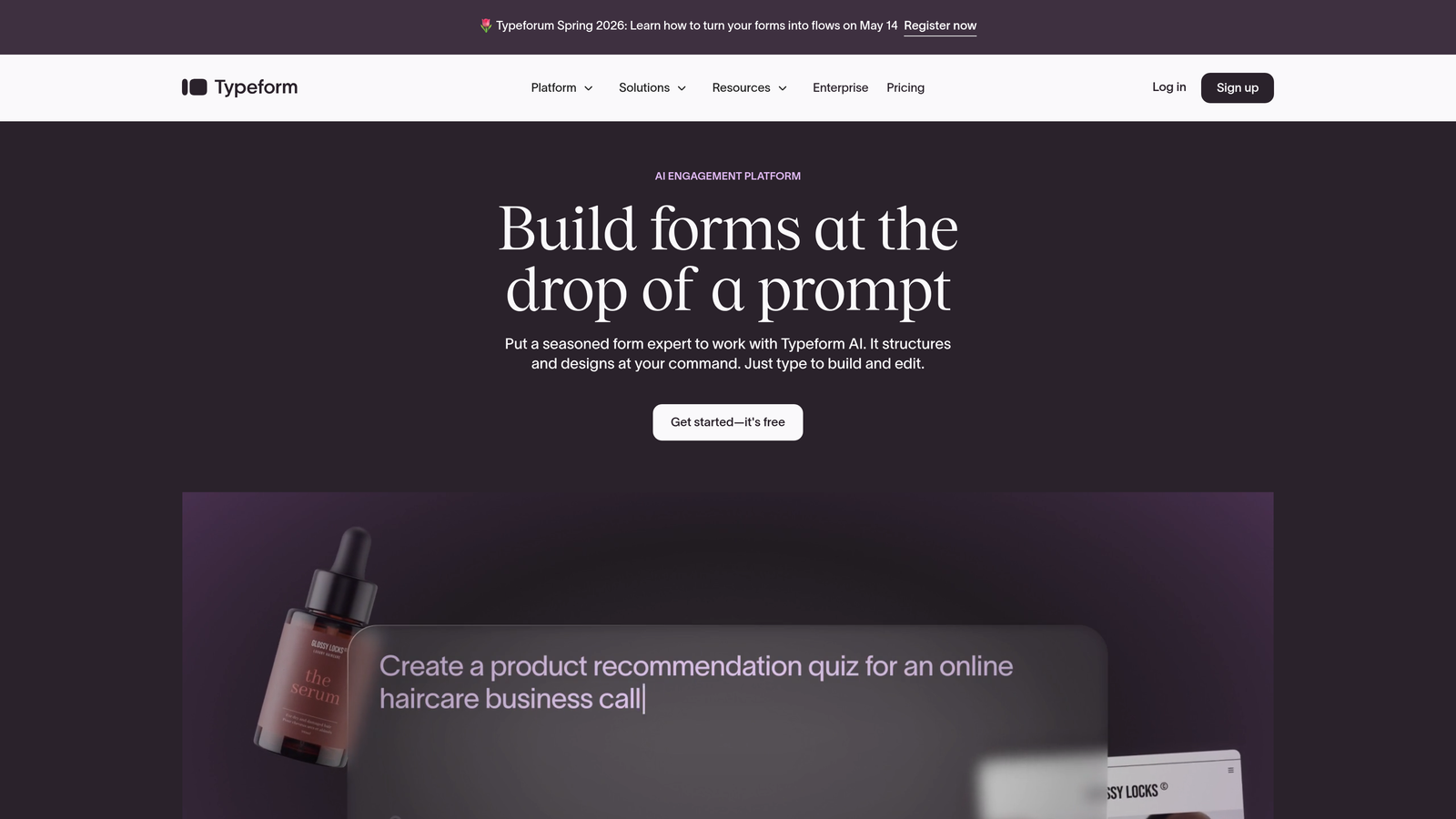
Typeform is the platform that popularized the one-question-at-a-time conversational format, making forms feel less like forms and more like natural conversations.
Where This Tool Shines
Typeform's core strength is the respondent experience. By presenting one question at a time, it reduces cognitive load and keeps completion rates higher than traditional multi-field forms. For surveys, lead capture, and brand-forward experiences, that conversational feel creates a meaningful difference.
The platform has matured significantly, adding video embeds, logic branching, and a solid native integration library. It's a polished product that works well for marketing teams who want their forms to feel like an extension of their brand.
Key Features
Conversational UI: Signature one-question-per-screen format that keeps respondents engaged throughout the flow.
Logic Jumps and Branching: Personalized form paths based on previous answers, reducing irrelevant questions.
Native Integrations: Direct connections to major CRM, marketing, and analytics platforms without middleware.
Video and Image Embeds: Rich media support within form flows for more engaging experiences.
Built-in Analytics: Completion rates, drop-off points, and response data in a clean dashboard.
Best For
Typeform works best for marketing teams, agencies, and B2C brands that prioritize aesthetics and experience. It's also a strong choice for surveys, research forms, and any use case where respondent engagement is the primary metric.
Pricing
Free plan available with basic features. Paid plans start at approximately $25/month, with response-based pricing tiers for higher volume needs.
3. Jotform
Best for: Teams that need maximum template variety and deep customization across a wide range of use cases.
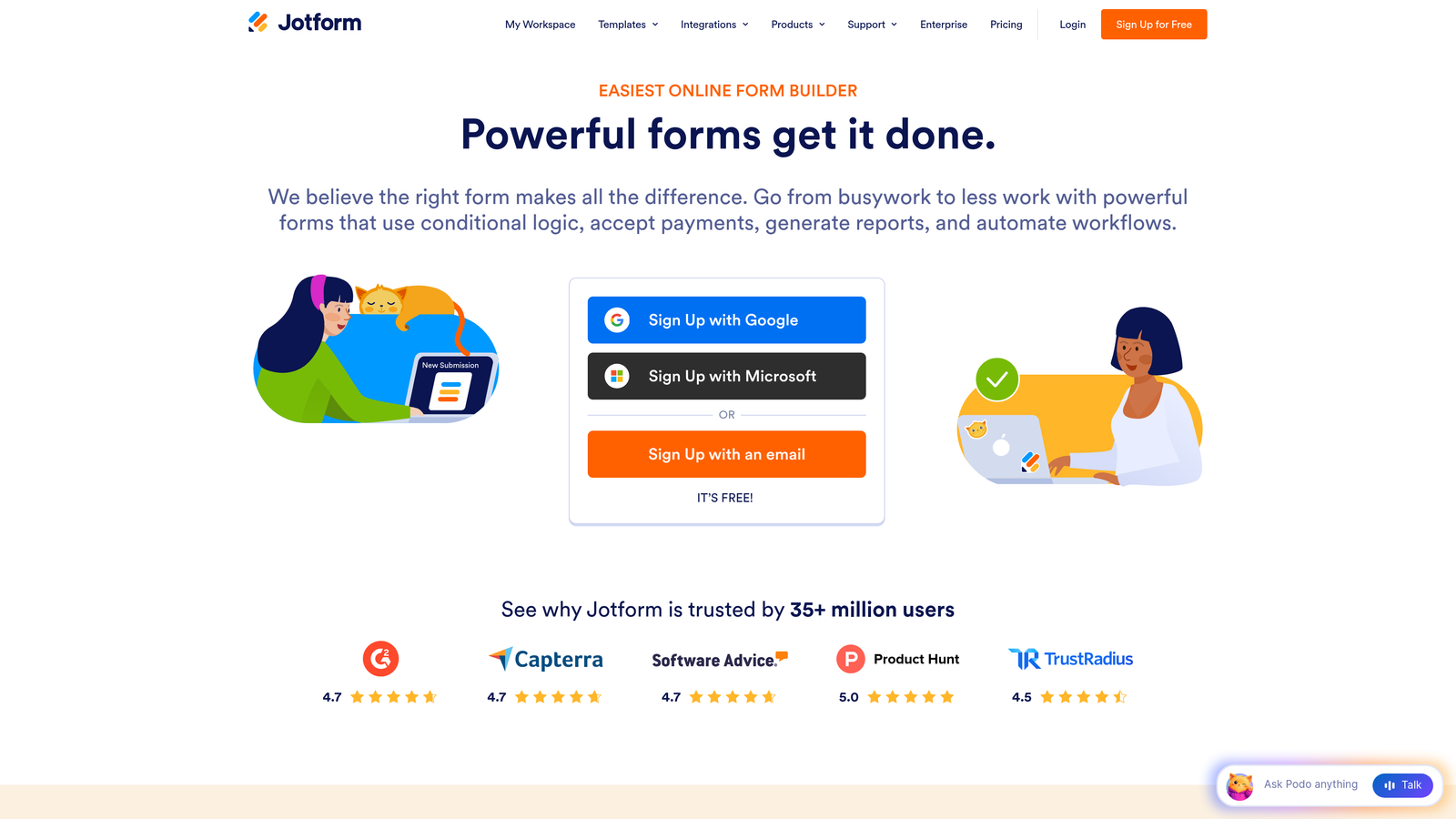
Jotform is a veteran form builder with one of the largest template libraries in the market and strong conditional logic for virtually any workflow.
Where This Tool Shines
Jotform's breadth is its defining strength. With over 10,000 templates spanning industries from healthcare to e-commerce to HR, it's the platform you reach for when you need a form for something specific and want a head start. The drag-and-drop builder is mature and handles complex conditional logic without much friction.
It also covers practical business needs that other platforms skip: payment collection, PDF report generation, and HIPAA-compliant plans. For teams managing diverse form workflows across departments, Jotform's versatility is hard to match.
Key Features
10,000+ Templates: The largest template library in the category, covering almost every industry and use case imaginable.
Advanced Conditional Logic: Sophisticated branching and show/hide rules that adapt forms dynamically based on responses.
Payment Collection: Native integrations with Stripe, PayPal, and Square for accepting payments directly through forms.
PDF Report Generation: Automatically generate formatted PDF documents from form submissions.
HIPAA-Compliant Plans: Enterprise-grade compliance options for healthcare and regulated industries.
Best For
Jotform suits operations teams, agencies managing multiple clients, and businesses that need forms across many departments. It's particularly strong for organizations with diverse form needs that don't fit neatly into a single use case.
Pricing
Free plan includes 5 forms and 100 submissions per month. Paid plans start at approximately $34/month with higher submission limits and advanced features.
4. Tally
Best for: Founders, indie hackers, and small teams who need powerful forms with a genuinely generous free tier.
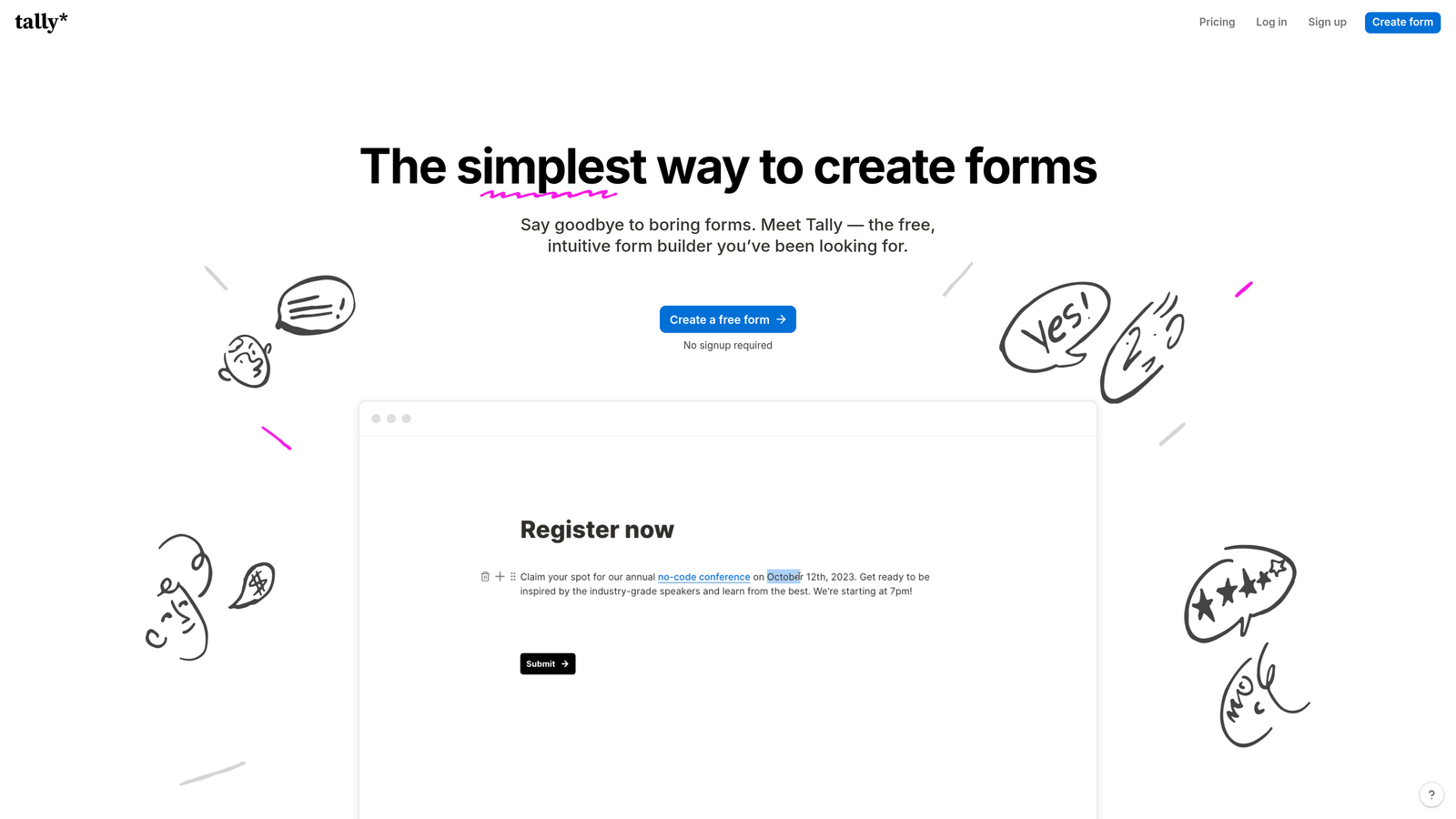
Tally is a minimalist, Notion-style form builder that offers unlimited forms and submissions on its free plan, with no Tally branding attached.
Where This Tool Shines
Tally's free plan is legitimately one of the best in the category. Unlimited forms, unlimited submissions, and no forced branding is a rare combination that makes it the default choice for bootstrapped teams and early-stage startups. The block-based editor will feel immediately familiar to anyone who uses Notion.
Despite its minimalist aesthetic, Tally supports conditional logic, hidden fields, and webhook-based integrations. It's not a toy. For straightforward lead capture, waitlists, and feedback forms, it handles the job cleanly without the overhead of more complex platforms.
Key Features
Unlimited Free Forms: No caps on form count or submission volume on the free tier, which is genuinely unusual in this market.
Notion-Style Editor: Block-based form building that feels intuitive for teams already working in modern productivity tools.
No Branding on Free Tier: Clean, unbranded forms without paying a premium to remove watermarks.
Conditional Logic and Hidden Fields: Core logic features available without upgrading to a paid plan.
Flexible Integrations: Webhooks, Zapier, and native connectors for routing data to your existing tools.
Best For
Tally is ideal for solo founders, early-stage startups, and small teams who need capable forms without the budget commitment. It's also a smart choice for internal forms, quick surveys, and lightweight lead capture where simplicity is a feature.
Pricing
Free plan is highly capable with no meaningful restrictions for most users. Tally Pro is approximately $29/month, adding custom domains, advanced integrations, and white-label options.
5. Fillout
Best for: Teams using Airtable, Notion, or Supabase who want forms that read and write directly to their databases.
Fillout is a form builder purpose-built for database-native workflows, with direct integrations that bypass middleware entirely.

Where This Tool Shines
Fillout solves a specific and frustrating problem: most form builders treat your database as a destination, not a source. Fillout's native integrations with Airtable, Notion, Supabase, and Google Sheets allow forms to pre-fill with existing data and update records in place. That's a fundamentally different capability from sending a webhook to Zapier and hoping the mapping holds.
For product teams building onboarding flows, operations teams managing intake processes, or anyone running workflows on modern databases, Fillout removes a significant layer of complexity from the stack.
Key Features
Native Database Integrations: Direct read/write connections to Airtable, Notion, Supabase, and Google Sheets without middleware.
Pre-fill from Existing Records: Forms can pull in existing data and update records rather than always creating new entries.
Built-in Field Types: Scheduling, payment, and file upload fields included natively without add-ons.
Conditional Logic and Multi-Page Support: Sophisticated form flows with branching and multi-step layouts.
Custom Themes and Branding: Full visual customization to match your product or brand identity.
Best For
Fillout is the natural choice for product and operations teams already living in Airtable, Notion, or Supabase. It's also well-suited for anyone building intake forms, client portals, or onboarding flows that need to interact with existing database records.
Pricing
Free plan available with core features. Paid plans start at approximately $19/month, making it one of the more accessible options for database-connected workflows.
6. Paperform
Best for: Teams that want forms and landing pages in one, with rich content and e-commerce capabilities built in.
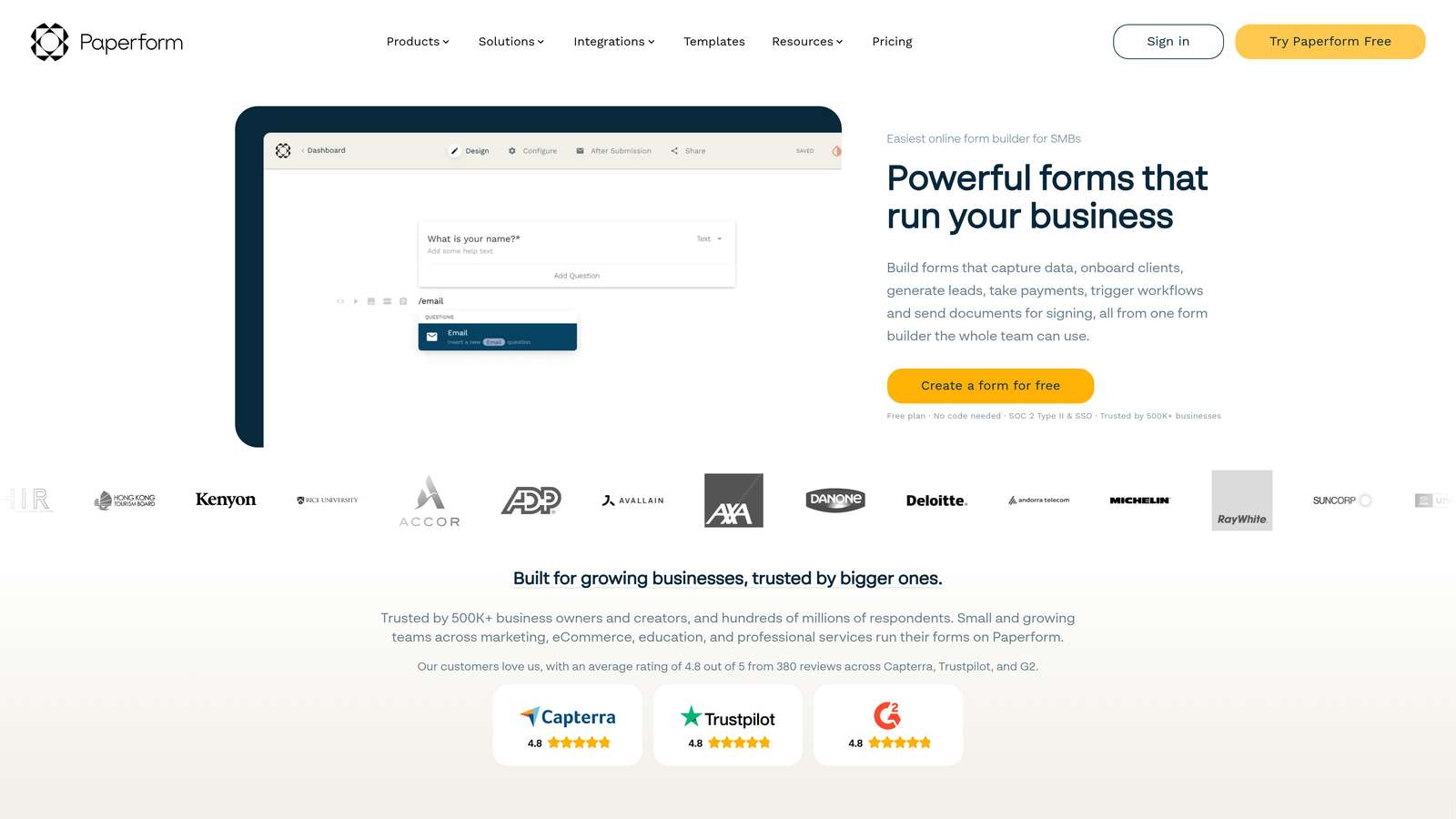
Paperform is a form builder that blurs the boundary between forms and standalone landing pages, letting you embed media, product listings, and rich content alongside your fields.
Where This Tool Shines
Paperform's editing experience is closer to a content page builder than a traditional form tool. You can mix paragraphs, images, videos, and form fields in a single document, which makes it ideal for lead capture pages, quiz funnels, and product order forms that need context and narrative alongside the fields themselves.
The e-commerce layer is a genuine differentiator. Product fields, payment processing, and inventory-style logic make Paperform a viable option for small businesses that need a form and a lightweight storefront in the same place.
Key Features
Rich Content Editor: Inline images, videos, and text blocks mixed freely with form fields in a single editing canvas.
E-Commerce Capabilities: Product fields, pricing logic, and payment processing for order forms and simple storefronts.
Custom Success Pages: Fully branded confirmation experiences with redirect logic after submission.
Calculations and Scoring: Built-in math and scoring logic for quotes, assessments, and quiz outcomes.
3,000+ Integrations: Extensive connectivity via Zapier and native connectors across marketing, CRM, and productivity tools.
Best For
Paperform works well for small businesses, coaches, consultants, and marketing teams who want a single tool that handles lead capture, content presentation, and payment collection without stitching together multiple platforms.
Pricing
No free plan. Plans start at approximately $24/month with a 14-day free trial available to test the platform before committing.
7. Formsort
Best for: Growth teams running conversion experiments who need native A/B testing and funnel analytics on multi-step forms.
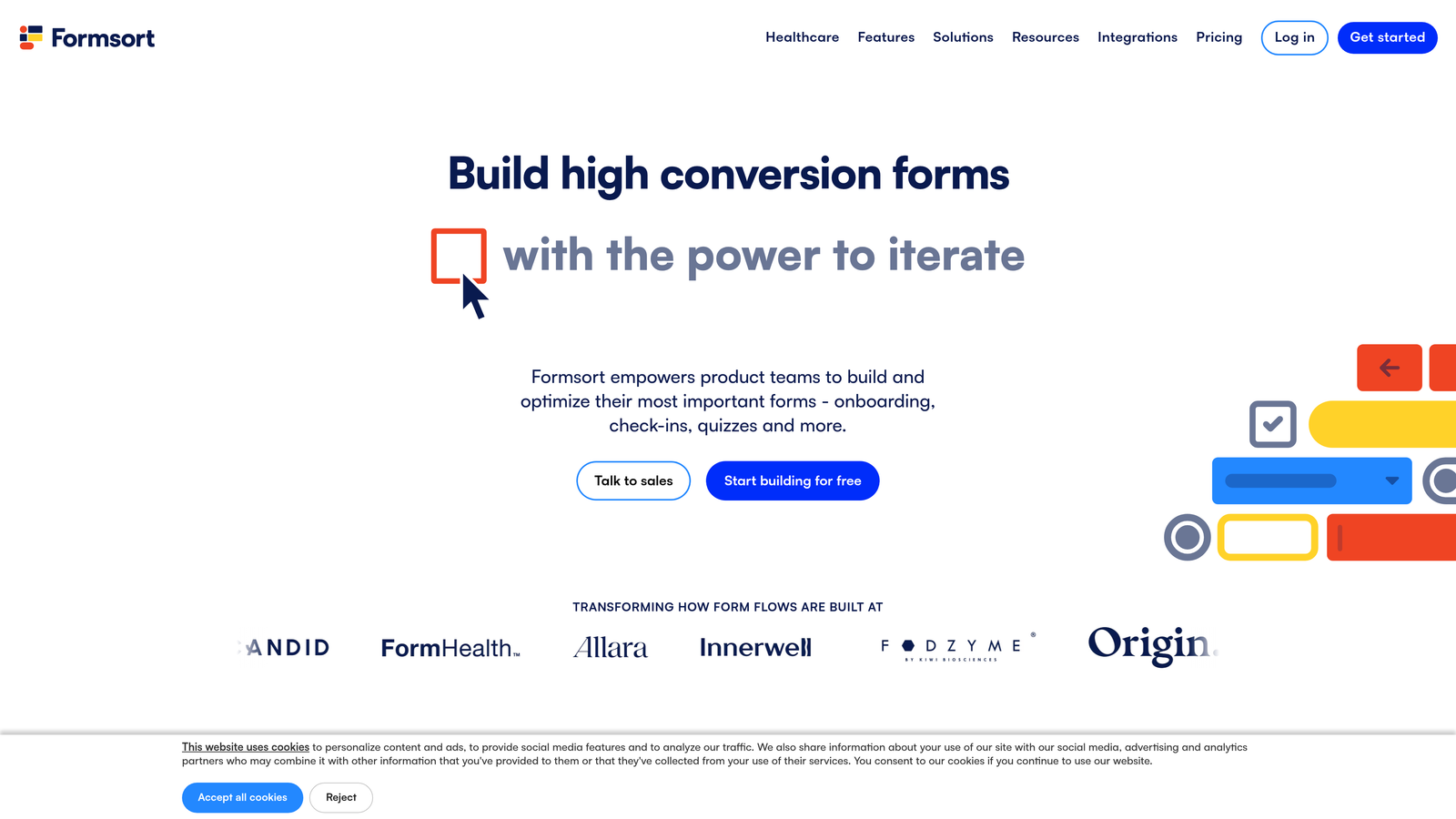
Formsort is a conversion-focused form platform built for teams that treat their forms as growth experiments, not static assets.
Where This Tool Shines
Formsort is the only platform on this list with native A/B testing built directly into the form builder, not bolted on through a third-party tool. Step-level analytics show exactly where respondents drop off in multi-step flows, giving growth teams the data they need to iterate with precision rather than guesswork.
The platform also carries HIPAA-compliant infrastructure and an API-first architecture, which makes it a realistic option for regulated industries and teams with complex integration requirements. It's built for teams that take their forms seriously as conversion infrastructure.
Key Features
Native A/B Testing: Test form variants directly within the platform without external tools or developer involvement.
Step-Level Analytics: Granular drop-off data at each step of multi-page forms to identify and fix conversion leaks.
Advanced Branching and Dynamic Content: Sophisticated logic for personalized, adaptive form experiences at scale.
HIPAA-Compliant Infrastructure: Enterprise-grade compliance for healthcare, insurance, and regulated industries.
API-First Architecture: Deep integration capabilities for teams with custom tech stacks and complex routing needs.
Best For
Formsort is built for growth teams, conversion rate optimization specialists, and product marketers who run experiments on their lead capture flows. It's also a strong fit for regulated industries that need compliance paired with conversion tooling.
Pricing
Custom pricing. Contact Formsort directly for a quote based on your team's volume and feature requirements.
8. HubSpot Forms
Best for: Teams already on HubSpot CRM who want zero-friction contact creation and instant workflow automation on every submission.
HubSpot Forms is the native form builder within the HubSpot ecosystem, designed for seamless contact management and marketing automation without any setup overhead.
Where This Tool Shines
If your team runs on HubSpot, the form builder is the obvious starting point. Every submission automatically creates or updates a CRM contact, triggers workflows, and feeds into lead scoring without a single Zap or webhook. The zero-configuration CRM sync is genuinely hard to replicate with external form tools connected via middleware.
Progressive profiling is another standout feature. Rather than showing the same fields to returning visitors, HubSpot Forms surfaces new questions each time, gradually building richer contact profiles without overwhelming prospects with long forms upfront.
Key Features
Auto CRM Contact Creation: Every submission instantly creates or updates a contact record in HubSpot without manual mapping.
Progressive Profiling: Dynamically replaces already-known fields with new questions to build richer profiles over time.
Workflow and Sequence Triggers: Submissions automatically kick off HubSpot workflows, email sequences, and lead scoring rules.
Embedded or Standalone Forms: Flexible deployment options with custom styling to match your site or landing pages.
Free Tier Available: Full form functionality included in HubSpot CRM Free with no time limit.
Best For
HubSpot Forms is the right choice for marketing and sales teams already invested in the HubSpot ecosystem. If you're using HubSpot as your CRM, using any other form builder for lead capture creates unnecessary friction in your data flow.
Pricing
Free with HubSpot CRM Free. Advanced features are available in Marketing Hub Starter at approximately $20/month, scaling up with higher-tier plans.
9. Feathery
Best for: Product and engineering teams who need developer-grade form complexity delivered through a no-code interface.
Feathery is a no-code form builder that pushes the boundaries of what's possible without writing code, offering custom CSS, mid-form API calls, and complex multi-step logic that rivals hand-coded solutions.
Where This Tool Shines
Feathery occupies a unique position: it's genuinely no-code, but it's built for teams who would otherwise need a developer to get what they want. Custom CSS injection, JavaScript support, and the ability to trigger API calls mid-form for real-time data lookups put capabilities on the table that most form builders simply don't offer.
For product teams building onboarding wizards, multi-step signup flows, or complex intake processes, Feathery provides the design fidelity and logical complexity to match hand-coded solutions without the engineering overhead. The collaboration features also make it a natural fit for teams where product, design, and marketing need to co-own the form experience.
Key Features
Custom CSS and JavaScript: Pixel-perfect design control and behavioral customization without leaving the platform.
Mid-Form API Actions: Trigger API calls during the form flow for real-time data lookups, validation, and dynamic content.
Complex Multi-Step Flows: Sophisticated onboarding wizards and signup sequences with advanced branching logic.
Team Collaboration Features: Built-in collaboration tools for product, design, and marketing teams co-owning form experiences.
SOC 2 Compliance: Enterprise-grade security and compliance for teams with strict data handling requirements.
Best For
Feathery is the right call for product-led growth teams, SaaS companies building complex onboarding flows, and any team that needs developer-level form customization without pulling engineering resources away from the core product.
Pricing
Free plan available for getting started. Paid plans begin at approximately $49/month, reflecting the platform's positioning toward teams with more sophisticated requirements.
Which Platform Is Right for Your Team?
The right no-code form platform depends entirely on what you're optimizing for. Lead quality, design experience, integration depth, and experimentation capability are all valid priorities, and different platforms are built around different ones.
Here's a quick breakdown to help you match the tool to the job:
Best for AI-driven lead qualification: Orbit AI. If pipeline quality is your primary metric and you want forms that do qualification work automatically, this is where to start.
Best conversational experience: Typeform. For brand-forward forms and survey-style flows where respondent experience is the priority, Typeform remains the benchmark.
Best free option: Tally. Unlimited forms, no branding, and real conditional logic at zero cost makes it the default for early-stage teams and budget-conscious operators.
Best for CRM-native teams: HubSpot Forms. If you're already in HubSpot, there's no better option for zero-friction contact creation and workflow automation.
Best for database-connected workflows: Fillout. For Airtable, Notion, and Supabase users who need forms that interact with existing records rather than just creating new ones.
Best for conversion experimentation: Formsort. Native A/B testing and step-level analytics make it the clear choice for growth teams running systematic conversion experiments.
Best all-rounder: Jotform. The sheer breadth of templates and features makes it the most versatile option for teams with diverse form needs across departments.
Best form-as-landing-page: Paperform. When you need rich content, media, and payment collection alongside your form fields in a single experience, Paperform stands alone.
Best for complex product flows: Feathery. For product teams who need developer-grade customization without the developer, Feathery delivers.
The broader trend worth watching is the shift toward forms that do more than collect data. Platforms like Orbit AI represent where the category is heading: forms that actively participate in lead qualification, not just data capture. For high-growth teams where every submission needs to carry pipeline signal, that distinction matters.
If your team is focused on turning form submissions into qualified pipeline, start building free forms today with Orbit AI and see how intelligent form design can elevate your entire conversion strategy. You can also explore our guides on best AI form builder solutions and what is a conversational form to go deeper on the trends shaping this space.


