

If you're still using a generic contact form to handle service bookings, you're leaving money on the table. The right service booking form software does more than collect names and emails. It qualifies leads, reduces no-shows, syncs with your calendar, and turns casual browsers into confirmed appointments.
This guide covers tools built specifically for service-based businesses and high-growth teams that need more from their booking flows. Whether you run a consulting firm, a SaaS onboarding process, a creative agency, or a local service business, there's a tool here that fits your workflow.
We evaluated each platform on ease of setup, customization depth, calendar and payment integrations, lead qualification capabilities, and pricing transparency. Our own platform, Orbit AI, leads the list — but every tool here earns its spot on merit.
1. Orbit AI
Best for: High-growth teams that want to qualify leads before they hit the calendar
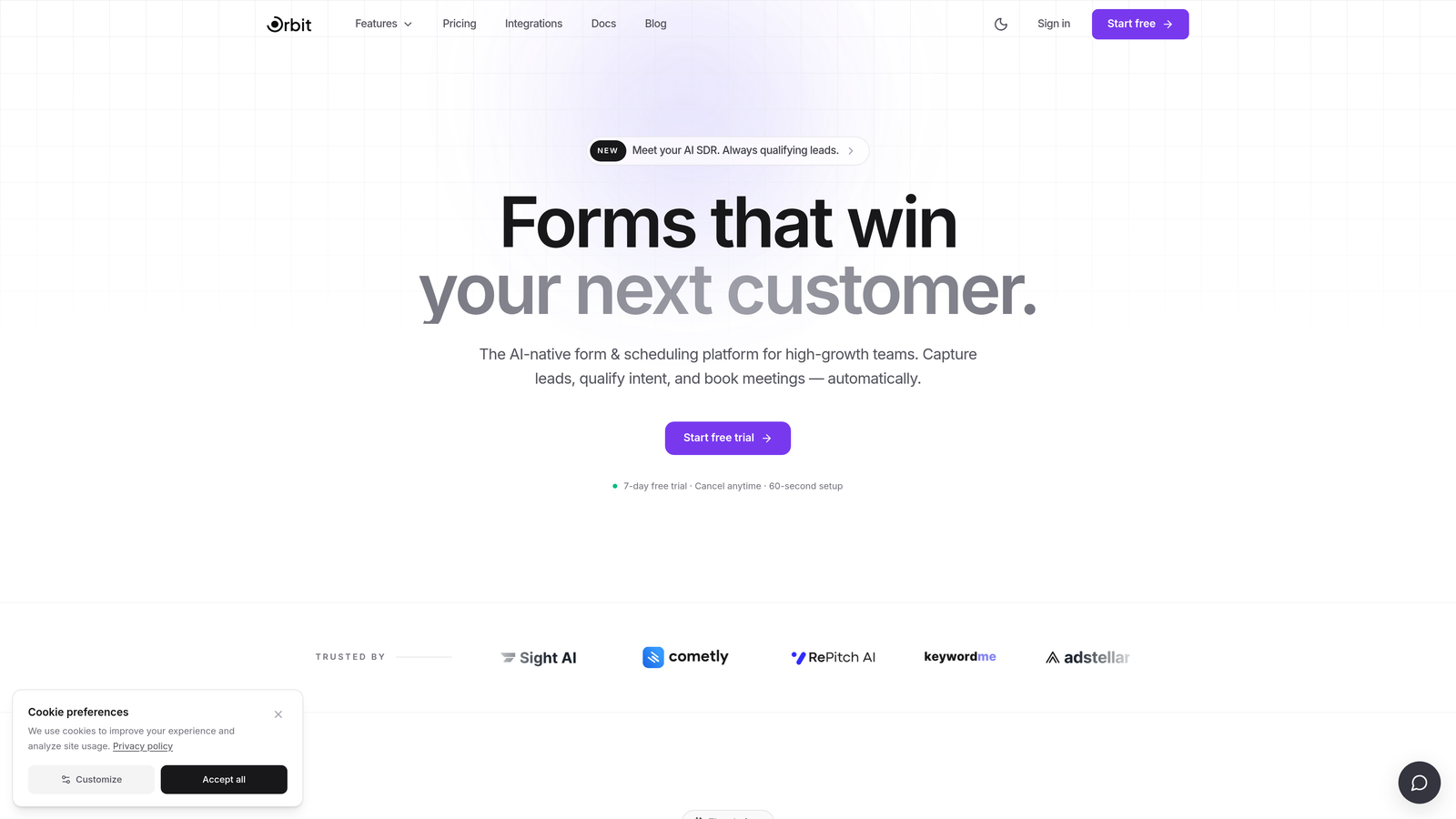
Orbit AI is an AI-powered form builder with built-in lead qualification that screens and scores prospects before a booking is confirmed.
Where This Tool Shines
Most booking tools treat every submission equally. Orbit AI doesn't. It uses conversational AI forms with dynamic, branching questions to understand who a prospect is and whether they're the right fit, before they ever land on your calendar. For SaaS demo requests, agency intake, or any team where booking quality matters as much as booking volume, that distinction is everything.
The form design is genuinely modern and conversion-optimized, and it requires no coding to set up. You get the polish of a custom-built experience without the engineering overhead. Pair that with automated lead scoring and routing, and you have a system that actively protects your team's time.
Key Features
Conversational AI Forms: Dynamic, branching questions adapt based on prospect responses to surface the most relevant information.
Automated Lead Scoring and Routing: Prospects are scored and routed before a booking is confirmed, keeping unqualified leads off your calendar.
No-Code Form Builder: Beautiful, conversion-optimized design with full customization and no developer required.
CRM and Calendar Integrations: Connects with major CRM platforms and calendar tools to keep your workflow seamless.
Form Analytics: Track completion rates, drop-off points, and lead quality over time to continuously improve your booking flow.
Best For
Orbit AI is the strongest fit for SaaS sales teams managing demo requests, B2B agencies running client intake, and any growth-focused team that needs to filter and prioritize leads before they consume calendar time. If booking quality is a bottleneck in your pipeline, this is built for you.
Pricing
Paid plans are available. Visit orbitforms.ai for current pricing details and to explore available tiers.
2. Calendly
Best for: Fast, frictionless appointment scheduling with strong calendar and CRM integrations
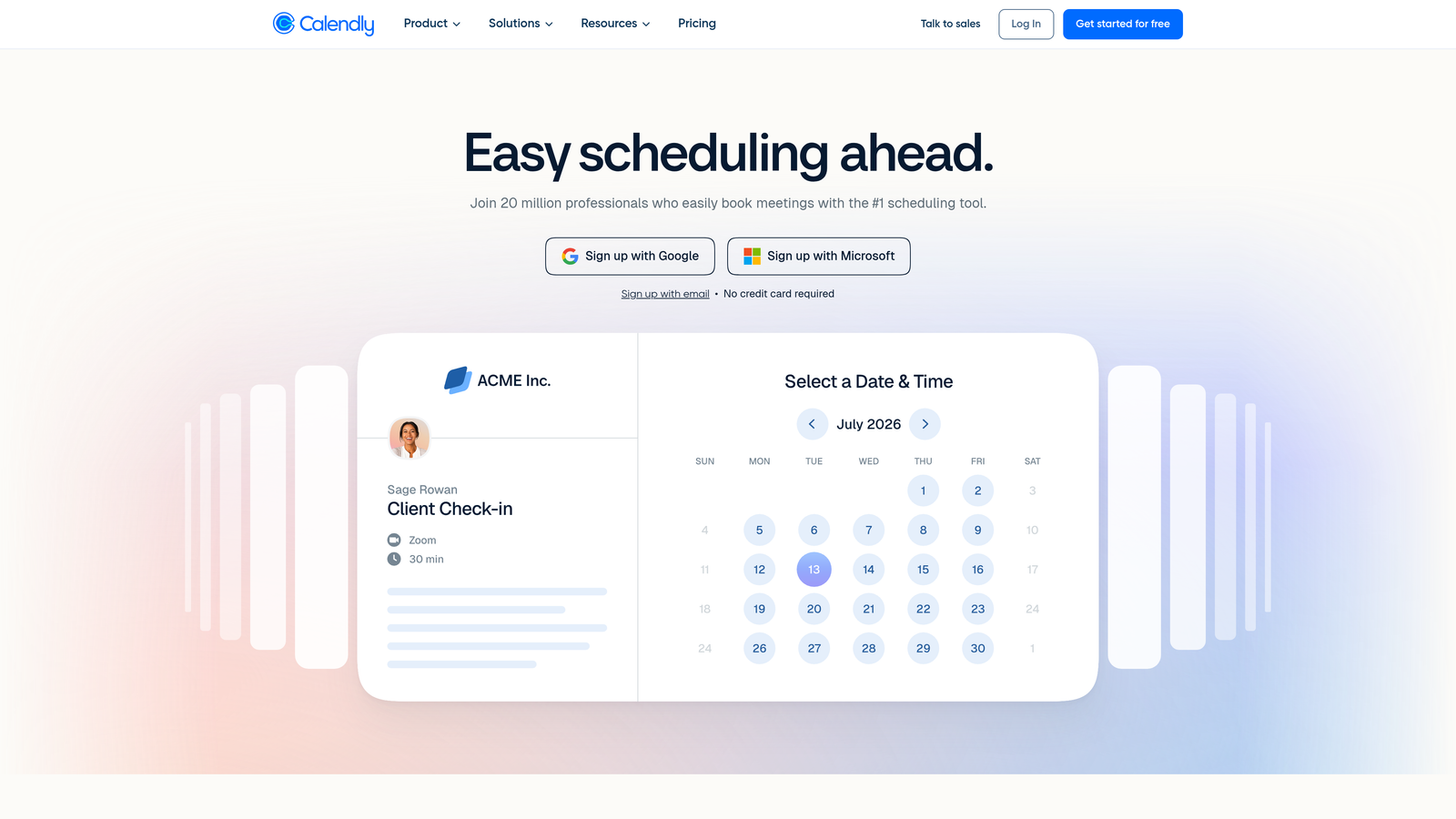
Calendly is one of the most widely adopted scheduling tools, known for its clean UX and minimal setup time.
Where This Tool Shines
Calendly's core strength is speed. You create a scheduling link, share it, and the other person books a time that works for both parties. No back-and-forth emails, no friction. For individuals and teams that simply need reliable, professional scheduling, it delivers immediately.
The round-robin and collective scheduling features make it genuinely useful for sales teams. When a prospect books through a team link, Calendly distributes the meeting fairly across available reps, which keeps things balanced without manual coordination.
Key Features
One-Click Scheduling Links: Syncs with Google Calendar, Outlook, and iCal to show real-time availability.
Round-Robin and Collective Scheduling: Distribute meetings across team members automatically based on availability.
Booking Form Intake Questions: Collect basic information from bookers before the meeting, though customization depth is limited compared to dedicated form tools.
Integrations: Connects with Zoom, Salesforce, HubSpot, and Stripe for payments.
Embeddable Widget: Drop a booking calendar directly onto your website or landing page.
Best For
Calendly is ideal for individuals, sales reps, and teams that prioritize fast setup and clean scheduling over deep intake customization. If you need a tool that works out of the box and doesn't require configuration, this is the benchmark.
Pricing
Free plan available. Paid plans start at $10 per user per month, with higher tiers for advanced routing and enterprise features.
3. Acuity Scheduling
Best for: Service businesses with complex availability, multiple staff, and detailed client intake
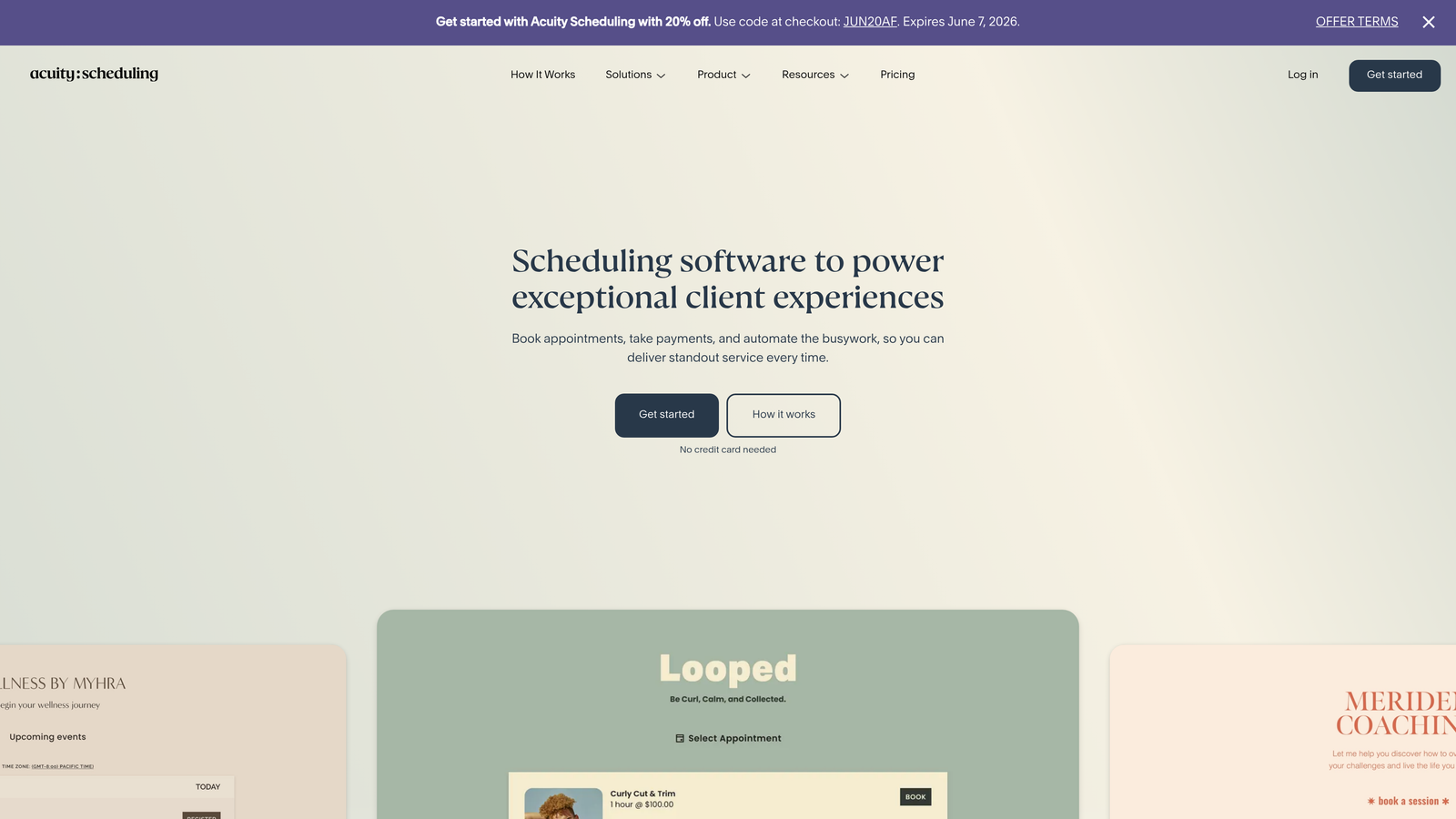
Acuity Scheduling is a scheduling platform built for service businesses that have more moving parts than a simple one-on-one meeting link can handle.
Where This Tool Shines
Where Calendly keeps things simple, Acuity leans into complexity. You can manage multiple staff members, multiple service types, and multiple locations, each with their own availability windows and intake requirements. For a business with five therapists, three service offerings, and two locations, that level of control is essential.
The intake form customization is solid. You can attach different forms to different service types, so a new client booking a consultation sees different questions than a returning client booking a follow-up. Payment collection at the time of booking via Stripe and Square adds another layer of operational value.
Key Features
Multi-Staff and Multi-Location Management: Set individual availability for each staff member across different locations.
Customizable Intake Forms: Attach service-specific intake forms to individual booking types.
Payment Collection: Accept payments via Stripe and Square at the time of booking.
Automated Reminders: Send email and SMS reminders to reduce no-shows automatically.
Packages and Subscriptions: Sell service bundles, recurring appointments, and gift certificates.
Best For
Acuity is the right call for clinics, salons, fitness studios, coaching practices, and any service business managing multiple staff members and service types. It's particularly strong when you need payment collection built into the booking step.
Pricing
Plans start at $16 per month for a single calendar. Higher tiers accommodate multiple staff members and additional locations.
4. Typeform
Best for: Polished, conversational intake forms that reduce abandonment in booking flows
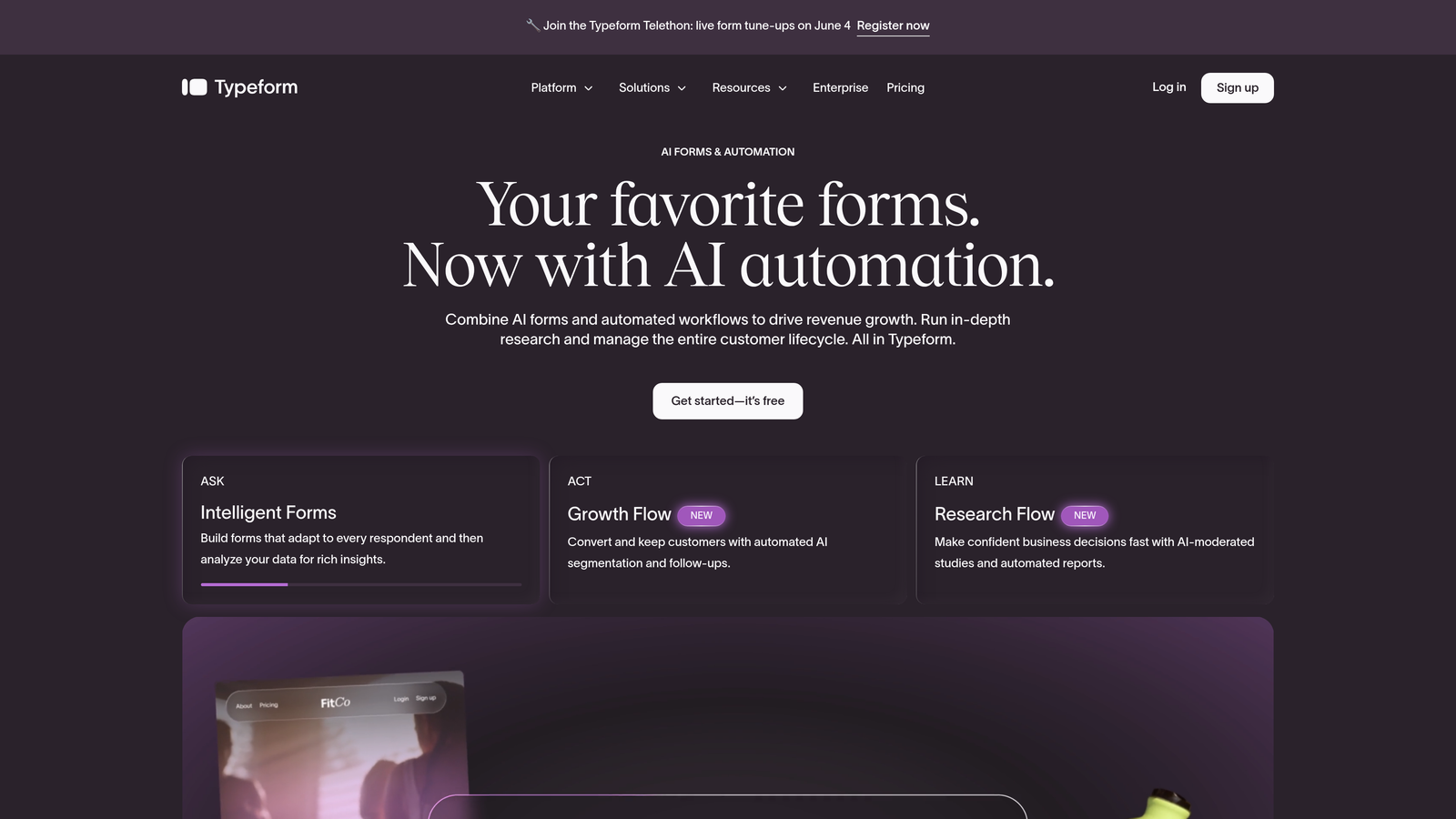
Typeform is a conversational form builder known for its one-question-at-a-time interface, which makes long intake forms feel significantly less overwhelming.
Where This Tool Shines
Typeform isn't a dedicated scheduling tool, but it's widely used as the intake layer in booking flows, especially when paired with Calendly via integration. The logic is simple: a well-designed intake form reduces abandonment, and Typeform's interface is among the most refined in the category. Respondents feel like they're having a conversation, not filling out a form.
Conditional logic lets you personalize the path based on earlier answers, so a prospect who selects "enterprise" sees different follow-up questions than one who selects "startup." That kind of personalization improves both completion rates and data quality.
Key Features
Conversational UI: Presents one question at a time to reduce cognitive load and form abandonment.
Conditional Logic: Personalizes the form path dynamically based on previous responses.
Calendar Integration: Integrates with Calendly and Google Calendar to hand off to scheduling after intake is complete.
Design Customization: Strong brand theming options with custom fonts, colors, and imagery.
Drop-Off Analytics: See exactly where respondents abandon the form so you can optimize.
Best For
Typeform works best for teams that want a polished intake experience and are comfortable connecting it to a separate scheduling tool. It's a strong choice for agencies, consultants, and SaaS teams running demo or discovery intake flows.
Pricing
Free plan available with limited responses. Paid plans start at $25 per month, with pricing scaling based on response volume.
5. HubSpot Meetings
Best for: Teams already in the HubSpot ecosystem who want scheduling tied directly to CRM records
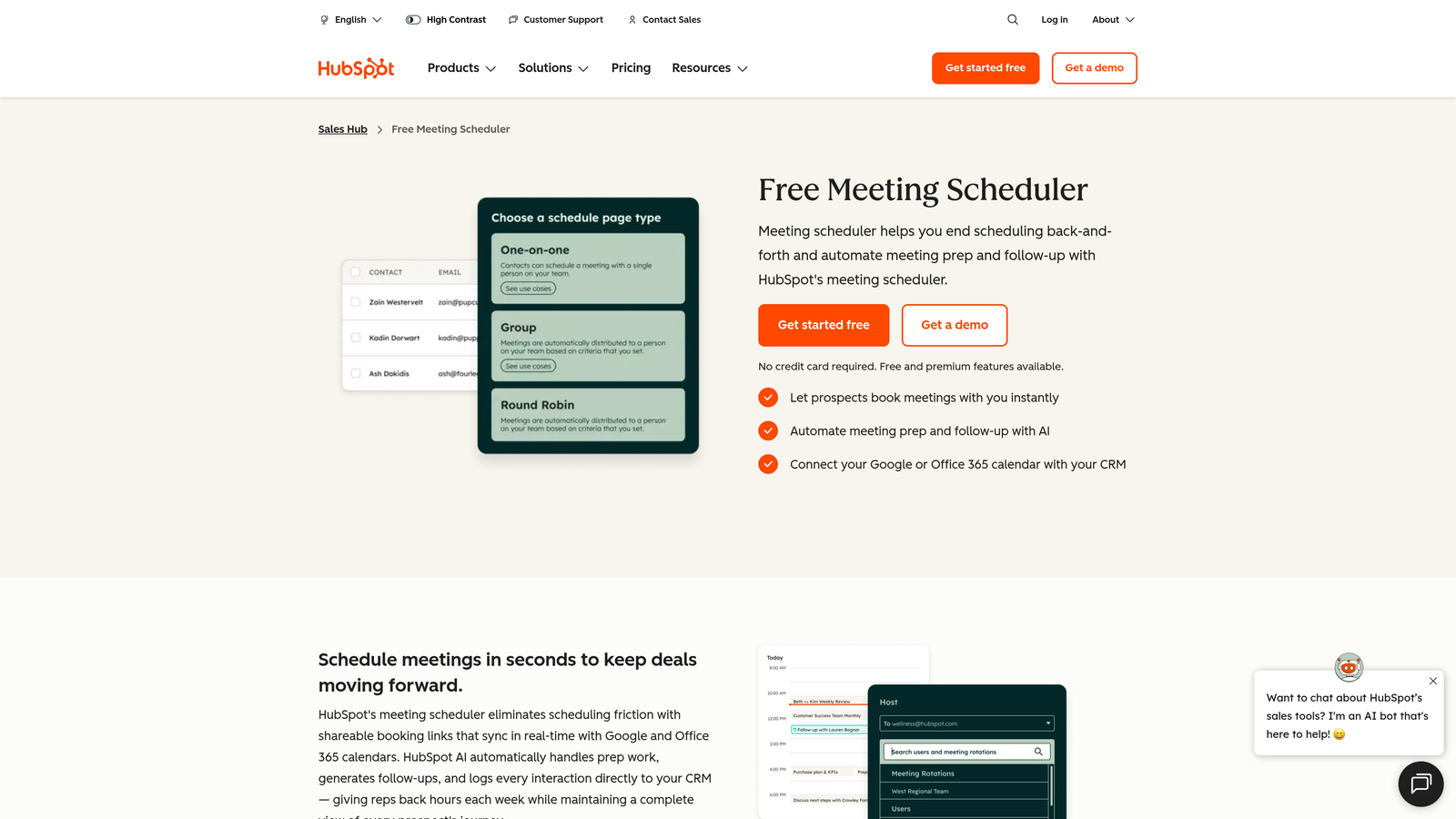
HubSpot Meetings is a scheduling tool native to HubSpot that auto-syncs every booking with your CRM contact and deal records.
Where This Tool Shines
If your team lives in HubSpot, this is the most frictionless scheduling option available. Every time someone books a meeting, HubSpot automatically creates or updates their contact record, logs the meeting activity, and keeps your CRM current without any manual data entry. For sales teams that rely on HubSpot for pipeline management, that automation is genuinely valuable.
The round-robin meeting links work well for distributing inbound demo requests across a sales team. Pre-meeting intake questions feed directly into contact properties, so your reps walk into every call with context already populated in the CRM.
Key Features
Automatic CRM Sync: Every booking auto-creates or updates a HubSpot contact record with meeting details.
Round-Robin and Group Links: Distribute meetings across team members or schedule group sessions.
Embeddable Booking Pages: Drop scheduling directly onto landing pages or email campaigns.
Intake Questions Tied to Contact Properties: Pre-meeting questions map directly to HubSpot CRM fields.
Free Tier Available: Basic scheduling is included in HubSpot's free plan with limitations on features.
Best For
HubSpot Meetings is purpose-built for teams already using HubSpot CRM. Its value diminishes significantly outside that ecosystem. If you're a HubSpot shop, it's an easy yes. If you're not, look elsewhere.
Pricing
Free with HubSpot Free (limited features). Full functionality requires Sales Hub Starter at $15 or more per user per month.
6. Jotform
Best for: Custom booking workflows with flexible form design, payment collection, and extensive integrations
Jotform is a highly flexible form builder with appointment templates, payment collection, and hundreds of integrations for building tailored booking workflows.
Where This Tool Shines
Jotform's strength is flexibility. It's not a dedicated booking platform, but it can be configured to handle almost any booking scenario through its combination of appointment fields, conditional logic, multi-page forms, and payment integrations. For teams with specific workflow requirements that off-the-shelf tools don't accommodate, Jotform's customization depth is hard to beat.
The template library is extensive, with hundreds of pre-built forms covering service booking, client intake, healthcare appointments, and more. HIPAA-compliant plans make it one of the few options appropriate for healthcare service providers handling sensitive patient information.
Key Features
Appointment Field Widget: Embed date and time selection directly within any form without a separate scheduling tool.
Conditional Logic and Multi-Page Forms: Build complex, personalized form flows that adapt based on responses.
Payment Collection: Accept payments via PayPal, Stripe, and Square within the booking form.
500+ Templates: Pre-built forms for service booking, intake, and industry-specific use cases.
HIPAA-Compliant Plans: Available for healthcare providers who need compliant data handling.
Best For
Jotform suits businesses with custom booking requirements, healthcare providers needing HIPAA compliance, and teams that want extensive integration options without committing to a purpose-built booking platform.
Pricing
Free plan available with limited submissions. Paid plans start at $34 per month, scaling with submission volume and feature access.
7. SimplyBook.me
Best for: Service industry businesses that need a full booking website, not just a widget
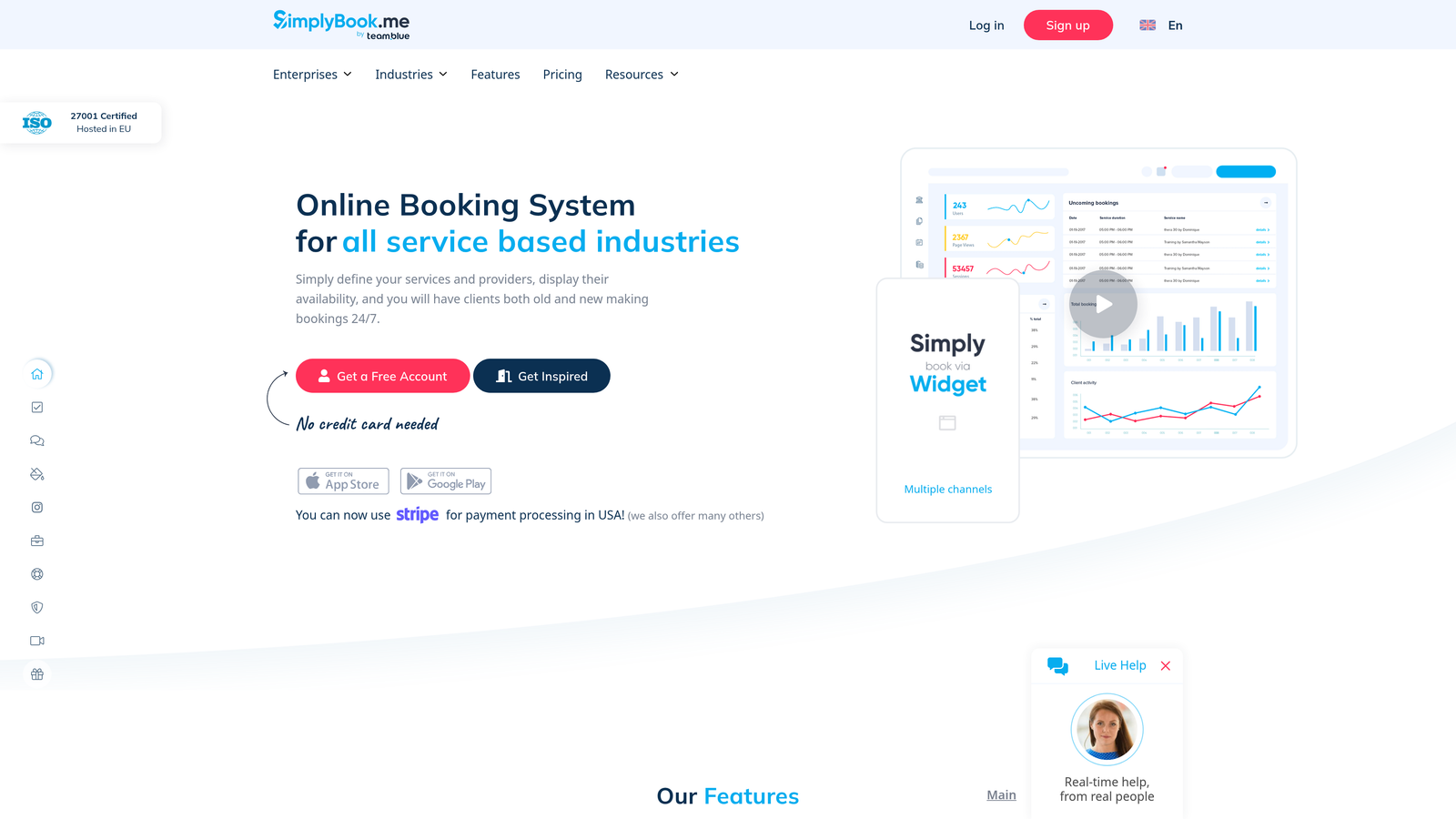
SimplyBook.me is a purpose-built booking platform for service businesses, offering a complete booking website, staff management, and industry-specific templates.
Where This Tool Shines
Most tools on this list give you a form or a widget to embed in your existing site. SimplyBook.me gives you an entire booking website with a custom domain, a service catalog, staff profiles, and client-facing booking pages. For businesses that don't have a sophisticated website or want a dedicated booking presence, that's a meaningful difference.
The industry-specific templates are genuinely useful. Salons, clinics, fitness studios, and wellness businesses can get up and running with templates designed specifically for their service type, rather than adapting a generic form builder to fit their needs.
Key Features
Full Booking Website: A complete client-facing booking site with custom domain support, not just an embeddable widget.
Service Catalog: Define services with pricing, duration, and staff assignment for each offering.
Client Intake Forms: Attach service-specific intake forms to individual booking types.
Automated Reminders and Follow-Ups: Reduce no-shows with automated email and SMS communication.
Industry-Specific Templates: Pre-built setups for salons, clinics, fitness studios, and similar businesses.
Best For
SimplyBook.me is well-suited for local service businesses in health, beauty, fitness, and wellness that want a polished booking presence without building a full website. It's less ideal for SaaS or B2B teams looking for lead qualification depth.
Pricing
Free plan available with limited bookings. Paid plans start at $9.90 per month, making it one of the more affordable full-featured options in this category.
8. Paperform
Best for: Multi-step intake forms with a document-style design and flexible calendar integrations
Paperform is a document-style form builder that combines rich, multi-step intake forms with calendar integrations for a more narrative booking experience.
Where This Tool Shines
Paperform takes a different design approach than most form builders. Instead of a traditional field-by-field layout, it lets you mix text, images, and questions freely in a document-style canvas. The result feels more like a guided experience than a form, which can work well for intake flows where context and explanation matter alongside the questions themselves.
The tool handles conditional logic, multi-step flows, and payment collection natively. For calendar scheduling, it supports Calendly embeds and connects to a wide range of tools via Zapier, Notion, Slack, and Google Sheets integrations.
Key Features
Document-Style Form Design: Mix text, images, and form fields freely in a narrative canvas layout.
Conditional Logic and Multi-Step Flows: Personalize the form experience based on earlier responses.
Native Date/Time Fields and Calendly Support: Handle scheduling within the form or hand off to Calendly seamlessly.
Payment Collection: Accept payments via Stripe without leaving the form flow.
Wide Integration Support: Connects with Zapier, Notion, Slack, and Google Sheets for downstream automation.
Best For
Paperform is a strong choice for consultants, coaches, and agencies that want intake forms to feel like a curated experience rather than a checklist. It suits teams that value form aesthetics and are comfortable connecting to a separate scheduling tool for the actual booking step.
Pricing
Plans start at $24 per month. There is no free plan, but a 14-day trial is available to test the platform before committing.
9. Square Appointments
Best for: In-person service businesses already using Square for payments and POS
Square Appointments is a booking tool built into the Square ecosystem, combining scheduling and point-of-sale in a single platform.
Where This Tool Shines
For brick-and-mortar service businesses, the gap between "someone books an appointment" and "someone pays for that appointment" creates real operational friction. Square Appointments eliminates that gap entirely. Booking, payment processing, and POS all live in the same system, so there's no reconciliation headache at the end of the day.
The no-show protection feature is particularly useful for in-person businesses. You can require a card on file at the time of booking and charge a deposit or cancellation fee if a client doesn't show. For businesses where no-shows have a direct cost, that capability pays for itself quickly.
Key Features
Square POS Integration: Booking and payment processing are fully unified within the Square ecosystem.
Online Booking Page: A client-facing page with service menu, pricing, and staff selection.
Automated Reminders: Send email and SMS appointment reminders to reduce no-shows.
No-Show Protection: Require card-on-file deposits to reduce cancellations and protect revenue.
Team Management: Individual staff calendars with separate availability and booking links.
Best For
Square Appointments is the natural choice for salons, barbershops, spas, personal trainers, and other in-person service businesses already using Square. Its value drops significantly outside the Square ecosystem, and it's not designed for the lead qualification or intake depth that B2B or SaaS teams typically need.
Pricing
Free for individual users. Team plans start at $29 per month, with pricing scaling based on the number of staff members.
Which Tool Is Right for Your Booking Flow?
The best service booking form software depends entirely on what's breaking in your current process. Are unqualified leads clogging your sales calendar? Is your intake form too generic to collect useful data? Are no-shows costing you real revenue? The answer shapes which tool actually moves the needle.
Here's a quick-reference guide to cut through the noise:
Lead qualification before booking: Orbit AI is the clear choice. No other tool on this list combines AI-powered conversational forms with automated lead scoring and routing before a booking is confirmed.
Simple, fast scheduling: Calendly remains the benchmark. Setup takes minutes, the UX is clean, and it integrates with everything your team already uses.
Complex service availability with multiple staff: Acuity Scheduling handles the operational complexity that simpler tools can't, from multi-location management to service-specific intake forms.
CRM-native scheduling: HubSpot Meetings is the obvious pick for teams already running on HubSpot. Every booking feeds directly into your pipeline without any manual effort.
In-person businesses with POS needs: Square Appointments unifies scheduling and payment in a way that purpose-built booking tools simply don't.
Polished intake forms as a standalone layer: Typeform and Paperform both excel here, with Typeform leaning conversational and Paperform leaning document-style.
If you're running a high-growth team and booking quality is as important as booking volume, the intake and qualification layer deserves serious investment. A form that screens, scores, and routes leads automatically means your team spends time on the right conversations, not on calls that were never going to convert.
Transform your lead generation with AI-powered forms that qualify prospects automatically while delivering the modern, conversion-optimized experience your high-growth team needs. Start building free forms today and see how intelligent form design can elevate your conversion strategy.


