

Every lead that slips through your fingers represents lost revenue. The difference between high-growth teams and stagnant ones often comes down to one thing: how effectively they capture and qualify incoming leads.
But with dozens of lead capture tools flooding the market, choosing the right one feels overwhelming.
This comparison cuts through the noise. We've evaluated leading tools based on conversion optimization features, AI capabilities, integration flexibility, and real-world pricing. Whether you need sophisticated form builders, interactive popups, or full-funnel capture solutions, you'll find the right fit for your team's specific needs below.
1. Orbit AI
Best for: High-growth teams needing AI-powered lead qualification and conversion-optimized forms
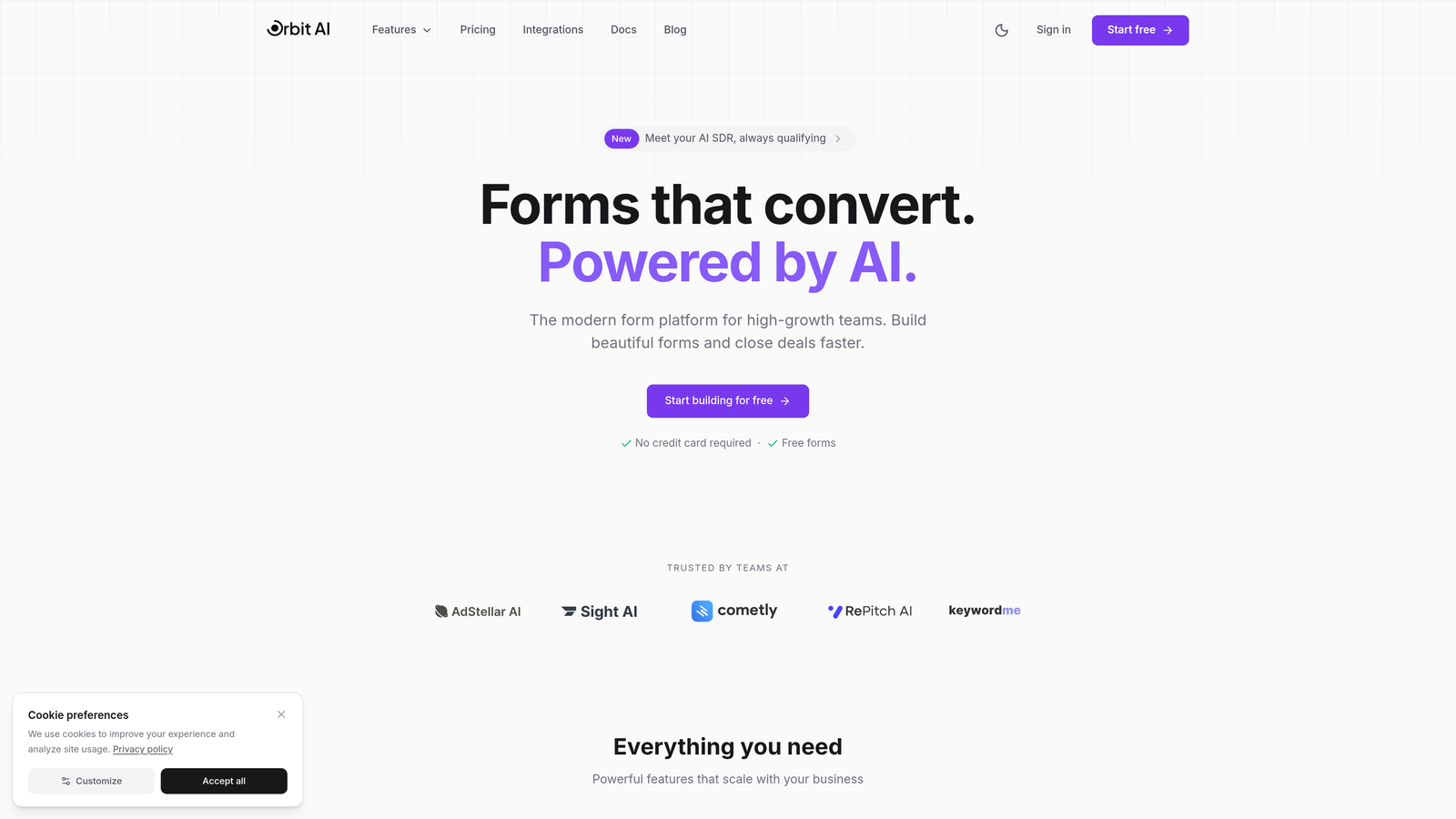
Orbit AI is an AI-powered form builder platform that automatically qualifies and scores leads while delivering modern, conversion-optimized experiences.
Where This Tool Shines
The platform's intelligent lead qualification sets it apart from traditional form builders. Instead of collecting contact information and hoping your sales team can figure out which leads matter, Orbit AI analyzes responses in real-time and routes qualified prospects directly to the right team members.
The conversion-optimized templates are built specifically for high-growth teams who need forms that actually perform, not just collect data. Every design element focuses on reducing friction and increasing completion rates.
Key Features
AI-Powered Lead Qualification: Automatically scores and qualifies leads based on their responses, eliminating manual review work.
Conversion-Optimized Templates: Pre-built form designs tested for maximum completion rates across industries.
Intelligent Routing: Automatically sends qualified leads to the right sales rep or workflow based on custom rules.
Deep CRM Integrations: Native connections with HubSpot, Salesforce, and Pipedrive ensure seamless data flow.
Real-Time Analytics: Track conversion rates, drop-off points, and lead quality metrics as they happen.
Best For
Teams that want to eliminate manual lead qualification while improving form conversion rates. Particularly valuable for B2B companies with complex sales processes where lead quality matters more than lead volume.
Pricing
Free tier available for getting started. Paid plans begin at $29/month with scaling options for enterprise teams.
2. Typeform
Best for: Creating engaging, conversational form experiences that feel more like conversations than surveys
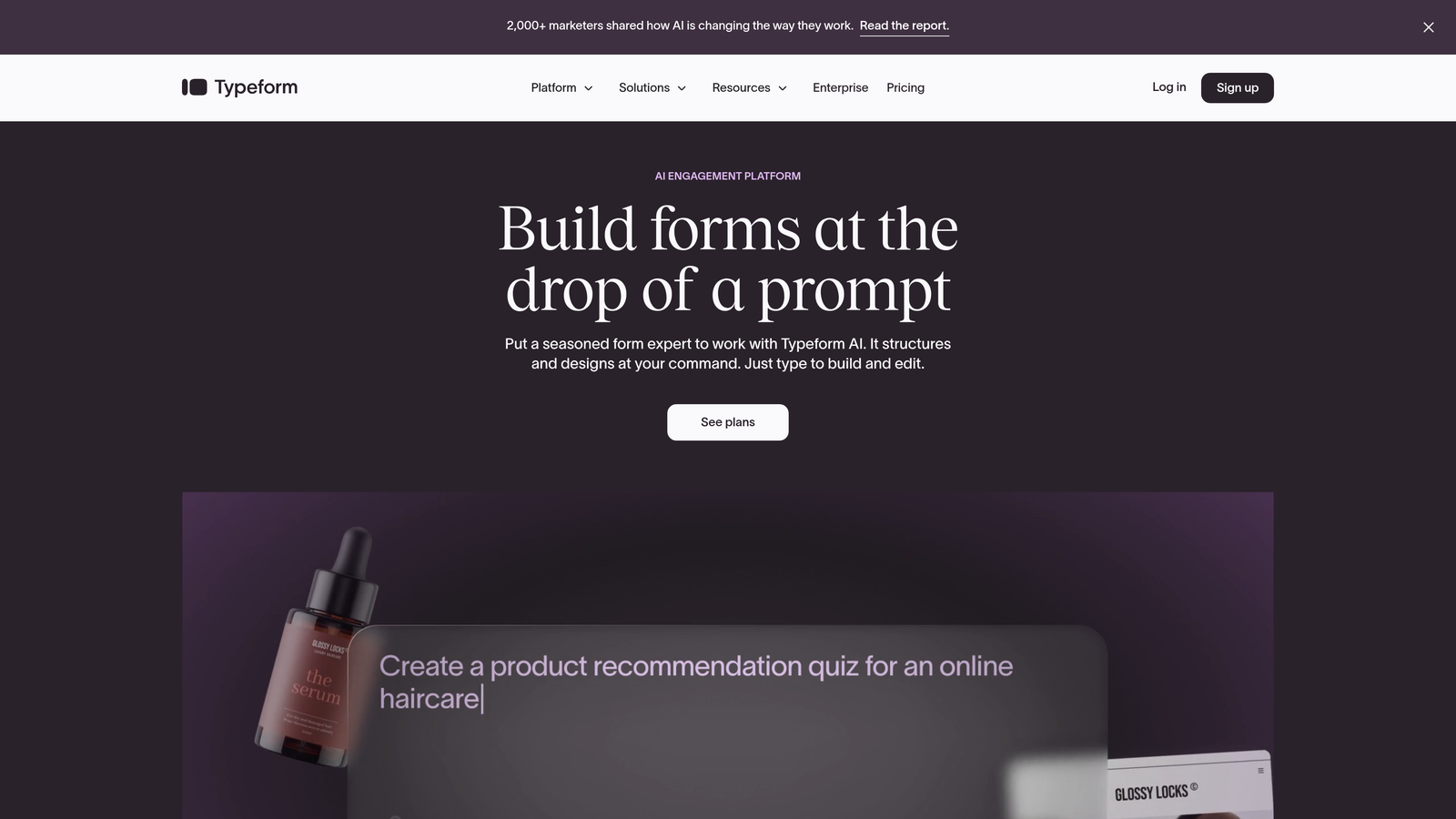
Typeform is a conversational form builder known for its one-question-at-a-time approach that significantly boosts completion rates.
Where This Tool Shines
The conversational interface transforms boring forms into engaging experiences. By showing one question at a time, Typeform reduces the psychological burden that long forms create. Visitors see a single, focused question instead of a wall of fields.
The design flexibility is exceptional. You can embed videos, images, and GIFs directly into questions, creating branded experiences that feel uniquely yours rather than generic web forms.
Key Features
One-Question-at-a-Time Format: Presents questions sequentially to reduce form abandonment and increase engagement.
Brand Customization: Complete control over colors, fonts, backgrounds, and media to match your brand identity.
Logic Jumps: Show different questions based on previous answers to create personalized pathways through your form.
Rich Media Embedding: Add videos, images, and GIFs directly into questions for more engaging experiences.
Native Integrations: Connect directly to popular tools like Google Sheets, Slack, Mailchimp, and hundreds of others.
Best For
Marketing teams focused on user experience and brand presentation. Works exceptionally well for customer feedback surveys, event registrations, and lead capture where engagement matters more than speed.
Pricing
Free tier available with basic features. Basic paid plan starts at $25/month with increased response limits and additional functionality.
3. HubSpot Forms
Best for: Teams already using HubSpot CRM who need seamless lead capture to contact management
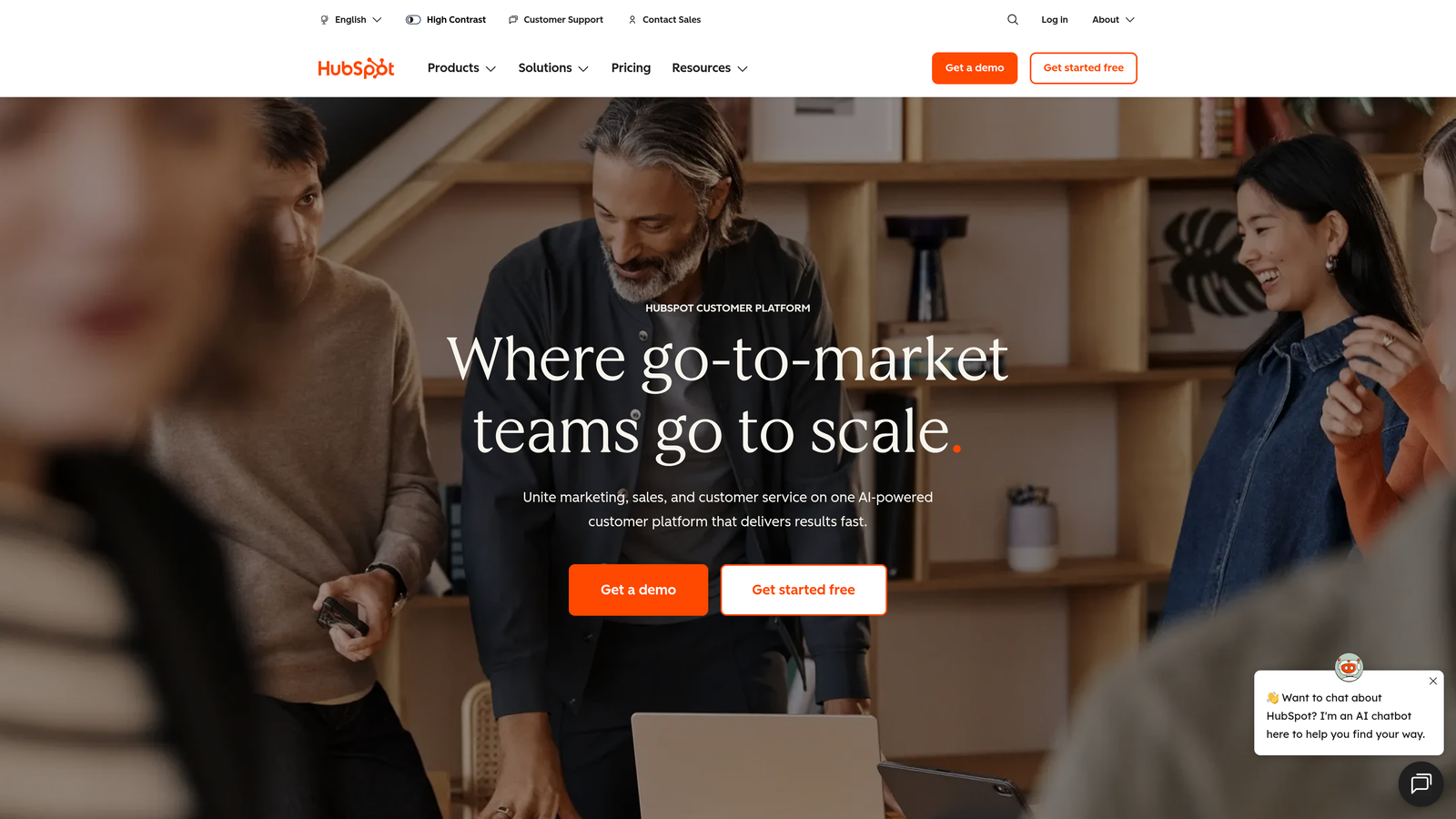
HubSpot Forms is the native form builder within HubSpot's ecosystem, offering zero-friction integration from capture to conversion.
Where This Tool Shines
The direct CRM integration eliminates the data syncing headaches that plague most marketing teams. Every form submission instantly creates or updates a contact record with zero manual work or third-party connectors required.
Progressive profiling is where HubSpot truly differentiates itself. The system remembers returning visitors and asks different questions each time, gradually building complete profiles without overwhelming prospects with long forms on their first visit.
Key Features
Zero-Setup CRM Integration: Forms automatically sync with your contact database without any configuration needed.
Progressive Profiling: Show different questions to returning visitors to build complete profiles over time.
Smart Fields: Automatically pre-fill known information for contacts already in your database.
Automatic Lead Scoring: Assign points based on form submissions and trigger workflows automatically.
Built-In Follow-Up Automation: Create email sequences and task assignments that trigger immediately after submission.
Best For
Companies already invested in the HubSpot ecosystem who want forms that work seamlessly with their existing CRM, marketing automation, and sales processes.
Pricing
Free with HubSpot CRM. Advanced features like progressive profiling require Marketing Hub, starting at $800/month.
4. OptinMonster
Best for: Capturing abandoning visitors with exit-intent popups and advanced targeting rules
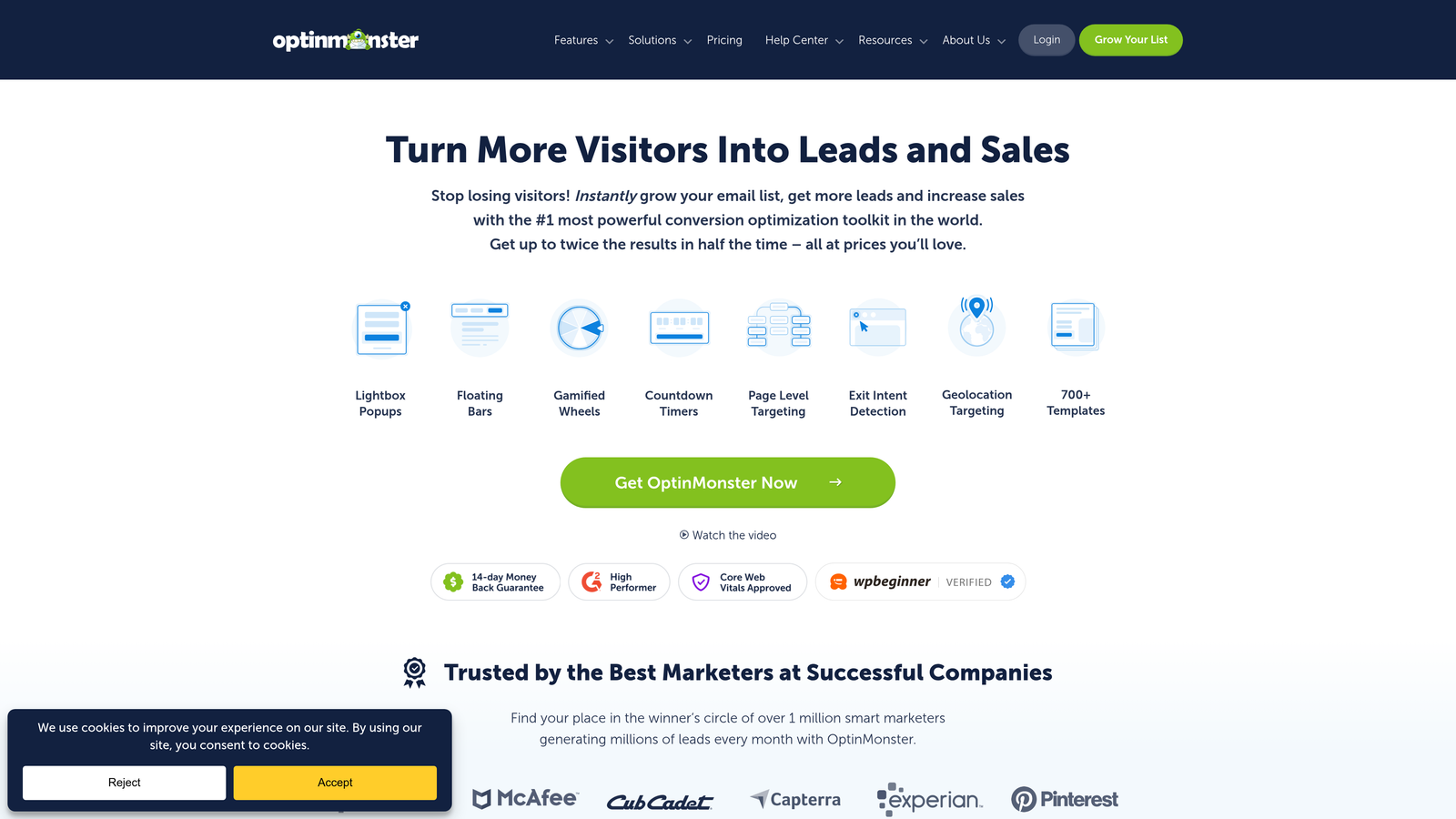
OptinMonster is a specialized lead capture tool focused on popup campaigns with sophisticated targeting and exit-intent technology.
Where This Tool Shines
The exit-intent detection is remarkably accurate. The system tracks mouse movement and triggers popups at the precise moment visitors are about to leave, giving you one last chance to capture their attention before they're gone forever.
The targeting capabilities go far beyond basic popups. You can show different campaigns based on traffic source, pages visited, time on site, scroll depth, device type, geographic location, and dozens of other parameters.
Key Features
Exit-Intent Technology: Detects when visitors are about to leave and triggers targeted campaigns at that critical moment.
Page-Level Targeting: Show specific campaigns only on certain pages or to visitors who meet defined criteria.
A/B Testing: Test different popup designs, copy, and offers to find what converts best for your audience.
Multiple Campaign Types: Choose from floating bars, slide-ins, fullscreen overlays, and traditional popups.
MonsterLinks: Create two-step optins where visitors click a link before seeing the form, pre-qualifying interest.
Best For
E-commerce sites and content publishers who want to reduce bounce rates and capture email addresses from abandoning visitors. Particularly effective for blogs and media sites with high traffic but low conversion rates.
Pricing
Basic plan starts at $9/month when billed annually, with higher tiers adding advanced targeting and campaign types.
5. Leadpages
Best for: Quickly building landing pages with integrated lead capture forms without technical skills
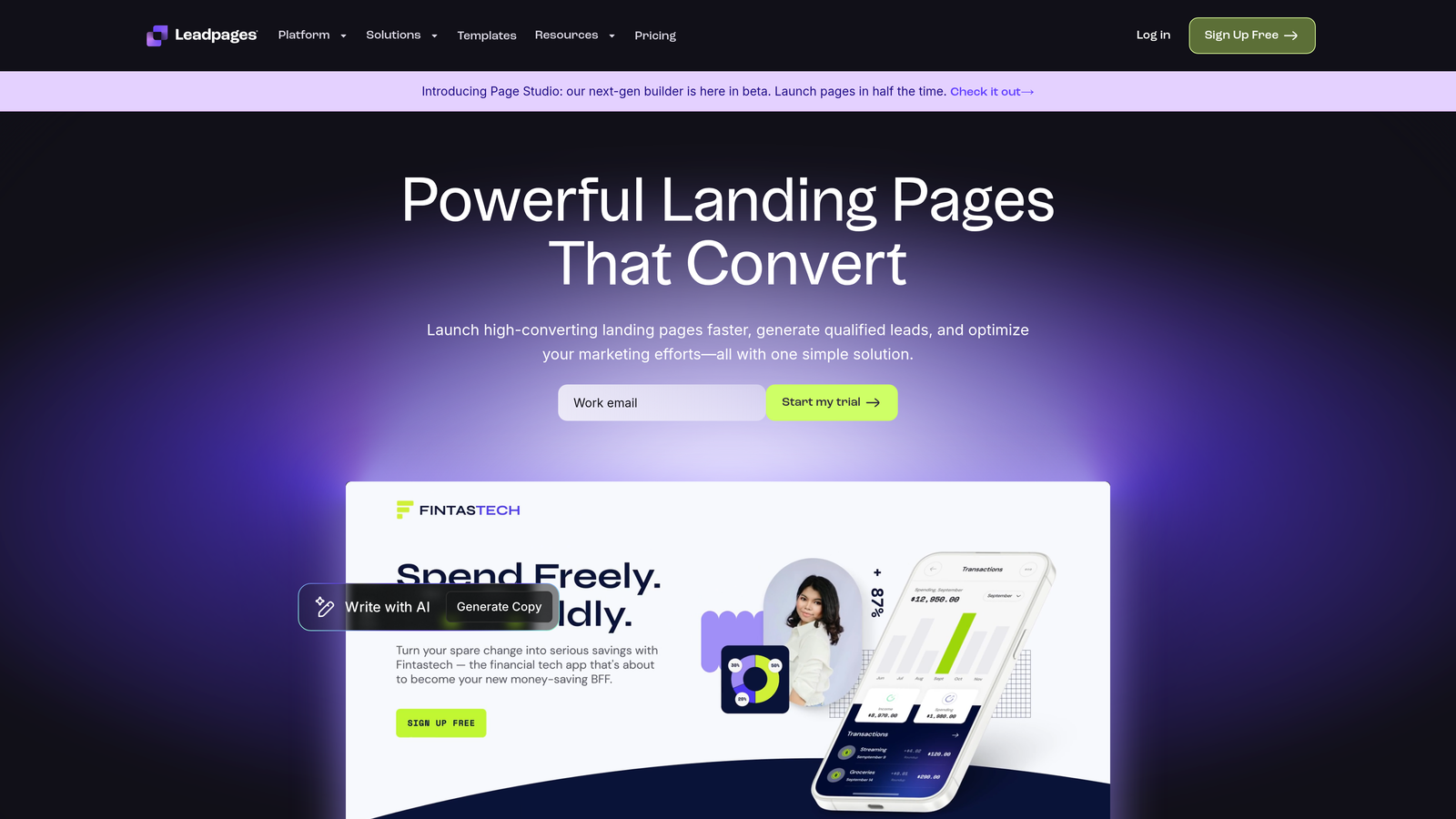
Leadpages is a landing page builder with built-in form capabilities, optimized for marketers who need fast deployment without developers.
Where This Tool Shines
The drag-and-drop builder removes all technical barriers. You can create professional landing pages with embedded forms in minutes, not hours or days. The interface is genuinely intuitive, even for team members who've never built a webpage before.
The Leadmeter feature provides real-time conversion predictions as you build, scoring your page based on proven best practices. It's like having a conversion optimization expert looking over your shoulder, pointing out improvements before you publish.
Key Features
Drag-and-Drop Builder: Create landing pages and forms without any coding knowledge required.
Conversion-Optimized Templates: Choose from tested templates designed specifically for lead generation and sales.
Built-In Popup Tools: Add alert bars and popups to any page without additional software.
Leadmeter Predictions: Get real-time conversion score predictions based on your page design choices.
Payment Collection: Accept payments directly through your landing pages with integrated payment processing.
Best For
Small businesses and solo entrepreneurs who need to launch landing pages quickly without hiring developers or designers. Particularly valuable for digital product creators and course sellers.
Pricing
Standard plan starts at $37/month when billed annually, including unlimited landing pages and popups.
6. Unbounce
Best for: Marketing teams running sophisticated A/B tests who need AI-powered traffic optimization
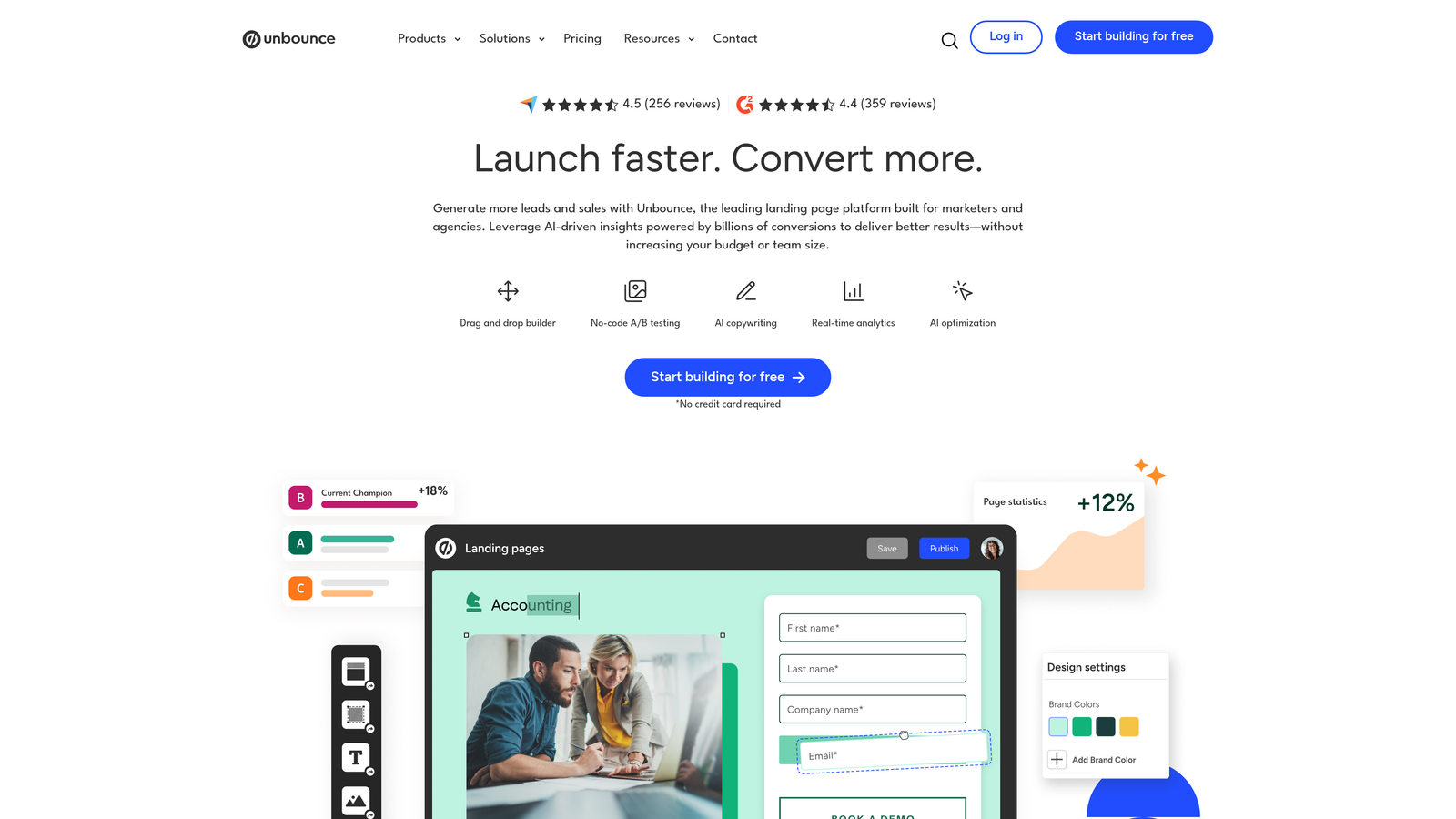
Unbounce is a landing page platform with Smart Traffic AI that automatically routes visitors to the highest-converting page variants.
Where This Tool Shines
Smart Traffic uses machine learning to analyze visitor attributes in real-time and send each person to the page variant most likely to convert them specifically. Instead of waiting weeks for statistical significance in traditional A/B tests, Smart Traffic optimizes continuously from day one.
The dynamic text replacement feature is particularly powerful for PPC campaigns. You can automatically swap headline text based on the search term that brought the visitor, creating highly relevant experiences without building dozens of separate landing pages.
Key Features
Smart Traffic AI: Automatically routes each visitor to their most likely converting page variant using machine learning.
Dynamic Text Replacement: Automatically customize headlines and copy based on the visitor's search query or traffic source.
Advanced Testing: Run A/B tests and multivariate experiments with statistical confidence tracking.
Sticky Bars and Popups: Add non-intrusive lead capture elements to any page without affecting the main design.
AMP Support: Build accelerated mobile pages that load instantly for mobile visitors.
Best For
Performance marketing teams with significant paid traffic budgets who need to maximize return on ad spend through continuous optimization.
Pricing
Launch plan starts at $74/month when billed annually, with Smart Traffic available on higher-tier plans.
7. Jotform
Best for: Teams needing versatile forms for any use case with extensive template options
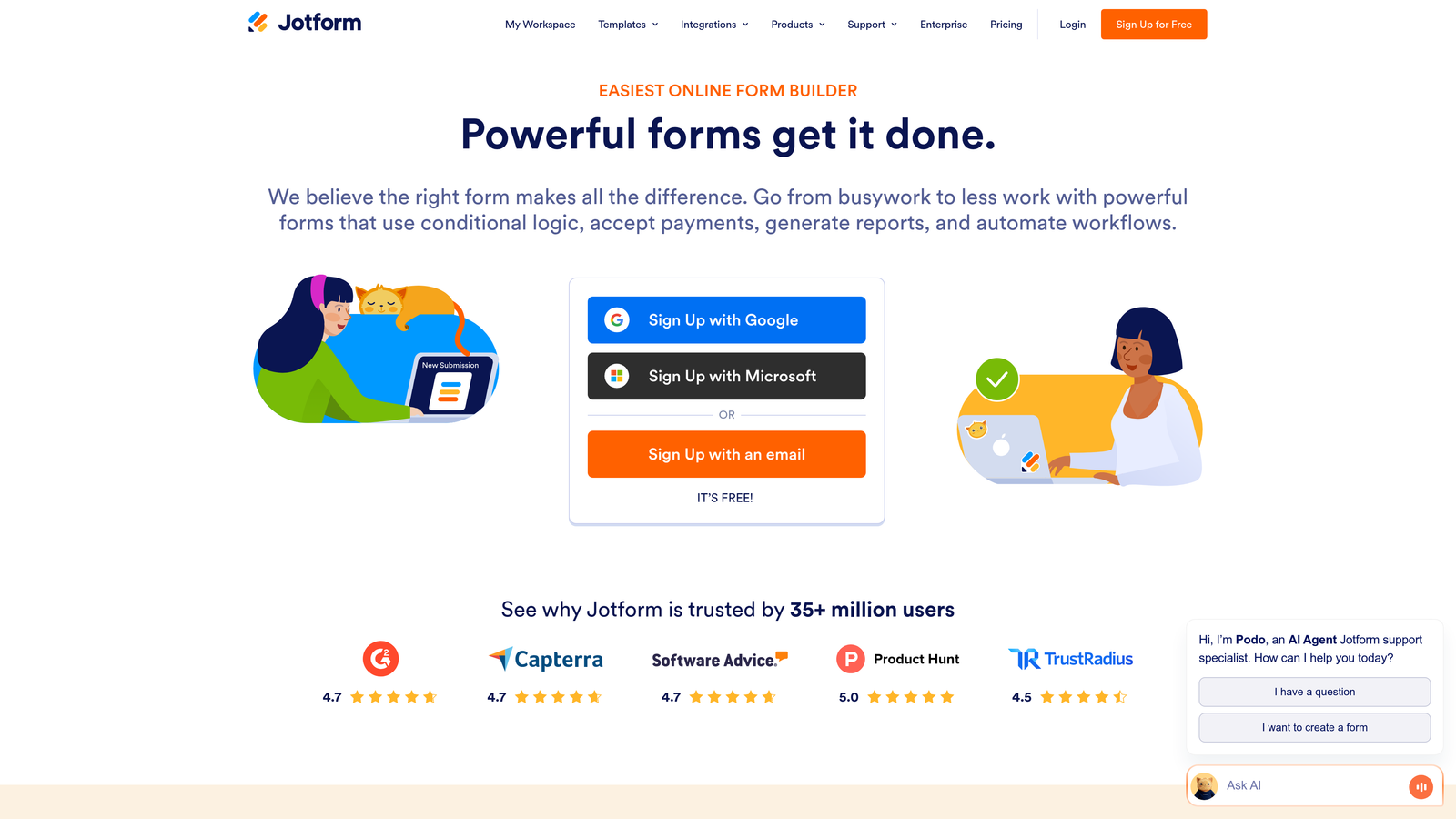
Jotform is an online form builder with over 10,000 templates and flexible customization options for virtually any form type.
Where This Tool Shines
The template library is genuinely comprehensive. Whether you need event registration forms, order forms, application forms, or feedback surveys, there's almost certainly a pre-built template that gets you 80% of the way there.
The conditional logic and calculation capabilities are surprisingly powerful. You can build complex forms that show or hide fields based on previous answers, calculate totals automatically, and even create multi-step workflows that adapt based on user input.
Key Features
10,000+ Templates: Pre-built forms for virtually every use case imaginable, from simple contact forms to complex applications.
Conditional Logic: Show or hide fields based on previous answers to create dynamic, personalized form experiences.
Payment Integrations: Accept payments through forms with connections to PayPal, Square, Stripe, and other processors.
HIPAA Compliance: Enterprise plans include features for healthcare organizations requiring HIPAA-compliant form handling.
Jotform Tables: Automatically organize form submissions into spreadsheet-like tables for easy data management.
Best For
Organizations needing forms for multiple departments and use cases. Works well for nonprofits, educational institutions, and service businesses with diverse form requirements.
Pricing
Free tier allows up to 5 forms with 100 monthly submissions. Bronze plan starts at $34/month with increased limits.
8. Intercom
Best for: Capturing and qualifying leads through conversational chat throughout the customer journey
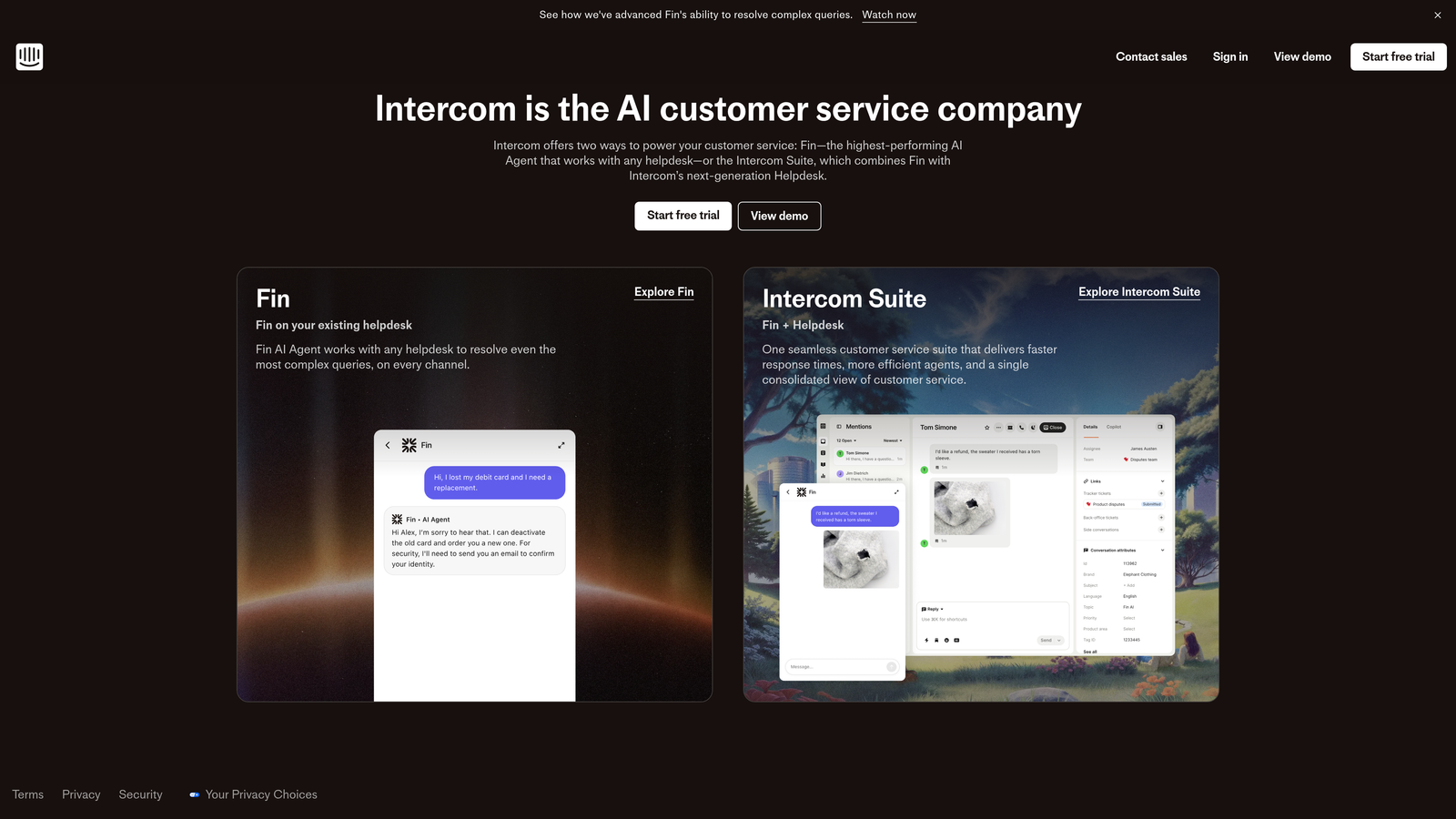
Intercom is a conversational platform that transforms lead capture from static forms into dynamic chat interactions.
Where This Tool Shines
The custom chatbots can qualify leads through natural conversation rather than forcing visitors to fill out forms. The bot asks questions, understands responses, and routes qualified prospects to sales while answering common questions for unqualified visitors automatically.
The targeted messaging capability lets you reach visitors at specific moments in their journey. You can trigger different messages based on the pages they visit, actions they take, or how long they've been on your site, creating contextually relevant conversations.
Key Features
Custom Chatbots: Build automated conversation flows that qualify leads and answer questions without human intervention.
Targeted Messages: Send personalized in-app and website messages based on visitor behavior and attributes.
Product Tours: Create guided walkthroughs with embedded lead capture at key moments.
Conversation Routing: Automatically direct qualified conversations to the right sales team member based on custom rules.
Unified Inbox: Manage all customer conversations from chat, email, and other channels in one place.
Best For
SaaS companies and digital product businesses where conversational engagement drives higher conversion rates than traditional forms. Particularly effective for companies with free trial or freemium models.
Pricing
Essential plan starts at $39 per seat per month, with advanced features requiring higher-tier plans.
9. Drift
Best for: B2B companies focused on accelerating pipeline through real-time buyer engagement
Drift is a conversational marketing platform built specifically for B2B sales teams who need to engage high-value prospects immediately.
Where This Tool Shines
The real-time visitor intelligence shows you exactly who's on your website right now, including company name, industry, and previous interactions. Your sales team can see when target accounts visit and engage them immediately rather than waiting for form submissions.
The meeting scheduling integration is seamless. Qualified prospects can book time directly from the chat conversation, eliminating the back-and-forth email dance that usually delays sales conversations by days or weeks.
Key Features
AI-Powered Qualification: Chatbots automatically qualify prospects based on firmographic data and conversation responses.
Visitor Intelligence: See which companies are browsing your site in real-time with detailed firmographic information.
Instant Meeting Scheduling: Let prospects book sales meetings directly from chat without leaving the conversation.
Account-Based Targeting: Create custom chat experiences for specific target accounts or industries.
Revenue Attribution: Track which conversations and channels drive actual pipeline and revenue.
Best For
B2B companies with high-value deals where immediate engagement with qualified prospects significantly impacts close rates. Most effective for organizations with dedicated sales development teams.
Pricing
Premium plan starts at $2,500/month, reflecting the enterprise focus and sophisticated feature set.
10. Sumo
Best for: Budget-conscious teams needing lightweight list-building tools with easy setup
Sumo is a straightforward list-building toolkit with popups, welcome mats, and smart bars designed for quick implementation.
Where This Tool Shines
The setup simplicity is remarkable. You can have popups and email capture forms running on your site within minutes, not hours. The interface assumes zero technical knowledge and guides you through every step.
The welcome mat full-screen CTAs are particularly effective for high-traffic blogs and content sites. They take over the entire screen when visitors first arrive, making them impossible to miss while remaining easy to dismiss.
Key Features
Welcome Mat CTAs: Full-screen overlays that greet visitors with your most important offer or email signup.
Scroll-Triggered Smart Bars: Sticky bars that appear after visitors scroll a certain percentage down the page.
List Builder Popups: Traditional popup forms with timing and exit-intent triggers.
Social Sharing Buttons: Add one-click social sharing to increase content distribution.
Heat Maps: See where visitors click and scroll to optimize placement and design.
Best For
Bloggers, content creators, and small businesses just starting with email list building. The free tier provides enough functionality for sites with moderate traffic.
Pricing
Free tier available with basic features. Pro plan starts at $39/month with unlimited email subscribers and advanced targeting.
11. Gravity Forms
Best for: WordPress sites needing powerful forms with extensive developer customization options
Gravity Forms is a premium WordPress plugin with deep integration into the WordPress ecosystem and developer-friendly architecture.
Where This Tool Shines
The WordPress-native integration means forms feel like a natural part of your site rather than embedded third-party tools. Everything from styling to functionality works seamlessly with your existing theme and plugins.
The add-on ecosystem is extensive. You can extend core functionality with specialized add-ons for payment processing, email marketing integration, user registration, post creation, and dozens of other use cases without switching platforms.
Key Features
WordPress-Native Integration: Forms work seamlessly with WordPress themes, plugins, and user management systems.
Extensive Add-On Ecosystem: Expand functionality with official and third-party add-ons for specific use cases.
Conditional Logic: Show or hide fields, pages, and entire sections based on user input.
Payment Gateways: Accept payments through Stripe, PayPal, Authorize.net, and other processors directly in forms.
Developer Tools: Extensive hooks, filters, and API access for custom implementations and integrations.
Best For
WordPress-based businesses and agencies that need complete control over form functionality and appearance. Particularly valuable for developers building custom solutions for clients.
Pricing
Basic License starts at $59/year for a single site, with higher tiers for multiple sites and priority support.
Finding Your Perfect Lead Capture Match
The best lead capture tool depends entirely on your team's workflow, tech stack, and growth stage.
For AI-powered qualification that automatically scores and routes leads, Orbit AI delivers the most modern approach. Teams already invested in HubSpot will find their native forms the path of least resistance. If conversational engagement drives your strategy, Intercom or Drift transform passive visitors into active conversations.
Budget-conscious startups can start with Sumo's free tier, while enterprise teams benefit from Unbounce's sophisticated testing capabilities. WordPress-focused organizations get the most value from Gravity Forms' native integration and developer tools.
Before committing, map your current lead flow from capture to conversion. Identify where leads drop off, then choose the tool that specifically addresses those gaps. Look at your existing tech stack and prioritize tools with native integrations to avoid data syncing headaches.
Most platforms offer free trials. Test your top two choices with real traffic before deciding. Pay attention to actual conversion rates, not just feature lists. A simpler tool that integrates seamlessly often outperforms a feature-rich platform that requires constant maintenance.
Consider your team's technical capabilities honestly. The most powerful tool means nothing if your team can't implement it effectively. Sometimes the right choice is the one your team will actually use consistently rather than the one with the most impressive feature list.
Ready to see how AI-powered lead qualification can transform your conversion rates? Start your free trial today and experience how intelligent form design can elevate your lead generation strategy while automatically identifying your highest-value prospects.


