

Form building used to mean dragging fields onto a page and hoping for the best. Today, AI has fundamentally changed what a form can do. Modern AI-powered form tools can generate entire forms from a single text prompt, adapt questions based on how a respondent is behaving, score leads in real time, and reduce abandonment with intelligent conditional logic. The difference between a static form and an AI-powered one isn't cosmetic. It's the difference between a passive data collector and an active conversion engine.
If you're running a high-growth team focused on lead quality and conversion optimization, the tool you choose matters enormously. To build this list, we evaluated each platform on its actual AI capabilities (not just automation dressed up as AI), ease of use for non-technical teams, integration depth, pricing transparency, and how well it fits teams moving fast on lead generation and demand gen workflows.
Whether you're looking to improve your AI lead generation strategy or find the best form builder for conversion optimization, here are the top AI-powered form tools worth your attention in 2026.
1. Orbit AI
Best for: High-growth B2B teams that need lead qualification and scoring built directly into their forms.
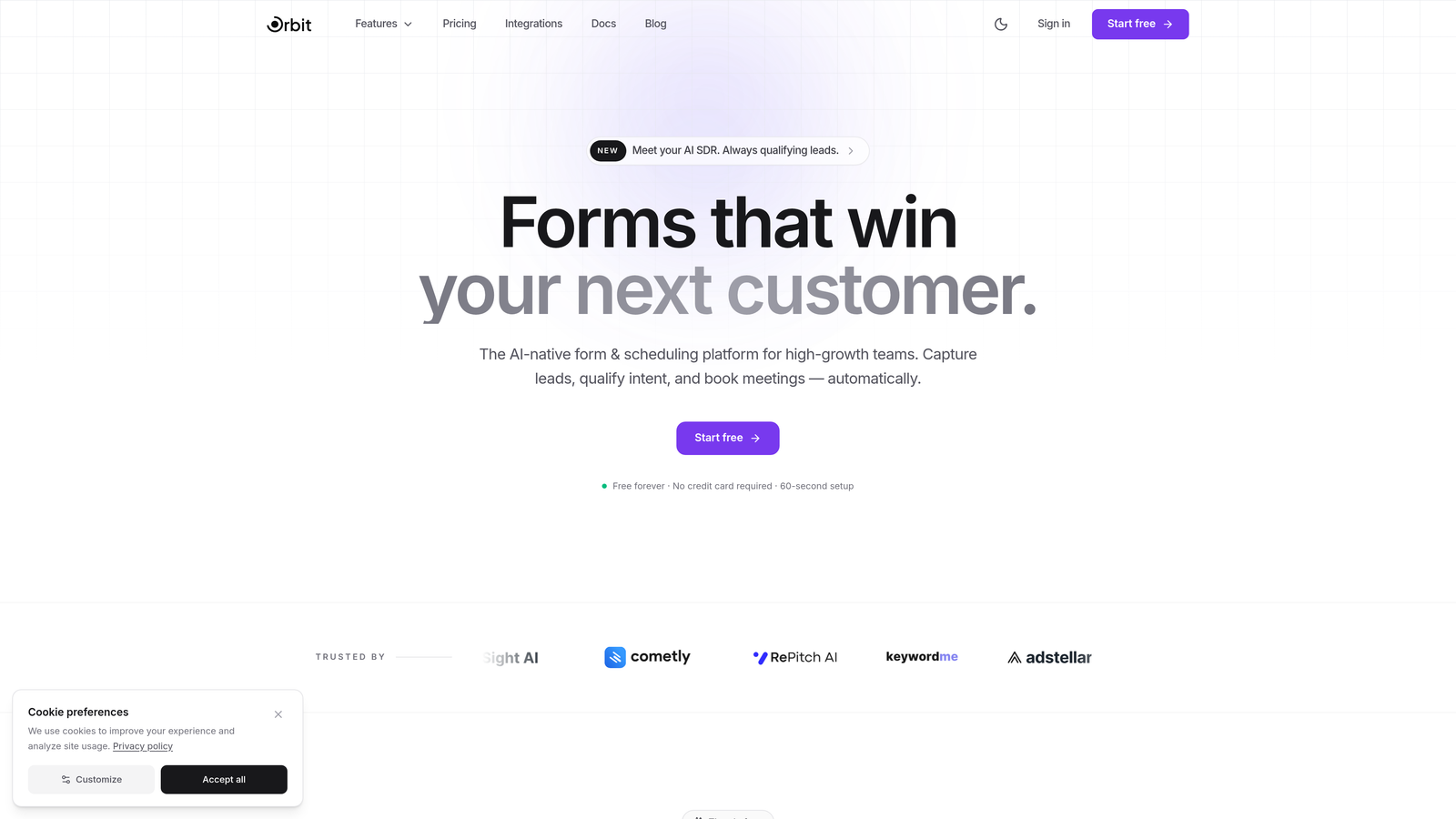
Orbit AI is an AI-powered form builder designed from the ground up for conversion optimization and intelligent lead qualification.
Where This Tool Shines
Most form tools treat lead qualification as something that happens after submission, in your CRM or marketing automation platform. Orbit AI moves that qualification layer into the form itself. As a prospect fills out a form, the AI is already evaluating their responses, scoring their fit, and adapting the experience accordingly.
The result is a form that doesn't just collect data. It actively works to surface your best leads while delivering a polished, modern experience that reflects well on your brand. For demand gen teams tired of manually sorting through low-quality submissions, this is a meaningful shift.
Key Features
AI-Powered Lead Qualification and Scoring: Scores leads in real time based on form responses, so your sales team receives pre-qualified prospects rather than raw submissions.
Conversion-Optimized Templates: Purpose-built templates designed around conversion best practices, not just aesthetic preferences.
Dynamic AI-Driven Conditional Logic: Conditional paths that adapt intelligently based on respondent behavior, not just static if/then rules.
Built for B2B Demand Gen Workflows: Designed with high-growth teams in mind, including integrations and data structures that align with modern GTM stacks.
Modern Form Design Out of the Box: Beautiful, clean design without needing a designer, so your forms match the quality of your brand from day one.
Best For
Orbit AI is the right choice for B2B SaaS teams, growth marketers, and demand gen professionals who care as much about lead quality as lead volume. If you're running paid acquisition and need to route high-fit prospects faster, this platform was built for exactly that workflow.
Pricing
Visit orbitforms.ai for current plan details and to explore the free tier options available for getting started.
2. Typeform
Best for: Teams that want a polished, conversational form experience with broad integration support.
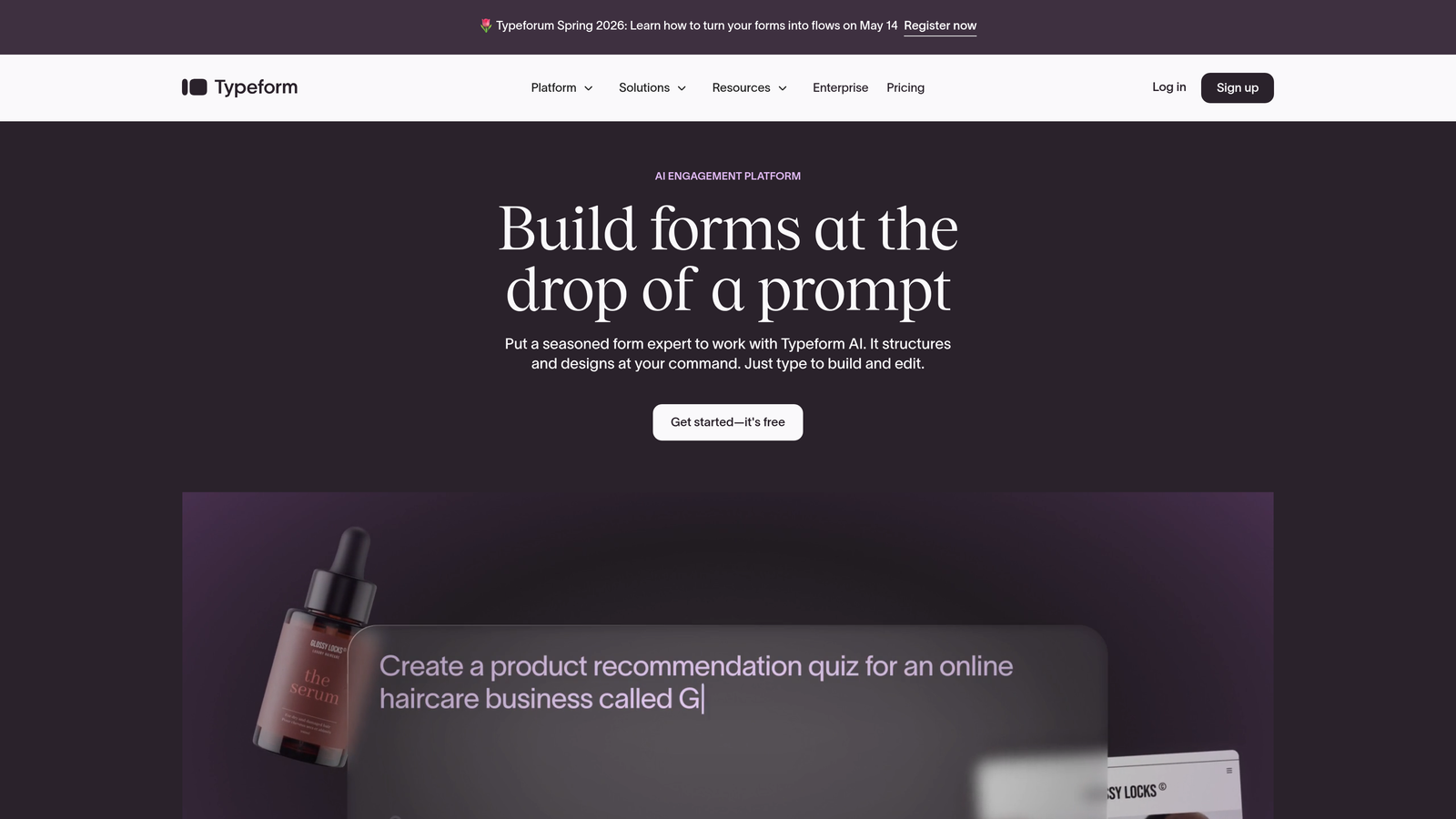
Typeform is the conversational form builder that popularized the one-question-at-a-time format, now enhanced with AI generation and response analysis.
Where This Tool Shines
Typeform's core strength is the respondent experience. Its signature format reduces cognitive load by presenting one question at a time, which typically improves completion rates compared to traditional multi-field layouts. The platform has since added AI-assisted form creation, letting you generate a full form from a text prompt in seconds.
The VideoAsk integration is a standout differentiator, allowing teams to embed video questions and collect video responses, which opens up use cases in research, customer feedback, and even sales qualification that go well beyond standard text forms.
Key Features
AI-Assisted Form Creation: Generate complete forms from a natural language description, then customize as needed.
Conversational One-at-a-Time Flow: The format that made Typeform famous, reducing overwhelm and improving completion rates.
VideoAsk Integration: Collect and respond with video, adding a human dimension to form interactions.
Extensive Integration Library: Connects with HubSpot, Zapier, Slack, Salesforce, and hundreds of other tools.
Brand Kit: Apply consistent colors, fonts, and imagery across all your forms without manual styling each time.
Best For
Typeform works well for marketing teams, researchers, and customer success teams that prioritize engagement and brand experience. It's less specialized for deep lead scoring but excels at getting respondents to complete forms and share thoughtful answers.
Pricing
Free tier available with limited responses. Paid plans start around $25 per month, with higher tiers unlocking more responses and advanced features.
3. Jotform
Best for: Teams that need maximum template variety and versatile data collection across many use cases.
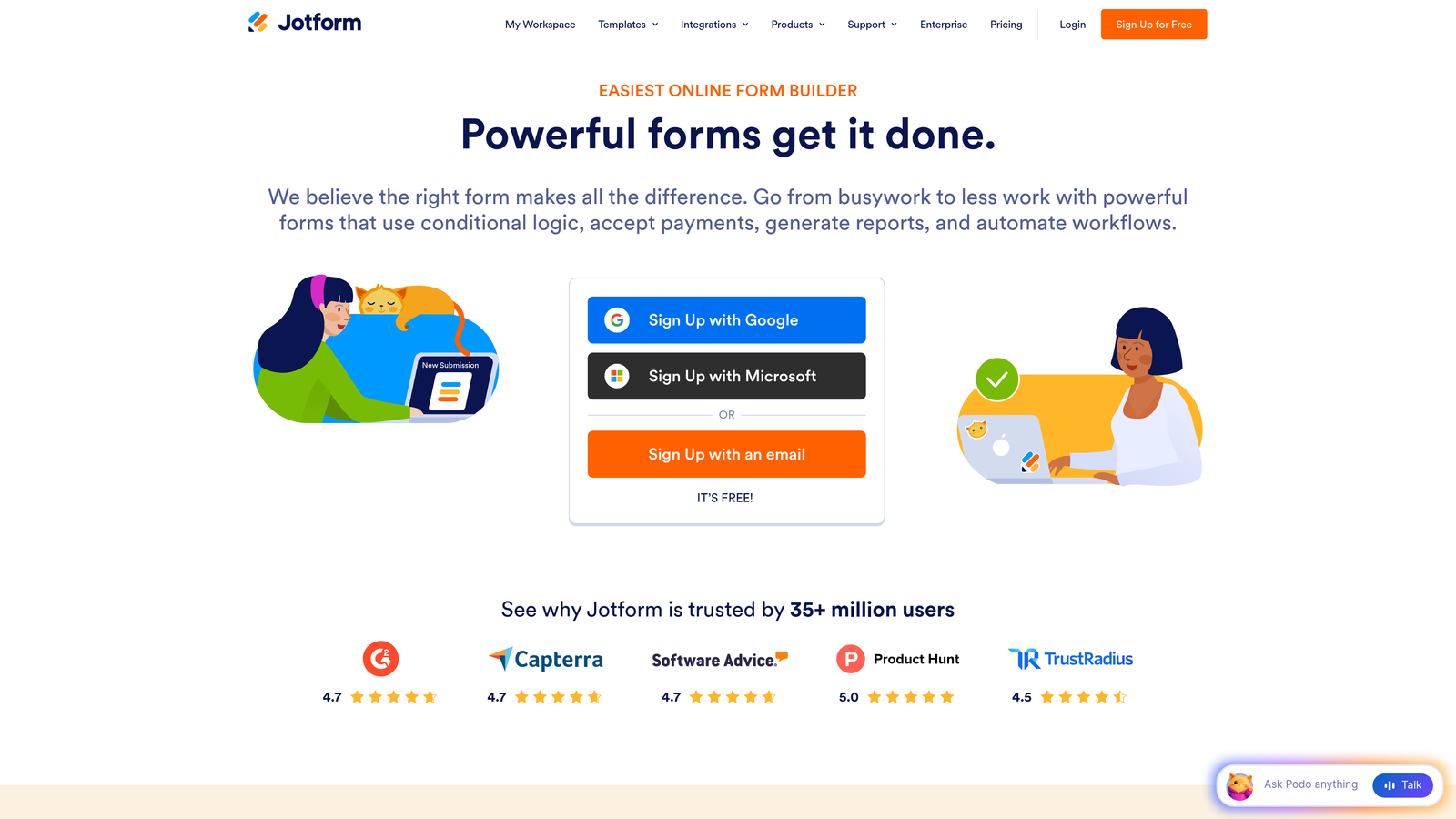
Jotform is a comprehensive form platform with AI generation, an AI agent builder, and one of the largest template libraries available anywhere.
Where This Tool Shines
Jotform's breadth is its defining characteristic. With over 10,000 templates spanning industries from healthcare to e-commerce to HR, it's rarely the case that you need to start from scratch. The AI form generator adds speed on top of that depth, letting you describe what you need and get a working form in moments.
The AI agent builder is a newer addition that enables conversational, chatbot-style form experiences. This is useful for teams that want to guide respondents through complex forms in a more interactive way without investing in a full chatbot solution.
Key Features
AI Form Generator: Create forms from natural language descriptions with minimal editing required.
AI Agent Builder: Build conversational form experiences that feel more like guided interactions than static questionnaires.
10,000+ Templates: Industry-specific templates covering virtually every form use case imaginable.
Jotform Tables: Built-in data management that turns form responses into a structured, searchable database.
Payment and E-Signature Support: Collect payments and signatures directly within forms, useful for contracts, orders, and registrations.
Best For
Jotform suits operations teams, small businesses, and organizations that need a single platform handling many different form types. It's especially valuable when you need payment collection or document workflows alongside standard data capture.
Pricing
Free tier supports up to 5 forms with limited submissions. Paid plans start around $34 per month with significantly expanded limits and features.
4. Fillout
Best for: Teams that want AI form generation combined with native database and scheduling capabilities in one platform.
Fillout is a modern form builder that pairs AI-powered generation with built-in data management, scheduling, and deep integrations for end-to-end workflow coverage.

Where This Tool Shines
Fillout stands out by thinking beyond the form submission. Once data is collected, you need somewhere to put it and something to do with it. Fillout addresses this with a native Airtable-style database for response management and built-in scheduling features, reducing the number of tools you need to stitch together.
Its direct integrations with Airtable, Notion, and Google Sheets make it particularly attractive for teams already running operations on those platforms. The AI generation layer means you can spin up a new form, connect it to your database, and start collecting in minutes.
Key Features
AI Form Generation: Describe your form in plain language and get a ready-to-use version instantly.
Native Database: Manage and query form responses in a built-in Airtable-like interface without exporting to another tool.
Built-In Scheduling: Add calendar booking directly to forms, useful for demos, consultations, and appointments.
Advanced Conditional Logic: Multi-page flows with sophisticated branching that adapts based on prior answers.
Direct Platform Integrations: Native connections to Airtable, Notion, and Google Sheets for seamless data flow.
Best For
Fillout is a strong fit for operations and product teams that want to consolidate tools. If you're currently using separate form, database, and scheduling tools, Fillout's all-in-one approach can simplify your stack considerably.
Pricing
Free tier available with generous limits. Paid plans start around $19 per month, making it one of the more affordable options with this feature depth.
5. Tally
Best for: Individuals and small teams that need a powerful, free form builder with a clean, minimal interface.
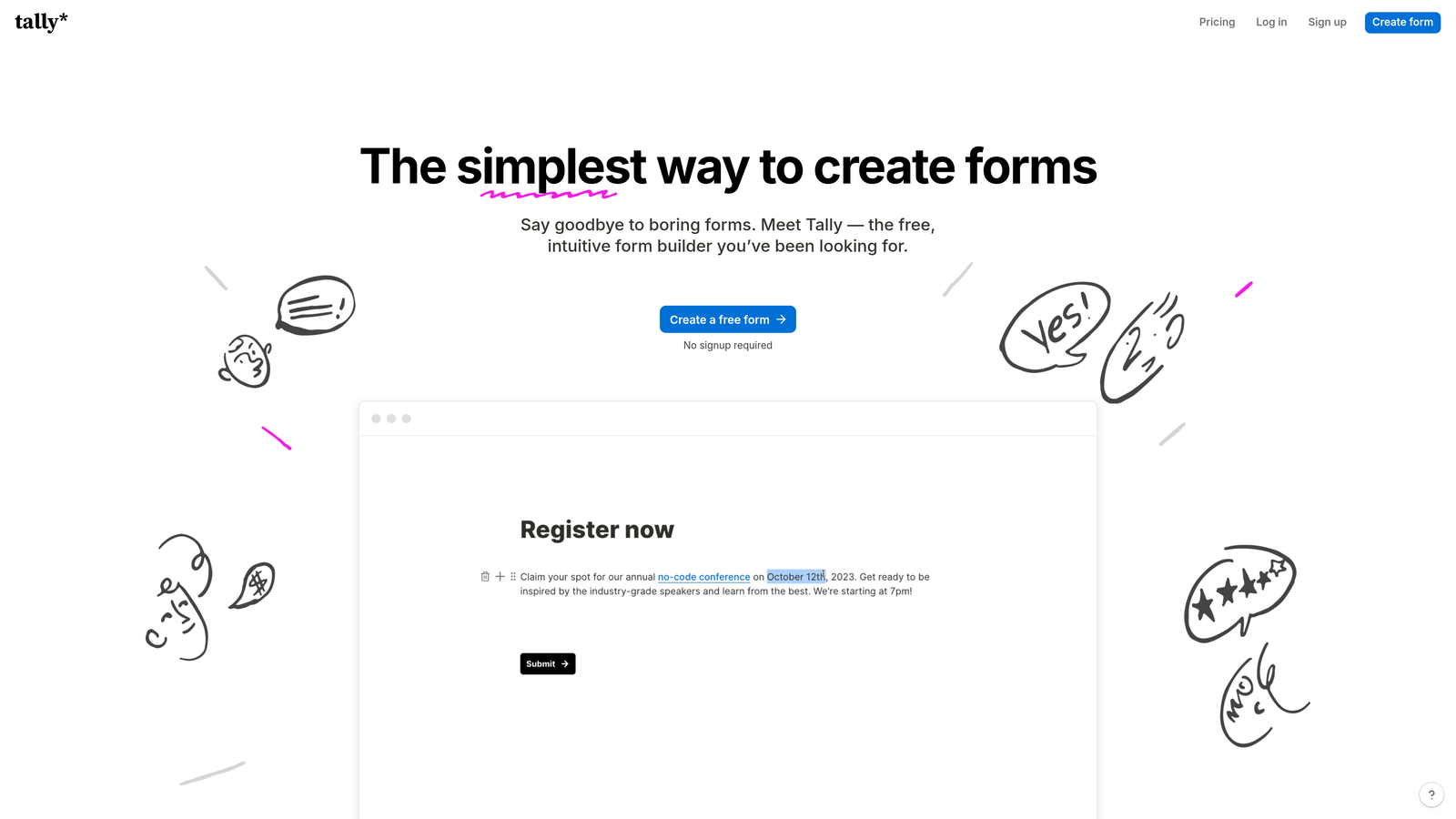
Tally is a Notion-style form builder with AI generation capabilities and a genuinely generous free tier that includes most features other tools reserve for paid plans.
Where This Tool Shines
Tally's free tier is unusually complete. Unlimited forms, conditional logic, calculations, and custom design are all available without paying a cent. For bootstrapped teams or individuals who need capable forms without a subscription, this is hard to beat.
The block-based editor feels immediately familiar to anyone who uses Notion, which reduces the learning curve significantly. The AI generation feature follows the same pattern as other tools here: describe what you need, get a form, refine it. The respondent experience is clean and distraction-free, which tends to help with completion rates.
Key Features
AI-Powered Form Creation: Generate forms from text prompts and iterate quickly with the block editor.
Notion-Style Block Editor: Familiar drag-and-drop experience for anyone already comfortable with Notion's interface.
Unlimited Forms on Free Tier: No artificial limits on the number of forms you can create, even without paying.
Conditional Logic Included Free: Branching logic and calculation fields available on the free plan, not locked behind a paywall.
Clean Respondent Experience: Minimal design that keeps respondents focused on answering rather than navigating a cluttered interface.
Best For
Tally is ideal for freelancers, startups in early stages, content creators, and anyone who needs solid form functionality without committing to a paid plan. It's also a good choice for teams that value simplicity over feature density.
Pricing
Most features are free indefinitely. The Pro plan runs around $29 per month and adds features like custom domains, file upload limits, and priority support.
6. Feathery
Best for: Product and engineering teams building onboarding flows, in-app forms, and complex signup experiences.
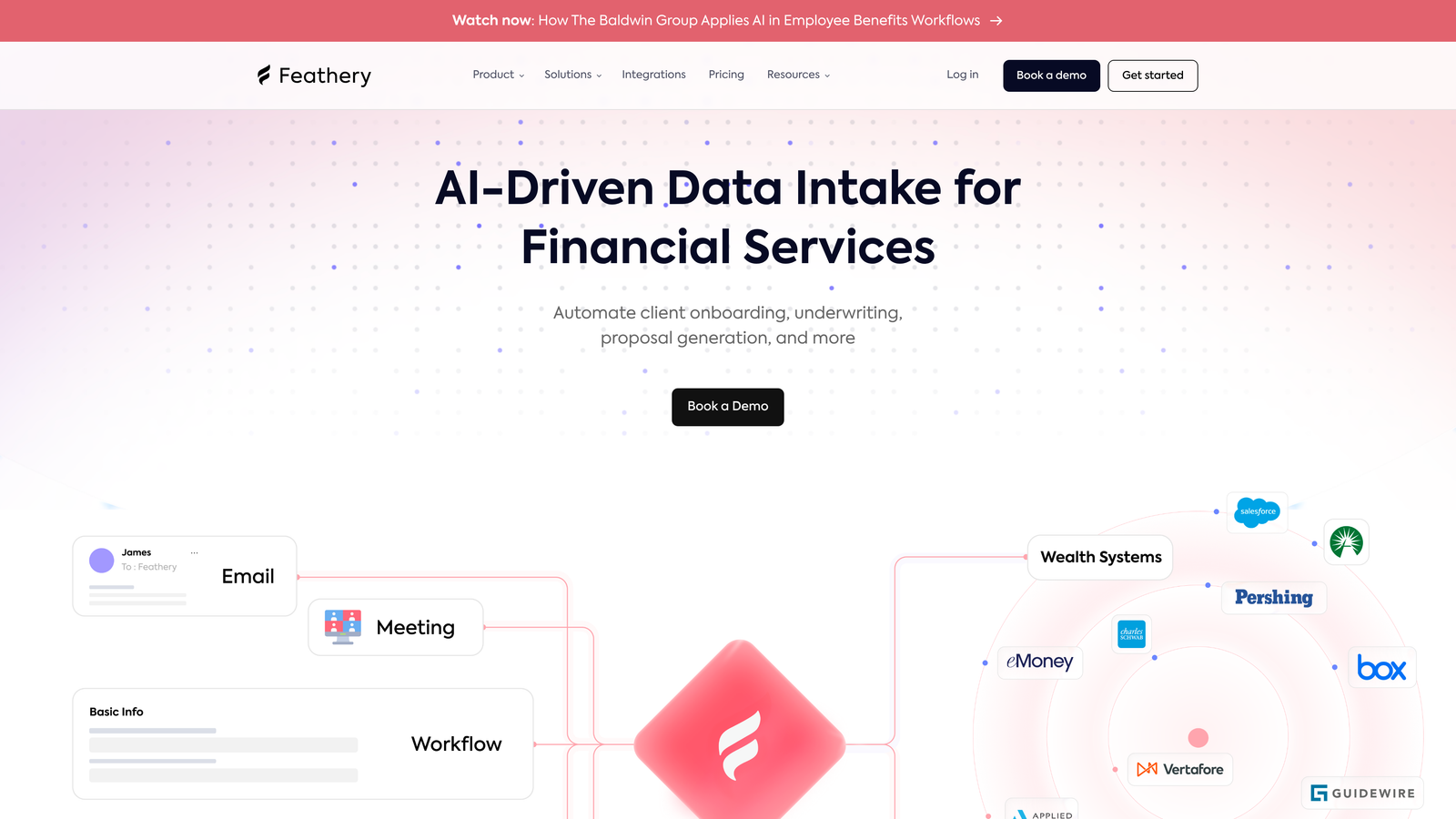
Feathery is a developer-friendly AI form platform built for product teams that need advanced logic, custom code support, and tight integration with their application stack.
Where This Tool Shines
Most form tools are built for marketers. Feathery is built for product teams. It handles use cases like user onboarding flows, identity verification, document collection, and in-app signup experiences that require more technical flexibility than typical form builders allow.
The AI layer helps generate and optimize form flows, but the real differentiator is how much control developers retain. Custom code support, advanced API integrations, and A/B testing capabilities mean Feathery can fit into sophisticated product architectures without requiring workarounds.
Key Features
AI Flow Generation and Optimization: Generate multi-step form flows and get AI-driven suggestions for improving conversion at each step.
Advanced API and Custom Code Support: Full developer access to build integrations and logic that go beyond what no-code tools typically allow.
In-App Onboarding and Signup Flows: Designed specifically for product-embedded experiences, not just standalone landing page forms.
A/B Testing: Test form variations natively to identify which flows convert better without a third-party testing tool.
Document Collection and Identity Verification: Handle file uploads, KYC flows, and document-heavy processes within the same platform.
Best For
Feathery is the right tool for SaaS product teams, fintech companies, and any organization where forms are part of the core product experience rather than a marketing add-on. Less suited for non-technical teams who need a simple drag-and-drop solution.
Pricing
Free tier available for getting started. Growth plans begin around $49 per month, with enterprise pricing available for larger teams and compliance requirements.
7. HubSpot Forms
Best for: Teams already on HubSpot that want seamless CRM-native form and lead capture functionality.
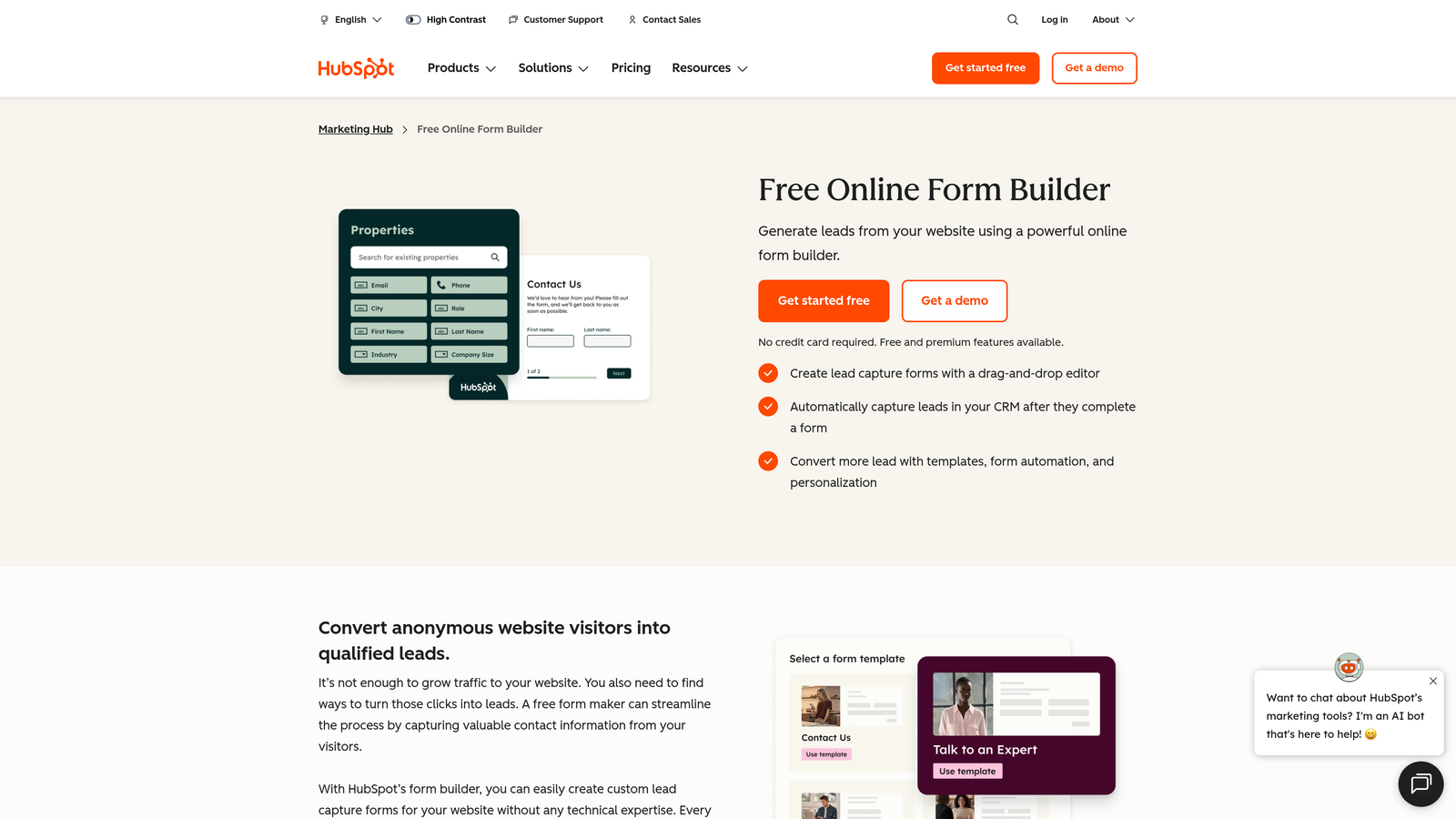
HubSpot Forms is a form builder natively integrated with HubSpot's CRM and marketing automation suite, with AI-assisted features for lead capture and progressive profiling.
Where This Tool Shines
If your team lives in HubSpot, the case for using HubSpot Forms is straightforward: every submission automatically creates or updates a contact record, triggers workflows, and feeds your lead scoring model without any integration setup. That native data flow eliminates a whole category of sync errors and manual work.
Progressive profiling is a particularly useful feature for teams running content-gated campaigns. Instead of asking the same questions repeatedly, HubSpot Forms remembers what it already knows about a contact and asks new questions on subsequent form interactions, gradually building a richer profile over time.
Key Features
Native CRM Integration: Form submissions instantly create or update HubSpot contacts with zero configuration needed.
AI-Assisted Smart Content and Progressive Profiling: Forms that adapt based on what HubSpot already knows about the visitor, asking new questions instead of repeating known ones.
Automatic Lead Scoring: Form interactions feed directly into HubSpot's lead scoring system, no manual mapping required.
Embedded and Popup Form Types: Deploy forms inline, as exit-intent popups, or as slide-ins without additional tools.
Direct Email Workflow Connections: Trigger nurture sequences, deal creation, and task assignments automatically based on form responses.
Best For
HubSpot Forms is the natural choice for teams running their entire marketing and sales operation on HubSpot. For teams on other CRMs, the value proposition weakens considerably since the key advantage is the native integration.
Pricing
Basic forms are free with the HubSpot CRM. Advanced features like smart content and progressive profiling require Marketing Hub, which starts around $20 per month at the Starter tier.
8. Paperform
Best for: Teams that want forms to function as full landing pages with rich content, payments, and strong visual branding.
Paperform is a form builder that blends rich editorial content, product pages, and AI generation to create form experiences that look and feel like standalone web pages.
Where This Tool Shines
Paperform occupies an interesting niche: it's less a traditional form builder and more a hybrid between a form and a landing page. You can embed images, video, and long-form text alongside your form fields, which makes it well-suited for product order forms, event registrations, and consultation bookings where context and persuasion matter.
The built-in payment processing support across Stripe, Square, and Braintree means you can take a prospect from discovery to purchase in a single form experience, without routing them to a separate checkout page.
Key Features
AI Form Generation: Describe your form's purpose and get a complete draft with fields and content blocks ready to customize.
Rich Content Blocks: Embed images, video, and formatted text directly within your form to provide context and build trust with respondents.
Built-In Payment Processing: Accept payments via Stripe, Square, and Braintree natively, no third-party checkout required.
Conditional Logic and Calculations: Dynamic fields that respond to prior answers and perform real-time calculations, useful for pricing configurators and quote forms.
Custom Domain and Branding: Host forms on your own domain with full brand control, making them indistinguishable from a standard landing page.
Best For
Paperform suits small businesses, consultants, and e-commerce operators who want a single tool that handles both content presentation and data collection. It's a strong choice when the form itself needs to do some selling before the respondent submits.
Pricing
Plans start around $24 per month. No free tier, but a trial period is available to test the platform before committing.
9. Formsort
Best for: Growth teams running high-volume acquisition funnels who need conversion optimization and compliance capabilities.
Formsort is a conversion-focused form platform with AI-driven optimization, built specifically for growth teams managing large-scale acquisition and qualification funnels.
Where This Tool Shines
Formsort is built for teams where form performance is a core business metric, not a nice-to-have. The platform's AI-powered optimization suggestions analyze your form flows and surface specific recommendations for reducing drop-off and improving completion rates. Combined with native A/B testing, this creates a continuous improvement loop that most form tools simply don't support.
The HIPAA-compliant infrastructure also makes Formsort one of the few options suitable for healthcare companies, insurance providers, and other regulated industries that need to collect sensitive information through forms without compromising compliance.
Key Features
AI-Powered Conversion Optimization: Automated analysis of form performance with actionable suggestions for improving completion and qualification rates.
Built-In A/B Testing: Test form variants natively and let data drive decisions about which flows perform best.
Advanced Funnel Analytics: Detailed drop-off tracking and funnel visualization to identify exactly where respondents are abandoning your forms.
API-First Architecture: Deep integration capabilities for teams with custom tech stacks that need forms to connect with proprietary systems.
HIPAA-Compliant Options: Meets compliance requirements for healthcare and regulated industries, expanding the platform's applicability beyond standard SaaS use cases.
Best For
Formsort is purpose-built for growth teams at scale: insurance, healthcare, fintech, and high-volume B2C acquisition funnels where small improvements in completion rates translate to significant revenue impact. It's likely overkill for teams with modest form volume or simple use cases.
Pricing
Formsort uses custom pricing based on volume and requirements. Contact their sales team directly for a quote tailored to your use case.
Which Tool Is Right for Your Team?
The right AI form tool depends heavily on what you're actually trying to accomplish. Here's a quick-pick guide to cut through the noise.
Best for lead qualification and B2B conversion: Orbit AI is the clear choice for teams where lead quality is the primary objective. The built-in scoring and AI-driven qualification logic sets it apart from tools that treat qualification as an afterthought.
Best conversational experience: Typeform remains the gold standard for engagement-first form design, particularly when the respondent experience needs to feel human and approachable.
Best free option: Tally's free tier is genuinely comprehensive. If budget is a constraint and you need a capable, clean form builder, start here.
Best for CRM-native workflows: HubSpot Forms wins decisively if your team already runs on HubSpot. The native integration eliminates friction that every other tool on this list requires you to solve separately.
Best for product teams: Feathery is built for engineering and product teams that need forms embedded in their product, not just on landing pages.
Best for high-volume funnels: Formsort's analytics, A/B testing, and AI optimization make it the right call for growth teams running acquisition at scale.
One thing worth keeping in mind: AI generation is now table stakes. Nearly every tool on this list can create a form from a text prompt. The real question is what the AI does beyond generation. Does it qualify leads? Optimize conversion? Adapt the experience in real time? Those capabilities separate the tools that move the needle from the ones that just save you five minutes of setup.
For high-growth teams focused on lead quality and conversion, start building free forms today with Orbit AI and experience what it looks like when your forms actively work to qualify your best prospects rather than passively collecting data. The shift from static form to intelligent lead qualification touchpoint is one of the highest-leverage improvements a demand gen team can make.
Want to go deeper? Explore how to qualify leads effectively and how to build lead generation forms designed specifically for B2B companies to get the most out of whichever platform you choose.


