

Choosing between Jotform and Gravity Forms is one of those decisions that looks simple on the surface but quickly becomes a rabbit hole of pricing tiers, feature comparisons, and integration headaches. Both platforms have built loyal followings for good reason. Jotform is a polished, cloud-based form builder that works anywhere. Gravity Forms is a deeply embedded WordPress plugin with serious extensibility for teams already living in that ecosystem.
But here's the thing: the "which is better" question is the wrong question entirely. The right question is which platform actually aligns with your tech stack, your team's workflow, and your conversion goals. Those are three very different considerations, and collapsing them into a single feature comparison is how teams end up with a tool that technically works but practically frustrates.
This guide breaks down seven strategic lenses for evaluating Jotform vs Gravity Forms. Each lens is designed to surface a specific dimension of the decision so you can stress-test your assumptions before committing. And because neither platform was built with high-growth lead qualification as its primary mission, the final strategy asks a harder question: is a form builder even the right tool for what you're trying to accomplish?
Let's get into it.
1. Match Your Platform Choice to Your Tech Stack Reality
The Challenge It Solves
Many teams jump straight to feature comparisons without asking the most fundamental question first: does this tool actually work with how we've built our website? For Gravity Forms, this question has a binary answer. If you're not running a self-hosted WordPress installation, Gravity Forms is simply not an option. No cloud version exists. No workaround applies. The platform lives entirely within WordPress.
The Strategy Explained
Before opening a single comparison article, map your current infrastructure. If your site runs on WordPress and you have developer access or a technical team managing the backend, Gravity Forms slots in naturally. It becomes part of your WordPress admin, your database, and your deployment workflow. That's genuinely powerful if WordPress is your world.
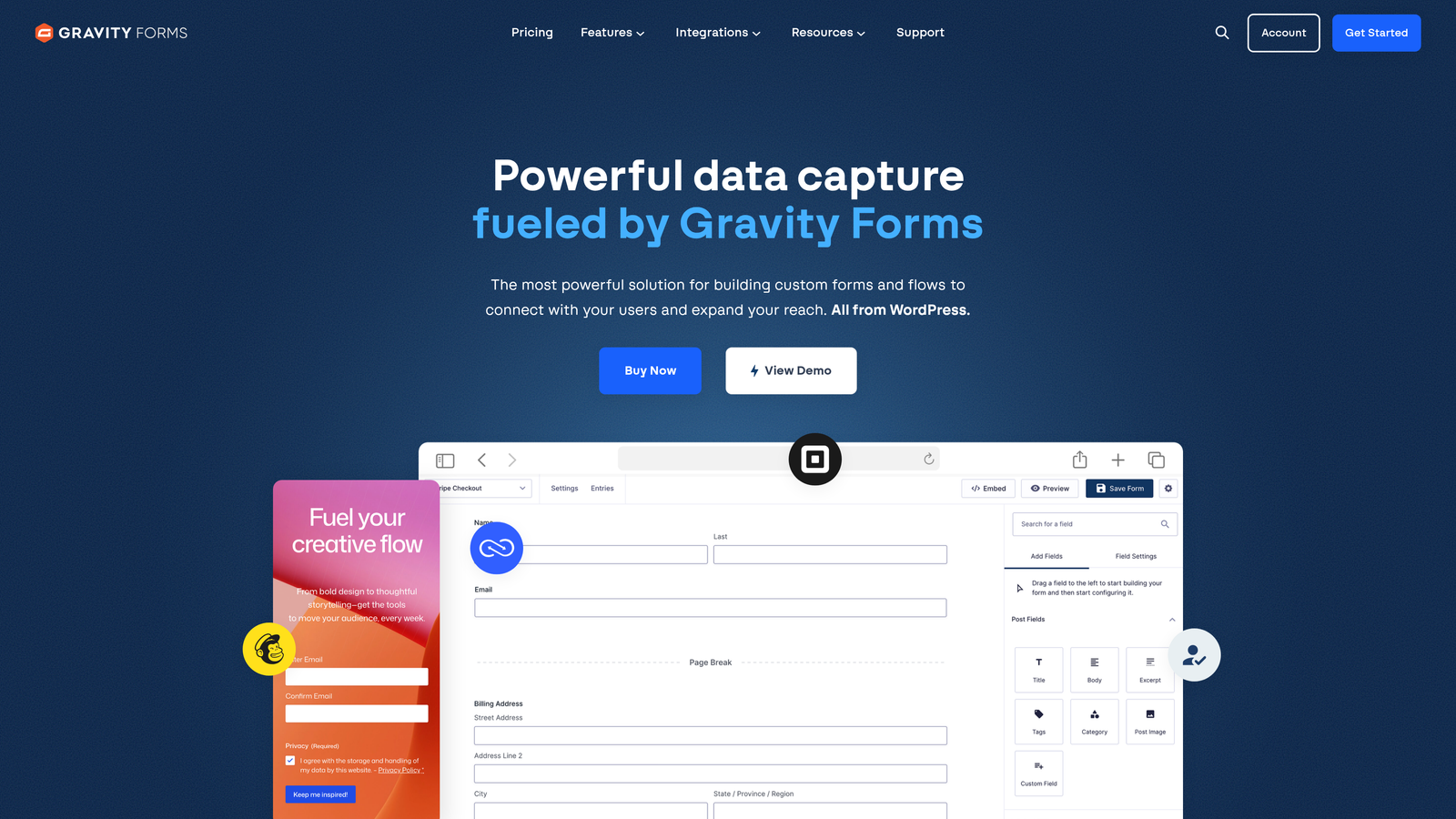
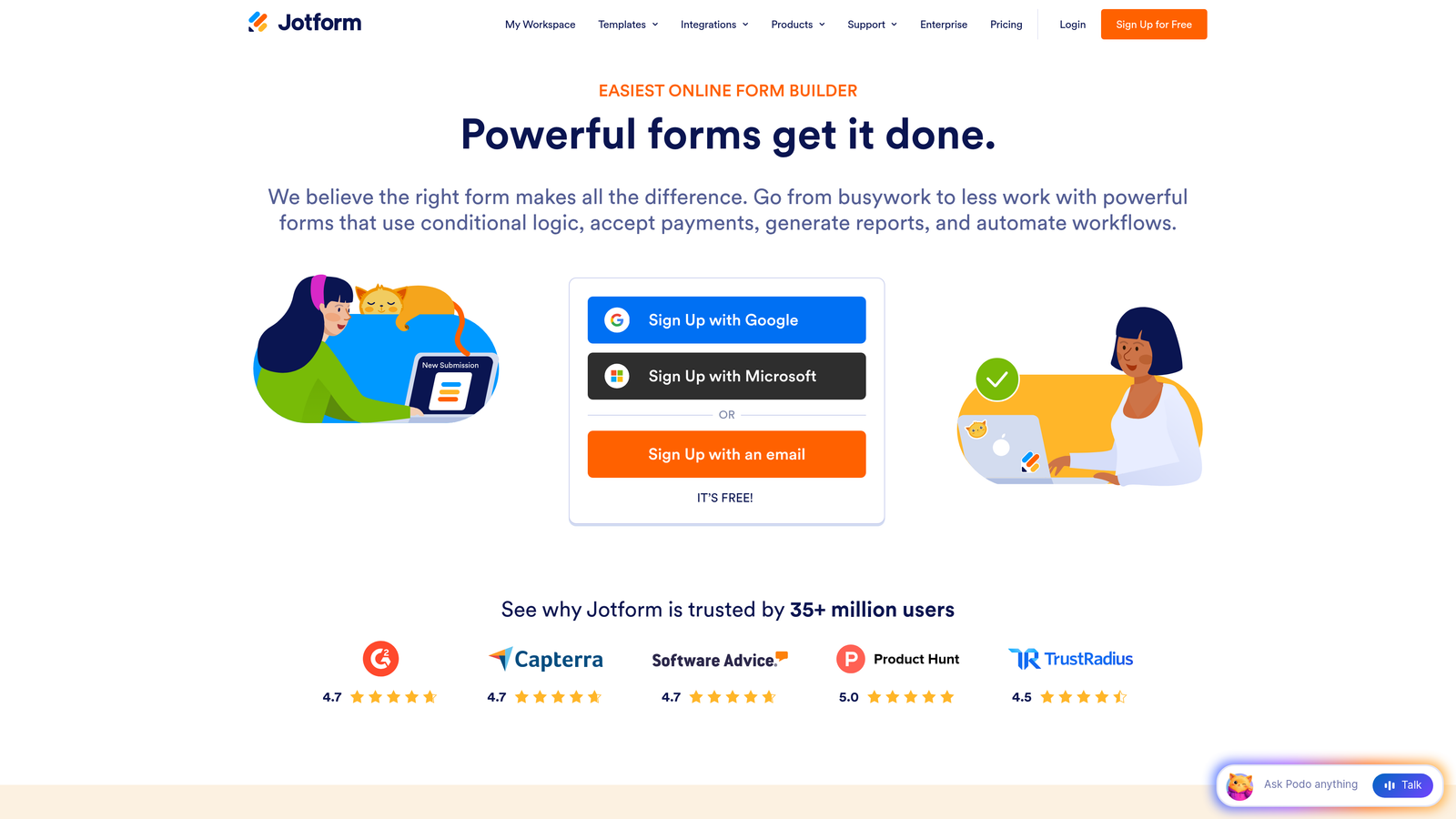
If your site runs on Webflow, Squarespace, Shopify, a custom-built stack, or any non-WordPress CMS, Gravity Forms is eliminated from consideration immediately. Jotform, being platform-agnostic and cloud-based, embeds via iframe or JavaScript snippet on virtually any site. That flexibility has real value for teams operating across multiple properties or building outside the WordPress ecosystem. If you're exploring options beyond Gravity Forms, our roundup of the best Gravity Forms alternatives for lead gen covers several strong contenders.
Implementation Steps
1. Audit your current CMS and hosting setup before comparing any features. Confirm whether you're on self-hosted WordPress or another platform.
2. If you're on WordPress, assess whether your team has the developer capacity to manage plugin updates, compatibility issues, and database storage as form submissions scale.
3. If you're platform-agnostic or multi-platform, evaluate Jotform's embed options and confirm they render correctly in your specific environment.
Pro Tips
Don't let feature envy pull you toward a tool that doesn't fit your infrastructure. A form builder that requires architectural changes to your site is a liability, not an asset. Start with stack compatibility and let that filter narrow your options before you evaluate anything else.
2. Evaluate the True Cost of Ownership Beyond Sticker Price
The Challenge It Solves
Headline pricing is almost always misleading for both platforms. Teams frequently make budget decisions based on the advertised plan price, then discover that the features they actually need live in a higher tier, require a paid add-on, or demand developer time to configure properly. The real cost of either platform is rarely what it says on the pricing page.
The Strategy Explained
Gravity Forms uses an annual license model with three tiers: Basic, Pro, and Elite. The lower tiers include core functionality, but features like Stripe payment processing, user registration, surveys, and polling often require specific license tiers or additional third-party add-ons from the broader WordPress ecosystem. Teams needing payment capabilities should review our guide on building order forms with Stripe to understand the integration requirements involved.
Jotform's free tier offers a starting point, but submission limits, form count caps, and storage restrictions mean that any serious business use case will require a paid plan. Jotform's pricing scales by submission volume, number of forms, and storage, so high-volume teams should model their expected submission counts carefully before assuming a mid-tier plan will hold.
Implementation Steps
1. List every feature your team actually needs: payments, conditional logic, file uploads, integrations, multi-user access, and approval workflows. Then map each feature to the specific plan or add-on required on each platform.
2. For Gravity Forms, add an honest estimate of developer hours required for initial setup, ongoing maintenance, and any custom work. Price that time at your team's actual cost.
3. For Jotform, project your monthly submission volume for the next 12 months and identify which plan tier covers your growth trajectory without requiring an upgrade mid-year.
Pro Tips
Build a simple spreadsheet that captures all-in annual cost for each platform including add-ons, developer time, and hosting overhead. The platform that looks cheaper on the surface often isn't when you account for the full picture.
3. Prioritize Conversion-Optimized Design, Not Just Functionality
The Challenge It Solves
A form that works technically but looks dated or feels clunky will drag down your conversion rates regardless of how well it integrates with your CRM. High-growth teams generating leads at scale can't afford to treat form design as an afterthought. The visual experience of your form is part of your brand and part of your funnel.
The Strategy Explained
Jotform offers a large library of templates and a visual drag-and-drop builder that produces clean, modern forms without requiring design expertise. Out of the box, Jotform forms tend to look polished and work well on mobile. Gravity Forms, by contrast, inherits styling from your WordPress theme, which means the visual quality of your forms is heavily dependent on how well your theme handles form elements. Teams struggling with this challenge may benefit from our guide on overcoming difficult to customize forms.
This matters more than many teams realize. Multi-step forms, for example, are widely recognized in UX research as a way to improve completion rates compared to long single-page layouts. Our deep dive into multi-step forms that convert covers the design principles that make this approach effective. But that benefit only materializes if the multi-step experience is visually clean and intuitive. A clunky multi-step form can perform worse than a well-designed single-page form.
Implementation Steps
1. Pull three examples of forms you currently use or plan to build. Attempt to recreate each one in both platforms using only default styling and no custom code.
2. Test the mobile rendering of each form on at least two device types. Mobile experience is non-negotiable for lead capture in most industries.
3. Share both versions with someone unfamiliar with your brand and ask for an honest reaction to the visual quality and ease of completion.
Pro Tips
If your team doesn't have a dedicated developer or designer, lean toward the platform that delivers modern design out of the box. Custom CSS debt accumulates quickly and creates maintenance burdens that slow your team down over time.
4. Stress-Test Conditional Logic and Advanced Form Workflows
The Challenge It Solves
Most form builder comparisons evaluate conditional logic in theory. The real test is whether the platform can handle your most complex, real-world form scenario without breaking, requiring workarounds, or demanding developer intervention. Teams often discover limitations only after they've committed to a platform and are mid-build on a critical workflow.
The Strategy Explained
Both Jotform and Gravity Forms support conditional logic, meaning fields can show or hide based on previous answers, and notifications can route based on form values. For a comprehensive overview of how this works across platforms, our guide on conditional logic in forms breaks down the core concepts. Gravity Forms has a well-established conditional logic system that integrates tightly with its add-ons, making it strong for complex WordPress-native workflows like conditional payment processing or user registration routing. Jotform's conditional logic is visual and accessible, with a no-code interface that works well for most business use cases.
Where teams run into trouble is at the edges: multi-branch logic trees, conditional page breaks in multi-step forms, or workflows that need to trigger different integrations based on specific field combinations. These scenarios expose the ceiling of each platform's capabilities faster than any feature list will.
Implementation Steps
1. Identify your single most complex form use case: the one with the most branching logic, the most conditional fields, or the most downstream workflow dependencies.
2. Build a working prototype of that form in both platforms before making any purchasing decision. Use trial accounts or free tiers to do this at no cost.
3. Document every point where you had to compromise, use a workaround, or consult documentation to achieve the desired behavior. That friction is your real evaluation data.
Pro Tips
Don't evaluate platforms based on your current forms. Evaluate them based on the most complex form you'll need to build in the next 12 months. Building toward your ceiling now saves a painful migration later.
5. Audit Integration Depth for Your Lead Pipeline
The Challenge It Solves
A form submission that doesn't flow cleanly into your CRM, email platform, or sales workflow is just data sitting in a database. The value of a form builder is largely determined by how well it connects to the rest of your lead pipeline. Surface-level integration support looks similar across platforms, but the depth and reliability of those connections varies significantly.
The Strategy Explained
Jotform offers a broad set of native integrations and connects to a wide range of tools through Zapier and other middleware platforms. For teams using popular CRMs like HubSpot, Salesforce, or Pipedrive, Jotform's native connectors handle basic field mapping and submission routing without requiring custom development. The platform-agnostic nature of Jotform also means it can serve as a standalone data collection layer that feeds into virtually any stack.
Gravity Forms integrates deeply with the WordPress ecosystem, which is powerful if your CRM or marketing tools have dedicated Gravity Forms add-ons. However, for tools that don't have native Gravity Forms support, you're often routing through Zapier or relying on third-party add-ons with their own update cycles and compatibility considerations. Teams running into connection issues should consult our guide on how to fix form-CRM integration issues for practical troubleshooting steps.
Implementation Steps
1. Map your complete lead flow from form submission to final sales handoff. List every tool that needs to receive or act on form data: CRM, email platform, Slack notifications, internal databases, and reporting tools.
2. For each tool in your pipeline, verify whether a native integration exists on each platform, or whether Zapier or custom webhooks are required. Native integrations are generally more reliable and easier to maintain.
3. Test the actual data mapping for your two most critical integrations. Confirm that field values pass correctly, that required fields don't get dropped, and that error handling works as expected.
Pro Tips
Zapier works, but every Zap is a dependency that can break silently. Prioritize native integrations for your mission-critical pipeline connections and reserve Zapier for secondary automations where a failure is recoverable.
6. Plan for Scale: Submission Limits, Performance, and Team Collaboration
The Challenge It Solves
A form builder that works perfectly at your current volume can become a bottleneck as your business grows. Submission limits, database performance, and team access controls are rarely front of mind during initial evaluation, but they become urgent problems for high-growth teams that outpace their tool's architecture.
The Strategy Explained
Jotform's submission limits are plan-based and reset monthly. For teams running high-volume campaigns, a single campaign push can exhaust a plan's monthly submission allowance, causing forms to stop accepting responses mid-campaign. Upgrading plans mid-cycle is possible but disruptive. Teams should model their peak submission scenarios, not just average monthly volumes, when selecting a plan tier. For enterprise-scale Jotform usage, our comparison of Jotform alternatives for enterprises explores options built for higher volume demands.
Gravity Forms stores all form entries in your WordPress database by default. As submission volume grows, this can affect site performance if your hosting infrastructure isn't sized appropriately. Teams running Gravity Forms at scale typically need dedicated hosting with adequate database resources, and should implement regular entry cleanup or export form data to CSV workflows to prevent database bloat. On the collaboration side, Gravity Forms inherits WordPress's user role system, which offers flexibility but requires deliberate configuration to manage team access appropriately.
Implementation Steps
1. Project your form submission volume for the next 12 months based on your current lead generation trajectory. Include seasonal peaks and planned campaign surges, not just average monthly figures.
2. For Jotform, identify the plan tier that covers your peak volume with comfortable headroom. For Gravity Forms, assess whether your current WordPress hosting can handle increased database load as submissions accumulate.
3. Define your team collaboration requirements: how many users need form access, what permission levels are needed, and whether you need audit trails or approval workflows for form changes.
Pro Tips
Growth-stage teams consistently underestimate how quickly form volume scales during successful campaigns. Build your platform decision around your 12-month ceiling, not your current baseline. Migrating form infrastructure mid-growth is expensive in both time and data integrity risk.
7. Consider Whether Either Tool Actually Solves Your Lead Quality Problem
The Challenge It Solves
Here's the question most comparison guides never ask: is your actual problem form building, or is it lead qualification? Many high-growth teams invest significant energy in optimizing their forms only to discover that the bottleneck isn't submission volume. It's lead quality. They're collecting more responses but converting fewer of them because the forms aren't filtering, scoring, or routing leads intelligently.
The Strategy Explained
Neither Jotform nor Gravity Forms includes native AI-powered lead scoring or qualification features. Both platforms are fundamentally data collection tools. They capture what users submit and pass it downstream. Our guide on lead scoring models for forms explains how to build qualification logic that bridges this gap. What happens to that data, how it's evaluated, and how quickly qualified leads reach the right person is entirely dependent on the integrations and workflows you build around them.
For teams where lead quality is the primary challenge, this gap matters. A form builder that collects 500 submissions a month is only valuable if your team can efficiently identify which 50 of those are worth pursuing. Without intelligent qualification built into the form experience itself, that filtering work falls on your sales or marketing team manually, which doesn't scale.
This is where purpose-built platforms like Orbit AI represent a genuinely different category. Rather than building a form and then layering qualification logic on top through integrations, Orbit AI combines form building with AI-powered lead qualification natively. Forms can assess lead quality in real time, route high-intent prospects differently, and surface the signals that matter to your sales team, all within the form experience itself.
Implementation Steps
1. Audit your current lead pipeline and identify where qualified leads are getting lost or delayed. Is the problem volume, or is it the time and effort required to identify which leads are worth pursuing?
2. If lead quality is your primary constraint, evaluate whether a form builder with native qualification capabilities would reduce that burden more effectively than adding qualification logic through downstream integrations.
3. Test a purpose-built alternative alongside your shortlisted platforms. Build the same lead capture form in each tool and compare not just the form experience but the downstream intelligence each platform provides about lead quality.
Pro Tips
The best form for your business isn't necessarily the most feature-rich one. It's the one that connects form completion to revenue most efficiently. If your current workflow requires significant manual effort between form submission and qualified sales conversation, that gap is worth solving at the form level rather than patching with downstream processes.
Putting It All Together: Your Decision Framework
Seven lenses is a lot to hold at once, so here's how to use them as a quick decision matrix before you commit to either platform.
Choose Gravity Forms if: Your site runs on self-hosted WordPress, you have developer resources to manage the plugin ecosystem, your lead workflows are deeply integrated with WordPress-native tools, and your submission volume is manageable within your hosting infrastructure. Gravity Forms is a genuinely powerful tool in the right environment. The key word is "right."
Choose Jotform if: Your site runs outside of WordPress, your team needs a no-code solution with modern design out of the box, you need platform-agnostic flexibility across multiple properties, or you want a broad integration library without WordPress dependency. Jotform's polish and accessibility make it a strong default for teams that don't want to manage a plugin ecosystem.
Consider a purpose-built alternative if: Your primary challenge isn't form building. It's lead qualification. If your team is spending significant time manually sorting through submissions to identify high-quality prospects, neither Jotform nor Gravity Forms solves that problem natively. A platform like Orbit AI that combines conversion-optimized form design with AI-powered lead qualification addresses the actual bottleneck rather than just the data collection layer.
The form builder market has evolved considerably. The most important shift is the recognition that collecting submissions and qualifying leads are two different problems, and high-growth teams need tools that solve both. The best form builder isn't the one with the most features or the longest integration list. It's the one that aligns with how your team actually generates, evaluates, and converts leads.
Transform your lead generation with AI-powered forms that qualify prospects automatically while delivering the modern, conversion-optimized experience your high-growth team needs. Start building free forms today and see how intelligent form design can elevate your conversion strategy.


