

Gravity Forms served WordPress users well for years, but modern lead generation demands more than basic form building. If you're hitting walls with WordPress dependency, struggling with dated interfaces that tank conversion rates, or missing out on AI-powered lead qualification, you're not alone. Today's high-growth teams need forms that don't just collect data—they need intelligent systems that qualify, route, and nurture leads automatically.
We evaluated dozens of alternatives based on what actually moves the needle: conversion optimization features, lead qualification capabilities, integration depth with modern CRMs, and real pricing value without hidden costs. Here are the top Gravity Forms alternatives transforming how teams capture and qualify leads in 2026.
1. Orbit AI
Best for: Teams wanting AI-powered lead qualification built directly into their forms
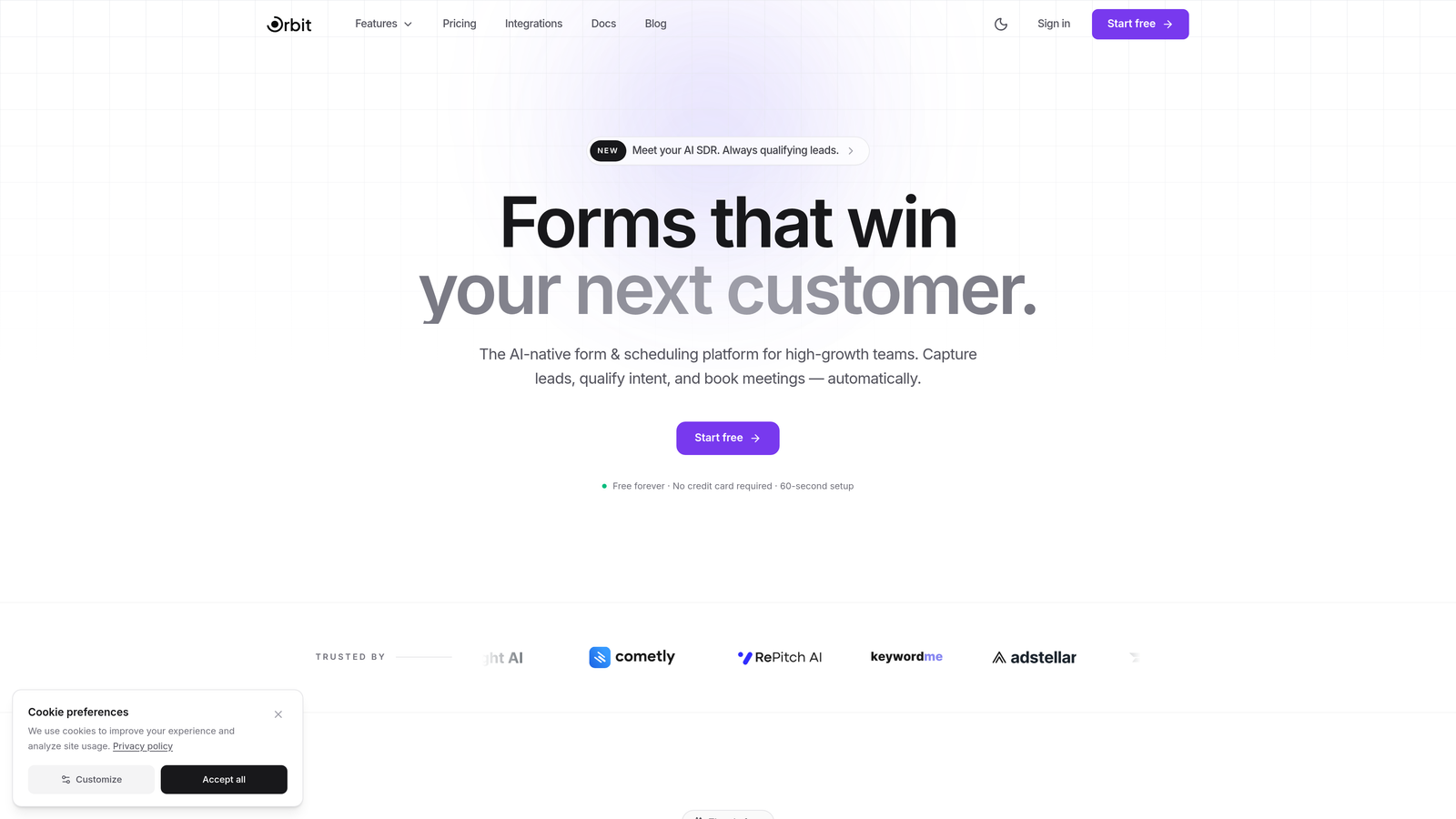
Orbit AI is an AI-powered form builder designed specifically for high-growth teams focused on conversion optimization and intelligent lead qualification.
Where This Tool Shines
What sets Orbit AI apart is its AI agents that analyze and qualify leads in real-time as prospects fill out forms. Instead of collecting raw data and sorting through it later, you get instant lead scoring and automated routing based on qualification criteria you define.
The platform feels purpose-built for modern lead gen workflows. Forms are conversion-optimized by design, not as an afterthought requiring extensive customization.
Key Features
AI Lead Qualification: Real-time analysis of form responses with automatic lead scoring and intelligent routing based on prospect fit.
Conversion-Optimized Templates: Pre-built form designs tested for maximum completion rates across industries and use cases.
Native CRM Integrations: Direct connections to HubSpot, Close, Attio, and other modern CRMs without middleware or Zapier dependencies.
Advanced Analytics Dashboard: Track conversion rates, drop-off points, and lead quality metrics in a unified view.
Automated Workflows: Set up conditional routing, follow-up sequences, and team notifications based on lead qualification scores.
Best For
Orbit AI is ideal for B2B companies and high-growth teams where lead quality matters as much as quantity. If you're tired of sifting through unqualified leads or want to automate your qualification process without building complex integrations, this delivers immediate value.
Pricing
Free tier available for getting started. Paid plans begin at $29/month with scaling options as your lead volume grows.
2. Typeform
Best for: Creating conversational form experiences that feel more like human interactions
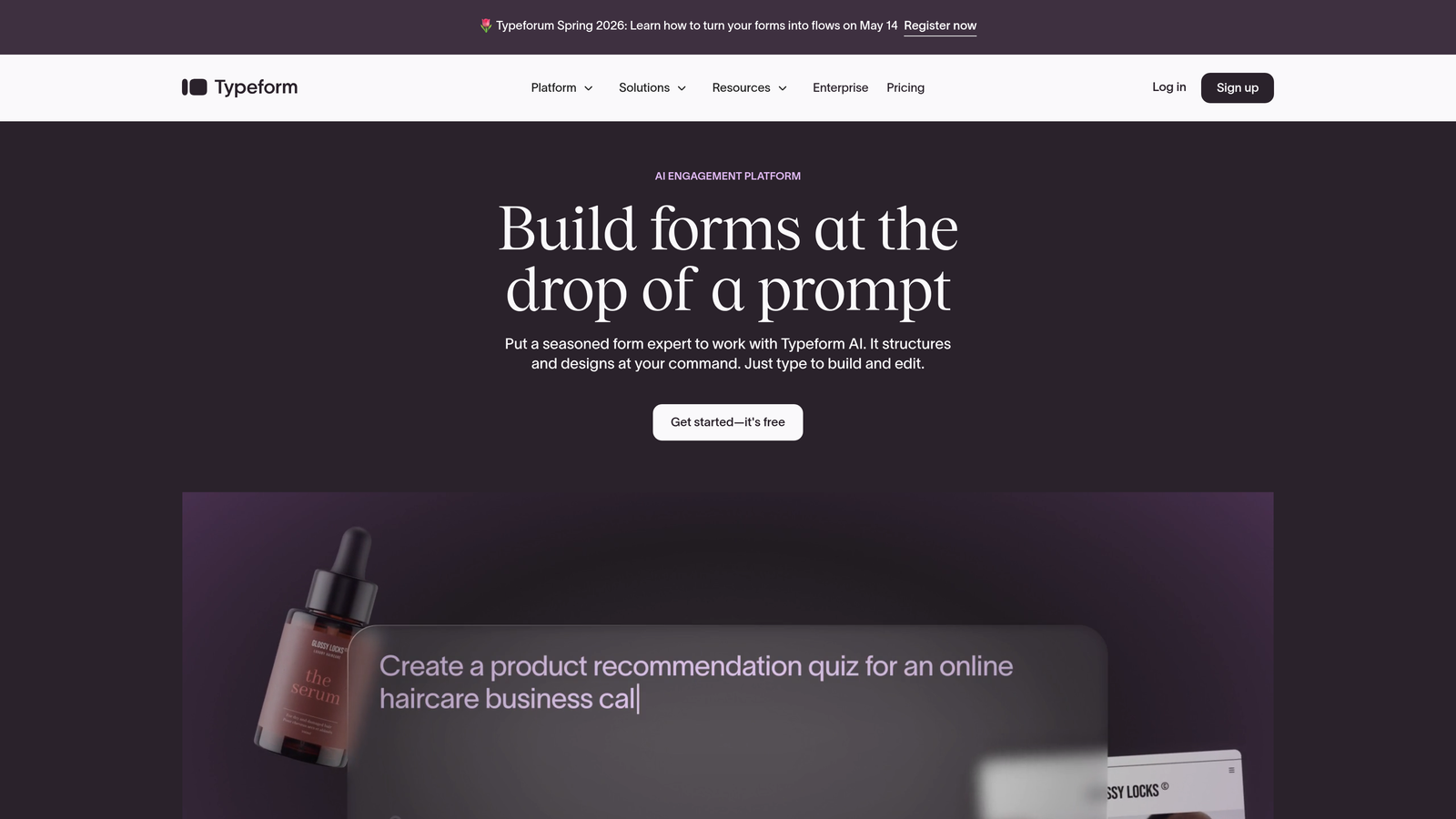
Typeform pioneered the one-question-at-a-time interface that significantly improves form completion rates compared to traditional multi-field layouts.
Where This Tool Shines
Typeform's conversational approach reduces cognitive load by showing one question at a time. This seemingly simple change consistently drives higher completion rates, especially for longer forms that would feel overwhelming in traditional formats.
The platform excels at creating forms that feel engaging rather than transactional. You can add video backgrounds, images, and GIFs to make the experience memorable while maintaining professional functionality.
Key Features
Conversational UX: One-question-at-a-time interface that keeps respondents focused and reduces abandonment rates.
Logic Jumps: Sophisticated branching that adapts questions based on previous answers, creating personalized paths through your form.
Rich Media Support: Embed videos, images, and GIFs directly into questions for more engaging experiences.
Integration Ecosystem: Native connections to popular marketing tools, CRMs, and productivity platforms.
Multiple Embed Options: Deploy as embedded forms, popups, or standalone landing pages depending on your use case.
Best For
Marketing teams focused on user experience and completion rates. If your forms are long or complex, Typeform's conversational approach can dramatically improve submission rates compared to traditional formats.
Pricing
Free tier allows 10 responses per month. Basic plan starts at $25/month with increased response limits and additional features.
3. Jotform
Best for: Teams needing extensive template variety and built-in payment processing
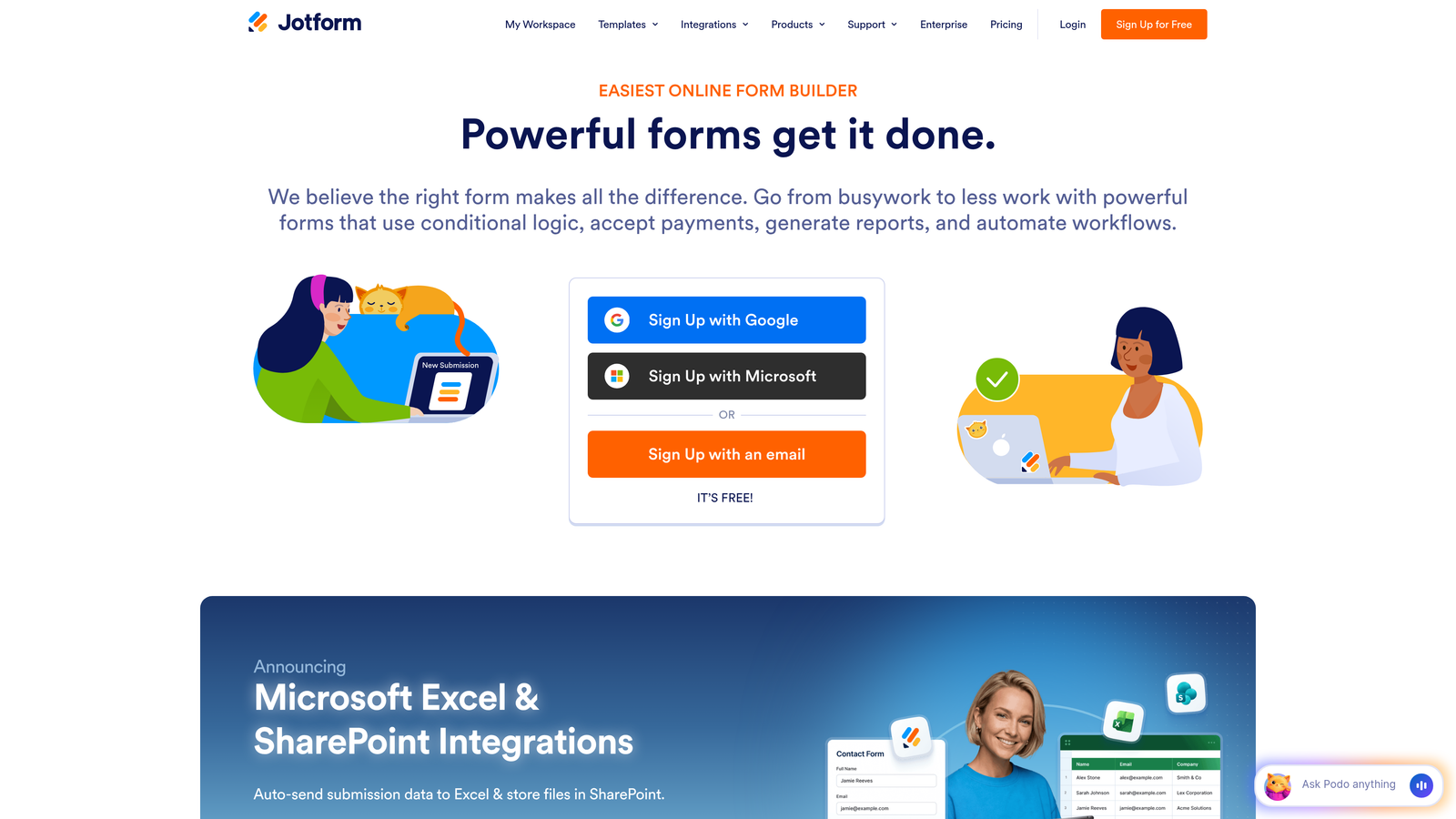
Jotform is a feature-rich form builder offering over 10,000 templates and native payment integrations without WordPress dependencies.
Where This Tool Shines
Jotform's massive template library means you're rarely starting from scratch. Whether you need event registration forms, customer intake questionnaires, or order forms with payment processing, there's likely a template that gets you 80% of the way there.
The platform handles complex use cases like PDF generation from form submissions and approval workflows, making it valuable beyond simple lead capture.
Key Features
10,000+ Templates: Industry-specific form templates covering virtually every business use case imaginable.
Payment Processing: Built-in integrations with Stripe, PayPal, Square, and other payment gateways for collecting payments directly.
PDF Generation: Automatically create PDF documents from form submissions using customizable templates.
Approval Workflows: Route submissions through approval chains with notifications and status tracking.
HIPAA Compliance: Enterprise-grade security options for healthcare and other regulated industries.
Best For
Service businesses, consultants, and agencies that need versatile forms handling everything from lead capture to payment collection and client onboarding. The template library saves significant setup time.
Pricing
Free tier includes 5 forms with 100 monthly submissions. Bronze plan starts at $34/month for increased limits and features.
4. HubSpot Forms
Best for: Teams already using HubSpot CRM or planning to build comprehensive inbound marketing systems
HubSpot Forms is the native form builder within HubSpot's marketing platform, offering seamless CRM integration and progressive profiling capabilities.

Where This Tool Shines
If you're in the HubSpot ecosystem, nothing beats the native integration. Form submissions instantly create or update contact records with complete activity history, enabling sophisticated nurture workflows without middleware or sync delays.
Progressive profiling is particularly powerful for repeat visitors. Instead of asking the same questions, HubSpot automatically shows new fields to gradually build richer contact profiles over multiple interactions.
Key Features
Native CRM Sync: Instant contact creation and updates in HubSpot CRM with complete activity tracking and attribution.
Progressive Profiling: Automatically show different fields to returning visitors to gradually build complete contact profiles.
Smart Fields: Pre-populate known information for returning contacts to reduce friction and improve completion rates.
A/B Testing: Test different form variations to optimize conversion rates based on real performance data.
Workflow Automation: Trigger sophisticated nurture sequences, notifications, and internal processes based on form submissions.
Best For
Companies committed to HubSpot's ecosystem or building comprehensive inbound marketing systems. The value increases dramatically if you're using other HubSpot tools beyond just the CRM.
Pricing
Free with HubSpot CRM including basic form functionality. Advanced features like progressive profiling and A/B testing require Marketing Hub starting at $800/month.
5. Formstack
Best for: Enterprise teams requiring advanced workflow automation and compliance features
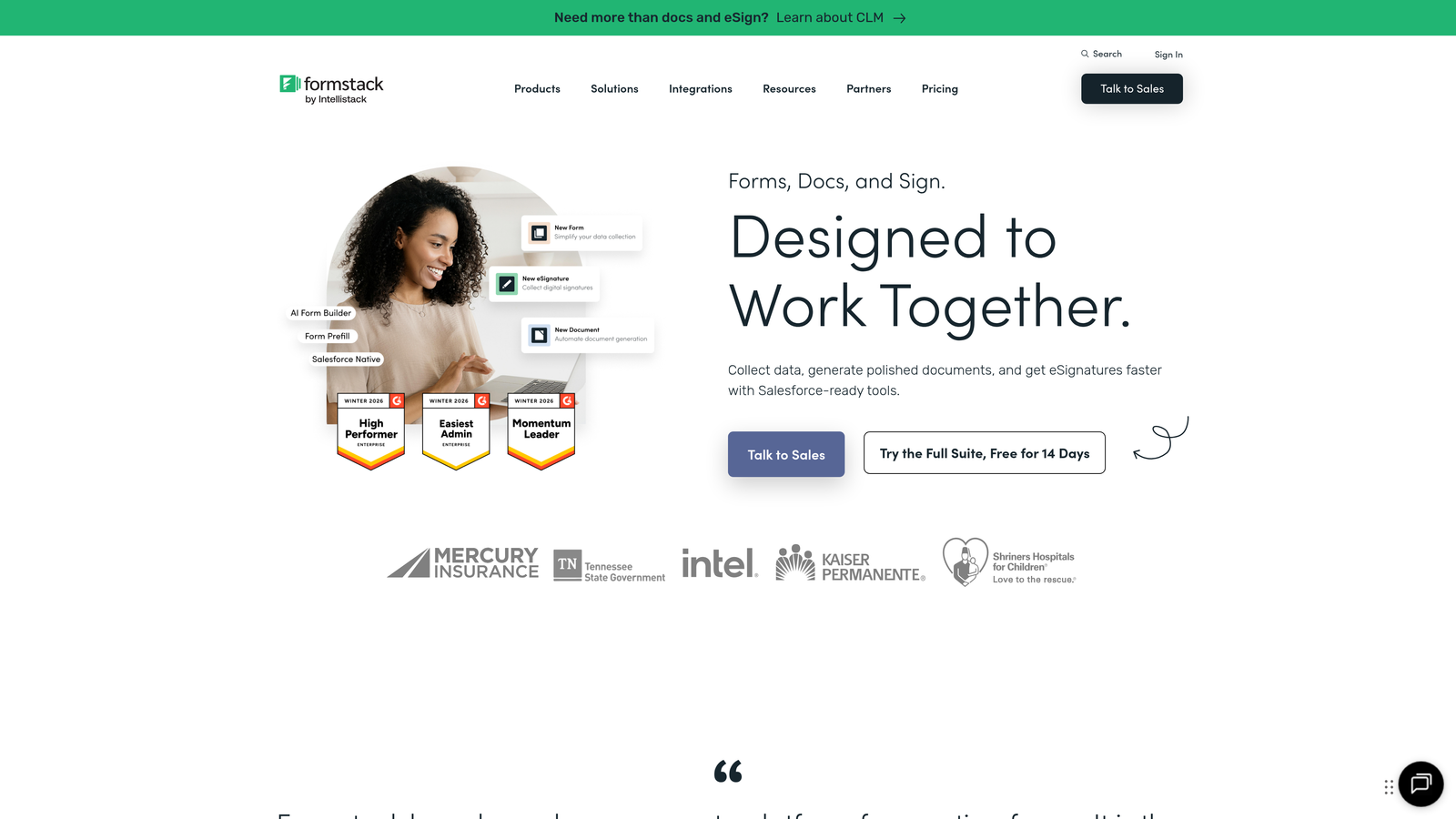
Formstack is an enterprise-grade form builder with sophisticated workflow automation, document generation, and compliance capabilities.
Where This Tool Shines
Formstack handles complex enterprise scenarios that break simpler form builders. Think multi-stage approval processes, conditional document generation based on form responses, and compliance requirements that demand audit trails and data encryption.
The workflow automation goes beyond basic email notifications. You can trigger document generation, route submissions through approval chains, and integrate with enterprise systems using robust APIs and webhooks.
Key Features
Advanced Conditional Logic: Build complex form behaviors with nested conditions and sophisticated branching based on multiple variables.
Document Generation: Automatically create customized PDFs, contracts, and reports from form submissions using template merge fields.
Electronic Signatures: Collect legally binding signatures directly within forms without third-party tools.
Workflow Automation: Design multi-step processes with approvals, notifications, and integrations to enterprise systems.
Enterprise Security: HIPAA compliance, SOC 2 certification, data encryption, and detailed audit logs for regulated industries.
Best For
Large organizations and regulated industries needing enterprise-grade security, complex workflows, and compliance features. The learning curve is steeper, but capabilities match enterprise requirements.
Pricing
Starter plan begins at $50/month for small teams. Teams plan starts at $83/month with advanced features and higher submission limits.
6. Paperform
Best for: Creating visually stunning forms that double as custom landing pages
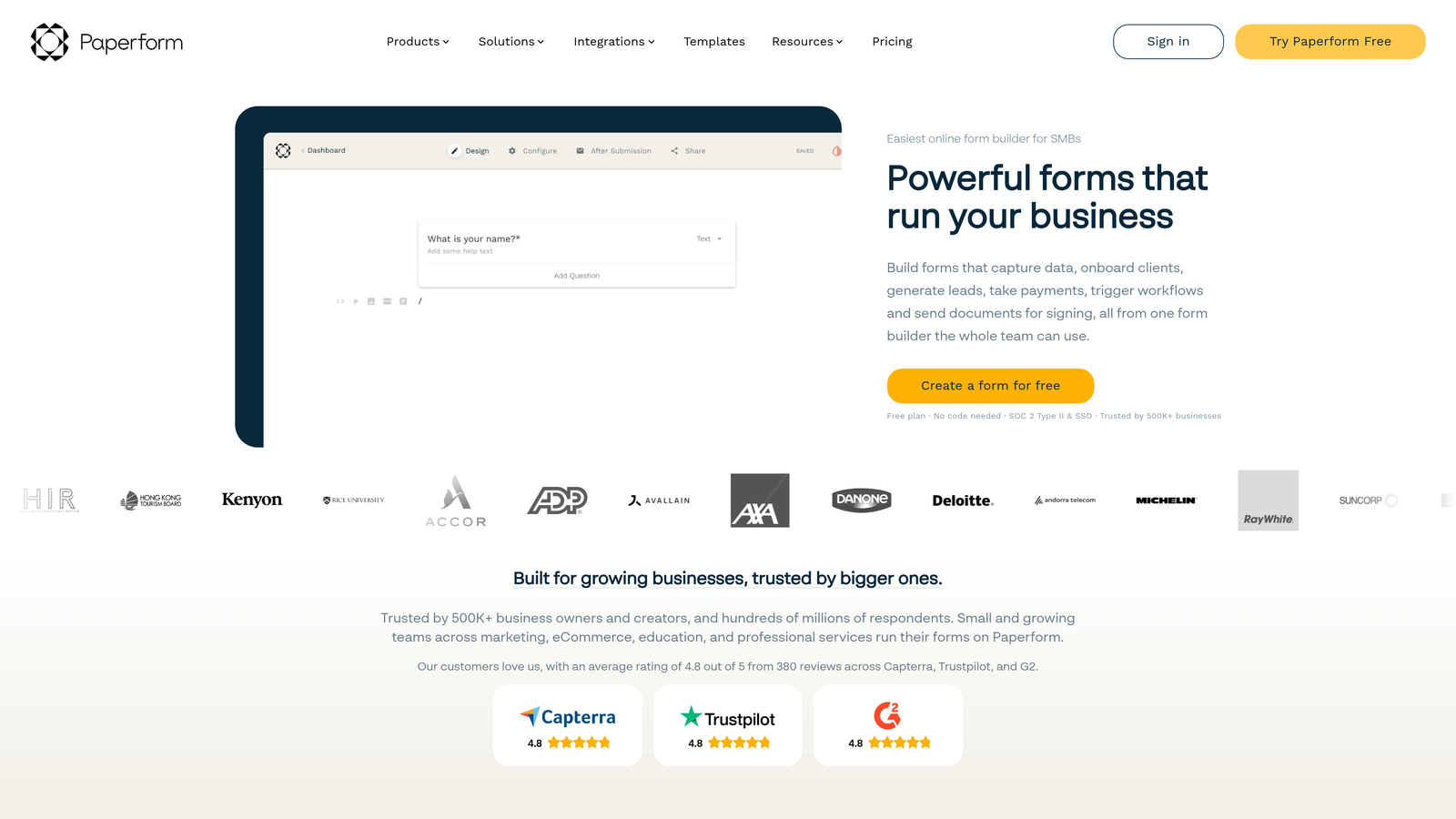
Paperform is a design-forward form builder that creates forms resembling beautifully designed landing pages with rich media and custom branding.
Where This Tool Shines
Paperform blurs the line between forms and landing pages. Instead of embedding a form widget on your site, you create a full-page experience with images, videos, text blocks, and form fields flowing together naturally.
This approach works exceptionally well for product pages, booking systems, and registration flows where you need to provide context and build trust before asking for information.
Key Features
Landing Page Design: Create full-page form experiences with rich text, images, and media that feel like custom landing pages rather than traditional forms.
Rich Media Embedding: Add videos, image galleries, and formatted text directly within your form flow for better context and engagement.
Product and Booking Pages: Build complete e-commerce product pages or booking systems with integrated payment processing.
Calculation Fields: Perform calculations based on user inputs for quotes, pricing, or scoring directly within forms.
Custom Success Pages: Design branded confirmation experiences with conditional content based on submission data.
Best For
Creative agencies, coaches, consultants, and service businesses where brand presentation matters as much as functionality. If your forms need to tell a story or showcase your brand, Paperform delivers.
Pricing
Essentials plan starts at $24/month with core features. Pro plan at $49/month adds advanced customization and integrations.
7. Tally
Best for: Budget-conscious teams wanting modern form building with a generous free tier
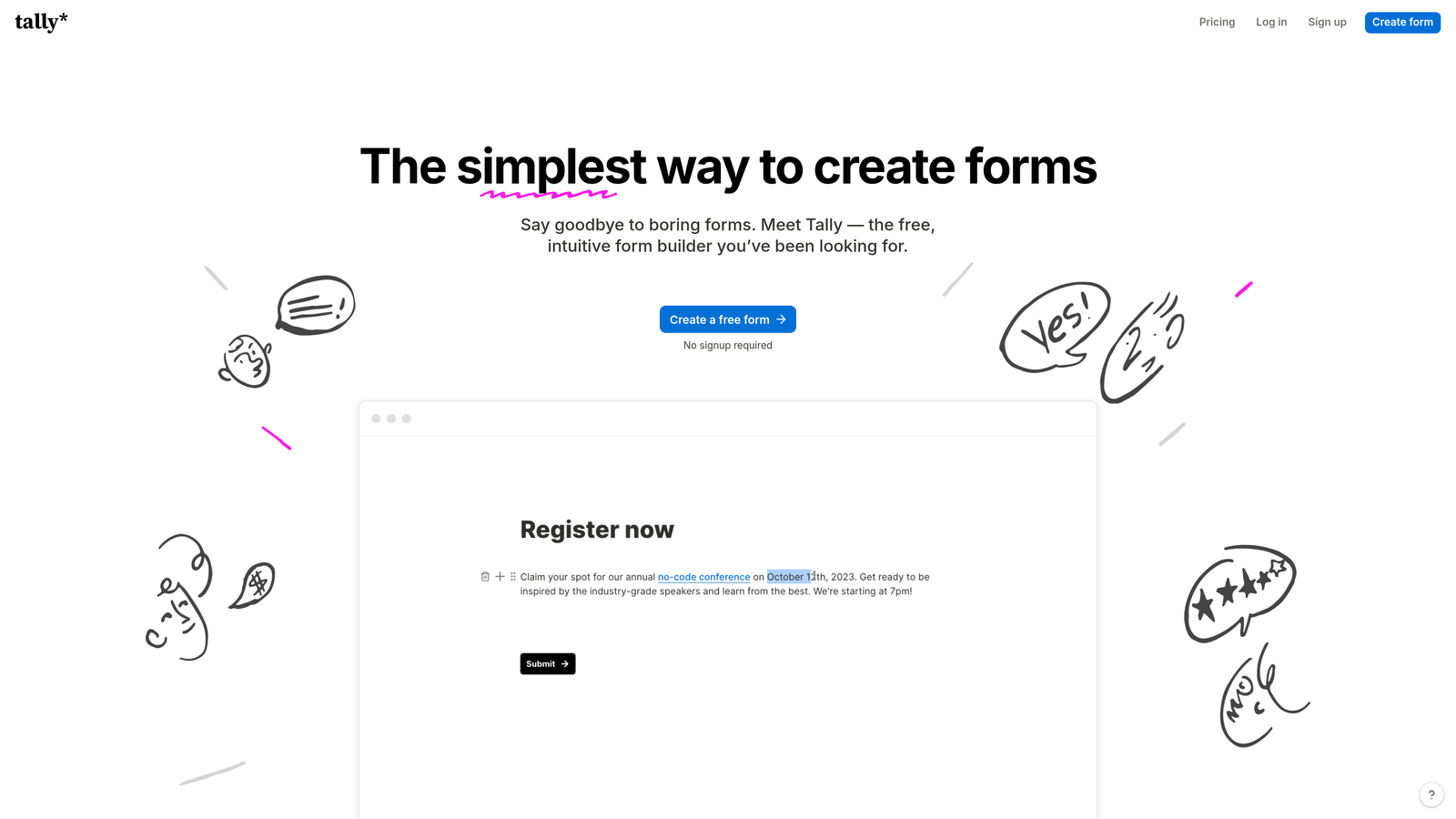
Tally is a Notion-inspired form builder offering unlimited forms on its free plan with an intuitive block-based editing experience.
Where This Tool Shines
Tally's free tier is genuinely generous—unlimited forms, unlimited submissions, and most core features without payment. This makes it ideal for startups, side projects, and teams testing lead gen strategies before committing to paid tools.
The Notion-style block editor feels immediately familiar if you've used modern productivity tools. You build forms by adding blocks and arranging them, making it accessible even for non-technical users.
Key Features
Unlimited Free Tier: Create unlimited forms with unlimited submissions on the free plan, removing common usage restrictions.
Block-Based Editor: Notion-style editing interface that makes form building intuitive and accessible without technical knowledge.
Conditional Logic: Show or hide fields based on previous answers to create dynamic, personalized form experiences.
File Uploads: Collect documents, images, and files directly through forms without external storage integrations.
Custom Domains: Use your own domain for forms on paid plans to maintain brand consistency.
Best For
Startups, solopreneurs, and teams with limited budgets who still need professional form capabilities. The free tier handles most use cases without artificial limitations pushing you toward paid plans.
Pricing
Free tier includes unlimited forms and submissions with core features. Pro plan at $29/month adds custom domains, branding removal, and priority support.
8. Fillout
Best for: Teams using Airtable or Notion as their primary database who need native syncing
Fillout is a form builder designed specifically for Airtable and Notion users, offering native bidirectional database syncing without middleware.

Where This Tool Shines
If your team lives in Airtable or Notion, Fillout eliminates the integration headaches. Forms sync directly to your bases or databases, and you can even prefill forms with existing data or update records instead of creating duplicates.
This bidirectional sync means you can use forms for data collection, record updates, and even editing existing entries—all without leaving your Airtable or Notion workflow.
Key Features
Native Database Sync: Direct integration with Airtable and Notion bases, syncing form submissions in real-time without Zapier or middleware.
Prefill Capabilities: Pull existing data from your databases to prefill forms, reducing friction for known contacts or updating records.
Record Updates: Allow users to edit existing database records through forms instead of only creating new entries.
Multi-Step Forms: Break long forms into multiple pages with progress indicators to improve completion rates.
Custom Branding: Remove Fillout branding and use custom domains to maintain your brand identity.
Best For
Teams already managing their operations in Airtable or Notion who want forms that integrate seamlessly with their existing workflows. The native sync saves significant time compared to building custom integrations.
Pricing
Free tier available with basic features and limited submissions. Starter plan begins at $15/month with increased limits and advanced capabilities.
9. Cognito Forms
Best for: Service businesses needing sophisticated payment collection and calculation capabilities
Cognito Forms specializes in payment processing and advanced calculations, making it ideal for quote forms, service bookings, and order collection.
Where This Tool Shines
Cognito Forms handles complex pricing calculations that would require custom development in most form builders. You can create dynamic pricing based on user selections, calculate totals with tax and fees, and process payments—all within a single form.
The repeating sections feature is particularly useful for variable-length forms where users might need to add multiple items, attendees, or services in a single submission.
Key Features
Built-In Payment Processing: Native integrations with Stripe, PayPal, and Square for collecting payments directly through forms.
Advanced Calculations: Perform complex calculations including pricing, scoring, and conditional math based on user inputs.
Repeating Sections: Allow users to add multiple entries for items, attendees, or services within a single form submission.
Workflow Automation: Set up conditional notifications, data routing, and follow-up sequences based on submission data.
Data Encryption: Encrypt sensitive data at rest and in transit for handling payment information and personal data securely.
Best For
Consultants, service providers, event organizers, and businesses that need to collect payments or generate quotes through forms. The calculation capabilities eliminate the need for separate quoting tools.
Pricing
Free tier includes basic features with Cognito branding. Pro plan starts at $15/month with branding removal and advanced features.
Making the Right Choice
The best Gravity Forms alternative depends on what's driving your search. If you're frustrated by manual lead qualification and want AI doing the heavy lifting, Orbit AI delivers immediate value with its intelligent scoring and routing. Teams focused on user experience and completion rates will find Typeform's conversational approach consistently outperforms traditional forms.
Budget-conscious startups should seriously consider Tally's generous free tier, which handles most use cases without artificial limitations. For enterprise teams navigating complex workflows and compliance requirements, Formstack provides the sophistication and security features that justify its higher price point.
Here's a quick decision framework: Choose Orbit AI for AI-powered lead qualification and modern conversion optimization. Pick Typeform when completion rates are your primary concern. Select HubSpot Forms if you're committed to their ecosystem. Go with Jotform for template variety and payment processing. Consider Fillout if Airtable or Notion is your operational backbone.
The common thread across all these alternatives? They've moved beyond basic data collection to solve real lead generation challenges—whether that's qualification, conversion optimization, or workflow automation. Evaluate based on your specific pain points rather than feature checklists.
Transform your lead generation with AI-powered forms that qualify prospects automatically while delivering the modern, conversion-optimized experience your high-growth team needs. Start building free forms today and see how intelligent form design can elevate your conversion strategy.


