

Forms don't exist in a vacuum. The moment someone fills out your lead form, contact form, or order form, that data needs to go somewhere useful — your CRM, your email platform, your payment processor, your project management tool. A beautiful form that dumps submissions into a dead-end inbox creates exactly the kind of manual busywork and data silos that slow high-growth teams down.
That's why integrations matter just as much as the form builder itself. The best tools in this space aren't just good at collecting data — they're good at moving it where it needs to go, automatically and reliably.
To build this list, we evaluated tools on breadth of native integrations, quality of CRM and marketing tool connections, Zapier and webhook flexibility, ease of setup, and overall form-building experience. Whether you're routing leads into Salesforce, syncing submissions to Airtable, or triggering automated email sequences, there's a form builder here that fits your stack.
1. Orbit AI
Best for: AI-powered lead qualification with seamless CRM and marketing tool routing
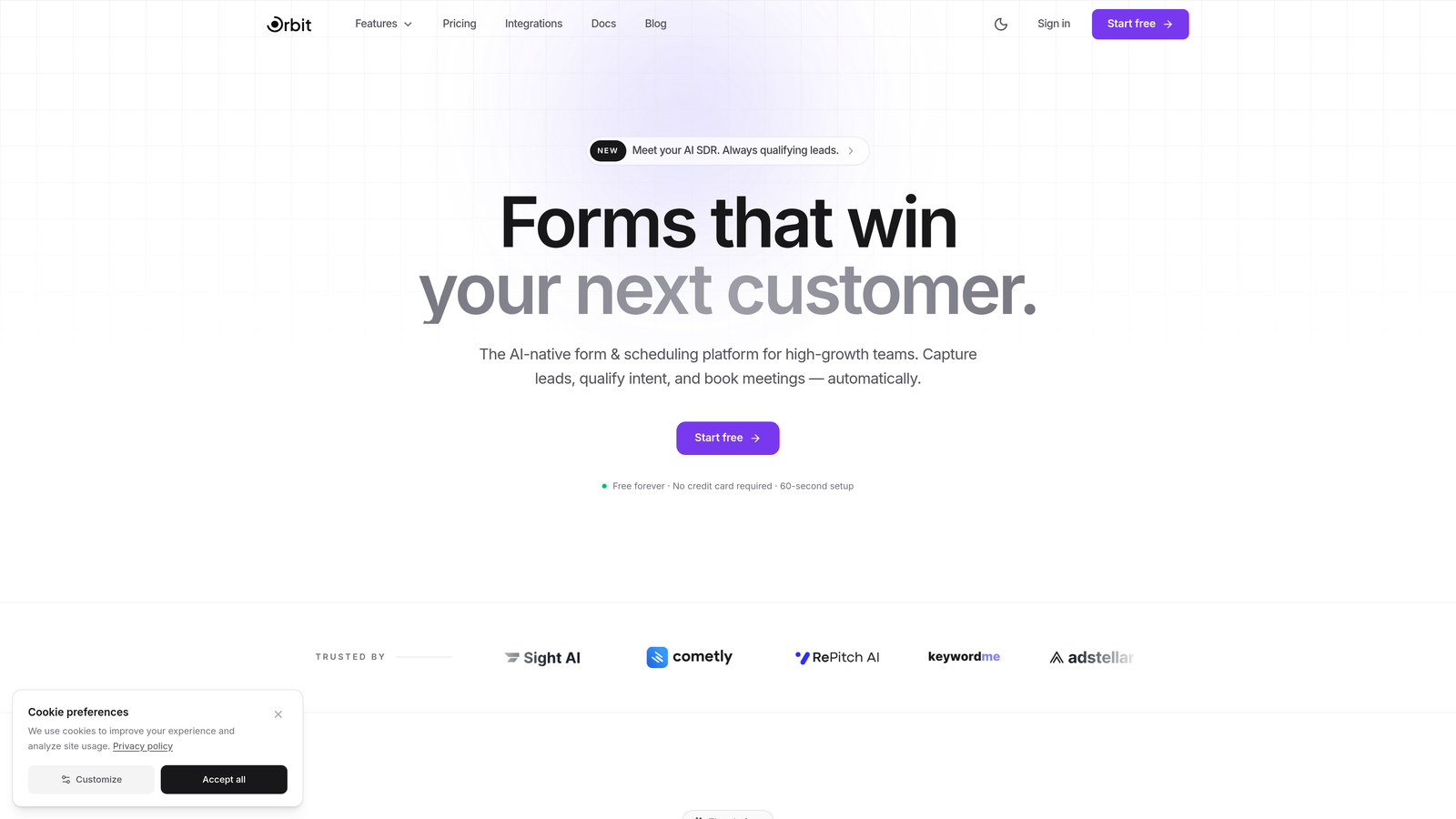
Orbit AI is an AI-powered form builder that qualifies and scores leads at the point of submission, then routes them directly into your CRM and automation tools.
Where This Tool Shines
Most form builders are passive — they collect data and hand it off. Orbit AI takes a more active approach by embedding lead qualification intelligence directly into the form experience. Instead of dumping every submission into your CRM equally, it scores and categorizes leads before they ever hit downstream tools.
This matters enormously for high-growth teams where sales velocity depends on fast, accurate lead routing. When your form builder can distinguish a high-intent enterprise prospect from a casual browser and route each appropriately, your entire pipeline moves faster and cleaner.
Key Features
AI-Powered Lead Scoring: Automatically qualifies and scores submissions based on form responses, so your team focuses on the leads most likely to convert.
Native CRM Integrations: Connects directly to popular CRM platforms for seamless lead routing without manual data entry or middleware workarounds.
Conversion-Optimized Templates: Purpose-built form templates designed specifically for high-growth teams focused on lead generation and conversion performance.
Webhook and Automation Support: Flexible webhook architecture and compatibility with automation platforms for custom workflow builds.
Intelligent Field Suggestions: AI-driven form field recommendations that adapt to your specific use case, reducing friction in the form creation process.
Best For
Orbit AI is the natural choice for SaaS companies, growth teams, and demand generation marketers who need their form builder to do more than collect data. If lead qualification and CRM data quality are priorities, this is where to start.
Pricing
Visit orbitforms.ai for current plan details and pricing tiers.
2. Typeform
Best for: Conversational, design-forward forms with a broad native integration library
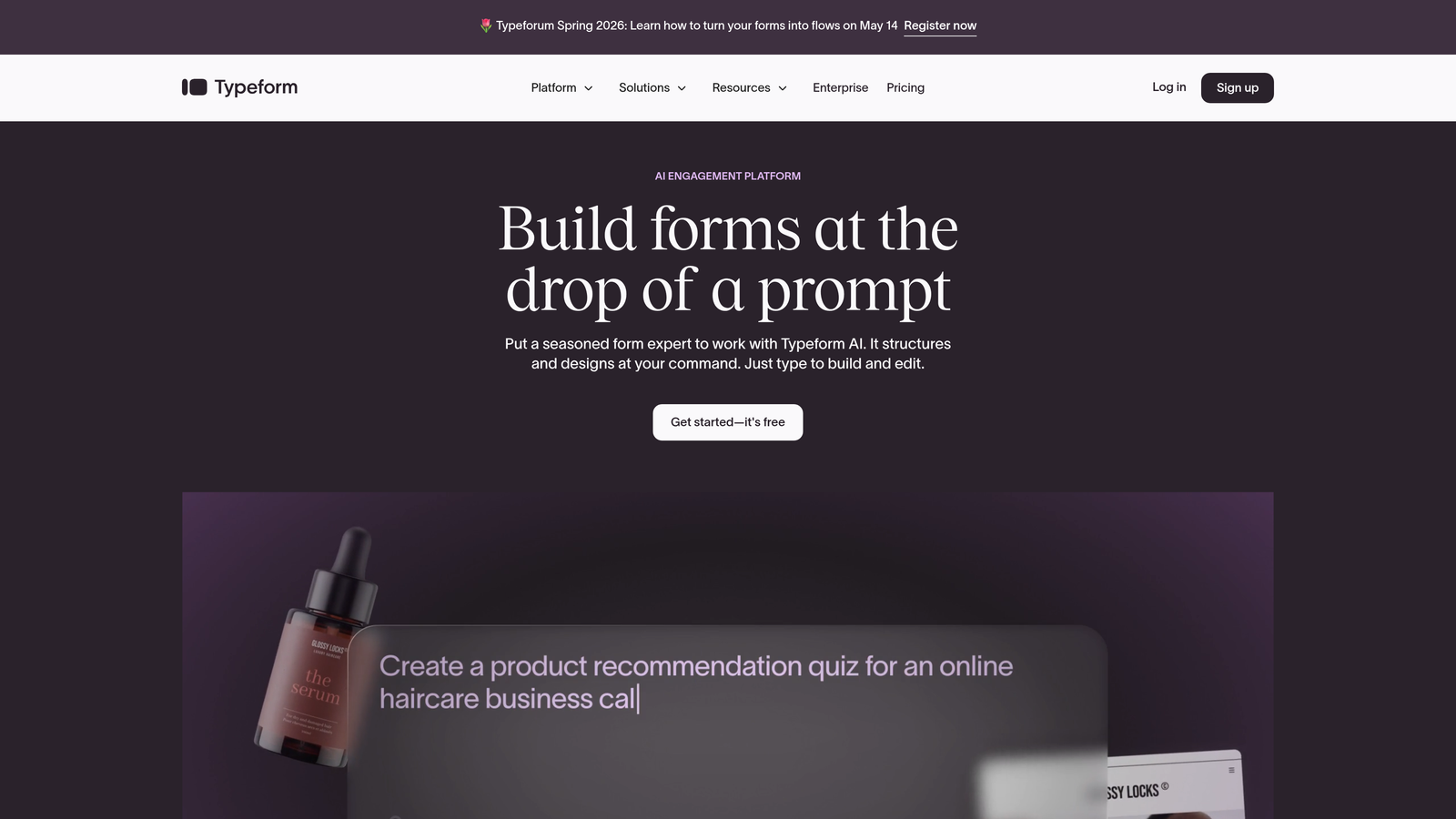
Typeform is a conversational form builder known for its one-question-at-a-time experience and a robust library of 120+ native integrations.
Where This Tool Shines
Typeform's signature UX — presenting one question at a time in a clean, full-screen interface — consistently produces higher completion rates compared to traditional multi-field forms. The experience feels less like filling out a form and more like having a conversation, which reduces abandonment on longer or more complex surveys.
On the integration side, Typeform covers the essentials well. HubSpot, Salesforce, Slack, Google Sheets, and Mailchimp are all natively supported, and the Zapier and Make connectors extend reach considerably further for teams with more custom stack requirements.
Key Features
120+ Native Integrations: Covers major CRMs, email platforms, productivity tools, and communication apps out of the box.
Conversational One-Question UX: Progressive question delivery that improves completion rates and creates a more engaging respondent experience.
Logic Jumps and Conditional Branching: Personalize form paths based on previous answers to deliver more relevant experiences.
Zapier and Make Connectors: Extend automation capabilities well beyond native integrations for complex workflow requirements.
Flexible Embed Options: Embed forms in websites, emails, and chat widgets with minimal friction.
Best For
Marketing teams, agencies, and product teams that prioritize form aesthetics and completion rates alongside solid integration coverage. Particularly strong for lead capture, NPS surveys, and customer research workflows.
Pricing
Free plan available; paid plans start at approximately $25/month. More advanced features and higher response limits require higher-tier plans.
3. Jotform
Best for: Maximum native integration volume across CRM, payments, storage, and project management
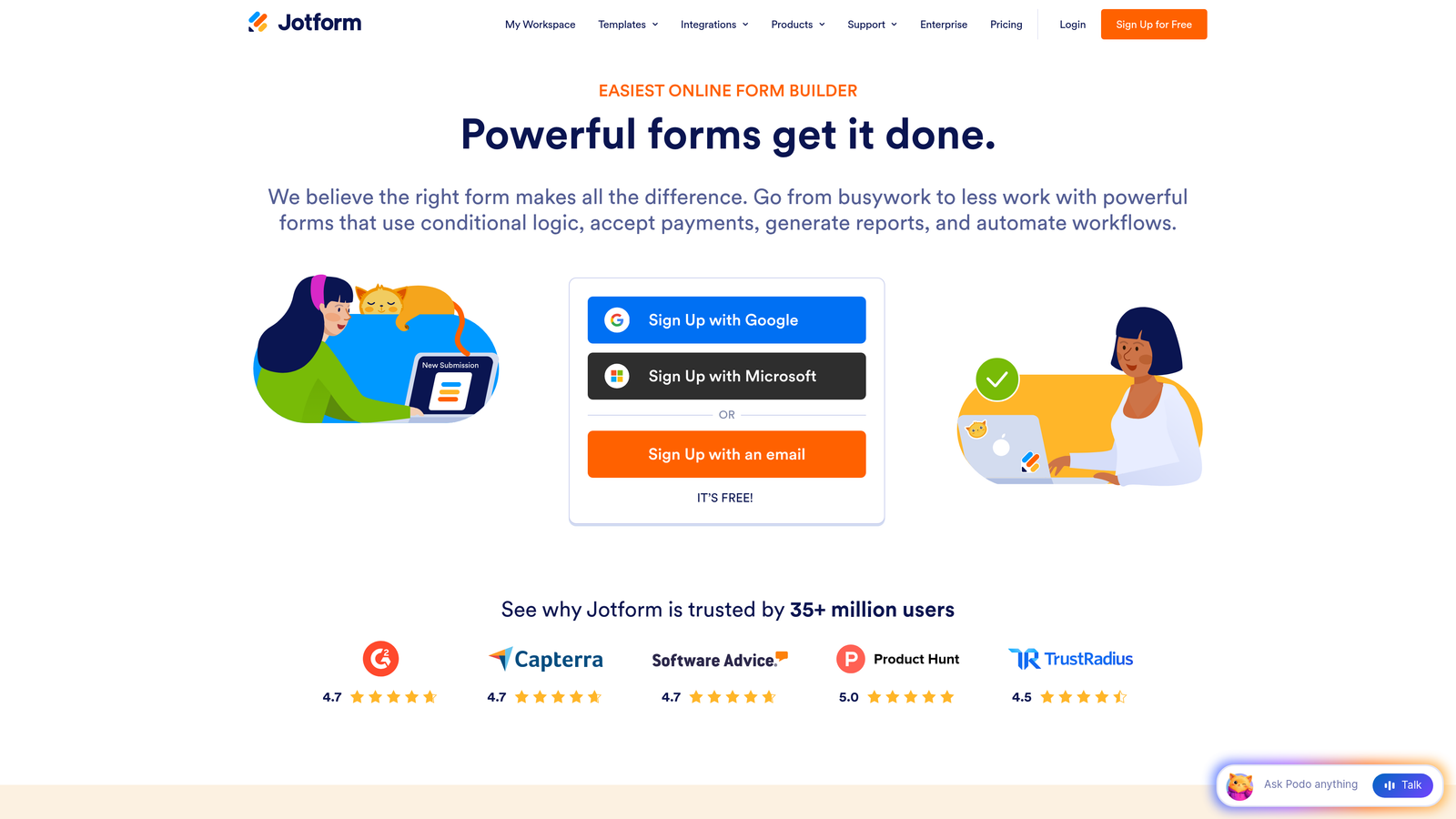
Jotform is a feature-rich form builder with one of the largest native integration libraries in the space, covering virtually every category of business software.
Where This Tool Shines
If raw integration breadth is your primary criterion, Jotform is hard to beat. With 200+ native integrations spanning CRM platforms, payment processors, cloud storage, email marketing tools, and project management apps, it connects to almost anything your team already uses.
The 10,000+ template library also means you're rarely starting from scratch. Combined with Jotform Tables — a spreadsheet-like interface for managing submission data — it functions almost like a lightweight database tool for teams that don't need a full CRM.
Key Features
200+ Native Integrations: Industry-leading breadth covering CRM, payments, email, cloud storage, and project management categories.
Payment Integrations: Direct connections to Stripe, PayPal, Square, and other processors for order and donation forms.
10,000+ Form Templates: An extensive template library covering nearly every use case imaginable.
Jotform Tables: A built-in spreadsheet-style interface for viewing, filtering, and managing form submission data.
Conditional Logic and Multi-Page Forms: Flexible form logic for creating branching, multi-step experiences.
Best For
Small to mid-size businesses, nonprofits, and operations teams that need maximum integration flexibility without a large budget. Also strong for teams that process payments directly through their forms.
Pricing
Free plan supports up to 5 forms; paid plans start at approximately $34/month with higher submission limits and advanced features.
4. HubSpot Forms
Best for: Teams already running their CRM and marketing operations inside HubSpot
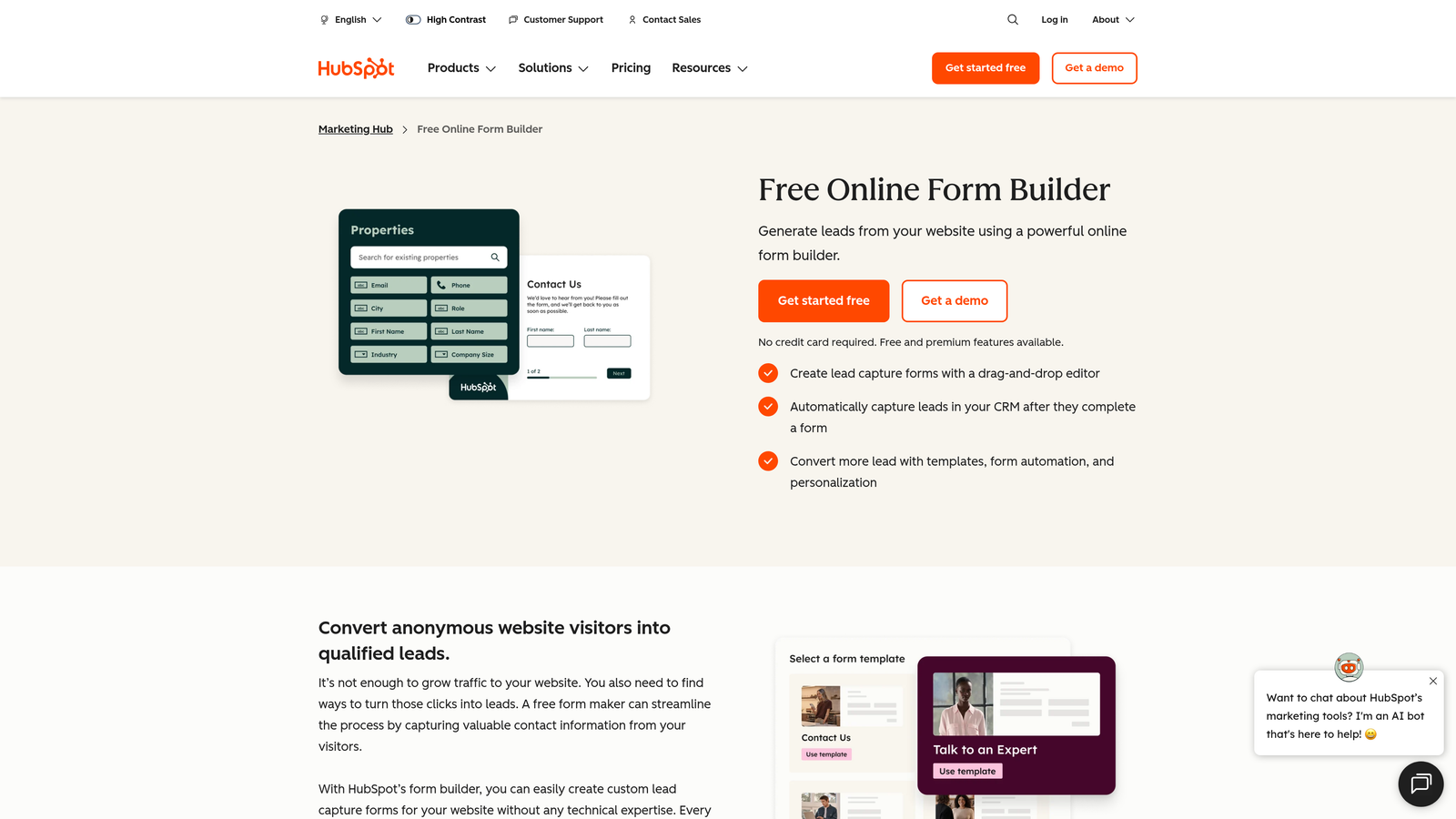
HubSpot Forms is a free form builder that integrates natively and seamlessly with the entire HubSpot CRM, marketing, and sales ecosystem.
Where This Tool Shines
The integration story here is essentially perfect — if you're already a HubSpot user. Every form submission automatically creates or updates a contact record in the CRM, triggers workflow automations, and feeds directly into HubSpot's analytics and reporting. There's no setup, no API configuration, and no middleware required.
Progressive profiling is a particularly useful feature for content-heavy marketing teams. Rather than asking the same questions to returning visitors, HubSpot Forms recognizes known contacts and collects new data points incrementally, enriching contact records over time without increasing form friction.
Key Features
Zero-Setup CRM Integration: Submissions instantly create or update HubSpot contact records with no configuration required.
Progressive Profiling: Automatically shows new questions to returning visitors to enrich contact data over time.
Built-In Analytics and A/B Testing: Form performance data lives natively inside the HubSpot dashboard alongside your other marketing metrics.
Automated Workflow Triggers: Form submissions can kick off any HubSpot workflow — email sequences, task creation, deal creation, and more.
Free with HubSpot CRM: No additional cost for teams already on HubSpot's free or starter tier.
Best For
Marketing and sales teams operating inside the HubSpot ecosystem. If HubSpot is your CRM, this is the obvious choice — the integration depth is unmatched for that specific stack.
Pricing
Free with HubSpot CRM; advanced marketing automation features are part of Marketing Hub, which starts at $800+/month for professional tiers.
5. Gravity Forms
Best for: WordPress-powered sites that need deep CRM and payment integrations via add-ons
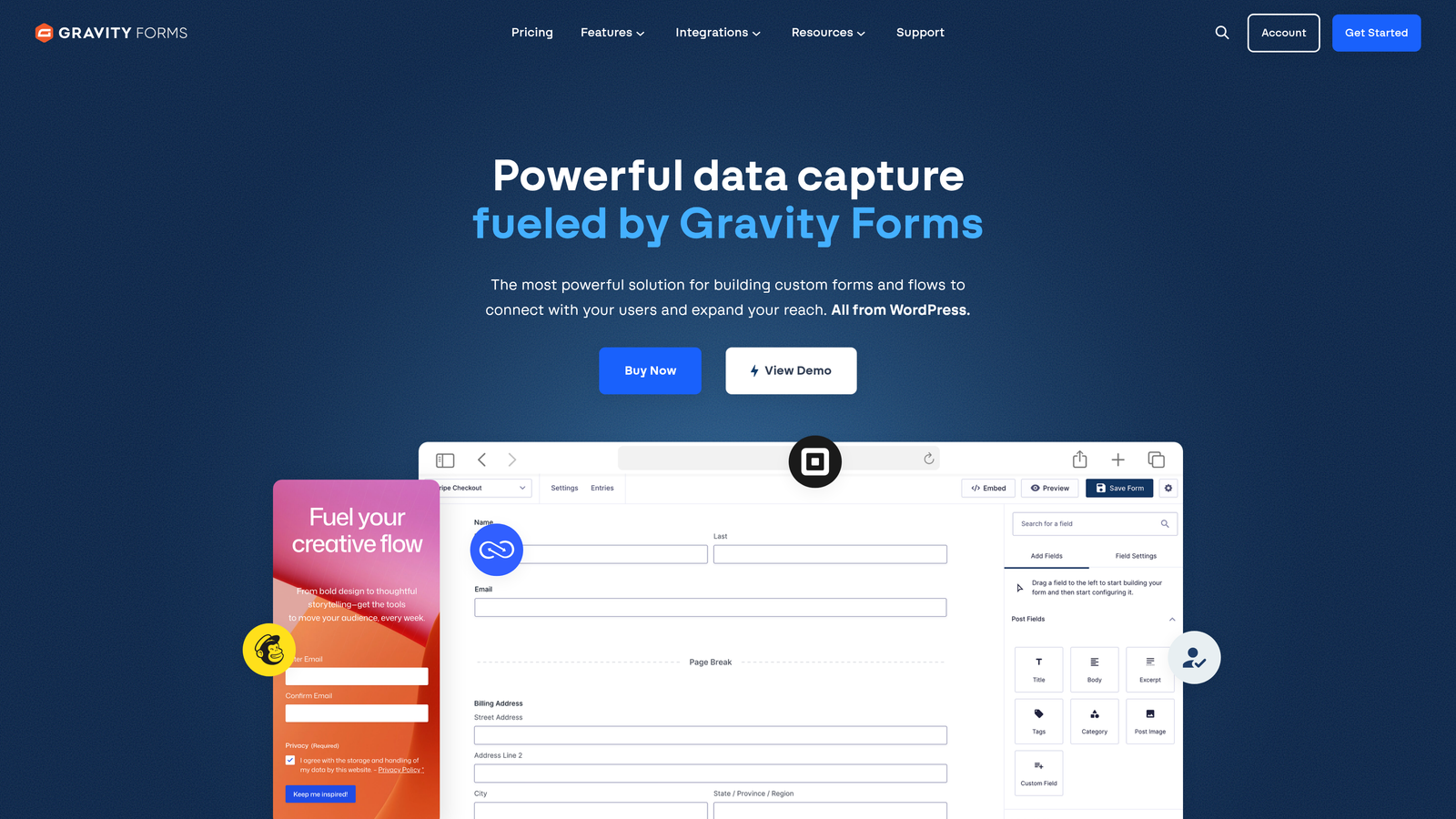
Gravity Forms is a premium WordPress form plugin with a massive add-on ecosystem connecting to dozens of CRMs, payment gateways, and marketing tools.
Where This Tool Shines
For teams running on WordPress, Gravity Forms is the gold standard. The core plugin is powerful on its own, but the real value is the add-on library — official and third-party extensions that connect to Salesforce, HubSpot, Zoho, Pipedrive, Stripe, PayPal, Mailchimp, and many more.
Developers particularly appreciate Gravity Forms for its extensive hooks, filters, and REST API, which make it possible to build highly customized form workflows that go well beyond what standard form builders support. If your integration isn't available as a native add-on, you can likely build it.
Key Features
WordPress-Native Architecture: Deep integration with the WordPress ecosystem, including custom post types, user registration, and media uploads.
CRM Add-Ons: Official and community add-ons for Salesforce, HubSpot, Zoho, Pipedrive, and more.
Payment Add-Ons: Stripe, PayPal, and Square integrations for e-commerce and donation workflows.
Conditional Logic and Multi-Page Forms: Sophisticated branching logic and multi-step form support built into the core plugin.
Developer-Friendly API: Extensive hooks, filters, and REST API for custom integration development.
Best For
WordPress site owners, agencies managing multiple WordPress clients, and developers who need maximum customization flexibility alongside a broad integration ecosystem.
Pricing
Starts at $59/year for a Basic license; higher tiers unlock additional add-ons and multi-site licensing.
6. Formstack
Best for: Enterprise teams with Salesforce-heavy workflows and document automation needs
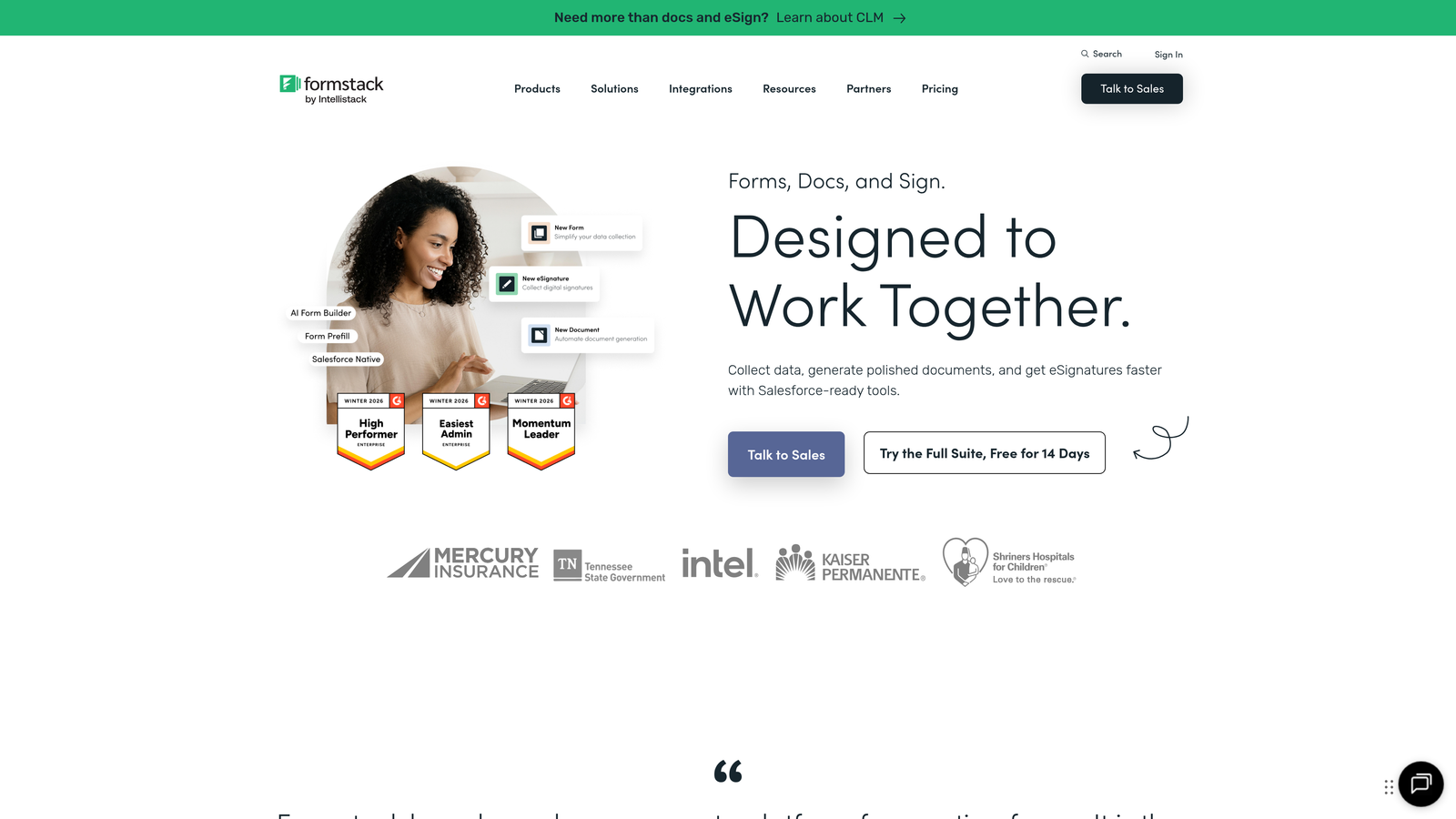
Formstack is an enterprise-grade form and workflow platform with particularly deep Salesforce integration and document automation capabilities.
Where This Tool Shines
Formstack's Salesforce integration goes deeper than most competitors. You can build forms directly within the Salesforce interface, map fields to any Salesforce object, and trigger record creation or updates in real time. For organizations where Salesforce is the system of record, this level of native integration eliminates the data quality risks that come with middleware-based connections.
Beyond forms, Formstack extends into document generation and e-signature workflows, making it a broader platform for teams that need to automate complex, multi-step processes involving forms, approvals, and contracts in a single connected system.
Key Features
Native Salesforce Integration: Build and manage forms directly within Salesforce, with real-time object mapping and record updates.
Workflow Automation: Connect forms, documents, and e-signatures into end-to-end automated workflows.
HIPAA Compliance: Enterprise-grade security and compliance options for healthcare and regulated industries.
Microsoft 365 and Productivity Integrations: Connects with Mailchimp, Slack, Microsoft 365, and other enterprise tools.
Conditional Logic and Prefilling: Advanced logic, approval workflows, and form prefilling for complex use cases.
Best For
Enterprise teams, healthcare organizations, and Salesforce-heavy operations that need more than basic form-to-CRM connectivity — particularly those managing document and e-signature workflows alongside data collection.
Pricing
Forms plan starts at approximately $50/month; full platform pricing varies based on features and team size.
7. Tally
Best for: Modern teams wanting a free, Notion-style form builder with solid productivity stack integrations
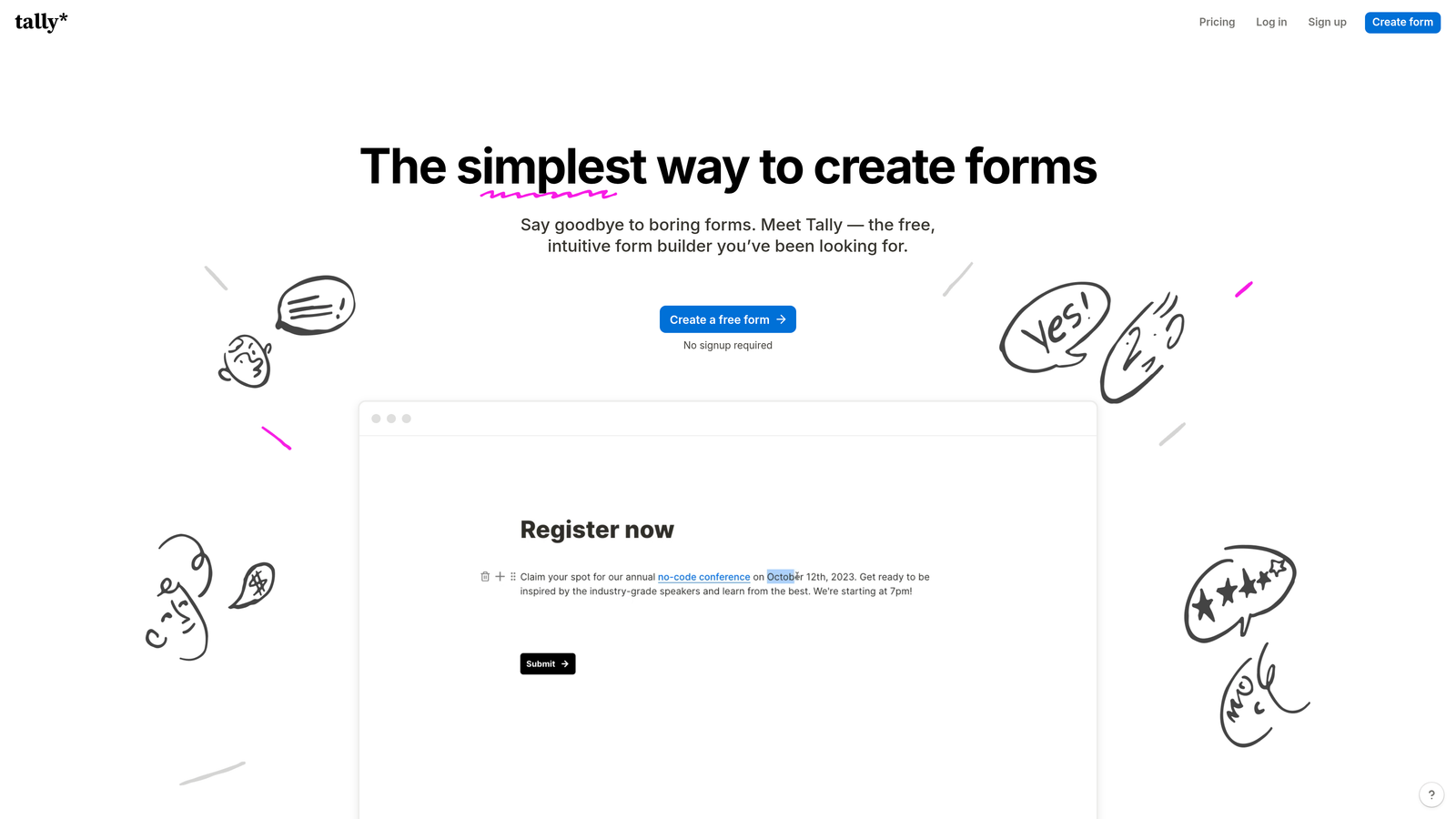
Tally is a free, Notion-like form builder with a clean block-based interface and native integrations designed for modern productivity stacks.
Where This Tool Shines
Tally's free tier is genuinely generous — unlimited forms, unlimited submissions, and a clean editing experience that feels closer to Notion than a traditional form tool. For teams that live in productivity tools like Notion, Airtable, and Slack, the native integrations cover the essentials without requiring a Zapier subscription for basic workflows.
The block-based editor makes form creation intuitive for anyone already comfortable with Notion or similar tools. And because Tally forms are lightweight and fast-loading, they perform well when embedded in landing pages or product interfaces where speed matters.
Key Features
Generous Free Tier: Unlimited forms and submissions on the free plan — genuinely useful without a paid upgrade for many teams.
Native Productivity Stack Integrations: Direct connections to Notion, Slack, Google Sheets, Airtable, and email tools.
Block-Based Editor: Notion-style form creation that feels natural for teams already using modern productivity tools.
Webhook and Automation Support: Zapier and Make connectors for extending beyond native integrations.
Fast, Embeddable Forms: Lightweight forms that load quickly and embed cleanly anywhere.
Best For
Startups, indie makers, and small teams that want a modern form experience without a monthly bill. Also strong for Notion-heavy teams who want forms that sync naturally with their existing workspace.
Pricing
Free for most features; Pro plan at $29/month unlocks advanced integrations, custom branding removal, and additional customization options.
8. Cognito Forms
Best for: Order forms, donation workflows, and use cases requiring advanced calculation logic
Cognito Forms is an affordable form builder with a powerful calculation engine and solid payment integrations, making it particularly strong for transactional form use cases.
Where This Tool Shines
Where most form builders treat calculations as an afterthought, Cognito Forms makes them a core feature. You can build complex pricing calculators, order forms with dynamic totals, and donation forms with custom amounts — all without writing a line of code. This makes it unusually capable for e-commerce, event registration, and service-based businesses.
The Microsoft Power Automate connector is also worth noting for teams operating in Microsoft-heavy environments. While Zapier is the default automation choice for most tools, Cognito's native Power Automate support gives enterprise and government teams a compliant, familiar automation path.
Key Features
Advanced Calculation Engine: Build complex pricing logic, dynamic totals, and conditional calculations directly in forms.
Payment Integrations: Direct connections to Stripe, PayPal, and Square for transactional forms.
Zapier and Power Automate Connectors: Broad automation platform support including Microsoft's ecosystem.
Repeating Sections: Add dynamic, repeatable form sections for line items, attendees, or multi-entry workflows.
Functional Free Tier: Genuinely usable free plan for teams with lighter form needs.
Best For
Small businesses, nonprofits, and operations teams that need transactional forms with payment processing and calculation logic. Strong fit for Microsoft 365 environments where Power Automate is the preferred automation platform.
Pricing
Free plan available; paid plans start at $15/month, making it one of the more affordable options on this list.
9. Fillout
Best for: Teams using Airtable, Notion, or Google Sheets as their primary data backend
Fillout is a modern form builder designed for two-way sync with Airtable, Notion, Google Sheets, and Smartsheet as native data backends rather than simple export destinations.
Where This Tool Shines
Most form builders treat Airtable and Notion as integration destinations — data flows one way, into the tool, when a form is submitted. Fillout takes a different approach: it connects to your existing database schema and builds forms around it, enabling true two-way sync where form submissions update existing records rather than just creating new ones.
This architecture is particularly useful for teams managing ongoing data collection — event RSVPs that update attendee records, customer surveys that enrich existing profiles, or intake forms that map to existing project structures. The form becomes an interface layer on top of data you already own.
Key Features
Two-Way Database Sync: Native two-way sync with Airtable, Notion databases, Google Sheets, and Smartsheet — not just one-way export.
Schema-Based Form Building: Use your existing database structure as the form's data source for seamless alignment.
Scheduling, Payment, and File Upload Integrations: Covers common transactional form needs alongside database sync capabilities.
Conditional Logic and Multi-Page Forms: Full-featured form logic for complex, multi-step experiences.
Zapier, Make, and Webhook Support: Extended automation capabilities for workflows beyond native integrations.
Best For
Product teams, operations managers, and no-code builders who use Airtable, Notion, or Google Sheets as their operational database and want forms that behave as a proper interface layer rather than a separate data collection tool.
Pricing
Free plan available; paid plans start at approximately $19/month for advanced features and higher submission volumes.
Which Form Builder Fits Your Stack?
Every tool on this list is genuinely good at what it does. The right choice comes down to where your data needs to go and what your team already uses.
Best for AI-powered lead qualification: Orbit AI stands apart for growth teams that need their form builder to actively qualify and route leads rather than passively collect them. If improving lead quality and CRM data integrity are priorities, it's the natural starting point.
Best for design-forward conversational forms: Typeform delivers the best out-of-box form experience for teams where completion rate and brand impression matter alongside solid integration coverage.
Best for sheer integration volume: Jotform's 200+ native integrations make it the safest choice when you're not sure which tools your stack will include six months from now.
Best for HubSpot users: HubSpot Forms is the obvious answer if HubSpot is already your CRM — the zero-setup native integration is hard to replicate elsewhere.
Best for WordPress sites: Gravity Forms remains the go-to for WordPress-powered sites that need deep add-on extensibility and developer flexibility.
Best for Salesforce and enterprise workflows: Formstack's native Salesforce integration and document automation capabilities make it the enterprise choice for complex, multi-step processes.
Best free option: Tally offers the most generous free tier with the cleanest modern interface for teams not ready to commit to a paid plan.
Best for payment and calculation workflows: Cognito Forms handles transactional complexity — dynamic pricing, order totals, and payment processing — better than most alternatives at its price point.
Best for Airtable and Notion sync: Fillout's two-way database sync makes it uniquely suited for teams that want forms to behave as an interface layer on existing data rather than a separate collection tool.
Start by mapping your existing tech stack and identifying the two or three integrations your form builder absolutely must support reliably. Then choose based on that. For high-growth teams focused on lead generation and conversion, start building free forms today with Orbit AI and experience how AI-powered lead qualification can transform the quality of data flowing into your pipeline from day one.


