

Not all form builders are created equal, and some of the most powerful ones come with a steeper learning curve by design. If you're building multi-step lead qualification flows, complex conditional logic, or conversion-optimized forms that need to do real work, you've probably outgrown the drag-and-drop basics.
This guide ranks the best form builder platforms that offer serious depth: the kind high-growth teams, SaaS companies, and lead-gen-focused marketers actually need. We evaluated each tool on feature depth, logic capabilities, integrations, UI quality, and how well the complexity pays off in real outcomes. Whether you're looking for AI-powered qualification, advanced branching logic, or enterprise-grade customization, there's a tool on this list built for your use case.
1. Orbit AI
Best for: High-growth SaaS and B2B teams that need forms to qualify and route leads automatically.
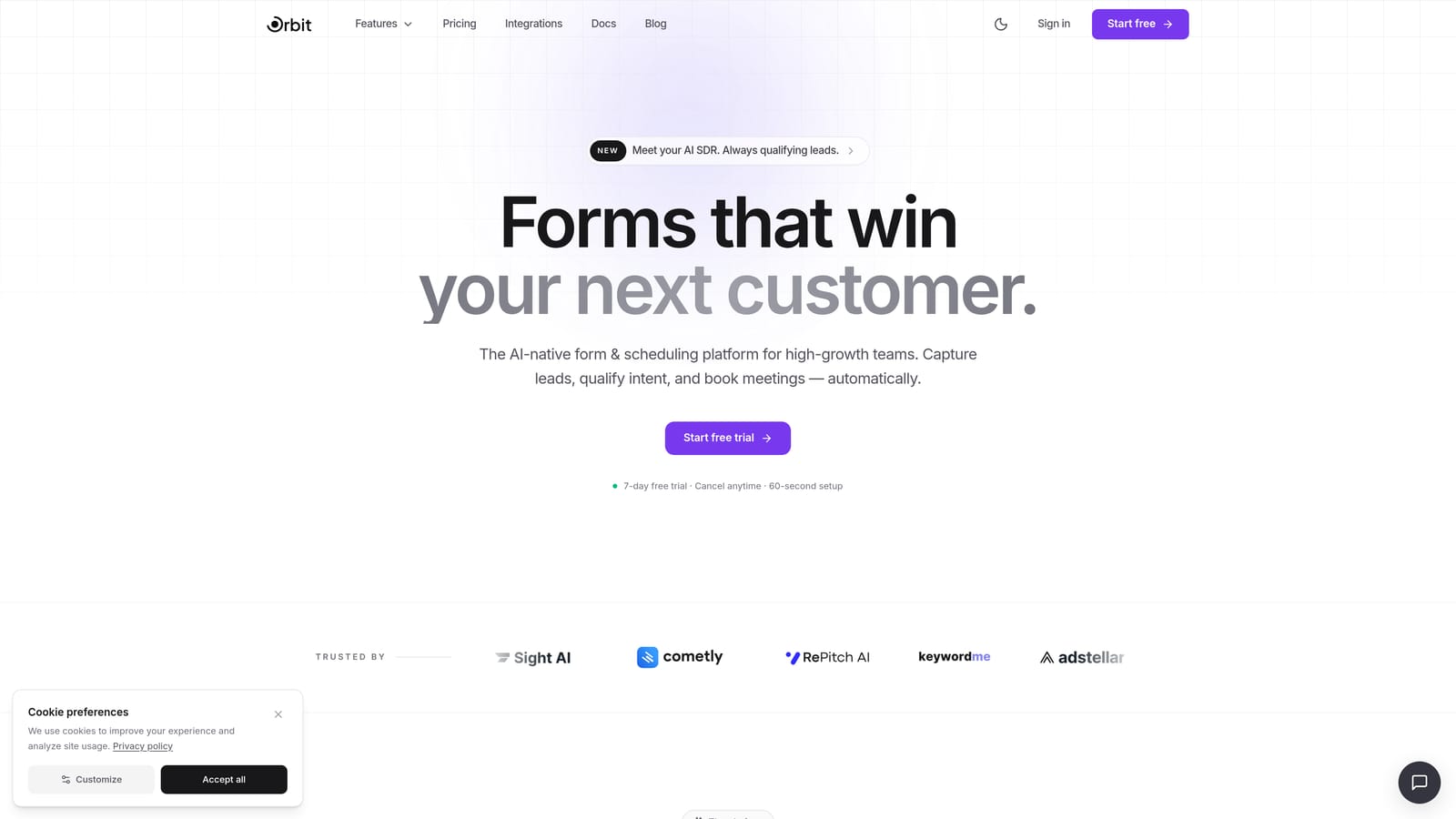
Orbit AI is an AI-powered form builder designed for teams that need forms to do more than collect contact details.
Where This Tool Shines
Most form builders treat lead qualification as an afterthought. Orbit AI builds it directly into the form flow. When a prospect fills out your form, the AI layer scores and routes them in real time, surfacing high-intent leads without requiring your sales team to manually sort through submissions.
The combination of intelligent lead scoring, conditional branching, and a modern conversion-optimized UI means you're not just capturing data. You're running a qualification engine that works while you sleep. For SaaS teams running paid acquisition or outbound, that distinction matters enormously.
Key Features
AI-Powered Lead Qualification: Built directly into the form flow, the AI layer scores leads based on their responses and routes them to the right rep or workflow automatically.
Conditional Logic and Smart Branching: Create personalized form paths that adapt based on what respondents select, reducing irrelevant questions and improving completion rates.
Conversion-Optimized Design: Modern, polished UI out of the box, so your forms feel like a natural extension of your brand rather than a generic data capture page.
Automated Lead Routing: High-intent leads go directly to the right sales rep or CRM workflow without manual intervention.
Built for B2B and SaaS: The platform is purpose-built for teams focused on pipeline quality, not just form volume.
Best For
Orbit AI is the strongest fit for SaaS companies, B2B marketing teams, and growth-focused operators who are tired of forms that just collect names and email addresses. If your pipeline depends on knowing which leads are worth pursuing before they hit your CRM, this is built for that exact problem.
Pricing
Visit orbitforms.ai for current pricing and plan details. Pricing is structured to scale with team size and usage needs.
2. Typeform
Best for: Marketing teams that want conversational, high-engagement forms with strong conditional logic.
Typeform is a conversational form builder known for its one-question-at-a-time format, polished design, and broad integration ecosystem.

Where This Tool Shines
Typeform's signature format, presenting one question at a time in a clean, full-screen layout, creates a genuinely different experience for respondents. It feels less like filling out a form and more like having a conversation. That distinction tends to show up in engagement and completion behavior, particularly for longer forms.
The logic capabilities are robust. Answer piping, branching, and skip logic can create surprisingly sophisticated flows. That said, building complex logic trees in Typeform takes time to master, and the interface becomes harder to navigate as your form grows in depth. Power users will feel the learning curve.
Key Features
Conversational Single-Question UI: Respondents answer one question at a time, creating a more engaging experience than traditional multi-field forms.
Advanced Logic Jumps and Answer Piping: Reference previous answers within later questions to create personalized, dynamic form paths.
Wide Integration Ecosystem: Native connections to HubSpot, Salesforce, Zapier, and many other tools make it easy to push data where it needs to go.
Video and Image Support: Embed media directly into questions to add context or brand personality to your form experience.
Analytics Dashboard: Track drop-off rates and performance by question to identify where respondents are abandoning your form.
Best For
Typeform works well for marketing teams, agencies, and growth operators who prioritize form engagement and want a polished, brand-consistent experience. It's a strong choice when you need conditional logic without enterprise-level complexity, though pricing can escalate quickly at higher response volumes.
Pricing
Free plan available. Paid plans start at approximately $25/month billed annually, with pricing scaling based on response volume and number of seats.
3. Jotform
Best for: Teams that need maximum feature coverage across payments, approvals, e-signatures, and complex workflows.
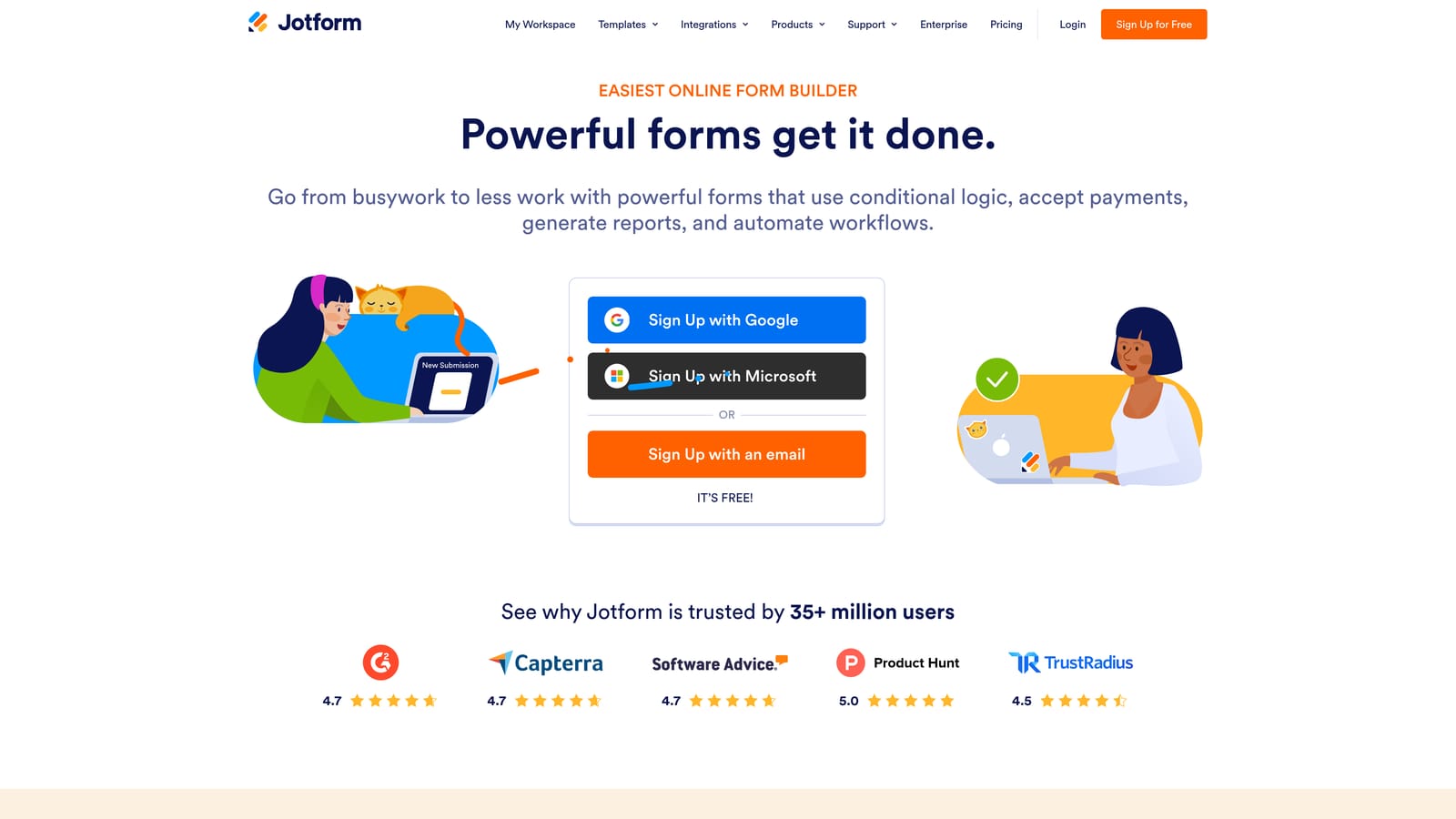
Jotform is one of the most feature-rich form builders on the market, with thousands of templates and native support for complex operational workflows.
Where This Tool Shines
If breadth is what you need, Jotform delivers it. The platform covers an enormous range of use cases out of the box: payment collection, e-signatures, approval chains, conditional logic, calculation fields, and post-submission data management through Jotform Tables and Jotform Workflows. Very few tools match it for sheer functional coverage.
The tradeoff is interface density. Jotform's feature-rich environment can feel overwhelming to new users, and navigating the platform efficiently takes time to learn. Once you're past the initial setup phase, though, the depth becomes an asset. This is a tool where the complexity genuinely reflects capability rather than poor design.
Key Features
10,000+ Templates: Pre-built forms across virtually every industry and use case, giving teams a strong starting point without building from scratch.
Payments, E-Signatures, and Approvals: Native support for transactional and operational workflows that most form builders require third-party tools to handle.
Conditional Logic and Calculation Fields: Dynamic form behavior that adapts based on responses, including math-based fields for quotes, scoring, and estimates.
Jotform Tables and Workflows: Built-in data management and workflow automation for handling what happens after a form is submitted.
Extensive Native Integrations: Connects with major CRMs, payment processors, and productivity platforms without requiring middleware.
Best For
Jotform is a strong fit for operations teams, HR departments, and businesses that need one platform to handle a wide variety of form-driven processes. It's particularly well-suited to teams that need payment collection or approval workflows built into their form flows.
Pricing
Free plan available with submission limits. Paid plans start at approximately $34/month, with pricing based on monthly submission volume.
4. Formstack
Best for: Enterprise and mid-market teams needing forms, documents, e-signatures, and compliance in one platform.
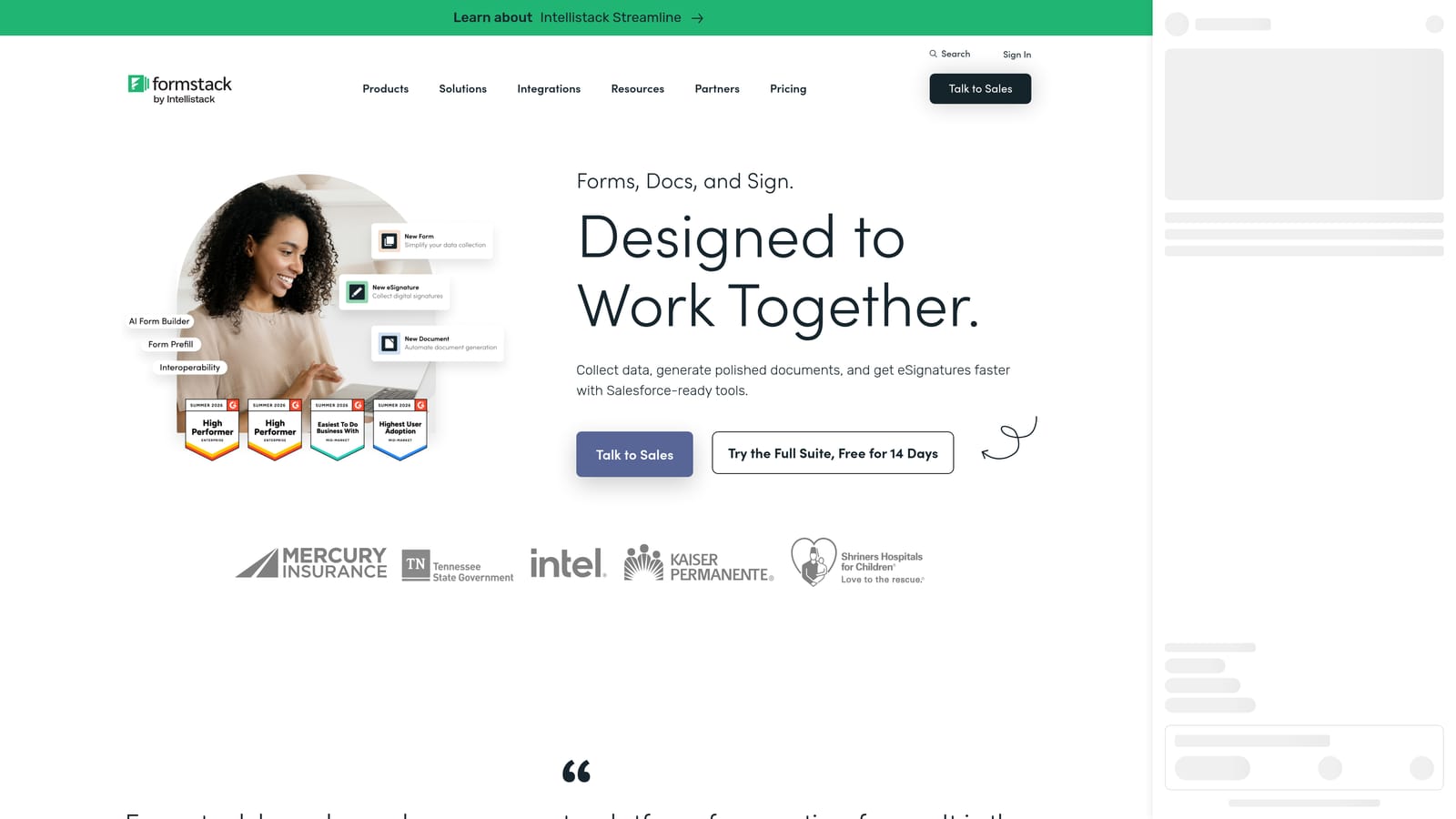
Formstack is an enterprise-grade platform that goes beyond form building to include document generation, e-signatures, and multi-step workflow automation.
Where This Tool Shines
Formstack is built for organizations with genuine operational complexity. It's not just a form builder: it's a connected platform where a submitted form can trigger document generation, route for e-signature, and push data through a multi-step approval workflow, all within a single ecosystem. For healthcare, legal, or finance teams, that kind of end-to-end automation is a significant operational advantage.
The platform also offers a Salesforce-native form builder option, which is a meaningful differentiator for CRM-first teams that want form data to live natively in their Salesforce environment. The learning curve is real and steeper than most tools on this list, but Formstack is generally purchased by ops or IT buyers who expect that investment.
Key Features
Forms, Documents, and E-Signatures: A connected suite that handles the full document lifecycle, from data capture to signed output.
Advanced Workflow Automation: Form submissions can trigger multi-step processes including approvals, notifications, and document routing.
Compliance Features: Built-in support for HIPAA, GDPR, and other regulatory requirements relevant to healthcare, finance, and legal teams.
Salesforce-Native Option: A dedicated Salesforce form builder that keeps data natively within the CRM environment.
Conditional Logic and Prefill: Dynamic field behavior and the ability to pre-populate fields from existing data sources.
Best For
Formstack is purpose-built for mid-market and enterprise buyers in regulated industries. If your team needs compliance-ready workflows, document generation, and e-signatures connected to your form data, it's one of the few platforms that handles all of that natively.
Pricing
Pricing is not publicly listed at a flat rate. Formstack typically operates on a mid-market to enterprise pricing model. Contact Formstack directly for a quote based on your team's needs.
5. Paperform
Best for: Teams that want forms to look and feel like branded landing pages with powerful logic underneath.
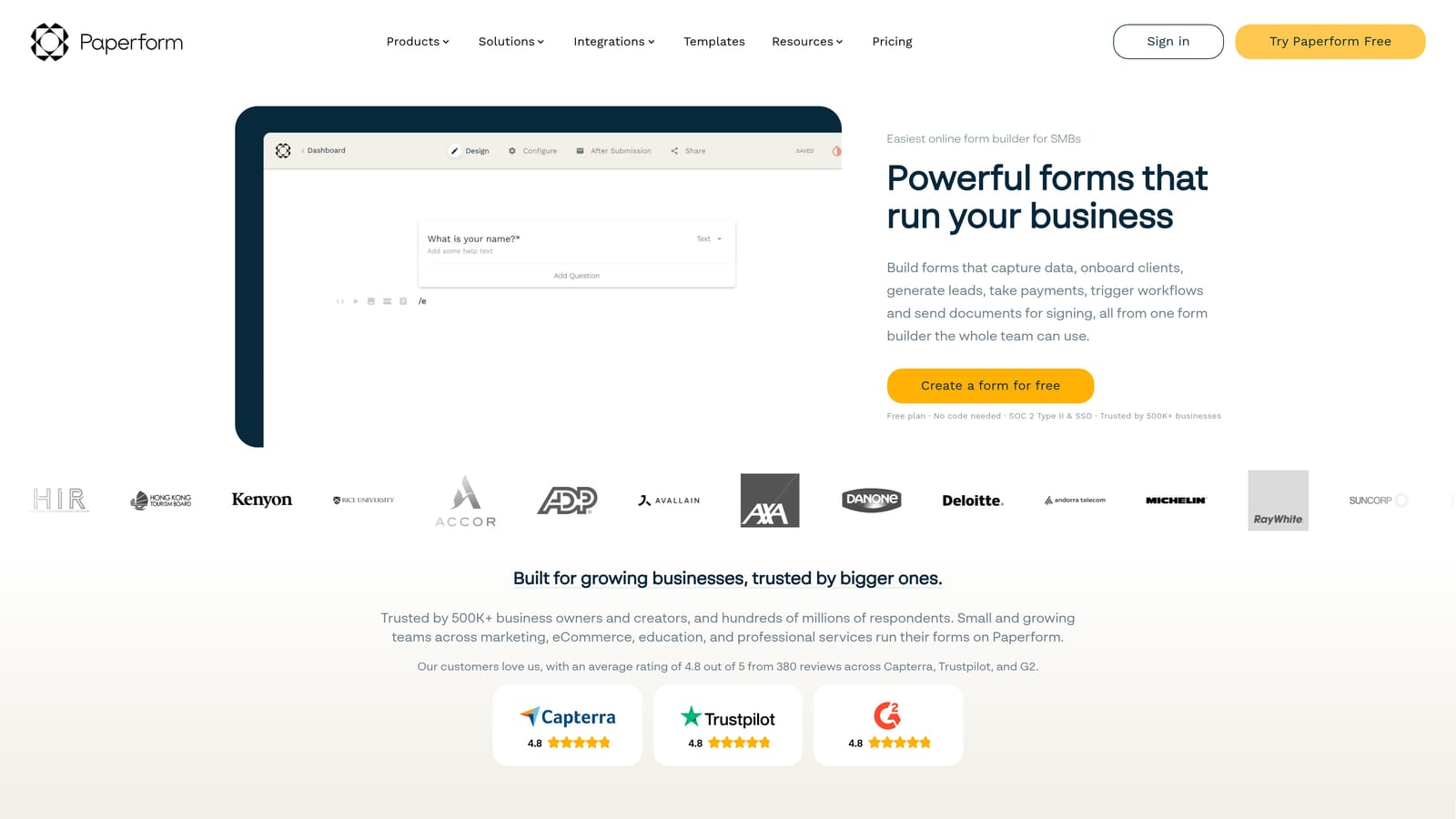
Paperform is a design-forward form builder that blends landing page flexibility with robust form logic, giving teams full creative control over how their forms present.
Where This Tool Shines
Paperform's freeform editor is genuinely different from most form builders. Instead of a structured field-by-field layout, you build your form like a document: add text, images, video, and form fields wherever you want them on the page. The result is forms that can look like polished content experiences rather than generic data capture screens.
Beneath that design flexibility sits real logic capability. Calculation fields let you build pricing estimators, scoring tools, and quote generators. Conditional sections adapt the form based on prior answers. For consultants, SaaS teams, and agencies that want forms to do double duty as branded content, Paperform offers a combination that's hard to find elsewhere. Mastering the logic layer takes time, but the payoff in form quality is noticeable.
Key Features
Freeform Page Editor: Place text, images, video, and form fields anywhere on the page for a fully custom layout that feels like a landing page.
Calculation Fields: Build pricing estimators, quote generators, and scoring tools directly within the form using math-based logic.
Conditional Sections: Show or hide entire content sections based on what respondents select, creating personalized form paths.
Payment and Product Listings: Accept payments and display product options natively without third-party tools.
Custom Domain and Branding Controls: Full control over domain, colors, fonts, and visual identity for a seamless brand experience.
Best For
Paperform works well for consultants, coaches, small SaaS teams, and agencies that want their forms to reflect strong brand identity while still handling complex logic. It's a particularly good fit when you need calculation fields or quote-building functionality built into the form itself.
Pricing
Plans start at approximately $24/month billed annually. Higher tiers unlock more monthly submissions and access to advanced features.
6. Tally
Best for: Developers and technical teams that want flexible, powerful forms with a generous free plan.
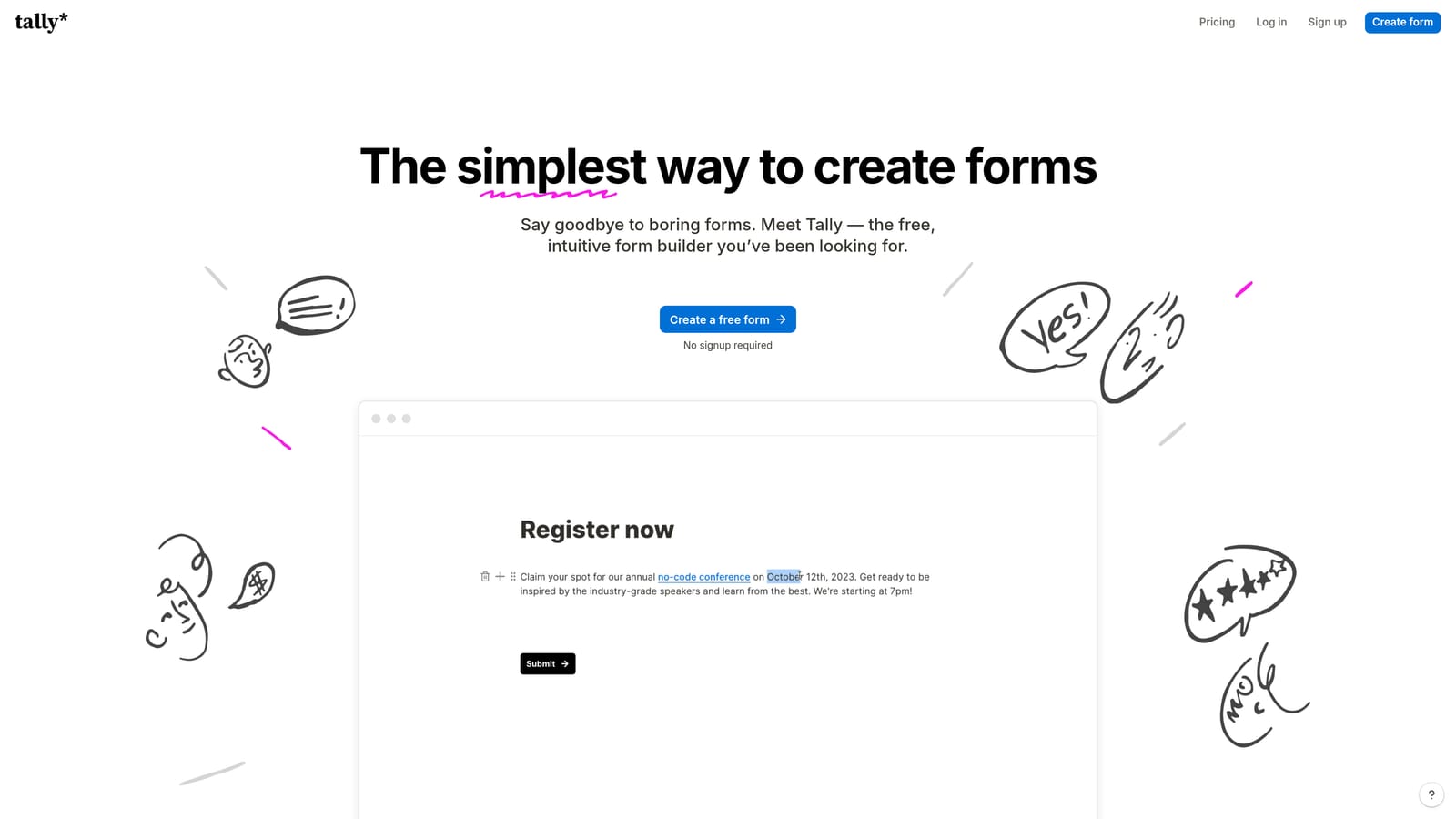
Tally is a Notion-inspired form builder that delivers surprising depth, including conditional logic, hidden fields, calculations, and webhooks, through a clean block-based editor.
Where This Tool Shines
Tally's free plan is genuinely one of the most generous in the form builder space: unlimited forms and unlimited responses with no submission caps. For teams that want to test extensively or run high-volume data collection without hitting a paywall, that's a meaningful advantage over most competitors.
The block-based editor will feel immediately familiar to anyone who uses Notion. It's clean, fast, and less visually polished than Typeform or Paperform, but that simplicity is intentional. Under the hood, Tally supports conditional logic, hidden fields, answer piping, webhooks, and Zapier integration, giving technical users real flexibility to build sophisticated workflows. Developers especially appreciate the embed options and custom styling capabilities.
Key Features
Unlimited Forms and Responses on Free Plan: No submission caps on the free tier, making it one of the most accessible options for high-volume use cases.
Block-Based Editor: A Notion-style interface that's fast to learn and comfortable for teams already in that ecosystem.
Conditional Logic and Answer Piping: Dynamic form paths and the ability to reference earlier responses within later questions.
Webhooks and Zapier Integration: Push form data to any destination or trigger custom workflows without being limited to native integrations.
Flexible Embed Options: Embed forms anywhere with full custom styling control, including inline, popup, and slider formats.
Best For
Tally is a strong choice for developers, technical teams, and startups that want powerful form logic without a high price point. It's also a natural fit for Notion-heavy organizations that want their form builder to match the same workflow philosophy.
Pricing
Free plan includes unlimited forms and responses. Tally Pro starts at approximately $29/month and unlocks custom domains, Notion sync, and additional advanced features.
Which Tool Is Right for Your Team?
Every tool on this list earns its complexity. The question isn't which one is easiest to learn: it's which one pays off most for your specific use case.
Here's a quick breakdown to help you decide. If your primary goal is lead qualification and pipeline quality, Orbit AI is the clear starting point. The AI-powered scoring and routing layer is purpose-built for exactly that outcome, and no other tool on this list handles that natively at the form level.
If you need conversational, high-engagement forms with strong conditional logic and a polished brand experience, Typeform remains a strong contender for marketing teams. For teams that need maximum operational coverage across payments, approvals, and e-signatures, Jotform's breadth is hard to match. Enterprise and regulated-industry buyers with complex document workflows will find Formstack worth the investment.
If design flexibility and calculation-based logic are your priority, Paperform offers a genuinely unique combination of landing page aesthetics and form depth. And for technical teams or startups that want powerful logic without a high price tag, Tally's free plan and developer-friendly architecture make it an easy recommendation.
The broader point is this: complexity in a form builder is only worth tolerating when the tool delivers better outcomes. Better lead data. Higher-quality pipeline. Faster qualification. If your forms are still just collecting names and email addresses, you're leaving real value on the table.
For high-growth teams focused on lead generation and conversion, the smartest place to start is a tool built specifically for that outcome. Start building free forms today with Orbit AI and see how AI-powered qualification can change what your forms actually deliver for your pipeline.


