

Your forms are often the first real interaction prospects have with your brand—and outdated, clunky form builders are quietly killing your conversion rates. Modern form creation platforms have evolved far beyond simple input fields. Today's leading tools combine sleek design, conditional logic, AI-powered features, and deep integrations to turn form submissions into qualified leads.
Whether you're building multi-step lead capture forms, customer feedback surveys, or application workflows, the right platform makes all the difference. We evaluated dozens of form builders based on design flexibility, conversion optimization features, integration capabilities, and ease of use. Here are the top modern form creation platforms worth your attention in 2026.
1. Orbit AI
Best for: High-growth teams prioritizing lead qualification and conversion optimization
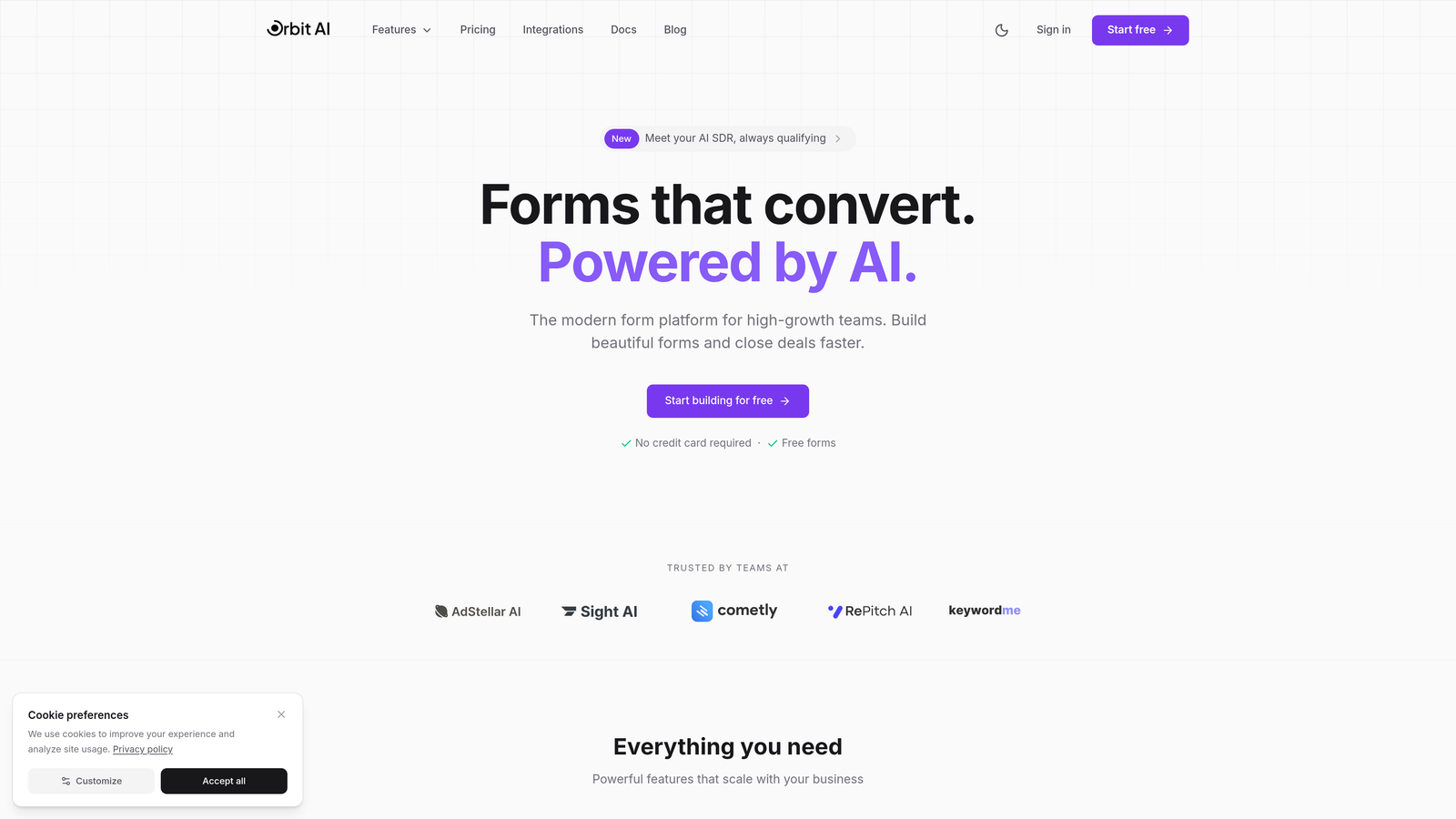
Orbit AI is an AI-powered form builder platform designed specifically for teams that need more than just data collection—they need qualified leads.
Where This Tool Shines
The standout feature is the AI agent that qualifies and scores leads in real-time as they fill out your forms. Instead of collecting raw submissions and sorting through them later, you get instant qualification based on your criteria. This means your sales team can prioritize high-value prospects immediately.
The platform combines beautiful, conversion-optimized design with intelligent functionality. Forms look modern and professional while working behind the scenes to maximize completion rates and lead quality simultaneously.
Key Features
AI Lead Qualification: Real-time scoring and qualification of prospects as they submit forms, routing high-value leads directly to sales.
Conversion-Optimized Design: Pre-built templates and design patterns specifically engineered to maximize form completion rates.
Deep CRM Integrations: Native connections with major CRMs and sales tools ensure qualified leads flow directly into your existing workflows.
Conditional Logic: Multi-step workflows that adapt based on responses, creating personalized experiences for different prospect segments.
Built-In Analytics: Track conversion rates, drop-off points, and lead quality metrics to continuously optimize performance.
Best For
High-growth SaaS companies, B2B businesses with complex sales processes, and marketing teams where lead quality matters more than lead quantity. If you're tired of sorting through unqualified form submissions, this platform was built for you.
Pricing
Free tier available to get started. Paid plans start at competitive rates designed for growing teams that need advanced qualification features.
2. Typeform
Best for: Creating engaging, conversational form experiences that feel human
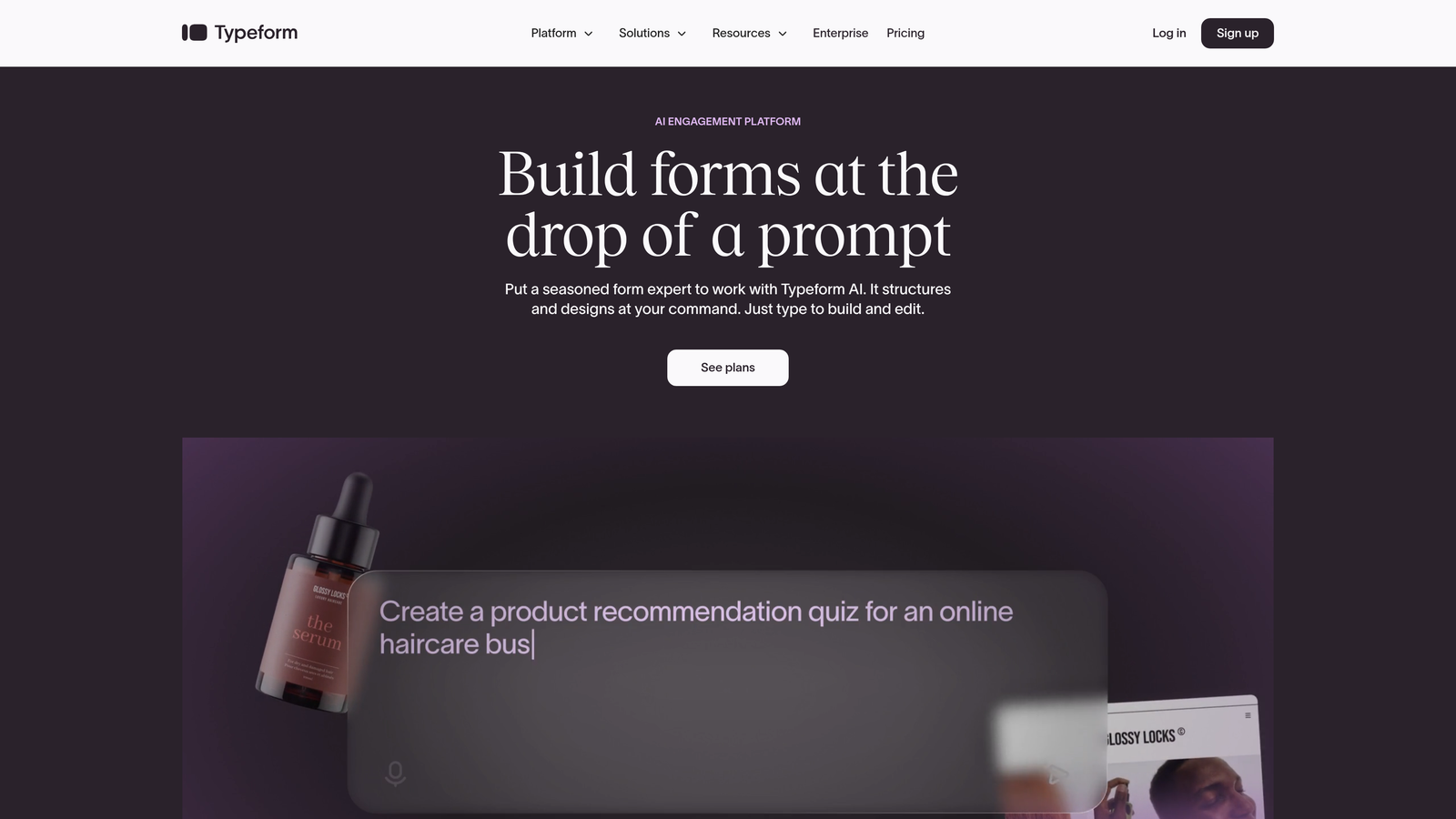
Typeform is the conversational form builder that pioneered the one-question-at-a-time interface, making forms feel less like interrogations and more like conversations.
Where This Tool Shines
Typeform's signature approach shows one question at a time, creating a focused, distraction-free experience that typically improves completion rates. The interface feels natural and engaging, which makes it particularly effective for brand-focused companies that want forms to reflect their personality.
The platform excels at creating forms that people actually enjoy filling out. Whether it's a customer satisfaction survey or a lead capture form, the conversational flow keeps respondents engaged through to the end.
Key Features
Conversational Interface: One-question-at-a-time design that reduces cognitive load and improves completion rates.
Logic Jumps: Branching paths that adapt the form experience based on previous answers, creating personalized flows.
Rich Media Support: Embed videos, images, and GIFs to create visually engaging form experiences.
Native Integrations: Connect with popular tools like Slack, Google Sheets, Mailchimp, and hundreds of others via Zapier.
Beautiful Themes: Pre-designed templates and themes that look professional without requiring design skills.
Best For
Marketing teams focused on brand experience, companies conducting customer research, and businesses where form aesthetics matter as much as functionality. Perfect when you want forms that reflect a premium brand identity.
Pricing
Free tier with limited responses. Basic plan starts at $25/month, with Plus and Business tiers offering advanced features and higher response limits.
3. Tally
Best for: Teams wanting powerful features with a generous free tier and minimal learning curve
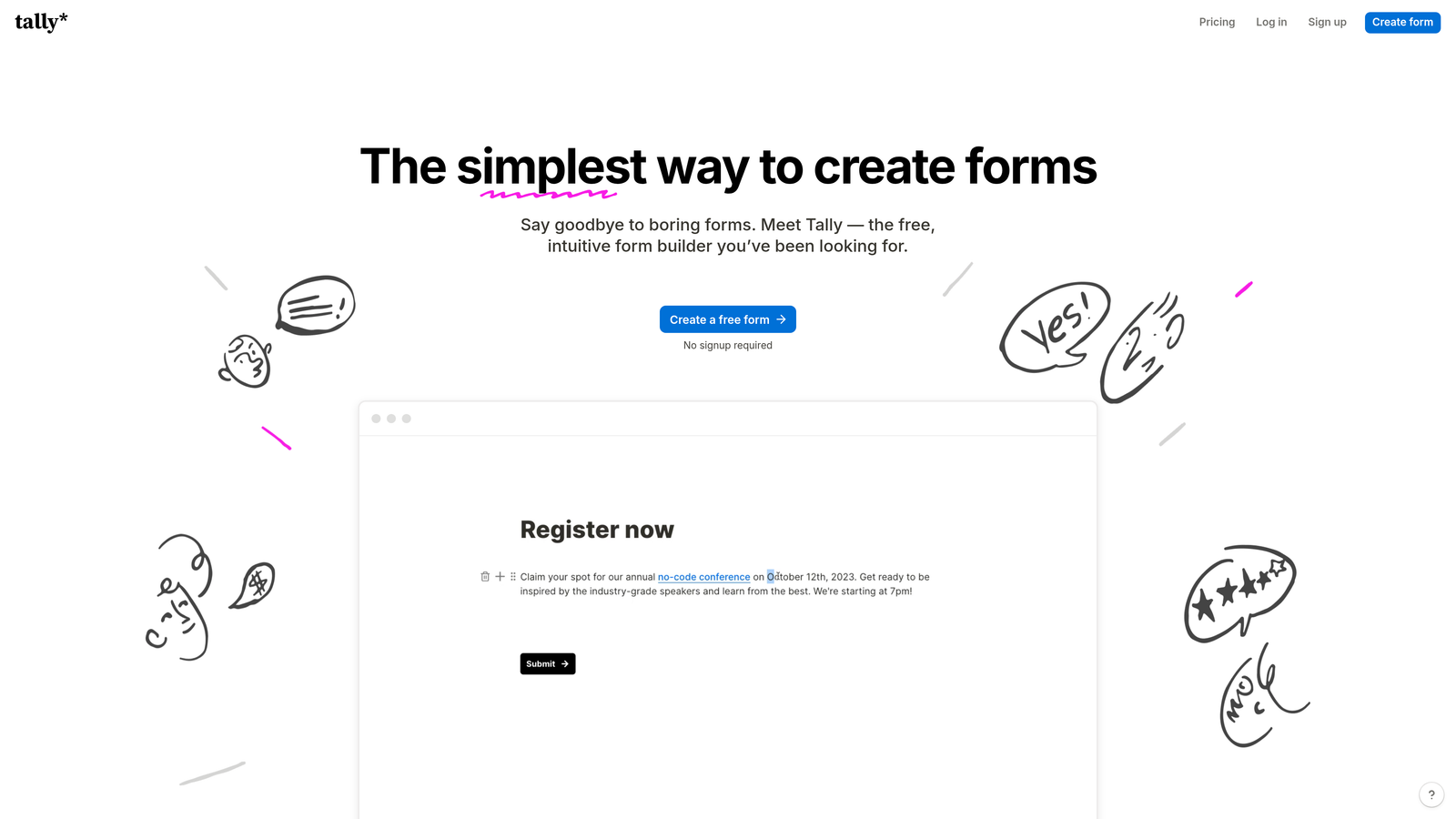
Tally is the simple, Notion-like form builder that proves you don't need to sacrifice features for ease of use.
Where This Tool Shines
Tally's biggest advantage is its genuinely generous free tier—unlimited forms and submissions without the artificial restrictions most platforms impose. If you've ever hit a form limit on another platform, Tally's approach feels refreshingly honest.
The Notion-style block-based editor makes form building intuitive. If you can use Notion, you can use Tally. There's no complex interface to learn, just drag blocks and configure settings. This simplicity doesn't mean limited functionality—Tally includes conditional logic, calculations, and file uploads that many paid platforms charge extra for.
Key Features
Unlimited Free Tier: No artificial limits on forms or submissions in the free plan, making it ideal for startups and small teams.
Block-Based Editor: Notion-style interface that makes form building intuitive and fast.
Conditional Logic: Show or hide questions based on previous answers to create dynamic form experiences.
File Uploads and Payments: Collect files and process payments directly through forms without third-party plugins.
Clean Interface: Minimal, distraction-free design that keeps the focus on your content.
Best For
Startups with limited budgets, teams already using Notion who want a familiar interface, and anyone who needs a straightforward form builder without artificial limitations. Excellent choice for internal forms and simple lead capture.
Pricing
Free tier is genuinely powerful with unlimited forms and submissions. Pro plan at $29/month adds advanced features like custom domains and priority support.
4. Jotform
Best for: Enterprise teams needing compliance features, extensive templates, and advanced customization
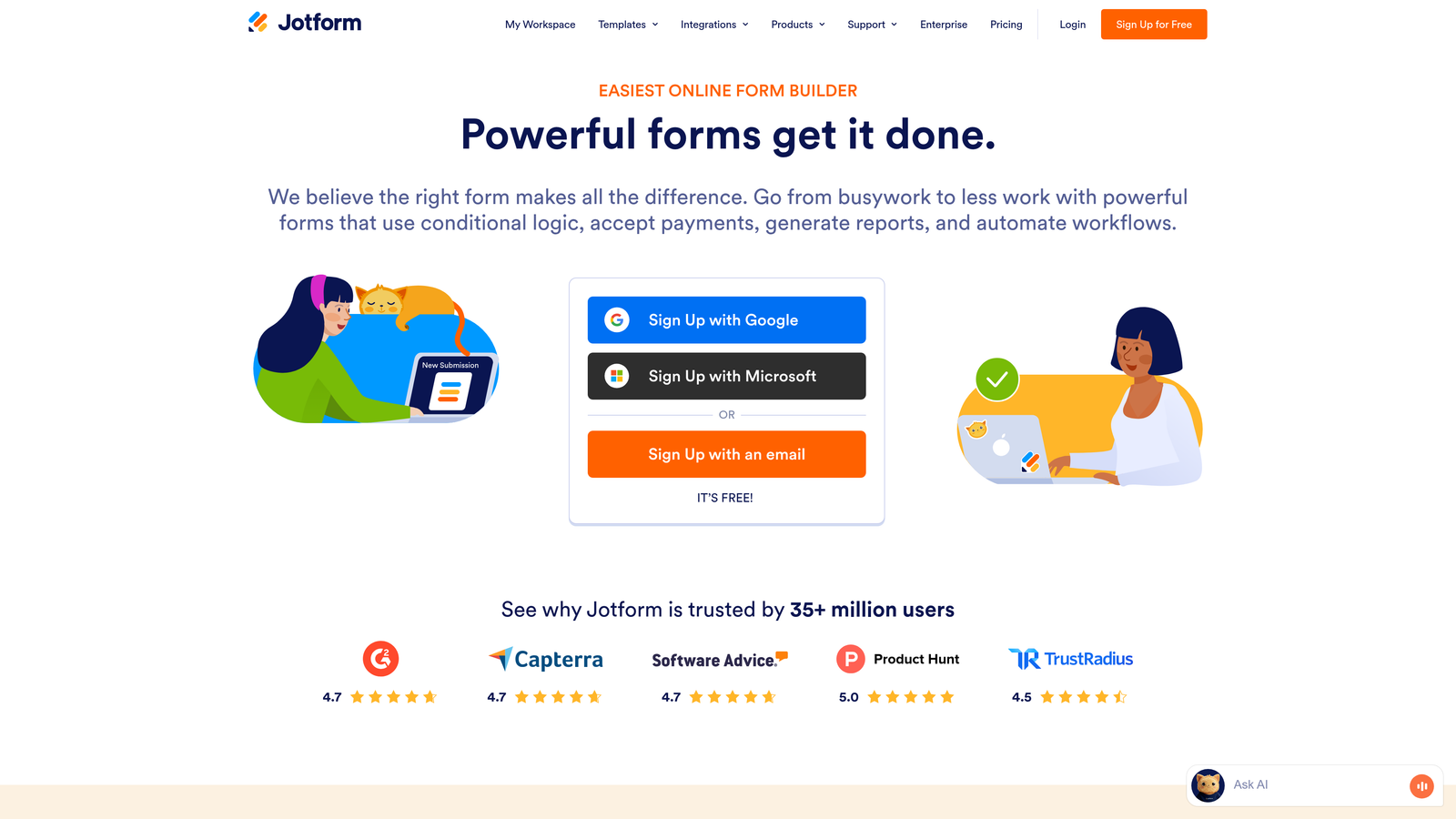
Jotform is the enterprise-grade form builder that's been around long enough to understand what large organizations actually need from their forms.
Where This Tool Shines
With over 10,000 pre-built templates, Jotform saves massive amounts of time. Need a medical intake form? Event registration? Job application? There's almost certainly a template ready to customize. This template library is particularly valuable for industries with specific requirements or workflows.
The platform's HIPAA compliance options make it one of the few form builders suitable for healthcare organizations. Combined with features like PDF generation, e-signatures, and extensive payment integrations, Jotform handles complex enterprise workflows that would require multiple tools elsewhere.
Key Features
10,000+ Templates: Pre-built forms for virtually every use case, from simple contact forms to complex applications.
HIPAA Compliance: Enterprise plans include HIPAA-compliant form hosting for healthcare organizations handling sensitive patient data.
PDF Generation: Automatically convert form submissions into formatted PDF documents for records or approvals.
E-Signature Integration: Collect legally binding signatures directly within forms without third-party tools.
Extensive Widget Library: Hundreds of widgets for specialized functionality like appointment scheduling, product catalogs, and more.
Best For
Healthcare organizations requiring HIPAA compliance, large enterprises with complex approval workflows, and teams that prefer customizing existing templates rather than building from scratch. Ideal when regulatory compliance isn't optional.
Pricing
Free tier available with basic features. Bronze starts at $34/month, with Silver and Gold tiers for growing teams. Enterprise pricing available for organizations needing compliance features and dedicated support.
5. Fillout
Best for: Teams using Notion or Airtable who want forms syncing directly to their databases
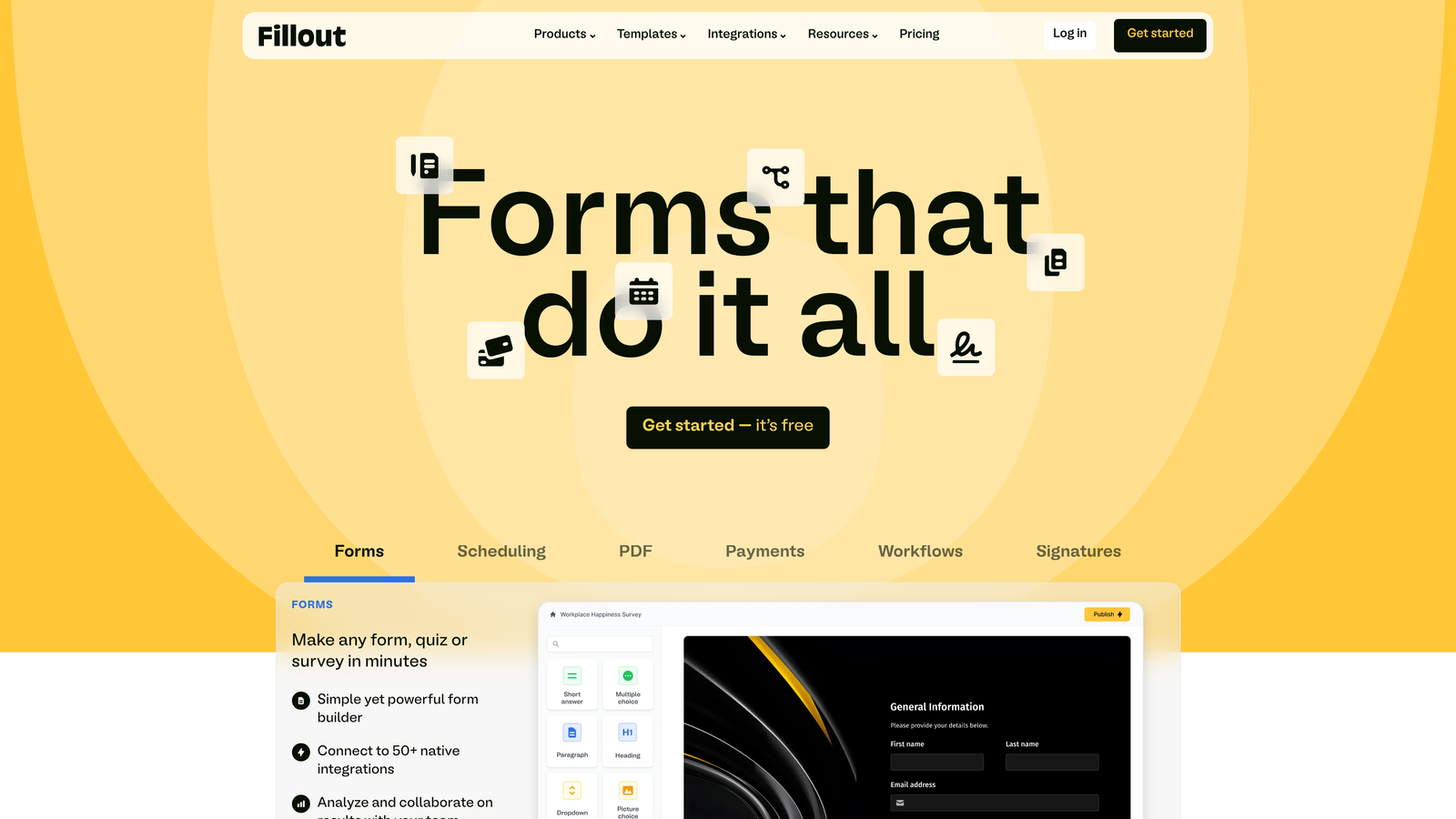
Fillout is the modern form builder designed specifically for teams that live in Notion, Airtable, and similar database tools.
Where This Tool Shines
The native Notion and Airtable integrations are what set Fillout apart. Instead of using Zapier or other middleware, form submissions flow directly into your existing databases. This direct connection means faster syncing, fewer points of failure, and simpler workflows.
If you're already managing projects, leads, or data in Notion or Airtable, Fillout eliminates the friction of getting form data where it needs to go. The platform understands these tools' data structures and field types, making setup straightforward rather than requiring complex mapping.
Key Features
Native Database Integrations: Direct connections to Notion and Airtable that sync form submissions instantly without middleware.
Conditional Logic: Create branching paths that show different questions based on previous answers.
File Uploads and Scheduling: Collect files and let respondents book appointments directly through forms.
Quiz and Calculator Modes: Build interactive quizzes with scoring or calculators that compute results based on user input.
Custom Domains: Host forms on your own domain to maintain brand consistency.
Best For
Teams already using Notion or Airtable as their source of truth, startups managing everything in no-code databases, and operations teams who want forms feeding directly into existing workflows without additional tools.
Pricing
Free tier available for basic use. Starter plan at $15/month unlocks advanced features and removes Fillout branding.
6. Paperform
Best for: Creating form-based landing pages with e-commerce capabilities
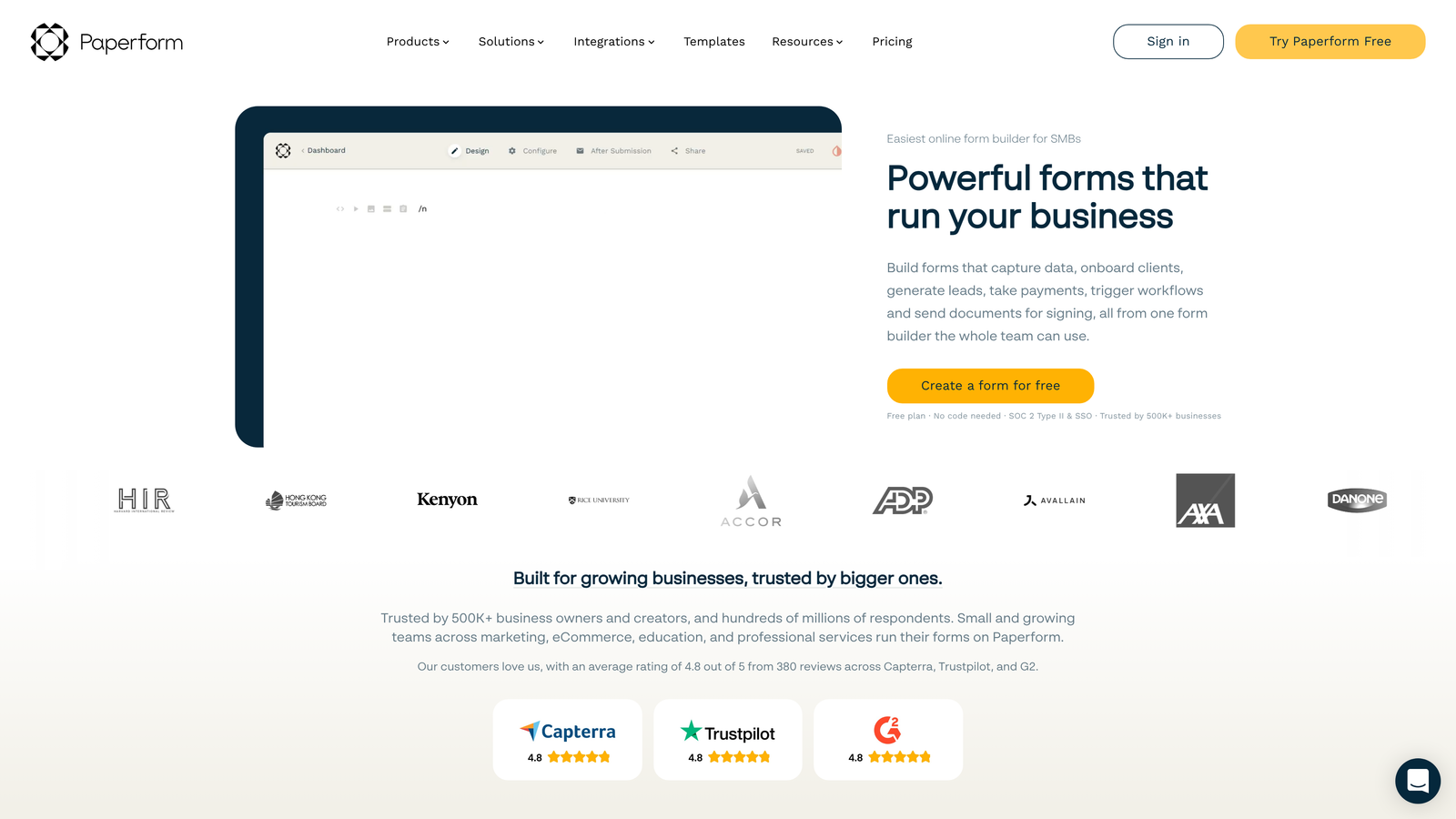
Paperform is the document-style form builder that makes forms function as beautiful landing pages, complete with payment processing and product catalogs.
Where This Tool Shines
Paperform blurs the line between forms and landing pages. Instead of a traditional form interface, you create document-style experiences that can include text, images, videos, and form fields all flowing together naturally. This approach works particularly well for product orders, event registrations, and bookings.
The built-in payment processing and product catalog features mean you can create complete e-commerce experiences without needing separate tools. Want to sell consulting packages or collect event registrations with tiered pricing? Paperform handles it within the form itself.
Key Features
Landing Page Design: Document-style forms that function as complete landing pages with rich media and content sections.
Payment Processing: Built-in Stripe integration for collecting payments, subscriptions, and donations directly through forms.
Rich Media Embedding: Add videos, images, and formatted text to create engaging, content-rich form experiences.
Product Catalogs: Display products with images, descriptions, and pricing for e-commerce-style forms.
Calculations and Logic: Conditional fields and automatic calculations for complex pricing or scoring scenarios.
Best For
Service businesses selling packages or consultations, event organizers collecting registrations with complex pricing, and companies that want forms doubling as landing pages. Excellent for scenarios where the form is the entire conversion experience.
Pricing
Essentials plan at $24/month includes core features. Pro plan at $49/month adds advanced integrations and removes submission limits.
7. Formspark
Best for: Developers wanting complete control over form design with reliable backend infrastructure
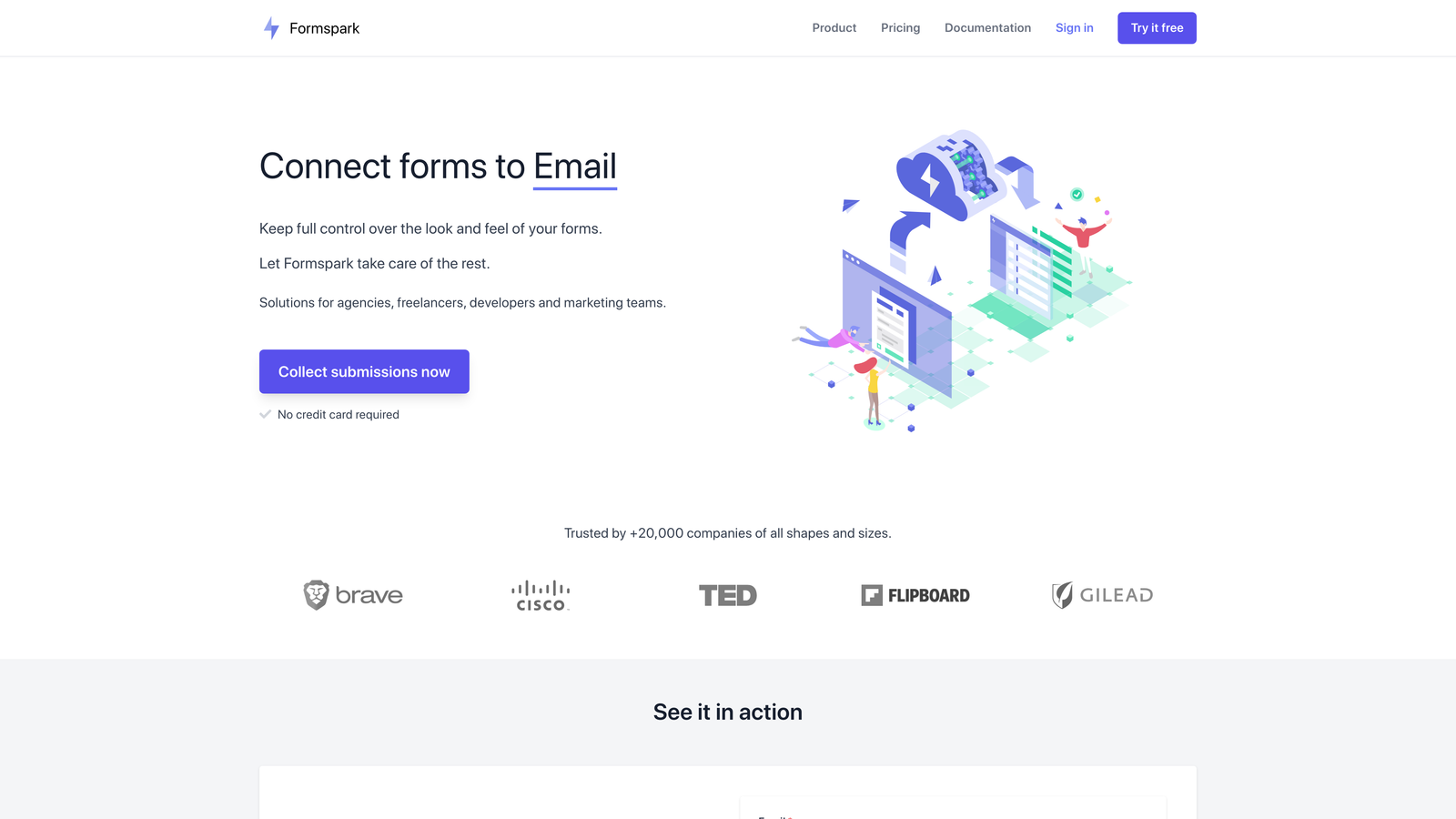
Formspark is the backend-only form service that lets developers build custom HTML forms while handling submission processing, storage, and notifications.
Where This Tool Shines
Formspark takes a fundamentally different approach—it provides the backend infrastructure while you build the frontend however you want. This means complete control over form design, validation, and user experience without worrying about submission handling, spam protection, or storage.
For developers building custom websites or applications, Formspark eliminates the need to build form processing infrastructure. You write the HTML, point it to Formspark's endpoint, and submissions are handled automatically with notifications sent wherever you need them.
Key Features
Bring Your Own HTML: No frontend components—build forms exactly how you want using standard HTML.
Spam Protection: Built-in spam filtering and bot detection without requiring CAPTCHA implementation.
Flexible Notifications: Send submissions via webhook, email, or both to integrate with your existing systems.
File Upload Support: Handle file submissions with automatic storage and delivery.
Simple REST API: Clean API for programmatic access to submissions and form management.
Best For
Developers building custom websites, agencies creating bespoke client solutions, and technical teams that want complete design control without building backend infrastructure. Perfect when you need forms that match exact design specifications.
Pricing
Free tier includes 250 submissions per month. Paid plans start at $8/month for increased submission limits and additional features.
8. Feathery
Best for: Product teams building complex onboarding flows and embedded form experiences
Feathery is the product-grade form builder designed for technical teams creating sophisticated multi-step workflows and embedded form experiences within applications.
Where This Tool Shines
Feathery was built specifically for product teams working on user onboarding, account creation, and application flows that require multiple steps and complex logic. The advanced workflow builder handles scenarios that would break simpler form tools—branching paths, data validation across steps, and conditional experiences based on user attributes.
The embeddable React components mean forms can live directly within your application rather than redirecting users to external pages. This seamless integration maintains context and improves completion rates for critical product flows.
Key Features
Advanced Workflow Builder: Create complex multi-step flows with sophisticated branching logic and conditional paths.
Embeddable Components: React components that integrate directly into your application for seamless user experiences.
Custom Code Support: Add custom CSS and JavaScript for complete control over appearance and behavior.
A/B Testing: Built-in experimentation tools to optimize form conversion through systematic testing.
Enterprise Security: SOC 2 compliance, SSO support, and advanced security features for regulated industries.
Best For
Product teams at SaaS companies, fintech applications requiring complex onboarding, and technical teams building embedded form experiences within applications. Ideal when forms are a core part of your product rather than a marketing tool.
Pricing
Free tier available for development and testing. Growth plans for scaling teams with pricing based on submission volume and feature requirements.
9. HubSpot Forms
Best for: Teams already using HubSpot who want native CRM integration and marketing automation
HubSpot Forms is the native form builder within HubSpot's ecosystem, automatically syncing every submission with CRM contacts and marketing workflows.
Where This Tool Shines
If you're already using HubSpot, the native form integration is unmatched. Form submissions automatically create or update contact records, trigger workflows, and segment lists without any configuration. This seamless connection eliminates the data sync issues and delays that plague third-party integrations.
Progressive profiling is particularly powerful—forms automatically hide fields for known contacts and ask new questions instead, gradually building complete profiles without overwhelming prospects with long forms. Smart fields pre-populate information for returning visitors, reducing friction and improving completion rates.
Key Features
Native CRM Integration: Automatic contact creation and updates with zero configuration or middleware required.
Progressive Profiling: Smart forms that hide already-known fields and progressively gather more information over time.
Smart Fields: Pre-populate form fields for known contacts to reduce friction and improve user experience.
Automatic Segmentation: Form submissions trigger list additions and workflow enrollments based on your criteria.
Built-In Analytics: Track form performance, conversion rates, and submission sources directly within HubSpot's reporting tools.
Best For
Companies already using HubSpot CRM or Marketing Hub, marketing teams that want forms tightly integrated with automation workflows, and businesses where contact data needs to flow instantly into sales and marketing systems.
Pricing
Free with HubSpot CRM. Advanced features like progressive profiling and smart fields require Marketing Hub subscription starting at higher tiers.
Making the Right Choice
The best modern form creation platform depends on what matters most to your team. Choose Orbit AI if lead qualification and AI-powered conversion optimization are priorities—it's built specifically for teams where lead quality drives growth. Go with Typeform when brand experience and engagement matter most, particularly for customer-facing forms where aesthetics count.
Pick Tally if you need a powerful platform without budget constraints—the free tier is genuinely generous. Select Jotform when enterprise needs like HIPAA compliance or extensive templates are non-negotiable. Use Fillout if you're already managing everything in Notion or Airtable and want forms feeding directly into your databases.
Try Paperform when you need forms functioning as landing pages with e-commerce capabilities. Choose Formspark if you're a developer who wants complete design control with reliable backend infrastructure. Pick Feathery for complex product onboarding flows and embedded experiences. Stick with HubSpot Forms if you're already invested in that ecosystem and want seamless CRM integration.
The modern form creation platform landscape has matured significantly. Today's tools offer sophisticated features that were enterprise-only just a few years ago. The key is matching platform capabilities to your specific workflow—whether that's AI-powered lead qualification, database integration, compliance requirements, or developer flexibility.
Transform your lead generation with AI-powered forms that qualify prospects automatically while delivering the modern, conversion-optimized experience your high-growth team needs. Start building free forms today and see how intelligent form design can elevate your conversion strategy.


