

Small teams move fast, and the last thing you need is a clunky form tool slowing you down. Whether you're capturing leads, qualifying prospects, or collecting customer feedback, the right form software can make a real difference in how efficiently your team operates and how many conversions you actually close.
But not every tool is built for lean, high-growth teams. Some are overbuilt for enterprise, others too basic to handle real lead qualification. This list cuts through the noise.
We've evaluated six form tools based on what small teams actually care about: ease of setup, smart logic and conditional flows, lead capture quality, integrations, and honest pricing. If your team is focused on growth and conversion, not just collecting responses, you'll find the right fit here.
1. Orbit AI
Best for: High-growth teams that need forms to qualify and route leads automatically
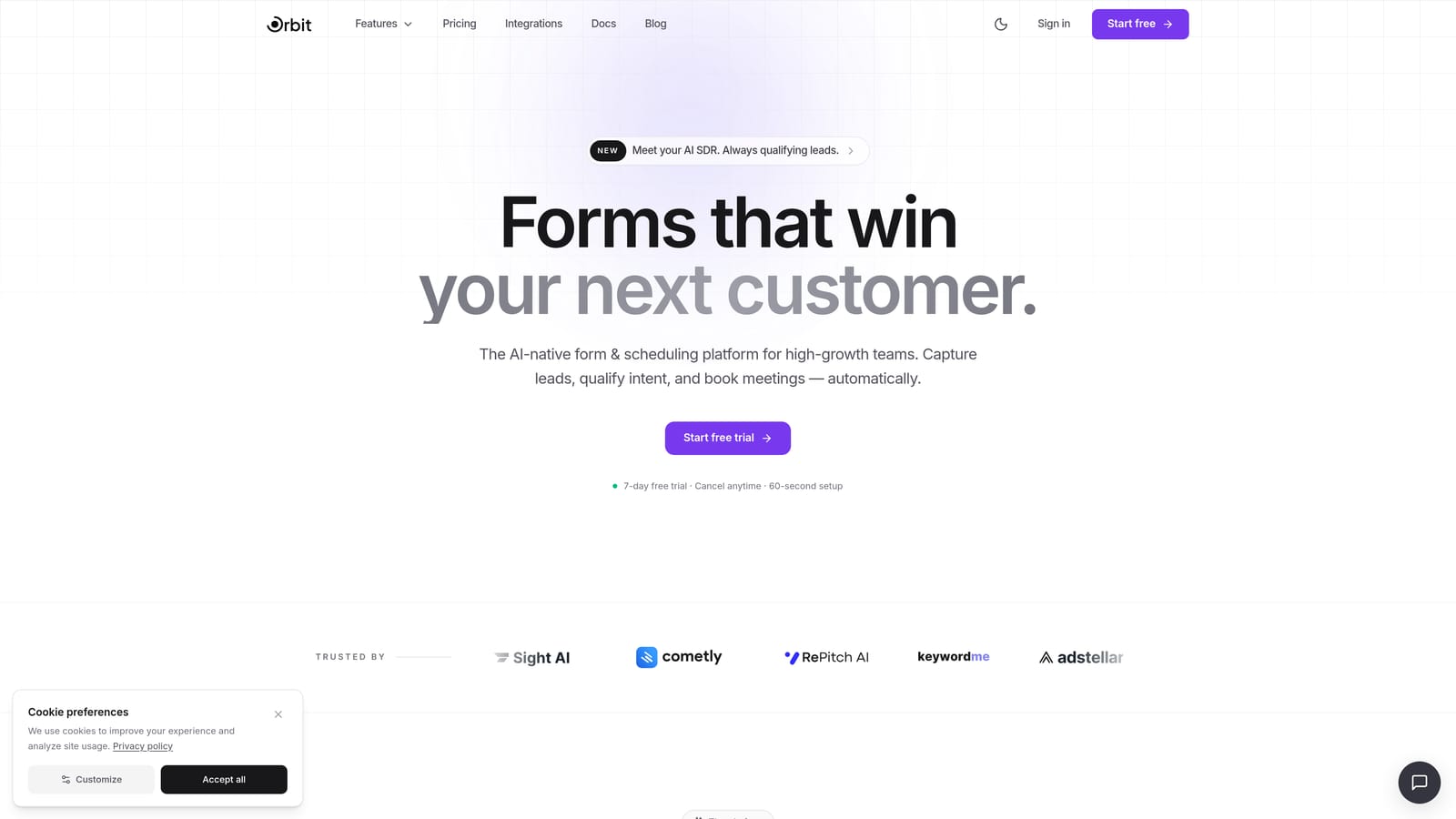
Orbit AI is an AI-powered form builder built specifically for teams where lead quality matters as much as lead volume.
Where This Tool Shines
Most form tools stop at data collection. Orbit AI goes a step further by qualifying leads as they move through the form flow, scoring them based on their responses and routing them accordingly. For small teams without a dedicated sales ops function, this kind of built-in intelligence can replace a surprising amount of manual work.
The form design itself is clean and modern, built with conversion in mind. You're not wrestling with outdated UI or patching together integrations to get basic functionality. The whole experience, from building to embedding to reviewing qualified leads, is designed to feel coherent and fast.
Key Features
AI-Powered Lead Qualification: Scores and qualifies leads automatically based on form responses, so your team focuses on the right prospects.
Conditional Logic and Smart Branching: Personalizes the form experience for each respondent based on their answers, reducing drop-off and improving data quality.
Conversion-Optimized Design: Clean, modern form UI built to maximize completion rates without requiring design expertise.
Automated Lead Routing and Segmentation: Routes qualified leads to the right team member or workflow automatically based on predefined rules.
CRM and Marketing Tool Integrations: Embeddable forms that connect with the tools your team already uses for outreach and pipeline management.
Best For
Orbit AI is the right fit for growth-focused small teams, SaaS companies, and marketing teams that want their forms to do more than collect data. If lead qualification is part of your workflow and you're tired of manually sorting through responses, this tool was built for exactly that problem.
Pricing
Visit orbitforms.ai for current pricing and plan details. Plans are designed with high-growth teams in mind.
2. Typeform
Best for: Teams that want a polished, conversational form experience with strong brand customization
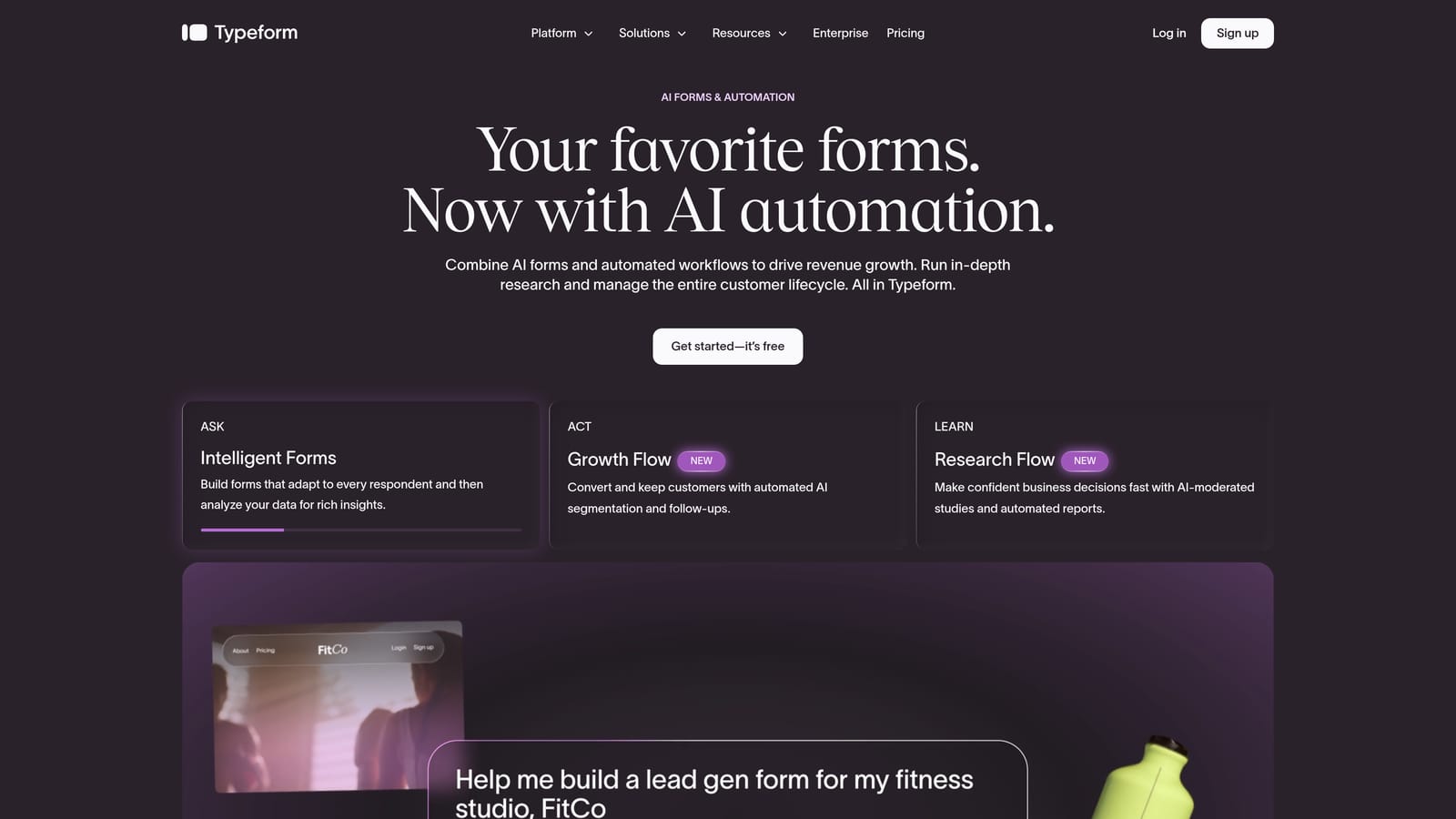
Typeform is one of the most recognizable names in form building, known for its one-question-at-a-time interface and design-forward approach.
Where This Tool Shines
Typeform's conversational format makes forms feel less like forms and more like a natural dialogue. For teams where respondent experience is a priority, this approach tends to reduce friction and improve completion rates compared to traditional multi-field layouts.
The customization options are genuinely strong. You can match forms to your brand with themes, custom fonts, and colors, and the logic jump system lets you create branching paths that feel intuitive to the person filling out the form. It integrates well with popular CRMs and marketing platforms, which makes it a practical choice for teams already invested in a particular tech stack.
Key Features
Conversational One-Question Format: Presents one question at a time, creating a more engaging and less overwhelming experience for respondents.
Brand Customization: Themes, fonts, and color controls let you make forms feel like a natural extension of your brand.
Logic Jumps and Conditional Branching: Routes respondents through different question paths based on their answers.
Native Integrations: Connects with CRMs, Slack, and marketing platforms out of the box.
Video and Image Embedding: Supports rich media within forms to add context or personality to questions.
Best For
Typeform suits teams that prioritize respondent experience and brand presentation. It's a strong choice for customer surveys, lead capture forms, and onboarding flows where how the form feels matters as much as what it collects. Worth noting: pricing can escalate as response volume grows, so budget-conscious teams should review plan limits carefully.
Pricing
A free tier is available with limited responses. Paid plans start at approximately $25/month. Verify current pricing at typeform.com.
3. Tally
Best for: Budget-conscious small teams that need clean, functional forms without paying for features they won't use
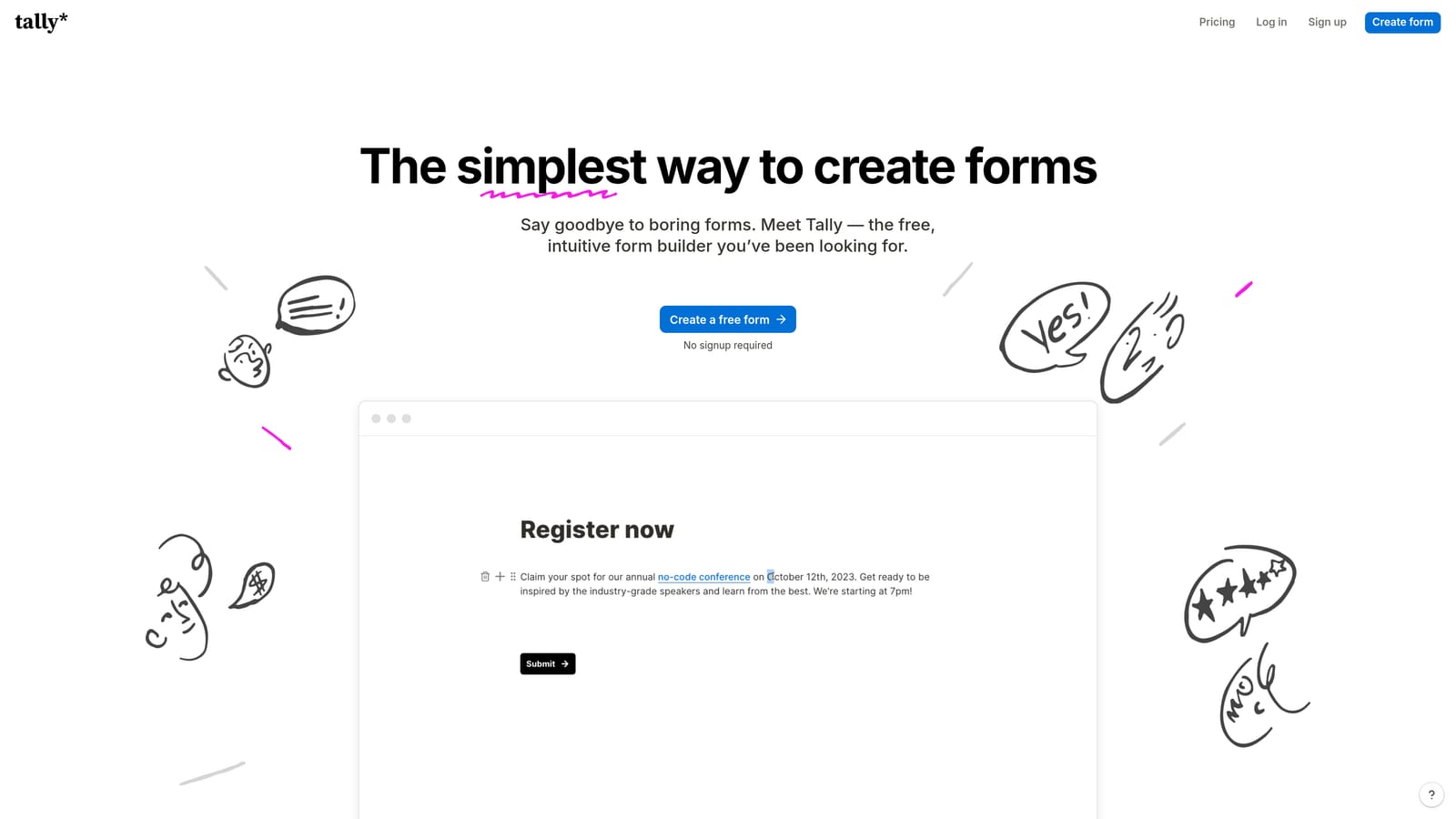
Tally is a minimalist, Notion-inspired form builder with one of the most generous free tiers in the market.
Where This Tool Shines
Tally's block-based editor feels immediately familiar if your team already works in Notion. There's almost no learning curve, and you can have a functional form live in a matter of minutes. The free plan includes unlimited forms and unlimited responses, which is genuinely rare in this space and makes it an easy starting point for teams that don't want to commit to a paid tool right away.
It handles the essentials well: conditional logic, file uploads, multi-page forms, and flexible embed options. For teams that need straightforward data collection without complex qualification workflows, Tally covers a lot of ground at no cost.
Key Features
Unlimited Free Forms and Responses: The free plan doesn't cap you on form count or submission volume, which is a meaningful advantage for small teams.
Block-Based Editor: Notion-like interface that's intuitive from the first use, with no steep learning curve.
Conditional Logic and Calculations: Supports branching paths and basic calculation fields for more dynamic forms.
File Upload and Multi-Page Support: Handles more complex data collection needs without requiring an upgrade.
Flexible Embedding: Embed in websites, Notion pages, or share via direct link with minimal setup.
Best For
Tally is ideal for early-stage teams, freelancers, or small businesses that need clean, reliable forms without a monthly bill. It's less suited for teams that need sophisticated lead qualification or advanced automation, but as a no-cost starting point, it's hard to beat.
Pricing
Free tier includes unlimited forms and responses. Tally Pro is available for advanced features. Verify current pricing at tally.so.
4. Paperform
Best for: Small teams that want forms and landing pages in a single tool, with built-in payments and scheduling
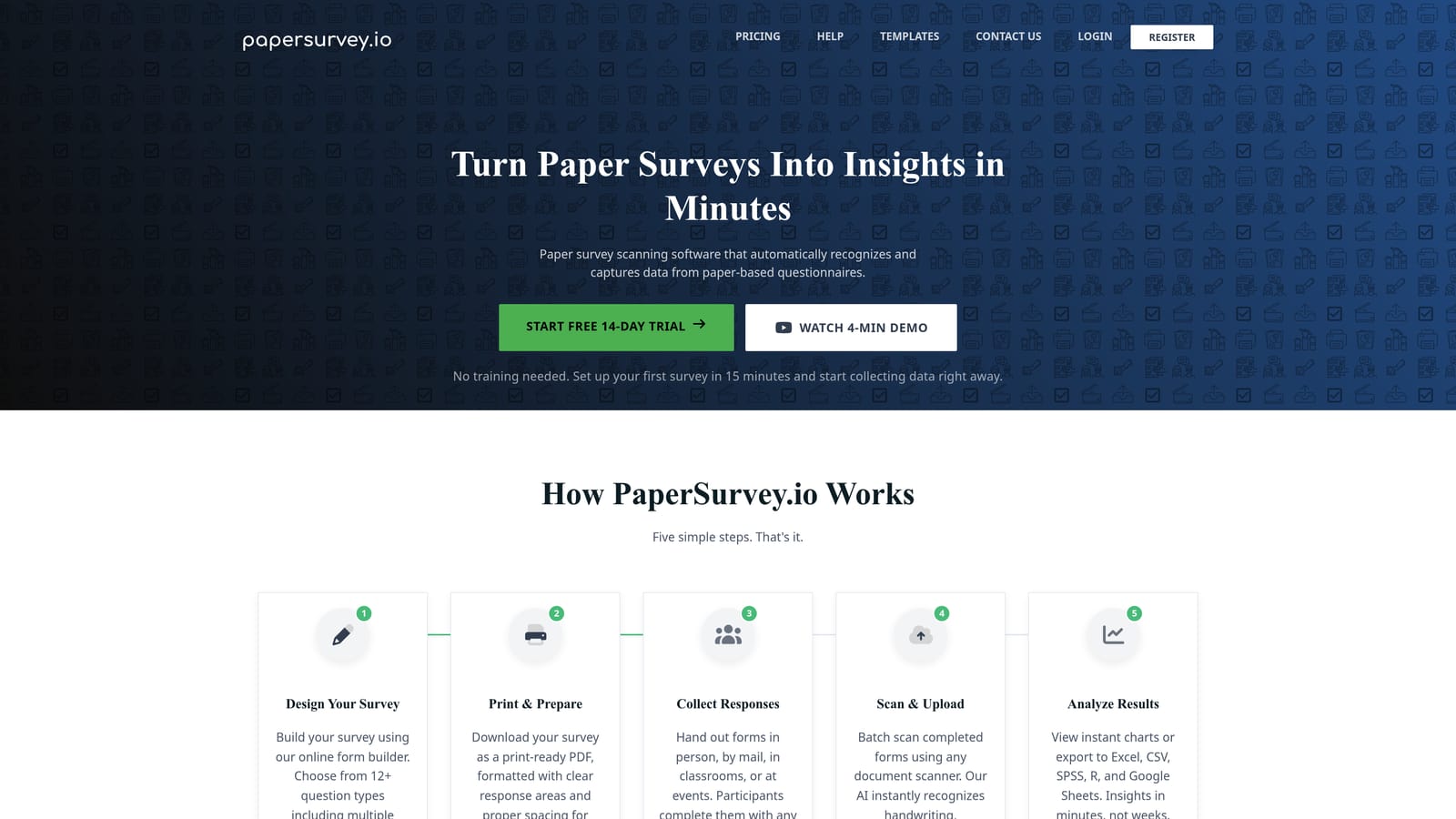
Paperform is a hybrid form and landing page builder that lets you create rich, media-heavy form pages with commerce and scheduling features built in.
Where This Tool Shines
Paperform occupies a unique space: it's more than a form builder but less than a full website platform. You can embed text, images, and video alongside your questions, making each form feel like a polished standalone page rather than a plain input sheet. This makes it particularly effective for product intake forms, event registrations, or client-facing workflows where presentation matters.
The built-in Stripe integration means you can collect payments directly within a form without connecting a separate tool. Appointment scheduling and product listings are also native features, which consolidates several workflows into one place for teams that don't want to manage multiple subscriptions.
Key Features
Rich Media Embedding: Text, images, and video can be woven throughout forms, creating experiences that feel like full landing pages.
Built-In Payment Processing: Stripe integration lets you collect payments directly within the form flow.
Appointment Scheduling: Native scheduling functionality built into forms, useful for service-based businesses.
Conditional Logic and Calculations: Supports branching and field calculations for more dynamic data collection.
Custom Domain Support: Host forms on your own domain for a fully branded experience.
Best For
Paperform suits small teams that need forms, payments, and scheduling in one place. It's particularly well-suited for service businesses, consultants, and teams running intake or booking workflows. It may be more than needed for teams focused purely on lead capture, and there's no free tier to test it before committing.
Pricing
Paid plans start at approximately $24/month. No free tier is available. Verify current pricing at paperform.io.
5. Jotform
Best for: Teams managing diverse workflows that need a wide template library and extensive integration support
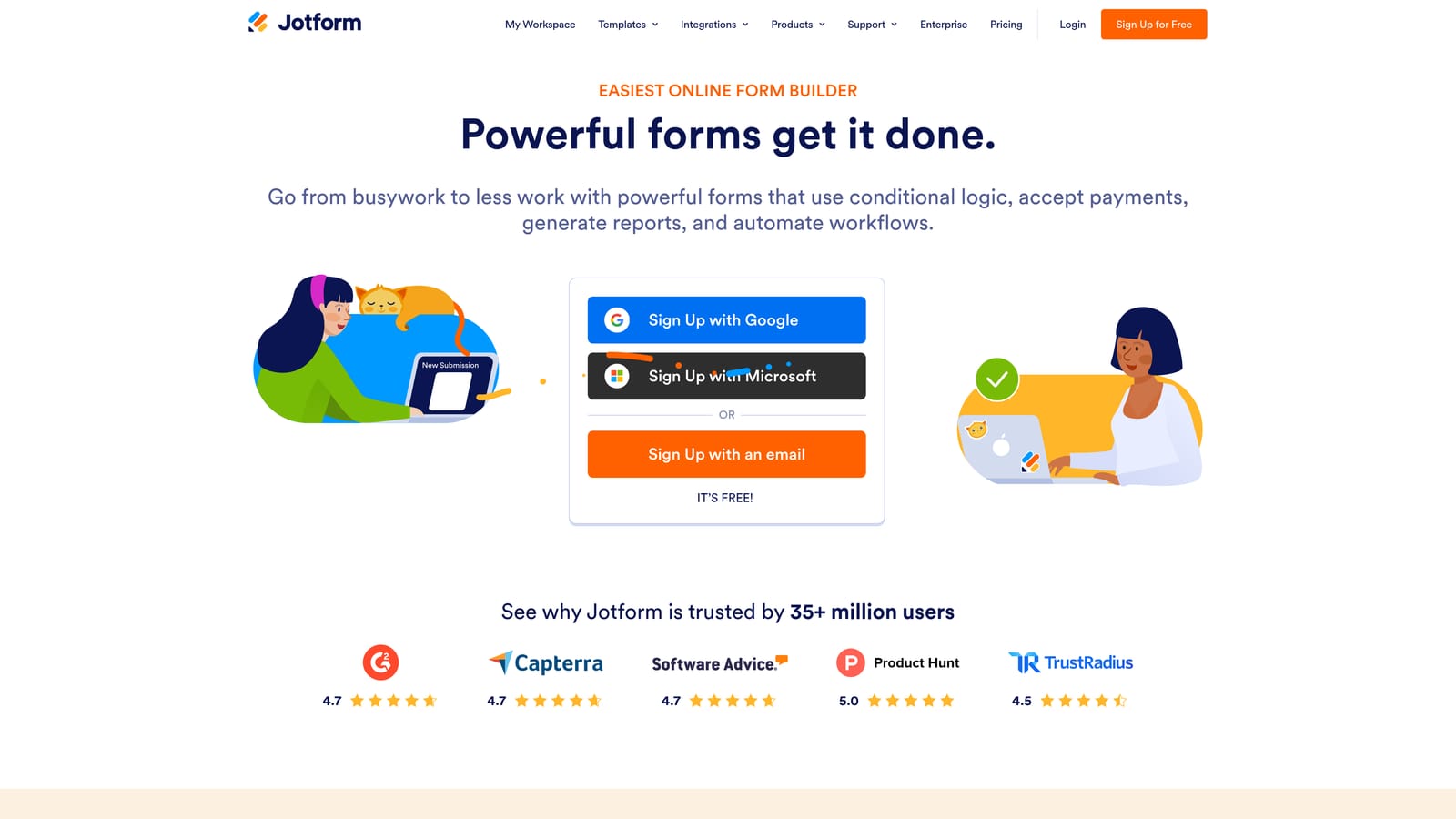
Jotform is one of the most established form builders available, with a depth of templates and integrations that few tools can match.
Where This Tool Shines
If you need a form for almost any use case, Jotform likely has a template for it. The library spans dozens of categories, from HR and healthcare to e-commerce and event management, which makes it a practical choice for small teams wearing many hats. You can get a functional form live quickly without building from scratch.
The integration list is extensive. With over 150 native connections covering CRMs, payment processors, project management tools, and more, Jotform fits into most existing tech stacks without friction. HIPAA-compliant form options also make it a viable choice for teams operating in regulated industries.
Key Features
Thousands of Templates: Pre-built forms across dozens of categories make it easy to start fast regardless of your use case.
150+ Native Integrations: Connects with CRMs, payment tools, and project apps across a wide range of platforms.
HIPAA-Compliant Options: Suitable for healthcare and other regulated industries that require data handling compliance.
Drag-and-Drop Builder: Accessible form creation with advanced field types for more complex data needs.
Submission Management Dashboard: Built-in analytics and response management tools for reviewing and acting on form data.
Best For
Jotform works well for small teams that manage varied workflows and need a single tool that can handle everything from HR intake to customer payments. The interface can feel dated compared to newer tools, and the feature depth may feel like overkill for teams with a narrow focus, but for breadth and reliability, it's a strong contender.
Pricing
A free tier is available with submission limits. Paid plans scale by response volume. Verify current pricing at jotform.com.
6. Formstack
Best for: Small teams with compliance requirements or document workflow needs tied to form submissions
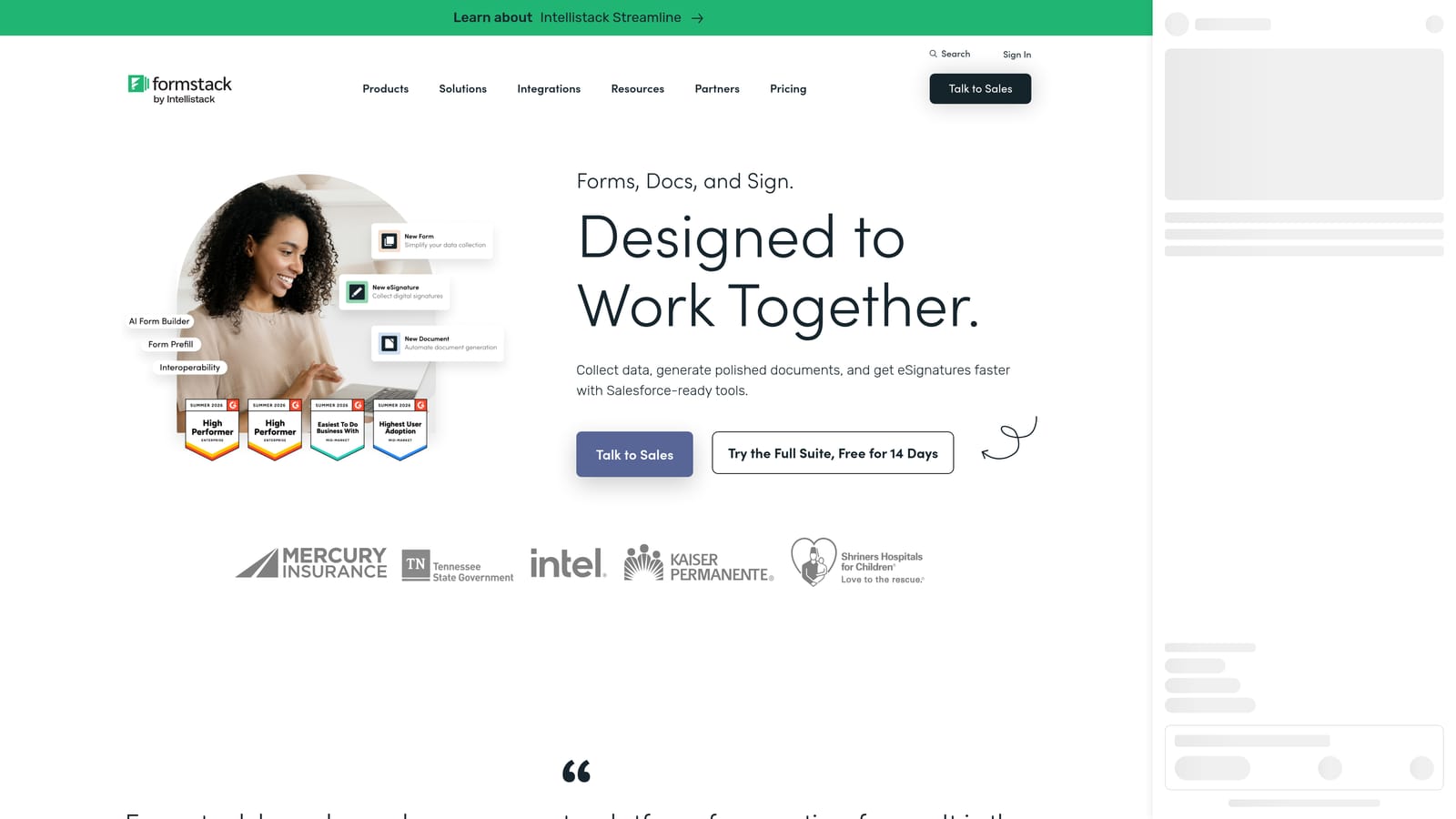
Formstack is a form and workflow automation platform that goes beyond data collection into document generation, multi-step approvals, and compliance management.
Where This Tool Shines
Formstack is built for teams where a form submission isn't the end of the process, it's the beginning. When a form is completed, Formstack can automatically generate a document, trigger an approval chain, or route the submission through a defined workflow. For teams handling contracts, agreements, or compliance-sensitive processes, this kind of automation can replace a significant amount of manual coordination.
The compliance features are a genuine differentiator for regulated industries. If your team operates in a space where data handling, audit trails, or document integrity matter, Formstack addresses those needs in a way that most general-purpose form builders don't.
Key Features
Form-to-Document Automation: Automatically generates contracts, agreements, or reports from form submissions without manual intervention.
Multi-Step Approval Workflows: Triggers approval chains based on submission data, keeping processes moving without manual follow-up.
Compliance Features: Built for teams in regulated industries that need audit trails and controlled data handling.
Conditional Logic and Field Validation: Ensures data quality and creates dynamic form experiences for respondents.
Integrations with Salesforce and Google Workspace: Connects with enterprise and productivity platforms for seamless workflow handoffs.
Best For
Formstack is the right choice for small teams in legal, finance, healthcare, or operations roles where forms connect to document generation or approval processes. It's likely more than needed for teams focused purely on lead capture, and the pricing reflects the platform's broader scope. Very early-stage teams may find it exceeds their current needs.
Pricing
Higher price point compared to most tools on this list. Pricing reflects the full workflow suite rather than standalone form building. Verify current pricing at formstack.com.
Which Tool Is the Right Fit for Your Team?
The best form software for a small team is the one that matches your actual workflow, not the one with the longest feature list. Here's a quick way to think through the decision.
If lead generation and qualification are your primary goals, Orbit AI is purpose-built for that workflow. It's the only tool on this list that natively scores and routes leads based on form responses, which means less manual sorting and more time spent on the prospects that actually matter.
If respondent experience and brand presentation are your priority, Typeform delivers a polished conversational format that few tools match. For teams just getting started with a tight budget, Tally's free tier covers the essentials without any upfront cost. Paperform is the pick when you need forms, payments, and scheduling consolidated into one tool. Jotform wins on template depth and integration breadth for teams managing diverse operational workflows. And Formstack is the right choice when your forms need to trigger document generation or multi-step approvals.
Start with what you need today, and make sure the tool can grow with you. Most of the tools on this list offer a free tier or trial, so you can test before committing.
Ready to see what AI-powered form building looks like? Start building free forms today and see how intelligent lead qualification can change the way your team converts prospects.


