

Typeform popularized the conversational form experience, but SaaS teams chasing pipeline growth have increasingly outgrown it. Pricing jumps sharply as response volume scales, native lead qualification is absent, and deep CRM integrations often require middleware to function properly.
The good news: the market has matured significantly. This list covers the strongest Typeform competitors purpose-built or well-suited for SaaS use cases, from AI-powered lead qualification to lightweight no-code builders. Each tool is assessed on form logic, conversion optimization, integrations, and pricing transparency.
Whether you're running outbound campaigns, gating content, or qualifying inbound demos, there's a fit here for your stack. Typeform is also included as a benchmark so you can make a clean comparison. And if you want context on what strong lead form performance looks like before you choose a tool, our guide on conversion rate benchmarks is worth reading first.
The Core Criteria SaaS Teams Should Evaluate
Before diving into the tools, it helps to know what actually separates a good SaaS form tool from a generic one. The five dimensions that matter most are: conditional logic depth, native lead qualification or scoring, CRM and sales stack integrations, pricing behavior as response volume scales, and conversion optimization features.
Most tools do some of these well. Very few do all of them. Keep that framework in mind as you read through each option below.
1. Orbit AI
Best for: High-growth SaaS teams that need AI-native lead qualification built into the form layer.
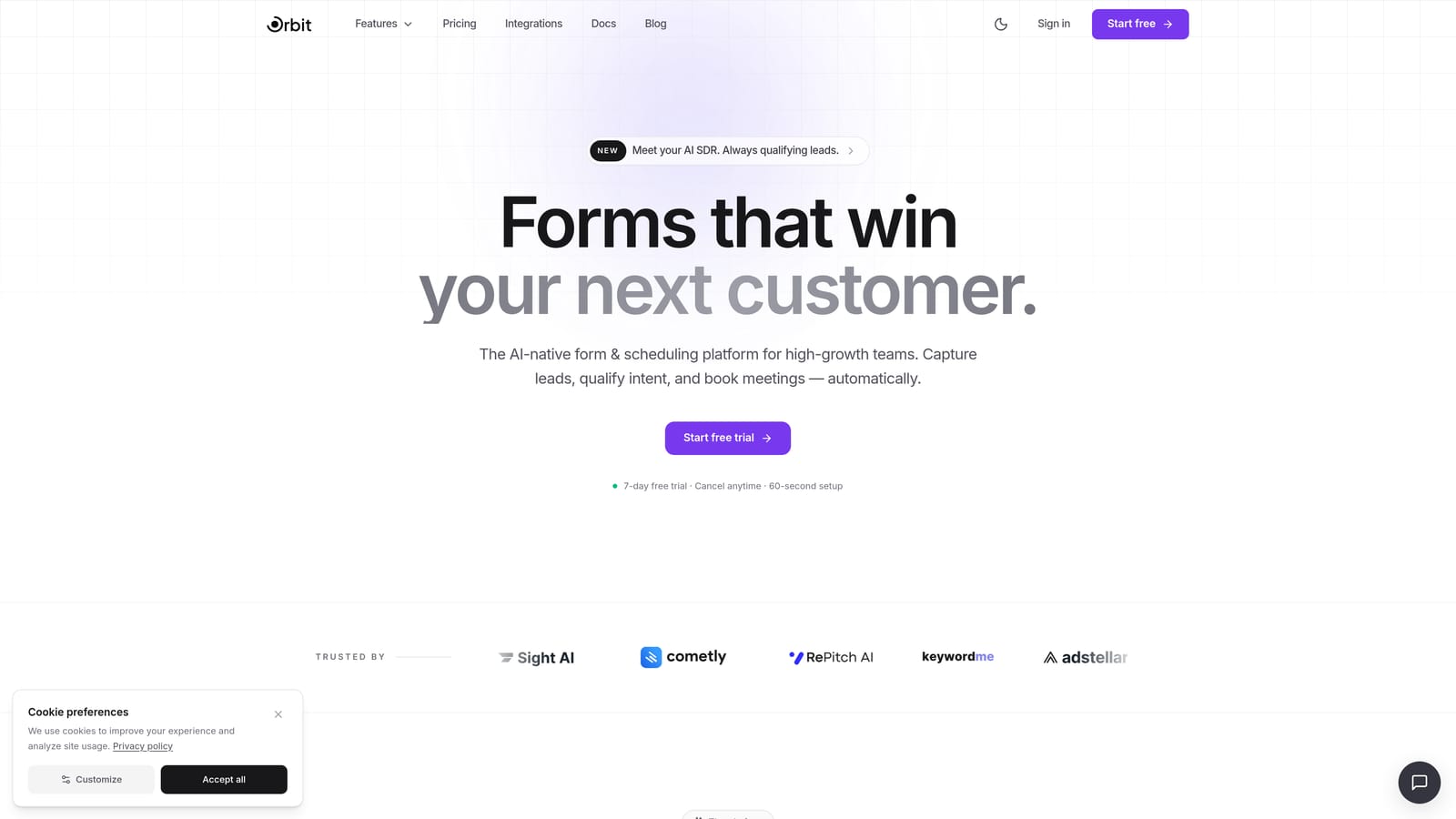
Orbit AI is an AI-powered form builder designed specifically for SaaS teams focused on conversion optimization and lead qualification, not just data collection.
Where This Tool Shines
The core differentiator is what Orbit AI does that no other tool on this list does natively: AI-powered lead qualification that scores and routes leads directly from form responses. There's no middleware, no Zapier zap connecting your form to a scoring model, and no manual triage afterward. The intelligence lives inside the form layer itself.
For SaaS teams running demo request flows, inbound qualification, or content gating, this matters enormously. Instead of capturing raw form data and routing it to a sales rep to manually assess, Orbit AI surfaces qualified leads automatically. The result is a tighter handoff between marketing and sales, with less noise in the pipeline.
Key Features
AI-Powered Lead Qualification: Scores and routes leads based on form responses without requiring external integrations or manual review.
Conditional Logic and Smart Branching: Delivers personalized form experiences based on how respondents answer, keeping forms relevant and completion rates high.
Conversion-Optimized Design: Modern, clean form aesthetics built to reduce friction and improve submission rates, not just look good.
SaaS-Specific Use Cases: Purpose-built templates and flows for demo requests, content gating, and inbound qualification workflows.
Integration-Ready Architecture: Designed to connect with the SaaS sales and marketing stack without requiring custom development work.
Best For
SaaS marketing and demand generation teams that want lead qualification to happen at the form level, not downstream in a CRM or via manual sales review. Particularly valuable for teams with high inbound volume who need to prioritize outreach efficiently.
Pricing
Visit orbitforms.ai for current plan details. Pricing is designed with high-growth SaaS teams in mind.
2. Tally
Best for: Early-stage SaaS teams that need clean, functional forms without a learning curve.
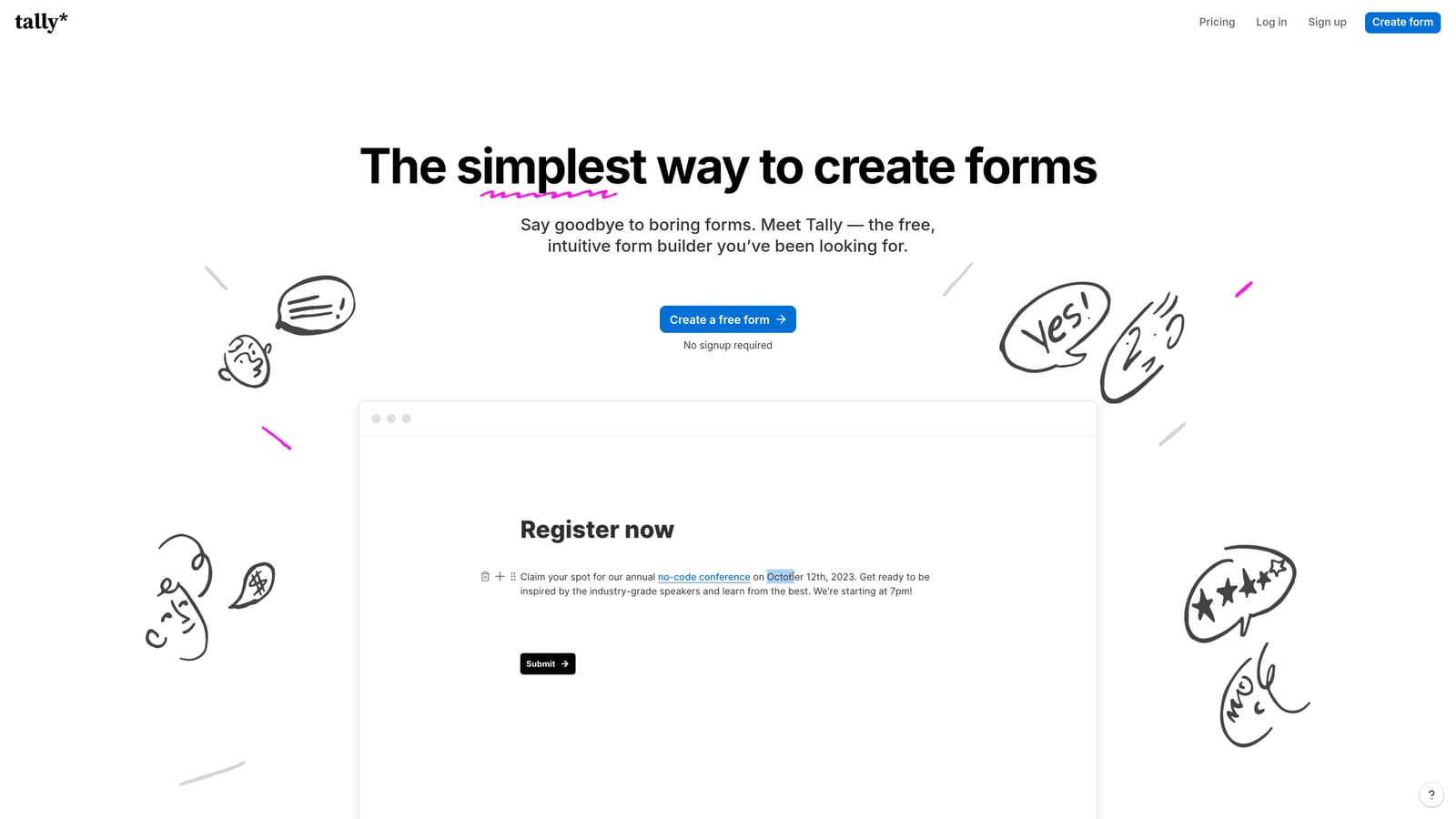
Tally is a lightweight, Notion-style form builder with a generous free tier and a block-based editor that most teams can pick up in minutes.
Where This Tool Shines
Tally's biggest advantage is its accessibility. The block-based editor feels immediately familiar to anyone who uses Notion, which means zero onboarding friction for modern SaaS teams. You can build a functional, good-looking form in minutes without reading documentation.
The free tier is genuinely generous: unlimited forms and unlimited responses, which is rare in this category. For early-stage teams that need to move fast without committing to a paid tool, Tally is hard to argue against. The trade-off is sophistication. Tally lacks native lead qualification, AI features, or deep CRM integrations, so teams that need more than basic data collection will eventually hit a ceiling.
Key Features
Block-Based Editor: Notion-style interface that makes building forms fast and intuitive for teams already in that ecosystem.
Conditional Logic and Hidden Fields: Available on both free and paid plans, enabling basic personalization without upgrading.
Unlimited Forms and Responses (Free Tier): No response caps on the free plan, making it genuinely usable for teams with real traffic.
Embed-Friendly Output: Clean, minimal design that embeds well into landing pages and product surfaces without clashing with brand styles.
Zapier Integration: Connects to other tools in your stack via Zapier for basic automation workflows.
Best For
Early-stage or bootstrapped SaaS teams that need functional forms quickly and don't yet require AI qualification or advanced CRM routing. Also a strong fit for internal forms, surveys, and lightweight feedback collection.
Pricing
Free tier available with unlimited forms and responses. Paid plans available for additional features. Verify current pricing at tally.so.
3. Paperform
Best for: SaaS teams building content-rich campaign landing pages with embedded form flows.
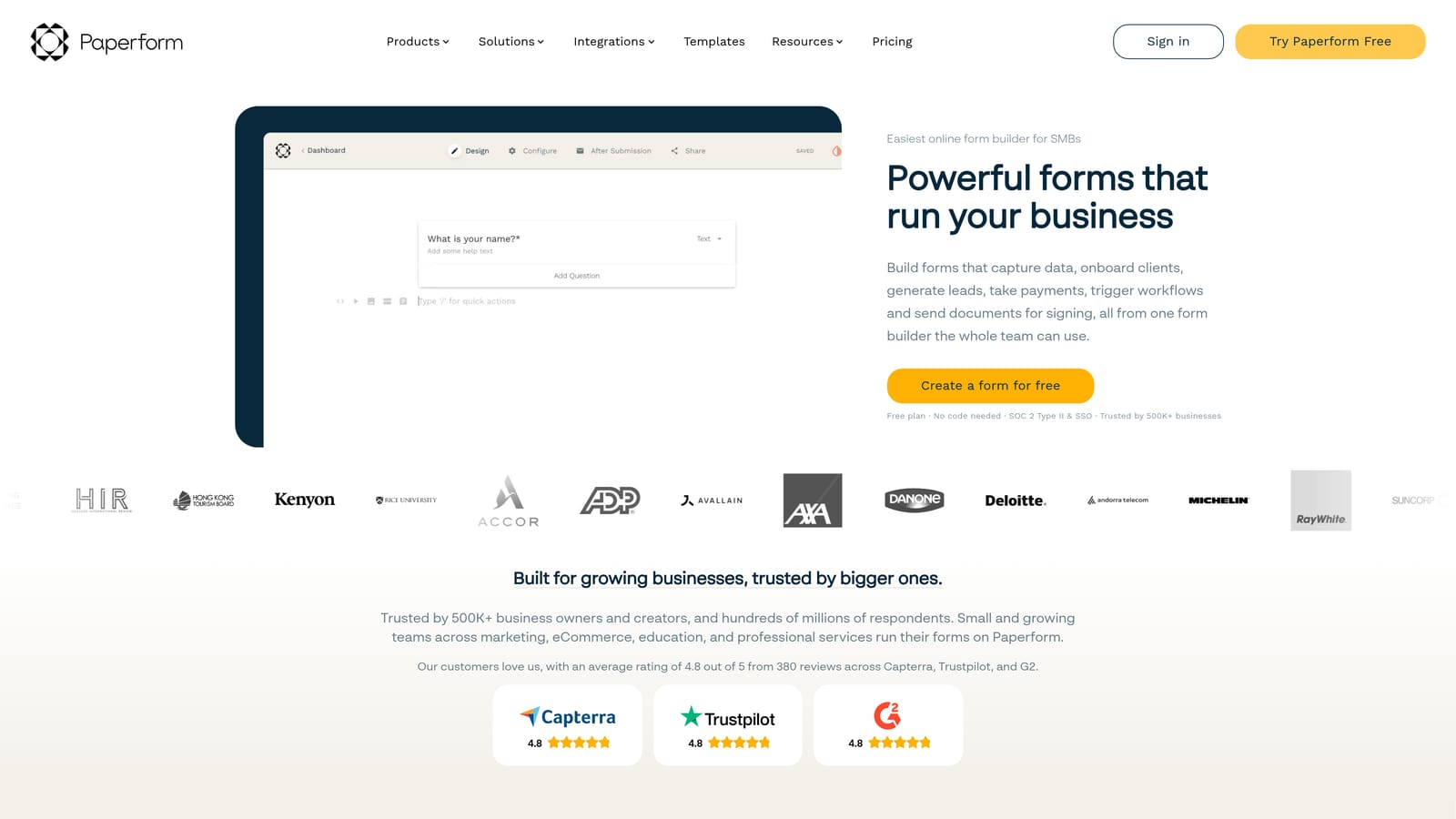
Paperform is a document-style form builder that blends rich content, including text, images, and video, with form fields in a single, flexible canvas.
Where This Tool Shines
Paperform occupies a unique space between a landing page builder and a form tool. Because you can mix rich media directly alongside form fields, it's well-suited for campaign pages where context matters. Think product onboarding questionnaires, event registration pages, or content offer redemption flows where you want to tell a story while collecting data.
For SaaS teams running paid campaigns or content marketing initiatives, this format can improve completion rates by giving respondents more context before asking for information. The trade-off is that Paperform is less focused on pure lead qualification and more on content-forward experiences. Teams that need AI scoring or deep CRM routing will find it limited on that front.
Key Features
Document-Style Editor: Combines rich media content with form fields in a single canvas, enabling context-rich form experiences.
Conditional Logic and Calculation Fields: Supports branching logic and dynamic calculations, useful for pricing estimators or qualification flows.
Built-In Payment Collection: Native Stripe and PayPal integration for teams that collect payments alongside form submissions.
Native Integrations Plus Zapier: Connects to popular tools directly and via Zapier for broader stack compatibility.
Custom Domains: Branded form URLs for a polished, professional experience on campaign pages.
Best For
SaaS marketing teams running campaign-specific landing pages, content gating with rich context, or product sales flows where visual storytelling alongside the form improves conversion.
Pricing
Tiered subscription plans available. Verify current pricing at paperform.co.
4. Typeform
Best for: Teams that prioritize conversational UX and have predictable, moderate response volumes.
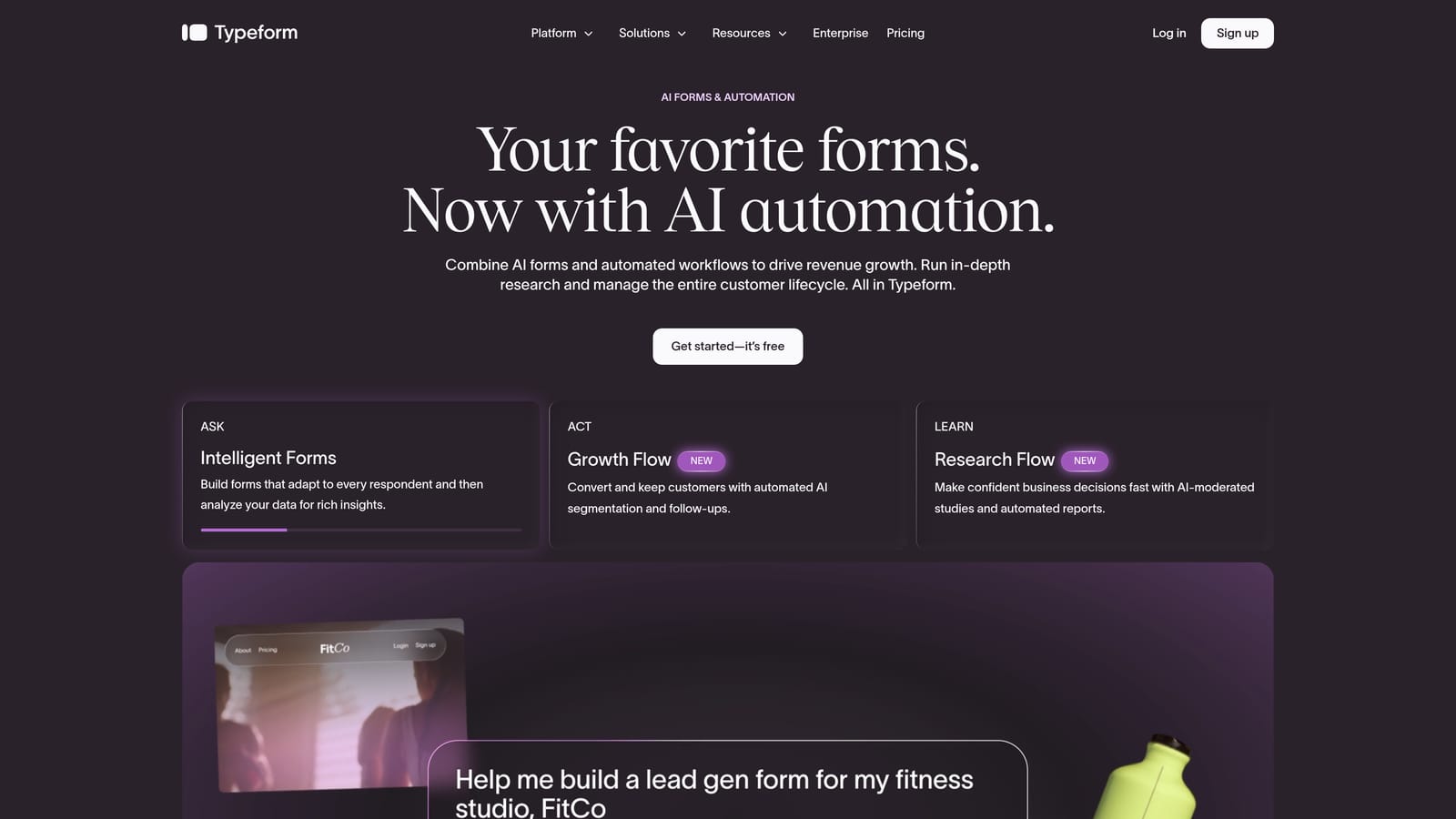
Typeform is the category-defining conversational form tool that pioneered the one-question-at-a-time format and remains a strong option for teams where UX is the primary driver.
Where This Tool Shines
Typeform's one-question-at-a-time format remains genuinely effective at keeping respondents engaged. The experience feels less like filling out a form and more like having a conversation, which typically drives higher completion rates on longer forms compared to traditional multi-field layouts.
Where Typeform struggles for high-growth SaaS teams is at scale. Pricing is tied to response volume, meaning costs grow as your form traffic grows. There's also no native AI lead qualification: if you want to score or route leads based on responses, you're building that logic in a CRM or via a Zapier integration, not inside Typeform itself. For teams that have outgrown it, that's the core frustration.
Key Features
Conversational One-Question-at-a-Time UX: The format that defined the category, still effective at driving engagement on longer form flows.
Logic Jumps and Hidden Fields: Enables personalized paths through forms based on prior answers.
Native CRM Integrations: Direct connections to HubSpot, Salesforce, Slack, and other common SaaS tools without middleware.
Video and Image Embedding: Supports rich media within individual questions for more engaging form experiences.
Analytics Dashboard: Drop-off and completion tracking at the question level to identify where respondents disengage.
Best For
SaaS teams with moderate, predictable response volumes who prioritize conversational UX and need broad integration support without heavy technical setup. Less suitable for teams scaling rapidly where per-response pricing becomes a significant line item.
Pricing
Response-volume-based pricing. Costs scale as form traffic grows, which is a common pain point for fast-growing SaaS teams. Verify current plans at typeform.com.
5. Jotform
Best for: Enterprise SaaS teams that need compliance credentials and a massive template library.
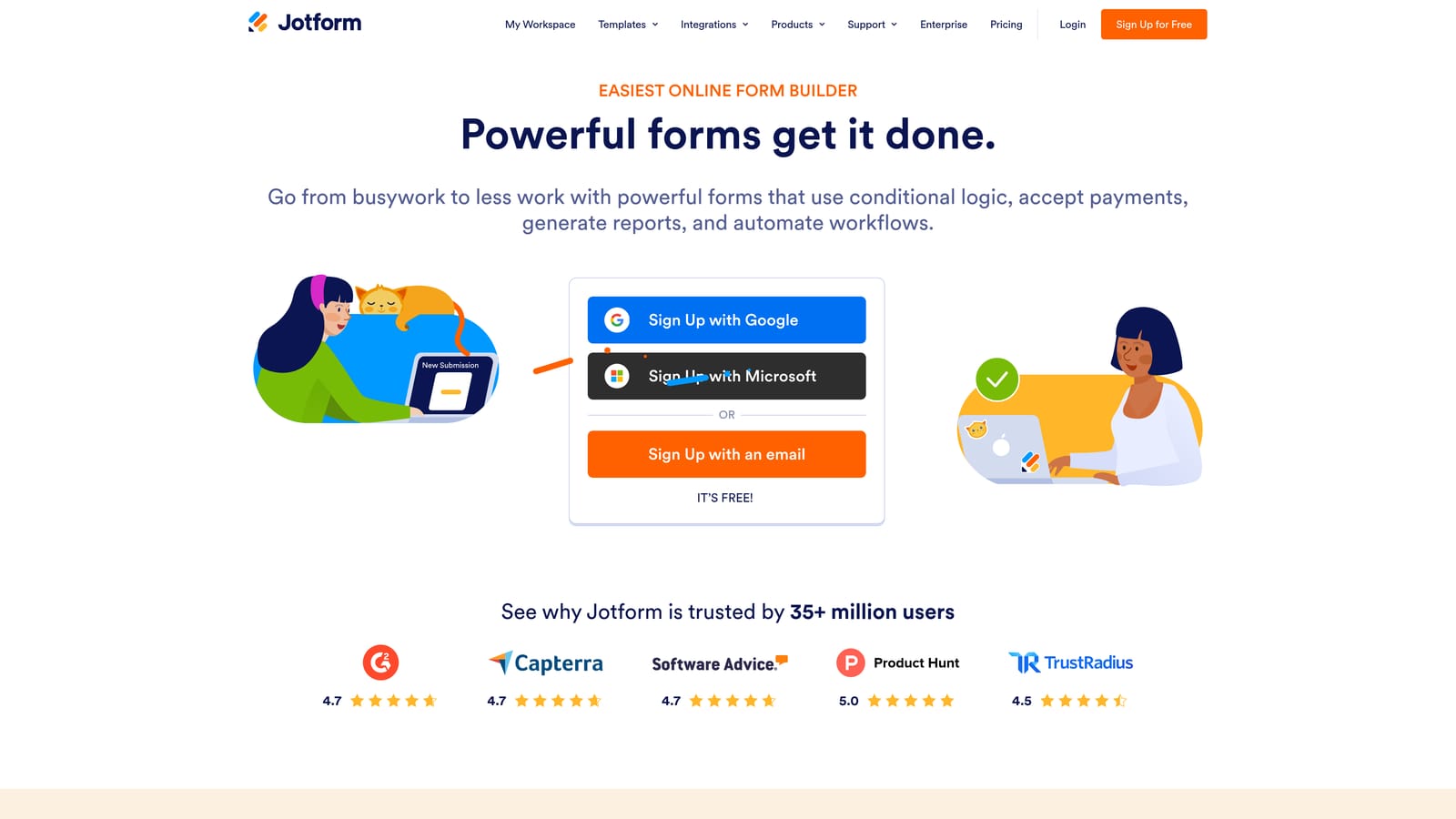
Jotform is one of the most feature-rich form platforms available, with an enormous template library, 150+ native integrations, and strong compliance options for regulated industries.
Where This Tool Shines
Jotform's breadth is its defining characteristic. With thousands of templates and integrations spanning virtually every industry and use case, it's the tool you reach for when you need something that already exists. For enterprise SaaS teams operating in regulated verticals, HIPAA and GDPR compliance options are a meaningful differentiator that many lighter-weight tools can't match.
The trade-off is that Jotform is more utilitarian than conversion-optimized. The drag-and-drop builder is functional and flexible, but the form experience it produces is closer to a traditional form than a conversational one. Teams focused on maximizing demo request completion rates may find the UX less polished than Typeform or Orbit AI.
Key Features
Extensive Template Library: Thousands of pre-built templates across industries, reducing build time for common use cases significantly.
150+ Native Integrations: Direct connections to Salesforce, HubSpot, Slack, and many other platforms without requiring Zapier.
HIPAA and GDPR Compliance: Enterprise-grade compliance options for SaaS teams operating in regulated industries or selling to regulated customers.
Drag-and-Drop Builder with Conditional Logic: Flexible form construction with branching logic for personalized paths.
Payment Collection and E-Signatures: Built-in capabilities for teams that need to collect payments or signatures alongside form data.
Best For
Enterprise SaaS teams with compliance requirements, teams that need a large variety of form types across multiple departments, and organizations that want deep native integrations without relying on Zapier for every connection.
Pricing
Free tier available. Paid plans scale with submission volume. Verify current pricing at jotform.com.
6. Formstack
Best for: RevOps and sales ops teams that need forms as part of a broader workflow automation platform.
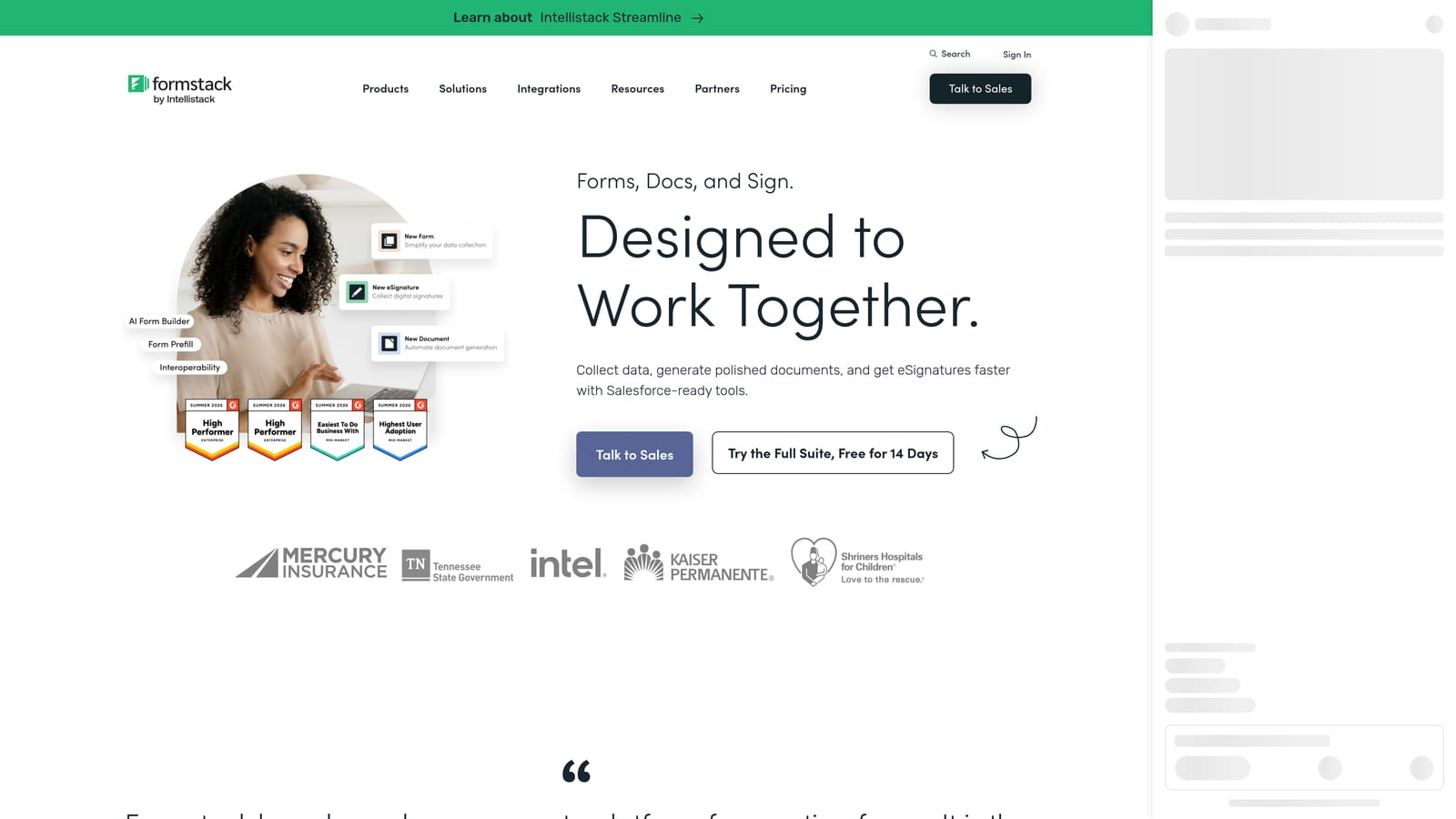
Formstack is a workflow-oriented data collection platform where forms are one component of a broader suite that includes documents and e-signatures, with deep Salesforce integration at its core.
Where This Tool Shines
Formstack is less a form builder and more a data workflow platform that happens to include forms. If your team's primary need is a clean, conversion-optimized lead capture experience, Formstack is probably more tool than you need. But if you're a RevOps team managing complex data flows between forms, documents, approvals, and Salesforce, it's a strong fit.
The native Salesforce integration with bi-directional data sync is the standout feature for enterprise SaaS teams. Data captured in a form flows into Salesforce records automatically, and Salesforce data can pre-populate form fields for returning contacts. For sales ops teams managing complex workflows, this level of integration depth is genuinely valuable.
Key Features
Native Salesforce Integration: Bi-directional data sync between forms and Salesforce records, purpose-built for RevOps workflows.
Workflow Automation and Conditional Routing: Advanced routing logic that goes beyond basic form branching into full workflow automation.
Broader Platform Suite: Forms, documents, and e-signatures in a single platform for teams that need all three connected.
HIPAA-Compliant Data Handling: Enterprise compliance for teams operating in regulated industries or selling to healthcare and finance customers.
Team Collaboration and Approval Workflows: Built-in tools for multi-stakeholder review and approval processes inside the platform.
Best For
RevOps and sales ops teams at mid-market or enterprise SaaS companies that need forms tightly integrated into Salesforce workflows and document automation, rather than standalone lead capture tools.
Pricing
Higher-tier pricing reflecting the full platform scope. Verify current plans at formstack.com.
Which Tool Fits Your Use Case
Here's the honest summary: the right tool depends almost entirely on where your team is and what problem you're actually trying to solve.
If you're an early-stage SaaS team that needs functional forms fast without a budget commitment, start with Tally. The free tier is genuinely useful, and the Notion-style editor means your team will be productive on day one.
If you're running campaign landing pages with rich content and want forms embedded in a storytelling experience, Paperform is worth evaluating. It occupies a unique space between a landing page builder and a form tool that works well for content-forward campaigns.
If compliance is a hard requirement and you need a massive template library with deep native integrations, Jotform covers that ground better than most. For teams where Salesforce is the center of gravity and forms are one piece of a broader workflow automation need, Formstack is the specialist choice.
Typeform remains a solid option for teams that prioritize conversational UX and have moderate, predictable response volumes. But if you're scaling rapidly, the per-response pricing model will become a recurring conversation with your finance team.
For high-growth SaaS teams where lead qualification is the core job to be done, Orbit AI is the only tool on this list with AI-native lead scoring built into the form layer itself. That means qualified leads surface automatically, without middleware, manual review, or downstream CRM logic to build and maintain. It's purpose-built for the use case that matters most to SaaS demand generation teams: getting the right leads to sales faster.
Transform your lead generation with AI-powered forms that qualify prospects automatically while delivering the modern, conversion-optimized experience your high-growth team needs. Start building free forms today and see how intelligent form design can elevate your conversion strategy.


