

If you've been sticker-shocked by Typeform, Jotform's enterprise tiers, or SurveyMonkey's premium plans, you're in good company. Many high-growth teams end up paying for feature bundles they barely touch, or hitting paywalls on the exact capabilities they actually need. It's a frustrating position to be in, especially when your form builder is supposed to be helping you grow.
The good news: the form builder market has matured significantly. There are genuinely powerful alternatives that offer fairer pricing, smarter features, and in some cases, a more conversion-focused experience than the legacy tools that dominate the category.
This list covers the top alternatives to expensive form software in 2026, evaluated on pricing transparency, lead qualification capabilities, ease of use, and overall value. Whether you're a SaaS team optimizing signup flows, a marketing agency running lead gen campaigns, or a B2B company qualifying inbound leads, there's a smarter option here for you.
1. Orbit AI
Best for: High-growth SaaS and B2B teams focused on AI-powered lead qualification and conversion optimization.
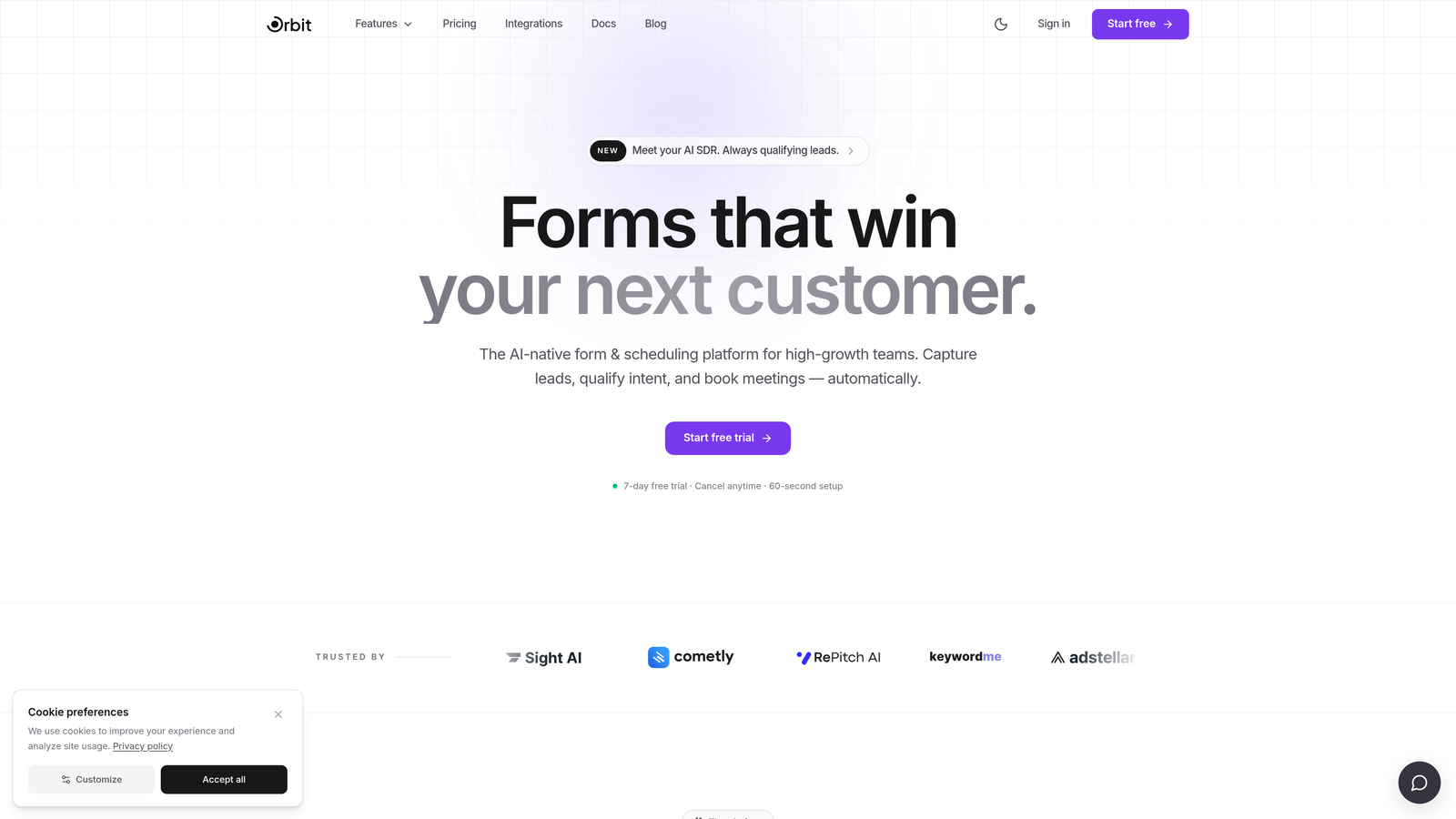
Orbit AI is an AI-powered form builder with built-in lead qualification logic designed specifically for teams that care about pipeline quality, not just submission volume.
Where This Tool Shines
What separates Orbit AI from most alternatives on this list is where the intelligence lives. Lead qualification isn't bolted on via a third-party integration or a separate CRM workflow. It's built directly into the form layer, which means your forms are actively scoring and qualifying leads as they're filled out.
For SaaS and B2B sales teams, this changes the dynamic considerably. Instead of exporting a raw list of form submissions and manually triaging them, your team gets prioritized leads with context. The conditional logic and dynamic fields also mean each respondent gets a personalized experience, which tends to improve completion rates on longer qualification flows.
Key Features
AI-Powered Lead Qualification: Qualification logic is embedded in the form itself, scoring leads in real time without requiring external integrations.
Conversion-Optimized Design: Modern UI with form layouts designed to reduce friction and improve completion rates.
Lead Scoring: Helps sales teams prioritize inbound leads based on form responses, so high-value prospects don't get buried.
Conditional Logic and Dynamic Fields: Forms adapt based on respondent answers, creating a personalized experience that feels less like a form and more like a conversation.
Pipeline Visibility: Built with high-growth teams in mind, giving visibility into how leads are moving through your funnel from the first touchpoint.
Best For
Orbit AI is best suited for SaaS companies, B2B marketing teams, and growth-focused organizations where lead quality matters as much as lead volume. If your sales team is spending significant time manually qualifying inbound submissions, this tool directly addresses that friction point.
Pricing
Visit orbitforms.ai for current pricing plans. The platform is built with high-growth teams in mind, so plans are structured around conversion and qualification use cases.
2. Tally
Best for: Startups, indie makers, and small teams who want unlimited forms and responses without paying anything.
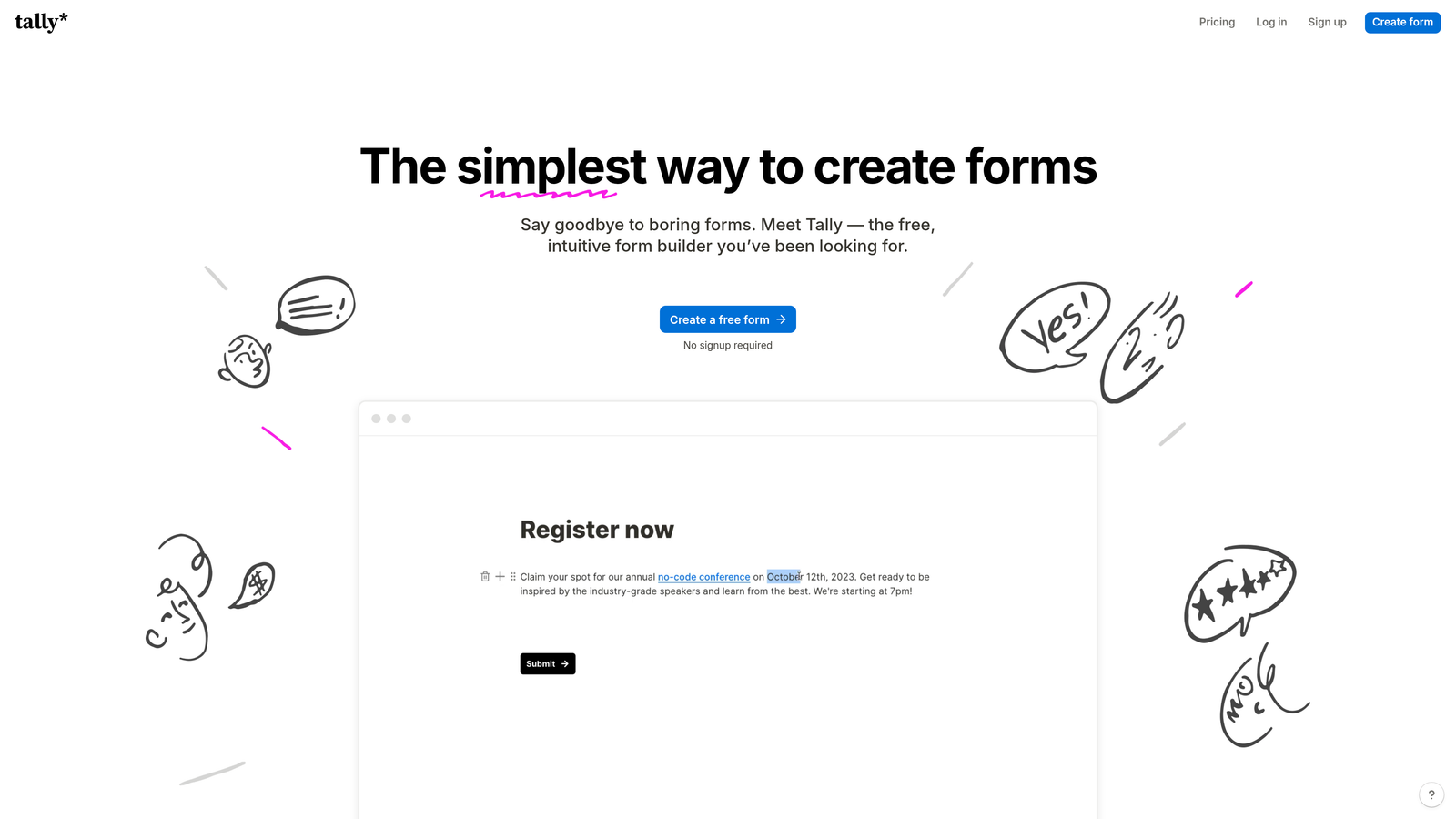
Tally is a free-first form builder with a clean, Notion-inspired editing experience and one of the most generous free tiers in the category.
Where This Tool Shines
Tally's free plan is genuinely free, not a stripped-down trial. You get unlimited forms and unlimited responses, which immediately puts it in a different league from tools that cap you at 100 submissions per month and then ask for a credit card.
The block-based editor will feel immediately familiar to anyone who uses Notion. Building a form is fast and intuitive, and the resulting forms look clean and modern without requiring any design work on your end. For teams that want to move quickly without a learning curve, Tally is hard to beat at its price point.
Key Features
Unlimited Forms and Responses (Free): No submission caps or form limits on the free plan, which is genuinely rare in this category.
Block-Based Editor: Notion-style editing experience that makes building multi-step forms fast and intuitive.
Conditional Logic: Branch forms based on responses to create more relevant experiences for different respondent types.
Clean Embeds: Forms embed smoothly into websites and Notion pages without breaking your layout.
Paid Plan Upgrades: Custom domains, file uploads, and additional branding controls are available on the paid tier.
Best For
Tally is ideal for early-stage startups, solo operators, and small teams who need capable forms without a budget. It's also a strong pick for Notion-heavy teams who want forms that feel native to their existing workflow.
Pricing
Free tier available with no response limits. Paid plans start at approximately $29/month. Verify current pricing at tally.so.
3. Fillout
Best for: Ops teams and no-code builders who need forms that connect natively to Airtable, Notion, or other databases.
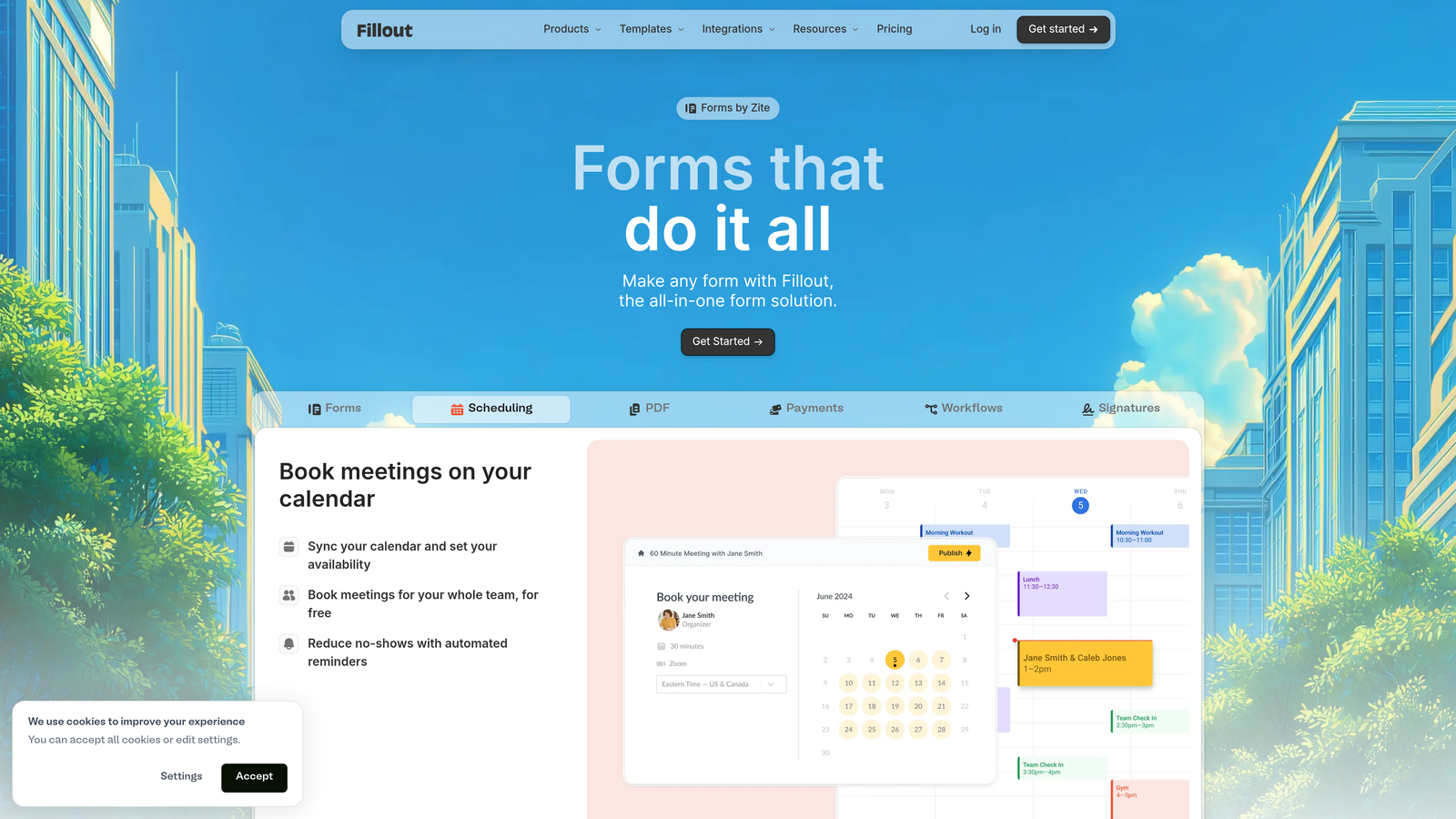
Fillout is a form builder built around deep database integrations, making it a natural fit for teams that live in Airtable or Notion and want their forms to sync data without manual exports.
Where This Tool Shines
Most form builders treat integrations as an afterthought, connecting via Zapier or webhooks and hoping for the best. Fillout takes a different approach: native integrations with Airtable and Notion mean your form submissions write directly to your database records, with field mapping that actually works the way you'd expect.
Beyond integrations, Fillout has built out a solid set of form features including advanced conditional logic, multi-page layouts, and scheduling support. For ops teams building intake forms, project request flows, or client onboarding processes, this combination of database connectivity and form flexibility is genuinely useful.
Key Features
Native Airtable and Notion Integration: Direct database connections that sync form responses without requiring middleware tools.
Advanced Conditional Logic: Branching and logic rules that handle complex form flows without requiring a developer.
Scheduling Support: Booking and scheduling form types built in, useful for client-facing intake flows.
Multi-Step Layouts: Break long forms into pages to reduce overwhelm and improve completion rates.
Generous Free Tier: A usable free plan with a reasonable response allowance for teams getting started.
Best For
Fillout works best for operations teams, no-code builders, and anyone managing structured data in Airtable or Notion who wants forms that feel like a native extension of their existing stack.
Pricing
Free tier available. Paid plans scale by response volume. Verify current pricing at fillout.com.
4. Paperform
Best for: Service businesses and agencies that need forms, payments, and landing pages in a single tool.
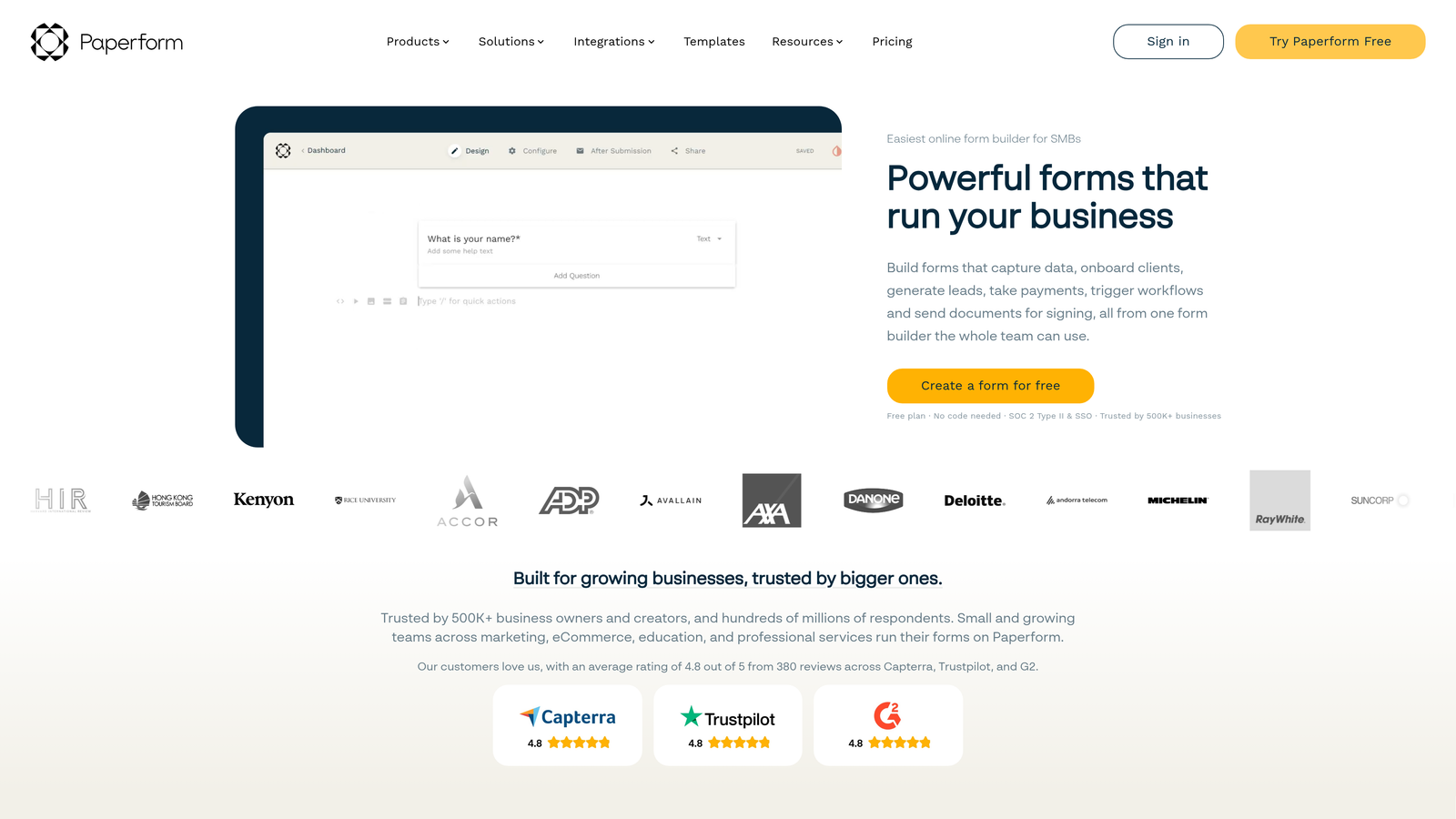
Paperform is a flexible form builder that combines forms, payment collection, scheduling, and product pages in one platform, with strong design customization throughout.
Where This Tool Shines
Paperform's core strength is versatility. Rather than building a form and then stitching together separate tools for payments and scheduling, you can handle all three from a single Paperform page. For service businesses that need to collect intake information, take a deposit, and book an appointment in one flow, this is a meaningful workflow simplification.
The design flexibility is also above average. You can customize fonts, colors, and layouts to match your brand without touching code, and the results look polished enough to use as standalone landing pages rather than just embedded forms.
Key Features
Forms Plus Payments Plus Scheduling: Combine data collection, payment processing, and appointment booking in a single form flow.
High Design Flexibility: Brand customization options that produce polished, on-brand results without requiring design skills.
Built-In Payment Processing: Native Stripe and PayPal integrations for collecting payments directly through your forms.
Conditional Logic and Calculator Fields: Dynamic forms that adapt to responses and can calculate values, useful for quote forms and pricing estimators.
Template Library: A solid range of templates geared toward service businesses, agencies, and freelancers.
Best For
Paperform is a strong fit for agencies, consultants, service businesses, and anyone who needs forms that double as lightweight landing pages with built-in payment and scheduling functionality.
Pricing
Paid plans starting at approximately $24/month. Verify current pricing at paperform.co.
5. Jotform
Best for: Teams that need an extensive template library and support for payments, PDFs, and approval workflows.
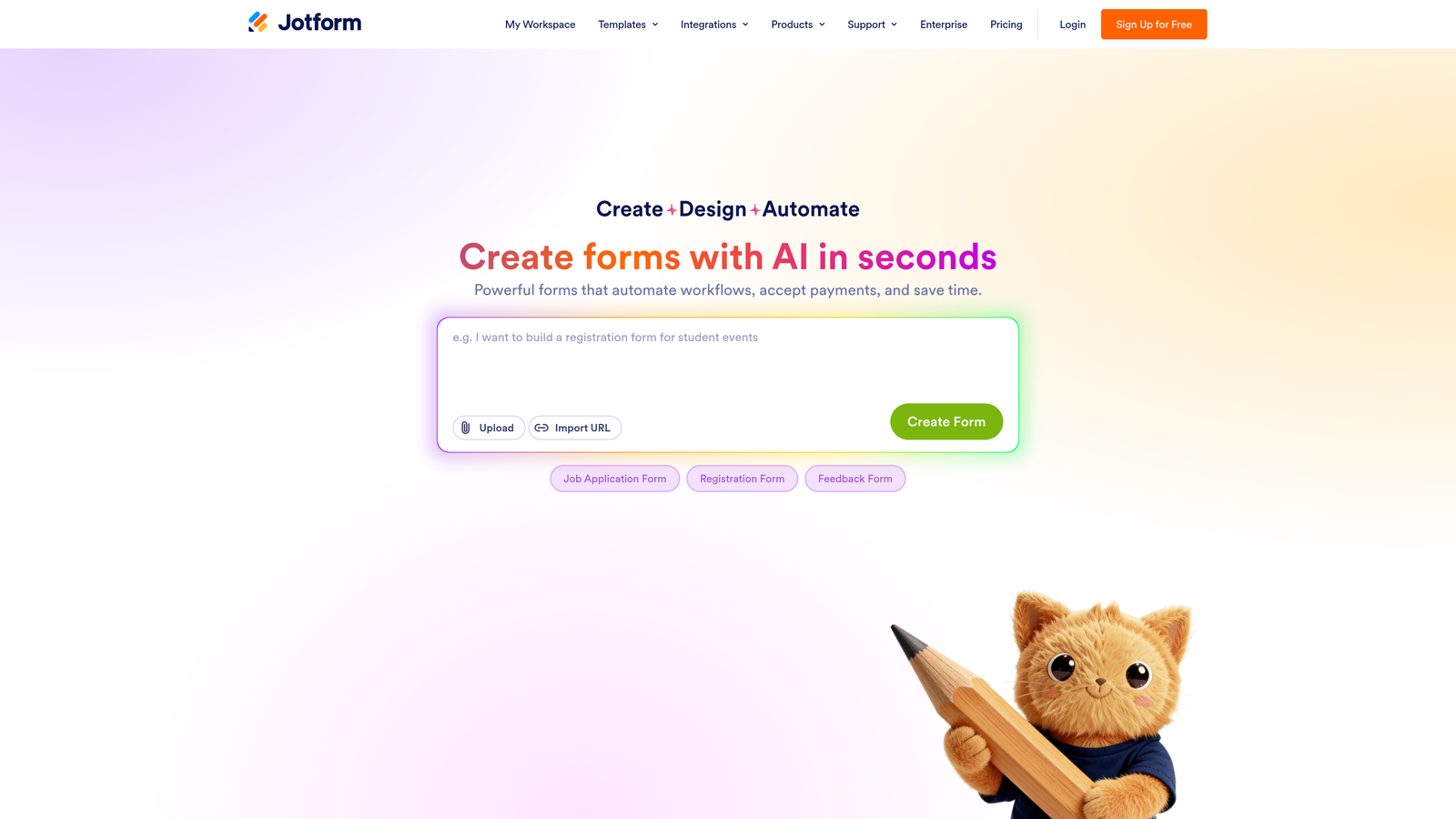
Jotform is one of the most feature-rich form builders available, offering a wide range of capabilities that can replace several separate tools for the right team.
Where This Tool Shines
Jotform's breadth is its biggest selling point. With over 10,000 form templates spanning dozens of industries, the chances are high that a template close to what you need already exists. Beyond templates, the platform supports payment collection, PDF generation, approval workflows, and HIPAA-compliant form configurations, which makes it viable for regulated industries where other tools fall short.
It's worth noting that Jotform can itself become expensive at higher submission volumes, which is why it appears here as an alternative to the highest enterprise tiers of tools like SurveyMonkey rather than a budget option across the board. At small to mid-scale, its free and lower paid tiers offer strong value.
Key Features
10,000+ Templates: An extensive library covering industries from healthcare to e-commerce, making it easy to start from a relevant base.
Payment Integrations: Supports major payment processors for collecting fees, donations, or product payments directly through forms.
PDF Generation and Document Workflows: Automatically generate PDF documents from form submissions, useful for contracts and records.
HIPAA-Compliant Forms: Available on higher plans, making Jotform viable for healthcare and sensitive data use cases.
Approval Workflows and Team Collaboration: Route submissions through approval chains and collaborate with team members on form management.
Best For
Jotform suits teams that need a wide feature set out of the box, particularly those in healthcare, education, or regulated industries, as well as businesses that rely on document workflows alongside data collection.
Pricing
Free tier available. Paid plans scale by submission volume. Verify current pricing at jotform.com.
6. Google Forms
Best for: Internal surveys, quick data collection, and teams already working within Google Workspace.
Google Forms is Google's completely free form tool, best suited for internal use cases and simple surveys where design and conversion optimization aren't priorities.
Where This Tool Shines
Google Forms wins on exactly one dimension, and it wins decisively: cost. It's completely free, with no response limits, no paywalls, and no subscription required beyond a standard Google account. If you're collecting internal feedback, running a quick team poll, or gathering simple data that flows into Google Sheets, it does the job without any friction.
The native Google Sheets integration is genuinely useful for teams that already analyze data there. Responses populate automatically and in real time, which removes a step that other tools require you to set up manually. For straightforward use cases, that simplicity is a real advantage.
Key Features
Completely Free: No response limits, no paid tiers, no catch. Included with any Google account.
Native Google Sheets Integration: Responses sync automatically to a connected spreadsheet for easy analysis.
Basic Conditional Logic: Simple branching to show or skip sections based on previous answers.
Real-Time Response Summaries: Built-in charts and summaries that give you a quick read on results without exporting.
Simple Sharing: Share via link, embed on a website, or restrict to your organization with a single toggle.
Best For
Google Forms is ideal for internal use cases: employee surveys, event RSVPs, feedback collection, and quick research within a team. It's not the right tool for conversion-optimized lead gen or customer-facing qualification flows.
Pricing
Completely free. Included with any Google account, with no response or form limits.
7. Formbricks
Best for: Privacy-conscious SaaS teams who want in-product surveys and full data control via self-hosting.
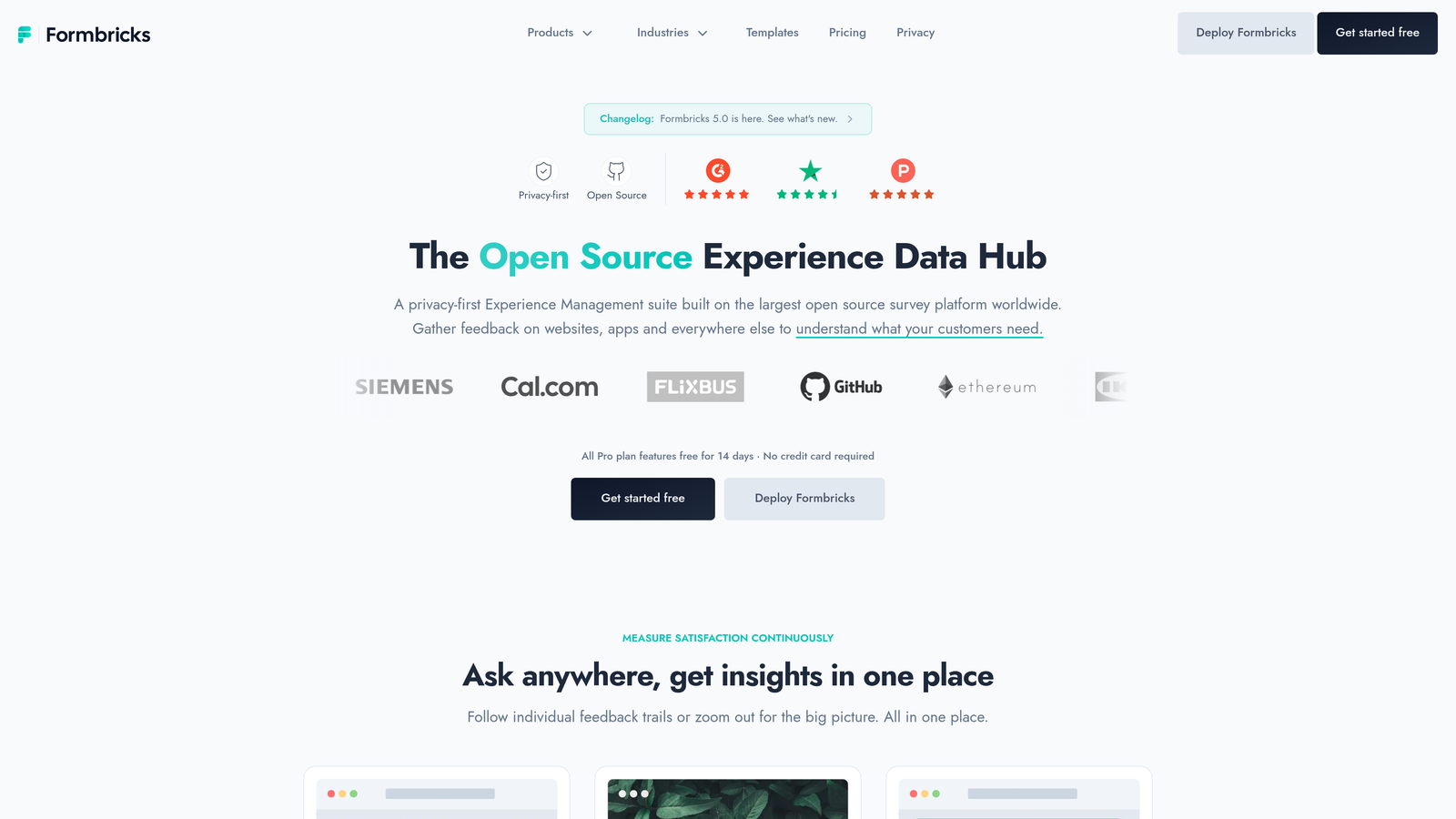
Formbricks is an open-source form and survey platform with self-hosting capabilities, built specifically for teams that need in-product survey triggers and complete ownership of their data.
Where This Tool Shines
Formbricks occupies a niche that most form builders don't address well: in-product surveys for SaaS applications. Rather than sending users to an external form link, Formbricks lets you trigger surveys inside your product based on user behavior, making it far more effective for NPS collection, feature feedback, and churn research.
The self-hosting option is a genuine differentiator for teams with strict data residency requirements or privacy-first policies. Running Formbricks on your own infrastructure means your survey data never leaves your environment, which is increasingly important for enterprise SaaS teams selling into regulated markets.
Key Features
Open-Source with Self-Hosting: Full data control by running Formbricks on your own infrastructure, with no vendor lock-in.
In-Product Survey Triggers: Trigger surveys inside your SaaS application based on user actions or attributes.
NPS, CSAT, and Custom Survey Types: Pre-built survey formats for common product feedback use cases alongside fully custom options.
Active Open-Source Community: Regular updates and community contributions keep the platform evolving without relying on a single vendor's roadmap.
Cloud and Self-Hosted Options: Choose between managed cloud hosting for convenience or self-hosting for control.
Best For
Formbricks is the right pick for SaaS product teams focused on in-app feedback loops, as well as privacy-conscious organizations that need self-hosted data collection with an active open-source foundation.
Pricing
Free for self-hosted deployments. Cloud plans available. Verify current pricing at formbricks.com.
8. Pabbly Form Builder
Best for: Budget-first buyers who want unlimited submissions and are open to a lifetime deal over a recurring subscription.
Pabbly Form Builder is a budget-focused form tool known for its lifetime deal pricing and unlimited submission allowances, making it an appealing option for cost-conscious teams.
Where This Tool Shines
Pabbly's main draw is straightforward: you can potentially pay once and use it indefinitely, with no per-submission fees eating into your budget as your volume grows. For teams that are frustrated with subscription-based pricing that scales against them, this model is a genuine alternative worth evaluating.
The integration with Pabbly Connect, the company's workflow automation tool, also adds meaningful utility. If you're already in the Pabbly ecosystem, your forms can trigger automations across dozens of apps without needing a separate Zapier subscription. It's not the most design-forward tool on this list, but it covers the functional bases reliably.
Key Features
Lifetime Pricing Option: Pay once rather than subscribing monthly, eliminating recurring costs as your form usage scales.
Unlimited Form Submissions: No submission caps on paid plans, which removes a common frustration with volume-based pricing models.
Conditional Logic and Multi-Page Forms: Standard form logic features for building branching and multi-step experiences.
Pabbly Connect Integration: Native connection to Pabbly's workflow automation tool for triggering multi-app automations from form submissions.
File Upload and Payment Collection: Supports file attachments and payment processing alongside standard data collection.
Best For
Pabbly Form Builder suits budget-conscious teams and small businesses that want to avoid recurring subscription costs, particularly those already using or open to exploring the broader Pabbly product suite.
Pricing
Subscription and lifetime deal options available. Verify current pricing and deal availability at pabbly.com.
9. HubSpot Forms
Best for: Marketing and sales teams already using HubSpot CRM who want leads to flow directly into their contact records.
HubSpot Forms is a free form builder native to HubSpot CRM, designed to funnel leads directly into your CRM without any manual import or integration setup.
Where This Tool Shines
HubSpot Forms earns its place on this list not because it's the most powerful standalone form builder, but because of what happens after someone submits. Leads automatically populate as HubSpot contact records, complete with form field data mapped to contact properties. For teams running their sales and marketing operations in HubSpot, this eliminates a meaningful amount of manual work and reduces the risk of leads slipping through the cracks.
The progressive profiling feature is particularly clever: if a known contact visits your form again, HubSpot can replace fields it already knows with new questions, building a richer contact profile over time without asking the same person for the same information twice. That kind of CRM-native intelligence is hard to replicate with standalone form tools.
Key Features
Free with HubSpot's Free CRM: No additional cost if you're already on HubSpot's free tier, making it an obvious starting point for HubSpot users.
Automatic Contact Record Creation: Form submissions instantly create or update HubSpot contact records with no manual import needed.
Progressive Profiling: Replace known fields with new questions for returning contacts, building richer profiles without form fatigue.
Smart Forms: Forms adapt based on what HubSpot already knows about a visitor, reducing repetition for known contacts.
Native Workflow and Email Automation: Connect form submissions directly to HubSpot's automation tools for follow-up sequences and lead nurturing.
Best For
HubSpot Forms is the obvious choice for teams already invested in the HubSpot ecosystem. As a standalone form builder outside of HubSpot, it's more limited, but within that ecosystem it's hard to beat for seamless CRM connectivity.
Pricing
Free with HubSpot's free plan. Advanced features require paid HubSpot tiers. Verify current pricing at hubspot.com.
Which Tool Is Right for Your Team?
Here's the honest summary: expensive form software often bundles features most teams don't need. The alternatives above let you pay for what you actually use, and in many cases, you'll get more conversion-focused functionality in return.
If AI-powered lead qualification is your priority, Orbit AI is the clear standout. The combination of built-in lead scoring, dynamic form logic, and pipeline visibility makes it particularly valuable for SaaS and B2B teams where lead quality directly affects revenue.
For zero-cost simplicity, Google Forms and Tally both deliver without asking for a credit card. Teams with database-heavy workflows should look closely at Fillout, while HubSpot Forms is the obvious pick if you're already operating in that ecosystem. Open-source advocates will find Formbricks worth a serious look, and budget-first buyers should check Pabbly's lifetime deal before committing to any monthly subscription.
The natural question is where to start. If your primary goal is capturing and qualifying leads more efficiently, the best first step is testing a tool that was built specifically for that outcome. Start building free forms today with Orbit AI and see how AI-driven qualification changes the quality of leads reaching your sales team.


