

Most form builders claim to be easy to use. But "user-friendly" means something very different depending on whether you're a solo founder spinning up a quick contact form, a marketing team running lead gen campaigns, or a sales-ops lead trying to qualify hundreds of inbound prospects every week. The best form builders get out of your way: intuitive editing, clean interfaces, smart logic that doesn't require a developer, and outputs that actually move the needle on conversion.
This list covers the most genuinely user-friendly form builders available in 2026, evaluated on ease of setup, learning curve, design flexibility, and how well each platform serves teams focused on lead generation and conversion. Whether you're replacing a clunky legacy tool or building your first form stack, these platforms offer the best balance of simplicity and power.
Selection criteria: ease of onboarding, UI clarity, template quality, conditional logic accessibility, integration depth, and pricing transparency.
1. Orbit AI
Best for: High-growth SaaS and marketing teams that need forms to qualify and route leads automatically.
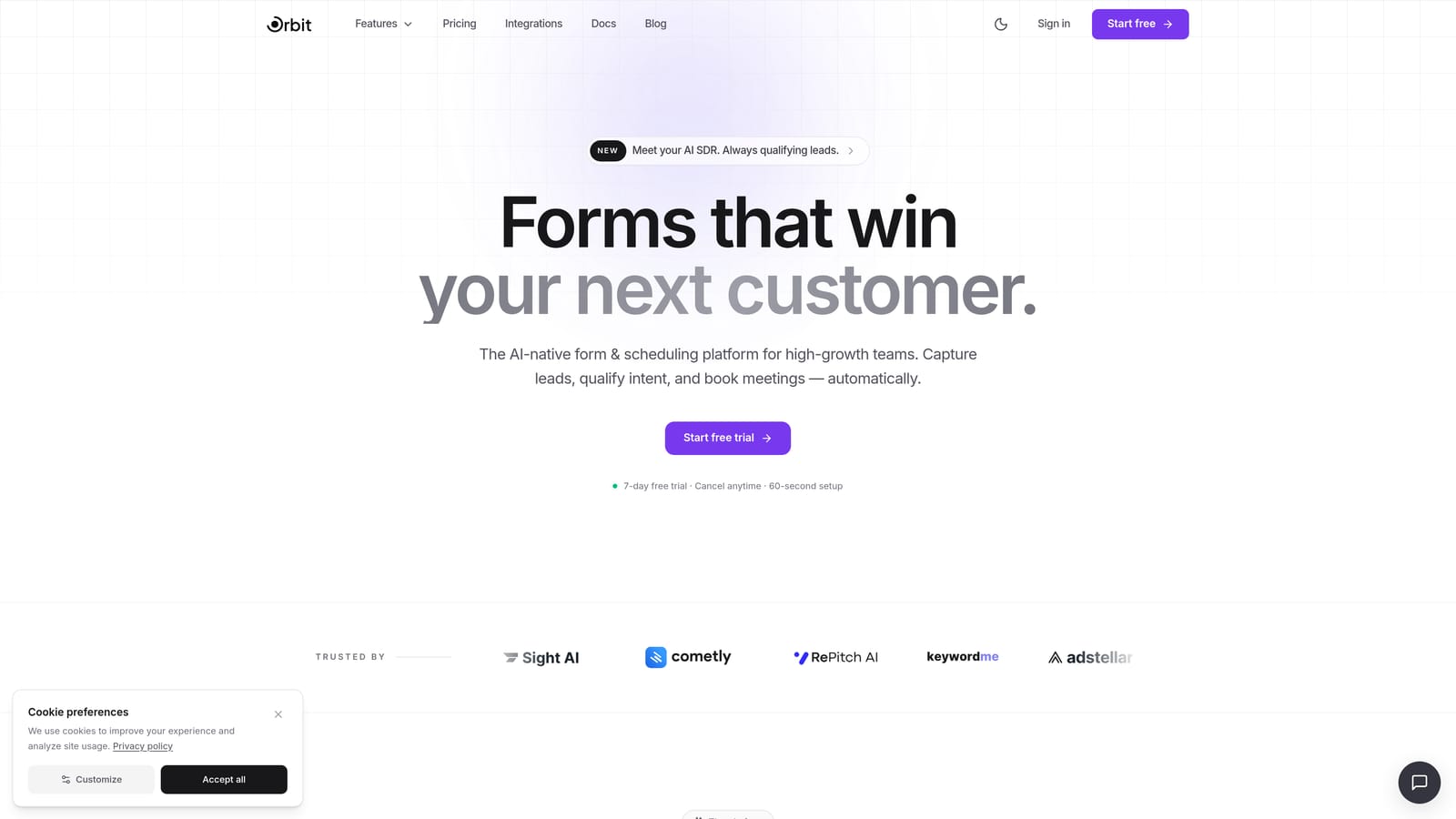
Orbit AI is an AI-powered form builder designed for teams where forms aren't just data collection tools — they're the first step in the lead qualification pipeline.
Where This Tool Shines
What separates Orbit AI from most form builders is that it treats lead qualification as a native feature, not an afterthought. Instead of building a form and then wiring up a separate scoring tool through Zapier, you get AI-powered qualification and routing built directly into the form layer. For high-growth teams, that's a meaningful difference.
The interface is clean and conversion-optimized by default, which means you're not fighting the tool to make your forms look professional. Conditional logic is accessible without any developer involvement, and the overall onboarding experience is designed for speed — you can go from signup to a live, qualified lead form in a short amount of time.
Key Features
AI-Powered Lead Qualification: Scores and segments leads automatically based on form responses, without requiring additional integrations.
Conversion-Optimized Design Defaults: Modern, clean UI out of the box so your forms look polished without custom styling work.
No-Code Conditional Logic: Build complex branching logic through an accessible interface that doesn't require technical knowledge.
Automated Lead Routing: Segments and routes form submissions based on qualification criteria, connecting directly to your sales workflow.
Built for SaaS Teams: Feature set and defaults are designed around the specific needs of high-growth marketing and sales-ops teams.
Best For
Orbit AI is the strongest fit for SaaS companies, marketing teams, and sales-ops leads who need forms to do more than collect information. If lead qualification, scoring, and routing are core to your workflow, this is the tool built specifically for that job.
Pricing
Check orbitforms.ai for current pricing and free trial options. A free starting point is available to explore the platform before committing.
2. Typeform
Best for: Teams that want a conversational, engaging form experience that reduces respondent drop-off.
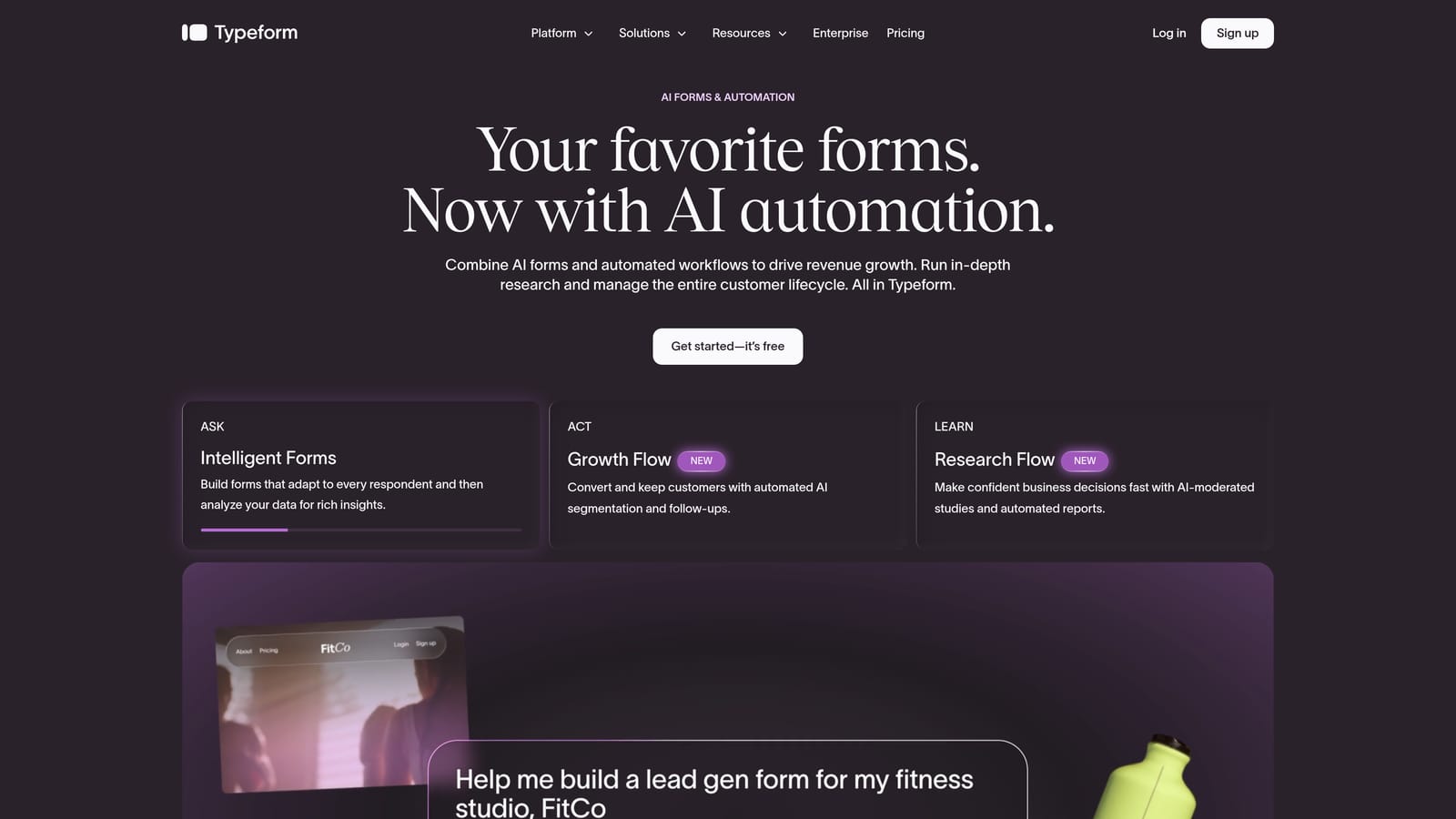
Typeform is a conversational form builder known for its one-question-at-a-time format that makes filling out forms feel less like a chore.
Where This Tool Shines
Typeform's core innovation is the conversational UX: rather than presenting a wall of form fields, it guides respondents through one question at a time. This format tends to feel more engaging and can reduce abandonment on longer forms, particularly surveys, NPS forms, and quizzes.
The visual design quality is consistently strong. Templates are polished, branding options are flexible, and the overall aesthetic is a step above most competitors. Logic jumps and conditional branching are available on paid plans and are reasonably accessible to non-technical users.
Key Features
Conversational One-Question UX: Presents questions sequentially to reduce cognitive load and improve completion rates.
Visual Design and Templates: Strong branded template library with high-quality aesthetics across categories.
Logic Jumps: Conditional branching available on paid plans through an accessible visual interface.
CRM and Tool Integrations: Connects with major marketing and CRM platforms for lead data handoff.
Versatile Use Cases: Works well for surveys, NPS, quizzes, lead capture, and registrations.
Best For
Typeform is ideal for teams prioritizing respondent experience and engagement over deep lead qualification. It's a strong choice for surveys, brand research, and top-of-funnel lead capture where the quality of the form experience matters as much as the data collected.
Pricing
A free tier is available with response limits. Paid plans start at a monthly fee and scale with features and response volume. See typeform.com for current pricing.
3. Tally
Best for: Teams that need fast, simple form creation with minimal setup and a generous free tier.
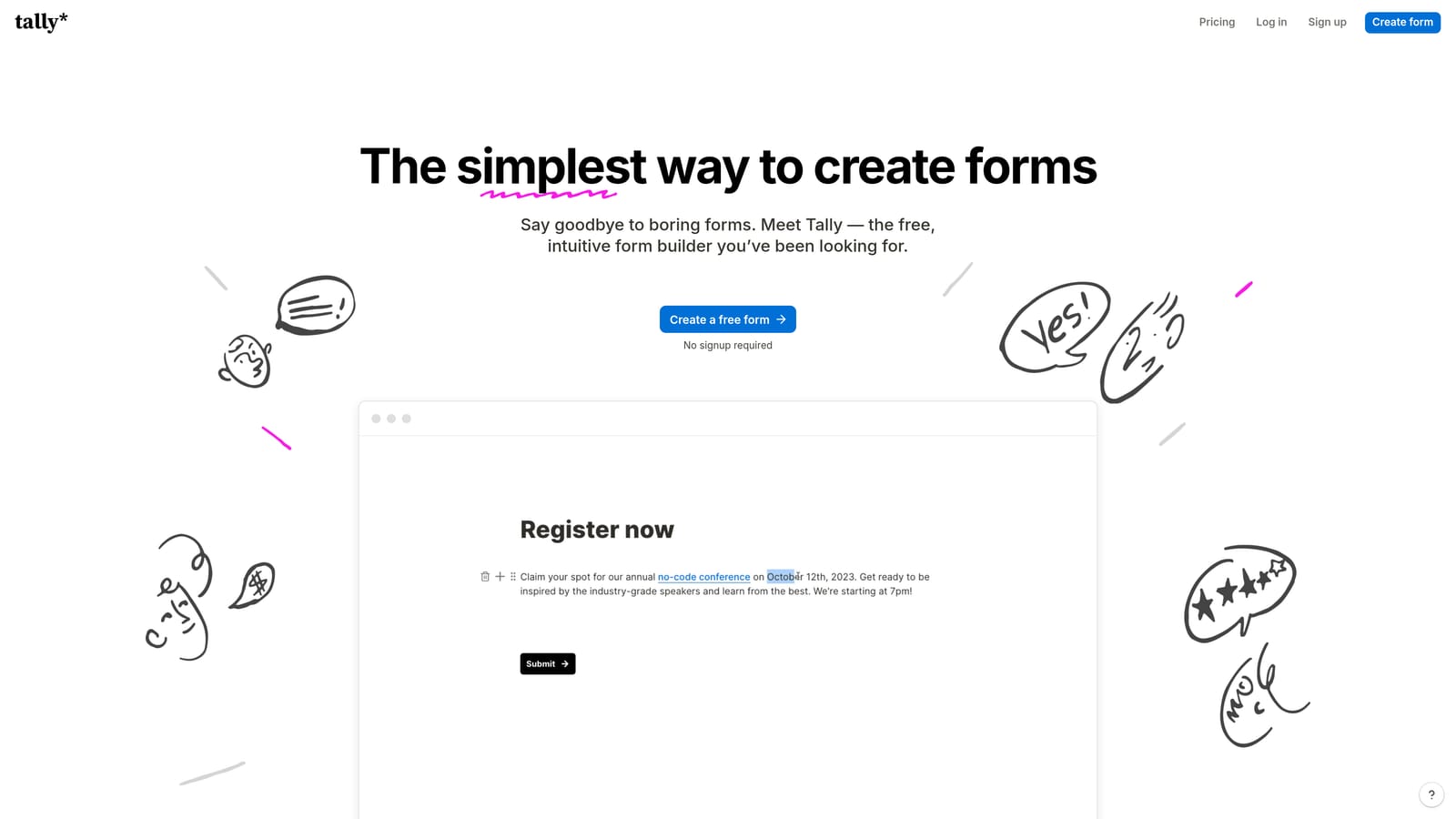
Tally is a block-based form builder with a Notion-style interface that gets you to a live form faster than almost anything else on this list.
Where This Tool Shines
Tally's biggest strength is its near-zero learning curve. If you've ever used Notion, the editing experience will feel immediately familiar. You build forms by typing and inserting blocks, which makes the whole process feel lightweight and intuitive. For simple use cases, it's hard to beat.
The free tier is genuinely generous: unlimited forms and unlimited responses with no submission caps. That's unusual in this market and makes Tally an easy recommendation for teams that need capable basic forms without a budget commitment.
Key Features
Block-Based Editor: Notion-style interface with an extremely low learning curve for new users.
Unlimited Free Tier: Unlimited forms and responses on the free plan, which is rare among form builders.
Conditional Logic: Basic conditional logic and multi-page forms available even on the free tier.
Flexible Embedding: Embed forms anywhere with a simple code snippet.
Tally Pro: Removes branding and unlocks advanced features at a low monthly cost.
Best For
Tally is best for solo founders, small teams, and anyone who needs simple contact forms, event registrations, or basic surveys without deep qualification needs. It's not the right fit for teams that need conversion optimization or lead scoring at scale.
Pricing
The free tier is highly capable for most basic use cases. Tally Pro is available at a low monthly cost for teams that need branding removal and advanced features. See tally.so for current pricing.
4. Paperform
Best for: Teams that want branded, standalone form pages that combine rich content with form fields.
Paperform is a form builder with a document-style editor that lets you blend text, images, and form fields into a single, polished page.
Where This Tool Shines
Paperform occupies an interesting niche: it's part form builder, part lightweight landing page tool. The freeform editor lets you mix rich content alongside your form fields, which means you can create standalone pages that look professionally designed without needing a separate landing page platform. This is particularly useful for event registrations, product order forms, and branded lead capture pages.
It also supports payments, calculations, and conditional logic, giving it more functional depth than its clean interface might suggest. The learning curve sits between Tally's simplicity and the complexity of enterprise tools — accessible, but with more to explore.
Key Features
Document-Style Editor: Blend form fields with text, images, and media in a freeform layout for branded standalone pages.
Payment Support: Native payment collection built into the form layer without third-party workarounds.
Calculations and Conditional Logic: Supports dynamic pricing, calculated fields, and branching logic for more complex forms.
Pre-Built Templates: Templates for registrations, bookings, lead capture, and more to speed up setup.
Third-Party Integrations: Connects with major tools through native integrations and Zapier.
Best For
Paperform is a strong fit for marketing teams, service businesses, and anyone who needs a polished, standalone form page without investing in a full landing page builder. It's especially useful for payment forms, event registrations, and branded lead capture.
Pricing
Paperform is paid-only with no meaningful free tier. See paperform.io for current pricing tiers and trial options.
5. Jotform
Best for: Teams that need extensive template options and broad feature coverage across payments, e-signatures, and workflows.
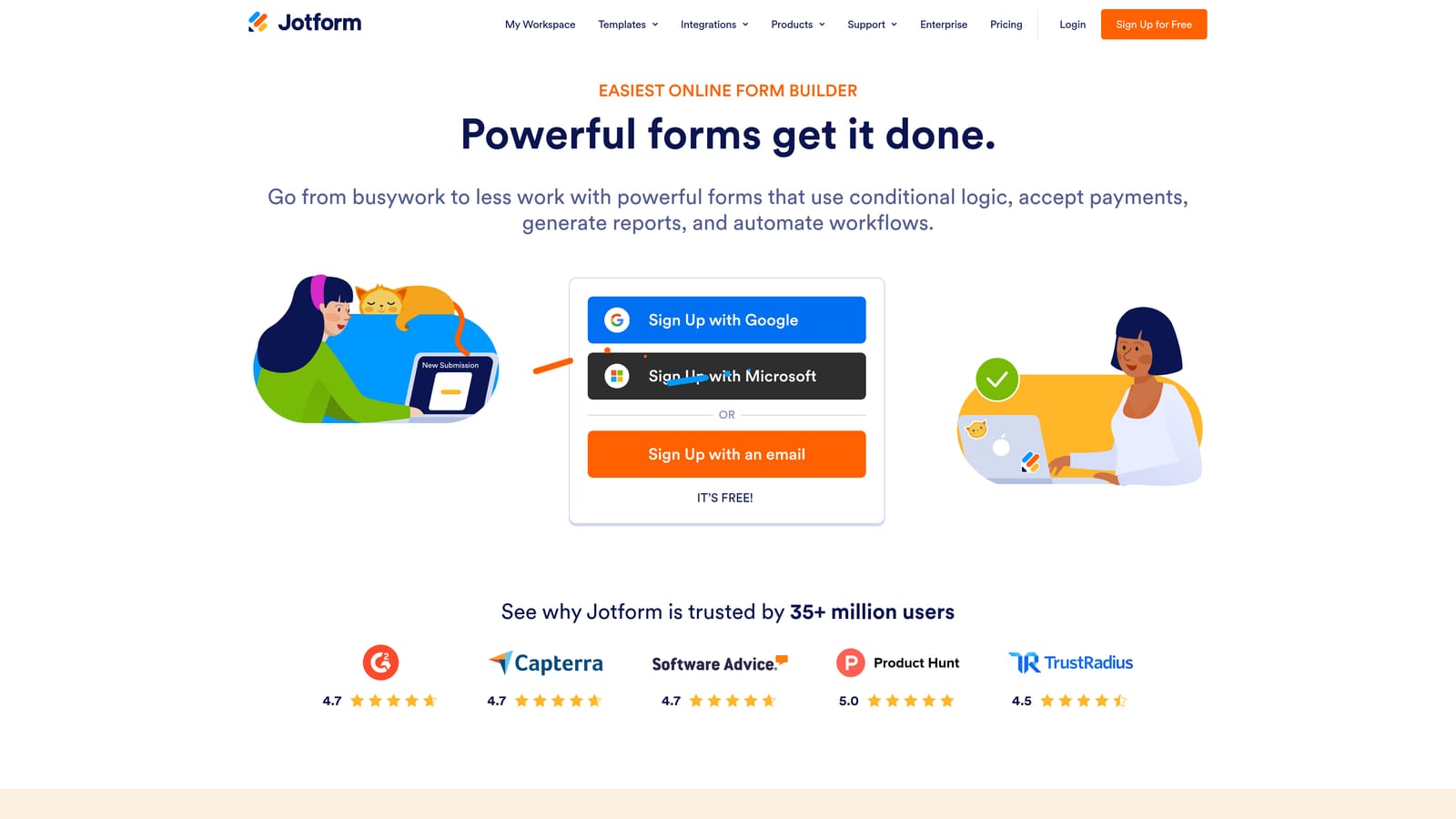
Jotform is one of the most feature-rich form builders on the market, with thousands of templates and native support for payments, e-signatures, and approval workflows.
Where This Tool Shines
Jotform's depth is its defining characteristic. With thousands of templates across dozens of use case categories, you can find a starting point for almost any form scenario imaginable. The drag-and-drop builder is accessible, and the sheer range of field types and integrations means you rarely hit a wall when building complex forms.
Beyond basic forms, Jotform supports PDF generation, approval workflow routing, and native e-signature collection. For teams managing multi-step processes — intake forms, contract signing, approval chains — it covers a lot of ground under one roof. The tradeoff is that the feature depth can feel overwhelming if your needs are straightforward.
Key Features
Thousands of Templates: Extensive template library spanning dozens of categories and use cases.
Drag-and-Drop Builder: Accessible visual builder with a wide range of field types and customization options.
Native Payment Support: Collect payments directly through forms with multiple payment provider integrations.
E-Signature and PDF Generation: Built-in support for document signing and PDF output from form submissions.
Approval Workflow Builder: Route form submissions through multi-step approval processes without additional tools.
Best For
Jotform is ideal for teams that need broad feature coverage and a large template library to draw from. It's particularly strong for organizations managing payments, contracts, intake forms, and approval workflows across different departments.
Pricing
A free tier is available with submission limits. Paid plans scale with submission volume and feature access. See jotform.com for current pricing.
6. Formstack
Best for: Enterprise teams managing high-volume, compliance-sensitive form and document workflows.
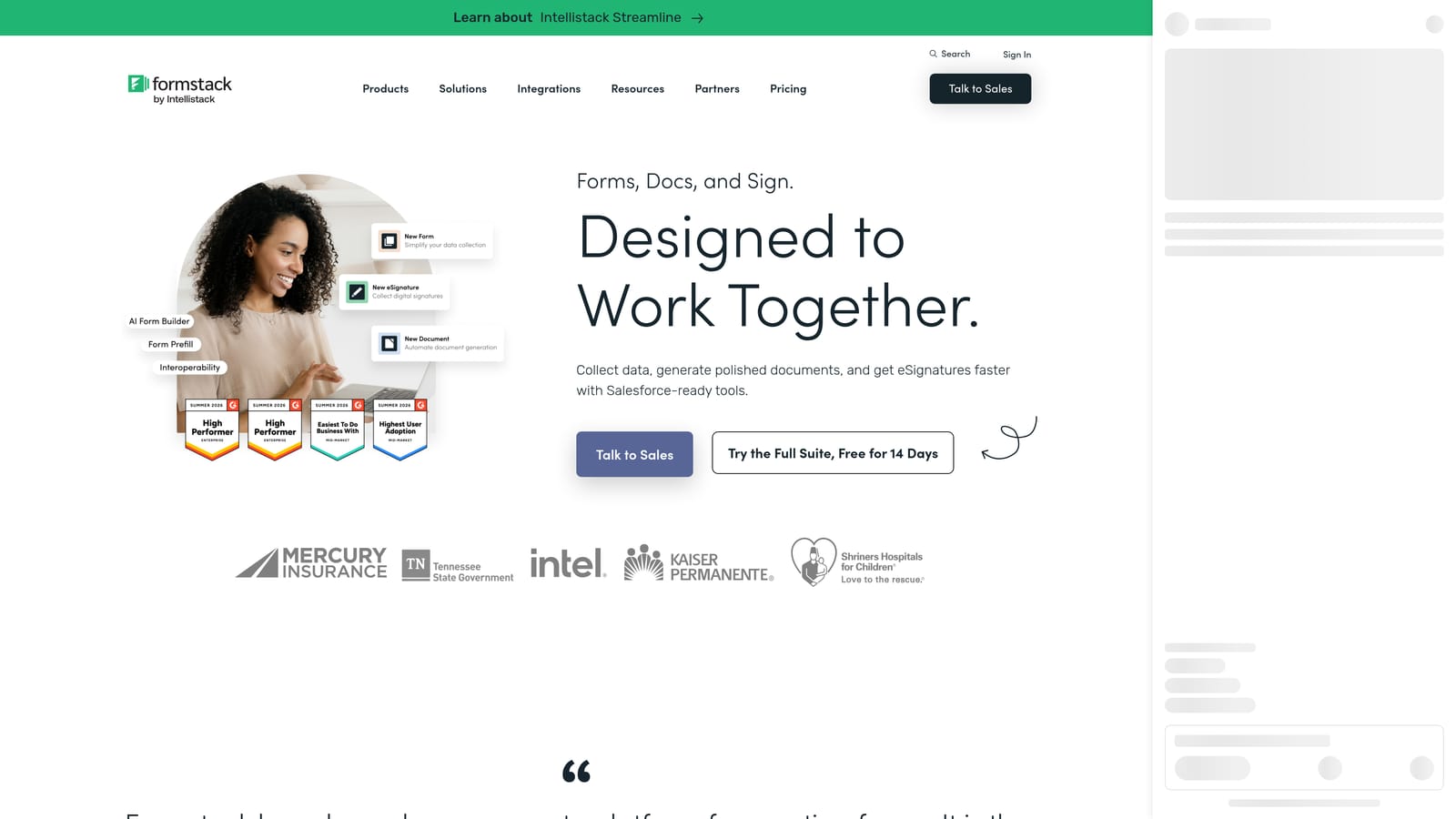
Formstack is an enterprise-grade platform that connects form submissions to document generation, e-signatures, and multi-step approval routing in a single workflow.
Where This Tool Shines
Formstack is less a form builder and more a workflow automation platform that starts with forms. Its strength is connecting form submissions to downstream processes: generating documents, collecting signatures, routing approvals, and maintaining compliance across the entire chain. For enterprise teams dealing with regulated industries or complex internal processes, that end-to-end capability is genuinely valuable.
Compliance features are a particular standout. Formstack supports HIPAA and GDPR requirements, which makes it one of the few options suitable for healthcare, legal, and financial services teams that can't compromise on data handling standards.
Key Features
Document Generation: Forms trigger automated document creation, reducing manual work in contract and agreement workflows.
E-Signature Integration: Collect legally binding signatures as part of a connected form-to-document workflow.
Multi-Step Approval Routing: Route submissions through defined approval chains triggered by form responses.
Compliance Support: HIPAA and GDPR compliance features for regulated industries and sensitive data handling.
Conditional Logic for Complex Flows: Advanced branching and logic for multi-path, enterprise-grade form experiences.
Best For
Formstack is built for mid-market and enterprise organizations that need forms to connect to document and approval workflows, particularly in regulated industries. It's overkill for small teams with simple needs, but genuinely powerful for complex, high-volume enterprise processes.
Pricing
Formstack is priced at a higher tier aimed at mid-market and enterprise buyers. See formstack.com for current pricing and plan details.
Which Tool Is Right for Your Team?
Each of these platforms earns its place on this list, but they serve meaningfully different needs. Here's a quick way to think about the decision.
Orbit AI is the clearest choice for high-growth SaaS and marketing teams where lead qualification is a core requirement. If you need forms that score, segment, and route leads automatically without bolting on additional tools, it's built specifically for that job.
Typeform is the go-to when respondent experience is the priority. Its conversational format works particularly well for surveys, NPS, and top-of-funnel lead capture where engagement matters.
Tally is the right answer when simplicity and cost are the deciding factors. Its free tier is genuinely capable, and the block-based editor gets you to a live form faster than anything else here.
Paperform stands out for teams that need branded, standalone form pages that blend content and form fields without a separate landing page tool.
Jotform is the strongest option for teams that need broad feature coverage: payments, e-signatures, PDFs, and approval workflows all under one roof.
Formstack is the enterprise pick when compliance requirements and multi-step document workflows are non-negotiable.
Here's the thing worth remembering: user-friendliness is only valuable when the tool also delivers results. A beautifully designed form that collects data but doesn't help you qualify or convert leads is still leaving growth on the table. For high-growth teams, the real measure of a form builder is whether it turns submissions into pipeline.
Transform your lead generation with AI-powered forms that qualify prospects automatically while delivering the modern, conversion-optimized experience your high-growth team needs. Start building free forms today and see how intelligent form design can elevate your conversion strategy.


