

Forms are the front door of your digital lead pipeline. The right form builder doesn't just collect submissions; it starts qualifying prospects the moment they engage, routing high-intent leads to your team while filtering out noise. The wrong one? A missed opportunity at every touchpoint.
This roundup covers the top online form builders for business in 2026, evaluated across six criteria: ease of use, conversion optimization features, integration depth, AI capabilities, pricing flexibility, and suitability for growing teams. Tools were selected based on feature depth, real-world business applicability, and value across different price tiers. Whether you're a lean startup looking for a generous free plan or a scaling SaaS team that needs AI-powered lead qualification baked into every form, there's a right tool for your situation.
Let's get into it.
1. Orbit AI
Best for: High-growth teams that want forms to qualify leads automatically, not just collect them.
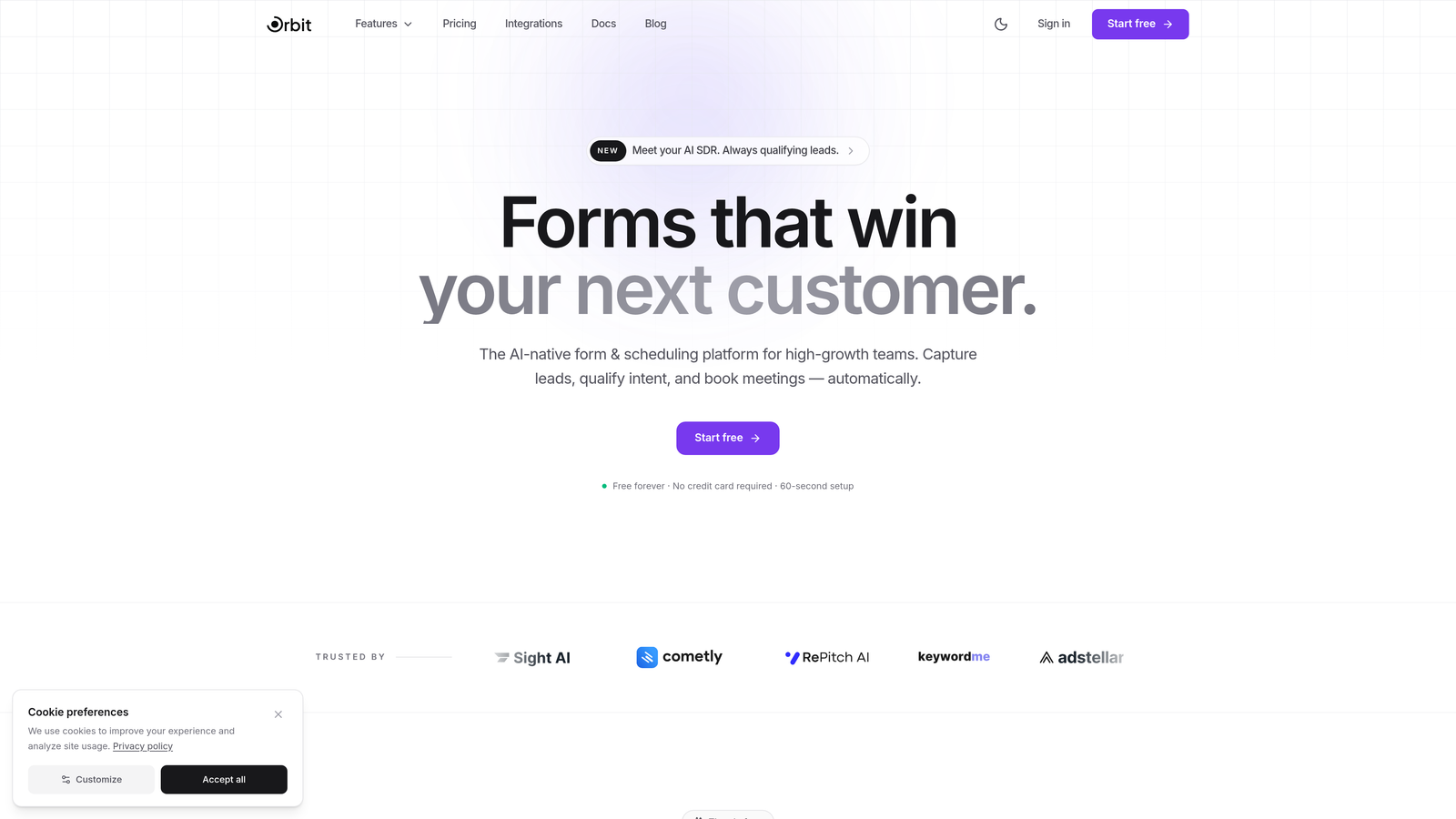
Orbit AI is an AI-powered form builder platform with built-in lead qualification, designed for businesses that need their forms to do more than capture a name and email.
Where This Tool Shines
Most form builders stop at the submission. Orbit AI goes further by embedding lead scoring and qualification intelligence directly into the form experience. As prospects fill out your form, the AI is already assessing intent, fit, and priority, so your sales team receives leads that are ranked and ready to act on.
The platform is also built with conversion in mind from the ground up. Templates are designed specifically for B2B lead generation, and the intelligent field suggestions adapt based on user behavior, reducing friction and improving completion rates without requiring manual A/B testing.
Key Features
AI-Powered Lead Scoring: Qualification intelligence is built into the form experience itself, scoring and prioritizing leads as they submit.
Conversion-Optimized Templates: Pre-built templates designed specifically for B2B lead generation, focused on completion rates and intent capture.
Intelligent Field Suggestions: The platform adapts field presentation based on user behavior to reduce drop-off and improve data quality.
CRM and Marketing Automation Integrations: Seamless connections to the tools your team already uses, so qualified leads flow directly into your pipeline.
Modern Form Design: Beautiful, brand-forward design that doesn't sacrifice function for aesthetics.
Best For
Orbit AI is the strongest fit for SaaS companies, demand generation teams, and any business where lead quality matters as much as lead volume. If your team is spending significant time manually sorting through unqualified submissions, this is the tool built to solve that problem at the source.
Pricing
Visit orbitforms.ai for current plans and pricing. A free starting option is available for teams ready to explore the platform.
2. Typeform
Best for: Teams that want engaging, brand-forward form experiences with a conversational feel.
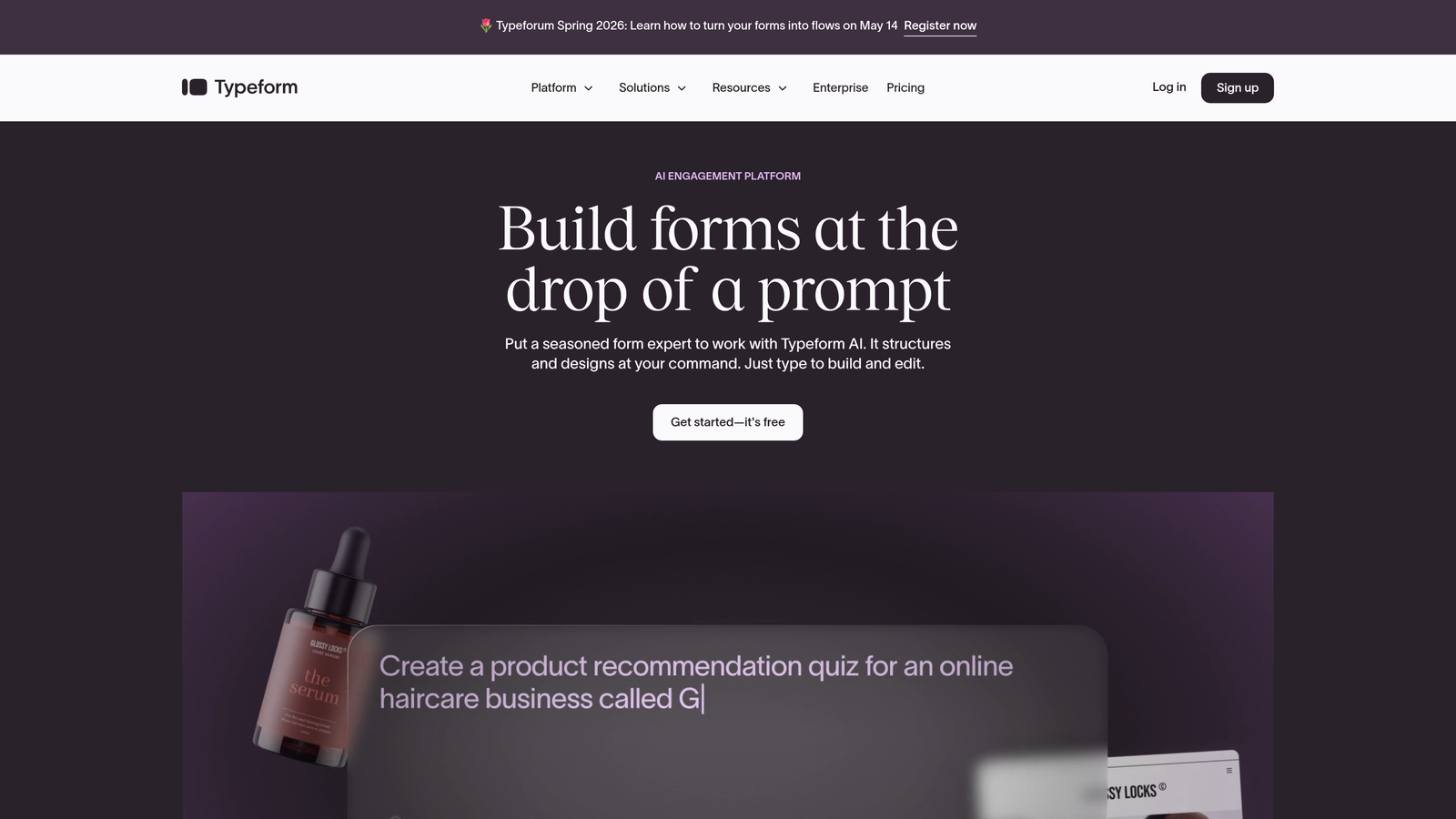
Typeform is a conversational form builder known for its one-question-at-a-time interface that transforms standard data collection into an interactive experience.
Where This Tool Shines
Typeform's signature format presents one question at a time, which tends to feel less overwhelming than a traditional wall of fields. This approach typically improves completion rates for longer forms, particularly in surveys, lead gen, and onboarding flows where respondent fatigue is a real concern.
The design customization options are among the best in the market. Teams with strong brand identities can build forms that look and feel like an extension of their website rather than a generic data collection page.
Key Features
Conversational Interface: One-question-at-a-time flow creates an engaging, low-friction experience for respondents.
Brand Theming: Deep design customization including fonts, colors, backgrounds, and layouts.
Logic Jumps: Conditional branching that personalizes the form path based on previous answers.
Native Integrations: Connects directly with HubSpot, Salesforce, Mailchimp, Slack, and many other tools.
Media Embedding: Video and image support within form questions for richer context.
Best For
Typeform works well for marketing teams running lead gen campaigns, customer research surveys, and onboarding flows where engagement and brand presentation are priorities. It's less suited for complex multi-step workflows or teams needing deep enterprise compliance features.
Pricing
Free plan available with limited responses. Paid plans start at around $25/month, with higher tiers unlocking more responses, logic features, and integrations.
3. Jotform
Best for: Businesses needing a wide template library, payment collection, and approval workflows in one platform.
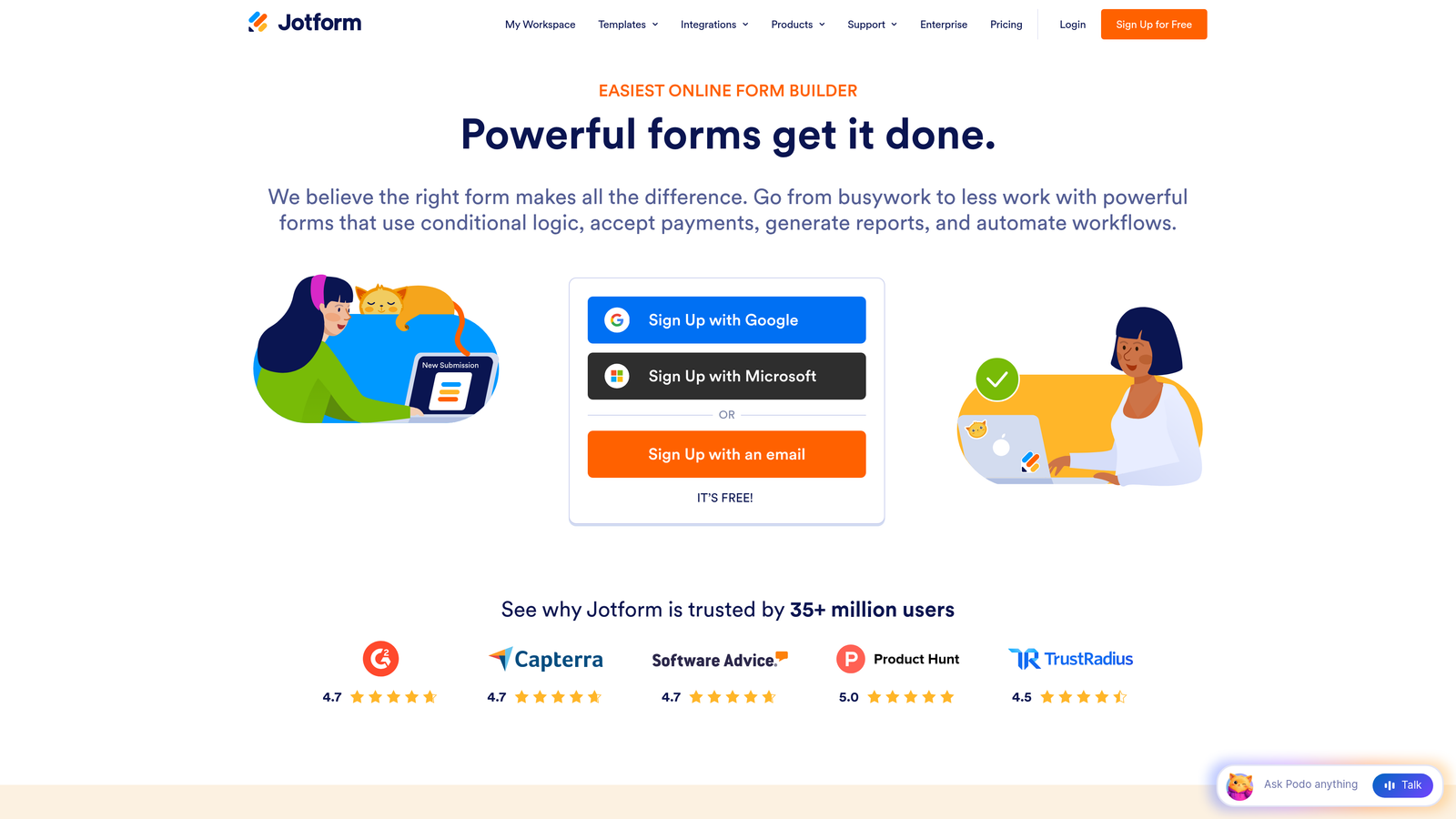
Jotform is a feature-rich form builder with over 10,000 templates, covering an enormous range of business use cases from lead capture to payment collection to internal approvals.
Where This Tool Shines
The sheer breadth of Jotform's capabilities is its defining strength. It handles use cases that most other form builders simply don't: HIPAA-compliant forms for healthcare, payment collection via multiple processors, multi-step approval workflows, and a template library that covers virtually every industry.
For teams that need one tool to handle diverse form needs across departments, Jotform's versatility is hard to beat. The drag-and-drop builder is accessible for non-technical users, while conditional logic options provide enough depth for more complex workflows.
Key Features
10,000+ Templates: One of the largest template libraries available, spanning industries and use cases.
Payment Integrations: Native support for PayPal, Stripe, and Square with no additional transaction fees on paid plans.
Approval Workflows: Built-in automation for routing submissions through multi-step approval processes.
HIPAA Compliance: Available on higher tiers, making it viable for healthcare and regulated industries.
Conditional Logic: Drag-and-drop logic builder for creating personalized form experiences.
Best For
Jotform is a strong choice for operations teams, small businesses, and organizations in regulated industries that need a versatile, all-in-one form platform without a steep learning curve.
Pricing
Free plan available with submission and storage limits. Paid plans start at around $34/month, scaling up for higher submission volumes and advanced features.
4. HubSpot Forms
Best for: Teams already using HubSpot CRM who want native form-to-pipeline integration with zero friction.
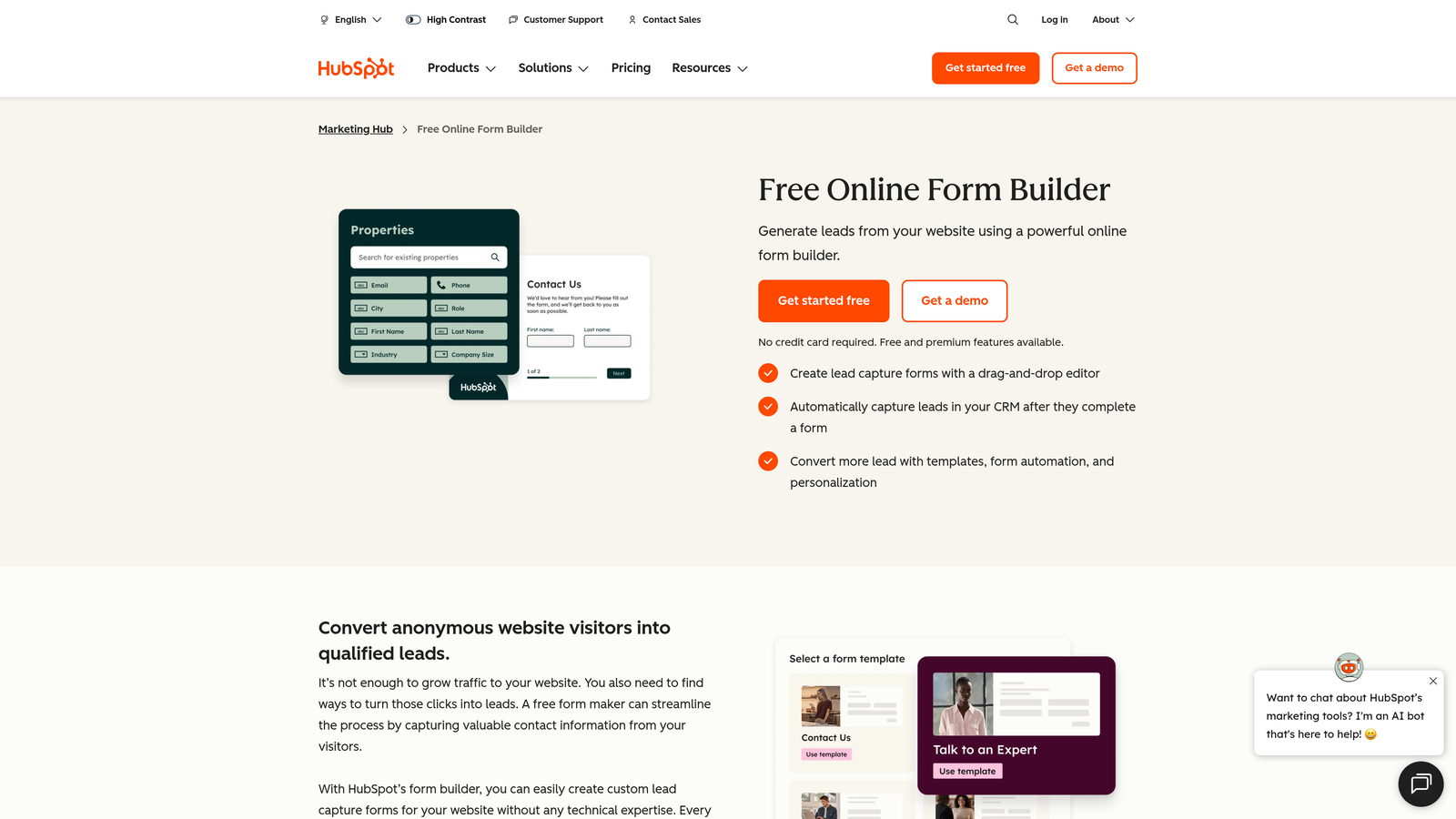
HubSpot Forms is a free form builder built directly into the HubSpot ecosystem, offering automatic contact creation and progressive profiling for teams running inbound marketing programs.
Where This Tool Shines
If your team lives in HubSpot, this is the most seamless option available. Every form submission automatically creates or updates a contact record in the CRM, with zero manual data entry or Zap required. The progressive profiling feature is particularly valuable: returning visitors see new questions instead of fields they've already answered, which improves data richness over time without increasing friction on any single visit.
The tradeoff is that HubSpot Forms is tightly coupled to the HubSpot ecosystem. Teams not using HubSpot CRM won't get much value from it compared to standalone alternatives.
Key Features
Native CRM Integration: Submissions automatically create and update HubSpot contact records in real time.
Progressive Profiling: Dynamically swaps out already-answered fields for new questions on return visits.
Embedded and Popup Options: Forms can be deployed as inline embeds, pop-ups, or slide-in banners.
Built-in Analytics: Conversion tracking and form performance data visible directly in HubSpot.
Free to Use: Fully functional with HubSpot's free CRM tier, no paid plan required to get started.
Best For
HubSpot Forms is the obvious choice for any team already invested in the HubSpot platform. It's also a smart entry point for businesses considering HubSpot as their CRM, since forms are a natural on-ramp to the broader ecosystem.
Pricing
Free with HubSpot's free CRM. Advanced features like smart content and A/B testing are available in paid Marketing Hub plans starting at $20/month per seat.
5. Tally
Best for: Startups and indie teams that want a powerful free form builder without the usual limitations.
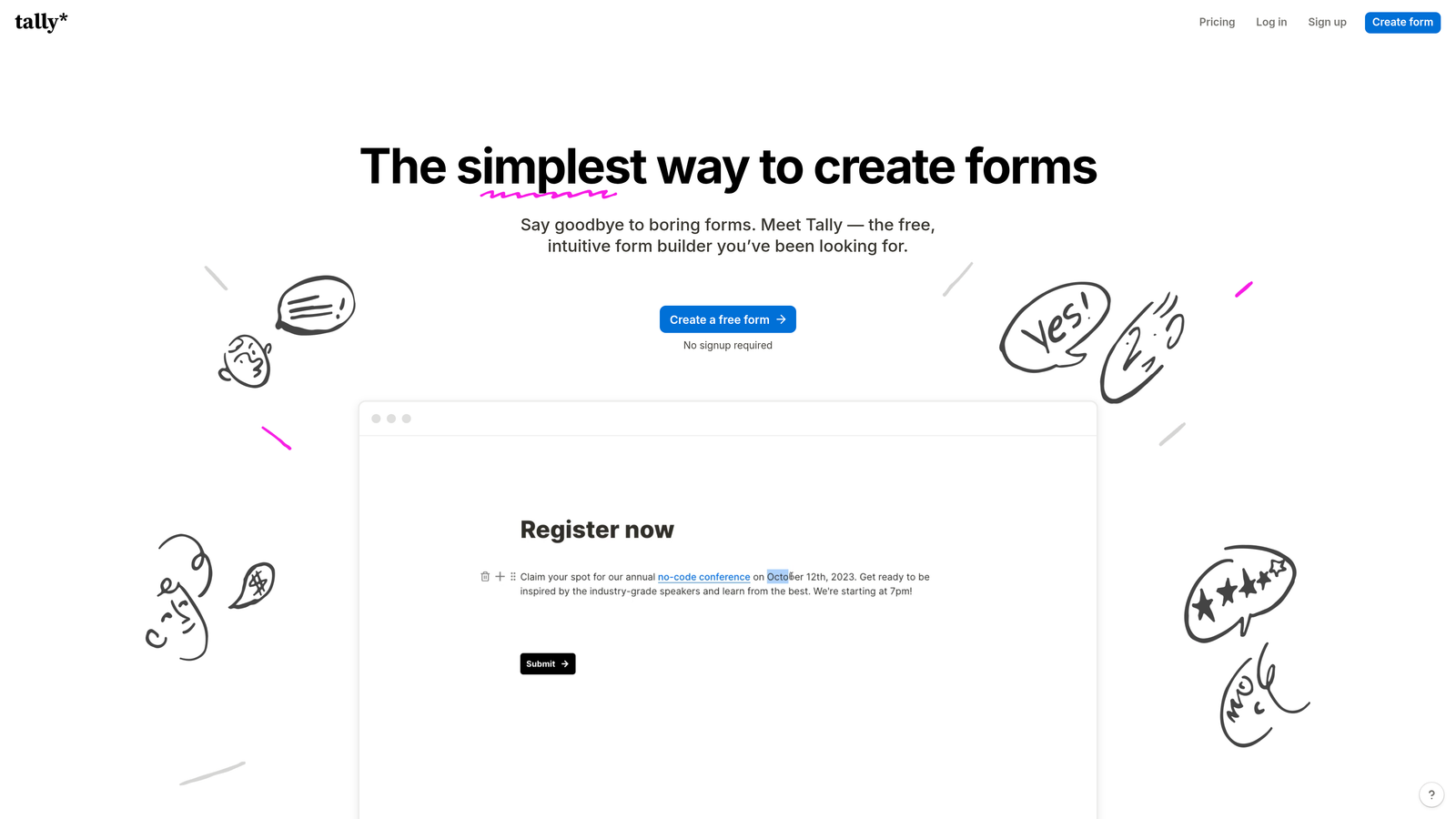
Tally is a minimalist form builder with a Notion-style editing experience and one of the most generous free tiers in the entire form builder market.
Where This Tool Shines
Tally's free plan is genuinely remarkable. Unlimited forms, unlimited submissions, conditional logic, file uploads, payment collection, and hidden fields are all available without paying a cent. For bootstrapped teams or anyone testing a new workflow, this removes the usual pressure of hitting a submission cap before you've validated your use case.
The block-based editor feels familiar to anyone who uses Notion, making it easy to pick up without any training. The result is a clean, distraction-free form building experience that prioritizes simplicity without sacrificing capability.
Key Features
Unlimited Free Forms and Submissions: No caps on the free plan, which is genuinely unusual in this market.
Notion-Style Editor: Block-based interface that's intuitive for teams already familiar with modern productivity tools.
Conditional Logic and Hidden Fields: Available on the free plan, enabling personalized form flows without upgrading.
File Uploads and Payments: Collect files and process payments directly through free-tier forms.
Zapier and Make Integrations: Connect to hundreds of tools via webhook and automation platforms.
Best For
Tally is ideal for startups, freelancers, and small teams that need a capable form builder without a monthly subscription. It's also a smart choice for internal tools, surveys, and lightweight lead capture where enterprise-grade features aren't required.
Pricing
Free for most features. Tally Pro is $29/month and adds custom domains, branding removal, and priority support.
6. Paperform
Best for: Creative teams that want forms to look and feel like branded landing pages, not data entry screens.
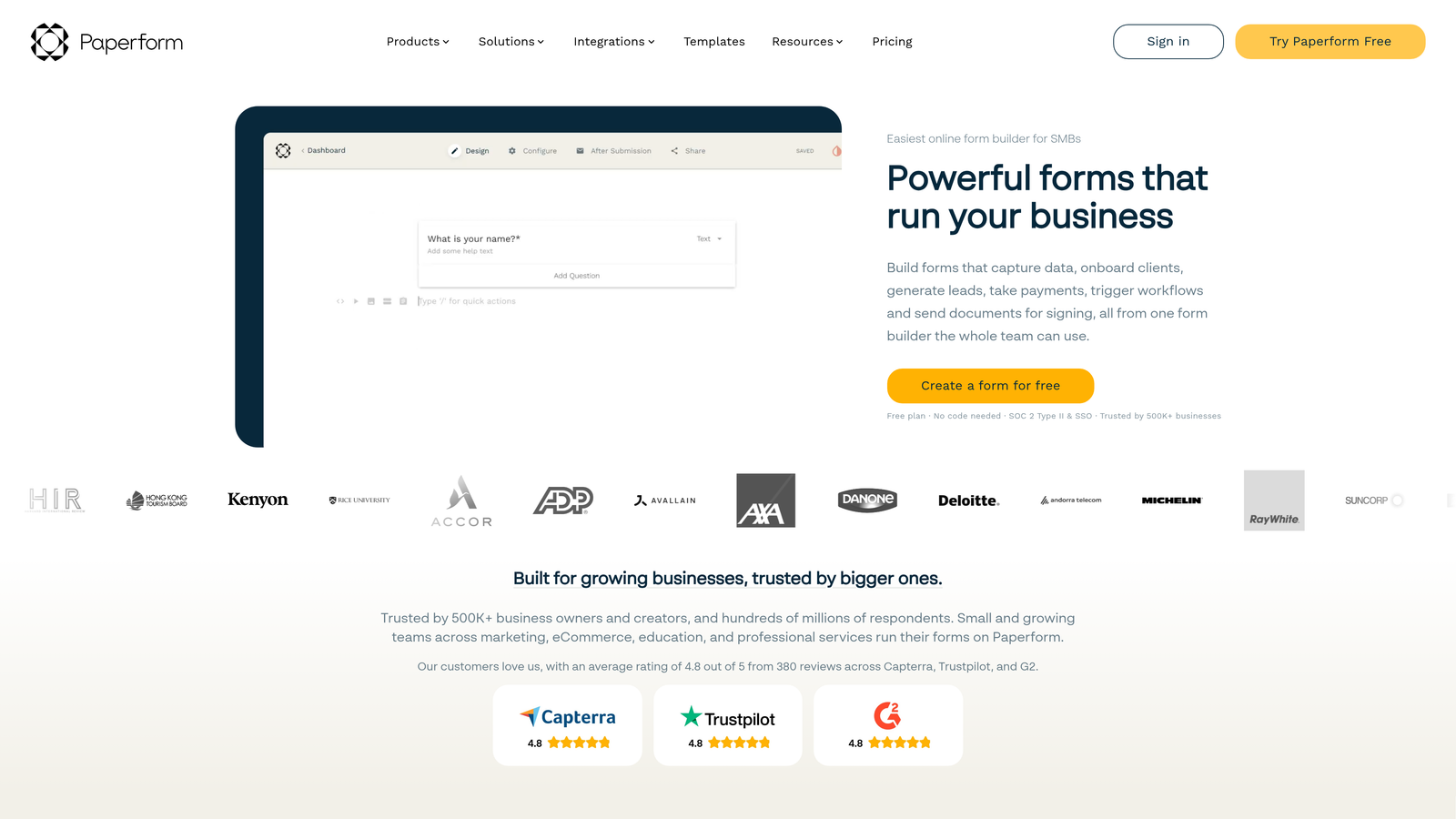
Paperform is a form builder that blends rich content, media, and form fields into landing-page-style experiences, bridging the gap between forms and full marketing pages.
Where This Tool Shines
Paperform's editor works more like a document or landing page builder than a traditional form tool. You can mix text, images, video, and form fields freely on the same canvas, creating experiences that guide respondents through context before asking for information. This is particularly effective for product orders, event registrations, and intake forms where storytelling matters.
The built-in scheduling, booking, and product catalog features also make it a viable all-in-one tool for service businesses that want to avoid stitching together multiple platforms.
Key Features
Rich Content Editor: Freely mix text, images, video, and form fields on a single canvas.
Built-in Payment Processing: Accept payments and sell products directly through forms without third-party plugins.
Custom Success Pages: Redirect logic and personalized post-submission experiences based on answers.
Calculation Fields: Dynamic pricing, scoring, and calculated outputs within the form.
Scheduling and Booking: Built-in appointment booking capabilities without needing a separate tool.
Best For
Paperform is well-suited for coaches, consultants, agencies, and creative businesses that want forms to reflect their brand and guide prospects through a narrative before collecting information.
Pricing
Plans start at around $24/month. Higher tiers unlock more submissions, custom domains, and advanced integrations.
7. Formstack
Best for: Enterprise teams that need forms, document generation, and e-signatures in a unified, compliance-ready platform.
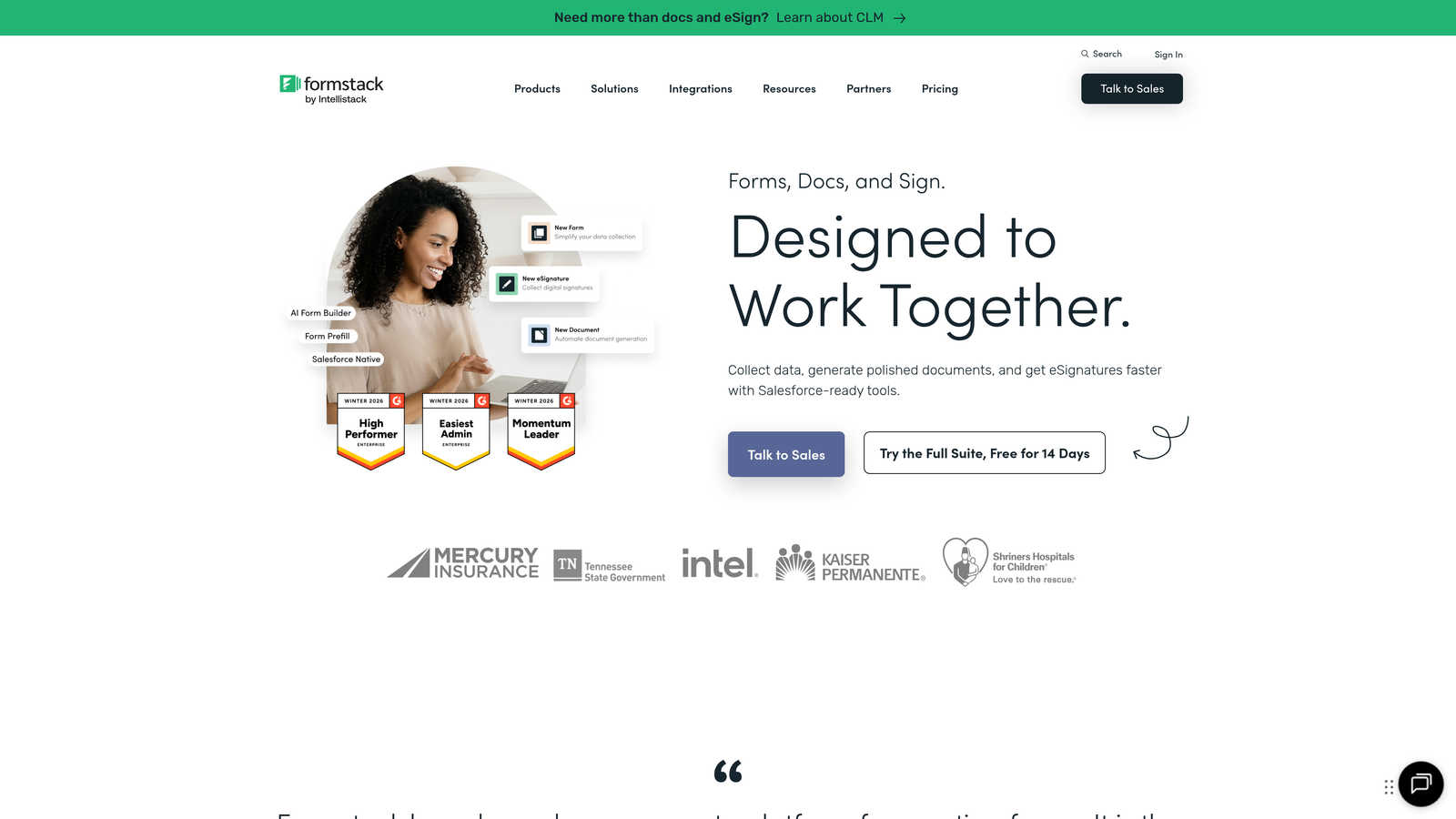
Formstack is an enterprise-grade workflow platform that combines forms, document automation, and digital signatures into a single connected suite.
Where This Tool Shines
Formstack is built for organizations where forms are part of larger, regulated workflows. The ability to move from a form submission directly into document generation and then e-signature collection, all within one platform, eliminates significant manual handoff work. This is a meaningful advantage for legal, HR, healthcare, and financial services teams.
The compliance infrastructure is also enterprise-grade, with HIPAA, GDPR, and FERPA support built in. For organizations operating in regulated industries, this removes a significant evaluation hurdle.
Key Features
Unified Workflow Suite: Forms, document generation, and e-signatures connected in a single platform.
Advanced Conditional Logic: Complex field routing and branching for sophisticated multi-step workflows.
Compliance Infrastructure: HIPAA, GDPR, and FERPA compliance built into the platform.
A/B Testing: Built-in form optimization testing to improve conversion rates over time.
Enterprise Integrations: Deep connections with Salesforce, Microsoft, and other enterprise platforms.
Best For
Formstack is the right choice for mid-market and enterprise organizations in regulated industries that need workflow automation beyond simple form collection. It's overkill for small teams but powerful for organizations with complex operational requirements.
Pricing
Plans start at around $50/month. Enterprise pricing is available for larger organizations with custom requirements.
8. Gravity Forms
Best for: WordPress-based businesses that need deep site integration and a customizable, developer-friendly form plugin.
Gravity Forms is a WordPress-native form plugin with an extensive add-on ecosystem and developer-friendly architecture that makes it the go-to choice for custom WordPress builds.
Where This Tool Shines
Gravity Forms has been the gold standard for WordPress forms for years, and for good reason. The integration with WordPress is seamless, supporting both the classic shortcode approach and the block editor. The add-on library, both official and third-party, covers virtually every use case: payment processing, CRM sync, user registration, quiz creation, and more.
For developers, the hooks, filters, and REST API access make Gravity Forms highly extensible. Teams can build custom functionality on top of the plugin without fighting the platform's constraints.
Key Features
Deep WordPress Integration: Native support for shortcodes, the block editor, and WordPress user management.
Extensive Add-On Library: Official and community add-ons covering payments, CRM, email marketing, and more.
Multi-Page Forms and File Uploads: Complex form structures supported natively without add-ons.
Payment Add-Ons: Stripe and PayPal integrations available through official add-ons.
Developer-Friendly Architecture: Full hook, filter, and REST API access for custom development.
Best For
Gravity Forms is the clear choice for businesses running WordPress who need forms that integrate tightly with their site architecture. It's not suitable for non-WordPress environments, but for WordPress teams it's one of the most capable options available.
Pricing
Annual license starts at $59/year for a single site. Higher tiers include access to more add-ons and additional site licenses.
9. Fillout
Best for: Teams using Airtable, Notion, or other databases as their backend who want forms that read and write to existing data.
Fillout is a modern form builder built specifically for teams that use databases like Airtable, Notion, and Google Sheets as their operational backbone, with native two-way integrations that go far beyond simple data export.
Where This Tool Shines
Fillout's native database integrations are genuinely differentiated. Forms can pre-fill with existing data from your Airtable base or Notion database, and submissions write directly back to those sources in real time. For teams that have built their operations around these tools, this eliminates the middleware layer entirely.
The clean, modern interface and strong free tier also make it accessible for smaller teams, while the multi-step form support and scheduling capabilities give it enough depth for more complex use cases.
Key Features
Native Database Integrations: Two-way connections with Airtable, Notion, Google Sheets, and Supabase.
Pre-Fill from Existing Data: Forms can populate fields from your existing database records.
Conditional Logic and Multi-Step Forms: Personalized form flows and complex multi-page structures supported natively.
Multiple Form Types: Supports scheduling, quiz, payment, and standard lead capture form configurations.
Strong Free Tier: Generous free plan with a clean, modern UI that doesn't feel limited.
Best For
Fillout is the best choice for product teams, operations teams, and startups that have standardized on Airtable or Notion and want their form layer to integrate natively rather than through Zapier workarounds.
Pricing
Free plan available. Paid plans start at $19/month, with higher tiers for more submissions and advanced features.
10. Cognito Forms
Best for: Small businesses that need payment processing and advanced calculation fields at the lowest possible price point.
Cognito Forms is a budget-friendly form builder with powerful calculation fields, payment processing, and conditional logic, making it one of the strongest value options for small businesses watching their software spend.
Where This Tool Shines
Cognito Forms punches well above its price point. The calculation fields are particularly strong, enabling dynamic pricing, order totals, and scoring logic that would require workarounds in many other tools. Combined with payment processing that charges no additional transaction fees on paid plans, it's a compelling option for businesses collecting payments through forms.
The repeating sections feature is also worth noting: it allows respondents to dynamically add rows of data within a single form, which is useful for order forms, expense reports, and any scenario where the number of entries isn't fixed.
Key Features
Advanced Calculation Fields: Dynamic pricing, scoring, and calculated outputs built directly into form logic.
Payment Processing: No additional transaction fees on paid plans, making it cost-effective for payment-heavy use cases.
Repeating Sections: Allow respondents to dynamically add multiple entries within a single form submission.
Conditional Logic and Multi-Page Forms: Full conditional branching and paginated form support.
Data Encryption and Compliance: Security and compliance features included across plans.
Best For
Cognito Forms is an excellent fit for small businesses, solopreneurs, and teams that need payment collection and calculation logic without paying enterprise-level prices. It's a strong alternative to Jotform for cost-conscious buyers.
Pricing
Free plan available with core features. Paid plans start at $15/month, making it one of the most affordable full-featured options in this roundup.
Which Tool Is Right for Your Business?
Every tool in this list is genuinely capable, but the best choice depends entirely on your primary use case. Here's a quick-reference guide to help you match the right tool to your situation.
Best for AI lead qualification: Orbit AI. If lead quality is your primary concern and you want forms that score and qualify prospects automatically, this is the purpose-built solution.
Best conversational experience: Typeform. For campaigns where engagement and brand presentation drive conversion, Typeform's one-question-at-a-time format remains the benchmark.
Best template variety: Jotform. With over 10,000 templates and a broad feature set, Jotform covers more use cases out of the box than any other tool here.
Best CRM-native option: HubSpot Forms. For teams already in the HubSpot ecosystem, nothing integrates more seamlessly.
Best free option: Tally. Unlimited forms and submissions on the free plan make it the standout choice for cost-conscious teams.
Best landing-page-style forms: Paperform. For creative teams that want forms to tell a story, Paperform's rich content editor is in a class of its own.
Best for enterprise workflows: Formstack. Compliance-ready, with forms, documents, and e-signatures unified in one platform.
Best for WordPress: Gravity Forms. The gold standard for WordPress-native form building, full stop.
Best database-connected forms: Fillout. Native two-way integrations with Airtable and Notion make it the obvious choice for database-driven teams.
Best budget-friendly option with payments: Cognito Forms. Strong calculation fields and payment processing at the lowest price point in this roundup.
For high-growth teams where lead quality and conversion optimization are the priority, Orbit AI is the tool built specifically for that problem. Transform your lead generation with AI-powered forms that qualify prospects automatically while delivering the modern, conversion-optimized experience your team needs. Start building free forms today and see how intelligent form design can elevate your conversion strategy.


