

Small teams move fast, and your form builder should keep up. Whether you're capturing leads, qualifying prospects, or collecting customer feedback, the right tool can mean the difference between a pipeline full of opportunities and a spreadsheet full of noise.
The problem is that most form builders were designed for enterprises with dedicated ops teams, not lean crews who need results without the setup headache. You don't need a 47-step onboarding flow. You need something that works, integrates with your stack, and doesn't charge you enterprise rates for basic functionality.
This list cuts through the clutter. We've evaluated the top form builders specifically for small teams, weighing ease of use, smart features, and pricing that doesn't punish you for being scrappy. Whether you're a two-person startup or a growing SaaS team, there's a tool here that fits your workflow.
1. Orbit AI
Best for: High-growth and SaaS teams that need AI-powered lead qualification built into their forms.
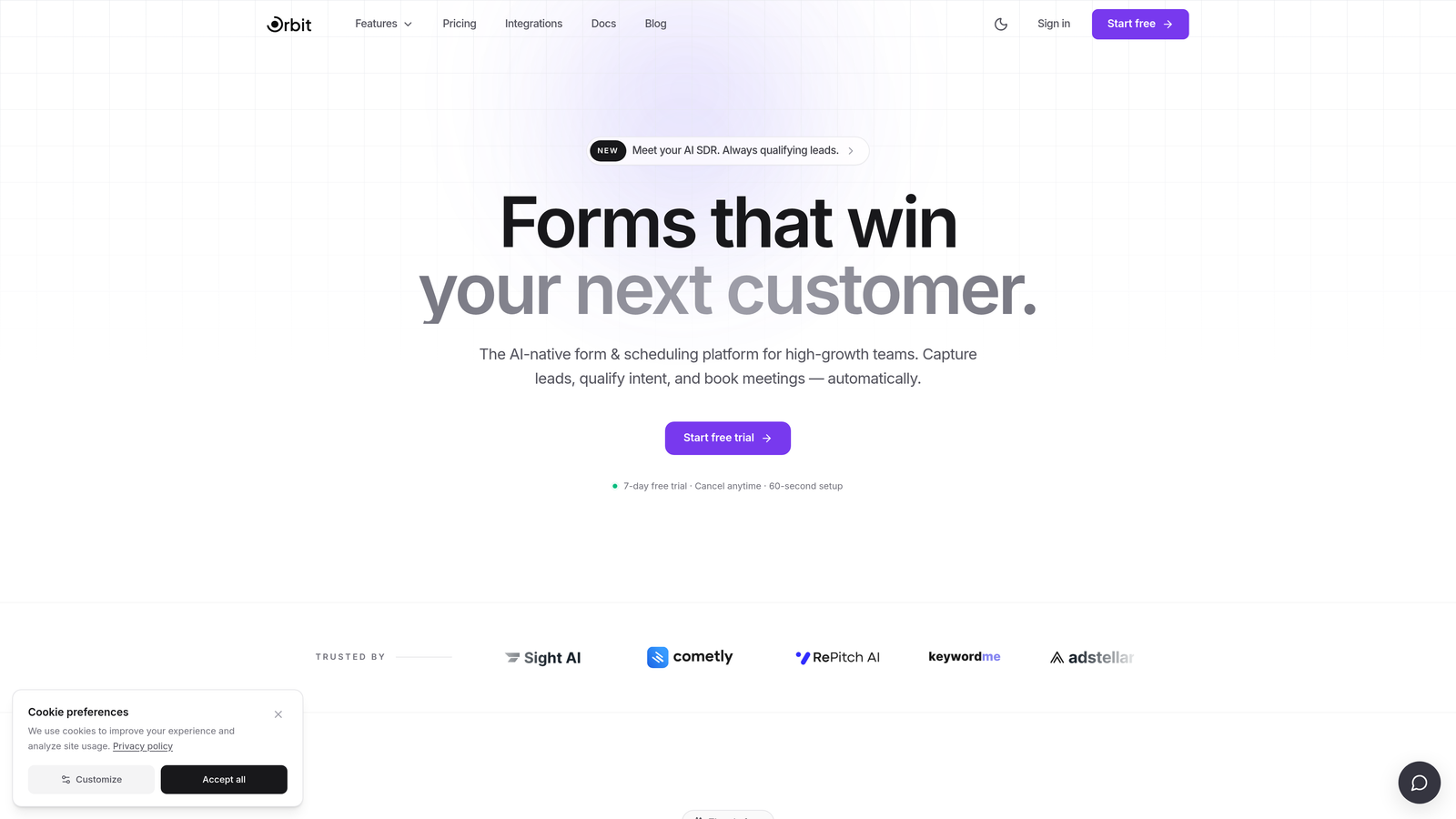
Orbit AI is an AI-powered form builder with built-in lead qualification and conversion-optimized design, built specifically for high-growth and SaaS teams.
Where This Tool Shines
Most form builders collect data and then hand it off to your CRM, your Zapier workflows, or your ops team to figure out what to do next. Orbit AI takes a different approach: the intelligence lives inside the form itself. Lead scoring and qualification happen at the point of capture, which means your team isn't wading through raw submissions to find the signal.
For small teams without a dedicated revenue ops function, this matters a lot. You're not just building a form, you're building a qualification layer. The modern, design-forward templates also mean you can ship something that looks polished without pulling in a designer every time you need a new intake form or demo request page.
Key Features
AI-Powered Lead Qualification: Automatically scores and qualifies leads directly within the form layer, reducing reliance on external CRM workflows.
Conversion-Optimized Templates: Pre-built templates designed specifically for B2B and SaaS use cases, built to maximize completion rates.
Automatic Lead Routing: Routes qualified leads without requiring manual setup in external tools or complex Zapier chains.
Modern Form Design: Beautiful, brand-consistent form experiences that don't require a designer to build or maintain.
Built for Small Teams: Streamlined setup and workflow designed for lean teams that need pipeline results quickly, not after a month of configuration.
Best For
Orbit AI is the strongest fit for SaaS teams, growth marketers, and sales-led startups that are actively generating leads and need qualification to happen automatically. If your team is spending time manually sorting form submissions to find sales-ready leads, this is built to solve exactly that problem.
Pricing
Visit orbitforms.ai for current pricing tiers. Pricing is designed with high-growth teams in mind.
2. Typeform
Best for: Teams that want a conversational, high-engagement form experience for surveys and lead capture.
Typeform is a conversational form builder known for its one-question-at-a-time format that drives higher engagement and completion rates.

Where This Tool Shines
Typeform's signature format, presenting one question at a time rather than a wall of fields, makes forms feel less like forms. For teams running surveys, customer research, or top-of-funnel lead capture, this approach tends to result in higher completion rates and better quality responses.
The Logic Jumps feature lets you build conditional flows that route respondents based on their answers, which is useful for qualification without requiring a developer. The template library is broad and well-designed, covering everything from NPS surveys to job application forms.
Key Features
Conversational UI: Single-question format reduces cognitive load and form abandonment compared to traditional multi-field layouts.
Logic Jumps: Conditional routing sends respondents down different question paths based on their answers.
Template Library: Extensive collection of templates for surveys, quizzes, lead forms, and more.
Integrations: Native connections with HubSpot, Slack, Google Sheets, and Zapier for workflow automation.
Best For
Marketing teams, UX researchers, and customer success teams that prioritize engagement and completion rates over advanced lead scoring. Also a strong option for teams running surveys or NPS programs where response quality matters.
Pricing
Free plan available with limited responses. Paid plans start at approximately $25/month. Verify current pricing at typeform.com.
3. Tally
Best for: Bootstrapped teams and indie startups that need unlimited forms with zero cost to start.
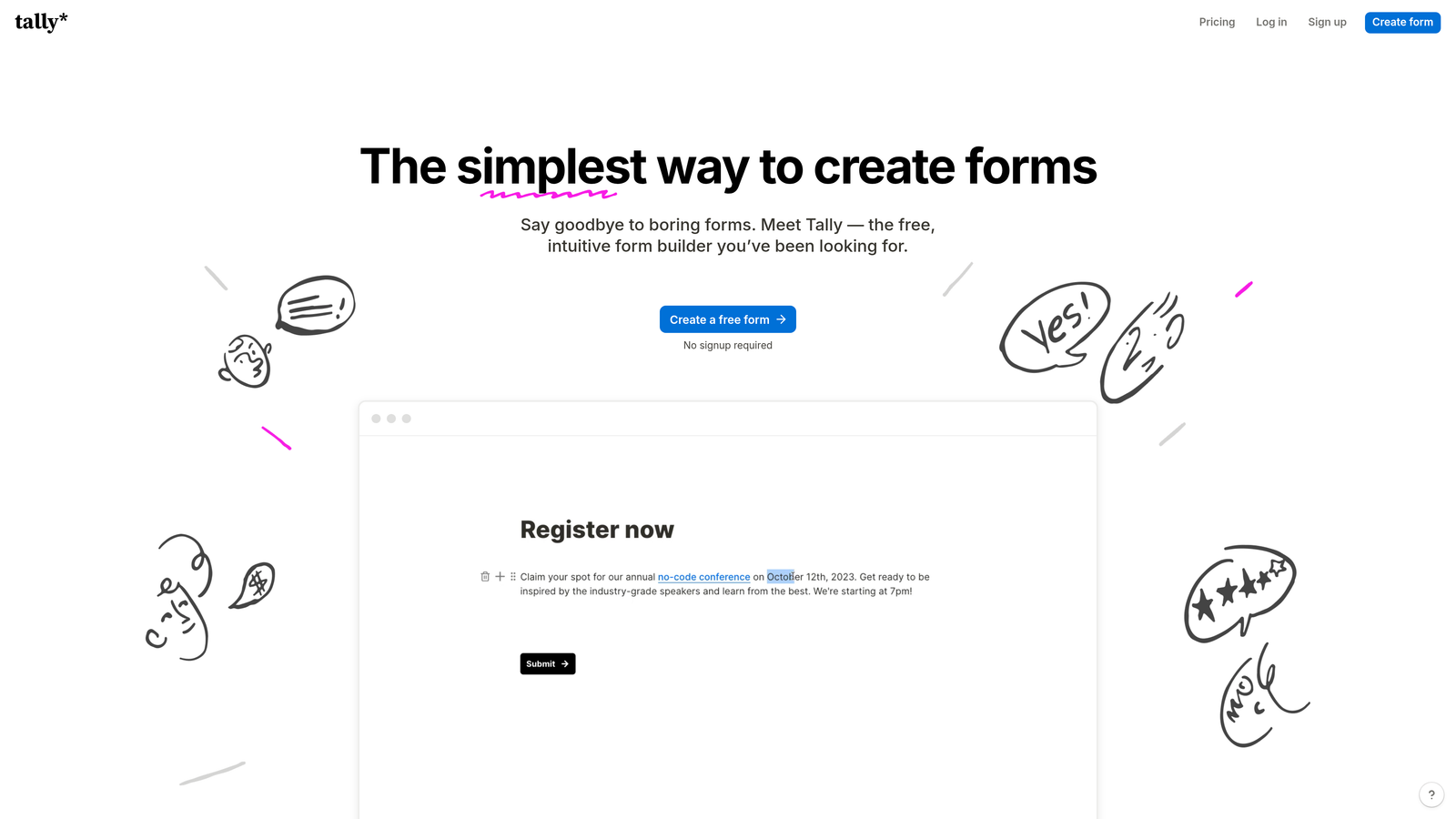
Tally is a Notion-inspired form builder with a generous free tier and no limits on forms or submissions.
Where This Tool Shines
Tally's free tier is genuinely free, not a trial or a bait-and-switch. You can create unlimited forms and collect unlimited submissions without ever entering a credit card. For early-stage teams watching every dollar, this is a meaningful advantage over tools that cap you at 100 responses per month.
The block-based editor will feel immediately familiar to anyone who uses Notion. Building a form is as intuitive as writing a document, which keeps the setup time low. Tally also embeds cleanly into websites and Notion pages, making it easy to deploy without touching your engineering team.
Key Features
Unlimited Free Tier: No limits on forms or submissions on the free plan, making it genuinely usable without upgrading.
Notion-Style Editor: Block-based interface that's intuitive for teams already working inside Notion.
Pro Logic Features: Conditional logic, hidden fields, and file uploads available on the paid Pro plan.
Clean Embeds: Embeds smoothly into websites and Notion pages without extra configuration.
Best For
Early-stage startups, indie hackers, and bootstrapped teams that need a capable form tool without any upfront cost. Also a natural fit for teams running Notion as their primary workspace.
Pricing
Free tier available with no form or submission limits. Tally Pro is approximately $29/month. Verify current pricing at tally.so.
4. Jotform
Best for: Teams that need a wide template library and a broad integration ecosystem out of the box.
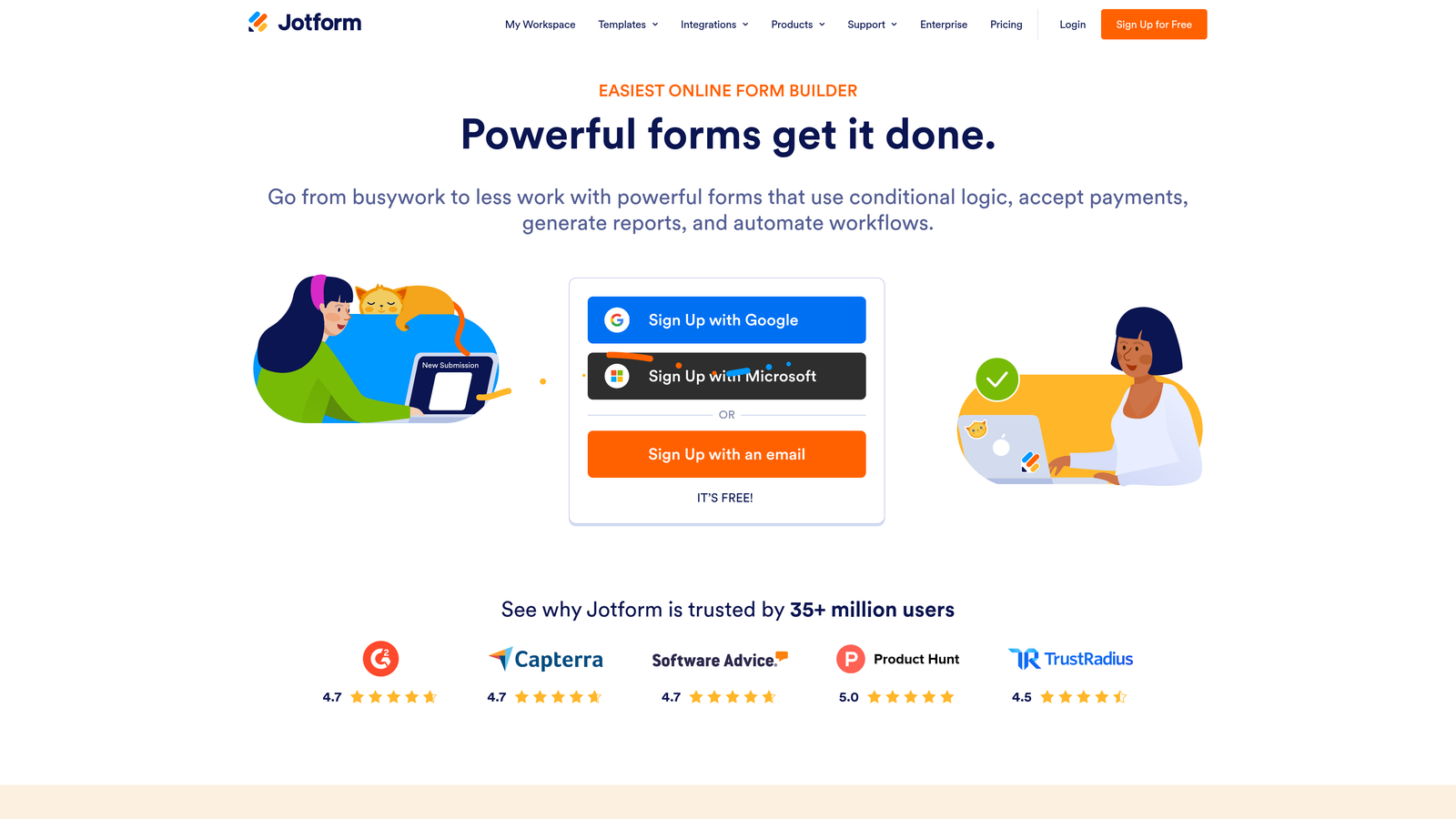
Jotform is a veteran form builder with thousands of templates and one of the broadest integration ecosystems available.
Where This Tool Shines
Jotform's depth is its defining characteristic. With over 10,000 templates spanning dozens of categories, you can almost always find a starting point that's close to what you need. For teams that want to move quickly without building from scratch, this is a genuine time-saver.
The integration list is similarly expansive. Native connections with Salesforce, Slack, Google Sheets, and payment processors like Stripe, PayPal, and Square mean Jotform can plug into almost any existing stack. For small teams that have already assembled a toolset and just need a form layer that connects to it, Jotform rarely disappoints.
Key Features
10,000+ Templates: Covers use cases from lead generation to HR onboarding, event registration, and beyond.
150+ Native Integrations: Connects directly with Salesforce, Slack, Google Sheets, and dozens of other tools.
Built-In Payment Collection: Accepts payments via Stripe, PayPal, and Square without third-party workarounds.
Team Collaboration: Approval workflows and multi-user access for teams managing forms together.
Best For
Small teams that need variety and integration coverage without custom development. Particularly well-suited for teams collecting payments, running approval workflows, or managing multiple form types simultaneously.
Pricing
Free plan available with submission limits. Paid plans start at approximately $34/month. Verify current pricing at jotform.com.
5. Google Forms
Best for: Internal data collection and quick surveys where design and advanced logic aren't priorities.
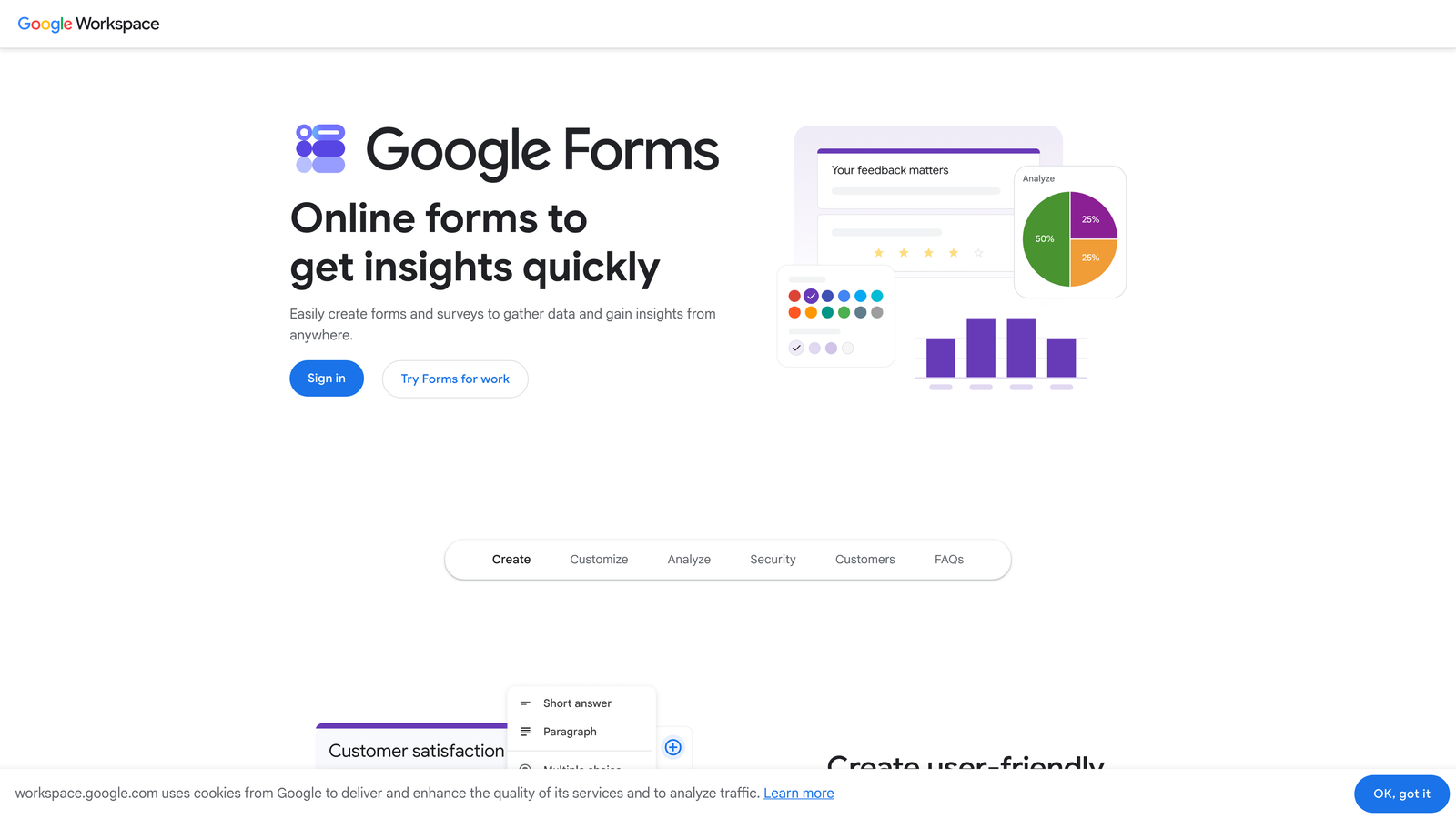
Google Forms is a completely free, no-frills form builder included with Google accounts, best suited for quick internal use.
Where This Tool Shines
Google Forms earns its place on this list for one reason: it costs nothing and requires no setup. If you have a Google account, you have a form builder. For internal use cases like team polls, event RSVPs, or quick feedback collection, it handles the job without any friction.
The direct integration with Google Sheets is genuinely useful. Every response flows automatically into a spreadsheet, which means you can run basic analysis without exporting anything. For teams already living in Google Workspace, this frictionless connection is a real advantage.
Key Features
Completely Free: Included with any Google account with no submission limits or paid tiers.
Google Sheets Integration: Responses feed directly into a connected spreadsheet automatically.
Basic Branching Logic: Simple conditional flows for routing respondents based on their answers.
No Account Required for Respondents: Anyone can fill out a Google Form without signing in.
Best For
Teams that need a fast, free solution for internal surveys, event sign-ups, or simple data collection. Not recommended for external lead capture or customer-facing forms where design and brand experience matter.
Pricing
Free, included with any Google account. No paid tiers.
6. HubSpot Forms
Best for: Sales-led teams already using HubSpot CRM who want zero-friction lead capture with automatic contact sync.
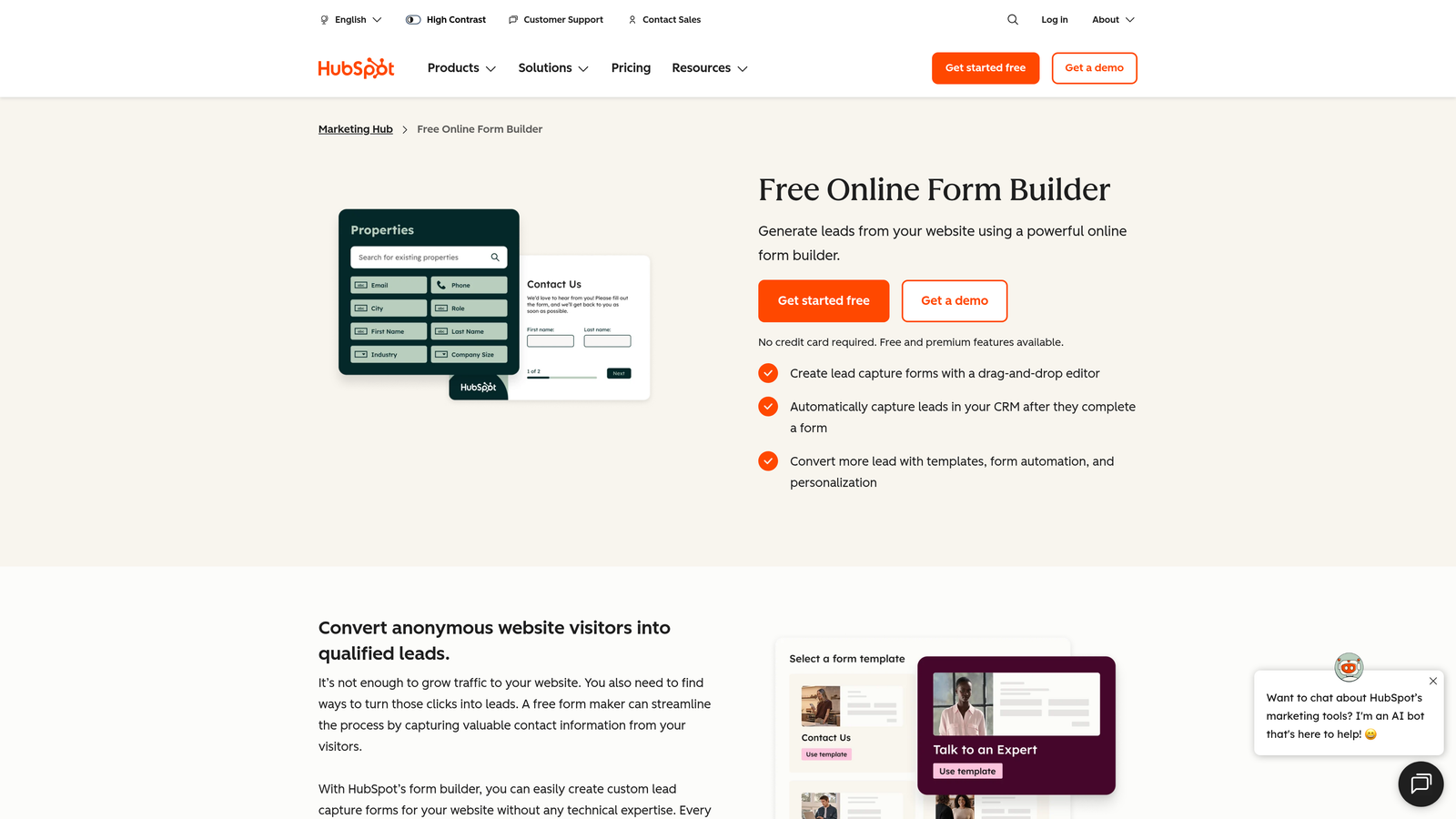
HubSpot Forms is a free form builder that natively syncs every submission to HubSpot CRM, making it ideal for sales-led teams.
Where This Tool Shines
If your team runs on HubSpot, this is the obvious choice for lead capture. Every form submission automatically creates or updates a contact record in your CRM, and you can trigger workflows, sequences, and sales notifications without any middleware. The integration isn't bolted on with an API key, it's native.
The standalone form builder itself is relatively basic in terms of design flexibility. But for teams whose primary goal is getting leads into HubSpot and into a follow-up sequence as quickly as possible, the design limitations are an acceptable trade-off.
Key Features
Automatic CRM Sync: Every submission creates or updates a HubSpot contact record without manual imports.
Workflow Triggers: Automatically kicks off HubSpot sequences, notifications, and workflows on submission.
Flexible Embedding: Embeds on any website or HubSpot landing page with a simple code snippet.
Free with HubSpot CRM: No additional cost for teams already using HubSpot's free CRM tier.
Best For
Teams already committed to the HubSpot ecosystem who want seamless lead capture without managing a separate form tool. Less compelling for teams not using HubSpot, as the standalone form experience is limited compared to dedicated builders.
Pricing
Free with HubSpot's free CRM. Advanced features require paid Marketing Hub plans. Check current pricing at hubspot.com.
7. Fillout
Best for: Product and ops teams that need powerful conditional logic with a clean, no-code interface.
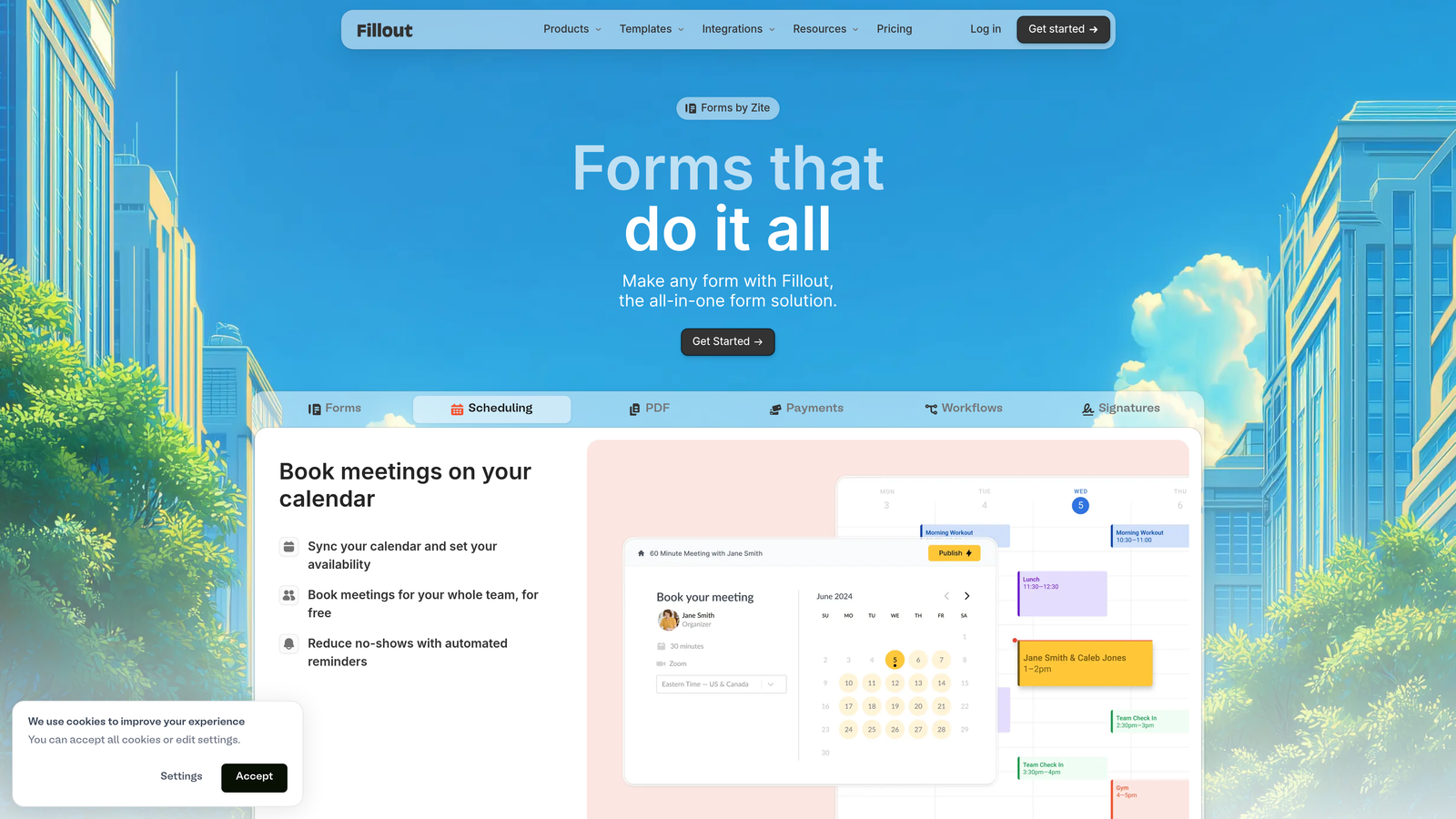
Fillout is a modern form builder with advanced conditional logic and native integrations with tools like Notion and Airtable.
Where This Tool Shines
Fillout has gained traction quickly by doing two things well: clean UI and genuinely powerful logic. Building multi-step conditional flows in Fillout is straightforward enough that non-technical team members can handle it without engineering support. That's a real differentiator for small teams where everyone wears multiple hats.
The native integrations with Notion and Airtable are a standout feature. For product teams, ops teams, and startups that have built their workflows around these tools, Fillout connects directly without requiring Zapier as a middle layer. It also supports scheduling and booking forms, which broadens its use cases beyond standard data collection.
Key Features
Advanced Conditional Logic: Build complex branching flows with a clean, visual no-code interface.
Native Notion and Airtable Integrations: Connects directly to Notion databases and Airtable bases without middleware.
Multi-Page Forms: Supports multi-step forms with progress indicators to reduce abandonment.
Scheduling and Booking: Includes booking form capabilities for teams that need appointment scheduling built in.
Best For
Product teams, ops leads, and startups running Notion or Airtable as their primary data layer. Also a strong pick for any team that needs sophisticated conditional logic without involving a developer.
Pricing
Free plan available. Paid plans start at approximately $15 to $29/month. Verify current pricing at fillout.com.
8. Paperform
Best for: Service businesses and creators who want forms that look and function like polished landing pages.
Paperform is a form builder with a rich-text editor that lets you create forms that look and feel like landing pages, with native payment support built in.
Where This Tool Shines
Paperform occupies a unique position in this category. Its rich-text editor lets you blend form fields with images, copy, and layout elements in a way that makes the result look more like a landing page than a traditional form. For teams selling services, running intake processes, or collecting payments, this approach creates a more compelling experience for respondents.
The native Stripe integration covers one-time payments, recurring subscriptions, and product sales, all within a single form. For small service businesses, coaches, or agencies that want to handle intake and payment in one step, this is a meaningful capability that most pure form builders don't offer.
Key Features
Rich-Text Editor: Blend form fields with landing page-style content, images, and copy in a single canvas.
Native Stripe Payments: Accept one-time and recurring payments directly within a form.
Product and Subscription Sales: Supports selling products, services, and subscriptions without a separate checkout tool.
Conditional Sections: Smart fields and conditional sections that adapt based on respondent input.
Best For
Service businesses, coaches, consultants, and agencies that want to combine intake, qualification, and payment collection in a single, well-designed form experience. Less suited for teams that primarily need high-volume lead capture or CRM-first workflows.
Pricing
Paid only; plans start at approximately $24/month. Verify current pricing at paperform.co.
9. Microsoft Forms
Best for: Teams running Microsoft 365 who need a free, integrated form tool for internal use.
Microsoft Forms is a free form builder included with Microsoft 365, with native integration across Teams, Excel, and SharePoint.
Where This Tool Shines
Microsoft Forms is the Google Forms equivalent for Microsoft 365 shops. If your team is already paying for a Microsoft 365 subscription, you have a capable form builder included at no additional cost. For internal surveys, team polls, quizzes, and event registrations, it handles the basics without requiring a separate tool or budget line.
The integration with Teams is particularly useful for organizations that run meetings and internal communication through that platform. You can distribute forms directly within Teams channels and view real-time response analytics without leaving the Microsoft ecosystem. Power Automate connections also open up automation possibilities for teams comfortable in that environment.
Key Features
Included with Microsoft 365: No additional cost for teams already subscribed to Microsoft 365.
Native Microsoft Integrations: Connects directly with Teams, Excel, SharePoint, and Power Automate.
Basic Branching Logic: Supports conditional questions and quiz functionality for simple routing needs.
Real-Time Analytics: Built-in response analytics dashboard without requiring Excel exports.
Best For
Teams already operating within the Microsoft 365 ecosystem who want a zero-cost form solution for internal use. Not recommended for external-facing lead capture or customer-facing forms where design quality and advanced logic are priorities.
Pricing
Free, included with Microsoft 365 subscriptions. No standalone paid tier.
Which Tool Is Right for Your Team?
Here's the honest breakdown: the best form builder for your small team depends almost entirely on what you're trying to accomplish and what tools you're already using.
If lead qualification is your primary goal, and you're running a SaaS or high-growth business where pipeline quality matters, Orbit AI is the standout choice. The AI-powered qualification layer built directly into the form experience is a genuine differentiator, and it's designed specifically for teams that can't afford to hire a dedicated revenue ops person to sort through raw submissions.
If engagement and completion rates are your priority, Typeform's conversational format is hard to beat for customer-facing surveys and lead forms. For teams that need unlimited free forms and a Notion-style experience, Tally is the obvious starting point. And if you need the broadest possible template and integration coverage, Jotform's depth is difficult to match.
For teams already locked into a platform ecosystem, the calculus is simpler. HubSpot Forms wins for HubSpot-first sales teams. Microsoft Forms is the right call for Microsoft 365 shops. Google Forms covers the basics for Google Workspace teams who just need something quick and free.
Fillout earns a serious look from any product or ops team running Notion or Airtable. And Paperform is the best option when you need intake, content, and payment collection to live in a single polished experience.
The bottom line: don't let your form builder be an afterthought. For high-growth teams, the form is often the first touchpoint a prospect has with your brand. Making it intelligent, fast, and conversion-optimized isn't a nice-to-have. It's a competitive advantage.
Transform your lead generation with AI-powered forms that qualify prospects automatically while delivering the modern, conversion-optimized experience your high-growth team needs. Start building free forms today and see how intelligent form design can elevate your conversion strategy.


