

Startups move fast, and your forms need to keep up. Whether you're validating product-market fit, capturing early leads, or scaling your growth engine, the right form software can make the difference between converting prospects and losing them to friction. But with limited budget and technical resources, choosing a tool that balances affordability, ease of use, and conversion power isn't always straightforward.
The best form software for startups needs to do more than just collect information. It should integrate seamlessly with your existing tools, deploy quickly without developer help, and ideally include features that help you qualify leads and optimize conversions from day one. We evaluated dozens of platforms based on startup-friendly pricing, speed to implementation, integration capabilities, and conversion optimization features.
Here are the top form software solutions built for startups in 2026.
1. Orbit AI
Best for: High-growth startups focused on lead qualification and conversion optimization
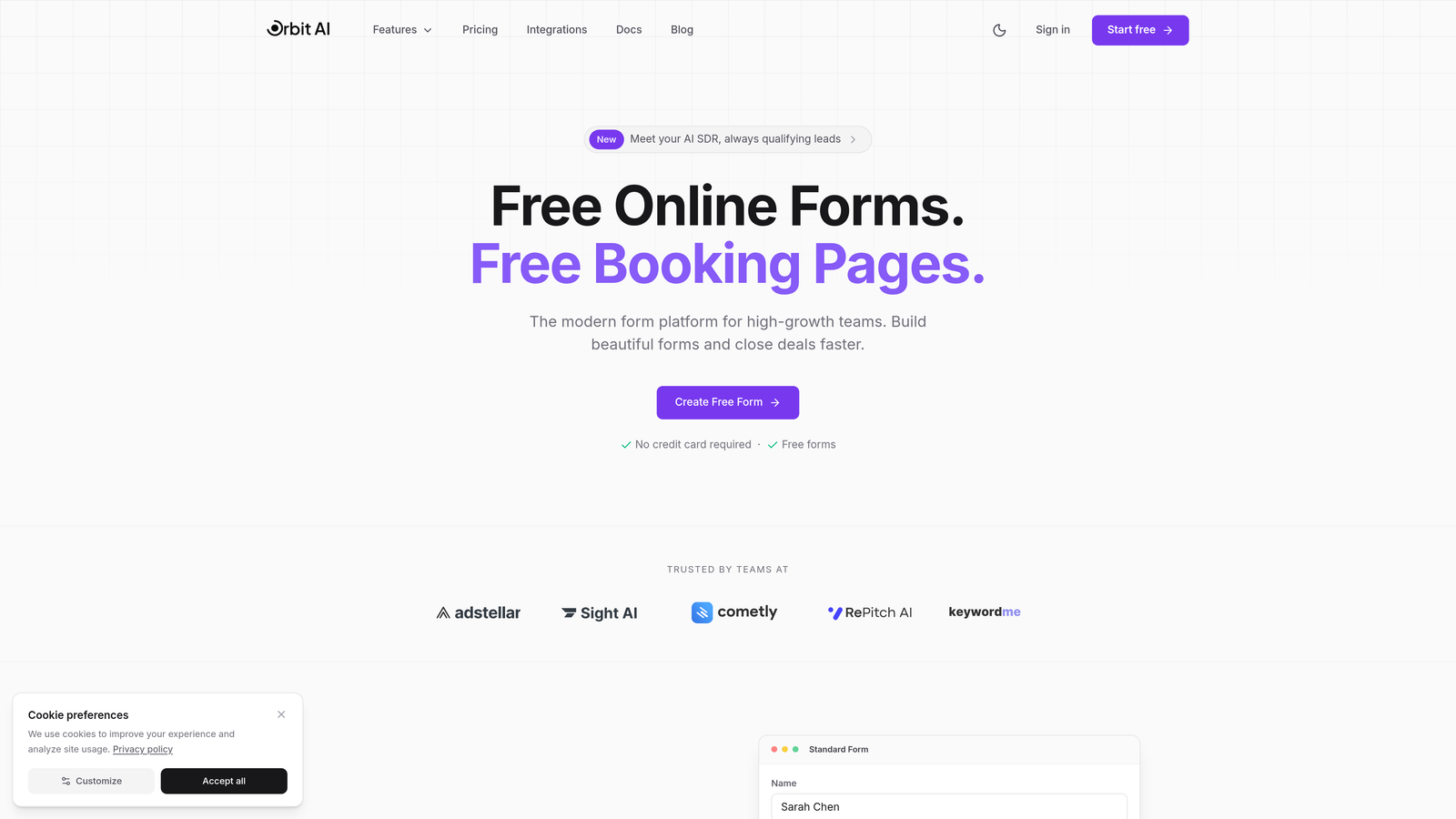
Orbit AI is an AI-powered form builder designed specifically for teams that need to qualify leads at the point of capture while delivering a modern form experience.
Where This Tool Shines
What sets Orbit AI apart is its built-in lead qualification intelligence. Instead of collecting raw contact information and sorting through it later, the platform uses AI to identify high-intent prospects during the form interaction itself. This means your sales team spends time on qualified leads, not cold contacts.
The platform is built for teams that understand forms aren't just data collection tools but conversion assets. Every template is optimized for completion rates, and the analytics dashboard shows exactly where prospects drop off so you can iterate quickly.
Key Features
AI-Powered Lead Qualification: Automatically scores and routes leads based on responses and behavior patterns.
Conversion-Optimized Templates: Pre-built forms designed with completion rates in mind, not just aesthetics.
Native CRM Integrations: Connects directly to your growth stack without middleware or complex setup.
Performance Analytics: Track completion rates, drop-off points, and lead quality metrics in real-time.
Workflow Automation: Trigger follow-up sequences and team notifications based on form responses.
Best For
Orbit AI is ideal for seed to Series A startups with dedicated growth or sales teams who need more than basic contact collection. If you're running paid acquisition campaigns or inbound marketing programs where lead quality directly impacts ROI, the AI qualification features pay for themselves quickly.
Pricing
Startup-friendly pricing with scalable plans that grow with your form volume and team size. Free tier available to get started.
2. Typeform
Best for: Creating engaging, conversational form experiences that feel human
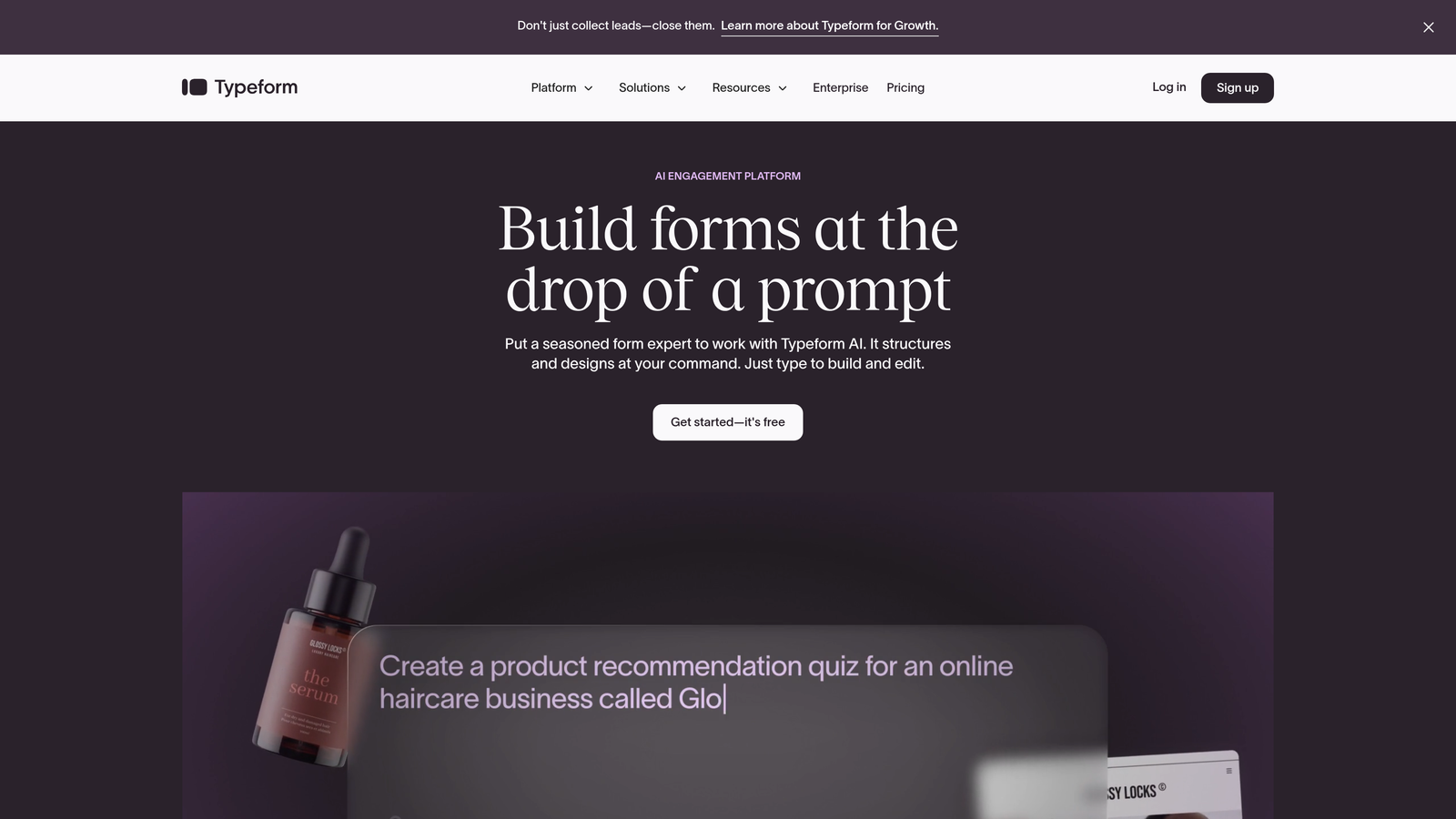
Typeform is a conversational form builder that presents one question at a time, creating an interactive experience that often feels more like a conversation than a traditional form.
Where This Tool Shines
Typeform's signature one-question-at-a-time interface reduces cognitive load and makes longer forms feel less overwhelming. This approach typically improves completion rates for surveys and multi-step lead capture forms where you need detailed information from prospects.
The platform excels at creating branded, visually appealing forms that align with your startup's design aesthetic. If first impressions matter to your brand positioning, Typeform delivers a polished experience that feels intentional and professional.
Key Features
Conversational Interface: One-question-at-a-time format that guides users through longer forms without overwhelming them.
Beautiful Design Templates: Pre-built themes that you can customize to match your brand identity.
Logic Jumps: Conditional branching that shows different questions based on previous answers.
Rich Media Support: Embed videos, images, and GIFs to create more engaging form experiences.
Integration Ecosystem: Connects to hundreds of tools via native integrations and Zapier.
Best For
Typeform works well for startups running customer research, lead qualification surveys, or event registrations where the form experience itself is part of your brand impression. It's particularly effective when you need to collect detailed information without intimidating users with long, traditional forms.
Pricing
Free tier available with Typeform branding; paid plans start at $25/month with increased response limits and advanced features.
3. Tally
Best for: Bootstrapped startups needing unlimited forms without budget constraints
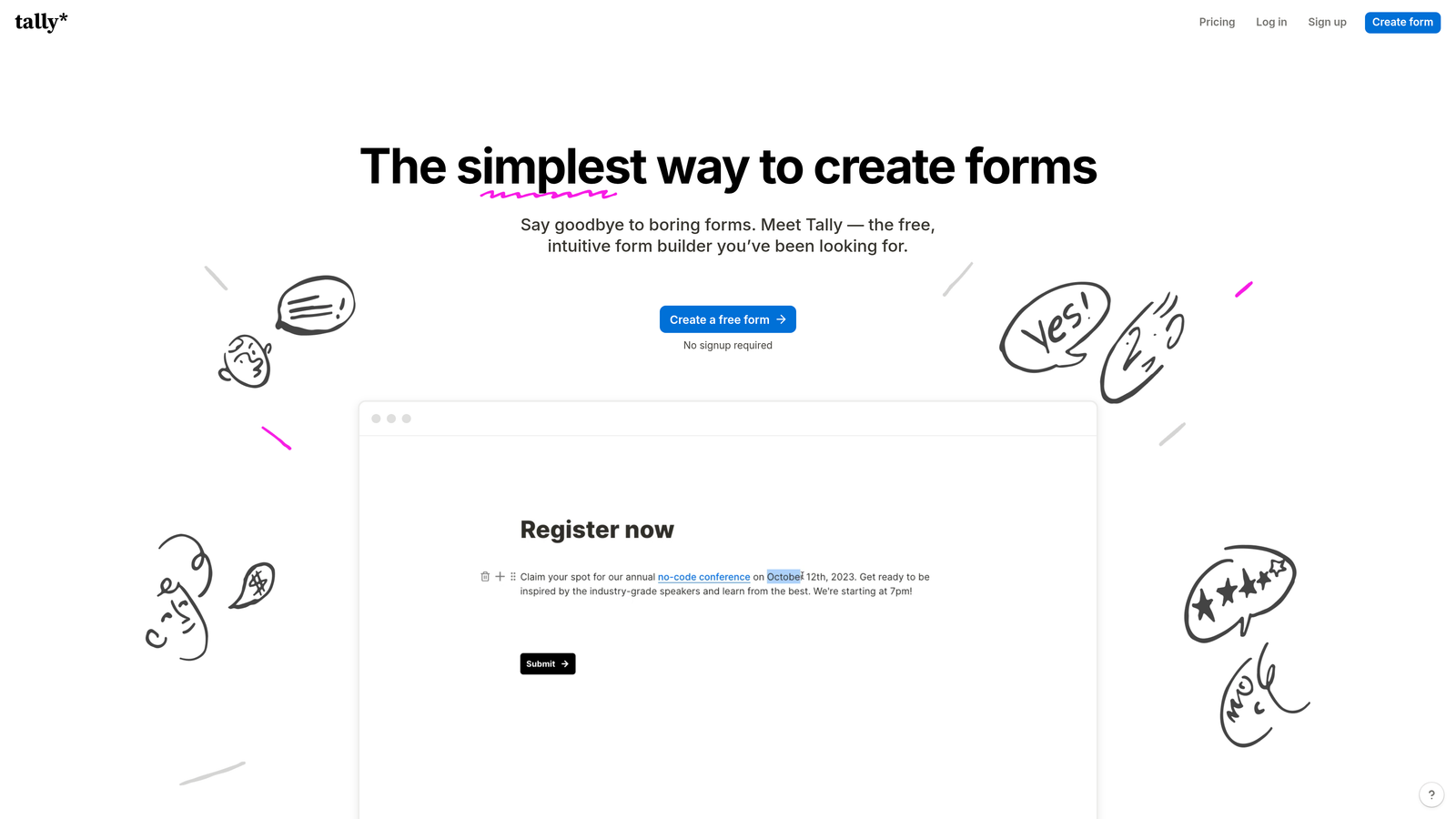
Tally is a simple, Notion-inspired form builder with an exceptionally generous free tier that makes it perfect for early-stage startups watching every dollar.
Where This Tool Shines
Tally's free tier is genuinely useful, not a teaser. You get unlimited forms with no branding requirements, which is rare in the form software space. For pre-seed startups validating ideas or collecting early customer feedback, this removes a common budget blocker entirely.
The block-based editor feels familiar if you've used Notion or similar tools. You build forms by stacking blocks, making it intuitive to create everything from simple contact forms to complex multi-page surveys without watching tutorials.
Key Features
Unlimited Free Forms: No artificial limits on form count, even on the free plan.
Block-Based Editor: Notion-style interface that makes form building feel natural and flexible.
No Branding Required: Remove Tally branding even on free tier, maintaining professional appearance.
Conditional Logic: Show or hide questions based on responses, included in free plan.
Webhook Support: Connect to other tools via webhooks and Zapier without upgrading.
Best For
Tally is perfect for bootstrapped startups, solo founders, or teams in pre-revenue phases who need functional forms without monthly costs. It's also solid for internal forms, customer feedback collection, and early validation experiments where budget is tight.
Pricing
Generous free tier with unlimited forms; Pro plan at $29/month adds file uploads, custom domains, and priority support.
4. Jotform
Best for: Startups needing payment collection and extensive template variety
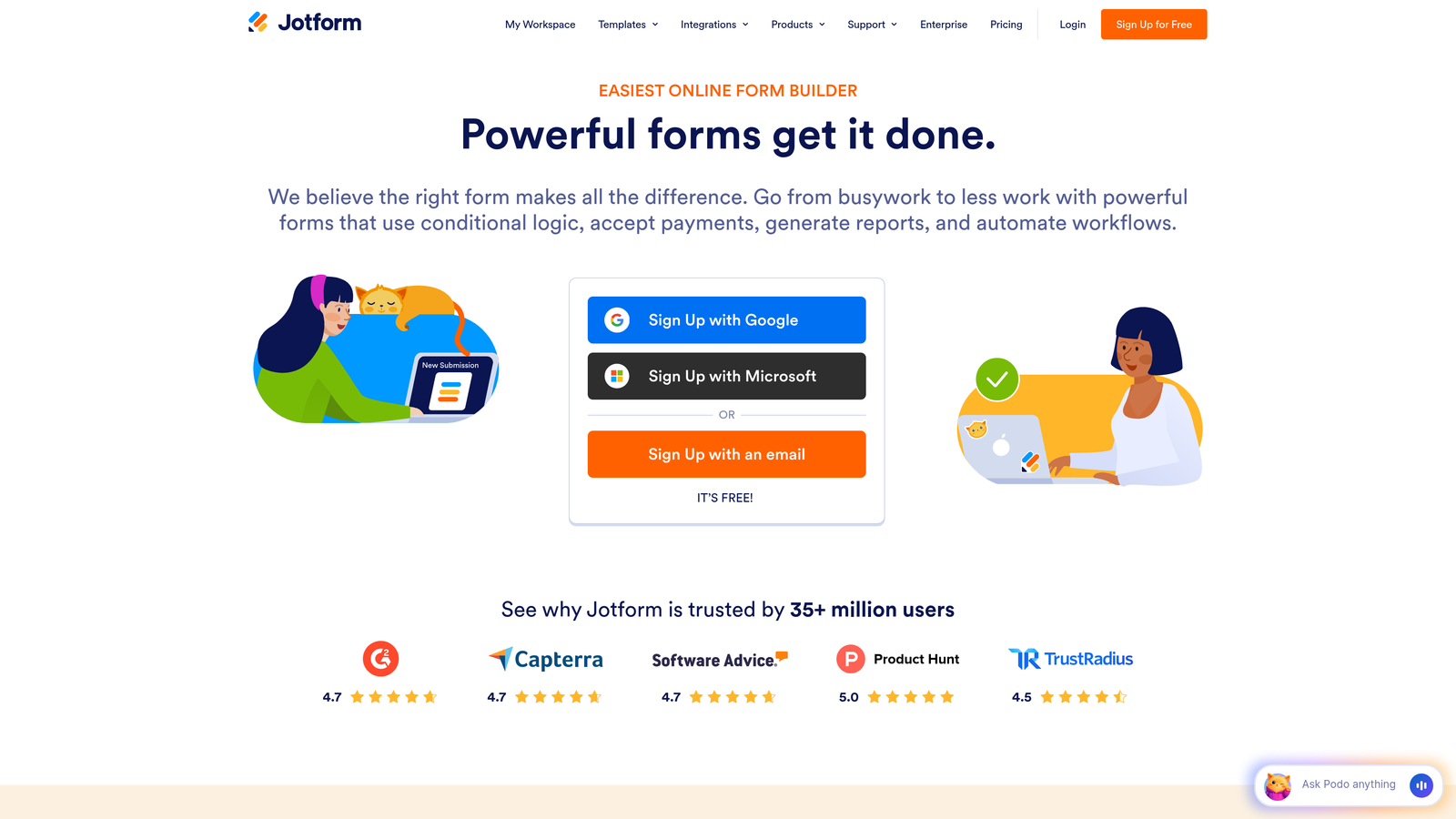
Jotform is a feature-rich form builder with thousands of templates and strong payment processing capabilities, making it ideal for startups selling products or services directly through forms.
Where This Tool Shines
Jotform's template library is massive. With over 4,000 pre-built forms covering virtually every use case, you can deploy a professional form in minutes rather than building from scratch. This speed matters when you're testing multiple offers or running time-sensitive campaigns.
The native payment integrations with Stripe, PayPal, and Square make it particularly valuable for startups collecting payments, deposits, or processing orders. You don't need separate checkout systems or payment page builders.
Key Features
4,000+ Templates: Pre-built forms for virtually every industry and use case, ready to customize.
Payment Processing: Native integrations with major payment processors for collecting payments directly in forms.
PDF Generation: Automatically create PDF documents from form submissions for contracts or receipts.
Approval Workflows: Route submissions through team members for review and approval.
Mobile App: Manage forms and view submissions from iOS or Android devices.
Best For
Jotform works well for startups in e-commerce, professional services, or any business model requiring payment collection through forms. It's also strong for teams that need approval workflows or want to generate documents automatically from form data.
Pricing
Free tier allows 5 forms with 100 monthly submissions; paid plans start at $34/month with increased limits and advanced features.
5. Google Forms
Best for: Quick internal surveys and early validation on zero budget
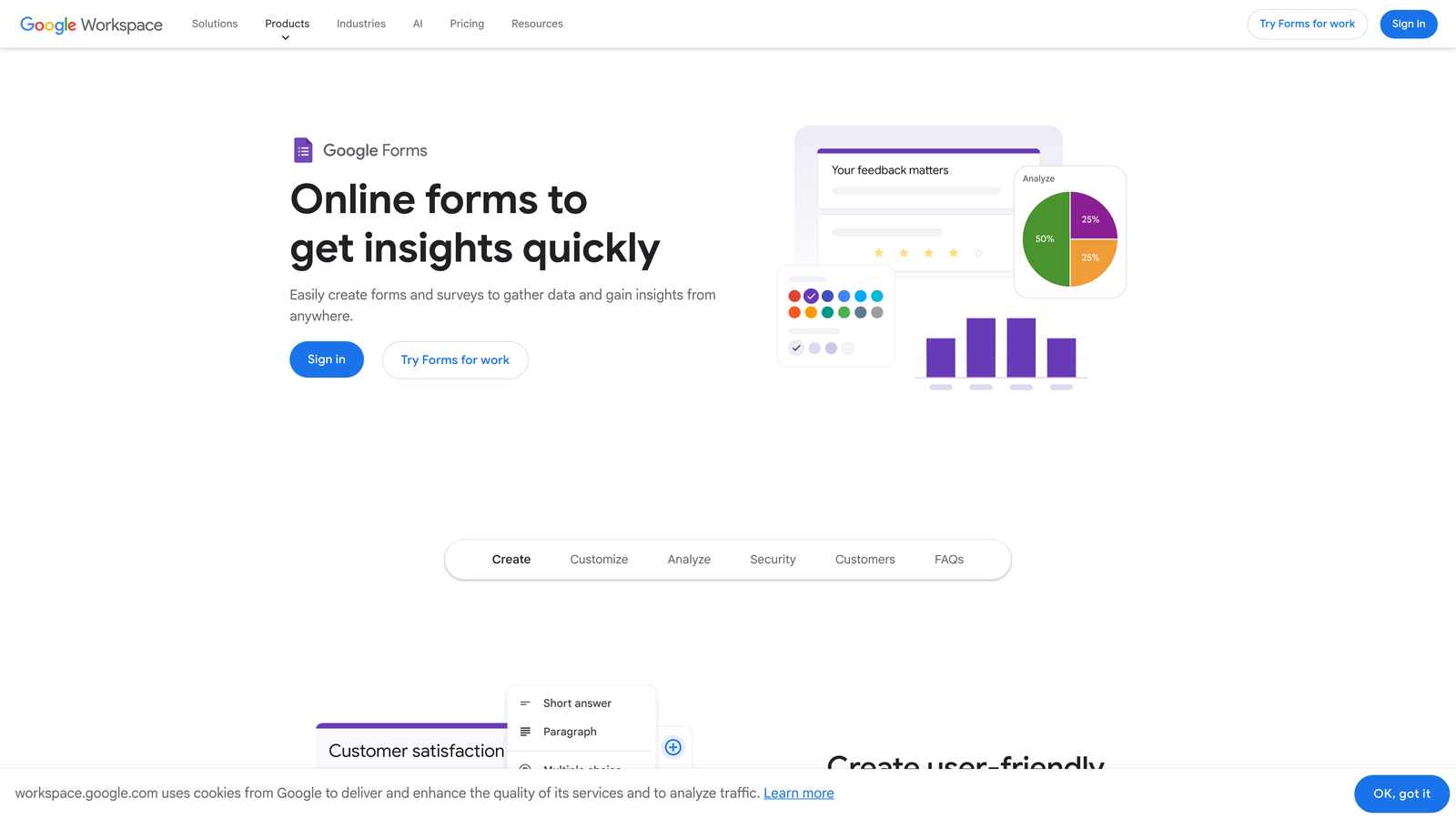
Google Forms is a completely free, no-frills form builder that integrates seamlessly with Google Workspace for straightforward data collection.
Where This Tool Shines
Google Forms costs nothing and requires no setup beyond a Google account. For internal team surveys, customer feedback collection, or quick market validation tests, this simplicity is often exactly what early-stage startups need. You're not paying for features you don't use yet.
The automatic sync to Google Sheets means your data is instantly analyzable without export steps or format conversions. If your team already lives in Google Workspace, this native integration eliminates tool-switching friction.
Key Features
Completely Free: No paid tiers, no submission limits, no upgrade pressure for basic functionality.
Google Sheets Integration: Responses automatically populate a spreadsheet for easy analysis and sharing.
Real-Time Collaboration: Multiple team members can edit forms simultaneously like Google Docs.
Basic Conditional Logic: Show or hide questions based on previous answers for simple branching.
Quiz Functionality: Create self-grading quizzes or assessments with automatic scoring.
Best For
Google Forms is ideal for internal processes, employee surveys, event RSVPs, or quick customer feedback collection where brand presentation isn't critical. It's also perfect for very early validation experiments before you know what features you'll actually need.
Pricing
Completely free with any Google account. No paid tiers or premium features to consider.
6. Fillout
Best for: Data-driven startups using Airtable or Notion as their backend
Fillout is a modern form builder with native database connections, allowing you to create forms that read from and write to Airtable or Notion directly.

Where This Tool Shines
Fillout's native Airtable and Notion integrations go beyond simple data pushes. You can pre-fill form fields with existing data, update records based on submissions, and build forms that function as database interfaces rather than just data collection tools.
This database-first approach is powerful for startups using Airtable as their operational system. Instead of collecting form data and manually copying it into your base, Fillout creates a direct connection that keeps everything synchronized automatically.
Key Features
Native Database Integration: Connect directly to Airtable and Notion for two-way data sync.
Pre-Fill Capabilities: Auto-populate form fields with data from your database for update workflows.
Record Updates: Allow form submissions to modify existing database records, not just create new ones.
Modern Design: Clean, contemporary interface that feels current and professional.
Payment and Scheduling: Collect payments and book appointments directly through forms.
Best For
Fillout is perfect for startups that have adopted Airtable or Notion as their operational backbone and want forms that integrate seamlessly with those systems. It's particularly valuable for customer portals, application processes, or any workflow where form data needs to live in your existing database.
Pricing
Free tier available with basic features; paid plans start at $15/month for advanced database features and higher submission limits.
7. Paperform
Best for: Creating content-rich landing pages with embedded forms
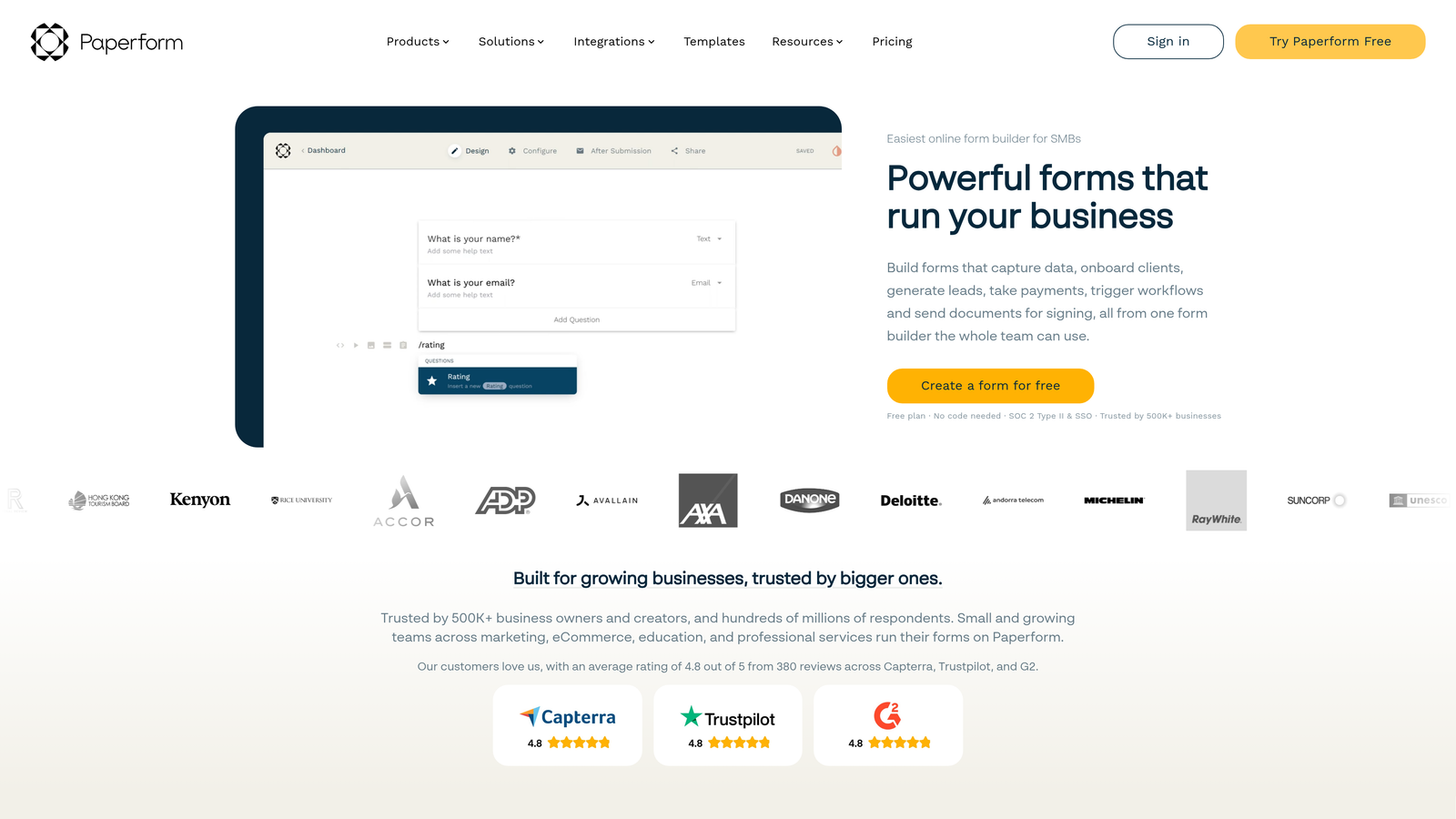
Paperform combines form building with landing page creation, allowing you to create full conversion pages that include forms, text, images, and calls-to-action in a single tool.
Where This Tool Shines
Paperform's free-form editor lets you mix form fields with rich content blocks, effectively turning your forms into standalone landing pages. This eliminates the need for separate landing page builders when you're running campaigns focused on a single conversion goal.
The platform includes e-commerce and booking capabilities out of the box, making it particularly useful for startups selling digital products, services, or appointments. You can create an entire purchase or booking flow without cobbling together multiple tools.
Key Features
Free-Form Editor: Mix form fields with text, images, videos, and other content to create full pages.
E-Commerce Support: Sell products, collect payments, and manage inventory directly through forms.
Booking System: Schedule appointments and manage availability without third-party calendar tools.
Conditional Logic: Show different content and questions based on user responses and calculations.
Built-In Analytics: Track form performance and conversion metrics without external analytics tools.
Best For
Paperform works well for startups running focused campaigns where the form is the entire landing page, or for businesses offering services, bookings, or digital products that need an all-in-one conversion tool. It's also strong for event registrations that require payment collection.
Pricing
14-day free trial available; paid plans start at $24/month with unlimited forms and submissions.
8. Formstack
Best for: Startups in regulated industries or planning enterprise sales
Formstack is an enterprise-capable form platform with advanced workflow automation and compliance features for startups that need to scale into larger organizations.
Where This Tool Shines
Formstack's workflow automation goes beyond simple email notifications. You can build multi-step approval processes, generate documents from form data, and create complex routing logic that handles sophisticated business processes without custom development.
The compliance certifications matter if you're in healthcare, finance, or other regulated industries. HIPAA and SOC 2 compliance options mean you can collect sensitive information without building custom security infrastructure or worrying about audit requirements.
Key Features
Advanced Workflows: Build multi-step approval processes and complex routing logic without code.
Document Generation: Automatically create contracts, proposals, or reports from form submissions.
Compliance Options: HIPAA and SOC 2 compliance available for regulated industries.
E-Signature Collection: Collect legally binding signatures directly within forms.
Salesforce Integration: Native connection to Salesforce for CRM-centric workflows.
Best For
Formstack is ideal for startups in regulated industries, B2B companies planning to sell to enterprise customers, or teams that need sophisticated workflow automation and document generation. It's also strong for startups with complex approval processes or compliance requirements.
Pricing
Plans start at $50/month; enterprise pricing available for teams needing compliance features and advanced security.
9. HubSpot Forms
Best for: Startups already using HubSpot CRM for sales and marketing
HubSpot Forms is a free form builder included with HubSpot's CRM, designed specifically for teams invested in the HubSpot ecosystem.
Where This Tool Shines
HubSpot Forms creates contacts in your CRM automatically, eliminating manual data entry and ensuring every form submission becomes a trackable contact with full interaction history. If you're already using HubSpot for sales or marketing, this native integration is seamless.
Progressive profiling is particularly valuable for startups with longer sales cycles. Instead of asking for all information upfront, forms can request different details on each visit, gradually building complete contact profiles without overwhelming prospects with long forms.
Key Features
Free with HubSpot CRM: No additional cost if you're already using HubSpot's free CRM.
Automatic Contact Creation: Form submissions instantly become CRM contacts with full tracking.
Progressive Profiling: Collect different information on repeat visits to build complete profiles gradually.
Follow-Up Automation: Trigger email sequences and workflows based on form submissions.
Form Analytics: Track submission rates, conversion paths, and A/B test different versions.
Best For
HubSpot Forms makes sense for startups already committed to HubSpot's ecosystem for CRM, email marketing, or sales automation. If you're not using HubSpot, the forms tool alone probably isn't worth adopting the platform, but if you're already there, it's a natural choice.
Pricing
Free with HubSpot CRM; advanced features like A/B testing and additional customization available in paid Marketing Hub tiers.
Making the Right Choice for Your Startup
The best form software for your startup depends on where you are in your journey and what you're trying to accomplish. If you're in the pre-seed phase running validation experiments, Tally or Google Forms give you unlimited forms without budget pressure. They're perfect for testing ideas quickly without financial commitment.
For seed-stage startups focused on lead generation and running paid acquisition campaigns, the choice shifts toward conversion optimization. This is where tools like Orbit AI become valuable. When you're spending money to drive traffic, the AI-powered lead qualification ensures you're not just collecting contacts but actually identifying prospects worth your sales team's time. The difference between a 20% and 35% form completion rate directly impacts your customer acquisition cost.
If you're approaching Series A and selling to enterprise customers or operating in regulated industries, Formstack's compliance features and workflow automation become relevant. Similarly, if you've already invested in HubSpot's ecosystem, their native forms tool eliminates integration headaches and keeps everything in one system.
For startups selling products or services directly through forms, Jotform's payment processing or Paperform's e-commerce capabilities can replace multiple tools with a single platform. And if you're deeply embedded in Airtable or Notion for operations, Fillout's database-first approach keeps your forms synchronized with your operational system automatically.
The pattern is clear: match your form software to your current stage and primary use case. Don't pay for enterprise features you won't use for two years, but also don't choose based solely on price if conversion optimization could meaningfully impact your growth metrics. Start building free forms today and see how intelligent form design can elevate your conversion strategy while keeping your lead qualification process efficient and scalable.


