

Static forms are conversion killers. When every visitor sees the same generic fields regardless of their industry, company size, or intent, you're leaving leads on the table. Dynamic form builders solve this by adapting in real-time—showing relevant questions, hiding unnecessary fields, and creating personalized experiences that feel less like paperwork and more like conversation.
For marketing teams focused on lead generation, the right dynamic form builder can dramatically improve completion rates and lead quality. We evaluated dozens of options based on conditional logic capabilities, marketing integrations, analytics depth, and ease of use. Here are the top dynamic form builders for marketing teams in 2026.
1. Orbit AI
Best for: High-growth marketing teams seeking AI-powered lead qualification with dynamic form experiences
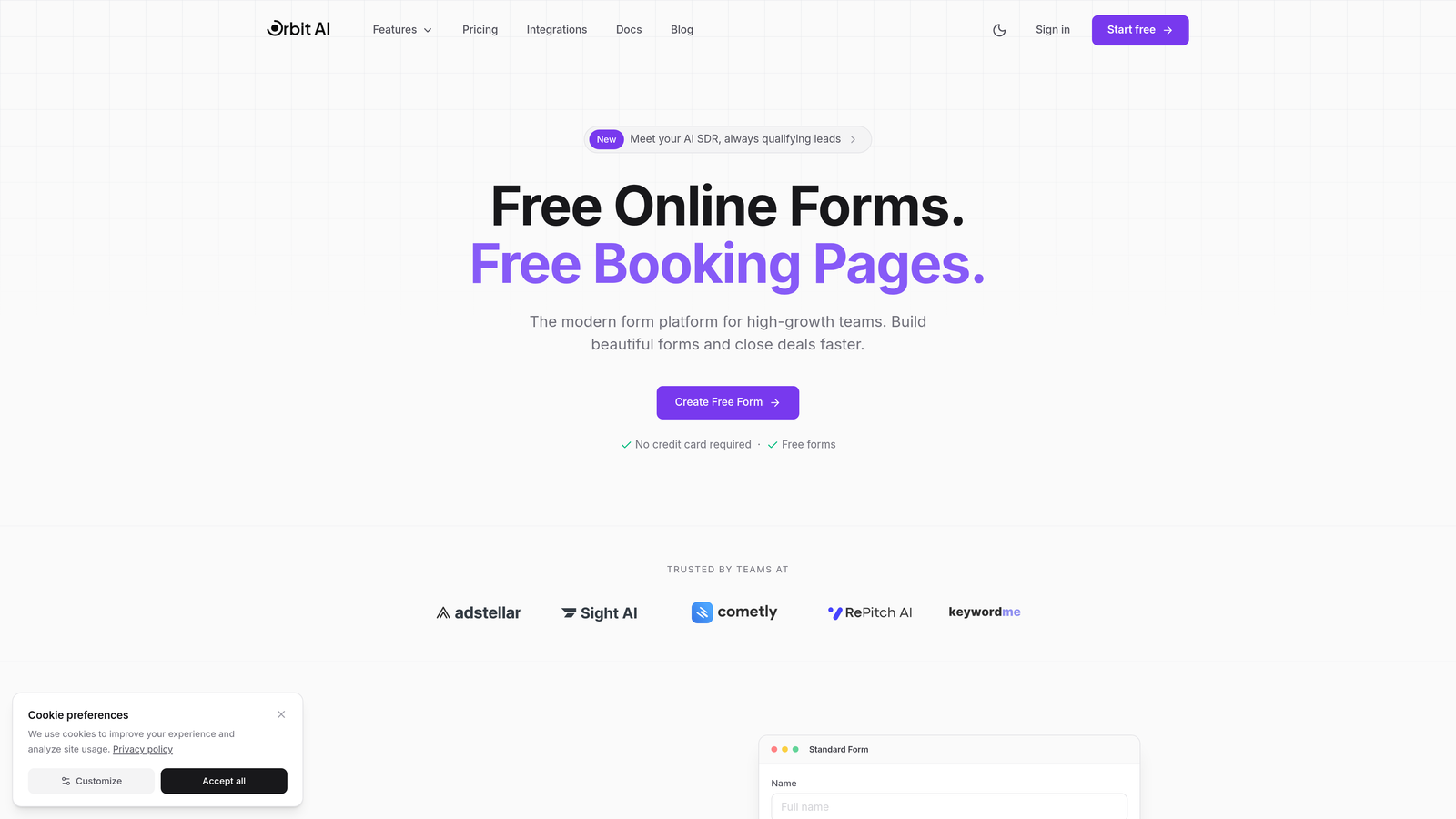
Orbit AI is an AI-powered form builder platform designed specifically for marketing teams who need more than just conditional logic—they need intelligence.
Where This Tool Shines
The platform goes beyond traditional dynamic forms by incorporating AI-driven lead qualification that happens as visitors complete your forms. Instead of collecting data and qualifying later, Orbit AI scores and routes leads in real-time based on responses, behavior, and engagement patterns.
What sets it apart is how the AI suggests intelligent field configurations based on your conversion goals. The platform learns which questions drive quality leads and which create unnecessary friction, automatically optimizing your forms over time.
Key Features
AI-Powered Lead Qualification: Automatically scores and routes leads based on response patterns and engagement signals without manual setup.
Dynamic Conditional Logic: Creates adaptive form experiences with intelligent field suggestions that evolve based on visitor responses.
Native CRM Integrations: Connects seamlessly with major marketing platforms and CRMs for instant lead routing and follow-up.
Built-in Analytics Dashboard: Tracks conversion rates, identifies drop-off points, and provides actionable insights for form optimization.
Multi-Step Form Builder: Designs engaging multi-step experiences with progress indicators that reduce form abandonment.
Best For
Marketing teams at high-growth companies who need to qualify leads at scale without adding manual review time. Particularly valuable for B2B teams dealing with complex buyer journeys where lead quality matters more than volume.
Pricing
Free tier available for teams getting started. Paid plans start at competitive rates designed for growing marketing teams focused on conversion optimization.
2. Typeform
Best for: Creating conversational, engaging form experiences with one-question-at-a-time interfaces
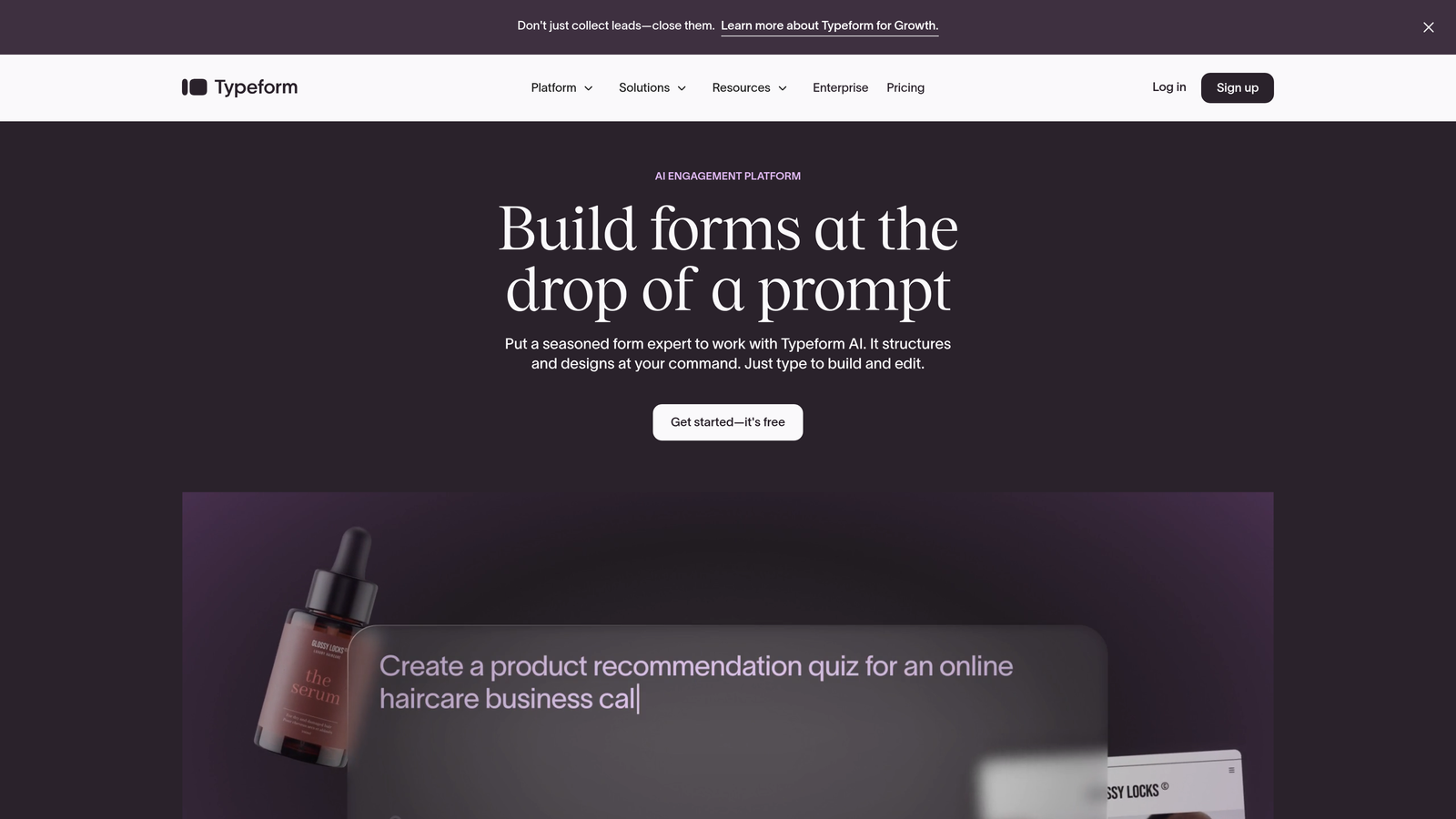
Typeform pioneered the conversational form format that feels more like a dialogue than an interrogation.
Where This Tool Shines
The one-question-at-a-time approach reduces cognitive load and makes forms feel less overwhelming. Visitors focus on answering each question individually rather than scanning a long list of fields, which often improves completion rates for longer forms.
Typeform's strength lies in creating branded, visually appealing experiences that don't look like traditional forms. The platform emphasizes design and user experience, making it popular with consumer-facing brands and creative agencies.
Key Features
Conversational Interface: Presents one question at a time with smooth transitions that create an engaging, human-feeling experience.
Logic Jumps: Routes respondents to different questions based on previous answers, creating personalized paths through your form.
Extensive Customization: Offers deep branding options including custom fonts, colors, backgrounds, and layouts.
Rich Media Questions: Supports video and image question types for more engaging, visual form experiences.
Calculator and Quiz Functionality: Builds interactive calculators and scored quizzes for lead magnets and assessments.
Best For
Marketing teams prioritizing user experience and brand presentation, especially in consumer markets where form aesthetics impact conversion rates. Works well for surveys, lead magnets, and interactive assessments.
Pricing
Free plan available with limited responses per month. Basic plan starts at $25/month for increased responses and basic logic features.
3. Jotform
Best for: Teams needing extensive template variety and powerful conditional logic without steep learning curves
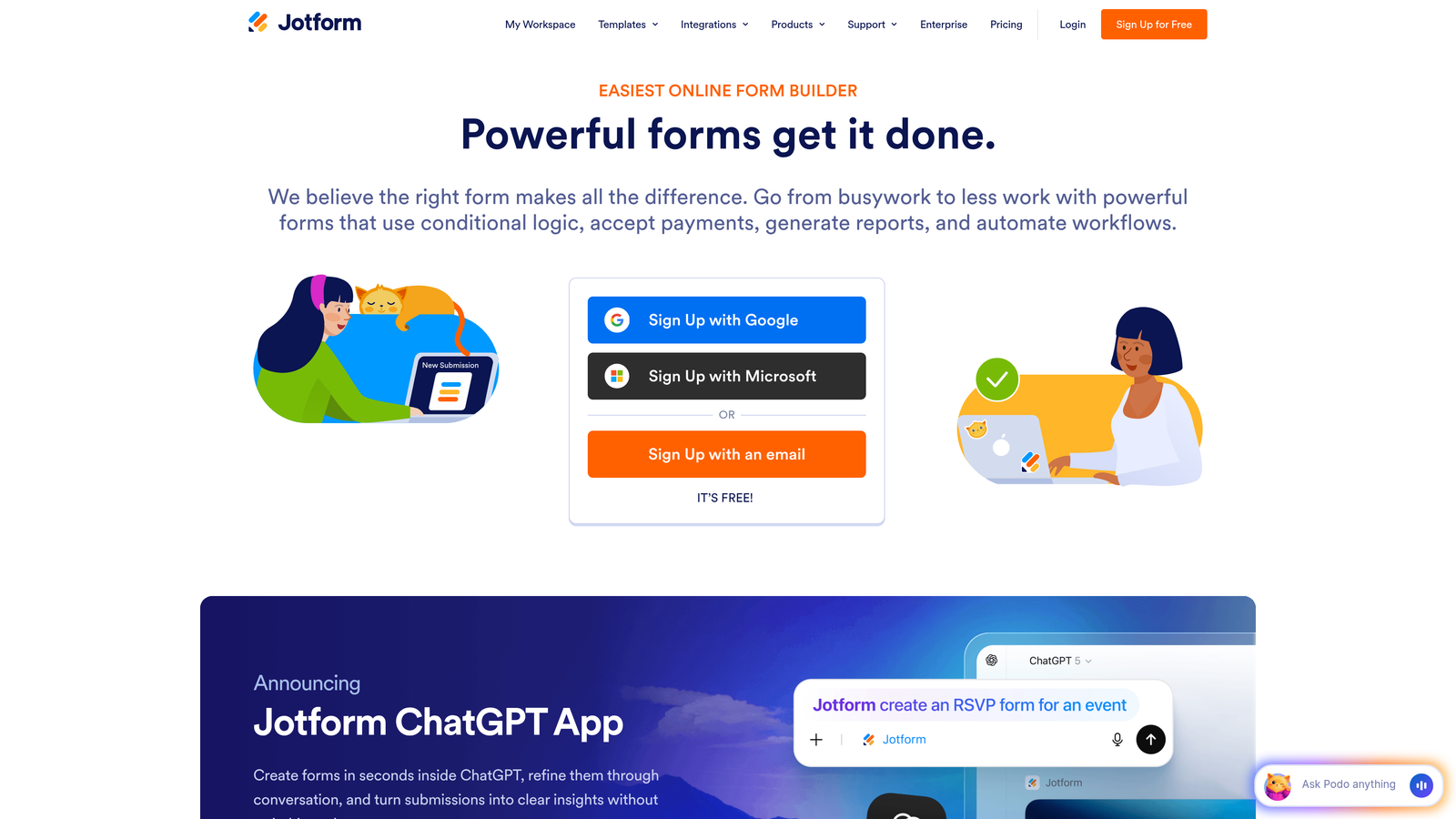
Jotform is a versatile form builder with one of the largest template libraries in the industry.
Where This Tool Shines
With over 10,000 templates covering virtually every use case, Jotform eliminates the blank-canvas problem. Marketing teams can start with industry-specific templates and customize rather than building from scratch, dramatically reducing time-to-launch.
The conditional logic engine handles complex branching scenarios with multiple conditions and dependencies. You can create sophisticated decision trees that adapt forms based on numerous variables without needing technical expertise.
Key Features
Massive Template Library: Access 10,000+ pre-built templates including marketing-specific options for lead capture, event registration, and surveys.
Advanced Conditional Logic: Creates complex branching with multiple conditions, allowing forms to adapt based on various response combinations.
Form Analytics Dashboard: Provides detailed reporting on submissions, completion rates, and form performance metrics.
PDF Generation: Automatically converts form submissions into branded PDF documents, useful for quotes and proposals.
Widget Marketplace: Extends functionality with hundreds of widgets for payments, signatures, file uploads, and integrations.
Best For
Marketing teams at small to mid-sized businesses who need professional forms quickly without extensive design or development resources. Ideal for agencies managing multiple clients with varying form requirements.
Pricing
Free plan includes up to 5 forms with 100 monthly submissions. Bronze plan starts at $34/month for increased limits and advanced features.
4. HubSpot Forms
Best for: Inbound marketing teams already using HubSpot who need native CRM integration and progressive profiling
HubSpot Forms is the native form builder within the HubSpot ecosystem, designed for seamless inbound marketing workflows.

Where This Tool Shines
Progressive profiling is the standout feature—forms automatically adapt to show different questions to returning visitors, gradually building complete contact profiles over multiple interactions. This eliminates form fatigue while maximizing data collection over time.
The tight CRM integration means every form submission instantly creates or updates contact records with full context. No middleware, no delays, no sync issues—just immediate data availability for your sales and marketing teams.
Key Features
Progressive Profiling: Automatically shows different questions to known contacts, collecting information gradually across multiple form submissions.
Direct CRM Integration: Creates and updates contact records instantly with complete submission history and engagement tracking.
Smart Fields: Recognizes returning visitors and pre-fills known information, reducing friction for repeat interactions.
Dependent Field Logic: Shows or hides fields based on previous responses, creating dynamic form experiences.
Built-in Follow-up Automation: Triggers workflows, email sequences, and task assignments directly from form submissions.
Best For
Marketing teams committed to the HubSpot ecosystem who want forms that function as integral parts of their inbound marketing engine rather than standalone tools.
Pricing
Free with HubSpot CRM, including basic form functionality. Advanced features like progressive profiling require Marketing Hub Starter at $45/month.
5. Paperform
Best for: Creating beautiful, branded forms that function as standalone landing pages with rich media
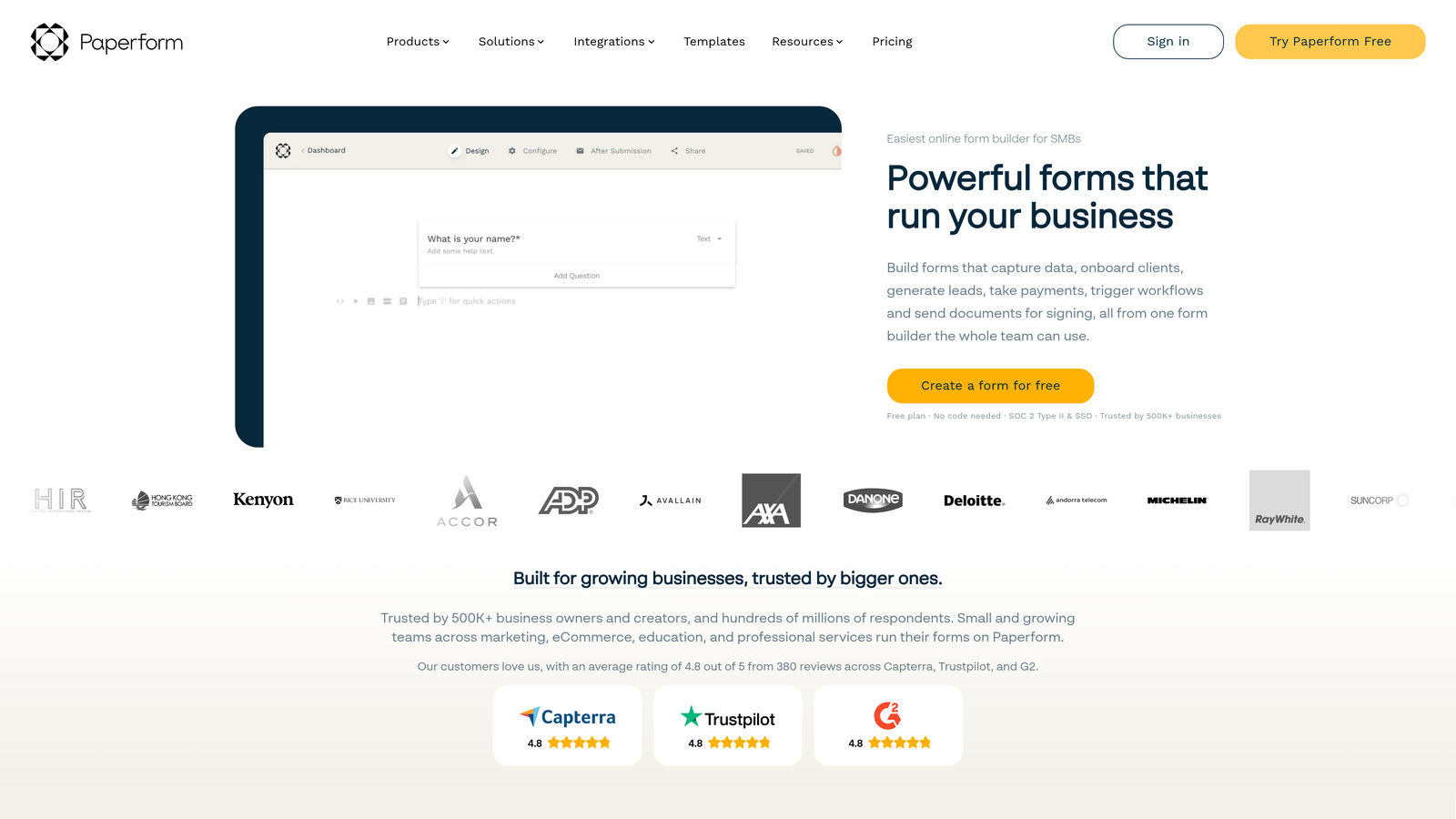
Paperform uses a document-style editor that makes form building feel like writing in a word processor.
Where This Tool Shines
The document-style approach lets you mix form fields with rich content—images, videos, text blocks, and custom HTML—creating experiences that feel more like interactive landing pages than traditional forms. This works exceptionally well for product launches, event registrations, and content-rich lead magnets.
Paperform excels at creating forms that don't look like forms. The ability to embed media, format text with headers and styling, and control layout gives marketing teams unprecedented design flexibility without requiring developers.
Key Features
Document-Style Editor: Builds forms using a familiar writing interface with inline field insertion and rich text formatting.
Conditional Logic and Calculations: Creates dynamic forms with show/hide rules and performs calculations for quotes and pricing.
Built-in Payment Processing: Accepts payments directly through forms with Stripe and PayPal integration.
Custom Success Pages: Redirects to branded thank-you pages or external URLs based on form responses.
Appointment Scheduling: Integrates calendar booking directly into forms for demo requests and consultation scheduling.
Best For
Marketing teams that need forms to match sophisticated brand standards and want to combine lead capture with content delivery in a single experience.
Pricing
Essentials plan starts at $24/month with unlimited forms and submissions, including all core features.
6. Formstack
Best for: Enterprise marketing teams requiring advanced workflow automation, compliance, and robust security
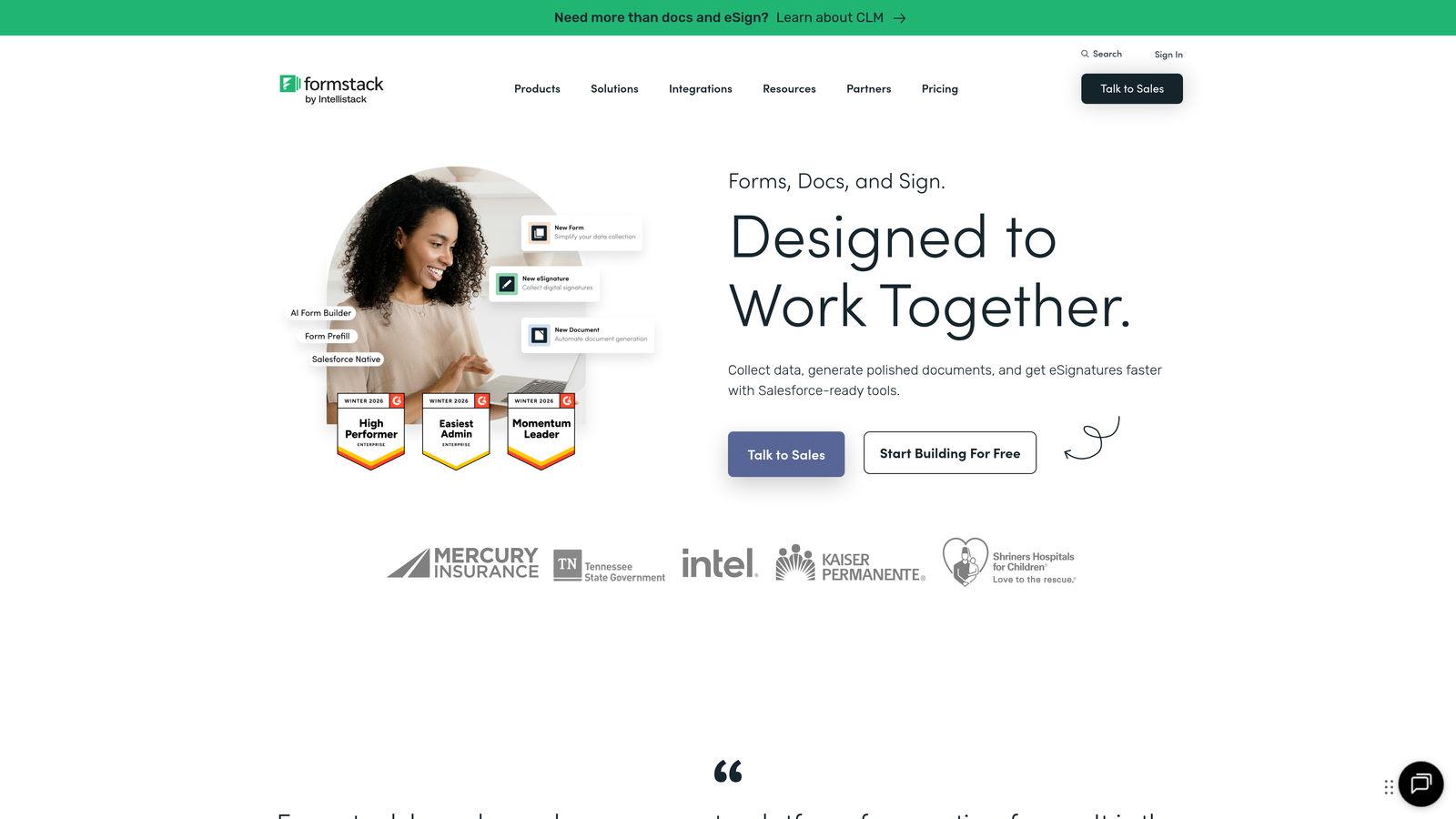
Formstack is an enterprise-grade form platform built for organizations with complex requirements and compliance needs.
Where This Tool Shines
Workflow automation goes far beyond basic email notifications. Formstack routes submissions through approval processes, triggers multi-step workflows, and integrates with enterprise systems to automate entire business processes around form data.
For regulated industries, the HIPAA and GDPR compliance features provide the security and data handling controls that enterprise legal teams require. This makes it viable for healthcare, finance, and other industries where data protection is non-negotiable.
Key Features
Advanced Conditional Logic: Creates sophisticated field rules and branching with complex conditions and dependencies.
Workflow Automation: Routes submissions through approval chains and triggers multi-step processes based on form data.
Compliance Options: Provides HIPAA and GDPR-compliant form handling with encryption and data residency controls.
A/B Testing: Tests different form versions to optimize conversion rates with built-in statistical analysis.
Salesforce Native Integration: Connects directly to Salesforce with field mapping and real-time data sync.
Best For
Large marketing organizations with compliance requirements, complex approval workflows, or enterprise system integration needs that simpler tools can't handle.
Pricing
Starter plan at $50/month for basic features. Teams plan at $83/month includes advanced automation and integrations.
7. Leadformly
Best for: Lead generation specialists focused purely on conversion optimization and lead qualification
Leadformly is purpose-built for one thing: converting website visitors into qualified leads efficiently.

Where This Tool Shines
Every feature exists to improve conversion rates. The platform uses multi-step forms optimized through extensive testing, built-in A/B testing tools, and conversion analytics that identify exactly where prospects drop off.
Partial submission capture is particularly valuable for marketing teams—even if visitors abandon the form, you capture the data they entered before leaving. This recovers leads that would otherwise be completely lost.
Key Features
Conversion-Optimized Multi-Step Forms: Creates forms based on conversion best practices with optimized field ordering and progression.
Built-in A/B Testing: Tests form variations with automatic traffic splitting and conversion tracking.
Lead Scoring: Assigns qualification scores based on responses to prioritize follow-up for sales teams.
Partial Submission Capture: Saves incomplete form data so you can follow up with visitors who started but didn't finish.
Conversion Analytics: Provides detailed drop-off analysis showing exactly where visitors abandon forms.
Best For
Performance-driven marketing teams where lead generation is the primary goal and conversion rate optimization is a continuous focus.
Pricing
Starts at $37/month for up to 250 leads. Higher tiers available for increased lead volume and advanced features.
8. Tally
Best for: Startups and budget-conscious teams wanting unlimited forms without subscription costs
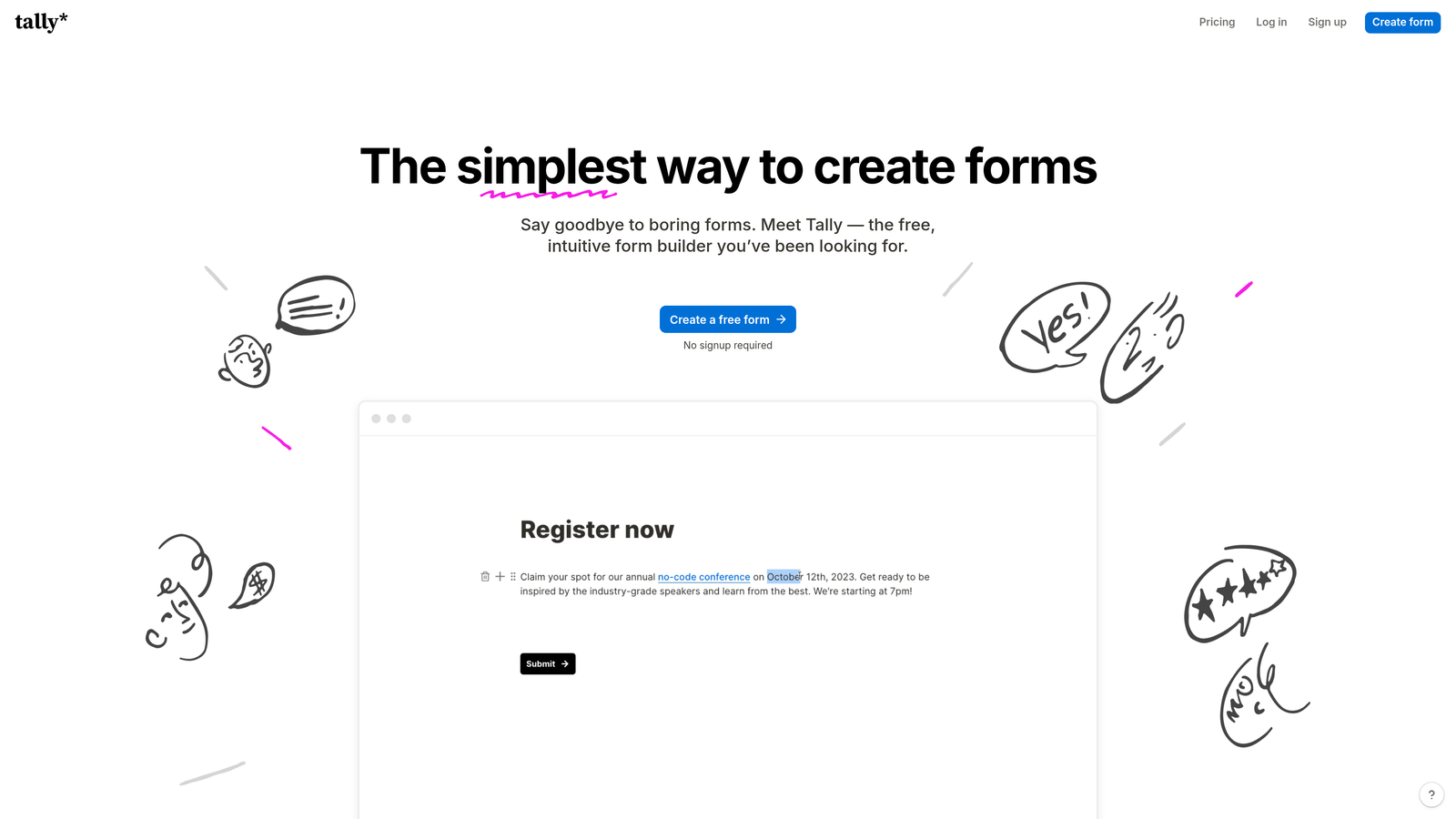
Tally brings a Notion-like simplicity to form building with a remarkably generous free tier.
Where This Tool Shines
The free plan includes unlimited forms and unlimited submissions—no artificial limits that force upgrades. For startups and small marketing teams, this removes the financial barrier to professional form tools entirely.
The interface feels familiar to anyone who's used Notion or similar tools. You build forms by typing and selecting field types inline, making it incredibly fast to create forms without navigating complex builders or settings panels.
Key Features
Unlimited Free Plan: Provides unlimited forms and submissions on the free tier, removing volume-based restrictions.
Conditional Logic: Includes show/hide logic and hidden fields for creating dynamic form experiences.
Calculator and Payment Blocks: Adds calculations and payment collection without requiring paid plans.
Clean Interface: Offers a minimal, distraction-free builder that prioritizes speed and simplicity.
Notion Integration: Sends form submissions directly to Notion databases for teams already using that ecosystem.
Best For
Early-stage startups, solopreneurs, and small marketing teams that need professional forms without monthly subscription costs eating into limited budgets.
Pricing
Free plan includes all core features with unlimited usage. Pro plan at $29/month adds custom domains, file uploads, and priority support.
9. Cognito Forms
Best for: Marketing teams needing advanced calculations for ROI calculators, quote generators, and pricing tools
Cognito Forms specializes in calculation-heavy forms that perform complex math based on user inputs.
Where This Tool Shines
The calculation engine handles sophisticated formulas and mathematical operations that most form builders can't touch. Marketing teams can build ROI calculators, pricing estimators, and quote generators that perform real-time calculations as visitors enter data.
Repeating sections let visitors add multiple items dynamically—products to a quote, attendees to an event registration, or services to a proposal request. This flexibility makes it ideal for forms where the number of inputs varies by user.
Key Features
Advanced Field Calculations: Performs complex mathematical formulas and calculations based on form inputs in real-time.
Conditional Sections: Shows or hides entire sections of fields based on previous responses and calculated values.
Payment Integration: Processes payments through Stripe and PayPal with calculated totals and order summaries.
Electronic Signatures: Captures legally binding signatures for contracts, agreements, and authorization forms.
Repeating Sections: Allows visitors to dynamically add multiple items or entries within a single form submission.
Best For
Marketing teams creating interactive tools like ROI calculators, pricing configurators, or quote request forms where calculations drive the user experience.
Pricing
Free plan available with basic features and limited submissions. Pro plan starts at $15/month for increased limits and advanced functionality.
Making the Right Choice
Think about what matters most for your specific marketing goals. If you're drowning in unqualified leads and need intelligence built into your forms, Orbit AI's AI-powered qualification can transform your lead quality overnight. For teams obsessed with user experience and completion rates, Typeform's conversational approach creates the most engaging interactions.
Budget plays a role too. Tally offers unlimited forms free, making it perfect for startups testing different lead magnets. Meanwhile, HubSpot Forms makes sense only if you're already committed to that ecosystem—otherwise, the integration benefits don't justify the platform investment.
Here's a quick selection guide by primary need:
For AI-powered lead qualification: Orbit AI gives you intelligent scoring and routing that improves lead quality without manual work.
For conversational experiences: Typeform creates the most engaging, one-question-at-a-time interactions that feel human.
For template variety: Jotform's 10,000+ templates mean you'll find something close to what you need for any campaign.
For HubSpot users: HubSpot Forms' progressive profiling and native CRM integration are unmatched within that ecosystem.
For calculation-heavy forms: Cognito Forms handles complex math that other builders can't, perfect for ROI calculators and quote generators.
For tight budgets: Tally provides unlimited forms and submissions free, removing financial barriers completely.
The right dynamic form builder depends on where you're starting and where you're trying to go. If you're generating decent volume but struggling with lead quality, intelligent qualification matters more than having 10,000 templates. If you're just starting out and testing messaging, unlimited free forms beat advanced features you won't use yet.
Most importantly, remember that the form itself is just part of the equation. The best dynamic form builder is the one that integrates seamlessly with your existing marketing stack, provides the specific features your campaigns require, and matches your team's technical capabilities.
Start building free forms today and see how intelligent form design can elevate your conversion strategy. The difference between a static form and a truly dynamic, AI-powered experience isn't just better completion rates—it's qualified leads that your sales team actually wants to follow up with.


