

Every lead that slips through your forms is revenue walking out the door. The difference between a generic contact form and purpose-built lead generation software isn't just aesthetics—it's the gap between capturing qualified prospects and watching them bounce. The right form software transforms your lead capture from a passive data collection exercise into an intelligent qualification system that routes high-value opportunities directly to your sales team.
We evaluated dozens of lead gen form platforms based on what actually moves the needle: ease of use for non-technical teams, conversion optimization features like conditional logic and multi-step flows, integration depth with CRMs and marketing tools, AI-powered capabilities for lead qualification, and transparent pricing that scales with your growth. Here are the top tools that consistently deliver results for high-growth teams.
1. Orbit AI
Best for: High-growth teams needing AI-powered lead qualification with conversion-optimized forms
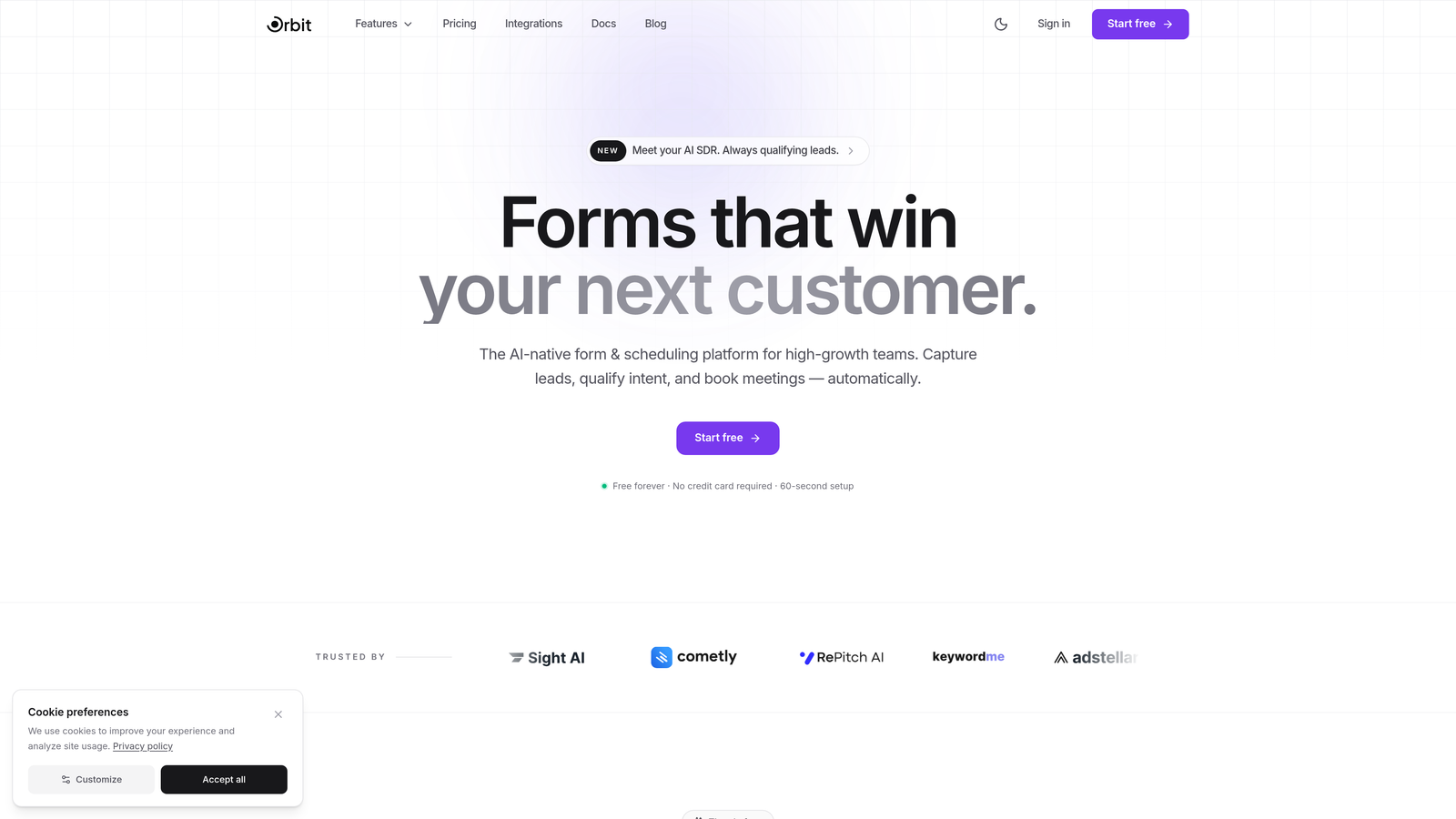
Orbit AI is an AI-powered form builder platform designed specifically for teams serious about lead quality, not just lead quantity.
Where This Tool Shines
Orbit AI stands out by applying artificial intelligence to the lead qualification process itself. While most form builders stop at data collection, Orbit AI actively scores and routes leads based on their responses, ensuring your sales team focuses on prospects most likely to convert.
The platform delivers a modern form-building experience that balances simplicity with power. You get conversion-optimized templates that actually look good, combined with intelligent features that work behind the scenes to improve lead quality without adding friction to the user experience.
Key Features
AI-Powered Lead Qualification: Automatically scores leads based on responses and behavior, identifying high-value prospects in real-time.
Intelligent Form Routing: Dynamically routes leads to the right team member or workflow based on qualification criteria you define.
Built-In Analytics: Track conversion rates, drop-off points, and lead quality metrics without connecting external tools.
Seamless CRM Integration: Native connections to HubSpot, Close, Attio, and other popular CRMs ensure leads flow directly into your sales pipeline.
Conversion-Optimized Templates: Pre-built form designs tested for high completion rates, with full customization flexibility.
Best For
High-growth SaaS companies, B2B service providers, and marketing teams that need to demonstrate ROI from lead generation efforts. Particularly valuable for businesses dealing with high lead volumes where manual qualification becomes a bottleneck.
Pricing
Free tier available for getting started; paid plans scale with usage and team size, making it accessible for startups while supporting enterprise needs.
2. Typeform
Best for: Creating engaging, conversational form experiences with high completion rates
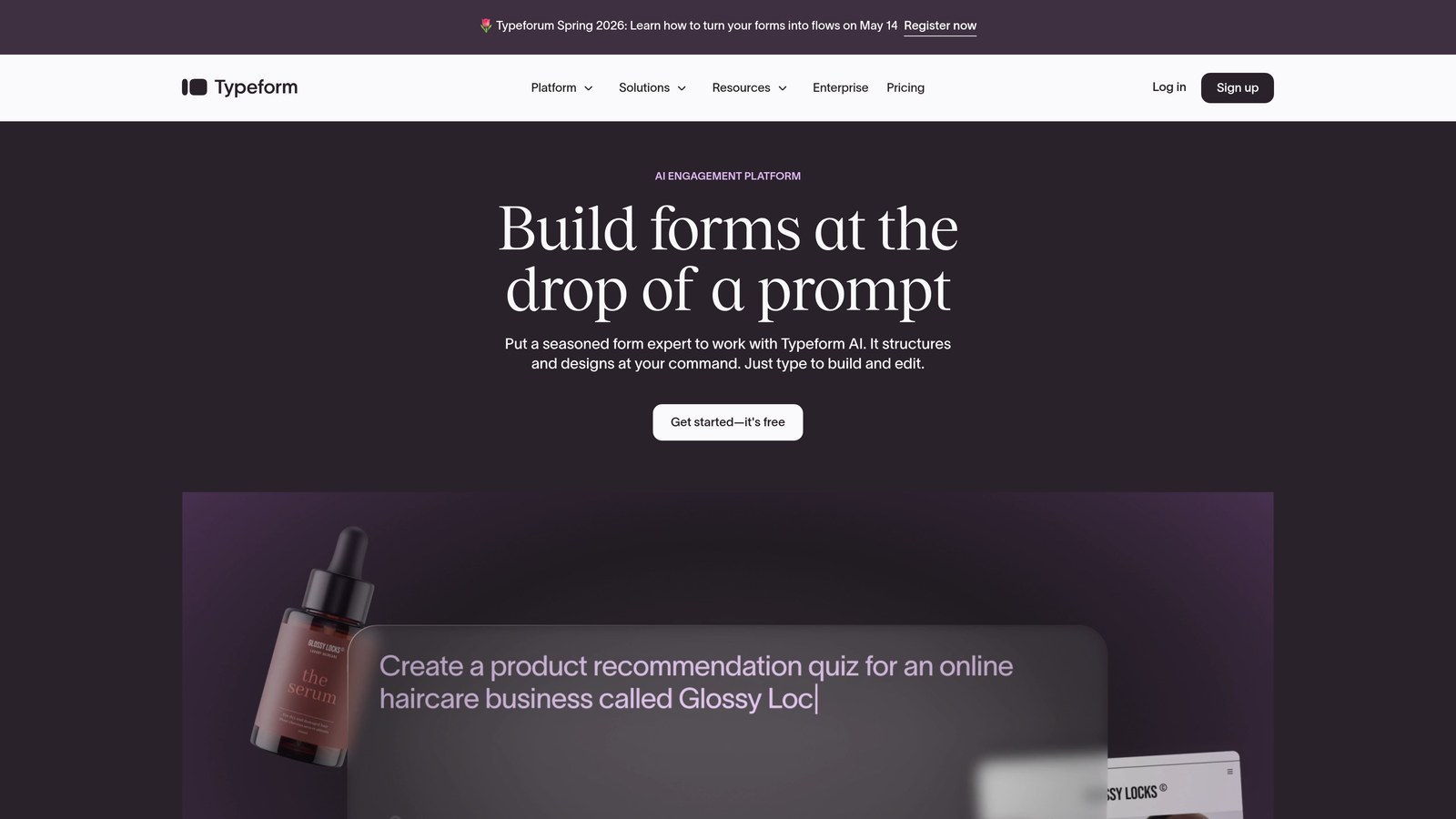
Typeform pioneered the one-question-at-a-time format that makes forms feel less like interrogations and more like conversations.
Where This Tool Shines
Typeform's conversational approach reduces form abandonment by presenting questions one at a time, creating a focused experience that feels less overwhelming than traditional multi-field forms. This approach consistently delivers higher completion rates, especially for longer forms that would otherwise intimidate respondents.
The platform excels at brand customization, allowing you to create forms that seamlessly match your brand identity. From custom backgrounds to branded button colors, Typeform gives you the design control needed to maintain a cohesive user experience.
Key Features
Conversational Format: One-question-at-a-time presentation reduces cognitive load and improves completion rates.
Logic Jumps: Show or hide questions based on previous answers, creating personalized form experiences.
Brand Customization: Extensive design options including custom backgrounds, fonts, and colors to match your brand.
Native Integrations: Direct connections to major marketing tools, CRMs, and analytics platforms.
Response Piping: Reference previous answers in follow-up questions for a more personalized experience.
Best For
Marketing teams focused on user experience, agencies building forms for clients, and businesses where brand consistency is critical. Works particularly well for surveys, quizzes, and multi-step lead qualification forms.
Pricing
Free tier with basic features; Basic plan from $25/month; Plus from $50/month with advanced logic and integrations.
3. HubSpot Forms
Best for: Teams already using HubSpot CRM who need deep native integration
HubSpot Forms offers native form building within the HubSpot ecosystem, delivering seamless CRM integration and marketing automation.

Where This Tool Shines
HubSpot Forms eliminates the integration headaches that plague most form-to-CRM workflows. Since it's built directly into HubSpot, every form submission automatically creates or updates contact records, triggers workflows, and feeds into your marketing automation—no middleware required.
Progressive profiling is where HubSpot really differentiates itself. The platform remembers what information you've already collected from returning visitors and automatically shows them different questions, gradually building complete profiles without annoying repeat requests.
Key Features
Native CRM Integration: Instant contact creation and updates within HubSpot with zero configuration.
Progressive Profiling: Automatically show different questions to returning visitors to build complete profiles over time.
Automated Workflows: Trigger email sequences, task creation, and lead scoring based on form submissions.
Embedded and Popup Options: Deploy forms as embedded elements, popups, or standalone pages.
Lead Scoring Integration: Form submissions automatically update lead scores based on your criteria.
Best For
Businesses already invested in the HubSpot ecosystem, marketing teams running complex nurture campaigns, and companies prioritizing marketing automation over standalone form features.
Pricing
Free with HubSpot CRM; advanced features available in Marketing Hub starting at $45/month.
4. Leadpages
Best for: Creating complete landing pages with integrated lead capture forms
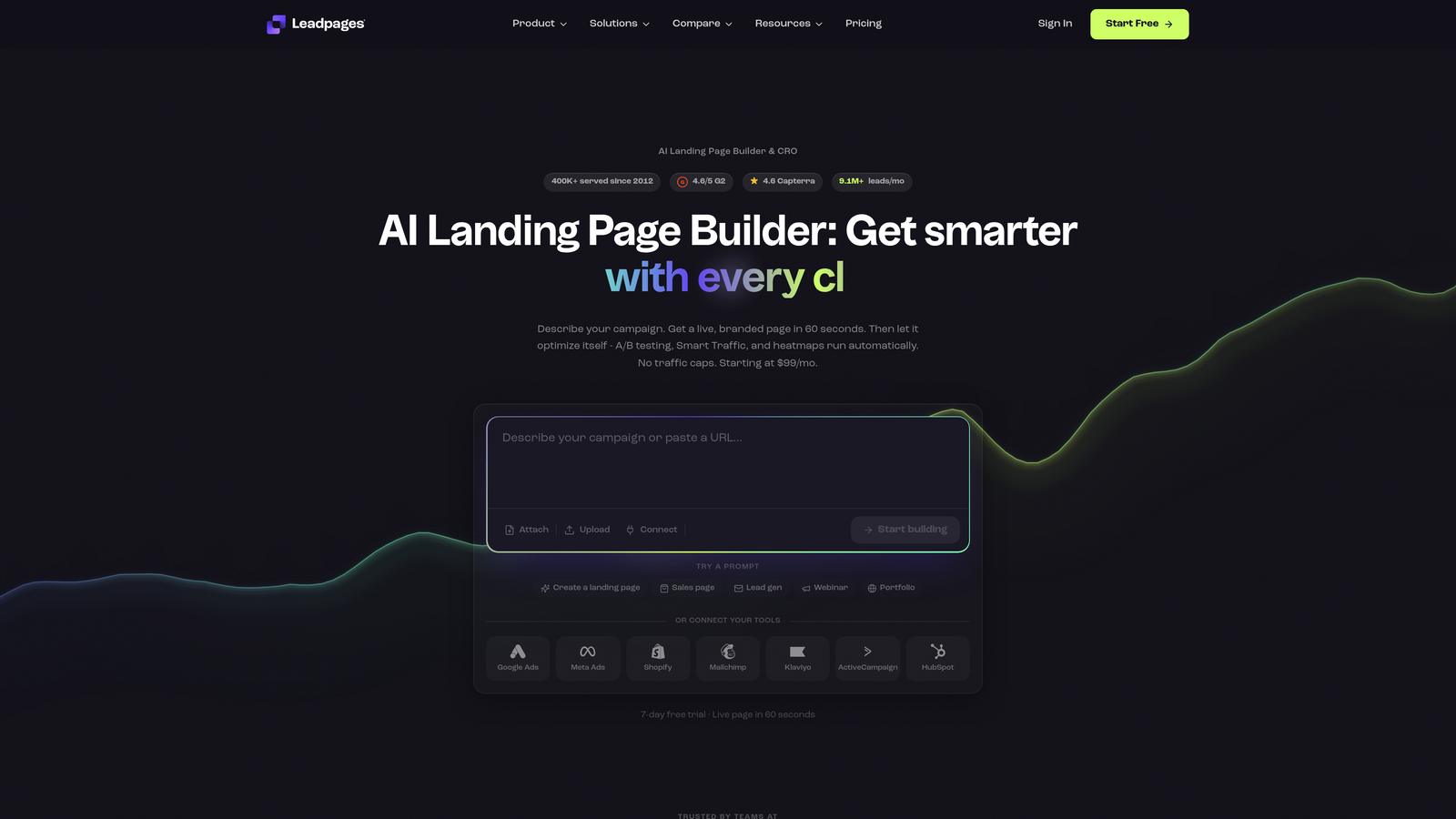
Leadpages combines landing page building with form capabilities, offering a complete conversion-focused solution.
Where This Tool Shines
Leadpages approaches lead generation holistically by treating forms as part of the complete landing page experience. Instead of building a form and then figuring out where to put it, you design the entire conversion flow together, ensuring visual consistency and optimal placement.
The built-in A/B testing functionality sets Leadpages apart from pure form builders. You can test different form placements, field combinations, and button copy without connecting external tools, making conversion optimization accessible to non-technical marketers.
Key Features
Landing Page Builder: Drag-and-drop page creation with forms as integrated components.
Conversion Templates: Pre-designed page and form combinations tested for high conversion rates.
Built-In A/B Testing: Test different variations of forms and landing pages to optimize conversion rates.
Pop-Ups and Alert Bars: Multiple lead capture options beyond standard embedded forms.
Lead Magnet Delivery: Automatically send digital downloads or content upgrades upon form submission.
Best For
Digital marketers running paid traffic campaigns, course creators offering lead magnets, and businesses that need landing pages and forms as a package deal rather than separate tools.
Pricing
Standard plan from $49/month; Pro plan from $99/month with advanced testing and integrations.
5. Jotform
Best for: Teams needing extensive customization options and diverse form types
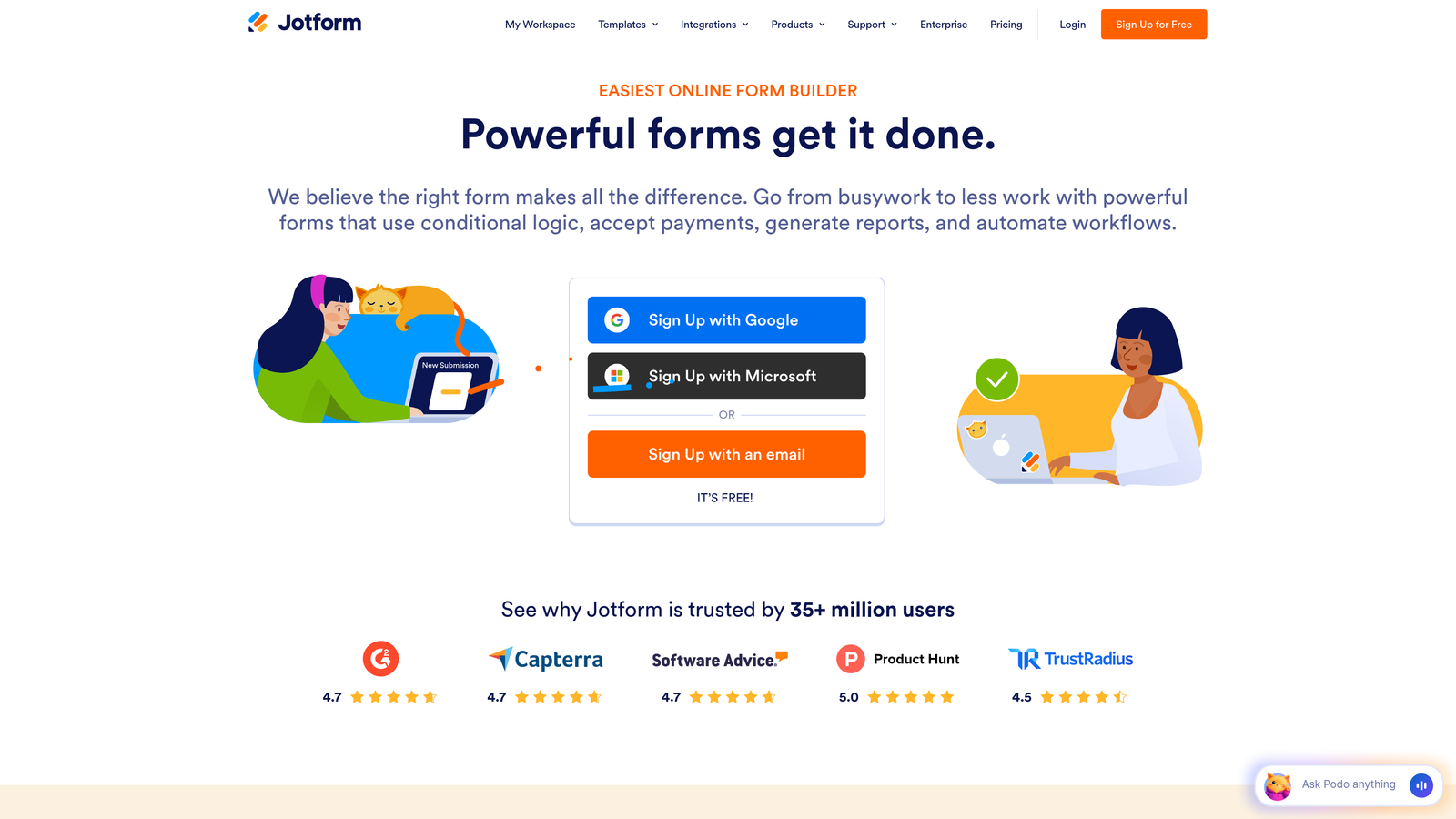
Jotform offers a massive template library and widget ecosystem for building virtually any type of form.
Where This Tool Shines
Jotform's strength lies in its sheer versatility. With over 10,000 templates covering everything from basic contact forms to complex multi-page applications, you're rarely starting from scratch. The extensive widget library means you can add functionality like appointment booking, payment processing, or file uploads without custom development.
The platform handles use cases that would require multiple tools elsewhere. Need to collect payments? Built in. Want to generate PDF reports from submissions? Included. Need conditional logic across dozens of fields? No problem. This all-in-one approach simplifies your tech stack.
Key Features
Massive Template Library: Over 10,000 pre-built form templates across every industry and use case.
Widget Ecosystem: Hundreds of widgets for adding specialized functionality without coding.
Payment Collection: Native integration with payment processors for collecting fees or donations.
PDF Generation: Automatically create PDF reports from form submissions.
Conditional Logic: Show or hide fields based on complex conditions and user responses.
Best For
Small businesses needing diverse form types, non-profits collecting donations, and teams that value having one tool for multiple form-related needs rather than specialized solutions.
Pricing
Free tier allows up to 5 forms; Bronze plan from $39/month for growing teams.
6. Gravity Forms
Best for: WordPress sites needing deep customization and developer-friendly extensibility
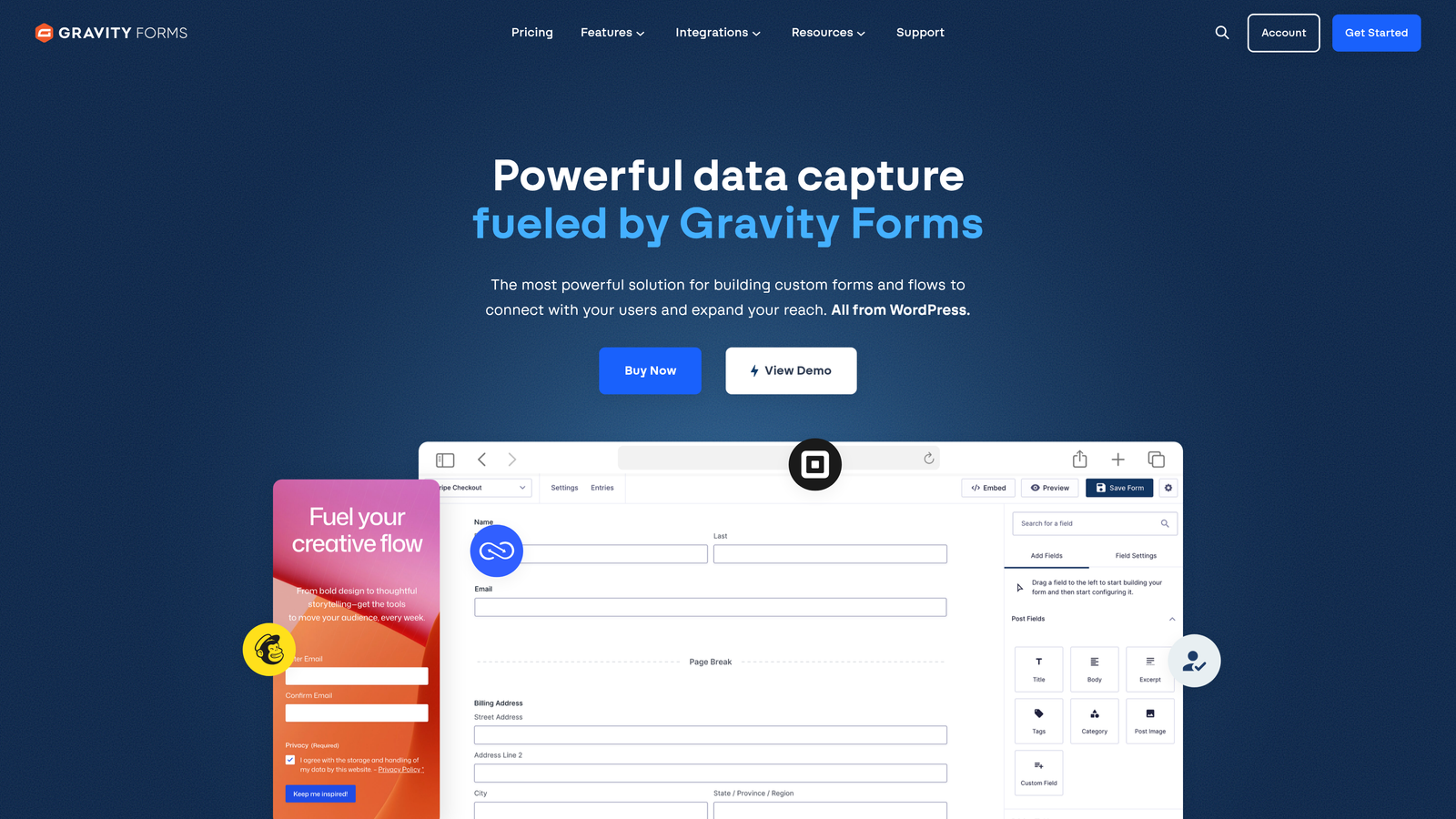
Gravity Forms is the premium WordPress form plugin trusted by developers for complex implementations.
Where This Tool Shines
Gravity Forms dominates the WordPress ecosystem by offering developer-friendly architecture that supports extensive customization. The plugin exposes hooks and filters throughout the form lifecycle, allowing developers to modify virtually any aspect of form behavior without hacking core code.
The add-on ecosystem extends functionality in powerful ways. Official add-ons handle everything from payment processing to CRM integration, while third-party developers have created solutions for niche use cases. This extensibility means Gravity Forms grows with your needs.
Key Features
Native WordPress Integration: Works seamlessly within the WordPress admin interface and theme ecosystem.
Extensive Add-On Library: Official and third-party add-ons for payments, CRM integration, and specialized functionality.
Developer-Friendly: Comprehensive hooks, filters, and API for custom functionality.
Conditional Logic: Show, hide, or require fields based on user selections.
Multi-Page Forms: Break long forms into steps with progress indicators and save-and-continue functionality.
Best For
WordPress-based businesses, developers building custom solutions for clients, and organizations with complex form requirements that demand deep customization capabilities.
Pricing
Basic license from $59/year (one site); Pro from $159/year (three sites); Elite $259/year (unlimited sites).
7. Unbounce Smart Builder
Best for: PPC marketers needing AI-powered landing pages with conversion optimization
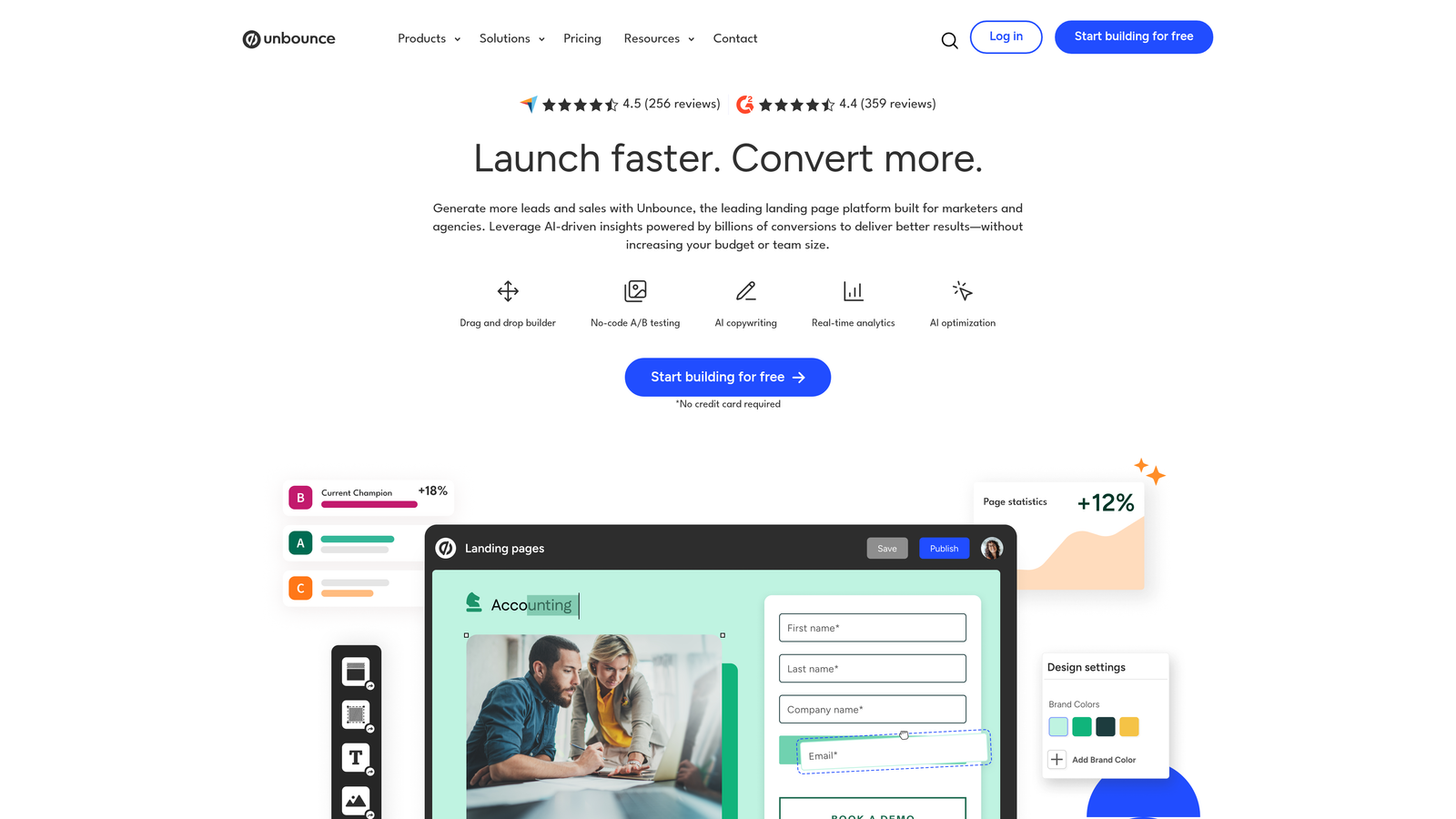
Unbounce Smart Builder combines AI-powered design suggestions with integrated forms for optimizing paid traffic campaigns.
Where This Tool Shines
Unbounce applies artificial intelligence to the conversion optimization process itself. Smart Builder analyzes your campaign goals and automatically suggests copy, design elements, and form placements likely to improve performance. This AI assistance accelerates testing and helps non-designers create effective landing pages.
Smart Traffic takes optimization further by automatically routing visitors to the landing page variant most likely to convert them based on their characteristics. Instead of running traditional A/B tests for weeks, Smart Traffic uses machine learning to optimize in real-time.
Key Features
AI-Powered Suggestions: Smart Builder recommends copy, design elements, and layouts based on conversion best practices.
Smart Traffic: Machine learning automatically routes visitors to their best-performing page variant.
Dynamic Text Replacement: Automatically customize page copy based on PPC ad keywords for message match.
Sticky Bars and Popups: Multiple lead capture options beyond standard embedded forms.
Built-In A/B Testing: Test different form designs and placements without external tools.
Best For
PPC marketers managing multiple campaigns, agencies optimizing client landing pages, and growth teams focused on maximizing paid traffic ROI through continuous testing.
Pricing
Build plan from $99/month; Experiment plan from $149/month with Smart Traffic and advanced features.
8. Formstack
Best for: Enterprise teams needing advanced workflows and compliance features
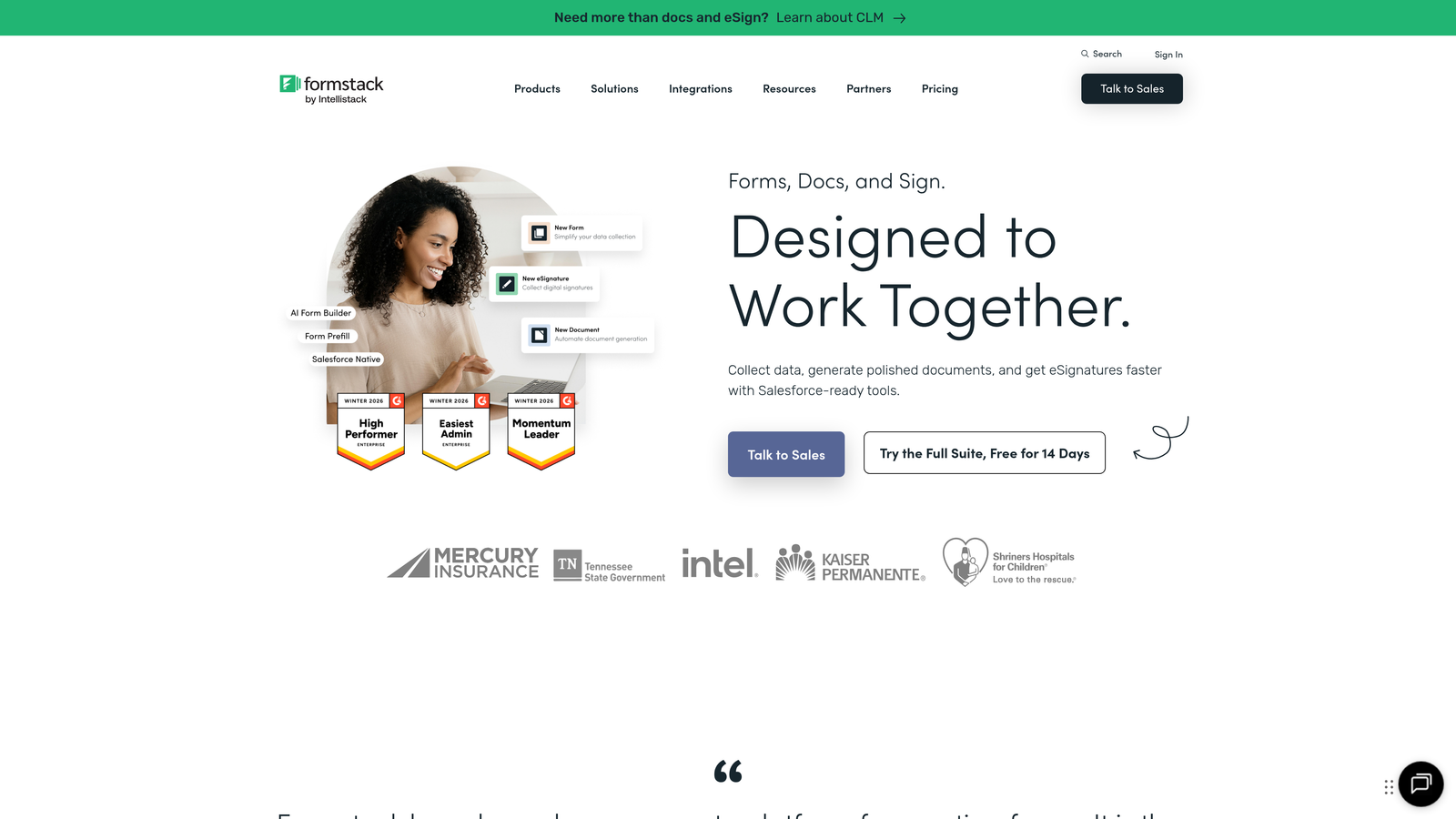
Formstack delivers enterprise-grade form building with robust workflow automation and compliance capabilities.
Where This Tool Shines
Formstack excels at complex workflow automation that extends far beyond basic form-to-email notifications. The platform handles multi-step approval processes, conditional routing to different teams, and sophisticated data transformations—all without custom development.
Compliance features make Formstack particularly valuable for regulated industries. HIPAA compliance options ensure healthcare organizations can collect sensitive information securely, while data encryption and audit trails meet the requirements of financial services and other heavily regulated sectors.
Key Features
Advanced Workflow Automation: Multi-step approvals, conditional routing, and complex data processing without coding.
HIPAA Compliance: Secure form handling for healthcare and other regulated industries.
E-Signature Integration: Collect legally binding signatures directly within forms.
Data Routing: Send form data to multiple destinations based on complex conditions.
Audit Trails: Comprehensive logging of form submissions and workflow actions for compliance.
Best For
Enterprise organizations with complex approval workflows, healthcare providers collecting patient information, financial services firms requiring audit trails, and businesses in regulated industries.
Pricing
Starter plan from $50/month; Teams plan from $83/month with advanced features and compliance options.
9. Paperform
Best for: Creative businesses wanting beautiful, highly customizable forms with e-commerce
Paperform offers a unique document-style form building experience with extensive customization and built-in payments.
Where This Tool Shines
Paperform's document-style interface sets it apart from traditional form builders. You create forms by typing naturally, similar to writing in a word processor, with fields appearing as you mention them. This approach feels more intuitive for non-technical users and produces forms that read more like interactive documents than rigid questionnaires.
The platform's design flexibility appeals to creative businesses that refuse to compromise on aesthetics. From custom CSS to branded color schemes, Paperform gives you the control needed to create forms that truly reflect your brand identity rather than looking like generic web forms.
Key Features
Document-Style Interface: Create forms by typing naturally rather than dragging fields into a builder.
Built-In Payments: Accept payments through Stripe or PayPal without external integrations.
Extensive Customization: Custom CSS, branded themes, and design control beyond standard form builders.
Scheduling and Booking: Built-in calendar integration for appointment booking and event registration.
Product Sales: Sell digital or physical products directly through forms with inventory management.
Best For
Creative agencies, consultants offering paid services, event organizers selling tickets, and businesses where form design quality directly impacts brand perception.
Pricing
Essentials plan from $24/month; Pro plan from $49/month with advanced features and customization.
Making the Right Choice
Your ideal lead gen form software depends on where you're starting and what you're optimizing for. If you're already deep in the HubSpot ecosystem, their native forms eliminate integration headaches. WordPress-based businesses benefit from Gravity Forms' extensibility. PPC marketers running multiple campaigns should look at Unbounce's AI-powered optimization.
For teams serious about lead quality over quantity, tools with built-in qualification capabilities deliver the highest ROI. You're not just collecting contact information—you're identifying which prospects deserve immediate sales attention versus automated nurturing. This distinction matters more as lead volumes increase and sales team capacity becomes the bottleneck.
Consider your technical resources honestly. Beautiful, highly customized forms require either design skills or a platform that delivers great aesthetics out of the box. Similarly, complex workflows need either developer time or a platform with robust no-code automation. The "best" tool is the one your team will actually use effectively, not the one with the longest feature list.
Transform your lead generation with AI-powered forms that qualify prospects automatically while delivering the modern, conversion-optimized experience your high-growth team needs. Start building free forms today and see how intelligent form design can elevate your conversion strategy.


