

Choosing between Jotform and Google Forms feels straightforward until you realize this decision will impact your lead generation, data collection, and customer experience for months or years to come. The wrong choice doesn't just waste money—it creates friction in your workflows, limits your growth potential, and potentially costs you conversions you'll never see.
Here's what makes this decision tricky: both platforms serve millions of users successfully, yet they're designed for fundamentally different audiences and use cases. Google Forms excels at simplicity and cost (it's free), while Jotform offers more power and flexibility at a price. But the real question isn't which has more features—it's which aligns with your business trajectory.
This guide cuts through the marketing noise to give you seven strategic frameworks for evaluating both platforms. We'll look beyond feature checklists to examine the business outcomes that actually matter: conversion rates, time efficiency, scalability, and long-term ROI. Whether you're launching your first lead capture form or replacing an existing solution that's holding you back, these strategies will help you make a decision based on where your business is headed, not just where it is today.
1. Map Your Form Complexity Requirements First
The Challenge It Solves
Most businesses jump straight into comparing features without understanding what they actually need. This backwards approach leads to either overpaying for capabilities you'll never use or discovering critical limitations after you've already built out your entire form infrastructure. The gap between "we just need a simple contact form" and "we need multi-step lead qualification with conditional logic" represents the difference between these two platforms.
The Strategy Explained
Before you compare a single feature, audit your actual form requirements. Start by listing every form you currently use or plan to create in the next six months. For each one, document the complexity level: Does it need conditional logic that shows different questions based on previous answers? Will it collect payments? Does it require file uploads? Will responses trigger automated workflows?
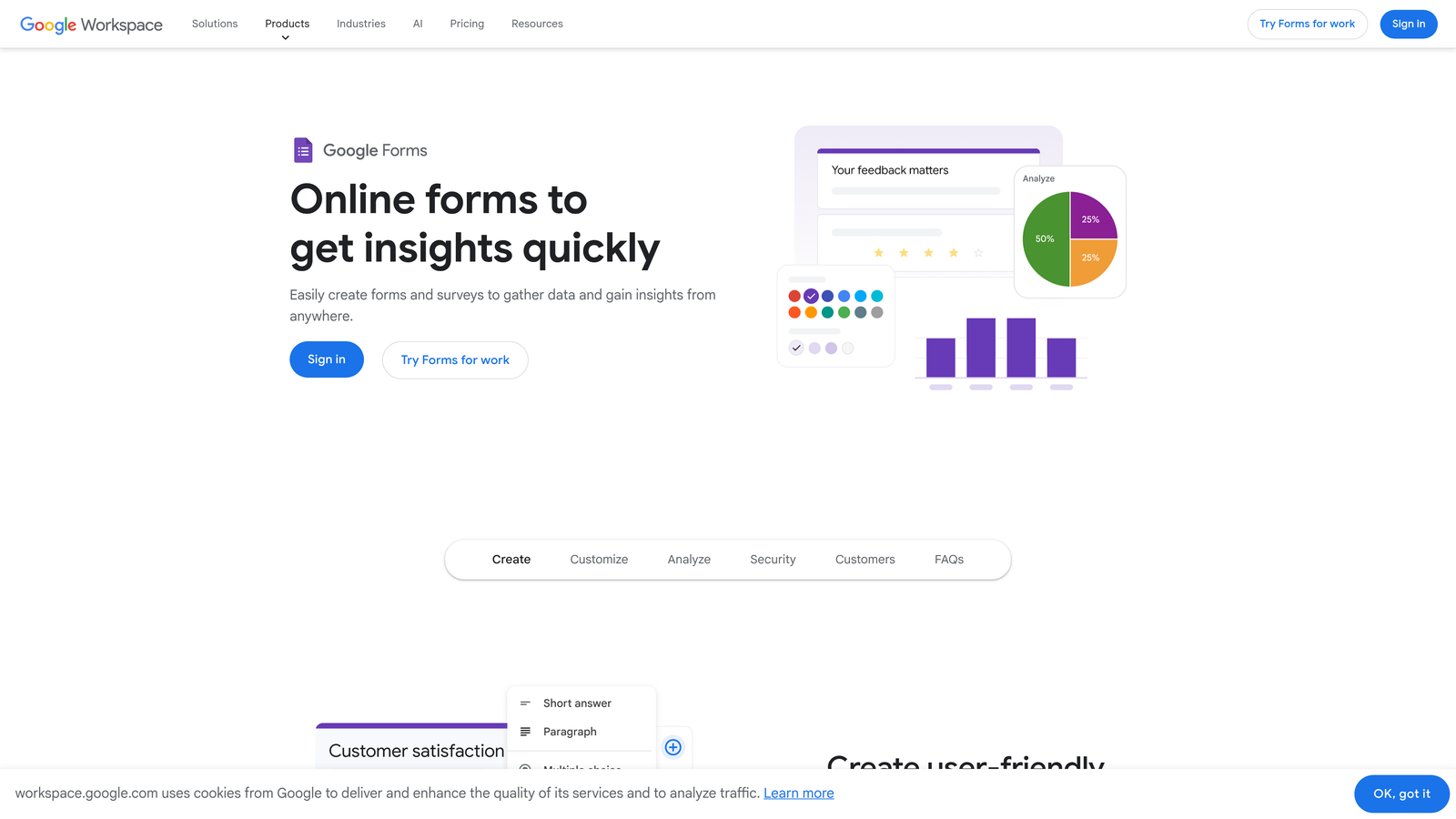
Google Forms handles basic data collection beautifully—think customer feedback surveys, event registrations, or simple contact forms. If your questions flow linearly from start to finish without branching logic, Google Forms delivers everything you need at zero cost. Jotform shines when complexity increases: multi-page forms with progress indicators, conditional logic that creates personalized experiences, payment collection, appointment scheduling, or forms that need to look like a seamless extension of your brand.
Implementation Steps
1. Create a spreadsheet listing all your current and planned forms with columns for: form purpose, estimated monthly submissions, required features, and complexity rating (simple/moderate/complex).
2. For each form, identify must-have features versus nice-to-have capabilities—this prevents feature creep from driving your decision when simpler solutions would work.
3. Calculate what percentage of your forms fall into each complexity category, then choose the platform that serves your majority use case rather than trying to force one solution for everything.
Pro Tips
Many businesses discover they need two solutions: Google Forms for internal surveys and simple feedback, plus a more robust platform for customer-facing lead generation. This hybrid approach often costs less and performs better than forcing one platform to handle use cases it wasn't designed for. Think of it like transportation—you wouldn't use a pickup truck for every trip just because you occasionally need to haul furniture.
2. Calculate the True Cost Beyond Pricing Pages
The Challenge It Solves
Pricing pages tell you what platforms cost to subscribe to, but they hide the real expenses: the hours spent building and maintaining forms, the cost of workarounds for missing features, the revenue lost to poor conversion rates, and the eventual migration costs when you outgrow your initial choice. These hidden costs often dwarf the subscription fees, yet most businesses only discover them after committing.
The Strategy Explained
Google Forms appears free, which makes it incredibly attractive for budget-conscious teams. But "free" doesn't account for the designer hours spent trying to make basic forms look professional, the developer time building custom integrations, or the opportunity cost of leads you don't capture because your forms look dated or lack conversion optimization.
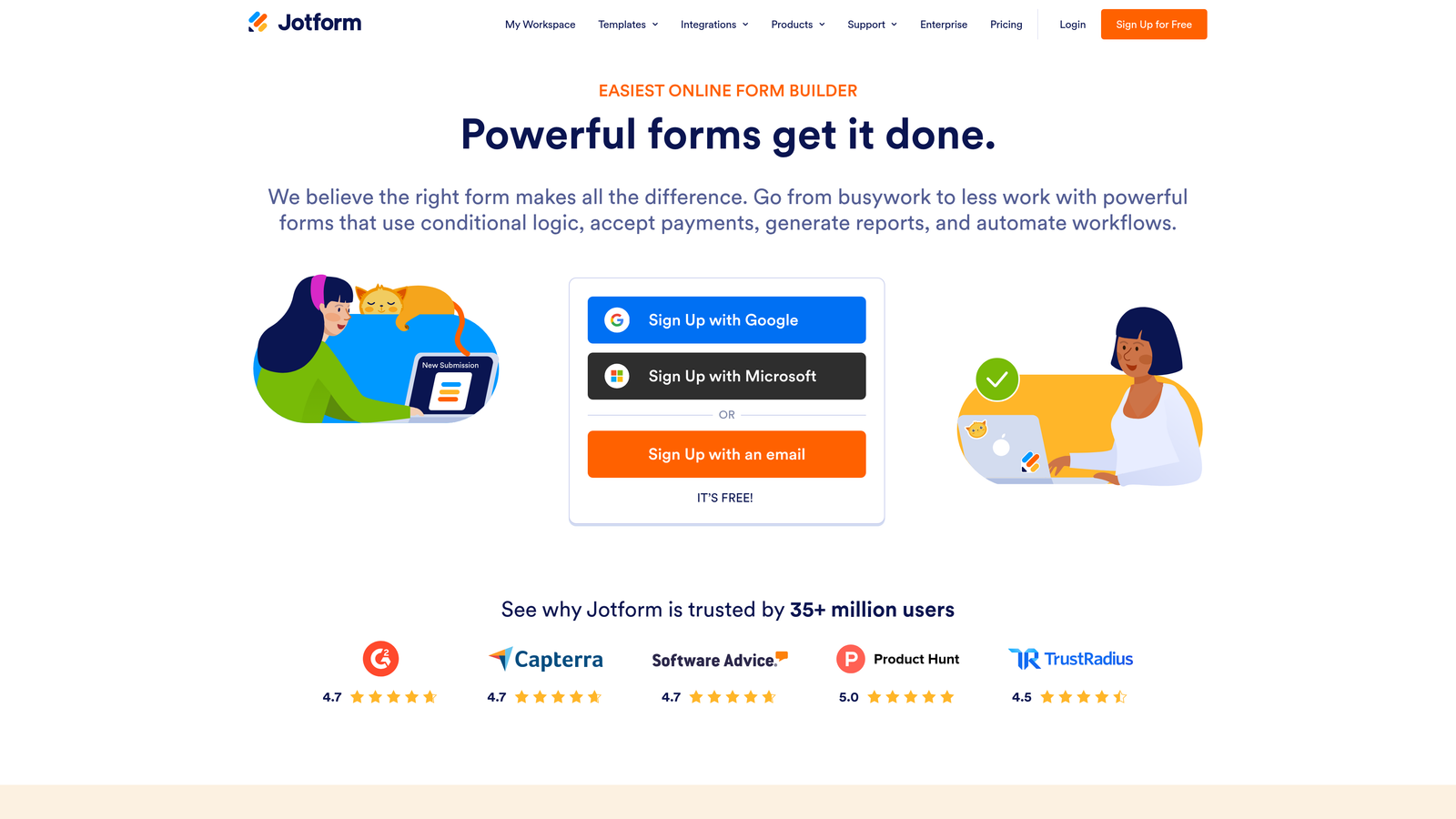
Jotform's paid plans start around $34 monthly for basic features, with business plans climbing higher as you need more submissions, users, and advanced capabilities. Calculate your true cost by factoring in: time to build and maintain forms (multiply hours by your team's hourly rate), integration costs (Zapier subscriptions if needed), design resources for customization, and most importantly—the value of the conversions you're optimizing for. A form that costs $100 monthly but converts 30% better than a free alternative pays for itself quickly if each lead is worth $50. Understanding the tradeoffs between Google Forms and paid form builders helps clarify this calculation.
Implementation Steps
1. Estimate how many hours monthly your team spends building, updating, and troubleshooting forms, then multiply by your average hourly cost to get your hidden labor expense.
2. List all the workarounds you'd need with each platform (third-party tools, custom development, manual processes) and price them out realistically.
3. Calculate your cost per qualified lead by dividing total monthly form costs (including labor) by the number of leads you generate—this reveals the true efficiency of each option.
Pro Tips
The cheapest option upfront rarely stays cheapest at scale. Many companies find that investing in a more capable platform early saves them from expensive migrations later. Consider your growth trajectory: if you're planning to double lead volume in the next year, will your chosen platform scale gracefully or will you hit limits that force a painful transition? Future-you will thank present-you for thinking ahead.
3. Evaluate Integration Ecosystems for Your Tech Stack
The Challenge It Solves
Forms don't exist in isolation—they're data collection points that feed into your CRM, email marketing platform, project management tools, and analytics systems. A form builder that doesn't integrate smoothly with your existing tech stack creates manual work, data silos, and the kind of friction that kills momentum. The integration ecosystem often matters more than the form builder itself.
The Strategy Explained
Google Forms integrates natively and seamlessly with Google Workspace—Sheets, Drive, Calendar, and Gmail. If your business runs on Google's ecosystem, this native integration is powerful and requires zero setup. Responses flow automatically into Sheets where you can analyze, filter, and share them. You can even learn how to connect Google Sheets to forms for more advanced data workflows. However, connecting Google Forms to non-Google tools typically requires Zapier or similar automation platforms, adding complexity and cost.
Jotform offers over 100 native integrations with major platforms including Salesforce, HubSpot, Mailchimp, Slack, and payment processors. These connections work out of the box without middleware. For high-growth teams running diverse tech stacks, this breadth prevents integration bottlenecks. The question becomes: which integration pattern matches your current reality and future plans?

Implementation Steps
1. List the five tools you absolutely need your forms to connect with, then research whether each platform offers native integration or requires third-party automation tools.
2. Map your ideal data flow: when someone submits a form, where should that data go, what should happen automatically, and how quickly do you need it to happen?
3. Test the integration setup process for your critical connections—some "integrations" are actually just webhook endpoints that require technical configuration, while others are true plug-and-play.
Pro Tips
Don't assume Zapier solves all integration gaps equally. While it's a powerful tool, each Zapier automation adds latency, costs money beyond certain usage tiers, and creates another potential failure point. Native integrations typically run faster, more reliably, and with better error handling. If you're already paying for Zapier, factor that cost into your comparison—but also consider whether native integrations could eliminate that expense entirely.
4. Test Brand Alignment and Customization Depth
The Challenge It Solves
Your forms represent your brand to prospects and customers. A form that looks generic, outdated, or disconnected from your website creates trust issues and hurts conversion rates in ways that are hard to measure but impossible to ignore. The gap between "functional" and "conversion-optimized" often comes down to design flexibility and brand alignment.
The Strategy Explained
Google Forms offers basic customization: you can change header colors, add your logo, and select from a handful of themes. But you cannot fully white-label forms, remove Google branding on the free tier, or create the kind of modern, interactive experiences that today's users expect. The forms look like Google Forms—which is fine for internal use or when brand perception isn't critical, but problematic for customer-facing lead generation.
Jotform provides significantly deeper customization: custom CSS, white-labeling, extensive theme options, and the ability to create forms that feel like native parts of your website. You can match fonts, colors, spacing, and interaction patterns to your brand guidelines. For businesses where conversion rate optimization matters, this flexibility translates directly to better performance. A form that looks professional and trustworthy converts better than one that looks like a generic template.
Implementation Steps
1. Build a test form in both platforms using your actual brand colors, fonts, and design preferences—this hands-on comparison reveals limitations faster than reading feature lists.
2. Show your test forms to team members and potential customers without telling them which platform created which, then ask about their perception of professionalism and trustworthiness.
3. Measure the design time investment required to achieve your desired look—if you're spending hours fighting with limited customization options, that's a hidden cost worth calculating.
Pro Tips
Brand alignment matters more as your business matures. Early-stage startups often prioritize speed and cost over polish, which makes Google Forms perfectly viable. But as you scale and competition increases, brand consistency becomes a conversion differentiator. Think about where you'll be in 12 months, not just where you are today. The form builder that works for your MVP phase might not serve your growth phase.
5. Assess Data Security and Compliance Needs
The Challenge It Solves
Data breaches, compliance violations, and security gaps create legal liability, damage reputation, and in some industries, result in massive fines. Healthcare, finance, legal, and any business handling sensitive customer information can't treat security as an afterthought. Yet many teams choose form builders based on features and price without thoroughly vetting security and compliance capabilities.
The Strategy Explained
Both Google Forms and Jotform offer GDPR compliance features, which is table stakes for any business with European customers. However, compliance requirements diverge significantly from there. Google Forms does not natively support HIPAA compliance, making it unsuitable for healthcare organizations collecting protected health information. Jotform offers HIPAA-compliant forms on business plans with signed Business Associate Agreements, encrypted data storage, and audit logs.
Beyond regulatory compliance, consider your data governance requirements. Where is data stored? Who has access? Can you export and delete data on demand? Do you need single sign-on for team access? Can you set up role-based permissions? Understanding whether Google Forms are truly anonymous matters when privacy is a concern. These operational security features matter for teams handling sensitive business information even when formal compliance isn't legally required.
Implementation Steps
1. Document your specific compliance requirements (GDPR, HIPAA, SOC 2, etc.) and verify that your chosen platform explicitly supports them with proper documentation and agreements.
2. Review each platform's security documentation for data encryption (in transit and at rest), data center locations, backup procedures, and breach notification policies.
3. Test data export and deletion capabilities to ensure you can honor customer data requests and maintain control over your information—vendor lock-in through data access restrictions is a real risk.
Pro Tips
Don't assume free tools provide the same security guarantees as paid platforms. Read the actual terms of service and privacy policies rather than relying on marketing claims. For regulated industries, have your legal or compliance team review platform documentation before committing. The cost of a compliance violation or data breach vastly exceeds any savings from choosing a cheaper form builder. Security is one area where cutting corners creates existential risk.
6. Measure Analytics and Lead Qualification Capabilities
The Challenge It Solves
Collecting responses is just the beginning—the real value comes from understanding response patterns, identifying high-quality leads, and optimizing conversion rates over time. Basic form builders treat all submissions equally and provide minimal insight into form performance. This blind spot costs you opportunities because you can't track which forms convert best or which leads deserve immediate follow-up.
The Strategy Explained
Google Forms provides basic response tracking: you see submissions in a spreadsheet with timestamps and can create simple charts from the data. You can view summary statistics for multiple-choice questions and export responses for external analysis. Learning how to see Google Form responses is straightforward, but you don't get conversion rate tracking, drop-off analysis showing where people abandon forms, or any lead scoring capabilities. Every response looks the same regardless of quality.
Jotform offers more robust analytics including submission tracking, form views, conversion rates, and some performance metrics. You can see which questions cause abandonment and track completion rates. However, both platforms lack sophisticated lead qualification features—they collect data but don't help you automatically identify which submissions represent high-value opportunities versus low-intent inquiries. This limitation matters significantly for sales teams who need to prioritize follow-up based on lead quality rather than submission order.
Implementation Steps
1. Define your key performance metrics for forms: What conversion rate are you targeting? What constitutes a qualified lead? How quickly do you need to identify hot prospects?
2. Test each platform's reporting capabilities with actual data—create a form, generate test submissions representing different lead qualities, then evaluate how easily you can extract actionable insights.
3. Calculate the manual work required to achieve your desired analytics—if you're exporting to Excel and building custom dashboards, that's time and expertise you're investing beyond the platform cost.
Pro Tips
The gap between response collection and lead intelligence represents a major opportunity. Many businesses find that traditional form builders force them to build custom lead scoring systems externally, routing data through multiple tools to achieve qualification automation. Implementing consultation booking forms with lead scoring can bridge this gap. This complexity creates delays in lead follow-up and increases the chance of high-value prospects slipping through cracks. Consider whether your form strategy needs to evolve beyond simple data collection into intelligent lead qualification.
7. Consider the AI-Powered Alternative Path
The Challenge It Solves
Traditional form builders—including both Google Forms and Jotform—were designed for data collection, not conversion optimization or intelligent lead qualification. They ask questions and store answers, but they don't adapt to respondents, qualify leads automatically, or optimize themselves for better performance. As AI transforms how businesses operate, the question becomes: are you comparing the right options, or is there a better path entirely?
The Strategy Explained
The emergence of AI-powered form builders represents a fundamental shift in what's possible. Instead of static question sequences, AI-driven platforms can create dynamic experiences that adapt to each respondent, automatically qualify leads based on their answers, and provide instant insights about prospect quality. These platforms combine modern design with intelligent automation to deliver both better user experiences and better business outcomes. Exploring how Jotform compares to modern form platforms reveals these emerging capabilities.
Think of it this way: Google Forms and Jotform are like having a paper form that you've digitized. They're better than paper, but they're still fundamentally passive. AI-powered alternatives act more like intelligent assistants that understand context, ask follow-up questions based on previous answers, and help you identify which leads deserve immediate attention. For high-growth teams focused on conversion optimization and lead quality, this represents a different category of tool entirely.
Implementation Steps
1. Evaluate your current form strategy honestly: Are you collecting data or optimizing for conversions? Are you treating all leads equally or do you need intelligent qualification? Your answers reveal whether traditional or AI-powered approaches better serve your goals.
2. Calculate the business value of improvements in conversion rate and lead quality—if a 20% improvement in form conversion or automatic lead scoring would significantly impact revenue, AI-powered solutions may deliver ROI that traditional options can't match.
3. Test modern alternatives alongside traditional platforms to experience the difference firsthand—reading about AI-powered forms doesn't convey the impact as clearly as building one and seeing how it performs.
Pro Tips
Don't let familiarity with traditional tools prevent you from exploring better alternatives. Many businesses stick with Google Forms or Jotform simply because they're known quantities, even when their needs have evolved beyond what these platforms were designed to deliver. The best time to evaluate new approaches is before you invest months building out infrastructure on a platform that might not serve your growth trajectory. Modern solutions often provide faster time-to-value specifically because they're built for today's conversion-focused, automation-driven business environment.
Putting It All Together: Your Decision Framework
The choice between Jotform and Google Forms isn't actually about which platform has more features—it's about which aligns with your business trajectory, technical requirements, and growth ambitions. Google Forms excels for teams that need simple, free data collection integrated with Google Workspace. Jotform serves businesses requiring more customization, advanced features, and diverse integrations. Both have earned their market position by solving real problems effectively.
But here's the strategic question this comparison reveals: are you choosing between the right options? If your forms are critical lead generation assets rather than simple data collection tools, if you need conversion optimization rather than just response storage, if you want intelligent lead qualification rather than manual sorting—then traditional form builders might be solving yesterday's problems.
The seven strategies we've covered give you a framework for evaluation that goes deeper than feature checklists. Map your complexity requirements to avoid overbuying or underbuying capabilities. Calculate true costs including hidden labor and opportunity costs. Evaluate integrations based on your actual tech stack. Test brand alignment with real designs. Verify security and compliance thoroughly. Measure analytics against your actual needs. And most importantly, consider whether emerging AI-powered alternatives might better serve your growth objectives.
Your next step is hands-on testing. Build the same form in multiple platforms—include your actual questions, apply your brand design, connect your real integrations, and evaluate the experience from both creator and respondent perspectives. This practical comparison reveals limitations and strengths that reading about features never will.
For teams focused on lead generation and conversion optimization, the traditional form builder category increasingly feels like a compromise. You're choosing between simplicity with limitations (Google Forms) or flexibility with complexity (Jotform), when what you actually need is intelligent automation with modern design.
Transform your lead generation with AI-powered forms that qualify prospects automatically while delivering the modern, conversion-optimized experience your high-growth team needs. Start building free forms today and see how intelligent form design can elevate your conversion strategy beyond what traditional platforms were built to deliver.


