

Mobile traffic now dominates the web, and forms that don't adapt seamlessly across devices are conversion killers. A clunky form on a smartphone doesn't just frustrate users—it sends qualified leads straight to your competitors.
The right responsive form builder automatically adjusts layouts, field sizes, and touch targets to deliver a smooth experience whether someone's filling out your contact form on a desktop at work or a phone on their commute.
This guide covers the top responsive form builders that combine mobile-first design with the features high-growth teams actually need: conditional logic, integrations, analytics, and conversion optimization tools. We've tested each platform's responsive capabilities and evaluated them based on design flexibility, ease of use, and how well they perform on real mobile devices.
1. Orbit AI
Best for: High-growth teams needing AI-powered lead qualification with responsive form design
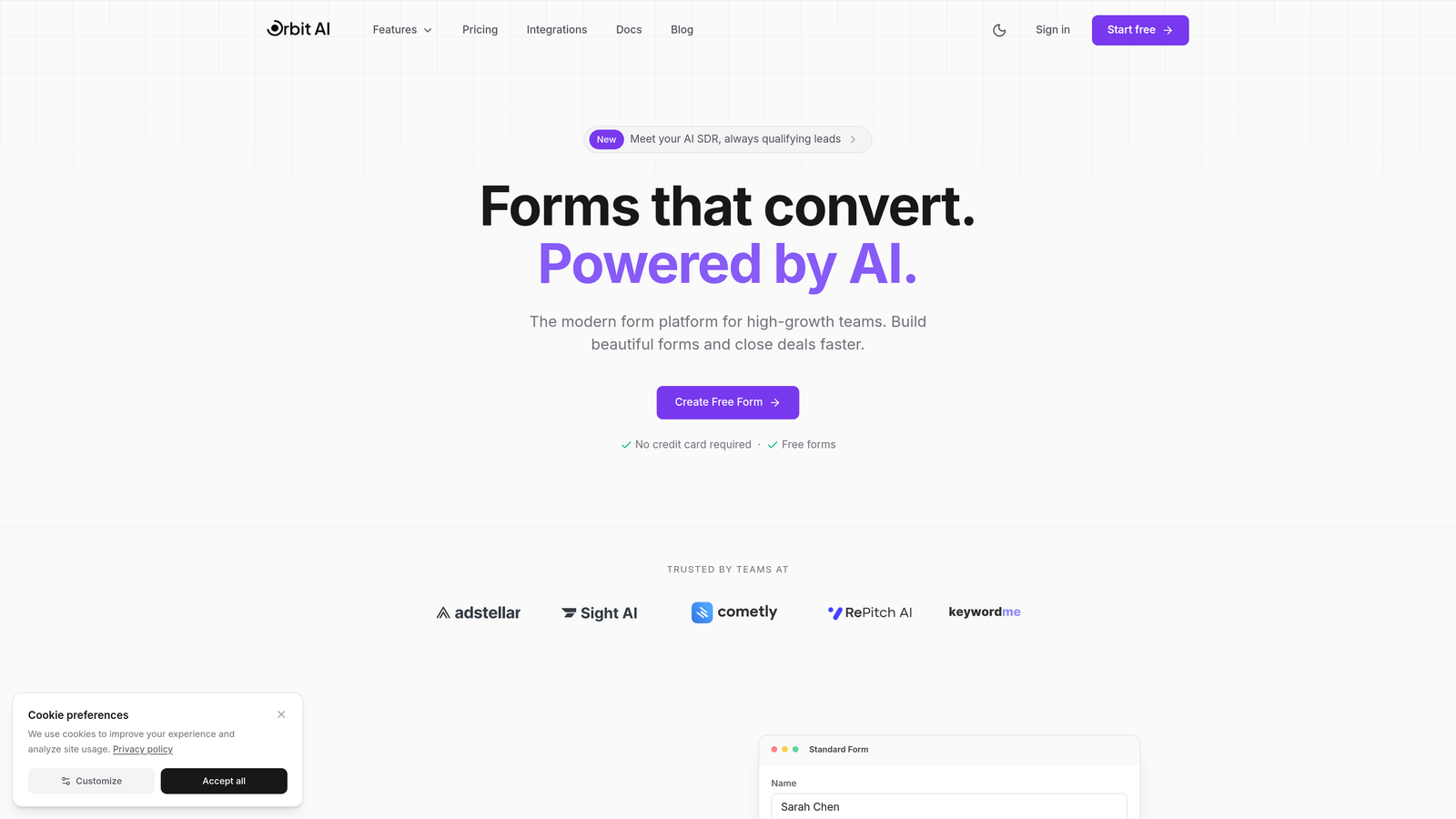
Orbit AI combines responsive form building with intelligent lead qualification that scores submissions in real-time.
Where This Tool Shines
The platform stands out by automatically qualifying leads as they submit forms, using AI to score prospects based on their responses. This means your sales team focuses on high-value leads while the system handles initial qualification.
Forms adapt fluidly across devices without requiring manual breakpoint adjustments. The touch-optimized interface ensures mobile users experience the same smooth interaction as desktop visitors, with appropriately sized buttons and fields that prevent frustrating mis-taps.
Key Features
AI-Powered Lead Qualification: Automatically scores and routes leads based on their submission data, prioritizing high-value prospects.
Fully Responsive Design: Forms automatically adapt to any screen size with optimized touch targets and field layouts.
Built-in Workflows: Create automated sequences for lead nurturing without connecting external automation tools.
Native CRM Integrations: Connect directly to major CRM platforms and marketing tools for seamless data flow.
Conversion Analytics: Track form performance, completion rates, and lead quality metrics in a unified dashboard.
Best For
Orbit AI works particularly well for SaaS companies, B2B service providers, and marketing agencies that need to capture leads efficiently while qualifying them automatically. Teams focused on conversion optimization will appreciate how the platform combines responsive design with intelligent lead handling.
Pricing
Free tier available for teams getting started. Paid plans start at competitive rates designed for growing teams that need advanced qualification features and higher submission volumes.
2. Typeform
Best for: Creating conversational, one-question-at-a-time forms that feel natural on mobile devices
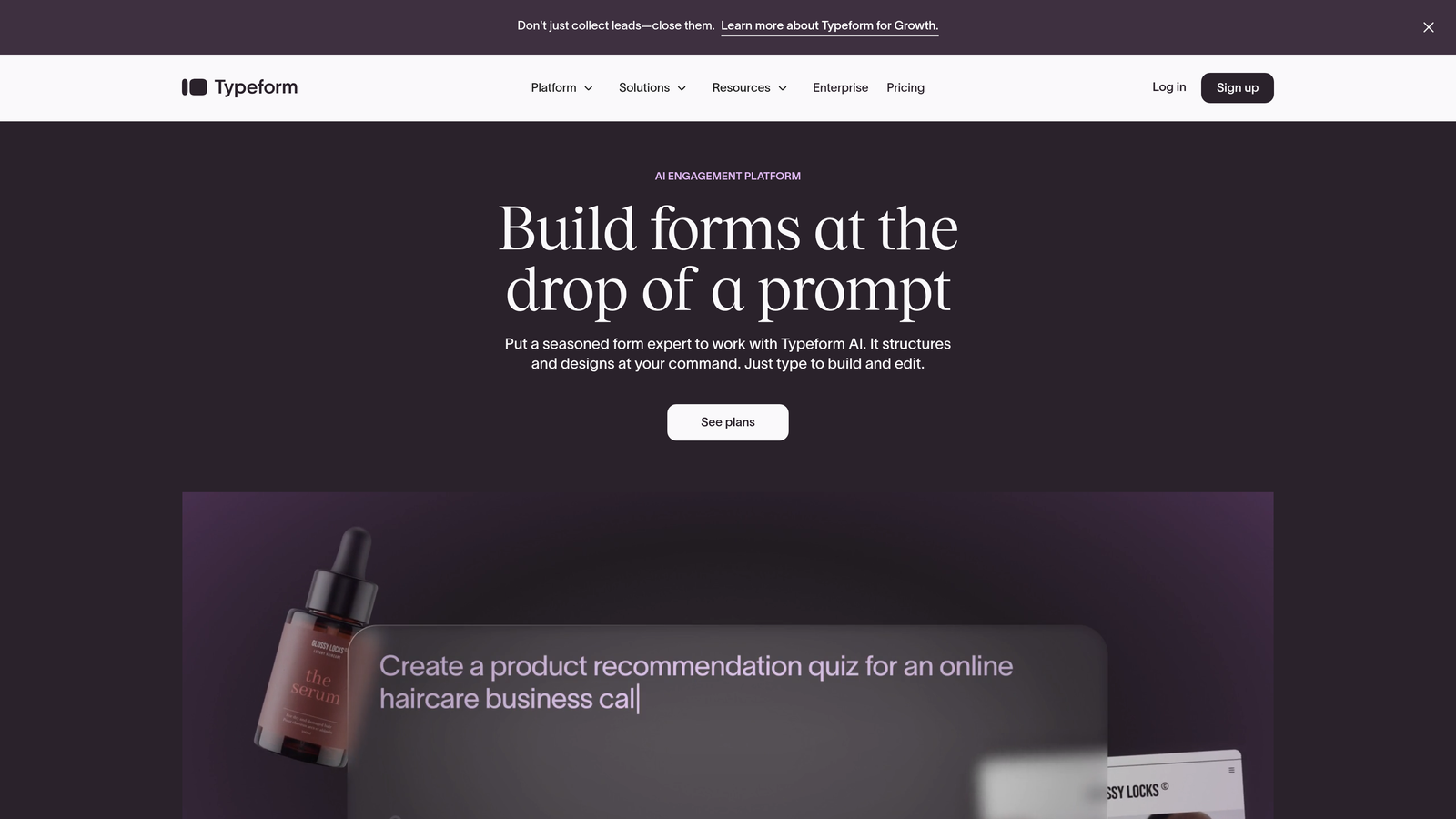
Typeform pioneered the conversational form approach that displays one question at a time, creating an inherently mobile-friendly experience.
Where This Tool Shines
The one-question-at-a-time format eliminates the overwhelming feeling of long forms on small screens. Users focus on a single field, making mobile completion rates significantly higher than traditional multi-field layouts.
Beautiful design comes standard. The platform's templates look polished without customization, and the brand kit feature lets you match forms to your company's visual identity with minimal effort.
Key Features
Conversational Format: Single-question display optimized for mobile engagement and higher completion rates.
Customizable Themes: Brand kit options for matching forms to your company colors, fonts, and visual style.
Logic Jumps: Conditional branching that shows different questions based on previous answers.
Rich Media Embedding: Add videos and images within forms to create engaging, interactive experiences.
Integration Ecosystem: Connect to hundreds of tools through native integrations and Zapier.
Best For
Typeform excels for customer surveys, feedback forms, and lead capture where engagement matters more than speed. Marketing teams creating brand-aligned experiences and user research teams gathering detailed feedback benefit most from its conversational approach.
Pricing
Free plan includes basic features with limited responses. Basic tier starts at $25 monthly, with higher tiers adding advanced logic and integrations.
3. Jotform
Best for: Teams needing extensive templates and widgets with reliable responsive design
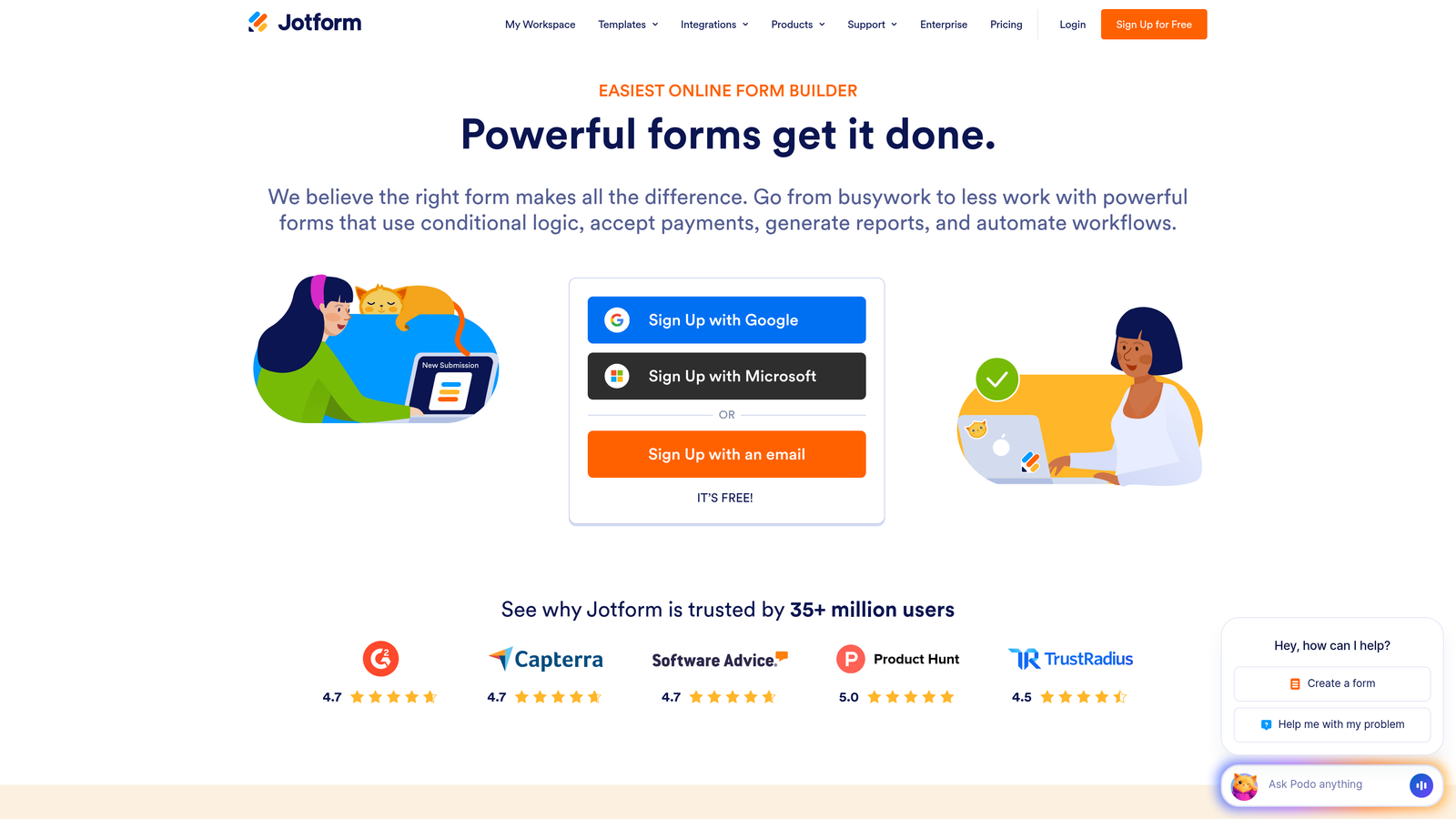
Jotform offers over 10,000 templates and a massive widget library while maintaining responsive design across its entire feature set.
Where This Tool Shines
The sheer breadth of templates means you rarely start from scratch. Whether you need an event registration form, customer intake questionnaire, or payment collection form, there's likely a mobile-optimized template ready to customize.
The drag-and-drop builder handles complexity well. You can build intricate multi-page forms with calculations, conditional logic, and payment processing while the platform automatically ensures everything works on mobile devices.
Key Features
Template Library: Access 10,000+ pre-built forms with mobile-responsive designs across every industry and use case.
Widget Ecosystem: Hundreds of widgets extend functionality from signature capture to appointment scheduling.
PDF Generation: Automatically create PDF documents from form submissions with custom templates.
Payment Processing: Collect payments through major processors with PCI-compliant security.
Jotform Tables: Manage and organize form submissions in a spreadsheet-style interface.
Best For
Jotform suits organizations that need versatility—nonprofits managing event registrations, educational institutions handling applications, and businesses running payment collection forms. The extensive template library makes it ideal for teams that need many different form types.
Pricing
Free plan includes 5 forms with 100 monthly submissions. Bronze tier starts at $34 monthly for 25 forms and increased submission limits.
4. Tally
Best for: Creating clean, minimalist forms with unlimited submissions on a generous free tier
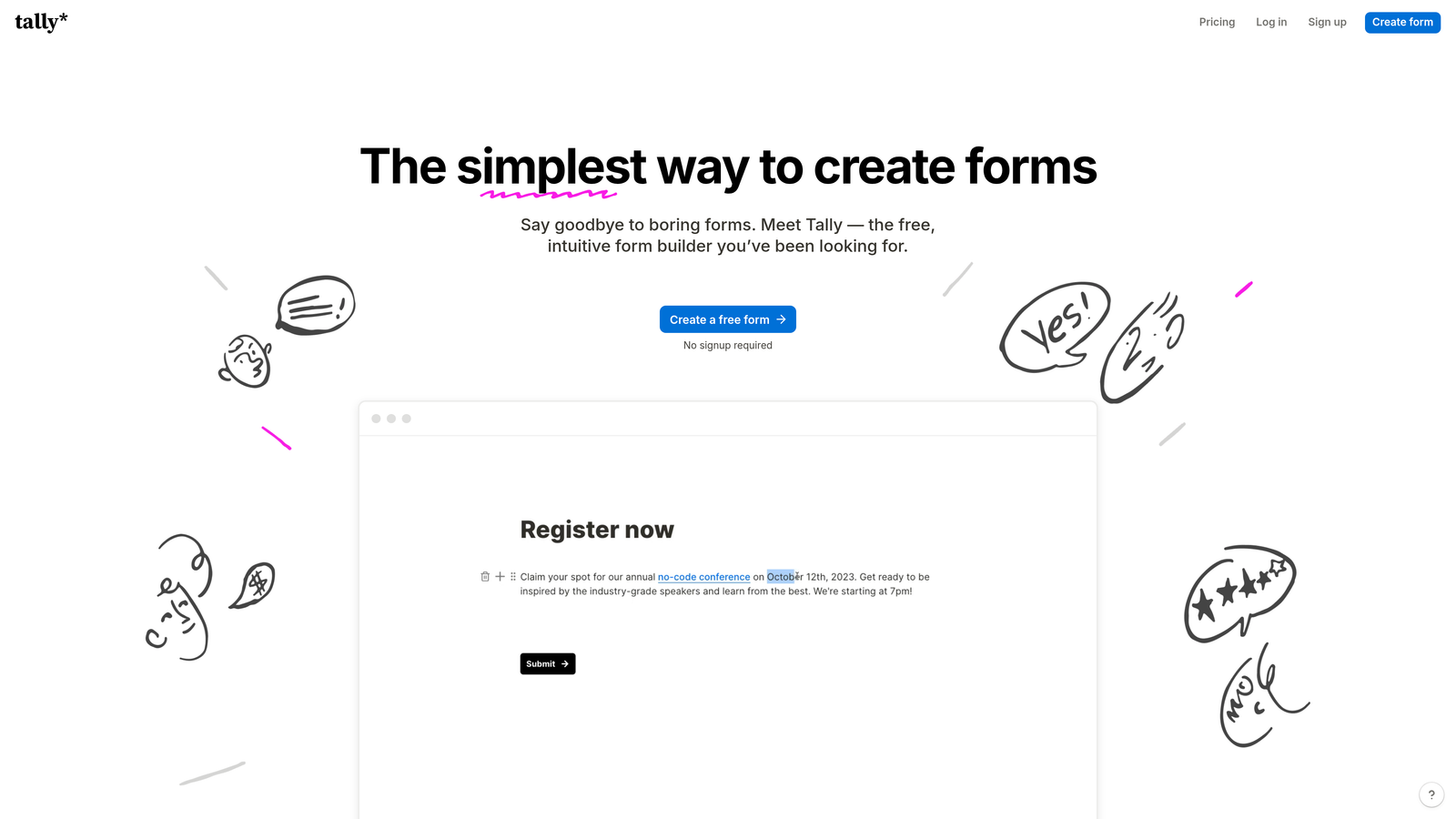
Tally brings a Notion-style block-based editing experience to form building, producing inherently responsive forms without design complexity.
Where This Tool Shines
The block-based editor feels familiar to anyone who's used Notion or modern content tools. You add fields by typing slash commands, making form creation remarkably fast once you learn the shortcuts.
The free tier is genuinely generous. Unlimited forms and submissions mean small teams and side projects can use Tally indefinitely without hitting artificial limits that force upgrades.
Key Features
Unlimited Free Tier: Create unlimited forms with unlimited submissions without paying anything.
Block-Based Editor: Notion-style interface with slash commands for rapid form building.
Conditional Logic: Show or hide fields based on previous answers without complex configuration.
Calculation Fields: Perform calculations based on user input for quotes, assessments, and scoring.
Integration Options: Connect via webhooks or Zapier for automated workflows.
Best For
Tally works well for startups and bootstrapped teams that need professional forms without budget constraints. Content creators, indie makers, and small businesses appreciate the clean aesthetic and unlimited free usage.
Pricing
Free tier includes unlimited forms and submissions. Pro tier at $29 monthly adds custom domains, branding removal, and priority support.
5. Paperform
Best for: Building form-based landing pages with rich content and embedded media
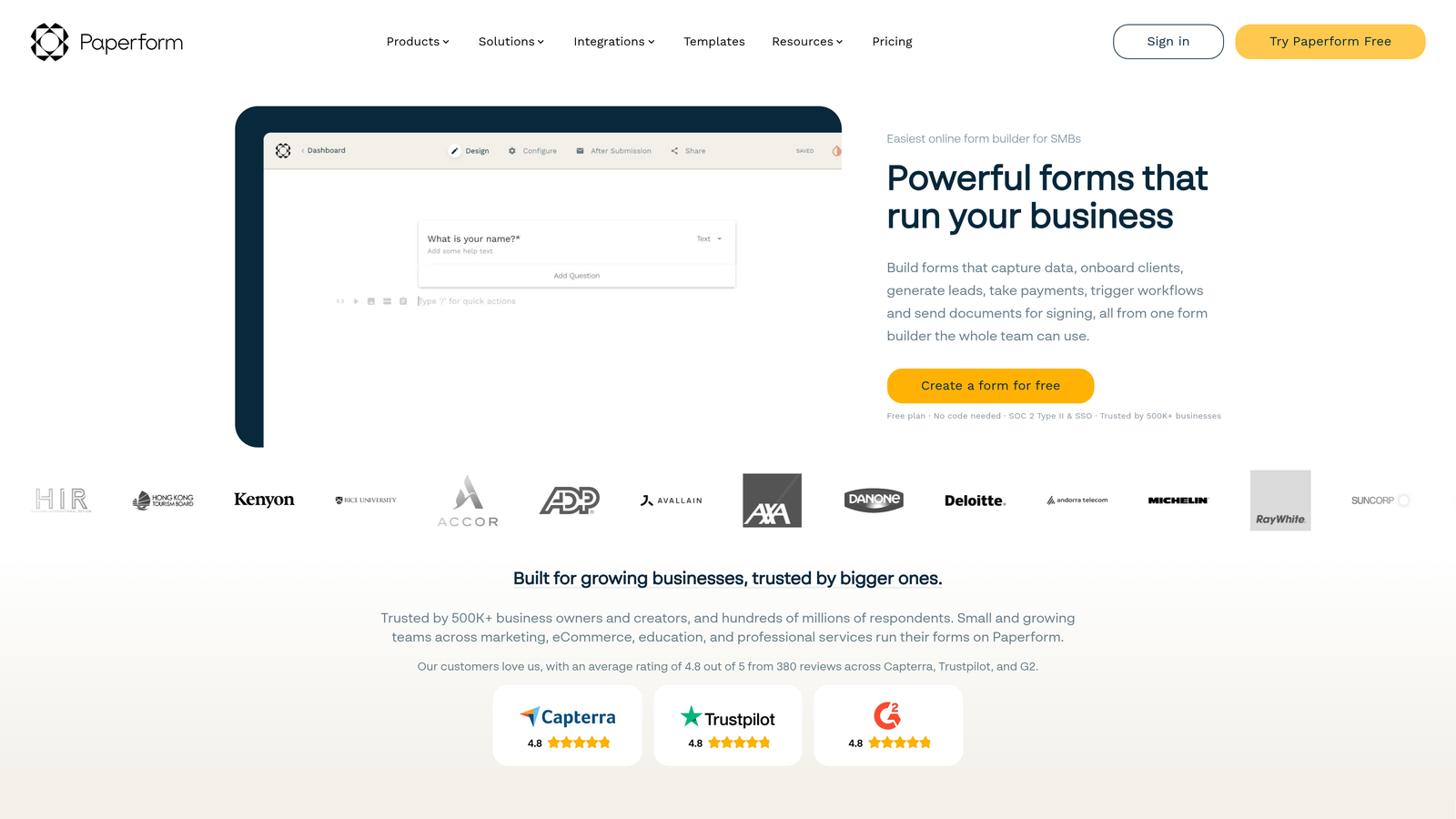
Paperform combines form building with landing page creation, producing document-style responsive forms that double as branded lead capture pages.
Where This Tool Shines
The document-style editor lets you mix form fields with rich text, images, videos, and formatting. This creates forms that feel more like interactive content pages than traditional data collection forms.
E-commerce features are surprisingly robust. You can build product order forms, booking systems, and payment collection pages that handle the entire transaction flow while maintaining responsive design across devices.
Key Features
Landing Page Builder: Create complete landing pages with forms embedded in rich content layouts.
Rich Text Editing: Format text, embed media, and design visually engaging forms with full creative control.
E-commerce Integration: Accept payments, sell products, and manage bookings with built-in commerce features.
Conditional Logic: Show different content and fields based on user responses and behavior.
Custom Success Pages: Design branded thank-you pages or redirect users to specific URLs after submission.
Best For
Paperform excels for coaches, consultants, and service businesses that need forms to feel like part of their brand experience rather than standalone data collection tools. Teams running paid workshops, courses, or booking systems benefit from the integrated e-commerce capabilities.
Pricing
Essentials plan starts at $24 monthly for basic features. Pro tier at $49 monthly adds advanced logic and priority support.
6. Fillout
Best for: Teams using Notion or Airtable who need native database integration
Fillout focuses on connecting forms directly to popular databases like Notion and Airtable, with modern responsive templates.

Where This Tool Shines
Native Notion and Airtable connections eliminate the middleware layer that other form builders require. Submissions flow directly into your existing databases without Zapier or custom integrations.
The modern template library produces clean, professional forms that work flawlessly on mobile devices. Multi-page forms include progress indicators that help users understand how much remains, improving completion rates on longer forms.
Key Features
Database Integration: Connect directly to Notion databases and Airtable bases without third-party automation tools.
Modern Templates: Pre-built responsive forms designed for common use cases from lead capture to event registration.
Multi-Page Forms: Break long forms into logical sections with progress indicators for better mobile UX.
File Uploads: Collect documents, images, and files with secure cloud storage.
Scheduling Integration: Embed calendar booking directly in forms for appointment scheduling.
Best For
Fillout works particularly well for teams already managing their operations in Notion or Airtable. Product teams collecting user feedback, agencies managing client intake, and operations teams running internal processes benefit from the seamless database integration.
Pricing
Free tier available for basic usage. Starter plan at $15 monthly adds custom domains and increased submission limits.
7. Formstack
Best for: Enterprise teams requiring compliance certifications and advanced workflows
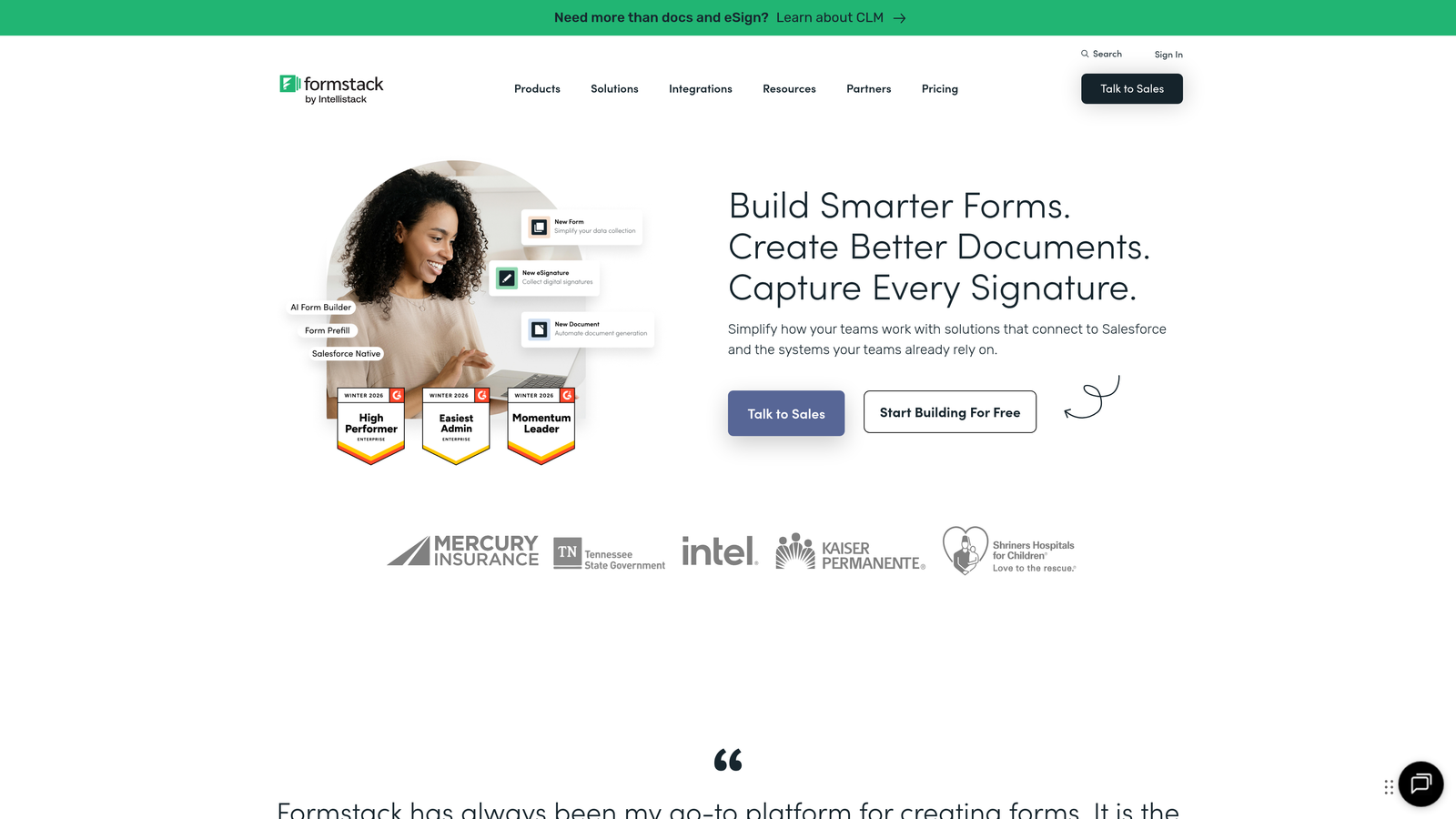
Formstack delivers enterprise-grade form building with compliance certifications, advanced workflows, and responsive design for regulated industries.
Where This Tool Shines
Compliance certifications set Formstack apart. HIPAA, GDPR, and SOC 2 compliance options make it viable for healthcare, finance, and other regulated industries where data handling requirements eliminate most consumer-grade form builders.
Advanced workflow automation goes beyond basic conditional logic. You can create complex approval chains, route submissions to different teams based on criteria, and trigger multi-step processes without custom development.
Key Features
Compliance Certifications: HIPAA, GDPR, and SOC 2 compliance for regulated industries with strict data requirements.
Advanced Workflows: Build complex approval processes and multi-step routing based on submission data.
Document Generation: Automatically create contracts, agreements, and documents from form data with e-signature collection.
Salesforce Native: Deep Salesforce integration that syncs data bidirectionally without middleware.
A/B Testing: Test different form versions to optimize conversion rates with built-in analytics.
Best For
Formstack serves healthcare providers managing patient intake, financial services handling sensitive data, and large enterprises needing compliance documentation. Teams with complex approval workflows and document generation requirements benefit from the advanced automation capabilities.
Pricing
Plans start at $50 monthly for basic features. Enterprise pricing applies for compliance certifications and advanced security features.
8. Google Forms
Best for: Basic responsive forms with seamless Google Workspace integration at zero cost
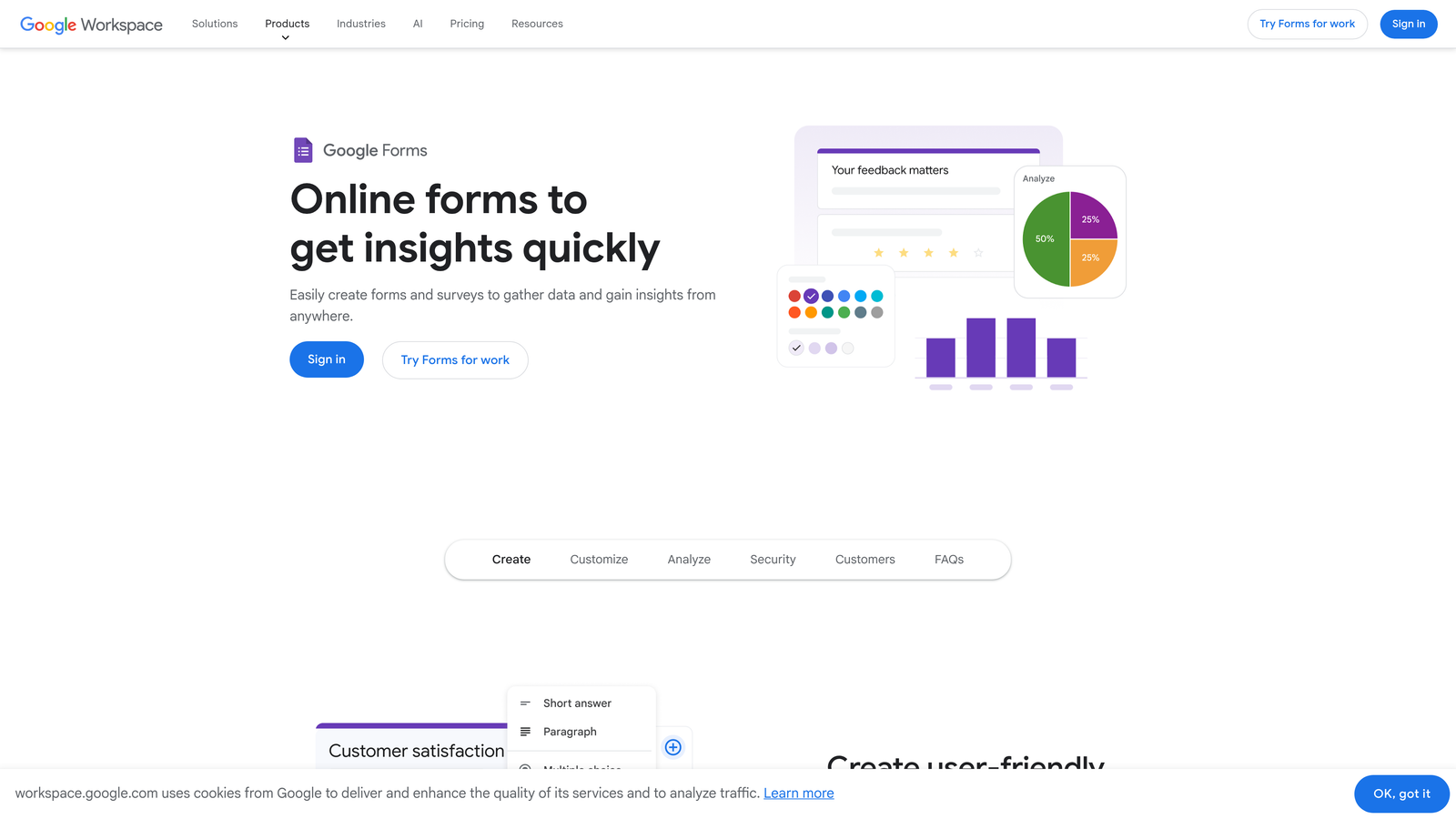
Google Forms provides free, straightforward form building with automatic Google Sheets integration and reliable responsive design.
Where This Tool Shines
The price is unbeatable—completely free with unlimited forms and responses. For teams already using Google Workspace, the seamless integration means form data flows directly into Sheets without configuration.
Collaboration features let multiple team members edit forms simultaneously. You can share editing access, review responses together, and manage forms as a team without paying for multi-user licenses.
Key Features
Zero Cost: Completely free with unlimited forms, questions, and responses for any Google account holder.
Automatic Sheets Integration: Responses populate Google Sheets in real-time for easy analysis and reporting.
Basic Conditional Logic: Create sections that appear based on previous answers for simple branching.
Team Collaboration: Multiple editors can work on forms simultaneously with standard Google sharing permissions.
Clean Responsive Design: Simple, mobile-friendly interface that works reliably across all devices.
Best For
Google Forms suits internal surveys, event RSVPs, feedback collection, and any scenario where basic data collection matters more than advanced features or branding. Educational institutions, nonprofits, and small teams benefit from the zero-cost model.
Pricing
Completely free with a Google account. No paid tiers or upgrade prompts.
9. Cognito Forms
Best for: Complex calculations and payment collection at budget-friendly pricing
Cognito Forms combines advanced calculation capabilities, payment processing, and responsive design at pricing that undercuts many competitors.
Where This Tool Shines
The calculation engine handles complex math that other form builders struggle with. You can build quote calculators, order forms with dynamic pricing, and assessment tools that perform real-time calculations based on user input.
Repeating sections let users add multiple entries within a single form—useful for event registrations with multiple attendees, order forms with various items, or applications with multiple references. The responsive design ensures these dynamic sections work smoothly on mobile devices.
Key Features
Advanced Calculations: Build complex formulas and calculations that update in real-time as users complete fields.
Payment Processing: Accept payments through multiple processors with PCI-compliant security and fraud protection.
Repeating Sections: Allow users to add multiple entries for attendees, line items, or related information.
Data Encryption: Field-level encryption and compliance features for sensitive data collection.
Workflow Automation: Trigger actions, send notifications, and route submissions based on conditional rules.
Best For
Cognito Forms works well for businesses selling products or services through forms, organizations collecting donations with dynamic pricing, and teams building assessment or quiz tools. The calculation features make it ideal for quote generators and pricing calculators.
Pricing
Free tier includes basic features with branding. Pro plan at $15 monthly removes branding and adds advanced features at competitive pricing.
Making the Right Choice
The responsive form builder you choose depends on what matters most to your team. If you're focused on conversion optimization with intelligent lead qualification, Orbit AI combines responsive design with AI-powered lead scoring that helps you prioritize high-value prospects automatically.
For teams prioritizing engagement and completion rates, Typeform's conversational approach creates mobile experiences that feel natural rather than transactional. The one-question-at-a-time format consistently produces higher completion rates on mobile devices.
Budget-conscious teams should look at Tally or Google Forms. Tally offers unlimited forms and submissions with a modern interface, while Google Forms provides basic responsive functionality at zero cost with seamless Sheets integration.
Quick Selection Guide:
Choose Orbit AI if: You need AI-powered lead qualification combined with responsive forms, and conversion optimization matters more than basic data collection.
Choose Typeform if: Engagement and brand experience are priorities, and you want forms that feel conversational rather than transactional.
Choose Jotform if: You need versatility with thousands of templates, widgets for extended functionality, and payment processing capabilities.
Choose Tally if: You want a generous free tier with unlimited usage and prefer a minimalist, Notion-style editing experience.
Choose Formstack if: You operate in a regulated industry requiring HIPAA or SOC 2 compliance, or need enterprise-grade workflow automation.
The mobile-first web demands forms that work flawlessly across devices. A responsive form builder isn't just about avoiding frustrated users—it's about capturing every qualified lead regardless of how they access your forms. The platforms covered here all handle responsive design competently, but they differ significantly in their approach to conversion optimization, lead qualification, and workflow automation.
Transform your lead generation with AI-powered forms that qualify prospects automatically while delivering the modern, conversion-optimized experience your high-growth team needs. Start building free forms today and see how intelligent form design can elevate your conversion strategy.


