

Choosing the right form builder isn't just about features—it's about finding pricing that scales with your growth without surprise costs eating into your budget. Whether you're a solo founder collecting leads or a high-growth team processing thousands of submissions monthly, the pricing structure matters as much as the tool itself.
We've analyzed 9 leading form builders, breaking down their pricing tiers, hidden costs, and value propositions to help you make a confident decision. From AI-powered platforms to budget-friendly options, here's what you'll actually pay.
1. Orbit AI
Best for: High-growth teams prioritizing conversion optimization and intelligent lead qualification
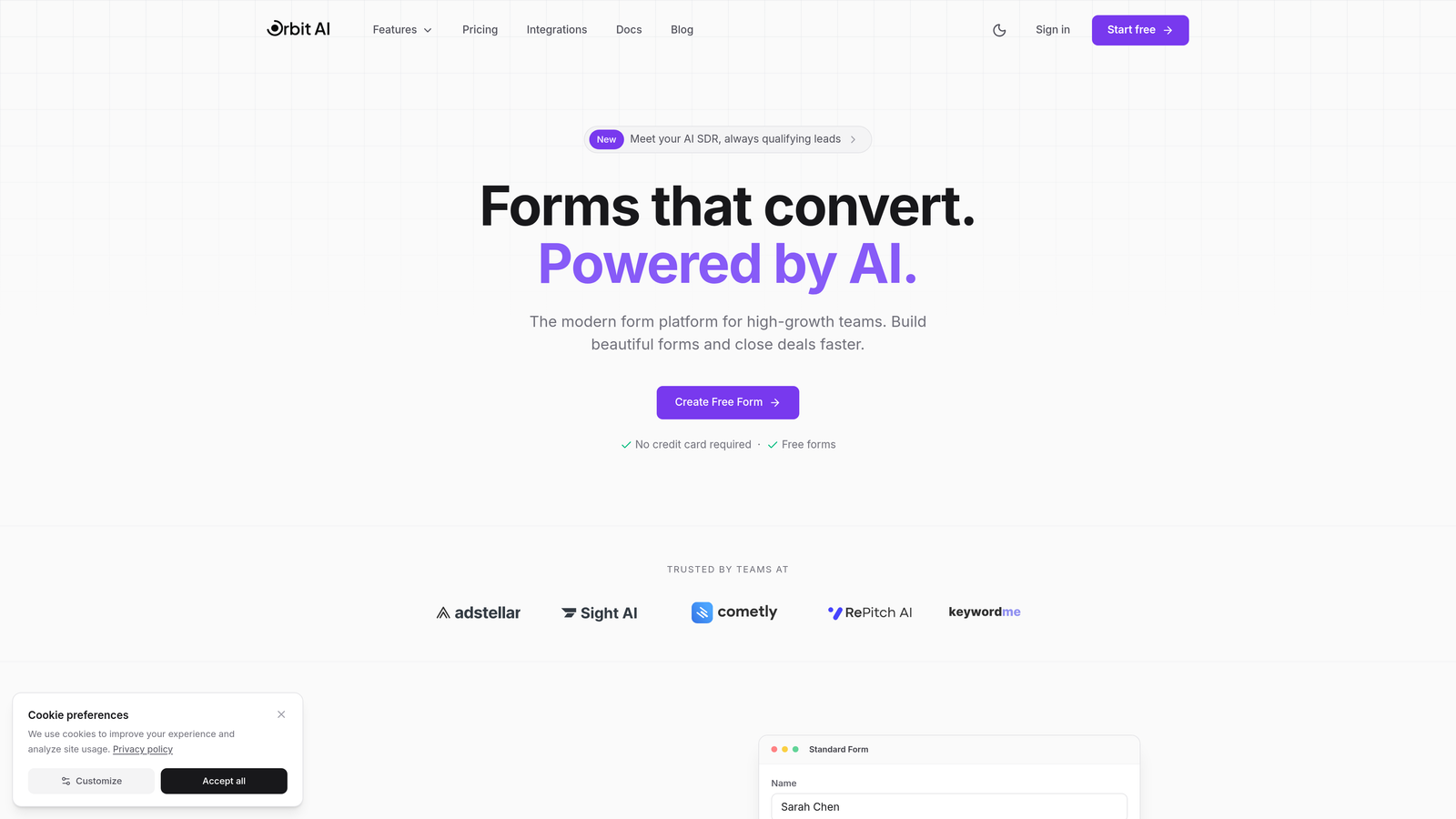
Orbit AI is an AI-powered form builder designed specifically for teams that need more than just data collection—they need qualified leads.
Where This Tool Shines
The standout feature is built-in AI lead qualification that automatically scores and routes prospects based on their responses. This eliminates the manual sorting process that typically happens after form submission.
Unlike traditional form builders that charge per response, Orbit AI uses transparent tier-based pricing. Your costs remain predictable as you scale, which matters when you're processing thousands of monthly submissions and don't want success to become expensive.
Key Features
AI-Powered Lead Qualification: Automatically scores and prioritizes leads based on response patterns and business fit.
Conversion-Optimized Templates: Pre-built forms designed with high-growth teams in mind, focusing on completion rates.
Native CRM Integrations: Connects directly with sales tools to route qualified leads without middleware.
No Per-Response Penalties: Tier-based pricing means your costs don't spike when campaigns perform well.
Modern Form Design: Clean, professional interface that matches contemporary brand standards.
Best For
SaaS companies, B2B businesses, and marketing teams that need to qualify leads at scale. If you're spending hours manually reviewing form submissions to identify serious prospects, the AI qualification feature pays for itself quickly.
Pricing
Transparent tier-based pricing structure. Visit orbitforms.ai/pricing for current plans that scale with your business needs without per-response charges.
2. Typeform
Best for: Creating engaging, conversational form experiences that maximize completion rates
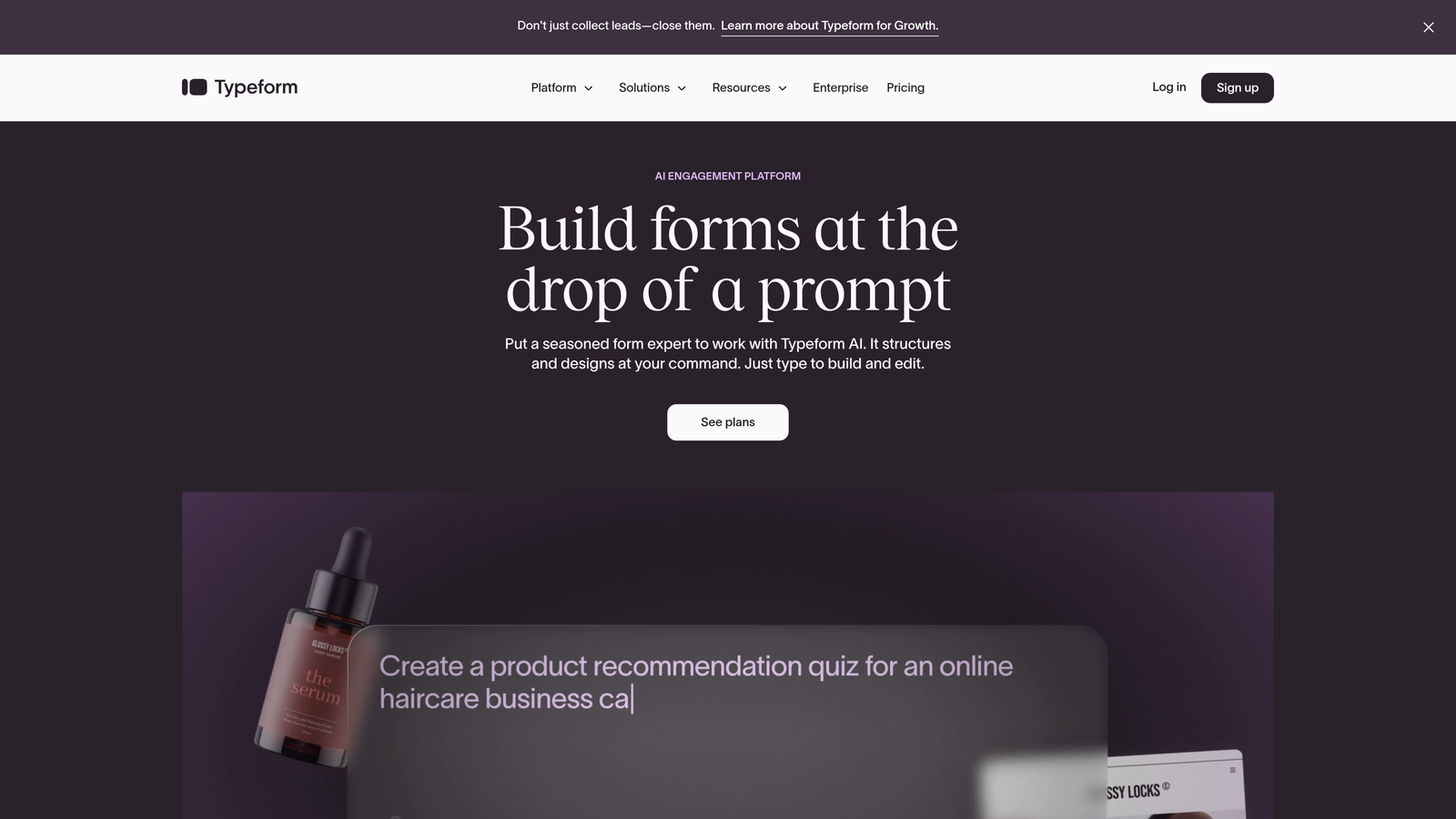
Typeform pioneered the one-question-at-a-time interface that makes filling out forms feel like a conversation rather than a chore.
Where This Tool Shines
The signature conversational UI reduces form abandonment by presenting questions progressively. Instead of overwhelming users with a long form, Typeform reveals one question at a time, creating a more engaging experience.
The platform excels at brand customization. You can embed videos, images, and custom fonts to create forms that feel like natural extensions of your website rather than generic data collection tools.
Key Features
Conversational Interface: One-question-at-a-time design that significantly improves completion rates for longer forms.
Logic Jumps: Create branching paths based on user responses to personalize the experience.
Rich Media Embedding: Add videos, images, and GIFs directly into your forms for visual engagement.
Design Customization: Extensive branding options including custom fonts, colors, and layouts.
Hidden Fields: Capture UTM parameters and other tracking data without cluttering the user experience.
Best For
Marketing teams running campaigns where form completion rates directly impact ROI. The conversational interface works particularly well for surveys, lead magnets, and customer feedback forms where you need detailed information without overwhelming respondents.
Pricing
Free plan limited to 10 responses monthly. Basic starts at $25/month for 100 responses. Plus is $50/month for 1,000 responses. Business tier at $83/month handles 10,000 responses. The per-response model means costs increase with success.
3. Jotform
Best for: Small businesses needing extensive templates and a generous free tier
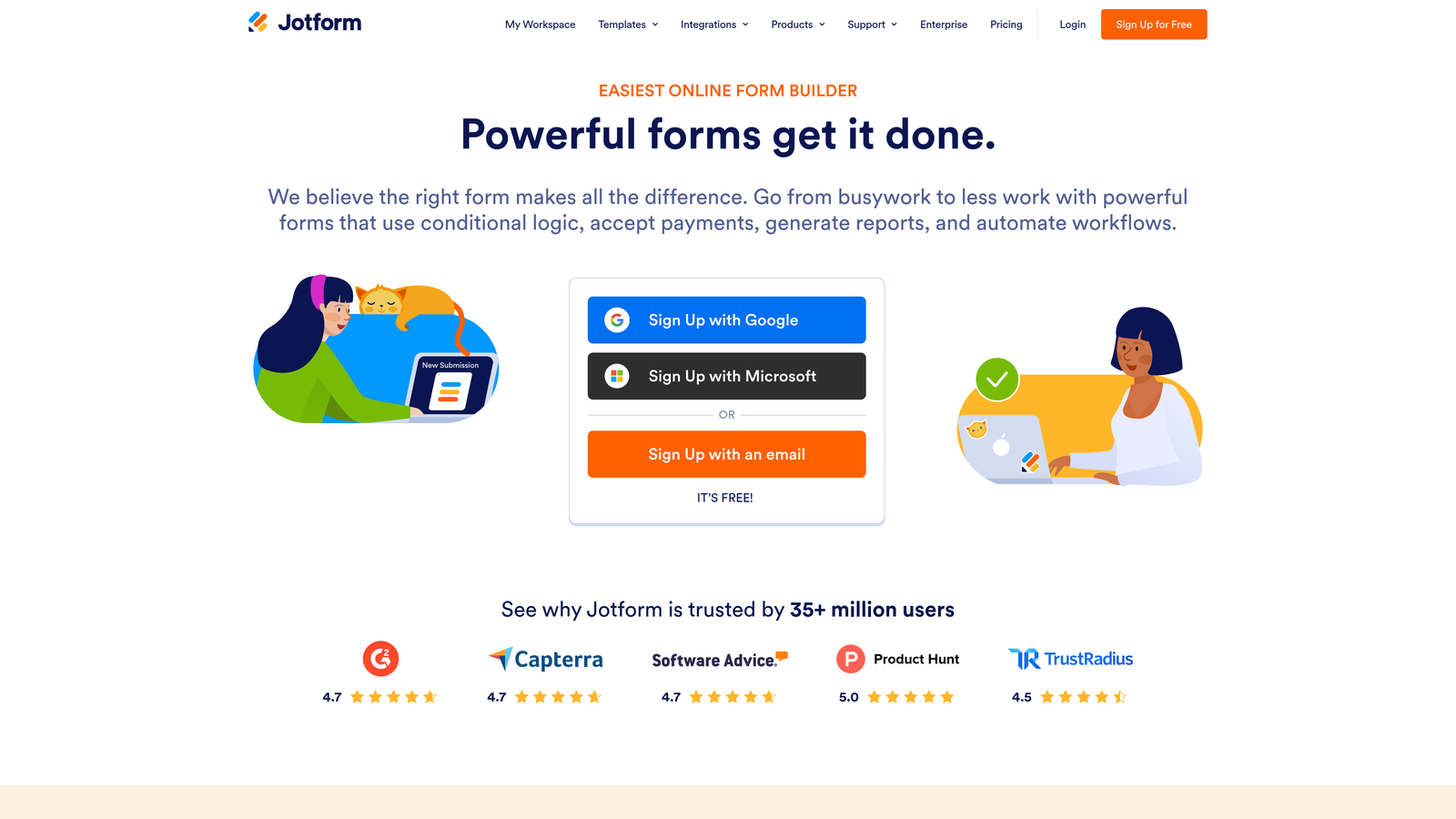
Jotform offers one of the most comprehensive template libraries in the industry with over 10,000 pre-built forms covering virtually every use case.
Where This Tool Shines
The template library is genuinely impressive. Whether you need a complex job application form, a simple contact form, or an event registration system, there's likely a template you can customize in minutes rather than building from scratch.
Jotform also offers features typically reserved for enterprise tools, including PDF form creation and approval workflows. The HIPAA compliance option on higher tiers makes it viable for healthcare organizations that need secure patient data collection.
Key Features
10,000+ Templates: Pre-built forms for nearly every industry and use case imaginable.
PDF Form Creation: Generate fillable PDFs directly from your web forms for offline use.
Approval Workflows: Build multi-step approval processes for applications and requests.
Conditional Logic: Show or hide fields based on previous responses to keep forms relevant.
HIPAA Compliance: Available on Gold tier and above for healthcare data collection needs.
Best For
Small businesses and organizations that want to move quickly without custom development. The extensive template library means you can launch professional forms in minutes, and the free tier is generous enough for many small business needs.
Pricing
Free tier includes 5 forms and 100 submissions monthly. Bronze at $34/month covers 25 forms and 1,000 submissions. Silver is $39/month for 50 forms and 2,500 submissions. Gold at $99/month provides 100 forms and 10,000 submissions.
4. Google Forms
Best for: Simple surveys and internal data collection with zero budget
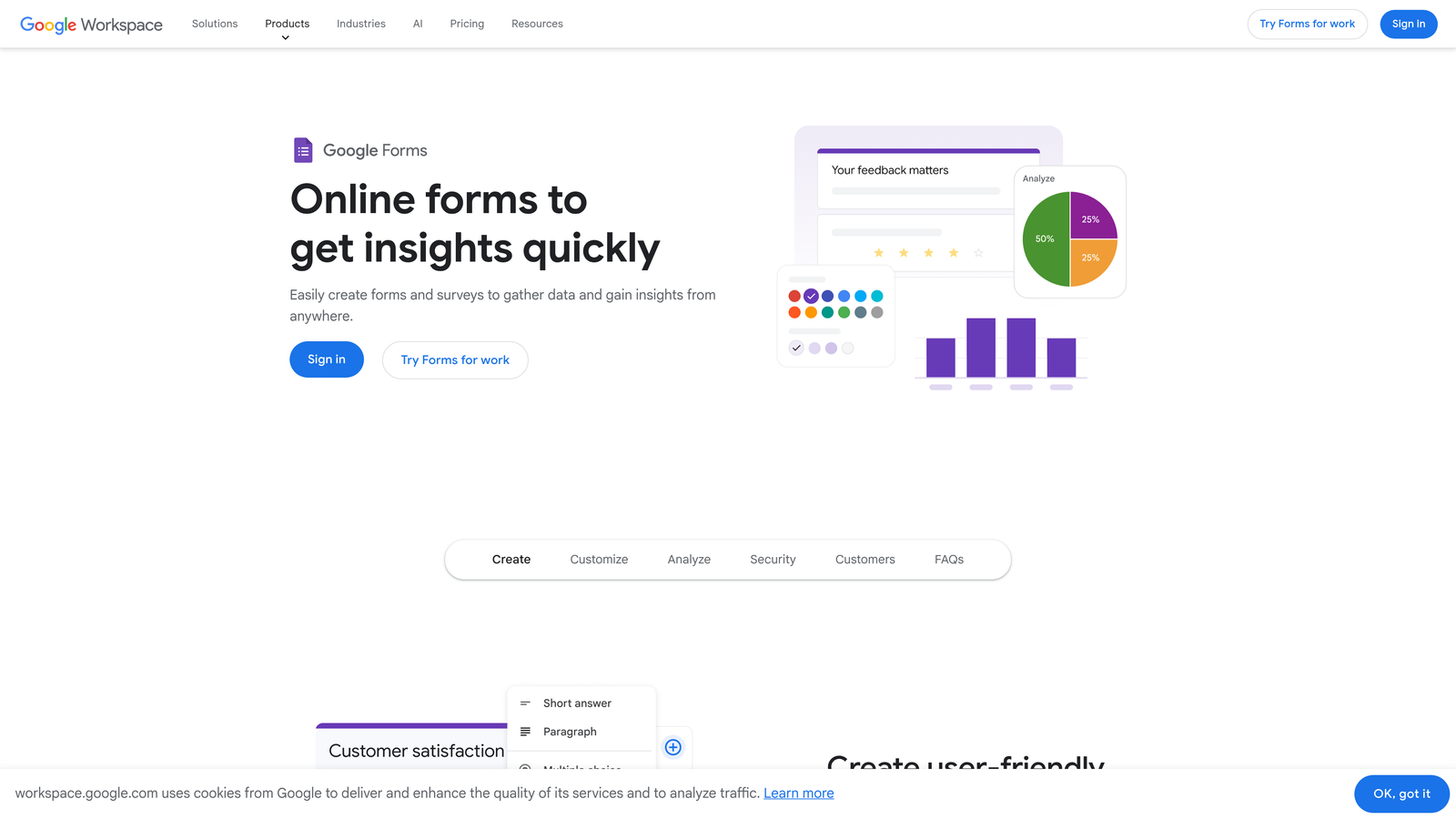
Google Forms is completely free for personal use with unlimited forms and responses, making it the default choice for budget-conscious teams.
Where This Tool Shines
The Google Sheets integration is seamless. Every form submission automatically populates a spreadsheet in real-time, which is perfect for teams already working within the Google ecosystem.
Real-time collaboration means multiple team members can edit forms simultaneously, similar to how Google Docs works. For internal surveys, employee feedback forms, or simple lead collection where advanced features aren't required, Google Forms delivers solid functionality at zero cost.
Key Features
Unlimited Forms and Responses: No caps on how many forms you create or submissions you collect.
Google Sheets Integration: Automatic data export to spreadsheets for analysis and reporting.
Real-Time Collaboration: Multiple users can edit forms simultaneously with automatic syncing.
Basic Conditional Logic: Show or hide sections based on responses, though less advanced than competitors.
Quiz Mode: Built-in grading functionality for educational assessments and quizzes.
Best For
Internal teams, educators, nonprofits, and anyone needing basic form functionality without budget for paid tools. It's particularly strong for organizations already using Google Workspace where the integration benefits are maximized.
Pricing
Completely free for personal use. For businesses using Google Workspace, it's included in plans starting at $6 per user monthly, which provides the full Google productivity suite beyond just forms.
5. Tally
Best for: Teams wanting unlimited forms and submissions without paying for a premium tier
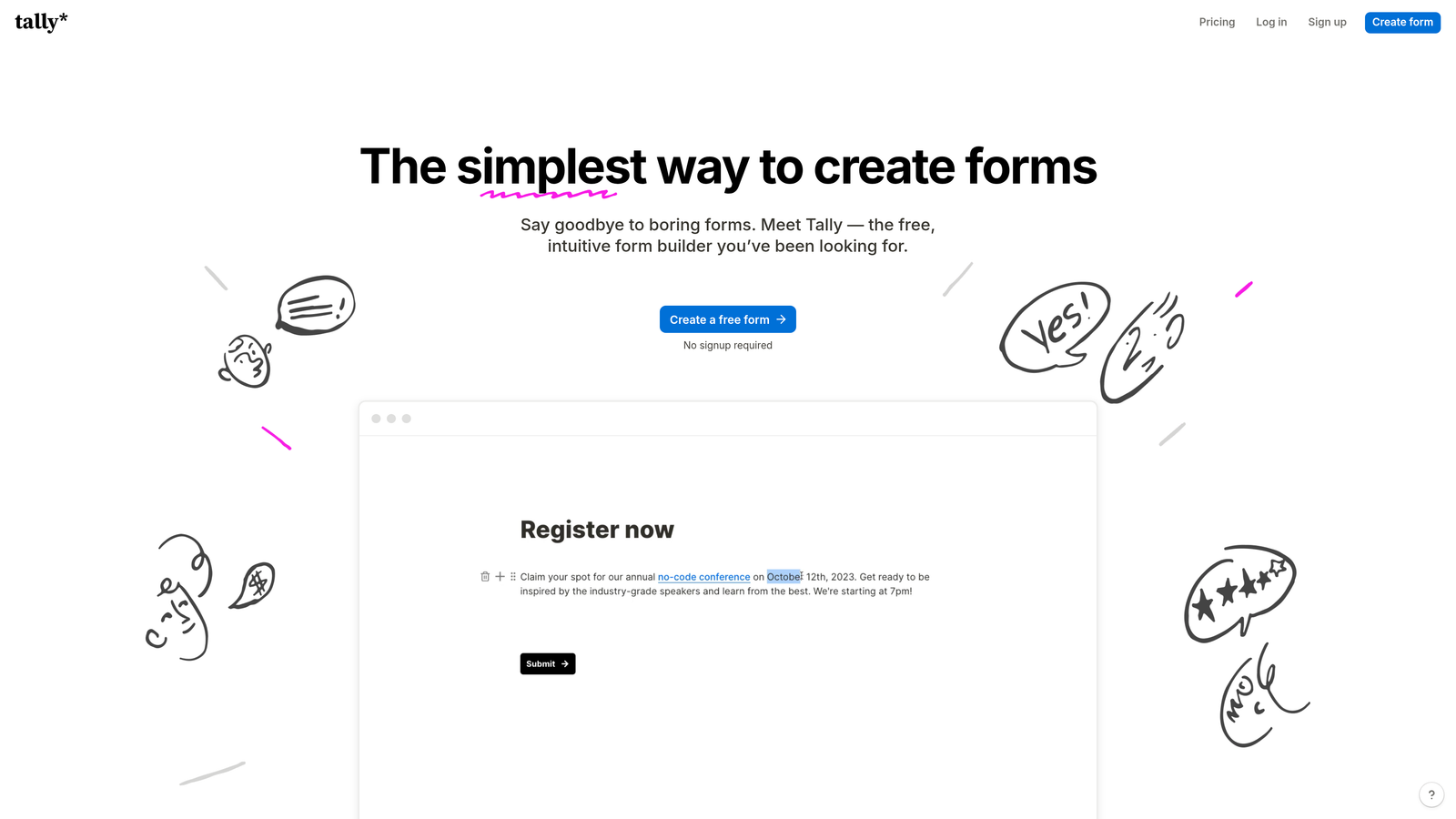
Tally disrupts traditional form builder pricing by offering unlimited forms and submissions on its free plan, using a Notion-style interface.
Where This Tool Shines
The unlimited free tier is genuinely unlimited—no artificial caps on submissions, forms, or responses. This makes it ideal for high-volume use cases where per-response pricing becomes prohibitively expensive.
The Notion-style block editor will feel immediately familiar if your team already uses Notion. You build forms by stacking blocks, creating a more intuitive experience than traditional form builders with their dropdown menus and settings panels.
Key Features
Unlimited Free Plan: No caps on forms, submissions, or responses on the free tier.
Notion-Style Editor: Block-based interface that's intuitive for teams familiar with modern document tools.
File Uploads Included: Collect file attachments without upgrading to paid plans.
Conditional Logic: Show or hide questions based on previous answers to personalize the experience.
Custom Domains: Available on Pro plan to remove Tally branding and use your own domain.
Best For
Startups and growing teams that need to collect high volumes of responses without budget for per-submission pricing. The free tier handles most use cases, and you only upgrade to Pro when you need custom domains or team collaboration features.
Pricing
Free plan includes unlimited forms and submissions with Tally branding. Pro is $29 monthly and adds custom domains, removes branding, and includes team features like shared workspaces and collaboration tools.
6. Paperform
Best for: Businesses selling products or services directly through forms with payment processing
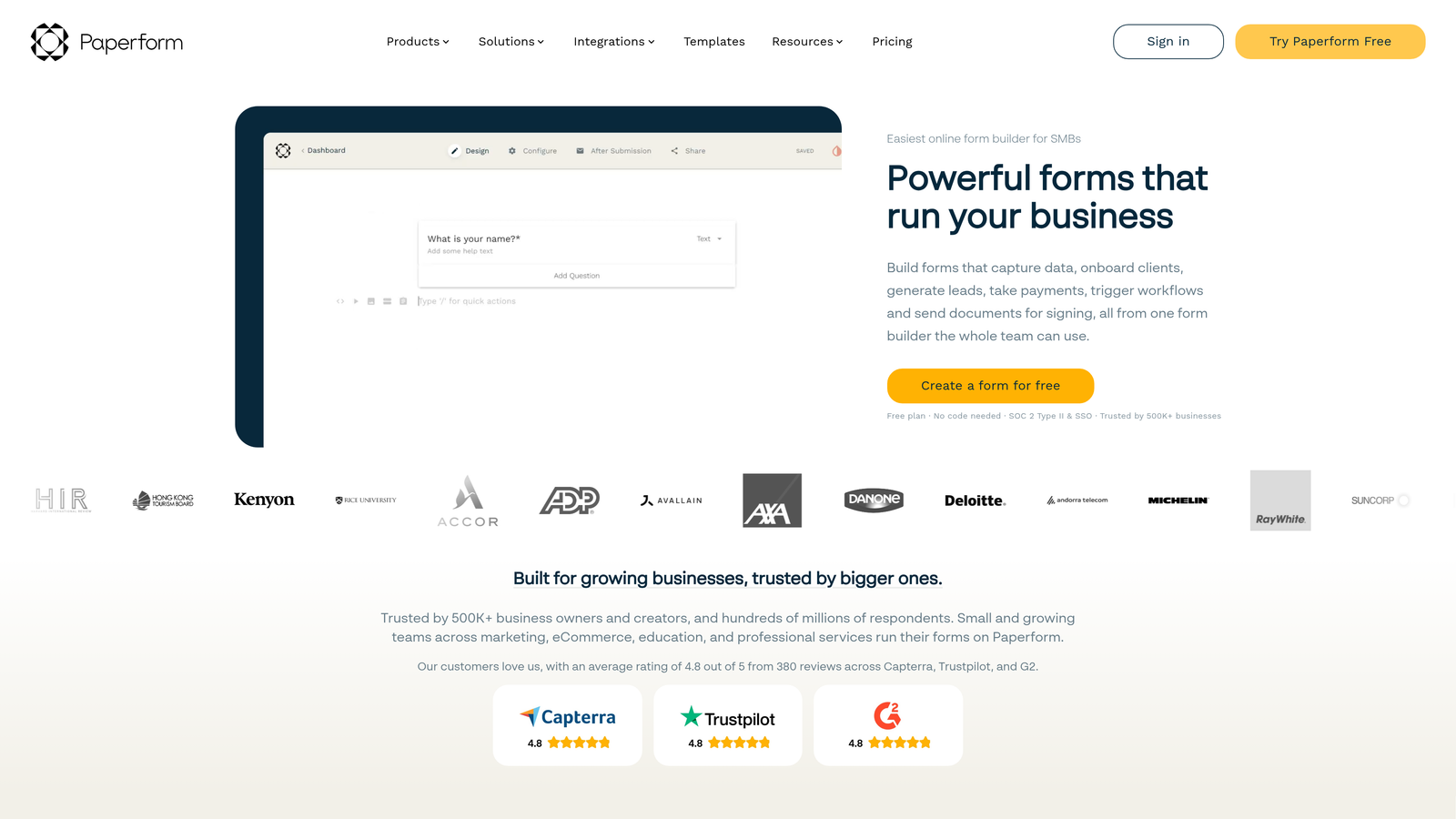
Paperform combines form building with e-commerce capabilities, allowing you to collect payments, sell products, and schedule appointments within a single platform.
Where This Tool Shines
The built-in payment processing eliminates the need for third-party tools like Stripe integrations. You can create product catalogs, set pricing, and accept payments directly through your forms.
The document-style design editor gives you more creative control than traditional form builders. Forms can look like landing pages or sales pages rather than generic questionnaires, which improves conversion rates for commercial use cases.
Key Features
Built-In Payment Processing: Accept payments through Stripe and PayPal without external integrations.
Product Catalog Forms: Create order forms with multiple products, quantities, and pricing options.
Appointment Scheduling: Embed booking calendars directly into forms for service businesses.
No Submission Limits: All paid plans include unlimited submissions, avoiding per-response charges.
Document-Style Editor: Create forms that look like landing pages with full design flexibility.
Best For
Service businesses, consultants, and e-commerce sellers who need forms that double as sales pages. If you're collecting payments, booking appointments, or selling digital products, Paperform handles the entire transaction flow.
Pricing
Essentials is $24 monthly for unlimited submissions and 1 user. Pro at $49/month includes 3 users and priority support. Agency tier costs $159/month with unlimited users and white-label options for agencies managing client forms.
7. Cognito Forms
Best for: Complex forms requiring advanced calculations, conditional logic, and workflow automation
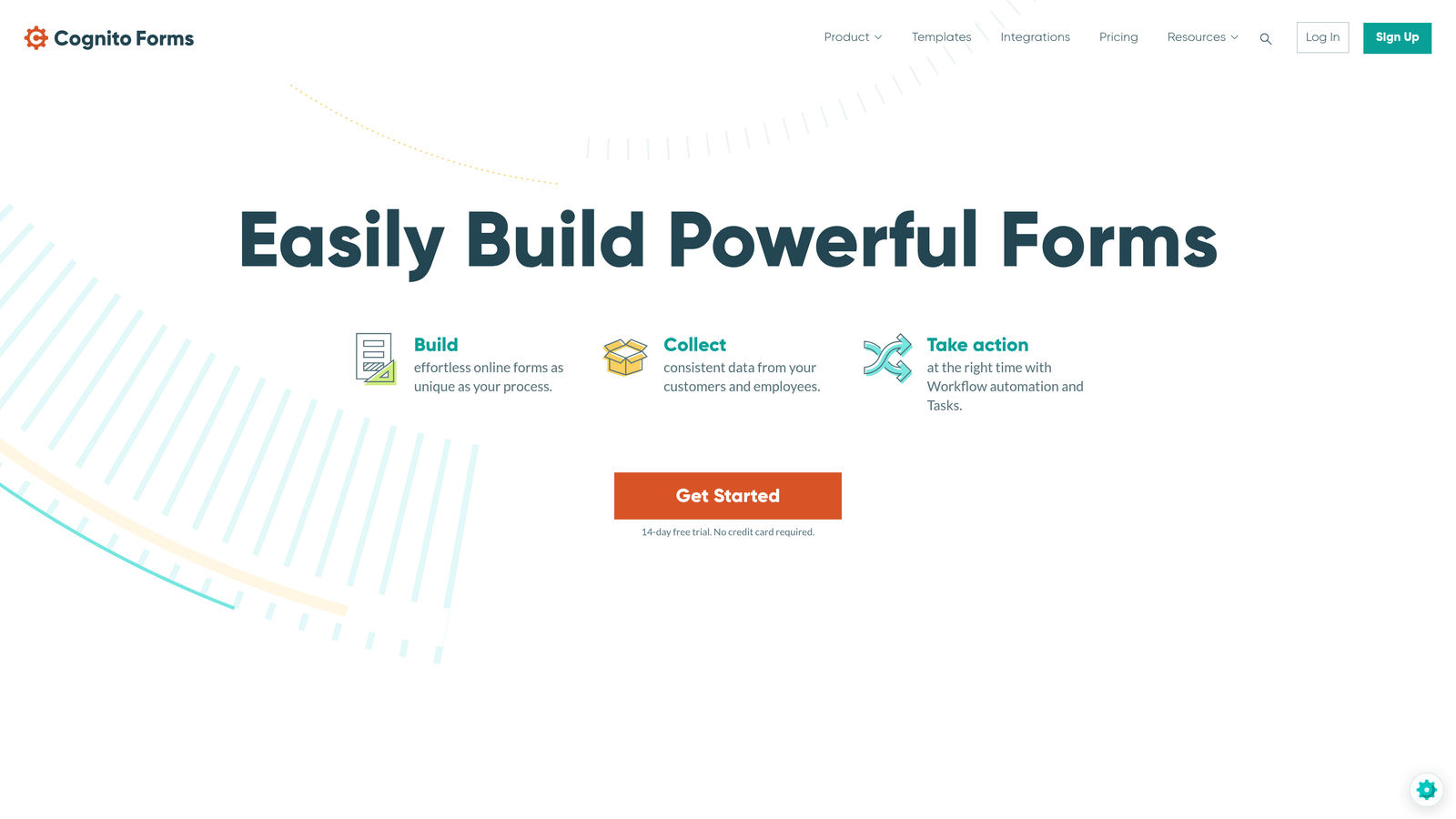
Cognito Forms specializes in powerful form logic and calculations that go beyond simple data collection into workflow automation territory.
Where This Tool Shines
The calculation engine is remarkably sophisticated. You can build forms that perform complex math, generate quotes, calculate pricing based on multiple variables, and even create repeating sections for itemized lists.
Document generation automatically creates PDFs from form submissions using custom templates. This is invaluable for contracts, invoices, and official documents that need to be generated from user input without manual work.
Key Features
Advanced Calculation Fields: Perform complex math and logic operations within forms for dynamic pricing and quotes.
Repeating Sections: Allow users to add multiple entries for items like dependents, products, or expenses.
Document Generation: Automatically create PDFs from submissions using custom templates.
Workflow Automation: Trigger emails, notifications, and actions based on form responses.
Payment Collection: Integrated payment processing with calculated amounts and split payments.
Best For
Organizations with complex data collection needs like insurance applications, financial services, healthcare intake forms, or any scenario requiring calculations and conditional logic beyond basic branching.
Pricing
Free tier includes unlimited forms with 500 entries monthly. Pro is $15/month for 2,000 entries. Team at $35/month handles 10,000 entries. Enterprise is $99/month with unlimited entries and advanced features like HIPAA compliance.
8. Formstack
Best for: Enterprise organizations requiring compliance certifications and advanced security
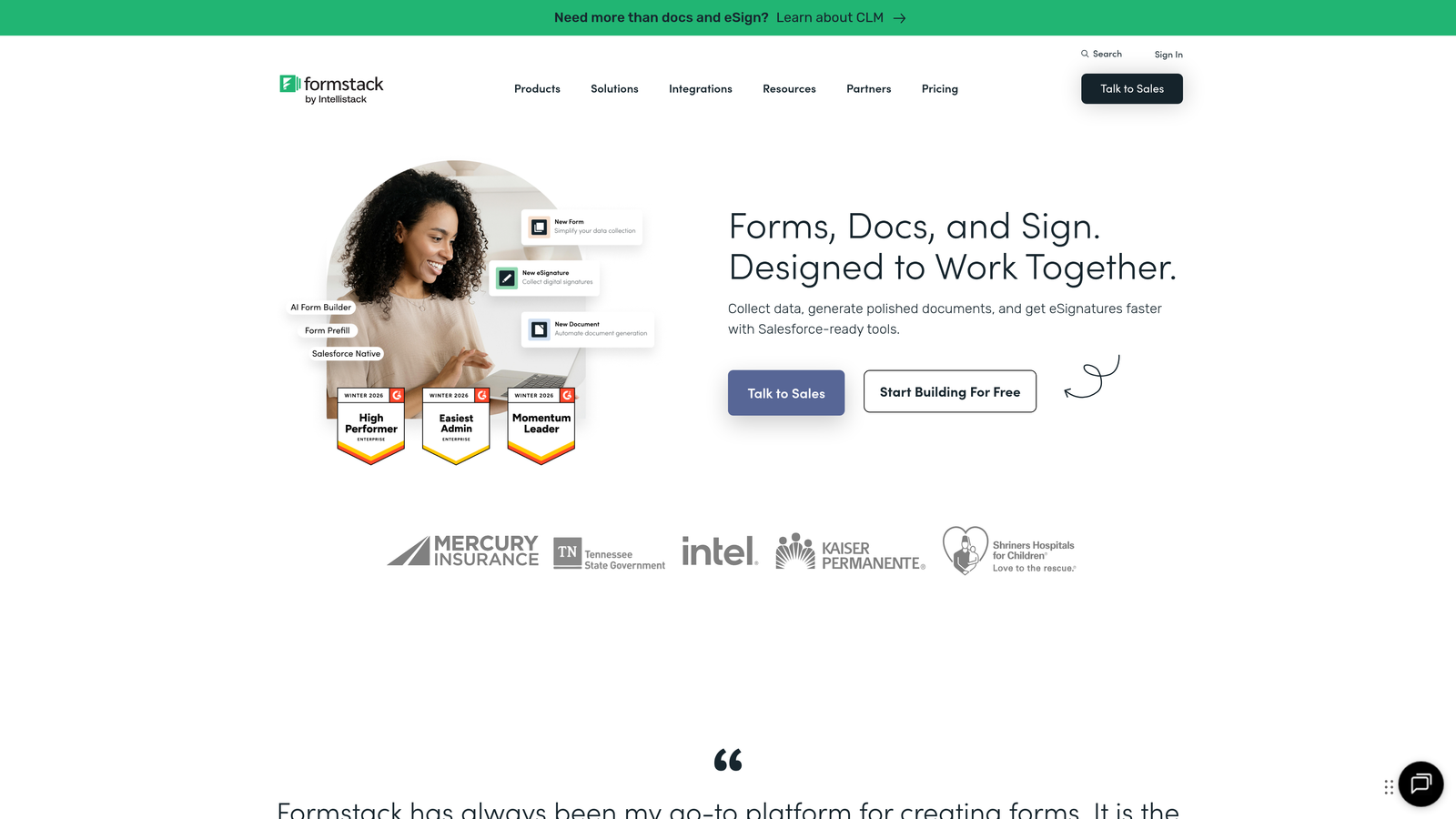
Formstack is built for enterprises with strict compliance requirements, offering HIPAA, GDPR, and SOC 2 certifications out of the box.
Where This Tool Shines
The compliance certifications are genuine and regularly audited. For healthcare organizations subject to HIPAA, financial services requiring SOC 2, or international companies needing GDPR compliance, Formstack handles the security infrastructure.
The Salesforce-native integration is deeper than typical API connections. Forms can read and write directly to Salesforce objects, making it the preferred choice for organizations heavily invested in the Salesforce ecosystem.
Key Features
Compliance Certifications: HIPAA, GDPR, and SOC 2 Type II certified for regulated industries.
Advanced Approval Workflows: Multi-step approval processes with routing rules and notifications.
Electronic Signatures: Collect legally binding signatures directly within forms.
Salesforce-Native Integration: Deep integration that reads and writes directly to Salesforce objects.
Advanced Field Types: Signature fields, file uploads, matrix questions, and calculated fields.
Best For
Enterprise organizations in regulated industries like healthcare, financial services, and government. If compliance certifications are non-negotiable requirements rather than nice-to-have features, Formstack justifies its premium pricing.
Pricing
Starter begins at $50 monthly for 20 forms. Team is $83/month for 100 forms. Pro at $208/month includes 1,000 forms and advanced features. Enterprise pricing is custom and includes dedicated support and compliance features.
9. 123FormBuilder
Best for: Mid-market teams balancing feature needs with budget constraints
123FormBuilder positions itself in the middle ground between budget tools and enterprise platforms, offering strong integration capabilities at reasonable prices.
Where This Tool Shines
The integration library includes over 200 connections to popular business tools. This extensive connectivity means you can likely connect 123FormBuilder to your existing tech stack without custom development.
The platform handles both simple and complex use cases reasonably well. You get multi-page forms, conditional logic, payment collection, and team collaboration without the premium pricing of enterprise tools.
Key Features
200+ Integrations: Pre-built connections to CRMs, email marketing tools, payment processors, and business apps.
Multi-Page Forms: Break long forms into multiple pages to improve completion rates.
Payment Collection: Integrated payment processing through Stripe, PayPal, and other processors.
Team Collaboration: Share forms with team members and manage permissions.
Custom Branding: Remove 123FormBuilder branding and add your own logo and colors.
Best For
Growing businesses that have outgrown basic form builders but don't need enterprise-level features. The pricing scales reasonably as you grow, and the integration library means it can connect to most business tools.
Pricing
Free plan includes 5 forms and 100 submissions monthly. Gold is $24/month for 20 forms and 1,000 submissions. Platinum at $45/month provides unlimited forms and 10,000 submissions with priority support.
Finding Your Best Pricing Match
The right form builder pricing depends entirely on your use case and growth trajectory. Here's how to decide:
If you're a startup or small team with limited budget, start with Google Forms or Tally's free tier. Both offer unlimited submissions without cost, though you'll sacrifice advanced features and customization.
For high-growth teams where lead quality matters as much as quantity, Orbit AI eliminates the manual lead qualification work that typically happens after form submission. The AI-powered qualification and predictable tier-based pricing make sense when you're scaling rapidly and need to maintain efficiency.
Mid-market businesses balancing features with budget should consider Jotform or 123FormBuilder. Both offer solid feature sets at reasonable prices with enough integrations to connect to your existing tools.
Enterprise organizations with compliance requirements have fewer options. Formstack's certifications and security features justify the premium pricing when HIPAA or SOC 2 compliance is mandatory rather than optional.
The biggest pricing mistake is choosing based solely on monthly cost without considering scaling implications. A tool that costs $25/month but charges per response can become expensive quickly. Calculate your expected submission volume for the next 12 months and model the actual costs at that scale.
Transform your lead generation with AI-powered forms that qualify prospects automatically while delivering the modern, conversion-optimized experience your high-growth team needs. Start building free forms today and see how intelligent form design can elevate your conversion strategy.


