

Not all form builders are created equal, especially when your forms need to do more than collect data. For high-growth teams, the right business form builder can mean the difference between a pipeline full of qualified leads and a spreadsheet full of noise.
Whether you're building contact forms, lead capture flows, or multi-step qualification surveys, the tools you choose directly impact conversion rates and sales efficiency. This guide covers the best business form builder options available in 2026, evaluated on ease of use, design quality, automation capabilities, lead qualification features, and pricing.
We've included options for teams at different stages, from lean startups to scaling SaaS companies, so you can find the right fit without wading through dozens of mediocre tools. If you're also looking to improve what happens after someone submits a form, check out our guides on how to integrate forms with your CRM and how to improve lead quality from inbound channels.
1. Orbit AI
Best for: High-growth B2B and SaaS teams focused on lead qualification and conversion optimization
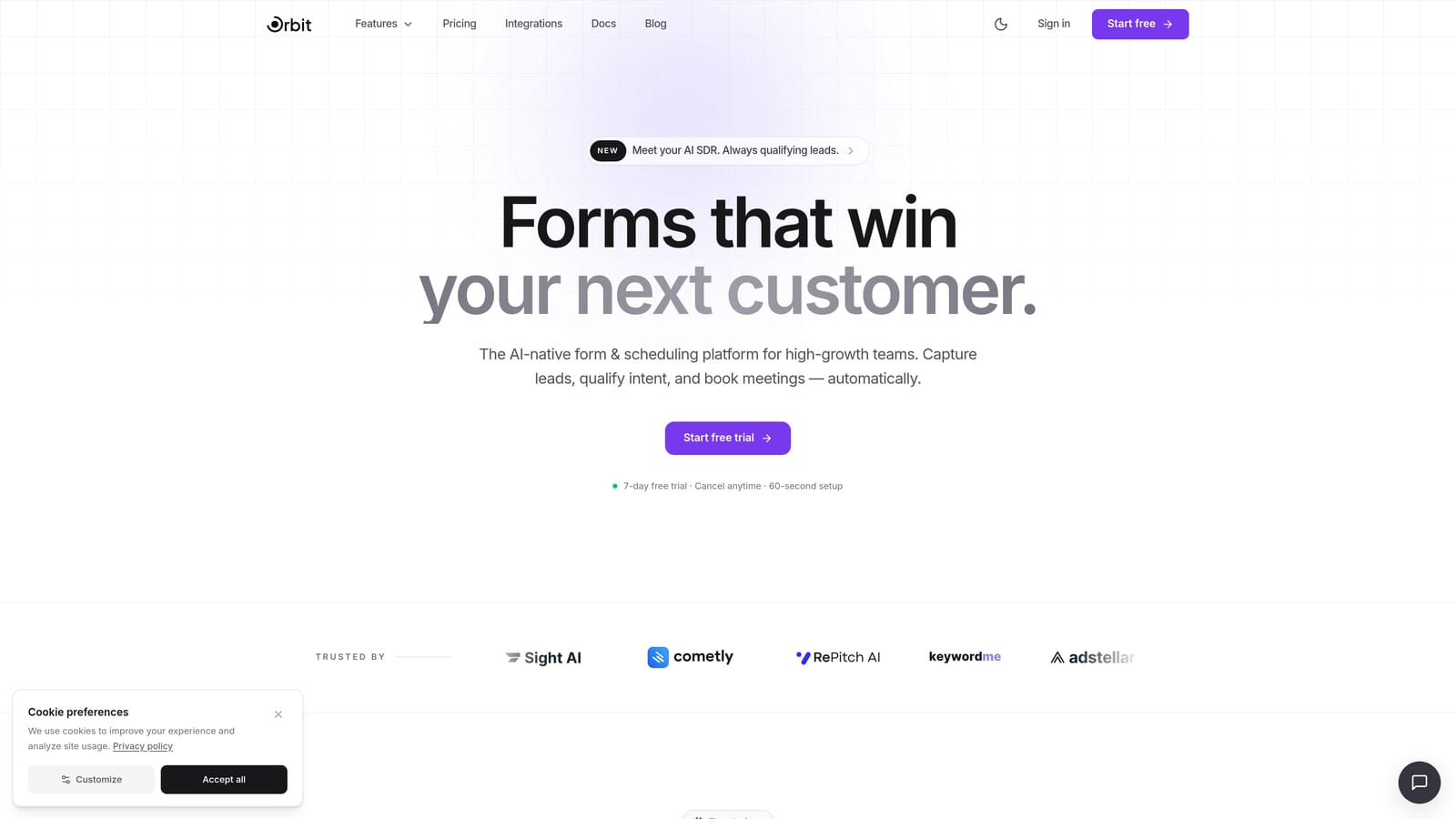
Orbit AI is an AI-powered form builder with native lead qualification capabilities, built specifically for teams that care about pipeline quality as much as form completion rates.
Where This Tool Shines
Most form builders treat qualification as an afterthought, something you bolt on via a third-party integration after the fact. Orbit AI builds that intelligence directly into the form layer. As prospects move through a form, the AI is already scoring and qualifying responses in real time, so your sales team receives leads that are ranked and ready to prioritize.
The design quality is a genuine differentiator too. Forms built on Orbit AI look modern and intentional, which matters when first impressions affect whether someone completes a form or bounces. For teams where brand experience and conversion rate are both non-negotiable, that combination is hard to find elsewhere.
Key Features
AI-Powered Lead Qualification: Built natively into the form layer, not added via a third-party tool, so qualification logic runs as prospects respond.
Lead Scoring: Automatically scores inbound responses so sales teams can prioritize high-fit leads without manual triage.
Conditional Logic and Dynamic Fields: Personalize the form experience based on how each respondent answers, creating relevant, adaptive flows.
Conversion-Optimized Design: Modern, beautiful form UI designed to reduce friction and improve completion rates for high-stakes lead capture.
CRM and Marketing Stack Integrations: Connects with the tools high-growth teams already use, so qualified leads flow directly into existing workflows.
Best For
Orbit AI is the strongest fit for B2B SaaS companies, demand generation teams, and growth-focused operators who need forms to do real qualification work, not just collect submissions. If pipeline quality and lead scoring are priorities, this is built for that use case specifically.
Pricing
Check orbitforms.ai for current pricing and plan details, as plans are updated regularly to reflect new features.
2. Typeform
Best for: Teams that want a polished, conversational form experience with strong conditional logic
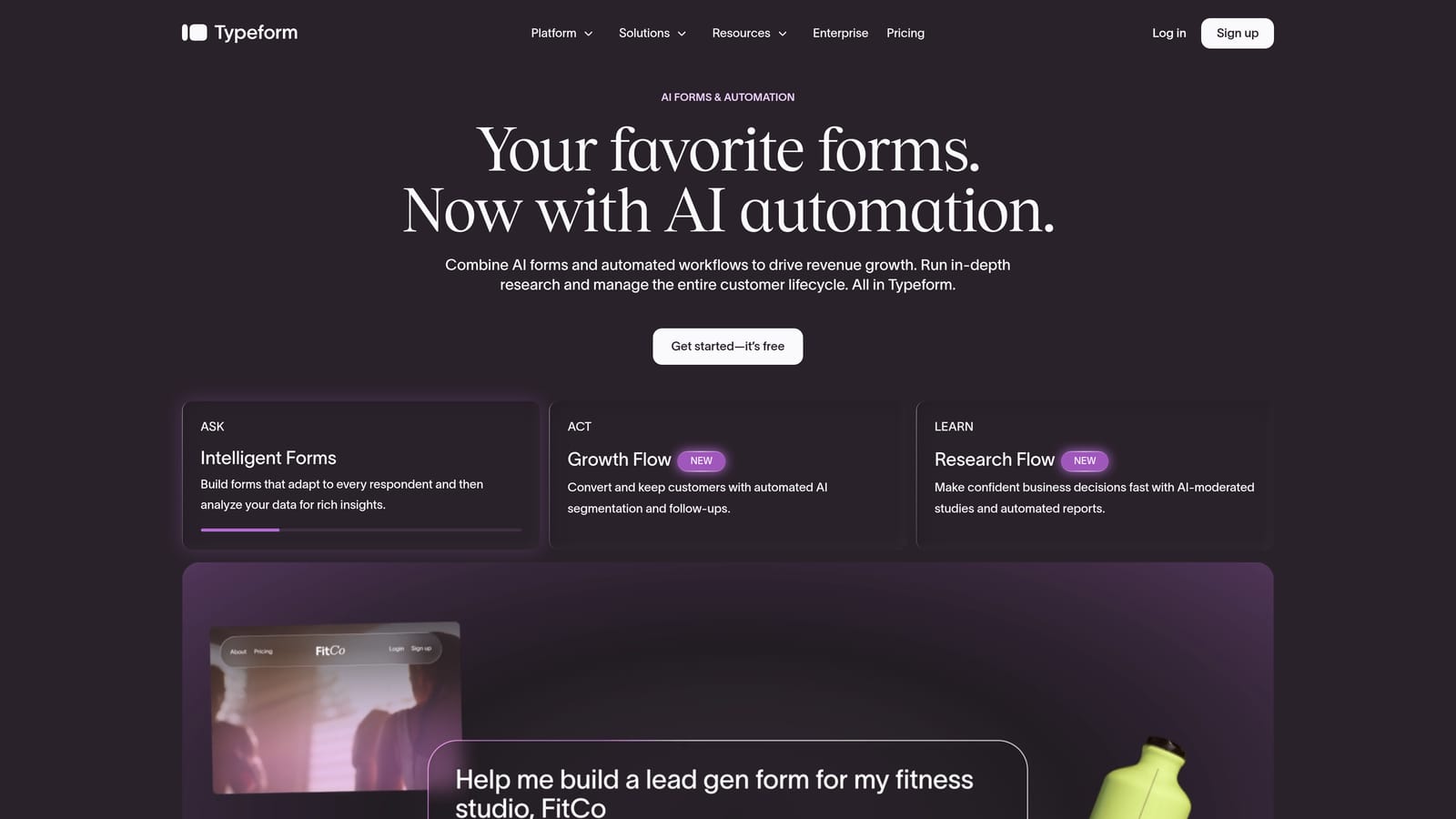
Typeform is a well-established conversational form builder known for its one-question-at-a-time format, polished visual design, and reliable conditional branching.
Where This Tool Shines
Typeform's signature UX presents one question at a time, which creates a more focused, interview-like experience for respondents. This format tends to feel less overwhelming than traditional long-form surveys, which can help with completion on forms that require more detailed responses.
The design quality is a real strength. Typeform forms look clean and professional out of the box, and the brand customization options give teams enough flexibility to make forms feel on-brand without requiring a designer. For teams where visual presentation matters, Typeform sets a high bar.
Key Features
One-Question-at-a-Time Format: Conversational UX that presents questions sequentially, creating a focused experience for respondents.
Conditional Logic and Branching: Route respondents through different question paths based on their answers, enabling personalized form flows.
Answer Piping: Reference previous answers within later questions to create a more natural, personalized conversation.
Visual Design and Customization: High-quality default design with brand customization options including fonts, colors, and background imagery.
CRM and Marketing Integrations: Connects with major CRM platforms and marketing tools to route responses into existing workflows.
Best For
Typeform works well for marketing teams, agencies, and product teams that prioritize form aesthetics and respondent experience. It's a strong choice for customer research surveys, onboarding flows, and lead capture where brand impression matters. Teams that need deep AI-powered lead scoring may find they need additional tooling alongside it.
Pricing
A free plan is available with limited responses. Paid plans start from approximately $25/month. Verify current pricing at typeform.com as tiers and features change.
3. Jotform
Best for: Teams that need broad template coverage, extensive integrations, and flexibility across departments
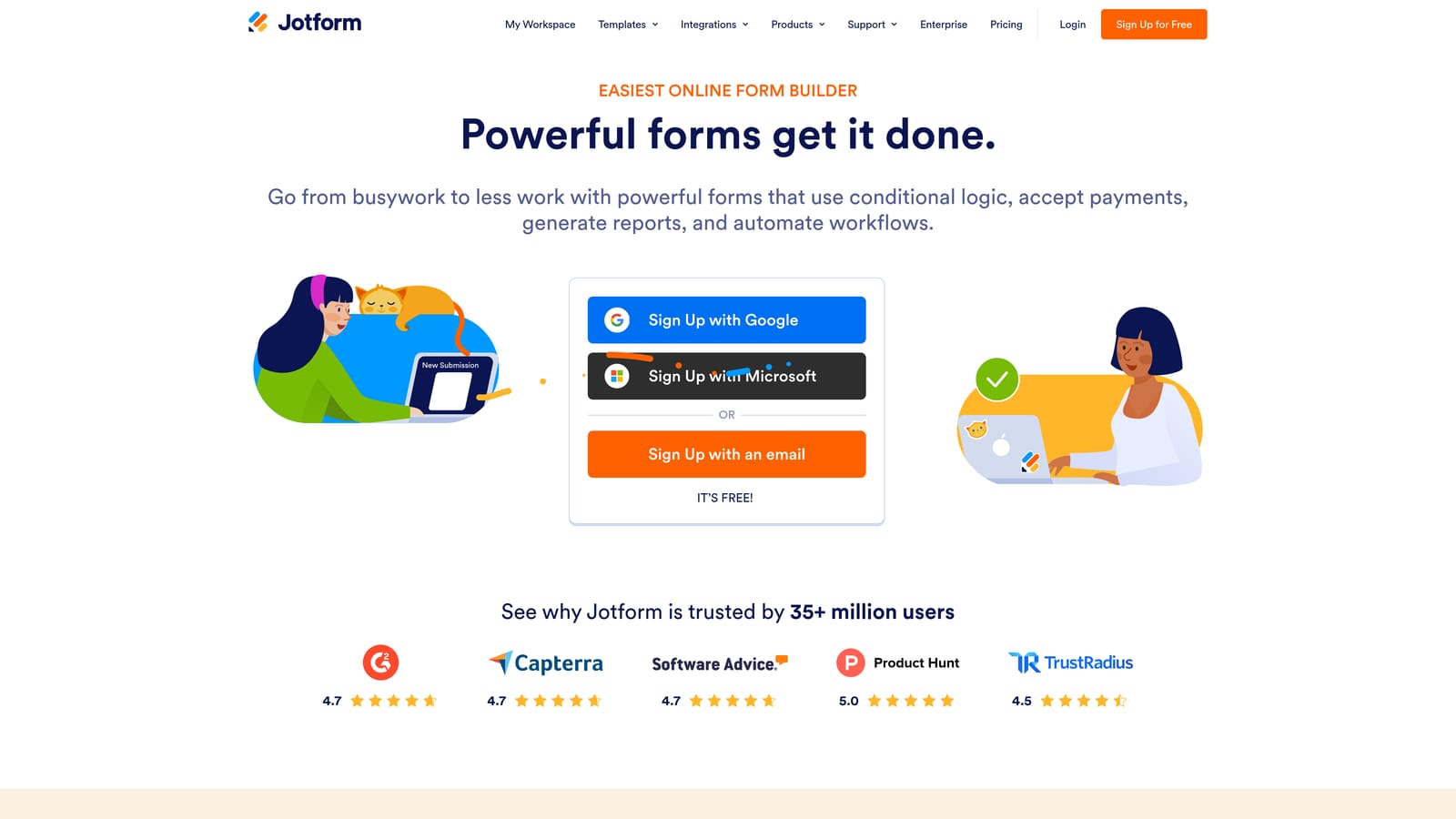
Jotform is one of the most feature-rich form builders available, offering thousands of templates, a wide integration library, and support for a wide range of use cases across business functions.
Where This Tool Shines
Jotform's depth is its defining quality. With thousands of pre-built templates spanning industries from healthcare to e-commerce to HR, teams can get a working form up quickly regardless of the use case. The integration library is equally broad, covering payment processors, CRM platforms, project management tools, and more.
Jotform has also introduced AI-powered conversational form capabilities, which gives teams a more interactive option when a traditional static form isn't the right fit. For organizations that need one platform to serve multiple departments with very different form needs, Jotform's range is hard to match.
Key Features
Thousands of Templates: Pre-built templates across industries and use cases, significantly reducing setup time for common form types.
Extensive Integration Library: Connects with payment processors, CRM tools, project management platforms, and hundreds of other services.
Conditional Logic and Calculations: Build smart forms with branching logic and calculated fields for more complex data collection needs.
Jotform AI: Conversational form option that creates a more interactive, dialogue-style experience for respondents.
Generous Free Tier: Free plan includes meaningful response limits, making it accessible for teams testing the platform before committing.
Best For
Jotform suits operations teams, HR departments, agencies managing multiple clients, and organizations that need one platform to handle diverse form requirements. It can feel complex for simple use cases, but for teams that need that breadth, the feature depth is a genuine asset.
Pricing
A free plan is available. Paid plans start from approximately $34/month. Verify current pricing at jotform.com.
4. Paperform
Best for: Teams that need content-rich forms with built-in payment collection and scheduling
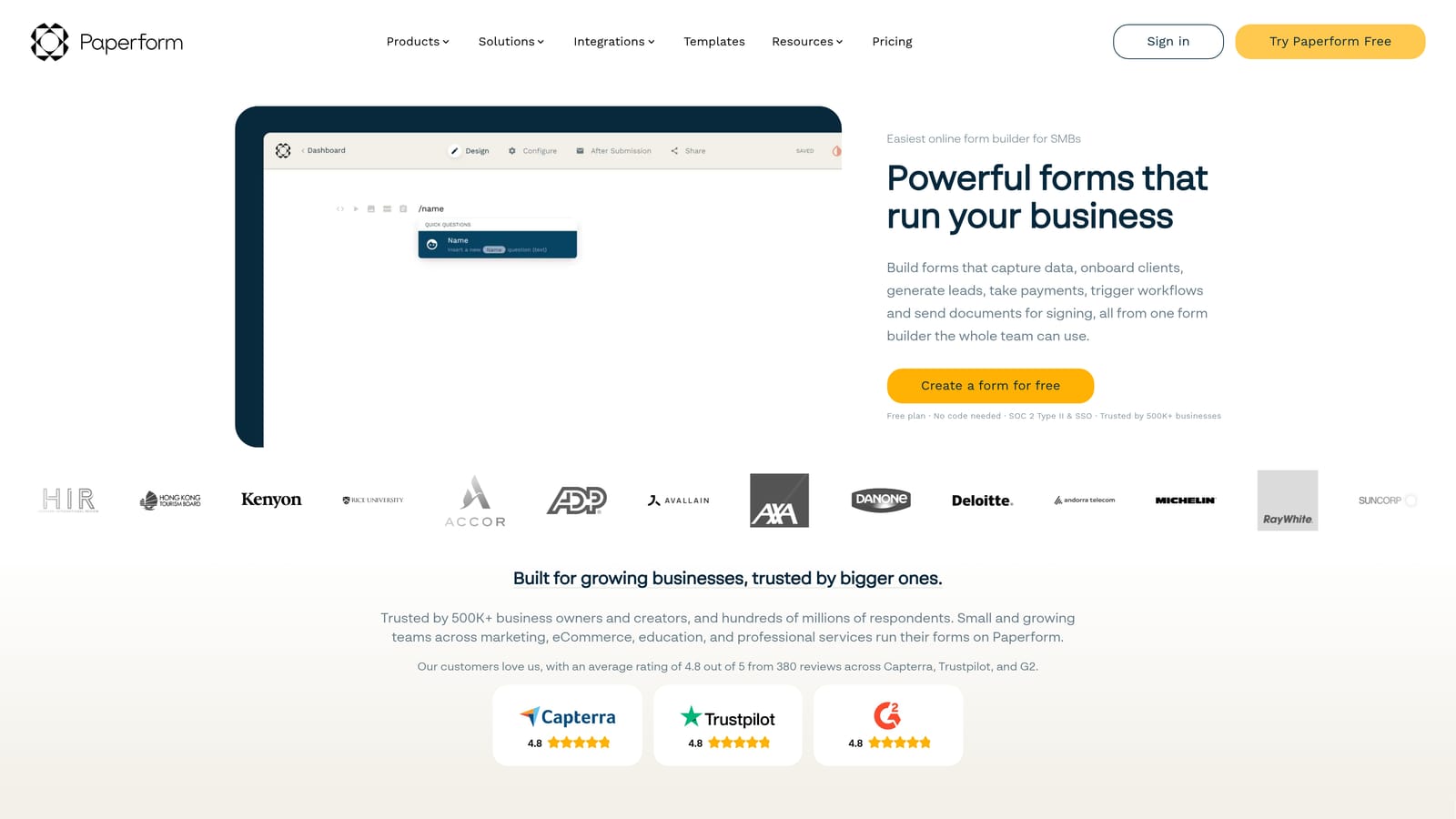
Paperform takes a document-style approach to form building, blending long-form content with form fields in a way that feels more like a landing page than a traditional form.
Where This Tool Shines
Paperform's editor is genuinely different. Rather than building a form in a separate interface, you write content and embed form fields inline, creating forms that read more like documents or sales pages. This makes it particularly effective for forms that need context, explanation, or a persuasive narrative alongside the questions.
The built-in payment collection, product sales, and scheduling features are also notable. For consultants, service businesses, and agencies that want to handle intake, booking, and payment in a single form without stitching together multiple tools, Paperform covers that workflow cleanly.
Key Features
Document-Style Editor: Unique interface that blends written content with form fields, enabling richer, more contextual form experiences.
Built-In Payment Collection: Accept payments and sell products directly through forms without requiring a separate payment integration setup.
Scheduling and Booking: Built-in scheduling capabilities for teams that need to capture bookings alongside form responses.
Conditional Logic and Multi-Page Forms: Route respondents through personalized paths and break longer forms into manageable sections.
Custom Domains and Branding: Strong branding options including custom domain support for a fully on-brand form experience.
Best For
Paperform is an excellent fit for consultants, agencies, coaches, and service-based businesses that need forms to double as intake pages, booking flows, or product order forms. Teams with straightforward lead capture needs may find it more than they require, but for multi-purpose form workflows, it delivers.
Pricing
Plans start from approximately $24/month. Verify current pricing at paperform.co.
5. Tally
Best for: Early-stage teams and indie operators who need unlimited forms at no cost
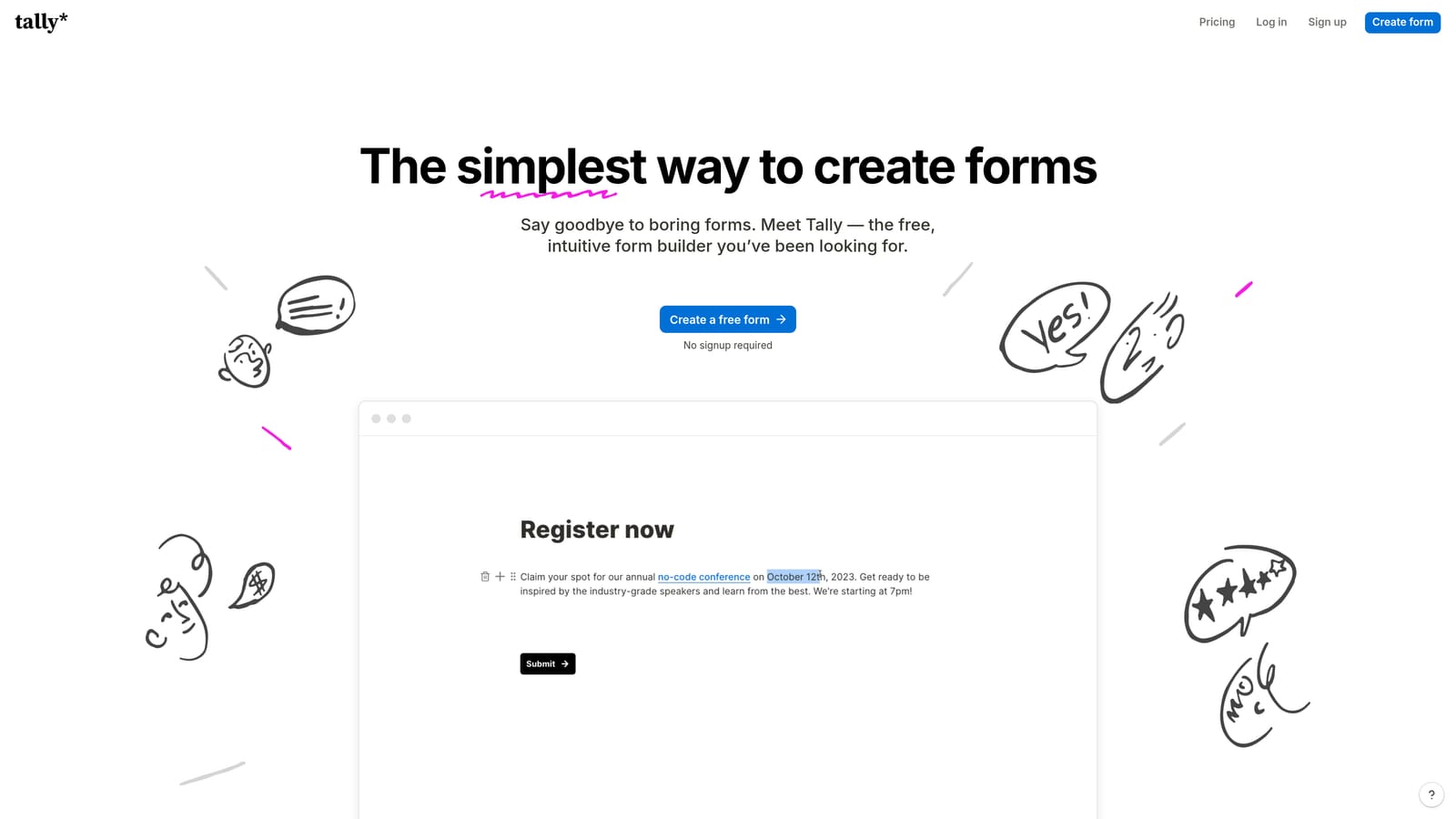
Tally is a minimalist, Notion-inspired form builder with a generous free tier that includes unlimited forms and unlimited responses, making it one of the most accessible options available.
Where This Tool Shines
Tally's free plan is genuinely exceptional compared to most competitors. Unlimited forms and unlimited responses at no cost removes the friction that typically forces early-stage teams onto paid plans before they're ready. The block-based editor will feel immediately familiar to anyone who uses Notion, which shortens the learning curve considerably.
For teams that need clean, simple forms without a lot of setup complexity, Tally delivers. The interface is fast, the output looks polished, and conditional logic is available even on the free tier. Where it has limitations is in advanced qualification workflows and deeper integration depth, which may matter more as teams scale.
Key Features
Unlimited Free Forms and Responses: The free plan includes no caps on form count or submission volume, which is rare in this category.
Notion-Like Block Editor: Familiar, clean editing interface that's fast to learn and comfortable for teams already in the Notion ecosystem.
Conditional Logic on Free Tier: Basic branching logic available without needing a paid plan, adding meaningful flexibility for free users.
Integration Support: Growing native integrations plus Zapier connectivity for routing responses to other tools in your stack.
Simple Embed Options: Straightforward embedding for websites, making it easy to deploy forms without technical setup.
Best For
Tally is well-suited for indie makers, early-stage startups, solo operators, and teams that need simple forms quickly without a budget commitment. Teams that need AI-powered lead qualification or complex multi-step workflows will likely outgrow it, but as a starting point or for lightweight use cases, it's hard to beat the value.
Pricing
Generous free tier with no form or response limits. Tally Pro starts from approximately $29/month. Verify current pricing at tally.so.
6. Formstack
Best for: Enterprise teams in regulated industries that need forms, documents, e-signatures, and workflow automation in one platform
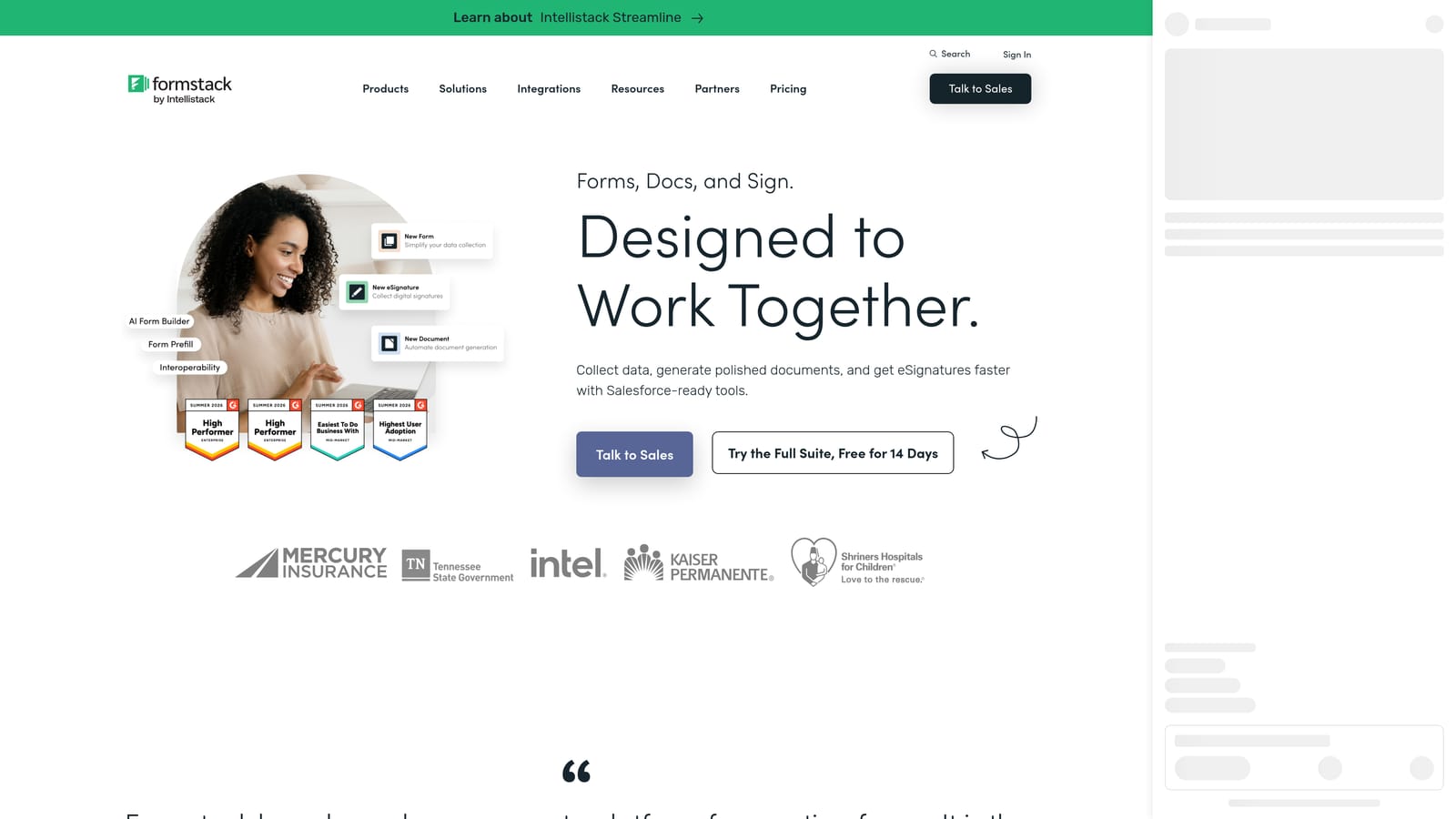
Formstack is an enterprise-grade platform that goes well beyond form building, combining document generation, e-signatures, and advanced workflow automation for organizations with complex compliance and process requirements.
Where This Tool Shines
Formstack is designed for organizations where a form is the start of a longer, structured process, not just a data collection endpoint. The platform handles approval workflows, document generation, and e-signature collection as part of a connected workflow, which makes it valuable for teams in healthcare, legal, financial services, and other regulated sectors.
The compliance capabilities, including HIPAA support, are a meaningful differentiator for industries where data handling requirements are strict. For enterprise teams that need one platform to manage forms, documents, and signatures without stitching together multiple point solutions, Formstack covers that end-to-end workflow.
Key Features
Advanced Workflow Automation: Multi-step approval workflows and routing logic that go well beyond standard conditional form logic.
Document Generation: Automatically generate documents from form submissions, reducing manual document creation for high-volume processes.
E-Signature Capabilities: Collect legally binding signatures as part of a connected form-to-document workflow.
Compliance Features: HIPAA support and other compliance-focused features for regulated industries with strict data handling requirements.
Enterprise Integrations: Deep connections with Salesforce, major CRM platforms, and enterprise tool stacks for seamless data flow.
Best For
Formstack is the right choice for mid-market and enterprise organizations in healthcare, legal, financial services, or any sector where compliance, document workflows, and e-signatures are part of the form process. It's significantly more than most teams need for straightforward lead capture, but for the use cases it's built for, the depth is appropriate.
Pricing
Pricing is custom and enterprise-tier. Check formstack.com for current plan details and to request a quote.
Choosing the Right Tool for Your Team
The best business form builder for your team depends on what you actually need your forms to do. Here's how to think about the decision based on your situation.
For lead generation and qualification: Orbit AI is the strongest option if pipeline quality is a priority. The AI-powered lead scoring built natively into the form layer is a genuine differentiator for B2B and SaaS teams that need more than a submission counter. It's designed specifically for the use case of converting form traffic into sales-ready leads.
For brand-focused teams that value design: Typeform delivers some of the best out-of-the-box form aesthetics available. If respondent experience and visual polish are non-negotiable, it's a reliable choice with strong conditional logic to match.
For early-stage teams on a tight budget: Tally's free tier is genuinely hard to beat. Unlimited forms and responses at no cost gives early-stage startups room to experiment and iterate without a financial commitment.
For enterprise and regulated industries: Formstack is purpose-built for organizations that need compliance features, document generation, and e-signature workflows alongside their forms. The complexity and price point reflect that positioning.
For multi-purpose form needs: Jotform's template depth and integration breadth make it a practical choice for operations teams or agencies managing diverse form requirements across departments.
If your team is focused on converting inbound interest into qualified pipeline, the form layer is one of the highest-leverage places to invest. Start building free forms today with Orbit AI and see how intelligent form design can elevate your conversion strategy from the first touchpoint.


