

When a high-intent lead submits your form, every minute of delay costs you. The window between submission and first contact is narrow, and the teams that move fastest tend to win the deal. Real-time form notifications close that gap — but the tools that power them vary wildly in sophistication.
Some tools bolt on a basic email alert and call it a day. Others offer intelligent routing, instant Slack pings, CRM triggers, and AI-powered lead qualification signals that tell you who to prioritize before you even pick up the phone. If you're running a high-growth SaaS operation or managing multiple client pipelines, that difference matters enormously.
This guide covers the top real-time form notification tools available in 2026, evaluated on notification speed, routing intelligence, integration depth, and fit for conversion-focused teams. Whether you're chasing MQLs or building a lean lead gen stack, you'll find the right fit here.
1. Orbit AI
Best for: High-growth SaaS teams that want notifications enriched with AI-powered lead qualification signals.
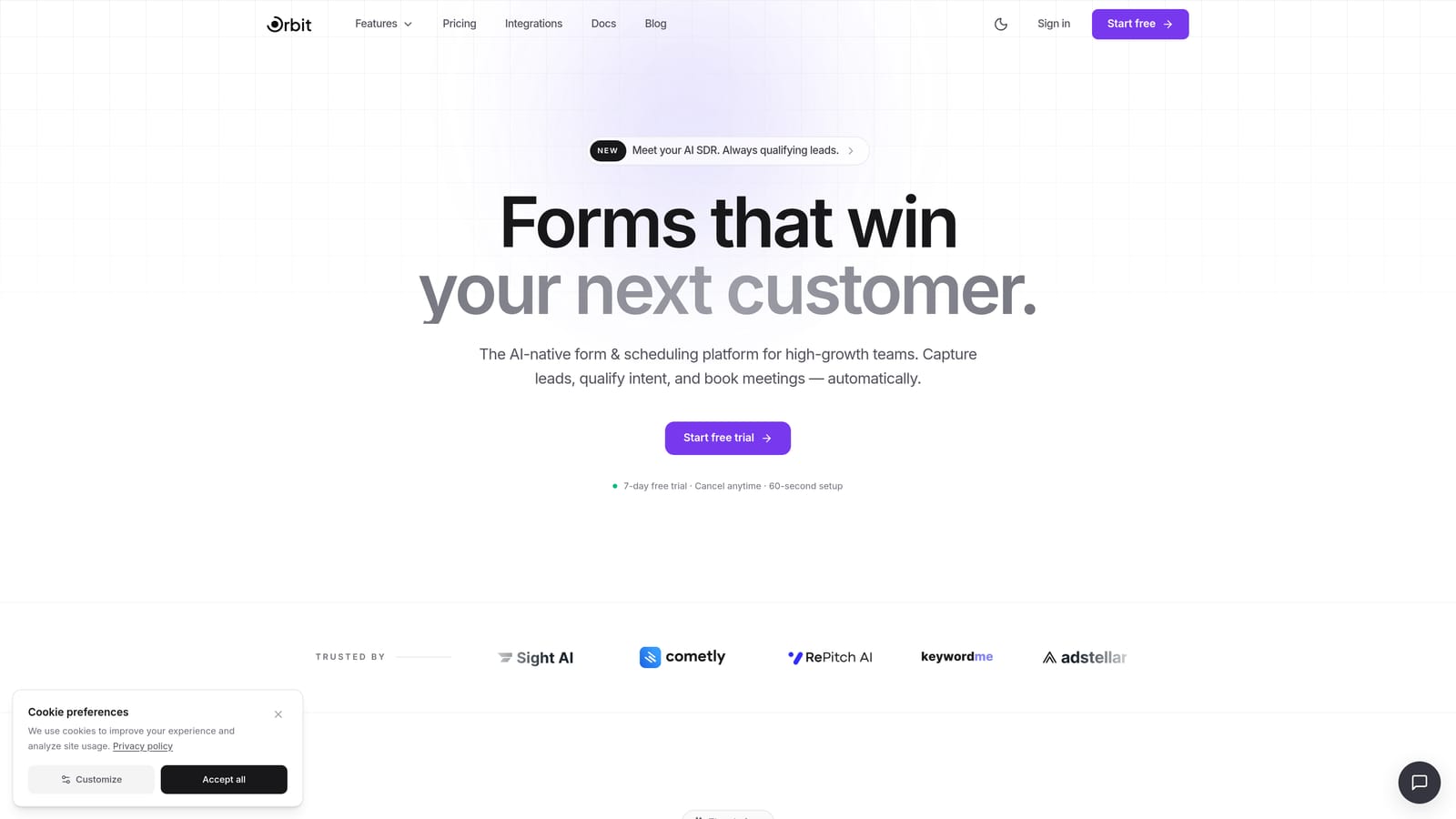
Orbit AI is an AI-powered form builder that combines real-time submission notifications with built-in lead qualification, giving your team instant context on every new lead.
Where This Tool Shines
Most notification tools tell you that someone submitted a form. Orbit AI tells you who submitted it and how qualified they are, all in the same instant alert. That's the core differentiator: notifications arrive enriched with AI-generated lead quality signals, so your sales team can triage immediately rather than digging through raw field data.
The platform is also built from the ground up for conversion optimization. Forms are modern and visually polished, conditional logic captures richer lead data, and the whole system is designed to surface your best leads faster. For teams where speed-to-lead is a competitive advantage, this combination of beautiful form design and intelligent notification routing is genuinely hard to match.
Key Features
AI Lead Qualification Signals: Every submission notification includes an AI-generated lead quality score, so your team knows which leads to prioritize the moment the alert lands.
Instant Submission Notifications: Real-time alerts are sent the moment a form is submitted, with no batching or delay.
Smart Lead Routing: Leads are scored and routed at the moment of submission, directing the right alert to the right person automatically.
CRM and Communication Integrations: Connect with your CRM and tools like Slack for downstream notification routing that fits your existing workflow.
Conditional Logic and Dynamic Fields: Capture richer, more structured lead data that makes every notification more actionable.
Best For
Orbit AI is purpose-built for high-growth SaaS teams, demand generation leads, and conversion-focused marketers who need notifications to do more than fire off a generic ping. If lead quality context and speed-to-lead are priorities, this is the tool to evaluate first.
Pricing
Visit orbitforms.ai for current pricing details and free trial options. A free starting point is available for teams ready to explore the platform.
2. Typeform
Best for: Marketing teams that prioritize brand-consistent, conversational form experiences with solid notification basics.
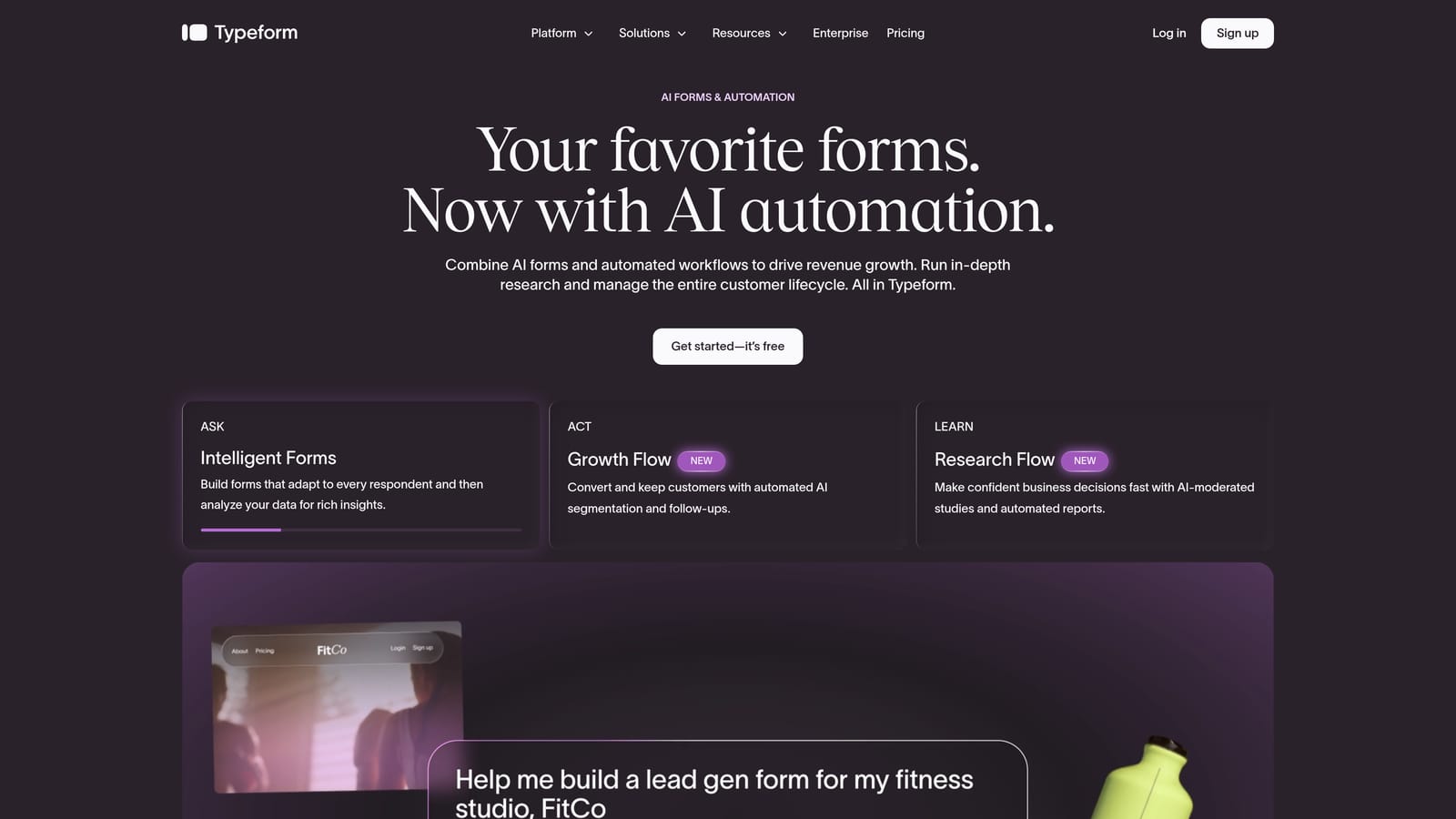
Typeform is a well-established conversational form builder with native email notifications and webhook support for real-time data routing.
Where This Tool Shines
Typeform's one-question-at-a-time format creates a distinctly engaging form experience, which can support higher completion rates on longer or more complex forms. For brand-conscious teams, the polished aesthetic is a real selling point.
On the notification side, Typeform covers the fundamentals well. Native email alerts are available across plans, and webhooks on paid tiers allow real-time pushes to external systems. For teams that need more advanced routing, Zapier and Make integrations extend what's possible without much technical overhead.
Key Features
Native Email Notifications: Available on all plans, including free, with straightforward configuration.
Webhooks: Real-time submission pushes to external tools and systems, available on paid plans.
Zapier and Make Integration: Enables advanced notification routing to Slack, CRMs, and other platforms without custom development.
Respondent Confirmation Emails: Automated confirmation emails to form submitters are included natively.
Conversational Format: The one-question-at-a-time UX can improve form completion for longer lead capture flows.
Best For
Typeform suits marketing teams that want a premium form experience and are comfortable using Zapier to handle more sophisticated notification routing. It's less ideal for teams that need native lead scoring or complex conditional alert logic built in.
Pricing
A free plan is available. Paid plans start at approximately $25 per month billed annually, with higher tiers unlocking webhooks and advanced features.
3. Jotform
Best for: Teams that need highly configurable conditional notification rules without relying on third-party automation tools.
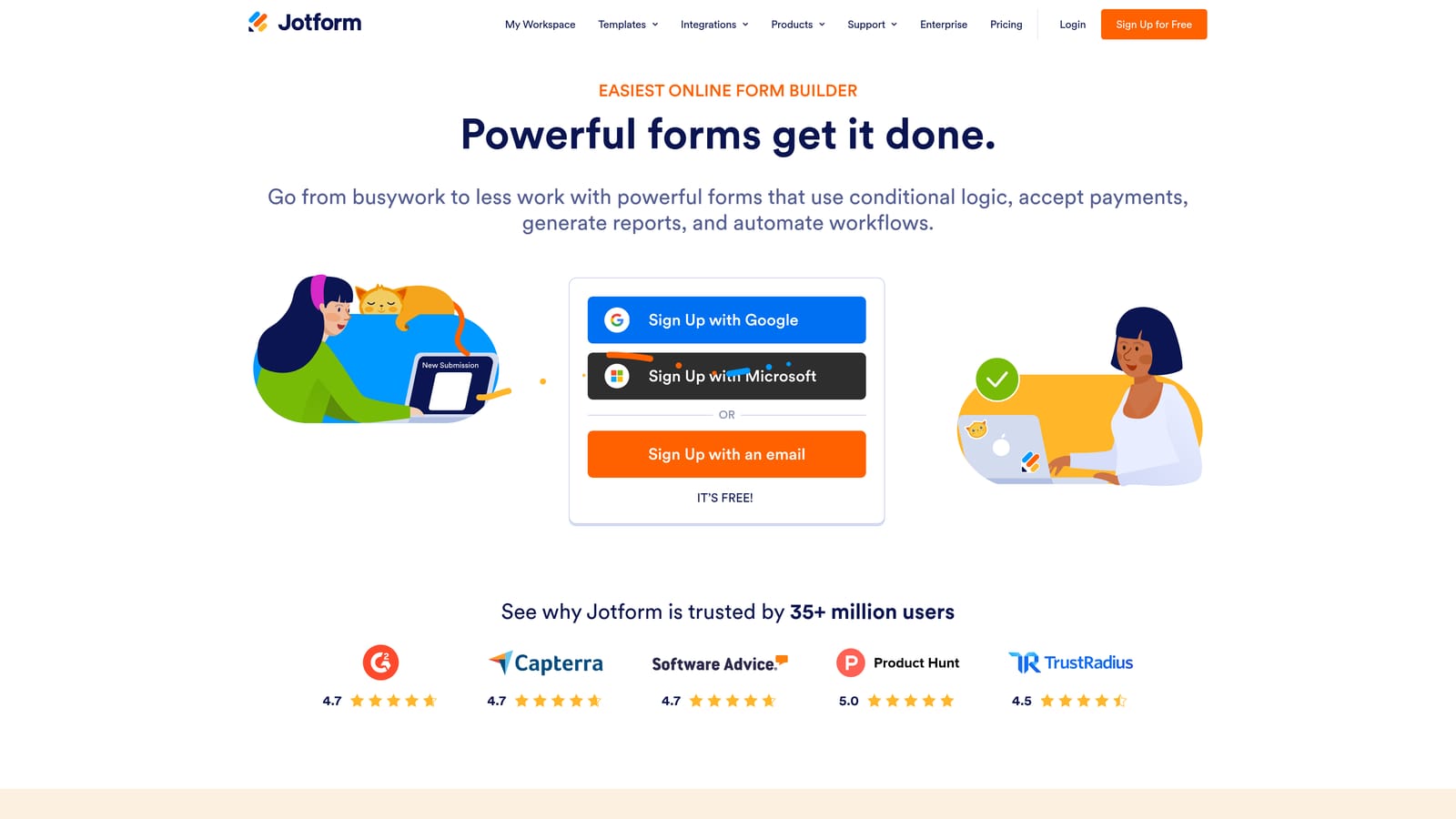
Jotform is one of the most feature-rich form builders available, with a particularly deep native notification system that supports conditional routing out of the box.
Where This Tool Shines
Jotform's conditional email notification rules are genuinely powerful. You can configure alerts so that different team members receive notifications based on specific form answers, which is useful for routing leads by product interest, deal size, geography, or any other field you capture. This level of routing logic is built natively, with no Zapier required.
The integration ecosystem is also broad. Native connections to Slack, Google Sheets, Salesforce, and many other platforms mean your notification data flows downstream without much setup friction. The tradeoff is complexity: Jotform's interface can feel overwhelming for teams that want simplicity over configurability.
Key Features
Conditional Email Notifications: Route alerts to different team members based on specific submission answers, natively configured.
SMS Notifications: Available via integrations for teams that need mobile-first alerts.
Native Integration Library: Broad connections including Slack, Google Sheets, Salesforce, and more.
Autoresponder Emails: Automated confirmation and follow-up emails to form submitters.
Notification Digest Options: Useful for high-volume forms where individual alerts would create noise.
Best For
Jotform is a strong fit for operations teams, agencies managing multiple client forms, and any team that needs granular conditional notification routing without investing in a separate automation platform.
Pricing
A free plan is available with generous limits. Paid plans start at approximately $34 per month billed annually, scaling with submission volume and feature access.
4. Paperform
Best for: Teams with complex conditional routing needs who want notifications triggered by specific answer combinations.
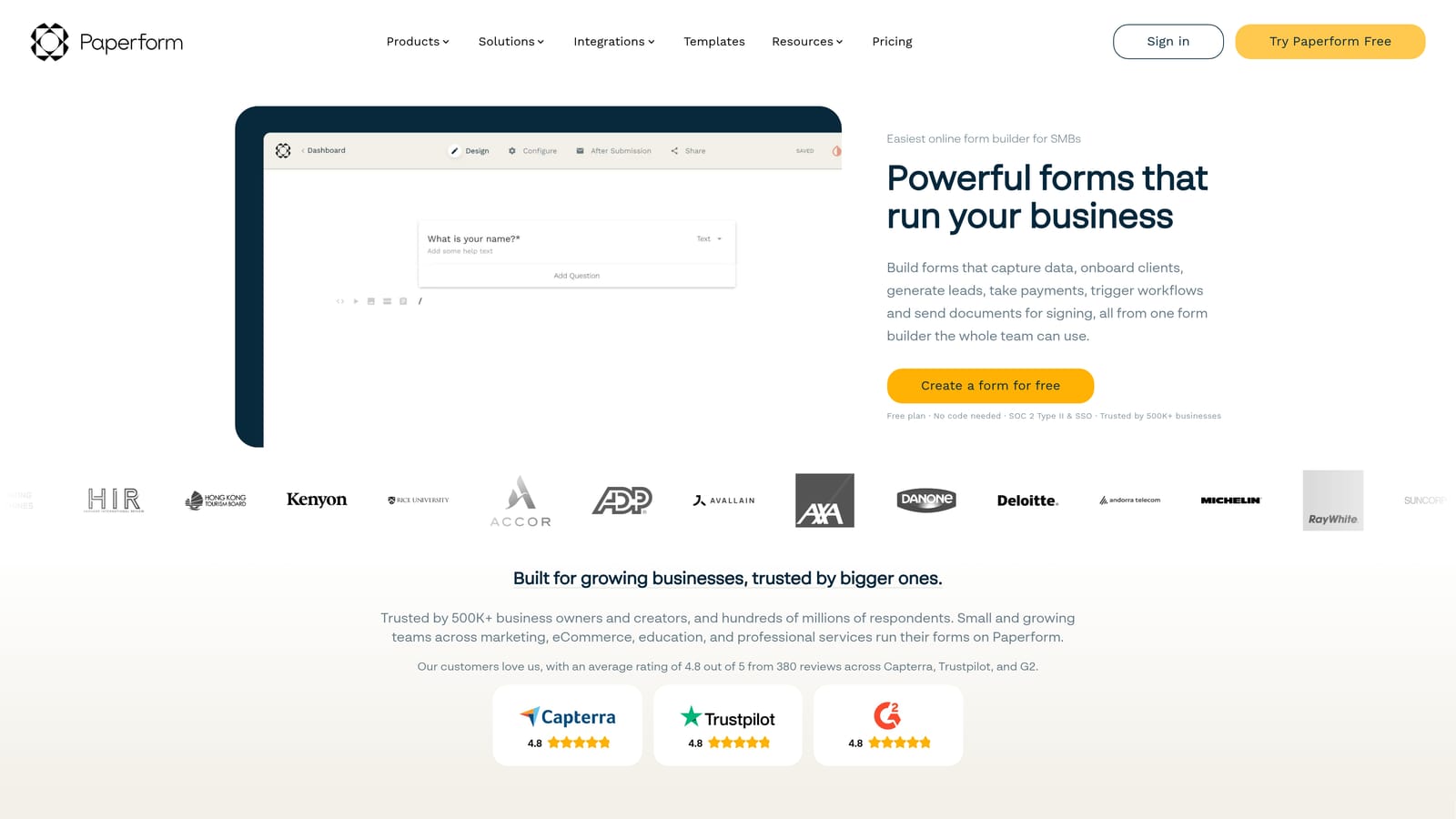
Paperform is a flexible form and document builder where notification triggers are tightly integrated with conditional logic, making it particularly useful for answer-based routing scenarios.
Where This Tool Shines
Paperform's standout capability is the ability to tie notification rules directly to specific answer combinations. For example, you can configure alerts so that your sales team is only notified when a budget field exceeds a certain threshold, or when a specific product category is selected. This kind of intelligent filtering reduces noise and keeps your team focused on the submissions that matter.
The document-style form design also gives Paperform a unique aesthetic flexibility. Forms can feel less like forms and more like branded landing pages, which can support conversion in contexts where a traditional form layout feels too transactional.
Key Features
Conditional Notifications: Alerts triggered by specific answer combinations, not just any submission.
Native Slack and Email Notifications: Direct integrations without requiring a third-party automation layer.
Zapier Integration: Extends routing options for teams with more complex notification workflows.
Document-Style Design Flexibility: Forms can be styled as branded, page-like experiences rather than traditional form layouts.
Autoresponder and Follow-Up Sequences: Automated emails to submitters included natively.
Best For
Paperform suits teams that need smart, answer-based notification routing and value design flexibility. It's a particularly good fit for agencies and consultancies that manage varied client workflows with different routing requirements.
Pricing
There is no permanent free tier. Paid plans start at approximately $24 per month billed annually.
5. Tally
Best for: Lean, early-stage teams that need fast, no-fuss notification setup with a generous free plan.
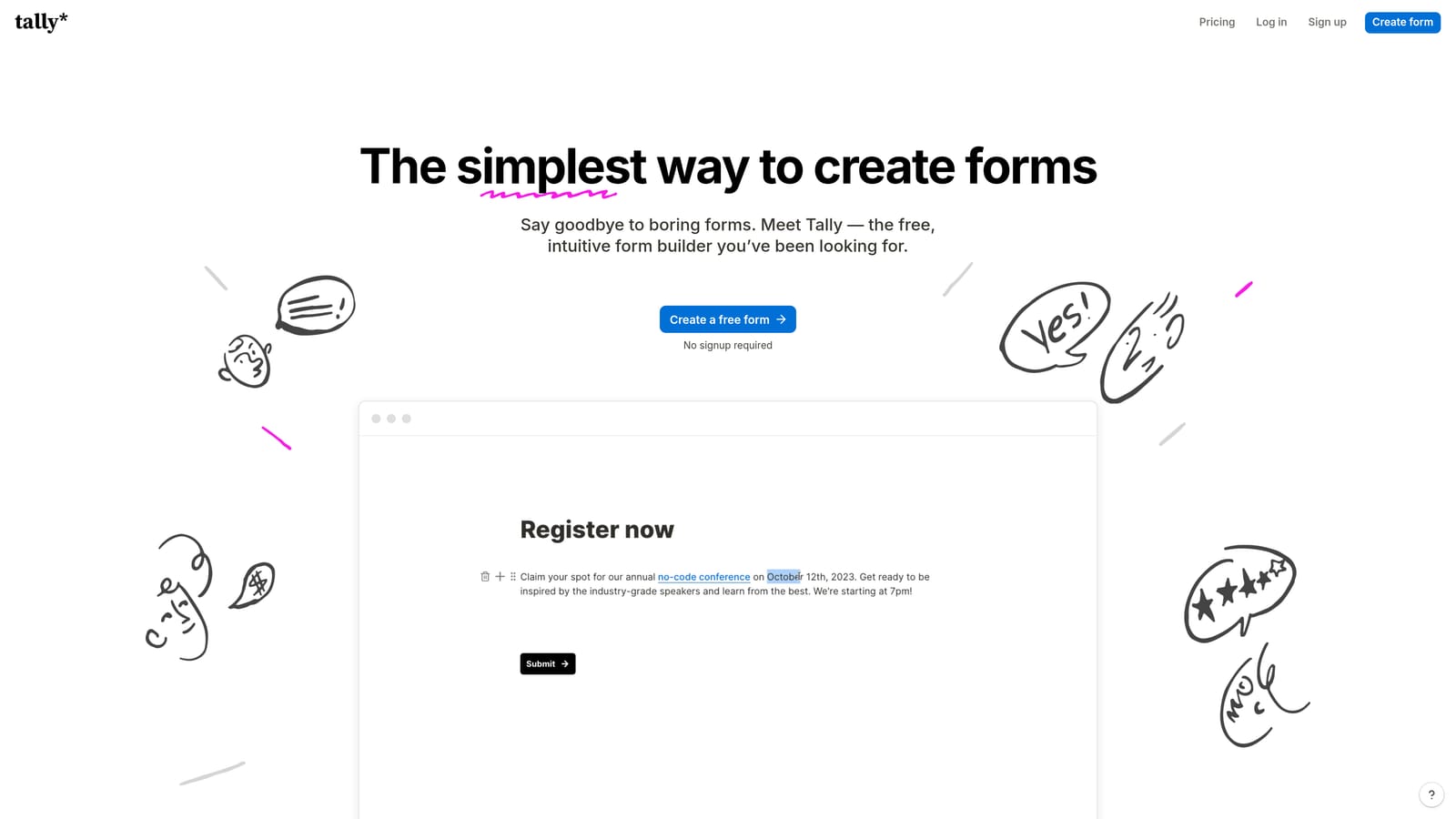
Tally is a minimalist, Notion-inspired form builder with straightforward notification configuration and one of the most generous free tiers in the category.
Where This Tool Shines
Tally's appeal is its simplicity. Setting up email notifications takes minutes, the interface is clean and familiar for anyone who uses Notion, and the free plan includes unlimited forms and submissions. For early-stage teams or solo operators who need reliable basic notifications without a learning curve, Tally removes most of the friction.
Webhooks are also available, enabling real-time data pushes to external systems for teams that want to build lightweight automation without paying for an enterprise tool. The tradeoff is depth: Tally isn't built for complex conditional routing or lead scoring, and teams with sophisticated notification requirements will likely outgrow it quickly.
Key Features
Email Notifications on Free Plan: Basic notifications are available without any paid commitment.
Webhooks: Real-time data push to external systems, available for more advanced routing needs.
Zapier Integration: Available on paid plans for extended notification routing and automation.
Unlimited Forms and Submissions on Free Tier: One of the most generous free plans in the form builder space.
Simple Configuration: Low learning curve; notification setup is fast and intuitive.
Best For
Tally is ideal for early-stage startups, solo founders, and lean teams that need dependable basic notifications quickly. It's less suited to teams that need conditional routing, lead scoring, or enterprise-grade integration depth.
Pricing
A free plan is available with unlimited forms and submissions. Tally Pro starts at approximately $29 per month billed annually.
6. Formstack
Best for: Mid-market and enterprise teams that need notifications as part of a broader multi-step workflow and approval system.
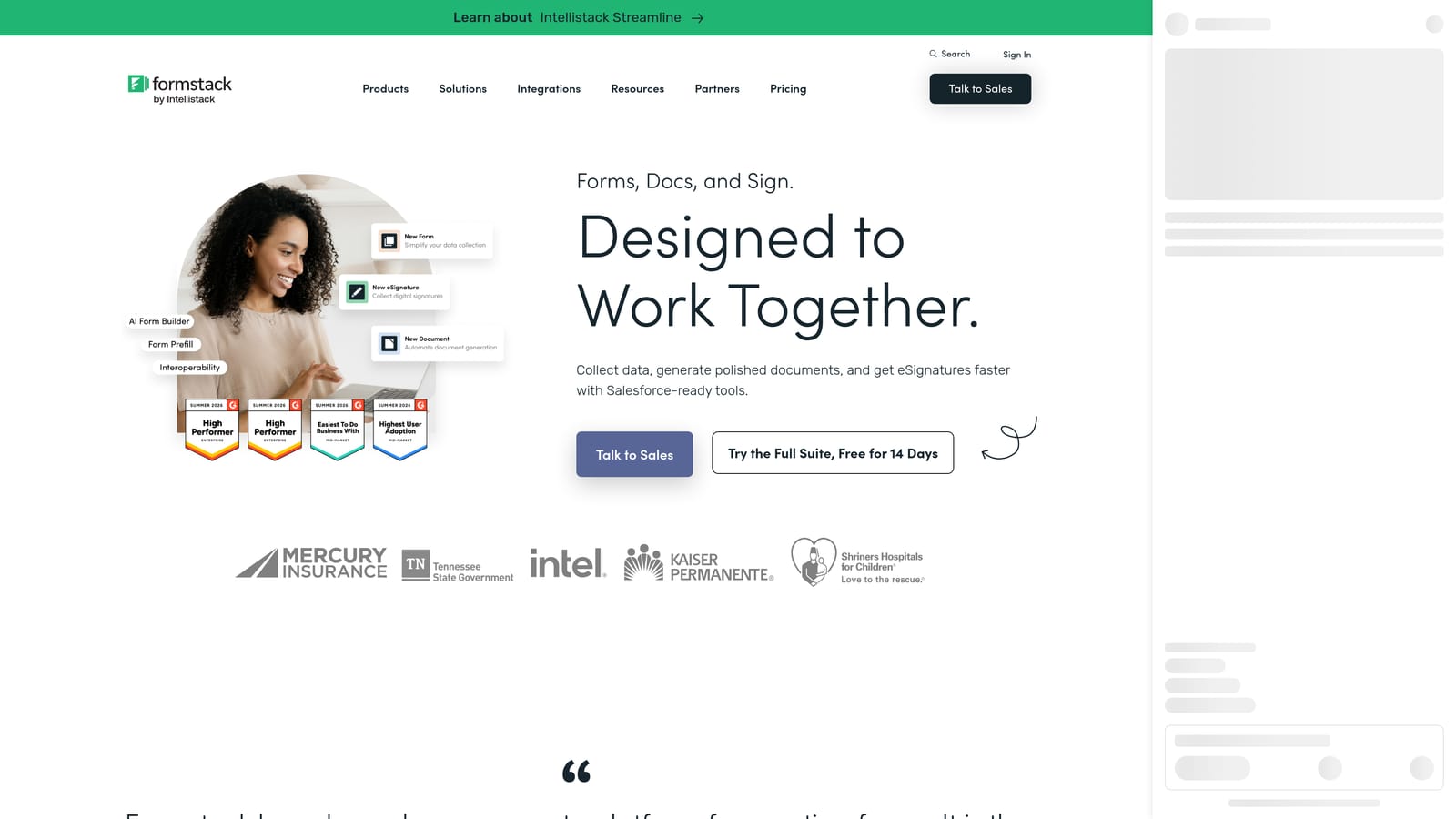
Formstack is an enterprise-grade form and workflow platform where notifications are embedded within a broader automation and approval architecture.
Where This Tool Shines
Formstack goes well beyond simple email alerts. Its workflow builder allows submission notifications to trigger multi-step approval chains, meaning a form submission can initiate a sequence of notifications, reviews, and actions across your team without manual intervention. For regulated industries or organizations with formal approval processes, this is a meaningful capability.
The platform also offers strong compliance and data security features, which matter for teams in healthcare, finance, or other regulated sectors. Native integrations with Salesforce, HubSpot, and other enterprise CRMs mean notification data flows directly into the systems your team already uses for pipeline management.
Key Features
Workflow Builder: Converts submission notifications into multi-step approval and routing chains across your team.
Conditional Notification Routing: Rules based on field values direct alerts to the appropriate team members or systems.
Enterprise CRM Integrations: Native connections with Salesforce, HubSpot, and other major platforms.
Compliance and Data Security: Strong security posture suitable for regulated industries and enterprise requirements.
In-Platform Notification Management: Manage and track notification activity within the Formstack interface alongside email alerts.
Best For
Formstack is built for mid-market and enterprise organizations that need notifications to trigger structured workflows, not just inbox pings. It's particularly well-suited to teams in regulated industries or those with formal approval processes built into their lead handling.
Pricing
Formstack targets mid-market and enterprise buyers at a higher price point. Contact Formstack directly for current pricing and to request a demo tailored to your workflow needs.
Which Tool Is Right for Your Team?
The right real-time form notification tool depends entirely on what you need the notification to do once it arrives. A basic email ping is table stakes. The real question is what happens next.
For high-growth SaaS teams that want notifications enriched with lead intelligence, Orbit AI is the clear choice. It's the only tool on this list that combines form building, AI lead qualification, and instant smart notifications in a single platform, giving your team the context to act immediately rather than investigate first.
If brand experience and conversational form design are your priority, Typeform delivers a polished product with solid notification basics. For maximum conditional notification configurability without relying on third-party automation, Jotform is hard to beat. Paperform suits teams with complex answer-based routing needs, Tally is the fastest path to reliable notifications for lean early-stage teams, and Formstack is purpose-built for enterprise workflow automation where notifications are one step in a longer approval chain.
The bottom line: the best real-time form notification tool isn't the one that simply pings your inbox. It's the one that tells you who submitted, how qualified they are, and what to do next. That's the standard worth measuring every tool against.
Transform your lead generation with AI-powered forms that qualify prospects automatically while delivering the modern, conversion-optimized experience your high-growth team needs. Start building free forms today and see how intelligent form design can elevate your conversion strategy.


