

Typeform popularized the conversational form experience, and for good reason. The one-question-at-a-time format looks great and feels intuitive. But for high-growth teams focused on lead generation, it often falls short where it matters most: qualifying prospects automatically, scaling without steep pricing jumps, and routing leads directly into your pipeline.
The good news is that the form builder market has evolved significantly. In 2026, the best tools go well beyond collecting responses. They score leads, trigger workflows, and integrate deeply with your CRM. Whether you're hitting Typeform's pricing ceiling or simply need more from your forms, there are strong alternatives worth a close look.
Here are the top form builders for business, evaluated on what actually drives growth: conversion optimization, AI-powered features, conditional logic depth, and pricing transparency.
1. Orbit AI
Best for: High-growth SaaS and B2B teams that need AI-powered lead qualification built in.
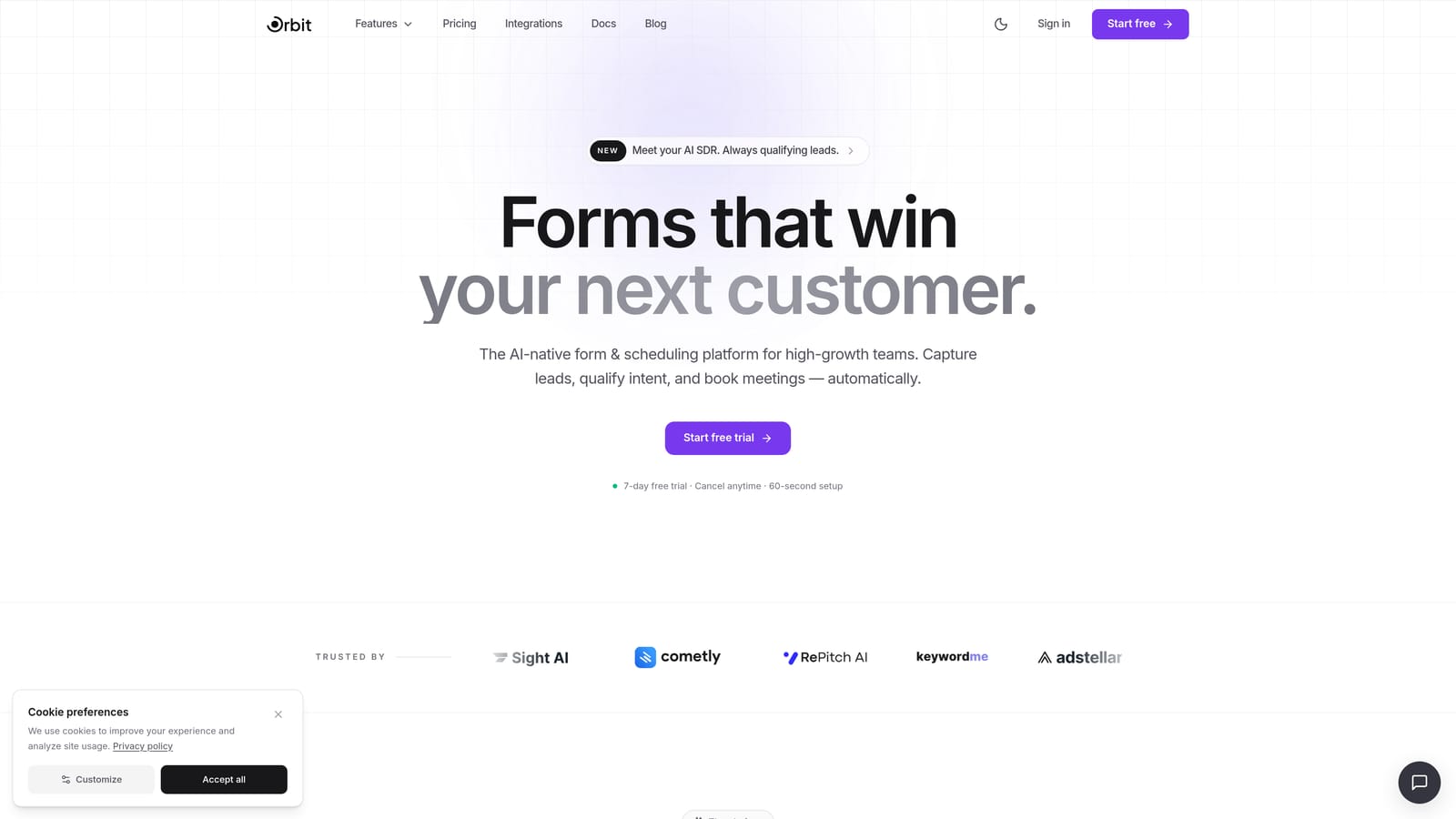
Orbit AI is an AI-powered form builder designed from the ground up for lead qualification and conversion optimization.
Where This Tool Shines
Most form builders treat lead qualification as an afterthought. Orbit AI flips that entirely. Instead of just collecting responses and dumping them into a spreadsheet, Orbit AI automatically scores, segments, and routes leads based on what prospects actually tell you in the form. That means your sales team spends time on the right people, not every submission.
The form design is modern and clean, built to convert rather than just impress. Conditional logic lets you create dynamic, personalized form flows that adapt in real time to each respondent's answers. For B2B teams running high-volume lead generation, that combination of intelligent qualification and polished UX is genuinely hard to find elsewhere.
Key Features
AI-Powered Lead Scoring: Automatically scores and segments leads based on form responses, so your team always knows who to prioritize.
Conversion-Optimized Design: Clean, modern UI built specifically to reduce drop-off and improve completion rates.
Conditional Logic: Dynamic form flows that personalize the experience based on each respondent's answers.
Lead Routing: Automatically route qualified leads to the right team member or CRM segment based on response data.
Built for B2B Teams: Purpose-built for high-growth SaaS and B2B use cases, not generic surveys or contact forms.
Best For
Orbit AI is the strongest fit for SaaS companies, B2B marketing teams, and growth-focused businesses that need forms to actively contribute to pipeline quality. If you're running lead generation at scale and want qualification to happen automatically rather than manually, this is the tool built for that exact problem.
Pricing
Check current pricing at orbitforms.ai for the latest plans. A free starting option is available to get you building immediately.
2. Typeform
Best for: Brand-forward surveys, research, and polished customer experience forms.
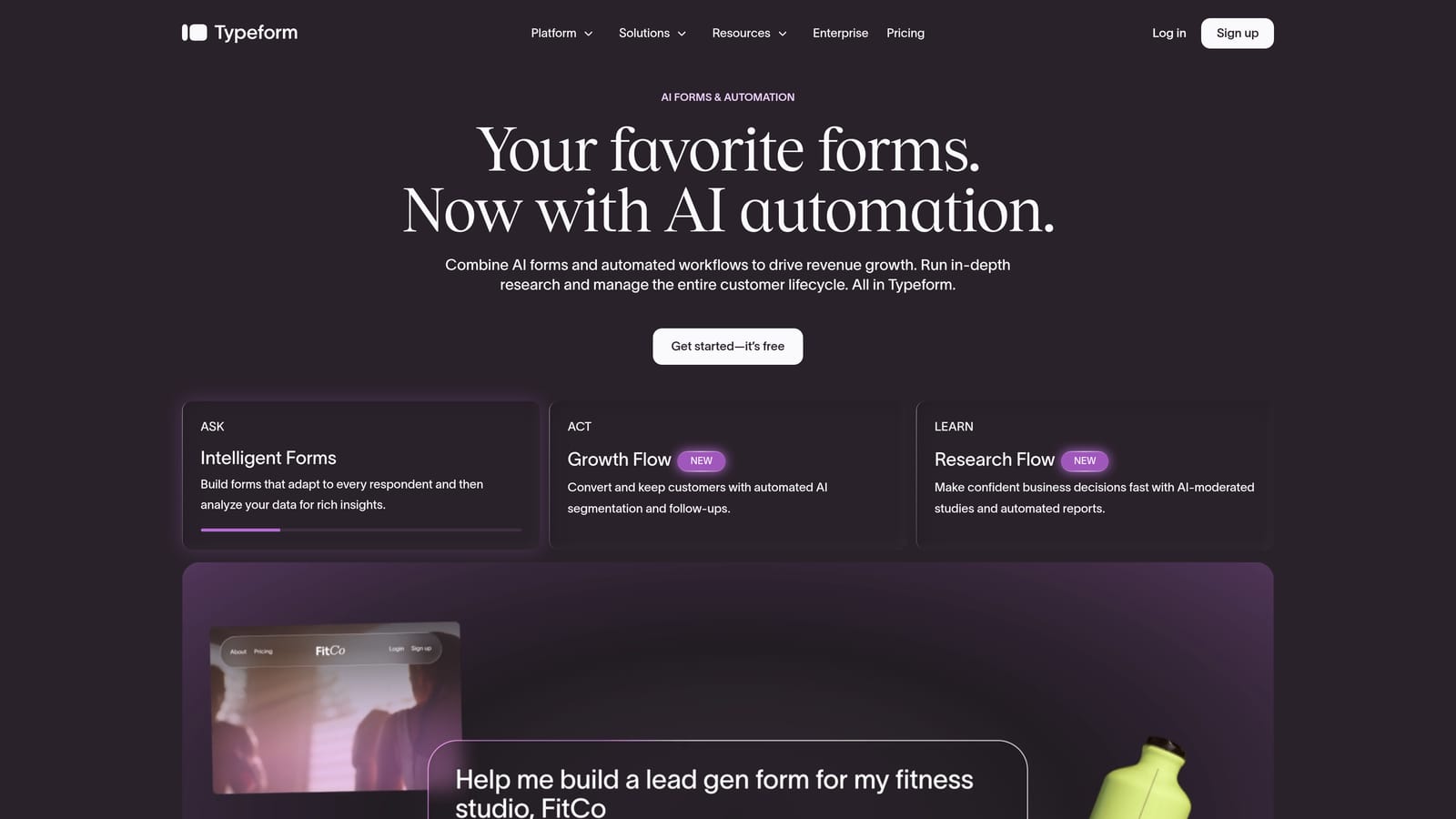
Typeform is the original conversational form builder, known for its one-question-at-a-time format and visually polished design.
Where This Tool Shines
Typeform genuinely changed how people think about online forms. The conversational format reduces the intimidation of long forms, and the templates are among the most visually refined in the category. For brand experience, customer satisfaction surveys, and research projects, it still delivers a premium feel that's hard to match.
Where it starts to show limits is in lead qualification at scale. The pricing model scales with response volume, which can become expensive quickly for high-traffic lead generation campaigns. AI-powered qualification features are limited compared to dedicated tools, and teams that need deep CRM routing often find themselves building workarounds.
Key Features
Conversational Format: One-question-at-a-time flow that creates a guided, engaging respondent experience.
Template Library: A large collection of polished, professionally designed templates across use cases.
Logic Jumps: Conditional branching that adapts the form path based on previous answers.
CRM Integrations: Connects with popular CRM and marketing automation platforms.
Media Embedding: Supports video and image embedding directly within form questions.
Best For
Typeform works best for teams prioritizing design aesthetics and respondent experience over lead qualification depth. It's a strong choice for surveys, NPS collection, event registrations, and brand research. Less ideal for high-volume B2B lead gen where qualification and routing are the priority.
Pricing
A free plan is available with limitations. Paid plans start at approximately $25/month. Verify current pricing at typeform.com as plans change regularly.
3. Tally
Best for: Budget-conscious teams and startups that want clean, conversational forms without the cost.
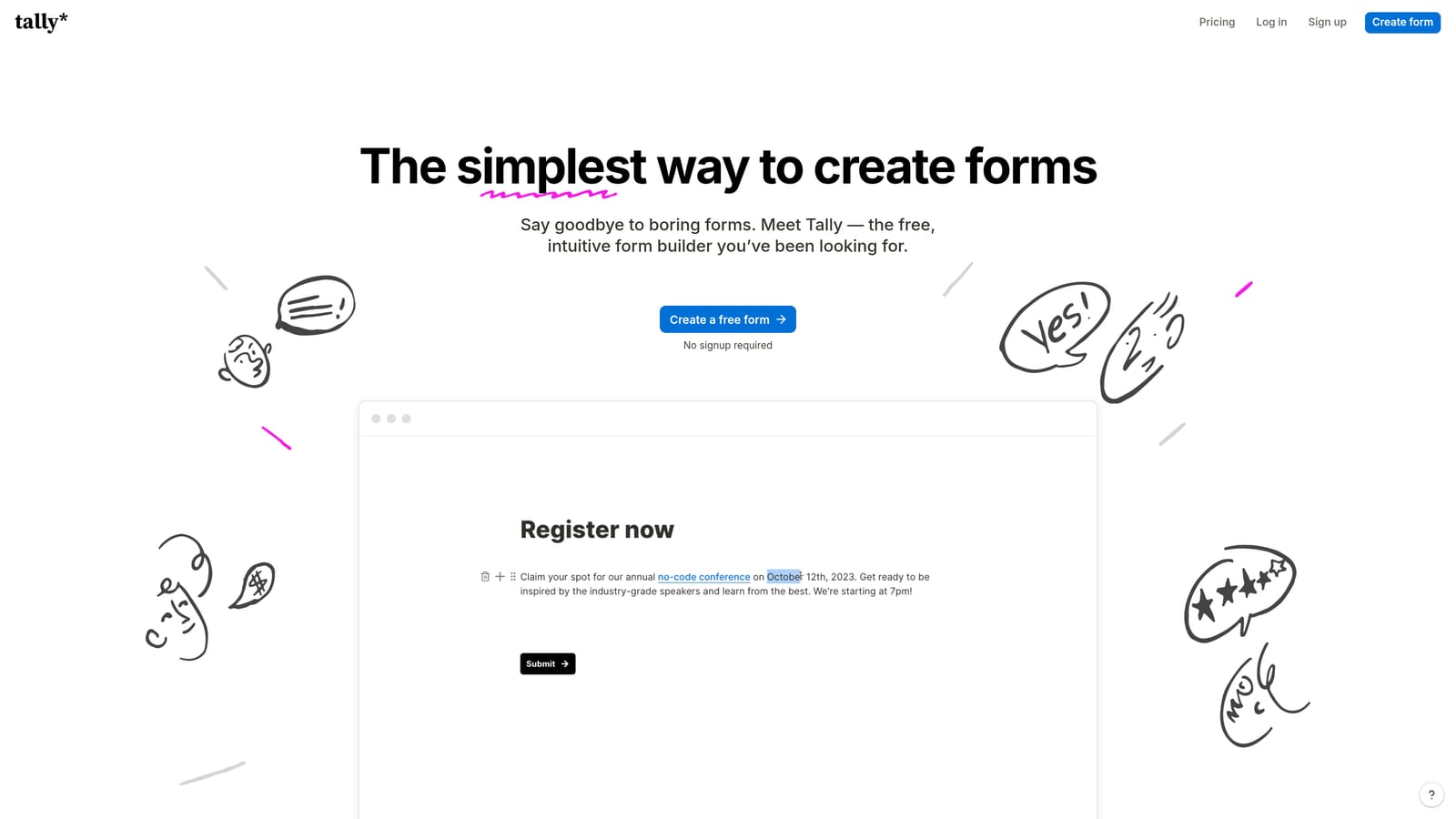
Tally is a Notion-inspired form builder with one of the most generous free plans in the market.
Where This Tool Shines
Tally's biggest selling point is straightforward: it gives you a lot for free. The free plan includes unlimited forms and no submission caps, which is genuinely unusual in this space. The block-based editor feels familiar if your team already works in Notion, making the learning curve nearly flat for most users.
The conversational form mode is available, giving you that one-question-at-a-time experience without the Typeform price tag. That said, Tally is built for simplicity rather than sophistication. If you need advanced lead qualification, AI scoring, or complex CRM routing, you'll hit its ceiling quickly.
Key Features
Generous Free Plan: Unlimited forms with no submission limits on the free tier, making it genuinely usable at no cost.
Block Editor: Notion-like interface that makes building forms fast and intuitive.
Conversational Mode: Optional one-question-at-a-time format for a more engaging respondent experience.
Easy Embedding: Simple code snippet to embed forms anywhere on your site.
Basic Logic and Integrations: Conditional logic and integrations with popular tools, covering most standard use cases.
Best For
Tally is ideal for freelancers, early-stage startups, and small teams that need reliable forms without a budget for paid tools. It also works well for internal forms, feedback collection, and simple lead capture where qualification isn't a core requirement.
Pricing
Free plan available with strong feature access. A Pro plan is available for teams needing advanced features. Verify current pricing at tally.so.
4. Paperform
Best for: Small businesses that need forms to handle payments, bookings, and sales in one place.
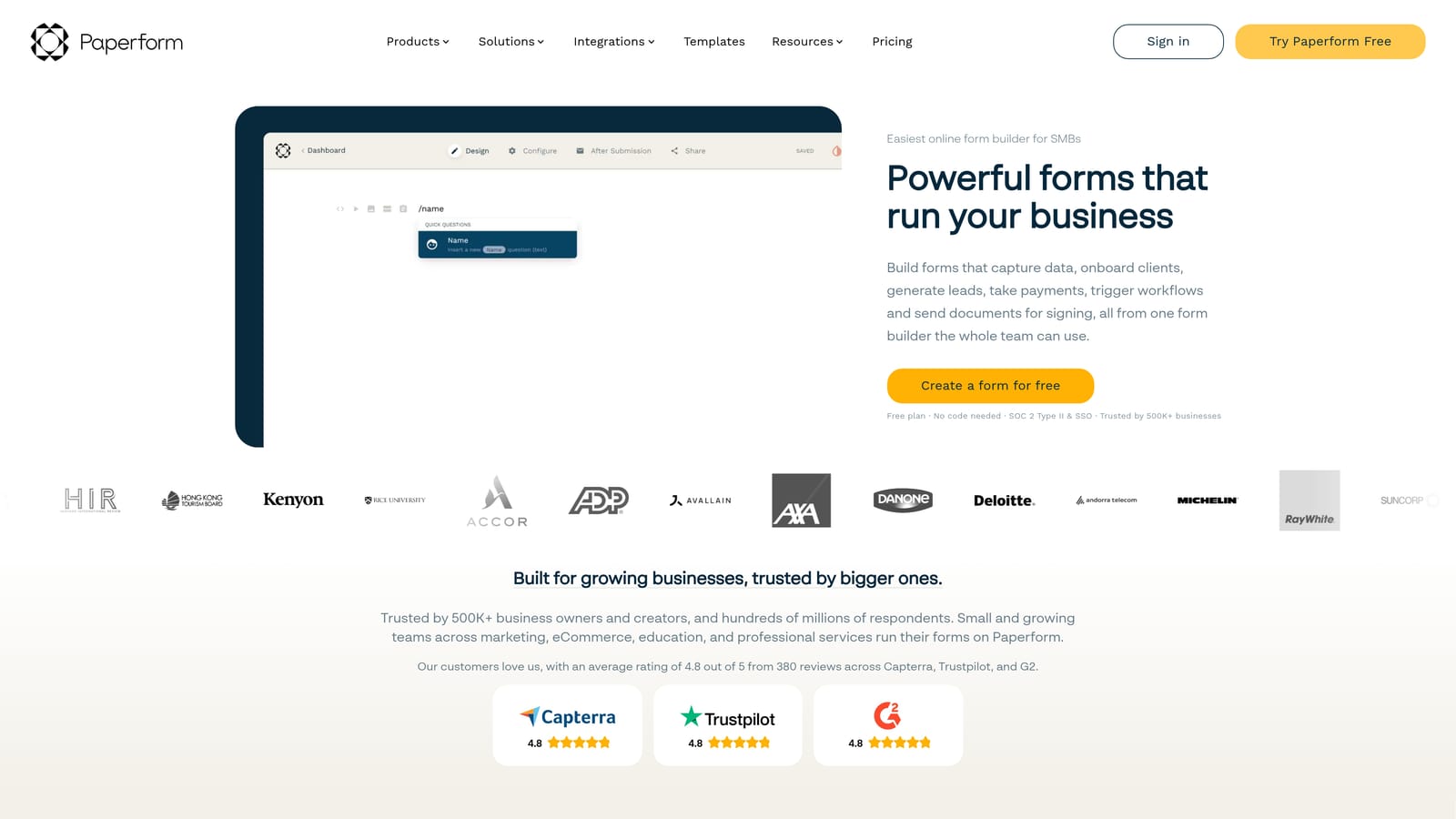
Paperform is a hybrid form and landing page builder that goes well beyond standard data collection.
Where This Tool Shines
Paperform occupies an interesting niche. It's not just a form builder; it's closer to a lightweight business tool. You can accept payments via Stripe and PayPal, book appointments, sell products, and generate custom quotes all within a single form. For small businesses that need one tool to handle multiple customer interactions, that versatility is compelling.
The design flexibility is also above average. Paperform lets you create forms that look more like branded landing pages, with more layout control than most competitors. Conditional logic is solid, and calculation fields make it particularly useful for pricing estimators and quote generators.
Key Features
Built-In Payments: Accept payments via Stripe and PayPal directly within forms, no extra tools required.
Appointment Booking: Scheduling and booking functionality built natively into the form experience.
Calculation Fields: Dynamic fields that compute quotes, pricing, or totals based on respondent inputs.
Landing Page Design: More layout control than standard form builders, creating a hybrid form and page experience.
Conditional Logic: Strong branching logic and custom branding options throughout.
Best For
Paperform is the right choice for service businesses, consultants, and small e-commerce teams that want to handle payments, bookings, and lead capture without juggling multiple tools. Less suited for enterprise lead qualification or high-volume B2B pipeline generation.
Pricing
Paid plans start at approximately $24/month. No significant free tier. Verify current pricing at paperform.co.
5. Jotform
Best for: Larger teams with complex requirements, regulated industries, and broad integration needs.
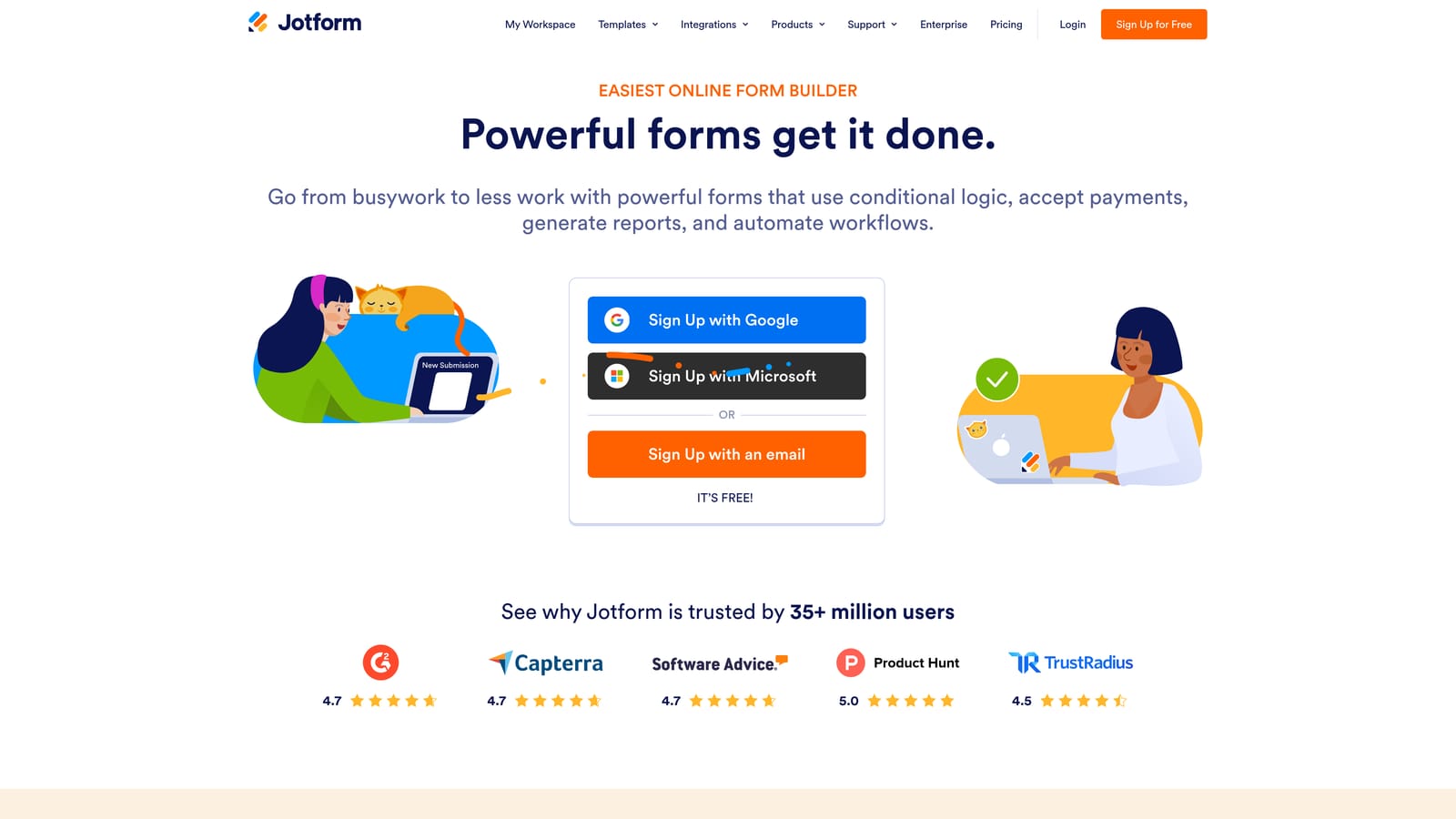
Jotform is one of the most established form builders available, with thousands of templates and a wide integration ecosystem.
Where This Tool Shines
Jotform's depth is its defining characteristic. The template library spans virtually every industry and use case, which means you're rarely starting from scratch. The integration ecosystem is similarly broad, covering CRMs, payment processors, and productivity platforms. For teams with specific compliance requirements, Jotform offers HIPAA-compliant plans, which is a meaningful differentiator in healthcare and regulated sectors.
The tradeoff is complexity. Jotform can feel overwhelming for simple use cases, and the interface reflects years of feature additions rather than a clean, modern design philosophy. Teams that need straightforward lead capture with a polished UX may find it more tool than they need.
Key Features
Massive Template Library: Thousands of pre-built templates covering virtually every industry and use case.
HIPAA-Compliant Plans: Available for healthcare teams and regulated industries that need data compliance built in.
Broad Integrations: Connects with a wide range of CRMs, payment tools, and productivity platforms.
Approval Workflows: Form-triggered workflows and approval routing for internal process management.
Mobile App: Manage and review form submissions from a dedicated mobile application.
Best For
Jotform is the strongest fit for larger organizations, regulated industries like healthcare, and teams that need a broad template library combined with deep integration support. It handles complexity well, making it a solid choice for enterprise use cases where compliance and customization both matter.
Pricing
Free plan available with submission limits. Paid plans scale by usage and feature access. Verify current pricing at jotform.com.
6. Formstack
Best for: Mid-market and enterprise teams managing complex internal workflows and document automation.
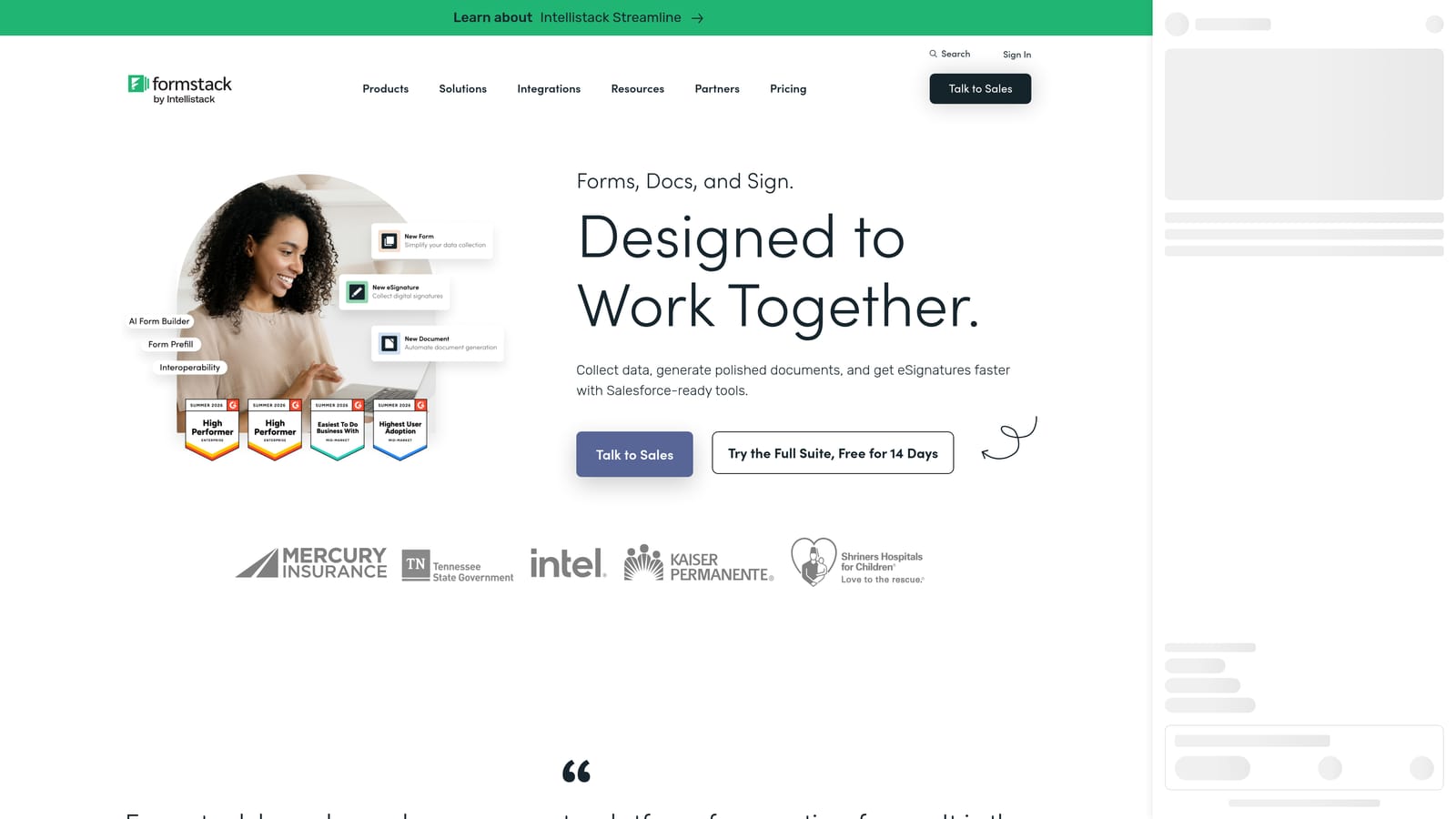
Formstack is a workflow automation platform that uses forms as the entry point for broader business processes.
Where This Tool Shines
Formstack is built for a different problem than most tools on this list. Where others focus on lead capture and respondent experience, Formstack focuses on what happens after submission. Multi-step approval chains, automated document generation, and e-signature workflows can all be triggered directly from a form submission. For teams managing internal processes like contract approvals, onboarding workflows, or compliance documentation, that depth is genuinely valuable.
It integrates with major enterprise platforms including Salesforce and HubSpot, and its security and compliance features are built to meet demanding organizational requirements. The tradeoff is that this power comes with complexity and pricing that reflects an enterprise orientation.
Key Features
Approval Workflows: Multi-step approval chains triggered automatically by form submissions.
Document Generation: Automatically generate documents from form data, reducing manual work.
E-Signature Support: Collect legally binding signatures as part of the form submission flow.
Advanced Data Routing: Sophisticated field population and data routing across connected systems.
Enterprise Integrations: Deep integration with Salesforce, HubSpot, and other major enterprise platforms.
Best For
Formstack is best suited for mid-market and enterprise organizations that need forms to power internal workflows, not just collect external leads. If your priority is approval automation, document generation, or compliance-heavy processes, it delivers. For external lead generation and conversion optimization, it's more tool than the job requires.
Pricing
Enterprise-oriented pricing that reflects the platform's workflow automation scope. Verify current plans at formstack.com.
Which Tool Is the Right Fit for Your Team?
The right form builder depends entirely on what you're trying to accomplish. Here's a quick breakdown to help you decide.
If lead qualification and pipeline quality are your priority, Orbit AI is the clear choice. It's the only tool on this list built specifically around scoring, segmenting, and routing leads automatically. For high-growth SaaS and B2B teams, that's not a nice-to-have; it's the whole point.
If brand experience and survey design matter most, Typeform remains a strong option. It's polished, well-known, and works well for research and customer feedback. Just be prepared for pricing that scales with volume.
If budget is the constraint, Tally's free plan is hard to beat. It covers the basics well and won't cost you anything to get started.
If your business needs payments, bookings, and forms in one place, Paperform handles that combination better than most. For teams in regulated industries or with complex integration requirements, Jotform's depth and HIPAA-compliant plans make it worth considering. And if you're managing internal workflows that go beyond lead capture, Formstack's approval and document automation capabilities are built for exactly that.
For most growth-focused teams, the real question is whether your forms are actively contributing to your pipeline or just collecting data. Start building free forms today with Orbit AI and see what the difference looks like when lead qualification is built into the form itself, not bolted on afterward.


