

Every form submission is a potential customer—but generic forms kill conversions. When a visitor lands on a bland, templated form that looks like every other business on the internet, you've already lost them. Modern businesses need custom form builders that match their brand, integrate seamlessly with their tech stack, and turn casual visitors into qualified leads worth pursuing.
We evaluated over 50 form builders based on customization depth, integration capabilities, ease of use, and actual value for business teams. The winners stood out for their ability to balance design flexibility with powerful functionality. Whether you're capturing leads, processing applications, gathering customer feedback, or handling payments, these platforms deliver the flexibility growing businesses actually need.
Here are the top custom form builders transforming how businesses collect data in 2026.
1. Orbit AI
Best for: High-growth teams needing AI-powered lead qualification and conversion optimization
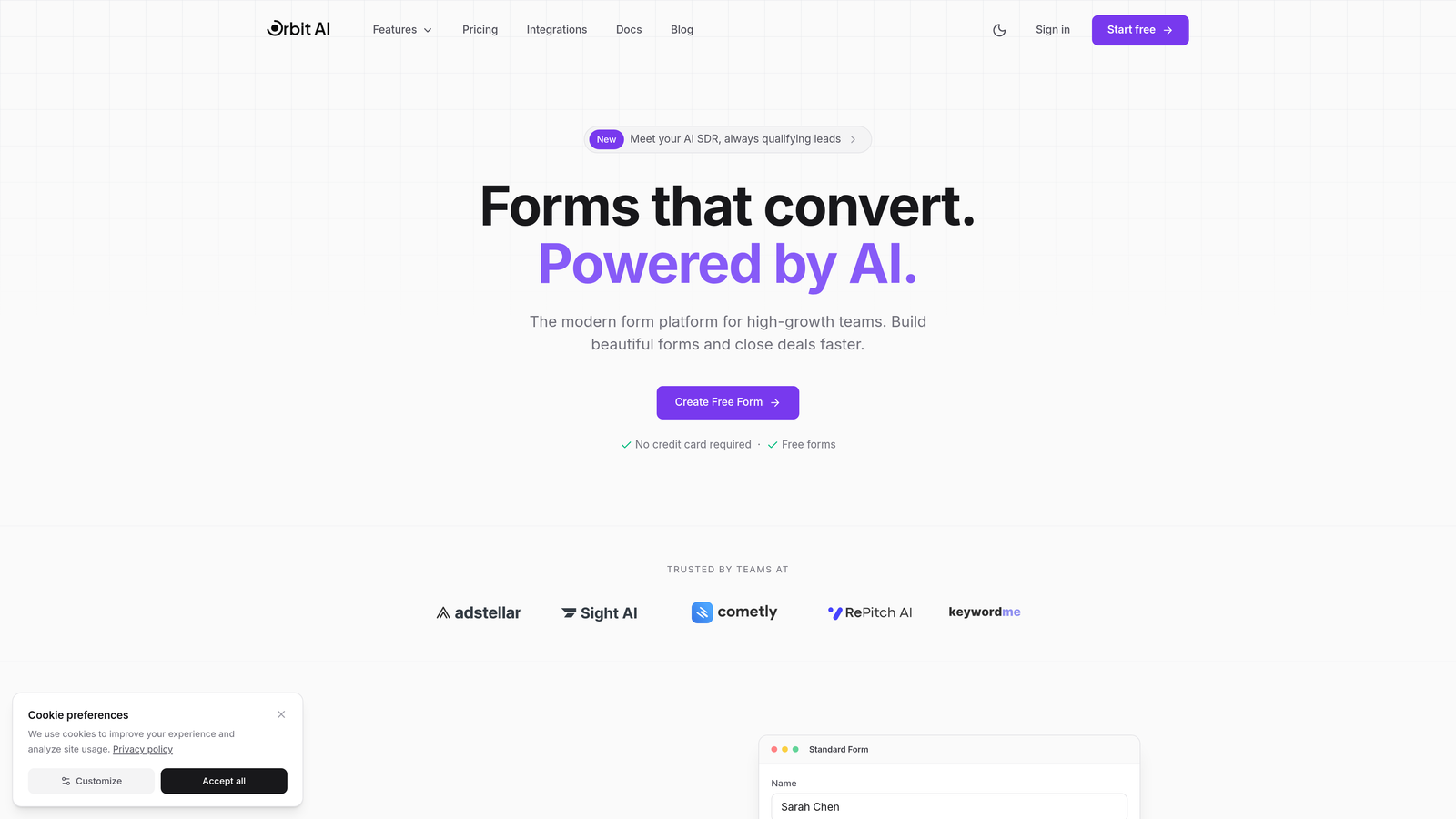
Orbit AI combines beautiful custom form design with intelligent lead qualification that happens automatically as prospects fill out your forms.
Where This Tool Shines
Orbit AI solves the problem most businesses face: collecting leads is easy, but qualifying them wastes hours. The platform uses AI to score and route leads in real-time based on their responses, so your sales team only sees prospects worth their time.
The conversion-optimized templates are built on behavioral data from high-performing forms, giving you a head start on design decisions that actually matter. You're not guessing what works—you're building on proven patterns.
Key Features
AI-Powered Lead Qualification: Automatically scores and qualifies leads based on their form responses, routing high-value prospects to sales immediately.
Conversion-Optimized Templates: Pre-built form designs based on conversion data, not just aesthetics.
Smart Workflow Automation: Trigger actions based on lead scores, responses, or behavior without manual intervention.
Native CRM Integrations: Connects directly with HubSpot, Salesforce, and Pipedrive to sync qualified leads instantly.
Real-Time Analytics Dashboard: Track conversion rates, lead quality metrics, and form performance at a glance.
Best For
This platform is built for high-growth teams that generate significant lead volume and need to separate signal from noise. If you're spending hours manually qualifying leads or losing hot prospects in a sea of tire-kickers, Orbit AI's intelligent routing changes the game. Perfect for B2B SaaS, agencies, and any business where lead quality matters more than lead quantity.
Pricing
Free tier available for teams getting started. Paid plans begin at $29/month with expanded AI features and integration options.
2. Typeform
Best for: Creating conversational, engaging forms with a design-forward one-question-at-a-time approach
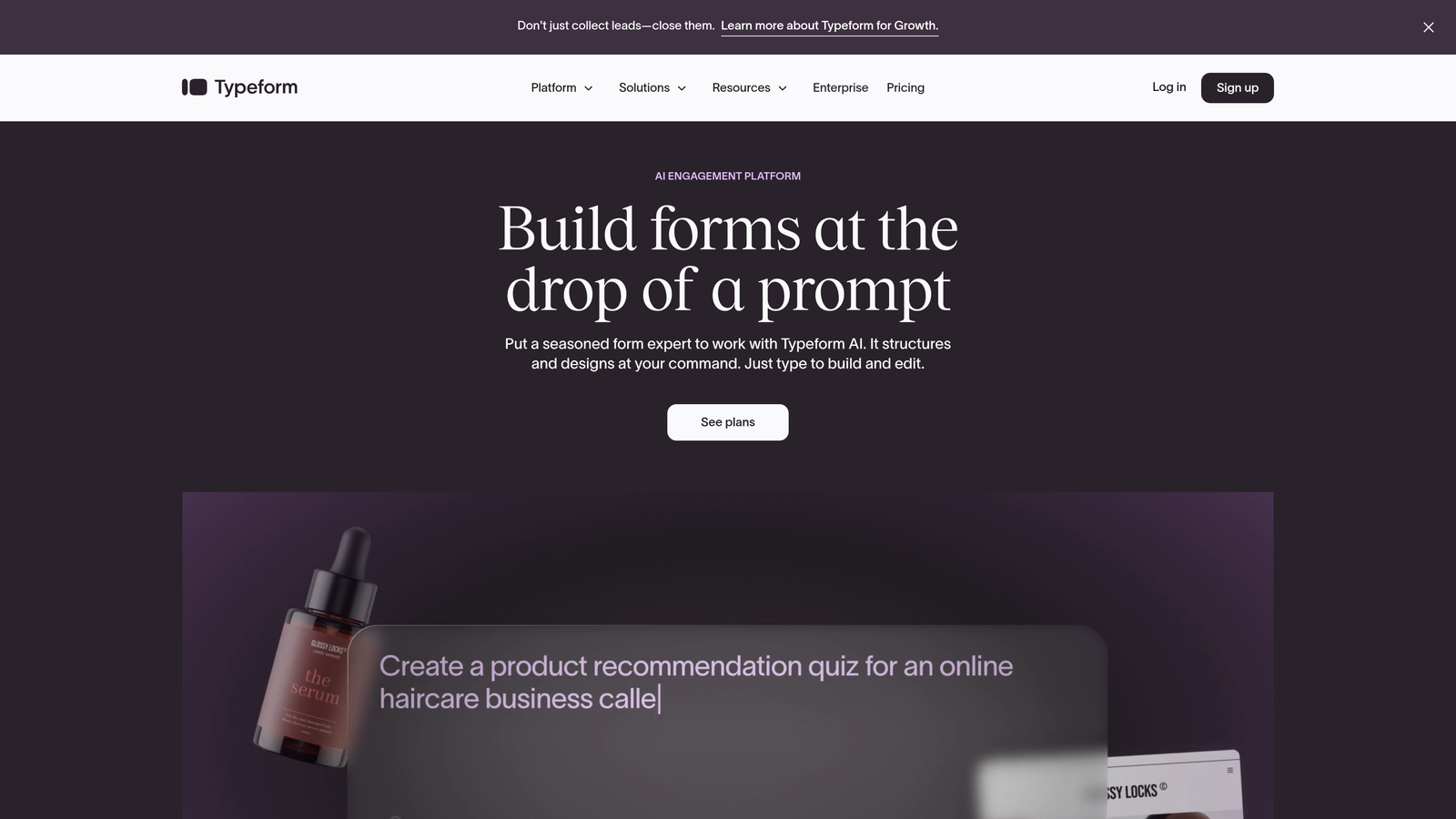
Typeform pioneered the conversational form format that feels more like a dialogue than an interrogation.
Where This Tool Shines
Typeform's signature one-question-at-a-time format reduces cognitive load and keeps respondents focused. Instead of facing a wall of fields, users answer questions in a natural flow that feels almost like texting. This approach consistently delivers higher completion rates for surveys, lead forms, and customer feedback.
The design system is genuinely beautiful out of the box. Even non-designers can create forms that look professional and on-brand without touching CSS. The visual customization options—backgrounds, fonts, colors—are intuitive and powerful.
Key Features
Conversational One-Question Format: Present questions sequentially to reduce form abandonment and improve user experience.
Beautiful Design Themes: Professional templates and customization options that require zero design skills.
Logic Jumps and Branching: Show different questions based on previous answers to create personalized experiences.
Rich Media Embedding: Add videos, images, and GIFs to make forms more engaging and interactive.
Integration Ecosystem: Native connections to Zapier, Google Sheets, Slack, and major marketing platforms.
Best For
Typeform excels when user experience and completion rates are your top priorities. Marketing teams love it for lead generation campaigns, customer research, and event registrations. The conversational format works especially well for longer surveys where traditional forms would feel overwhelming.
Pricing
Free tier available with Typeform branding. Basic plan starts at $25/month for removing branding and accessing logic jumps.
3. Jotform
Best for: Businesses needing extensive template variety and customization options without technical complexity
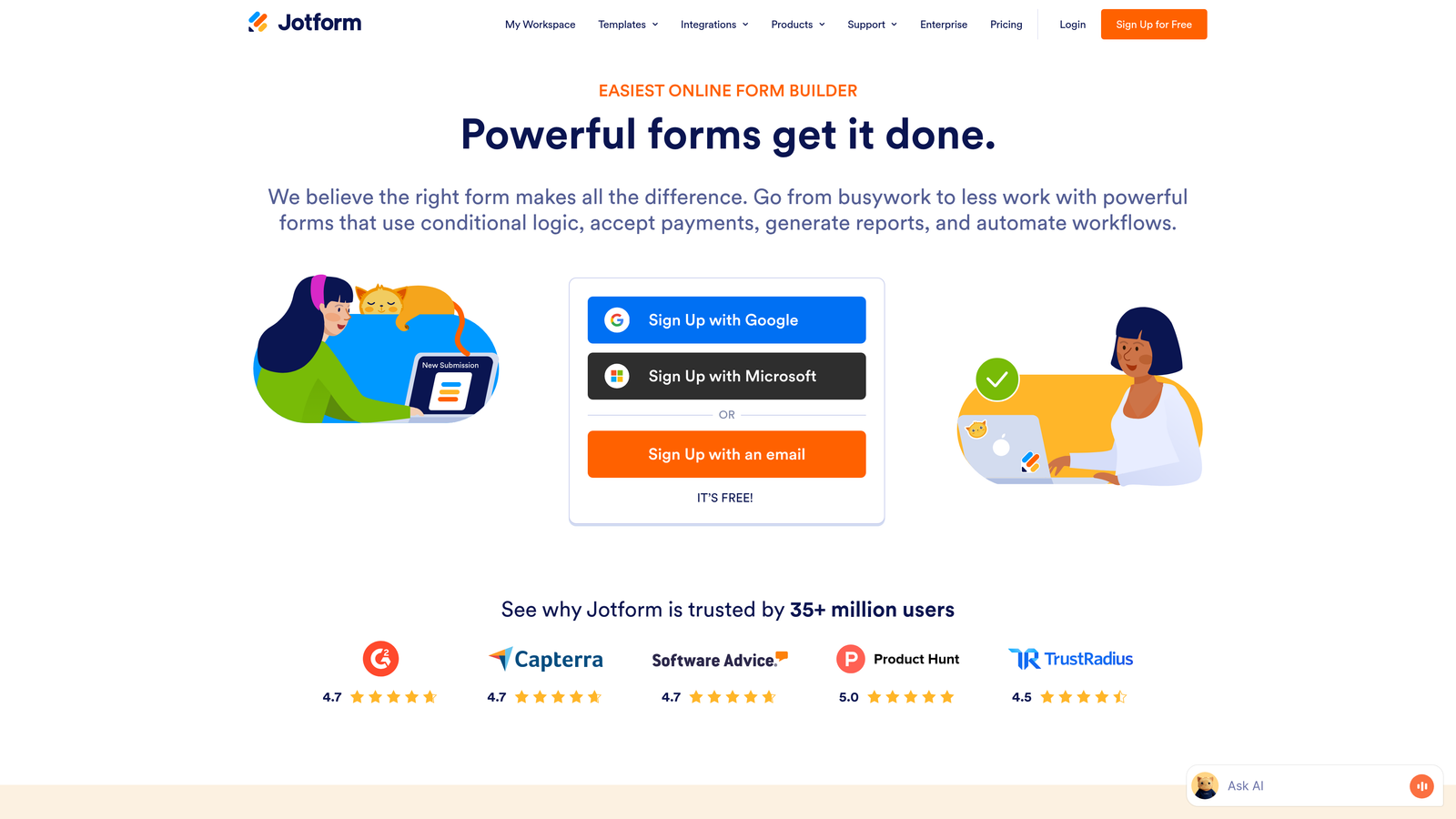
Jotform offers over 10,000 pre-built templates covering virtually every business use case imaginable.
Where This Tool Shines
The sheer breadth of templates means you're rarely starting from scratch. Need a rental application form? Event registration with payment? Employee onboarding checklist? There's a template for that, already optimized for the specific use case.
The widget library extends functionality far beyond basic forms. Add signature fields, file uploads, appointment scheduling, or even augmented reality elements. The drag-and-drop builder makes customization straightforward without requiring code.
Key Features
10,000+ Pre-Built Templates: Industry-specific templates for every conceivable form type and business scenario.
Extensive Widget Library: Add advanced functionality through drag-and-drop widgets for payments, signatures, scheduling, and more.
Payment Processing: Accept payments directly through PayPal, Stripe, Square, and other processors.
PDF Form Generation: Automatically convert submissions into formatted PDF documents for records or distribution.
HIPAA Compliance: Healthcare-grade security features available for regulated industries handling sensitive data.
Best For
Jotform serves businesses that need versatility across multiple departments and use cases. It's the Swiss Army knife of form builders—not the most elegant tool for any single job, but capable of handling almost anything. Healthcare providers, educational institutions, and multi-department organizations benefit most from its breadth.
Pricing
Free tier includes up to 5 forms with 100 monthly submissions. Bronze plan starts at $34/month for 25 forms and increased submission limits.
4. Tally
Best for: Teams wanting a simple, Notion-like interface with an extremely generous free tier
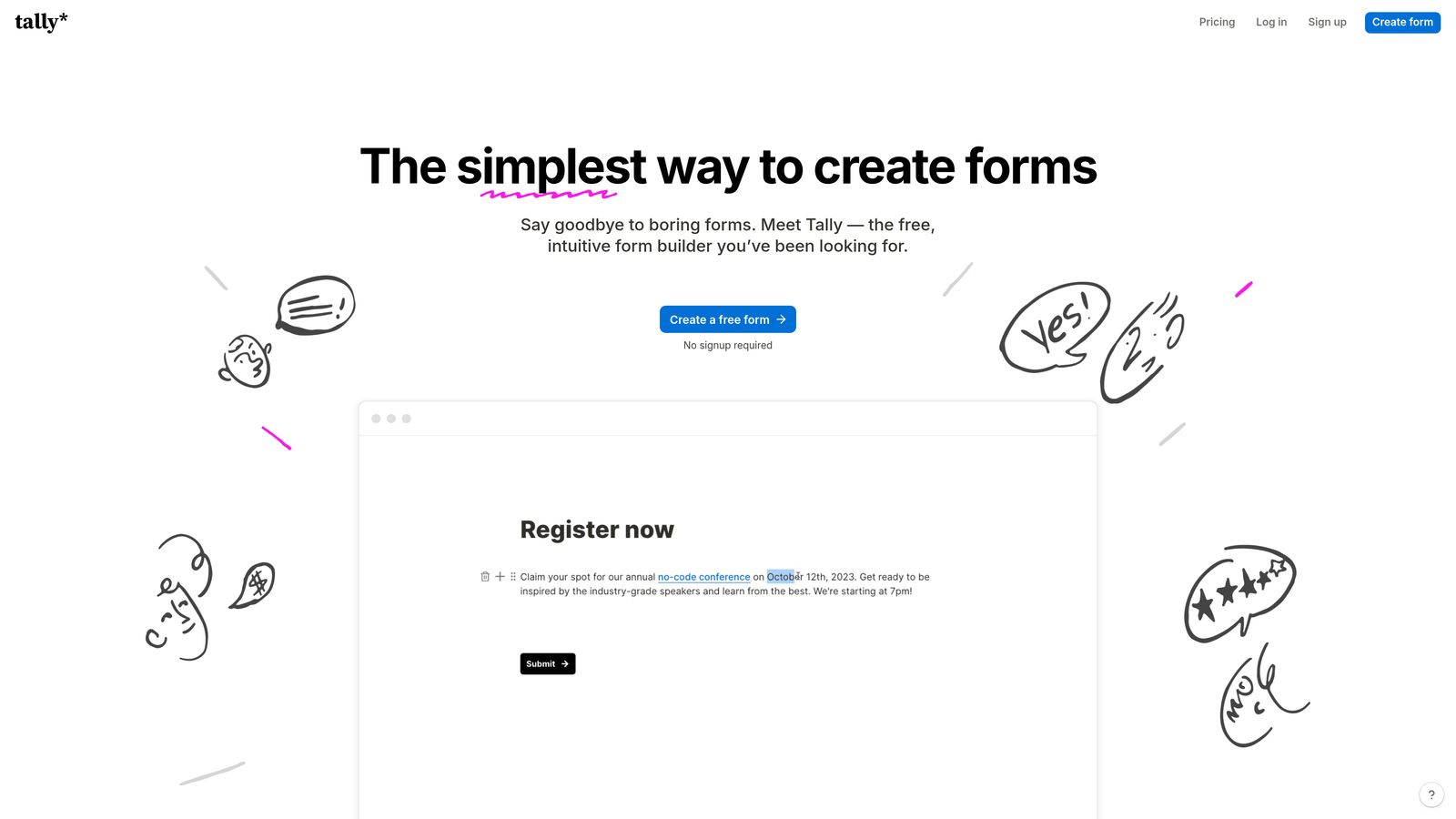
Tally brings the block-based editing approach popularized by Notion to form building with surprising power.
Where This Tool Shines
Tally's interface feels immediately familiar if you've used Notion. You build forms by adding blocks—text, multiple choice, file upload—and arrange them with simple drag-and-drop. The learning curve is practically nonexistent.
The free tier is almost suspiciously generous: unlimited forms, unlimited submissions, and most core features. For small businesses and startups watching budgets, Tally delivers professional functionality without the professional price tag.
Key Features
Notion-Style Block Editor: Intuitive building experience using familiar block-based editing principles.
Unlimited Free Forms: No artificial limits on form count or submissions on the free tier.
Conditional Logic: Show or hide questions based on previous answers to create dynamic form experiences.
Custom Branding: Add your own domain and remove Tally branding even on free plans.
Database Integrations: Native connections to Notion, Airtable, and other popular no-code databases.
Best For
Tally is perfect for startups, solopreneurs, and teams already working in the Notion ecosystem. The simplicity makes it ideal for non-technical users who need professional forms without complexity. If you're collecting feedback, running surveys, or managing simple registrations, Tally handles it elegantly.
Pricing
Free tier with unlimited forms and submissions. Pro plan at $29/month adds advanced features like payment collection and priority support.
5. Paperform
Best for: Creating landing page-style forms for e-commerce, bookings, and creative businesses
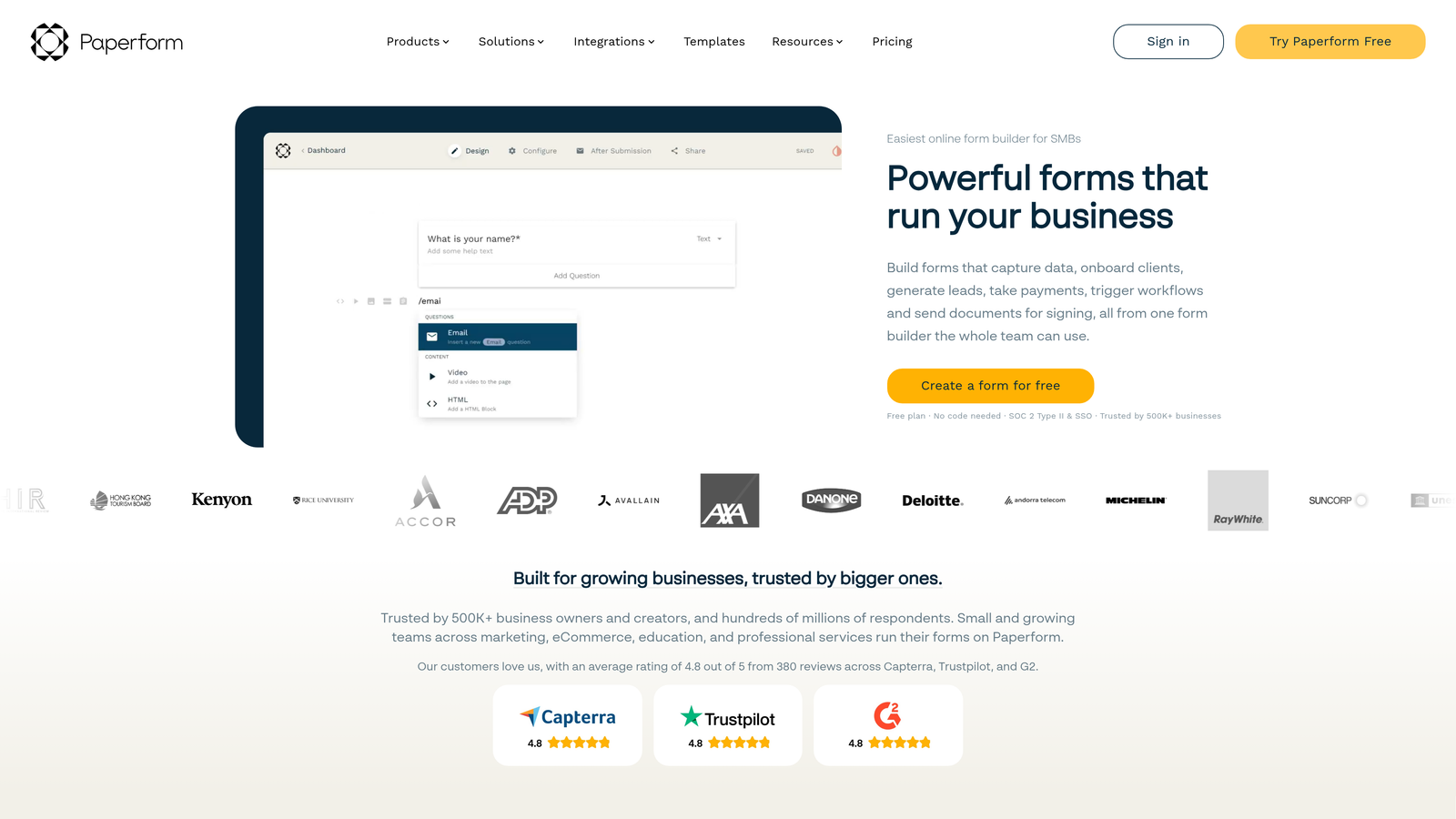
Paperform blurs the line between forms and landing pages with a unique approach to data collection.
Where This Tool Shines
Paperform treats forms as full landing pages rather than embedded widgets. You get complete design control to create experiences that match your brand exactly. The result looks less like a form and more like a custom web page that happens to collect information.
The built-in payment and booking functionality makes it powerful for service businesses. You're not just collecting leads—you're accepting deposits, scheduling appointments, and processing orders all in one seamless experience.
Key Features
Landing Page-Style Design: Full-page forms with complete layout control that function as standalone landing pages.
Built-In Payment Processing: Accept payments and deposits directly without third-party integrations.
Booking and Scheduling: Integrated calendar functionality for appointment-based businesses.
Custom CSS Control: Advanced design customization for developers who want pixel-perfect branding.
E-Commerce Product Fields: Add product selections, quantities, and variants for order forms.
Best For
Creative agencies, consultants, event planners, and e-commerce businesses love Paperform's design flexibility. If your forms need to match a specific brand aesthetic or function as standalone sales pages, this platform delivers. The booking features make it especially valuable for service providers charging for time or appointments.
Pricing
Essentials plan starts at $24/month with core features. Pro plan adds advanced integrations and removes submission limits.
6. Formstack
Best for: Enterprise organizations requiring compliance certifications and advanced workflow automation
Formstack is built for organizations where security, compliance, and complex workflows are non-negotiable.
Where This Tool Shines
Formstack holds the compliance certifications enterprise buyers demand: HIPAA, GDPR, SOC 2. If you're handling protected health information, financial data, or operating in regulated industries, these aren't nice-to-haves—they're requirements. Formstack's security infrastructure is built for organizations with serious compliance obligations.
The workflow automation goes beyond simple email notifications. You can route submissions through approval chains, generate contracts from form data, trigger multi-step processes, and integrate with enterprise systems. It's form building for organizations with complex operational needs.
Key Features
Enterprise Compliance: HIPAA, GDPR, and SOC 2 certifications for regulated industries and sensitive data.
Document Generation: Automatically create contracts, agreements, and PDFs from form submission data.
Advanced Workflow Automation: Build multi-step approval processes and complex routing logic.
Electronic Signatures: Collect legally binding signatures directly within forms.
Enterprise SSO and Permissions: Granular access control and single sign-on for large organizations.
Best For
Healthcare providers, financial institutions, government agencies, and large enterprises with strict security requirements choose Formstack. The platform handles the complexity that comes with scale—multiple departments, approval workflows, audit trails, and integration with legacy enterprise systems.
Pricing
Starter plan begins at $50/month. Enterprise pricing available for organizations needing dedicated support and custom compliance features.
7. Cognito Forms
Best for: Forms requiring advanced calculations, payment processing, and complex conditional logic
Cognito Forms excels at handling mathematically complex forms that calculate totals, process payments, and manage inventory.
Where This Tool Shines
The calculation engine in Cognito Forms is genuinely powerful. You can build forms that calculate totals based on quantities, apply discounts, compute taxes, and process payments—all within the form itself. This makes it exceptional for order forms, registration with pricing tiers, and applications requiring math.
Repeating sections let users add multiple items to a single submission—think event registrations where one person registers multiple attendees, or order forms with variable product quantities. This flexibility handles use cases that break simpler form builders.
Key Features
Advanced Calculation Fields: Build complex formulas and calculations directly into forms for pricing, totals, and conditional math.
Payment Processing: Accept payments through Stripe, PayPal, or Square with automatic total calculations.
Repeating Sections: Allow users to add multiple entries within a single form submission.
Workflow Routing: Route submissions through approval chains based on values, totals, or user responses.
Inventory Tracking: Limit quantities and track availability for event registrations or product orders.
Best For
Organizations running paid events, processing complex applications, or selling products with variable pricing love Cognito Forms. Educational institutions use it for program applications with fee calculations. Event organizers rely on it for registrations with tiered pricing and add-ons. Any scenario where you need to calculate before collecting payment is Cognito's sweet spot.
Pricing
Free tier available for individuals and small organizations. Pro plan starts at $15/month with expanded features and submission limits.
8. 123FormBuilder
Best for: Database-driven form management with strong security for data-intensive organizations
123FormBuilder takes a database-first approach to form building, treating submissions as structured data from the start.
Where This Tool Shines
123FormBuilder structures your form data like a proper database rather than a simple collection of submissions. This makes reporting, filtering, and data analysis significantly more powerful. You can query submissions, create custom views, and export data in formats that work with your existing systems.
The multi-page forms include save-and-resume functionality—essential for lengthy applications or forms users can't complete in one sitting. Applicants can start a form, save their progress, and return later without losing work. This dramatically improves completion rates for complex forms.
Key Features
Database-Driven Management: Structured data storage with powerful filtering, sorting, and querying capabilities.
Compliance Options: GDPR and HIPAA compliance features for organizations handling regulated data.
Save and Resume: Multi-page forms that users can complete across multiple sessions.
Salesforce Integration: Native connection to Salesforce and major CRM platforms for seamless data flow.
Advanced Reporting: Built-in analytics and custom export options for data analysis.
Best For
Organizations managing large volumes of structured data—think HR departments processing applications, universities handling admissions, or membership organizations tracking detailed member information. The database approach makes 123FormBuilder valuable when you need to do more than just collect responses—you need to analyze, report, and act on them.
Pricing
Free tier available with basic features. Gold plan starts at $24.99/month with expanded storage and advanced functionality.
9. Fillout
Best for: Seamless integration with Airtable, Notion, and no-code database workflows
Fillout is purpose-built for teams already working in no-code databases who need forms that sync perfectly with their existing data.
Where This Tool Shines
Fillout's native Airtable and Notion integration goes beyond simple data export. You can pre-fill forms with data from existing records, update records through form submissions, and create true two-way sync between your forms and databases. This eliminates the manual data entry that plagues most form-to-database workflows.
The interface is clean and modern without unnecessary complexity. You get the customization you need without the feature bloat that makes other platforms overwhelming. For teams already invested in the no-code ecosystem, Fillout feels like a natural extension of their existing tools.
Key Features
Native Database Integration: Direct, two-way sync with Airtable and Notion for seamless data flow.
Pre-Fill from Records: Populate form fields automatically from existing database records.
Record Updates: Use forms to update existing records rather than only creating new entries.
Modern Interface: Clean, intuitive design focused on usability without feature overload.
Scheduling and Payments: Built-in booking and payment features for service-based businesses.
Best For
No-code enthusiasts, Airtable power users, and teams building custom workflows in Notion find Fillout indispensable. If your operations run on no-code databases and you're tired of clunky integrations or manual data entry, Fillout solves the form problem elegantly. Perfect for operations teams, project managers, and anyone treating Airtable or Notion as their system of record.
Pricing
Free tier available with core features. Starter plan begins at $15/month with expanded integrations and submission limits.
Making the Right Choice
The best custom form builder depends entirely on your primary use case and existing tech stack. If lead quality matters more than lead quantity, Orbit AI's intelligent qualification saves hours of manual vetting. Need conversational forms that feel engaging? Typeform's one-question format consistently delivers higher completion rates.
For teams needing versatility across departments, Jotform's template library handles almost any scenario. Budget-conscious startups should start with Tally's generous free tier. Creative businesses wanting forms that double as landing pages will appreciate Paperform's design flexibility.
Enterprise organizations with compliance requirements can't go wrong with Formstack's certifications and security infrastructure. Forms involving complex calculations or payments? Cognito Forms handles the math. Data-intensive organizations benefit from 123FormBuilder's database approach, while no-code teams already in Airtable or Notion should absolutely explore Fillout's seamless integration.
The common thread among all these platforms: they've moved beyond basic data collection to solve specific business problems. Generic forms are dead. Modern businesses need tools that qualify leads, process payments, maintain compliance, or integrate with their unique workflows. Start by identifying your biggest form-related pain point, then choose the platform built to solve it.
Transform your lead generation with AI-powered forms that qualify prospects automatically while delivering the modern, conversion-optimized experience your high-growth team needs. Start building free forms today and see how intelligent form design can elevate your conversion strategy.


