

Form tools have a funny way of working perfectly at small scale, then quietly becoming a budget nightmare the moment your team starts growing. A plan that handles 100 submissions a month with ease can suddenly cost three times as much when you hit 10,000, and that pricing surprise often comes at the worst possible moment.
For high-growth teams, predictable costs matter just as much as features. That's why this guide focuses specifically on how these tools price as you scale, not just what they offer on day one. We've broken down top form solutions by their pricing models, from free tiers to enterprise plans, so you can choose the right tool before you outgrow your current one.
Selection criteria for this list included pricing transparency, per-submission versus per-seat models, feature availability across tiers, and overall value for teams with growing submission volumes. If you want a broader look at form builders beyond pricing, check out our best online form builder comparison for a fuller picture.
1. Orbit AI
Best for: High-growth teams that need AI-powered lead qualification and conversion-optimized forms at scale.
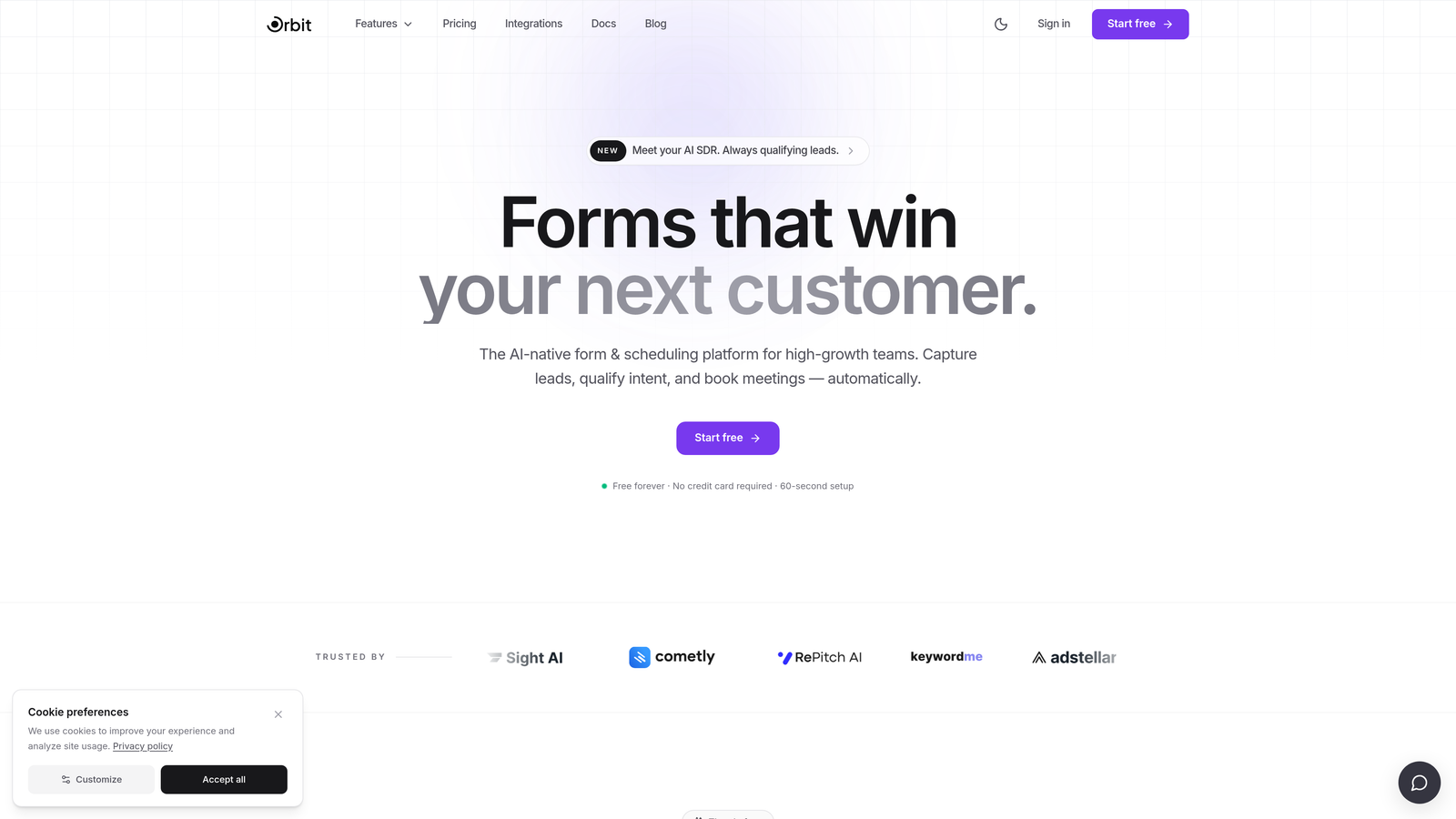
Orbit AI is an AI-powered form builder built specifically for teams that need more than just data collection. It combines beautiful, conversion-optimized form design with built-in lead qualification, so your forms don't just capture leads, they help you prioritize them.
Where This Tool Shines
Most form tools treat lead qualification as an afterthought, something you bolt on with a third-party integration after the fact. Orbit AI bakes it directly into the form experience, which means less setup, fewer tools in your stack, and smarter lead routing from the start.
For scaling teams, that distinction matters. As submission volumes grow, manually sorting through unqualified leads becomes a real operational cost. Having AI qualification built into your forms at the core plan level means you're not paying extra for intelligence as you scale up.
Key Features
AI-Powered Lead Qualification: Automatically scores and qualifies leads based on form responses, so your sales team focuses on the right prospects.
Conversion-Optimized Templates: Pre-built form designs engineered to reduce drop-off and increase submission rates for lead generation use cases.
Dynamic Conditional Logic: Smart branching that adapts the form experience based on user responses, creating personalized paths without complexity.
CRM and Marketing Integrations: Connects with the tools your team already uses to keep leads flowing into your pipeline automatically.
Scalable Submission Architecture: Designed to handle growing submission volumes without forcing disruptive tier upgrades at arbitrary thresholds.
Best For
Orbit AI is the strongest fit for SaaS companies, agencies, and growth-focused teams that treat lead generation as a core function. If your forms are a meaningful part of your acquisition strategy and you want AI qualification without enterprise-level pricing surprises, this is the tool built with you in mind.
Pricing
Visit orbitforms.ai for current pricing tiers. Plans are designed to keep AI features accessible without gating core functionality behind expensive upgrades.
2. Typeform
Best for: Brands that want a polished, conversational form experience with strong visual customization.
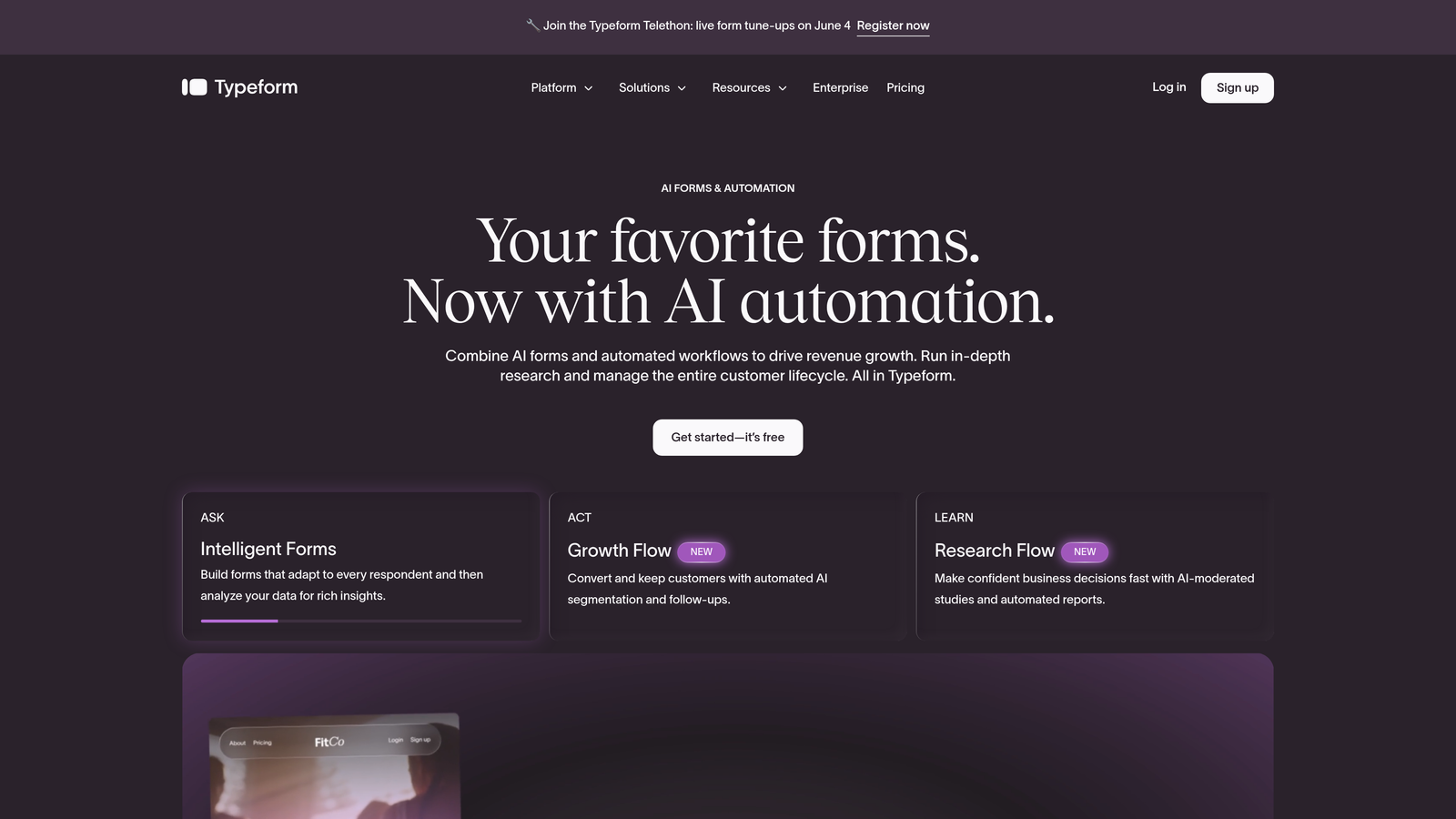
Typeform is a conversational form builder best known for its one-question-at-a-time format, which creates an engaging, interview-like experience that tends to reduce abandonment on longer forms.
Where This Tool Shines
Typeform's UX is genuinely distinctive. When you need a form that feels like a conversation rather than a data entry task, it's hard to beat. That quality shows up especially well in lead generation forms, surveys, and onboarding flows where first impressions matter.
The challenge for scaling teams is the pricing model. Typeform charges per response, which means costs grow directly with your submission volume. This can work well for teams with steady, predictable traffic, but it creates real budget uncertainty for teams experiencing rapid growth.
Key Features
Conversational One-Question Format: Presents questions one at a time to reduce cognitive load and improve completion rates.
Extensive Brand Customization: Full control over colors, fonts, backgrounds, and imagery to match your brand identity.
Logic Jumps and Branching: Route respondents through different question paths based on their answers.
Native Marketing Integrations: Connects with HubSpot, Mailchimp, Salesforce, and other popular tools out of the box.
Video and Image Embedding: Embed rich media directly into forms to create more engaging experiences.
Best For
Typeform suits marketing teams and agencies that prioritize brand experience and have relatively predictable response volumes. It's less ideal for teams expecting sudden traffic spikes or high-volume lead capture campaigns where per-response costs could escalate quickly.
Pricing
A free plan is available with limited responses. Paid plans start around $25 per month, with response limits that increase at each tier. Heavy-volume users may find costs climb significantly.
3. Jotform
Best for: Teams that need a large template library, payment processing, and flexible form building across multiple use cases.
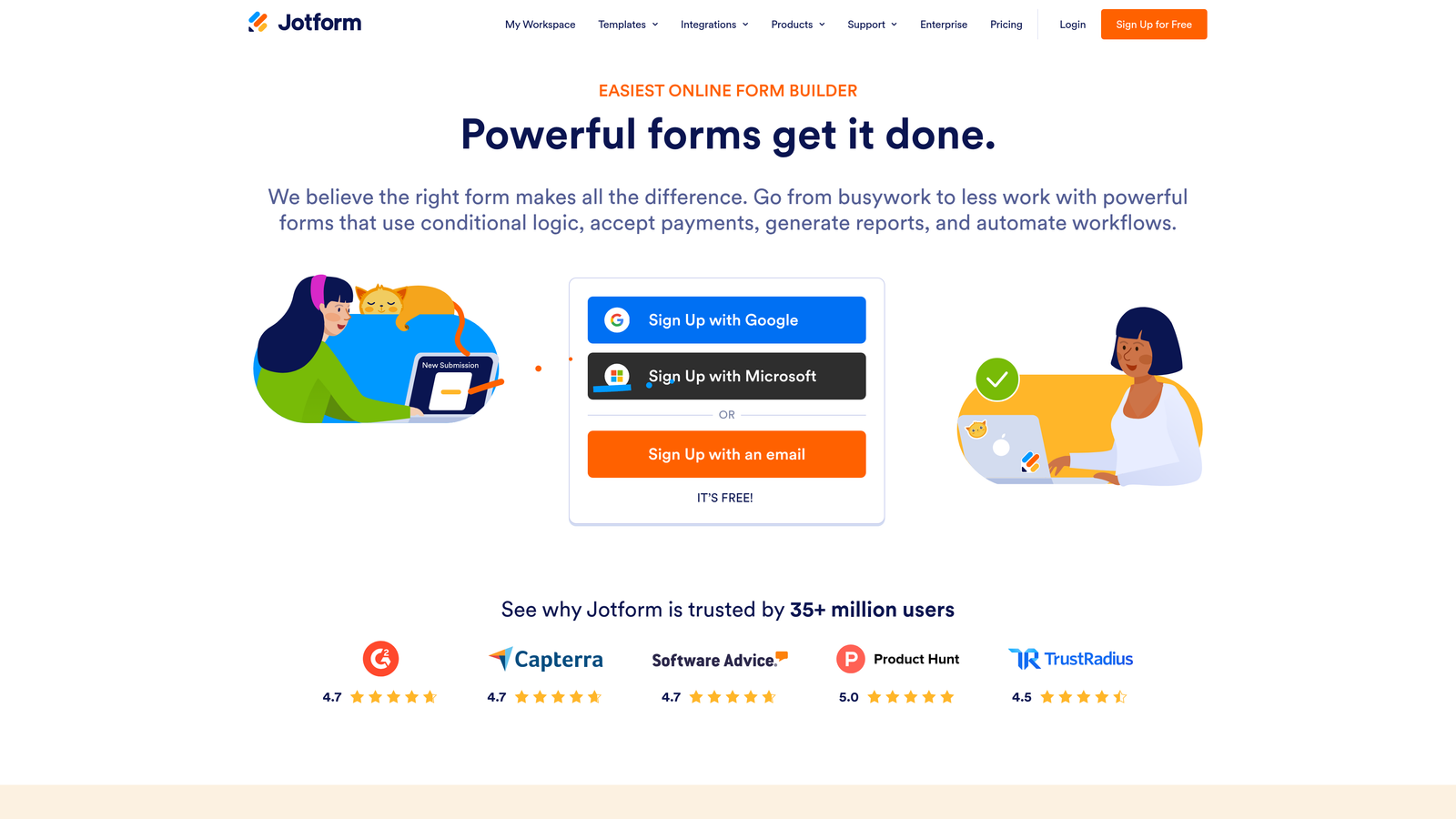
Jotform is one of the most feature-rich form builders available, offering over 10,000 templates and a wide range of integrations that make it adaptable for nearly any industry or use case.
Where This Tool Shines
Jotform's depth is its biggest strength. Whether you need payment forms, conditional logic, HIPAA-compliant data collection, or complex multi-step workflows, there's likely a template or widget already built for it. The sheer breadth of functionality means most teams won't hit a wall on features.
The scaling consideration with Jotform is its submission-based pricing model. The free plan caps at 100 monthly submissions across 5 forms, which is a low ceiling for any team with real lead generation volume. Paid tiers increase those limits, but teams with high submission volumes should map out the cost trajectory carefully before committing.
Key Features
10,000+ Form Templates: An enormous library covering virtually every industry and form type imaginable.
Drag-and-Drop Builder with Widgets: Intuitive visual editor with hundreds of add-on widgets for extended functionality.
Payment Collection Integrations: Accepts payments through Stripe, PayPal, Square, and other processors directly within forms.
Conditional Logic and Calculations: Powerful branching and math capabilities for complex form workflows.
HIPAA-Compliant Plans: Available for healthcare and regulated industries that require strict data handling standards.
Best For
Jotform works well for small businesses, nonprofits, healthcare teams, and operations-focused use cases where template variety and compliance features matter more than conversion optimization. Teams with moderate, predictable submission volumes get the most value here.
Pricing
Free plan includes 5 forms and 100 monthly submissions. Paid plans start around $34 per month with higher submission limits at each tier.
4. Tally
Best for: Bootstrapped startups and indie teams that need unlimited forms and submissions without paying anything upfront.
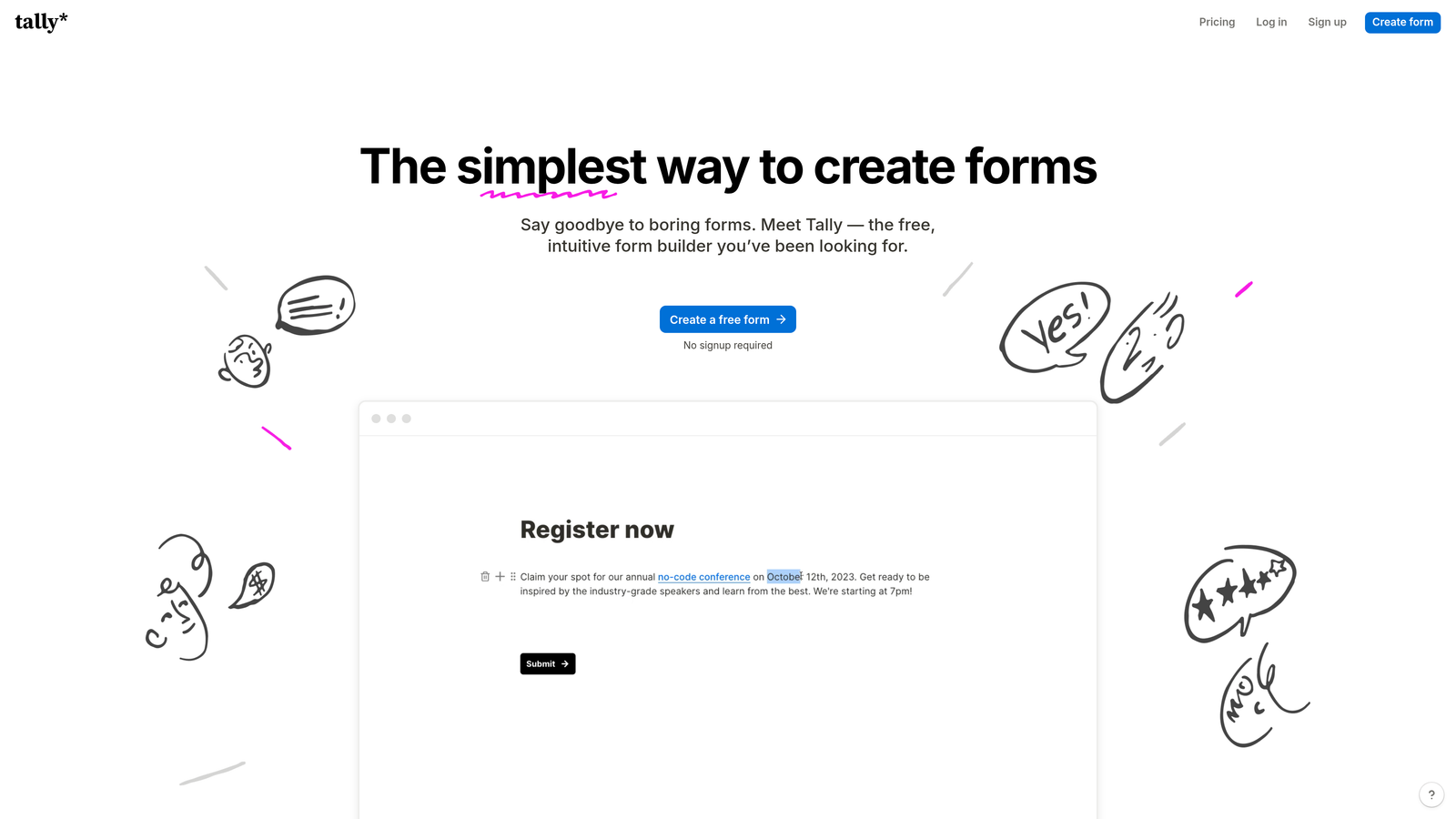
Tally is a minimalist form builder that took a genuinely different approach to pricing: offer unlimited forms and unlimited submissions on the free plan, and charge only for premium branding and advanced features.
Where This Tool Shines
For teams watching every dollar, Tally's free tier is remarkable. You can collect unlimited responses without hitting a paywall, which removes the anxiety of submission-based pricing entirely at the core level. The block-based editor feels familiar to anyone who uses Notion, making it quick to learn.
The tradeoff is that Tally's feature set is intentionally lean. It handles straightforward forms well, but teams that need deep CRM integrations, advanced analytics, or custom branding will need to upgrade to the Pro plan or look elsewhere.
Key Features
Unlimited Forms and Submissions on Free Plan: No response caps, no arbitrary limits, no surprise upgrade prompts.
Notion-Like Block Editor: Familiar, intuitive editing experience for teams already comfortable with modern productivity tools.
Conditional Logic and Hidden Fields: Core logic features available even on the free tier.
Webhooks and Zapier Integrations: Connect to external tools and automate workflows without needing native integrations.
Custom Domain and Branding on Paid Plan: Remove Tally branding and use your own domain with the Pro upgrade.
Best For
Tally is ideal for early-stage startups, solo founders, and internal teams that need functional forms quickly without budget commitment. It's less suited for teams that need polished branded experiences or deep marketing stack integration on the free tier.
Pricing
Free plan includes unlimited forms and submissions. Pro plan is $29 per month and adds custom branding, custom domains, and advanced features.
5. HubSpot Forms
Best for: Teams already using HubSpot CRM who want forms that feed directly into their existing marketing and sales workflows.
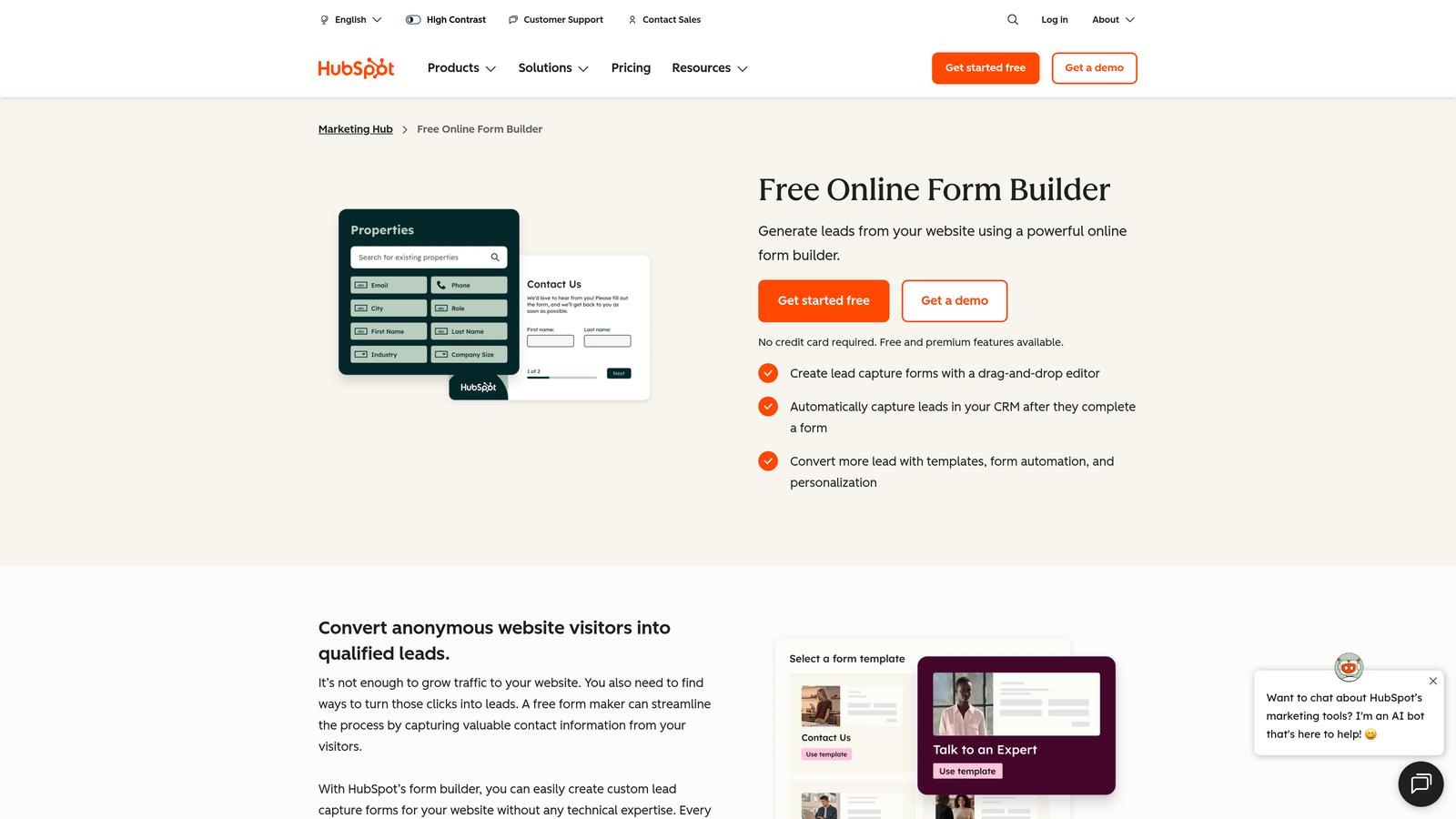
HubSpot Forms is a free form tool that lives natively inside the HubSpot ecosystem, creating contacts automatically and syncing data across the CRM without any integration setup.
Where This Tool Shines
If your team is already in HubSpot, the native integration is genuinely seamless. Forms create and update contact records automatically, trigger workflows, and feed into your reporting without any middleware. That level of native connectivity is hard to replicate with third-party form tools.
The limitation is that HubSpot Forms is really only compelling if you're already paying for HubSpot. Standalone, the free form builder is basic. Advanced features like progressive profiling and smart fields require Marketing Hub Starter or above, which means the real cost is tied to your broader HubSpot subscription.
Key Features
Native CRM Contact Creation: Every form submission automatically creates or updates a HubSpot contact record.
Progressive Profiling: Gradually collects additional contact data over multiple form interactions without repeating questions.
Smart Fields and Dependent Dropdowns: Dynamically show or hide fields based on known contact data or previous answers.
Built-in Analytics and Automation: Track form performance and trigger follow-up sequences directly within HubSpot.
Marketing Hub Integration: Forms connect seamlessly with email campaigns, lead scoring, and sales pipelines.
Best For
HubSpot Forms is the right choice if you're already a HubSpot customer and want zero-friction lead capture. For teams not in the HubSpot ecosystem, the value proposition is much weaker compared to dedicated form builders.
Pricing
Forms are free with any HubSpot account. Advanced features require Marketing Hub Starter at around $20 per month or higher-tier plans with significantly greater cost.
6. Paperform
Best for: Creative teams and small businesses that want a document-style form experience with built-in payments and flat-rate pricing.
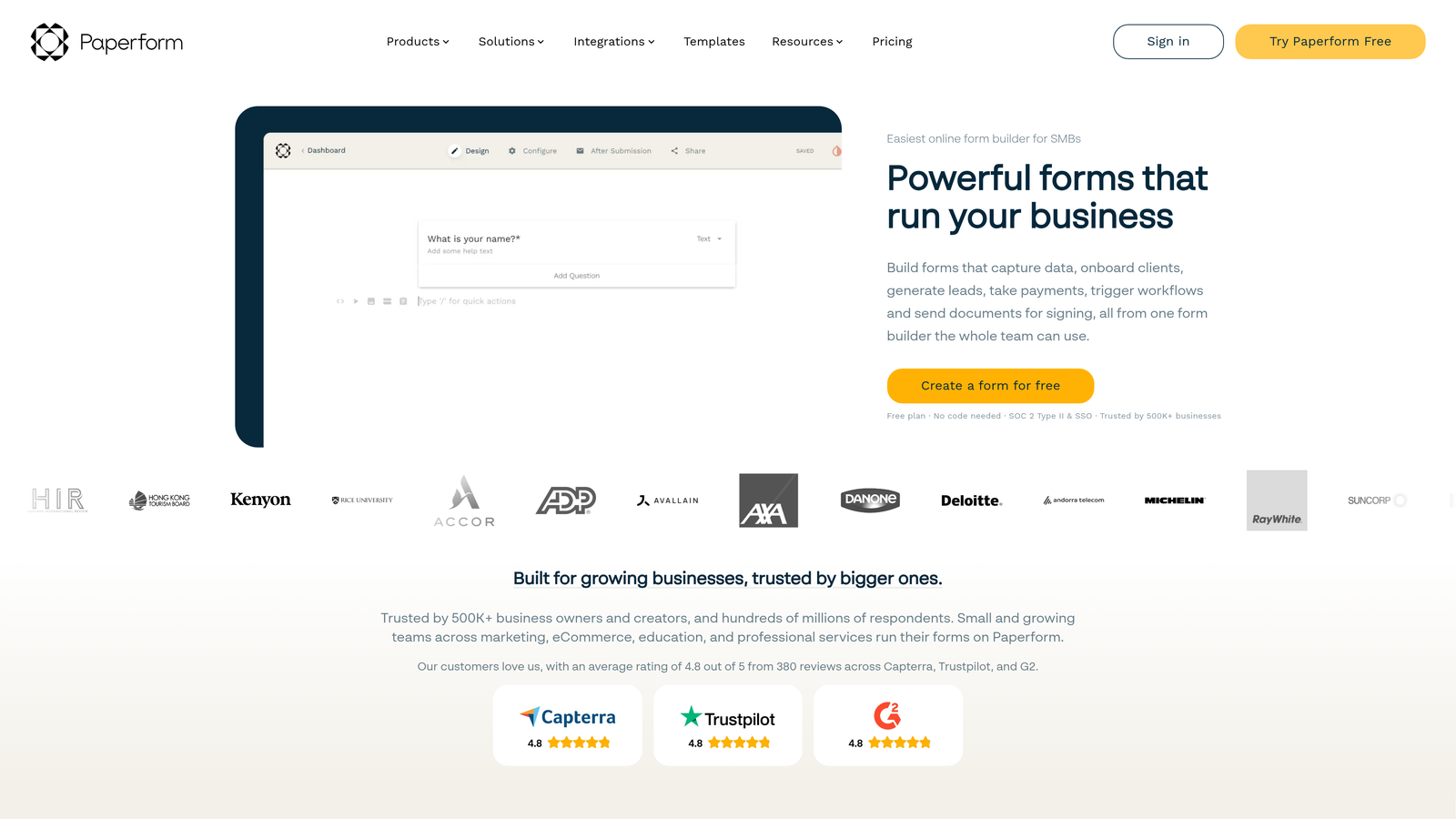
Paperform takes a different visual approach, building forms that look more like well-designed pages or documents than traditional input forms, with built-in payment processing included across plans.
Where This Tool Shines
Paperform's flat-rate pricing model is its standout advantage for scaling teams. Unlike per-response tools, you pay the same amount whether you collect 500 or 50,000 submissions in a month. That predictability is genuinely valuable for teams running campaigns with variable traffic.
The document-style editor also produces forms that feel more like landing pages, which can work well for product launches, event registrations, or client intake flows where presentation matters. The built-in e-commerce capabilities mean you can sell products or services directly through a form without a separate payment tool.
Key Features
Document-Style Form Experience: Create forms that look like rich, well-designed pages rather than bare input fields.
Built-In Payment Processing: Accept payments via Stripe and other processors without needing a separate integration.
Conditional Logic and Calculations: Advanced branching and math fields for dynamic, intelligent forms.
Custom Branding and Themes: Full visual control to match your brand across all form elements.
Flat-Rate Pricing with No Submission Caps: Predictable monthly cost regardless of how many responses you collect.
Best For
Paperform works well for small agencies, creative professionals, coaches, and small businesses that need polished forms with payment capabilities and want pricing that doesn't punish them for success.
Pricing
Plans start around $24 per month for the Essentials tier. Flat-rate pricing across plans means no surprise costs as submission volumes grow.
7. Formstack
Best for: Enterprise teams and regulated industries that need forms, document generation, e-signatures, and compliance features in one platform.
Formstack is an enterprise-grade workflow platform that extends well beyond form building into document generation, electronic signatures, and compliance management for industries like healthcare, finance, and legal.
Where This Tool Shines
Formstack's strength is workflow depth. When a form submission needs to trigger a document, route for approval, collect a signature, and sync with Salesforce, all within a compliant environment, Formstack handles that end-to-end. That's a genuinely different value proposition from most form builders on this list.
The per-seat pricing model means costs scale with team size rather than submission volume, which can actually be advantageous for high-volume teams. The tradeoff is that the starting price is significantly higher than most alternatives, making it harder to justify for smaller teams or simpler use cases.
Key Features
Full Workflow Suite: Forms, document generation, and e-signatures in one integrated platform.
Compliance-Ready Infrastructure: HIPAA, GDPR, and other regulatory standards supported across plans.
Advanced Conditional Logic and A/B Testing: Sophisticated form logic and optimization tools for enterprise use cases.
Salesforce-Native Integration: Deep, native Salesforce connectivity for teams that live in that ecosystem.
Per-Seat Pricing Model: Costs tied to users rather than submission volume, which benefits high-volume data collection.
Best For
Formstack is the right fit for enterprise teams, compliance-heavy industries, and organizations that need a complete digital workflow platform rather than a standalone form builder. It's overkill for most small to mid-sized teams.
Pricing
Starts around $50 per user per month. Enterprise plans with custom pricing are available for larger organizations.
8. Google Forms
Best for: Internal surveys, simple data collection, and teams that need a completely free, no-friction form solution.
Google Forms is the most accessible form tool available: completely free, unlimited responses, and accessible to anyone with a Google account.
Where This Tool Shines
For internal use cases, Google Forms is genuinely hard to beat on value. Employee surveys, event registrations, quick feedback forms, and internal data collection all work perfectly well here without spending a single dollar. The Google Sheets integration means responses are instantly organized and shareable.
The honest limitation is that Google Forms wasn't designed for external lead generation or conversion optimization. It lacks branding control, advanced logic, and the kind of polished UX that converts visitors on a marketing landing page. For internal workflows, it's excellent. For growth-focused lead capture, it falls short.
Key Features
Completely Free with Unlimited Responses: No tiers, no limits, no upgrade prompts.
Google Sheets Integration: Responses automatically populate a connected spreadsheet for easy analysis.
Basic Branching Logic: Simple conditional routing for multi-path forms.
Real-Time Collaborative Editing: Multiple team members can build and edit forms simultaneously.
Add-Ons Ecosystem: Extend functionality through Google Workspace add-ons for additional features.
Best For
Google Forms is ideal for internal teams, educators, nonprofits, and anyone who needs quick, functional forms without any budget. It's not the right tool for customer-facing lead generation or brand-sensitive external forms.
Pricing
Completely free. Included with any Google account, including free personal accounts and Google Workspace subscriptions.
9. Cognito Forms
Best for: Budget-conscious teams that need advanced form features like calculations, repeating sections, and payment processing at accessible price points.
Cognito Forms offers a surprisingly powerful feature set at a lower price point than most competitors, with advanced calculation capabilities and payment processing that usually appear only in more expensive tools.
Where This Tool Shines
Cognito Forms punches above its weight on functionality. Features like repeating sections, complex calculations, and multi-step approval workflows are genuinely useful for operations teams, small businesses, and anyone building forms that need to process structured data rather than just collect it.
The entry-based pricing model is also worth noting. Rather than charging per seat or per submission in a way that escalates quickly, Cognito Forms offers generous entry limits at each tier, making it a reasonable option for teams that need more capability than Google Forms but aren't ready to invest in enterprise tooling.
Key Features
Advanced Calculations and Repeating Sections: Build forms with dynamic math, totals, and repeatable field groups for complex data collection.
Payment Processing: Accept payments via Stripe, PayPal, and Square directly within forms.
Entry-Based Pricing Model: Generous entry limits at each tier make costs predictable for moderate-volume teams.
Conditional Logic and Data Encryption: Solid logic capabilities with data security built in.
Workflow and Approval Routing: Route form submissions through internal approval processes before they're finalized.
Best For
Cognito Forms is a strong fit for small businesses, operations teams, and budget-conscious organizations that need real functionality without paying premium prices. It's a practical middle ground between free tools and enterprise platforms.
Pricing
Free plan available. Paid plans start around $15 per month with generous entry limits that scale across tiers.
Finding Your Scalable Fit
Choosing the right form solution isn't just about what works today. It's about what keeps working, and keeps fitting your budget, as your team and submission volumes grow.
Here's a quick breakdown by scenario to help you land on the right choice:
Budget-first teams: Tally and Google Forms are the clear winners here. Both offer meaningful free tiers with no submission caps, making them ideal for early-stage teams or internal use cases where cost is the primary constraint.
Conversion-focused scaling teams: This is where Orbit AI stands out. If lead generation is core to your growth strategy and you want AI qualification built in from day one, it's the most purpose-built option on this list. Typeform is also worth considering for teams where brand experience drives conversions, though the per-response pricing requires careful monitoring at scale.
Enterprise workflow needs: Formstack is the natural fit for regulated industries and teams that need forms, documents, and e-signatures in one compliant platform. HubSpot Forms makes sense if you're already invested in the HubSpot ecosystem and want zero-friction CRM connectivity.
Flat-rate predictability: Paperform and Cognito Forms both offer pricing structures that don't punish you for volume growth, which is a meaningful advantage for teams running campaigns with variable traffic.
The broader principle here is worth keeping in mind: the best pricing model for your team depends on your growth trajectory, not just your current submission count. A tool that's affordable at 500 responses per month might become your biggest SaaS line item at 50,000. Map out your expected growth before committing.
For more on optimizing what happens after someone hits submit, explore our guides on how to improve form conversion rates and building lead forms for B2B companies.
If you're a high-growth team that wants AI-driven lead qualification without enterprise pricing surprises, start building free forms today and see how intelligent form design can elevate your entire conversion strategy.


