

Google Forms is free, familiar, and gets the job done — until it doesn't. For professionals running lead generation campaigns, collecting client intake data, or managing complex workflows, the limitations surface quickly: bare-bones design, shallow conditional logic, zero lead qualification, and an aesthetic that feels more like a student survey than a serious business tool. If you've ever embedded a Google Form on a polished landing page and immediately regretted it, you already know the problem.
The good news is that the form builder market has matured dramatically. Today's professional-grade alternatives offer AI-powered features, deep CRM integrations, advanced analytics, and designs that actually reflect your brand. We evaluated dozens of options and narrowed the field to nine that genuinely solve the problems professionals face, whether you need better conversions, smarter data routing, or simply forms that don't undercut your brand credibility. Here's what made the cut.
1. Orbit AI
Best for: High-growth teams that want AI-powered lead qualification built directly into their forms.
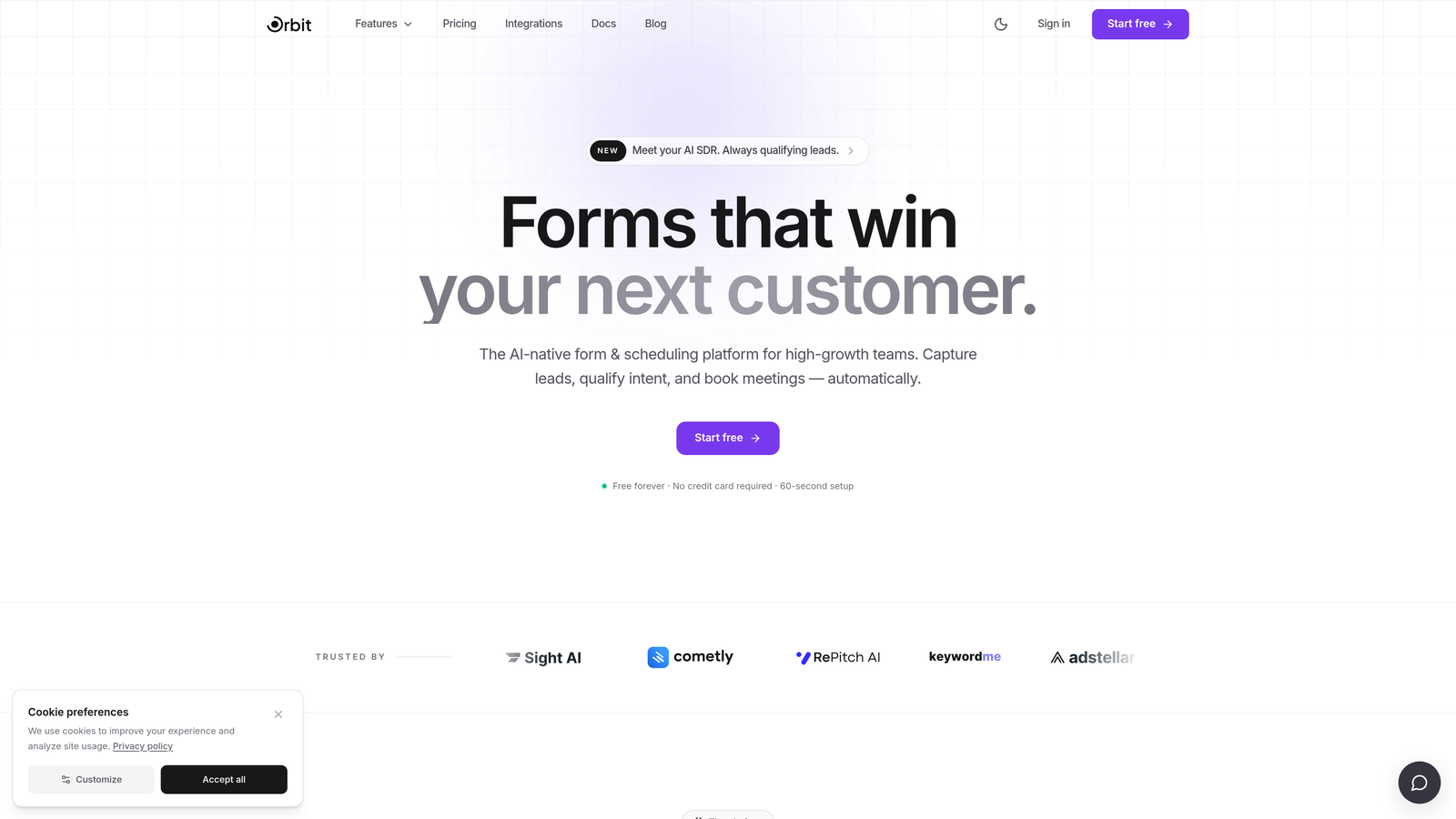
Orbit AI is an AI-powered form builder platform designed for conversion optimization, combining beautiful form design with built-in lead scoring and qualification on every submission.
Where This Tool Shines
What separates Orbit AI from most form builders is where it sits in your revenue workflow. Rather than simply collecting data and passing it along, Orbit AI qualifies leads at the point of submission, scoring responses automatically so your sales team focuses on the right prospects first. For B2B teams and agencies where lead quality matters as much as lead volume, this is a meaningful shift.
The design quality is also worth noting. Orbit AI's templates are built with conversion in mind, not just aesthetics. Conditional logic and dynamic fields allow you to create personalized form experiences that adapt based on how respondents answer, which tends to improve both completion rates and the relevance of the data you collect.
Key Features
AI Lead Scoring: Every submission is automatically evaluated and scored, giving your team instant qualification signals without manual review.
Conversion-Optimized Templates: Pre-built templates designed specifically for professional lead generation, not generic data collection.
Conditional Logic and Dynamic Fields: Forms adapt in real time based on respondent answers, creating personalized paths through the experience.
Modern Brandable Design: Full design customization so forms match your website and brand identity without compromise.
CRM and Marketing Tool Integrations: Connects with popular CRMs and marketing platforms to route qualified leads directly into your existing workflows.
Best For
Orbit AI is the right choice for high-growth SaaS teams, B2B companies, and agencies that treat forms as part of the revenue pipeline, not just data collection. If lead qualification and conversion optimization are priorities, this is built specifically for that use case.
Pricing
Free tier available for getting started. Paid plans unlock advanced AI features, team collaboration, and deeper integrations. Visit orbitforms.ai for current plan details.
2. Typeform
Best for: Professionals who prioritize respondent experience and high form completion rates.
Typeform is a conversational form builder known for its one-question-at-a-time interface that creates engaging, survey-like experiences with notably polished design.

Where This Tool Shines
Typeform's signature approach, presenting one question at a time rather than a full-page form, tends to feel less overwhelming to respondents. This format works particularly well for longer forms, customer research surveys, and onboarding flows where you want people to stay engaged through to the end.
The visual quality is genuinely strong. Typeform forms look professional out of the box, and the branding customization options give you enough control to make them feel native to your site. Logic jumps allow you to branch respondents into different paths based on their answers, which adds real depth to the experience.
Key Features
Conversational One-Question UI: Sequential question presentation that reduces cognitive load and improves completion rates.
Logic Jumps and Branching: Route respondents through personalized paths based on their answers.
Native Integrations: Connects directly with Zapier, HubSpot, Slack, Google Sheets, and many other tools.
Video and Image Embedding: Add rich media within forms to provide context or increase engagement.
Custom Branding and Themes: Full color, font, and background customization to match your brand identity.
Best For
Typeform is ideal for customer research, onboarding surveys, event registrations, and any scenario where respondent experience and completion rate are the primary concerns. It works well for teams already in the HubSpot or Zapier ecosystem.
Pricing
Free plan with limited responses available. Paid plans start around $25 per month, with higher tiers unlocking more responses, logic features, and integrations.
3. Jotform
Best for: Teams that need a wide variety of templates and a robust ecosystem of widgets and payment integrations.
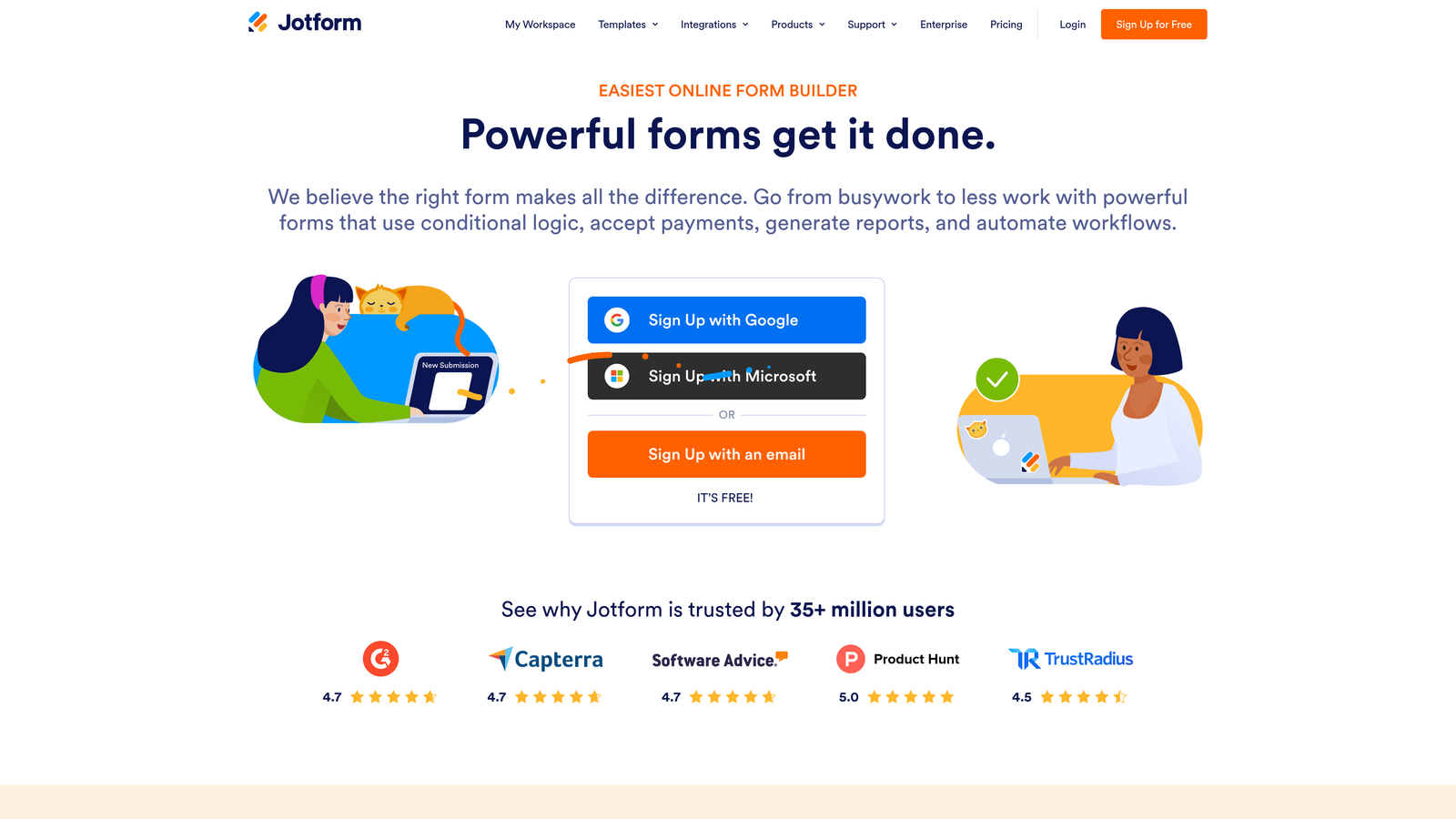
Jotform is a feature-rich form builder offering one of the largest template libraries in the market, a drag-and-drop editor, and extensive support for payment collection and specialized use cases.
Where This Tool Shines
Jotform's depth is its biggest advantage. With over 10,000 pre-built templates covering industries from healthcare to real estate to education, there's a strong chance a starting point already exists for whatever you need to build. The drag-and-drop editor is intuitive, and the widget library extends functionality significantly beyond basic form fields.
For professionals who need to collect payments, Jotform's native integrations with PayPal, Stripe, and Square make it one of the more capable options in this space. Jotform Tables also provides a built-in submission management layer, so you're not immediately dependent on exporting data elsewhere.
Key Features
10,000+ Templates: One of the largest pre-built template libraries available, spanning nearly every industry and use case.
Drag-and-Drop Builder: Visual editor with an extensive widget library for adding specialized functionality.
Payment Integrations: Native support for PayPal, Stripe, and Square for order forms and payment collection.
Jotform Tables: Built-in database view for managing and organizing form submissions without a separate tool.
HIPAA-Compliant Plans: Available for healthcare professionals and organizations handling sensitive health data.
Best For
Jotform suits professionals who need a versatile, template-heavy solution, particularly those in healthcare, professional services, or e-commerce where payment collection and compliance requirements are common.
Pricing
Free plan allows up to 5 forms and 100 submissions per month. Paid plans start around $34 per month with higher submission limits and advanced features.
4. Tally
Best for: Professionals and small teams who want a clean, capable form builder without paying for most features.
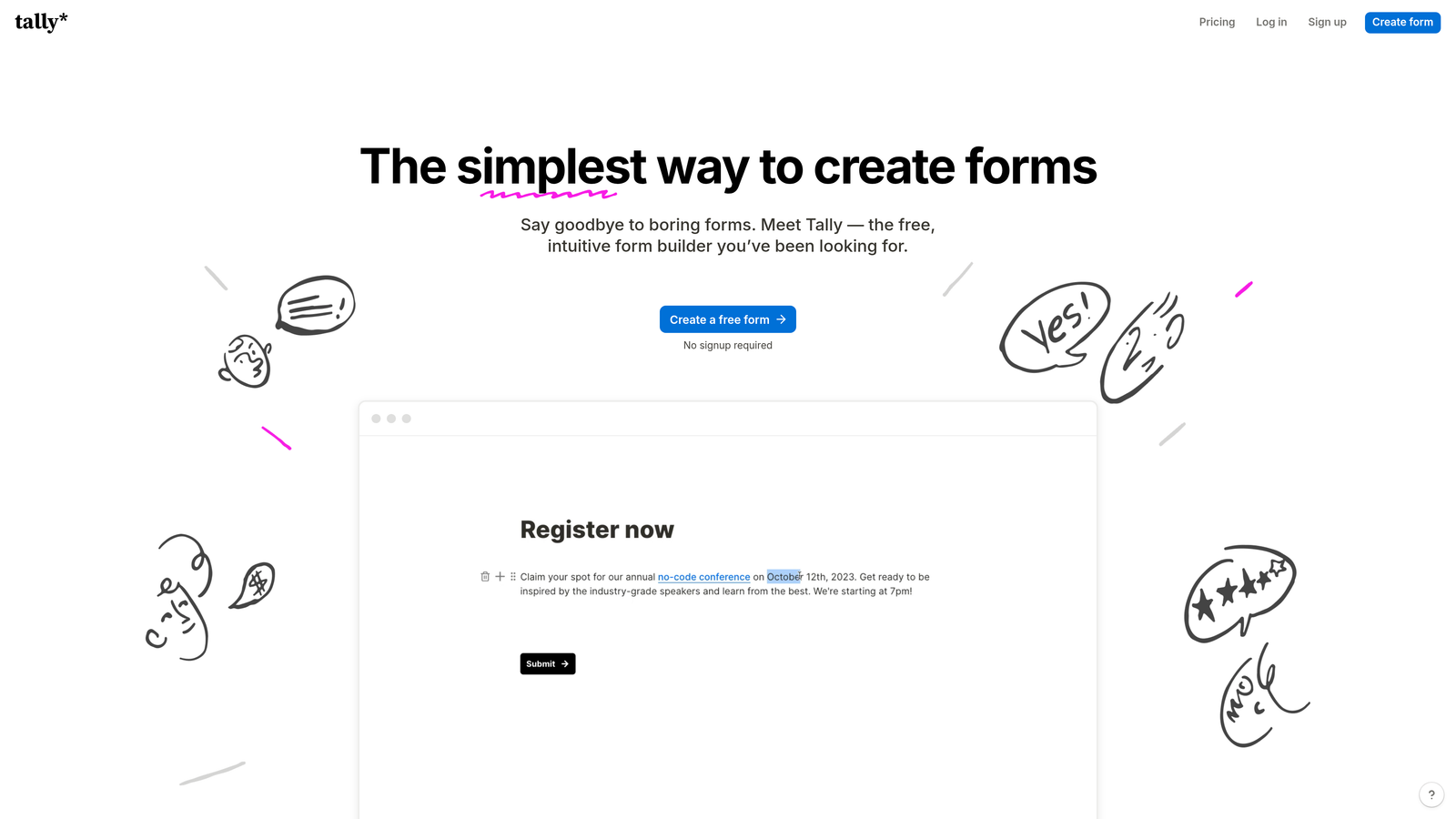
Tally is a Notion-style form builder that offers unlimited forms and submissions on its free plan, making it one of the most generous options in the market for budget-conscious professionals.
Where This Tool Shines
Tally's block-based editor will feel immediately familiar if you use Notion. The building experience is clean and intuitive, and the fact that conditional logic, hidden fields, calculations, and file uploads are all available on the free plan is genuinely unusual in this category. Most competitors lock these features behind paid tiers.
The forms themselves look minimal and modern, which suits professionals who want clean design without heavy customization work. Tally won't give you the deep branding control of some paid alternatives, but for straightforward professional forms, it punches well above its price point.
Key Features
Unlimited Free Forms and Submissions: No artificial caps on the free plan, which is rare among professional form builders.
Notion-Style Block Editor: Familiar, intuitive building interface for anyone comfortable with block-based editing tools.
Conditional Logic and Calculations: Available on the free plan, including hidden fields and calculated fields.
File Uploads and Payments: Collect files and process payments without upgrading.
Webhooks and Native Integrations: Connect to other tools via direct integrations or webhook-based automation.
Best For
Tally is the right pick for freelancers, small teams, and early-stage companies that need professional-quality forms without the budget for a paid tool. It's also a strong option for internal forms and workflows where design customization is less critical.
Pricing
Free for most features. Tally Pro is $29 per month and adds custom domains, team features, and branding removal.
5. HubSpot Forms
Best for: Teams already using HubSpot CRM who want forms that feed directly into their marketing and sales workflows.
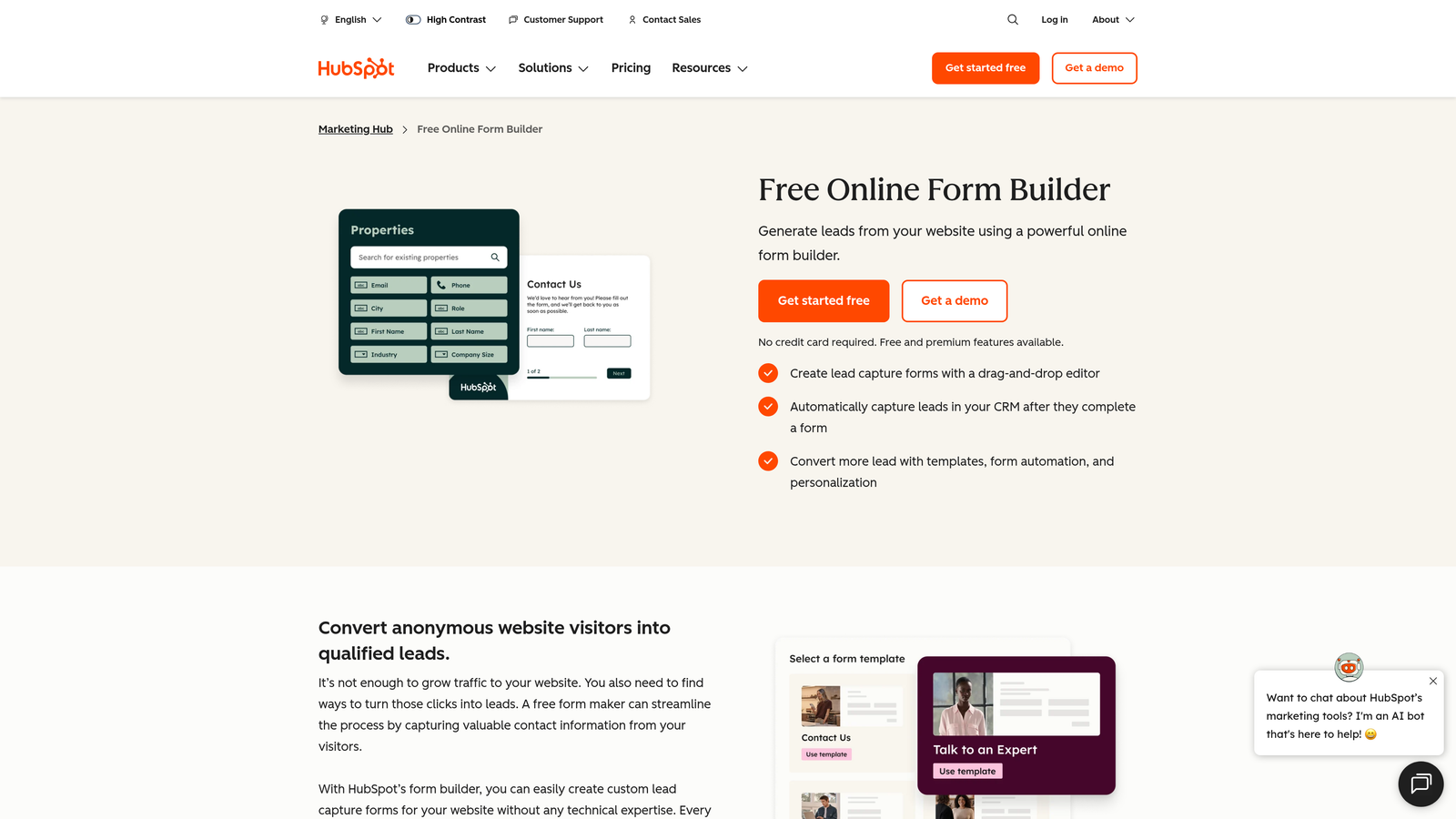
HubSpot Forms is a native form builder within the HubSpot ecosystem, designed to automatically create and update CRM contacts with every submission.
Where This Tool Shines
If your team runs on HubSpot, the case for HubSpot Forms is straightforward: every submission automatically creates or updates a contact record, triggers workflows, and feeds into your existing reporting. There's no integration to maintain, no data mapping to configure, and no lag between form submission and CRM action.
Progressive profiling is a standout feature. Rather than asking the same questions to returning visitors, HubSpot Forms can surface new fields for contacts already in your CRM, gradually building richer profiles over time without friction. For B2B teams running inbound campaigns, this is a genuinely useful capability.
Key Features
Native CRM Integration: Automatic contact creation and record updates with every form submission, no third-party connector needed.
Progressive Profiling: Dynamically shows new fields to returning visitors so you continuously enrich contact data.
Smart Fields and Dependent Logic: Show or hide fields based on CRM data or respondent answers.
Built-In Analytics: Form performance data tied directly into HubSpot's reporting dashboards.
Embeds, Pop-Ups, and Standalone Pages: Multiple deployment options for different campaign contexts.
Best For
HubSpot Forms is the obvious choice for teams already invested in the HubSpot platform. It's less compelling as a standalone form builder if you're not using HubSpot CRM, where the core value proposition largely disappears.
Pricing
Free with HubSpot CRM. Advanced features require Marketing Hub paid plans starting around $20 per month, scaling significantly with contact volume and feature tier.
6. Paperform
Best for: Professionals who want forms that function as fully branded landing pages, not just embedded data-collection widgets.
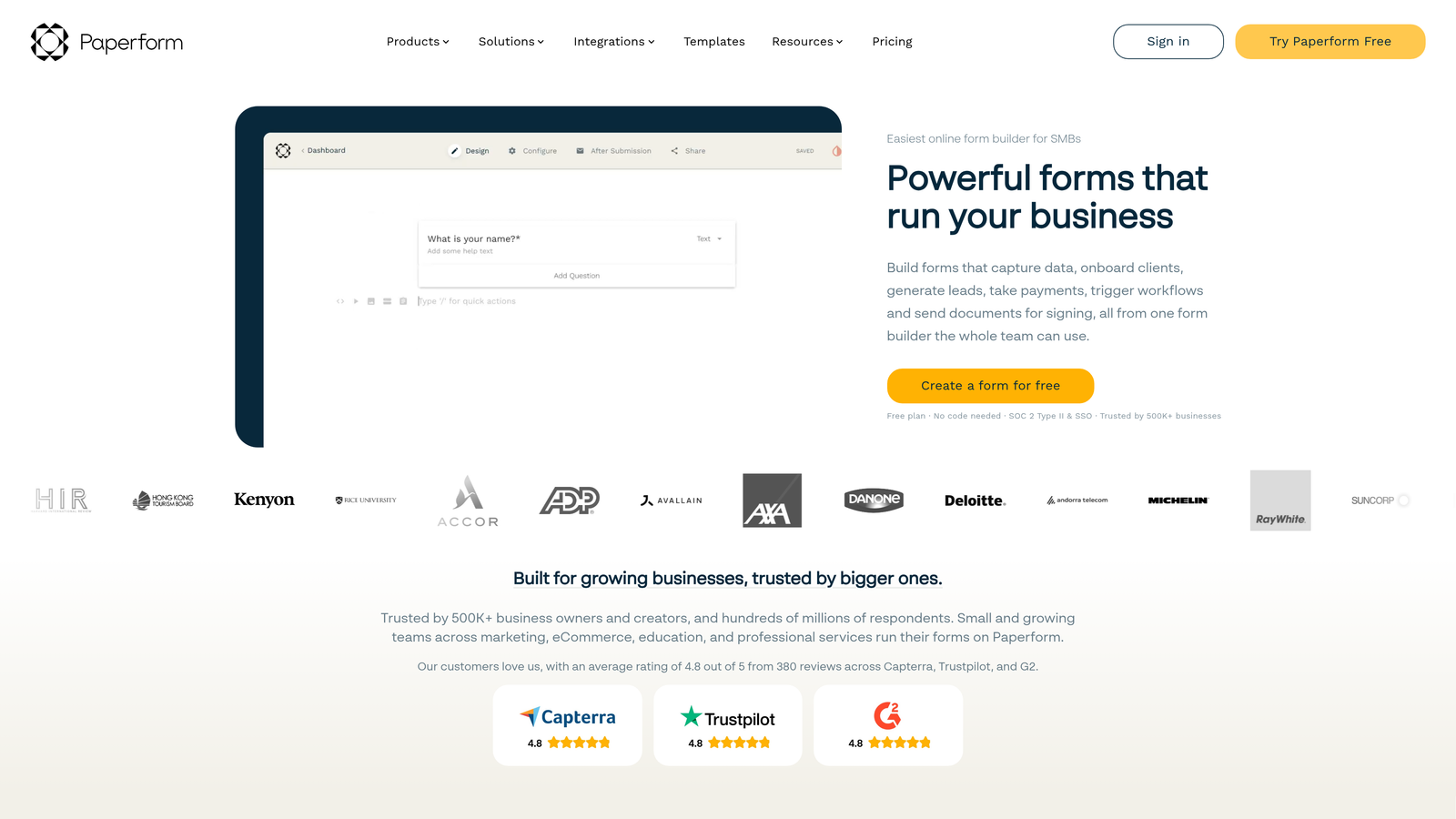
Paperform is a form builder that doubles as a landing page creator, letting you blend rich content, media, and form fields into polished, standalone branded pages.
Where This Tool Shines
Paperform's key differentiator is its content-first approach. Rather than a traditional form layout, you build a document-like page where text, images, video, and form fields coexist naturally. This makes it particularly effective for service intake forms, booking pages, product order forms, and any scenario where context and presentation matter as much as the form itself.
The built-in payment processing is well-implemented, supporting Stripe, PayPal, Braintree, and Square without requiring third-party setup. Combined with the rich content editor, Paperform can effectively replace simple product or service sales pages for many professionals.
Key Features
Rich Content Editor: Blend text, images, and video alongside form fields in a single, document-style layout.
Built-In Payment Processing: Native support for Stripe, PayPal, Braintree, and Square without additional integration setup.
Custom Themes and Brand Styling: Full control over fonts, colors, and visual identity to match your brand.
Conditional Logic and Calculation Fields: Dynamic form behavior and automatic pricing or score calculations.
2,000+ Integrations: Connect via Zapier and native connectors to a wide range of marketing and business tools.
Best For
Paperform is ideal for service businesses, consultants, and agencies that want forms to function as standalone client-facing pages rather than embedded widgets. It's particularly strong for intake forms, booking flows, and simple order pages.
Pricing
Plans start around $24 per month for the Essentials tier. Higher tiers unlock more submissions, custom domains, and advanced features.
7. Fillout
Best for: Database-first teams that need forms with native two-way sync to Airtable, Notion, or Google Sheets.
Fillout is a modern form builder built specifically for teams whose data lives in structured databases, offering native two-way sync with Airtable, Notion, SmartSuite, and Google Sheets.

Where This Tool Shines
Most form builders treat data export as an afterthought. Fillout treats it as the core feature. If your team manages data in Airtable or Notion, Fillout forms can read from and write back to those databases directly, including pre-filling form fields from existing records. This eliminates the manual data reconciliation that typically follows form submissions.
Beyond the database sync, Fillout offers a clean, modern building experience with solid conditional logic, multi-page forms, scheduling fields, and Stripe payment collection. It's a well-rounded tool that happens to excel in a specific niche that other builders handle poorly.
Key Features
Native Two-Way Database Sync: Read and write directly to Airtable, Notion, SmartSuite, and Google Sheets without middleware.
Pre-Fill from Existing Records: Populate form fields automatically from database records for returning users or update workflows.
Conditional Logic and Multi-Page Forms: Dynamic branching and multi-step form flows for complex data collection.
Scheduling Fields: Built-in scheduling functionality for booking and appointment forms.
Custom Domains and Stripe Payments: Full branding control and native payment collection in a single platform.
Best For
Fillout is the top choice for operations teams, product teams, and agencies that run their workflows in Airtable or Notion and need forms that stay in sync with those systems automatically.
Pricing
Free plan available with core features. Paid plans start around $19 per month with higher submission limits and advanced capabilities.
8. Cognito Forms
Best for: Professional services teams that need advanced payment processing, complex calculations, and repeating data entry sections.
Cognito Forms is a powerful form builder tailored for professional services, with built-in payment processing, repeating sections for dynamic data entry, and sophisticated calculation fields.
Where This Tool Shines
Cognito Forms handles complexity that simpler builders struggle with. Repeating sections allow respondents to dynamically add rows of data, which is essential for things like itemized order forms, multi-participant registrations, or service request forms where the number of entries isn't fixed. Paired with advanced calculation fields, you can build forms that automatically price services, total orders, or score responses.
The compliance options are also worth noting. HIPAA compliance and data encryption are available, which makes Cognito Forms a viable option for healthcare practitioners, legal professionals, and others working under data protection requirements.
Key Features
Built-In Payment Processing: Native Stripe, PayPal, and Square integration for collecting payments directly within forms.
Repeating Sections: Allow respondents to dynamically add multiple entries within a single form submission.
Advanced Calculation Fields: Automatic pricing, scoring, and data calculations based on form inputs.
Conditional Logic and Multi-Page Workflows: Complex branching and multi-step form flows for professional use cases.
HIPAA Compliance and Encryption: Data protection options for regulated industries and sensitive information.
Best For
Cognito Forms is a strong fit for legal, healthcare, financial services, and professional services teams that need forms capable of handling complex data structures, payment collection, and compliance requirements.
Pricing
Free plan available for individual use. Paid plans start around $15 per month, making it one of the more affordable options for advanced functionality.
9. Formstack
Best for: Enterprise teams that need a unified platform combining form building, document generation, and e-signatures.
Formstack is an enterprise-grade workflow automation platform that combines forms, document generation, and digital signatures into a single connected suite.
Where This Tool Shines
Formstack operates at a different scale than most tools on this list. It's not just a form builder; it's a workflow automation platform where forms are the entry point for broader document and signature processes. For organizations that regularly move from data collection to document generation to signed agreement, having all three in one platform eliminates significant friction and integration overhead.
The enterprise compliance credentials are comprehensive. HIPAA, GDPR, and SOC 2 compliance options are available, and the deep integrations with Salesforce and Microsoft Dynamics make it a natural fit for organizations already running on enterprise CRM infrastructure. A/B testing for form optimization adds a layer of data-driven refinement that most competitors don't offer.
Key Features
Unified Forms, Documents, and Sign Suite: Three connected products covering the full data-to-signature workflow in one platform.
Advanced Workflow Routing and Approvals: Multi-step approval chains and conditional routing for complex organizational processes.
Enterprise Compliance: HIPAA, GDPR, and SOC 2 compliance options for regulated industries and enterprise requirements.
A/B Testing: Built-in form optimization testing to improve conversion and completion rates with real data.
Deep Enterprise Integrations: Native connections with Salesforce, Microsoft Dynamics, and other enterprise platforms.
Best For
Formstack is built for mid-market and enterprise organizations that need workflow automation beyond simple form collection, particularly those in regulated industries or running on Salesforce and Microsoft ecosystems.
Pricing
Plans start around $50 per month. Enterprise pricing is available for larger organizations with complex requirements.
Which Tool Is Right for Your Team?
The right choice here depends less on which tool has the longest feature list and more on what problem you're actually trying to solve.
If lead qualification and conversion optimization are your priorities, Orbit AI is the purpose-built option. The AI-powered scoring built into every submission gives high-growth teams something no other tool on this list offers natively: automatic lead qualification at the point of capture.
For teams where respondent engagement and completion rates are the primary concern, Typeform's conversational interface is hard to beat. If you need sheer template variety and payment flexibility, Jotform covers more ground than almost anyone. Teams watching their budget carefully will find Tally's free tier genuinely impressive.
Already running HubSpot? HubSpot Forms is the path of least resistance. Want forms that function as full landing pages? Paperform handles that better than the alternatives. Building on Airtable or Notion? Fillout was designed for exactly that workflow.
For professional services teams with complex data structures and payment needs, Cognito Forms offers serious capability at a reasonable price. And for enterprise organizations that need forms, documents, and signatures in one platform with full compliance coverage, Formstack is the natural choice.
The common thread across all nine tools is that they treat forms as functional business infrastructure, not just data collection. That's the real difference from Google Forms, and the reason professionals are making the switch.
If you're ready to move beyond basic form collection and start qualifying leads automatically while delivering a modern, conversion-optimized experience, start building free forms today with Orbit AI and see what intelligent form design looks like in practice.


