

Your webinar registration form is the gateway to every attendee relationship. A clunky form with too many fields? You'll watch potential registrants abandon mid-signup. A smart, streamlined experience? You'll capture qualified leads who actually show up. The difference between a 40% completion rate and a 75% completion rate often comes down to your form builder—and in 2026, the best tools go far beyond basic data collection. They qualify leads, optimize for mobile, and create frictionless experiences that turn browsers into committed attendees.
The right webinar registration form builder does three things exceptionally well: it maximizes completion rates with intuitive design, captures the data you actually need (without overwhelming registrants), and integrates seamlessly with your webinar platform and CRM. Whether you're running weekly product demos, hosting massive virtual conferences, or building an on-demand webinar library, the tools on this list offer different strengths for various strategies—from AI-powered lead qualification to all-in-one webinar solutions.
Here are the top webinar registration form builders that high-growth teams are using in 2026.
1. Orbit AI
Best for: Teams that need AI-powered lead qualification built directly into their registration process
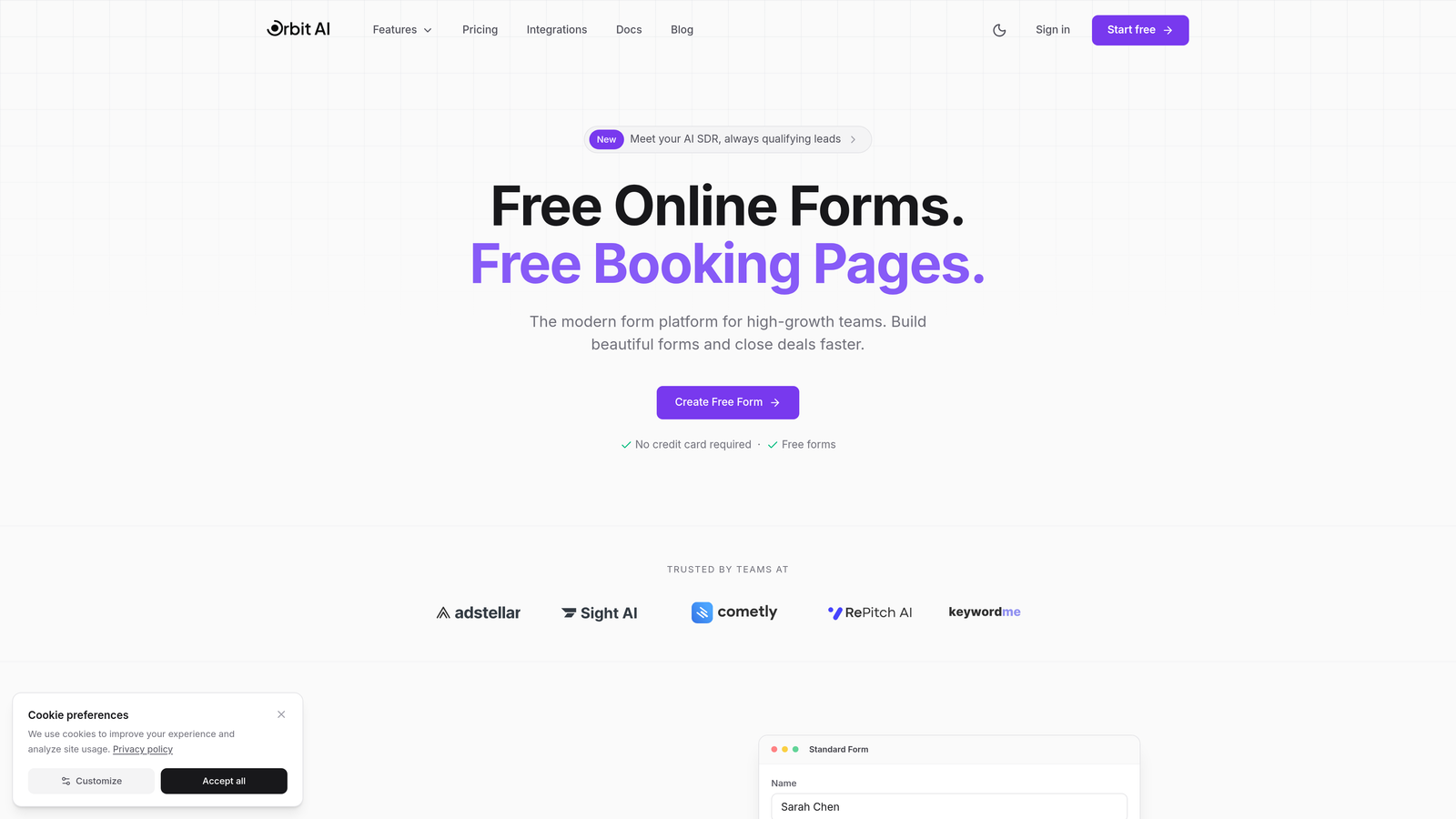
Orbit AI transforms webinar registration from a static form into an intelligent conversation that qualifies leads while they sign up.
Where This Tool Shines
Most registration forms treat every signup the same. Orbit AI takes a different approach: its conversational interface adapts questions based on previous answers, creating a personalized experience that feels natural rather than interrogative. The platform's AI engine scores leads in real-time, so you instantly know which registrants represent your highest-value prospects.
This matters because webinar teams often struggle with the quality-versus-quantity tradeoff. You want lots of registrants, but you also need to identify which ones are worth your sales team's immediate attention. Orbit AI solves this by embedding qualification directly into the signup flow—no separate lead scoring process required.
Key Features
AI-Powered Lead Qualification: Automatically scores and segments registrants based on their responses, prioritizing high-intent prospects.
Conversational Form Experiences: Dynamic question flows that adapt to each registrant, creating engaging interactions that boost completion rates.
Built-in Analytics for Conversion Optimization: Real-time dashboards showing completion rates, drop-off points, and lead quality metrics.
Native Integrations: Direct connections to major CRMs and webinar platforms, ensuring registration data flows automatically to your marketing stack.
Modern, Mobile-First Design: Forms that look polished on any device, with templates optimized for high-growth teams.
Best For
High-growth B2B teams running regular webinars as part of their demand generation strategy. Particularly valuable if you're juggling hundreds of registrants per event and need to quickly identify which leads deserve immediate follow-up versus nurture sequences.
Pricing
Free tier available for teams getting started; paid plans scale with your needs at competitive rates designed for growing businesses.
2. Typeform
Best for: Creating visually stunning, branded registration experiences with a distinctive one-question-at-a-time format
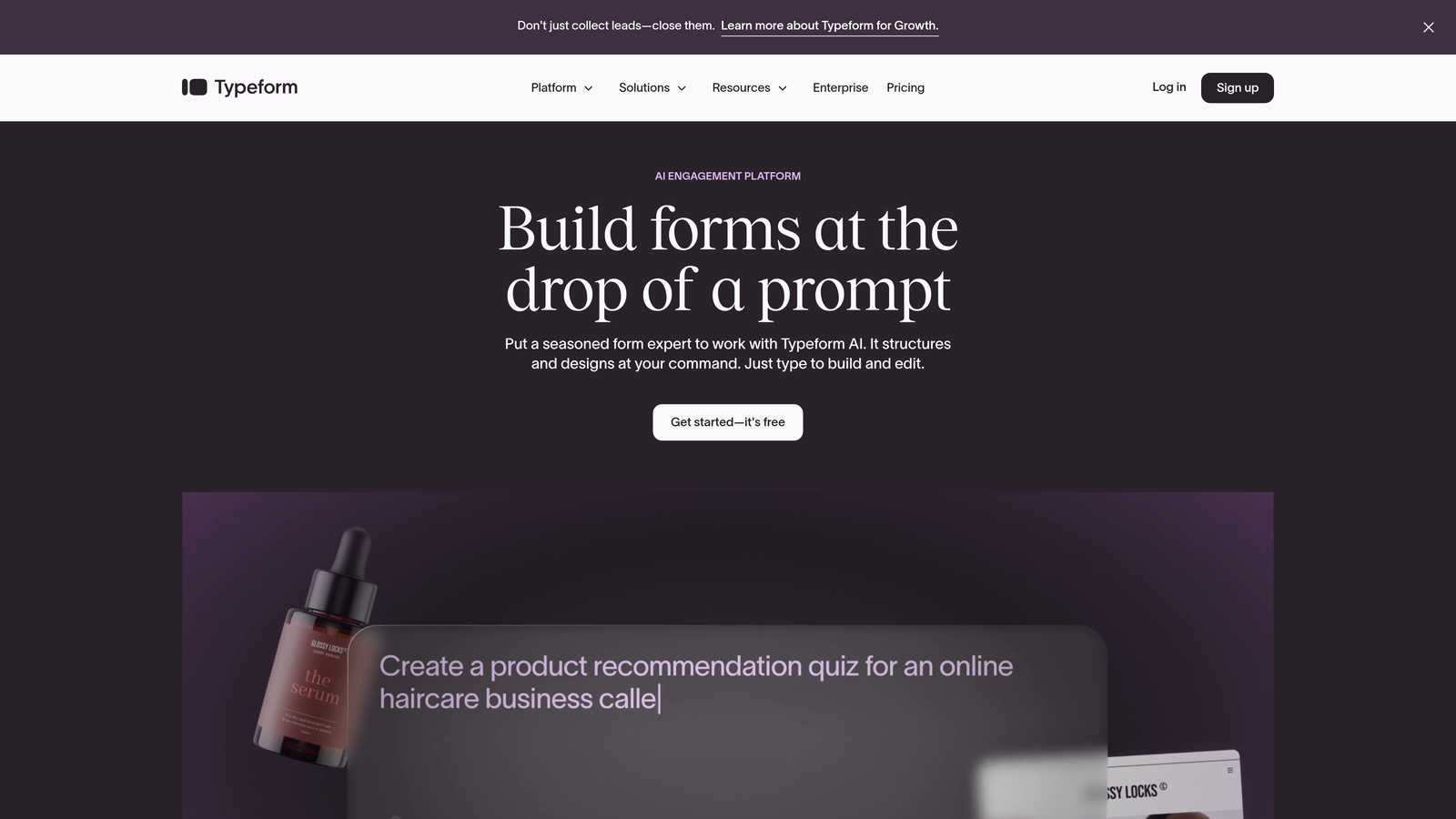
Typeform pioneered the conversational form approach, turning traditional multi-field forms into engaging, sequential experiences.
Where This Tool Shines
Typeform's signature interface presents one question at a time, reducing cognitive load and making forms feel more like conversations than interrogations. This approach consistently delivers higher completion rates compared to traditional long-form layouts. The platform's design flexibility means you can match your brand perfectly—custom colors, fonts, backgrounds, and even embedded videos that explain your webinar's value proposition right within the registration flow.
For webinar hosts focused on brand experience, Typeform creates memorable first impressions. Registrants don't just fill out a form; they engage with a polished digital experience that sets expectations for the event quality.
Key Features
One-Question-at-a-Time Interface: Sequential question display that focuses attention and improves completion rates.
Extensive Brand Customization: Full control over visual design including custom backgrounds, colors, fonts, and embedded media.
Logic Jumps and Conditional Fields: Show or hide questions based on previous answers, creating personalized registration paths.
Video and Image Embedding: Add visual context directly in your forms to explain webinar topics and increase engagement.
Wide Integration Ecosystem: Connect to hundreds of tools including major webinar platforms, CRMs, and marketing automation systems.
Best For
Marketing teams that prioritize brand consistency and visual appeal, especially those running webinars where the registration experience itself is part of the brand story. Works well for creative agencies, design-focused SaaS companies, and any organization where aesthetics matter.
Pricing
Free plan allows up to 10 responses per month; Basic plan starts at $25/month for 100 responses with full branding control.
3. Demio
Best for: All-in-one webinar solution with native registration pages that eliminate platform-switching friction
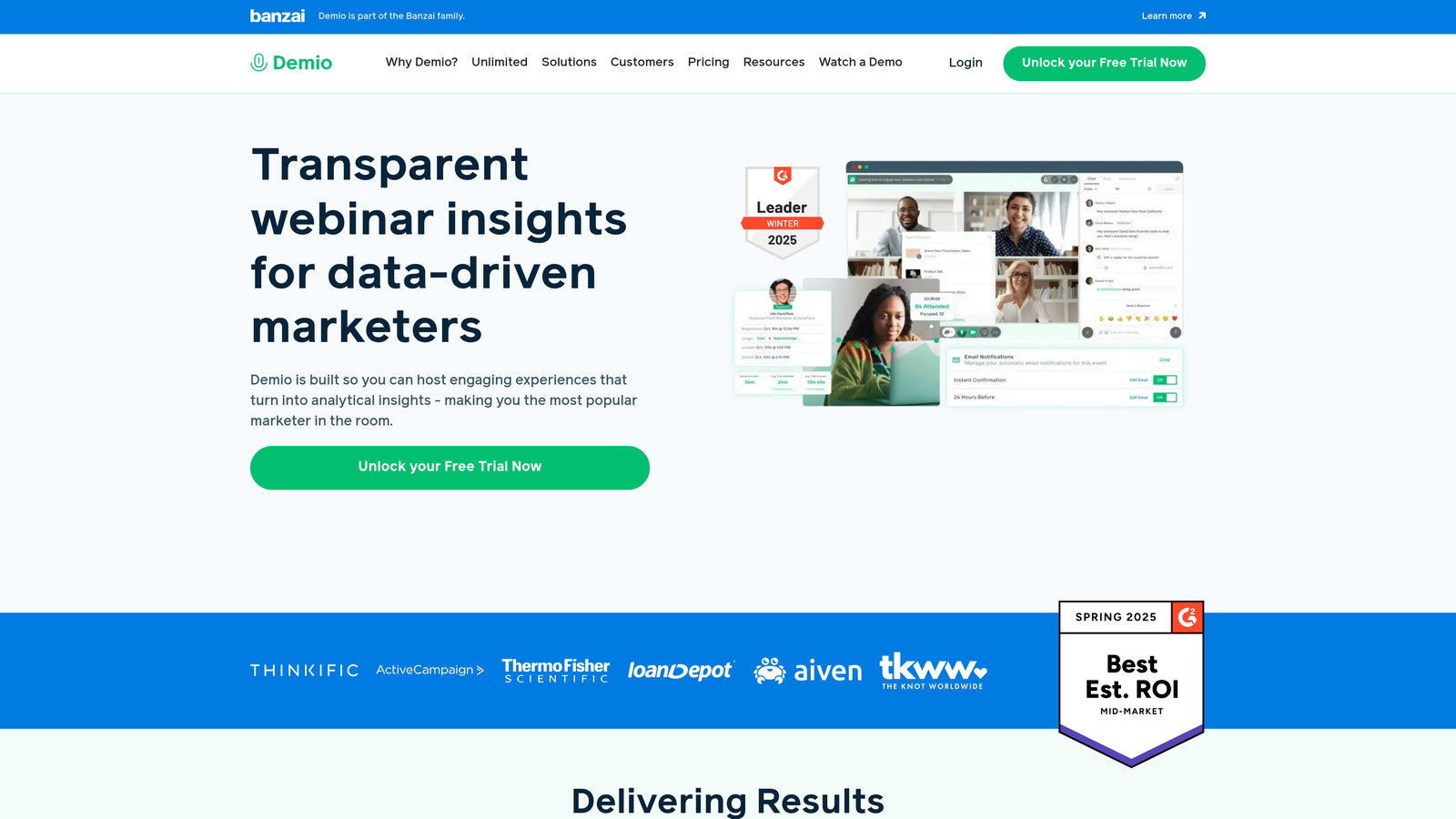
Demio combines webinar hosting with built-in registration, creating a unified experience from signup through live event.
Where This Tool Shines
The biggest advantage of Demio is eliminating the integration headache. When your registration form and webinar platform are the same tool, data flows automatically—no Zapier connections, no API setup, no syncing delays. Registrants sign up on a Demio-hosted page, receive automated confirmation emails from Demio, and click through to a Demio webinar room. This seamless flow reduces technical friction and ensures nothing gets lost between systems.
Demio also excels at automated webinar funnels. Set up a registration page once, and it continues collecting signups for on-demand or recurring webinars without ongoing management.
Key Features
Native Webinar Registration Pages: Built-in registration forms that match your webinar room branding, no external tools required.
Automated Email Sequences for Registrants: Pre-built reminder emails and follow-ups that send automatically based on registration timing.
Custom Branding on Registration and Event Rooms: Consistent visual identity from signup through live event.
Replay and On-Demand Webinar Registration: Create evergreen registration funnels for recorded webinars that run continuously.
Built-in Analytics Dashboard: Track registration-to-attendance rates, engagement metrics, and conversion data in one interface.
Best For
Teams that want simplicity over flexibility, particularly those running regular webinar series or automated webinar funnels. Ideal for smaller marketing teams that don't have dedicated technical resources for complex integrations.
Pricing
Starter plan begins at $59/month for up to 50 attendees; scales with audience size and feature needs.
4. Zoom Events
Best for: Enterprise-scale virtual conferences requiring multi-session registration, ticketing, and sponsor management
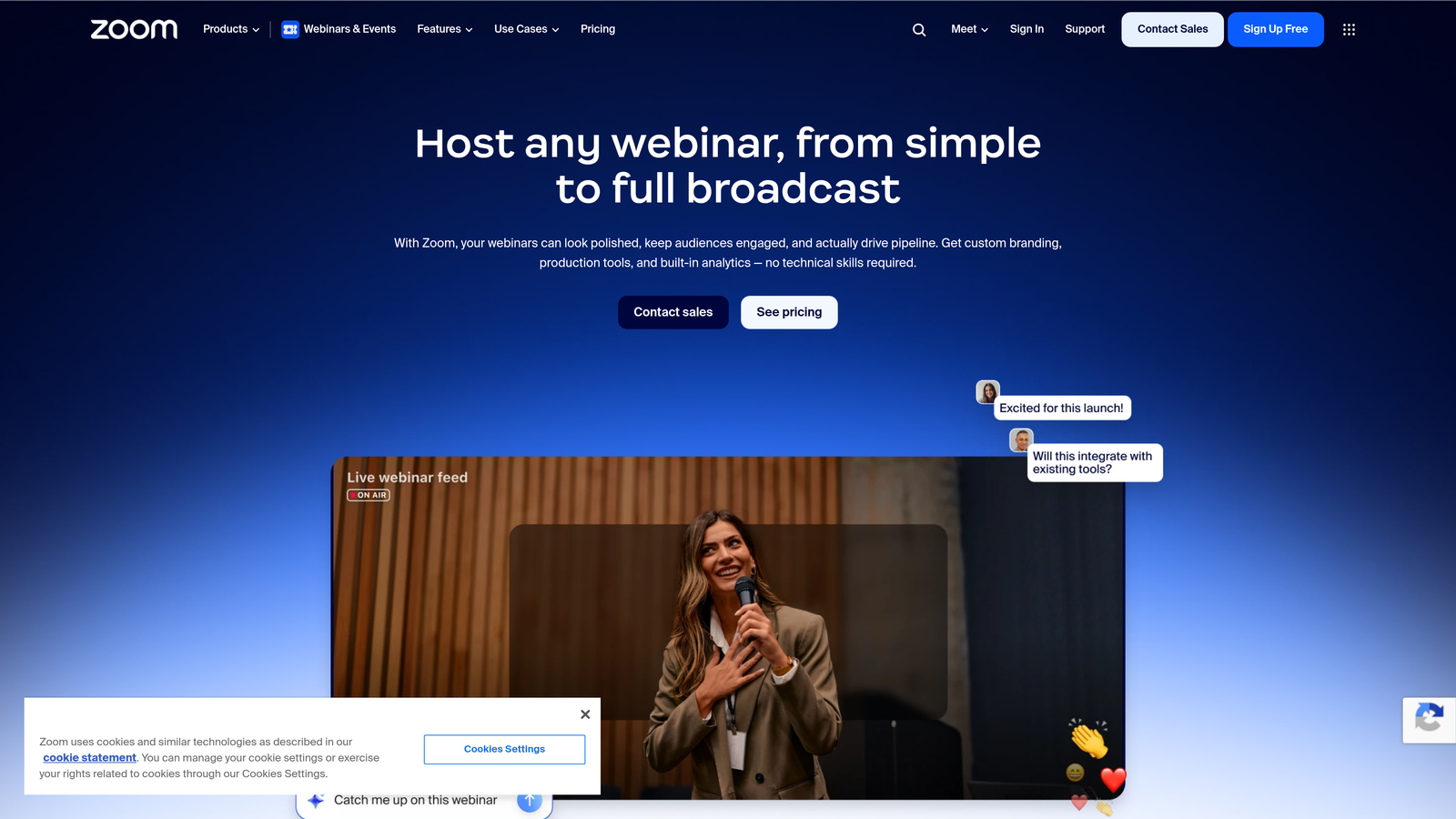
Zoom Events extends Zoom's meeting platform into a full event management system with sophisticated registration capabilities.
Where This Tool Shines
When you're running a multi-day virtual conference with dozens of sessions, breakout tracks, and paid ticket tiers, most simple form builders fall short. Zoom Events handles complex scenarios: attendees can register for the overall event, select specific sessions they'll attend, purchase different ticket types, and even network with other registrants before the event starts. The platform also includes sponsor booth capabilities and expo halls, making it a complete virtual event solution.
For organizations already using Zoom for meetings, the integration is seamless. Registration data lives in the same ecosystem as your webinar delivery, eliminating data silos.
Key Features
Multi-Session Event Registration: Allow attendees to build custom agendas by selecting from multiple concurrent sessions and tracks.
Built-in Ticketing and Payments: Sell tickets at different price tiers with integrated payment processing.
Attendee Networking Features: Pre-event networking lounges and attendee directories that encourage engagement before sessions begin.
Expo and Sponsor Booth Capabilities: Virtual sponsor spaces with lead capture, making it easier to monetize events through sponsorships.
Deep Zoom Ecosystem Integration: Native connection to Zoom Meetings and Zoom Webinar, ensuring smooth technical delivery.
Best For
Large organizations hosting virtual conferences, multi-day training events, or paid webinar series. Particularly valuable for associations, enterprise companies, and event producers who need professional-grade event management features.
Pricing
Included with Zoom Workplace plans; Events license adds advanced features with pricing based on event size and requirements.
5. Jotform
Best for: Quick setup with thousands of pre-built templates and extensive customization through widgets
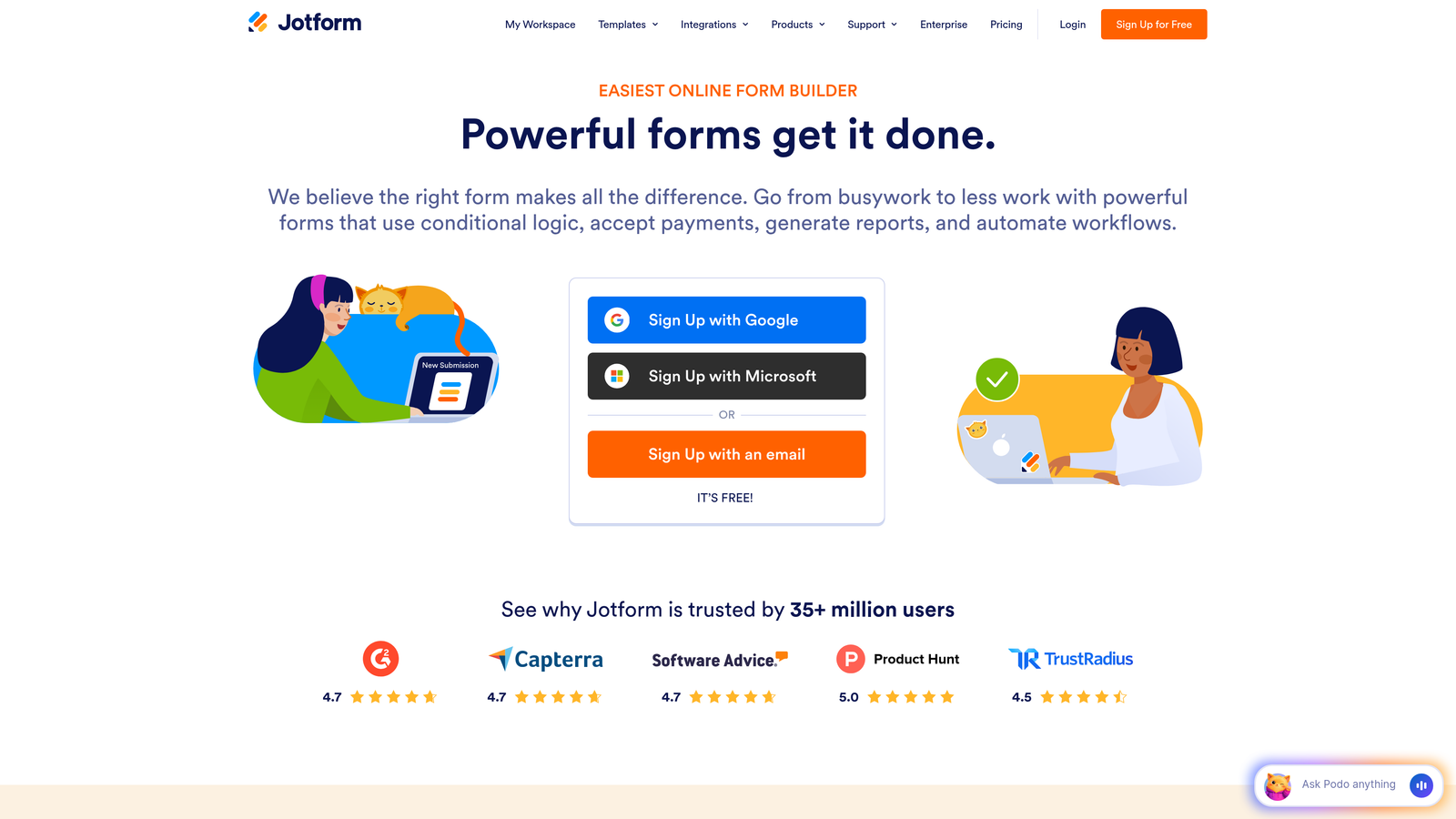
Jotform offers a massive template library and drag-and-drop builder that makes creating custom registration forms fast and flexible.
Where This Tool Shines
Jotform's template library includes hundreds of webinar-specific registration forms that you can customize in minutes. Need to collect payment during registration for a paid webinar? There's a template. Running a medical education webinar that requires CE credit tracking? There's a template. This variety means you rarely start from scratch—just find a template close to your needs and modify it.
The platform's widget ecosystem adds functionality that most form builders require custom development to achieve. Add appointment scheduling, file uploads, e-signatures, or even custom calculations directly into your registration form through simple drag-and-drop widgets.
Key Features
10,000+ Form Templates: Extensive library including dozens of webinar-specific registration forms ready to customize.
Drag-and-Drop Builder with Widgets: Visual editor with hundreds of widgets for adding advanced functionality without coding.
Payment Collection Capabilities: Integrated payment processing for paid webinars through multiple payment gateways.
Conditional Logic and Calculations: Show/hide fields based on answers and perform calculations for things like multi-attendee pricing.
PDF Generation for Confirmations: Automatically create PDF confirmations or tickets that registrants receive after signup.
Best For
Teams that value speed and flexibility, especially those running varied webinar formats that require different registration approaches. Works well for organizations that need occasional advanced features like payment processing or file uploads but don't want to manage multiple tools.
Pricing
Free tier includes 5 forms with 100 monthly submissions; Bronze plan starts at $34/month with increased limits and features.
6. Paperform
Best for: Registration pages that blend rich content with form fields to tell a compelling story
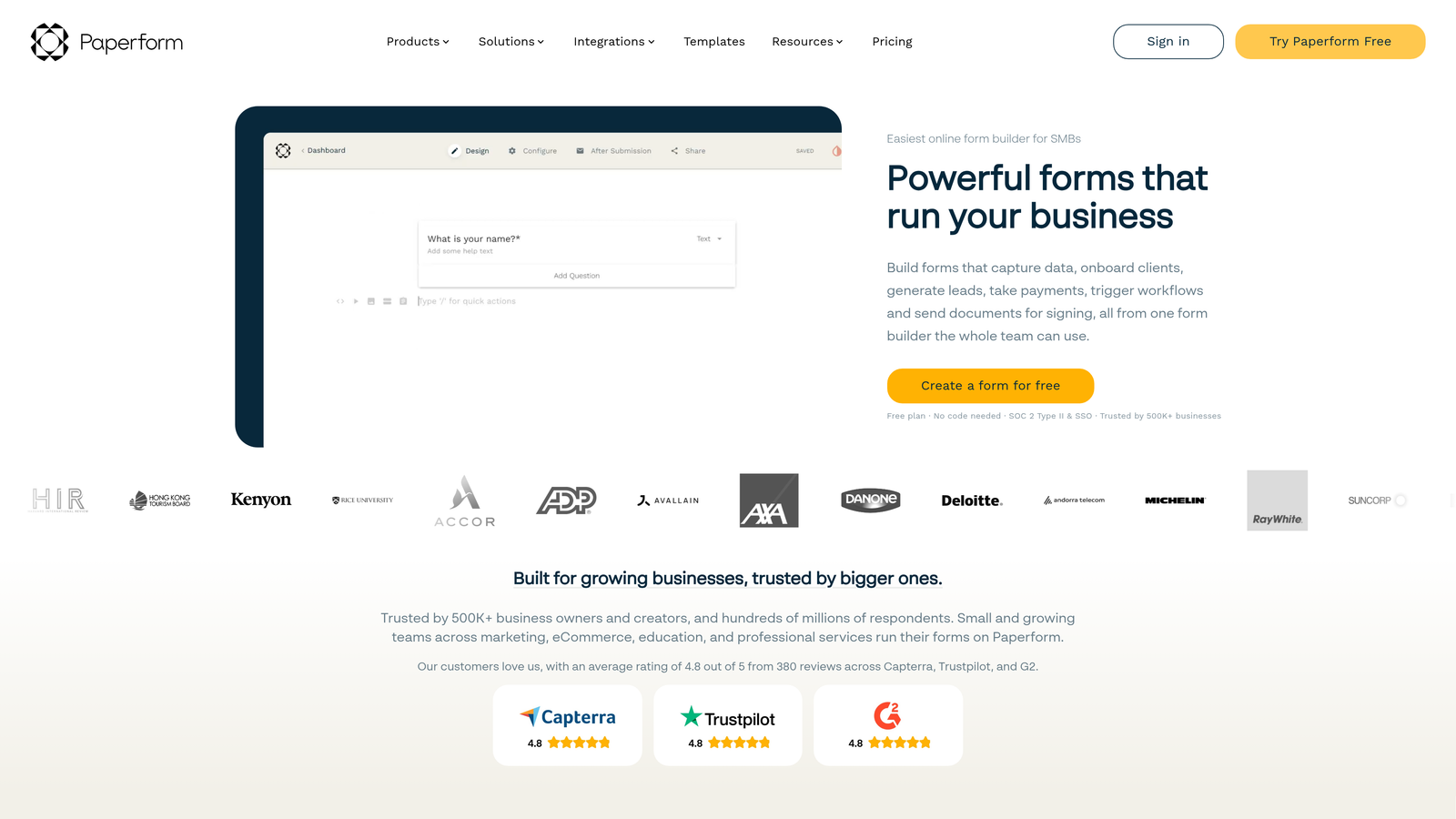
Paperform takes a document-first approach, allowing you to create registration pages that read like landing pages with embedded form fields.
Where This Tool Shines
Traditional form builders force you to choose: either create a detailed landing page explaining your webinar's value (then link to a separate form), or jump straight to form fields (and hope registrants already understand the value). Paperform eliminates this choice by letting you weave form fields directly into rich content. Add paragraphs explaining your webinar topic, embed speaker bios and videos, include testimonials from previous attendees, then drop registration fields naturally throughout the narrative.
This approach works particularly well for high-ticket webinars or complex topics where registrants need context before committing. The form becomes part of the persuasion process rather than just a data collection tool.
Key Features
Rich Text and Media Alongside Form Fields: Combine paragraphs, images, videos, and form inputs in a flowing document-style layout.
Advanced Conditional Logic: Create complex branching paths based on multiple conditions and previous answers.
Built-in Scheduling Capabilities: Allow registrants to book one-on-one time slots in addition to webinar registration.
E-Signature Collection: Gather digital signatures for agreements or waivers directly in the registration process.
Custom Success Pages: Design detailed confirmation pages with next steps, calendar invites, and additional resources.
Best For
Organizations running premium webinars, educational series, or certification programs where the registration experience needs to educate and persuade. Particularly effective for consultants, coaches, and professional services firms where trust-building matters.
Pricing
Essentials plan starts at $24/month with unlimited forms and submissions.
7. Livestorm
Best for: Browser-based webinar platform with automated registration workflows and deep analytics
Livestorm combines webinar hosting with sophisticated registration automation, all delivered through a no-download browser experience.
Where This Tool Shines
Livestorm's browser-based approach eliminates a major friction point: attendees don't need to download software to join your webinar. This matters for registration because it removes a barrier that causes some prospects to hesitate. When you promise a seamless experience from signup through attendance, Livestorm delivers on that promise technically.
The platform's automated webinar workflows are particularly strong. Set up a registration page for an on-demand or recurring webinar, and Livestorm automatically sends confirmation emails, reminder sequences, and follow-ups based on whether someone attended or missed the session. This automation turns a single registration form into a complete nurture funnel.
Key Features
No-Download Browser-Based Experience: Attendees join webinars directly through their browser, reducing technical friction from registration through attendance.
Automated Webinar Registration Workflows: Pre-built email sequences and follow-up automation that trigger based on registration and attendance behavior.
Registration-to-Attendance Analytics: Track the complete attendee journey from form completion through webinar engagement and post-event actions.
Custom Registration Page Branding: Full control over registration page design to match your brand identity.
CRM and Marketing Automation Integrations: Native connections to major marketing platforms for seamless data flow.
Best For
B2B SaaS companies and marketing teams running regular webinar programs as part of demand generation. Especially valuable for organizations that need detailed analytics on the full registration-to-conversion funnel.
Pricing
Free plan supports up to 30 registrants per session; Pro plan starts at $79/month with increased capacity and automation features.
8. Wufoo
Best for: Straightforward form building with reliable performance and solid email marketing integrations
Wufoo delivers dependable form functionality without overwhelming complexity, making it a solid choice for straightforward webinar registration needs.
Where This Tool Shines
Sometimes you don't need AI-powered lead scoring or elaborate conditional logic. You just need a form that collects names, emails, and company information reliably, then sends that data to your webinar platform and email list. Wufoo excels at this straightforward use case. The interface is intuitive, setup takes minutes, and the forms work consistently across devices.
Wufoo's email marketing integrations are particularly strong. Direct connections to major email platforms mean registrants automatically get added to the right lists and sequences without manual export-import workflows. For teams using email as their primary webinar promotion and follow-up channel, this integration depth matters.
Key Features
Simple Drag-and-Drop Builder: Intuitive interface for creating forms quickly without a learning curve.
Payment Collection: Accept payments during registration through Stripe and PayPal integrations for paid webinars.
File Upload Capabilities: Allow registrants to submit documents or materials as part of the registration process.
Email Notifications and Autoresponders: Automated confirmation emails and admin notifications when new registrations arrive.
Embeddable Forms: Add registration forms directly to your website or landing pages via embed code.
Best For
Small to mid-size teams that prioritize reliability and ease of use over advanced features. Works well for organizations running occasional webinars rather than large-scale webinar programs.
Pricing
Free tier available with limited features; Starter plan at $14.08/month for increased submission limits and functionality.
9. Google Forms
Best for: Budget-conscious teams needing basic registration with native Google Workspace integration
Google Forms provides completely free form building with automatic Google Sheets integration for simple webinar registration.
Where This Tool Shines
Google Forms won't win design awards, but it delivers on the fundamentals: it's free, it works on mobile, and it integrates seamlessly with Google Sheets for easy data management. For teams already living in Google Workspace, this native integration means registration data flows automatically into spreadsheets where you can manipulate, analyze, and export it without third-party tools.
The real-time collaboration features also matter for distributed teams. Multiple team members can edit the registration form simultaneously, view responses as they arrive, and work together in the connected Google Sheet—all without paying for additional user licenses or collaboration features.
Key Features
Completely Free to Use: No cost for unlimited forms and unlimited responses with a Google account.
Real-Time Collaboration: Multiple team members can edit forms and view responses simultaneously.
Automatic Google Sheets Integration: Registration data flows directly into spreadsheets for easy management and analysis.
Basic Conditional Logic: Show or hide questions based on previous answers for simple registration paths.
Mobile-Responsive Design: Forms automatically adapt to mobile devices for on-the-go registrations.
Best For
Startups, nonprofits, and small teams with limited budgets running internal webinars or small-scale events. Also suitable for testing webinar concepts before investing in more sophisticated tools.
Pricing
Completely free with a Google account.
Making the Right Choice
The best webinar registration form builder depends on what you're optimizing for. If lead quality matters as much as registration volume, Orbit AI delivers AI-powered qualification that identifies your highest-value prospects during signup. Teams focused on brand experience and visual design will find Typeform's one-question-at-a-time interface creates memorable registration moments. Need an all-in-one solution that handles both registration and webinar delivery? Demio and Livestorm eliminate integration headaches by combining both functions in a single platform.
For enterprise-scale virtual conferences with complex multi-session registration, Zoom Events provides the sophistication you need. Budget-conscious teams can start with Google Forms and upgrade as their webinar program grows. The middle ground—tools like Jotform, Paperform, and Wufoo—offer strong feature sets without requiring enterprise budgets or technical expertise.
Here's the decision framework that works: prioritize completion rates and lead quality over feature lists. A form that converts 75% of visitors into registrants with basic features outperforms a feature-rich form with a 40% completion rate. Focus on mobile responsiveness (many registrants will sign up on their phones), integration depth with your existing webinar and CRM platforms, and how the tool handles the post-registration experience through automated confirmations and reminders.
The trend toward conversational forms and AI-assisted qualification isn't just about following what's new—it's about recognizing that registration forms serve dual purposes. They collect data, yes, but they also qualify intent and set expectations for your webinar's quality. Tools that understand this dual purpose create better experiences for both registrants and your team.
Transform your lead generation with AI-powered forms that qualify prospects automatically while delivering the modern, conversion-optimized experience your high-growth team needs. Start your free trial today and see how intelligent form design can elevate your conversion strategy.


