

Your forms collect leads, but if that data doesn't flow seamlessly into Salesforce, you're creating manual work and risking lost opportunities. Every minute spent copying form submissions into your CRM is a minute your sales team isn't closing deals. The right form builder eliminates data entry, keeps your CRM updated in real-time, and ensures your sales team acts on fresh leads instantly.
We evaluated dozens of form builders based on their Salesforce integration depth, ease of setup, field mapping flexibility, and overall form-building capabilities. Here are the top tools for teams that run their sales operations through Salesforce.
1. Orbit AI
Best for: High-growth teams wanting AI-powered lead qualification with seamless Salesforce sync
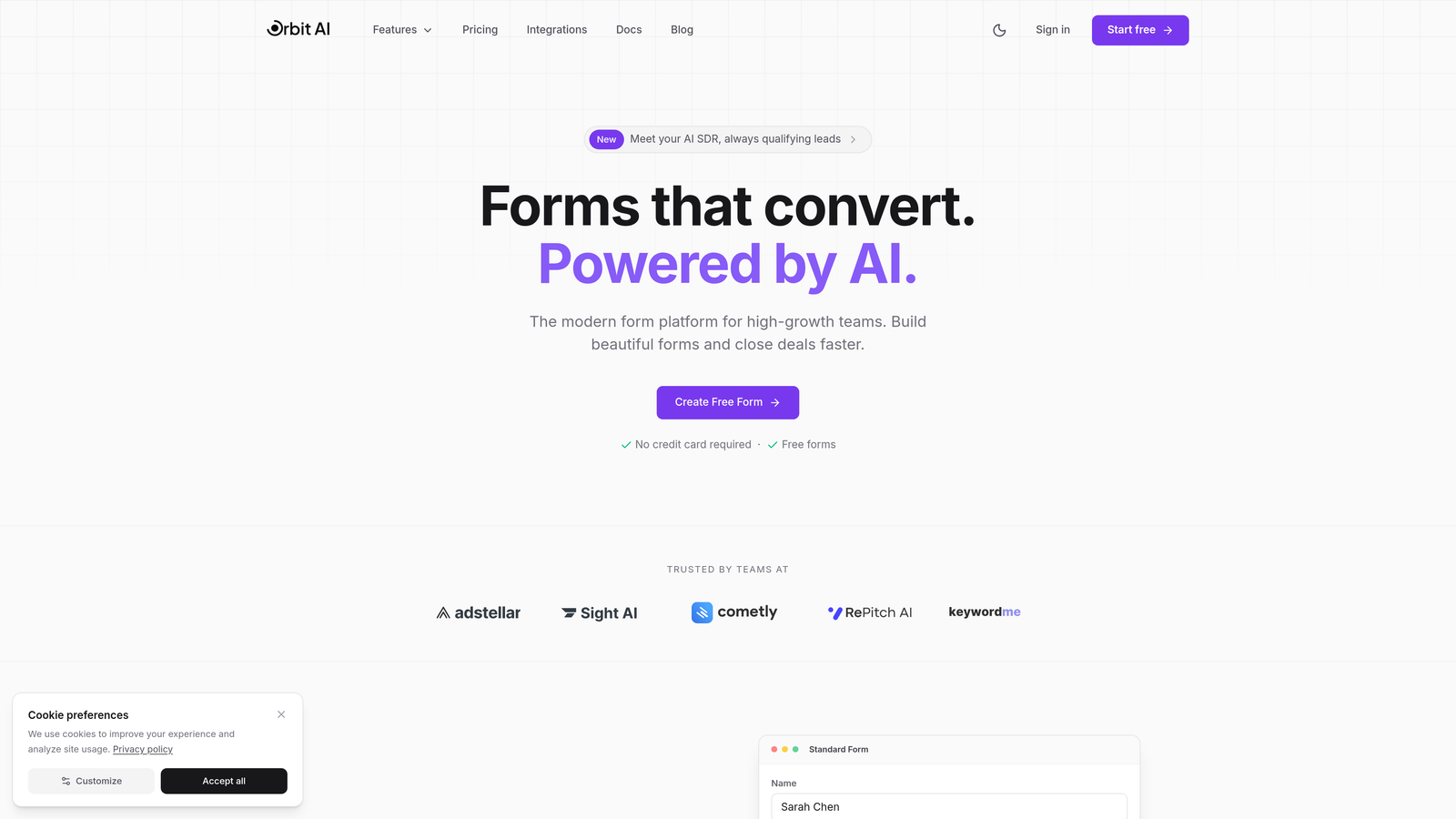
Orbit AI combines modern form building with AI-powered lead qualification that syncs directly to Salesforce in real-time.
Where This Tool Shines
Orbit AI stands out by automatically qualifying and scoring leads before they hit your Salesforce instance. Instead of dumping every form submission into your CRM, the platform uses AI to identify high-intent prospects and route them appropriately.
The native Salesforce integration means no middleware, no delays, and no complex mapping configurations. Your sales team sees qualified leads in Salesforce within seconds of submission, complete with AI-generated qualification scores and routing recommendations.
Key Features
AI-Powered Lead Qualification: Automatically scores and qualifies leads based on form responses and behavioral signals.
Native Salesforce Integration: Direct connection with custom field mapping to any Salesforce object.
Smart Routing: Conditional logic routes qualified leads to the right sales reps automatically.
Real-Time Sync: Instant updates to Salesforce lead and contact objects as forms are submitted.
Conversion-Optimized Designs: Modern form templates built specifically for high completion rates.
Best For
Teams that want to move beyond basic form-to-CRM connections and leverage AI to prioritize their pipeline. Particularly valuable for organizations drowning in low-quality leads who need intelligent filtering before sales engagement.
Pricing
Contact for pricing; free trial available to test the AI qualification features with your Salesforce instance.
2. Formstack
Best for: Enterprise teams needing deep workflow automation and compliance features
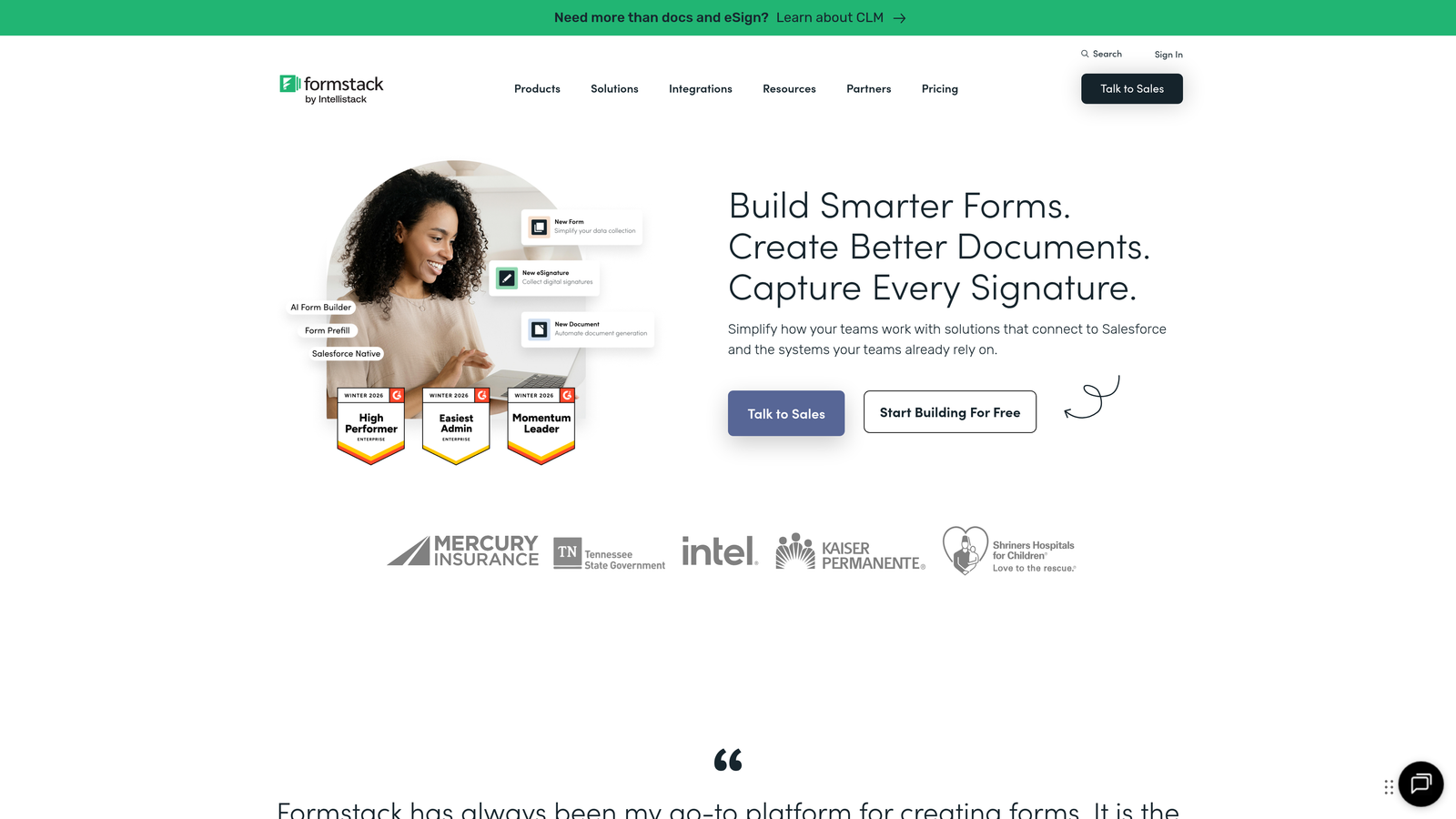
Formstack delivers enterprise-grade form building with sophisticated Salesforce integration and advanced workflow capabilities.
Where This Tool Shines
Formstack's bidirectional sync means you can both send data to Salesforce and pull existing CRM data to prefill forms. This is powerful for customer update forms, event registrations, or any scenario where you want to reduce friction by showing users their existing information.
The platform's workflow automation goes beyond simple form submission. You can build approval processes, trigger notifications based on Salesforce data changes, and create complex multi-step workflows that span your entire sales operation.
Key Features
Bidirectional Salesforce Sync: Send data to Salesforce and prefill forms from existing CRM records.
Custom Object Mapping: Connect to any Salesforce object, including custom objects your team has built.
Workflow Automation: Build approval processes and multi-step workflows triggered by form submissions.
Compliance Options: HIPAA and SOC 2 compliance for regulated industries.
Advanced Field Mapping: Granular control over how form fields map to Salesforce fields.
Best For
Large enterprises with complex sales processes, particularly those in healthcare, finance, or other regulated industries requiring compliance certifications. Teams that need more than basic lead capture will appreciate the workflow depth.
Pricing
Starts at $50/month with Salesforce integration available on higher-tier plans designed for enterprise use.
3. Jotform
Best for: Teams wanting extensive template options with straightforward Salesforce connection
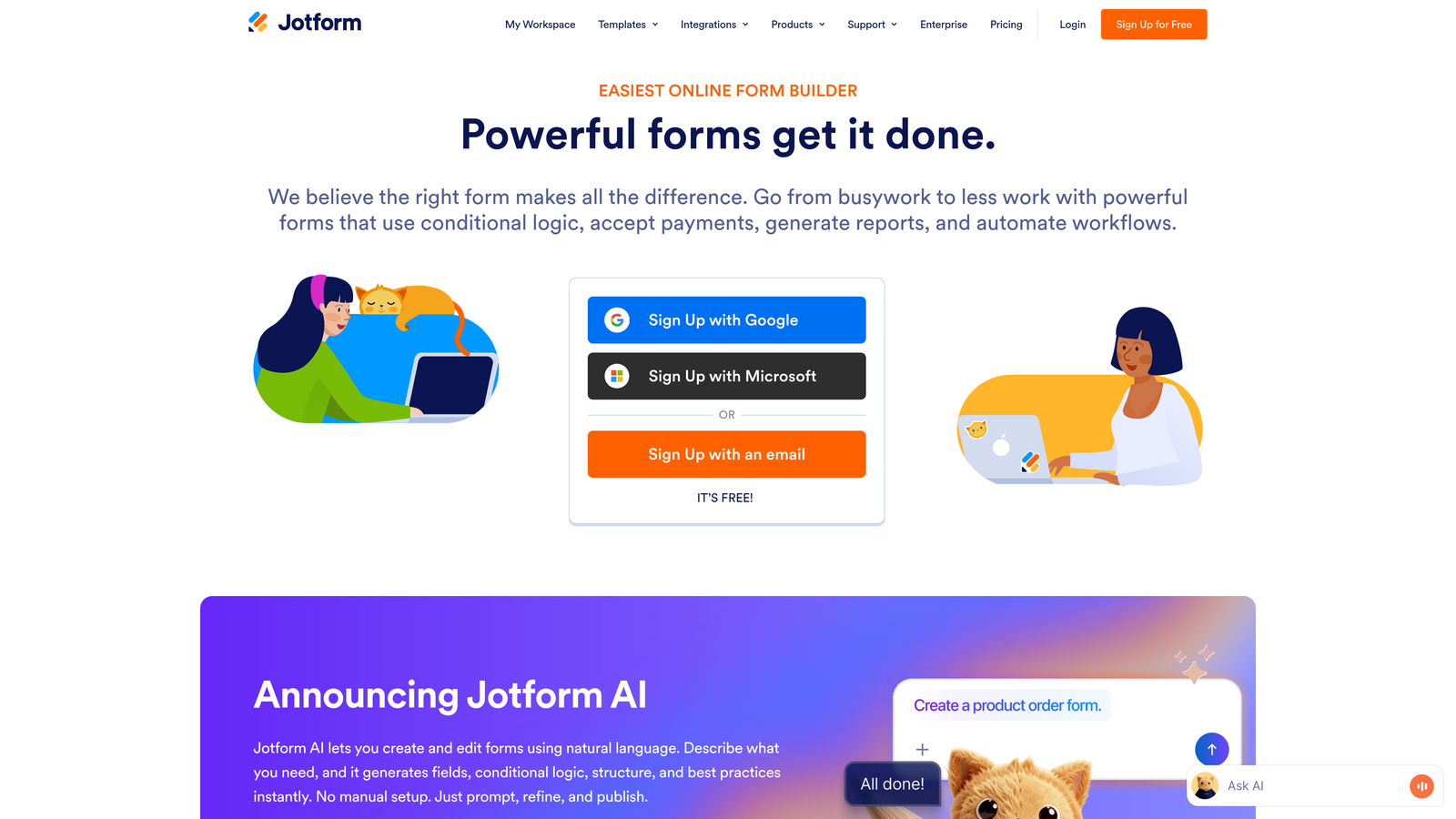
Jotform offers over 10,000 form templates and a direct Salesforce connector that works without third-party middleware.
Where This Tool Shines
The template library is genuinely useful. Instead of building forms from scratch, you can start with templates designed for your specific use case—whether that's event registration, customer feedback, or lead capture—and customize from there.
Jotform's direct Salesforce integration means you're not paying for Zapier or another automation platform to bridge the gap. The connector handles field mapping intuitively, and you can prefill forms from existing Salesforce records to reduce data entry for returning customers.
Key Features
Direct Salesforce Connector: Native integration without requiring third-party automation tools.
10,000+ Templates: Pre-built forms for virtually every industry and use case.
Prefill Capabilities: Pull existing Salesforce data to populate form fields automatically.
Payment Processing: Integrated payment collection for order forms and event registrations.
Mobile-Responsive Builder: Forms automatically adapt to any device size.
Best For
Teams that value speed and variety, particularly those running multiple form types across different campaigns. The template library saves significant time compared to building every form from scratch.
Pricing
Free tier available with limited submissions; paid plans start at $34/month with Salesforce integration included.
4. Typeform
Best for: Customer-facing forms where engagement and completion rates matter most
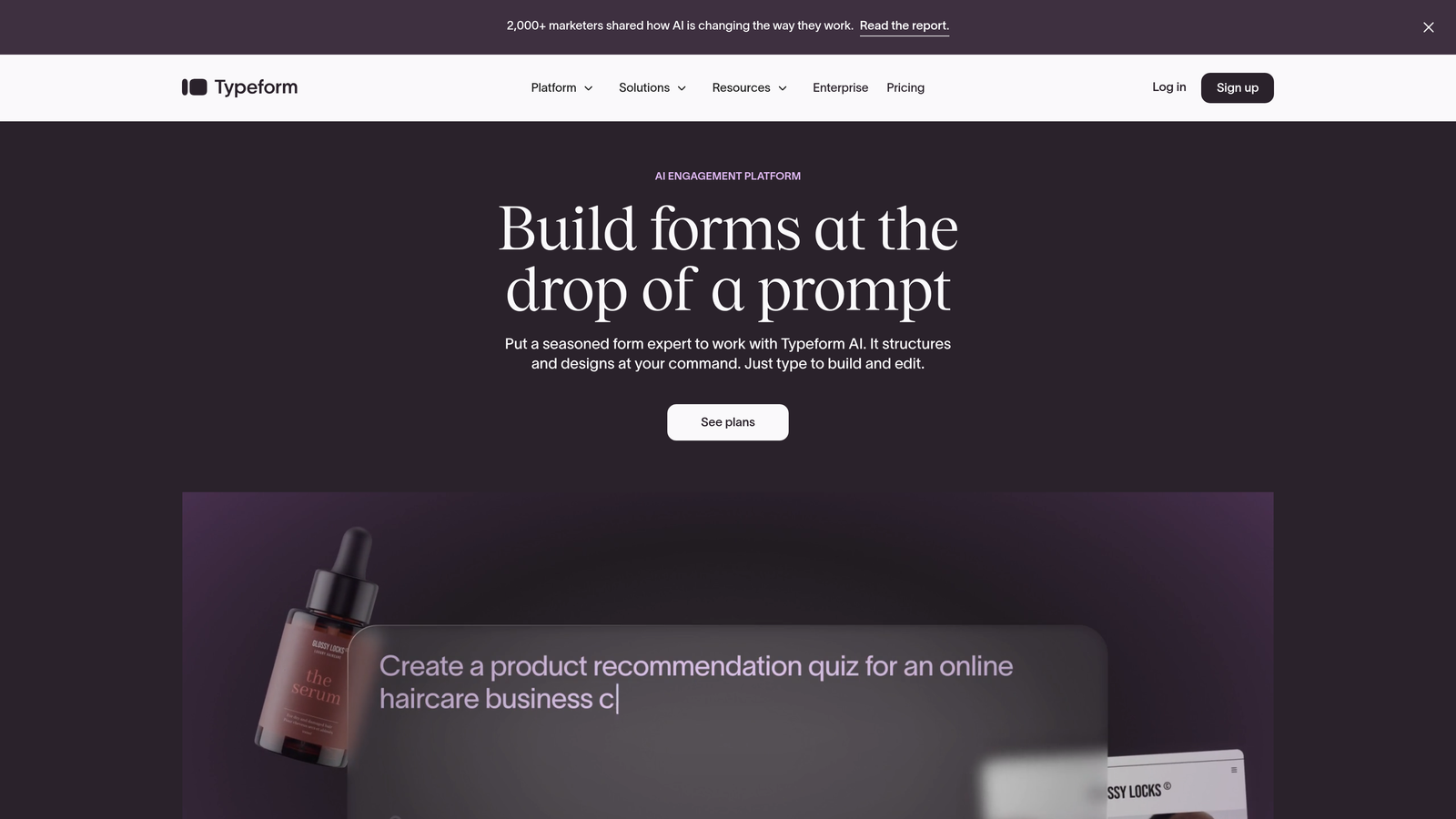
Typeform revolutionized form design with its conversational, one-question-at-a-time approach that consistently achieves higher completion rates.
Where This Tool Shines
The conversational format reduces form abandonment significantly. Instead of overwhelming users with a long page of fields, Typeform presents one question at a time with smooth transitions. This approach feels more like a conversation than an interrogation.
When those engaged leads flow into Salesforce, your sales team gets higher-quality prospects who've already invested time in thoughtful responses. The native integration ensures those conversations land in your CRM without delay.
Key Features
Conversational Format: One-question-at-a-time interface that increases completion rates.
Native Salesforce Integration: Direct connection to your CRM without middleware.
Logic Jumps: Branching paths based on responses create personalized form experiences.
High Engagement: Design approach consistently outperforms traditional forms for completion.
Rich Media Support: Embed videos and images to create more engaging forms.
Best For
Teams prioritizing user experience over data collection efficiency, particularly for customer-facing forms where brand perception matters. Marketing teams running lead generation campaigns will appreciate the completion rate improvements.
Pricing
Starts at $25/month; Salesforce integration requires the Business plan at $83/month.
5. Cognito Forms
Best for: Budget-conscious teams needing advanced calculations and conditional logic
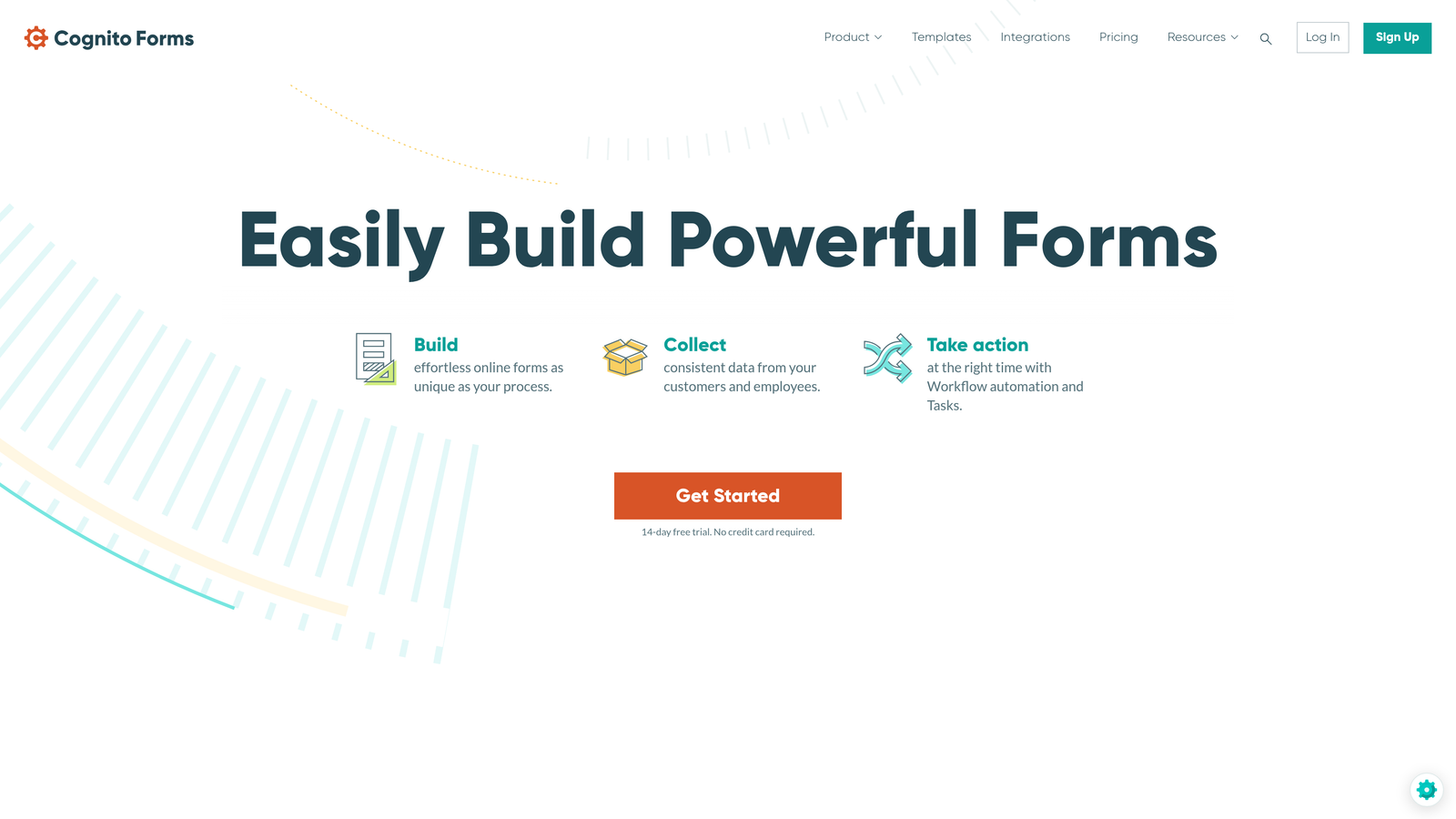
Cognito Forms delivers sophisticated form features at a fraction of typical enterprise pricing, connecting to Salesforce via Zapier or Power Automate.
Where This Tool Shines
The calculation engine is remarkably powerful. You can build forms that compute totals, apply discounts, calculate shipping costs, or perform complex mathematical operations—all before the data reaches Salesforce. This means your CRM receives clean, calculated data rather than raw inputs.
While the Salesforce connection requires a third-party automation platform, the generous free tier and low paid plan pricing often make the total cost lower than competitors with native integrations.
Key Features
Salesforce Integration: Connect via Zapier or Power Automate for flexible automation.
Advanced Calculations: Built-in calculation engine for complex mathematical operations.
Payment Processing: Accept payments through Stripe, PayPal, or Square.
Repeating Sections: Allow users to add multiple items or entries within a single form.
Generous Free Tier: Unlimited forms and fields on the free plan.
Best For
Small to mid-sized teams with tight budgets who still need sophisticated form functionality. Particularly valuable for order forms, quote requests, or any scenario requiring calculations before CRM entry.
Pricing
Free tier available with unlimited forms; paid plans start at $15/month. Add Zapier or Power Automate costs for Salesforce integration.
6. 123FormBuilder
Best for: Healthcare teams needing HIPAA-compliant forms with simple Salesforce connection
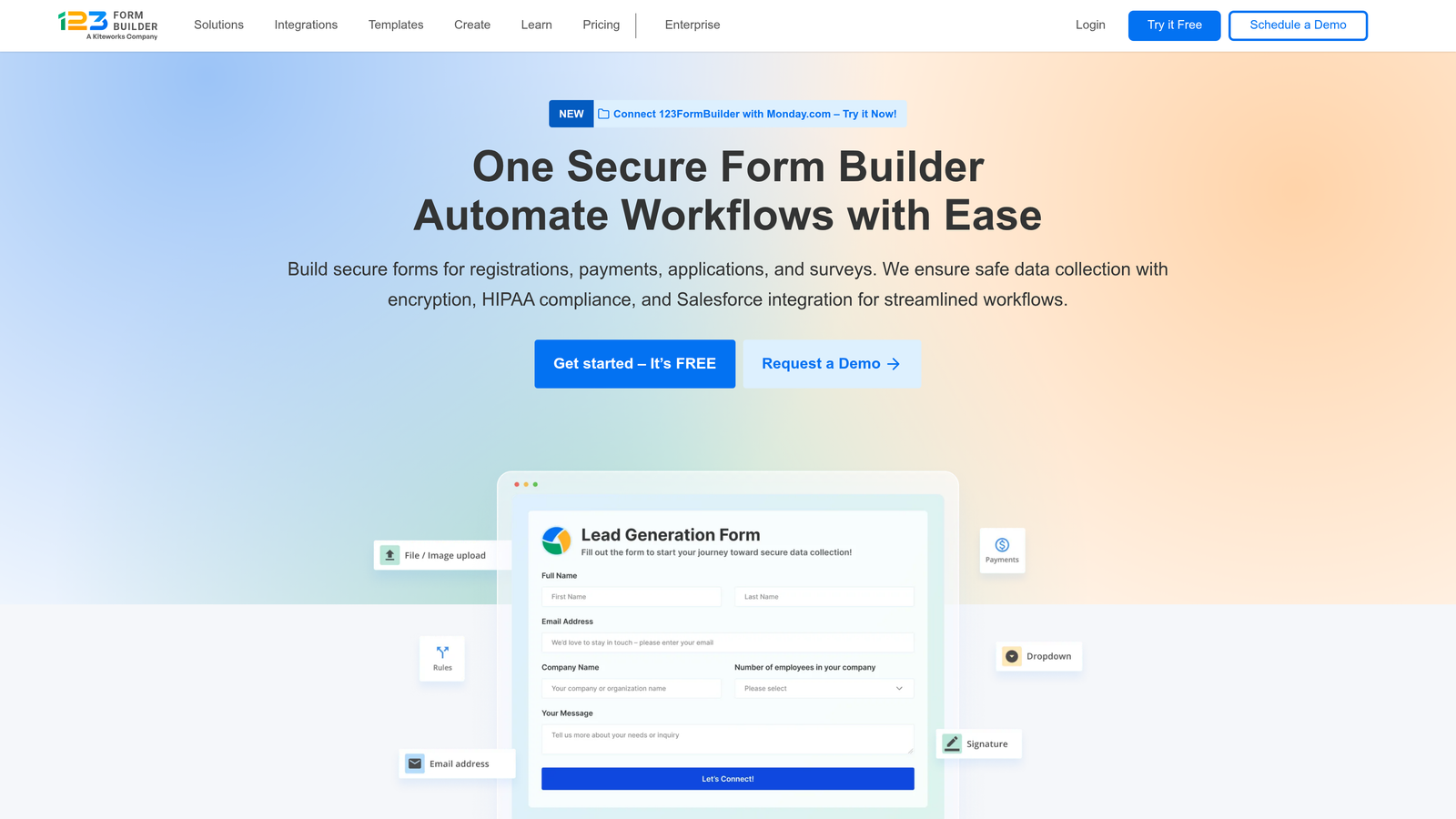
123FormBuilder offers straightforward form building with one-click Salesforce connection and compliance options for regulated industries.
Where This Tool Shines
The one-click Salesforce connection lives up to its name. Field mapping happens automatically based on field types, and you can adjust mappings with a simple interface. There's no complex configuration or technical documentation to parse.
For healthcare organizations, the HIPAA-compliant option ensures patient data collected through forms meets regulatory requirements before syncing to Salesforce. This combination of compliance and ease-of-use is rare at this price point.
Key Features
One-Click Connection: Salesforce integration setup takes minutes, not hours.
Automatic Field Mapping: Intelligent matching of form fields to Salesforce fields.
HIPAA Compliance: Secure forms that meet healthcare data protection requirements.
Multi-Page Forms: Break long forms into sections with progress indicators.
Team Collaboration: Multiple team members can build and manage forms together.
Best For
Healthcare providers, medical practices, and other regulated industries needing compliant data collection. Also suitable for teams without technical resources who need simple, reliable Salesforce integration.
Pricing
Free tier available; paid plans start at $24.99/month with HIPAA compliance on higher tiers.
7. Wufoo
Best for: Teams wanting straightforward forms within the SurveyMonkey ecosystem
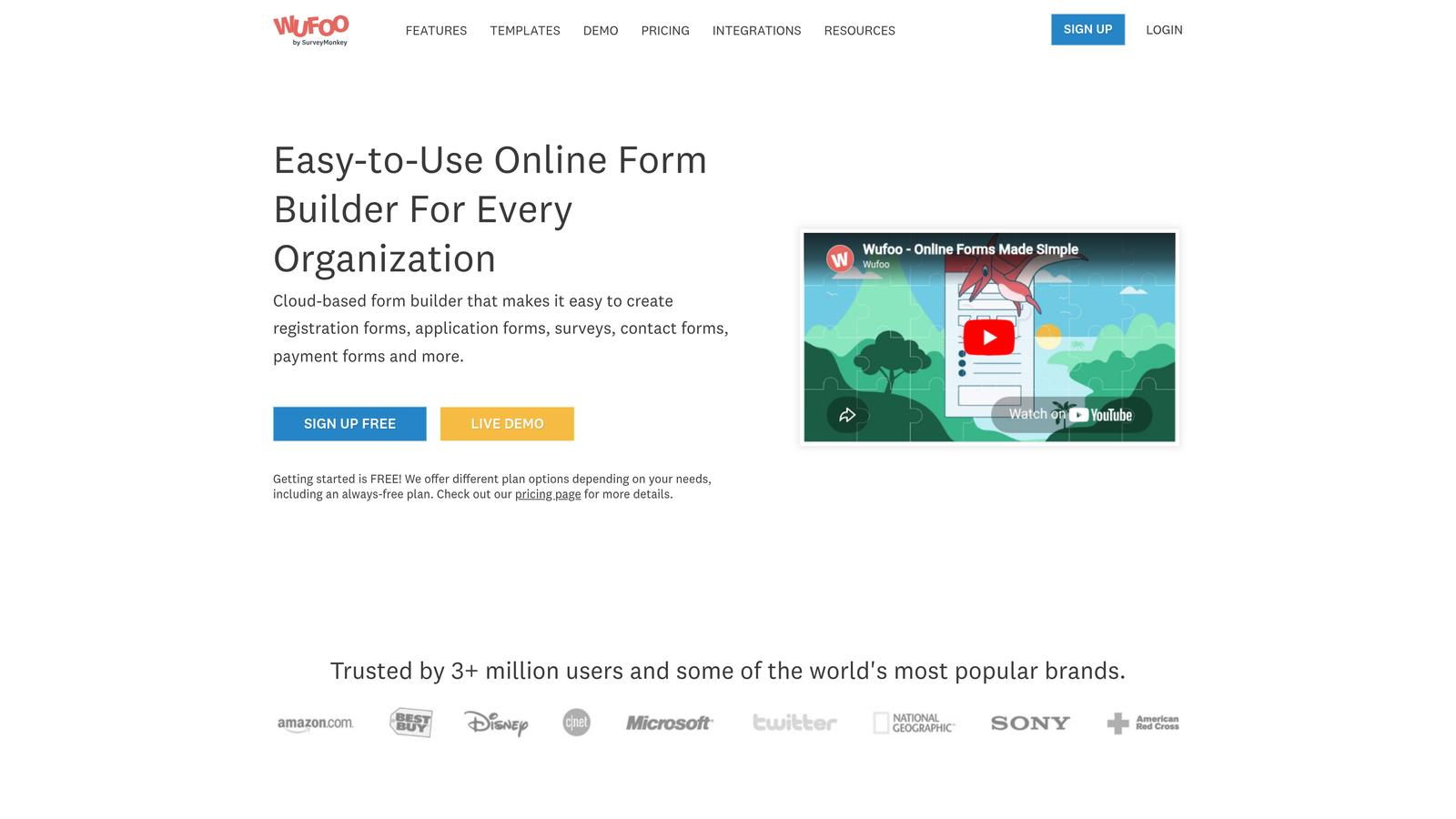
Wufoo provides simple, reliable form building with basic Salesforce integration, now part of the SurveyMonkey family.
Where This Tool Shines
Wufoo's strength is simplicity. The drag-and-drop builder is genuinely intuitive—you can build a functioning form in minutes without consulting documentation. The Salesforce integration follows the same philosophy: straightforward setup without overwhelming options.
Being part of SurveyMonkey means you can combine form data with survey responses for a more complete picture of your leads and customers before they sync to Salesforce.
Key Features
Straightforward Integration: Simple Salesforce connection without complex configuration.
Drag-and-Drop Builder: Intuitive form creation that requires no technical skills.
Payment Collection: Accept payments directly through your forms.
File Upload Support: Allow users to attach documents and images.
Basic Reporting: View submission analytics and form performance metrics.
Best For
Small teams or individual users who prioritize ease-of-use over advanced features. Organizations already using SurveyMonkey will appreciate the ecosystem integration.
Pricing
Free tier available; paid plans start at $14.08/month with Salesforce integration on higher tiers.
8. Gravity Forms
Best for: WordPress sites needing native form functionality with Salesforce sync
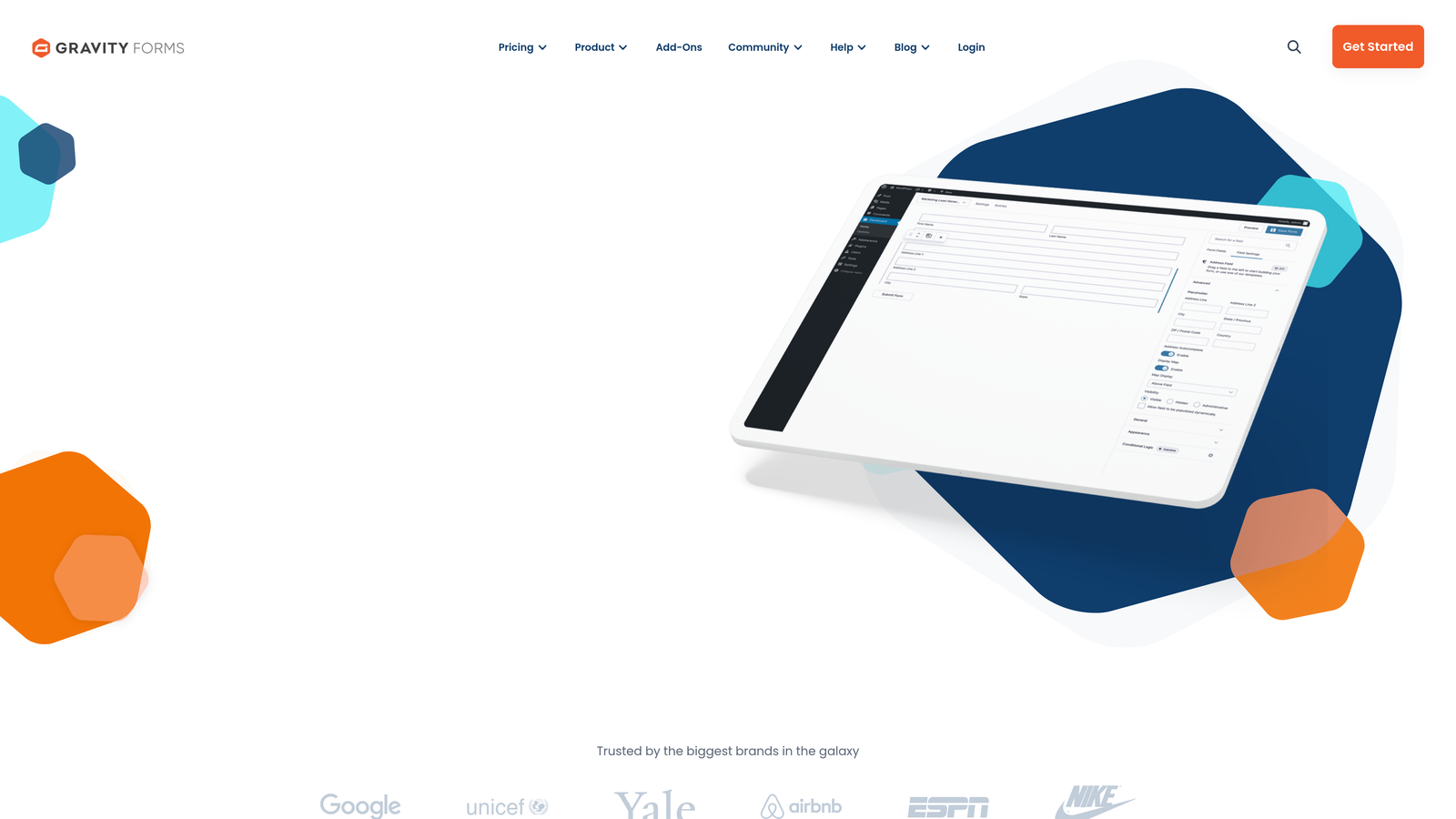
Gravity Forms is the premium WordPress form plugin with a dedicated Salesforce add-on for bidirectional sync.
Where This Tool Shines
If your website runs on WordPress, Gravity Forms integrates more deeply than any standalone form builder. The forms live directly in your WordPress database, load faster, and match your site design automatically.
The Salesforce add-on provides bidirectional sync, meaning you can both send form data to Salesforce and pull CRM data to prefill forms for logged-in users. The extensive add-on ecosystem means you can extend functionality exactly as needed.
Key Features
Salesforce Add-On: Bidirectional sync between WordPress forms and Salesforce objects.
Deep WordPress Integration: Native plugin that feels like part of your WordPress site.
Extensive Add-On Ecosystem: Hundreds of add-ons for payments, marketing, and more.
Conditional Logic: Show or hide fields based on user responses.
Developer-Friendly: Hooks and filters for custom functionality.
Best For
Organizations running WordPress websites who want forms that feel native to their site. Developers will appreciate the flexibility and customization options.
Pricing
Starts at $59/year; Salesforce add-on requires the Elite license at $259/year.
9. FormAssembly
Best for: Salesforce-heavy organizations needing the deepest possible CRM integration
FormAssembly was built specifically for Salesforce users, offering integration depth that general-purpose form builders can't match.
Where This Tool Shines
FormAssembly doesn't just create new Salesforce records—it can update existing ones. This means you can build forms that let customers update their account information, partners can modify their partner records, or sales reps can update opportunity details without logging into Salesforce.
The ability to map to any Salesforce object, including custom objects your team has created, means FormAssembly adapts to your CRM structure rather than forcing you to adapt to the form builder's limitations.
Key Features
Built for Salesforce: Purpose-designed for deep Salesforce integration from the ground up.
Prefill from Records: Pull existing Salesforce data to populate form fields automatically.
Create or Update Records: Either create new Salesforce records or update existing ones.
Custom Object Support: Map to any Salesforce object, including custom objects.
Enterprise Compliance: SOC 2 Type II and HIPAA compliance certifications.
Best For
Organizations where Salesforce is the central system of record and forms need to interact with complex CRM structures. Enterprise teams with custom Salesforce implementations will appreciate the flexibility.
Pricing
Starts at $99/month with enterprise plans available for larger organizations and advanced compliance needs.
Making the Right Choice
Your ideal form builder depends on where Salesforce fits in your overall workflow and what you need beyond basic data collection.
For teams wanting AI-powered lead qualification that automatically identifies your best prospects before they hit Salesforce, Orbit AI delivers modern form design with intelligent routing. The native integration means qualified leads reach your sales team instantly, and the AI scoring helps prioritize follow-up.
Organizations where Salesforce is the central hub for all customer data should consider FormAssembly. The ability to update existing records and map to custom objects makes it the deepest integration available. Enterprise teams with complex CRM structures will appreciate the flexibility.
If workflow automation matters more than form features, Formstack's approval processes and bidirectional sync create powerful multi-step workflows. The compliance certifications make it suitable for regulated industries.
Customer-facing forms where completion rates directly impact revenue benefit from Typeform's conversational approach. The engagement improvements often justify the higher price point for marketing and sales teams.
Budget-conscious teams can achieve sophisticated results with Cognito Forms plus Zapier. The calculation features and generous free tier make it a strong value proposition despite requiring middleware for Salesforce connection.
The common thread across successful implementations is matching integration depth to your actual needs. Simple lead capture requires different tools than complex record updates or prefilled customer portals.
Start your free trial today and see how intelligent form design can elevate your conversion strategy. Transform your lead generation with AI-powered forms that qualify prospects automatically while delivering the modern, conversion-optimized experience your high-growth team needs.


