If your team runs on Notion, you already know how powerful it is as a central hub for docs, databases, and workflows. But when it comes to collecting data from leads, clients, or internal teams, you need a form builder that can pipe responses directly into your Notion workspace — no copy-pasting, no manual exports, no broken handoffs.
The challenge? Not every form builder plays nicely with Notion. Some require clunky third-party workarounds, others offer native integrations that are limited or unreliable. And for high-growth teams where every lead and every data point matters, that friction adds up fast.
This guide covers the best form builders with Notion integration available in 2026, evaluated on integration quality, form design flexibility, automation depth, and overall value. Whether you're capturing leads, running surveys, or managing internal requests, there's a right tool for your stack.
1. Orbit AI
Best for: High-growth SaaS and marketing teams that want AI-powered lead qualification built into their form layer.
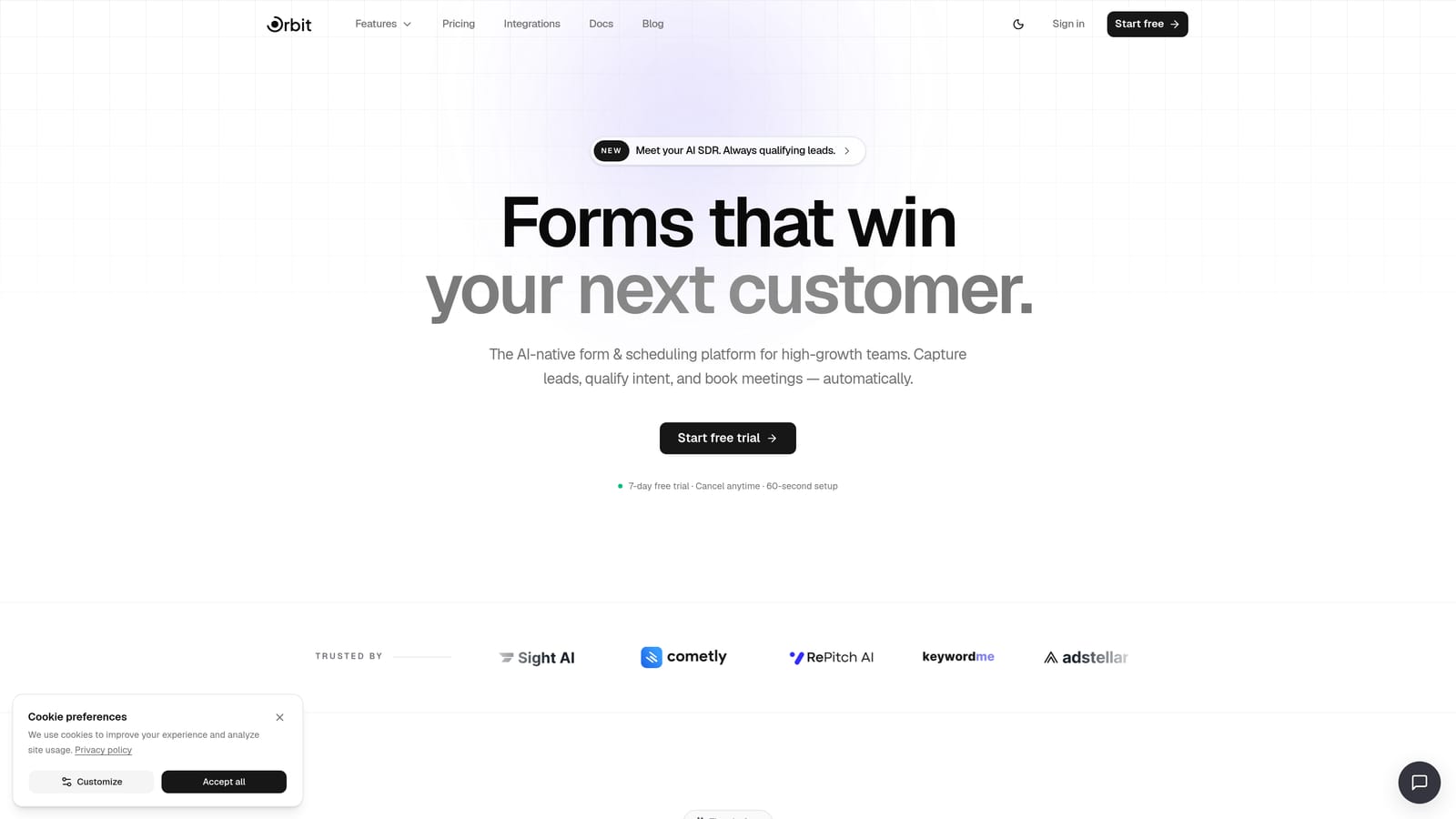
Orbit AI is an AI-powered form builder designed specifically for teams that care as much about lead quality as they do about lead volume.
Where This Tool Shines
Most form builders treat qualification as an afterthought — you collect responses, they land in your CRM or database, and then someone manually reviews them. Orbit AI flips that model. Its AI qualification layer scores and routes leads at the point of capture, so by the time a response hits your Notion database, it already carries context about lead quality.
For teams using Notion as a lightweight CRM or lead tracker, this is a meaningful upgrade. You're not just syncing raw form data — you're syncing enriched, prioritized leads that your team can act on immediately.
Key Features
AI-Powered Lead Qualification: Automatically scores and qualifies leads at the form level before responses reach your workspace.
Notion Database Integration: Syncs form responses directly to Notion databases, with field mapping to match your existing database properties.
Conversion-Optimized Form Design: Modern, clean form templates built to maximize completion rates, with conditional logic to tailor the experience to each respondent.
Lead Scoring and Routing: Prioritizes and routes leads based on qualification criteria before they enter your pipeline, reducing manual triage time.
Built for High-Growth Teams: The platform is purpose-built for SaaS and marketing teams that need to move fast without sacrificing data quality.
Best For
Orbit AI is the strongest fit for SaaS companies, growth marketers, and demand generation teams using Notion as their operational hub. If your team needs to qualify inbound leads quickly and route them intelligently, this is the tool that adds the most leverage to your Notion workflow.
Pricing
Visit orbitforms.ai/pricing for current plans. A 7-day free trial gets you started.
2. Tally
Best for: Budget-conscious teams and indie makers who want a clean, native Notion integration at no cost.
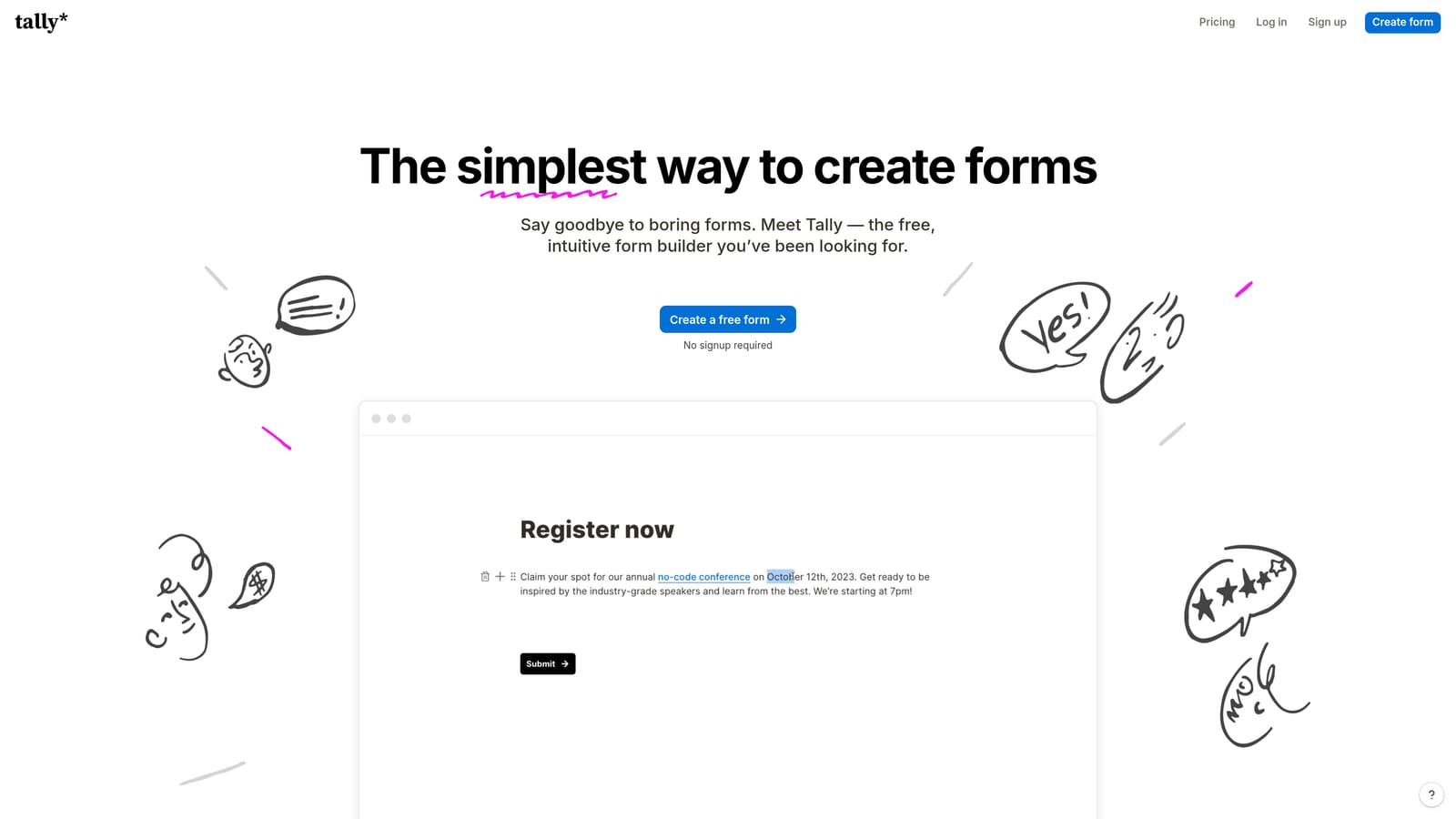
Tally is a free-first form builder with a minimal, block-based interface that feels right at home for anyone already living in Notion.
Where This Tool Shines
Tally's biggest draw is its generous free tier, which includes native Notion integration. For smaller teams or solo operators, getting form responses to sync directly into a Notion database without paying anything is a genuinely compelling offer. The form editor uses a block-based approach that Notion users will find immediately familiar, which shortens the learning curve considerably.
It's worth noting that some advanced integration features may be gated behind paid plans. For straightforward use cases — contact forms, feedback surveys, simple lead capture — the free tier often covers everything you need.
Key Features
Native Notion Integration: Available on both free and paid plans, allowing responses to populate Notion databases directly without third-party connectors.
Block-Based Form Editor: Notion-inspired editing experience that makes building forms intuitive for Notion-native teams.
Unlimited Forms on Free Tier: No artificial limits on the number of forms you can create, even without a paid subscription.
Conditional Logic and Hidden Fields: Personalize form paths based on respondent answers, available across plan tiers.
Flexible Embedding: Embed forms on websites, in Notion pages, or share as standalone links with minimal friction.
Best For
Tally is ideal for freelancers, early-stage startups, and Notion-heavy teams that need reliable Notion connectivity without a budget commitment. It's also a strong choice for internal forms, feedback collection, and lightweight lead capture where AI qualification isn't a priority.
Pricing
Tally offers a free tier with core features including Notion integration. Paid plans unlock advanced features such as custom domains, file uploads, and deeper automation capabilities.
3. Typeform
Best for: Teams that prioritize respondent experience and want polished, conversational forms connected to Notion.
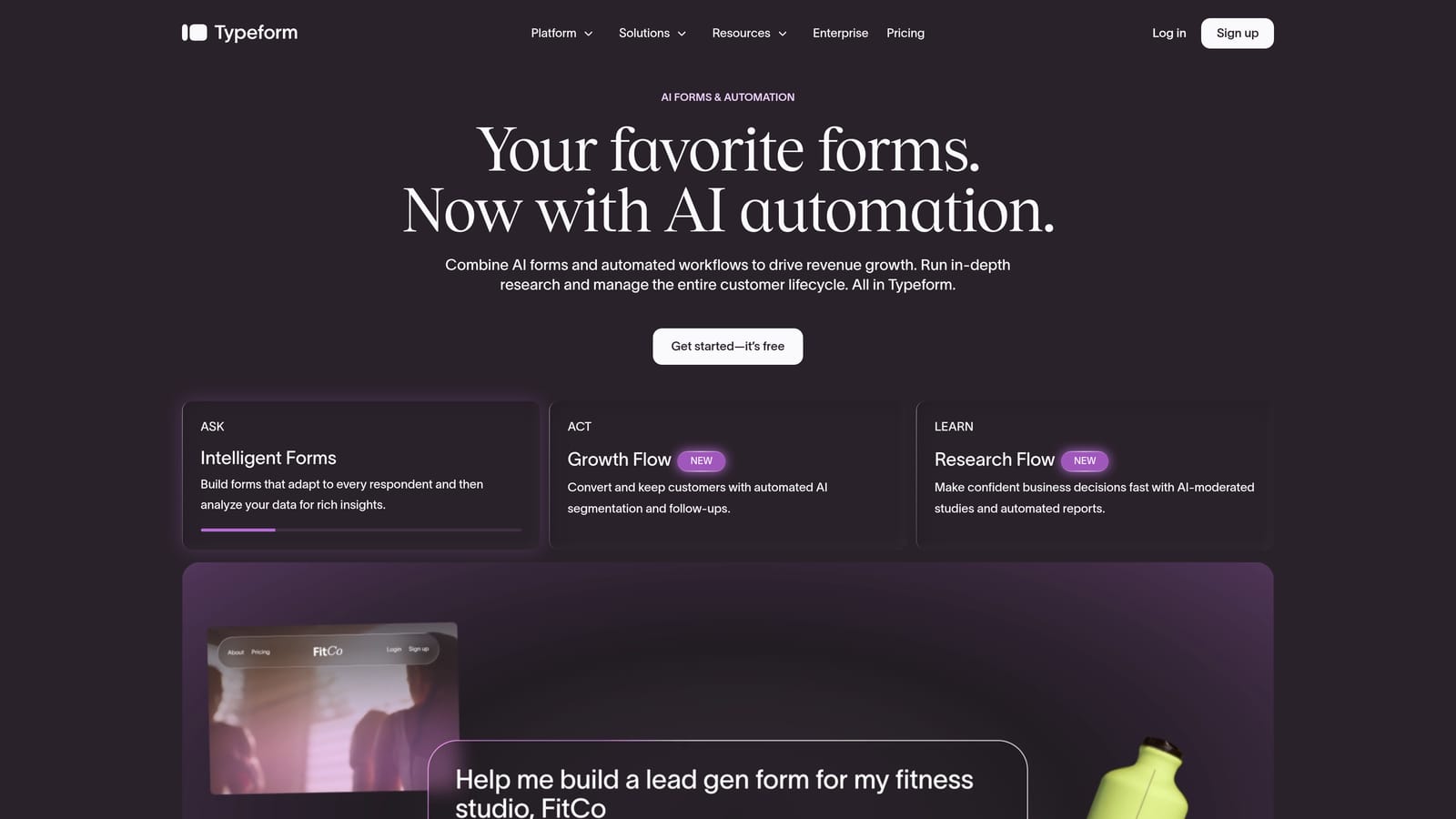
Typeform is a well-established conversational form builder known for its one-question-at-a-time format and high-quality visual design.
Where This Tool Shines
Typeform's signature UX is genuinely differentiated. By presenting one question at a time, it creates a more engaging, interview-like experience that tends to drive higher completion rates on longer forms. For customer research, NPS surveys, and brand-forward lead capture, that experience matters.
Its Notion integration allows responses to sync into Notion databases, making it a viable option for teams that want to combine Typeform's front-end polish with Notion's organizational structure. Verify the current integration method on Typeform's integrations page, as native vs. third-party connector status can change with platform updates.
Key Features
Conversational One-Question Format: Presents questions sequentially to create an engaging, focused respondent experience that reduces form abandonment.
Notion Response Syncing: Connects form responses to Notion databases for teams using Notion as a central data hub.
Logic Jumps and Personalization: Dynamic question paths that adapt based on previous answers, enabling highly tailored form experiences.
Polished Templates: A broad library of professionally designed templates for surveys, lead generation, research, and onboarding.
Analytics and Completion Tracking: Built-in analytics to monitor drop-off rates and optimize form performance over time.
Best For
Typeform suits marketing teams, UX researchers, and customer success teams that need visually polished forms where the respondent experience is a priority. It's particularly strong for customer surveys, NPS programs, and brand-forward lead capture forms.
Pricing
Typeform operates on tiered paid plans. Most integrations, including Notion connectivity, require a paid subscription. It carries a higher price point relative to some alternatives on this list.
4. Paperform
Best for: Teams managing diverse workflows that need forms, payments, and scheduling in a single tool connected to Notion.
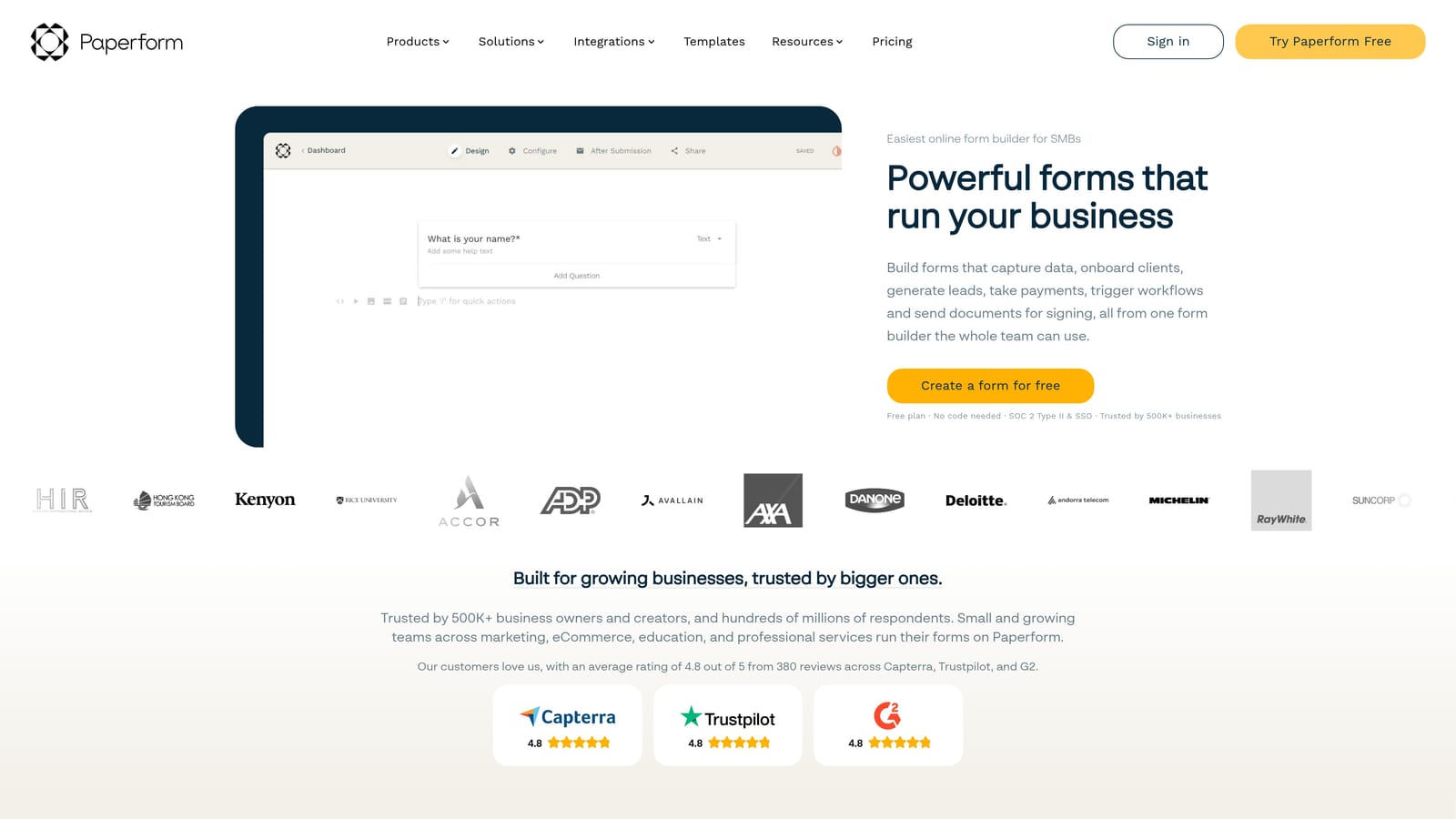
Paperform is a multi-purpose form builder that goes beyond standard data collection to handle payments, bookings, and rich media in one platform.
Where This Tool Shines
Paperform's differentiator is its versatility. Where most form builders focus narrowly on data collection, Paperform lets you build forms that also accept payments, manage appointment scheduling, and display rich media content. This makes it particularly useful for teams that want to consolidate multiple tools into one.
Its Notion integration extends this versatility into your Notion workspace, enabling multi-step workflow automation that connects form submissions to your broader operational setup. It's worth confirming the current integration method — native or third-party — on Paperform's integrations page before committing.
Key Features
Forms Plus Payments and Scheduling: Handles payment collection and appointment booking natively alongside standard form fields, reducing tool sprawl.
Notion Integration: Connects form and transaction data to Notion databases for workflow automation across diverse use cases.
Rich Media and Custom Design: Highly customizable form design with support for images, videos, and branded layouts that go well beyond basic form aesthetics.
Conditional Logic and Calculation Fields: Advanced logic capabilities including numeric calculations, useful for quote builders, pricing forms, and complex intake workflows.
Product and Service Pages: Build lightweight sales or service pages directly on top of a form, useful for small businesses and service providers.
Best For
Paperform is a strong fit for agencies, consultants, and operations teams that need a single tool to handle forms, payments, and bookings. Teams building quote calculators, booking flows, or client intake processes will find the most value here.
Pricing
Paperform is paid-only with no permanent free tier. Plans are structured around feature access and submission volume, making it a mid-range investment compared to free-first alternatives.
5. Jotform
Best for: High-volume and complex form use cases where an extensive field library and workflow automation are essential.
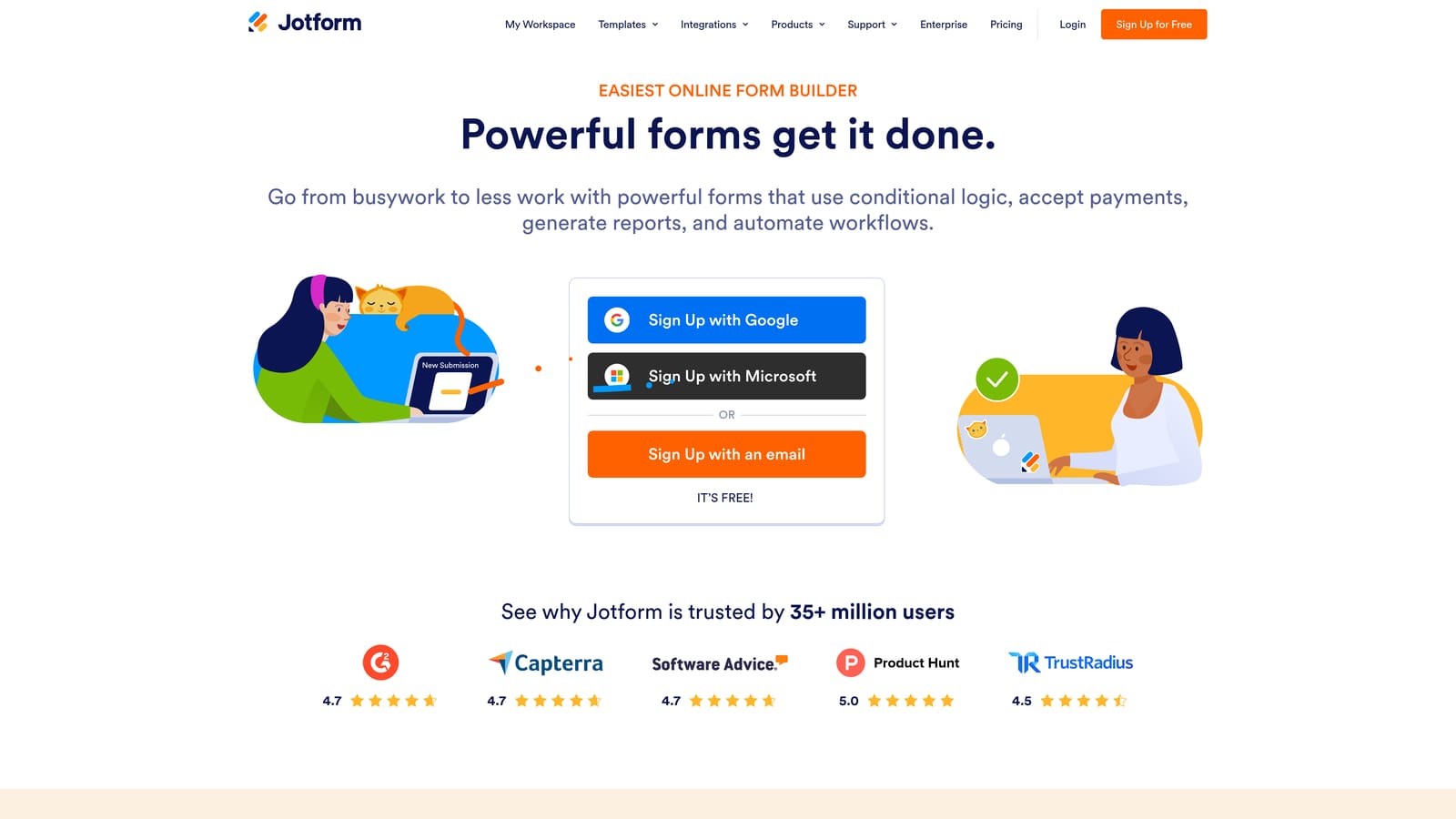
Jotform is one of the most feature-rich form builders available, with a vast library of fields, widgets, and integrations suited to demanding operational workflows.
Where This Tool Shines
Jotform's depth is its defining quality. With hundreds of field types, widgets, and pre-built templates, it can handle virtually any form use case — from simple contact forms to multi-step approval workflows, work orders, and HR intake processes. For teams with complex internal operations, that flexibility is genuinely valuable.
Its Notion integration is available through Jotform's integrations marketplace, allowing response data to flow into Notion databases. Teams managing high submission volumes should evaluate whether the integration handles their throughput requirements without sync delays.
Key Features
Extensive Field and Widget Library: Hundreds of field types and third-party widgets covering virtually every data collection scenario imaginable.
Notion Integration via Marketplace: Connect form submissions to Notion databases through Jotform's built-in integrations hub.
Multi-Step Forms and Approval Workflows: Build forms with multiple pages and route submissions through approval chains before final processing.
High-Volume Submission Handling: Designed to manage large numbers of submissions without performance degradation, suitable for enterprise-scale use cases.
HR, Ops, and Internal Request Forms: Strong template library and field options specifically suited to internal operational workflows and people management.
Best For
Jotform is best suited for operations teams, HR departments, and organizations with complex, high-volume form needs. If your priority is breadth of functionality and the ability to handle sophisticated internal workflows, Jotform delivers more out-of-the-box capability than most alternatives.
Pricing
Jotform offers a free tier with submission and storage limits. Paid plans scale with submission volume, storage, and access to advanced features including expanded integrations and workflow automation.
6. Formstack
Best for: Regulated industries and larger organizations that need compliance-grade forms with Notion connectivity.
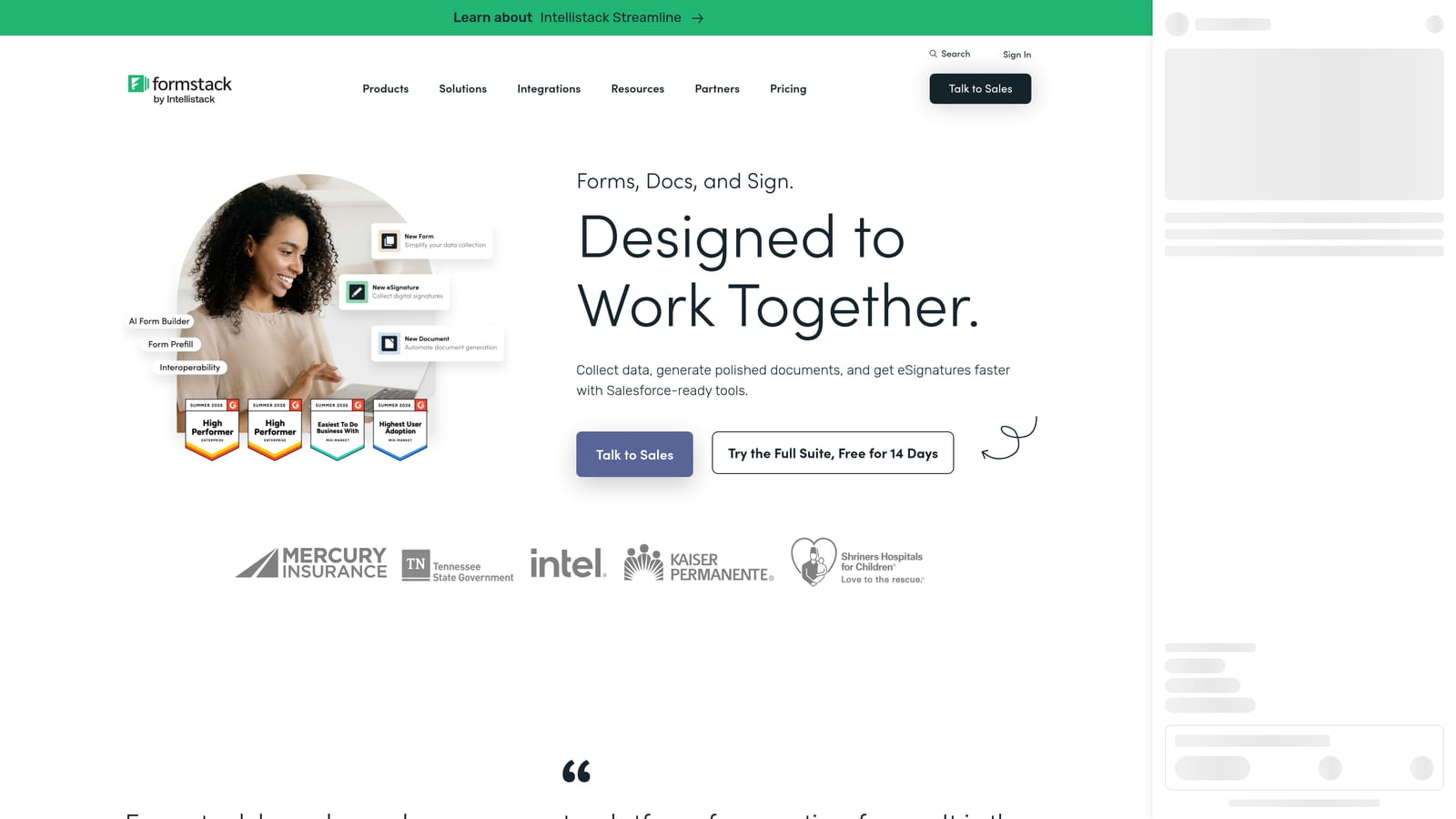
Formstack is an enterprise-oriented form builder built around data security, regulatory compliance, and advanced workflow automation.
Where This Tool Shines
Formstack occupies a distinct position in this list: it's the only tool here built with compliance as a core feature rather than an add-on. HIPAA and GDPR capabilities are built into the platform, making it a viable option for healthcare, finance, legal, and other regulated sectors that still want to leverage Notion for internal workflow management.
For larger organizations that need audit trails, data routing controls, and security certifications alongside their form tooling, Formstack addresses requirements that most other form builders simply can't meet. Its Notion integration extends this into collaborative Notion-based workflows.
Key Features
HIPAA and GDPR Compliance: Built-in compliance capabilities for regulated industries handling sensitive personal or health data.
Notion Integration: Connects form submissions to Notion for internal workflow connectivity within compliant data handling parameters.
Advanced Workflow Automation and Approvals: Sophisticated routing and approval workflows that handle multi-stakeholder review processes.
Data Routing and Conditional Logic: Granular control over where form data goes based on submission content and business rules.
Audit Trails and Security Controls: Detailed activity logs and access controls that satisfy enterprise security and compliance requirements.
Best For
Formstack is purpose-built for mid-market and enterprise organizations in regulated industries. Healthcare providers, financial services firms, and legal teams that need compliant data collection with Notion integration will find Formstack uniquely suited to their requirements.
Pricing
Formstack is positioned at the mid-market to enterprise price range. Contact their sales team for current pricing, as plans are typically scoped to organizational size and compliance requirements.
Which Tool Is Right for Your Notion Stack?
Each tool on this list will get your form data into Notion reliably. The right choice comes down to what you need beyond that core function.
If you're a high-growth SaaS or marketing team using Notion as your operational hub, Orbit AI offers something none of the other tools on this list provide: AI-powered lead qualification at the form level. You're not just collecting responses and syncing them to Notion — you're automatically scoring and routing leads before they hit your database, so your team can prioritize follow-up without manual triage. That's a meaningful advantage when lead volume is high and response time matters.
For teams on a tight budget, Tally's free native Notion integration is genuinely hard to beat. It covers the fundamentals cleanly and requires no financial commitment to get started. For brand-forward surveys and customer research where the respondent experience is a priority, Typeform remains a strong pick. Paperform suits teams that need forms, payments, and scheduling in one tool. Jotform handles volume and operational complexity better than most. And Formstack is the clear choice for regulated industries where compliance isn't optional.
The pattern is clear: if your priority is lead quality and conversion optimization, go with Orbit AI. If it's cost, go with Tally. If it's design polish, Typeform. If it's versatility, Paperform. If it's operational depth, Jotform. If it's compliance, Formstack.
Transform your lead generation with AI-powered forms that qualify prospects automatically while delivering the modern, conversion-optimized experience your high-growth team needs. Start your free trial today and see how intelligent form design can elevate your conversion strategy.