

Every form submission tells a story—but without the right tracking software, you're missing the plot. High-growth teams know that capturing leads is only half the battle; understanding which forms convert, where submissions drop off, and how leads flow through your pipeline separates successful campaigns from expensive guesswork.
Form submission tracking software gives you visibility into every interaction, from first click to final conversion. The platforms below excel at turning form data into actionable insights, whether you need real-time analytics, CRM integrations, or AI-powered lead qualification.
1. Orbit AI
Best for: High-growth teams prioritizing lead quality and conversion intelligence over raw volume.
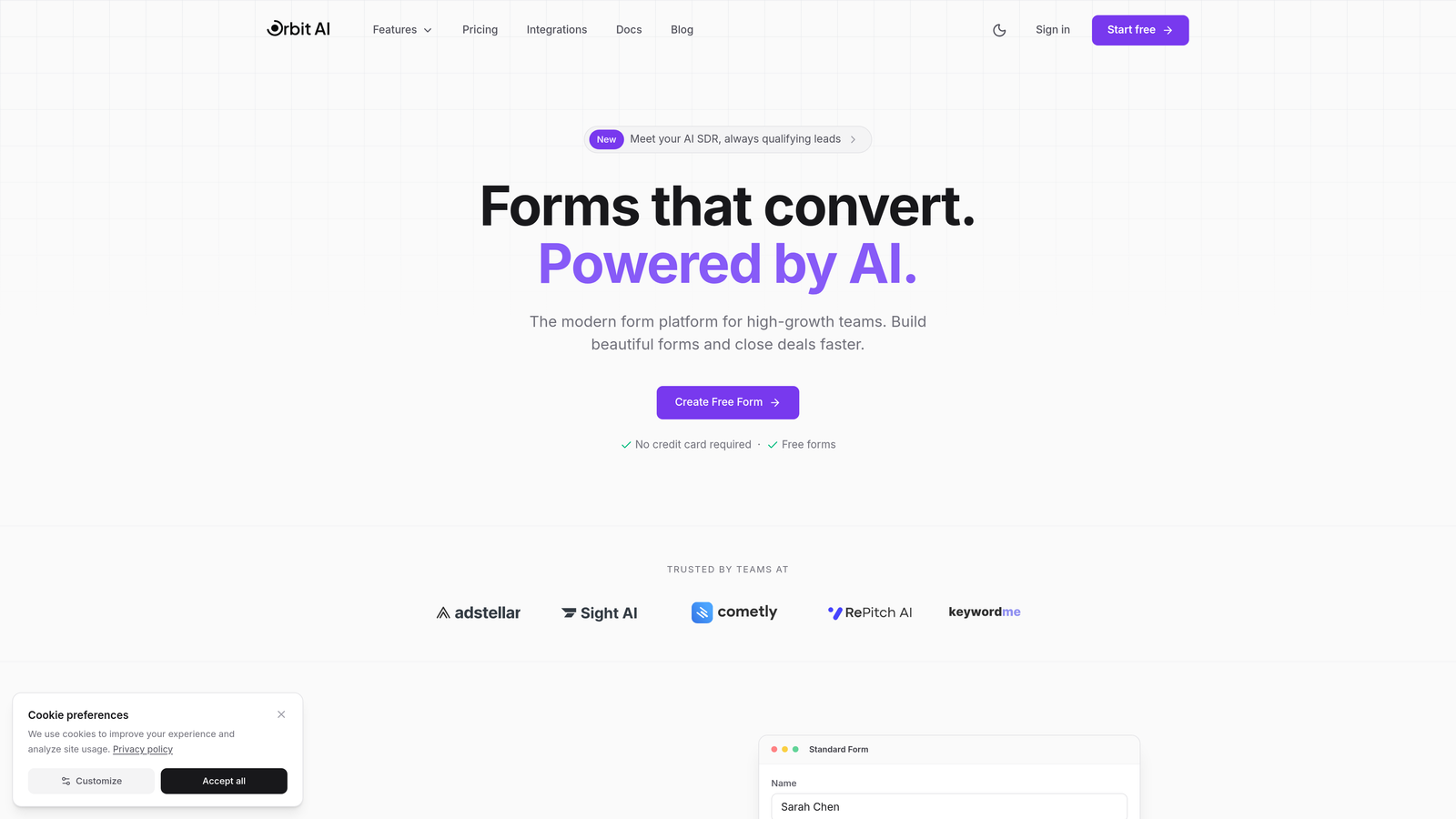
Orbit AI combines form building with intelligent lead qualification, automatically scoring and routing submissions based on conversion potential.
Where This Tool Shines
The platform's AI engine analyzes responses in real-time to identify high-intent leads, letting your sales team focus on prospects most likely to convert. This eliminates the manual triage that bogs down most lead generation workflows.
The conversion-focused analytics dashboard surfaces insights that actually drive decisions—which form fields cause hesitation, where qualified leads come from, and how submission quality varies across channels.
Key Features
AI-Powered Lead Scoring: Automatically qualifies submissions based on response patterns and historical conversion data.
Real-Time Analytics Dashboard: Tracks submission quality, completion rates, and conversion metrics as they happen.
Automated Workflow Triggers: Routes qualified leads to sales instantly while nurturing lower-intent prospects automatically.
Native CRM Integrations: Syncs seamlessly with HubSpot, Salesforce, and Pipedrive without middleware.
Conversion Optimization Insights: Identifies friction points and suggests improvements based on submission behavior.
Best For
Teams that need to maximize lead quality rather than just capture volume. Particularly valuable for B2B companies with complex sales cycles where qualifying leads early saves significant time and resources.
Pricing
Free tier available for testing the platform. Paid plans start at $29/month, scaling with submission volume and advanced features.
2. Typeform
Best for: Teams prioritizing user experience with detailed completion and engagement analytics.
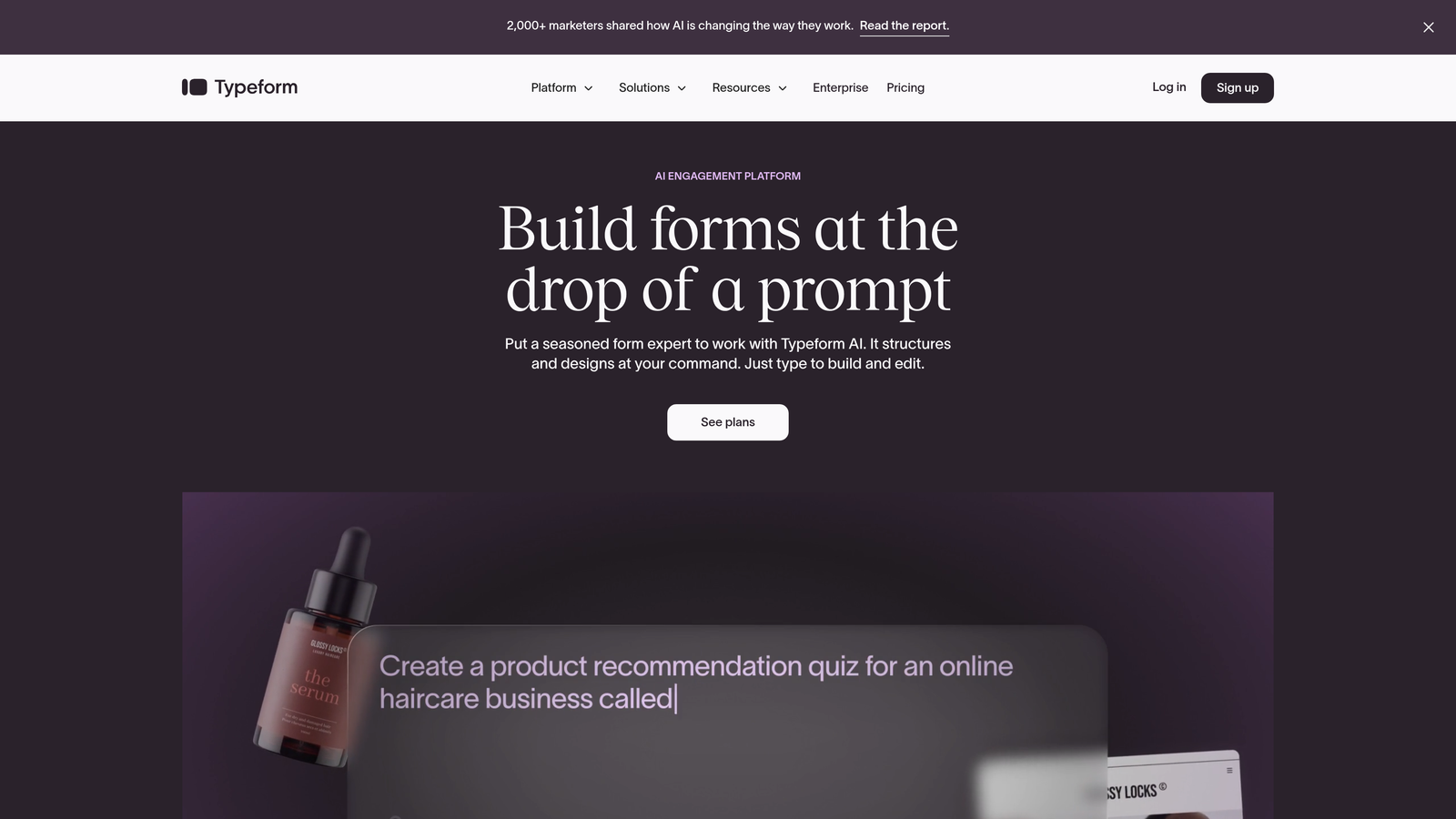
Typeform turns forms into conversational experiences while tracking exactly where and why respondents drop off.
Where This Tool Shines
The question-by-question analytics reveal precisely which fields cause abandonment, letting you optimize forms based on actual behavior rather than guesswork. This granular visibility is rare among form platforms.
Response visualization transforms raw data into charts and graphs that make patterns immediately obvious. You'll spot trends in completion rates across different traffic sources or device types within seconds.
Key Features
Drop-Off Analysis: Shows exactly which questions cause respondents to abandon the form.
Response Visualization: Automatically generates charts and graphs from submission data.
Analytics Platform Integration: Connects with Google Analytics, Facebook Pixel, and other tracking tools.
Partial Submission Tracking: Captures incomplete responses so you can follow up with partially engaged leads.
Logic Jump Performance: Tracks how conditional branching affects completion rates.
Best For
Marketing teams focused on form experience and completion optimization. Works particularly well for surveys, lead generation, and customer feedback where engagement quality matters as much as submission volume.
Pricing
Free tier with basic features. Basic plan starts at $25/month with full analytics access.
3. Jotform
Best for: High-volume submission management with powerful filtering and search capabilities.
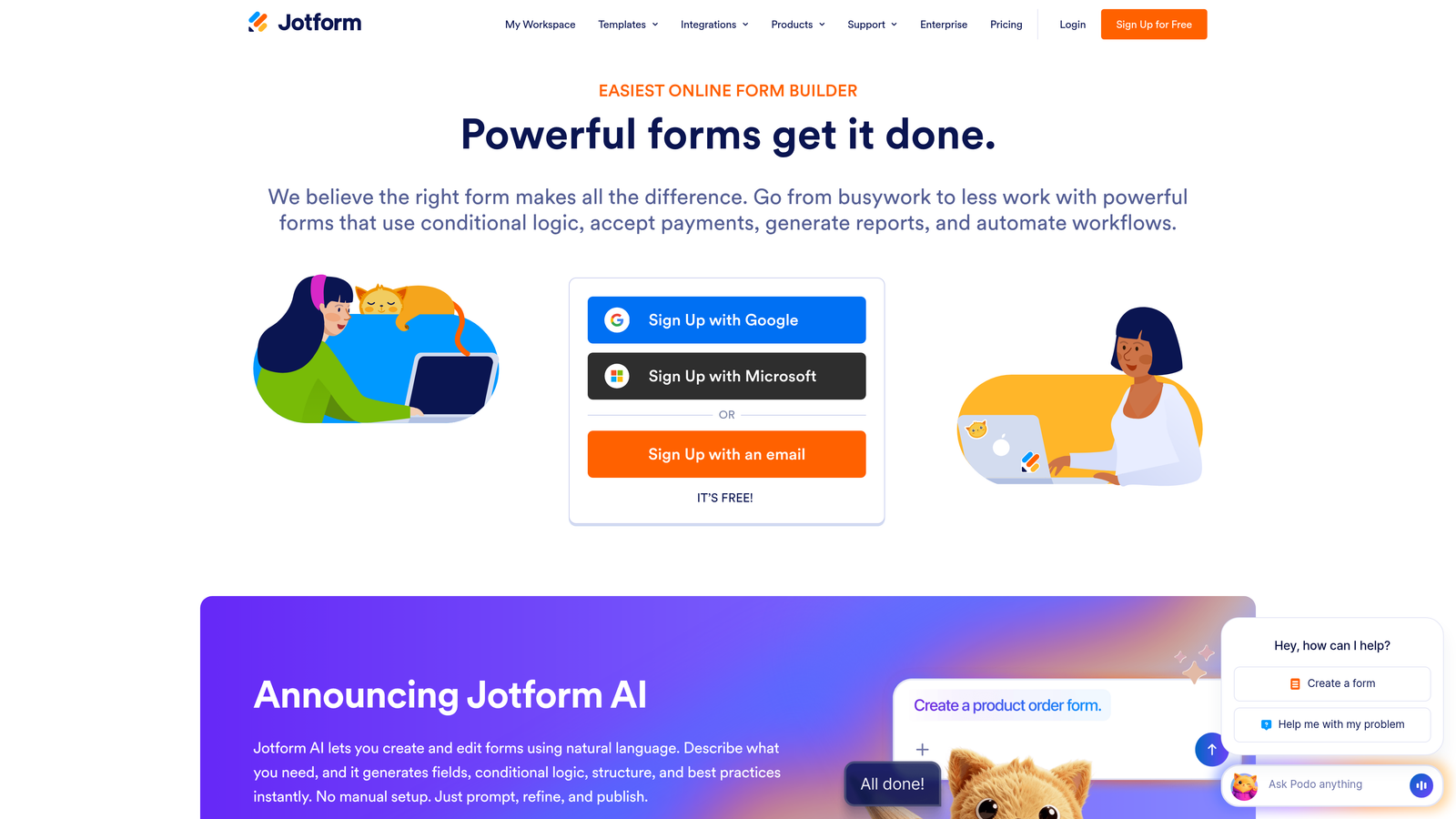
Jotform handles thousands of submissions with built-in analytics and robust data management tools.
Where This Tool Shines
The submission table interface lets you filter, search, and segment responses instantly—critical when you're processing hundreds of leads daily. You can create custom views for different team members or use cases.
Conditional logic performance reports show which form paths users take most often, revealing opportunities to streamline or optimize based on real usage patterns.
Key Features
Submission Tables: Spreadsheet-like interface with advanced filtering, sorting, and search functionality.
Form Analytics: Tracks views, submissions, conversion rates, and average completion time.
Conditional Logic Reports: Shows how often different form paths are used based on user responses.
Automated Notifications: Sends instant alerts to team members when specific submission criteria are met.
PDF Report Generation: Automatically creates formatted reports from submission data.
Best For
Organizations processing high submission volumes across multiple forms—think event registrations, applications, or customer intake processes where efficient data management is essential.
Pricing
Free tier available. Bronze plan starts at $34/month with increased submission limits and advanced features.
4. HubSpot Forms
Best for: Teams already using HubSpot who need seamless CRM and marketing automation integration.
HubSpot Forms creates native connections between form submissions and your entire marketing and sales infrastructure.
Where This Tool Shines
Every submission automatically creates or updates CRM contacts with complete attribution data—no manual imports or integration headaches. The form becomes part of your marketing automation rather than a separate data silo.
Attribution reporting connects form submissions to revenue, showing which forms and campaigns actually drive business results rather than just generate leads.
Key Features
Automatic CRM Integration: Creates contacts and updates records instantly without manual data entry.
Form Performance Analytics: Tracks views, submissions, and conversion rates within the HubSpot dashboard.
Lead Scoring Integration: Applies your existing scoring model to form submissions automatically.
A/B Testing: Tests different form versions to optimize conversion rates systematically.
Attribution Reporting: Connects form submissions to deals and revenue for ROI analysis.
Best For
Companies already invested in the HubSpot ecosystem who want forms that work natively with their CRM and marketing automation without third-party integrations.
Pricing
Free with HubSpot CRM. Advanced features like automation and attribution require Marketing Hub starting at $800/month.
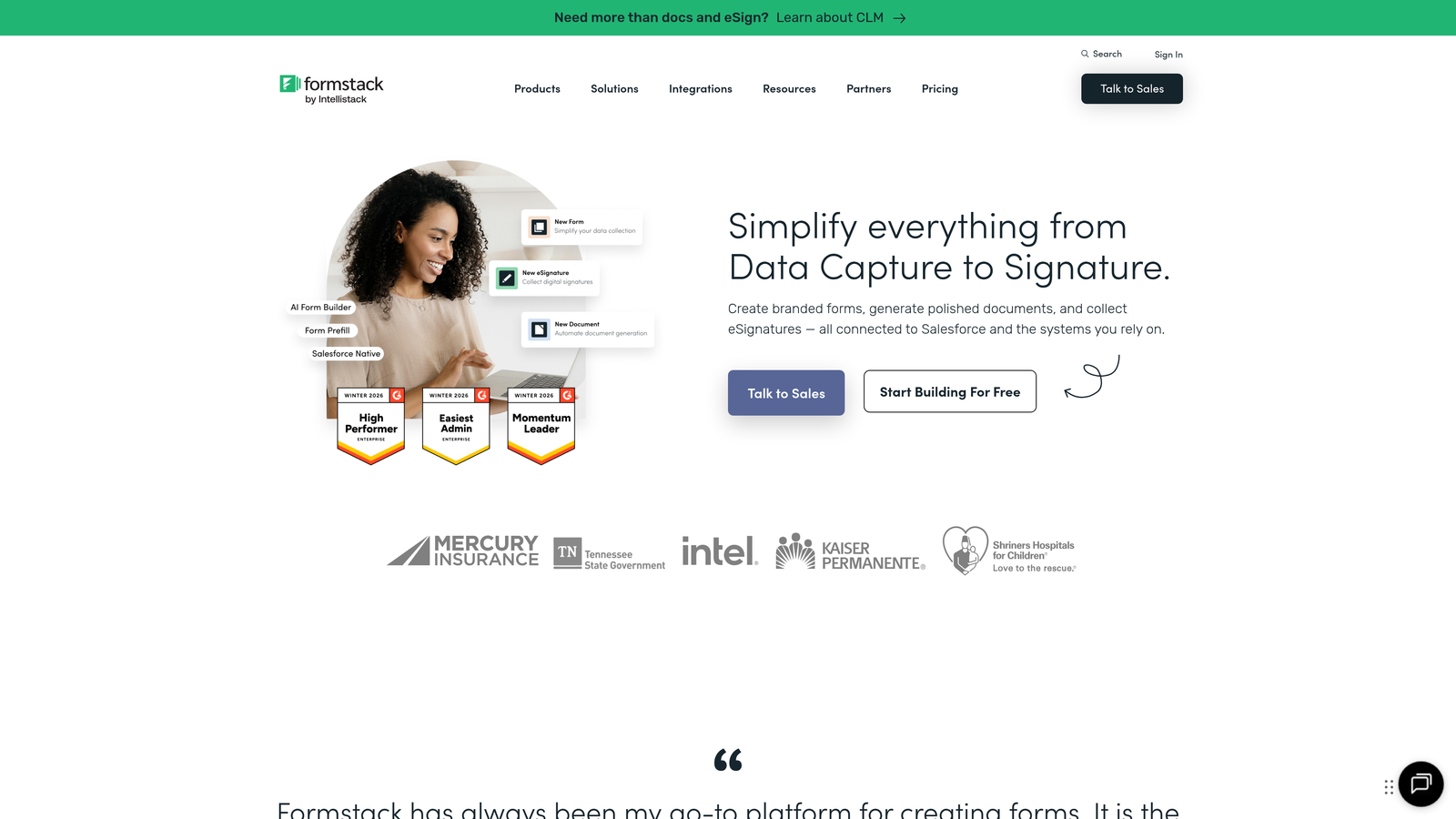
5. Formstack
Best for: Enterprise teams needing advanced workflow automation and compliance features.
Formstack processes submissions through complex approval workflows while maintaining security and compliance standards.
Where This Tool Shines
The workflow automation routes submissions through multi-step approval processes automatically—essential for organizations with formal review requirements or regulatory compliance needs.
Document generation creates contracts, agreements, or reports directly from submission data, eliminating manual document creation and reducing errors.
Key Features
Workflow Automation: Routes submissions through approval chains and triggers actions based on response data.
Conditional Routing: Sends submissions to different team members or departments based on form responses.
Compliance Features: Includes HIPAA compliance, data encryption, and audit trails for regulated industries.
Advanced Analytics: Provides detailed reporting on submission trends, processing times, and workflow bottlenecks.
Document Generation: Automatically creates PDFs, contracts, or reports from submission data.
Best For
Enterprise organizations with complex approval processes, compliance requirements, or document generation needs—particularly in healthcare, finance, or government sectors.
Pricing
Starter plan begins at $50/month. Teams plan starts at $83/month with advanced workflow features.
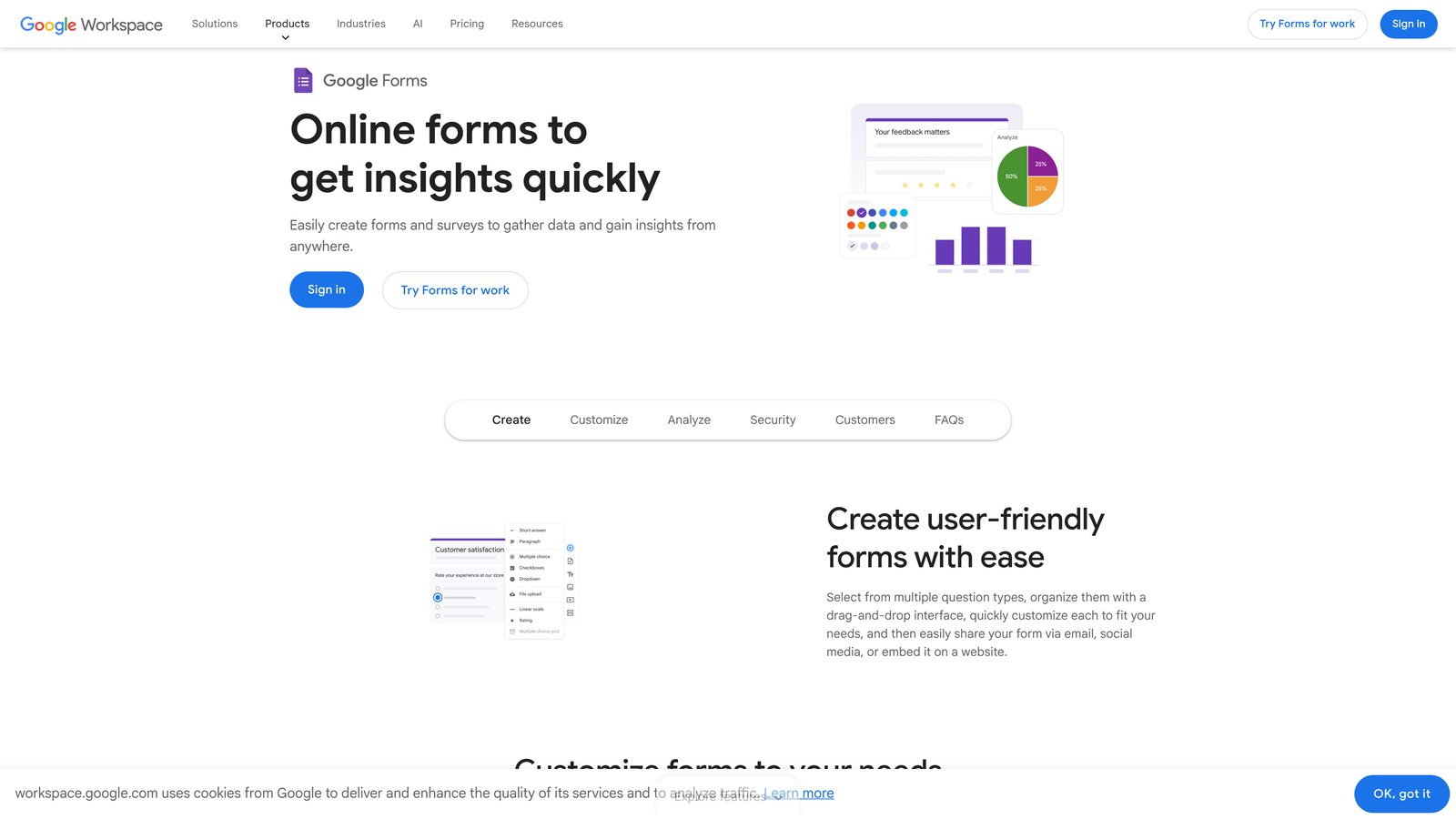
6. Google Forms with Google Analytics
Best for: Budget-conscious teams needing basic tracking with custom event configuration.
Google Forms offers unlimited forms and submissions at no cost, with GA4 integration for deeper tracking.
Where This Tool Shines
The price point—free—makes it accessible for startups, nonprofits, or teams testing form strategies before investing in paid platforms. You get unlimited forms and submissions without monthly fees.
GA4 integration lets you track custom events and conversions, creating sophisticated analytics without platform costs. The setup requires technical knowledge but delivers enterprise-level tracking capabilities.
Key Features
Unlimited Forms: Create as many forms as needed without submission caps or monthly limits.
GA4 Event Tracking: Configure custom events to track form interactions and conversions.
Google Sheets Integration: Automatically logs responses to spreadsheets for analysis and reporting.
Basic Analytics: Provides response summaries with charts and basic completion data.
Google Workspace Sync: Works seamlessly with Gmail, Drive, and other Google tools.
Best For
Small teams, startups, or organizations with tight budgets who can handle manual GA4 configuration and don't need advanced features like lead scoring or automation.
Pricing
Completely free for forms and submissions. GA4 is also free with no usage limits.
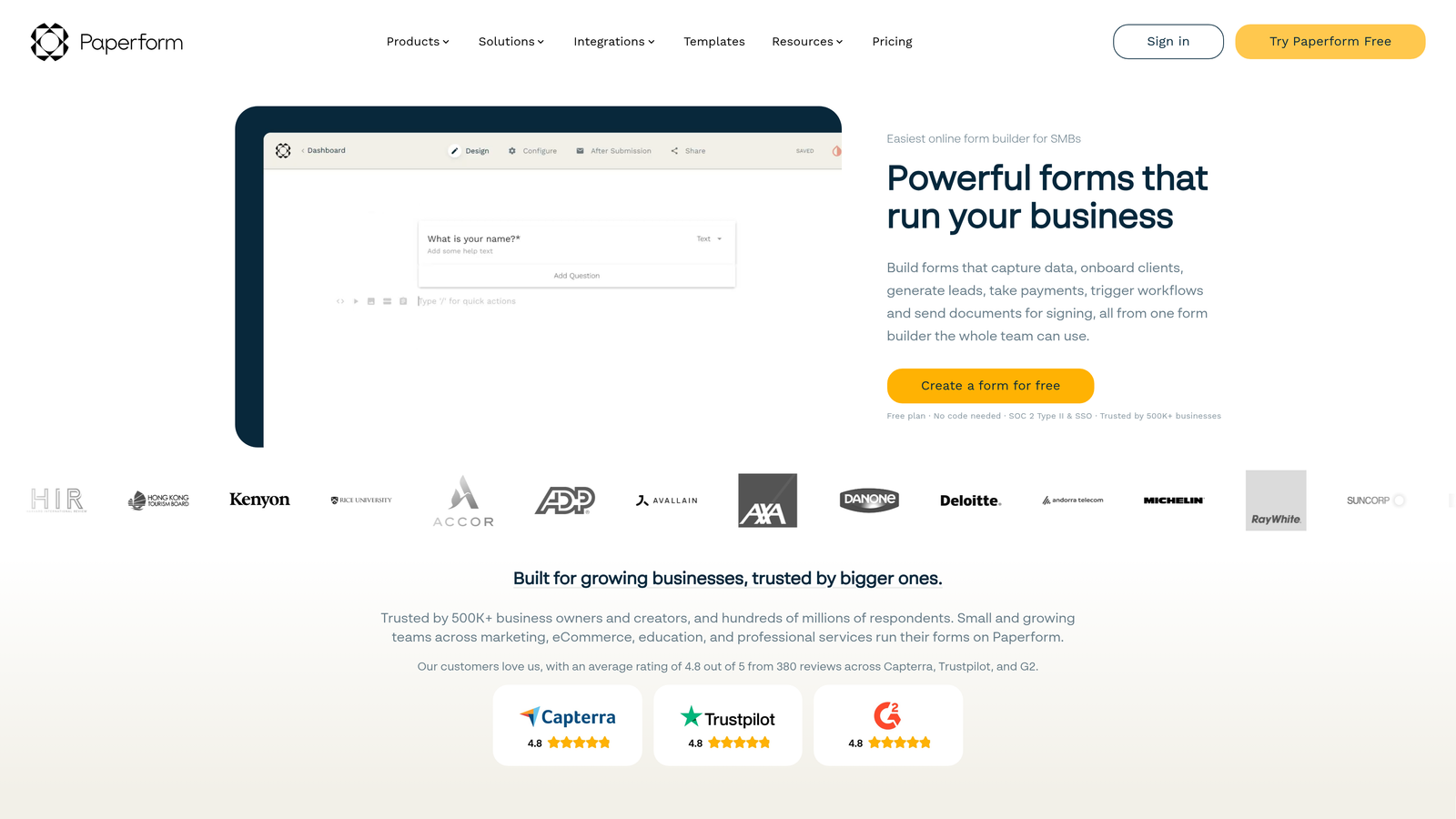
7. Paperform
Best for: Design-focused businesses needing beautiful forms with payment tracking capabilities.
Paperform creates visually stunning forms with built-in analytics and payment processing integration.
Where This Tool Shines
The design flexibility lets you create forms that match your brand perfectly rather than looking like generic web forms. This matters when form aesthetics directly impact conversion rates.
Payment submission analytics track not just form completions but actual revenue, showing which forms drive sales rather than just leads—critical for e-commerce or service businesses.
Key Features
Conversion Tracking: Monitors completion rates, time-to-complete, and drop-off points.
Payment Analytics: Tracks transaction values, payment success rates, and revenue by form.
Custom Branding: Removes platform branding and applies your design system completely.
Partial Submission Capture: Saves incomplete responses for follow-up with partially engaged users.
3,000+ Integrations: Connects with CRMs, payment processors, and marketing tools through Zapier and native connections.
Best For
Creative agencies, e-commerce businesses, and service providers where form design impacts brand perception and payment collection is part of the submission process.
Pricing
Essentials plan starts at $24/month with full analytics and payment features included.
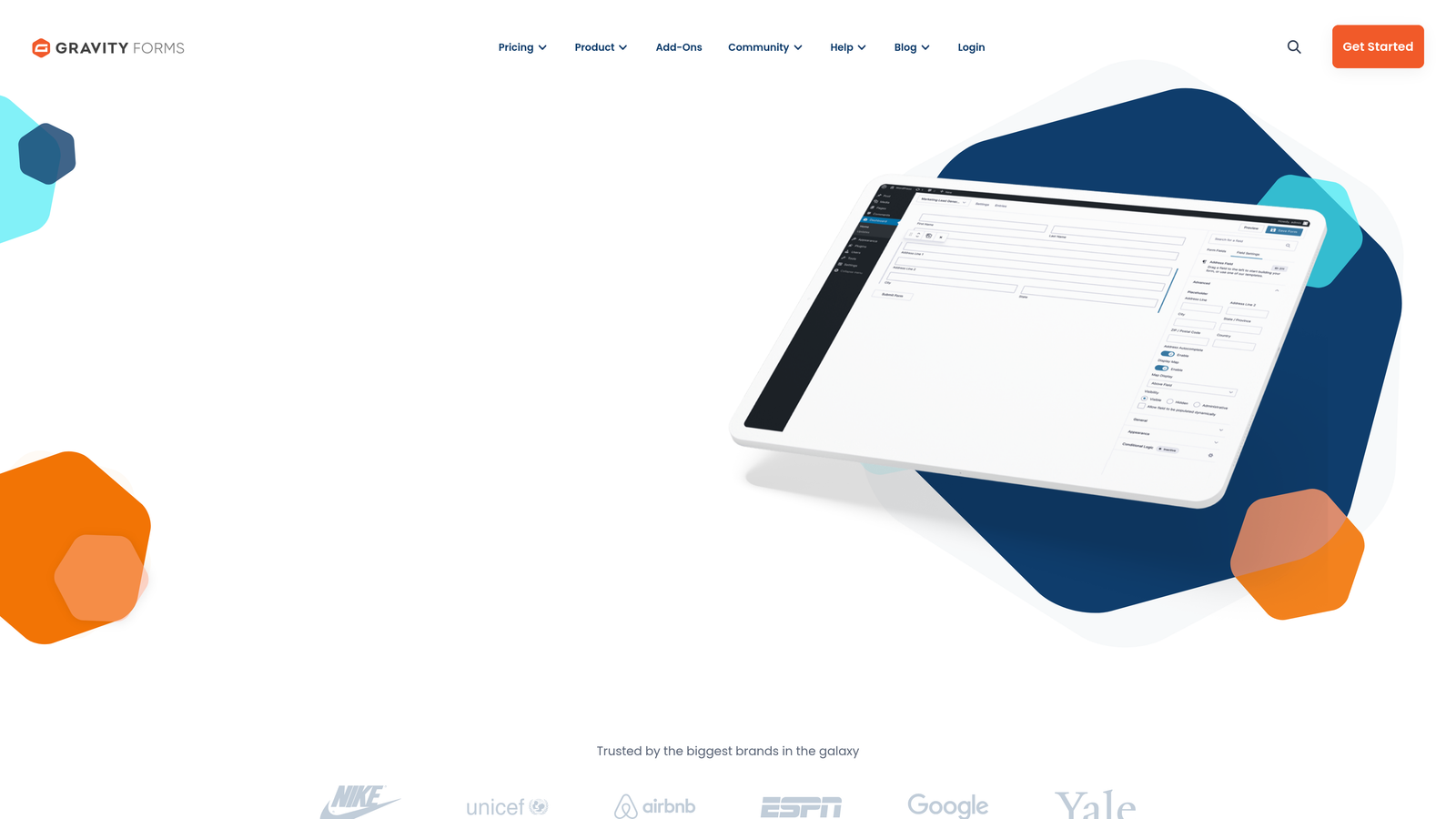
8. Gravity Forms
Best for: WordPress sites needing comprehensive submission tracking within the WordPress ecosystem.
Gravity Forms provides deep WordPress integration with extensive submission management and analytics add-ons.
Where This Tool Shines
The WordPress dashboard integration means you manage submissions alongside your content, users, and site settings—no separate platform to log into or learn.
The add-on ecosystem extends functionality dramatically, connecting forms to virtually any CRM, email platform, or analytics tool through official integrations rather than third-party middleware.
Key Features
Dashboard Submission Management: View, edit, and export submissions directly from WordPress admin.
Entry Tracking: Creates custom views and filters for managing large submission volumes.
Extensive Add-On Library: Official integrations with major CRMs, email platforms, and analytics tools.
Conditional Logic Tracking: Monitors which form paths users take based on their responses.
User Registration: Tracks form submissions that create WordPress user accounts.
Best For
WordPress-based businesses that want powerful form functionality without leaving the WordPress environment—particularly useful for membership sites, directories, or content platforms.
Pricing
Basic license starts at $59/year. Pro license at $159/year includes all add-ons and integrations.
9. Hotjar
Best for: UX optimization teams needing behavioral insights beyond standard form analytics.
Hotjar reveals how users actually interact with forms through heatmaps, session recordings, and field-level engagement data.
Where This Tool Shines
Session recordings show exactly what users do before abandoning forms—whether they're confused by instructions, distracted by other page elements, or encountering technical issues. This context is invisible in standard analytics.
Form heatmaps reveal which fields get the most attention, where users hesitate, and how scrolling behavior affects completion—insights that let you optimize based on actual user behavior rather than assumptions.
Key Features
Form Interaction Heatmaps: Shows click patterns, hover behavior, and attention distribution across form fields.
Session Recordings: Records actual user sessions showing form interactions in context.
Drop-Off Funnel Analysis: Identifies exactly where users abandon multi-step forms.
Field-Level Metrics: Tracks time spent on each field and interaction patterns.
Feedback Surveys: Collects qualitative feedback from users about form experience.
Best For
UX teams and conversion optimization specialists who need to understand the "why" behind form performance, not just the "what" that standard analytics provide.
Pricing
Free tier available with limited features. Plus plan starts at $32/month with full recording and heatmap access.
Making the Right Choice
Your ideal form submission tracking software depends on what you're actually trying to optimize. If lead quality matters more than volume, Orbit AI's intelligent qualification saves your team from chasing unqualified prospects. Teams already using HubSpot benefit from native CRM integration that eliminates data silos completely.
Choose Typeform when form experience directly impacts your brand, or Hotjar when you need to understand user behavior at a granular level. Budget-conscious teams can start with Google Forms plus GA4 configuration, while WordPress sites benefit from Gravity Forms' deep platform integration.
The platforms above represent different philosophies: some prioritize submission volume, others focus on lead quality, and still others emphasize behavioral insights. The right choice aligns with your actual business goals—whether that's processing thousands of applications efficiently, qualifying leads automatically, or optimizing every field for maximum conversion.
Transform your lead generation with AI-powered forms that qualify prospects automatically while delivering the modern, conversion-optimized experience your high-growth team needs. Start your free trial today and see how intelligent form design can elevate your conversion strategy.


