

Every form abandonment costs you a potential customer, client, or applicant. Whether you're collecting job applications, grant submissions, membership signups, or service requests, the form builder you choose directly impacts completion rates and data quality. The right tool transforms tedious multi-page forms into engaging experiences that applicants actually finish.
This guide evaluates nine online application form builders based on ease of use, customization depth, integration capabilities, and conversion optimization features. We've tested each platform across real application scenarios—from simple contact forms to complex multi-step workflows with conditional logic and payment collection.
Here are the top online application form builders to consider for your business in 2026.
1. Orbit AI
Best for: High-growth teams prioritizing lead qualification and conversion optimization
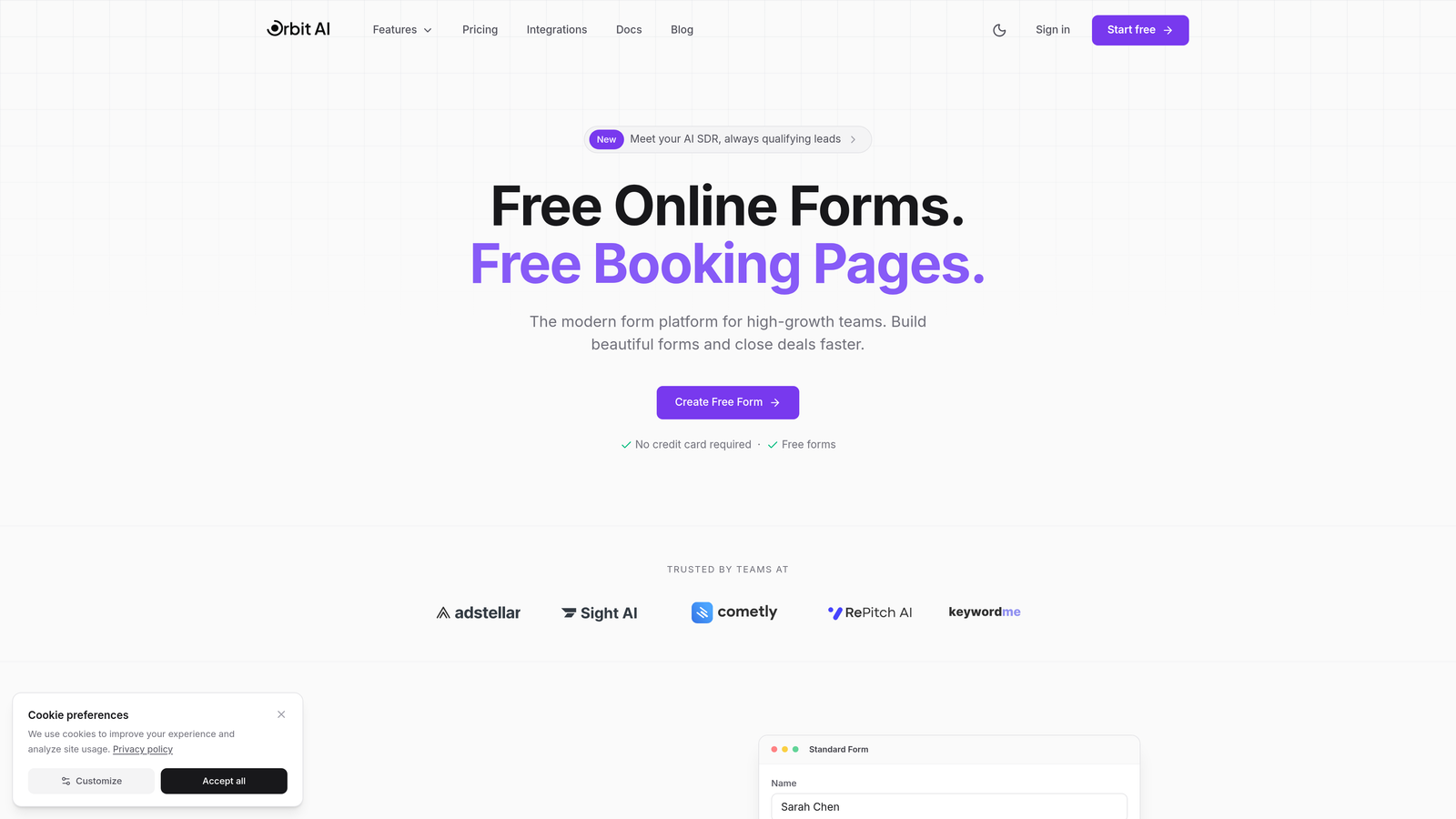
Orbit AI is an AI-powered form builder platform that combines beautiful form design with intelligent lead qualification capabilities.
Where This Tool Shines
The standout feature here is the AI-powered lead scoring that automatically qualifies prospects as they complete your application forms. Instead of manually reviewing every submission later, the platform analyzes responses in real-time and prioritizes high-value leads for immediate follow-up.
The conversion-optimized templates are built specifically for high-growth teams who need forms that don't just collect data, but actively drive pipeline growth. The interface balances modern design aesthetics with practical functionality—your forms look professional without sacrificing usability.
Key Features
AI-Powered Lead Qualification: Automatically scores and prioritizes applicants based on their responses and behavior patterns.
Conversion-Optimized Templates: Pre-built form designs tested for maximum completion rates across different industries.
Advanced Workflow Automation: Route qualified leads to the right team members and trigger follow-up sequences automatically.
Native CRM Integrations: Connect directly with your existing sales and marketing stack without middleware.
Real-Time Analytics Dashboard: Track form performance, completion rates, and lead quality metrics as they happen.
Best For
Sales and marketing teams at growing companies who need more than just data collection—they need intelligent forms that actively contribute to revenue goals. Particularly valuable if you're dealing with high application volumes and need automated qualification to focus on the best opportunities.
Pricing
Free tier available for getting started. Paid plans begin at $29/month with scaling options for larger teams.
2. Typeform
Best for: Creating engaging, conversational form experiences with strong brand identity
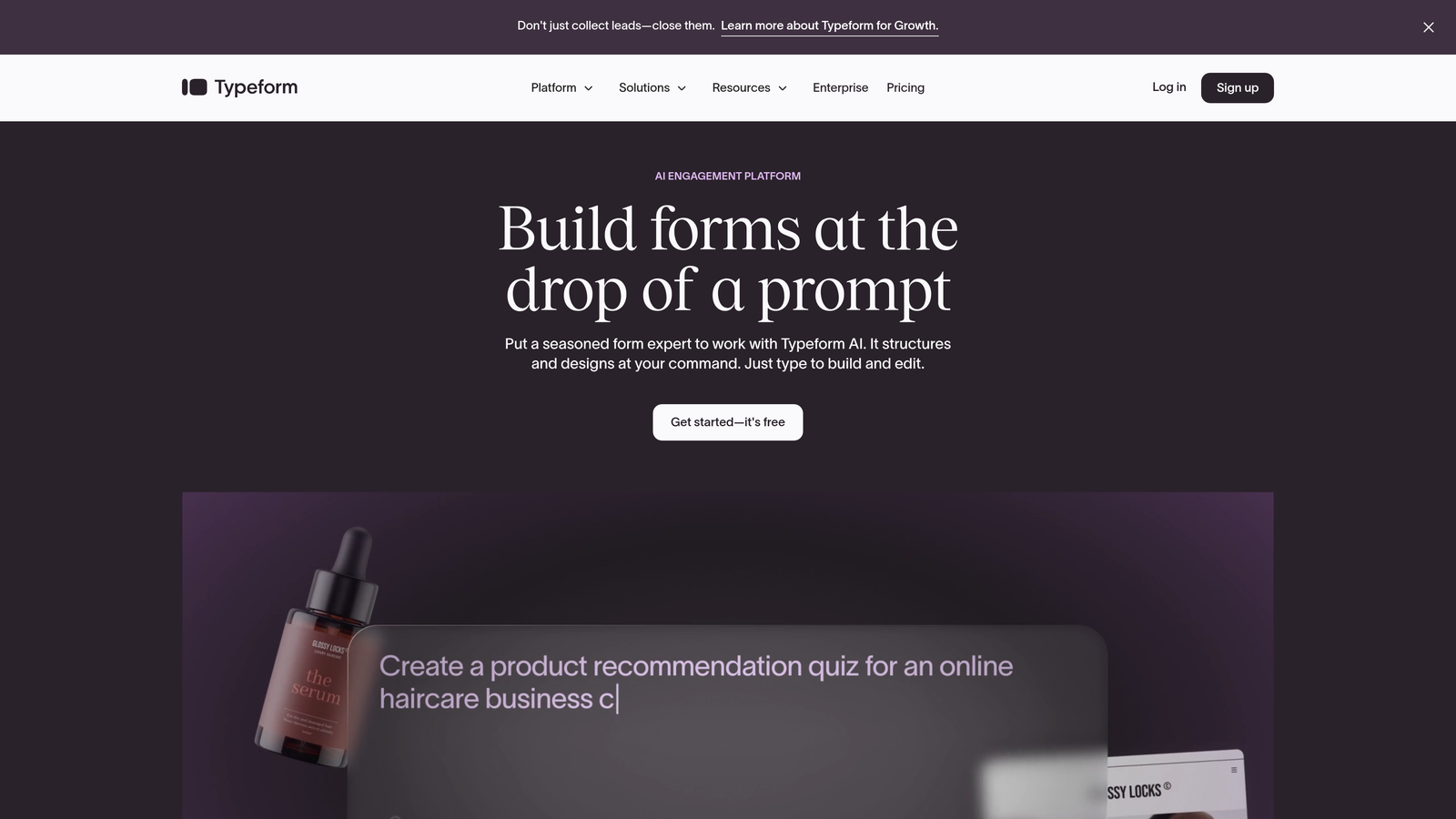
Typeform is a conversational form builder known for its one-question-at-a-time interface and extensive visual customization options.
Where This Tool Shines
The conversational approach fundamentally changes how people interact with your forms. By showing one question at a time, Typeform reduces cognitive load and creates a more focused experience. This works particularly well for application forms where you're asking sensitive questions or need thoughtful, detailed responses.
The visual customization capabilities let you match your brand identity precisely. You can adjust colors, fonts, backgrounds, and even embed videos directly into the form experience—creating something that feels less like a form and more like an interactive conversation.
Key Features
One-Question-at-a-Time Format: Presents questions sequentially to reduce overwhelm and improve completion rates.
Extensive Brand Customization: Control every visual element to match your company's design system.
Logic Jumps and Conditional Branching: Create dynamic paths based on previous answers to personalize the experience.
Rich Media Embedding: Add videos, images, and GIFs to make forms more engaging and informative.
Integration Ecosystem: Connect with hundreds of tools through native integrations and Zapier.
Best For
Brand-conscious companies that want application forms to feel like an extension of their marketing experience. Works especially well for creative agencies, design-focused startups, and customer-facing teams where first impressions matter.
Pricing
Free tier available with basic features. Basic plan starts at $25/month.
3. JotForm
Best for: Teams needing extensive template variety and integrated payment processing
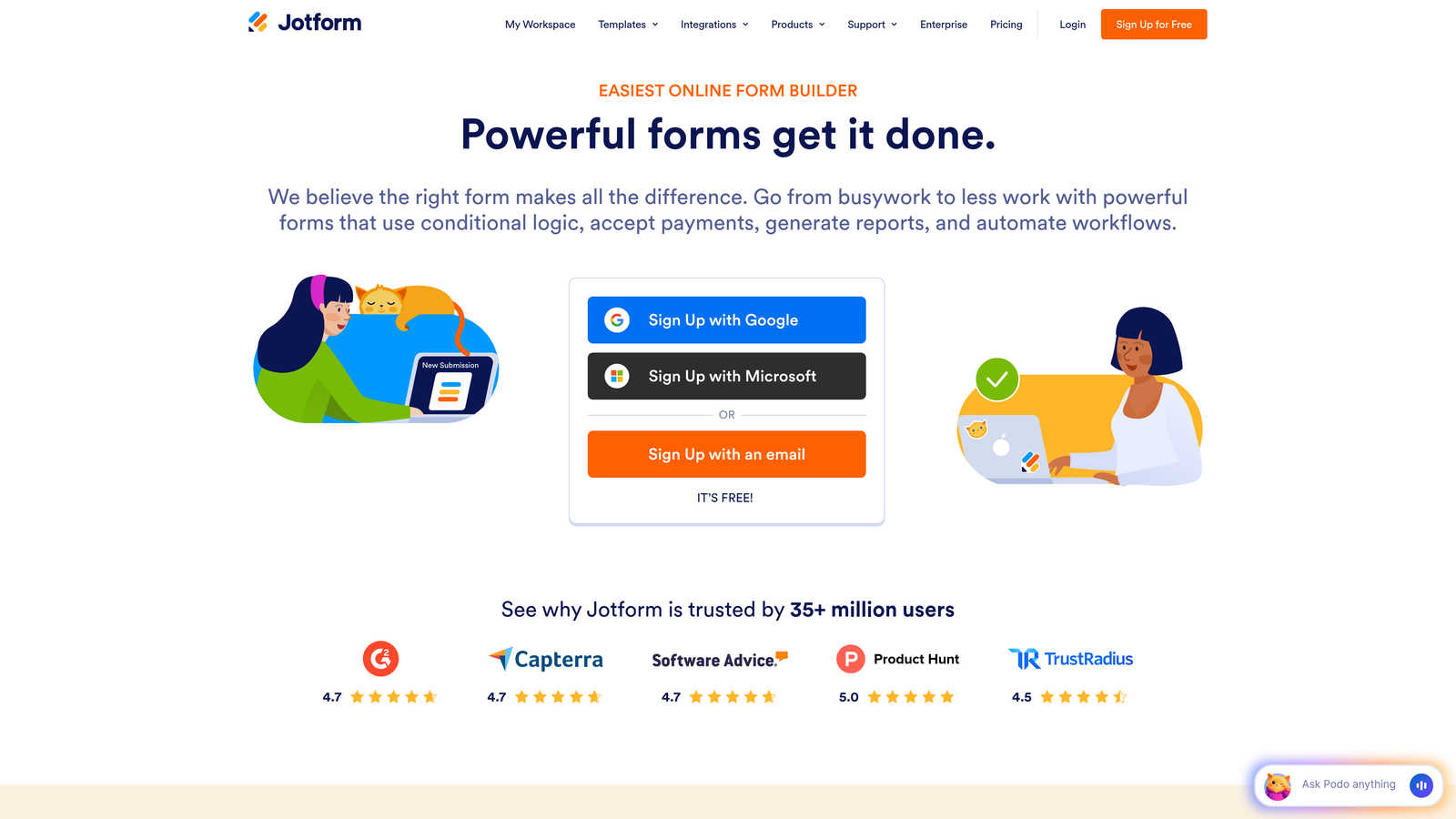
JotForm is a versatile form builder with over 10,000 templates, robust payment capabilities, and PDF generation features.
Where This Tool Shines
The template library is genuinely massive—whatever type of application form you need, there's probably a pre-built starting point. This dramatically reduces setup time for common use cases like job applications, event registrations, or membership forms.
The integrated payment processing and PDF generation make JotForm particularly valuable for application scenarios that involve fees or require formal documentation. You can collect application fees, generate signed PDFs, and manage the entire workflow in one place.
Key Features
10,000+ Form Templates: Pre-built forms for virtually every industry and use case imaginable.
Integrated Payment Processing: Accept payments through multiple processors directly within your forms.
PDF Generation and E-Signatures: Automatically create PDF documents from submissions and collect legally binding signatures.
HIPAA Compliance Option: Available for healthcare organizations handling protected health information.
Mobile App for Offline Collection: Gather submissions even without internet connectivity.
Best For
Organizations that need payment collection capabilities alongside their application forms, or teams in regulated industries requiring HIPAA compliance. The offline mobile app is valuable for field teams collecting applications at events or remote locations.
Pricing
Free tier available with submission limits. Bronze plan starts at $34/month.
4. Google Forms
Best for: Simple internal applications and teams already using Google Workspace
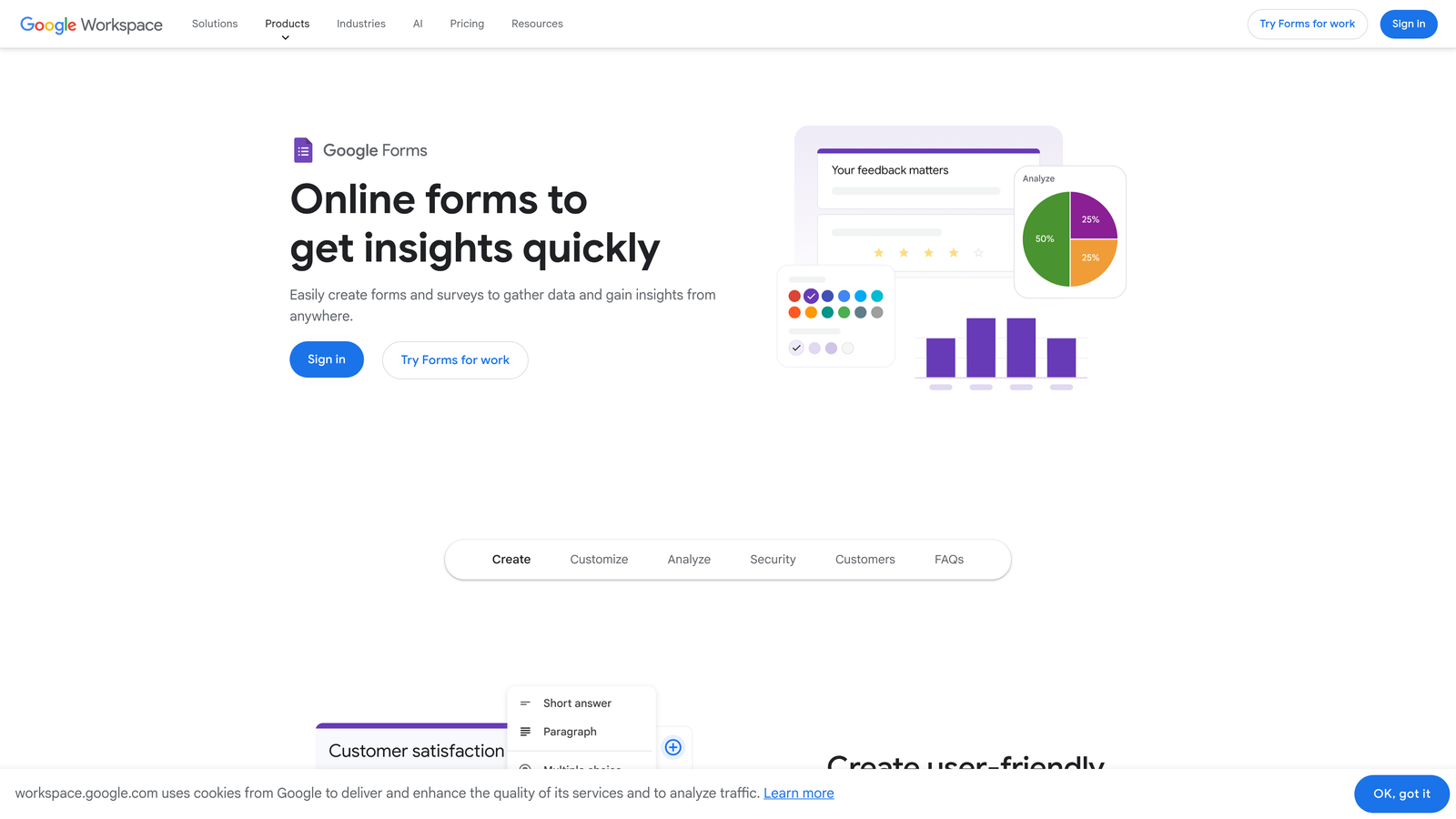
Google Forms is a free, straightforward form builder that integrates seamlessly with Google's productivity suite.
Where This Tool Shines
The complete absence of cost makes Google Forms unbeatable for budget-conscious teams or internal use cases. You get unlimited forms and unlimited submissions without paying anything, which is genuinely remarkable.
The automatic Google Sheets integration means your data flows directly into a spreadsheet where your team can collaborate, analyze, and manipulate it using familiar tools. For teams already living in Google Workspace, this native integration eliminates friction.
Key Features
Completely Free: No limits on forms, questions, or submissions at any volume.
Real-Time Collaboration: Multiple team members can edit forms simultaneously.
Automatic Sheets Integration: Responses populate a Google Sheet instantly for easy analysis.
Basic Conditional Logic: Show or hide questions based on previous answers.
Quiz and Assessment Features: Built-in scoring and grading for application tests.
Best For
Internal HR processes, simple external applications where design isn't critical, educational institutions, and any scenario where budget is the primary constraint. Also excellent for testing form concepts before investing in a premium tool.
Pricing
Completely free with a Google account.
5. Paperform
Best for: Content-rich applications that blend landing page elements with form functionality
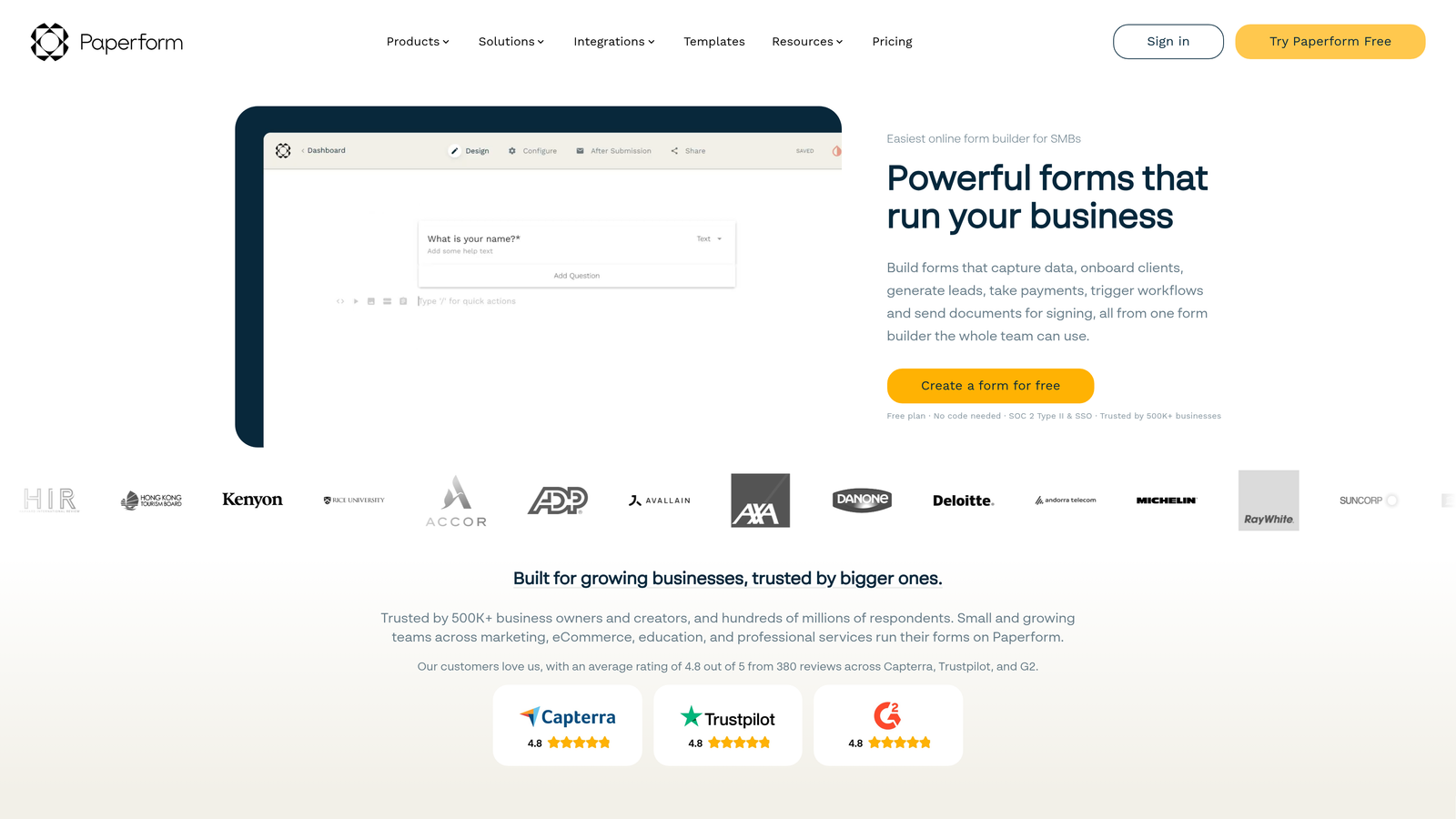
Paperform is a form builder that combines landing page design capabilities with form creation for richer application experiences.
Where This Tool Shines
The landing page and form hybrid approach lets you create application experiences that tell a story. Instead of just collecting information, you can embed explanatory content, product catalogs, pricing tables, and rich media throughout the form journey.
This is particularly powerful for applications that require context—think grant applications where you need to explain your mission, membership applications where you're selling the value of joining, or service requests where you need to showcase your offerings before collecting requirements.
Key Features
Landing Page and Form Hybrid: Combine marketing content with data collection in a single experience.
Rich Content Embedding: Add videos, images, product showcases, and formatted text throughout your forms.
Product Catalog and E-Commerce: Display products or services with images and pricing within the application flow.
Scheduling and Booking Integration: Embed calendar scheduling for applications requiring follow-up meetings.
Custom Success Pages: Create branded confirmation pages with next steps and additional resources.
Best For
Service businesses that need to educate prospects during the application process, membership organizations selling the value of joining, and any scenario where context and storytelling improve conversion rates.
Pricing
Essentials plan starts at $24/month.
6. Cognito Forms
Best for: Complex calculations, payment workflows, and financial applications
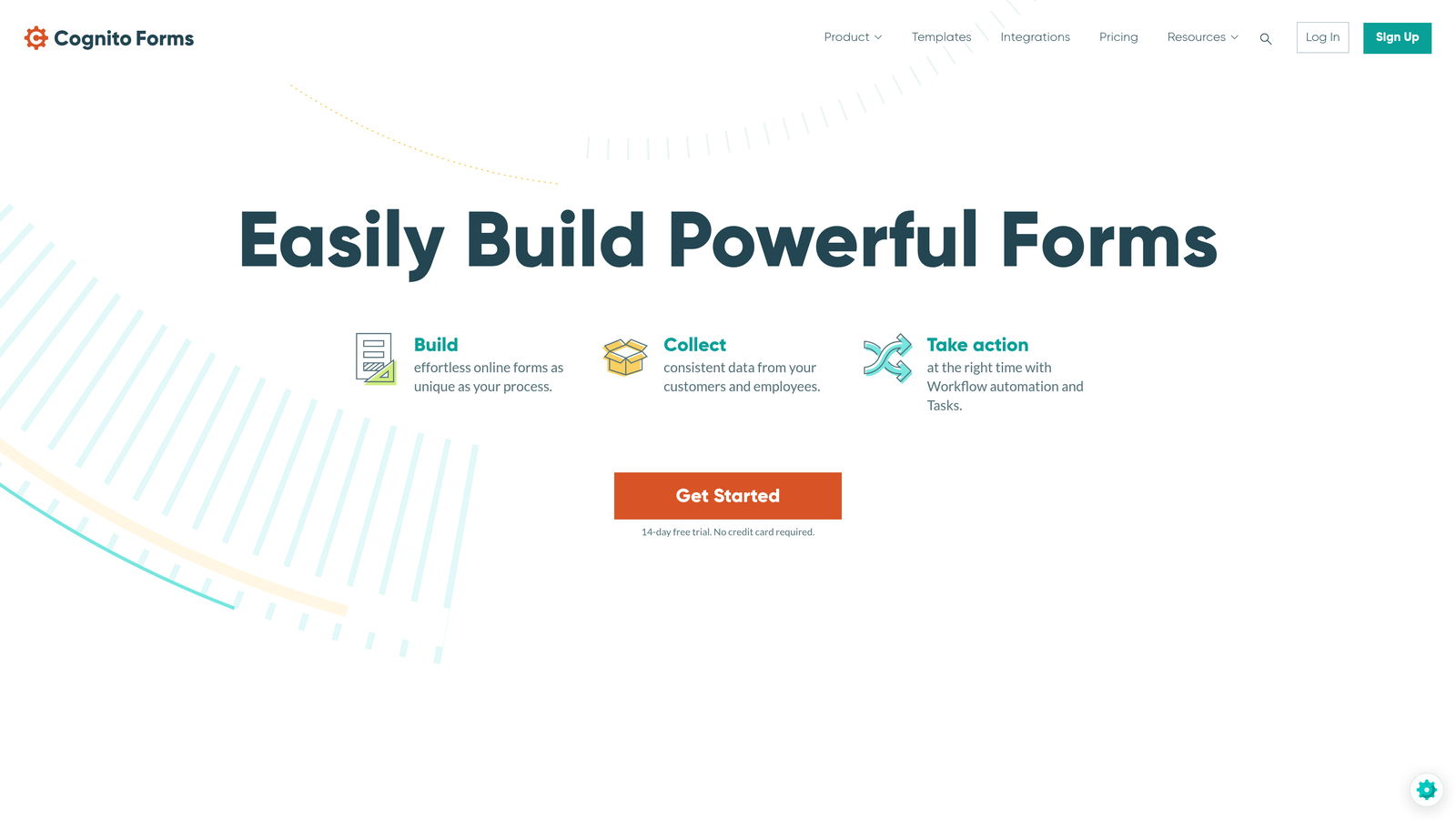
Cognito Forms is a form builder specializing in advanced calculation fields, repeating sections, and complex conditional logic.
Where This Tool Shines
The calculation capabilities are genuinely sophisticated. You can build forms that perform complex mathematical operations, apply business rules, calculate totals based on multiple variables, and even handle conditional pricing—all without writing code.
The repeating sections feature lets applicants add multiple entries of the same information type. Think job applications where candidates can add multiple work experiences, grant applications with multiple project phases, or registration forms where one person can register multiple attendees.
Key Features
Advanced Calculation Fields: Perform complex mathematical operations and business logic within your forms.
Repeating Sections: Allow applicants to add multiple instances of related information dynamically.
Multi-Page Forms with Save and Resume: Let applicants save progress and return later to complete lengthy applications.
Payment Integration with Calculations: Calculate fees dynamically based on form inputs and collect payment immediately.
Data Encryption and Compliance: Built-in security features for handling sensitive financial and personal information.
Best For
Financial services applications, complex registration forms with variable pricing, grant applications requiring detailed budget breakdowns, and any scenario where you need sophisticated calculations or repeating data structures.
Pricing
Free tier available for basic use. Pro plan starts at $15/month.
7. Formstack
Best for: Enterprise organizations requiring strict compliance and advanced security
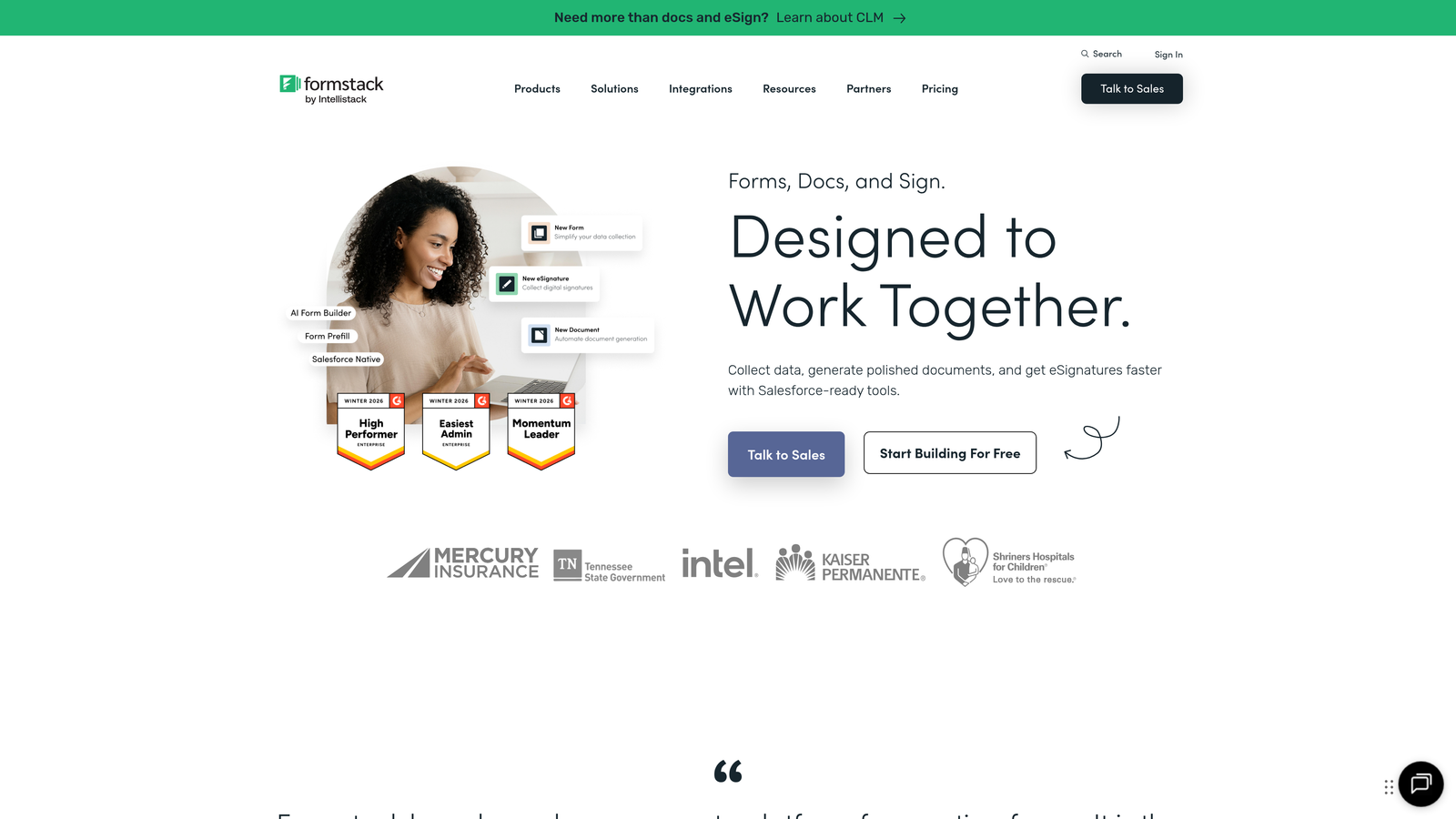
Formstack is an enterprise-grade form builder with advanced security compliance, document generation, and workflow automation capabilities.
Where This Tool Shines
The compliance certifications are the real differentiator here. Formstack maintains HIPAA, GDPR, and SOC 2 compliance, making it suitable for healthcare organizations, financial institutions, and other regulated industries where data security isn't optional.
The document generation and e-signature features let you automatically create contracts, agreements, or formal documents from application data and route them for digital signatures—eliminating manual document creation and paper-based processes entirely.
Key Features
HIPAA, GDPR, and SOC 2 Compliance: Enterprise-level security certifications for regulated industries.
Document Generation and E-Signatures: Automatically create and route documents for digital signing.
Advanced Workflow Routing: Create complex approval chains and notification sequences.
Salesforce-Native Integration: Deep integration with Salesforce for seamless CRM data flow.
Offline Data Collection: Mobile app for gathering applications without internet connectivity.
Best For
Healthcare organizations, financial services firms, government agencies, and enterprise companies with strict compliance requirements. Also valuable for Salesforce-heavy organizations needing native integration.
Pricing
Starter plan begins at $50/month.
8. Tally
Best for: Budget-conscious teams wanting unlimited forms with a clean, simple interface
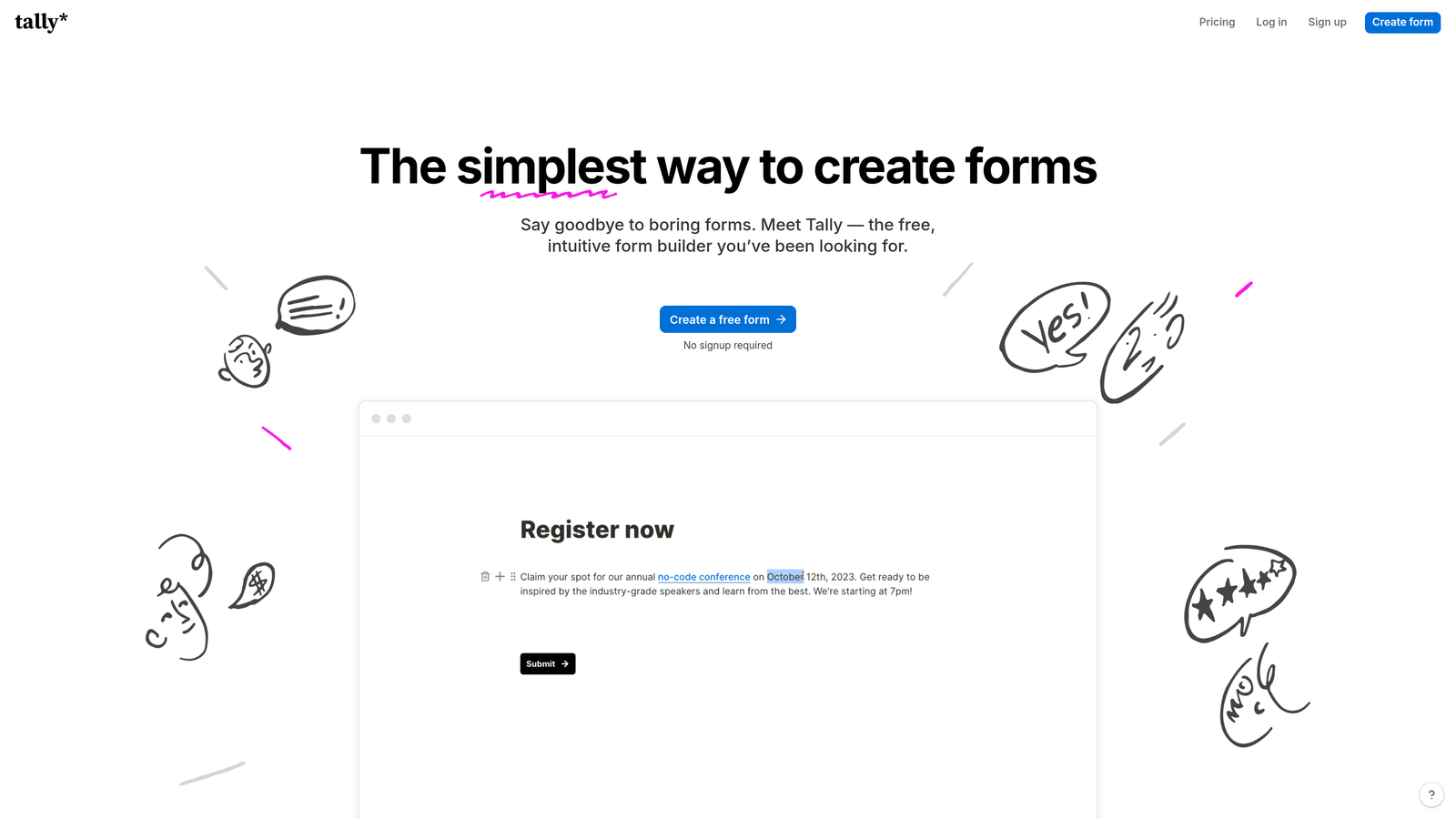
Tally is a Notion-like form builder offering a generous free tier and straightforward design for uncomplicated applications.
Where This Tool Shines
The free tier is genuinely unlimited—no caps on forms, no caps on submissions. For startups and small teams, this removes the constant worry about hitting usage limits that plague other platforms.
The Notion-style block editor will feel immediately familiar if your team already uses Notion. You build forms by adding blocks—text, questions, images, dividers—and arrange them visually. This approach is more intuitive than traditional form builders for teams accustomed to modern productivity tools.
Key Features
Unlimited Forms and Submissions on Free Tier: No usage restrictions on the free plan.
Notion-Style Block Editor: Familiar drag-and-drop interface for teams already using Notion.
Conditional Logic and Calculations: Show/hide questions and perform calculations based on responses.
Custom Domains and Branding: Remove Tally branding and use your own domain.
Webhook and Zapier Integrations: Connect to other tools through webhooks or Zapier.
Best For
Startups and small teams with limited budgets, Notion-native teams wanting a consistent interface, and anyone needing a simple, clean form solution without complex requirements.
Pricing
Free tier with unlimited usage. Pro plan starts at $29/month for advanced features.
9. 123FormBuilder
Best for: Database management, reporting, and organized data handling for HR applications
123FormBuilder is a form builder focused on database management, advanced reporting, and data organization capabilities.
Where This Tool Shines
The built-in database management transforms how you work with application data. Instead of exporting to spreadsheets, you can manage, search, filter, and organize submissions directly within the platform—particularly valuable for HR teams managing hundreds of job applications.
The advanced reporting and analytics go beyond basic submission counts. You can create custom reports, visualize data trends, track application sources, and generate insights that help you understand and optimize your application processes over time.
Key Features
Built-In Database Management: Organize, search, and manage submissions without exporting to external tools.
Advanced Reporting and Analytics: Create custom reports and visualizations to understand application data.
Multi-User Collaboration: Team access with role-based permissions for different departments.
Payment and E-Signature Integration: Collect fees and signatures within the application workflow.
Workflow Automation Rules: Trigger actions and notifications based on submission data.
Best For
HR departments managing high volumes of job applications, membership organizations tracking applicant data over time, and teams that need robust reporting capabilities without building custom databases.
Pricing
Free tier available with basic features. Gold plan starts at $24.99/month.
Making the Right Choice
The best online application form builder depends entirely on your specific needs and constraints. Here's how to match your situation to the right tool.
If you're a high-growth team focused on lead generation and need forms that actively contribute to revenue, Orbit AI delivers AI-powered qualification that prioritizes your best prospects automatically. The conversion-optimized approach means your forms don't just collect data—they drive pipeline growth.
For brand-conscious companies where visual experience matters as much as functionality, Typeform's conversational interface and extensive customization options create engaging application experiences that feel like natural conversations rather than interrogations.
Enterprise organizations in regulated industries should prioritize Formstack's compliance certifications and security features. When you're handling protected health information or financial data, HIPAA and SOC 2 compliance aren't optional extras—they're fundamental requirements.
Budget-constrained teams have two strong options: Google Forms for absolute simplicity and zero cost, or Tally for unlimited forms with more modern design and features. Both eliminate the financial barrier to getting started.
If your applications involve complex calculations, payment workflows, or repeating data structures, Cognito Forms handles these scenarios elegantly without requiring technical expertise or custom development.
The application form builder market has matured significantly. Basic features like conditional logic, mobile responsiveness, and integration capabilities are now table stakes. The real differentiation comes from specialized capabilities—AI-powered qualification, enterprise compliance, sophisticated calculations, or database management—that align with your specific use case.
Think about your primary constraint: Is it budget? Compliance requirements? Design flexibility? Data management needs? Your answer points directly to the right choice.
Transform your lead generation with AI-powered forms that qualify prospects automatically while delivering the modern, conversion-optimized experience your high-growth team needs. Start your free trial today and see how intelligent form design can elevate your conversion strategy.


