

Your forms are the gateway to your marketing automation stack—but most form builders treat them as an afterthought. The result? Leads drop off before they convert, your CRM fills with unqualified contacts, and your automation workflows fire on bad data.
The right marketing automation form builder does more than collect information. It qualifies leads in real-time, triggers personalized sequences, and feeds clean data directly into your workflows.
We evaluated dozens of platforms to find the tools that actually deliver on this promise. Here are the top form builders that integrate seamlessly with marketing automation systems, ranked by their ability to capture, qualify, and convert leads without manual intervention.
1. Orbit AI
Best for: High-growth teams needing AI-powered lead qualification and seamless automation integration
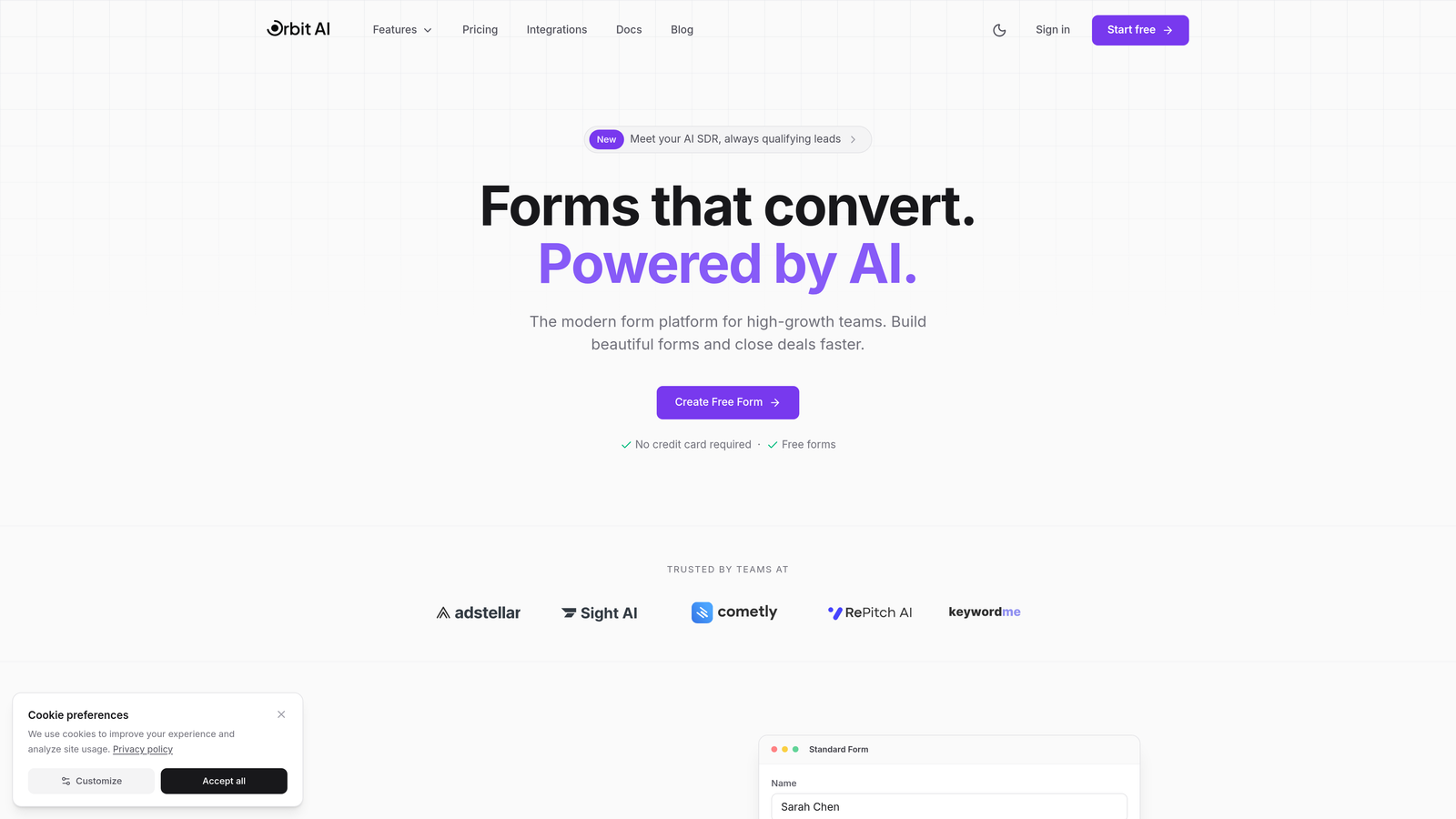
Orbit AI is an AI-powered form builder designed specifically for teams that need intelligent lead qualification at the point of capture.
Where This Tool Shines
The platform's standout feature is its ability to qualify leads automatically as they submit forms. Instead of sending every contact into your automation workflows, Orbit AI scores and routes prospects based on their responses, ensuring your sequences fire only for qualified leads.
This means your sales team receives notifications for hot prospects immediately, while lower-priority leads enter nurture campaigns. The result is cleaner data in your CRM and more efficient use of your automation platform's resources.
Key Features
AI-Powered Lead Qualification: Automatically scores and categorizes leads at submission based on response patterns and qualification criteria you define.
Native Marketing Automation Integrations: Direct connections to HubSpot, Salesforce, and ActiveCampaign eliminate middleware dependencies and ensure reliable data sync.
Conversion-Optimized Templates: Pre-built form designs tested for high completion rates across industries, with mobile-first responsive layouts.
Real-Time Lead Routing: Intelligent distribution of qualified leads to the right sales rep or automation sequence based on territory, product interest, or custom rules.
Built-In Analytics Dashboard: Track conversion rates, drop-off points, and lead quality metrics without connecting external analytics tools.
Best For
This platform is ideal for B2B companies and high-growth teams that generate significant lead volume and need to separate qualified prospects from tire-kickers automatically. It's particularly valuable for teams currently spending hours manually reviewing form submissions or dealing with CRM clutter from unqualified contacts.
Pricing
Free tier available for basic forms; paid plans start at $29/month with advanced qualification features and unlimited integrations.
2. HubSpot Forms
Best for: Teams already using HubSpot CRM who need native integration and progressive profiling
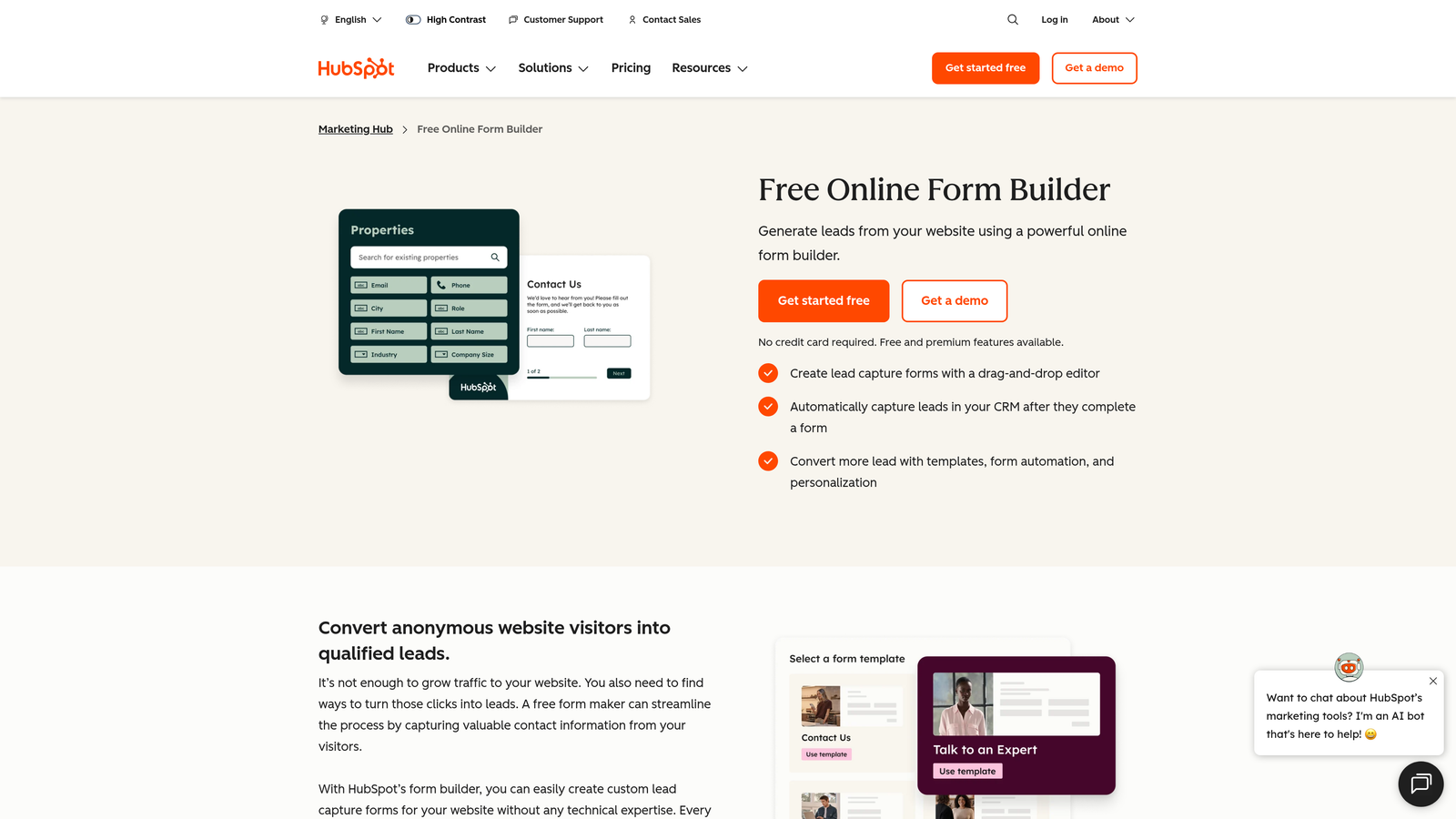
HubSpot Forms is the native form builder within HubSpot's marketing platform, offering deep CRM integration and progressive profiling capabilities.
Where This Tool Shines
If you're already in the HubSpot ecosystem, these forms provide the tightest possible integration with your CRM and marketing automation workflows. Every submission automatically creates or updates contact records, and you can trigger workflows instantly based on form completions.
The progressive profiling feature is particularly powerful for returning visitors. Instead of asking the same questions repeatedly, the form adapts to show new fields based on what information you already have, reducing form fatigue while enriching contact profiles over time.
Key Features
Progressive Profiling: Automatically shows different questions to returning visitors based on existing contact data, gradually building complete profiles without overwhelming users.
Direct CRM Contact Creation: Submissions instantly create or update contact records with zero delay or third-party integration dependencies.
Built-In Workflow Triggers: Launch automation sequences immediately when specific forms are submitted or when certain field values are detected.
Smart Content Personalization: Display different form fields or messaging based on contact properties, lifecycle stage, or list membership.
Embedded and Popup Options: Deploy forms as inline embeds, popup overlays, slide-in boxes, or standalone pages depending on conversion strategy.
Best For
HubSpot Forms is the obvious choice for companies already using HubSpot CRM or Marketing Hub. The native integration eliminates data sync issues and provides the most reliable automation triggers within the HubSpot ecosystem.
Pricing
Free with HubSpot CRM; advanced features like progressive profiling and smart content require Marketing Hub starting at $800/month.
3. Typeform
Best for: Brands prioritizing user experience and completion rates with conversational form design
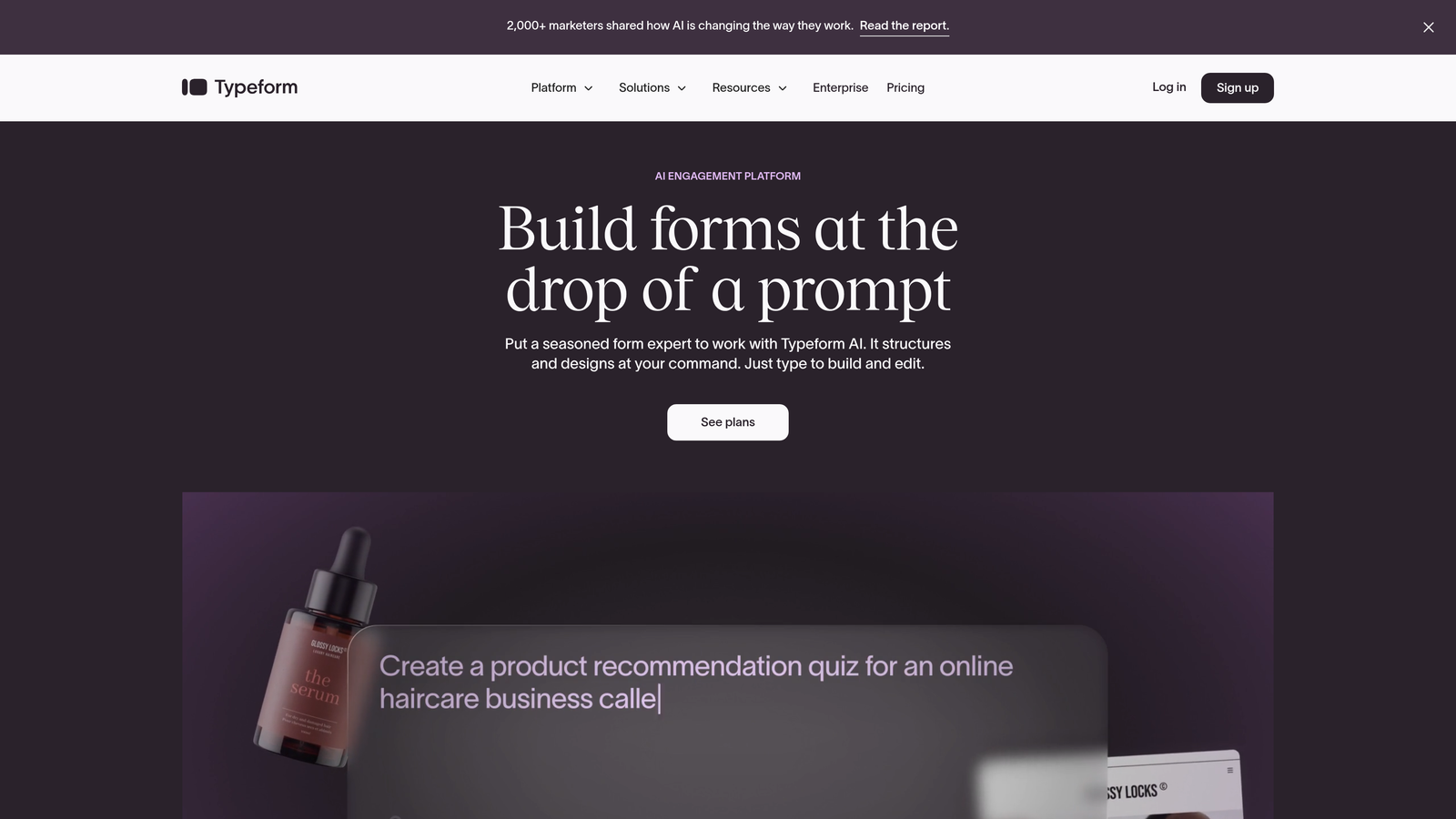
Typeform is a conversational form builder known for significantly higher completion rates through its one-question-at-a-time interface.
Where This Tool Shines
The platform's conversational approach transforms traditional forms into engaging experiences. By showing one question at a time instead of overwhelming visitors with long pages, Typeform reduces abandonment and creates a more human interaction.
This format works exceptionally well for lead qualification surveys, customer feedback, and multi-step applications where you need detailed information. The visual design options let you create branded experiences that feel less like data entry and more like actual conversations.
Key Features
One-Question-at-a-Time Format: Reduces cognitive load and form abandonment by focusing user attention on a single field at each step.
Logic Jumps and Branching: Create dynamic question paths based on previous answers, showing relevant follow-ups while skipping irrelevant sections.
Native Marketing Automation Integrations: Direct connections to HubSpot, Mailchimp, ActiveCampaign, and other platforms without requiring Zapier.
Video and Image Embedding: Add visual context to questions with embedded media, making forms more engaging and clarifying complex topics.
Hidden Fields for Tracking: Pass UTM parameters, referral sources, and other tracking data invisibly to connect form submissions with marketing campaigns.
Best For
Typeform excels for brands that prioritize user experience and need higher completion rates on longer forms. It's particularly effective for lead qualification questionnaires, customer onboarding, and situations where you're asking for significant information from prospects.
Pricing
Free tier with basic features; Basic plan from $25/month; Plus plan from $50/month with advanced logic and integrations.
4. Jotform
Best for: Teams needing extensive template variety and built-in workflow automation capabilities
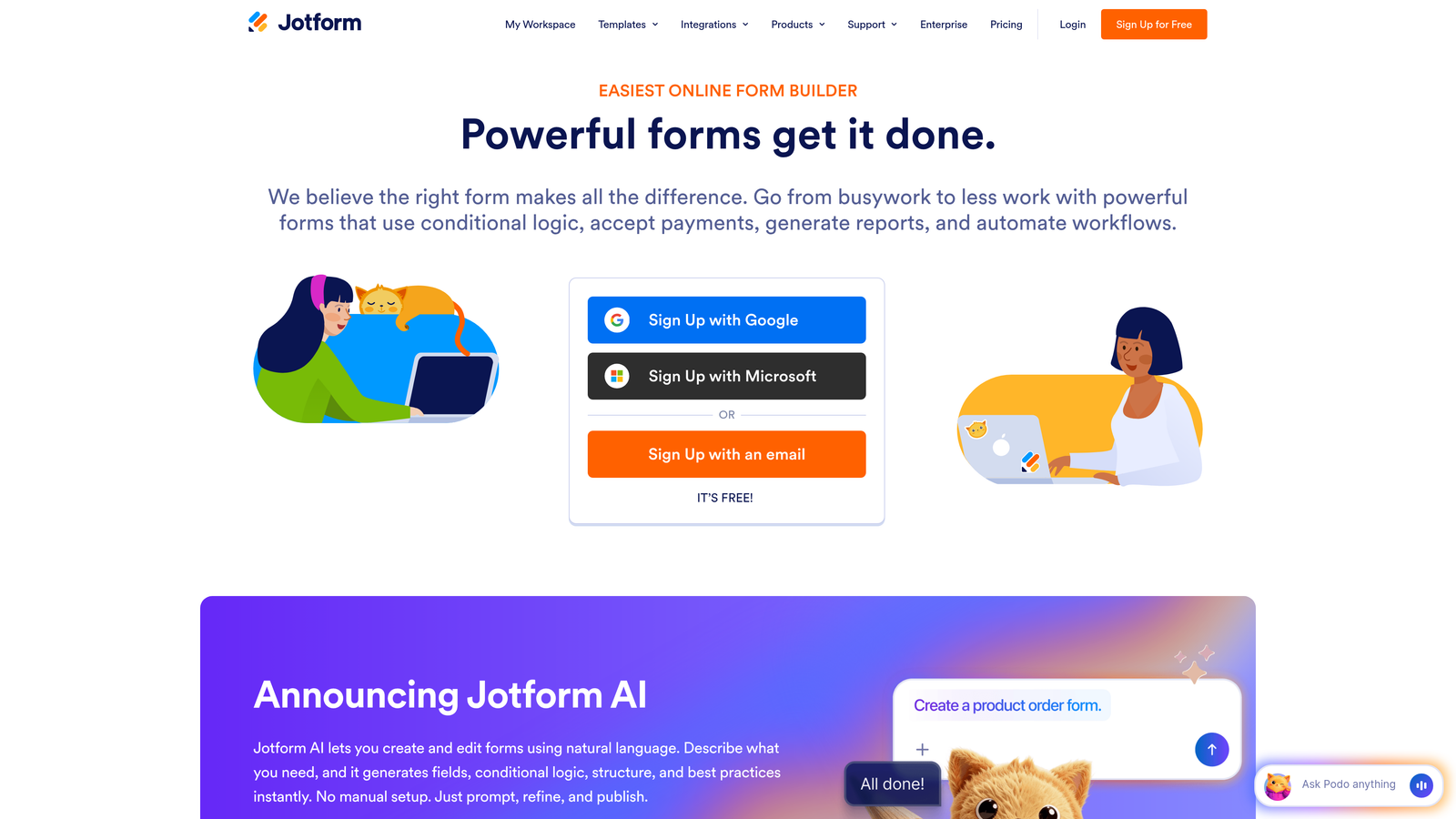
Jotform is a versatile form builder offering over 10,000 templates and native workflow automation through Jotform Workflows.
Where This Tool Shines
The sheer variety of pre-built templates means you can launch professional forms in minutes regardless of your use case. From simple contact forms to complex multi-page applications with payment processing, there's likely a template that's 80% of what you need.
Jotform Workflows adds automation capabilities directly within the platform, letting you create approval processes, send automated emails, and route submissions to different team members without connecting external tools. For teams that don't want to invest in separate automation platforms, this built-in functionality provides surprising power.
Key Features
10,000+ Form Templates: Industry-specific templates for nearly every use case, from event registration to job applications to order forms.
Conditional Logic and Calculations: Show or hide fields based on previous answers and perform calculations within forms for quotes, pricing, or score tallies.
Jotform Workflows: Built-in automation builder for creating approval processes, notifications, and data routing without external automation platforms.
Payment Collection Integrations: Accept payments through forms via PayPal, Stripe, Square, and other processors for product sales or event registration.
HIPAA-Compliant Options: Enterprise plans include HIPAA compliance features for healthcare organizations collecting protected health information.
Best For
Jotform works well for teams that need versatility across multiple departments and use cases. The template library and built-in workflows make it accessible for non-technical users while still offering depth for complex requirements.
Pricing
Free tier available; Bronze plan from $34/month; Silver plan from $39/month with increased submissions and features.
5. Gravity Forms
Best for: WordPress sites needing powerful forms with extensive add-on ecosystem and developer flexibility
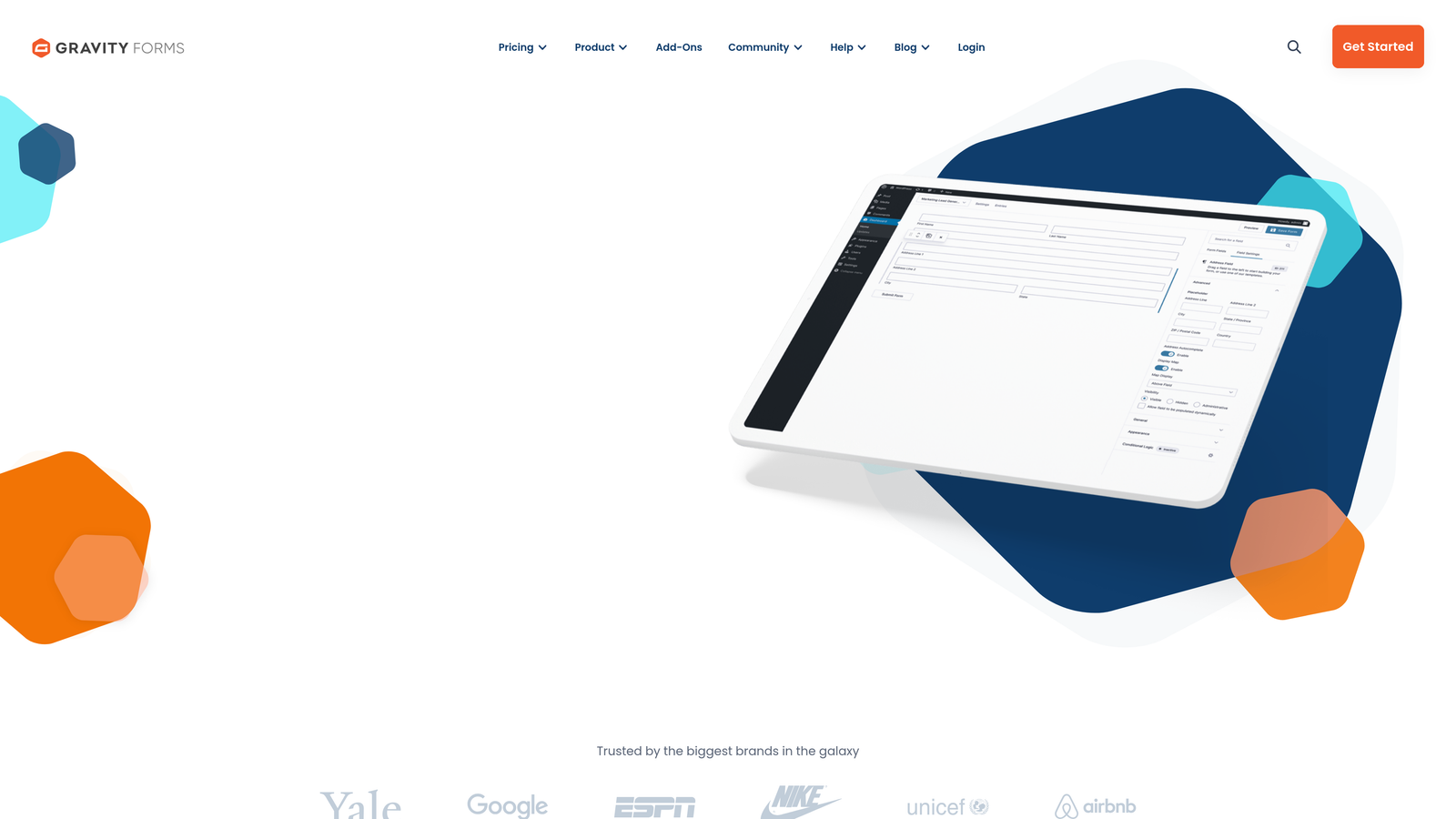
Gravity Forms is a WordPress-native form plugin with a robust add-on marketplace for extending functionality and connecting to marketing automation platforms.
Where This Tool Shines
For WordPress-based marketing sites, Gravity Forms provides the most native integration possible. Forms load faster because they're part of your WordPress installation rather than embedded iframes, and you have complete control over styling to match your brand perfectly.
The add-on ecosystem is where Gravity Forms really differentiates itself. Need to connect to a specific CRM? There's probably an add-on. Want to create user registration forms or directory listings? There are add-ons for that too. This extensibility makes it adaptable to nearly any marketing automation workflow.
Key Features
Deep WordPress Integration: Native WordPress plugin architecture ensures fast loading, complete theme compatibility, and access to WordPress user data.
Extensive Add-On Marketplace: Official and third-party add-ons for CRM connections, payment processing, email marketing, and specialized functionality.
Conditional Logic and Multi-Page Forms: Create complex forms with branching paths and multiple steps to reduce overwhelm on lengthy applications.
Entry Management System: Review, edit, and manage form submissions directly within WordPress without exporting to external systems.
Developer-Friendly Hooks and Filters: Extensive API for developers to customize form behavior, add custom validation, or integrate with proprietary systems.
Best For
Gravity Forms is the go-to choice for WordPress-based businesses that need powerful forms with complete control over design and functionality. It's particularly valuable for organizations with development resources who can leverage the extensive customization options.
Pricing
Basic license from $59/year; Pro license from $159/year; Elite license from $259/year with all add-ons included.
6. Formstack
Best for: Enterprise teams needing advanced workflow automation and document generation from form data
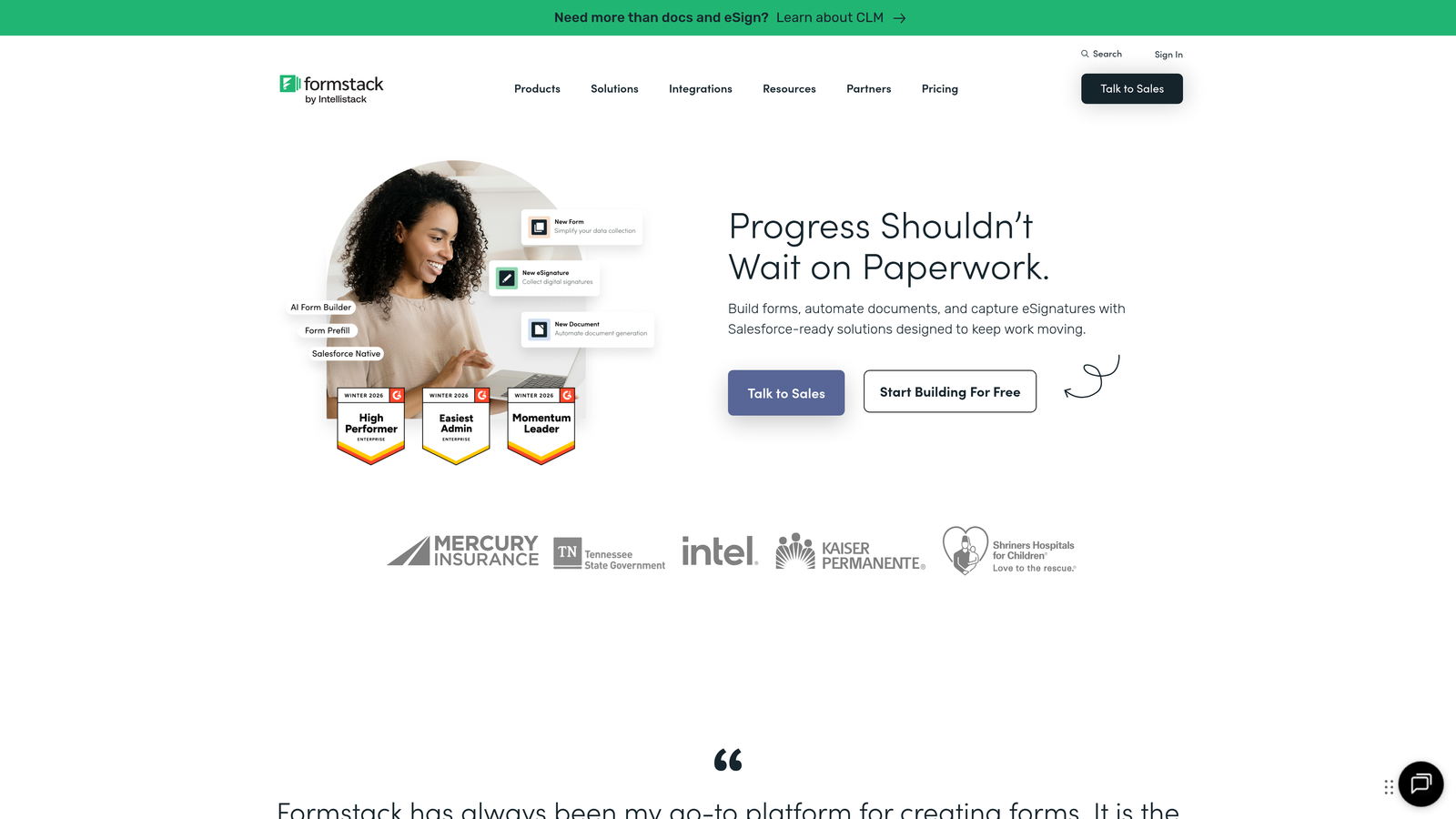
Formstack is an enterprise-grade form builder with advanced workflow automation, document generation capabilities, and electronic signature integration.
Where This Tool Shines
Formstack goes beyond simple form submission by automating the entire process that follows. When a lead submits a form, Formstack can generate customized proposals, contracts, or welcome packets using the submission data, then route those documents for electronic signatures—all automatically.
For enterprise teams, the Salesforce-native version provides the tightest possible integration with Salesforce CRM, eliminating the data sync delays and errors that plague third-party integrations. This makes it particularly valuable for organizations where Salesforce is the central system of record.
Key Features
Advanced Conditional Logic: Create sophisticated form behavior with complex rules based on multiple conditions, field calculations, and user roles.
Document Generation: Automatically create customized PDFs, contracts, or proposals populated with form submission data using pre-built templates.
Electronic Signature Integration: Route generated documents for e-signatures through DocuSign or Adobe Sign as part of automated workflows.
Salesforce-Native Version: Dedicated Formstack for Salesforce product provides native integration without middleware dependencies.
Workflow Automation Builder: Visual workflow designer for creating multi-step automation sequences triggered by form submissions or field values.
Best For
Formstack is designed for enterprise organizations with complex approval processes, document generation needs, or heavy Salesforce usage. It's particularly valuable when form submissions need to trigger multi-step processes involving multiple departments.
Pricing
Starter plan from $50/month; Teams plan from $83/month; Enterprise pricing available with custom features and support.
7. Paperform
Best for: Design-conscious brands needing beautiful forms with built-in payments and scheduling
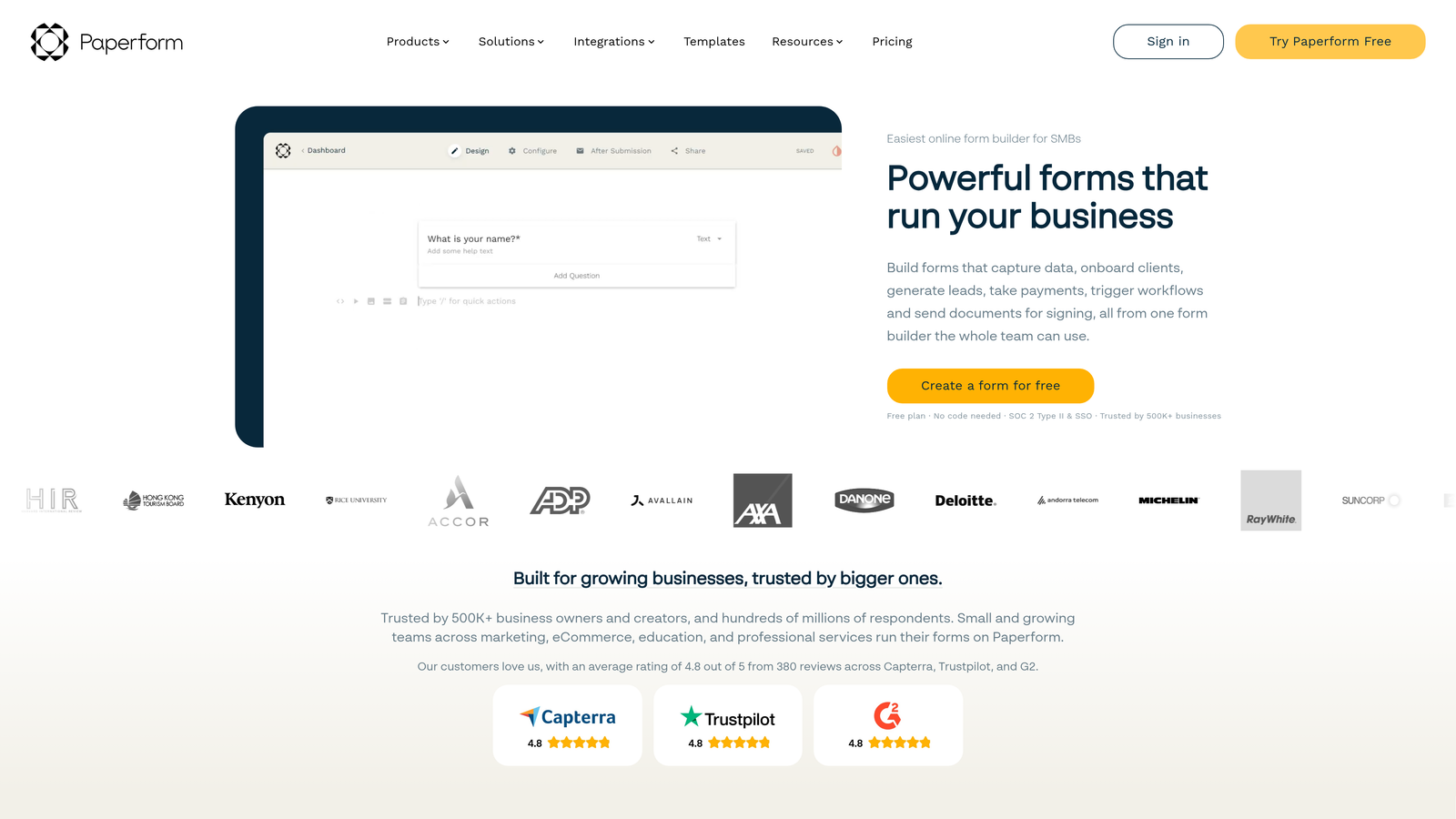
Paperform is a design-focused form builder that combines aesthetic flexibility with built-in payment processing and appointment scheduling functionality.
Where This Tool Shines
Paperform treats forms as landing pages rather than simple data collection tools. The rich text editor lets you create branded experiences with custom fonts, colors, images, and layouts that feel like natural extensions of your website rather than generic form widgets.
The built-in payment and scheduling features eliminate the need for separate booking or e-commerce tools. You can create product order forms with instant payment processing or consultation booking forms with calendar integration, all within a single platform that maintains your brand aesthetic.
Key Features
Rich Text Editor: Design forms with complete control over typography, spacing, colors, and layout to match your brand guidelines perfectly.
Built-In Payment Processing: Accept payments through Stripe or PayPal directly within forms for product sales, registrations, or donations.
Appointment Scheduling: Embed calendar availability and let prospects book meetings or consultations as part of the form completion process.
Native Automation (Paperform Automations): Create conditional workflows that send emails, update data, or trigger actions based on form responses.
Product and Pricing Fields: Build order forms with product catalogs, quantity selectors, and dynamic pricing calculations.
Best For
Paperform excels for creative agencies, consultants, and service businesses that prioritize brand presentation and need forms that feel like premium experiences. It's particularly effective when you need to combine lead capture with payment collection or appointment booking.
Pricing
Essentials plan from $24/month; Pro plan from $49/month; Business plan from $99/month with advanced features and higher limits.
8. Leadpages Forms
Best for: Marketers running lead magnet campaigns who need landing pages and forms in one platform
Leadpages Forms is integrated with the Leadpages landing page platform, optimized for conversion with built-in A/B testing and lead magnet delivery automation.
Where This Tool Shines
The integration between landing pages and forms creates a seamless lead generation system. You can build high-converting landing pages and embed forms without worrying about compatibility issues or separate tools that don't communicate properly.
The built-in A/B testing capability lets you experiment with different form layouts, field combinations, and button copy to optimize conversion rates systematically. Combined with automatic lead magnet delivery, you can create complete lead generation funnels without stitching together multiple platforms.
Key Features
Landing Page and Form Combo: Unified platform for creating conversion-optimized landing pages with embedded or popup forms that share design systems.
Built-In A/B Testing: Test different form variations, field combinations, and copy to identify highest-converting configurations without external tools.
Lead Magnet Delivery Automation: Automatically send downloadable resources, email courses, or access links when prospects complete forms.
Pop-Up and Alert Bar Forms: Deploy forms as exit-intent popups, timed overlays, or persistent alert bars to capture leads at optimal moments.
Conversion Analytics: Track form performance, conversion rates, and traffic sources with built-in analytics dashboards.
Best For
Leadpages Forms is ideal for digital marketers and content creators running lead magnet campaigns who want landing pages and forms managed in a single platform. It's particularly valuable for teams that prioritize conversion optimization through systematic testing.
Pricing
Standard plan from $49/month; Pro plan from $99/month with additional features and higher traffic limits.
9. ActiveCampaign Forms
Best for: ActiveCampaign users needing native forms with immediate automation triggers and behavior tracking
ActiveCampaign Forms is the native form builder within ActiveCampaign's email marketing platform, designed for behavior-based tagging and immediate automation triggers.
Where This Tool Shines
For ActiveCampaign users, the native forms provide the most reliable way to trigger automations and update contact records. Because forms are built directly into the platform, there's zero delay between submission and automation execution—no webhooks to fail, no Zapier tasks to queue.
The site tracking integration creates powerful behavioral context. You can see which pages a contact visited before submitting a form, then use that browsing behavior to trigger specific automation sequences. This combination of form data and site activity enables sophisticated lead nurturing based on demonstrated interest.
Key Features
Direct Automation Triggers: Launch email sequences, update contact fields, or assign tasks instantly when forms are submitted without integration delays.
Behavior-Based Contact Tagging: Automatically apply tags based on form responses to segment contacts and personalize future communications.
Site Tracking Integration: Combine form submission data with website browsing behavior to understand prospect intent and prioritize follow-up.
Conditional Content in Forms: Show different fields or messaging based on existing contact data or list membership for personalized experiences.
Built-In CRM Connection: Form submissions automatically create deals, update pipeline stages, or assign contacts to sales reps in ActiveCampaign's CRM.
Best For
ActiveCampaign Forms is the natural choice for businesses already using ActiveCampaign for email marketing or CRM. The native integration eliminates the complexity and failure points associated with connecting external form builders.
Pricing
Included with all ActiveCampaign plans starting at $29/month; advanced form features available in higher-tier plans.
Finding Your Perfect Match
The right marketing automation form builder depends on where you are in your growth journey and what you're trying to accomplish.
If you're dealing with high lead volume and spending too much time qualifying prospects manually, Orbit AI eliminates that bottleneck with AI-powered qualification at submission. For teams already committed to HubSpot or ActiveCampaign, their native form builders provide the most reliable automation triggers. And if you're prioritizing completion rates on longer qualification forms, Typeform's conversational approach consistently outperforms traditional layouts.
Here's a quick selection guide: Choose Orbit AI for intelligent lead qualification and routing. Pick HubSpot Forms if you're already in that ecosystem and need progressive profiling. Go with Typeform when user experience and completion rates are priorities. Select Jotform for template variety across multiple departments. Choose Gravity Forms for WordPress sites needing developer flexibility. Pick Formstack for enterprise document generation workflows. Go with Paperform when brand aesthetics matter most. Choose Leadpages Forms for integrated landing page campaigns. Select ActiveCampaign Forms if you're already using their platform for email marketing.
The common thread among these top performers? They all treat forms as the beginning of a relationship rather than simple data collection tools. They integrate cleanly with your marketing automation stack, qualify leads intelligently, and trigger the right follow-up sequences automatically.
Start building free forms today and see how intelligent form design can elevate your conversion strategy. Transform your lead generation with AI-powered forms that qualify prospects automatically while delivering the modern, conversion-optimized experience your high-growth team needs.


