

Multi-page forms are one of the most effective ways to boost form completion rates. Breaking a long, intimidating form into digestible steps reduces friction and keeps respondents engaged from start to finish. The UX principle is well-established: when people aren't staring at a wall of fields, they're far more likely to reach the submit button.
But not all form builders handle multi-step experiences equally. Some nail conditional logic and branching; others shine on design, compliance, or lead qualification. This guide covers the best multi-page form creation tools available in 2026, evaluated on ease of use, conditional logic, design flexibility, integrations, and conversion-focused features.
Whether you're a high-growth SaaS team capturing qualified leads, a marketer running campaigns, or an agency building forms for clients, there's a tool here that fits your workflow. Every tool on this list has genuine multi-page capabilities built into its core, not just basic pagination bolted on as an afterthought.
1. Orbit AI
Best for: High-growth teams that need AI-powered lead qualification built directly into the form flow.
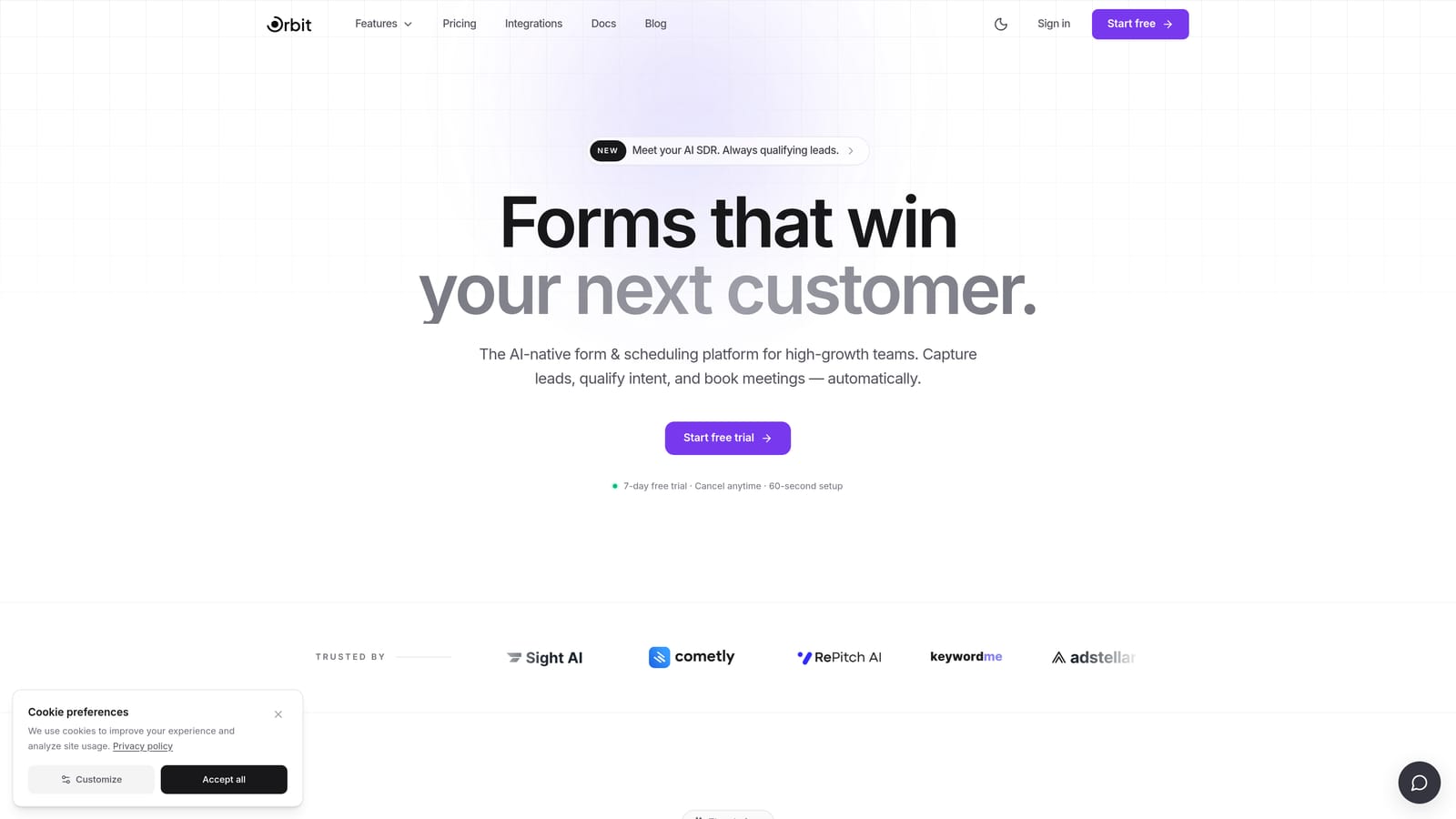
Orbit AI is an AI-powered form builder platform built for high-growth teams, combining multi-page form creation with real-time lead qualification and conversion optimization features.
Where This Tool Shines
What separates Orbit AI from the rest of this list is the AI layer woven directly into the form experience. As respondents progress through form steps, AI agents can qualify leads in real time, scoring and routing prospects without any manual review required. For SaaS sales teams and growth marketers, this means your form isn't just collecting data: it's actively working as a qualification engine.
The multi-page form builder itself is modern and thoughtfully designed. Conditional logic and branching allow you to create dynamic paths based on responses, so each respondent sees only the questions relevant to them. The result is a shorter, more personalized experience that typically drives stronger completion rates.
Key Features
Multi-page and multi-step form creation: Build structured, branching form experiences with full conditional logic between steps.
AI lead qualification agents: AI agents assess and qualify respondents in real time as they move through the form, enabling instant lead scoring and routing.
Built-in analytics: Track drop-off rates and conversion performance across individual form pages to identify and fix friction points.
Workflow automation and sequences: Trigger follow-up sequences and automations immediately after form submission, keeping leads warm without manual effort.
Conversion-optimized design: Beautiful, modern form UI designed to reduce abandonment and keep respondents engaged through every step.
Best For
Orbit AI is the strongest fit for SaaS teams, growth marketers, and sales teams who want their forms to do more than collect responses. If lead qualification, conversion optimization, and automated follow-up are priorities, this platform is purpose-built for that workflow.
Pricing
Check orbitforms.ai/pricing for current plans. A free starting option is available for teams ready to explore the platform.
2. Typeform
Best for: Brand-forward companies and marketers who want a polished, conversational form experience.
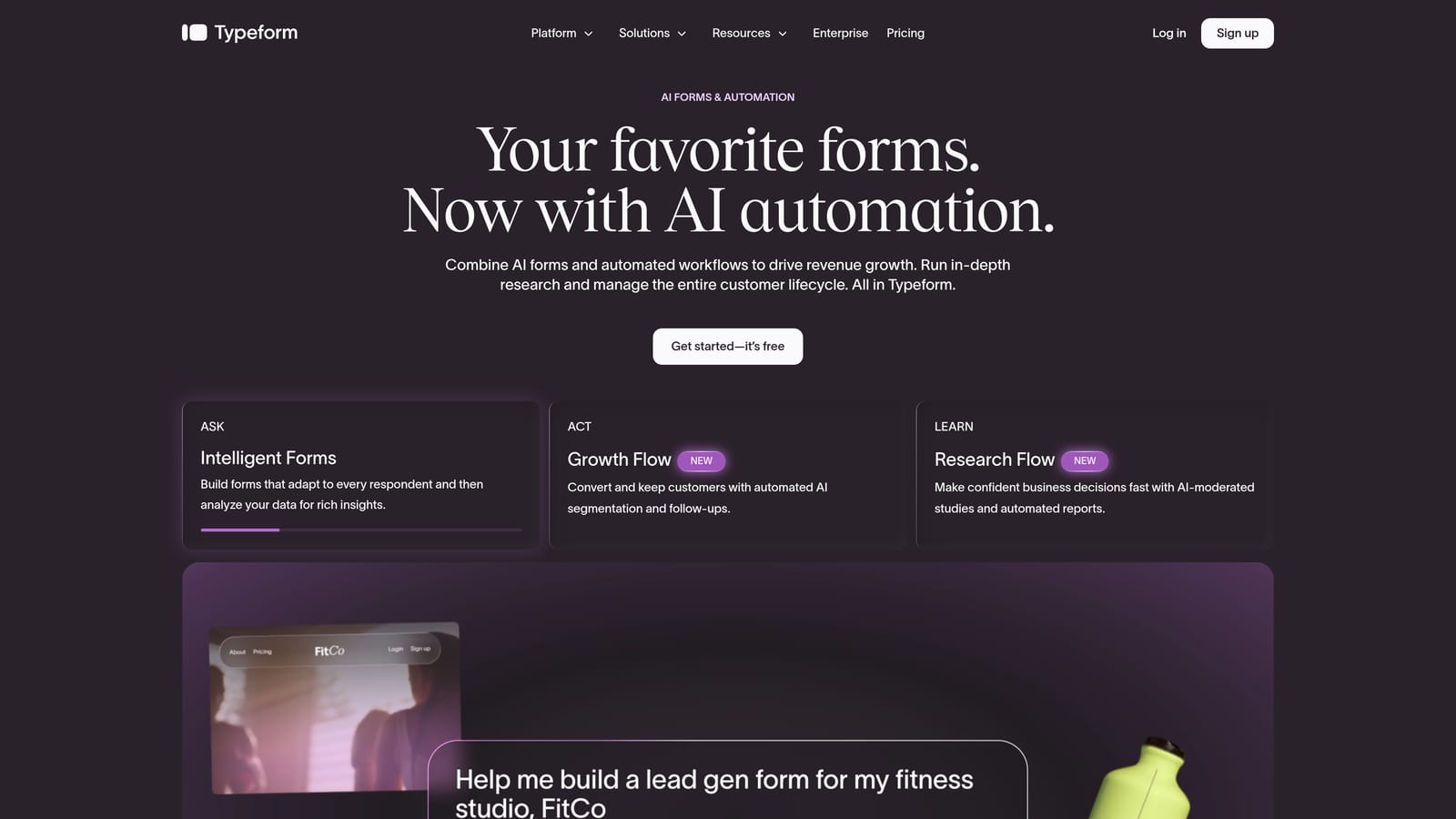
Typeform is a conversational form builder known for its one-question-at-a-time format, creating engaging multi-step form experiences with strong design and logic capabilities.
Where This Tool Shines
Typeform's core format is inherently multi-step: every question appears on its own screen, creating a natural flow that feels less like filling out a form and more like having a conversation. This approach works especially well for surveys, research forms, and brand-facing lead capture where first impressions matter.
The logic jump system allows you to route respondents to different question blocks based on their answers, creating genuinely personalized paths through the form. Combined with strong embed options and image or video support within steps, Typeform produces some of the most visually polished form experiences available.
Key Features
One-question-at-a-time format: Each question occupies its own screen, naturally creating a multi-step flow without additional configuration.
Logic jumps: Conditional routing between question blocks based on respondent answers, enabling personalized form paths.
Brand customization: Strong design controls including custom fonts, colors, backgrounds, and logo placement.
Integration ecosystem: Connects with popular CRMs, email marketing platforms, and marketing automation tools.
Video and image support: Embed rich media directly within form steps to increase engagement.
Best For
Typeform suits marketers, brand teams, and survey creators who prioritize aesthetics and engagement. It's a strong choice when the form experience itself is part of the brand impression you're making on respondents.
Pricing
A free plan is available with limited responses. Paid plans unlock higher response limits and advanced features. Check typeform.com for current pricing, as plans have evolved over recent years.
3. Jotform
Best for: Power users and enterprises who need deep customization, compliance options, and a vast template library.
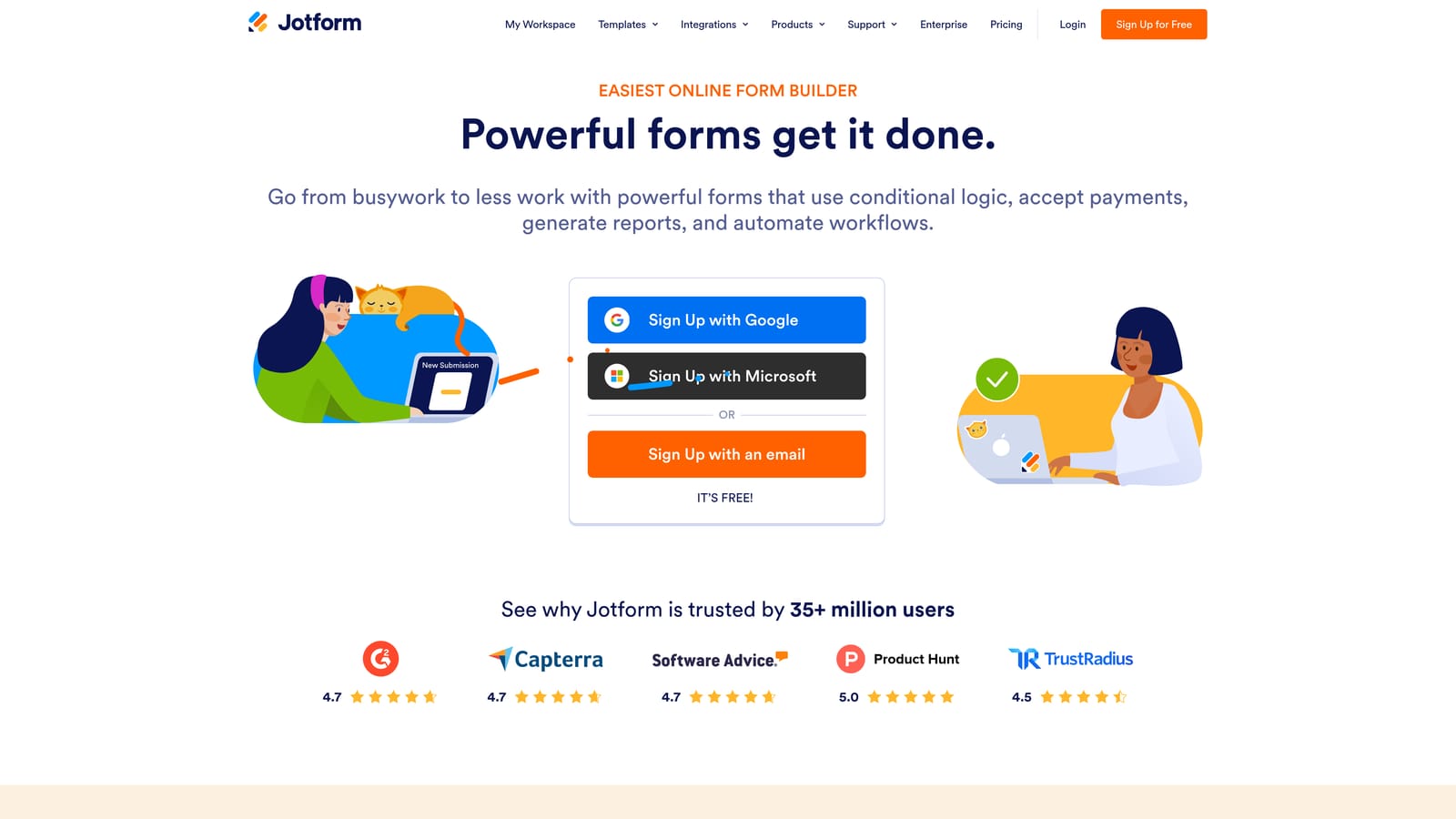
Jotform is a feature-rich form builder with robust multi-page form support, an extensive template library, and deep customization options for complex workflows.
Where This Tool Shines
Jotform is one of the most comprehensive form builders on the market. Its multi-page forms are built using page break controls, giving you explicit control over how content is grouped and presented across steps. The conditional logic engine is powerful enough to handle complex branching scenarios that span multiple pages, making it well-suited for detailed applications, intake forms, and multi-section surveys.
The template library is genuinely impressive in scale, with thousands of pre-built options including many multi-page variants. For teams that need to spin up forms quickly without starting from scratch, this is a significant time-saver. The tradeoff is that the interface can feel dense for simpler use cases.
Key Features
Page break controls: Add explicit page breaks to structure forms into distinct steps with clear navigation between them.
Extensive template library: Thousands of templates, including dedicated multi-page variants across dozens of industries and use cases.
Cross-page conditional logic: Complex conditional rules that work across pages, enabling sophisticated form branching.
Payment integrations: Built-in support for payment processors, useful for order forms, registrations, and paid applications.
HIPAA-compliant plans: Compliance options for healthcare and regulated industries that need secure form data handling.
Best For
Jotform is ideal for enterprises, nonprofits, healthcare organizations, and power users who need maximum flexibility. If your forms involve complex logic, payments, or compliance requirements, Jotform has the depth to handle it.
Pricing
A free plan is available with a reasonable submission limit. Paid plans scale with submission volume and unlock advanced features. Check jotform.com for current pricing tiers.
4. Paperform
Best for: Small businesses and agencies building client-facing forms that function as full landing pages.
Paperform is a freeform editor that blends document-style content with form fields, making it ideal for multi-page forms that function as rich, brand-forward experiences.
Where This Tool Shines
Paperform takes a fundamentally different approach to multi-page forms. Instead of a traditional form builder interface, you work in a freeform editor that feels more like a document or landing page. You can mix text, images, video, and form fields freely across sections, then use page breaks to divide the content into distinct steps.
This makes Paperform particularly strong for forms that need to communicate context alongside collecting responses: think product order forms, application forms with explanatory content, or client intake forms that walk respondents through a process. The result often looks more like a polished microsite than a traditional form.
Key Features
Freeform document editor: Combine text, images, video, and form fields in any layout across pages, going well beyond a standard form builder.
Multi-page structure: Create distinct pages using content sections and page breaks within the freeform editor.
Conditional logic: Dynamic content and routing based on respondent answers, enabling personalized form paths.
Built-in payment collection: Native support for product fields and payment processing directly within forms.
Brand-rich design: Strong design controls for creating polished, client-facing form experiences that match brand guidelines.
Best For
Paperform is a strong fit for small businesses, course creators, and agencies who need forms that double as branded content experiences. If your form needs to educate and convert simultaneously, Paperform's document-style approach is hard to match.
Pricing
Paperform does not offer a permanent free plan. Paid plans are available at different tiers. Check paperform.io for current pricing and any trial options.
5. Tally
Best for: Bootstrapped startups, freelancers, and early-stage teams who need a capable free form builder.
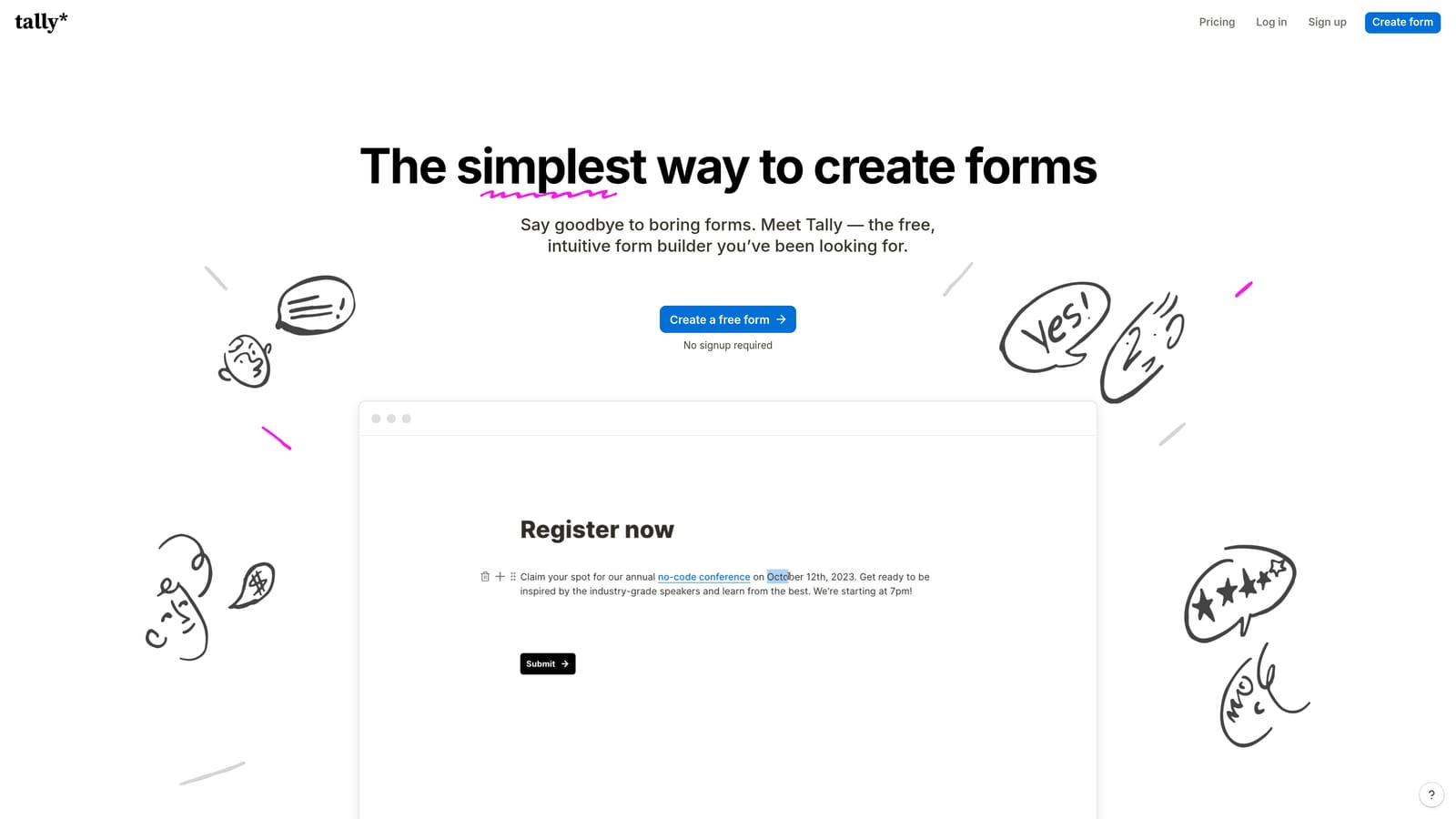
Tally is a Notion-inspired free form builder that lets you create multi-page forms using a simple block editor, with a genuinely useful free plan that stands out in this category.
Where This Tool Shines
Tally's biggest advantage is accessibility. The free plan includes unlimited forms and unlimited responses, which is genuinely rare among form builders. For early-stage teams or indie creators who need multi-page forms without a monthly subscription commitment, Tally delivers surprising capability at zero cost.
The block-based editor will feel immediately familiar to anyone who has used Notion. Adding a page break block divides your form into distinct steps, and conditional logic allows you to branch between pages based on answers. The interface is clean and minimal, which keeps the learning curve low even for non-technical users.
Key Features
Block-based editor: Intuitive Notion-style editor where page breaks are simply blocks you add to the form structure.
Unlimited free plan: Unlimited forms and responses on the free tier, making it one of the most generous free options available.
Conditional logic: Branching between pages based on respondent answers, available even on the free plan.
Minimal, clean design: Simple aesthetic that works well for straightforward forms without heavy styling requirements.
Growing template library: An expanding collection of community-contributed templates covering common use cases.
Best For
Tally is the go-to choice for bootstrapped founders, freelancers, indie hackers, and early-stage teams who want genuine multi-page form functionality without paying for it. It's also a solid option for internal forms and tools where design polish is secondary to function.
Pricing
The free plan is genuinely feature-rich and doesn't artificially limit core functionality. A paid plan unlocks advanced features. Check tally.so for current pricing details.
6. Formstack
Best for: Enterprise teams in regulated industries that need compliance, document generation, and workflow automation alongside forms.
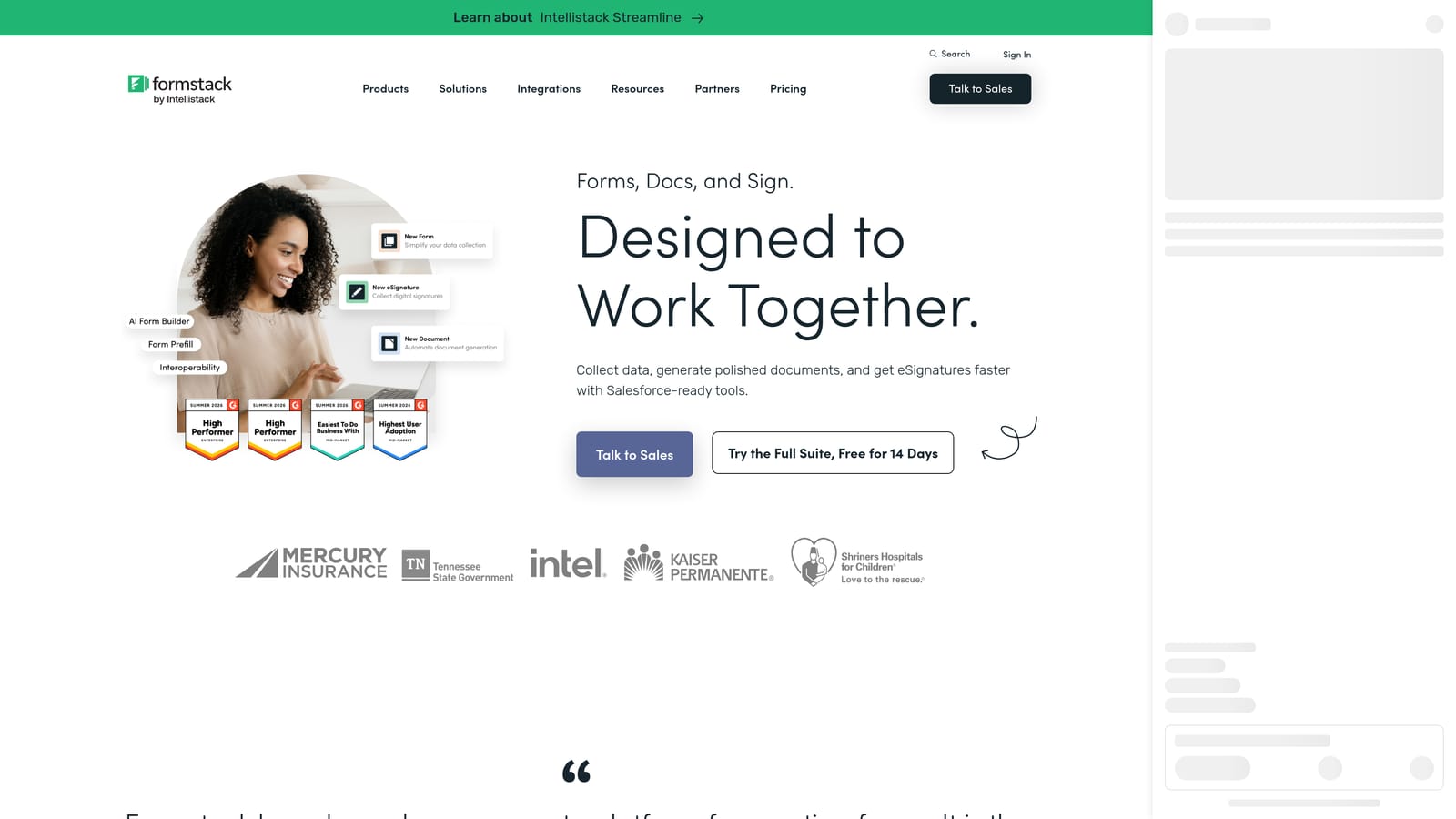
Formstack is an enterprise-grade form builder with multi-page form support, built-in compliance features, document generation, and workflow automation designed for regulated industries.
Where This Tool Shines
Formstack isn't trying to be the most beautiful or the easiest form builder. It's built for organizations where compliance, security, and workflow integration are non-negotiable requirements. HIPAA, GDPR, and SOC 2 compliance options make it one of the few form builders genuinely suited for healthcare, legal, and HR environments.
What sets Formstack apart from other enterprise tools is the combination of forms with document generation and e-signature capabilities. You can collect data through a multi-page form, automatically populate a document with that data, and route it for signature, all within the same platform. For regulated industries managing complex paper-to-digital workflows, this is a meaningful differentiator.
Key Features
Multi-page forms with conditional logic: Full multi-page form creation with conditional routing between steps.
Compliance options: HIPAA, GDPR, and SOC 2 compliance configurations for regulated industries and enterprise security requirements.
Document generation: Automatically populate documents from form submission data, bridging forms and document workflows.
E-signature capabilities: Collect legally binding signatures as part of the form or document workflow.
Enterprise-level security: Advanced access controls, audit trails, and security configurations appropriate for large organizations.
Best For
Formstack is built for healthcare organizations, legal teams, HR departments, and enterprise compliance teams. If your form data flows into regulated processes and you need a platform that can demonstrate compliance, Formstack is worth the higher price point.
Pricing
Formstack's pricing reflects its enterprise positioning and is higher than most tools on this list. Check formstack.com for current enterprise plans and pricing.
Which Tool Is Right for Your Workflow?
Every tool on this list handles multi-page forms well. The difference is in what surrounds the form experience, and that's where the right choice becomes clear.
Here's a quick decision guide based on your primary use case:
For AI-powered lead qualification and conversion optimization: Orbit AI is the standout choice. The combination of multi-step forms, real-time AI lead scoring, and built-in workflow automation makes it purpose-built for high-growth SaaS and marketing teams who want their forms to actively generate and qualify pipeline.
For beautiful, brand-forward surveys and marketing forms: Typeform's conversational format and strong design controls make it the go-to for teams where the form experience is part of the brand impression.
For complex, high-volume forms with deep customization: Jotform's breadth of templates, integrations, and conditional logic depth gives enterprises and power users the flexibility to build nearly anything.
For forms that function as landing pages: Paperform's document-style editor is uniquely suited to forms that need to communicate context and collect responses simultaneously.
For teams on a tight budget who still need real capability: Tally's unlimited free plan with genuine conditional logic support makes it the best zero-cost option for early-stage teams and freelancers.
For regulated industries with compliance requirements: Formstack's HIPAA, GDPR, and SOC 2 options, combined with document generation and e-signature, make it the only enterprise compliance-focused choice on this list.
If lead generation and conversion are at the center of your form strategy, the AI layer in Orbit AI changes what a form builder can actually do for your business. Transform your lead generation with AI-powered forms that qualify prospects automatically while delivering the modern, conversion-optimized experience your high-growth team needs. Start building free forms today and see how intelligent form design can elevate your conversion strategy.


